• We are STAs
    • Asha Rountree
    • Haley Ma
    • Kate Shih
    • Kyra Lee
    • Nicholas Peasley
    • Sasha Kenney
    • Shanda Horm
    • Shriya Atreya
    • Tomas Marulanda-Mesa
  • We were STAs
  • STA Presentation
    • STA Presentation 2017
    • STA Presentation 2016
  • Testimonials
  • Resources
  • Home

STA Blog

Basic Training: InDesign Pt.2

November 6, 2020 By Cristina Villarreal Núñez

Basic Training: InDesign Pt.2

For this activity, I was first taught how to do a new array of things on InDesign. The following is a list of them:

  • A new techniques for choosing a coordinated color palette through coolors.com
  • A new technique for choosing a short list matching fonts through fontjoy.com
  • A new list of helpful keyboard shortcuts including:
    • Ctrl/Command + click = select object behind another object (ex. Picture behind a text box)
    • Ctrl/Command + D = import an element from your computer. (ex. Select a frame >> Command + D >> import picture)
    • Ctrl/Command + B = Text frame options. (ex. To make a text box ignore text wrap)
    • Ctrl/Command + L = Lock object. (to unlock: Object >> unlock all)
    • Double click on bottom node of text box to get rid of dead space (also works on photos) [screenshot] [screenshot]
    • Ctrl/Command + Shift + . = Make font bigger (3px at a time, so it’s quicker)
    • Ctrl/Command + Shift + , = Make font smaller (again, 3px at a time)
    • Eyedropper: We’ve used the Eyedropper tool for color in Photoshop before, but in InDesign, it works for text styling, too! To quickly transfer over text color, size, font, and other styling, just highlight the text you want changed, click the Eyedropper, then use the Eyedropper on the text that already has the correct styling.
  • Tips on customizing my InDesign toolbar
  • A general overview on using the align tool
  • A way to add placeholder text
  • Tips on using the text wrapt tool in different ways (for regular images and for cutouts)
  • A reintroduction to drop caps
  • And finally, a general overview on using the arrange tool

After learning all those things, it was time to start working on my own flyer.

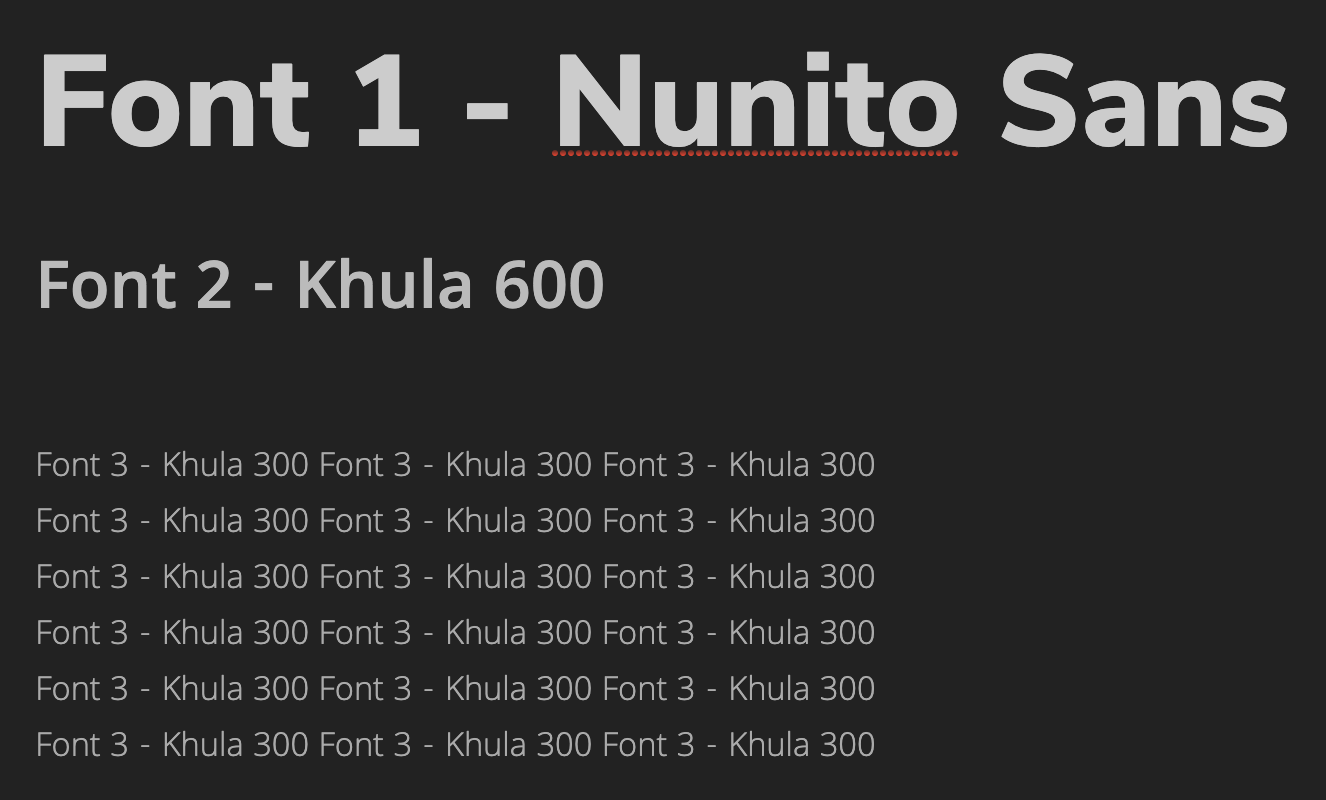
First I chose the color palette and fonts I would be using. At first I had a different idea for the color palette than the one shown below, but after getting some much needed feedback on that I designed a new color palette, and that’s as shown below.

Then, I started designing the flyer including the following elements listed on the KB.

  • Professor: Dr. Leonard Moore *with picture*
  • Title of Series: University Lecture Series
  • Title of Event: Conversations on Race and Gender
  • Date/Time/Location: October 7, 8-9 p.m., virtually streamed
  • Description of Event: use placeholder text
  • Department/College Logo: *linked in the KB’s Box folder*

This was my first draft:

But there were some things that looked a little but wonky.

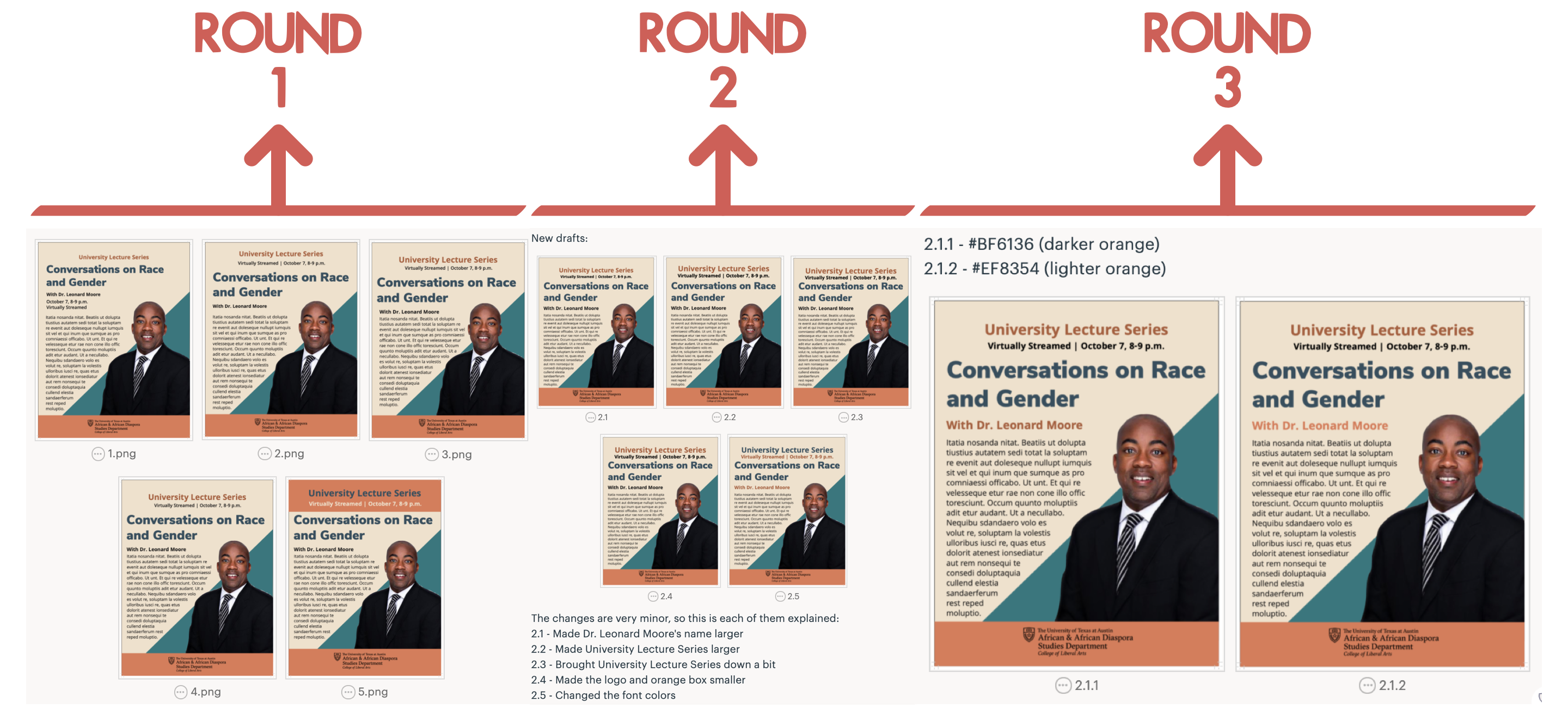
So I made a few edits to this draft but kept in mind the general design of it. In total I made around three different rounds of edits. The first was just to find what I wanted the hierarchy and format to look like. The second round was based on the second version from round one. And, the third round of edits was based on the first version of the second round, and its purpose was just to find the best color to use on Dr. Leonard Moore’s name. When I was done selecting what I wanted my final flyer to look like from those rounds of edits, I just added a drop cap to the text and moved it a little bit closer to Dr. Moore’s image.

The following are the three rounds of edits:
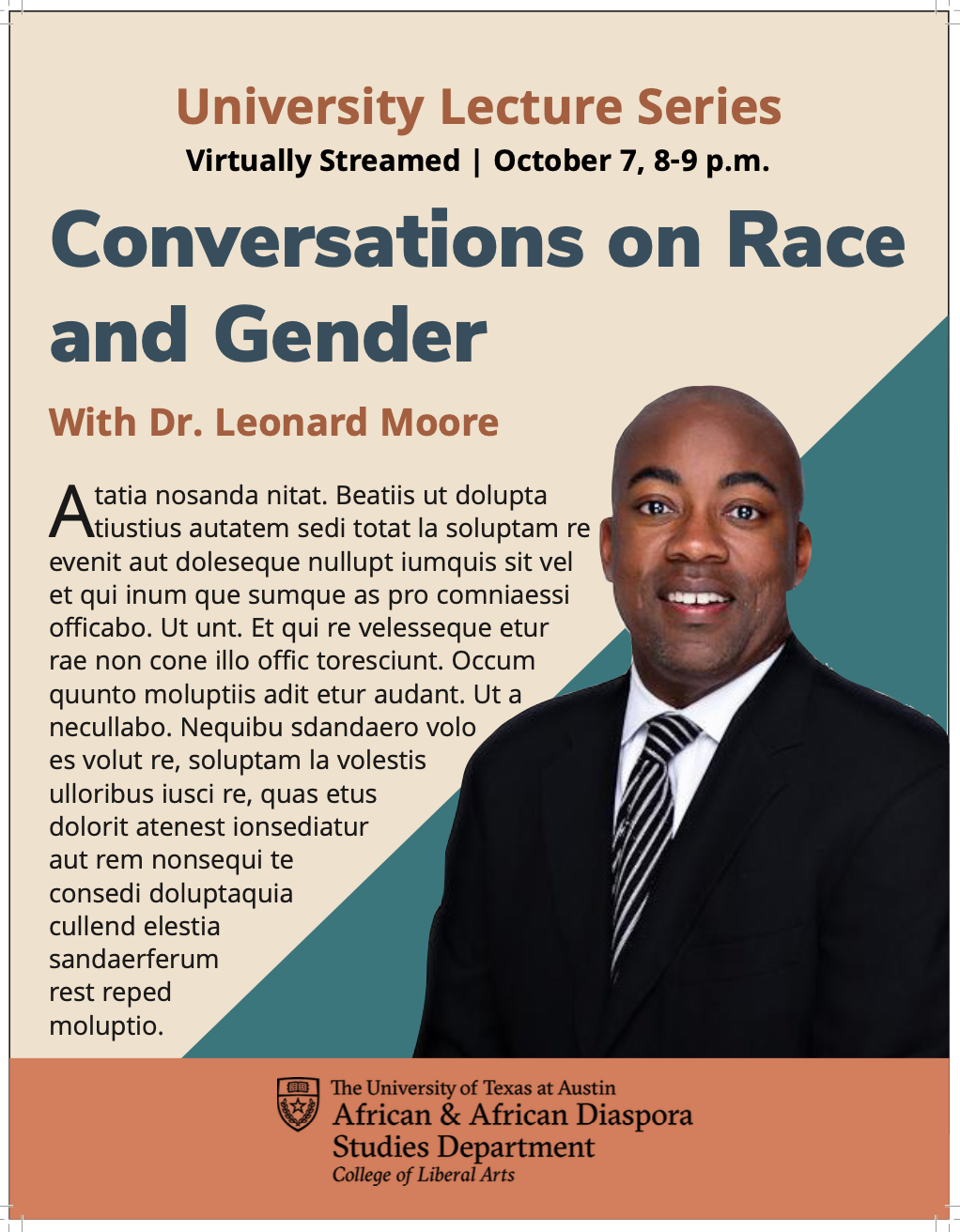
Eventually, this is what the final version of the flyer ended up looking like; hope you like it:
Filed Under: 2020 Summer | 2020 Fall

HTML training

November 6, 2020 By Megan Fletcher

HTML training progress

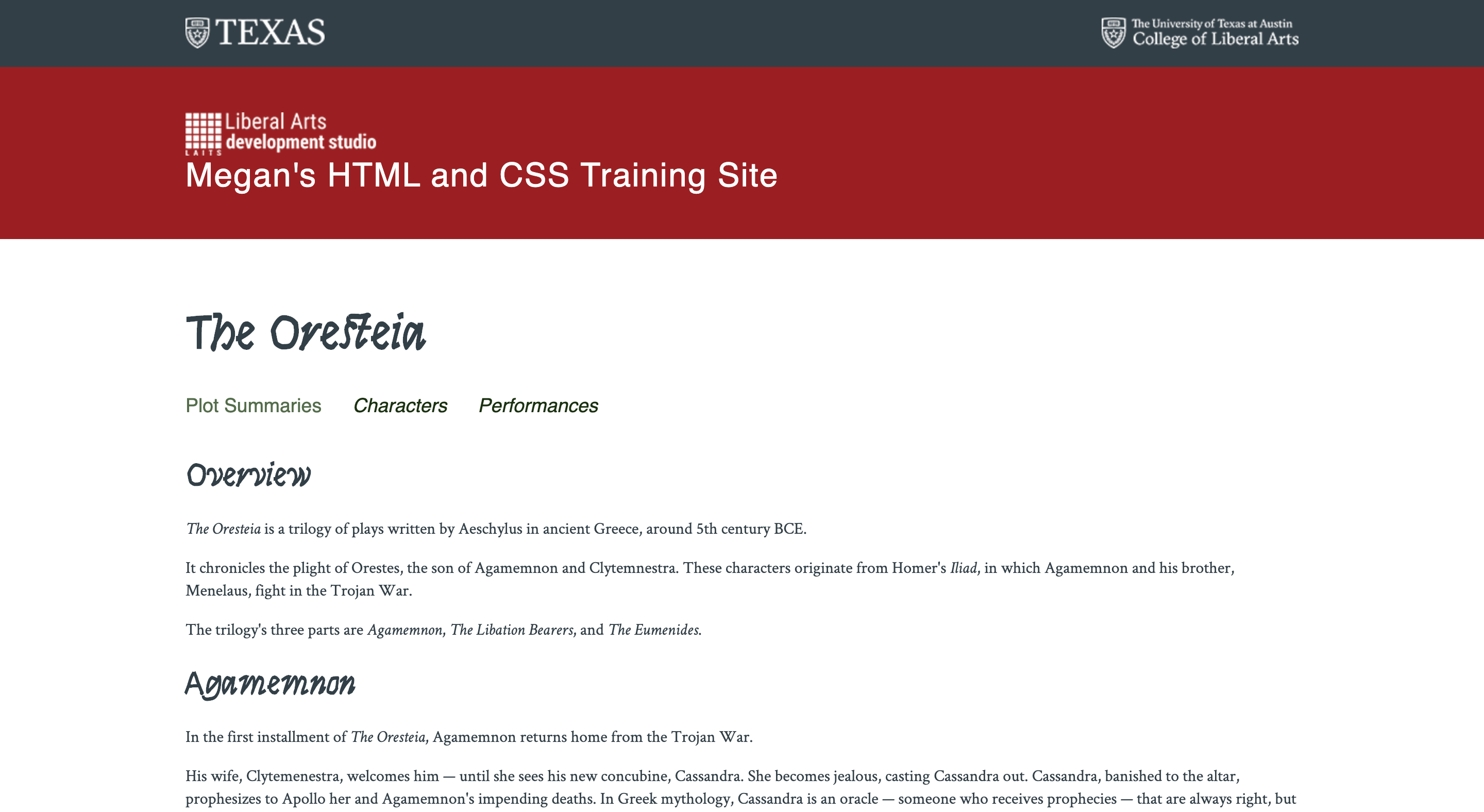
I got started on the HTML training this week and it’s been fun! I already know HTML and CSS pretty well, but I’m looking forward to getting more familiar with JavaScript through this training. This week, I created the content for two of my tabs and started making accordions for my second tab!

Filed Under: 2020 Summer | 2020 Fall, Uncategorized, We are STAs

Infographics Training and After Effects Animation

November 5, 2020 By Angie Huang

Infographics Training and After Effects Animation

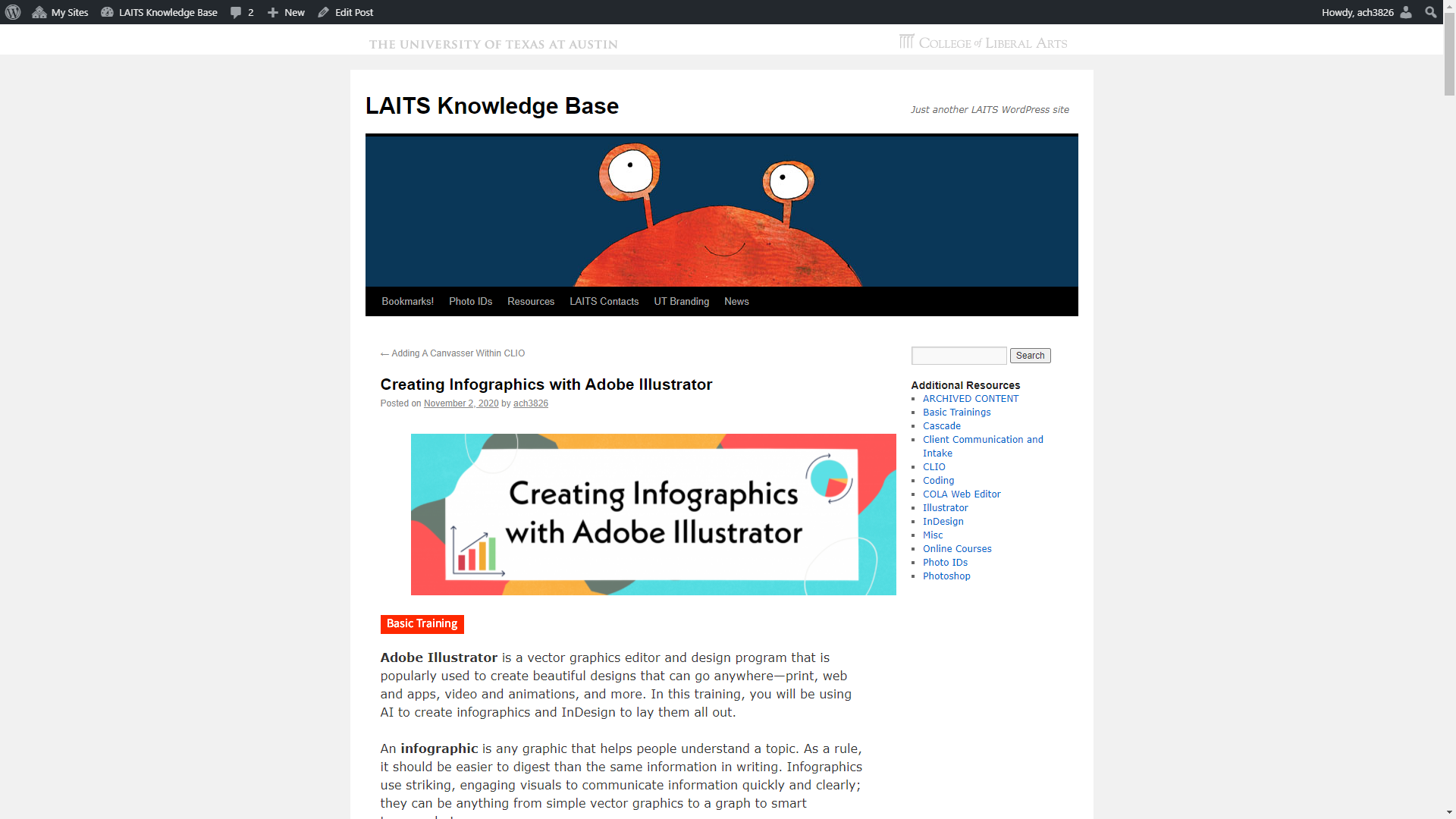
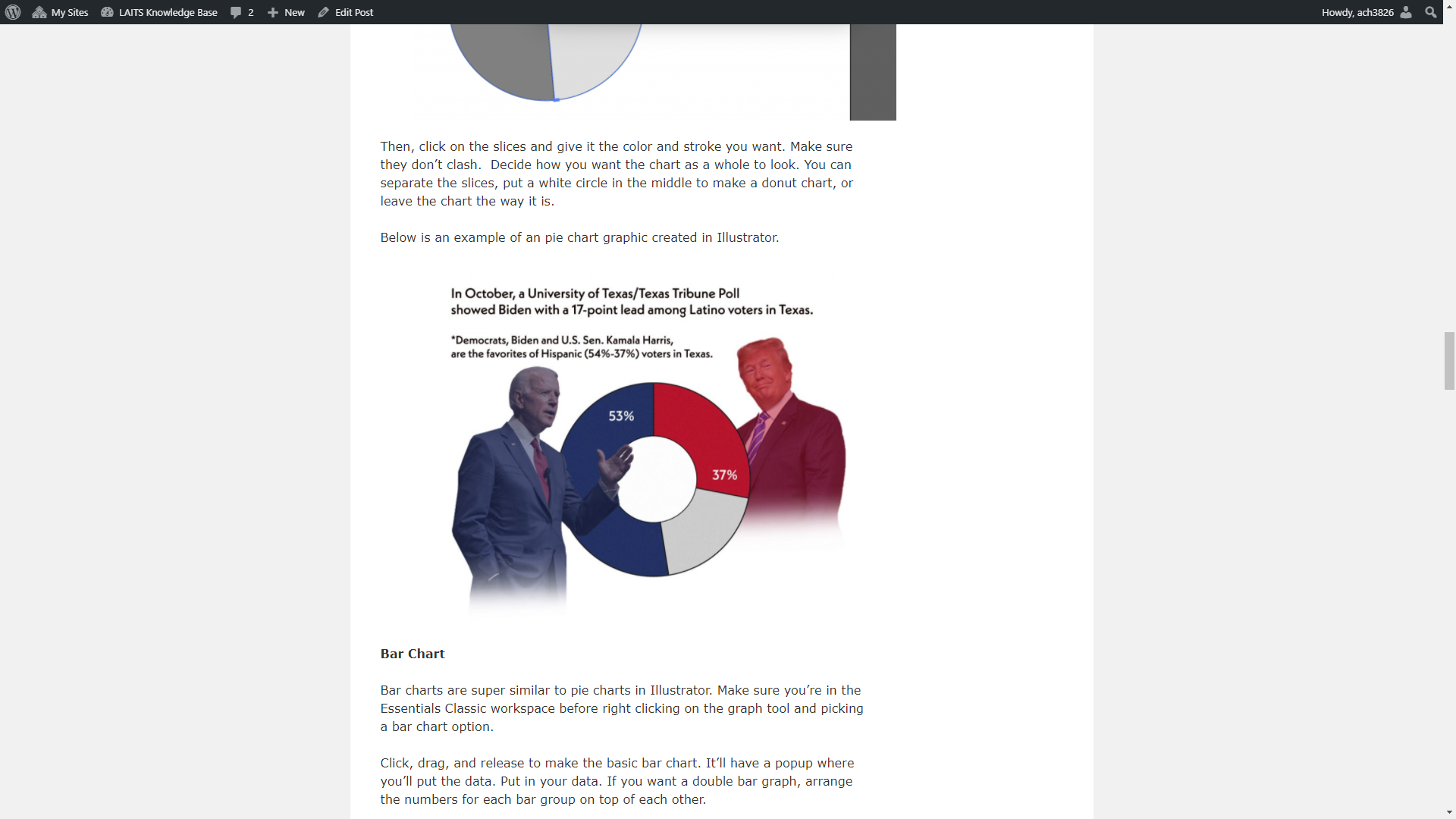
This week, Megan and I finished developing the KB training for making infographics. I’m so happy with how it turned out and I can’t wait for other STAs to try it out. The entire KB article can be read here, but here are some visuals for the blog 🙂

KB Creating Infographics with Adobe Illustrator

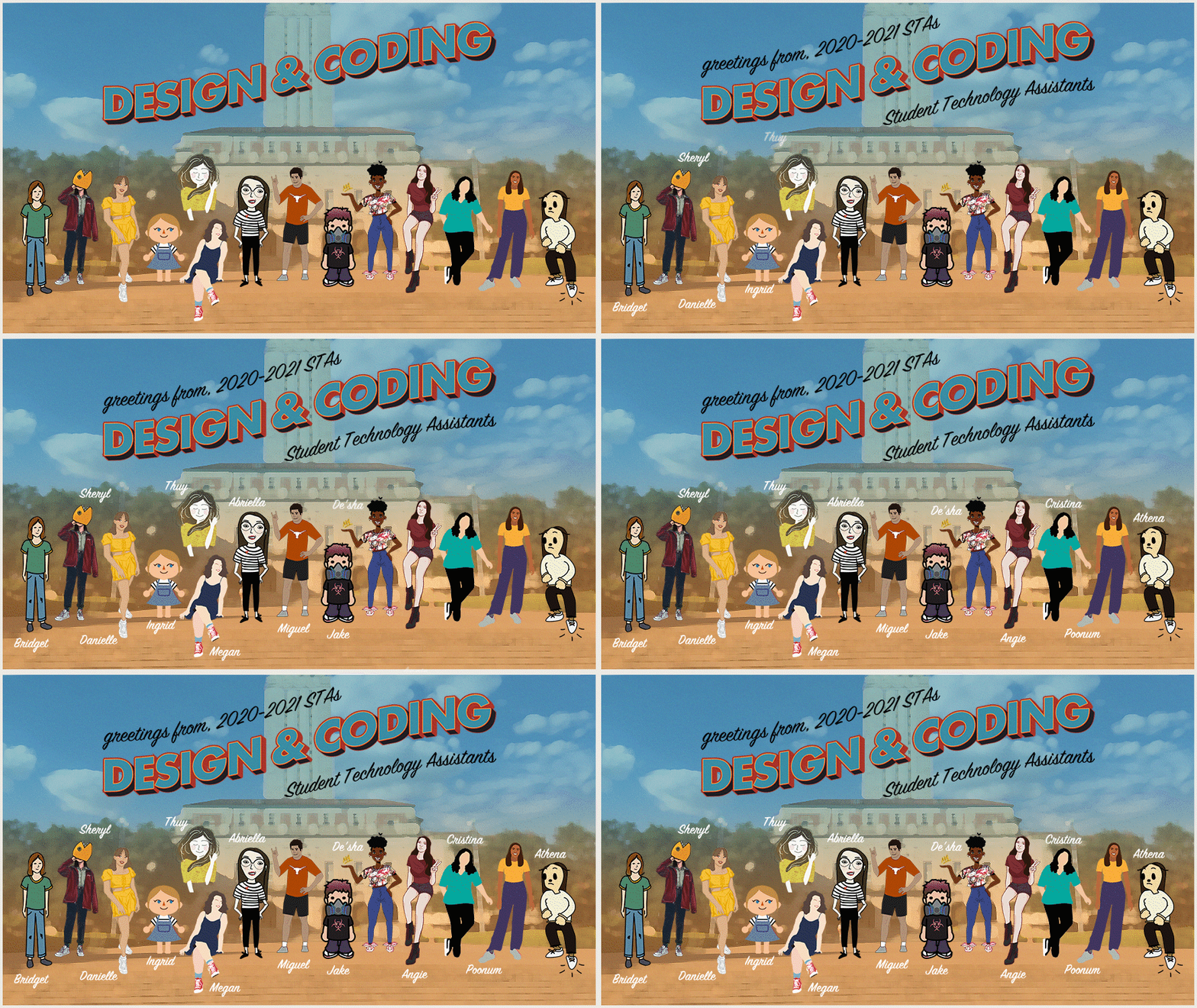
I’ve also been working on After Effects training and animated the STA banner- this is what it looks like now:

Filed Under: 2020 Summer | 2020 Fall

HTML/CSS Training

November 5, 2020 By Poonum Mehta

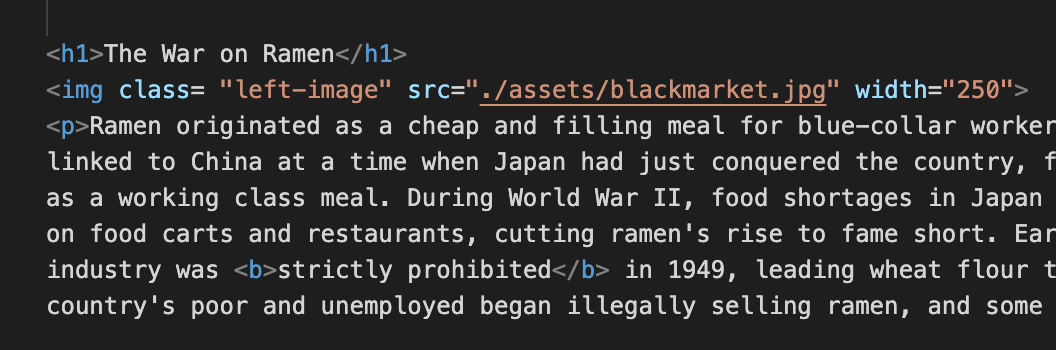
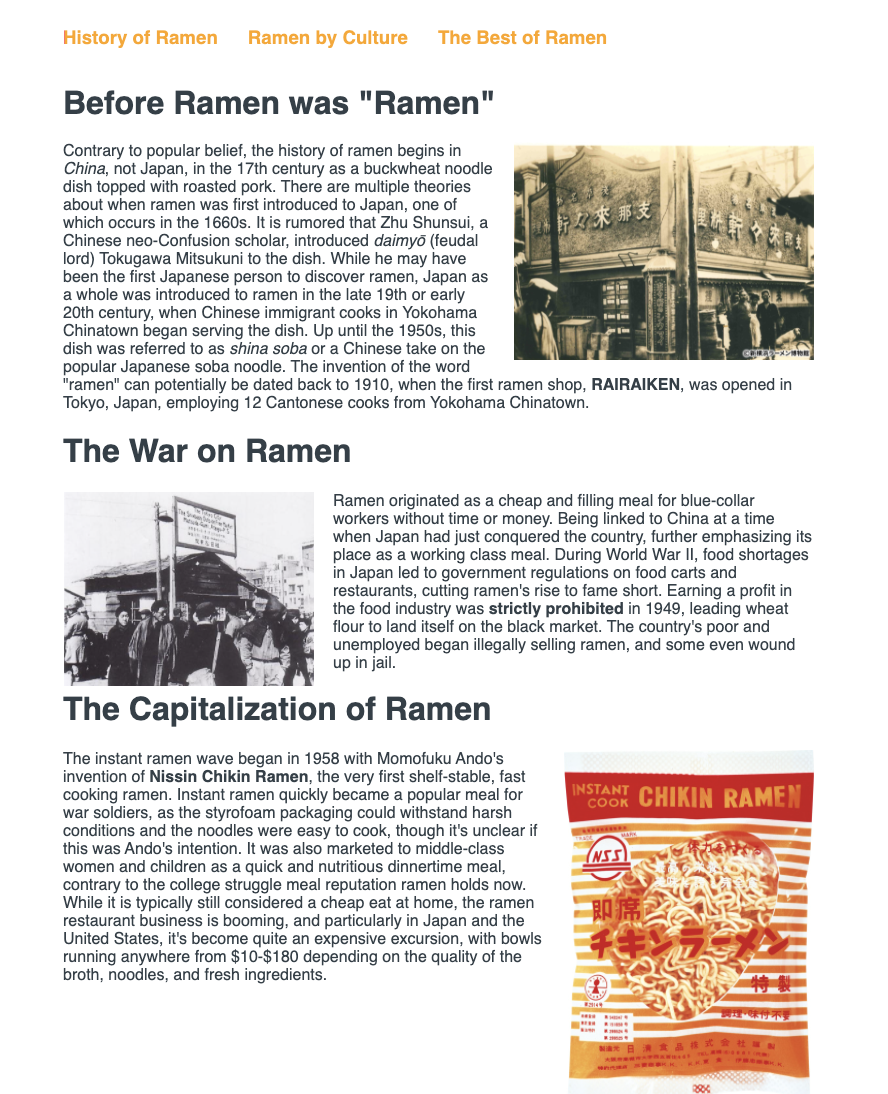
Been working through the HTML/CSS training for a few days, having a lot of fun with this! I was initially a bit confused on how elements could be edited in both HTML and CSS at the same time, but I’m starting to figure out how to define an element in one sheet so that it can be adjusted in another. My website is all about ramen 🙂 Today I just adjusted the first tab (which won’t actually be the landing page once I’m finished) and “floated” the images so that the text wraps around them on either the left or the right. In order to change the “float” impact on different images, I had to create a class for each one in HTML:

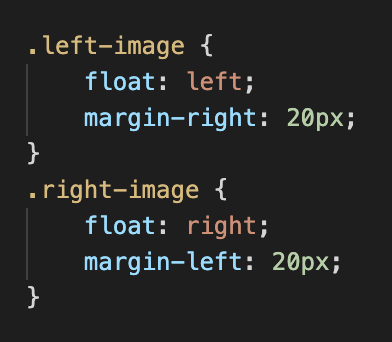
Once the class was created for each image, I could reference that class in CSS to add the float tool. I floated the first and last images right, and the middle image left:

Aaaand here’s the result of that:

I’m probably going to play around with this a bit more to make sure the different sections are evenly spaced.

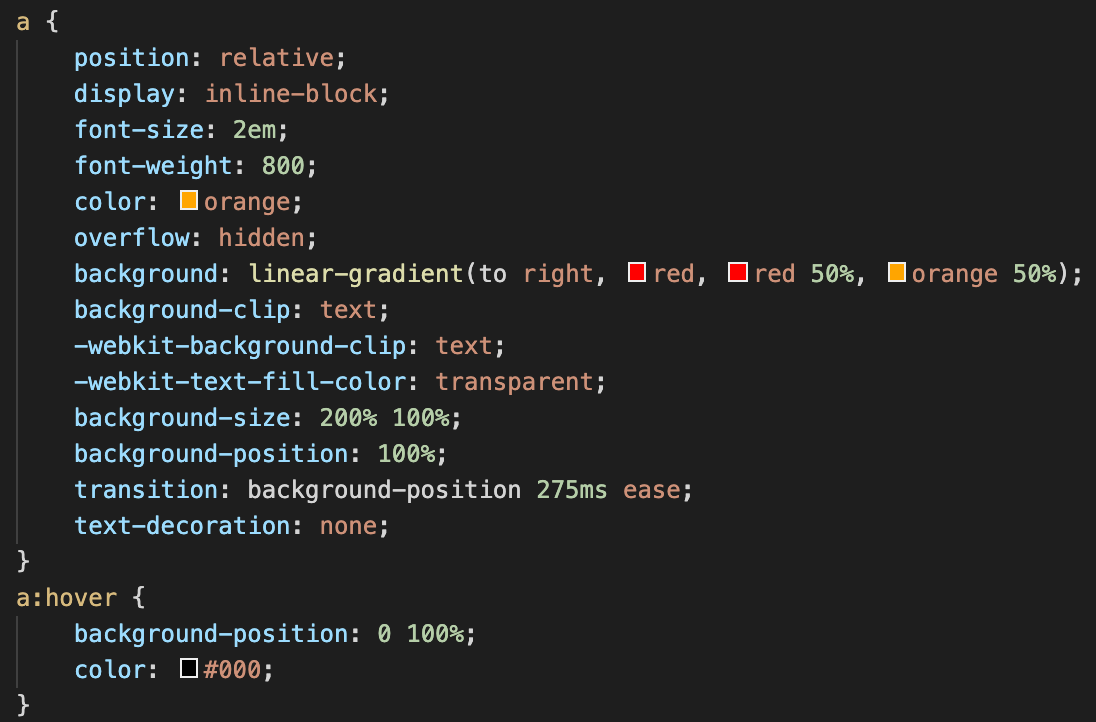
I also animated my hyperlinks for the different tabs on the page. Essentially the color fades from left to right, and the underline appears from the center:

http://sta.laits.utexas.edu/wp-content/uploads/2020/11/video.mp4

Looks pretty simple but here’s all the code that went into doing that lol:

Have a lot of cool ideas for this site so hopefully those will start coming together soon 😀

Filed Under: 2020 Summer | 2020 Fall

11-2-20

November 2, 2020 By Bridget

I forgot to update my blog last week, but here’s what I’ve been up to! Mainly I’ve been working on finishing the draft of my Illustrator tutorial (below) and giving feedback on Canvasser games on Basecamp. People are starting to finish their games also which is nice! The feedback has been helping me a lot to improve the tutorial overall


I also attended the fall STA showcase, and even though I didn’t present, it was so fun to see projects that other STAs have been working on in or outside of the STA Program. Thuy’s classical composer collages and Miguel’s pavilion design were both incredible, but all the presentations were really great! Also got to see my roster poster in use, so that was fun lol.

Filed Under: 2020 Summer | 2020 Fall

Studio Course Trainings and finishing Canvasser

November 2, 2020 By Danielle Daynos

Worked on Studio Course Trainings last week along with putting the final touches on my Canvasser.

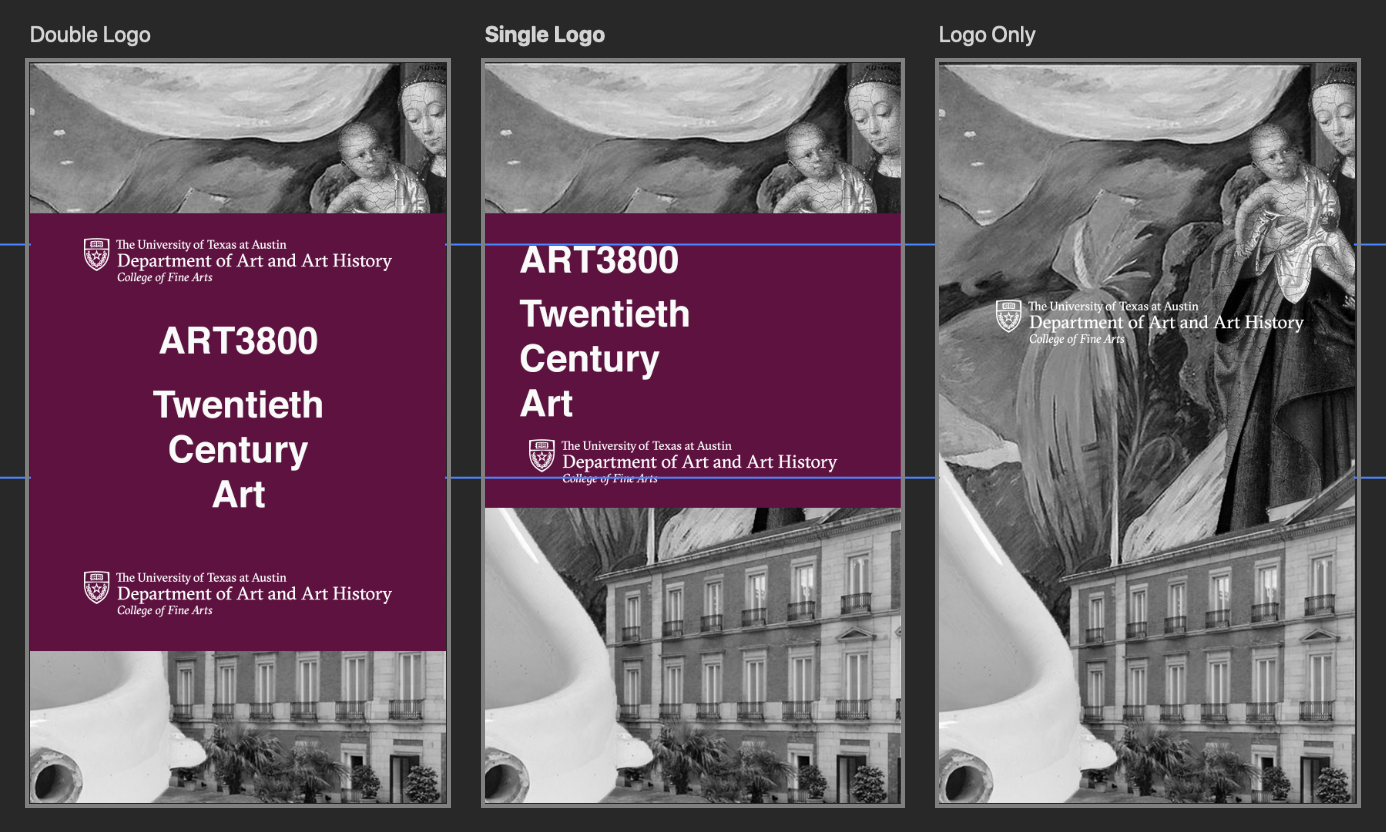
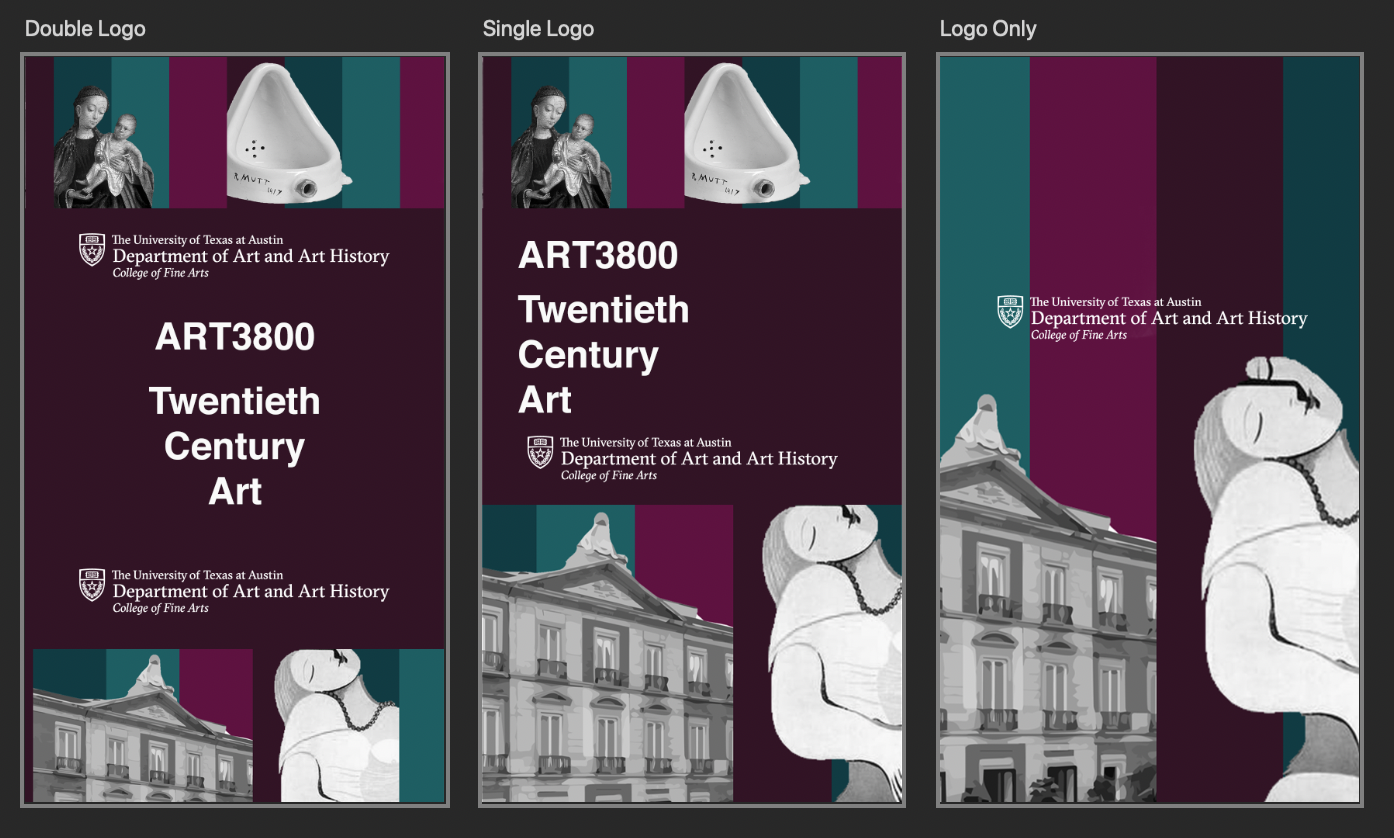
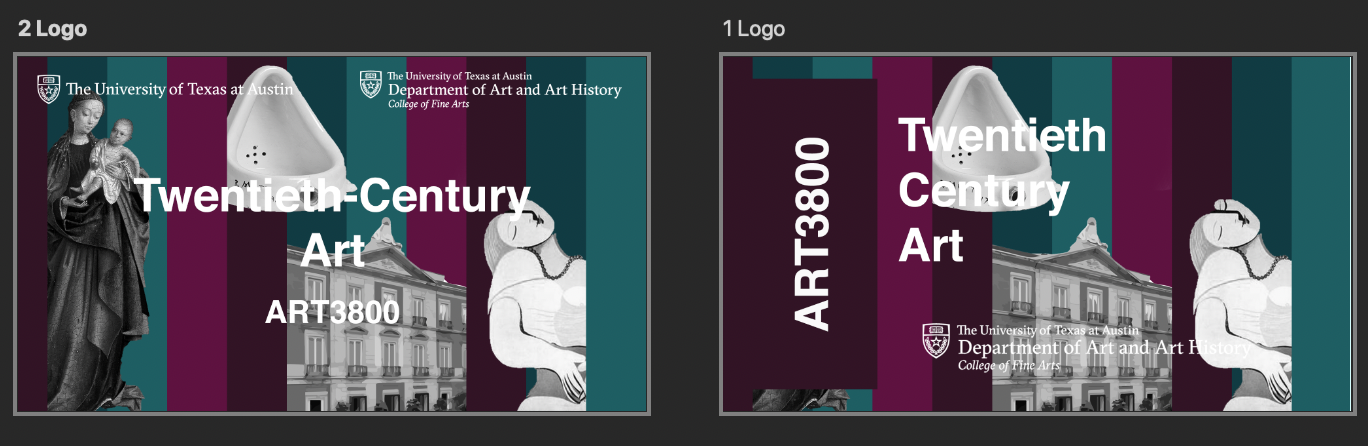
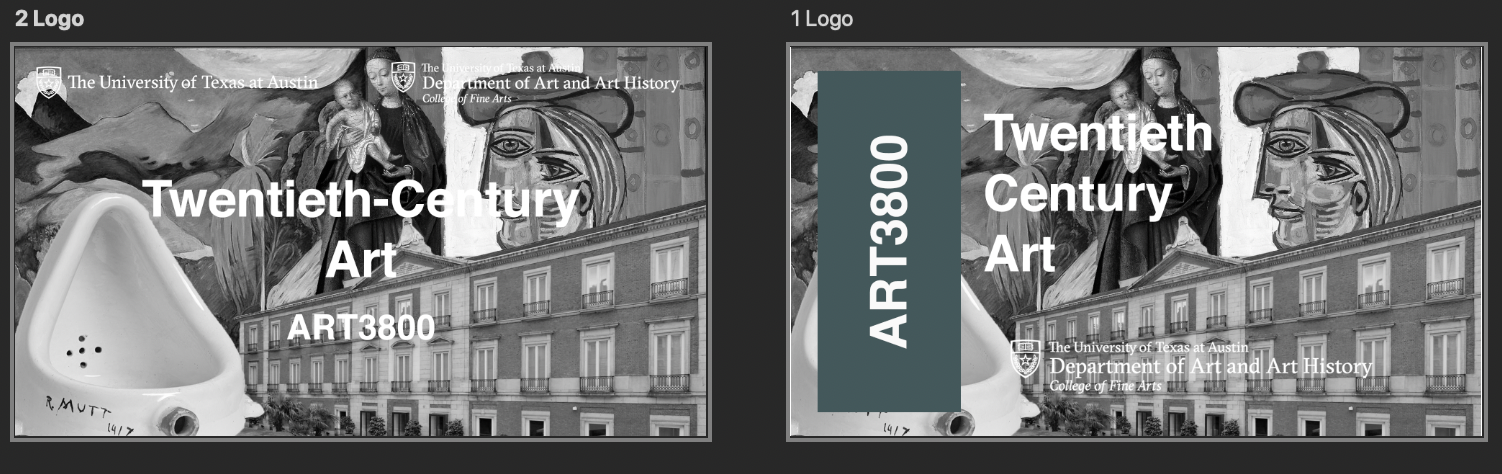
Here are some images of the 2 designs I was thinking of for my Studio Course Training. Overall they both used collage, with the exception being that one has color and one does not. The little color I did have,  revolved around jewel tones, which I think will best reflect what’s being talked about in the class which is Twentieth-century art.


After feedback from Maddy, we decided to go with the black and white design. Before I reached the below image, there were some edits I needed to make, mostly about making the background more cohesive and focusing more on showcasing the professor. I also added a newspaper texture behind the “middle ground” of the image to help push the professor even more forward. I like it!

Filed Under: 2020 Summer | 2020 Fall

  • « Previous Page
  • 1
  • …
  • 14
  • 15
  • 16
  • 17
  • 18
  • …
  • 50
  • Next Page »

link to LAITS home page

Video STA Home

© 2025 Liberal Arts Instructional Technology Services | Production Credits