• We are STAs
    • Asha Rountree
    • Haley Ma
    • Kate Shih
    • Kyra Lee
    • Nicholas Peasley
    • Sasha Kenney
    • Shanda Horm
    • Shriya Atreya
    • Tomas Marulanda-Mesa
  • We were STAs
  • STA Presentation
    • STA Presentation 2017
    • STA Presentation 2016
  • Testimonials
  • Resources
  • Home

STA Blog

RHE309K PPT Template

May 10, 2021 By Sheryl Long

RHE309K PPT Template

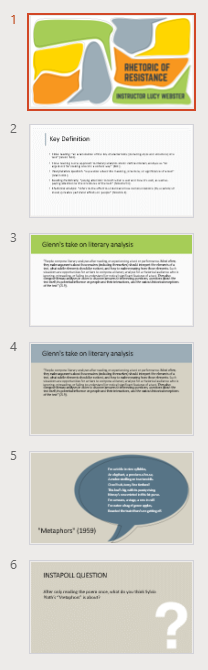
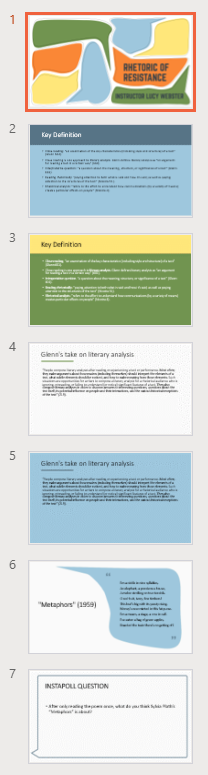
I worked with Poonum and we create 2 templates for the course “Rhetoric of Resistance.” Poonum came up with some really fun, creative title slides, so I used those as inspiration and created these 2 versions of content slides:
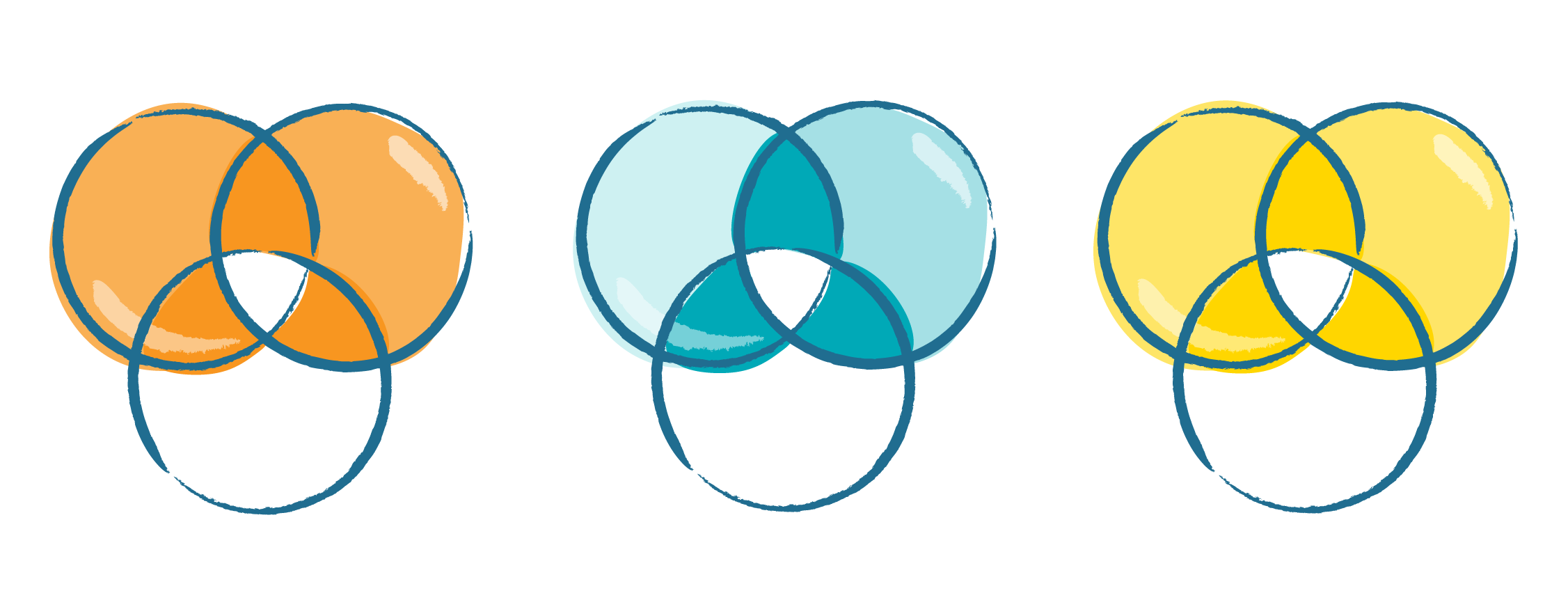
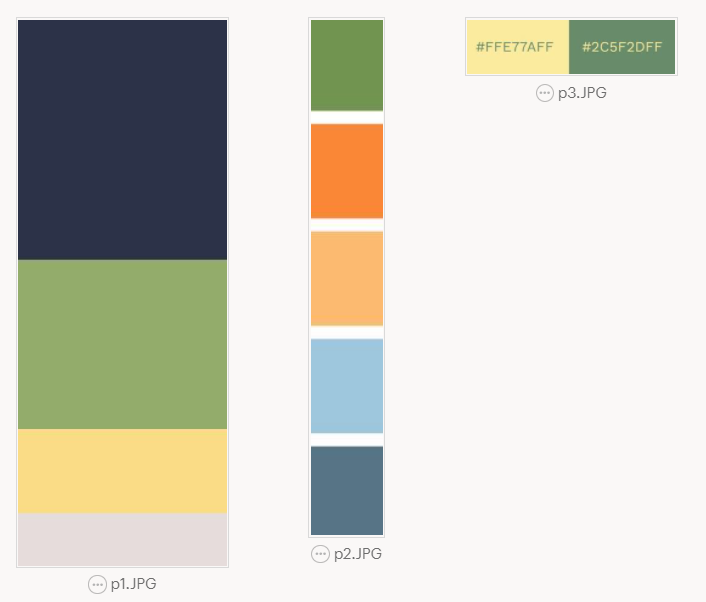
Color palette:
Filed Under: 2021 Spring - 2021 Summer

Video Manager

May 10, 2021 By Sheryl Long

Testing Video Manager

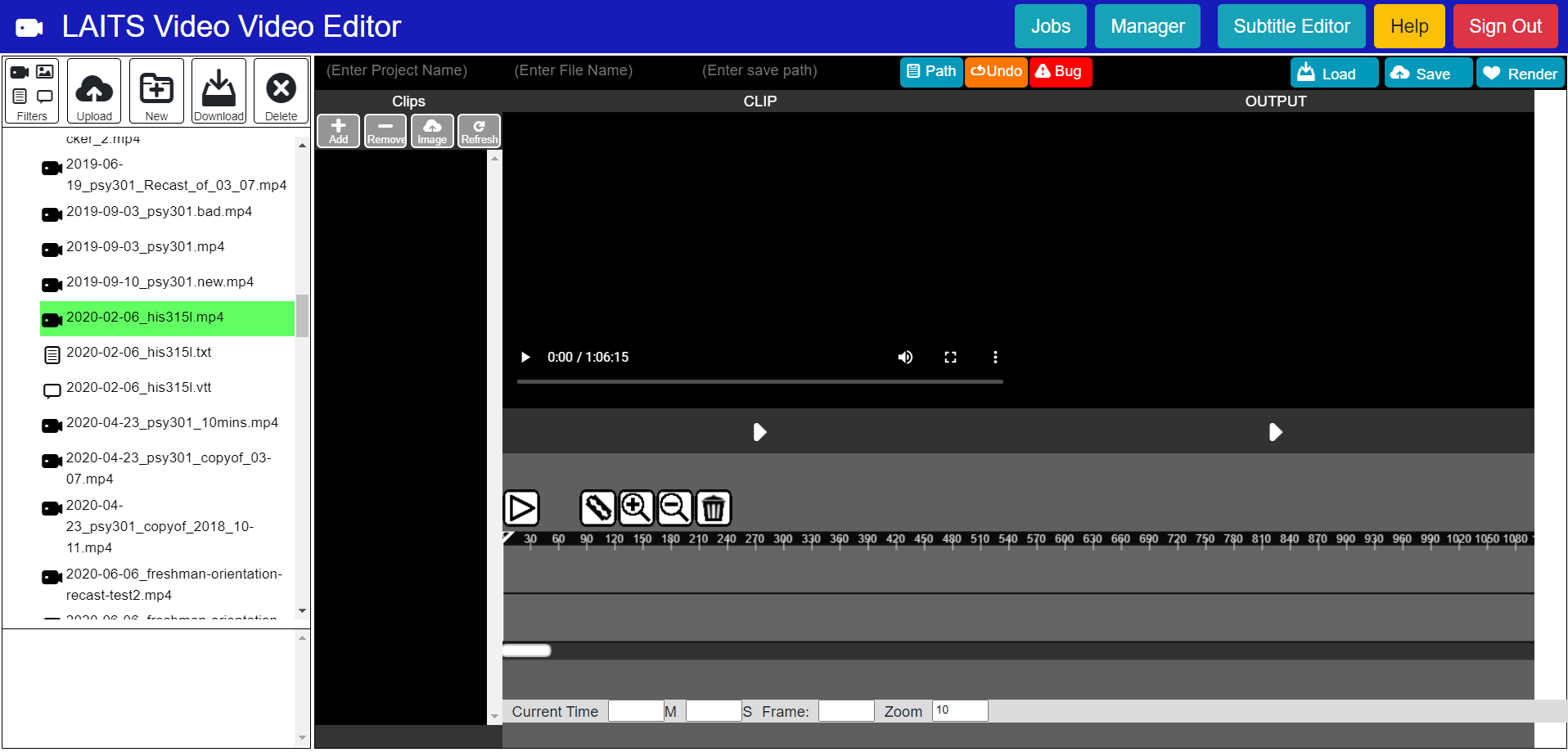
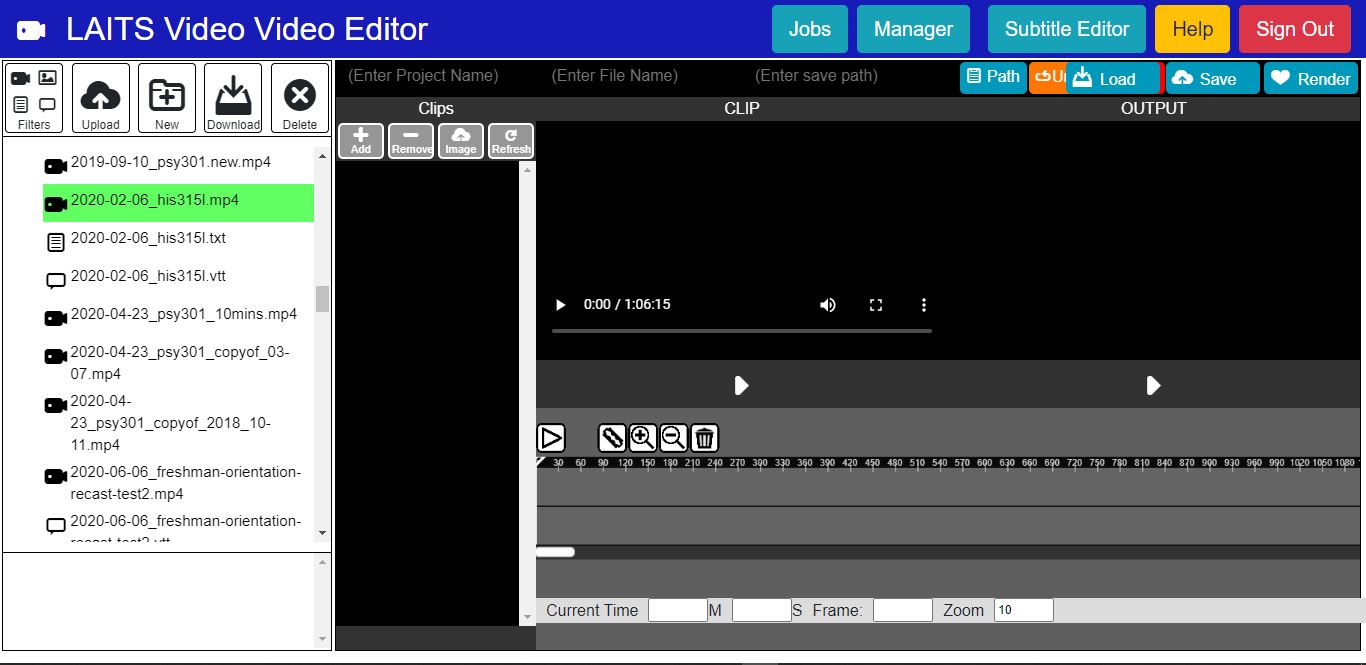
I was tasked to test out the video manager tool with Miguel. It was interesting… The video manager seems to need a lot of improvement when it comes to UI design and some small glitches here and there. It would be fun to redesign this tool though!! Hopefully I get to work on that if possible!

Filed Under: 2021 Spring - 2021 Summer

Course graphics

May 10, 2021 By Sheryl Long

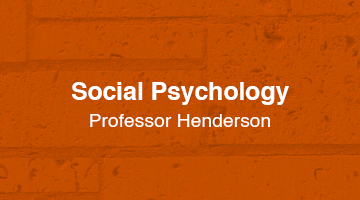
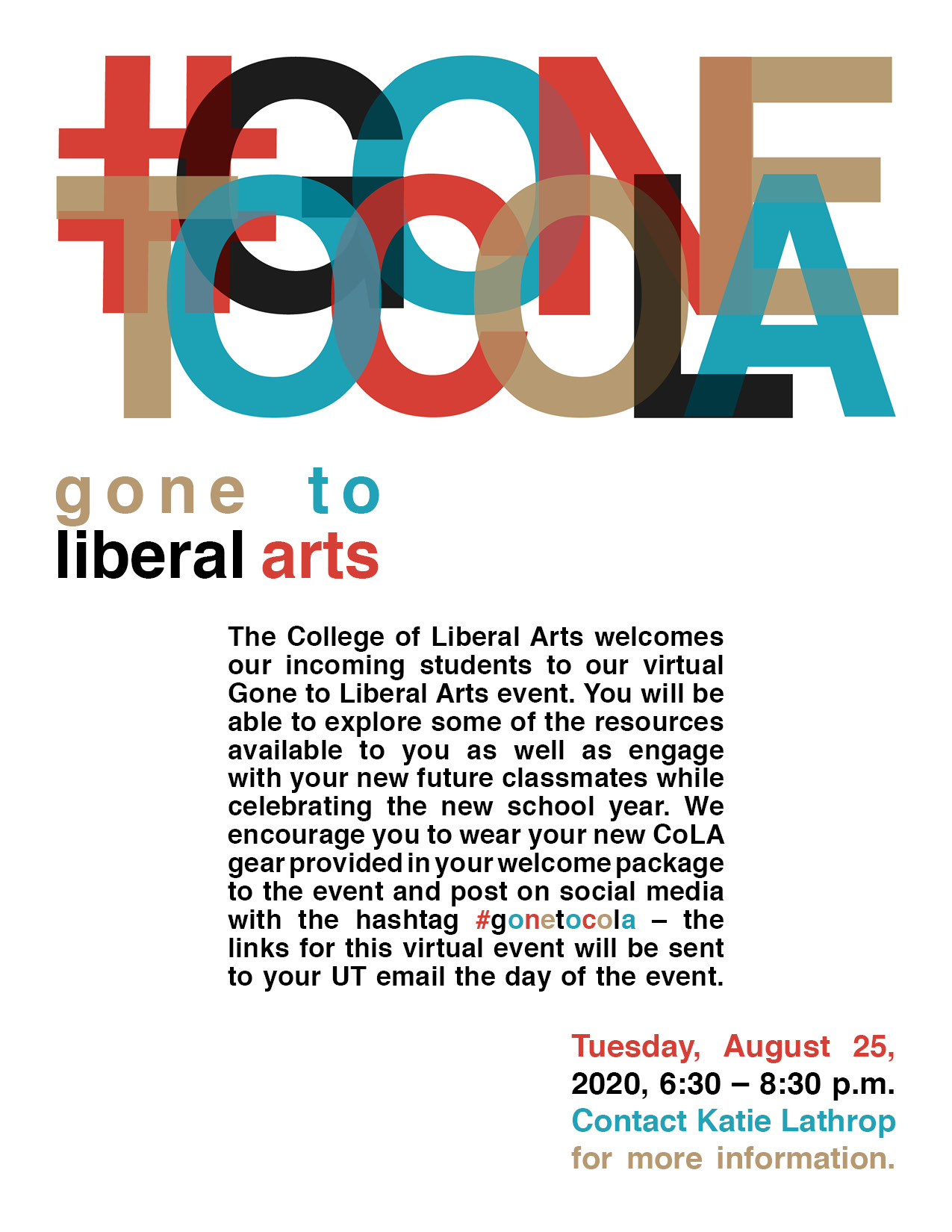
PSY 319K Social Psychology Course Graphics

I made some canvas graphics for professor Henderson, this was an interesting one because we had to find a way to make style A graphics look balanced without.

Poonum and Maddy suggested that we could add a texture overlay on top of the plain color background, which I think was a great suggestion and helped give these graphics some dimension.

Filed Under: 2021 Spring - 2021 Summer

Student Success Tool Logo Final Update

May 7, 2021 By Cristina Villarreal Núñez

Student Success Tool Logo Final Update

Welcome to the last episode of the saga of designing the upcoming Student Success Tool logo! This has really been a nail biter, but we have finally chosen an official logo for the app, and I’m excited to share it with you. But first things first, Here’s what happened after last week’s update and before getting to the final logo.


After making suggestions for the client on our pitches for the Ribbon Reminder logo and the Calendar logos, she got back to us with their comments. First she said they really like the Calendar logo, but that they prefer to more forward with the Ribbon Reminder logo. Then, she said that the general consensus among their team was that they preferred the front-facing Hook’Em Ribbon Reminder logo, rather than the back-facing index finger Ribbon Reminder logo that we had suggested. So that’s the one we moved on with. The team also wanted to make a slight adjustment to the logo and add a rounder edge on the thumb of that design, so I did that.


However, it didn’t take long before the team came up with a new adjustment they’d like to try out. This time it was trying to move the thumb down so it could hit both folded (middle) fingers. So, Valerie provided some inspiration pics for me to try and emulate, and I got down to business. But after I made that design come to live it was clear to all of us that the previous version was a more successful design. This is what that newer edit looked like though…


Nonetheless, the following is the final design chosen for the Student Success Tool app that will be featured in the UT app store. Unless there are further edits to be made, this is the end of the road for this project. Thank you for tuning in!

Filed Under: 2021 Spring - 2021 Summer

Update 05.07.2021

May 7, 2021 By Miguel Yapur

Data Exploration and Visualization Animation

As the CS course graphics design comes together, I created a quick 3-second animation for the Data Exploration and Visualization course using three assets that Aidan mentioned were his favorites. Here’s how the animation looks:

Backdrops

I also created five backdrops for different CSMS and MSDS courses, some of which I made course graphics for as well:

MSISP LinkedIn Icon

Once the client approved of Suloni’s quote, I made a first draft for the client, following the design request to make it look like the Moody icon:

Type Hierarchy

I went through Megan and Poonum’s KB tutorial and gave them some feedback on the content. The activity was really interesting, and I’m sure that new STA’s will find it really helpful when learning the basics of InDesign. Here’s the poster I made for this tutorial:

Video Manager Tests

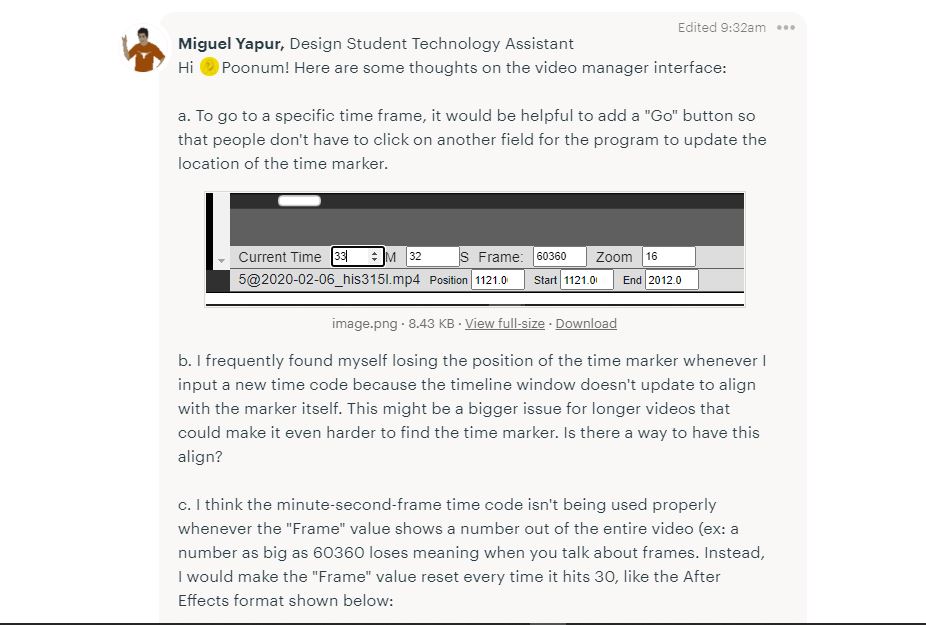
This is an ongoing project in which Poonum asked Sheryl and me to test Ruben’s new tool for editing clips. As of now, this is how the user interface looks:

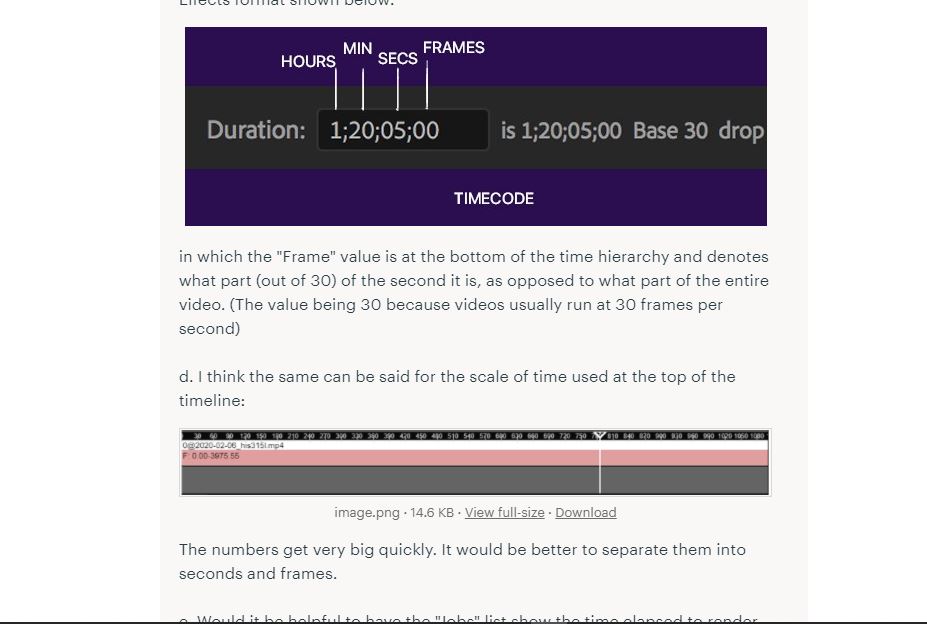
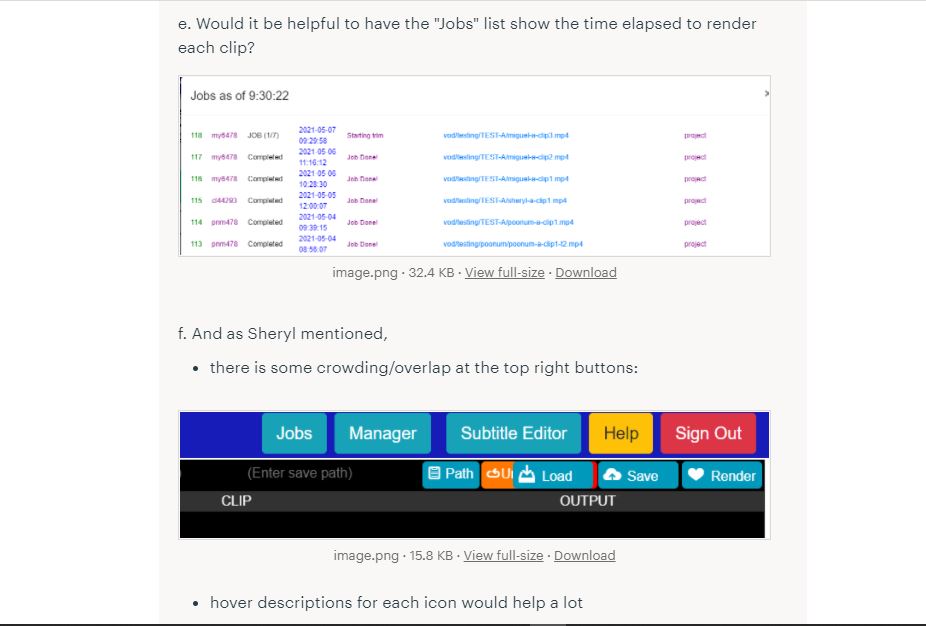
I must say it’s not the most aesthetically pleasing UI and there are still some sections where the user experience is not as intuitive as other video editing programs I’ve used (AfterEffects, iMovie) but I do think it’s headed in the right direction and just needs some tweaks. Below are some screenshots from BC in which I go into more detail on the feedback for it:


Filed Under: 2021 Spring - 2021 Summer, We are STAs

COM Icons and IFML Concluded

May 6, 2021 By Angie Huang

COM302 Icons and IFML Concluded

Final assets were sent out to the IFML Clients this week 🙂 I look forward to seeing my work implemented on the live site and will be presenting this for the STA presentation next Monday. I also started designing icons for COM302 this week, these are the drafts so far. I also realized that I never posted the banner for the AE training- the GIF of it is too heavy for this blog to display, but below is the still version.


Final Website Icon

COM302

After Effects KB Banner

Filed Under: 2021 Spring - 2021 Summer

  • « Previous Page
  • 1
  • …
  • 13
  • 14
  • 15
  • 16
  • 17
  • …
  • 39
  • Next Page »

link to LAITS home page

Video STA Home

© 2025 Liberal Arts Instructional Technology Services | Production Credits