• We are STAs
    • Asha Rountree
    • Haley Ma
    • Kate Shih
    • Kyra Lee
    • Nicholas Peasley
    • Sasha Kenney
    • Shanda Horm
    • Shriya Atreya
    • Tomas Marulanda-Mesa
  • We were STAs
  • STA Presentation
    • STA Presentation 2017
    • STA Presentation 2016
  • Testimonials
  • Resources
  • Home

STA Blog

TBH: Rusk County Map Update

August 31, 2021 By Cristina Villarreal Núñez

TBH: Rusk County Map Update

Welcome back to another installment of Texas Beyond History: A Rusk Country Map Story, ft. special guest Canvasser… So, as you might remember from a few posts ago, I was tasked to develop an interactive image through Canvasser for a new Texas Beyond History page. The image in questions is meant to be a map (black 7 white) with colored-in spots to let the user know that those are the interactive spots. Once the user clicks on them, a new page [for every element] will open up on a new tab of the user’s browser with pictures and information about each of the special locations.


Since last time, we have gone through a bunch of different updates on the project. After I had my initial conversation with the client I started working on the map on Canvasser. That is, until I stumbled upon the first obstacle: what Canvasser feature would be the most appropriate to use for these click elements? I was lucky enough to get some feedback from a fellow STA on that… but then came the second obstacle: who was going to make the external links (the ones that will pop open on a new tab after clicking on the map locations)? And if that were to be me, how would I do that? That question right there sparked a whole new phase in the development of this project. This new era being defined by various meetings, not only with myself and Suloni, but with the web development team. After the initial meeting with this new team, we came to a few conclusions and some new questions for the client. So, I drafted a new email and sent it over his way.


Over the weekend the client responded to my email. As soon as I started my shift on Monday, I let the rest of the team know of his response. At this point we were not sure Canvasser would be able to carryout the needs of the project, and we were thinking of finding an alternative program to build the map with, but the client’s response made it very clear that we would need to use Canvasser. So I got back to business using the method my fellow STA had suggested earlier, which was the loadpage feature. I also got a suggestion by someone else in the team, but sadly that feature of Canvasser is not working properly.
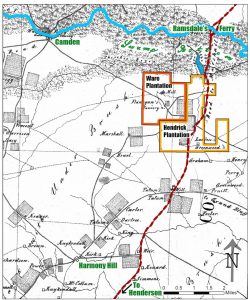
 

Moving on with loadpage, I was able to get far with the map’s interactive elements. But a problem remains: due to a security measure implemented by different browsers, the feature that lets a new tab pop open requires that the user clicks on a security text first. Needless to say, that’s not ideal. So, the project phase we are currently at is finding workarounds to this inconvenience.


You can see the current Canvasser Interactive by clicking on the map to the right, or right here. As of right now, most of the clickable elements are working the loadpage feature and dealing with the additional clickable text issue. There are only three exceptions. First, the of you click on the Camden text, a new button will pop up. I was trying to work around the issue previously mentioned, but I accidentally ended up adding an extra step with the button; so that was a fail. Second, the hotspot on the Hendrick Plantation works just as the rest, except that the background color that appears with the security text is orange, rather than transparent. Finally, Ware Plantation is working smoothly through an alternative loadpage event that activates new pages opening up on the same tab rather than a new one. Feel free to put all of these to the test! (Bear in mind that changes will be coming soon, so those actions won’t last forever.)
Filed Under: Fall 2021 - Spring 2022

KB banner

August 30, 2021 By Sheryl Long

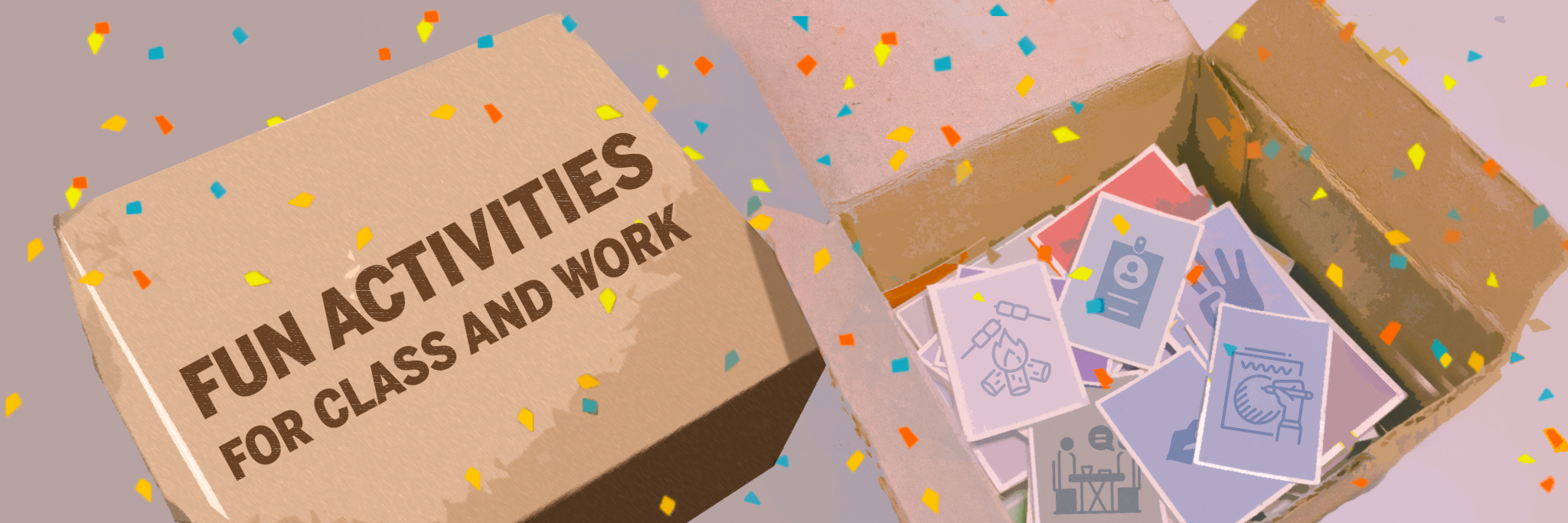
Project: Compiling Fun Activities for Classes and Work! (+ KB Banner)

Client /Prof: STAs
completion status: Started August 28
staff guidance: Valerie
description/plans: Designing a banner for the Fun Activities for Classes and Work KB

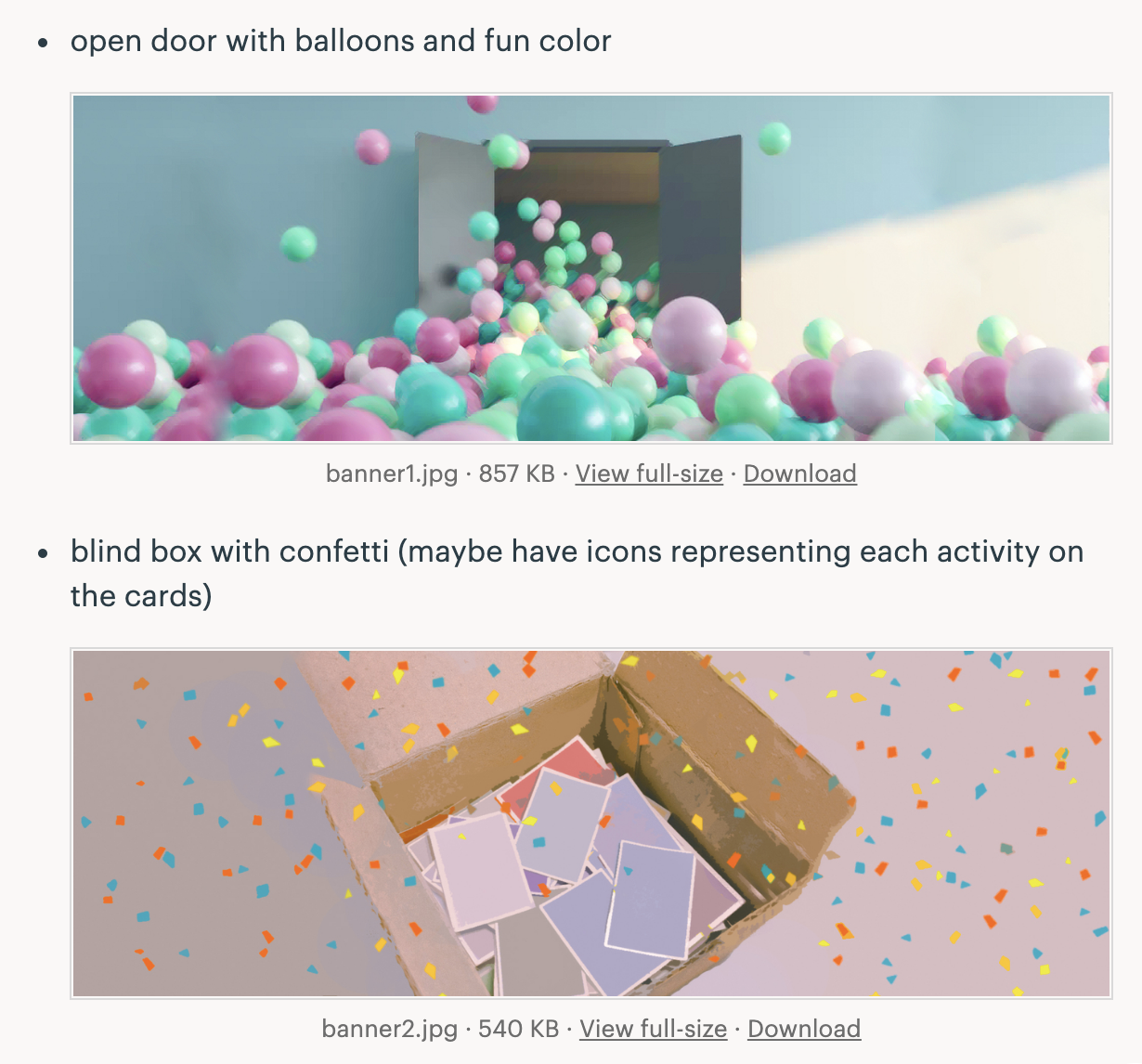
Draft 1- ideas:

Draft 2 – mock up version 2

To be completed: August 31 perhaps

Filed Under: Fall 2021 - Spring 2022

Dell Medical Flow Chart

August 30, 2021 By Abriella Corker

Dell Medical Flow Chart


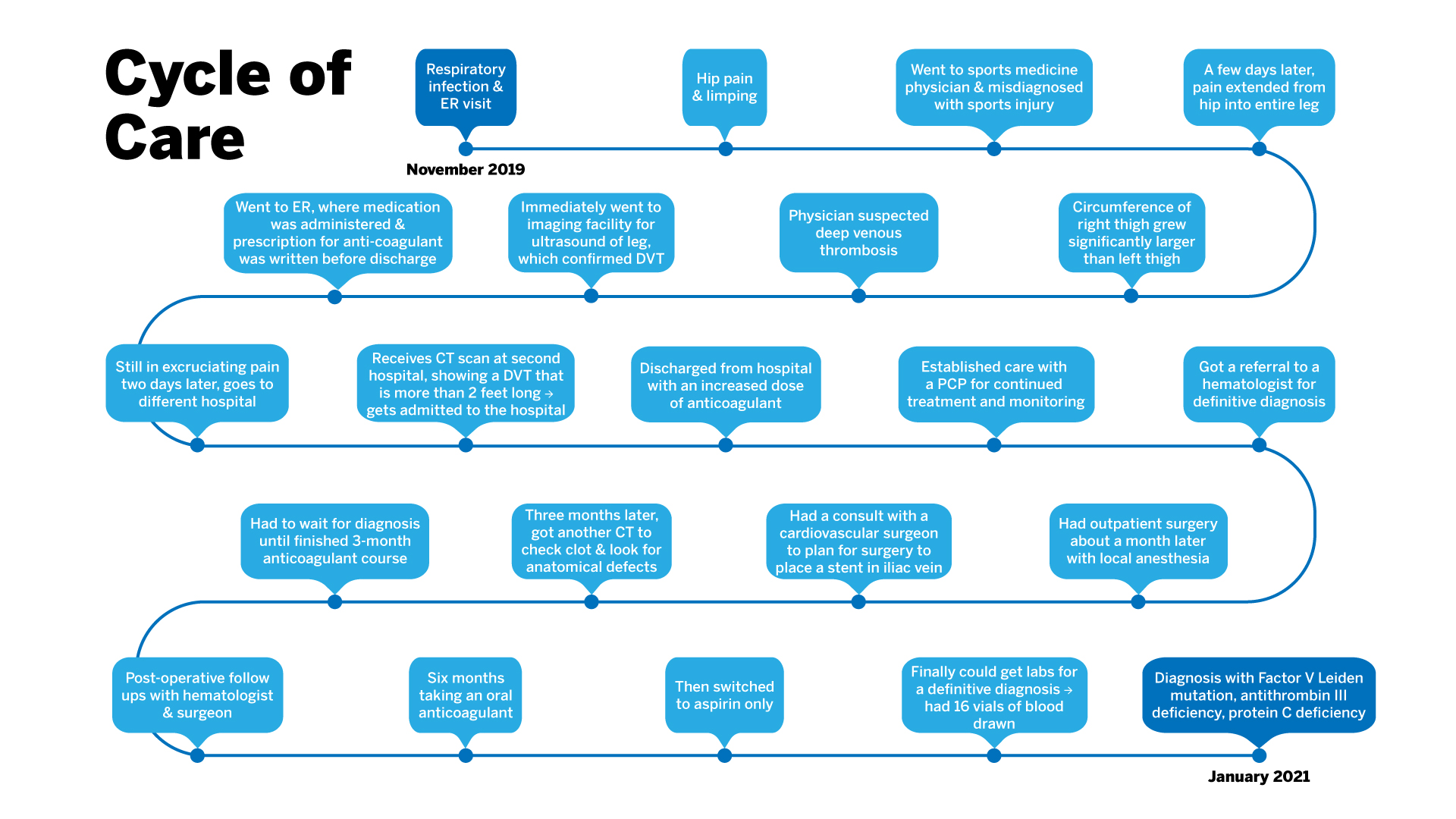
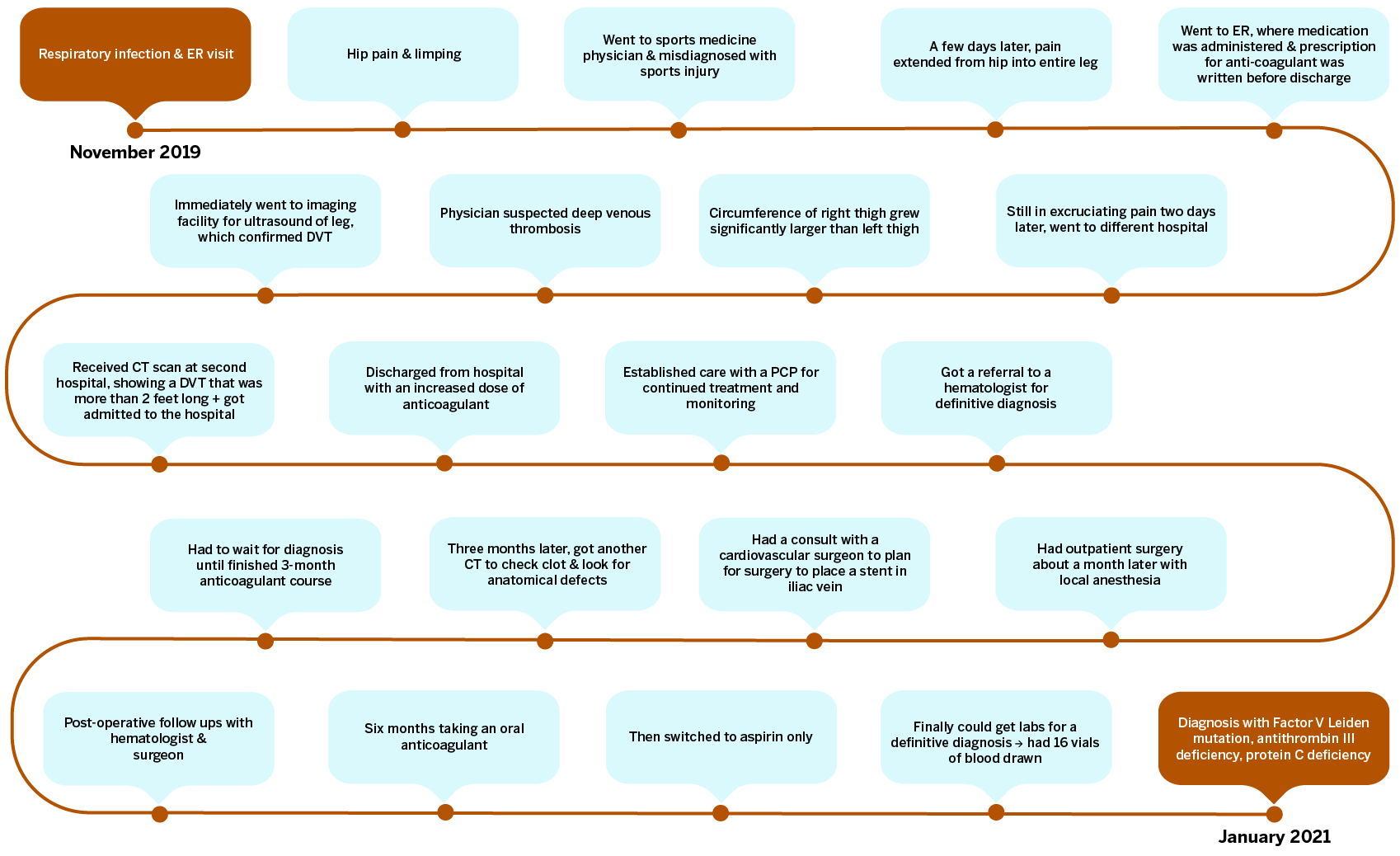
The Dell Medical team got back to us letting us know of edits they wanted made. One was for formatting issues such as a smaller title all on one line and a spanned image in the format of an SVG so I altered my export to have no margins and titles so that in the code on the site contains those aspects instead and are easily editable. The clients also wanted burnt orange and light blue instead of the all blue flow chart. It wasn’t specified how they wanted it on the chart so after a couple of variations the light blue bubbles with burnt orange lines seemed to be the most readable and visually pleasant to look at. There was also a request for even padding within the text boxes so I formatted all text to be a paragraph with built in 10px padding all around and then lined up the text boxes to edges of the bubbles, all the bubbles were made the same size as well. The last edit which was the most difficult was that they wanted all the text bubbles and points to stack vertically but because there were 22 bubbles and we did not want 11 rows or 2 rows it was not possible for all bubbles to line up exactly. Instead I compromised on a varied stacked layout where it alternates row to row.

ORIGINAL EDIT:

FINAL EDIT:

Filed Under: Fall 2021 - Spring 2022

The Beginning

August 30, 2021 By Rachel Sacks

Hello!

This is my first post in the entirety of ever. I started working as an STA last Wednesday, which also coincidentally was the first day of the last year of my college career. (Well, I think I will not have schooling after this. Potentially.) I am also commuting from home this year, as opposed to living in a dorm or apartment. This saves me quite a bit of money, although not so much in terms of time.

Last week I only worked 2 days, but they were longer shifts that allowed me to get a rhythm going. In the process of figuring out Basecamp works, I began the assignment on Introduction to Design and Styles before I realized the assignment on Style A&B Course Graphics was a priority. Fortunately, I really love learning about art history, and began working on a small drawing that will mimic Art Nouveau (when I get the chance to work on it again.)

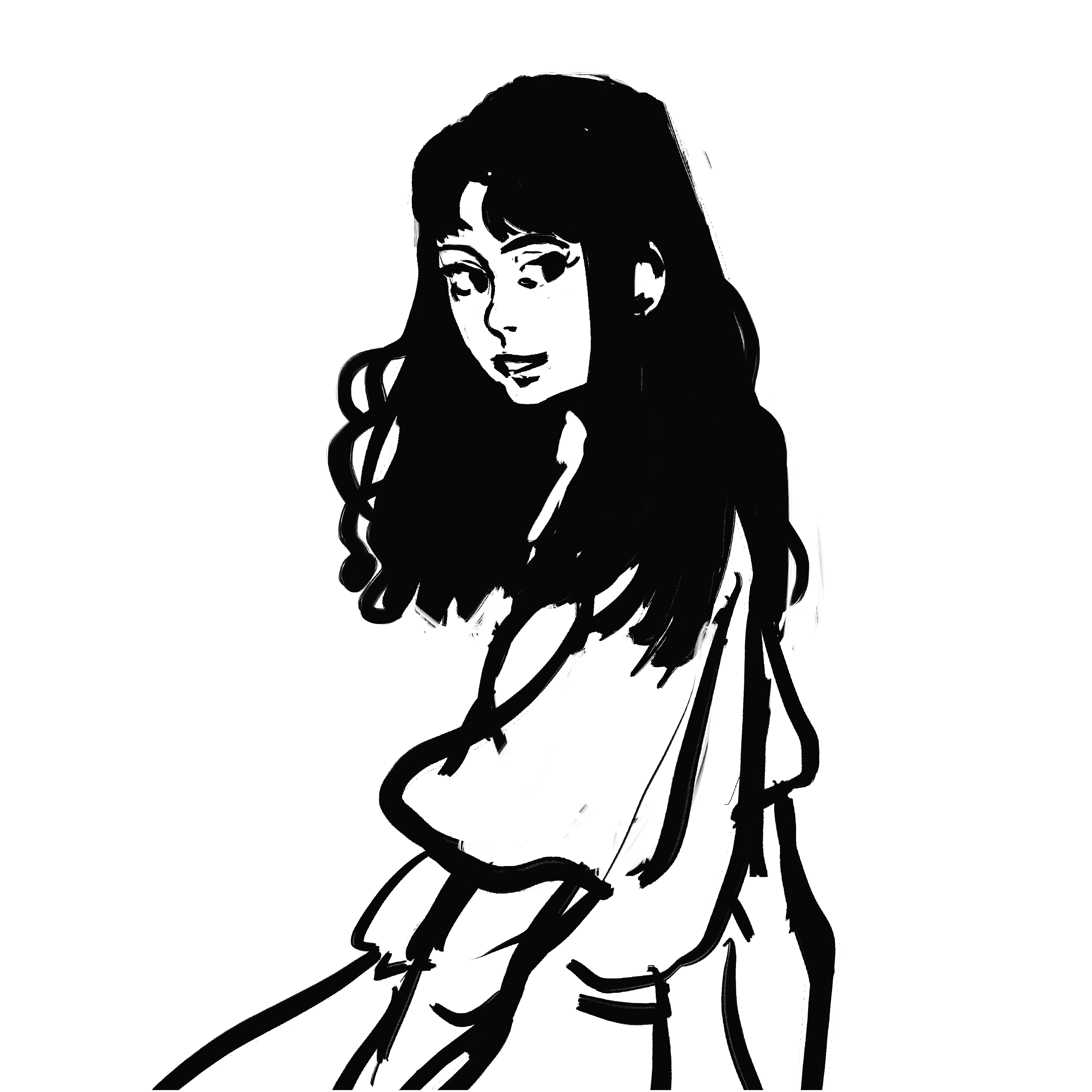
Here’s what I sketched out previous to realizing I should work on the A&B assignment:

I was going to add flowers and make a thicker outline to mimic the style – hopefully I can do that sometime in the future!

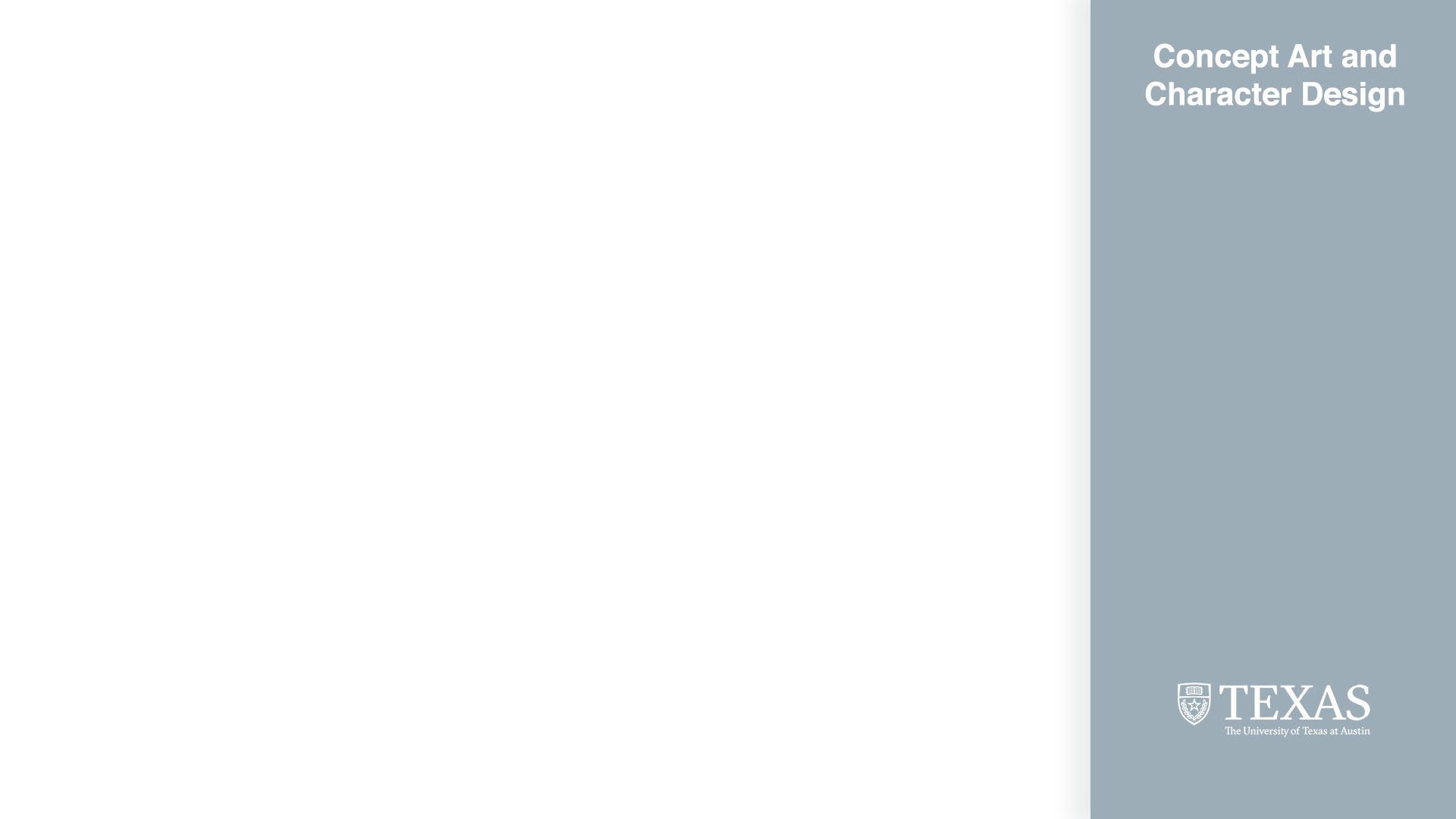
Once I started the imaginary class graphics assignment, I got through the A template and create a hypothetical branding for a concept art and character design class.

Here are the JPGs of what I made:

These were a lot of fun to make. I especially enjoyed matching the stock photo of imaginary Alice Henderson with a color in the UT palette that would fit. Having a template on the UTBox that allowed me to see the measurements and switch out photos and colors easily also really helped.

This week, I will begin working on the Animation Stinger Refresh assignment with De’sha and Megan. I am excited to start this and to spend more time here at LAITS!

Filed Under: Fall 2021 - Spring 2022

August 30, 2021 By Ingrid Alberding

Project: COLA Website Refresher
Client /Prof: N/A (College of Liberal Arts)
completion status: started on August 25, 2021
staff guidance: Michelle Vanhoose, Chris Rankin
STA team members: Rahul, Adrian
description/plans: Begin to grow comfortable with Pages and create a practice page, start to transfer content from Cascade beginning with content from the Office of the Dean.
To be completed: TBD (long-term)

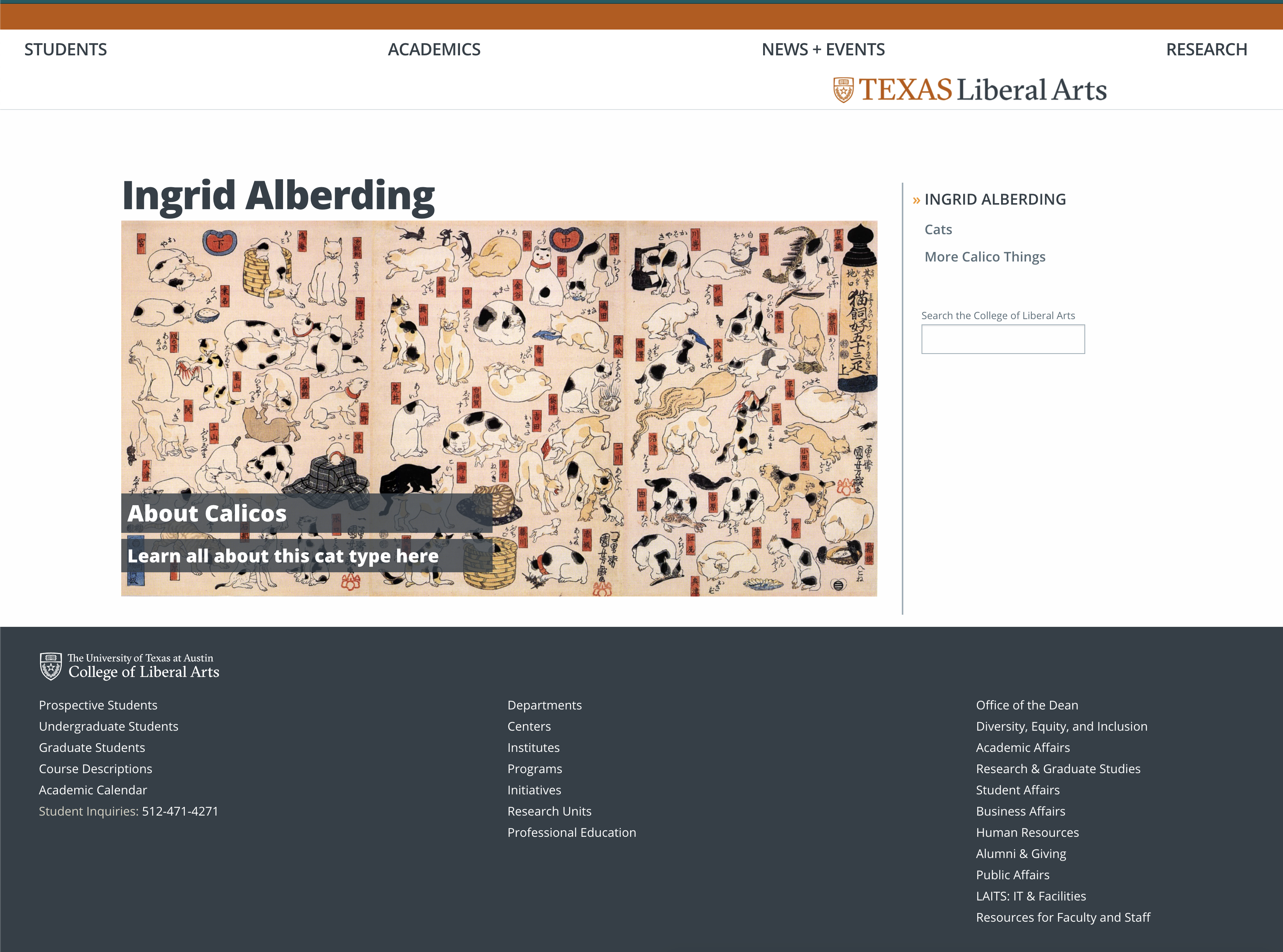
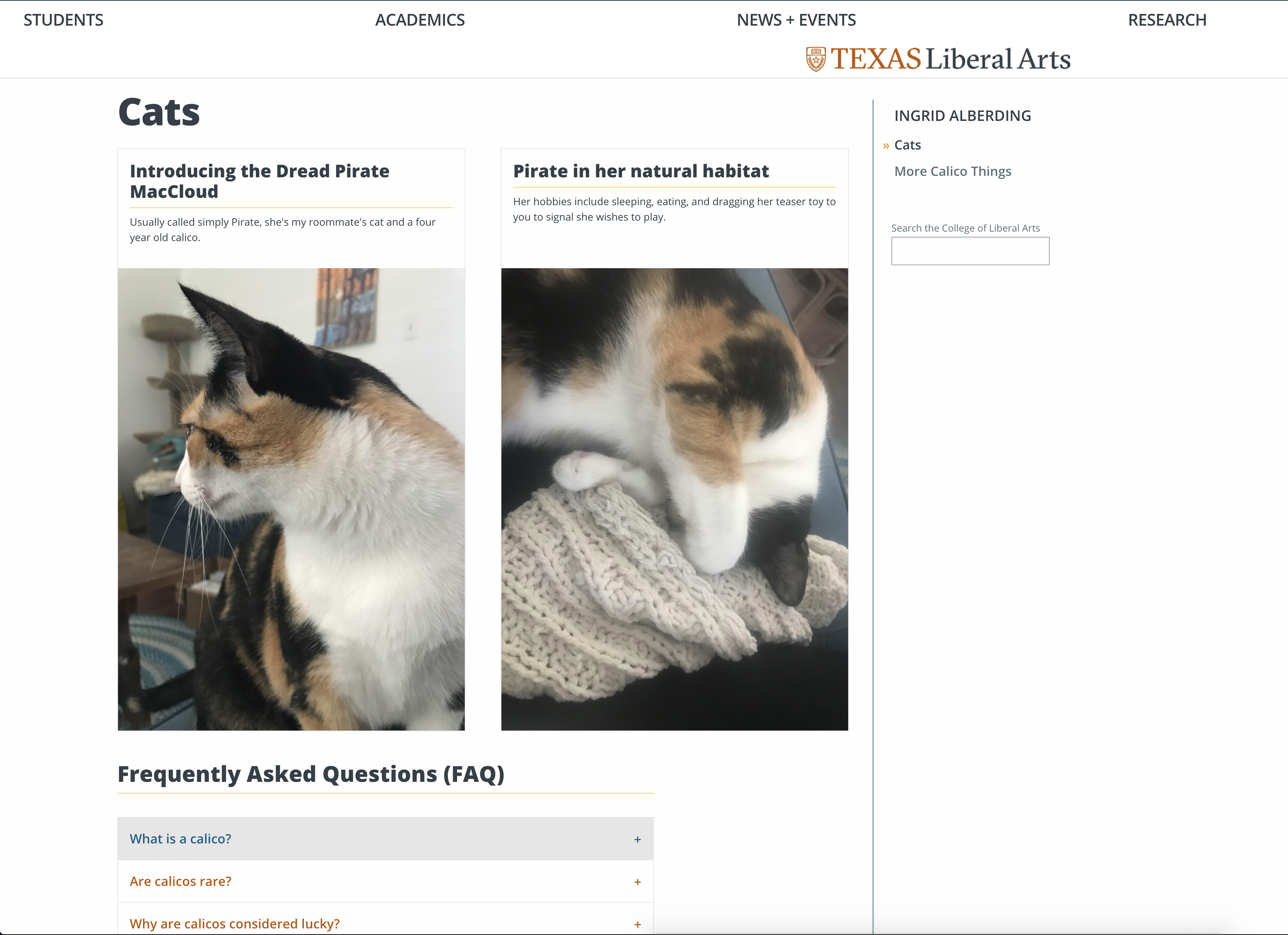
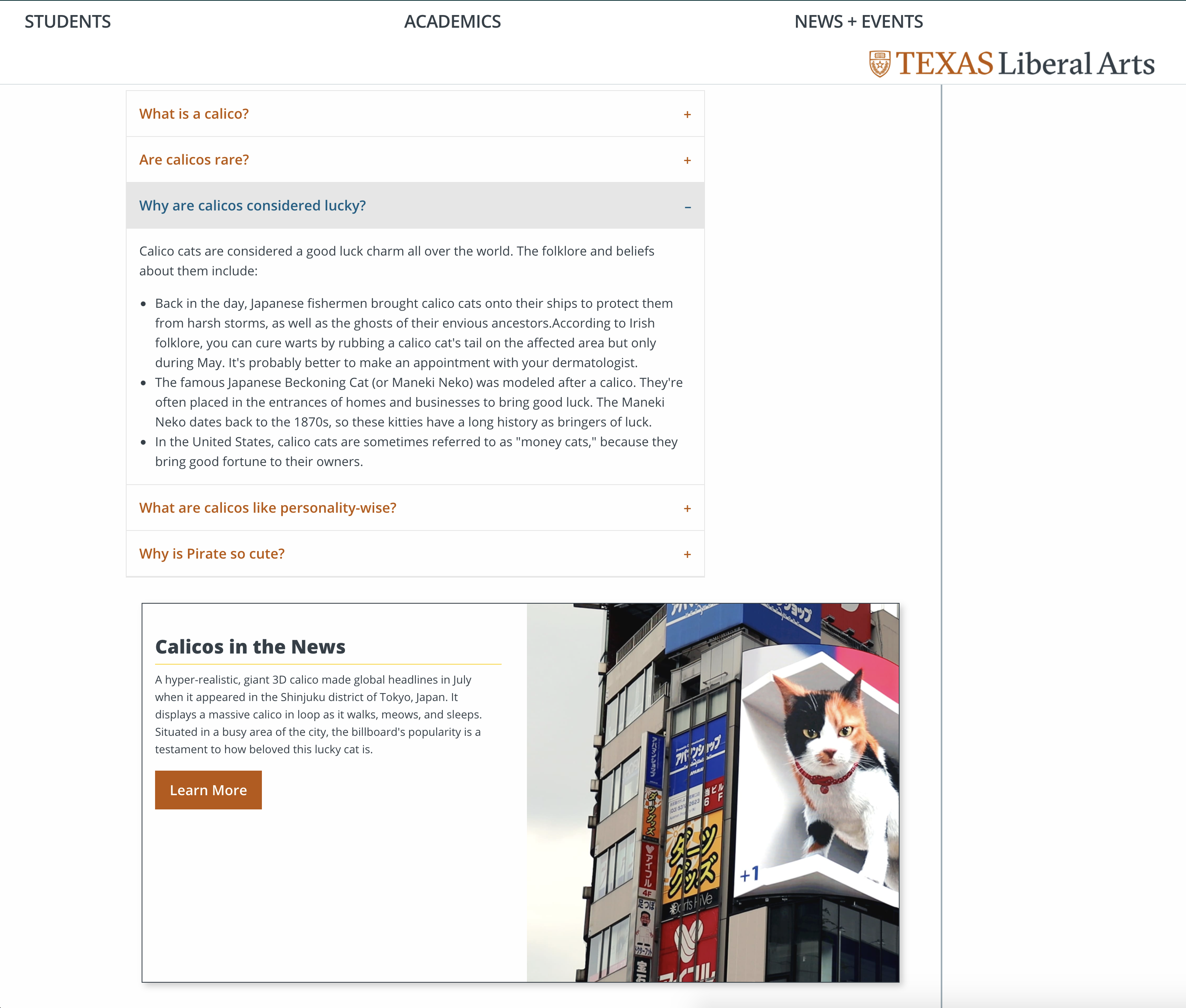
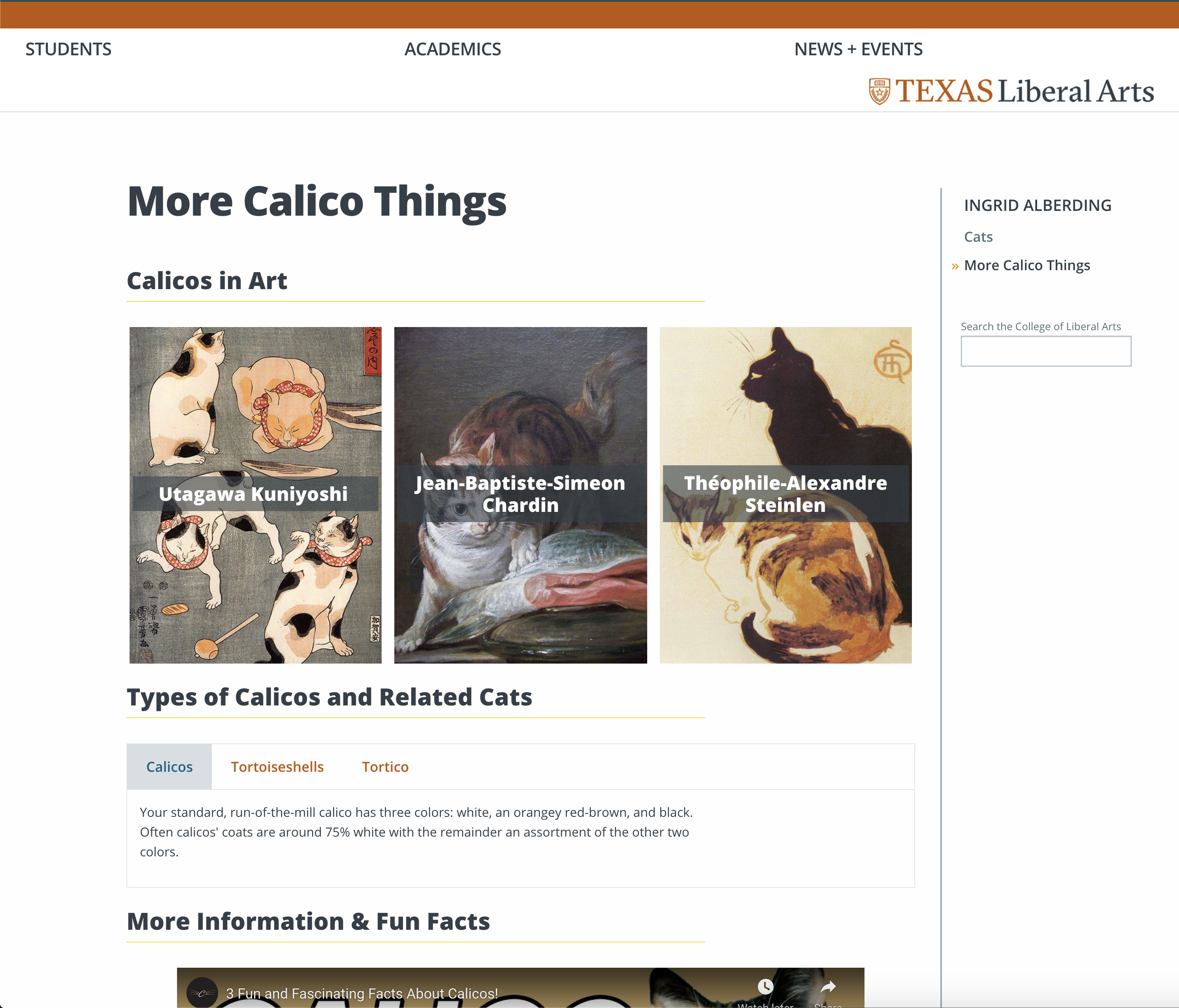
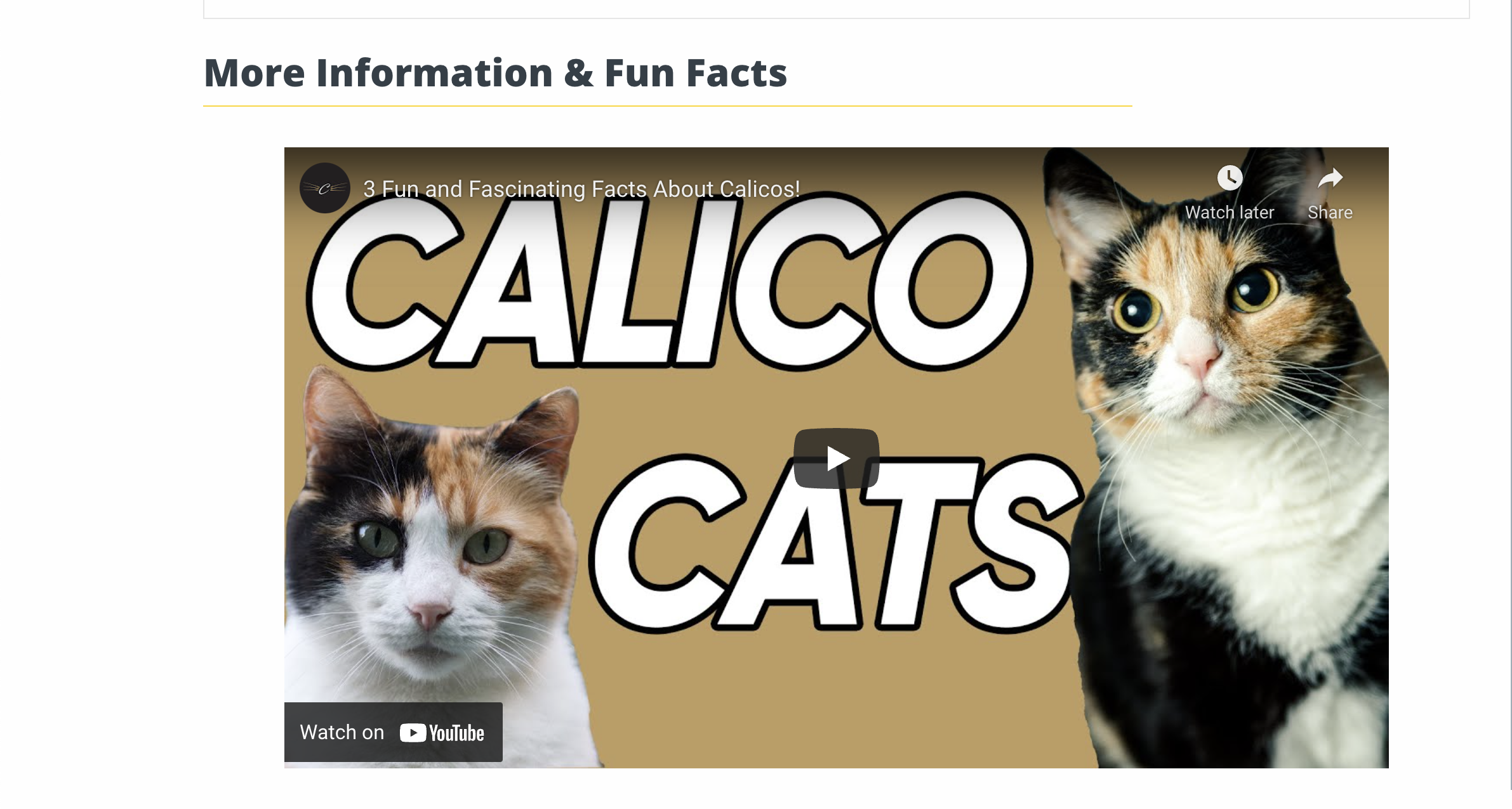
So — worked on IDs, Cascade feedback, and really got the ball rolling on the web refresher project! Below are some screenshots from my work on my practice site, which I made entirely about calicos, snowballing from a love for Pirate.

I also continued to part 2 of the Pages training, by drafting and sending an email to Michelle, Chris, and Crystal describing my work, what went well & what didn’t, and any suggestions I have. I’m including it below (also in BC) because why not, let’s let this blog post be a big boy.


Hello,

I am writing to let you all know of my current progress on the COLA web refresh project. As of now, I have created a parent page for myself under “Undergraduate Students” (with my name as the title). The home/landing page simply contains a hero image. There are two personal pages contained therein. I chose to construct my pages’ content around my cat roommate, Pirate, and educating the audience about calicos in general. The first subpage includes two images of Pirate in the card component format. Next, I included a FAQ centered around calicos, this time as an accordion component. The last component of this page is a callout, featuring a highly publicized calico-related news event. The second subpage included some more information about calicos, starting with some featured famous calico-loving artists, rendered as image buttons. Next, I included some more calico information, represented as tabs, covering what differentiates calicos from torties and torticos. Lastly, I embedded a short video with some quick facts about calicos. Across all pages, I demarcated different section of information by using the header text formatting. 

Overall, I thought this activity went well. I was able to attain some familiarity with different Pages components and how they work in practice. The preview option (much easier to use than Cascade) was also a great resource to check my page as I went along with my edits. The drag and drop functionality was also pretty useful, as well as being able to view different Pages components as layers. As someone who often works in Photoshop, this was a really great and familiar tool. 

As for things that did not go quite as smoothly, there were a few barriers. First of all, as far as I could see, there was no way to resize pictures within this platform. I ended up cropping some of the image assets I used in Photoshop before so that they would show up proportionally. Let me know if there is an easier way to do this. Moreover, the CMS’ canvas being small was a bit of a challenge, especially working on the large Mac monitor here in the office. 

Lastly, I had a couple of possible improvements or functionalities I’d like to suggest. As I have very limited web development experience or insight into the workload of those on that team, I understand if they’re unrealistic requests, but they are features I wished I had while creating my page. First of all, perhaps some kind of table of contents kind of component could be useful. This component, already present in the HTML of some present COLA Cascade pages, would link certain topics or questions to relevant sections of the page. One last suggestion I have is that maybe there could be a way, in the case of image components, to toggle a basic color overlay from one of the branding colors like the blue/orange/dark/light text box options in the card components. This could maybe create a little bit of cohesiveness across pages, but I also realize this could be too much.

I hope you are all doing well. Let me know if there’s anything I should add or change, or if you need any clarification!

Sincerely,
Ingrid Alberding

https://sta.laits.utexas.edu/blog/2021/08/30/40536-2/

Filed Under: Fall 2021 - Spring 2022, We are STAs

COM 302 Extra Assets

August 30, 2021 By Abriella Corker

COM 302 Extra Assets


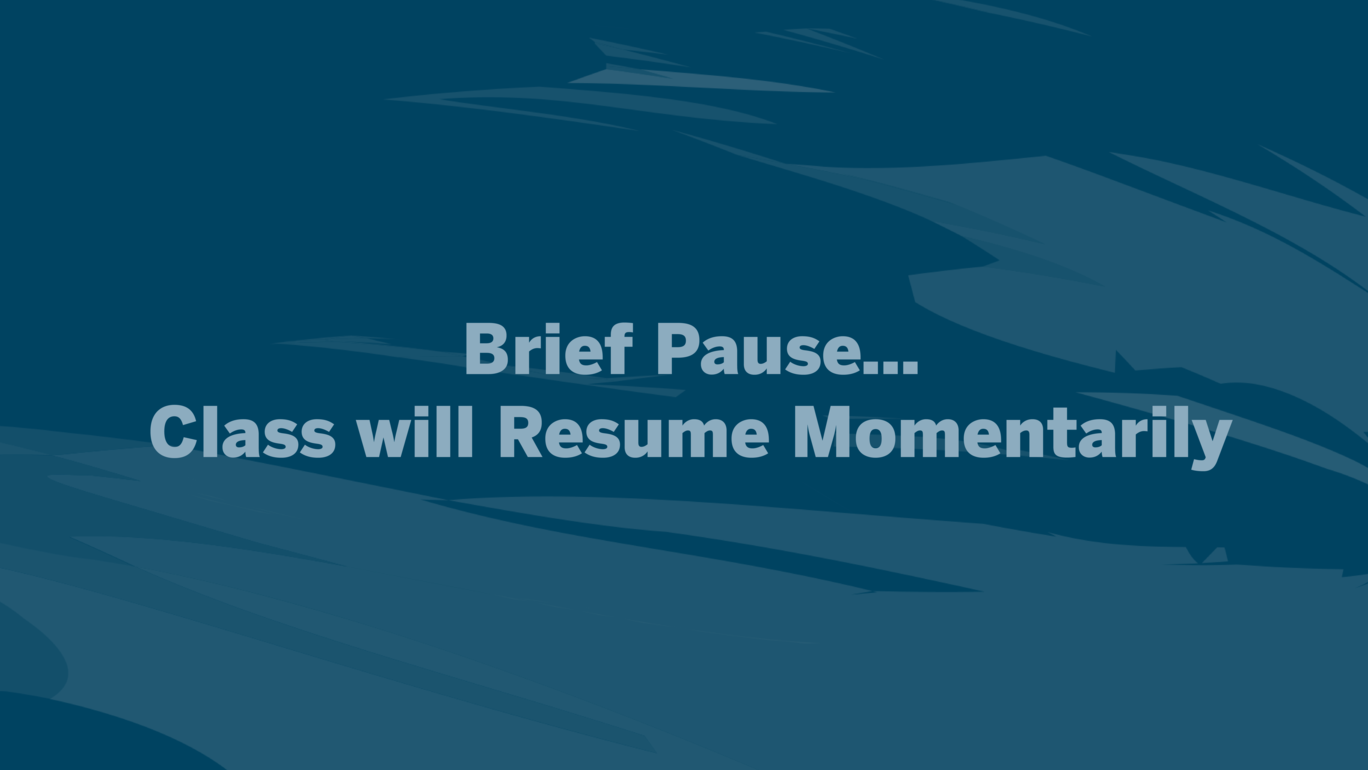
The professor wanted additional slides made for her class where they take a break time and when there is a brief pause. Left over from our palette were the darker colored backgrounds. I decided to go with the dark blue because it wasn’t too contrasted and loud against the text. I didn’t add a rectangle or icon behind the text either and centered it so that the students feel like the break time is visually different from the course content but still within the aesthetic of the course.


Filed Under: Fall 2021 - Spring 2022

  • « Previous Page
  • 1
  • …
  • 56
  • 57
  • 58
  • 59
  • 60
  • …
  • 63
  • Next Page »

link to LAITS home page

Video STA Home

© 2025 Liberal Arts Instructional Technology Services | Production Credits