• We are STAs
    • Asha Rountree
    • Haley Ma
    • Kate Shih
    • Kyra Lee
    • Nicholas Peasley
    • Sasha Kenney
    • Shanda Horm
    • Shriya Atreya
    • Tomas Marulanda-Mesa
  • We were STAs
  • STA Presentation
    • STA Presentation 2017
    • STA Presentation 2016
  • Testimonials
  • Resources
  • Home

STA Blog

TBH: Rusk County Map Update Pt.2

September 10, 2021 By Cristina Villarreal Núñez

TBH: Rusk County Map Update Pt.2

Welcome back to the Texas Beyond History Saga. Today we feature the newest installment in the series; “TBH; Rusk County Map Update Pt.2 – Electric Boogaloo.” As you might remember, the essence of this project is to develop an interactive image through Canvasser for a new Texas Beyond History page.


To recap what I said in the meeting last week but didn’t write in my blog, the map is currently functional as follows: the external links (the ones with the descriptions and images from each of the highlighted locations) now open within the same tab as the map’s page, and the user will have to click on the browser’s back space to return the map or –and I’ll elaborate on this in a bit– click on special buttons on each external site that will take them back to the map’s page. I also made an update to the links on the map. Now, the pages you are taken to when clicking on the hotspots take you to the –now pending– links where the pages will be once they’re done, rather than to the backup draft page.


Now that the interactive map itself is pretty much done, the next step is to focus on the web development part of the assignment. Specifically, we have to focus on three different sites. One, the page where the map will be placed after all; two, the draft page where they want us to embed the map now; and three, a sample page (specifically for the Ware Plantation spot) for them to use as a reference to copy/paste the format and rework that into all the other sites they will make. So, given that this is a lot to ask of us without the proper clarifications, as Lauren, from the webdev team helped me build a little something-something for the Ware Plantation site, I worked on some mockups to get the client to tell us specifically what they think.
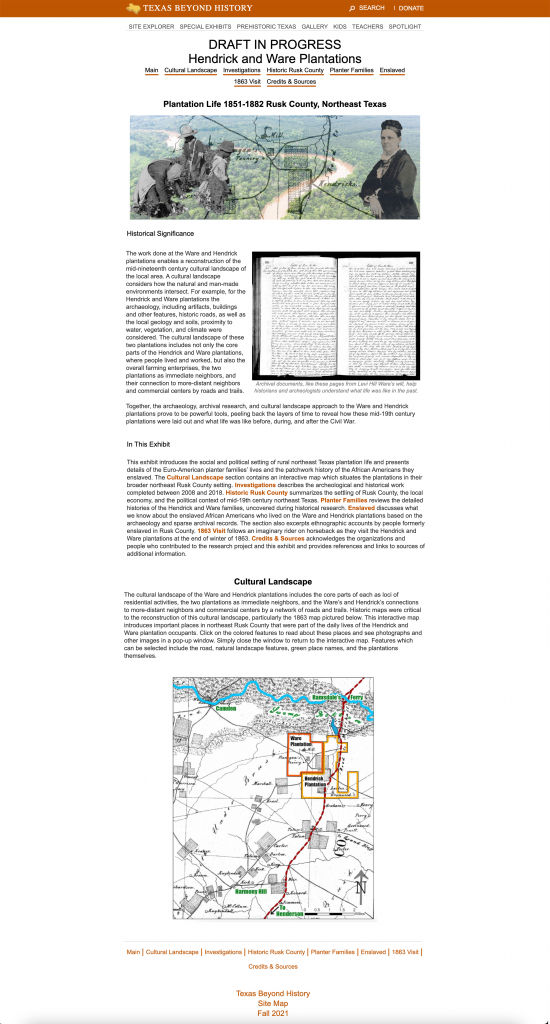


This image is a visualization of how the interactive map might end up looking when inserted into the official Rusk web exhibit. The purpose of this mockup was to let the client use it use as a reference to know how they might need to work with the layout of the site (text editing and such) once the map is inserted.
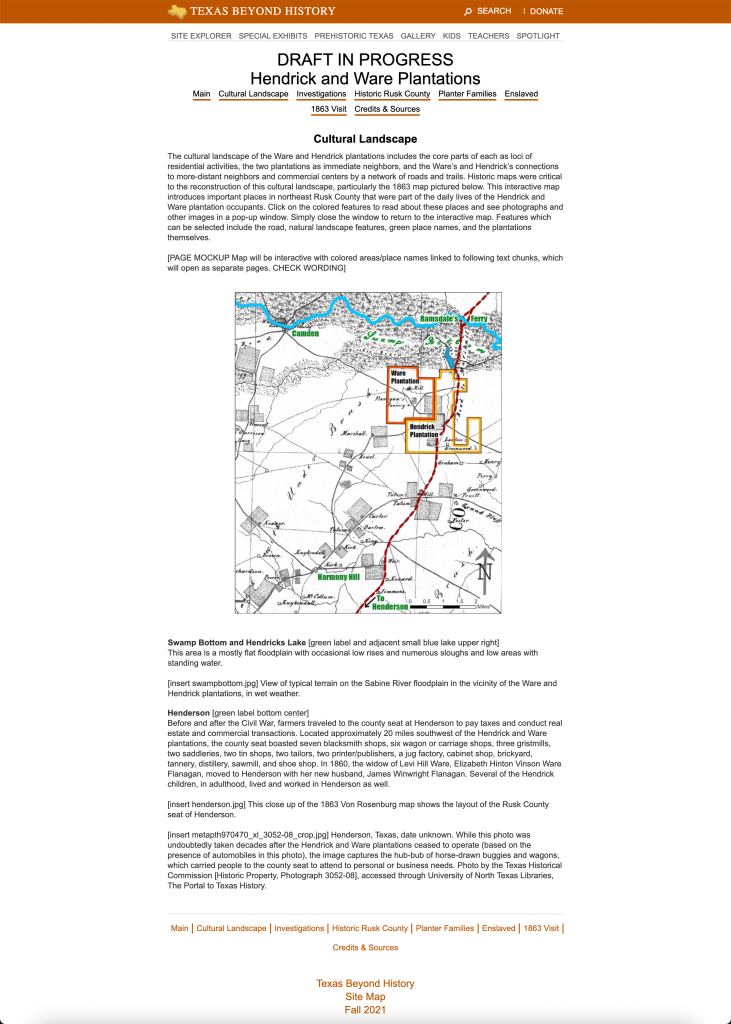
. This image represents how the map would look like when we insert it into the draft page. The map in this mockup was placed in that spot to be “preceded by a paragraph above and a paragraph below”, as they requested. Also, the size of the interactive map was decreased in comparison to how it currently looks on the page so that the map would be fully visible on the screen without having to scroll down, to improve the user experience.
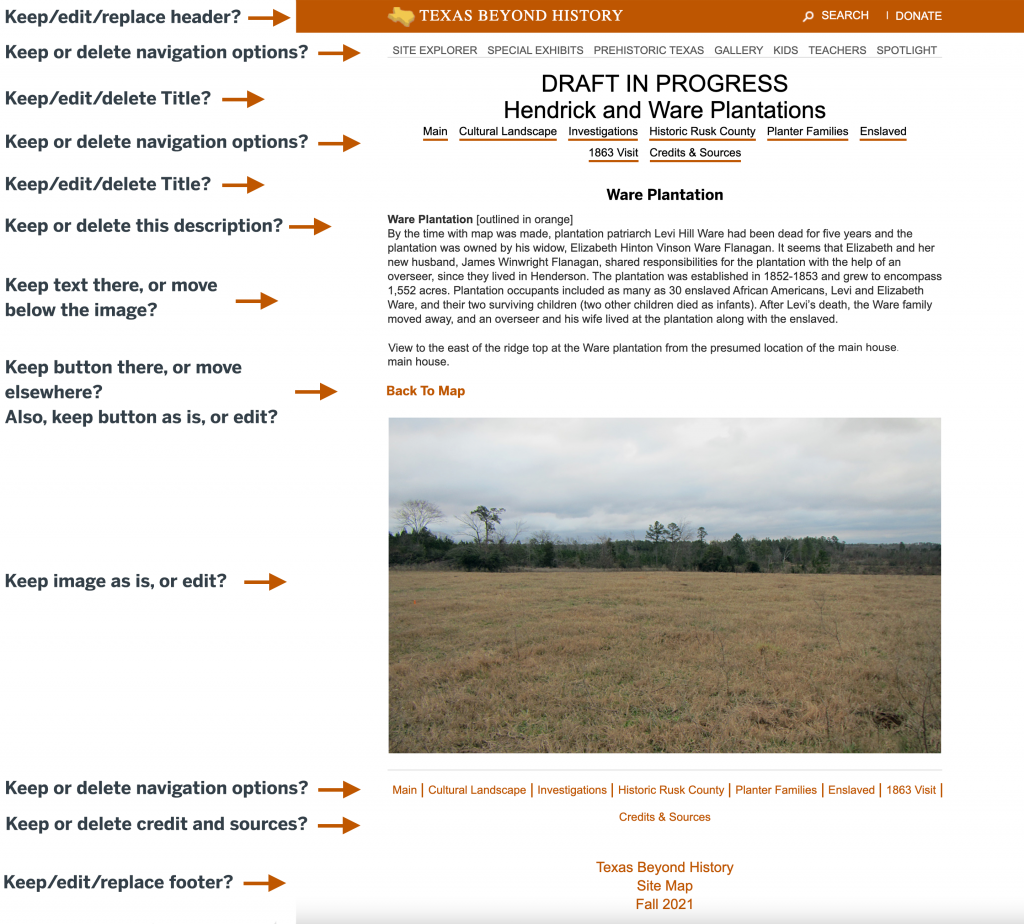
Finally, this is a mockup for the Ware Plantation page and how it could look like. For this mockup we want the client to let us know more explicitly what elements they would like to keep, delete, replace, or edit once these changes are implemented to the site online.

Also, to clarify the vocabulary I used in the third mockup, here is what I mean by that:

Keep: Leaving the element exactly as it is.
Delete: Getting rid of the element altogether.
Replace: Continuing to use the concept of the element (i.e. a header or title) but replacing the format to a different style of your choosing.
Edit: Continuing to use the concept and specific element but making further changes to improve upon it. Make sure to further elaborate on the edits to be made. For example, keeping the image but resizing it, requesting to move the text below the image, removing a specific portion of the text, changing the wording on the titles, etc.


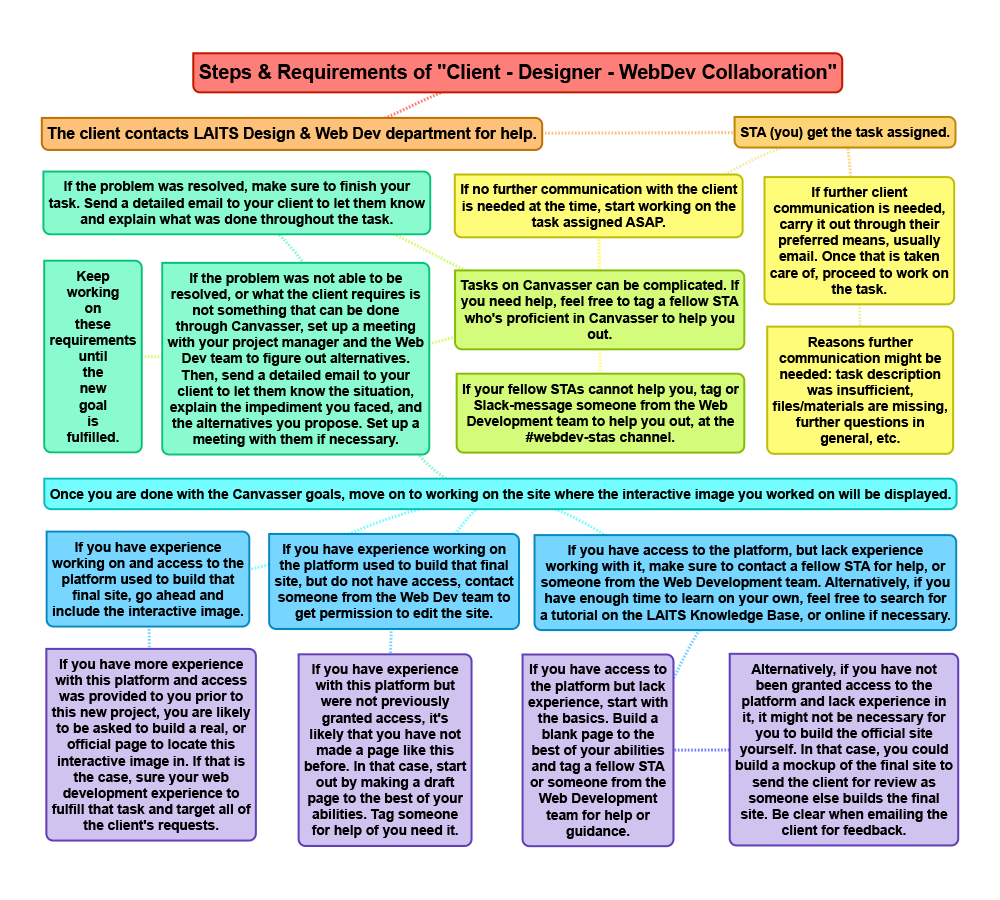
Finally, after sending all of that in an email to the client [response still pending], today I worked on a flowchart of the collaboration process throughout this project. I haven’t had any feedback on that yet, but so far, this is how that looks like:
Filed Under: Fall 2021 - Spring 2022

Traveling for free

September 10, 2021 By Megan Fletcher

Traveling the world for free this week

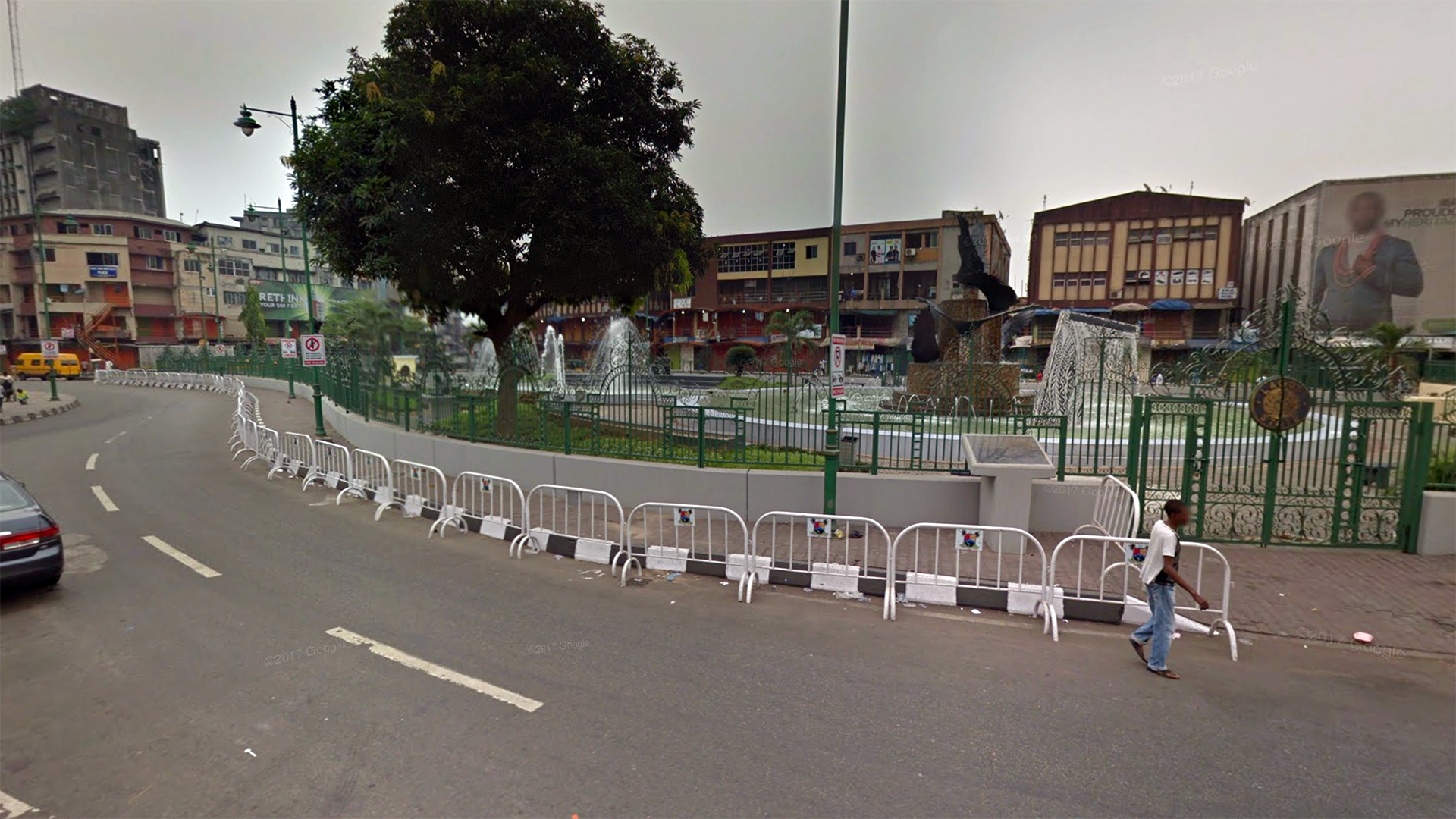
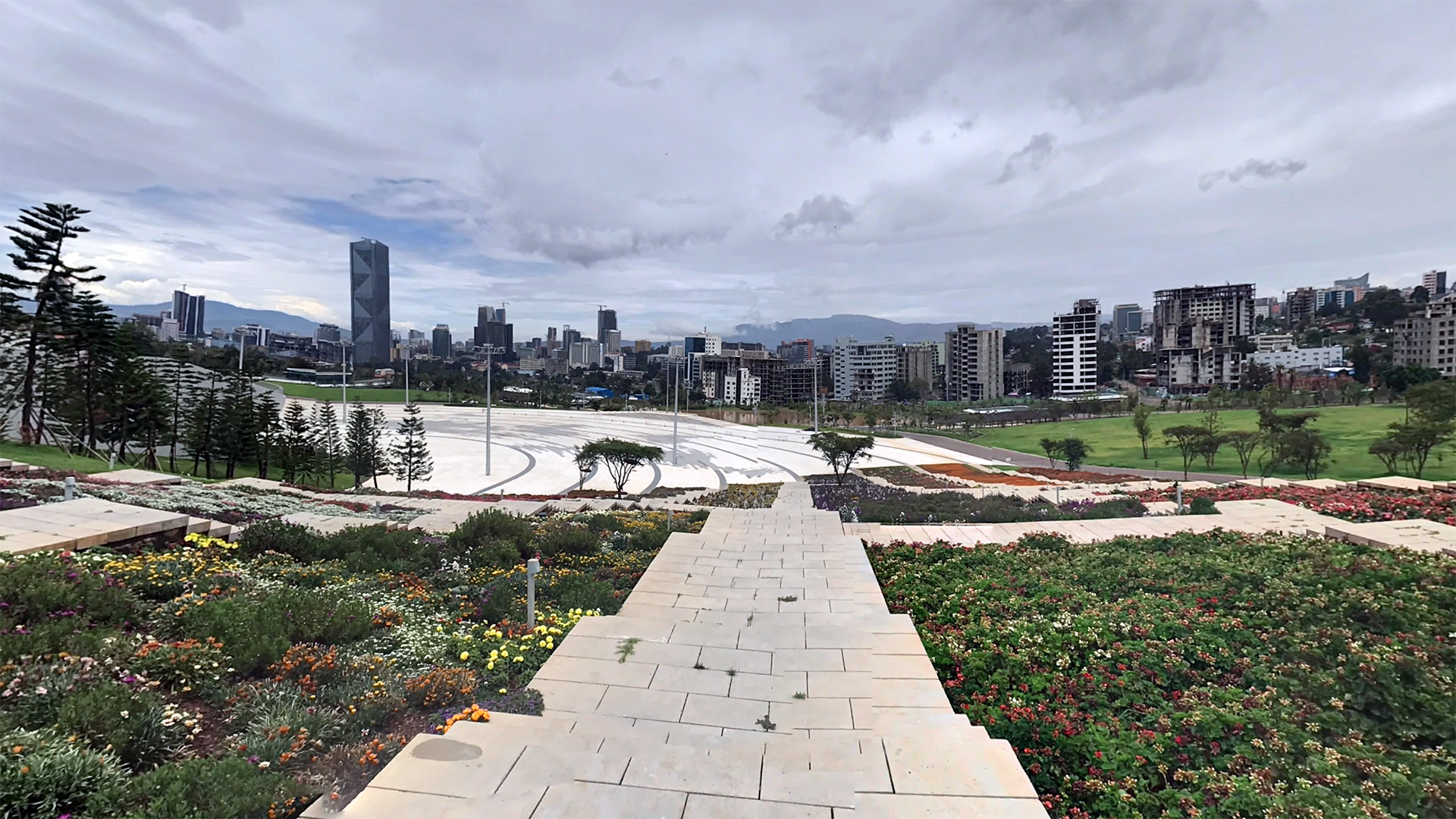
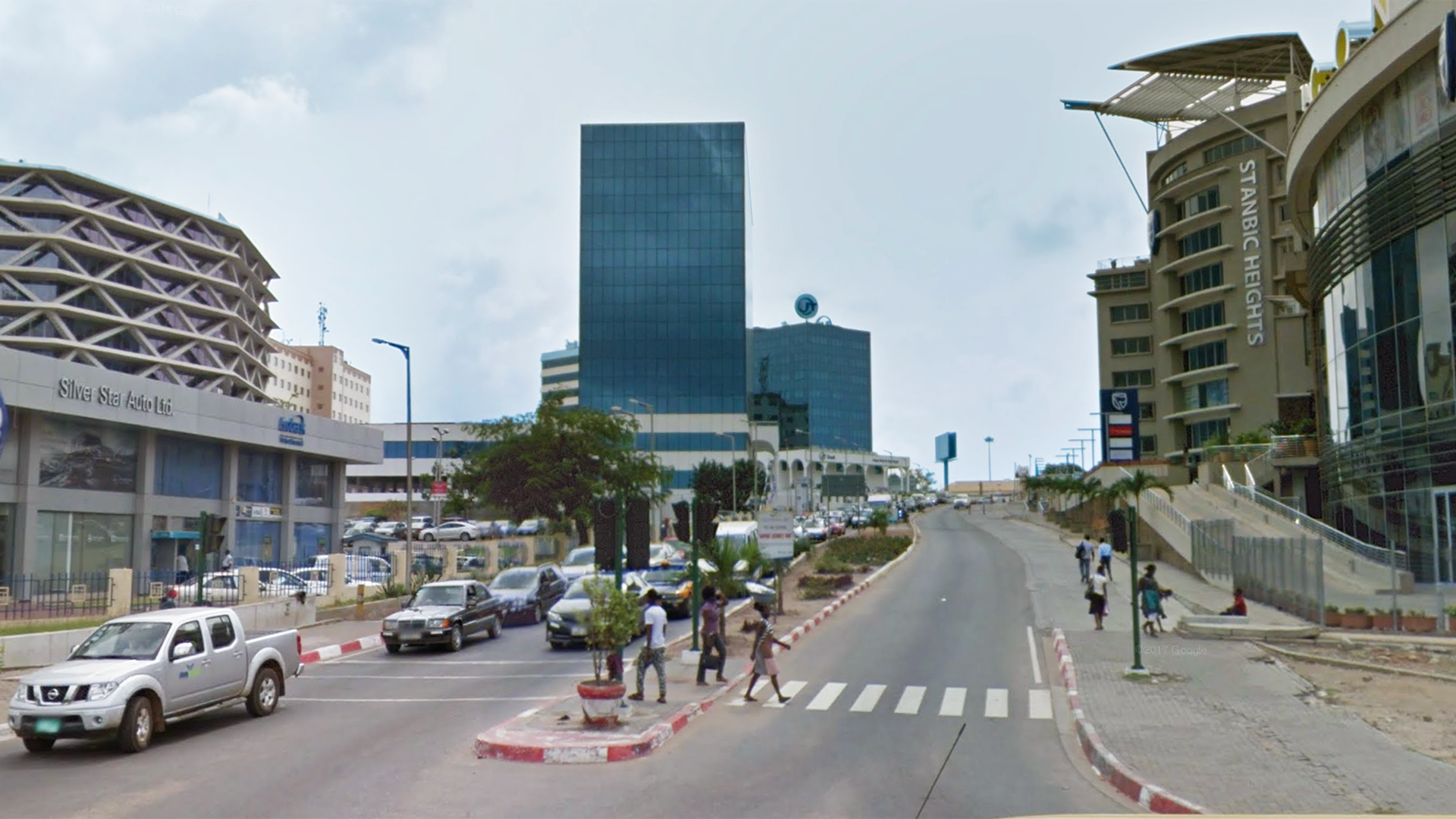
This week, I’ve worked a lot on the stinger animations in After Effects and finding street-level images in various cities throughout Africa for Dr. Gordon’s AFR 303 class.


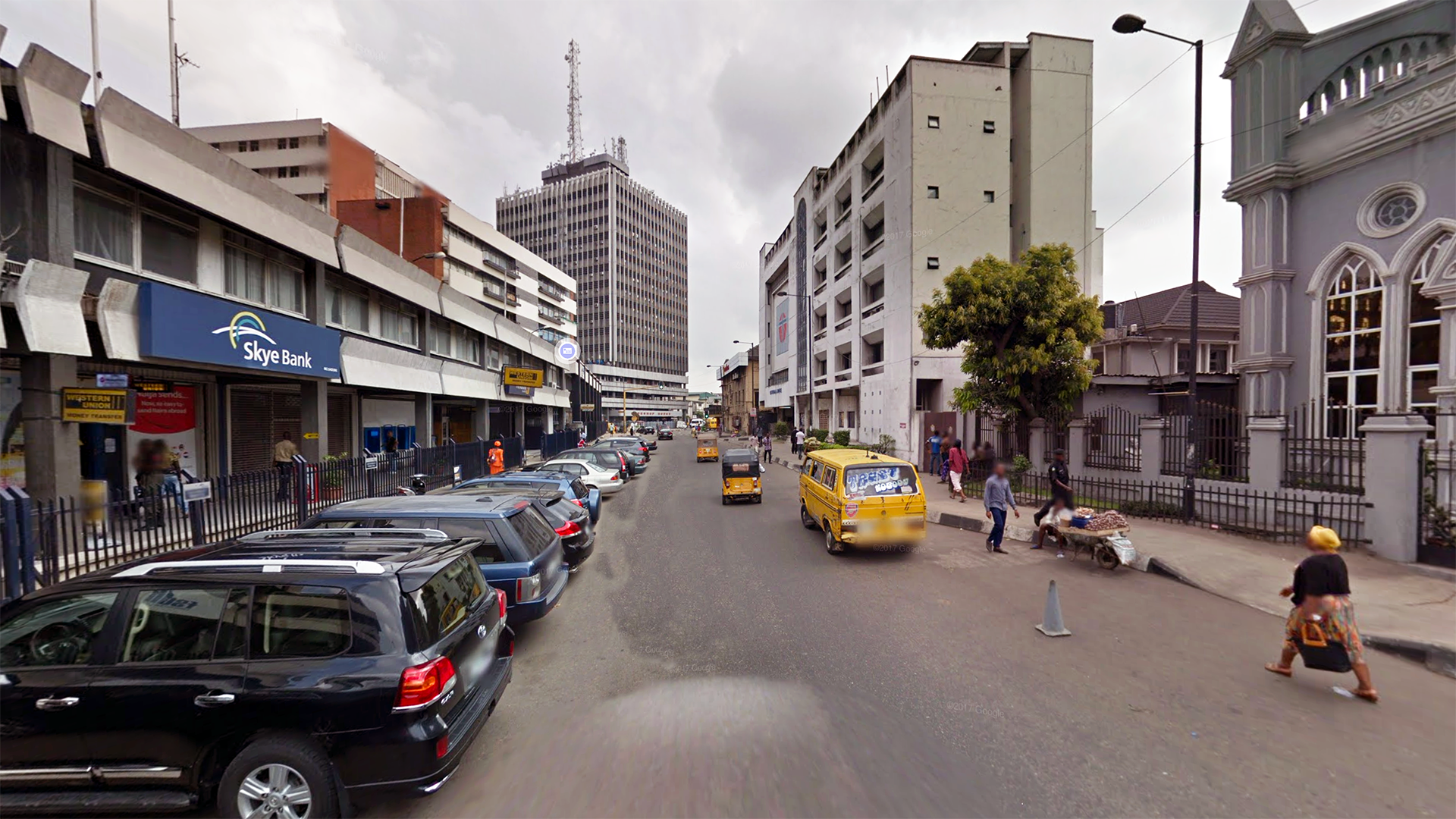
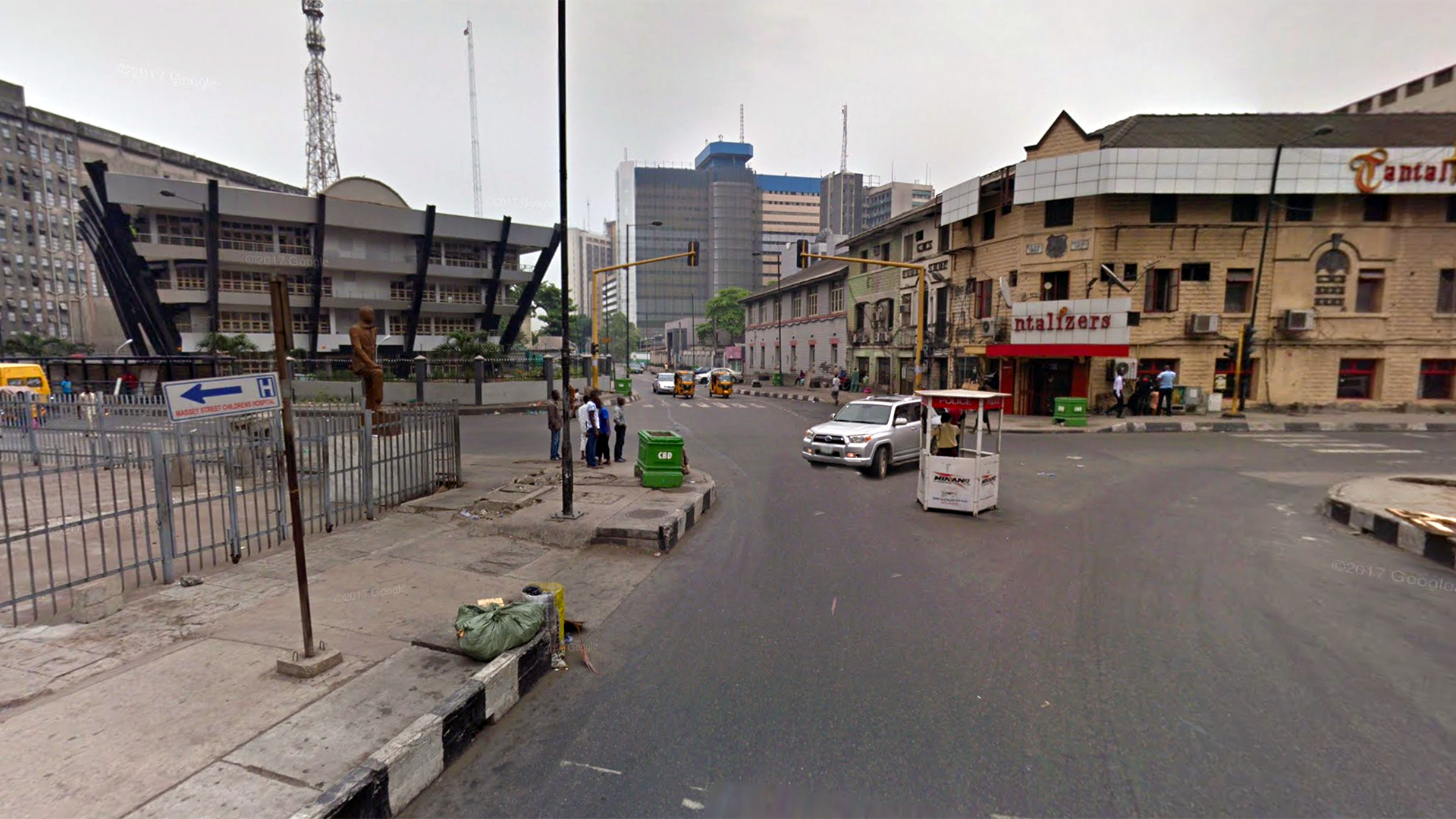
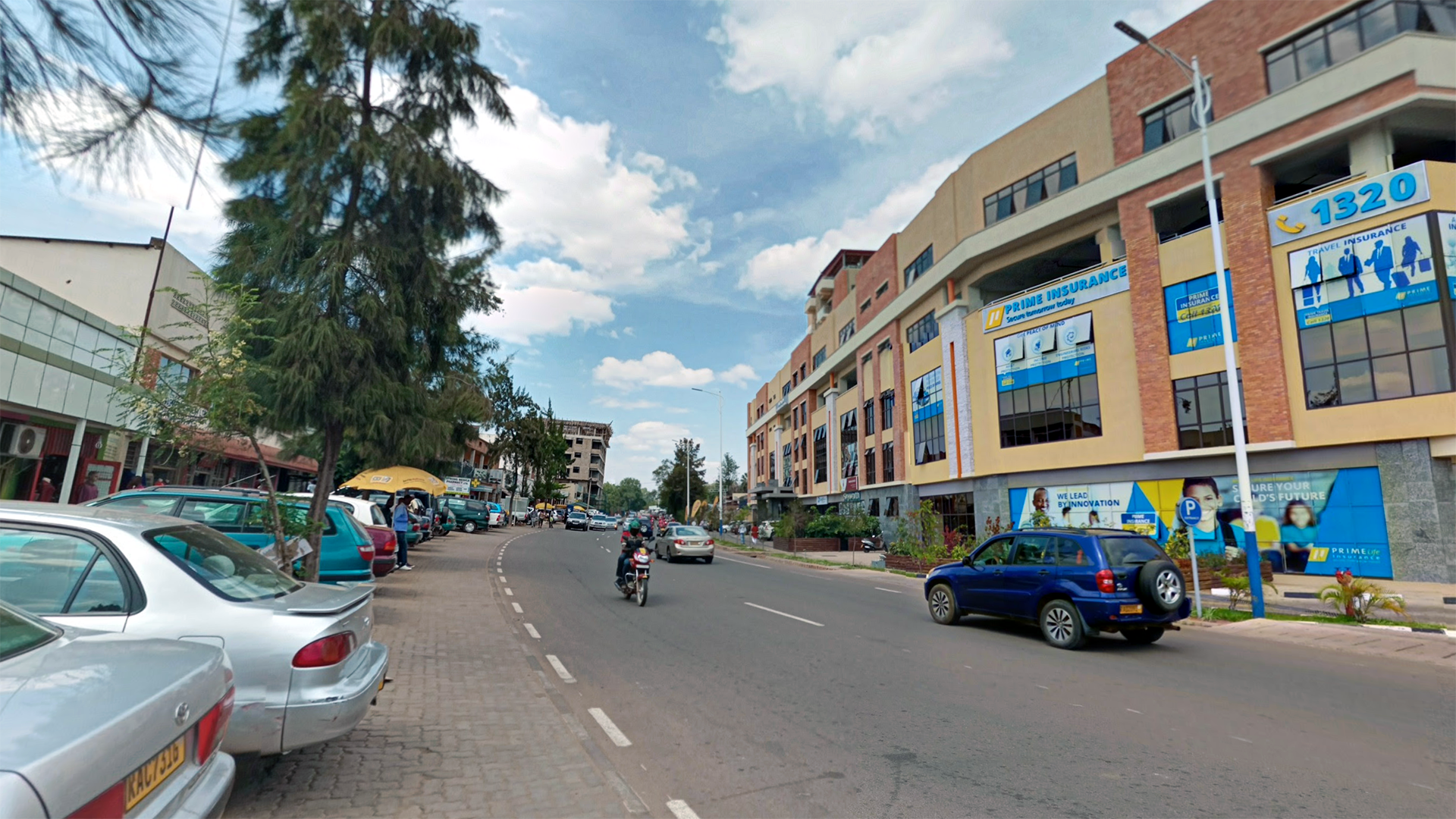
Maddy had the great idea of using Google Street View, combined with basic tourist sites, to find the city skyscraper-type pictures that Dr. Gordon wanted. It was pretty successful, although I spent a lot of time hopping around Accra, Ghana for a good shot. Once I took screenshots, I did some color correction, cropped to the correct aspect ratio, and erased Google’s street names with the clone stamp tool when necessary. Here are some of the edited versions.


Filed Under: Fall 2021 - Spring 2022, We are STAs

I Hate WordPress

September 10, 2021 By Marianne Lê

So

It’s Friday

My last workday of the week


WordPress decided to update while I was working and it broke our work.

I wanted to cry

Thank You Ruben for figuring it out


Filed Under: Fall 2021 - Spring 2022

Week 3: electric booga-tree?

September 10, 2021 By Rachel Sacks

Hello and welcome to my third week blog post! I can’t believe I’ve been here almost a month now, it’s gone by so fast! I really like what I’m working on, so it’s easy for me to sort of get sucked into my work. Often I have trouble getting myself to stop for the day and log off, but it’s a skill I’m working on. Sometimes you need to take a break and just, you know…

V I B E 

…anyway! This week, I spent most of my time creating the stinger animations in after effects. It was a pretty straight forward process, although I had some issues with After Effects crashing when I had too many keyframes visible at once. Fortunately, it was an easy fix (restarting the program), and I didn’t even have to turn the computer off and on again!

The first drafts for the Chat Stinger had a version with extra bubbles, and one without:

With bubbles

http://sta.laits.utexas.edu/wp-content/uploads/2021/09/Chat-Stinger-Draft2-A.mp4

Without bubbles

http://sta.laits.utexas.edu/wp-content/uploads/2021/09/Chat-Stinger-Draft2-B.mp4


We ultimately decided on the second one without the additional bubbles. The extra animation cluttered up the screen a bit too much, and with these types of graphics, less is often more. Next, Suloni suggested I create a version where the “…” on the chat bubble comes back and forth. I initially wanted to have it appear and disappear 3x, but 2x ended up fitting much better within the 4 second time frame of these graphics. This is the current version I have made:

http://sta.laits.utexas.edu/wp-content/uploads/2021/09/Chat-Stinger-Draft3.mp4

For the Insta-poll animation, I was able to adhere pretty close to the animatic I made for it. The first draft looked like this:

http://sta.laits.utexas.edu/wp-content/uploads/2021/09/Instapoll-Stinger-Draft1.mp4

In the second draft, I added in a fade-in, and a little pop-in to the three dots on the side of the circle, pretty much the exact same way I did the ellipses on the Chat stinger. I’m not sure if we’re going to keep that in, but I think the effects adds a little pizzazz to the animation without overpowering the text.

http://sta.laits.utexas.edu/wp-content/uploads/2021/09/Instapoll-Stinger-Draft2.mp4

Next week I will continue making changes to this, as well as create the animation for the TA Discussion stinger. I’ve already imported that into after effects, and plan to animate the “discussion” bars growing, as well as possible some sort of entrance transition if it does not make it too busy.

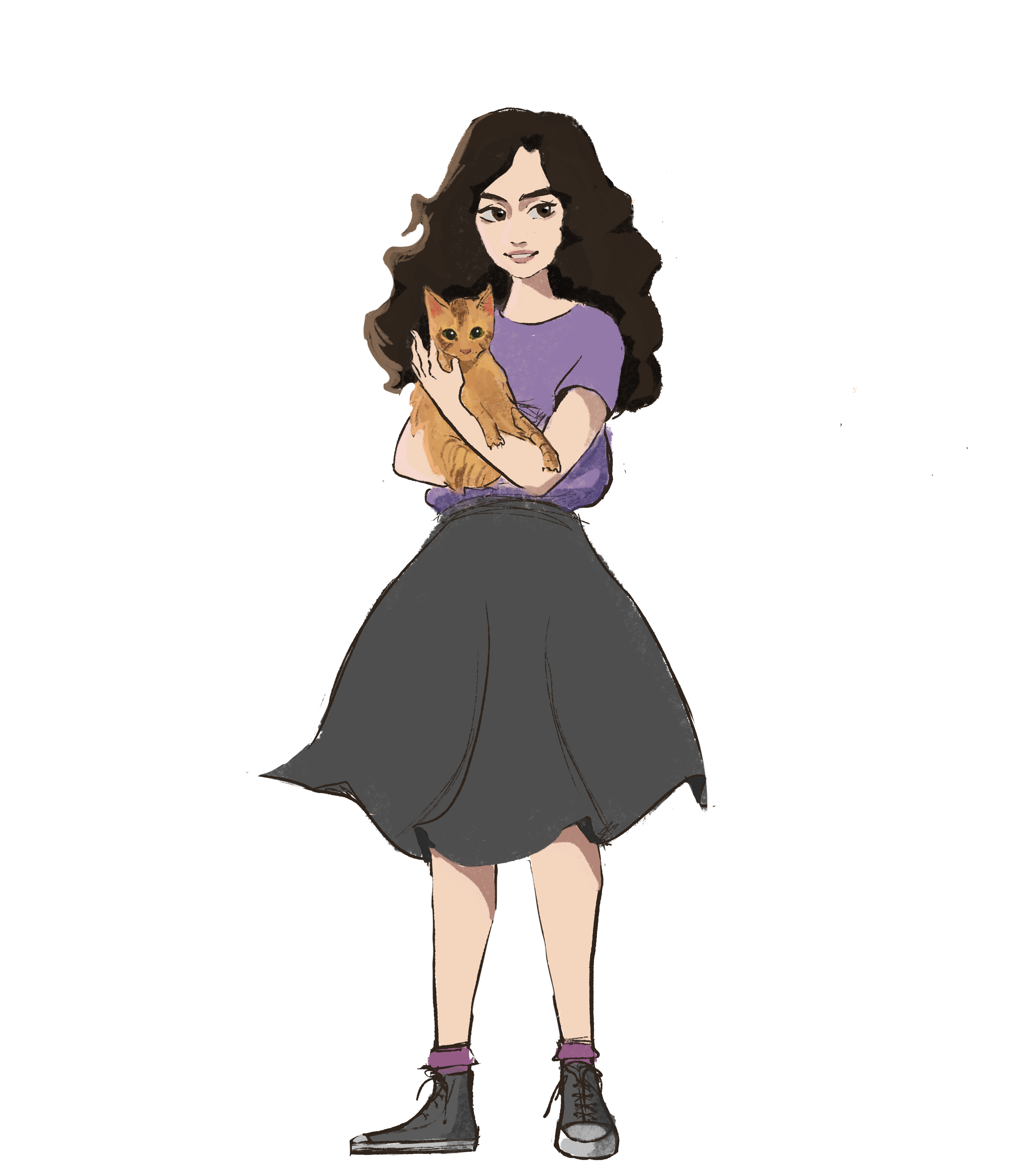
Finally, this week I created the caricature of myself for the STA Blog banner! Here is me and my amazing cat Travis.

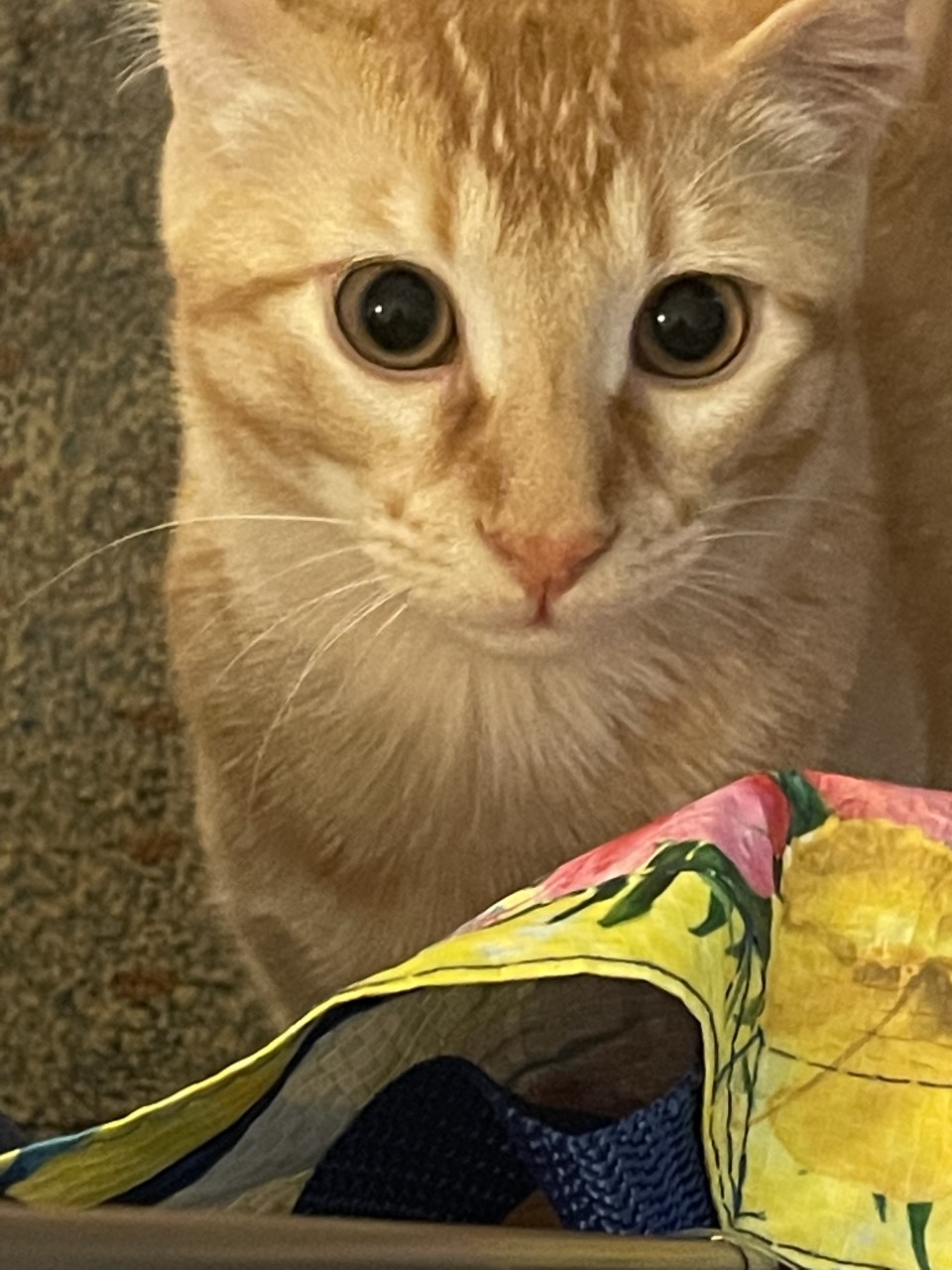
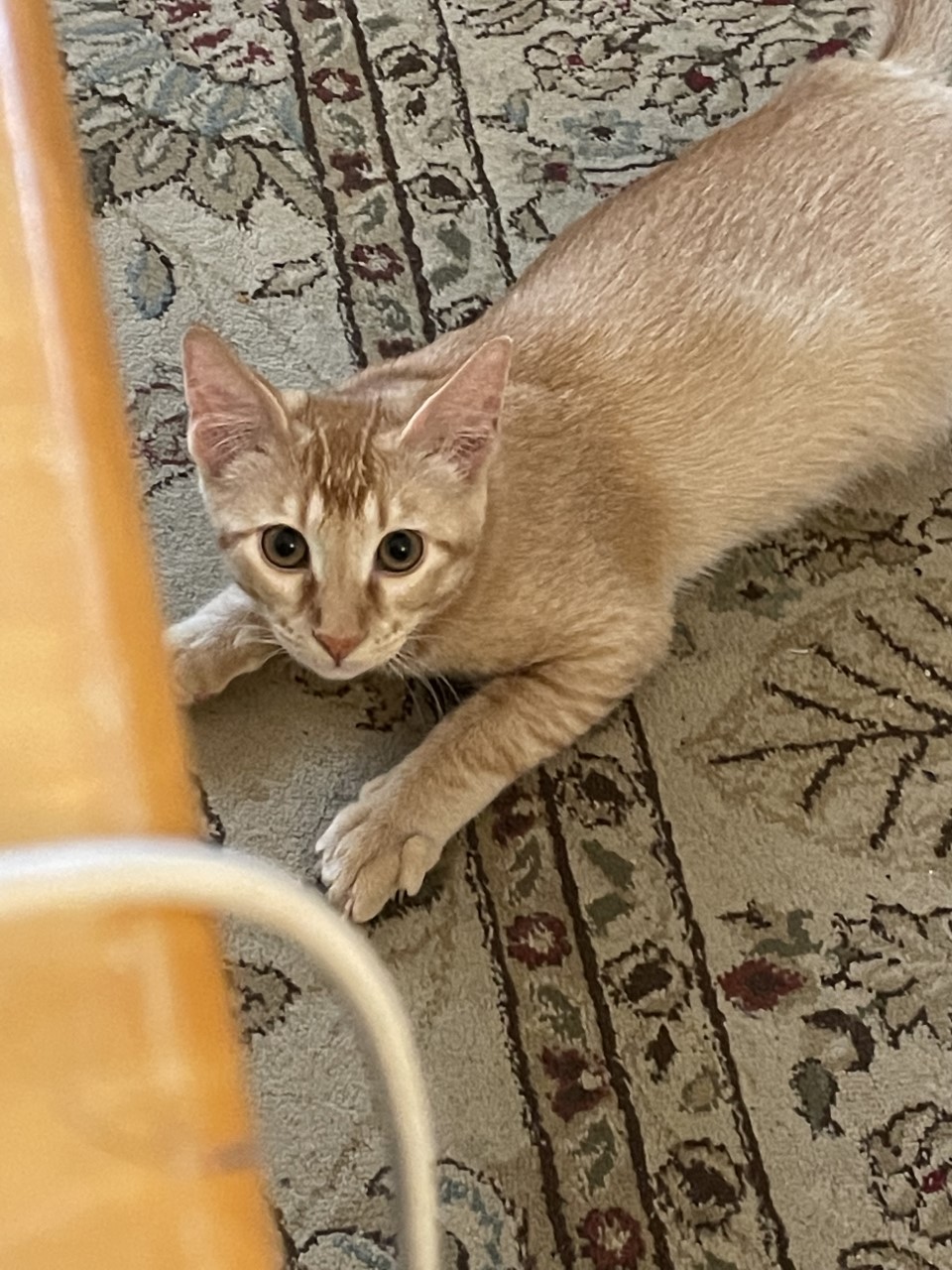
Here are some actual photos of Travis to brighten your day:

Filed Under: Fall 2021 - Spring 2022, We are STAs

Week III: Housekeeping

September 10, 2021 By Adrian McKee

Week III: Housekeeping

This week, leading up to and right after my Web Refresh meeting Wednesday, I was not given much to do in Pages. With Michelle’s permission, I worked on some basic STA trainings, though I was slightly sidetracked by some priority confusion.

History of Design Training

For this exercise, I made a Bauhaus-style poster. This was my first official design training (besides making banners for webdev trainings by blindly poking around in Photoshop) so I did pick up a bit more understanding of the software than the experimental method granted me.

I also made an inverted version that looked more space-age than Weimar, by playing around with filters.

Color Correction Training

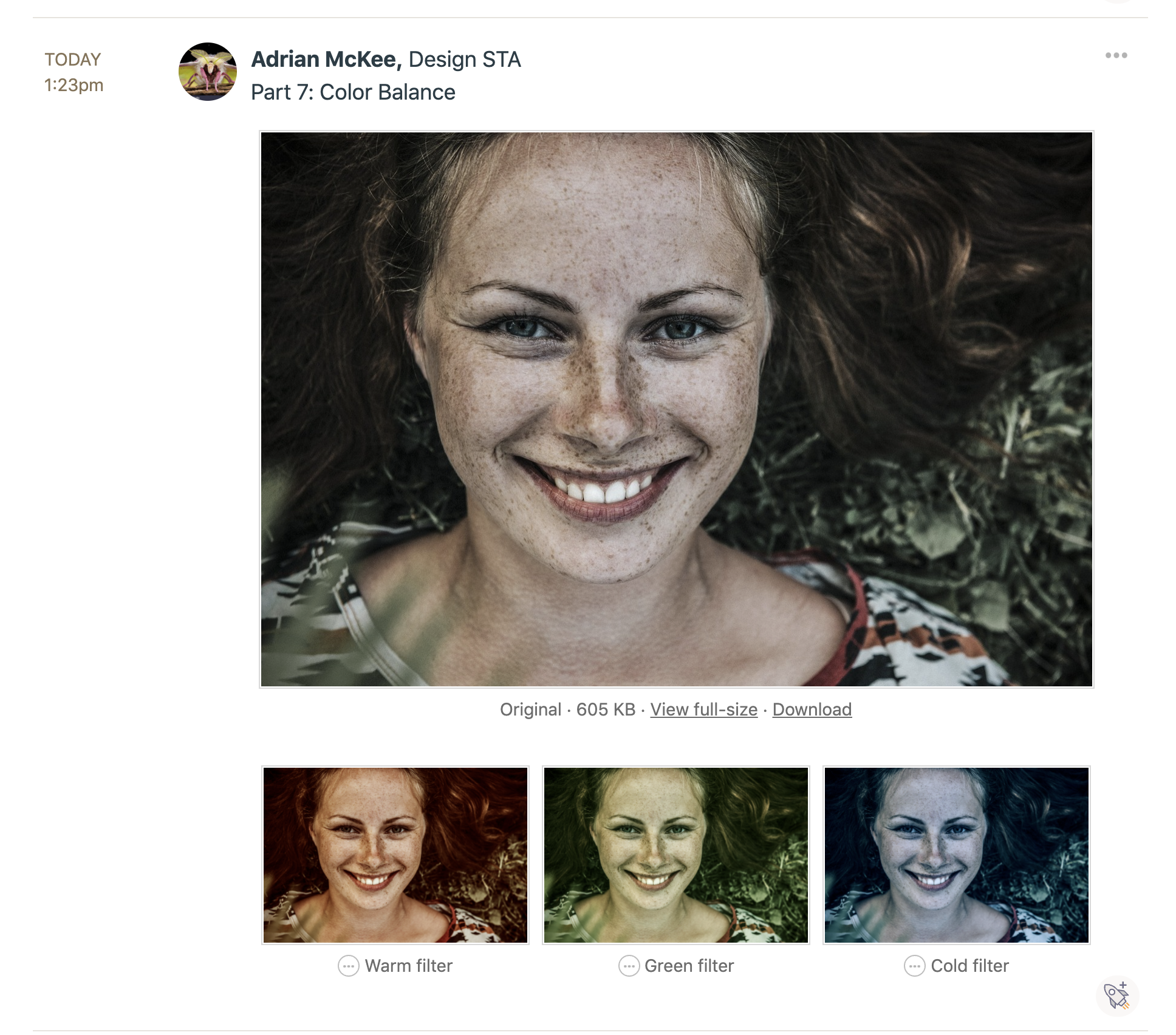
This training was straightforward enough that I don’t have much to report on, except my habit of over-saturating photo edits.

These in particular were commented on as a bit much; I think my experience with illustration has given me a maximalist impulse that I hardly realize sometimes.

Bonus: special operation from Suloni

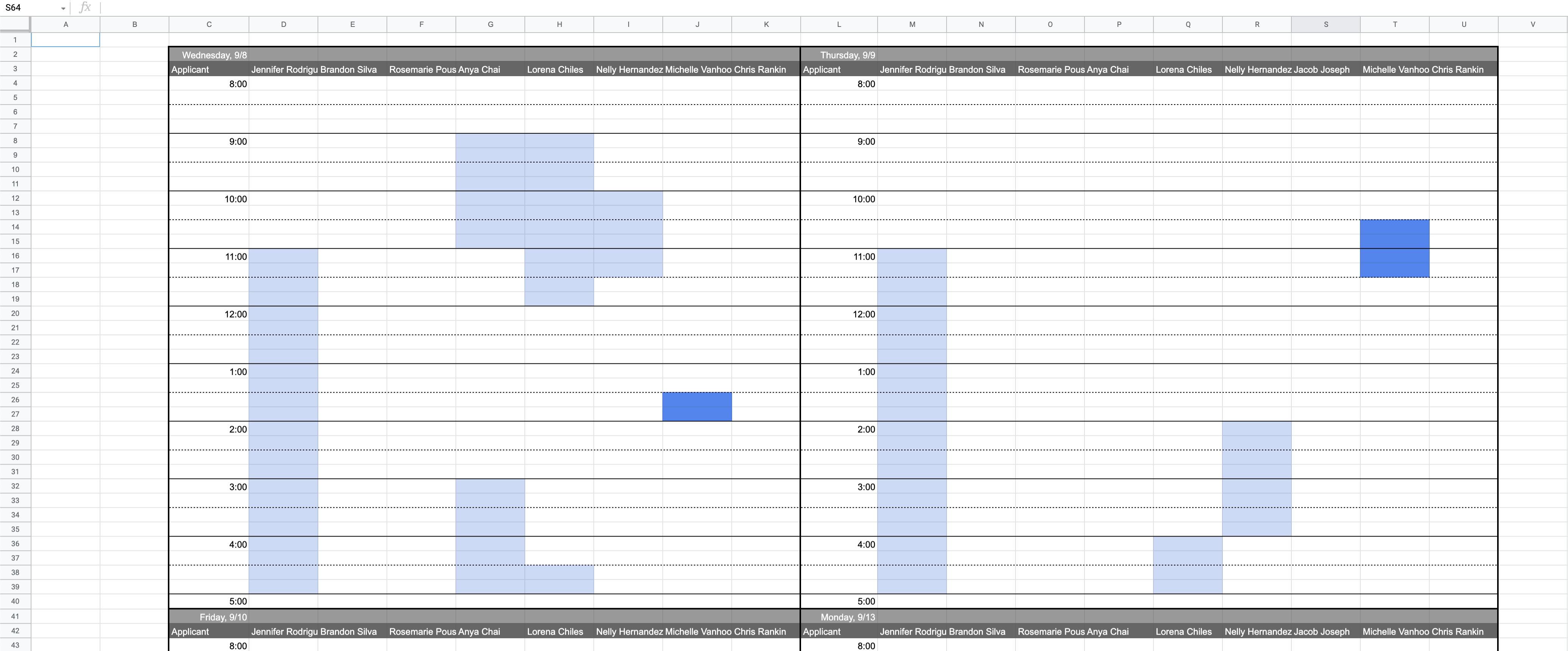
Another chunk of time this week was put into making a spreadsheet to help Suloni schedule interviews. I am not very good at Google Sheets, so it took some tedious experimenting to lay it out right, but I wanted to show off the meticulously formatted end result.
I also started the Photo ID training, but without enough progress to report here. Next week will probably be busier, once the Web Refresh project picks up steam.

Filed Under: Fall 2021 - Spring 2022

AFR303 Intro

September 8, 2021 By Sheryl Long

AFR303 Intro Clip

Client /Prof: Dr. Gordon
Completion status: Completed
Teammates & Staff: Megan, Maddy, Ean
Description/plans: Create a 5 to 6 second intro animation using a text clipping mask effect.

Megan sourced some usable photos from the AFR ppts and prepped the AE file (Thank you! I would not have been able to finish on time otherwise) Ean made the audio, then I fixed up some of the photos and mapped them to the audio. Here’s what we came up with:

http://sta.laits.utexas.edu/wp-content/uploads/2021/09/AFR303_PhotoIntro.mp4

Filed Under: Fall 2021 - Spring 2022

  • « Previous Page
  • 1
  • …
  • 53
  • 54
  • 55
  • 56
  • 57
  • …
  • 63
  • Next Page »

link to LAITS home page

Video STA Home

© 2025 Liberal Arts Instructional Technology Services | Production Credits