• We are STAs
    • Asha Rountree
    • Haley Ma
    • Kate Shih
    • Kyra Lee
    • Nicholas Peasley
    • Sasha Kenney
    • Shanda Horm
    • Shriya Atreya
    • Tomas Marulanda-Mesa
  • We were STAs
  • STA Presentation
    • STA Presentation 2017
    • STA Presentation 2016
  • Testimonials
  • Resources
  • Home

STA Blog

Institue for Historical Studies Suffrage Poster

November 6, 2019 By Jake Engelberg

Institute for Historical Studies Suffrage Poster

I was tasked with creating a poster for the Institute for Historical Studies, who are hosting a talk to commemorate 100 years since the 19th amendment.


There were a few challenges:

  1. Lots of text of different types was to be included.
  2. The tone of the talks were not positive.
    1. However, I want to portray the talks as critical of the past, but not intensely anti-American.
    2. A critical tone is hard to portray within a poster, especially given an image of the side the talks support (not the opposition one is being critical about).


My first draft, in an effort to make the different varieties of text easy to distinguish and read, used gradient blocks. However, this ended up actually being confusing to read, and it wasn’t very visually appealing.
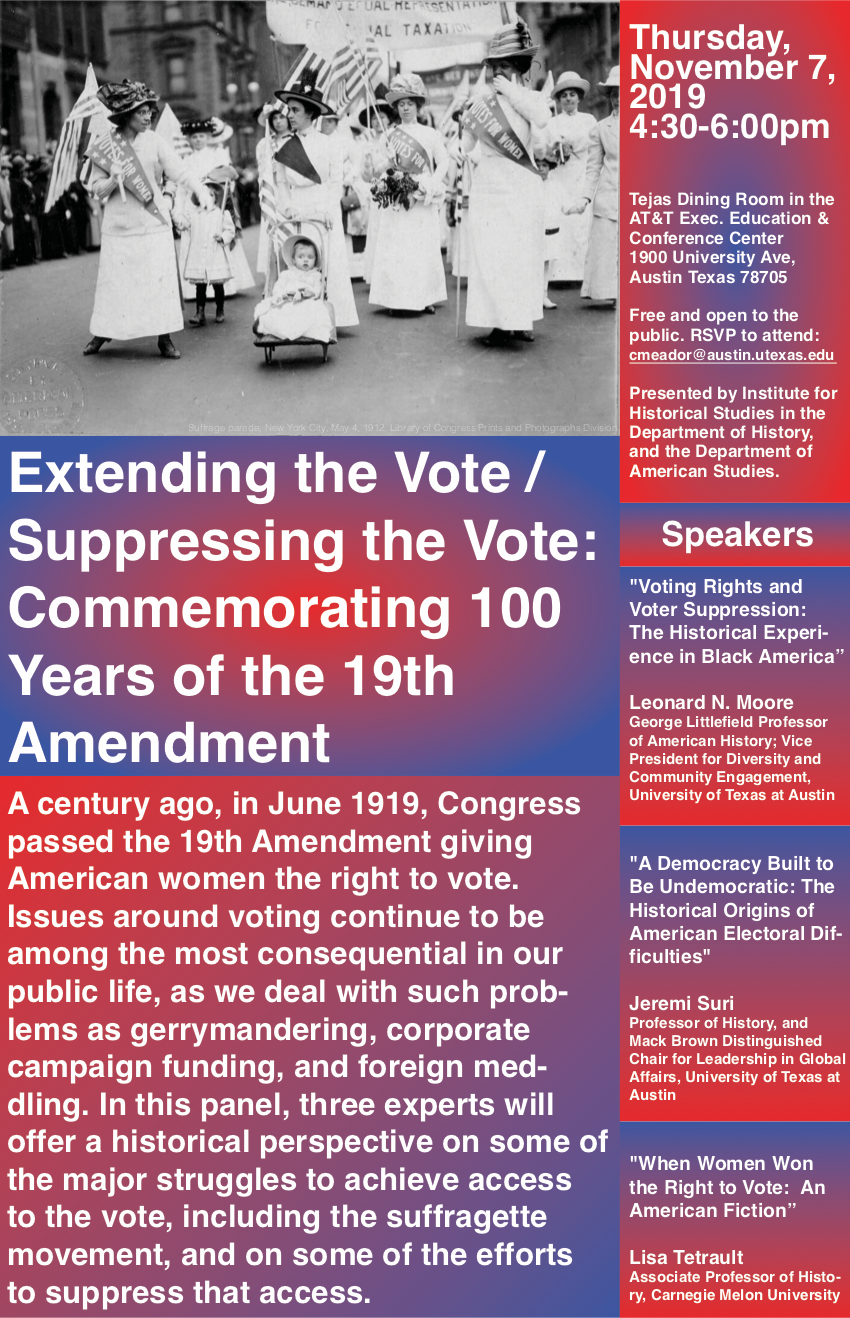
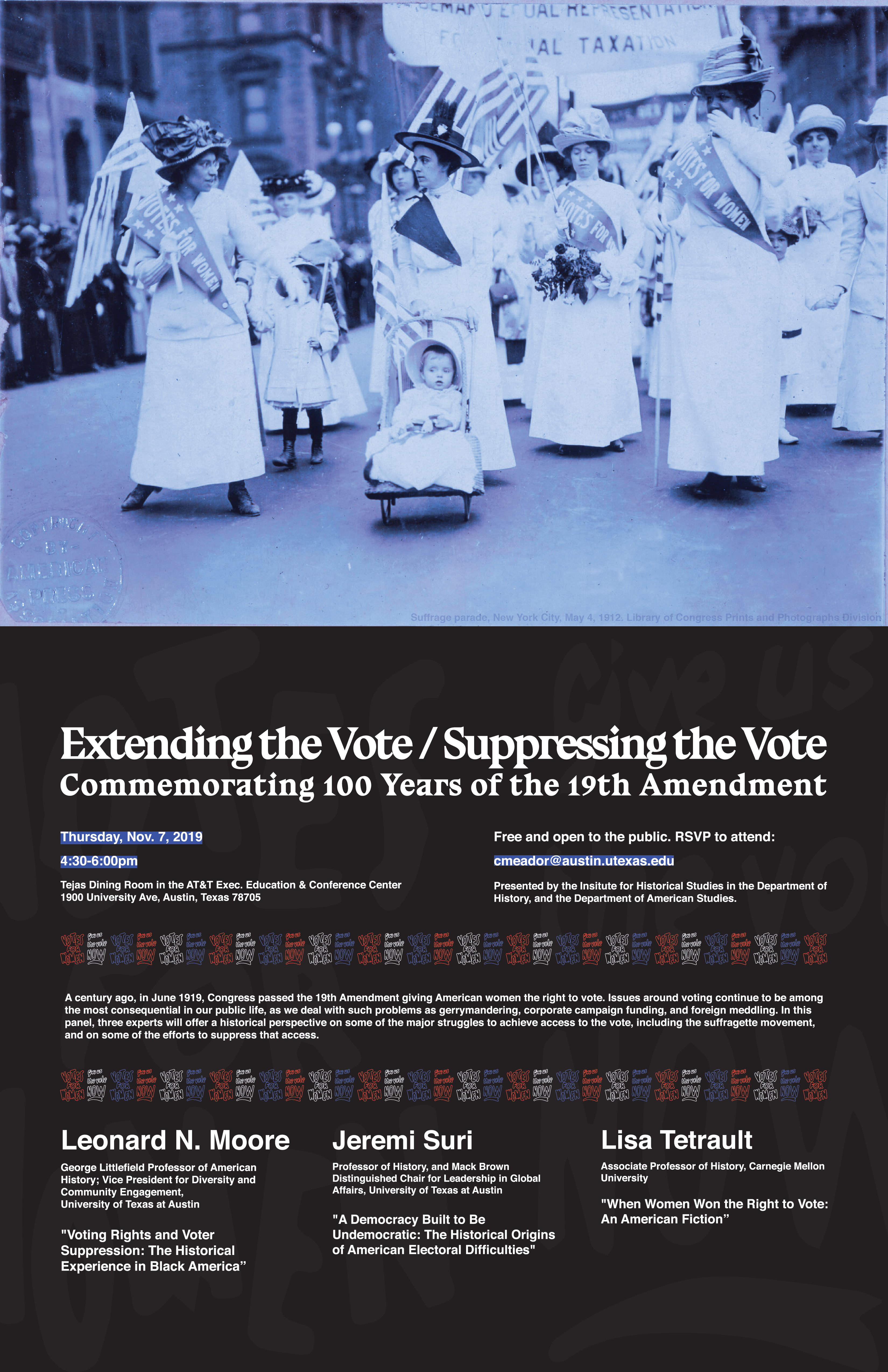
The hours I spent with the text, though, rearranging it in different ways, eventually enlightened me to the point where I could see a simple way to organize the text which was still unique. In the end, I was able to insert many elements of design that I enjoy using in my own work: blocky highlighting, faint patterns in the background, and distorted text. The distorted text in particular was actually suffrage posters’ text extracted from photos. The distortion offers a darker, historical tone, which luckily came from the poster creators themselves rather than my own editing (which is a false visual narrative). I really like the end result. Special thanks to Jaclyn for helping touch up elements of the design, such as creating larger negative space to frame the text, and decreasing the size of the colored pattern to remove unwanted attention.
 

Filed Under: 2019 Fall-Winter | Spring-Summer 2020, Uncategorized

Vlabs Plus More

November 6, 2019 By Estella Sun

Like the past few weeks, VLabs has continued to take up the biggest chunk of my time at work. I’ve continued to make changes like being able to click out of the dropdowns/sidenav, tweaking font sizes, and mobile responsiveness. Some next steps include talking to Jac about the icon and home page image. https://anthro-virtual-labs.development.la.utexas.edu/

Other than vlabs I’ve done several COLA IDs. This round was a little rough because many of the pictures that we got were poor quality or too small.

I’ve also done some Cascade help requests like helping Joe and Joe (haha) with editing their pages in Cascade. I’m also guiding Thuy how to create a new web presence for New Writers Project. Finally, I’ve done a banner update and other minor cascade changes.

Upcoming Assignments: I’ll be starting to help with Reformatting Abnormal Psychology PPTs. Continued COLA IDs.


Filed Under: 2019 Fall-Winter | Spring-Summer 2020

PSY 352: Abnormal Psychology Updates

November 5, 2019 By Thuy H Nguyen

PSY 352: Abnormal Psychology Updates

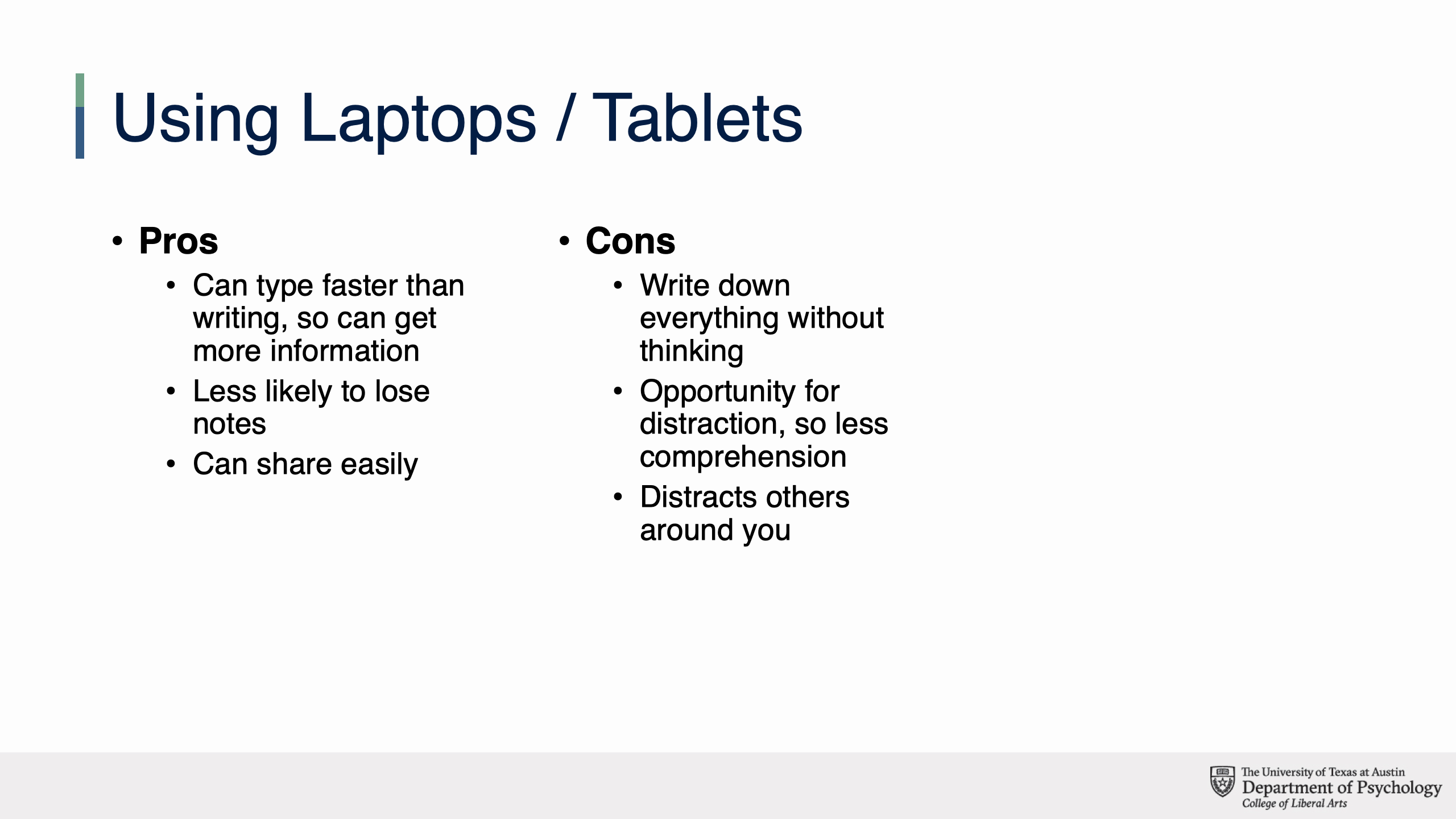
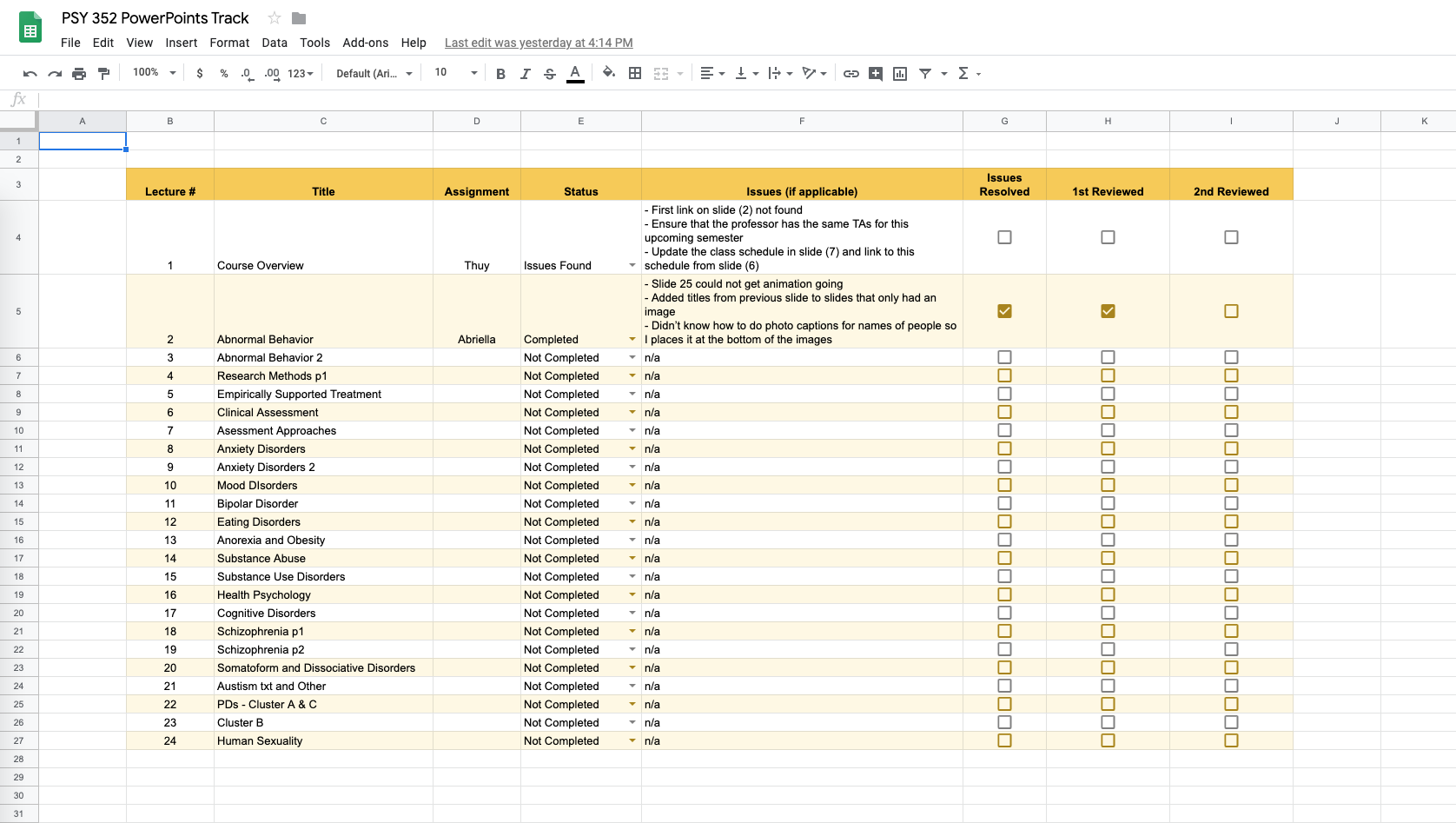
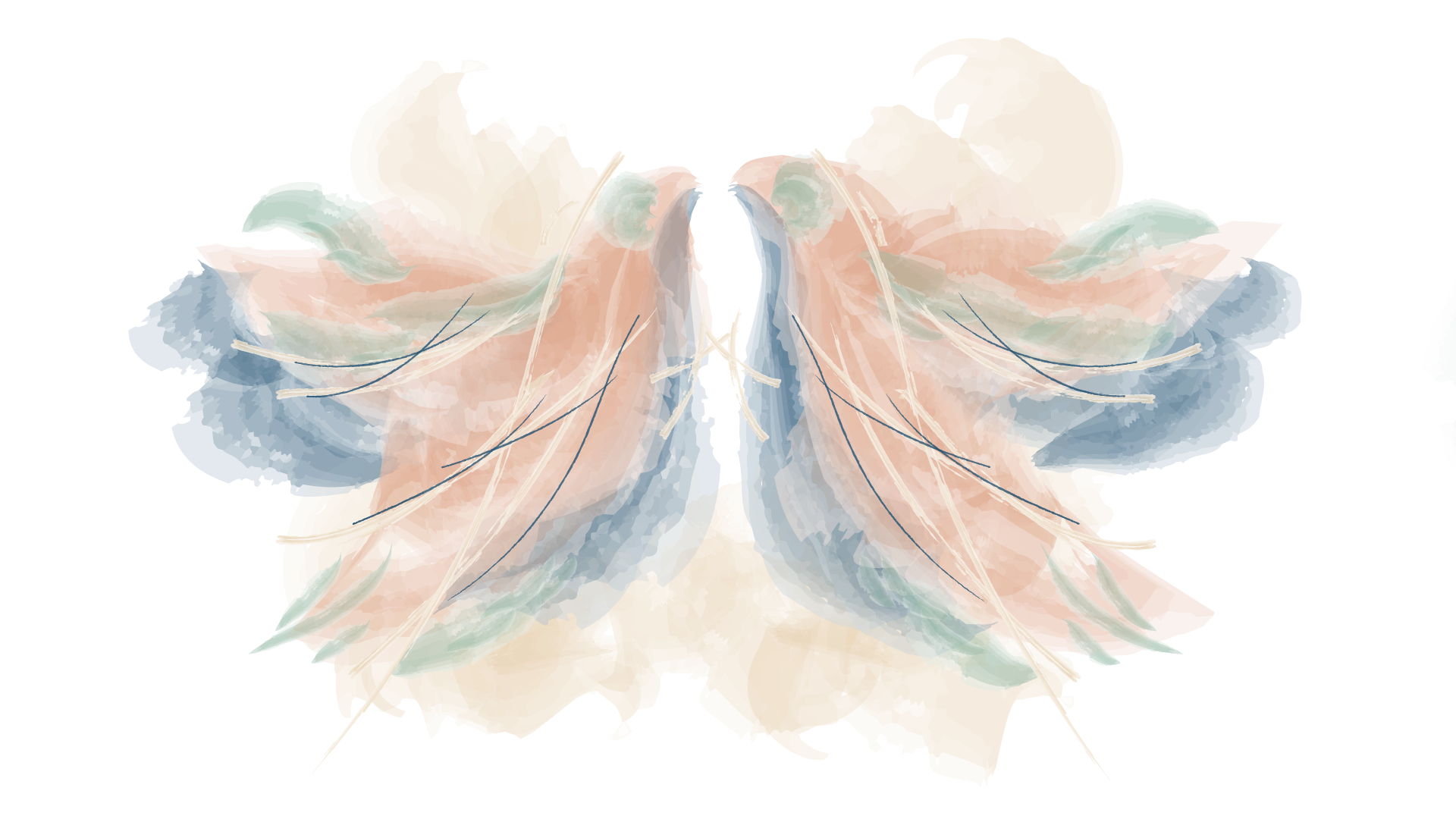
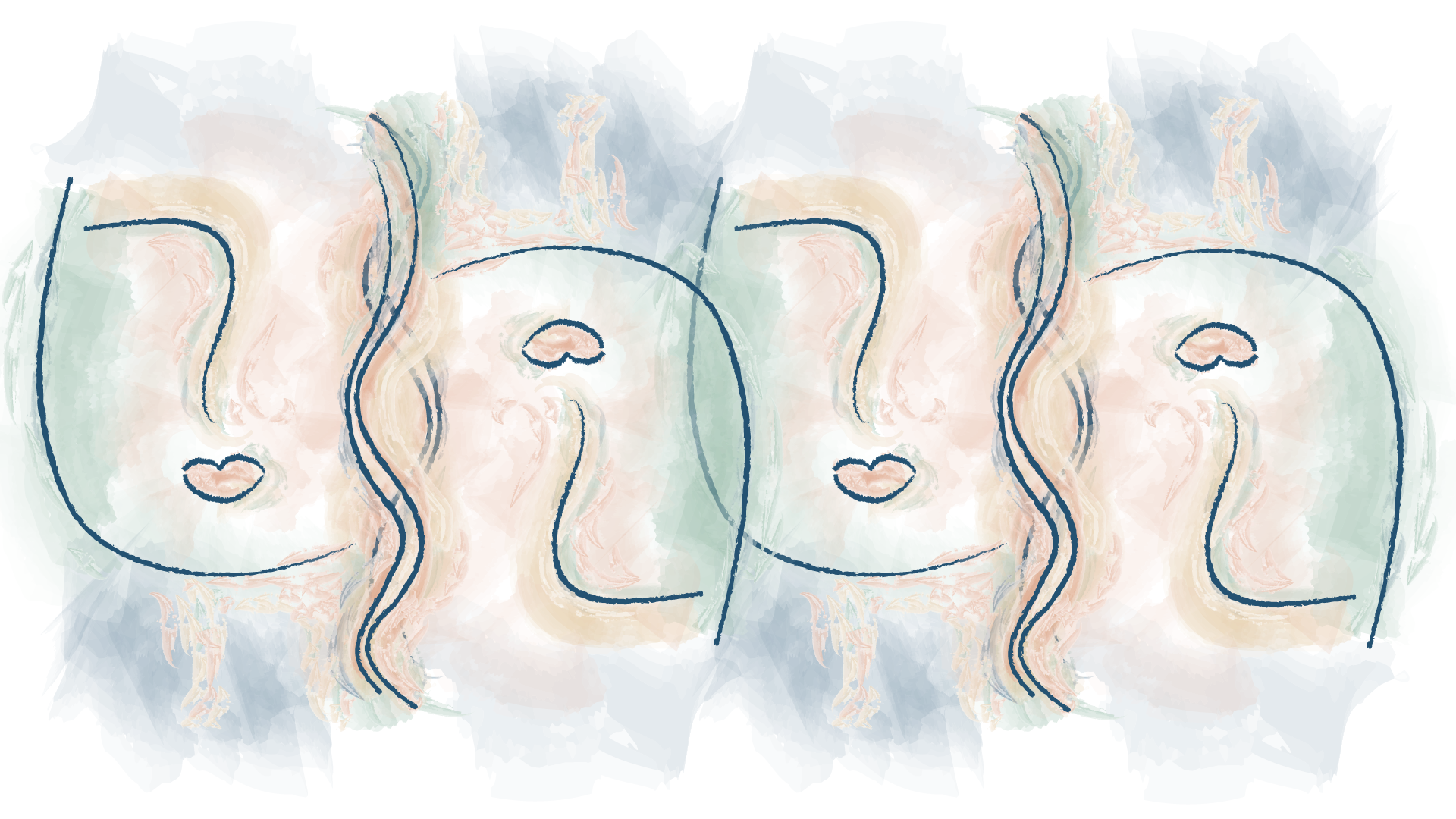
I got started on creating the materials for the online course PSY 352, going live in the Spring. Below are what I had so far.

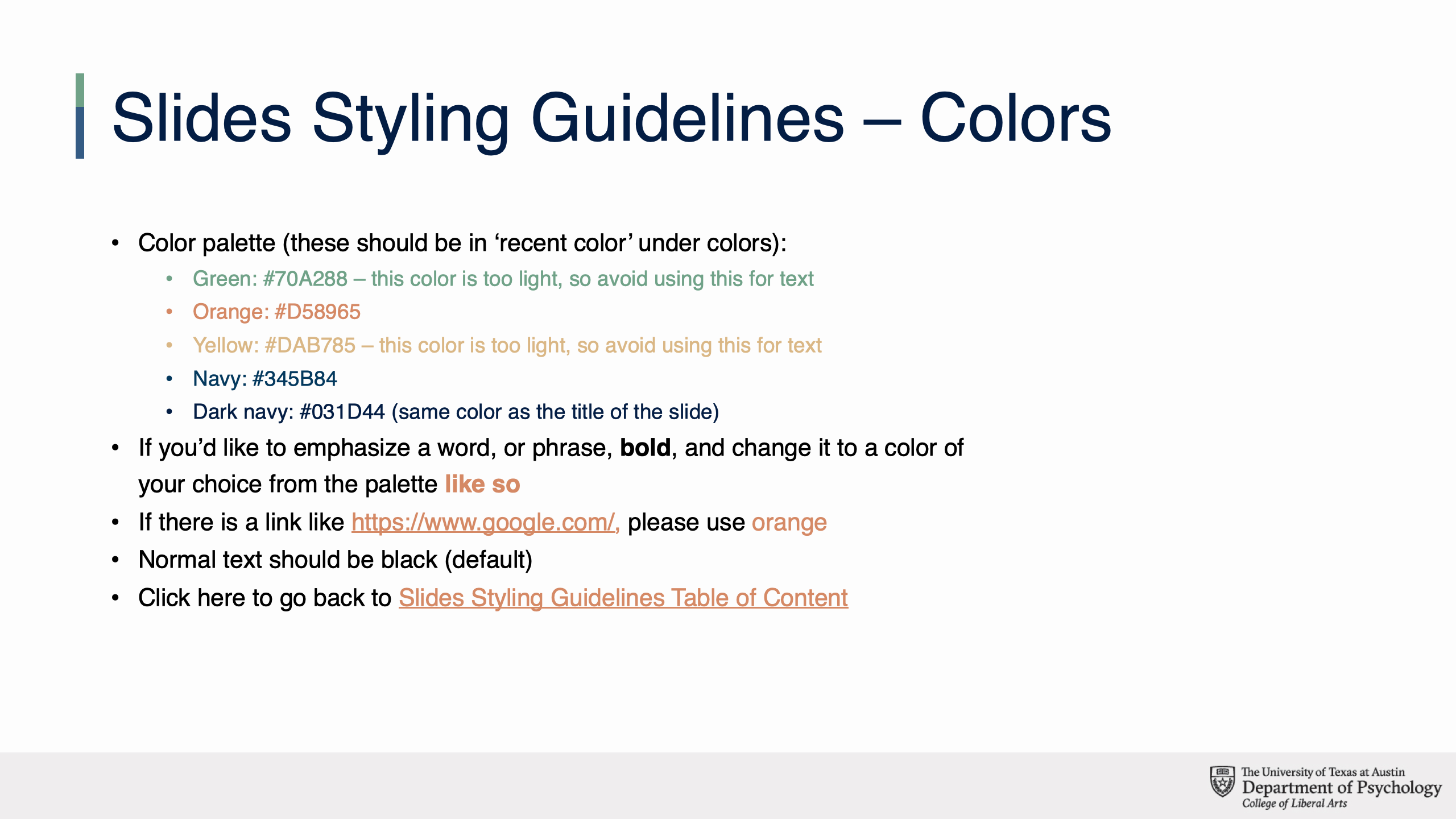
Palette chosen

Green
Orange
Yellow
Dark Navy

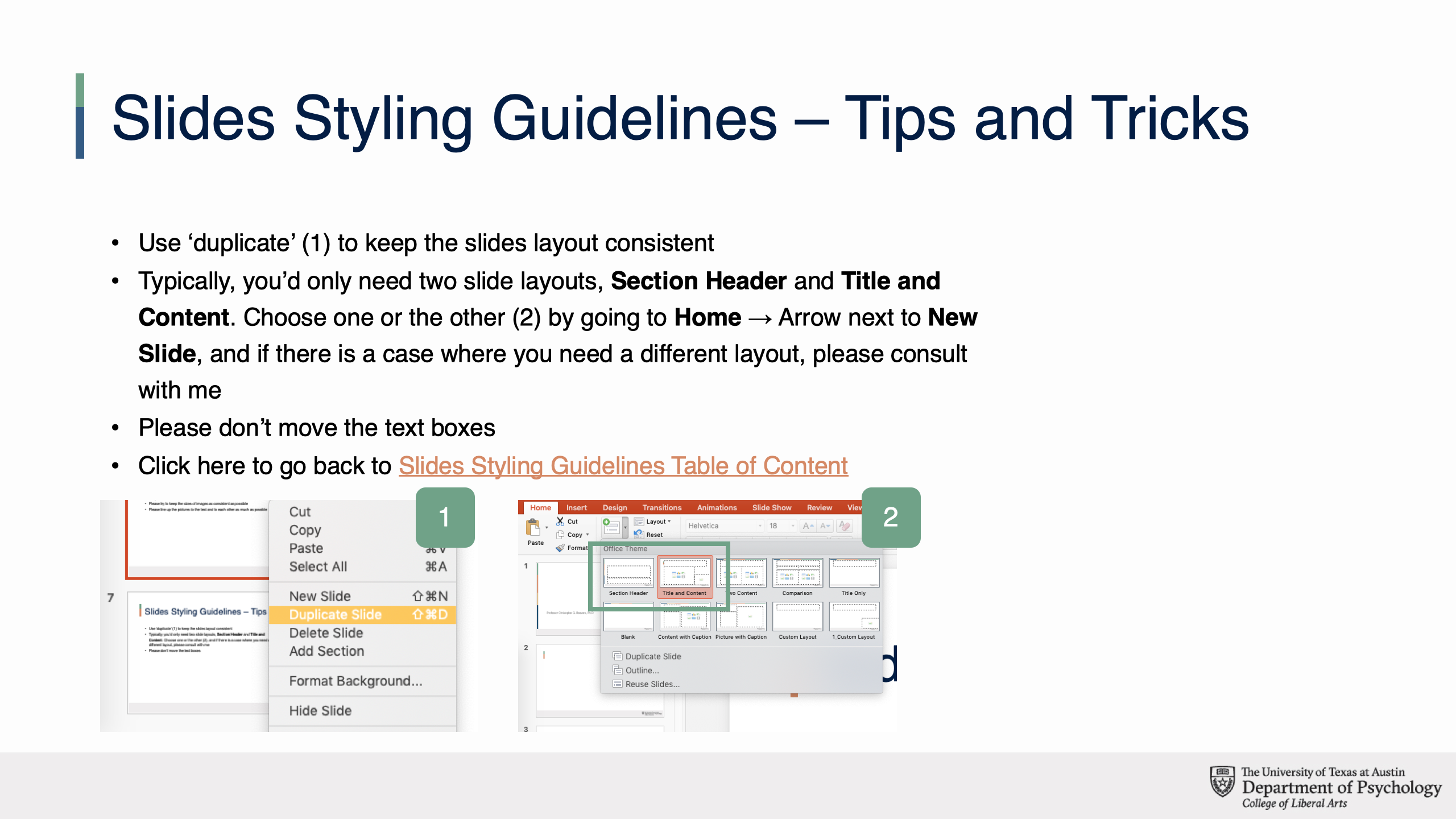
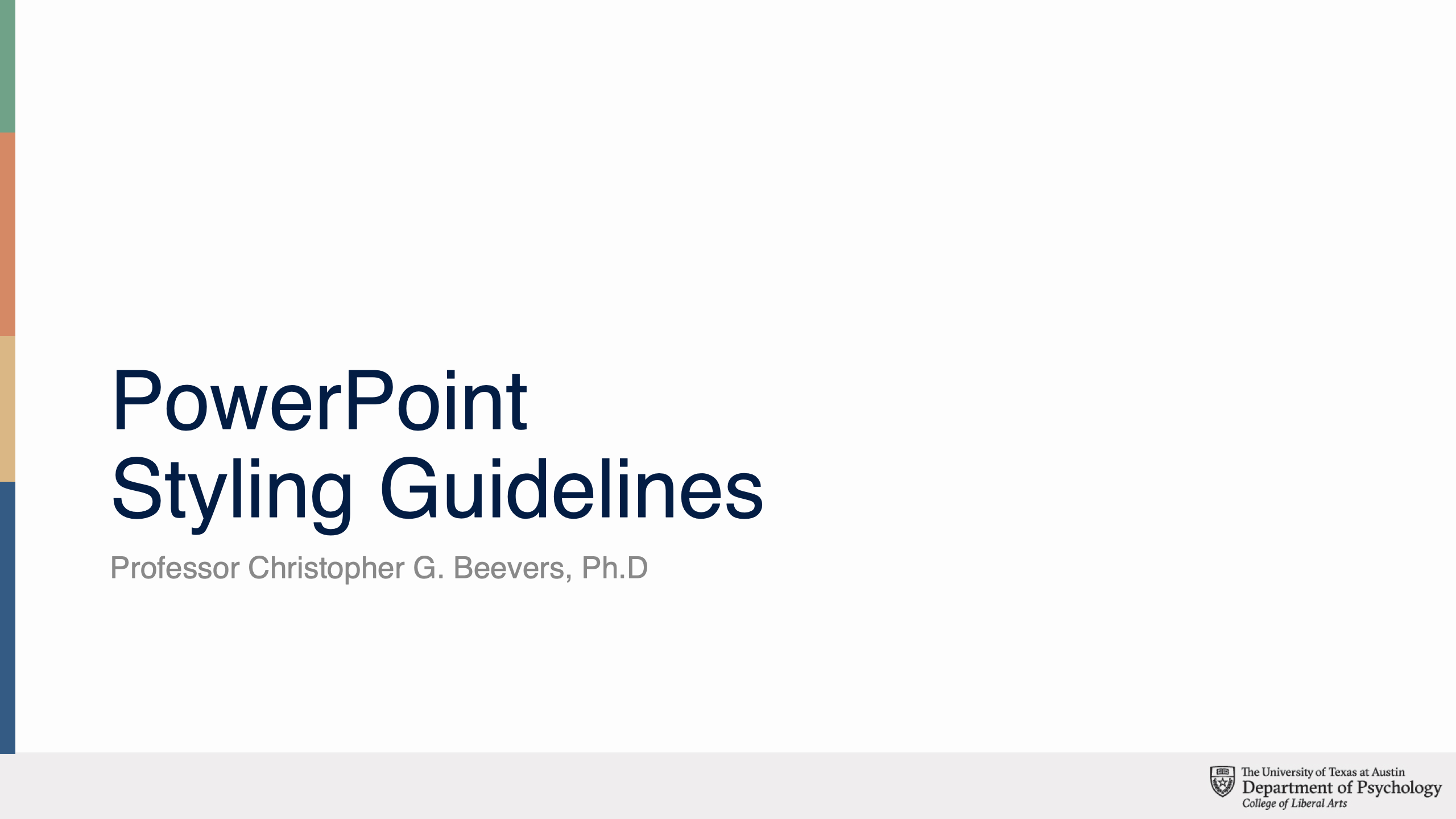
PowerPoint Guides and Template


Basecamp Assignments and Tracking Spreadsheet


Theme art (drafts)


Filed Under: 2019 Fall-Winter | Spring-Summer 2020

Letters and Life

November 5, 2019 By Kevin Dao

Hello,


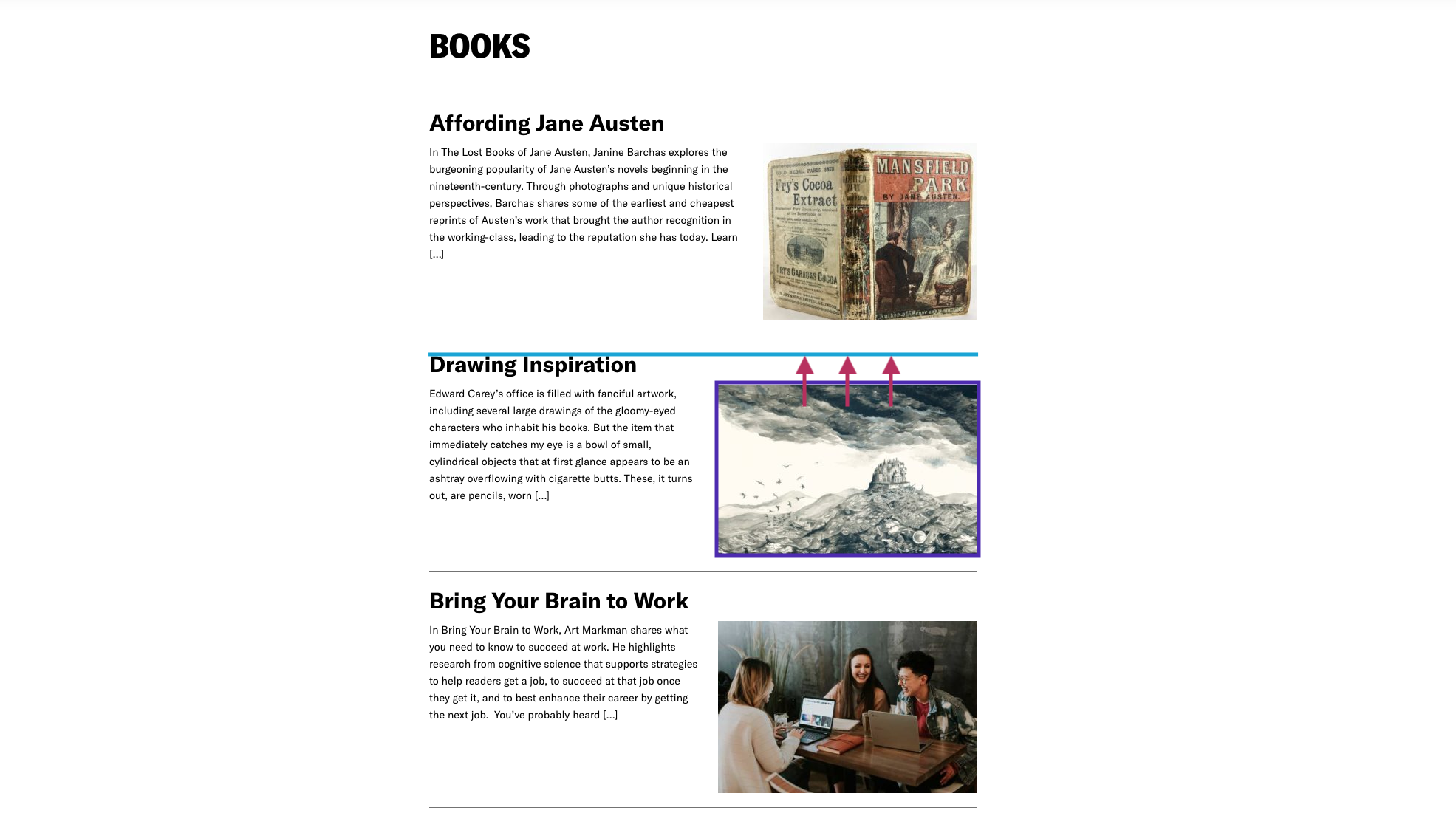
I’ve been working on Life and Letters within the past week, and have been able to make some d e c e n t progress! Here’s what we’re working with at the moment:

LaL-demo


In terms of what’s left to be done (in no particular order):


  1. Work with Stacy to move the img tag from the entry-content div to the header-div, similar to how it’s laid out on the homepage.
    • The image (purple box) needs to move up to the same level as the header (blue line).


  2. Restyle the featured post page
  3. Add header menu + footer
  4. Add squiggly separators between sections on the homepage


I’m really enjoying the project so far, and am excited to continue working with Stacy to see it through!


Until next time.

Filed Under: 2019 Fall-Winter | Spring-Summer 2020

Editing Course Companion

November 4, 2019 By Abriella Corker

EDITING COURSE COMPANION

project: Editing Course Companion
Client /Prof: Professor Rajgopal Raghunathan
completion status: Started Nov 1, 2019
staff guidance: Suloni Robertson and Valerie Tran
description/plans: Redesign elements within the Course Companion to match look of flow charts. Added elements to create score guides within the booklet.
To be completed: Nov 1, 2019


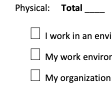
Below are a few screenshots of edits that I made in the word document. The big gray rectangles are to hide information in the table, not a design element. The very bottom has all the colors of the palette used for the booklet. This prompted the use of purple and orange for the scale and table. The text within the table that is covered is in blue. Little boxes were also put in place so the student had an area next to the text to write in their number.


Filed Under: 2019 Fall-Winter | Spring-Summer 2020

Learning in Canvasser

November 1, 2019 By Abriella Corker

Update on Canvassers


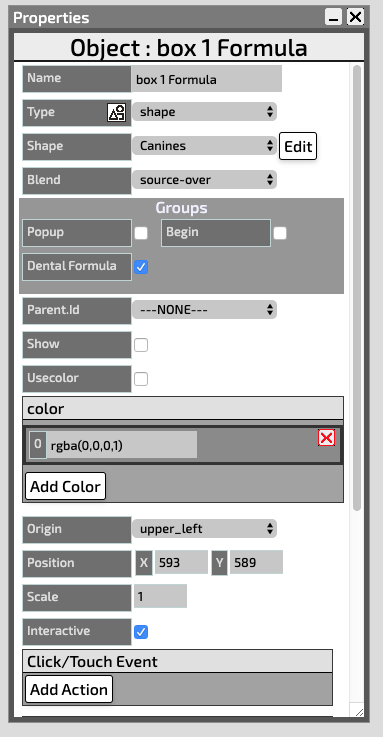
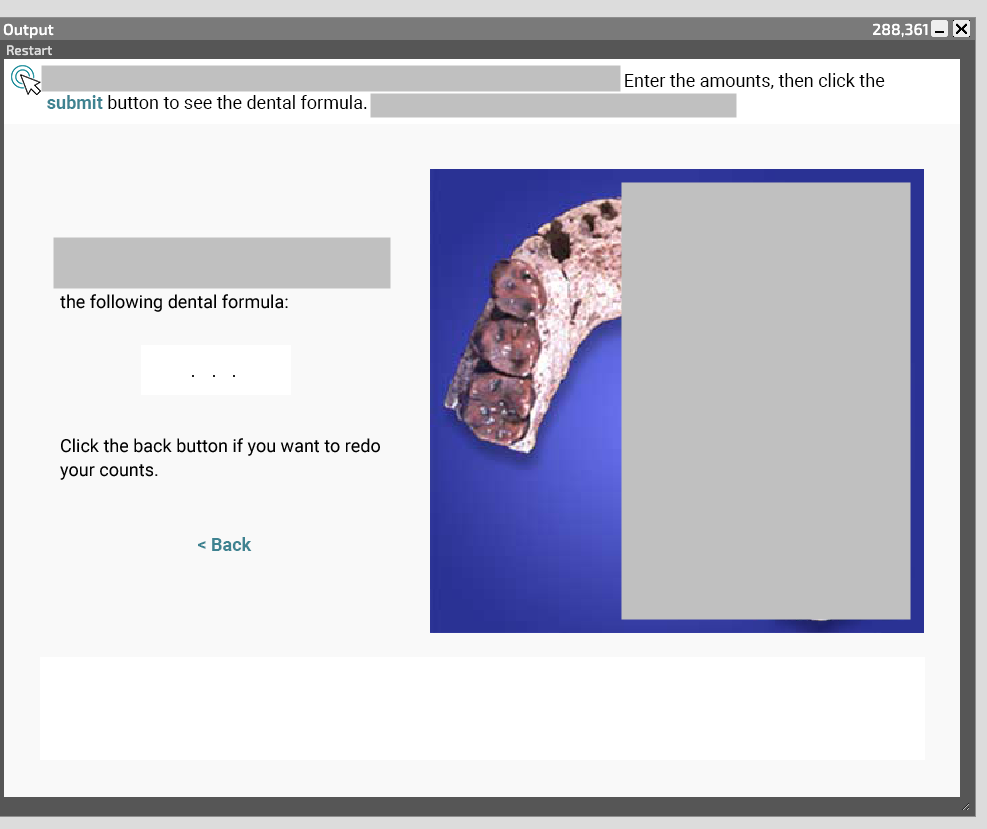
In terms of an update I mean it is something new that I discovered working on a Canvasser. In the canvasser, the numbers you input would appear in the submitted pop up window that lets you know what the correct answer was compared to your response. Look at my last recent posts about a canvasser I put together to see what I mean. However, the numbers need to have a “.” in between them and my output only has “1 2 3 4” instead of “1 . 2 . 3 . 4 ” like Emily Park’s previous canvasser that is almost identical in layout and exactly the same in how it is put together with commands. Maddy told me to find out how to add the “.” in canvasser, but it turned out Emily had added them in the PNG and then just positioned the “formula” as we label it in canvasser in-between the periods. I let Maddy know this so she would be aware of how I was going to edit my canvasser.


Filed Under: 2019 Fall-Winter | Spring-Summer 2020

  • « Previous Page
  • 1
  • …
  • 63
  • 64
  • 65
  • 66
  • 67
  • …
  • 80
  • Next Page »

link to LAITS home page

Video STA Home

© 2025 Liberal Arts Instructional Technology Services | Production Credits