• We are STAs
    • Asha Rountree
    • Haley Ma
    • Kate Shih
    • Kyra Lee
    • Nicholas Peasley
    • Sasha Kenney
    • Shanda Horm
    • Shriya Atreya
    • Tomas Marulanda-Mesa
  • We were STAs
  • STA Presentation
    • STA Presentation 2017
    • STA Presentation 2016
  • Testimonials
  • Resources
  • Home

STA Blog

STA Work Blog

STAs: Student Technology Assistants

Who We Are
LAITS: IT and Facilities Director, Joe TenBarge initiated the Student Technology Assistant program in 2004. STAs are UT students who work on a variety of projects in collaboration with UT faculty and LAITS staff members. STAs assist College of Liberal Arts faculty members and administrative staff with print and web design. From building presentations, to creating audio/visual works, and producing online classes in the LAITS film studios, STAs are instrumental in helping COLA faculty realize their vision for multimedia projects that enhance their teaching and the students learning experience. By the end of their student careers, STAs have portfolios which demonstrate their accrued technical and design skills.


Prospective STAs:

Creative and technically inclined students are appointed as STAs for one year, with the possibility of being rehired as long as they study at the university. Applicants for the program are hired before both long semesters. Interested students may look for postings on Hire-A-Longhorn when positions are available. Positions will have Student Technology Assistant (illustrator or web designer) in the title of the job post.


Faculty and Staff:

Faculty & Staff with questions about services, please contact us.

https://liberalarts.utexas.edu/laits/contacts.php

  • Audio Services: Michael C Heidenreich, Director of Studio Operations & STA Program Coordinator
  • Video Services: Kelly Webster, Video Production Supervisor, Video STA Supervisor
  • Graphic Design & Web Design Services: Suloni Robertson, Art Director / Design & Coding STA Supervisor

October 17, 2018 By Estella Sun

COOL THING I DID!

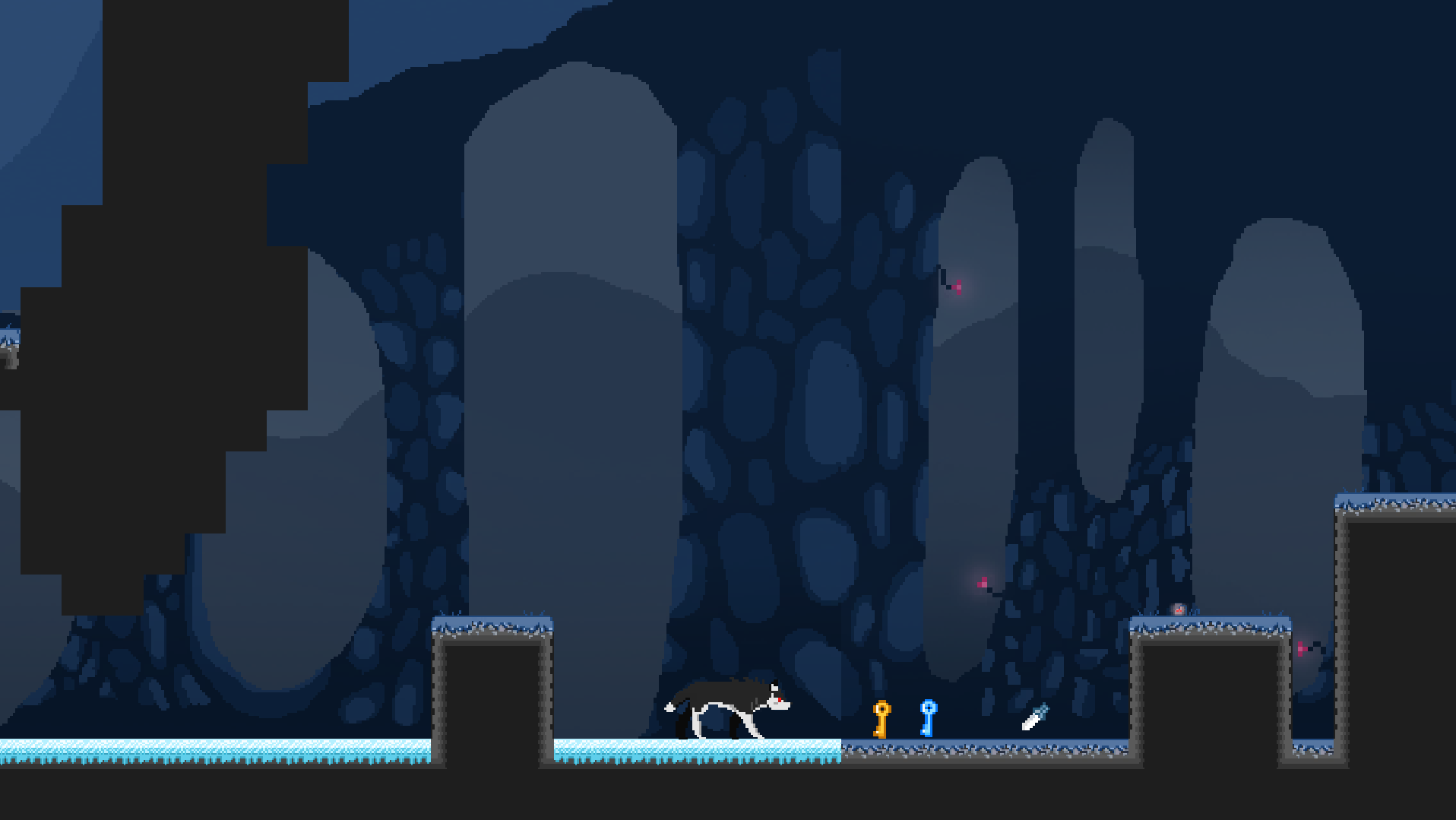
So this past weekend I went to Chillenium Game Jam. A Game Jam is basically where your team (of 4) makes a game from scratch in 48 hrs. Our team went in with ZERO experience, so our game was pretty much a bust BUT we did manage to turn in a playable executable.

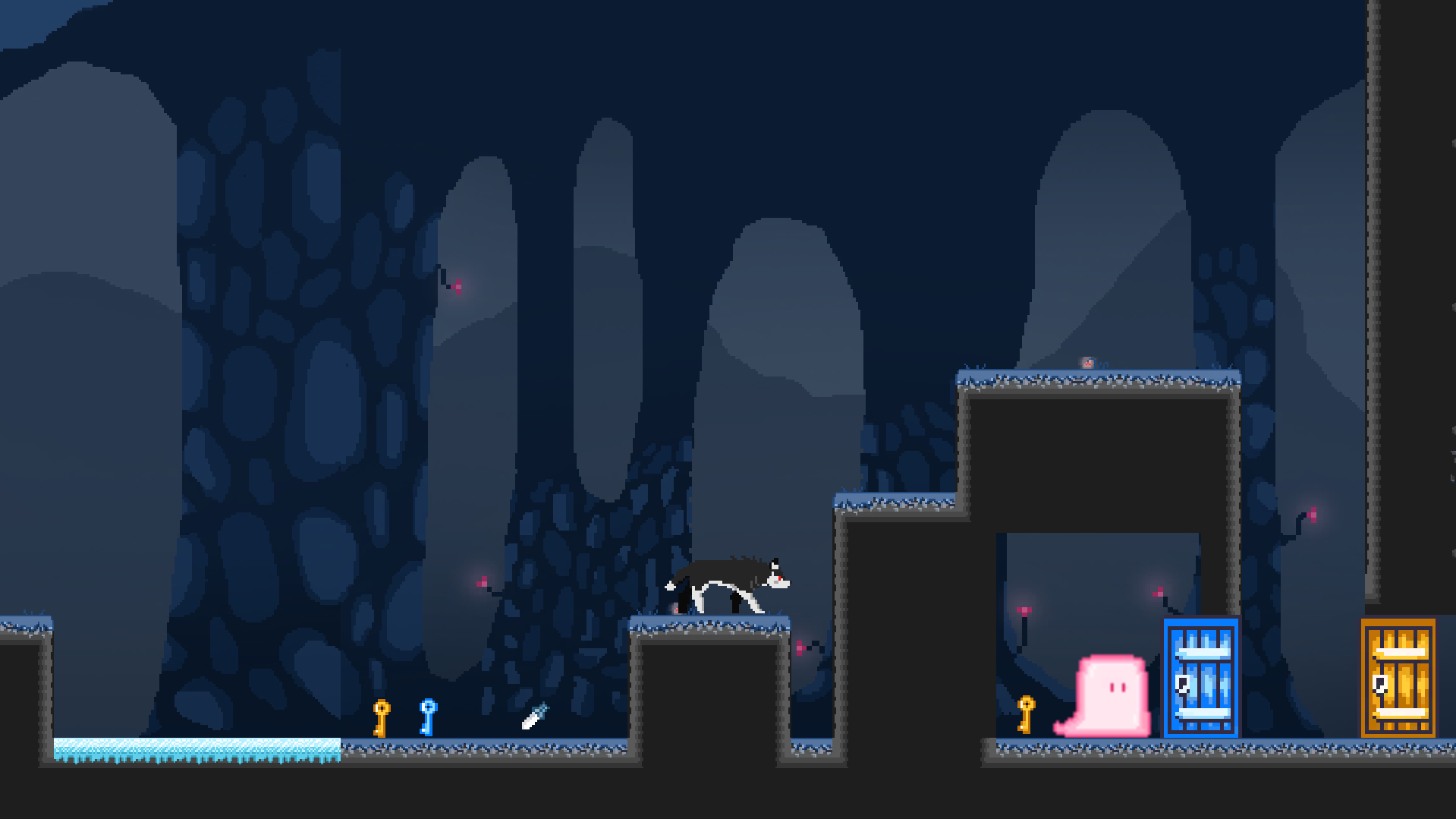
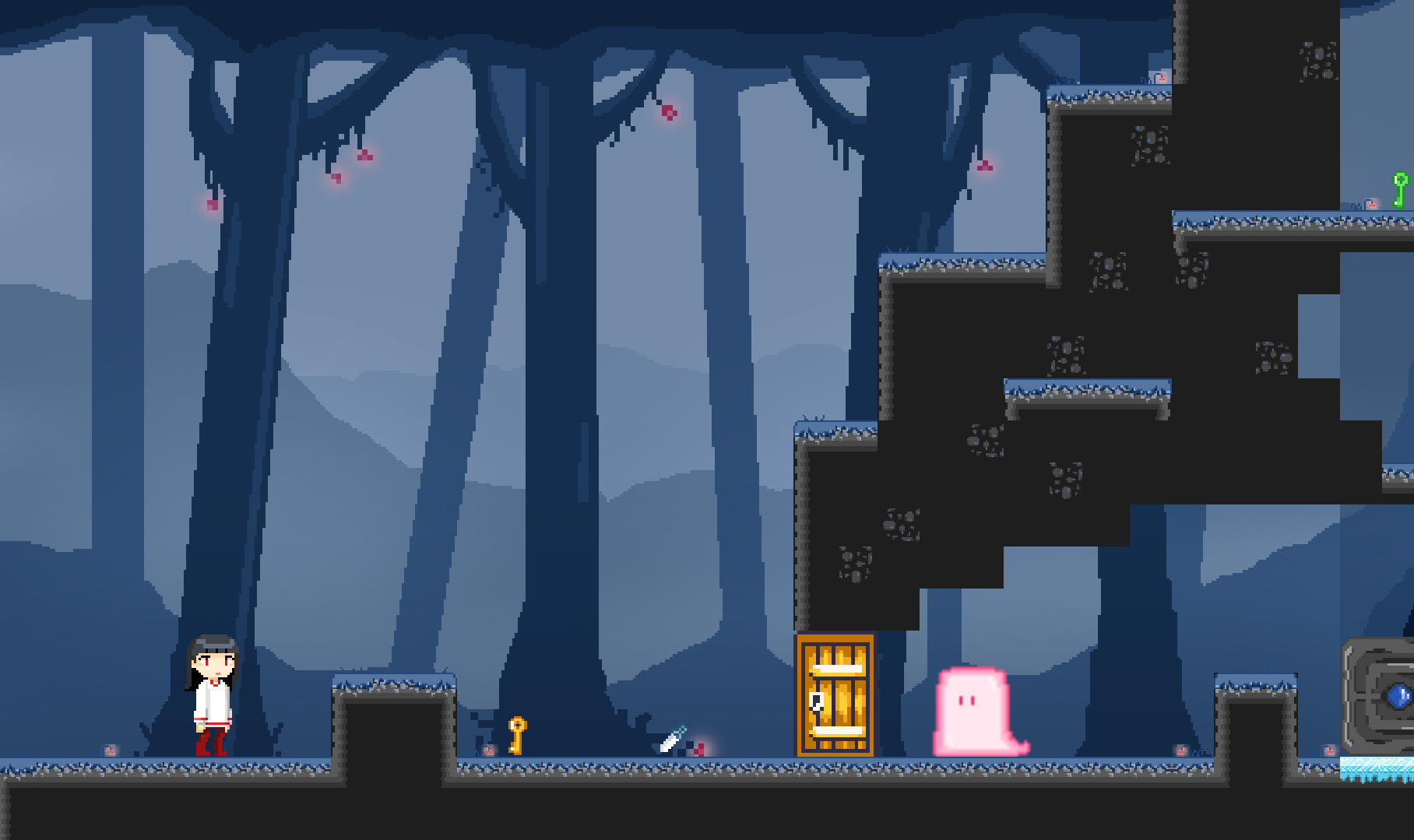
Our game was called Quiet Wolf, and the objective is to complete the puzzles by turning into a wolf or back into a girl. Ex: the wolf can ump higher than the girl, and the girl can pick up items to unlock doors and kill monsters!

We made our game in Unity, which required coding in C#. Since the team needed me to make the graphics, I didn’t get to do any real coding. But I did learn quite a bit about designing graphics for games!

What our final product looked like:
Some sprites I did for running wolf animation:

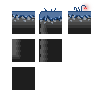
Tile sheet:
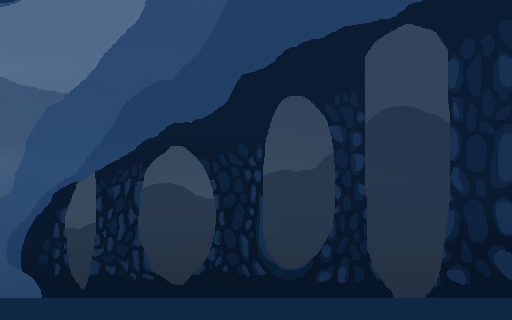
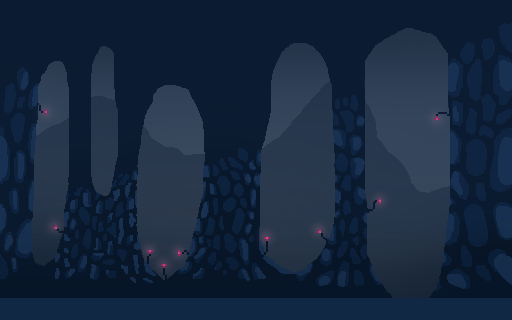
backgrounds:
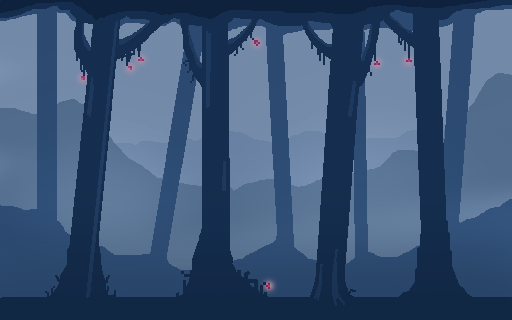
I did all these in photoshop. The animation/create frame animation function was super useful with making each frame for the animations. There was a also a lot of Pinteresting and googling for inspiration. We didn’t win anything, but one of the staff there did compliment the look of our game, so I’m pretty proud!

https://sta.laits.utexas.edu/blog/2018/10/17/25238-2/

Filed Under: 2018 Fall - 2019 Spring

October 17, 2018 By Estella Sun

15 Minute History:

I ran into bit of a roadblock this week for 15 Minute History: I just didn’t really know where to start. But I talked to Stacy on Monday, and he gave me a little more direction.So I think I can get a little more work done. The issue was that there were some things that Stacy needed to complete before I could go in to do my part, and a lot of it requires deeper understanding of web development (which I don’t really have yet).

He mentioned wanting to sit down with me to go over the actual WordPress database and infrastructure to give me a better idea of how to build the site, so I’ll need to find time for that soon. But for now, I’m slowly adding functionality piece by piece on my own.

Without being too technical and wordy, here’s what I’m doing now:

I’ve been adding this feature using a plug-in so that we can have podcast pages show “related podcasts” kind of like the YouTube recommended side bar.

I’ve also been trying to find out how to make the speaker -> podcast relationship go both ways. (Stacy said he hasn’t figured out how to do this yet either, so I could give it a shot). Because right now, only the single speaker pages have lists of their podcasts, but not vice versa.

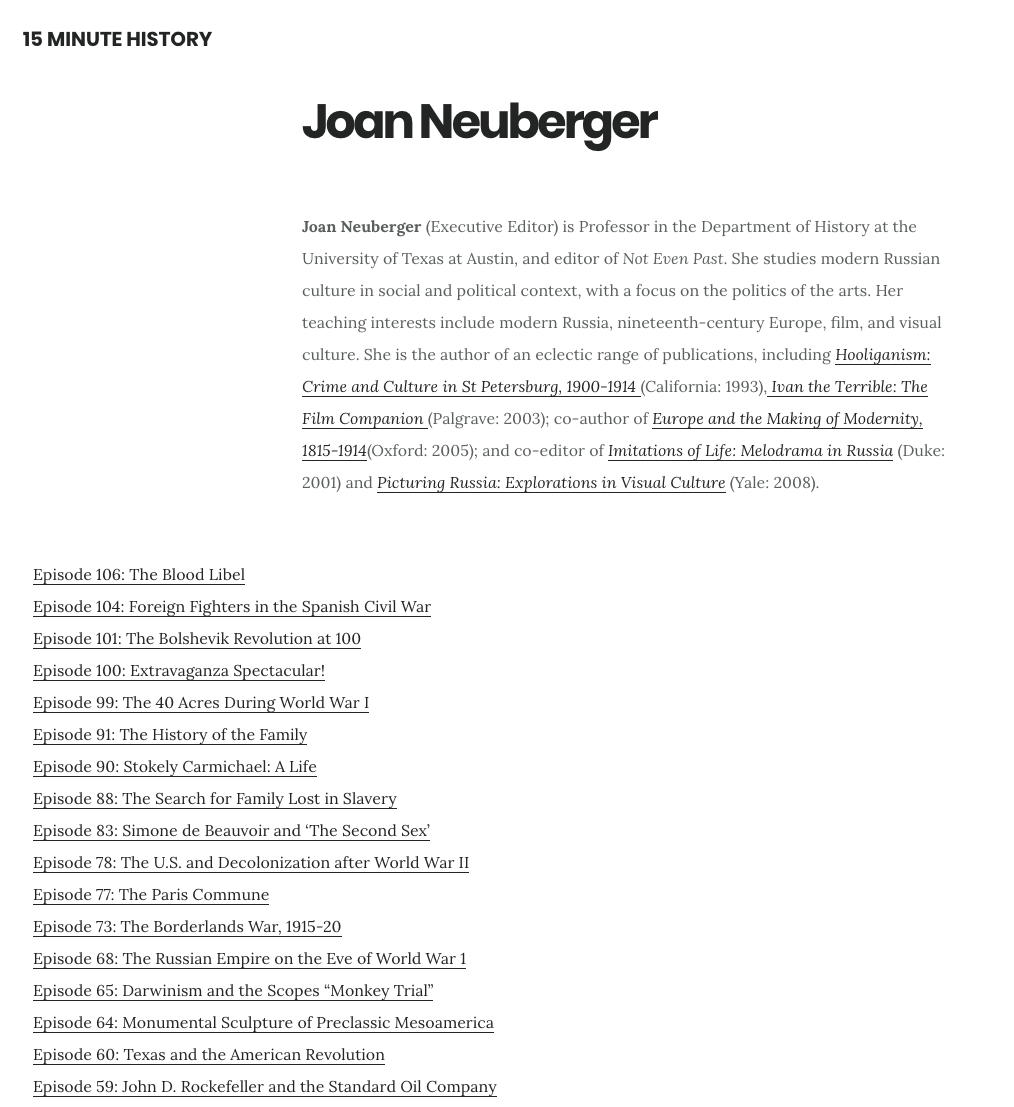
So you can see there’s a list of all of Joan’s podcasts on her page…

but the speakers aren’t listed on the podcast pages!

This feature takes some php coding, so I’ve trying to do some major googling.

vLabs:

We’re making some major headway with vlabs! Right now, we’re about halfway done. I think we’re getting ready to talk with Ruben soon about incorporating the interactives using Canvasser. Great job to everyone who’s been working on it!!

https://sta.laits.utexas.edu/blog/2018/10/17/25233-2/

Filed Under: 2018 Fall - 2019 Spring

Remote Assignment & Illustration

October 16, 2018 By Valerie Tran

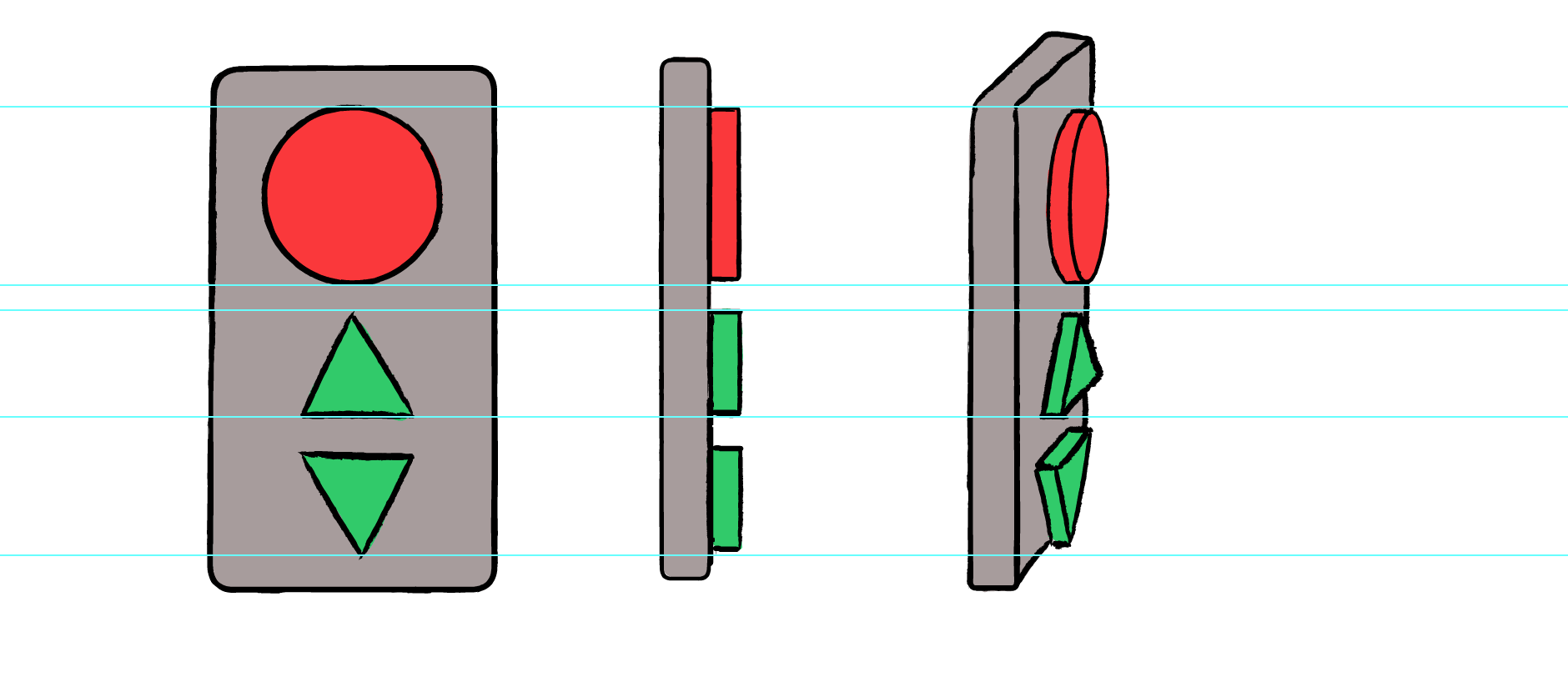
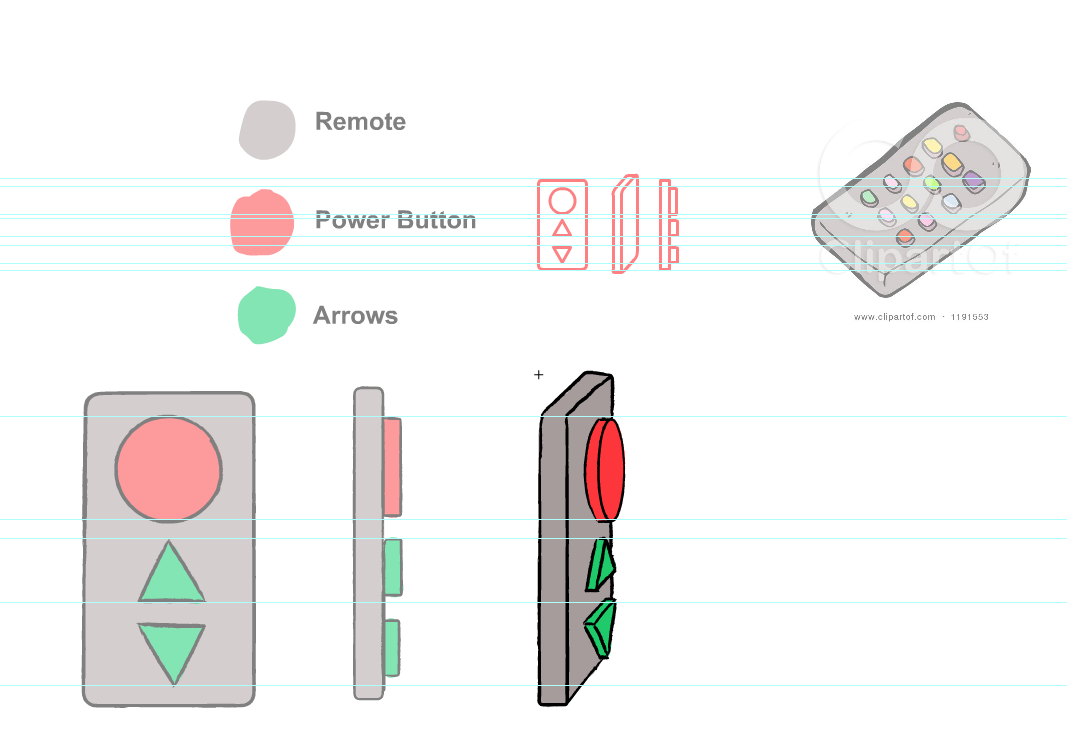
I finished the assignment Tate gave me! Here it is:

Wow look at dem angles!


It was difficult doing the buttons for the 3/4 perspective of the remote, but I think I got kinda close. Adobe Animate certainly has a learning curve and I understand it better than I did when I first started this assignment. I’m super grateful to Tate for helping me out with this.

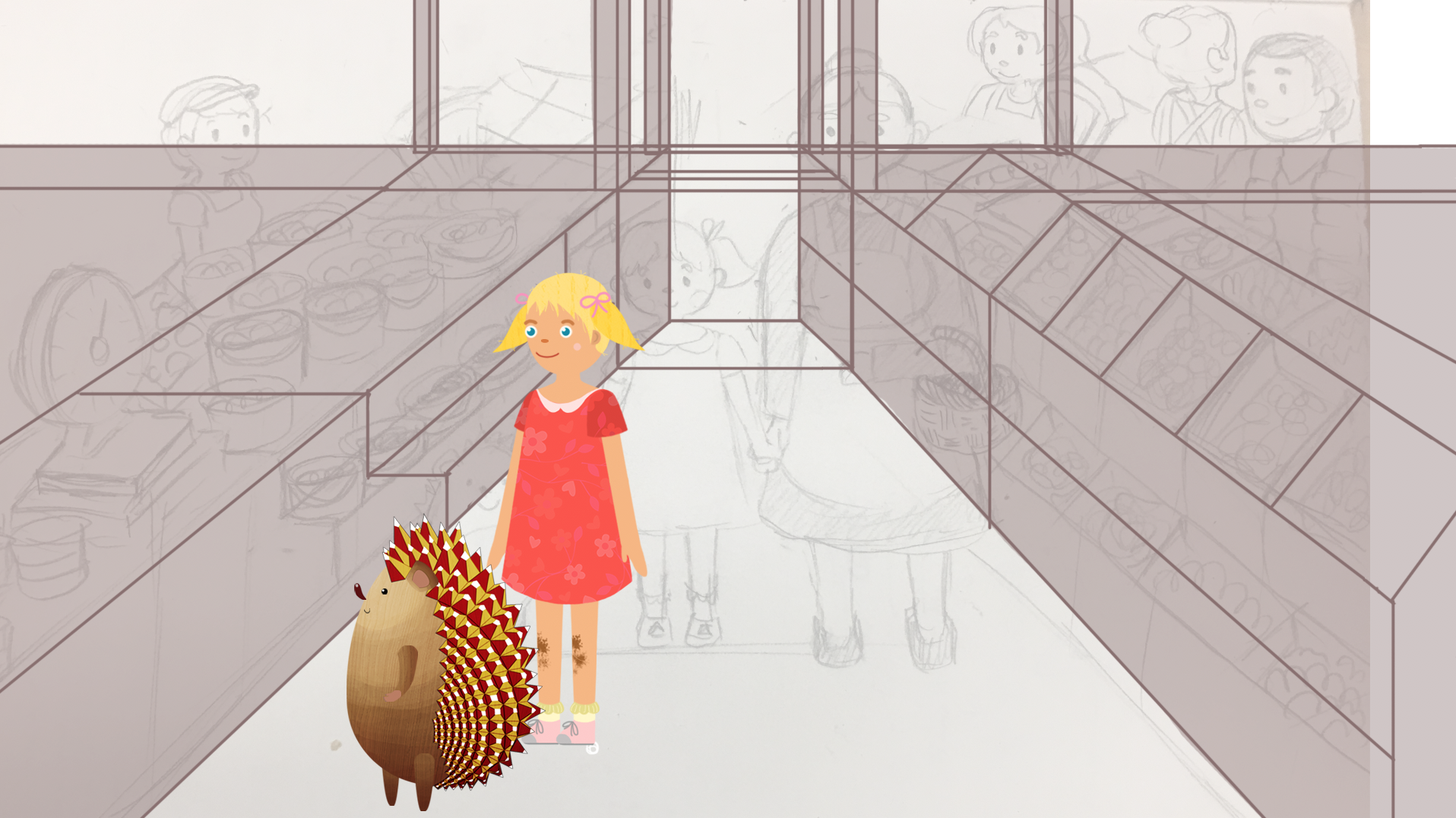
I also worked a bit more on the Russian Illustration. The perspectives in the previous draft were a bit messy and wonky, so I went ahead and added a solid color to clearly distinguish the objects and redid some of the lines.

It’s easier to look at the background now!


Filed Under: 2018 Fall - 2019 Spring

COLA IDs

October 15, 2018 By Valerie Tran

Today, I had trouble accessing my work today…twice. The first time was because I wasn’t able to open up Photoshop. The second mishap was due to the computer’s inability to actually log in. So I lost some time 🙁 BUT! I got quite a bit done regardless. Here are some COLA photo IDs that I worked on!

COLA IDs!!!


I also got a chance to talk to Tate about how to fix up the buttons on the remote! Here’s the result of that 🙂


Fixed the buttons a bit!


That’s all that I’ve done this shift!

Filed Under: 2018 Fall - 2019 Spring

My First Day! (STA Orientation)

October 15, 2018 By Sanika Bhave

My First Day! (STA Orientation)

Today was my first day as an STA. After reading through the STA handbook with Suloni I made this Basecamp avi with Tate! After, I created a PowerPoint talking about some of the things I learned today. Melissa introduced me to The Noun Project which is where I got all of my icons from.


Filed Under: 2018 Fall - 2019 Spring, Uncategorized

Sanika’s 1st Blog Post

October 15, 2018 By Sanika Bhave

Sanika Bhave ~ STA Orientation 2018 Fall!

Welcome Sanika 🙂
i hope you have fun at your STA Orientation!
During the latter part of your STA Orientation,
you’ll design and upload your banner to this blog.
_____________________
FIRST STEP
Photoshop: Design and make your banner
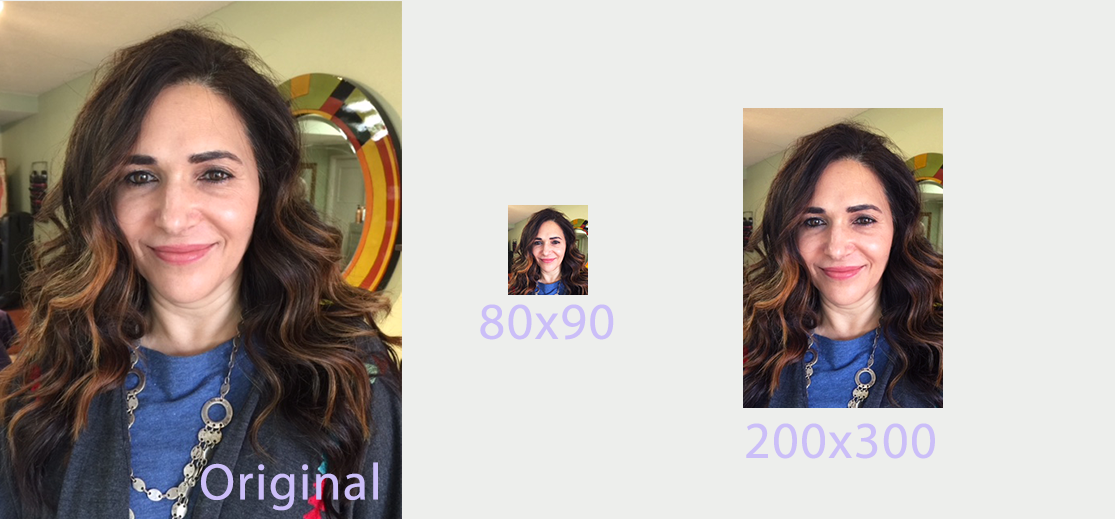
a. Use the photoshop specs for your blog banner that i placed in your STA folder,
on our servers:
path: sta/SanikaBhave
folder: make-your-sta-blog-banner
file: sta-blog-banner-specs.jpg
_____________________
b. Save your un-merged files back to your STA folder:
path: sta/VSanikaBhave
folder: make-your-sta-blog-banner

SECOND STEP
On this Blog: Make your 1st text post and upload your banner:-)
a. log-in:
https://sta.laits.utexas.edu/wp-admin
_____________________
b. Publishing Help Documentation/Instructions
You must read this WP sites “Publishing Help” before you upload your banner.
Click on each of these links and read the STA publishing help:
https://sta.laits.utexas.edu/wp-admin/admin.php?page=wp-help-documents&document=115
https://sta.laits.utexas.edu/wp-admin/admin.php?page=wp-help-documents&document=18881
_____________________
c. Blog post:
Reflect on the day and write a bit about your about your-self & what you did during orientation
& upload your banner.
* do not merely copy paste images in to your blog.
Always upload images into the “Media” section of blog first,
and then set the image from the media folder to display on your blog.
* “Check the “2018 Fall – 2019 Spring” Category box
for all the blog posts you make this semester and next semester
so that all of your work is documented in the correct semesters.

LASTLY
Comment on Base amp
Let me know you’ve complete this task, via base camp.
Upload a link to this blog, on your base camp to-do.

Filed Under: 2018 Fall - 2019 Spring, Uncategorized

  • « Previous Page
  • 1
  • …
  • 45
  • 46
  • 47
  • 48
  • 49
  • …
  • 62
  • Next Page »

link to LAITS home page

Video STA Home

© 2025 Liberal Arts Instructional Technology Services | Production Credits