• We are STAs
    • Asha Rountree
    • Haley Ma
    • Kate Shih
    • Kyra Lee
    • Nicholas Peasley
    • Sasha Kenney
    • Shanda Horm
    • Shriya Atreya
    • Tomas Marulanda-Mesa
  • We were STAs
  • STA Presentation
    • STA Presentation 2017
    • STA Presentation 2016
  • Testimonials
  • Resources
  • Home

STA Blog

STA Work Blog

STAs: Student Technology Assistants

Who We Are
LAITS: IT and Facilities Director, Joe TenBarge initiated the Student Technology Assistant program in 2004. STAs are UT students who work on a variety of projects in collaboration with UT faculty and LAITS staff members. STAs assist College of Liberal Arts faculty members and administrative staff with print and web design. From building presentations, to creating audio/visual works, and producing online classes in the LAITS film studios, STAs are instrumental in helping COLA faculty realize their vision for multimedia projects that enhance their teaching and the students learning experience. By the end of their student careers, STAs have portfolios which demonstrate their accrued technical and design skills.


Prospective STAs:

Creative and technically inclined students are appointed as STAs for one year, with the possibility of being rehired as long as they study at the university. Applicants for the program are hired before both long semesters. Interested students may look for postings on Hire-A-Longhorn when positions are available. Positions will have Student Technology Assistant (illustrator or web designer) in the title of the job post.


Faculty and Staff:

Faculty & Staff with questions about services, please contact us.

https://liberalarts.utexas.edu/laits/contacts.php

  • Audio Services: Michael C Heidenreich, Director of Studio Operations & STA Program Coordinator
  • Video Services: Kelly Webster, Video Production Supervisor, Video STA Supervisor
  • Graphic Design & Web Design Services: Suloni Robertson, Art Director / Design & Coding STA Supervisor

Even MORE COLA Photo IDs

November 14, 2018 By Valerie Tran

Today I worked on more COLA IDs!!!! There are….so many……aaaaaaaaaa

I did…….quite a bit. There were four pages on UTBox full of raw, unedited photos and I’ve gotten through about 2.5 pages. I think I’ll be done next shift!

Lots of COLA photo IDs!!!

That’s all for today 🙂
Filed Under: 2018 Fall - 2019 Spring

November 14, 2018 By Estella Sun

Racial Geography

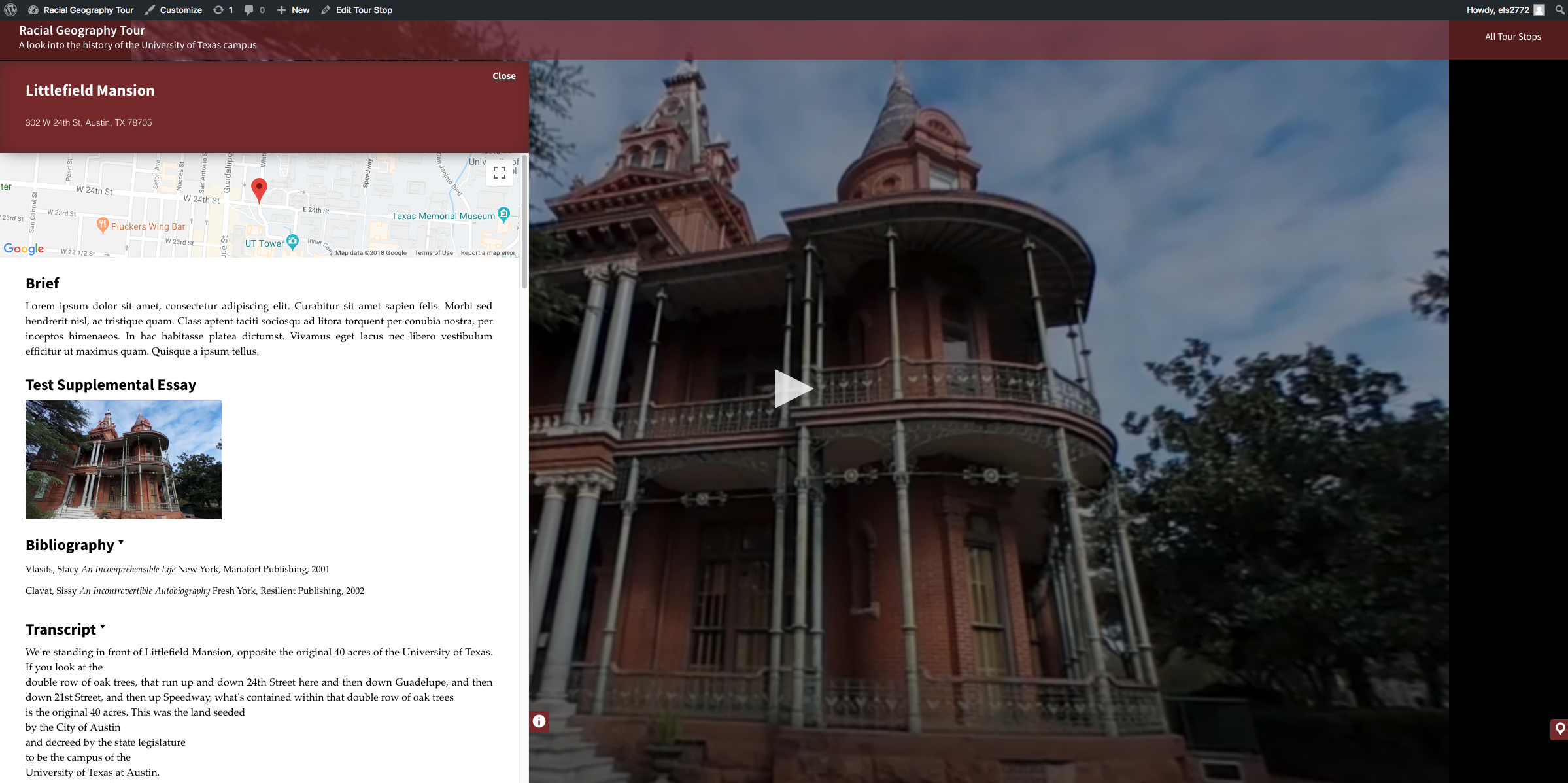
Still working on Racial Geography Tour! This past week I added some media queries, which basically allow me to change how the website looks based on how big the window is (helpful for making web mobile accessible for example). I made it so that at when the window gets to be to small, the info panel stretches to fit the entire page (covering the video). I also made it so that when the window shrinks causing the heading to overflow off the header, the address fades away.

Then I continued working on the accordions a bit more. I animated the arrow icons, so that when the text drops down, it turns points downward instead of left. I ran into an issue where the end of the Transcript wasn’t showing up/being covered by the bottom of the window, so I’ve asked Stacy for some help.

Finally, I changed up the font more to match Jac’s mockup, since the address and section text didn’t look quite right.

https://racialgeographytour.org/tour-stop/littlefield-mansion/ 

Canvasser

Nick trained me in using Canvasser! We’ll be using canvasser to make interactives for eanthro vlabs. It’s been quite the process since it seems like we are going to be remaking all the assets for all the interactives, AND creating them in canvasser. Luckily, I worked with canvasser a little with Rodrigo (previous computer support proj), so I was familiar with the canvasser layout. Nick was a great teacher, and I picked it up pretty quickly.

Here’s the sample interactive we all created for our training (It looks soooo much better with Emily’s design applied to it!):

Cascade

This morning, I was assigned some Cascade updates for the computer support page. I’m going to be adding a separate page for additional info/contact us info and putting in some new links.

This is what the draft site looks like right now (Rodrigo made it!):

https://sta.laits.utexas.edu/blog/2018/11/14/25846-2/

Filed Under: 2018 Fall - 2019 Spring

Week of 11/12

November 13, 2018 By Melissa Lam

Week of 11/12

This week I just worked on Russian animations!

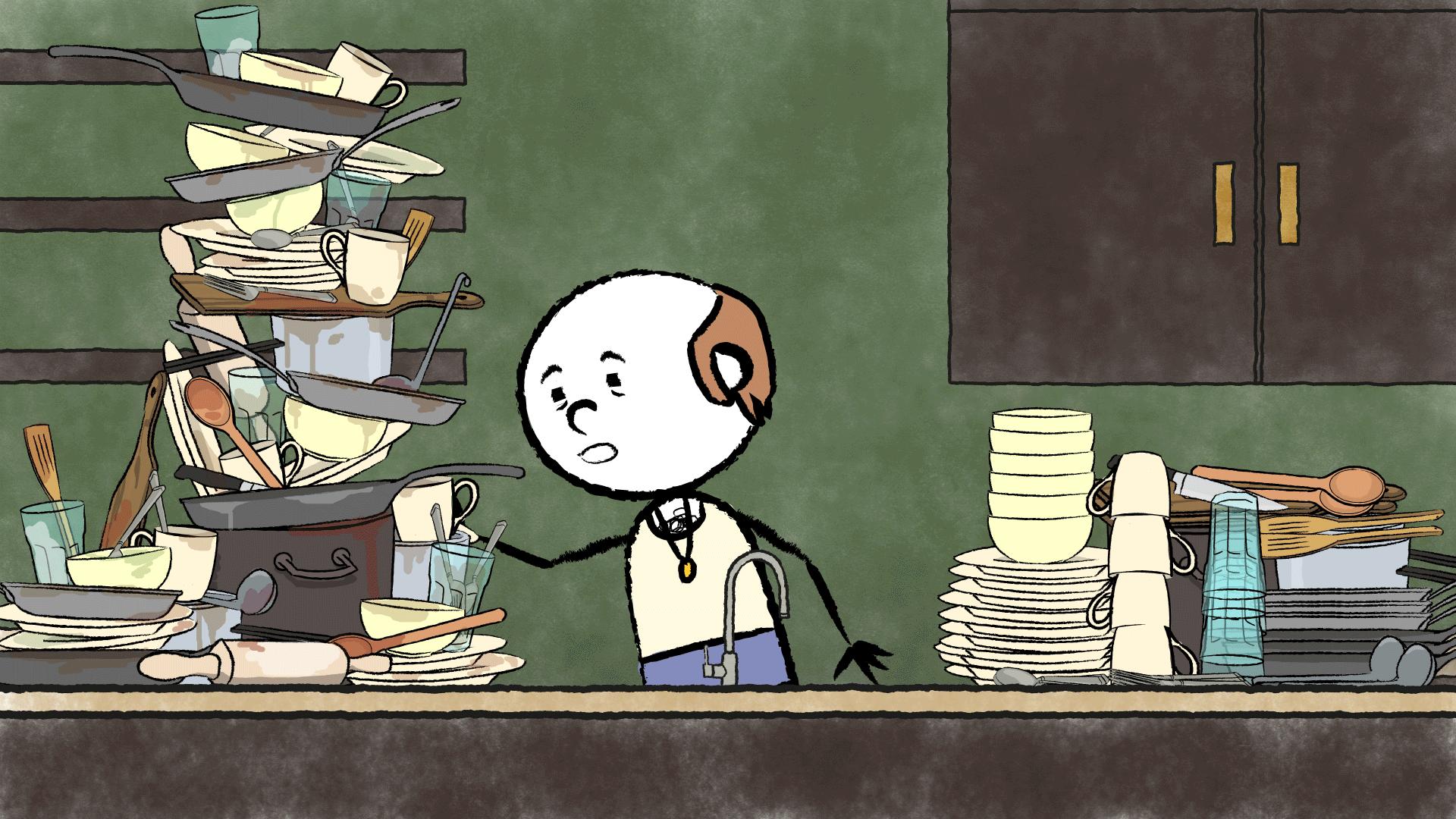
The cafe owner washing dishes has now come to this:

GIF

I first drew individual frames for the arm moving up and down within the symbol, and then put in the motion tweens of the character rocking side to side. The actual POV shot of the dish washing that Tate made will be inserted somewhere within the 5-6 frames where the cafe owner is holding the dish at the sink.

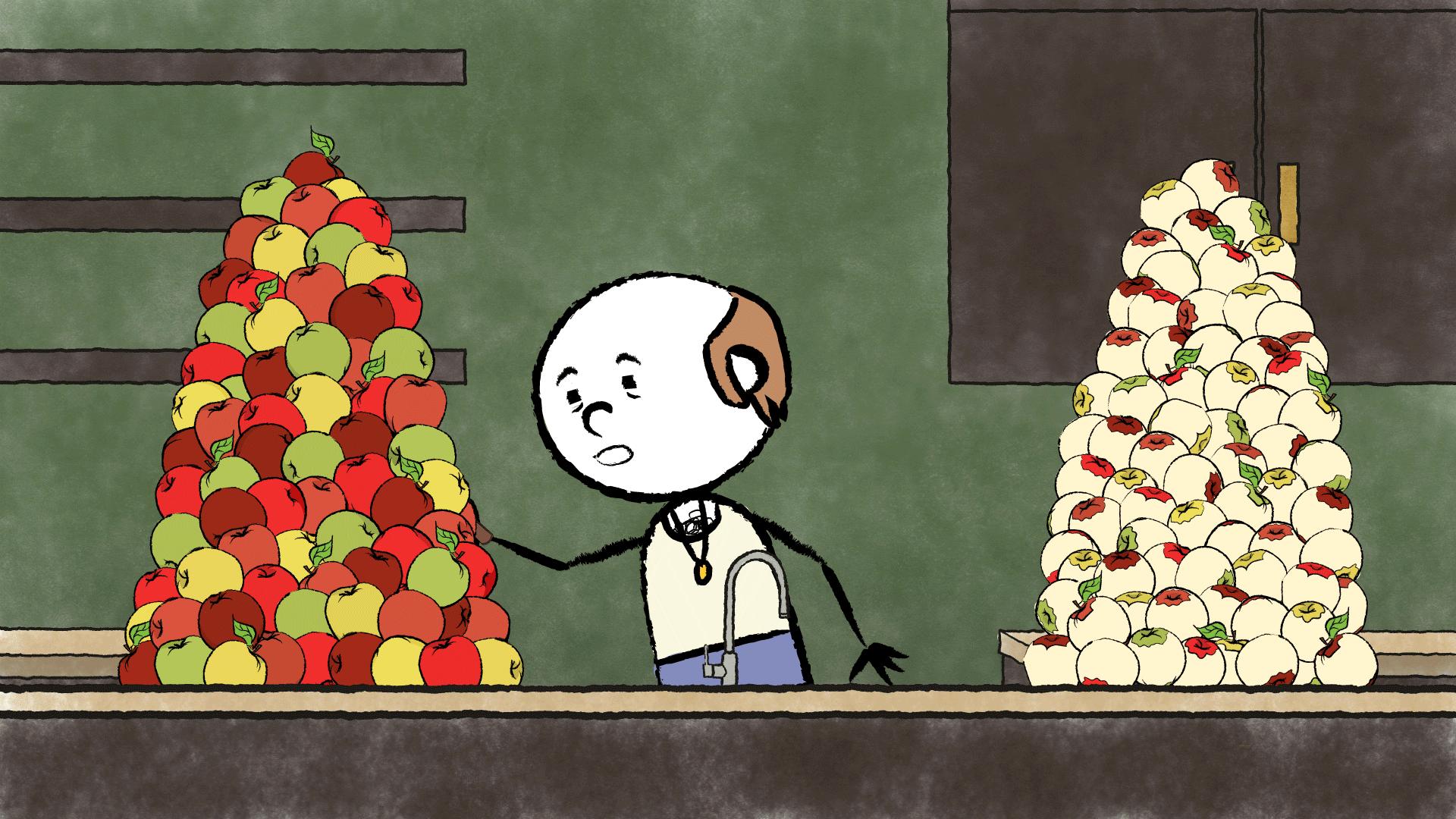
Next, I started a similar animation for the apple peeling animation!

GIF

Poor man is so tired, I relate…

Filed Under: 2018 Fall - 2019 Spring

11-13-18

November 13, 2018 By Bridget

VLabs

Last week I finished copying content for my assigned labs into the new site. The next phase will be making the interactives, which is going to take awhile since many of the assets need to be created in Photoshop before that can be made into clickable interactives using Canvasser.

Yesterday Estella taught me how to make web interactives in Canvasser and I started working the first one, which will be a practice exercise for everyone to get to learn how to make the interactives and get to the same level in Canvasser. I was a little intimidated to try this since I’m not as computer savvy as some of the other STAs and Canvasser scares me a little bit but it wasn’t actually that bad. Writing down the steps and repeating them until I got the hang of it helped me.

Here’s a link to the interactive that I made:

https://laits.utexas.edu/canvasser/canvasser_content/bridget-test/bridget-test.html

Russian

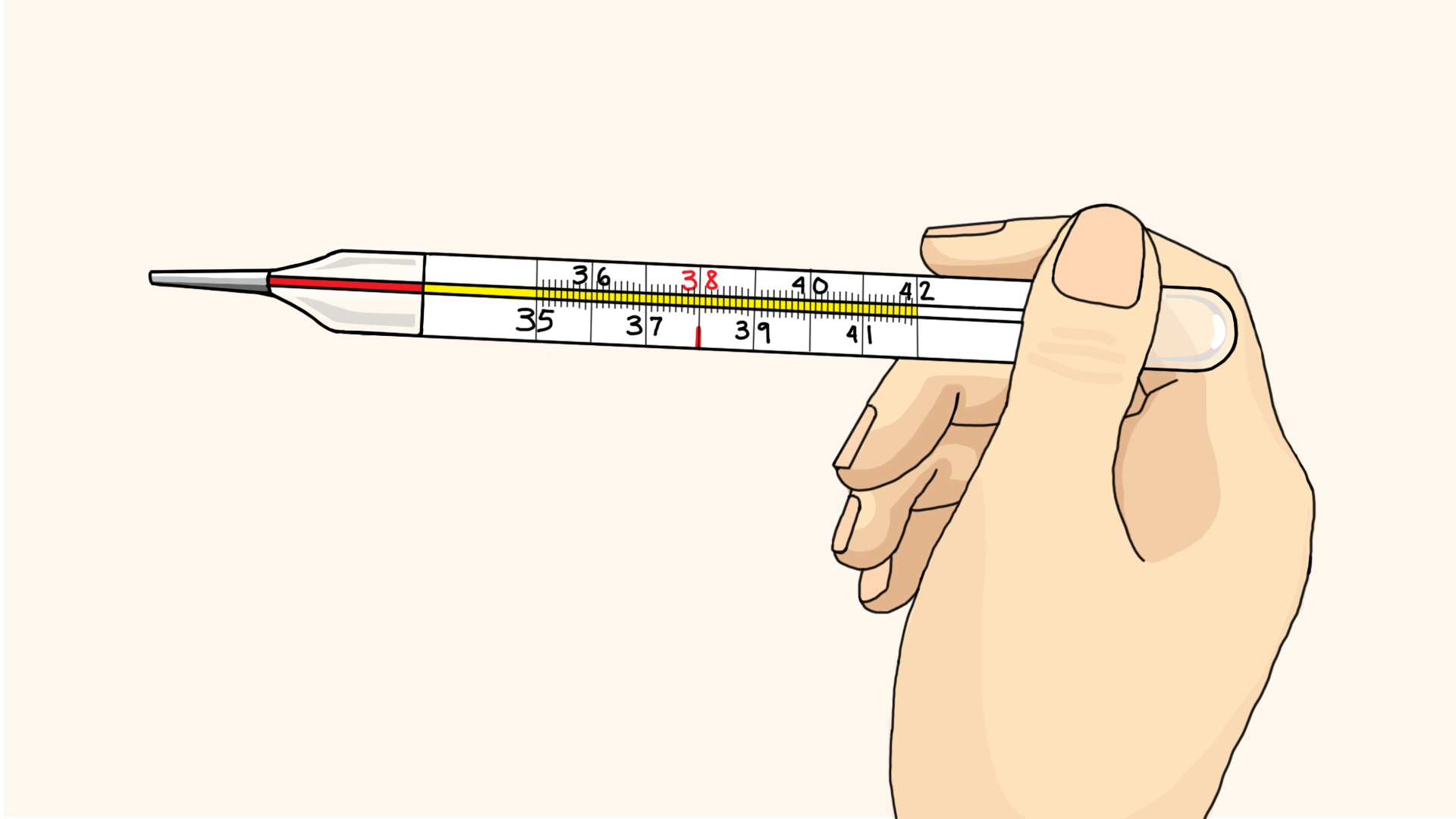
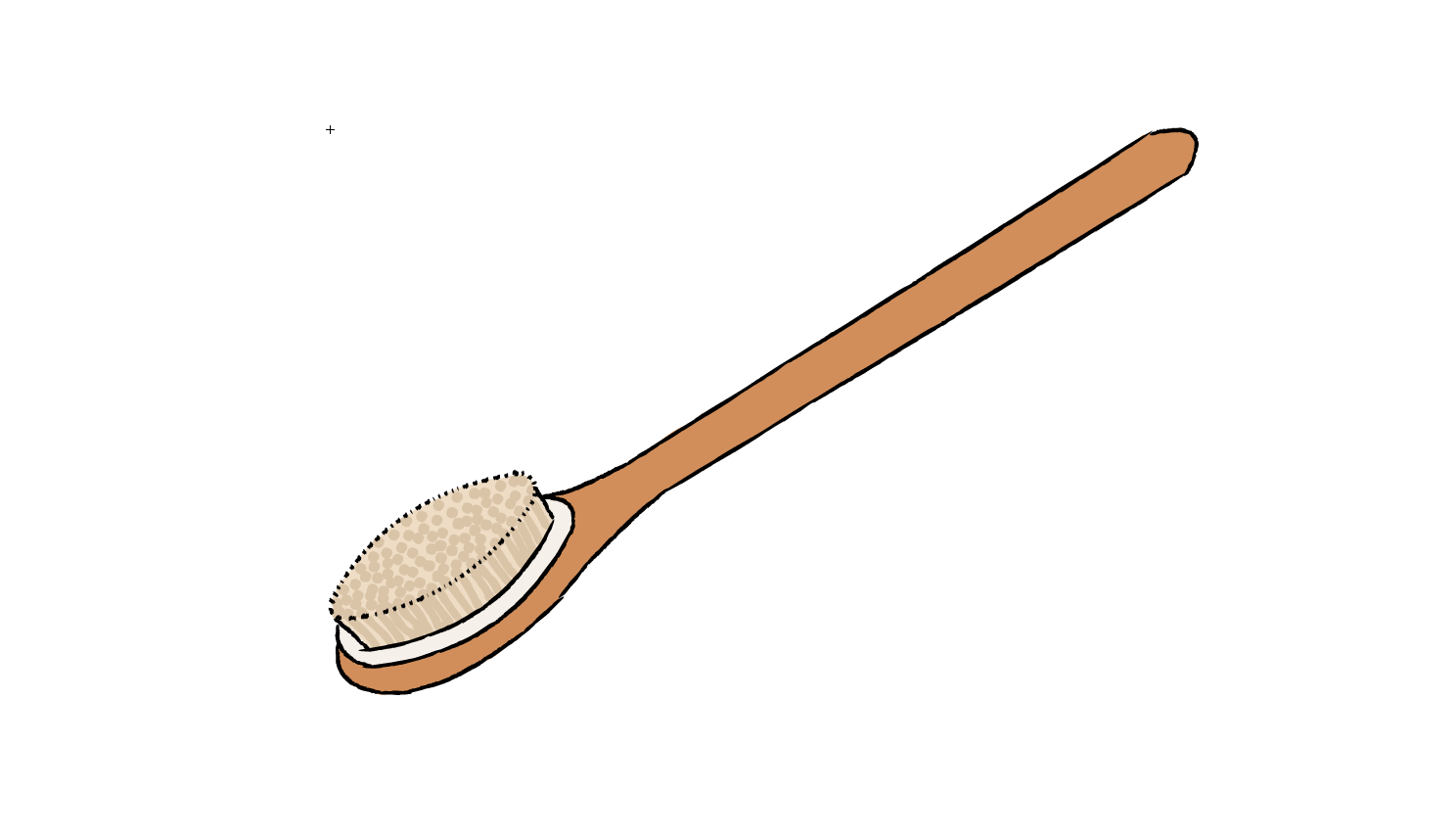
I also made a few illustrations this past week for Tate and Kathy. The first one is an illustration showing a raised body temperature on a celsius thermometer, drawn in a semi-realistic style, similar to wikihow illustrations. I pulled the flesh tones and background color from an example illustration Kathy showed us and modeled the thermometer/hand after a few copyright-free images. The second is an illustration of a bath brush that I did for Tate, which I also used a reference photo for. All of these objects are made in Adobe Animate as vector images, and since they’re being used for animations they don’t require as much detail, so I only added a bit of texture on the bristles of the brush to add some dimension (initially I had two tones on the wooden handle but I went back to one color to keep it more minimal). I really enjoyed doing these illustrations so I hope I get more assignments soon!

Filed Under: 2018 Fall - 2019 Spring

RUS412K Animation Dump

November 13, 2018 By Tate Gibson

RUS412K Animation Progress!

Just sharing some more progress I’ve made on the Russian Animations. Once again, click on the images to see them move! Here’s the Young Girl character walking to the sink to be used in the animations where she washes her hands and brushes her teeth:


And the hand washing animation is essentially done now, too:

I also pretty much finished the dish cleaning POV animation:

And nearly finalized this pick up clutter animation. There’s a little extra BTS here; I forgot to hide the layer when I exported but when a character is going to be moving around a lot I’ll often drop all of the angles on one layer for easier access:

And last but not least, I made significant progress on this clothes washing animation. Couldn’t fit the character angles on the frame like the last animation, but peep the hair poking out on the bottom of the frame:

It’s still going to be some good work to get these finalized before Dr. Rice needs them, but we’re well on our way!

Filed Under: 2018 Fall - 2019 Spring

COLA IDs

November 12, 2018 By Valerie Tran

So, Suloni talked to me at the beginning of my shift and told me that we had a LOT of COLA photo IDs to edit and process. She asked me if I would be able to help her out and so I did!


So many…..photo…IDs……


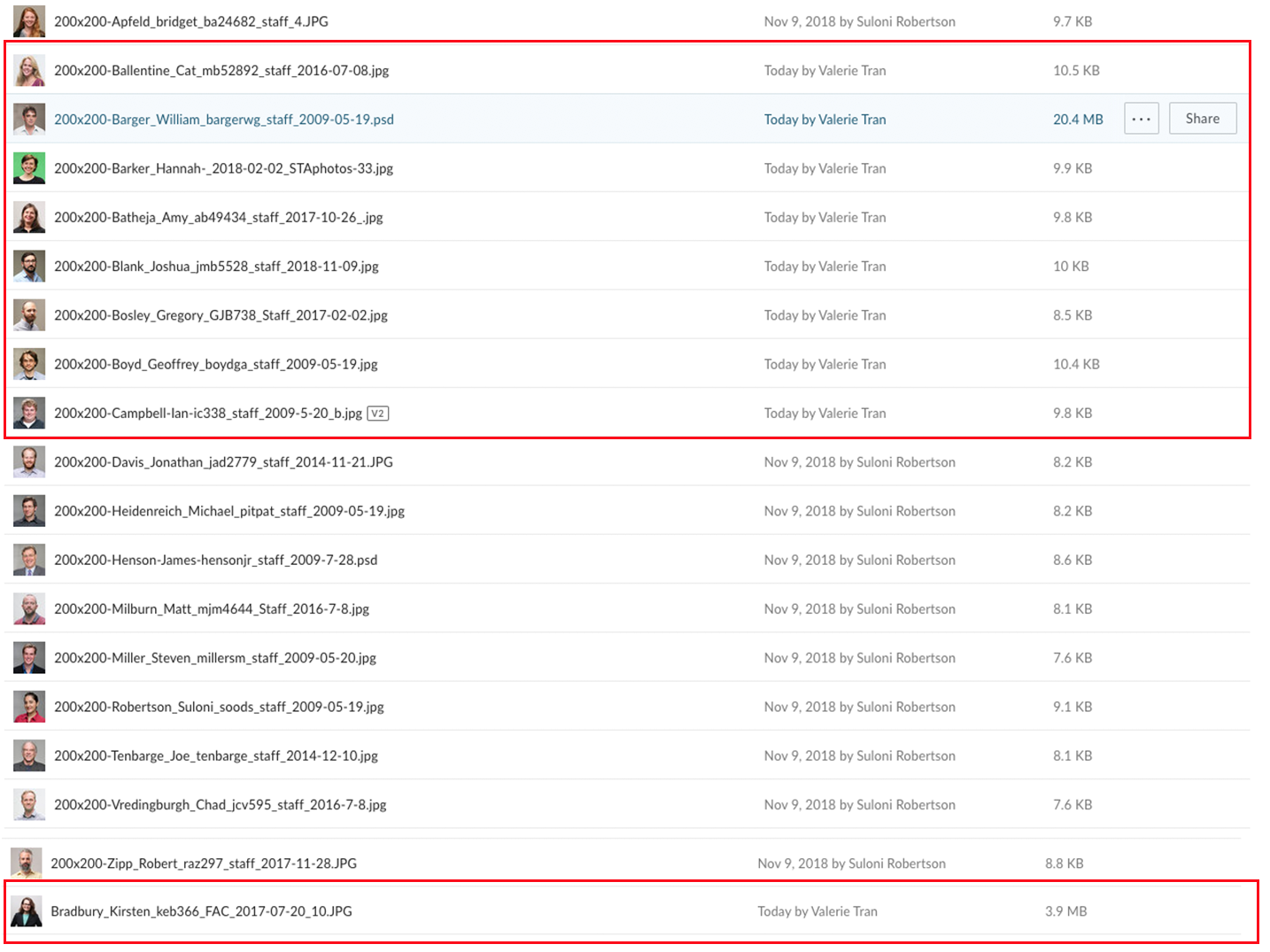
The photo editing process for these are a little different from the way we’ve been doing them in the past. These photos were 200×200 and I used a template for all the photo IDs so that they are all in one file. Because they are all in one file, I dedicated each layer to one client. The template was necessary because there were guidelines to guide where the client’s face/head should be for their ID. Other than that, the photo editing was pretty much the same. I brightened up some pictures using the “Highlights/Shadow”, the “Brightness/Contrast”, and the “Vibrance” tools.

The photos in the red boxes were the photos I edited during my shift. There were so many, but I’m making progress!

That’s all for this shift 🙂

Filed Under: 2018 Fall - 2019 Spring

  • « Previous Page
  • 1
  • …
  • 35
  • 36
  • 37
  • 38
  • 39
  • …
  • 62
  • Next Page »

link to LAITS home page

Video STA Home

© 2025 Liberal Arts Instructional Technology Services | Production Credits