• We are STAs
    • Asha Rountree
    • Haley Ma
    • Kate Shih
    • Kyra Lee
    • Nicholas Peasley
    • Sasha Kenney
    • Shanda Horm
    • Shriya Atreya
    • Tomas Marulanda-Mesa
  • We were STAs
  • STA Presentation
    • STA Presentation 2017
    • STA Presentation 2016
  • Testimonials
  • Resources
  • Home

STA Blog

Current Sta

Welcome to the STA Blog!

August 16, 2021 By Adrian McKee

Hi Adrian! 🙂 Welcome to the STA Blog! This the page where your blog posts will published.
Toward the end of your STA Orientation, you’ll design and upload a banner to go at the top of this page.

Upload a Blog Banner


Step One: Design Your Banner in Photoshop

Use these Photoshop specs when you’re making your banner:

  • Your banner should be 780 pixels wide (the height doesn’t matter)
    • Must include your name, your major, and your expected graduation year
    • Your banner should reflect who you are (your personality, interests or major)
    • Make sure to save your banner for the web (i.e. File > Export > Save for Web (Legacy))
    • If you save your banner as a JPG, make sure sure the quality is high (i.e. at least 60)

Step Two: Save Your Banner

  • There are two places you can save your completed projects: UT Box and the LAITS server. You’ll be given a personal folder in both locations. For now, you only have to save your banner to UT Box, but you may have to access the server at some point in the future.

Accessing UT Box

  • If you haven’t already registered with Duo,  follow the instructions here to set up an account.
    • Then log in to UT Box with your EID and password: http://utexas.box.com/
    • Go to the folder called Design-Coding-STAs, then the subfolder STA-folders
    • Find the folder with your name on it
    • Save your banner both as an image and an unmerged PSD

Accessing the LAITS server

  • Accessing the LAITS server from off-campus is slightly more complicated.
    • You’ll need to be registered with Duo if you aren’t already (you can register here).
    • Then you’ll need to connect to the UT VPN and the LAITS server. The videos below will walk you through how to do that:
      • Connect to the Server – PC
      • Connect to the Server – Mac
    •  Then navigate to your STA volume folder and save
      • smb://file.laits.utexas.edu/sta/Adrian McKee
    • Save your banner both as an image and an unmerged PSD

Step Three: Upload Your Banner to the STA Blog

  • Log in the the STA Blog here.  You should’ve received an email confirming your new WordPress account with your username and assigned password. If didn’t get it or you can’t log in, ask Suloni or another STA.
  • You’ll be able to change your password anytime by going to Users > Your Profile > Account Management > New Password.

Uploading media and banners in WP

  • Read these links before you upload your banner.
  • They will walk you through how to upload media to your blog.

How to Upload a Homepage Banner

Adding New Posts and Media

Filed Under: Fall 2021 - Spring 2022, We are STAs

Photo IDs & Pirate

August 5, 2021 By Ingrid Alberding

This week, I worked on giving feedback for the typography KB, a bit on the animation script, and on photo IDs. Here are some of my IDs

For this next photo, the original was only from the neck up, so I had to compromise on the size.


Also, here is your weekly Pirate update (she’s a woman of letters):

Filed Under: 2021 Spring - 2021 Summer, We are STAs

Weekly Update & Musings

July 30, 2021 By Ingrid Alberding

This week was pretty chill. I worked on LPL, wrapped up the Web Accessibility Training, and worked a bit on photo IDs.

To elaborate: web accessibility training was originally Megan’s, but as she’s off for the summer it was passed to me. She did a great job, I just ended up making some small edits to the introduction to change the language and the table to be more straightforward. I also included some additional accessibility-related resources and a brief summary of the history of web accessibility legislation. Web accessibility is really interesting to me, and something I’m mildly passionate about as someone living with a disability. I hope the training can be of use to current and future STAs alike as we move toward a more barrier-free world for all. Sounds cheesy but I mean it 🙂

As for photo IDs, I did some color correcting and playing around with levels for the first two of these, and simply brightened the last one a bit.

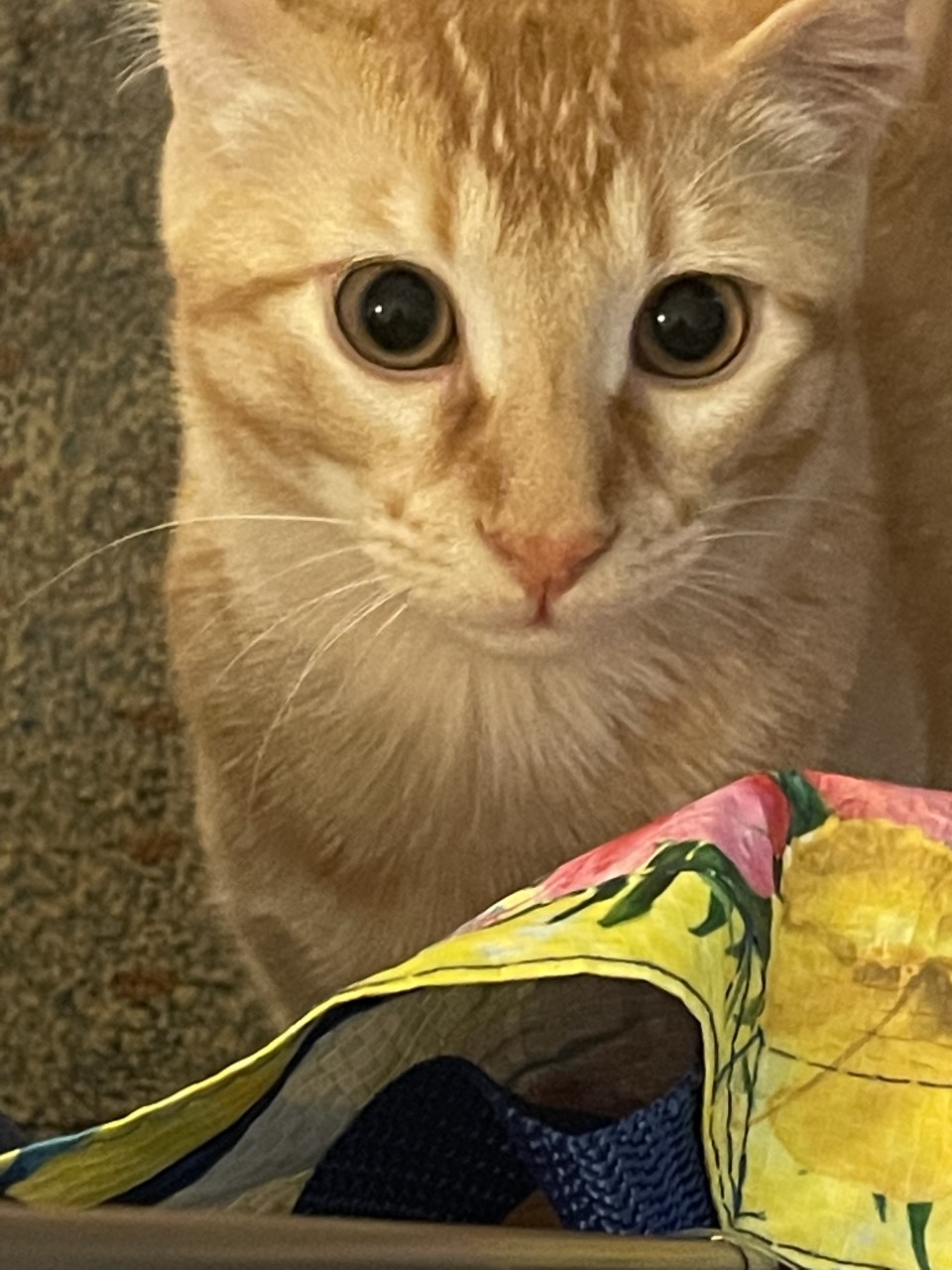
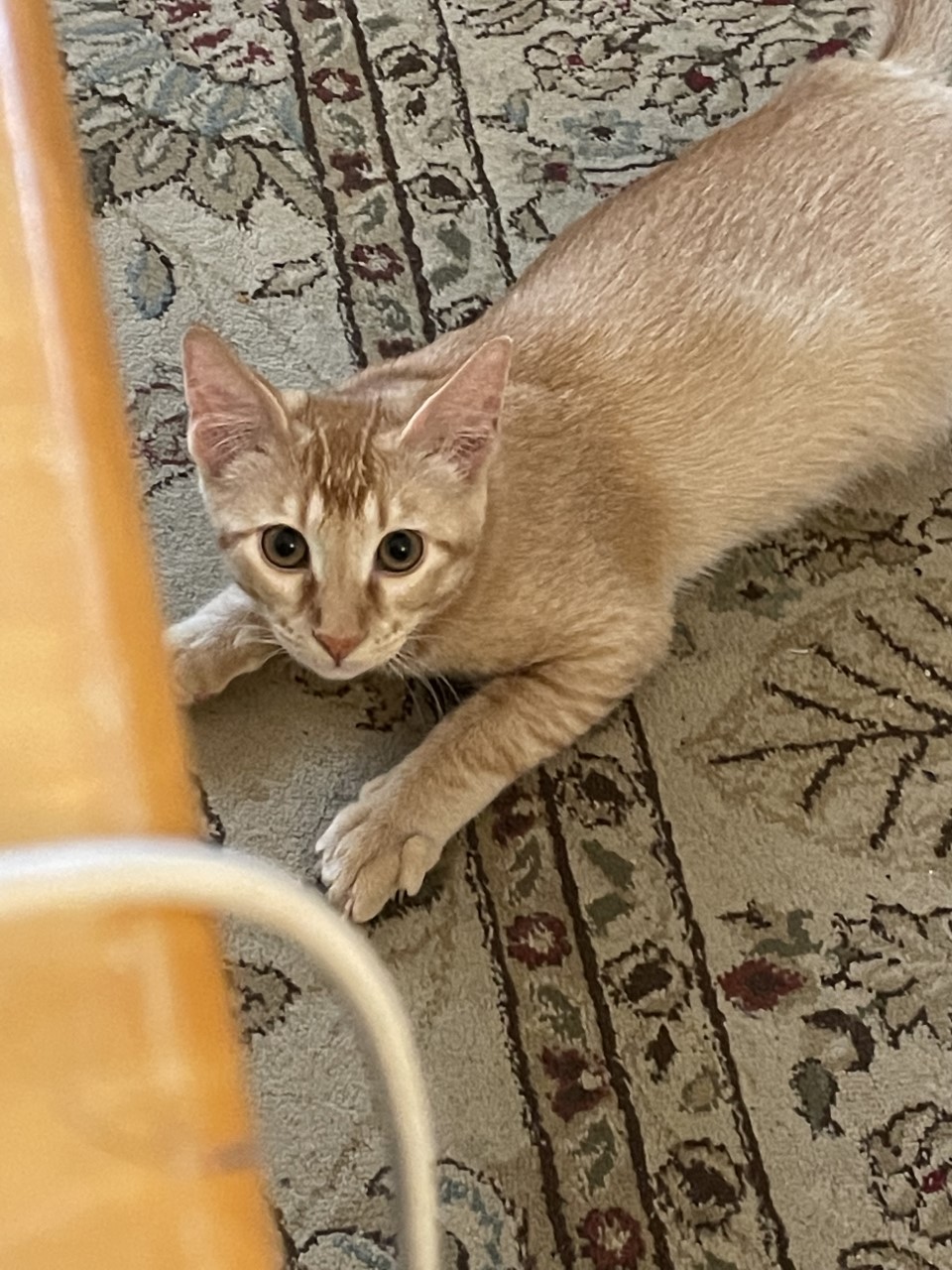
Also, it’s Friday! So please have this picture of my roommate’s cat and the love of my life, Pirate

Filed Under: 2021 Spring - 2021 Summer, We are STAs

Grav

July 23, 2021 By Ingrid Alberding

This week, I worked a little bit after being gone for a week. Here are a few pics from my vacation 🙂

The Waterfront in Burlington, Vermont
The Isabella Stewart Gardner Museum in Boston

Once I got back, Thursday, I worked on LPL design, and a bit on KB.

On Friday, I got set up on Grav with Maddy’s help. I’m continuing to try to sort out an issue where custom CSS isn’t updating on my site. Per Maddy’s advice, I deleted and redownloaded MAMP, still running into the same thing though.. hoping to get this fixed by next week.

Filed Under: 2021 Spring - 2021 Summer, We are STAs

CSMS Data Structures and Algorithms

July 22, 2021 By De'sha Bass-McClellan

Data Structures and Algorithms

Logo Design:

Since the course is about introductory data structures and algorithms. I thought it would be convenient to use actual coding references as the logo. Here are a few draft ideas, but we decided that the stack was the strongest.

To make it a more dynamic logo, we added additional stacks. This is the final logo.


Animatic:

I also got the opportunity to create the animatic for the animation for this logo. For the stack algorithm, the boxes are added and removed from the top of the stack. Here are the animatics I created.


http://sta.laits.utexas.edu/wp-content/uploads/2021/07/DS_animatic_2mp4.mp4
http://sta.laits.utexas.edu/wp-content/uploads/2021/07/DS_Animatic_3.mp4
http://sta.laits.utexas.edu/wp-content/uploads/2021/07/DS_animatic.mp4

Filed Under: 2021 Spring - 2021 Summer, Uncategorized, We are STAs

STA Handbook doodles

July 16, 2021 By Abriella Corker

STA Handbook Doodles

I helped Maddy in making a couple of doodles for our STA handbook. The handbook is undergoing some edits now that we are going to be coming back to the office and hiring new people as well. The doodles look a little messy but that’s kind of the whole theme of our handbook, Maddy created it to be like a composition notebook belonging to a student with doodles to enhance the written content inside. Honestly, I think it’s a clever idea and it’s the most visually appealing handbook I’ve ever gotten for a job before and I’m not just saying that cause I helped work on it!


Filed Under: We are STAs

  • « Previous Page
  • 1
  • …
  • 81
  • 82
  • 83
  • 84
  • 85
  • …
  • 127
  • Next Page »

link to LAITS home page

Video STA Home

© 2026 Liberal Arts Instructional Technology Services | Production Credits