Not much to talk about this week as this is the only day I’m working this Thanksgiving week :^(
However, I had my eval meeting today, and here’s what I have so far for the InDesign training!
Current Sta
Not much to talk about this week as this is the only day I’m working this Thanksgiving week :^(
However, I had my eval meeting today, and here’s what I have so far for the InDesign training!
This week, after a week-long break, I finished my HTML/CSS training — you can see the finished product here. I also completed some options for the ISPRII logo, and did some photo IDs, examples of which can be found tomorrow.


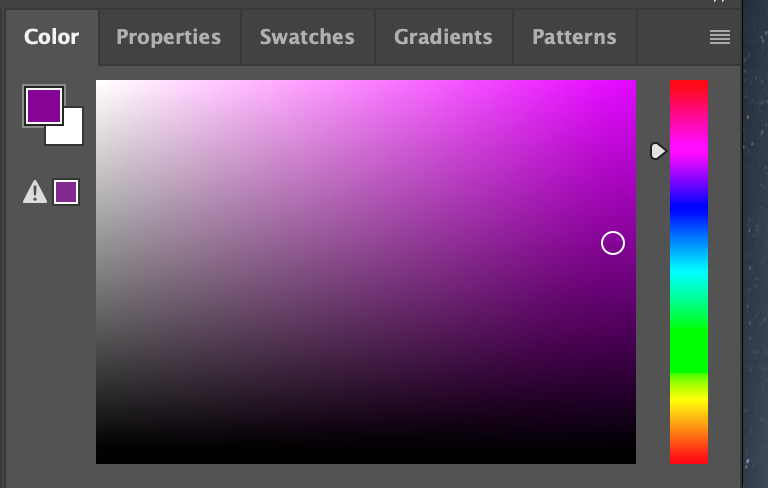
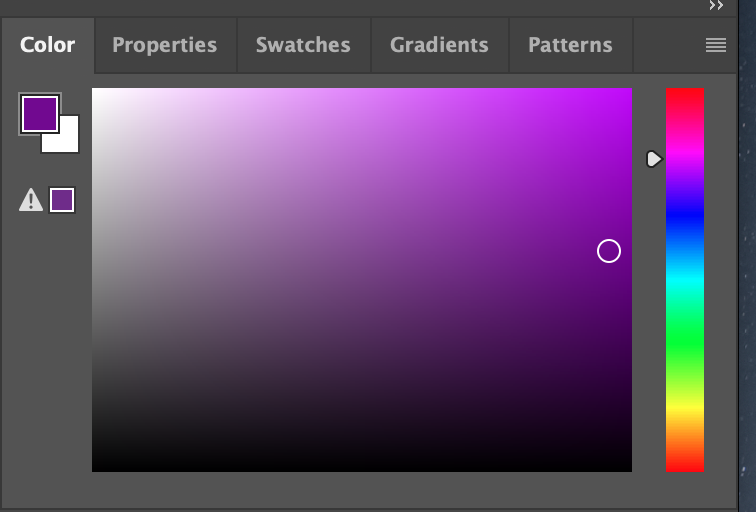
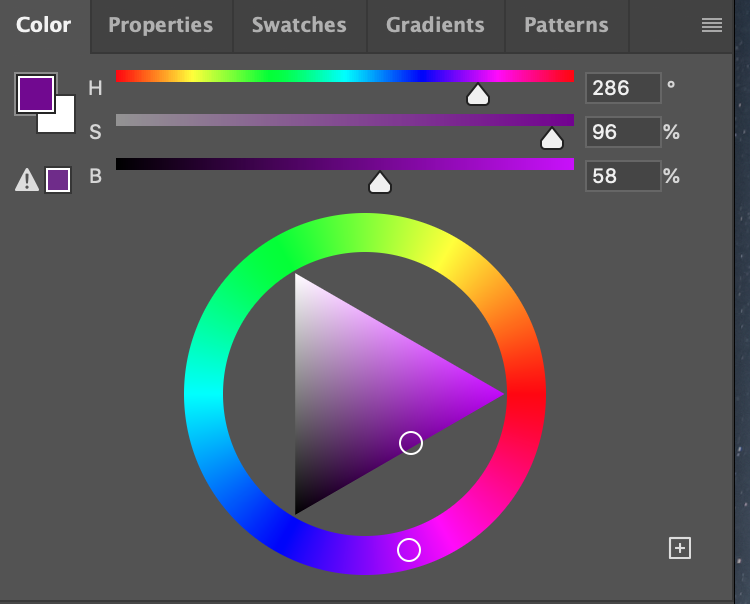
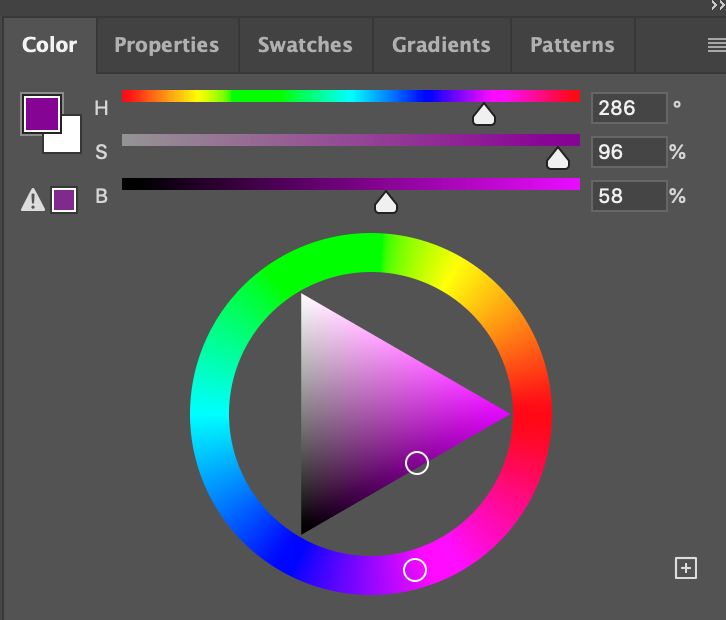
This week, I worked on some IDs, finished the HTML training, started Poonum’s project time estimates training, and worked on simple course graphics for a women’s and gender studies course. The professor for that course didn’t like the deep purple I originally chose, so I’m redoing them with a slightly pinker, brighter shade. But there’s an issue: the PSD file for the Canvas buttons has slightly different RGB color settings than the others and as a result, the pink extends further into the blue in the B values. Take a look:
I finally finished my Canvasser game and integrated it into CLIO! I was happy to use my new HTML/CSS know-how to code and style a button into CLIO with the link to my game. Play it here! Match the Spanish personal pronouns to the corresponding picture!
This week I worked mostly on completing my basic training by exporting 11 different frames from individual layers into a complete animation into After Effects:



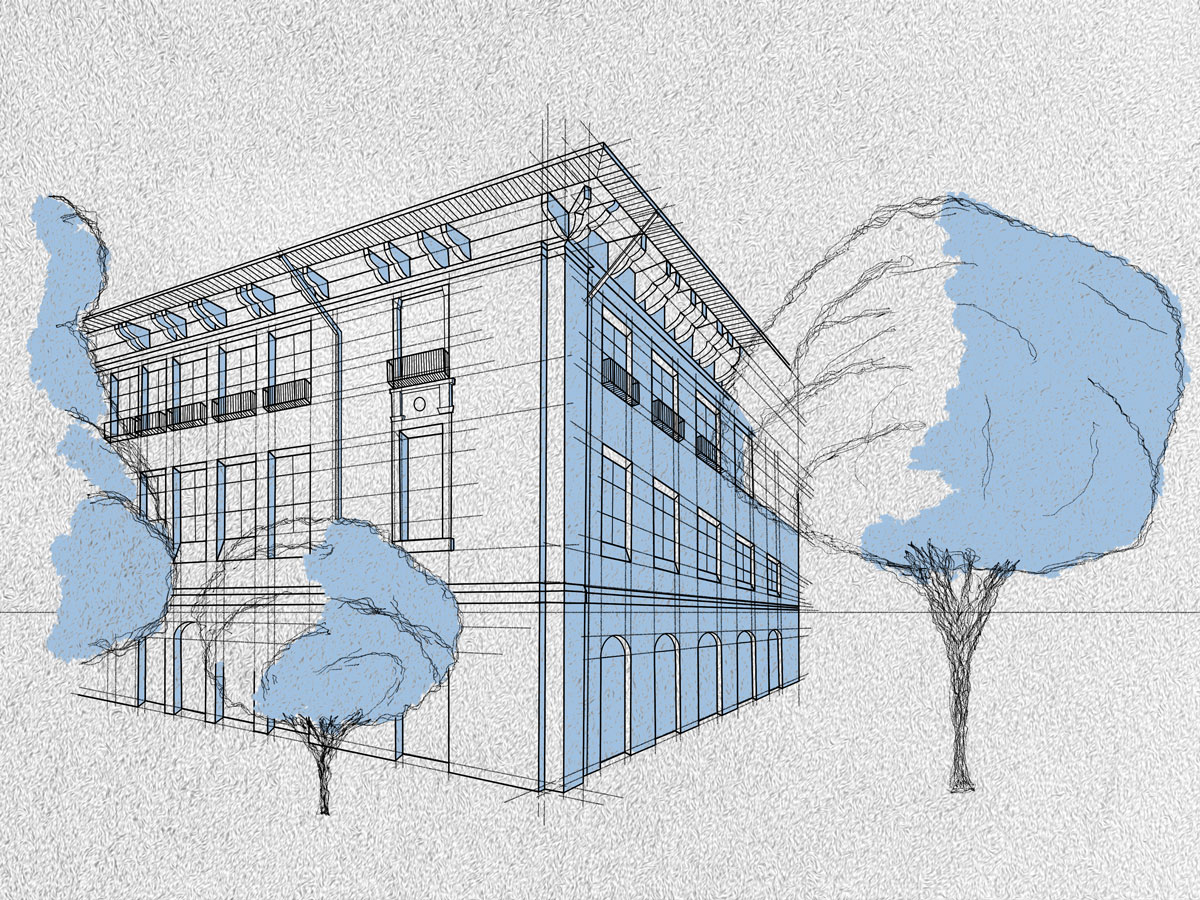
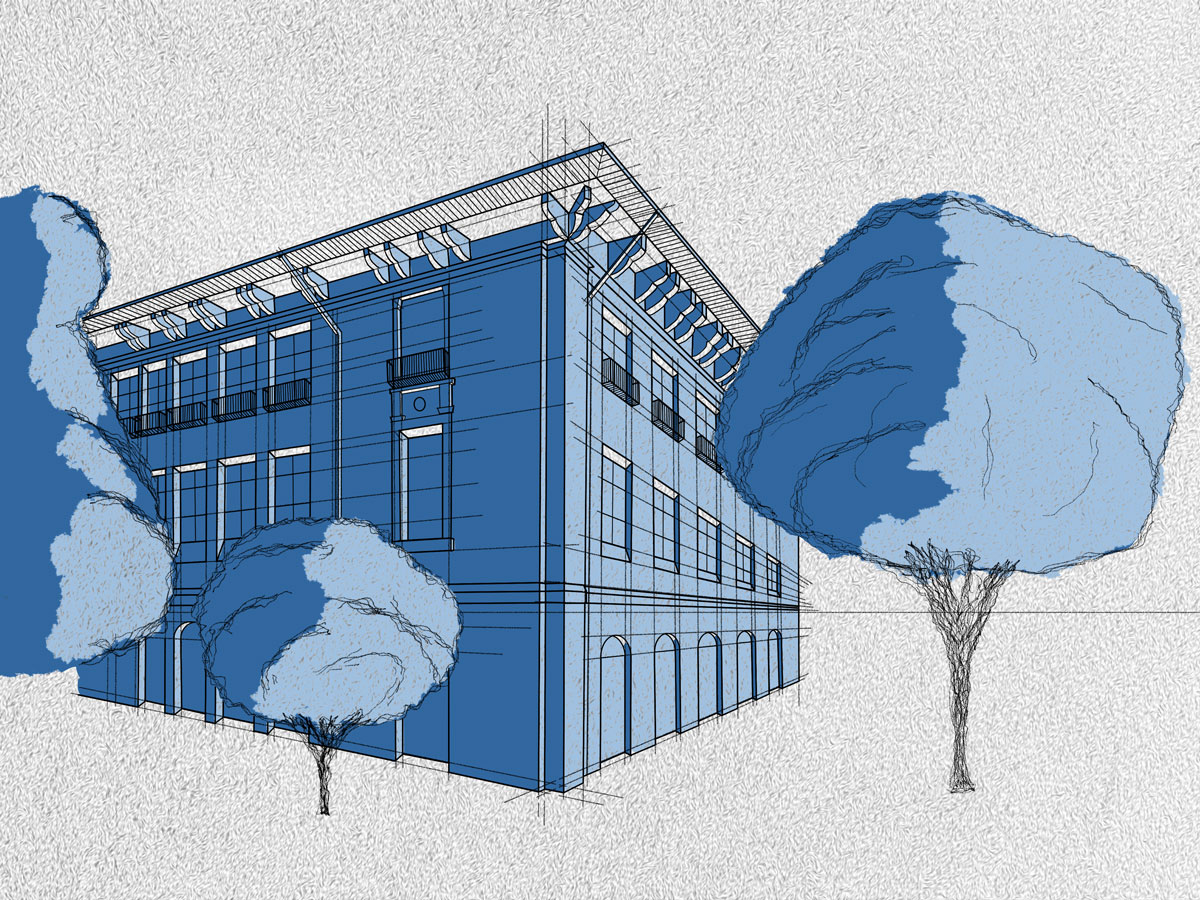
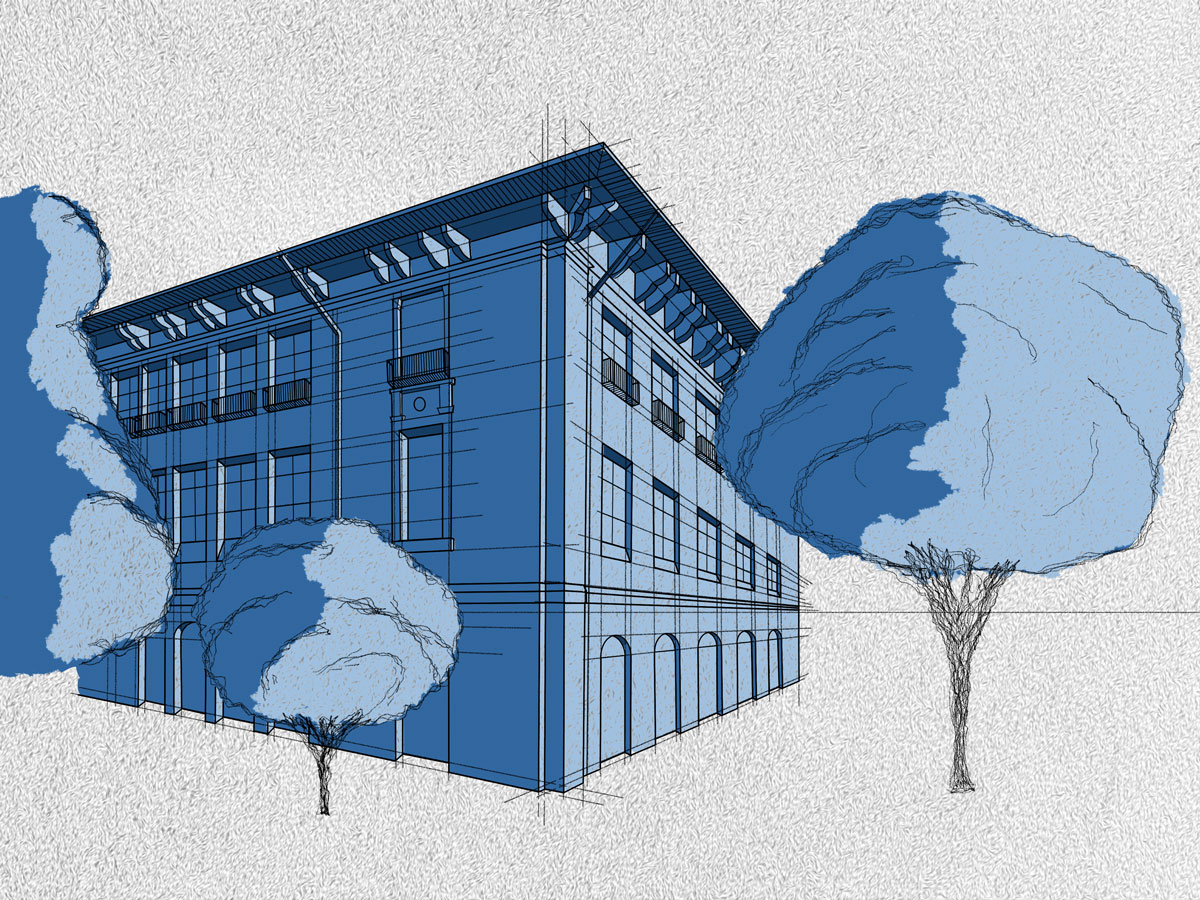
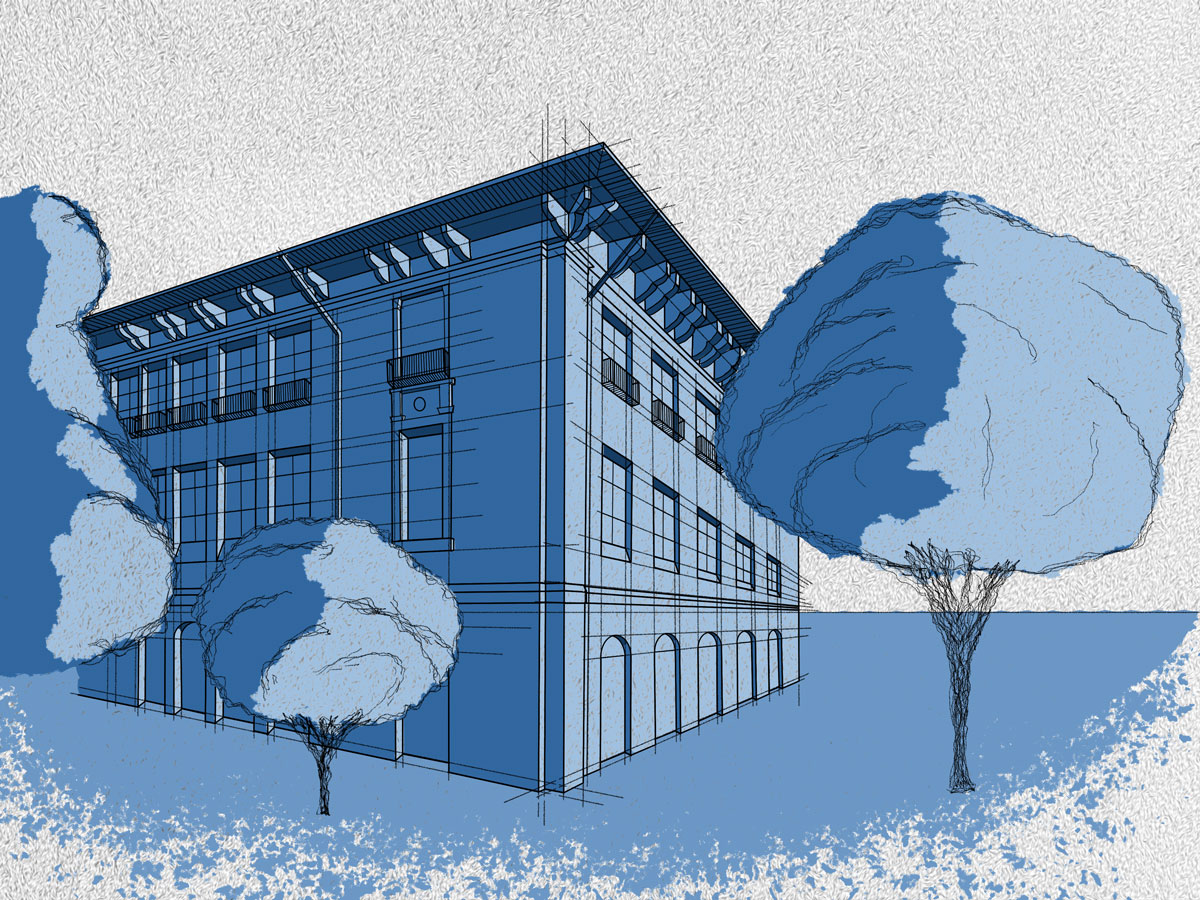
This is the final animation as a GIF file:

I did some course graphics for WGS 305: Introduction to Women’s and Gender Studies today! They were in Style A, so they only took about an hour to do. I love the purple that the professor picked out! Only showing some buttons because this site won’t allow me to upload JPGs 🙁