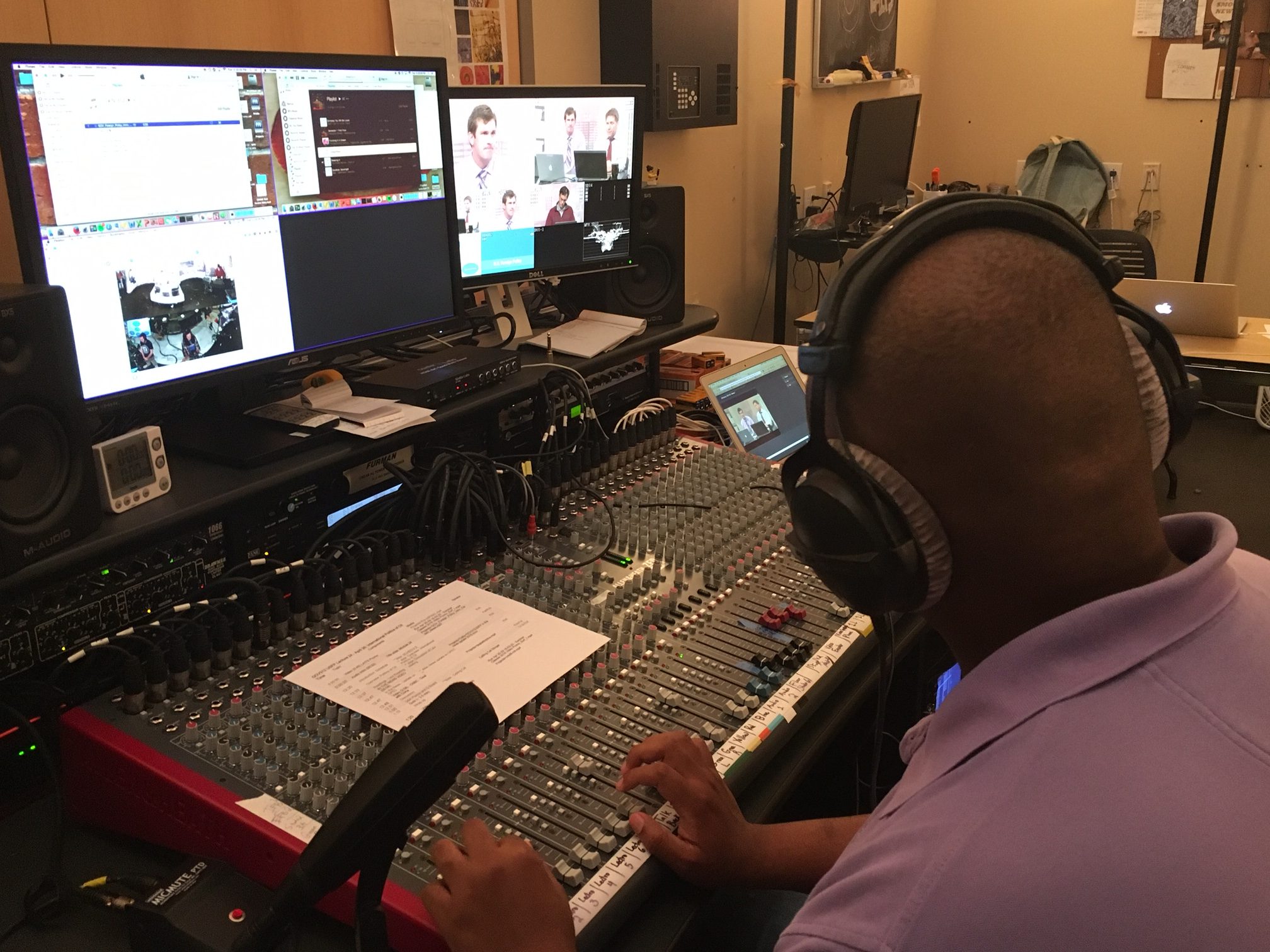
• We are STAs
    • Asha Rountree
    • Haley Ma
    • Kate Shih
    • Kyra Lee
    • Nicholas Peasley
    • Sasha Kenney
    • Shanda Horm
    • Shriya Atreya
    • Tomas Marulanda-Mesa
  • We were STAs
  • STA Presentation
    • STA Presentation 2017
    • STA Presentation 2016
  • Testimonials
  • Resources
  • Home

STA Blog

What Jane Saw

April 12, 2016 By Audric Ganser

WJSBanner

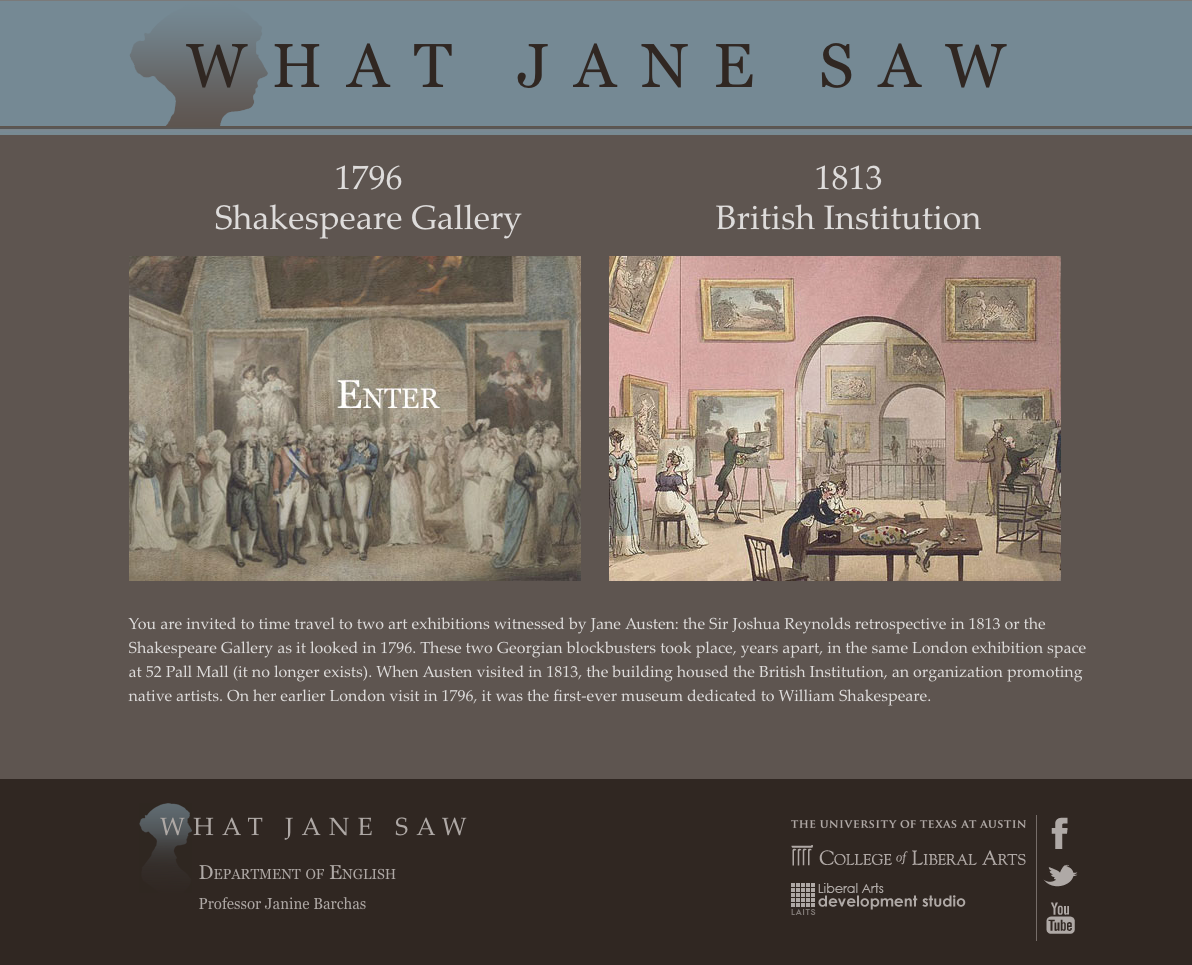
What Jane Saw  is the product of English Professor Janine Barchas’s research into the life and times of British Novelist Jane Austen.
WJS-presentaion-intro

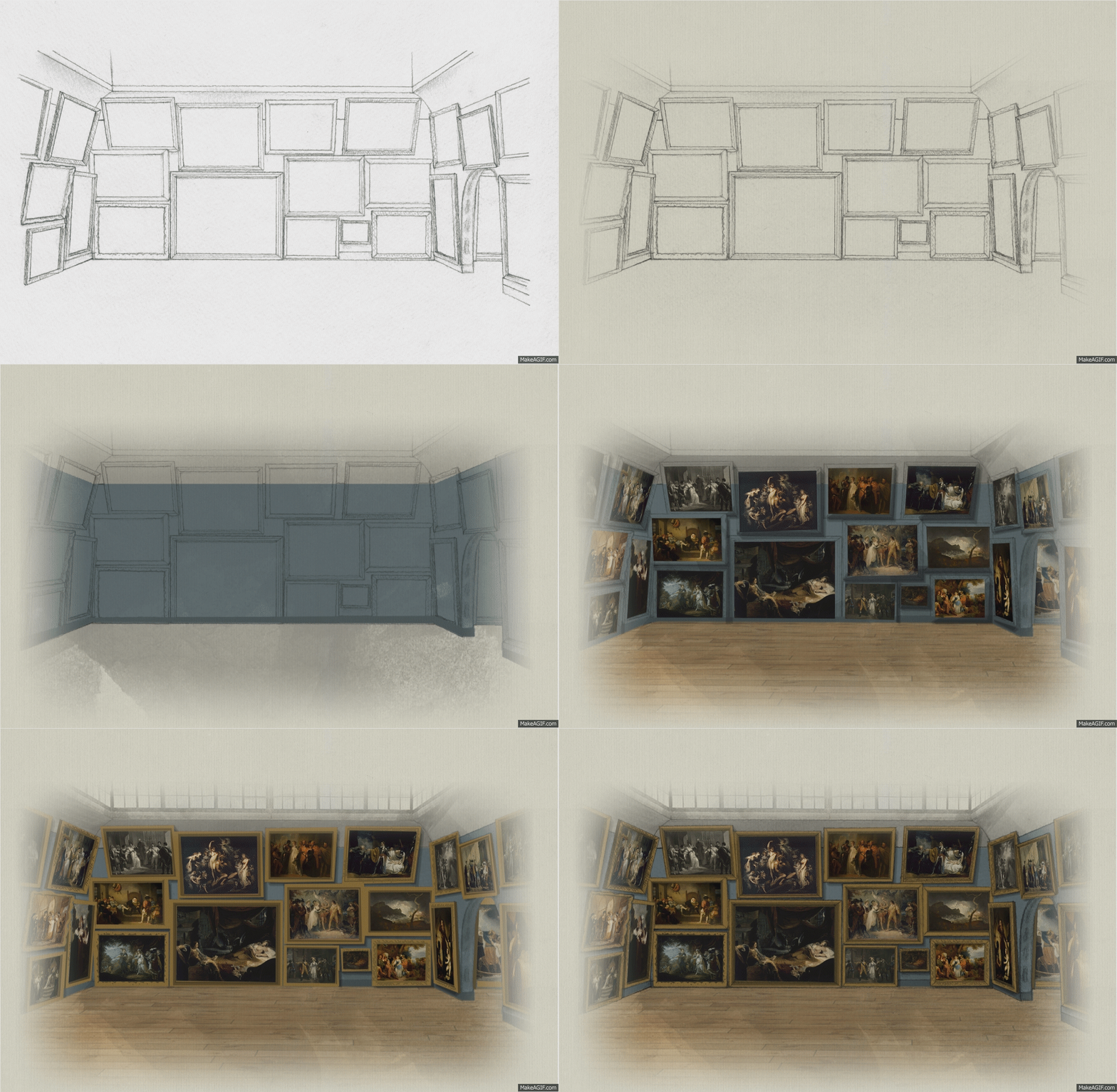
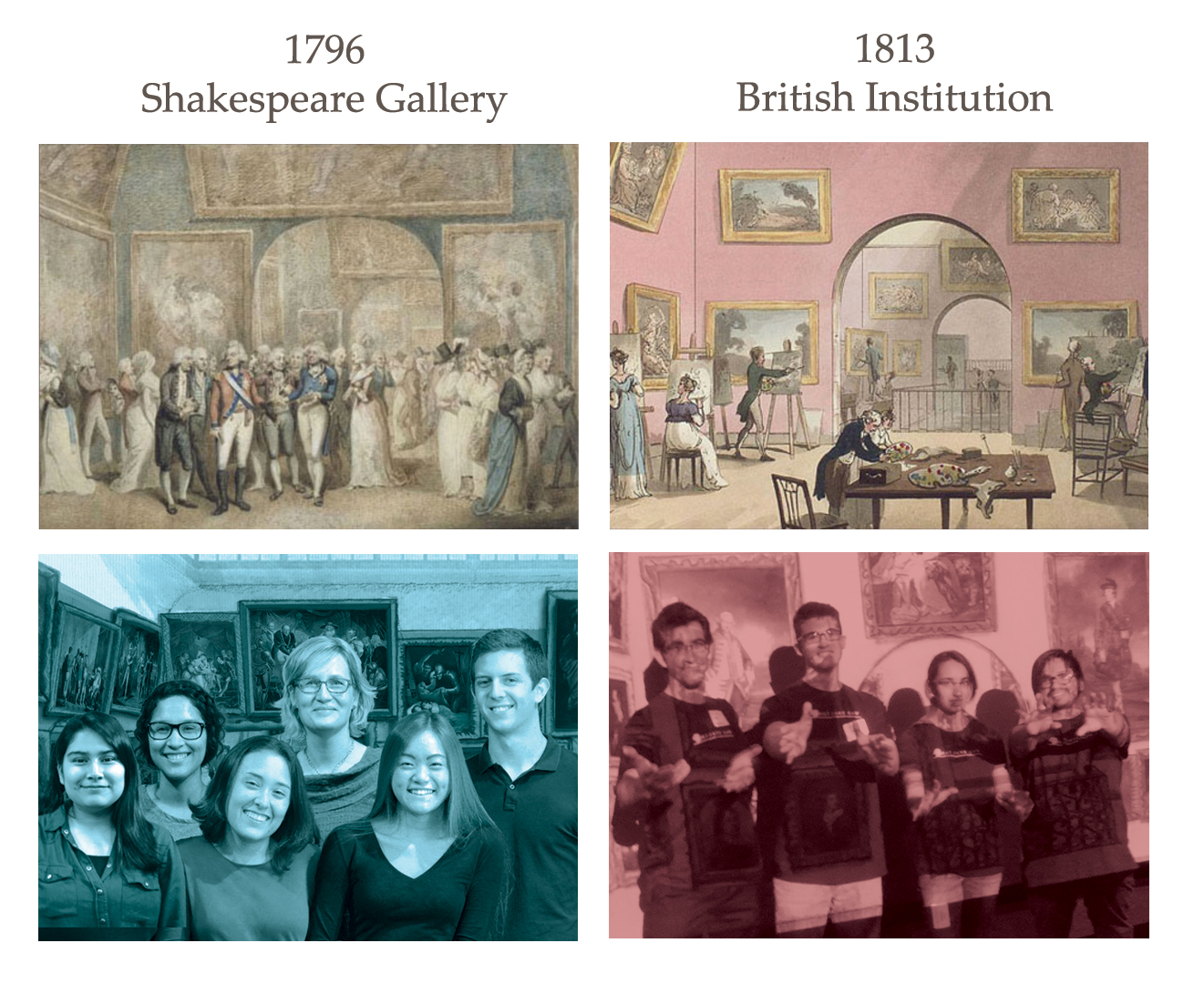
Professor Barchas wanted all of us to be able to see a historically accurate versions of  important art exhibitions hung in a London art gallery, that Jane Austen saw and wrote about. The gallery no longer exists, and the paintings will probably never be curated for one space ever again. Thanks to STAs having had the privilege of working with Professor Barchas, we all have a taste of What Jane Saw in both the 1796 and 1813 art exhibitions. Audric Ganser will show you the process behind the 1796 Shakespeare Gallery site.


Step1: Re-create the Gallery
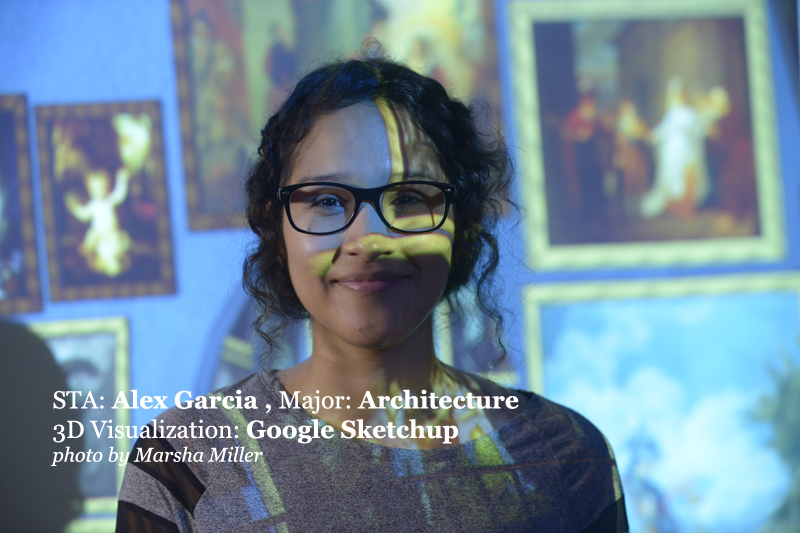
 

Barchas, Janine 2015 Shakespeare Gallery with students

https://sta.laits.utexas.edu/wp-content/uploads/2016/04/2015-WJS2_Final-walkthrough_CLIPCHAMP_keep.mp4


2. Drawing: 12 room & wall views

(for a warm, hand-made look and feel)
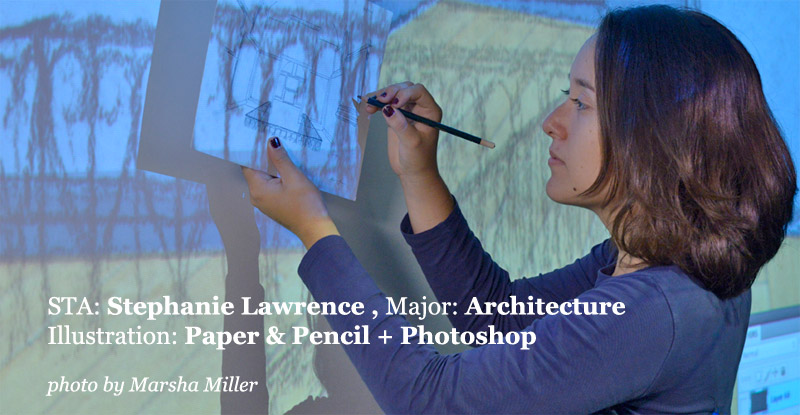
 

WJS-Stepanie-Lawrence

wjssteph


3. Coding Magic


After the gallery art was done the project was then passed down to the coding team.

The team consisted of LAITS Web Developers Lauren Moore, Ryan Miller, & STAs Sarah Wang, and me.
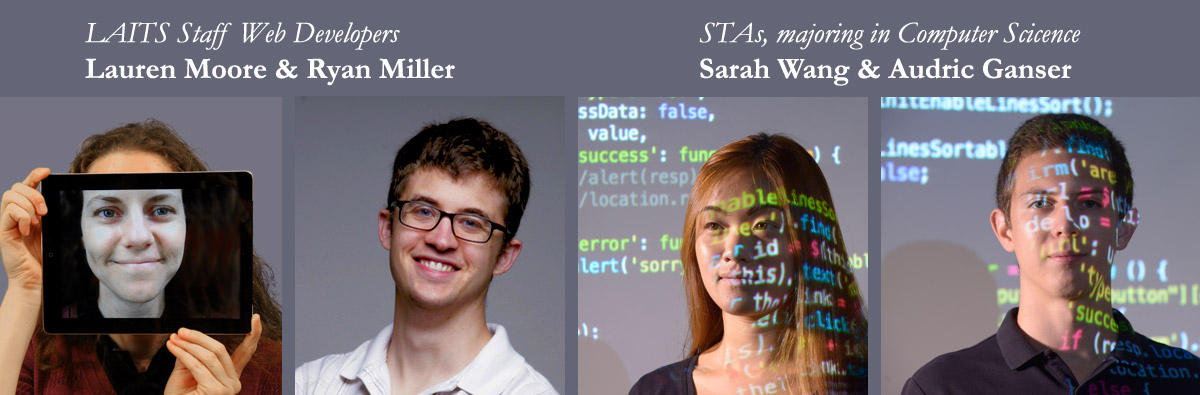
wjs1796-codingteam


Screen Shot 2016-04-21 at 1.32.39 PM


WJS Promotional Materials


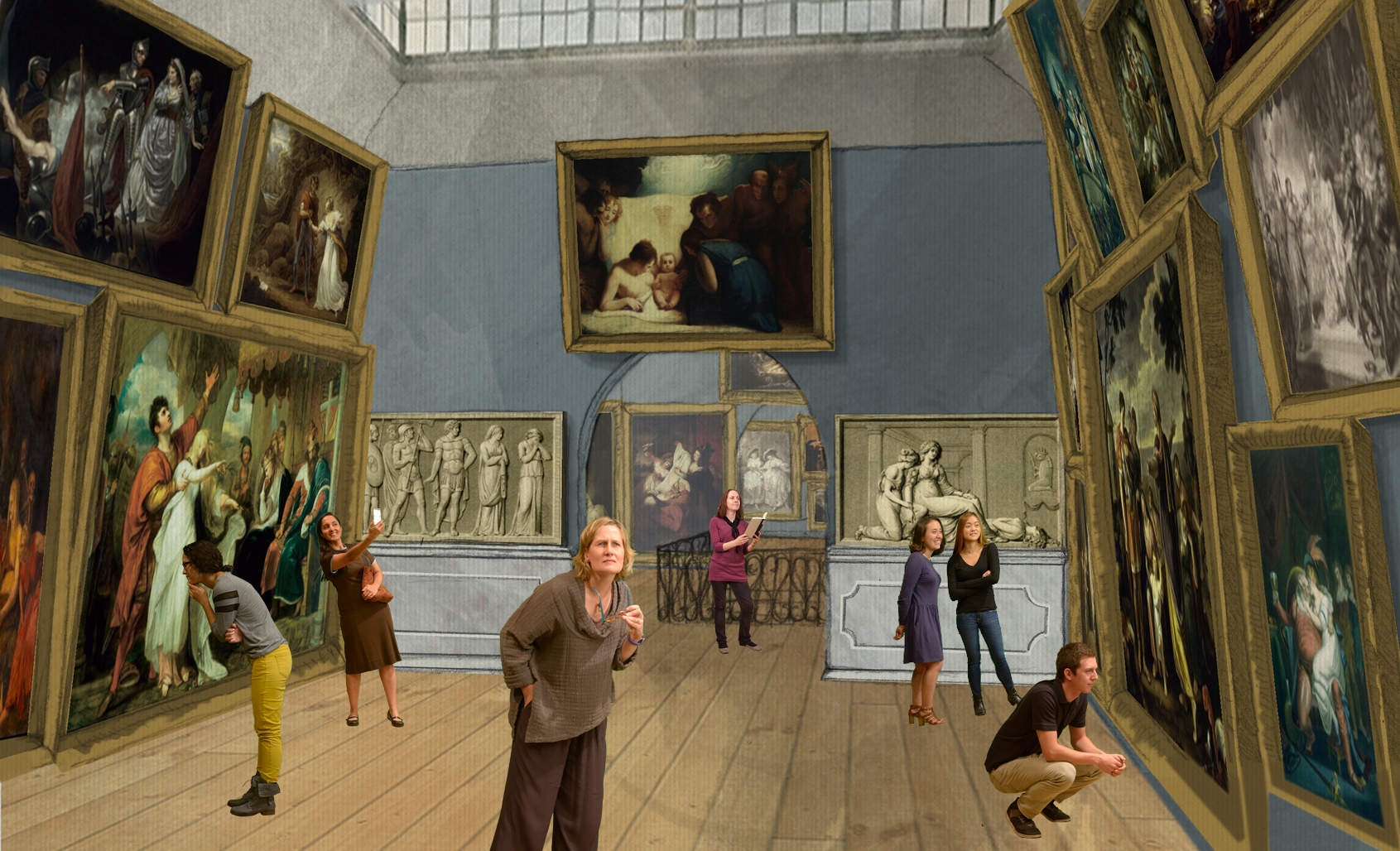
I was brought onto this project to create two different promotional materials for this website. One of which would even be featured in he New York Times. the first image I was asked to create was to place the team of artist and web designers into one of the rooms in the gallery. This is that result.
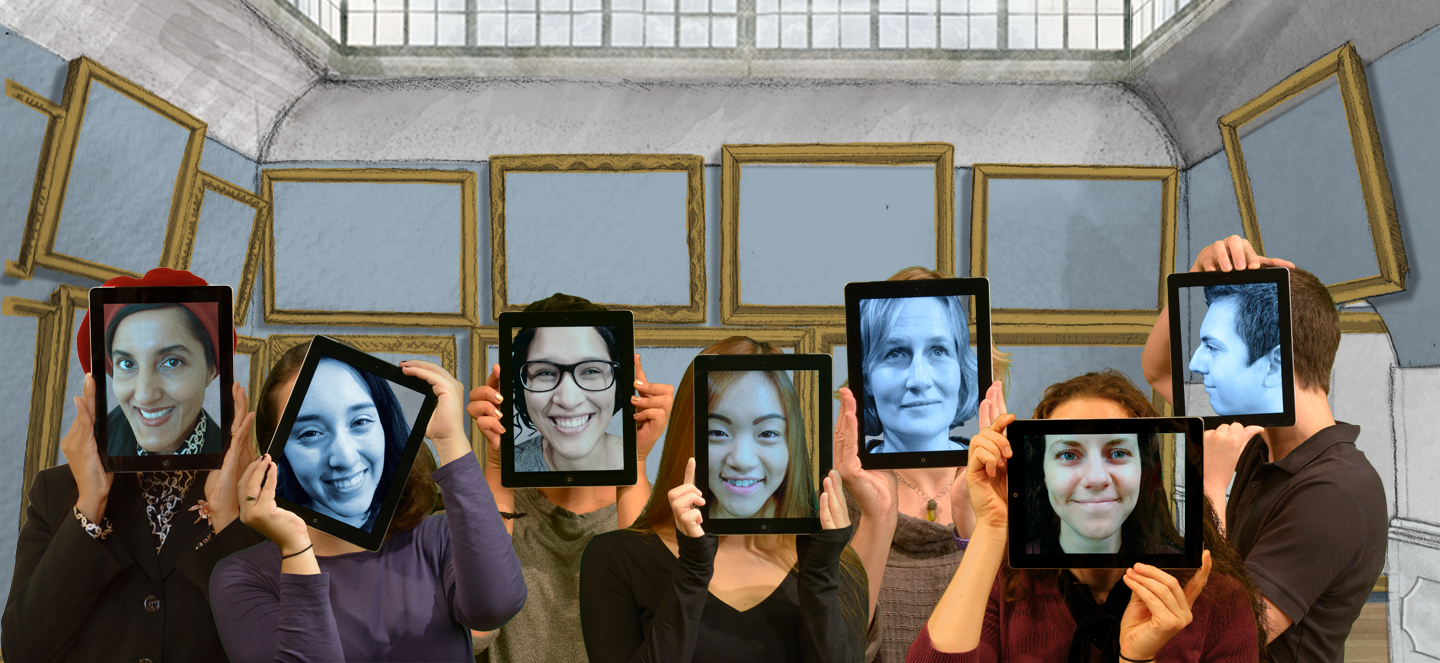
 

final-lineup

The second image  was a bit similar with having everyone placed in a room but instead of having everyone facing the 4th wall each person was to look as if they were observing some part of the gallery. It was also important to stylize the look so that it looked like a painting itself.

Process (In-depth):

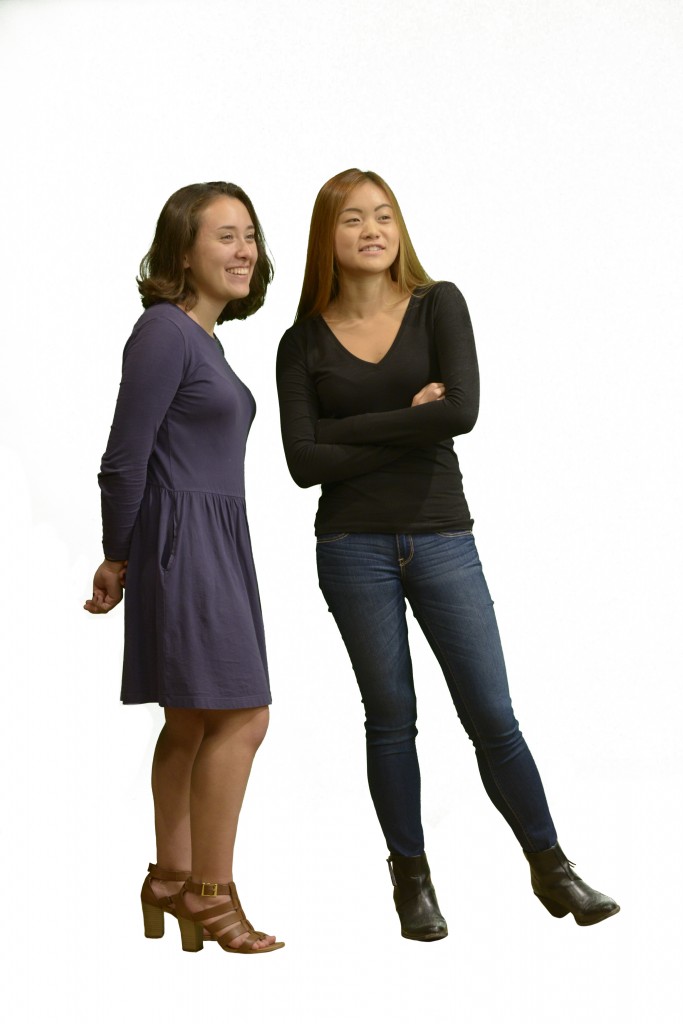
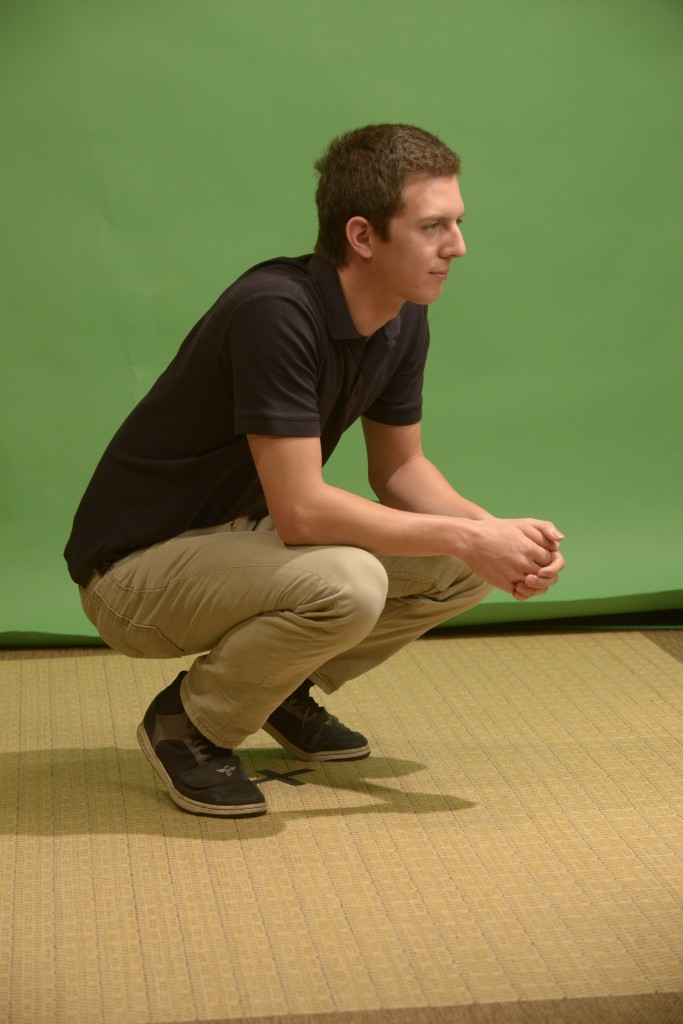
1)After photographer, Marsha Miller, took pictures of everyone in front of the green screen , I took the photos and cut each person out of the studio and placed them into the gallery. Each person had been instructed to pretend that they were looking at something in the gallery and I strategically placed each person where I thought they made more sense to be placed.I played with perspective and made the figures smaller or larger according to their location in the image. Barchas, Janine 2015 Shakespeare Gallery with studentsBarchas, Janine 2015 Shakespeare Gallery with studentsWJS_before
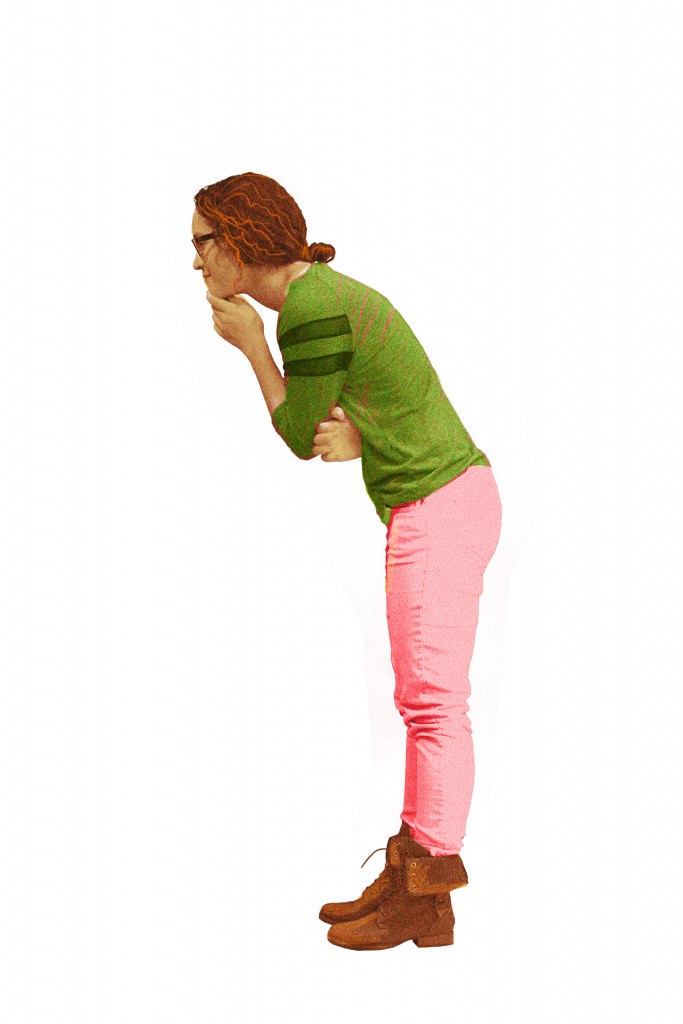
3)Then I stylized it using a technique taught to me by Suloni. This stylization required giving the image a tint and adding noise., then adding a color and texture over the clothing to make it stand out. Next, adding small details to highlight features like the hair or clothes and then highlighting figures with a white stroke. Lastly, was to adjust the color of both the images of the staff and of the exhibit. Adding shadows was  the finishing touch so that the room looked to exist in a 3d space

.Barchas, Janine 2015 Shakespeare Gallery with studentscolored
 

Final Result as seen by the world


Screen Shot 2016-04-20 at 12.59.24 PM

As an STA I get to learn more with each new project I take on. Not only do I get the experience of working with different people but I also get the experience of learning new skills and techniques that I value as an artist. Photoshop is a program I have been using since middle school but there are things still many things I discover with using it and now this technique that Suloni taught me for this project has become a valuable asset that I have taken with me in my graphic projects outside of being an STA.
Filed Under: STA Presentation Tagged With: 2016 STA Presentation

The Texas Politics Project

April 12, 2016 By soods

The Texas Politics Project

Website

Contributors: Lauren Moore and Ryan Miller (Web Developers)

Assignments:

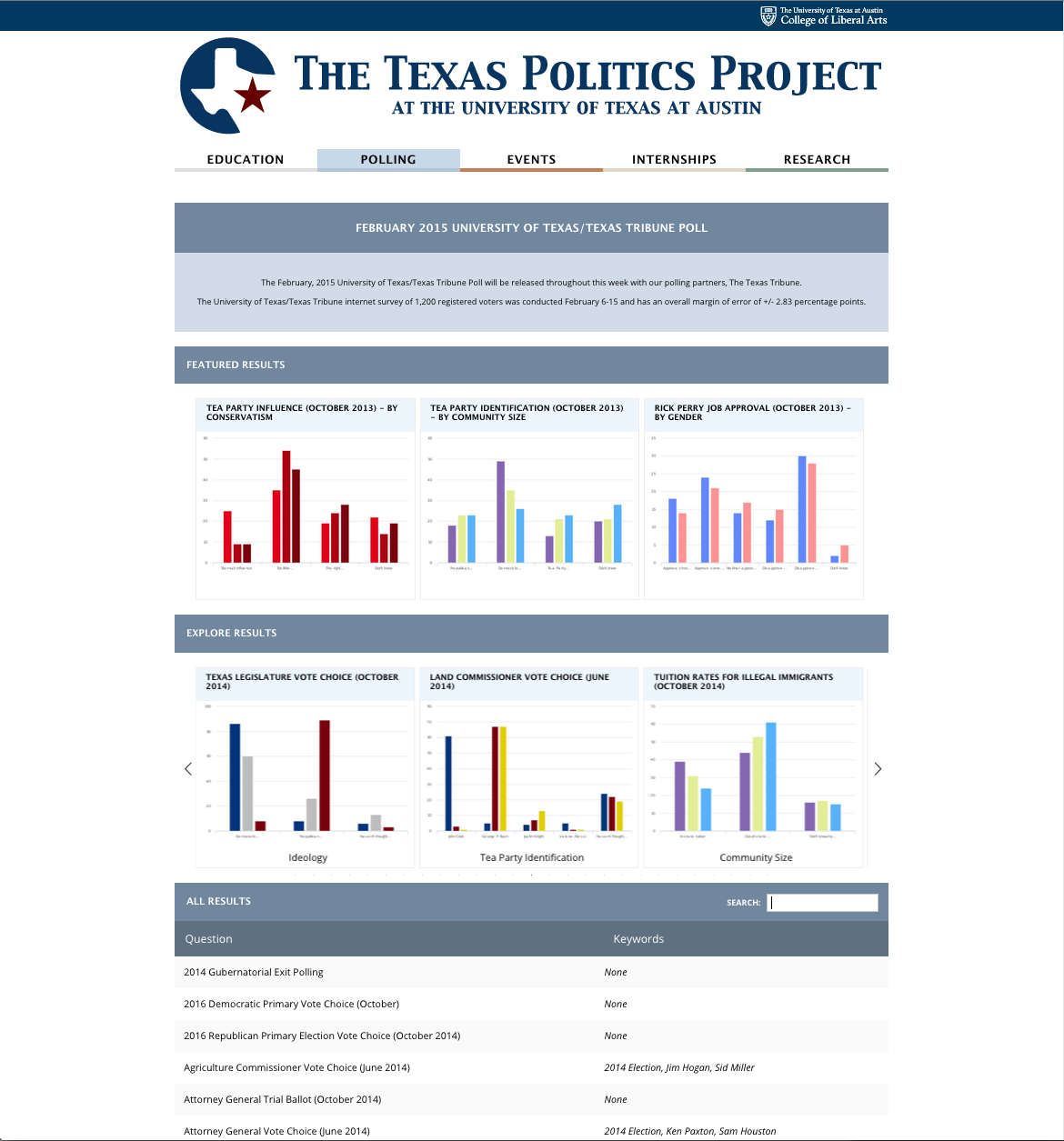
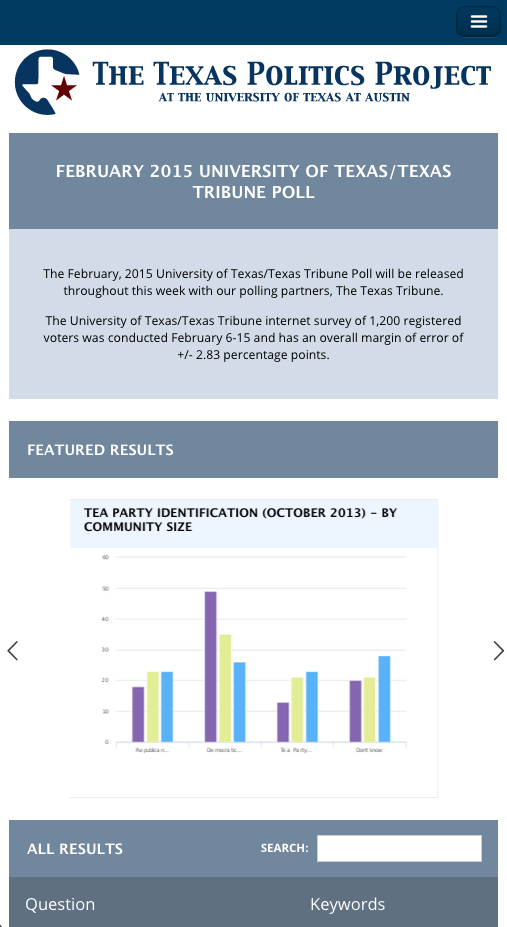
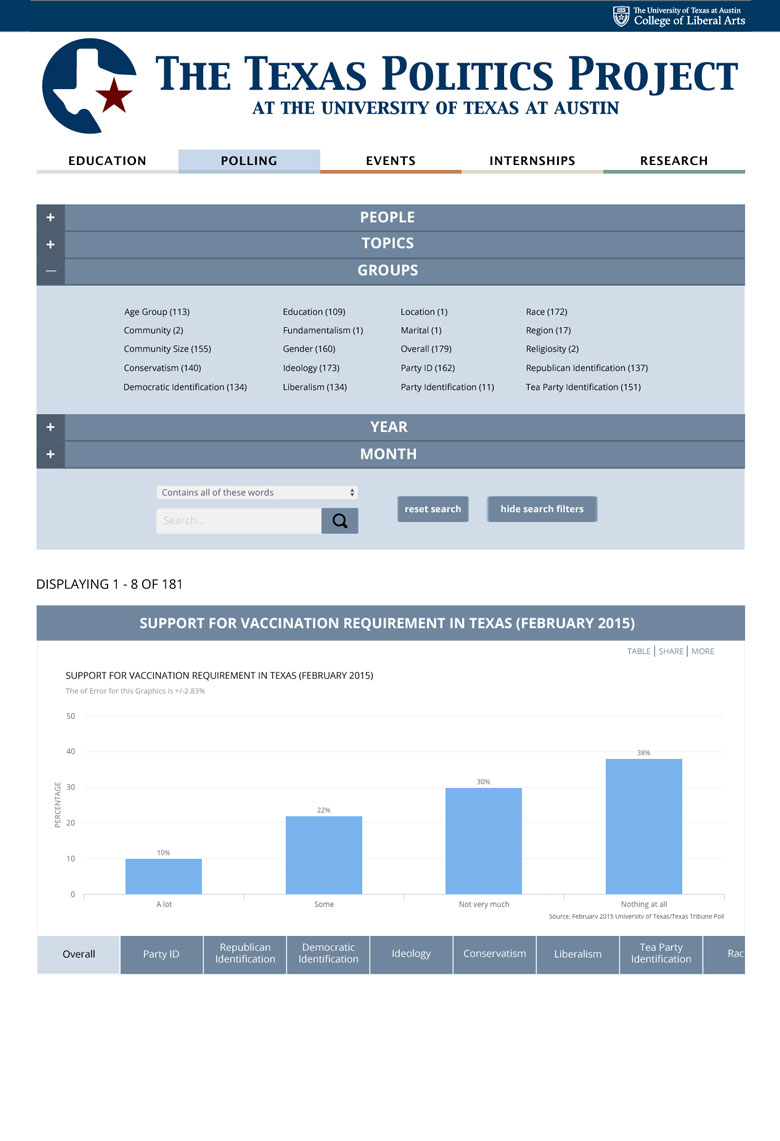
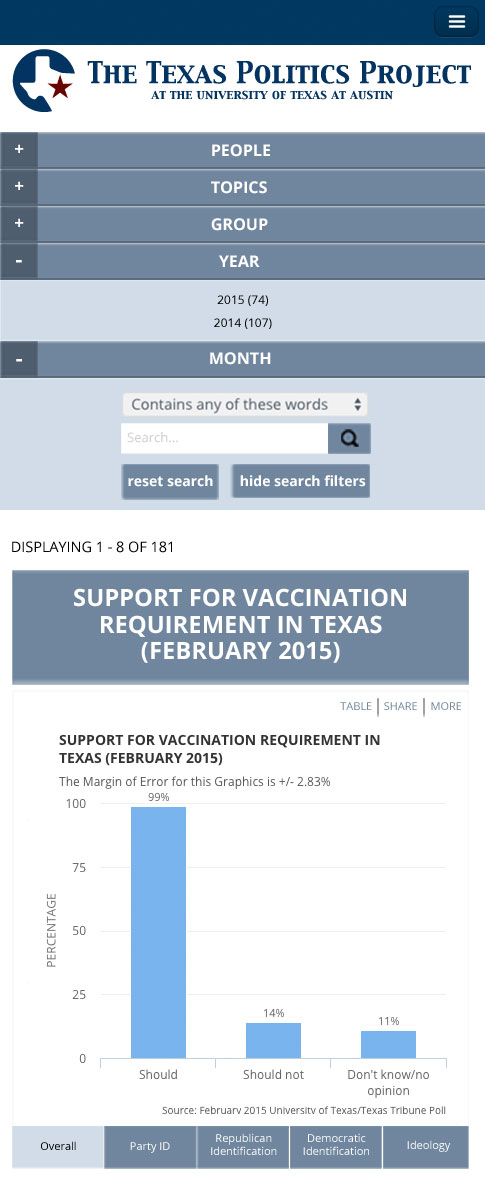
  • Redesign of Polling Search Page
  • Latest Poll Section
  • Texas Politics Facebook Page Icons
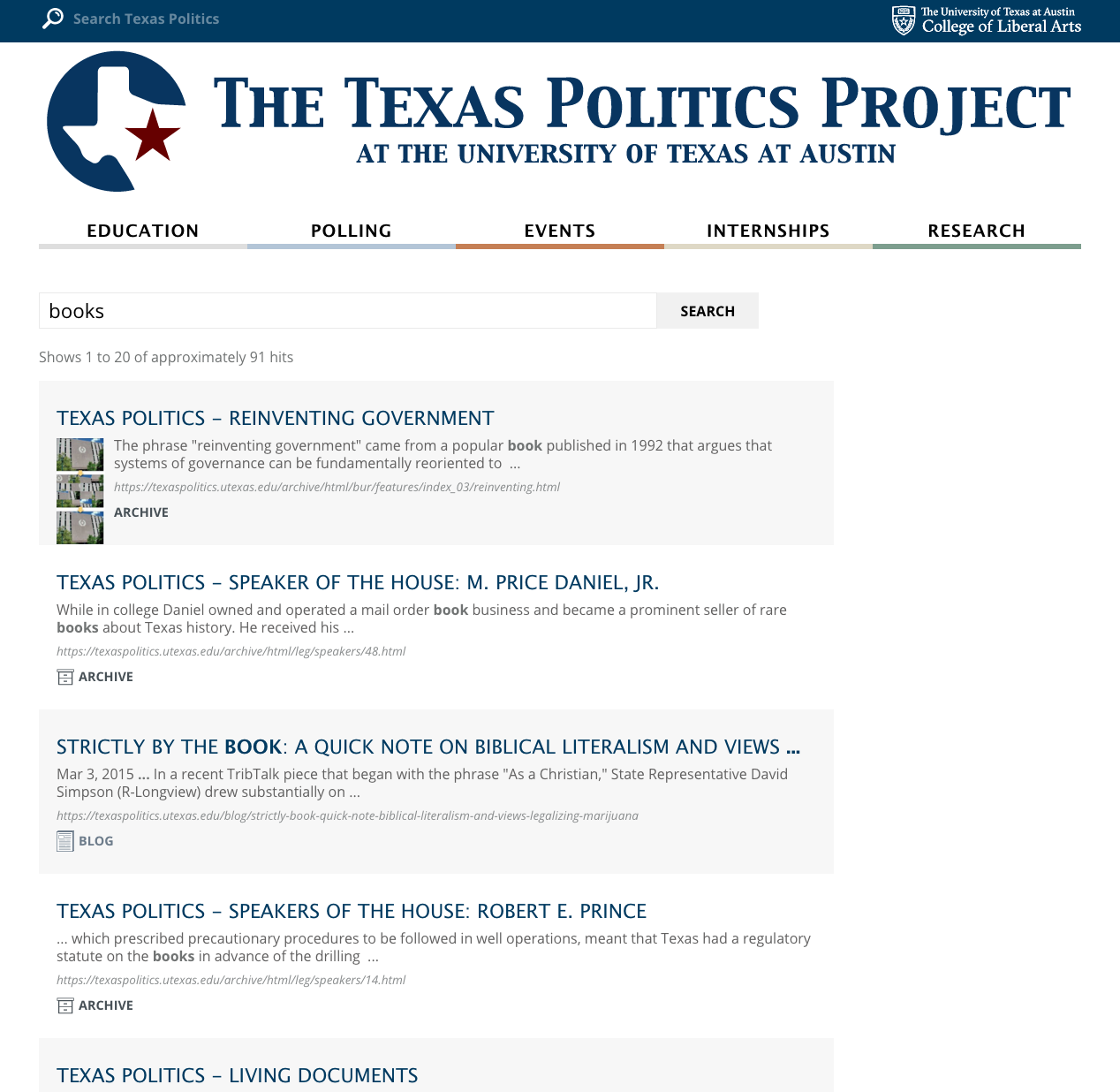
  • Texas Politics Global Search Icons and Search Redesign

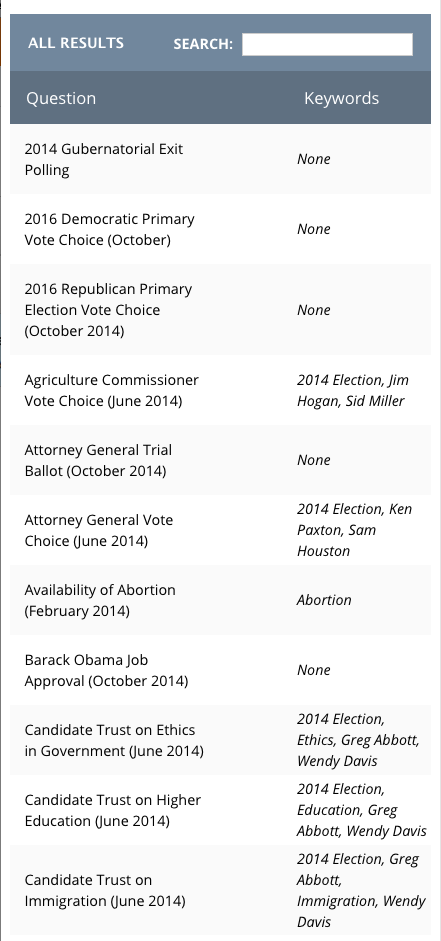
Polling Search Page

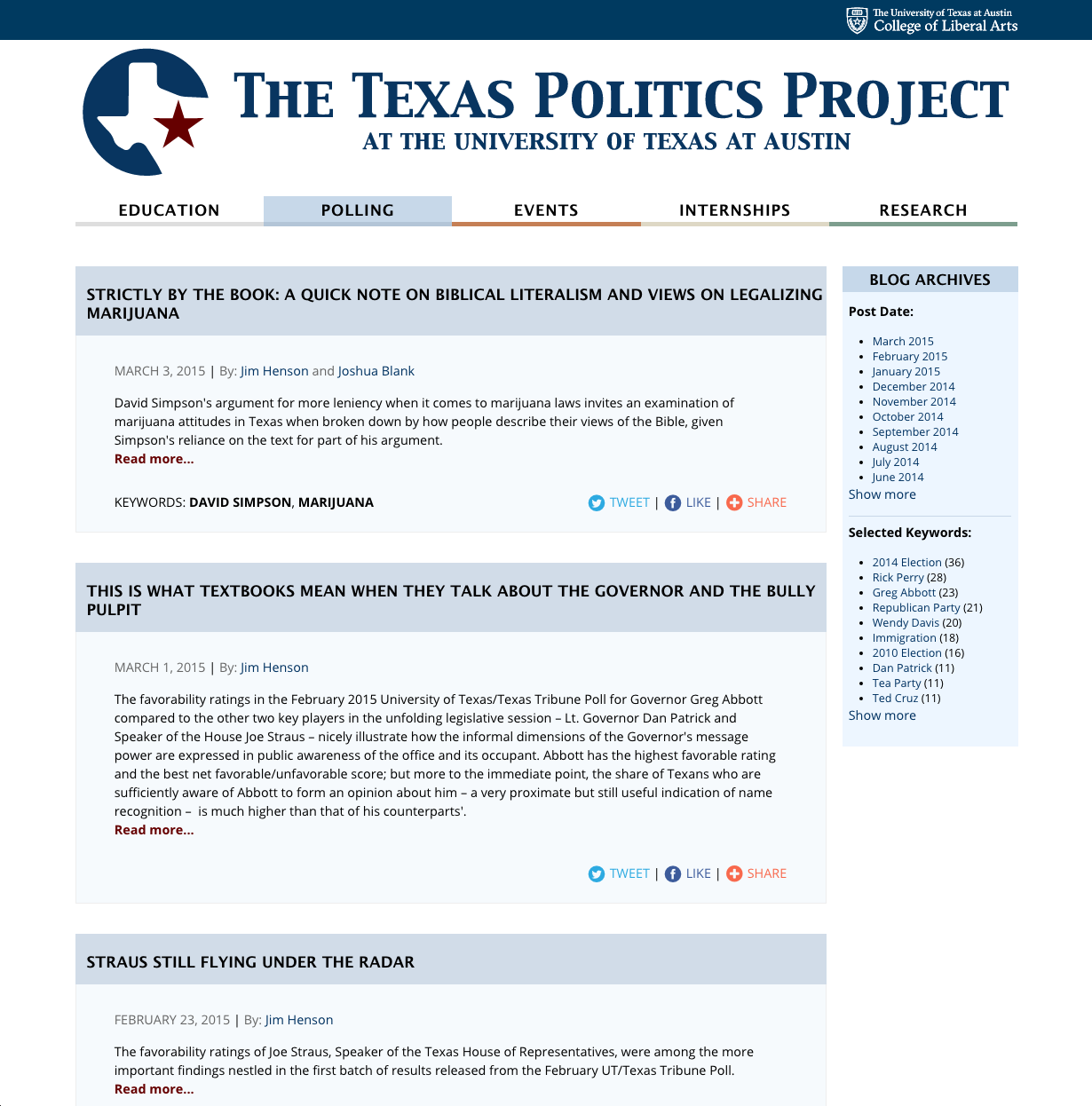
Desktop view of the polling search page with the accordion set to hide and the filtered search keys shown in bold.


Latest Poll Section


Texas Politics Facebook Page Icons

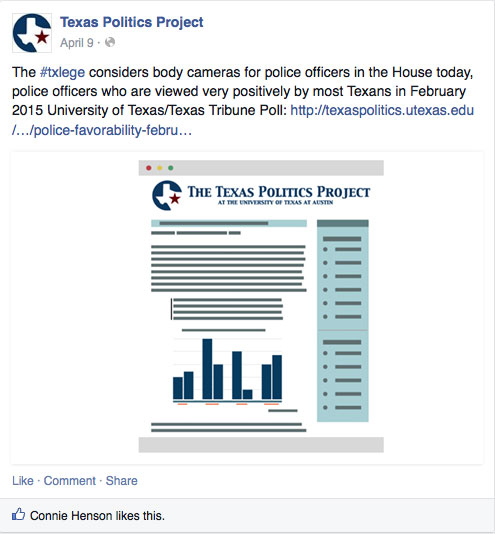
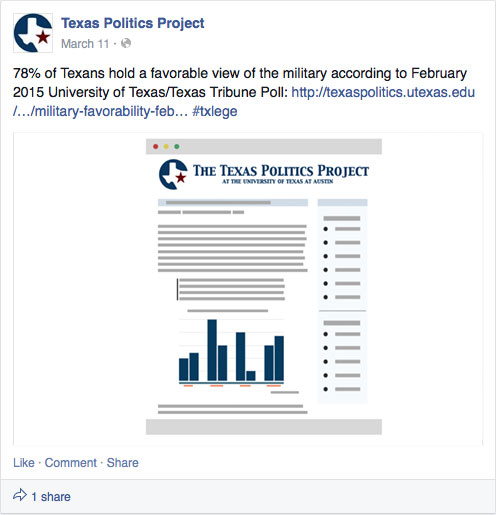
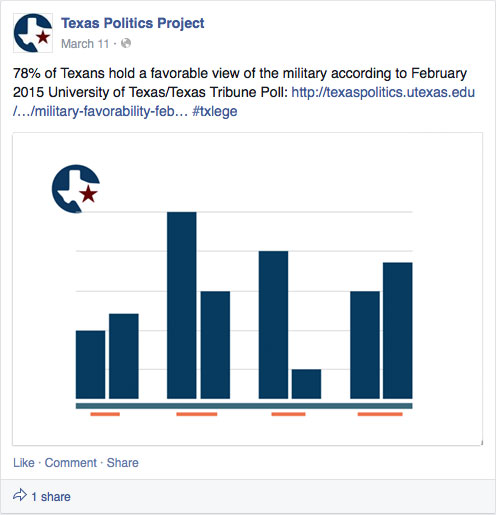
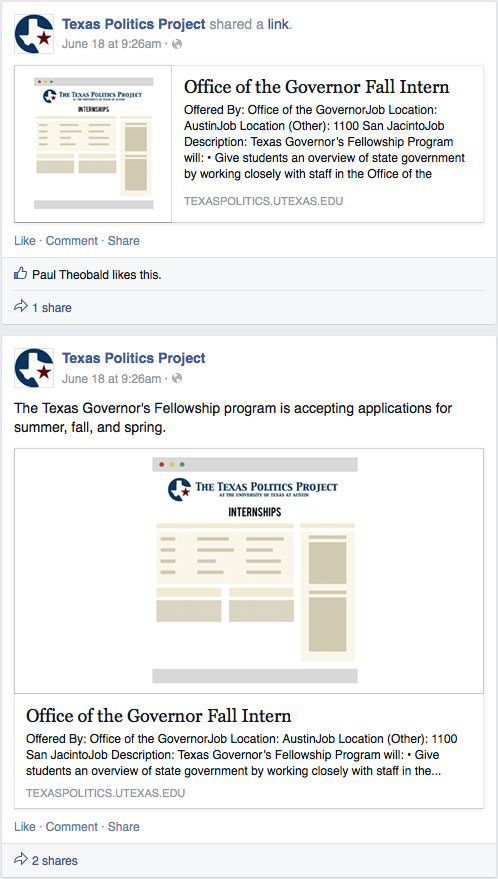
The following images are used as image placeholders for the Texas Politics Facebook page. Previously, when they uploaded an article from their website, in image from the link is used as a placeholder above the article. The problem is some pages such as the internships and the some blog articles and polling pages don’t have images and instead will show a blank box above the content. These images will act as placeholders for the pages that don’t have image content.


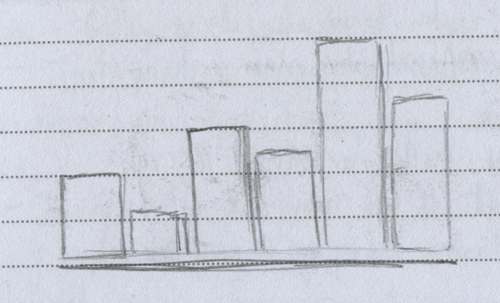
Some sketch preparation:

Rough idea for graphs

sketch ideas for facebook placeholder images

Rough Ideas for the blog pages

sketch ideas for facebook placeholder images

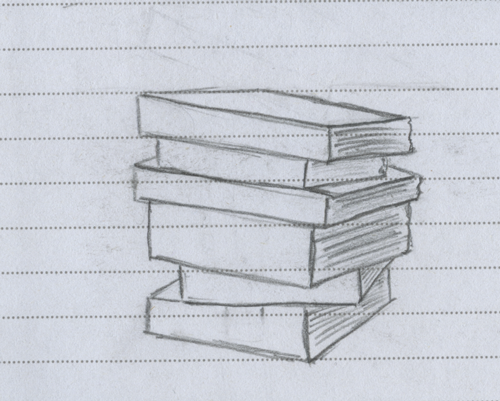
Rough idea for internship but the idea failed. It didn’t capture the idea of an internship well. It was a pile of books.

sketch ideas for facebook placeholder images

Final output:


I also designed a custom pre-loader that shows up in-between page loads. You’ll see it better if you have a slow internet connection or computer.


Texas Politics Global Search Icons and Search Redesign


Filed Under: STA Presentation Tagged With: 2016 STA Presentation

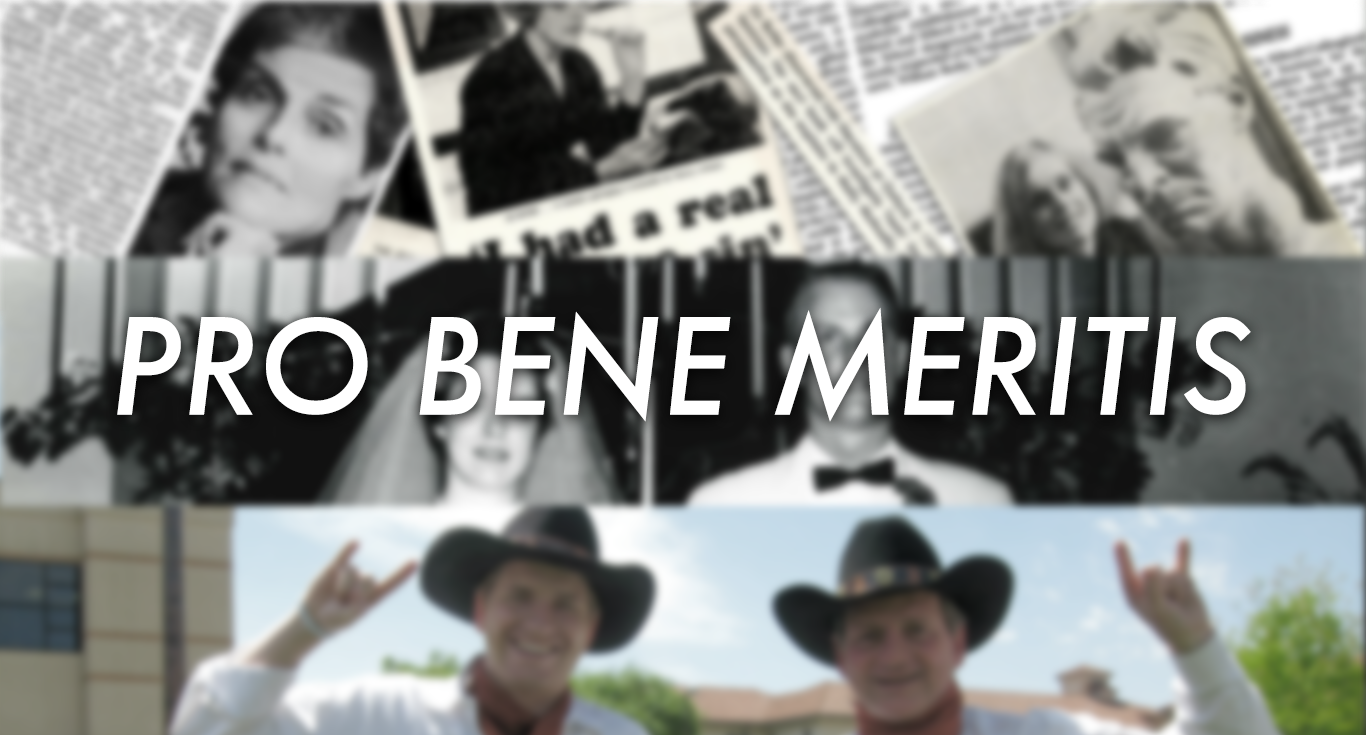
Pro Bene Meritis

April 12, 2016 By Griffin Smith

 Banner

Audio

Elizabeth Butler Cullingford, English Chair

Dr. Liz Butler-Cullingford recorded audio for the three videos


Photos

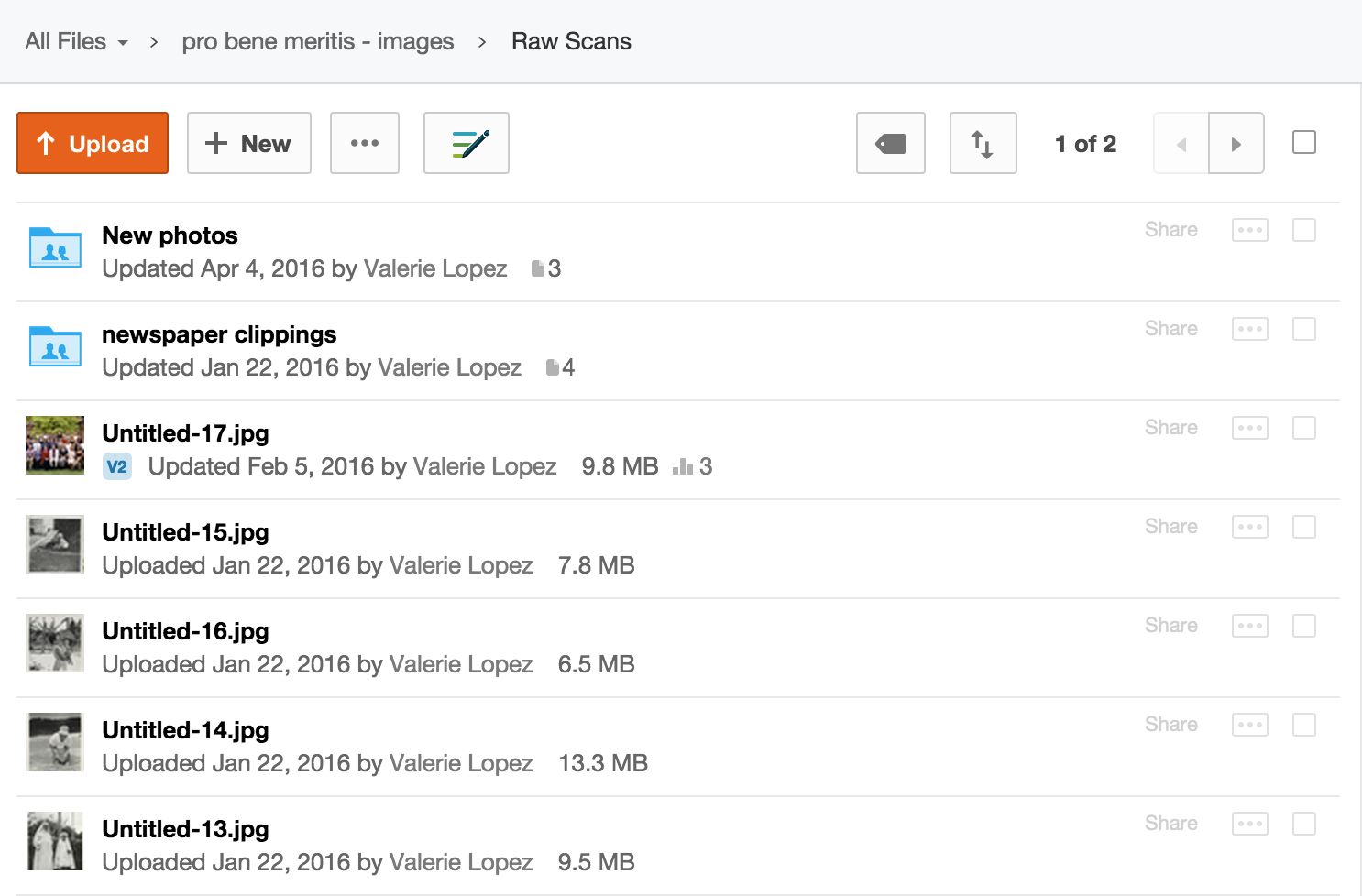
Valerie Lopez, a graphics STA scanned photos that each award recipient provided, and placed them on the server for me to use in the videos

Screen Shot 2016-04-22 at 12.06.31 PM

Photoshop Photos

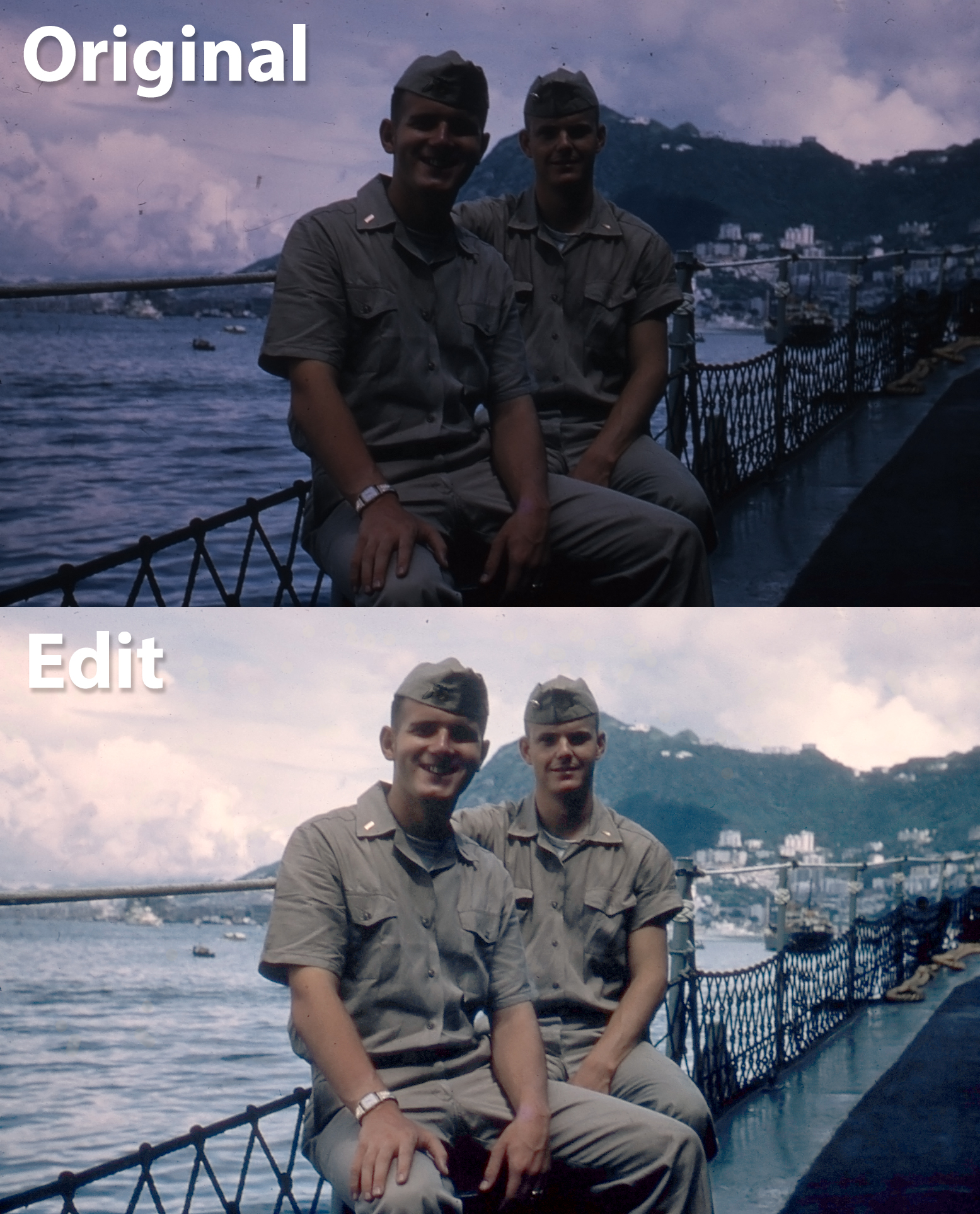
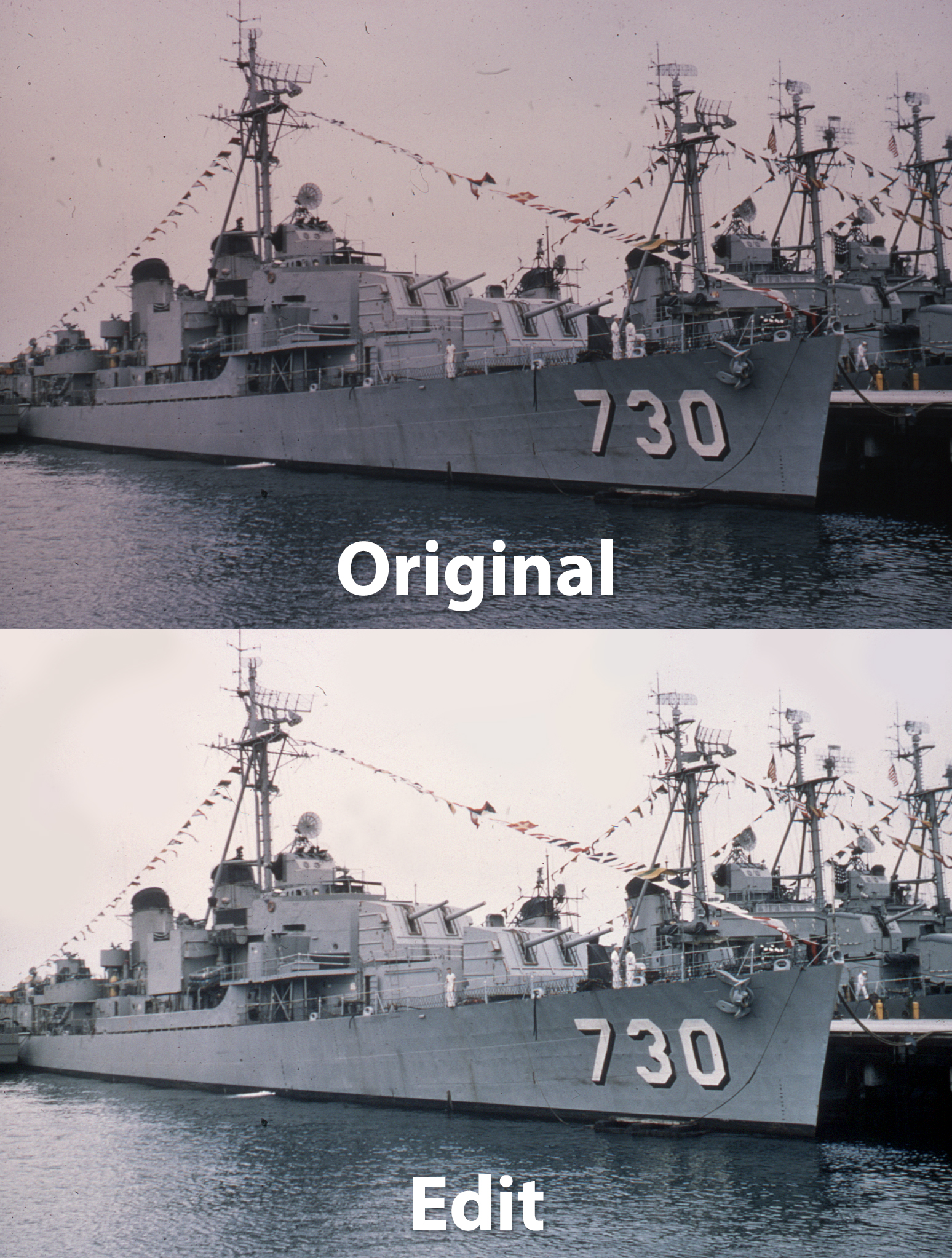
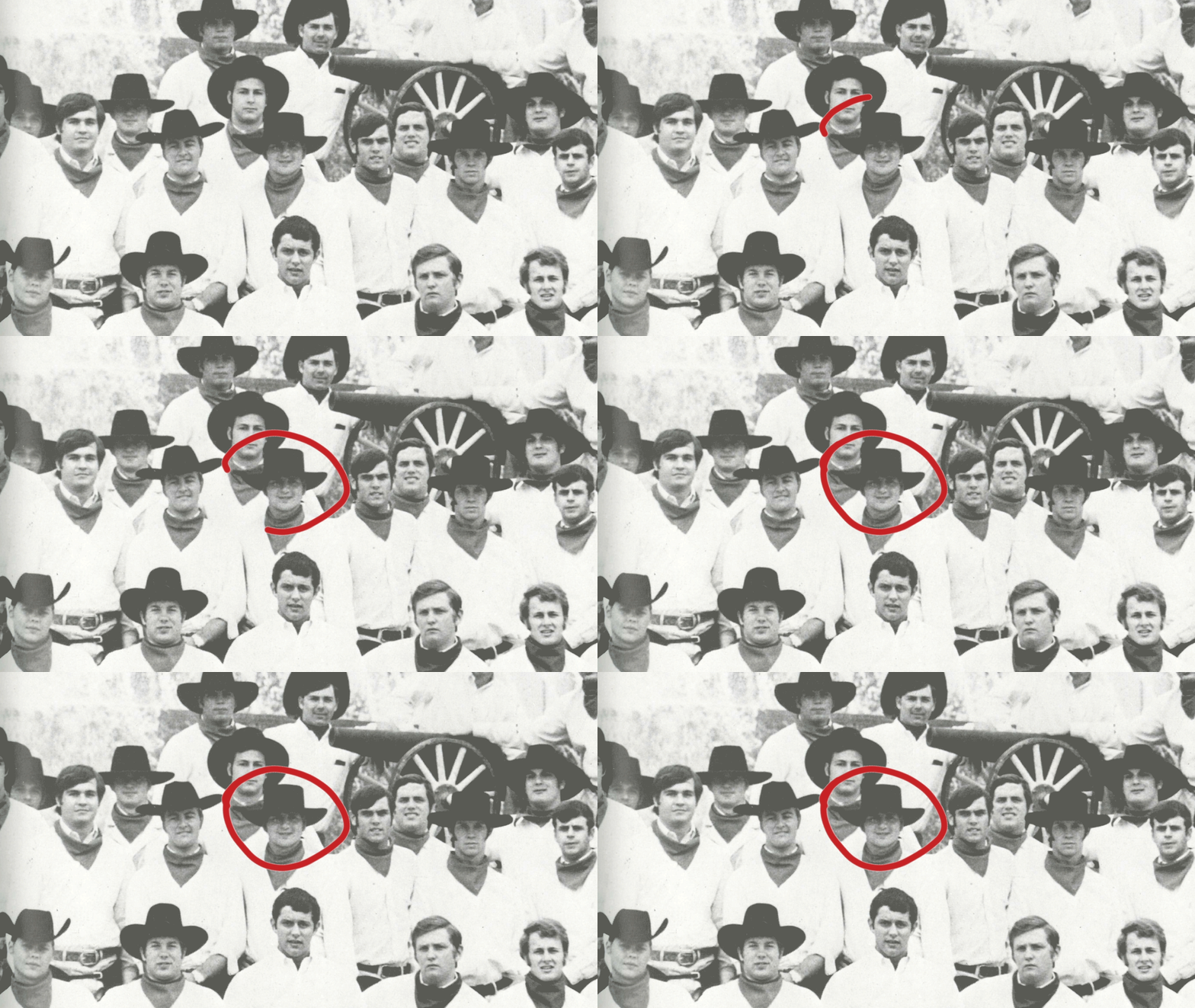
Because some photos were old and damaged, they required slight editing and digital restoration.

2men_BA ship_BA

1man_BA

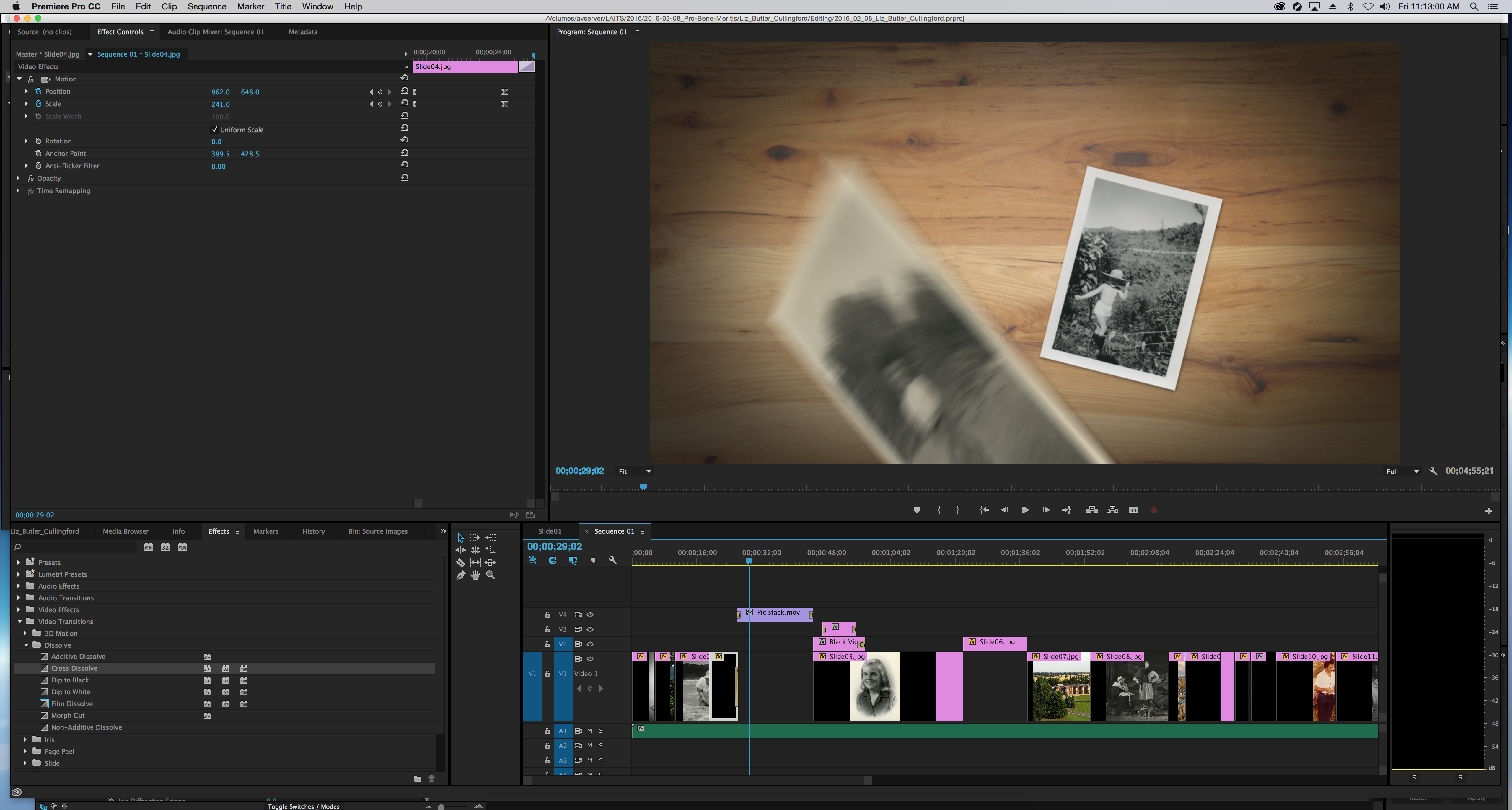
Video

editing_screen

After compiling all the scanned photos and recorded audio, I edited them into the final videos.


Animation


circle_4_gifClick to view.


https://sta.laits.utexas.edu/wp-content/uploads/2016/04/Cut-Animation.mp4


Filed Under: STA Presentation

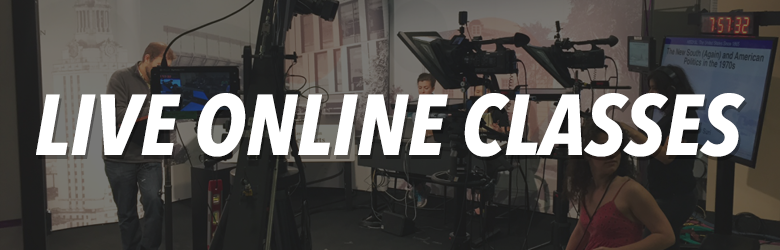
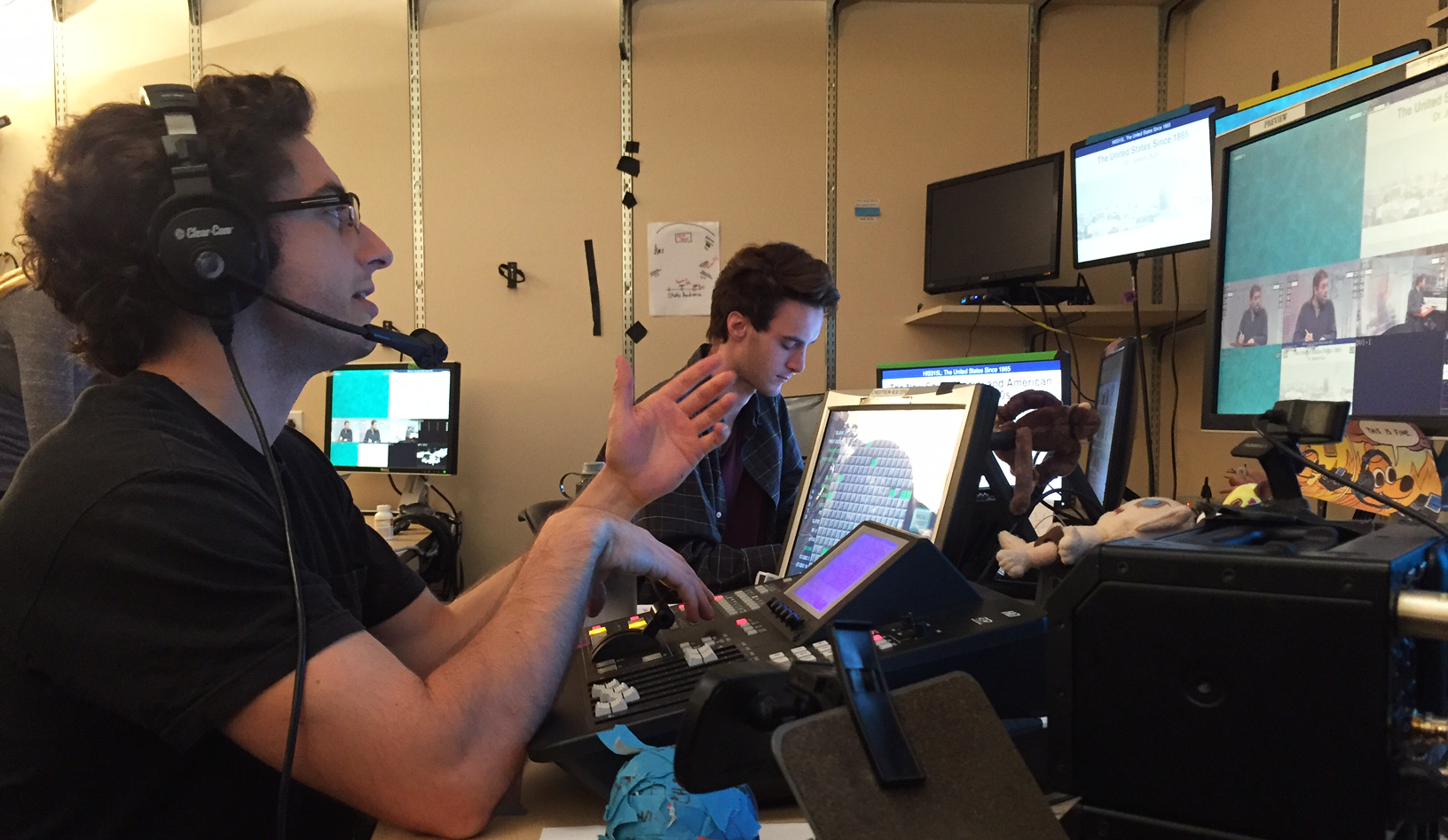
Live Online Classes

April 12, 2016 By Bryce Seifert


class titles

classesmontage


https://sta.laits.utexas.edu/wp-content/uploads/2016/04/onlineclasses_v2.mp4


TDstudio1_2
Peter discusses an upcoming class with the crew as the technical director.
Graphics
Mitch works to make sure all of the necessary graphics are ready before the shoot starts.
682_0089.00_00_02_10.Still001
Sarah focuses her camera before a shoot.
AJ puts on his serious face as he prepares to manage the floor for our live history course.
studio1_wide
The studio is prepared to broadcast a live class.


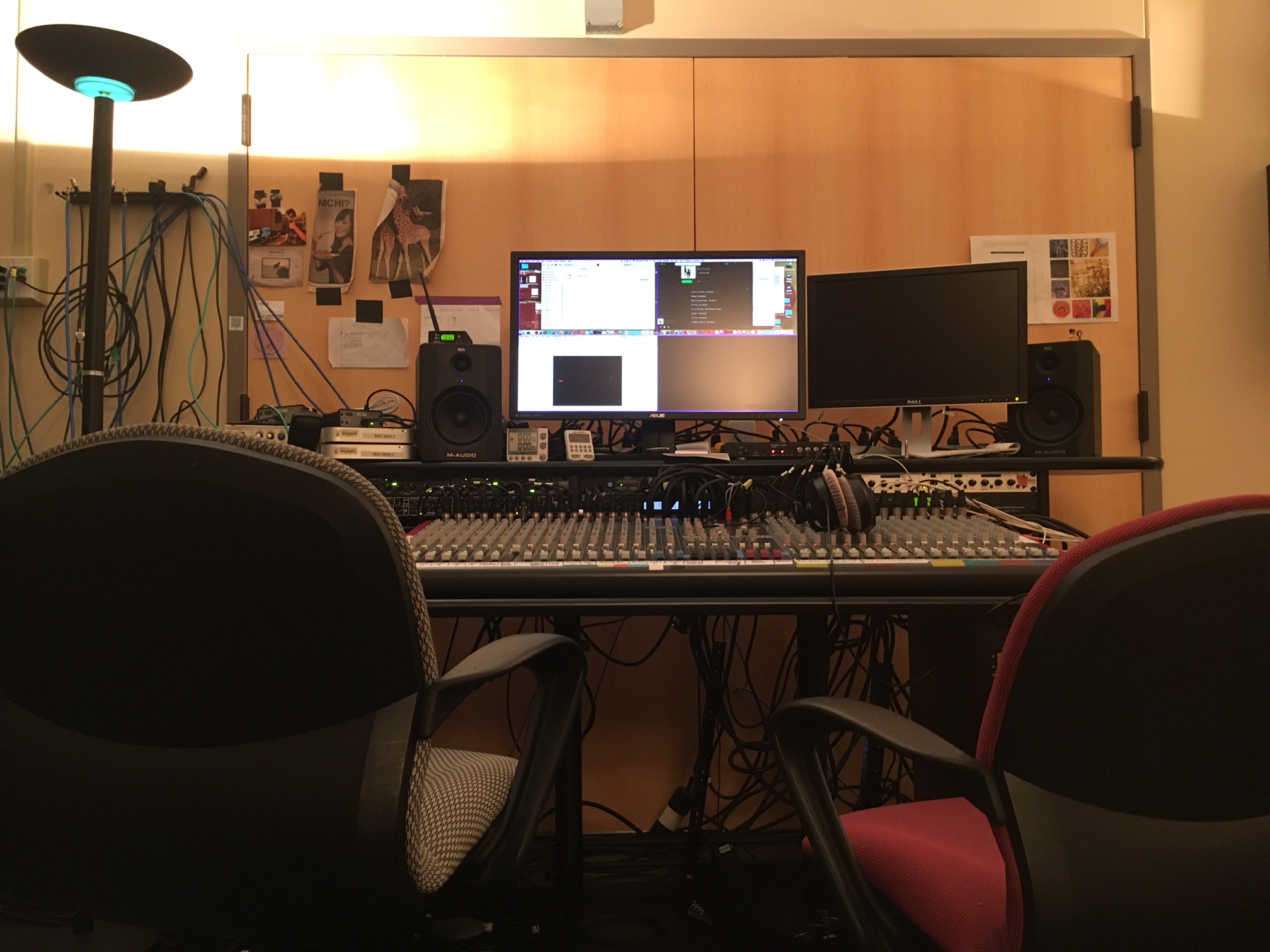
A Tale of Two Chairs

IMG_0360

The Audio Set-up

IMG_0356

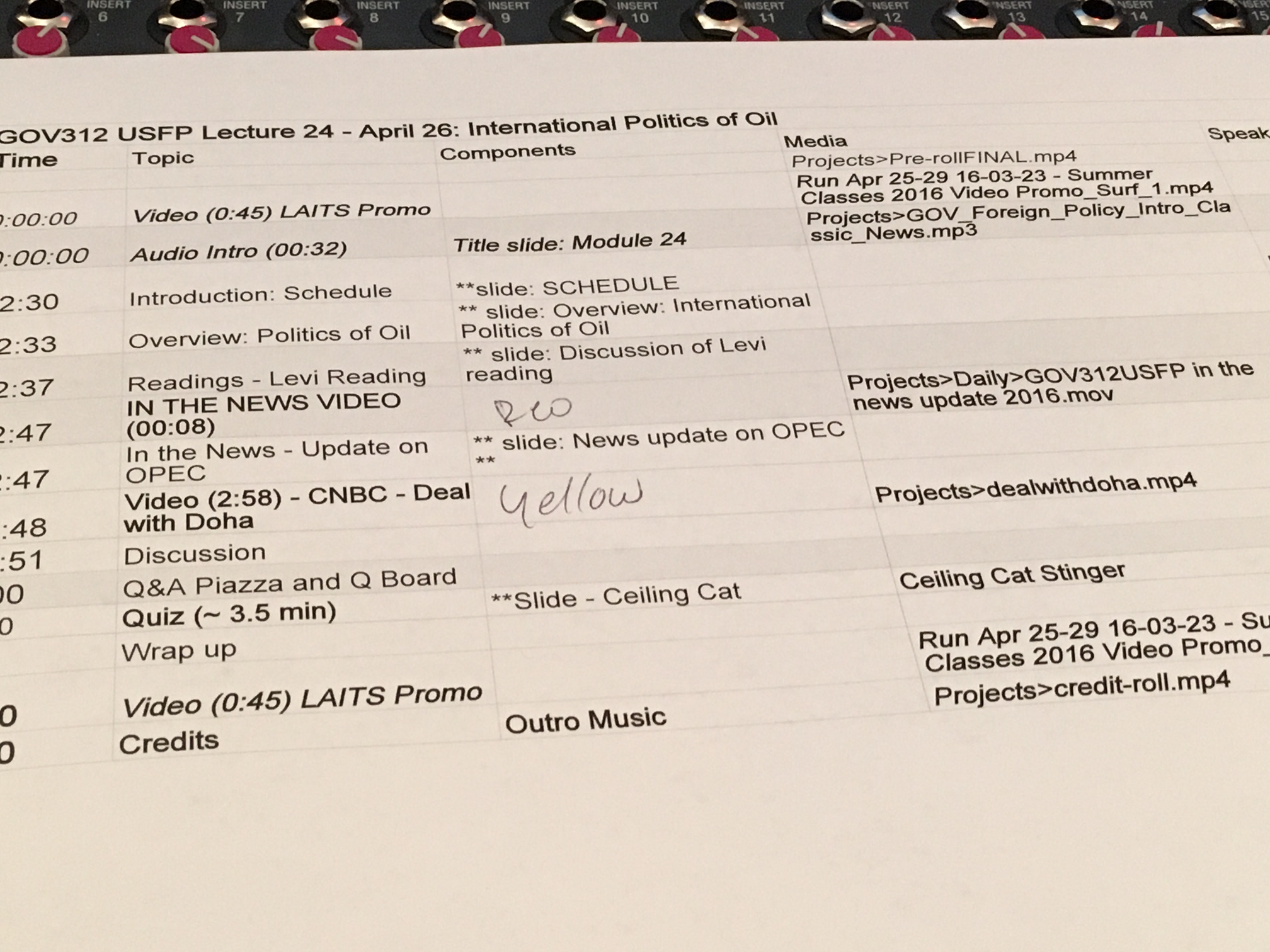
Run of Show

IMG_0332

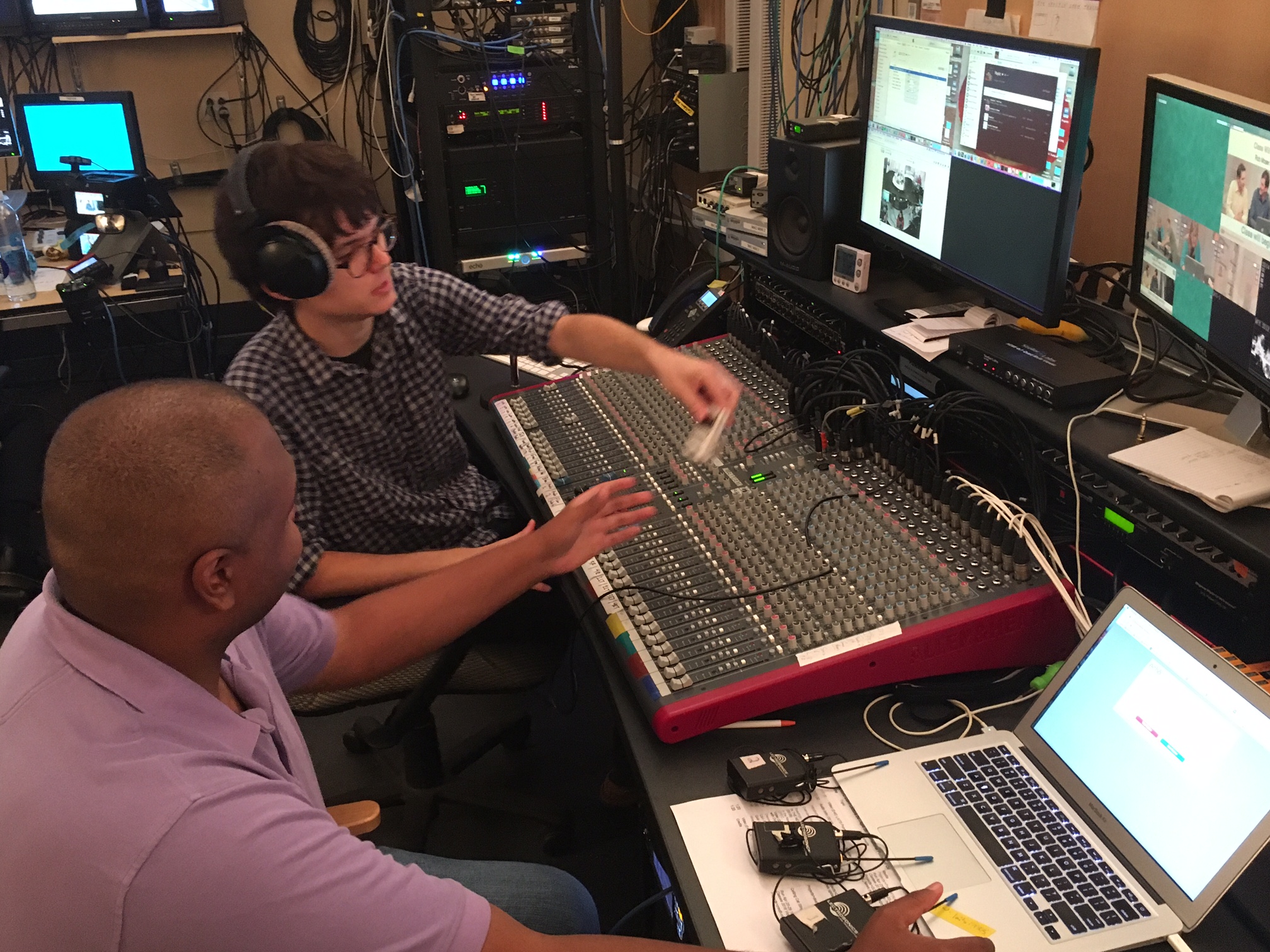
Discussion of audio needs for class

IMG_0345

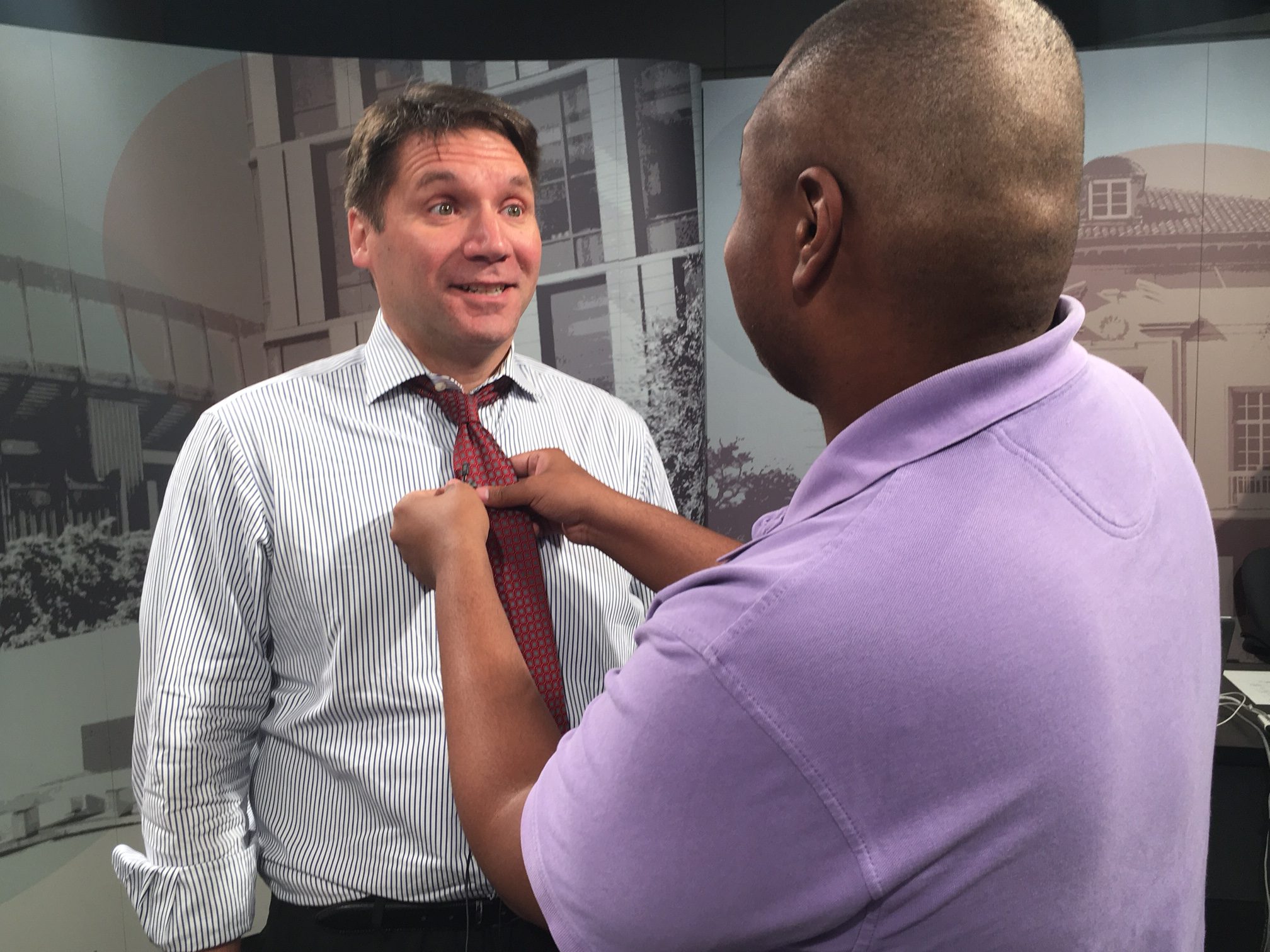
Mic’ing up a professor can be an interesting experience

IMG_0333

https://sta.laits.utexas.edu/wp-content/uploads/2016/04/Eco-quiz_cash-register.mp3


IMG_8218 (1)

2nd Chair Responsibilities During Show


IMG_0352

1st Chair is no laughing matter

Filed Under: STA Presentation Tagged With: 2016 STA Presentation

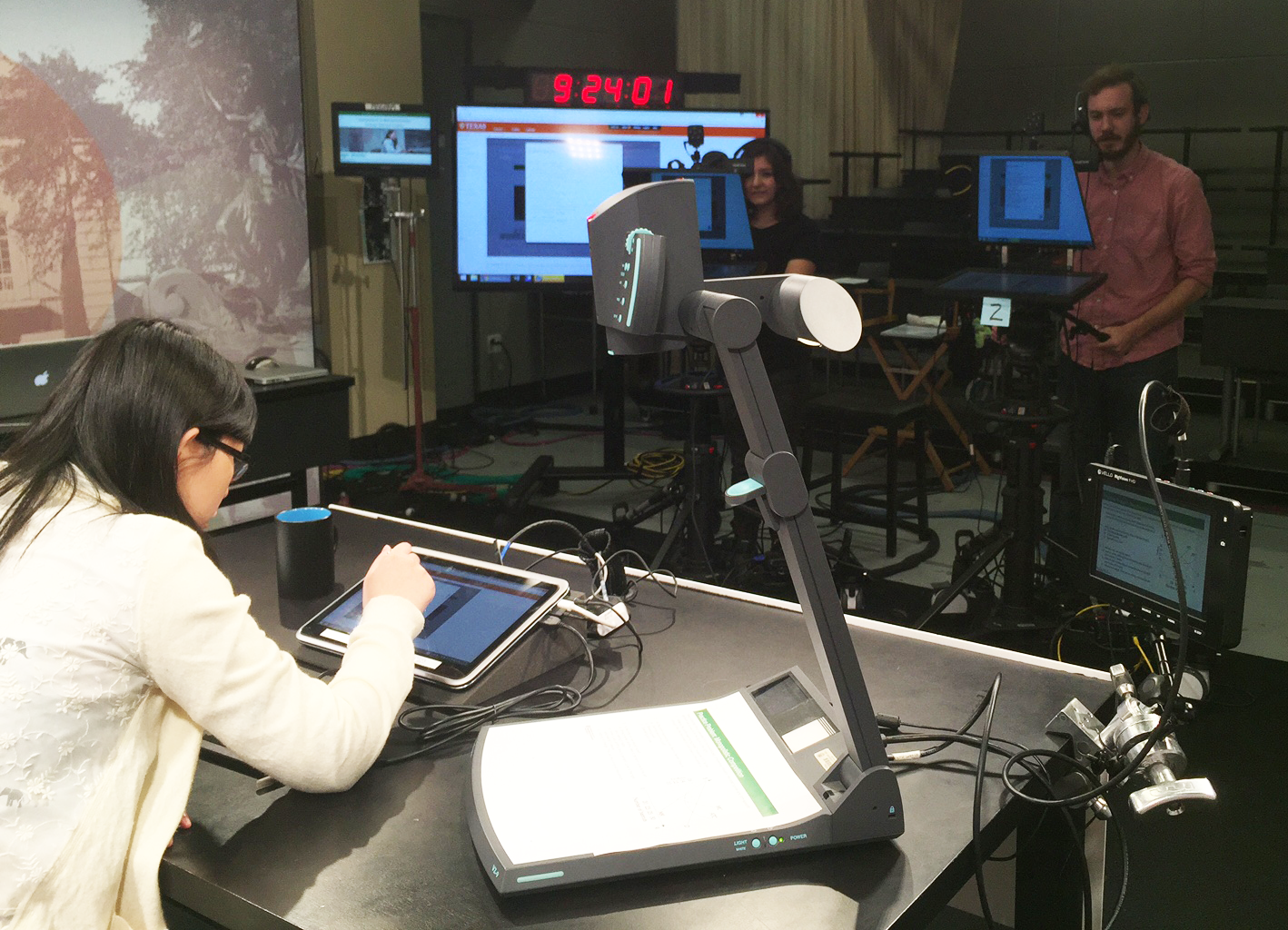
Studio Rebuild

April 11, 2016 By Sarah


rebuildtitle


The Process:

Research the new equipment

Build out the new studios (installation, troubleshooting, re-working)

Learn and teach the capabilities of the new equipment

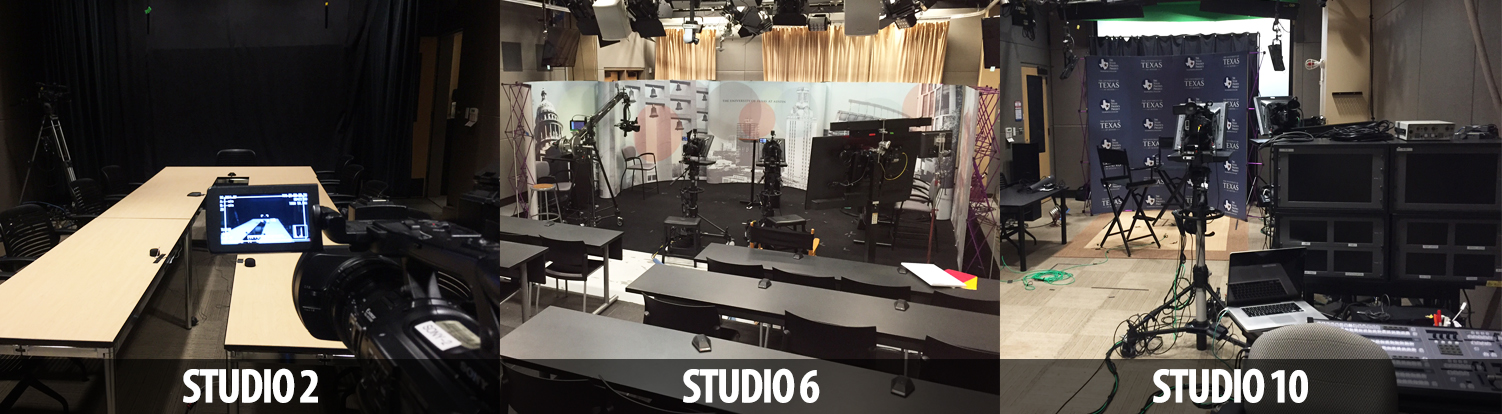
studiopicsv3

studio
The main studio received upgrades to cameras and lighting.
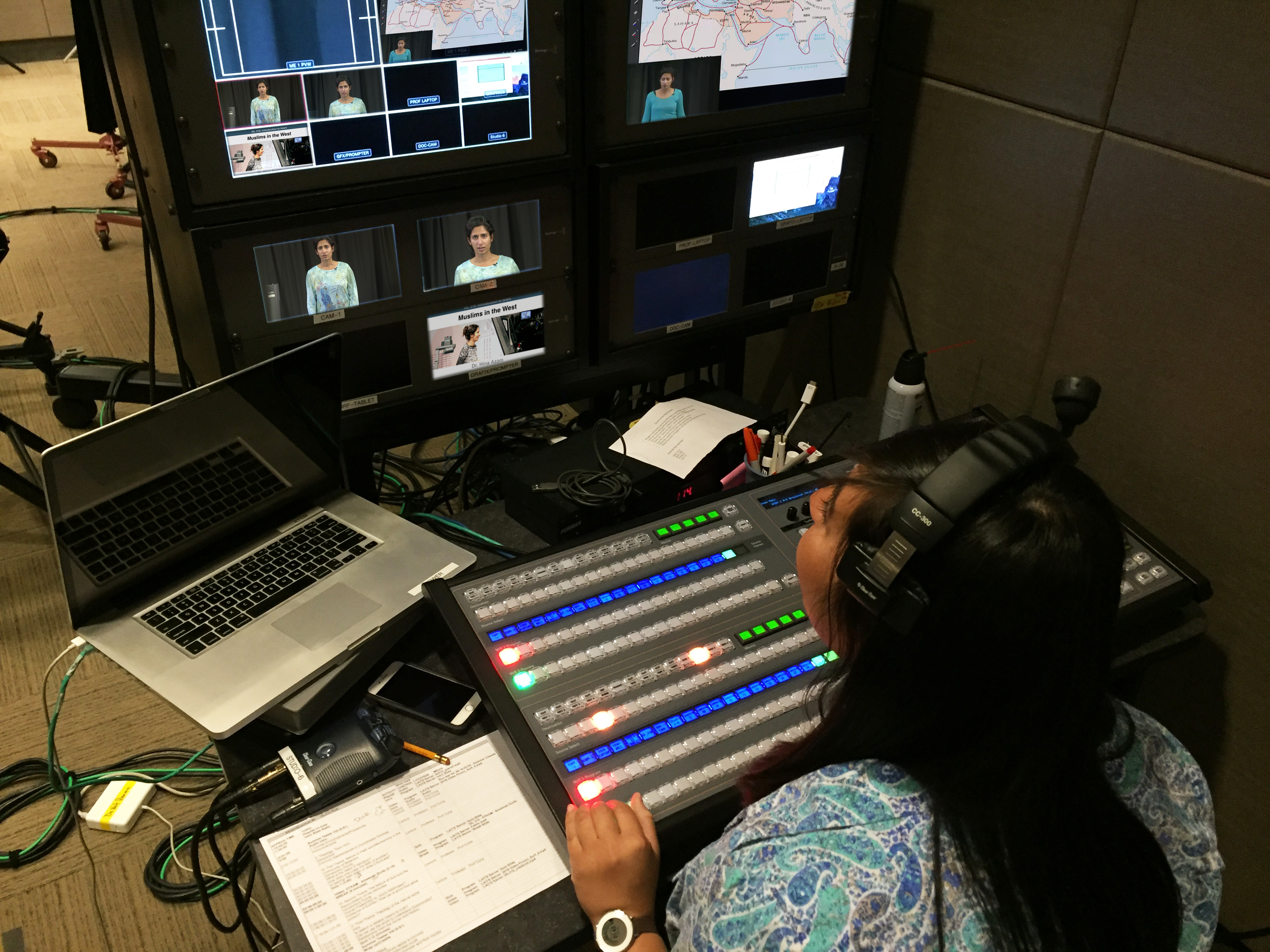
TDstudio2
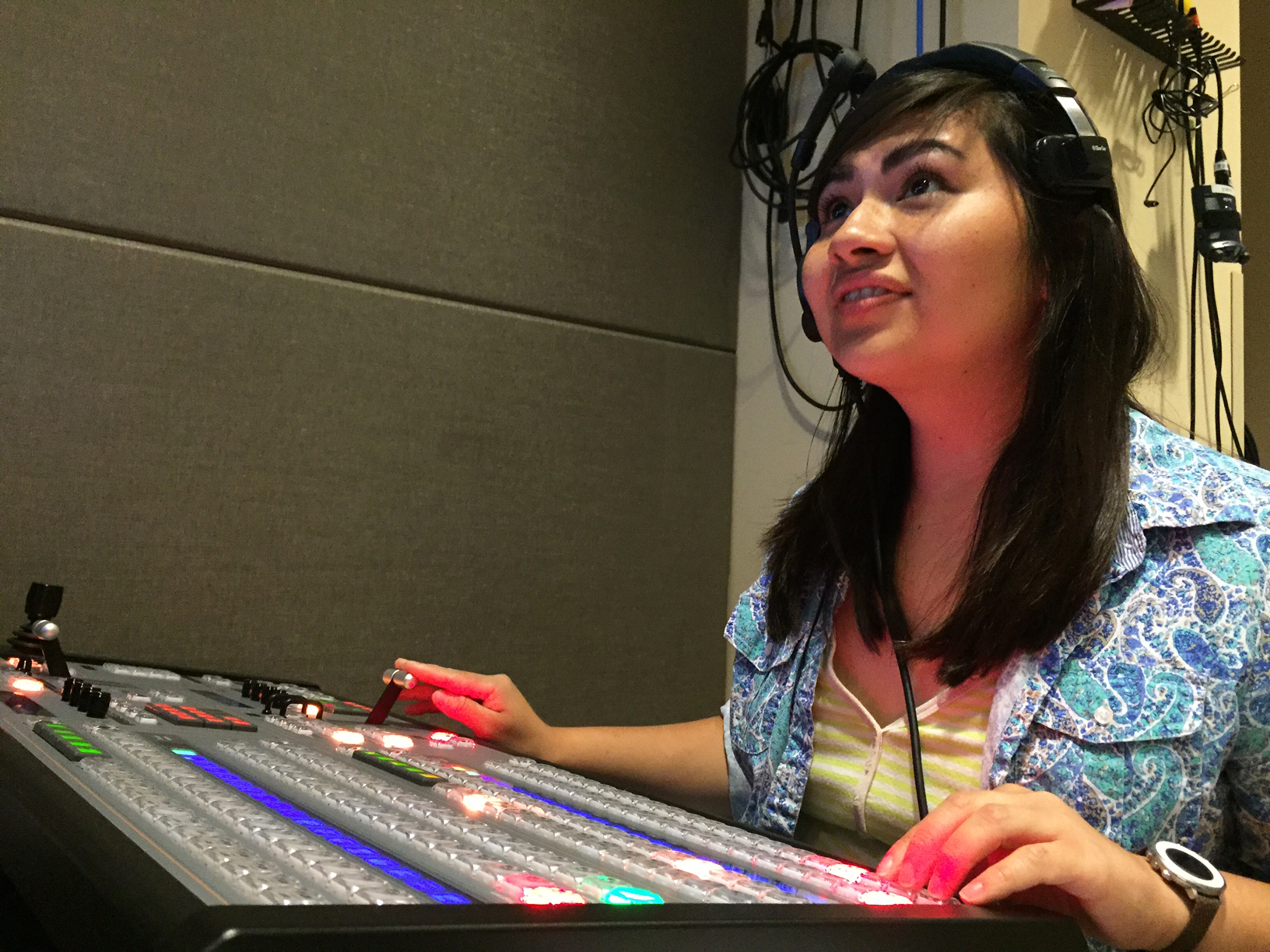
Lisseth prepares the on-screen visuals using our new equipment.

TD_edited

audio2
Sam signals the audio levels are good before a shoot begins.
studio2wires
What makes our new studios work.

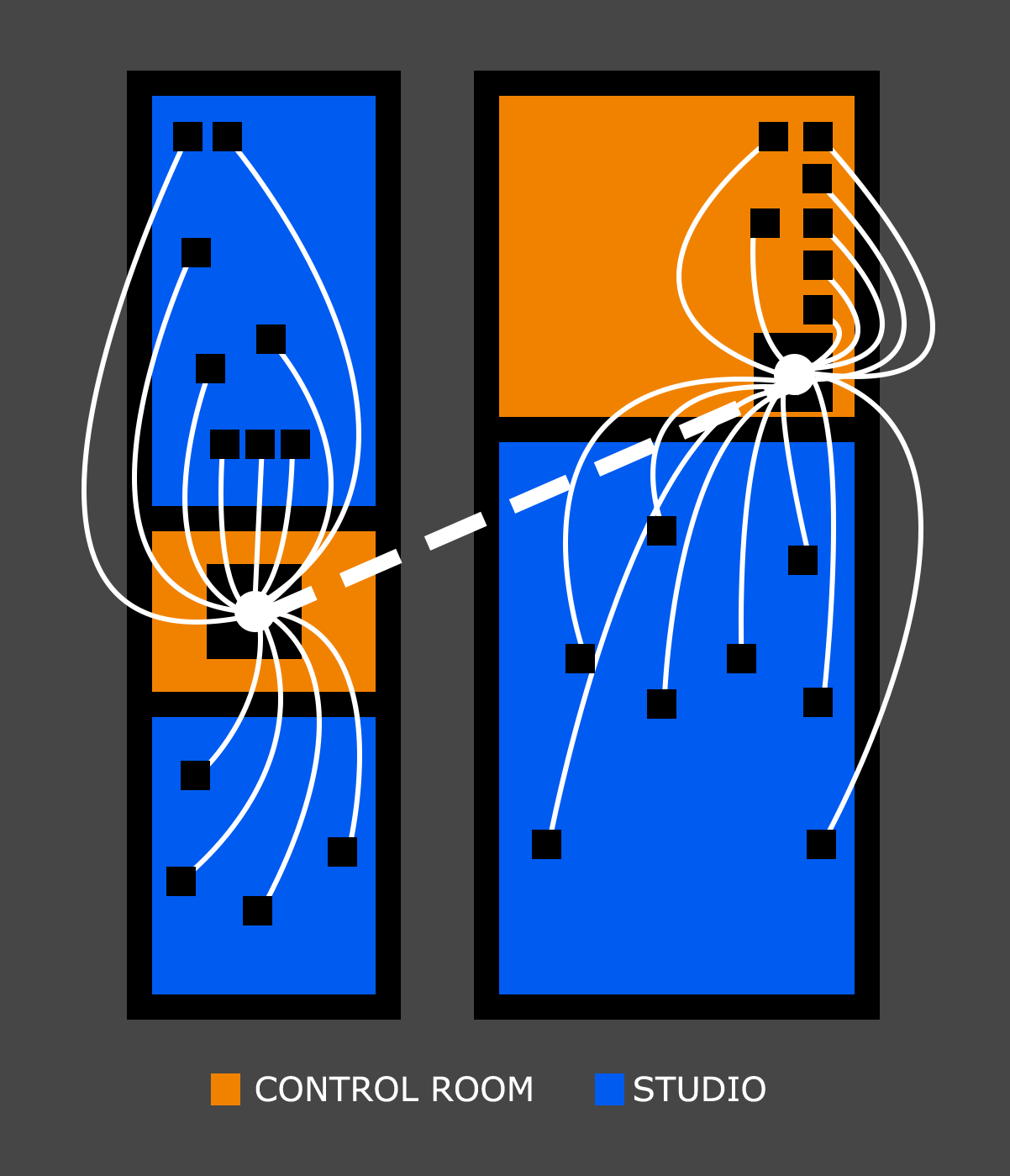
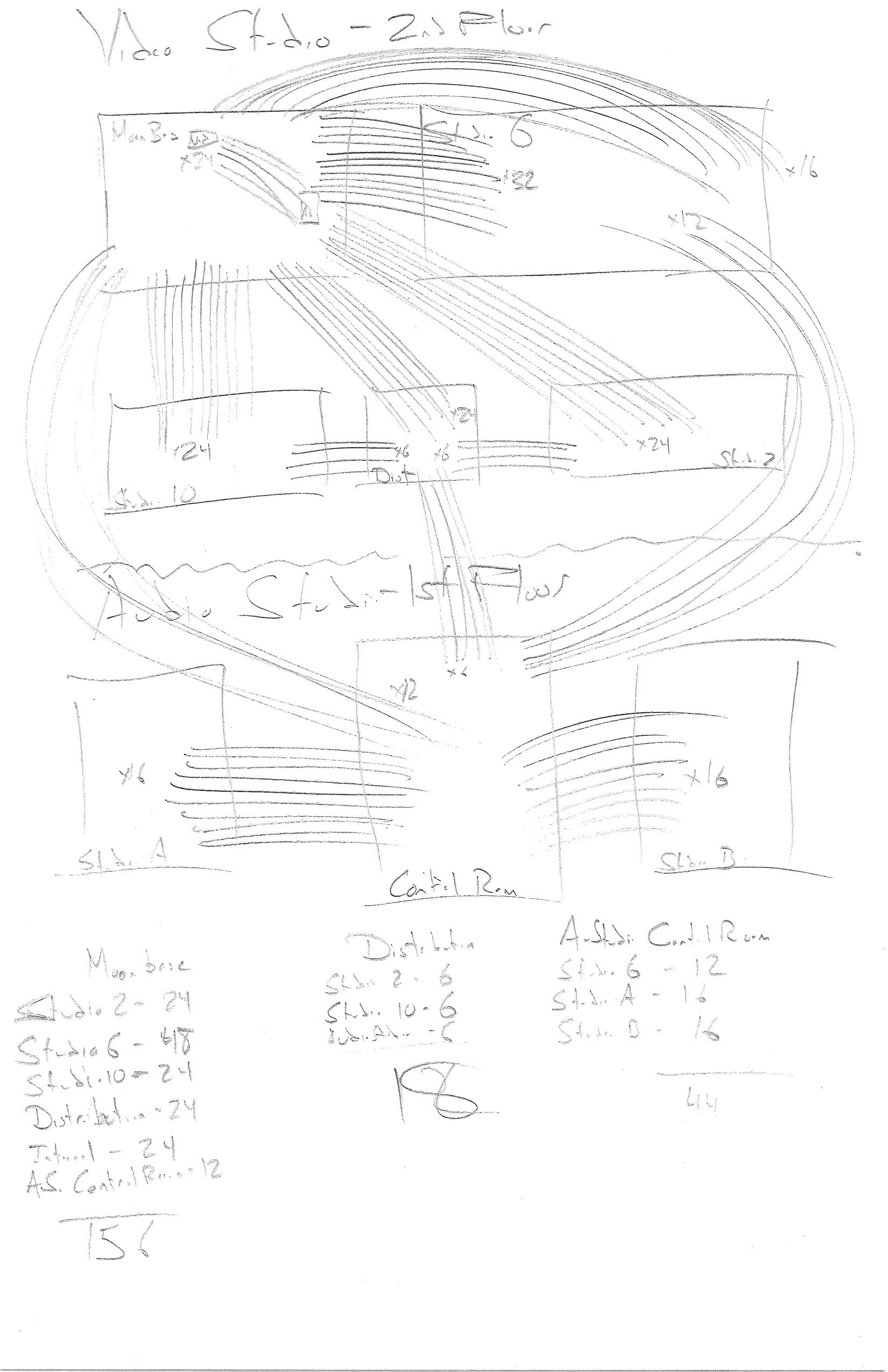
studio layout


Initial diagram of audio connections needed for the studio redevelopment
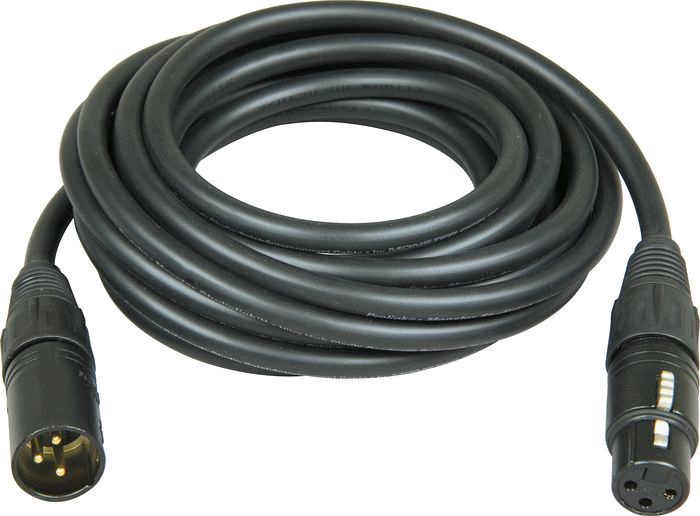
XLR cable
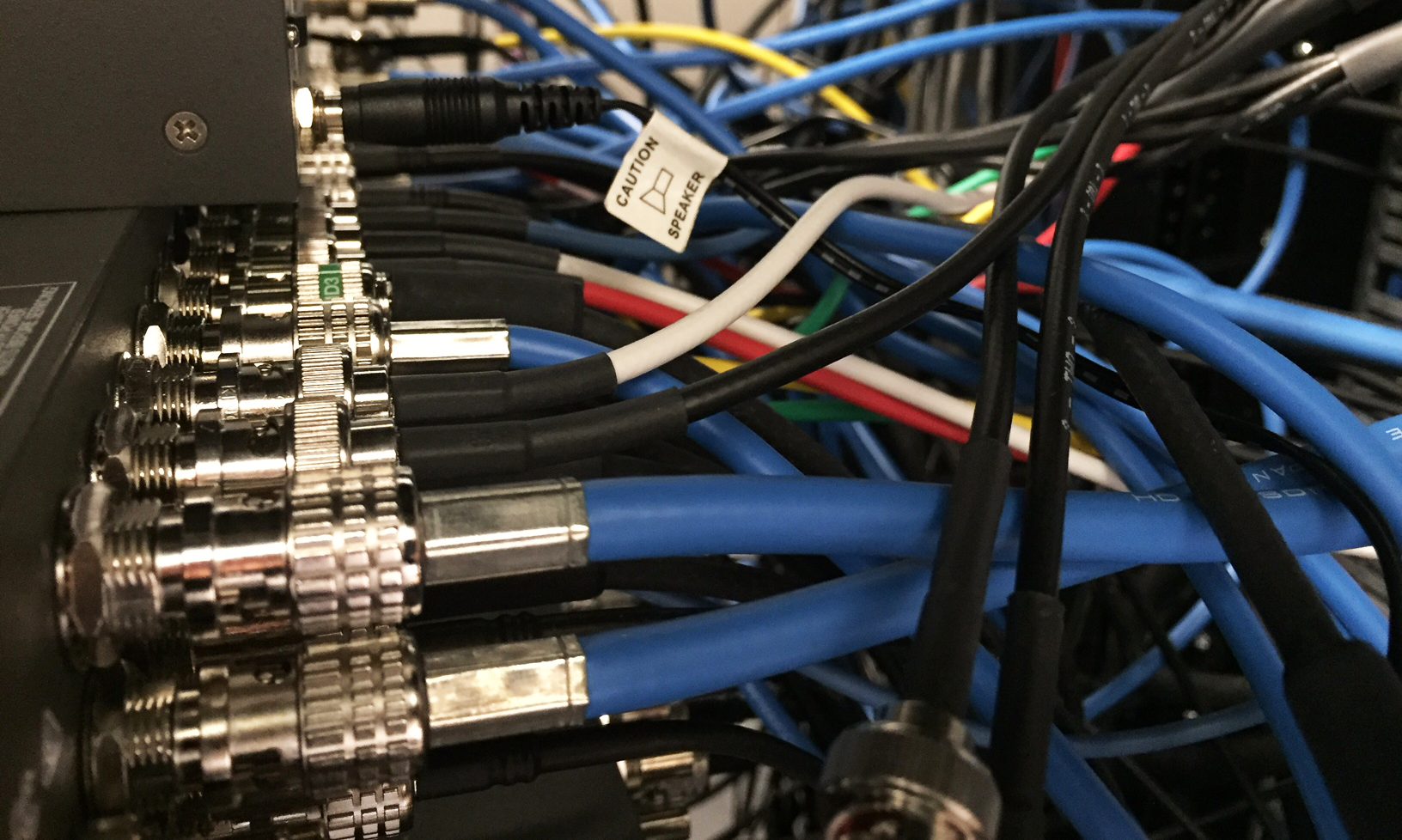
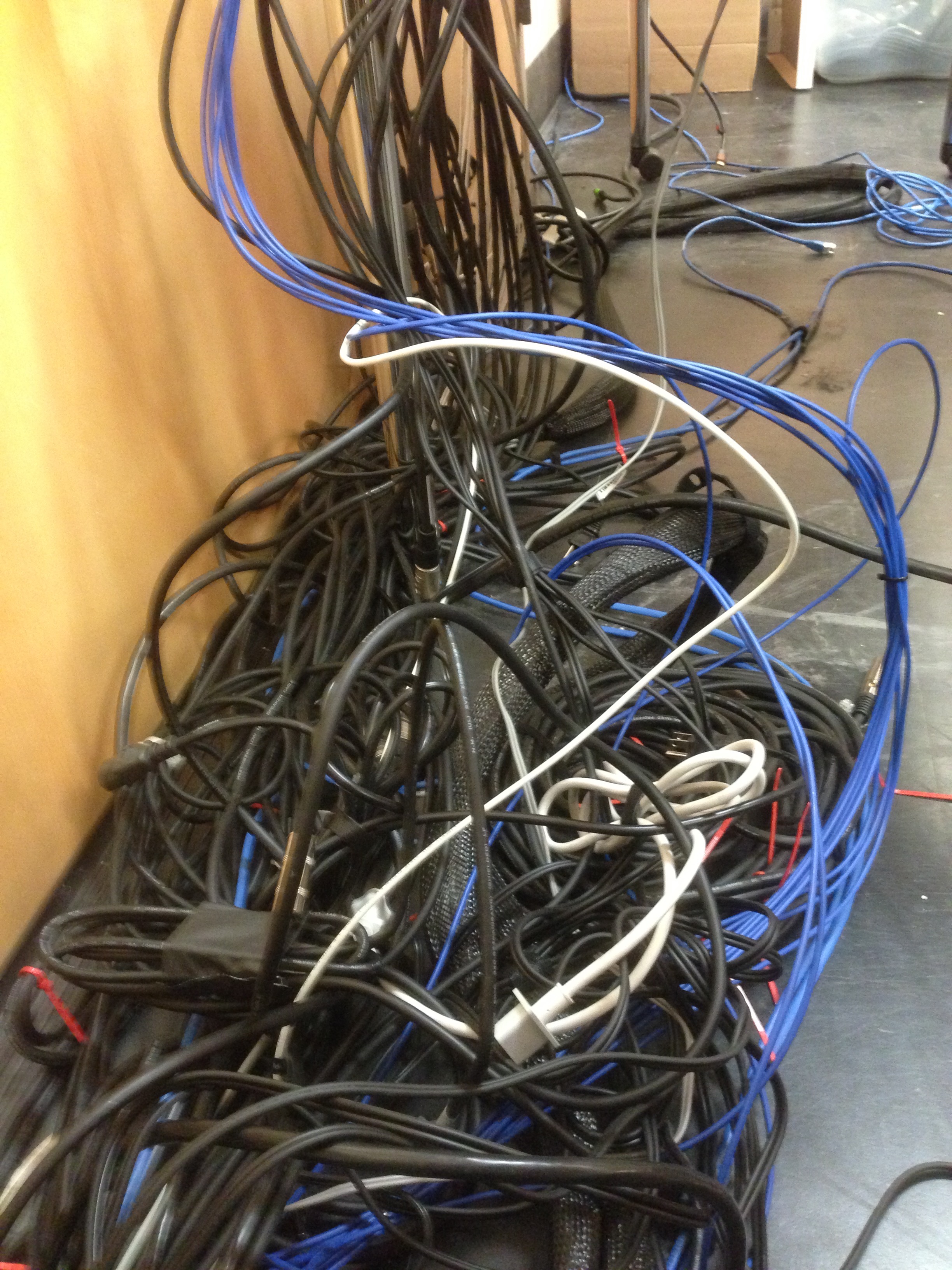
Audio cables before redevelopment
Red Net Front
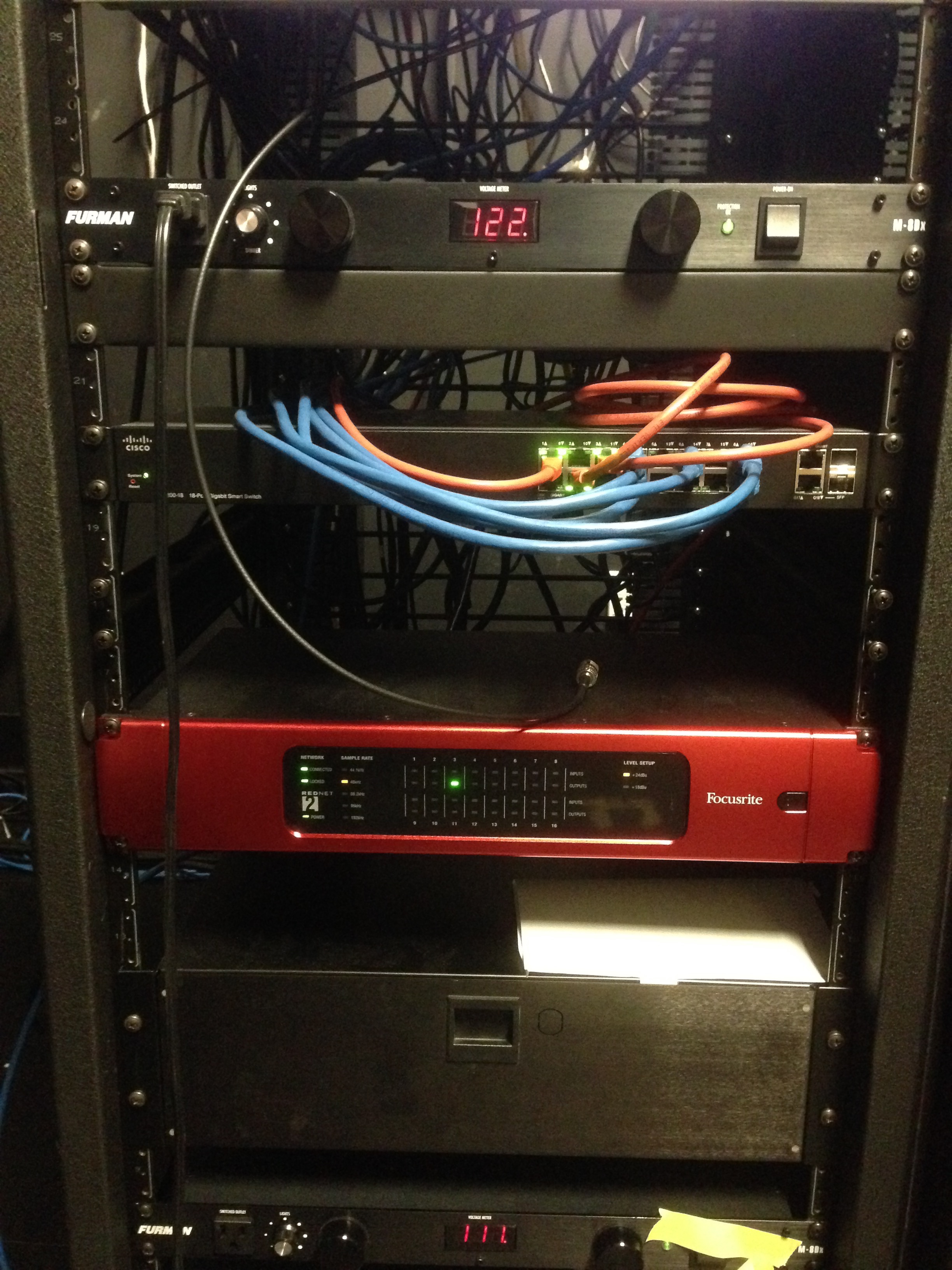
Audio cables after redevelopment
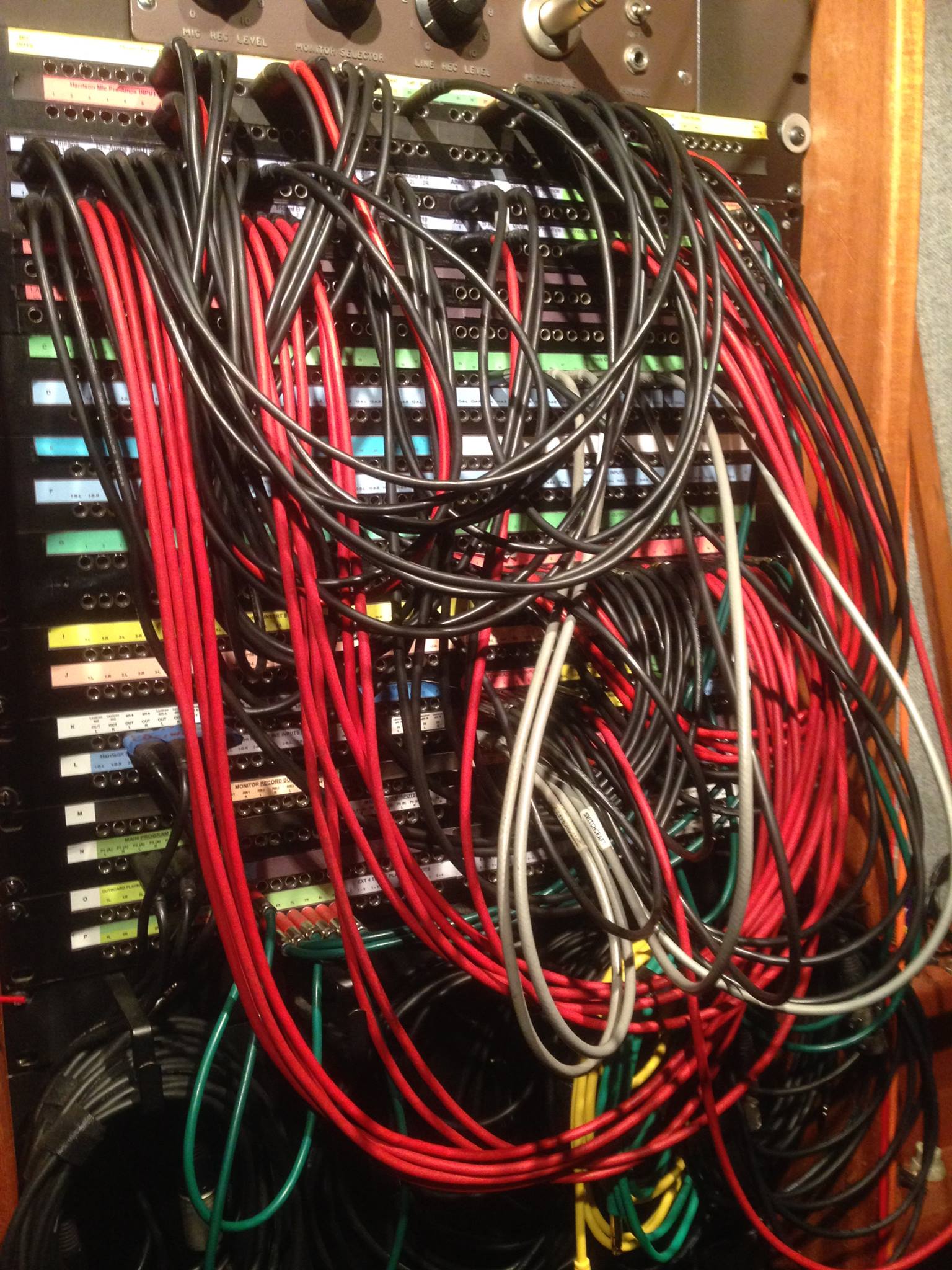
Patch Bay
Example of a patch bay
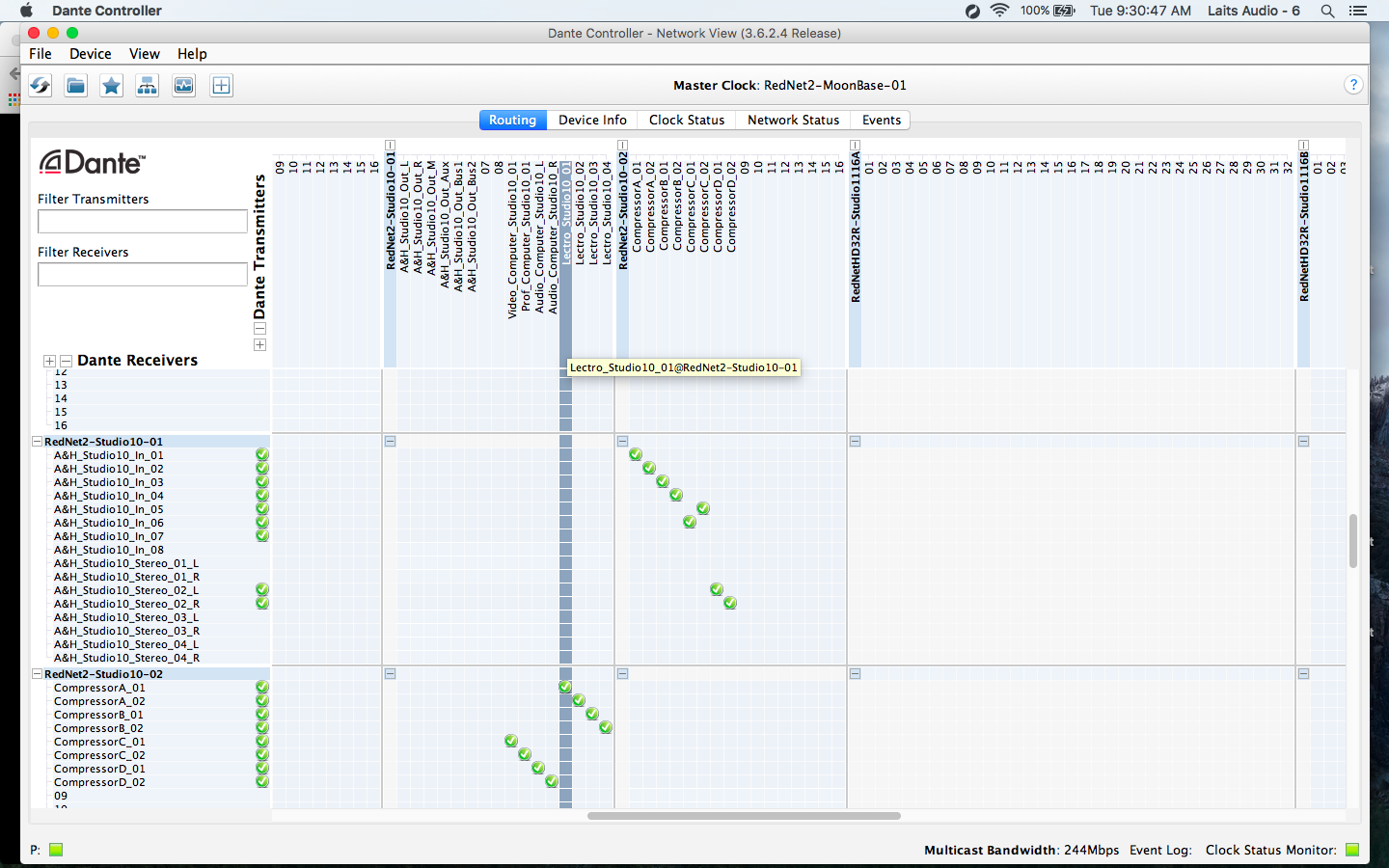
Dante Controller
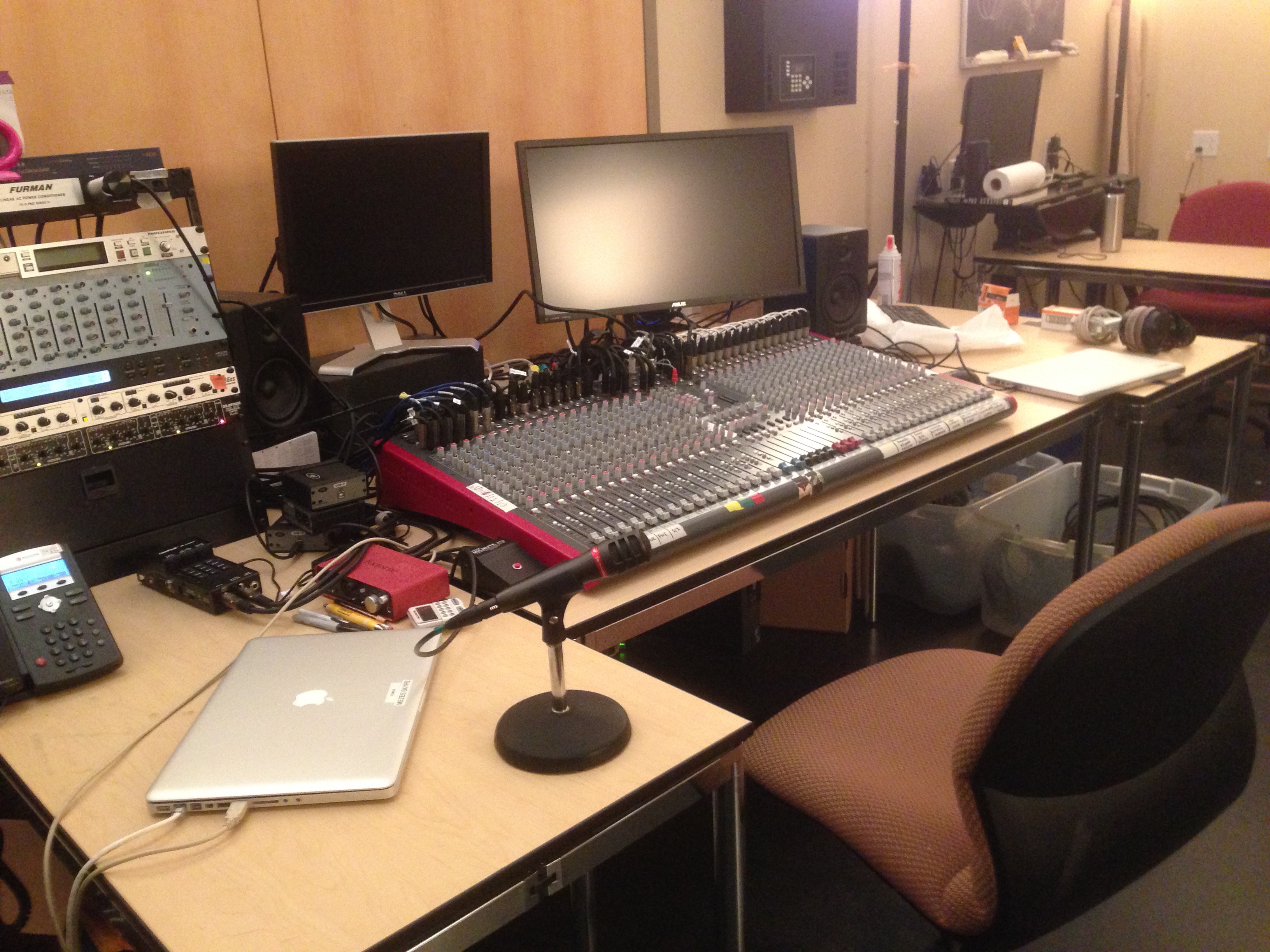
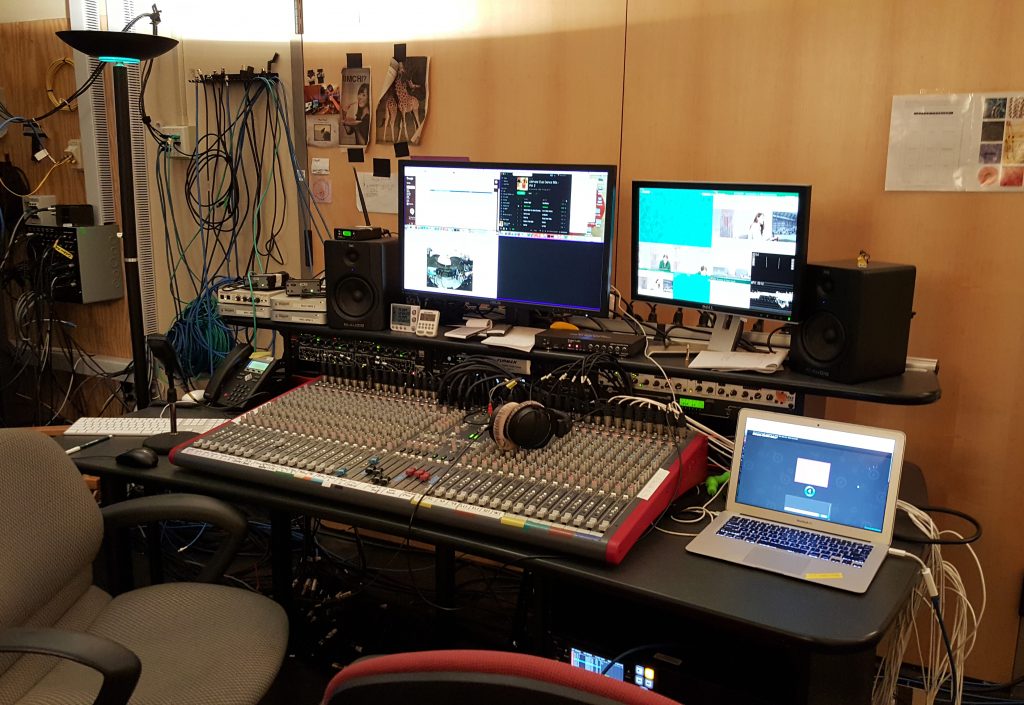
Dante controller
Audio desk before redevelopment
Audio desk after redevelopment

Filed Under: STA Presentation Tagged With: 2016 STA Presentation

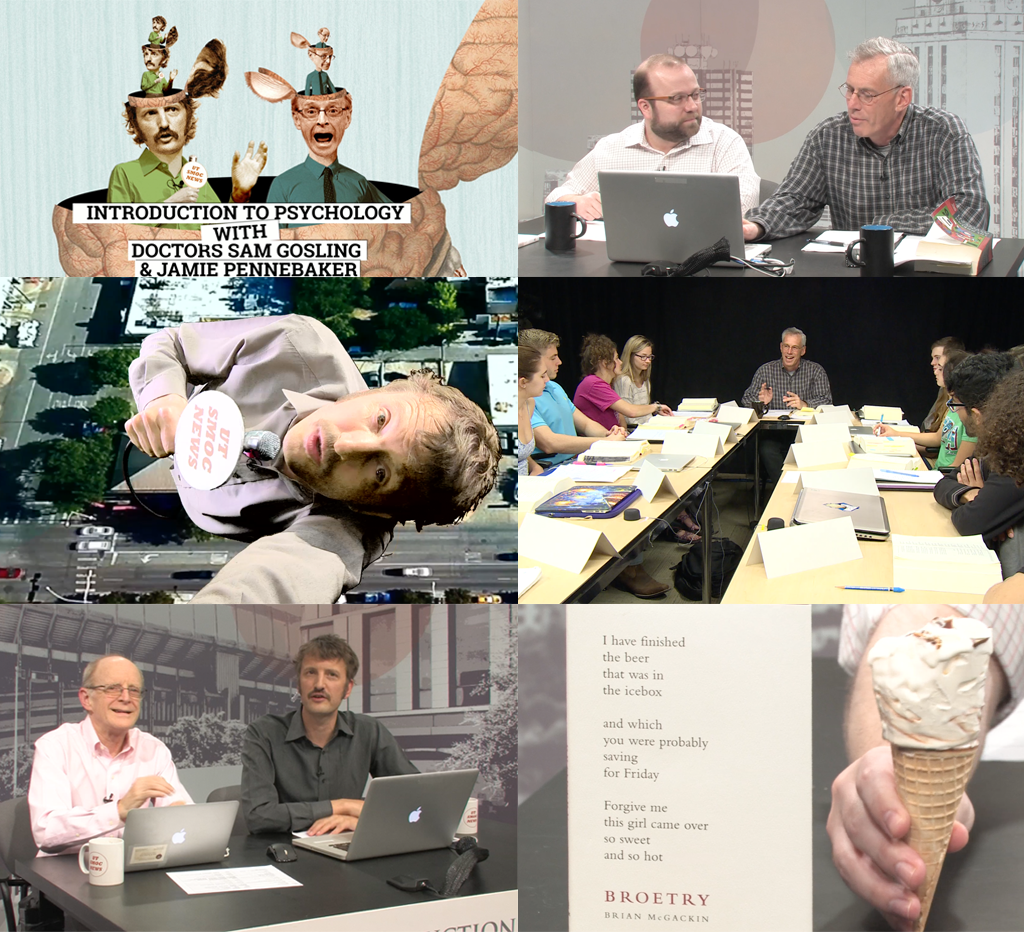
Psychology Presentation

March 29, 2016 By Stacy Vlasits

Screen Shot 2016-04-08 at 10.17.54 AM

The Intro

Screen Shot 2016-04-08 at 10.13.06 AM

Clip from the Intro

Screen Shot 2016-04-12 at 2.50.42 PM

In the Lab Short

Screen Shot 2016-04-08 at 10.10.00 AM

In the News Short

Filed Under: STA Presentation

  • « Previous Page
  • 1
  • 2
  • 3
  • 4
  • 5
  • Next Page »

link to LAITS home page

Video STA Home

© 2025 Liberal Arts Instructional Technology Services | Production Credits