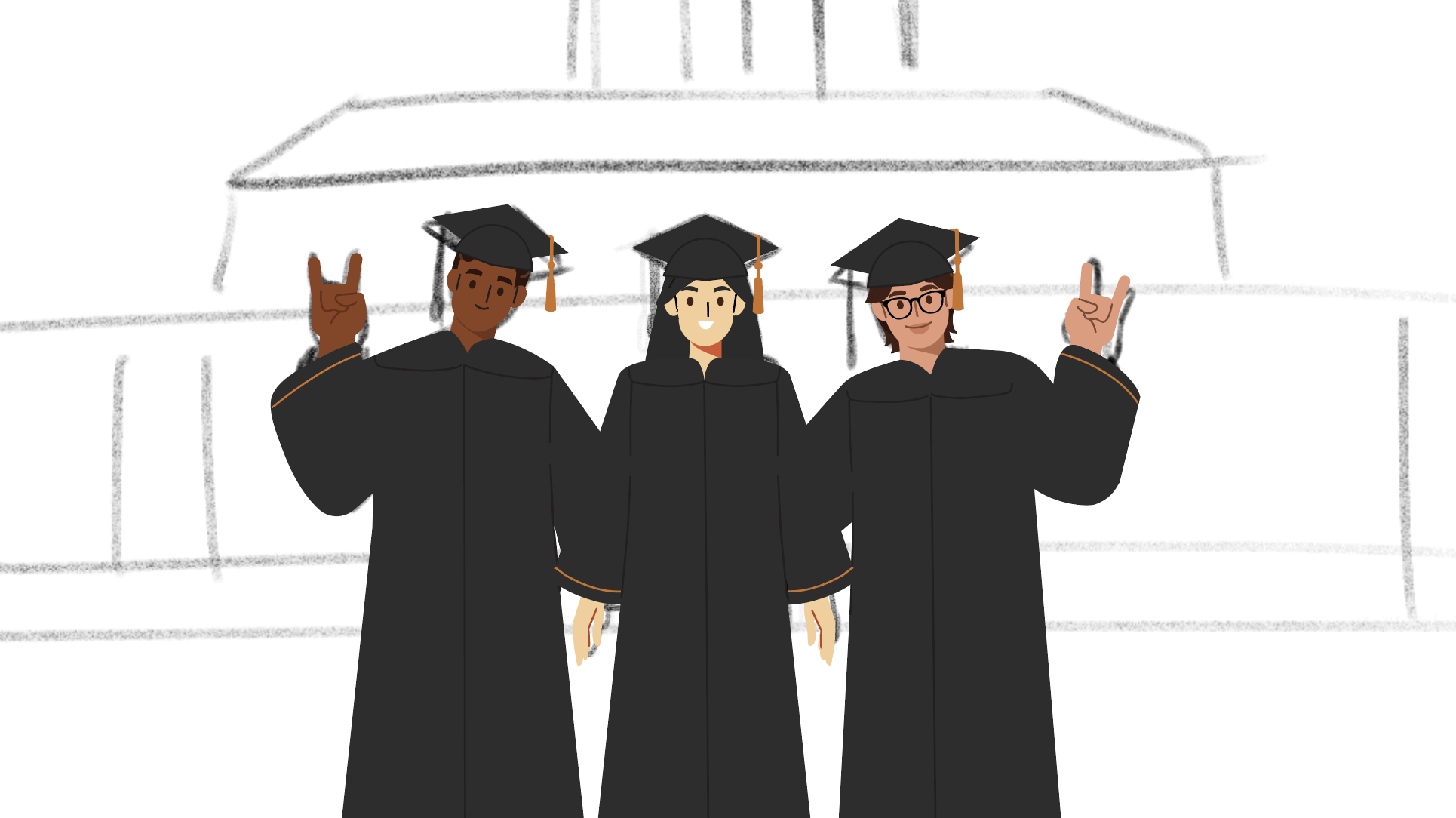
Summer Marketing Pre-roll Animation
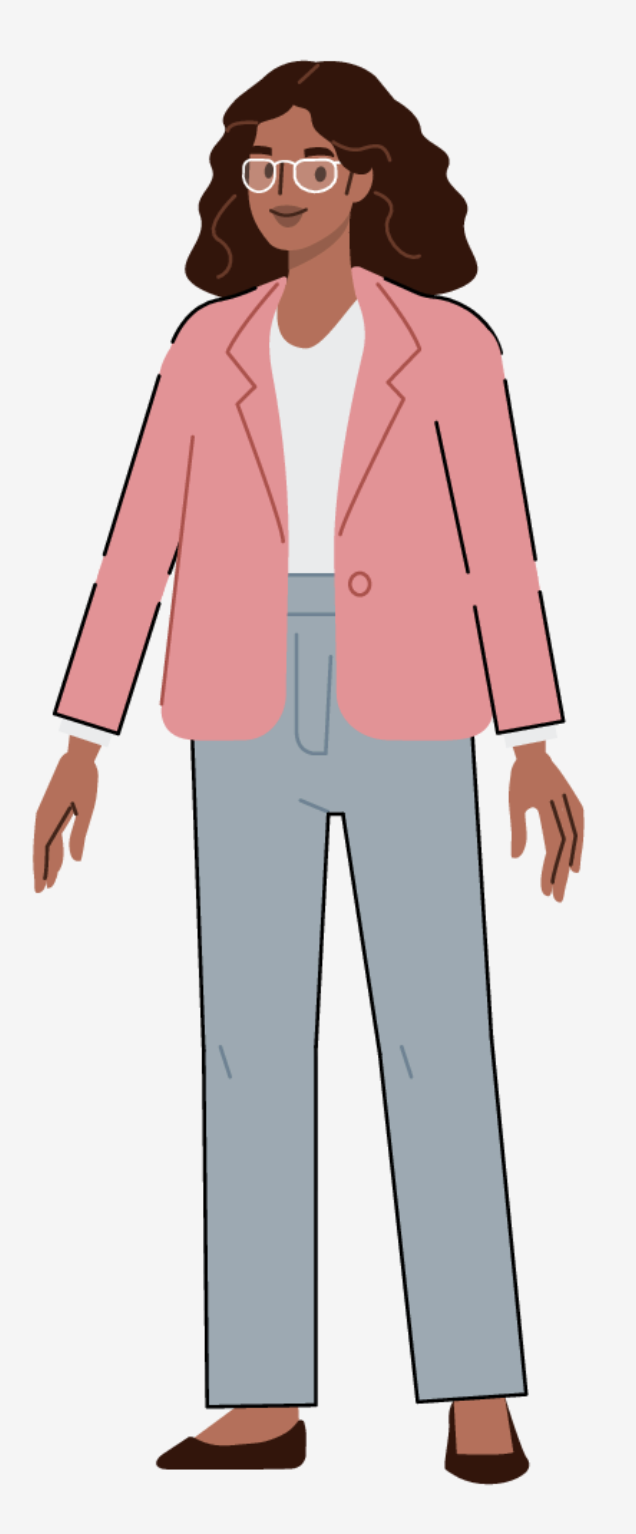
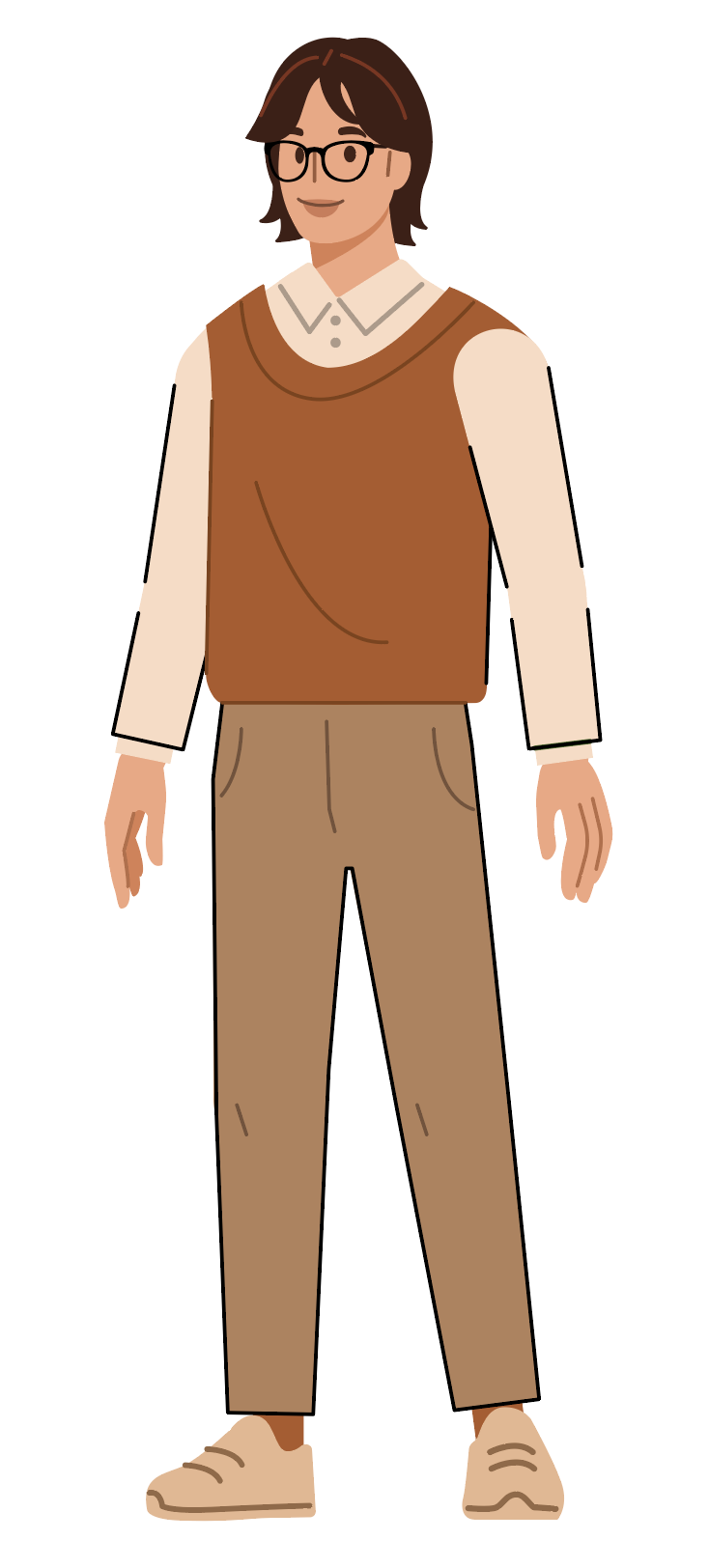
Character Designs


Backgrounds


By Kyra Lee
By Kyra Lee
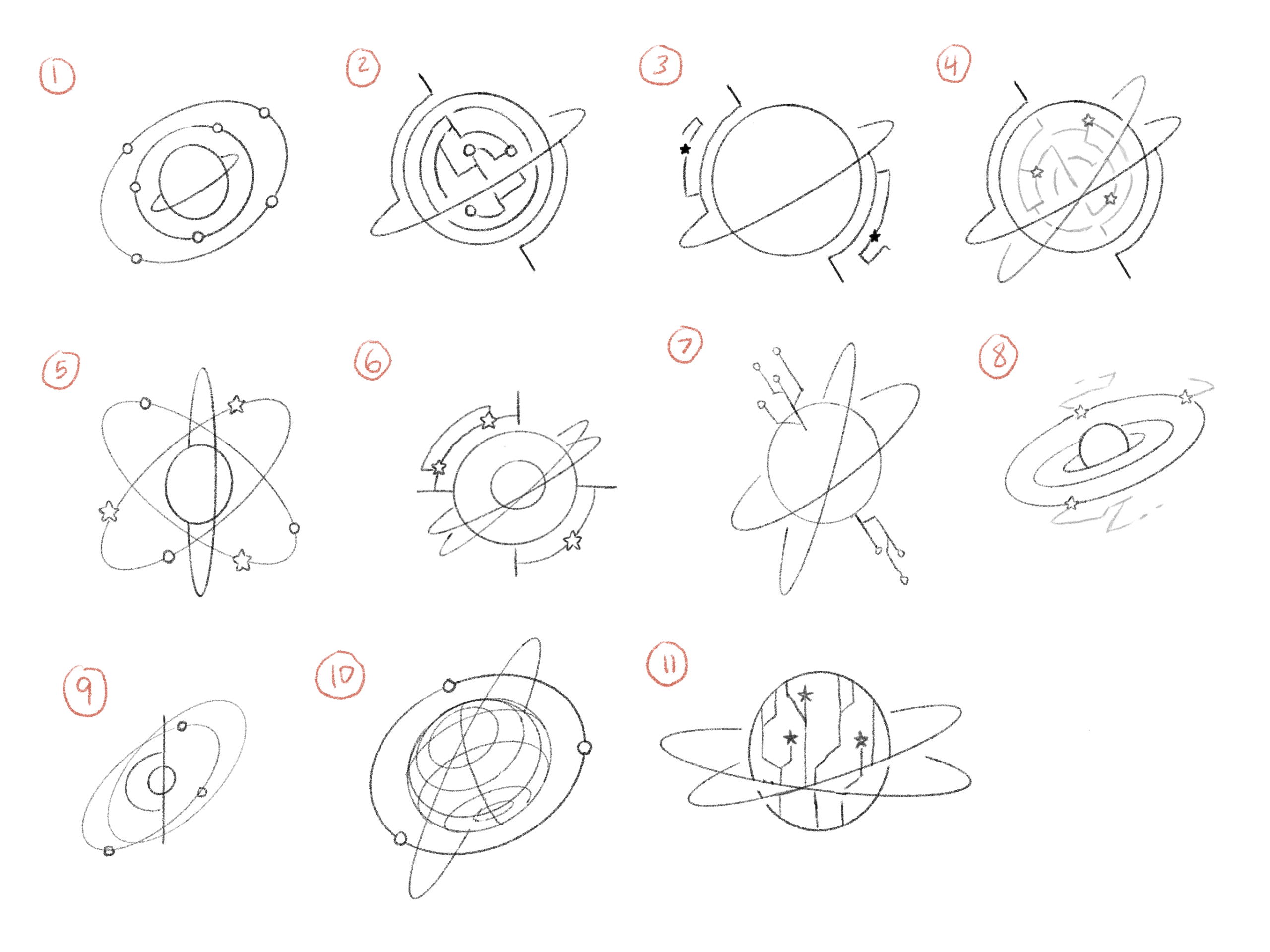
This course is about how AI applications can be used to generate astro-physics data, with students who are not expected to have a background in astronomy. Typically, classes work with pre-curated data, so this class aims to teach students to compile data themselves using AI algorithms. The professors want to keep the focus for the course graphics on astronomy, however, and have emphasized that they would ideally like the typical nodes and lines to be replaced with icons of stars, planets, and galaxies, similar to the things that you can get in Mac Keynote’s shapes. In terms of animation, perhaps some sort of cosmic explosion would work well too.


By Kyra Lee
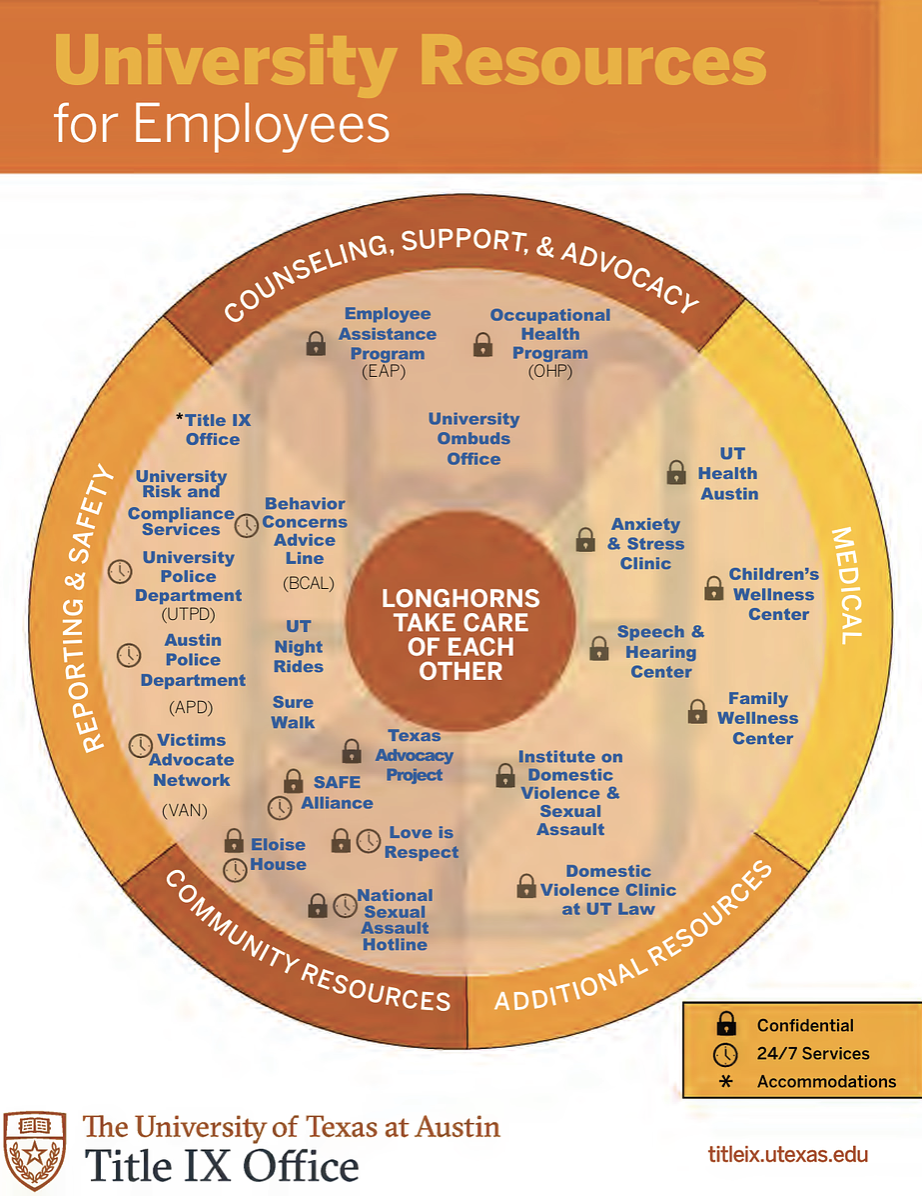
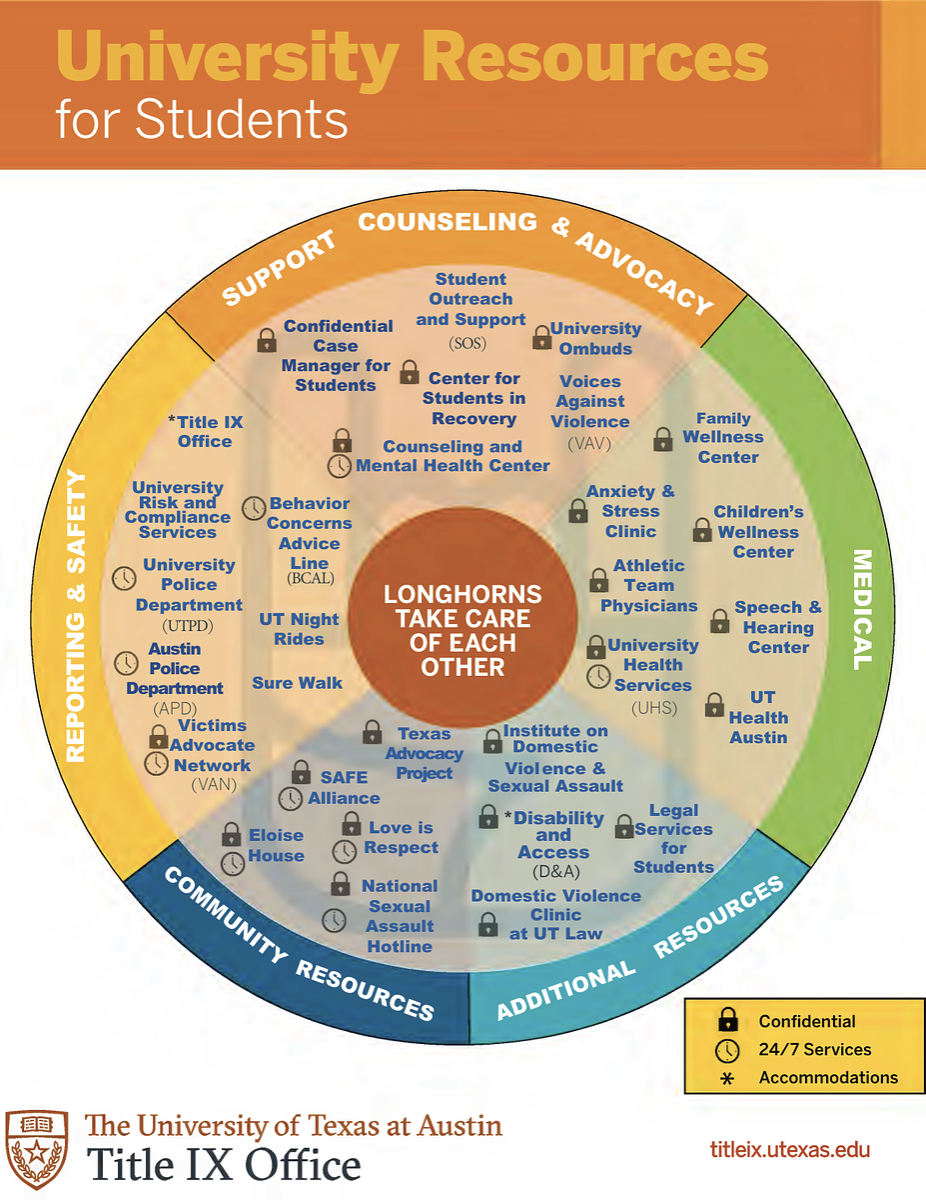
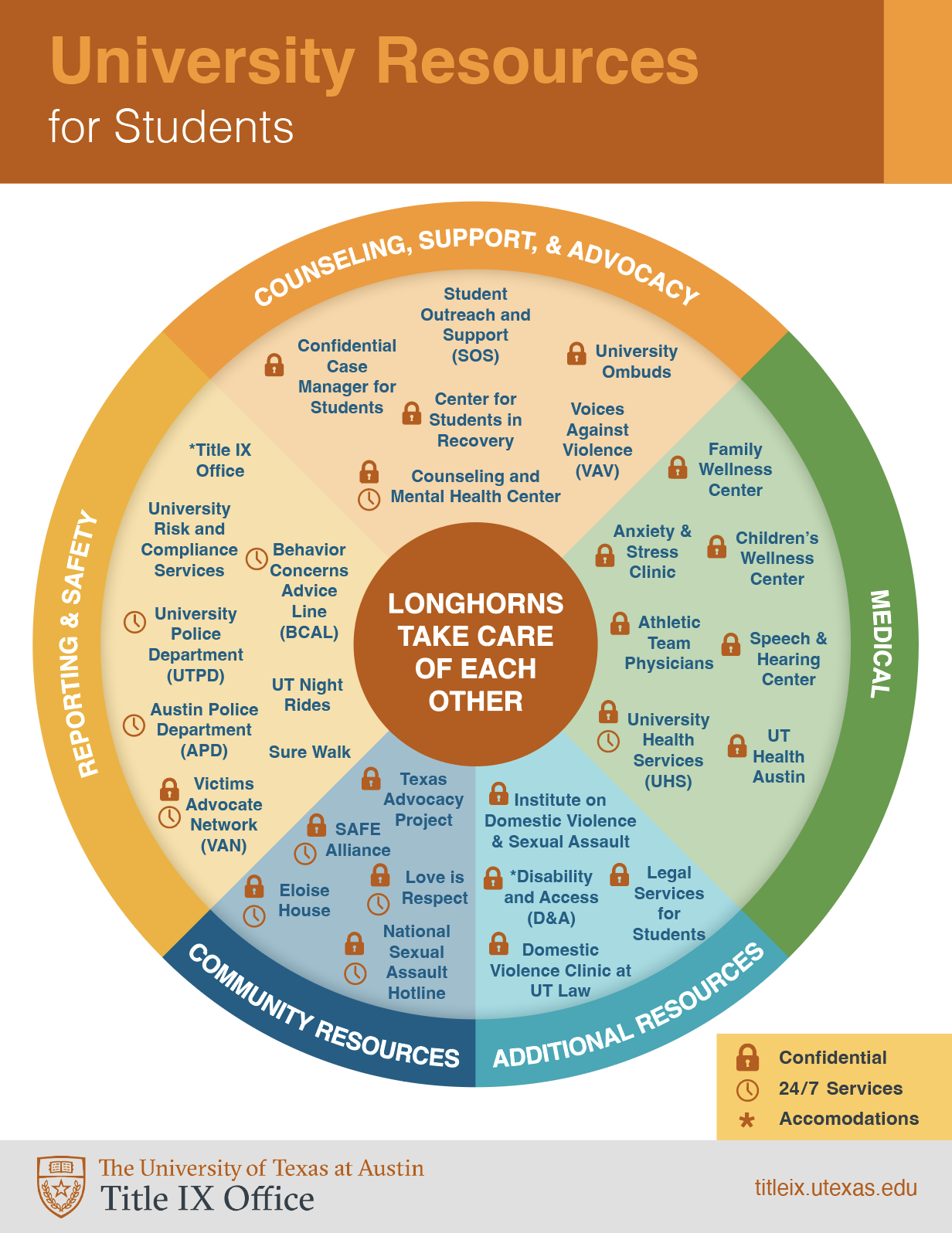
Here are the original designs:


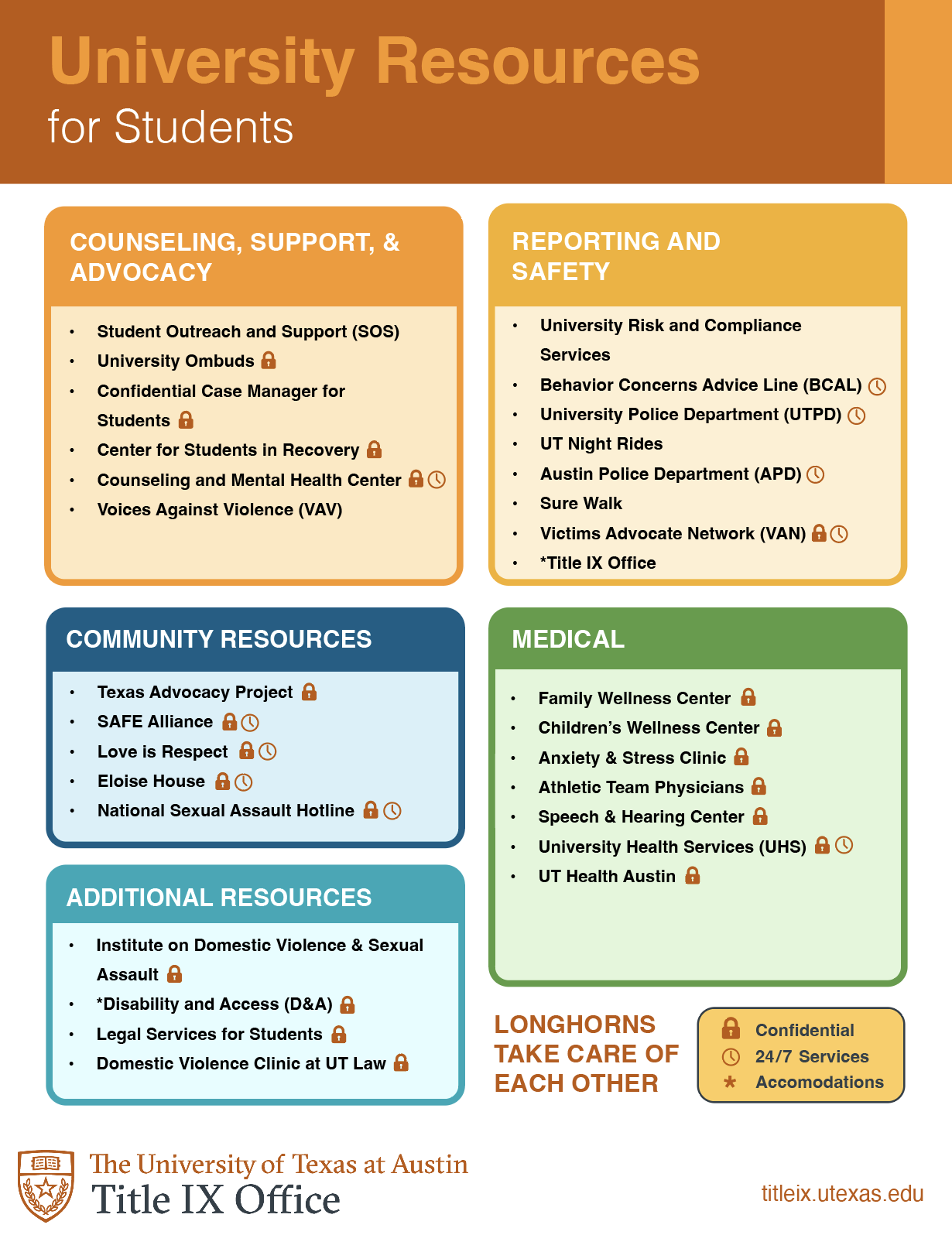
This is an alternative design that attempts to make the text more organized and readable.
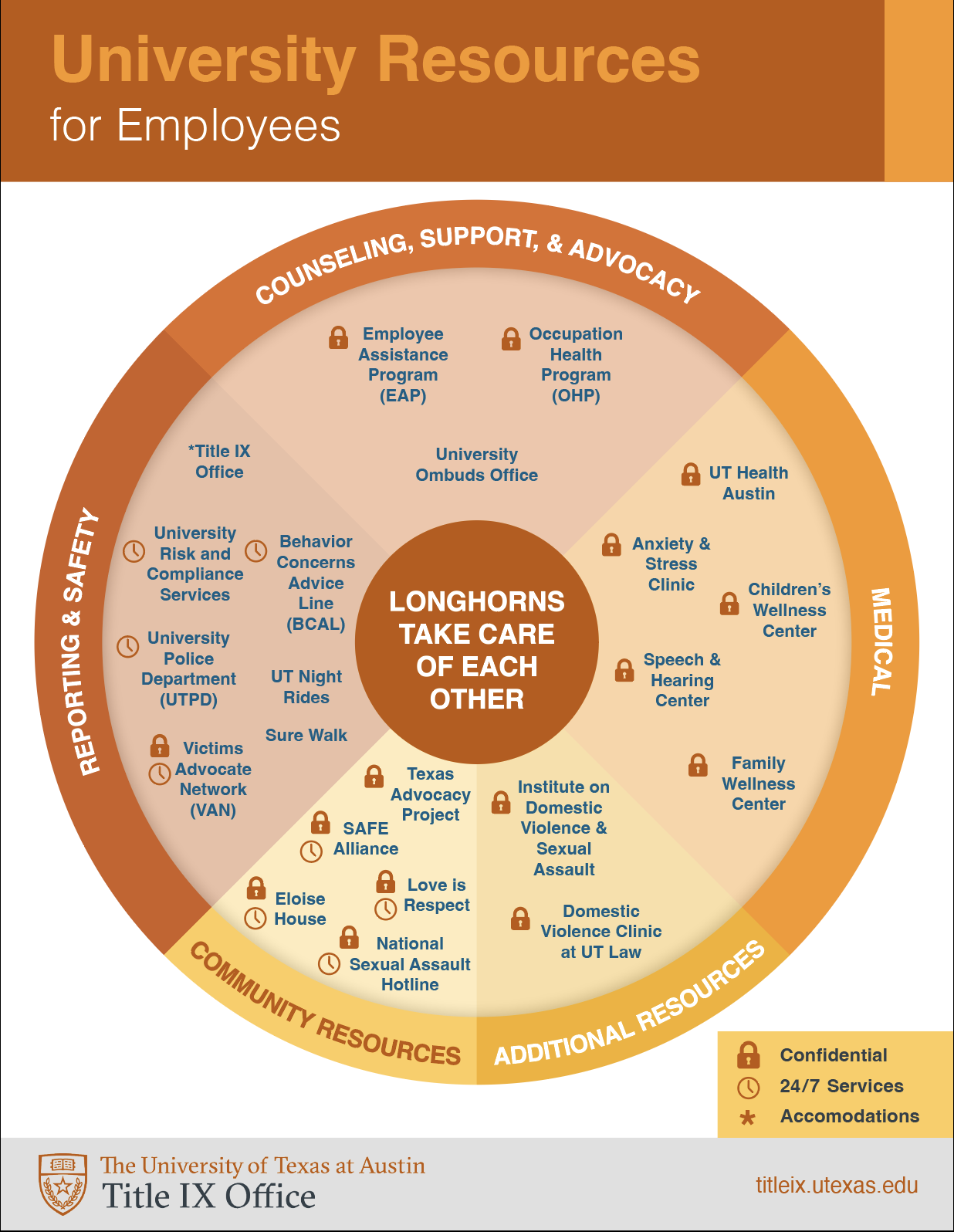
And these are recreations of the original design with minor changes to the colors, addition of a gray branding bar at the bottom, and removal of the longhorn logo in the background of the wheel.

After ensuring the text is editable in Adobe Acrobat and getting feedback from my Art Director, we decided to stick with the original designs and sent them off to the client!
By Kyra Lee
This summer I traveled, hung out with friends, went to my first convention, and drew as much as possible!
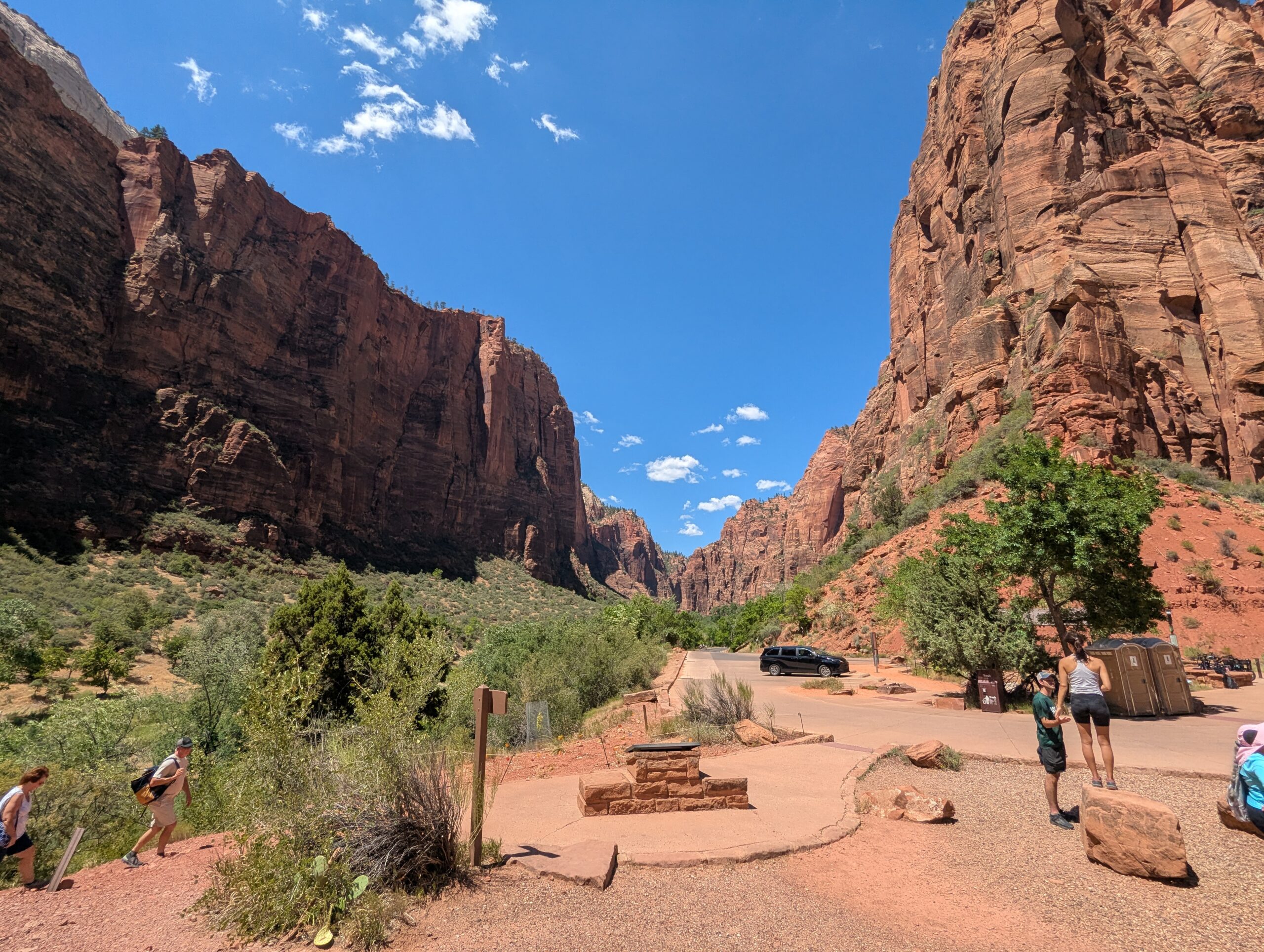
In July, my brother, mom, and I flew to Arizona to visit family, including a new baby cousin! While here we went on a roadtrip around parts of Utah and Nevada. I burnt to a crisp in the sun, but the views were worth it.


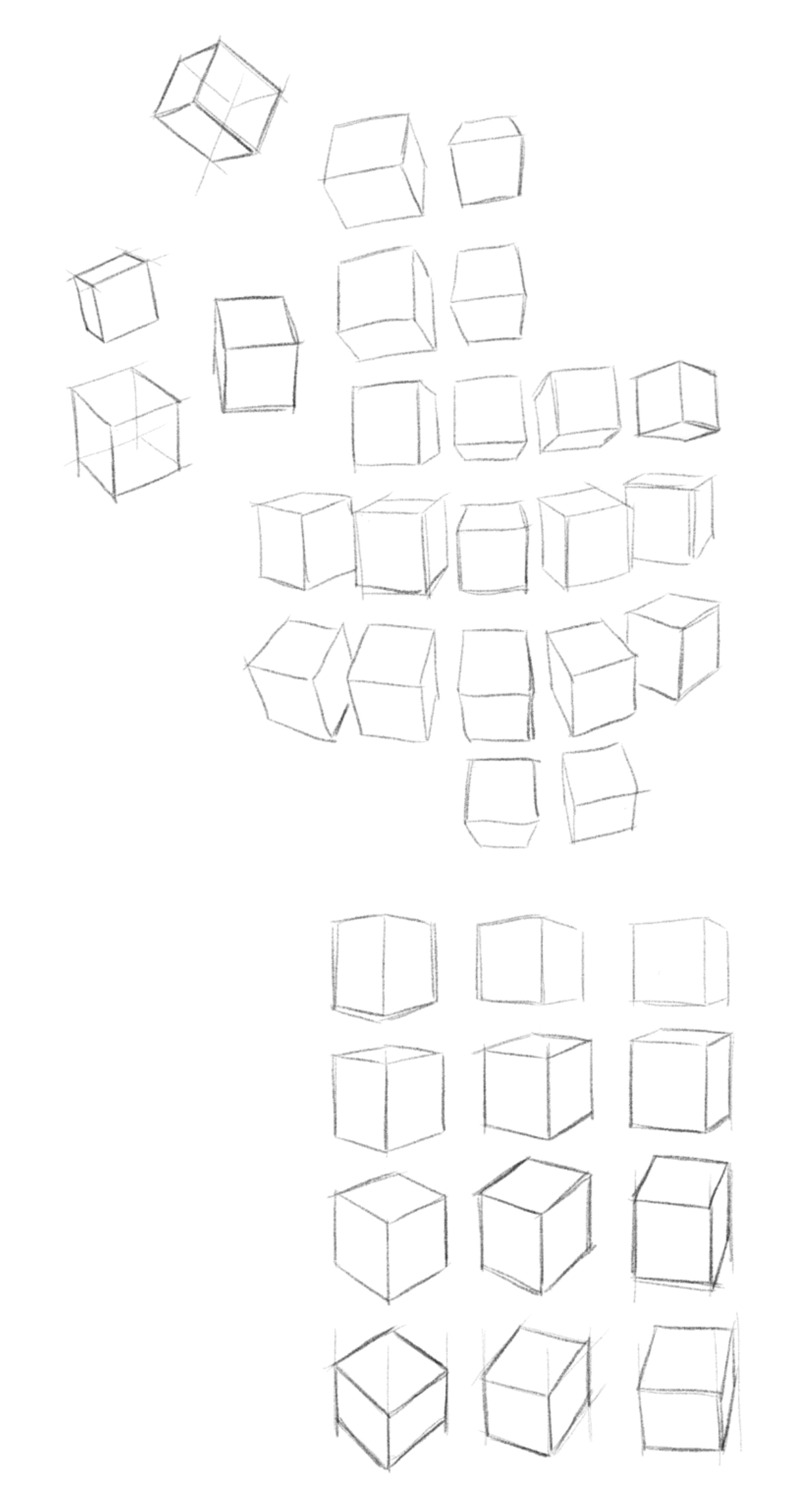
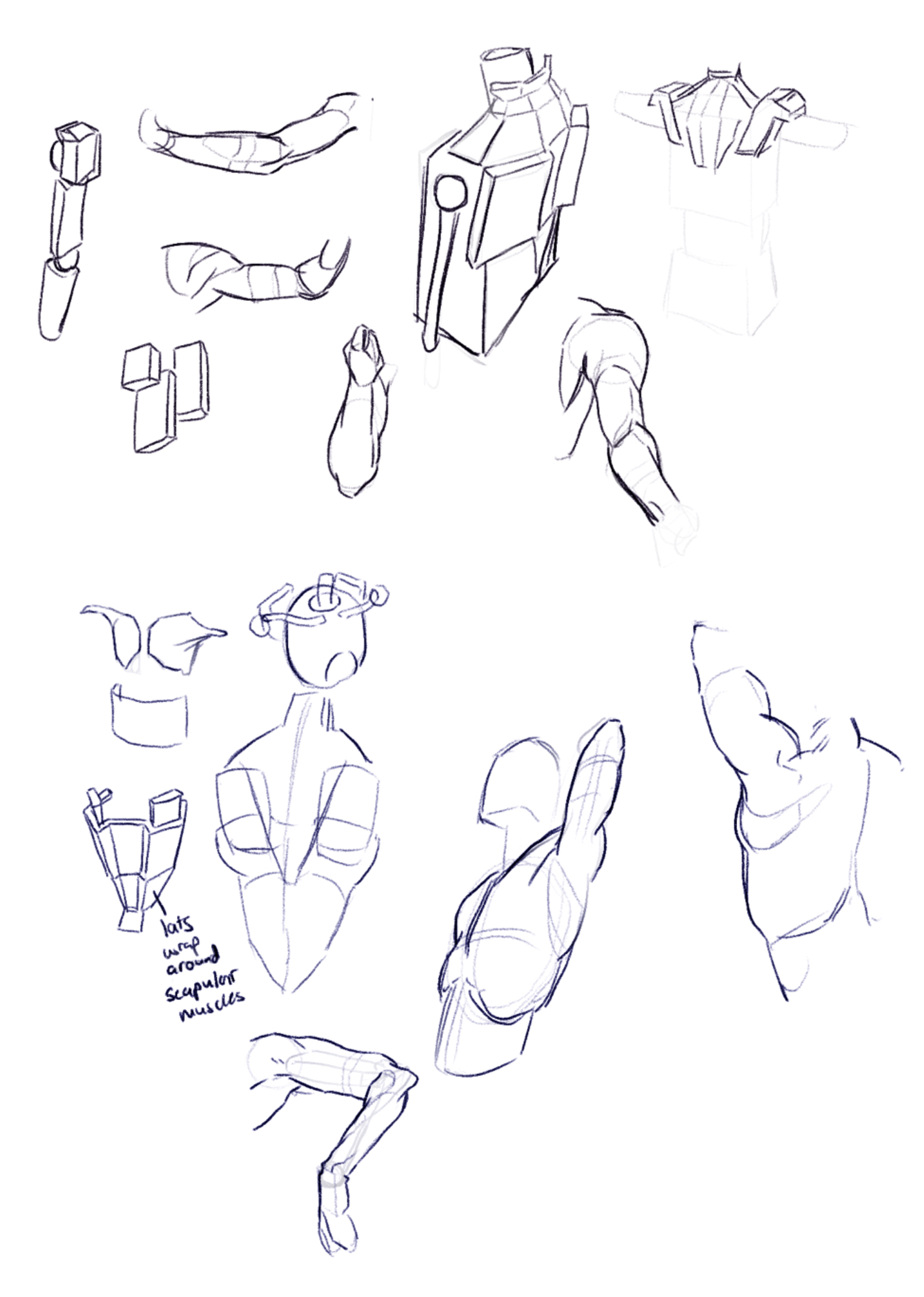
When I wasn’t traveling, I was left with a lot of free time, so I decided to draw everyday — a goal I’ve had for a while. I worked on some fundamental skills like form and perspective and am happy to say I am noticing some pretty significant improvements! I’m also studying figure drawing with Tom Fox’s book Anatomy for Artists: Drawing Form and Pose. Thinking about the body as fundamental 3D forms feels like I’ve unlocked a new part of my brain.


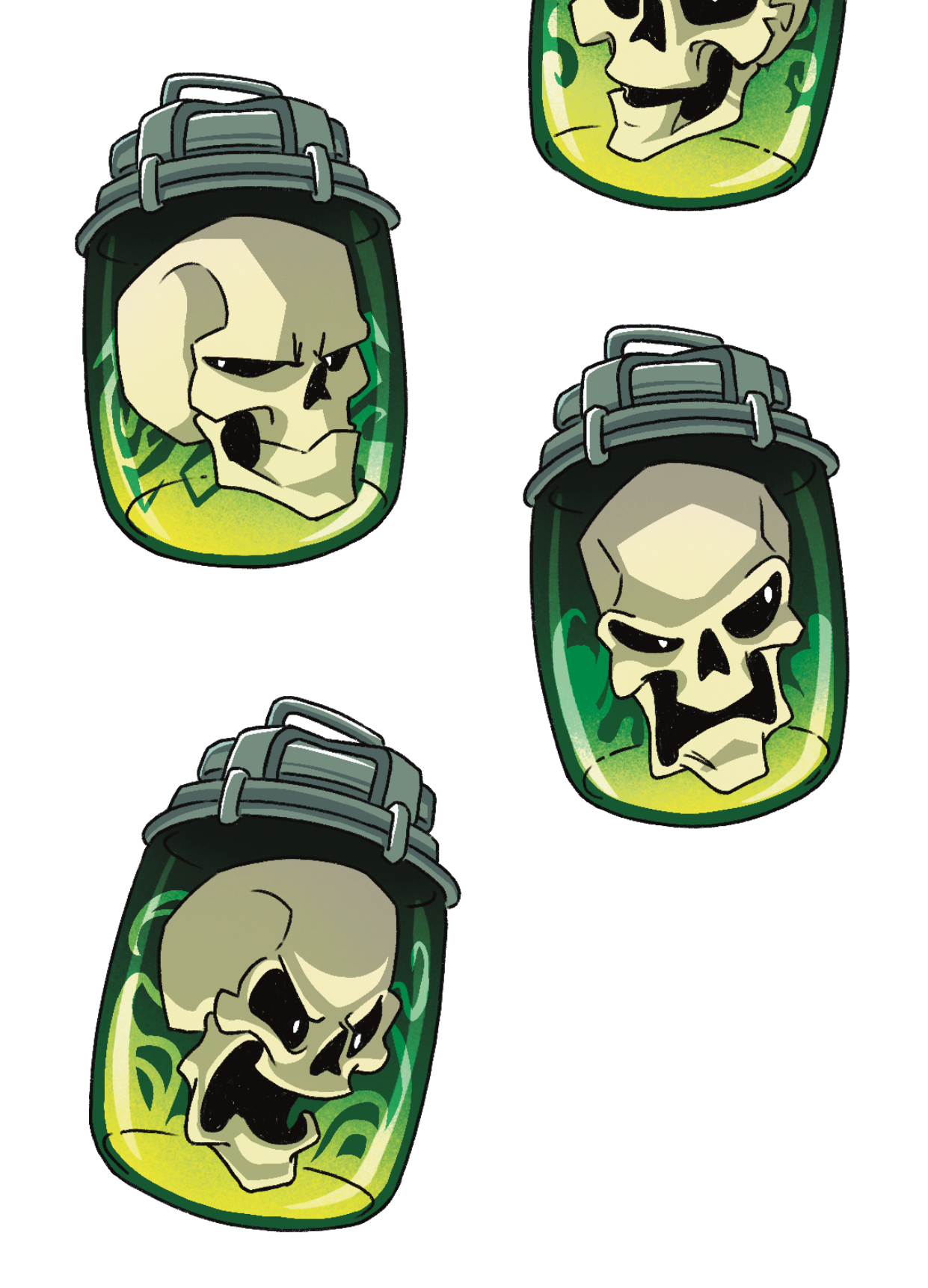
In addition to sketching for fun, I also did some more art commissions. In total, I did 15 overlay illustrations and 2 sticker sheets for a special edition set of the Lockwood & Co book series! It was a lot, but they were very fun to do and they pushed my illustration skills to the limit.


By Kyra Lee
The goal of this training is to grasp the basics of Adobe After Effects through some basic animation practice. The instructions were to animate a simple course graphics intro. Here is what I came up with!
I enjoyed working with Photoshop and After Effects to make this very simple course intro. This was a good introduction to the software. I think if I were to go back and revise it I would add some people viewing the art and make the text more colorful.
For this training I was tasked with creating a personal brand/logo. Here are some variations and the final chosen design.


Several elements included in the logo and how they represent me:
For this training I brought the logo I just designed into After Effects to give it some movement! I learned some new techniques like the trim paths feature and how to use the graph editor.
For my first time animating a logo in After Effects I’m pretty happy with this! I like how the star looks like it’s being drawn and the subtle movement of the hand and head. If I were to revise this I would make the logo appear in a more interesting and unified way. Maybe having the head turn around and put some follow through on the hat. I would also like to add movement to the face to give it more personality. Making the eyes blink and the mouth go from neutral to smirking can really bring the logo to life and feel inviting.
Finally, I completed this quick Photoshop training where I got to explore the different textured brushes.
I’ve mostly used Ps for line art and more flat color illustrations, so this was a nice change of pace. I love how the coloring on the orange turned out. I like the movement in the brush strokes and the variations in hue/saturation.
One thing I would improve on for next time is to refrain from using the color picker. This would help develop my color observation skills.
By Kyra Lee
Project Overview: During the STA Presentation, there is always a slide that shows who will be up next. Use the other presentation graphics as inspiration to create a design for the up-next graphic. We want it to be cohesive with the other assets as the slide will be placed within the presentation PPT.


Feedback: Brighten colors, change camera graphic to something more realistic
Feedback: Change font and camera graphic to match previous STA Presentation assets, remove stars and film strips, add drop shadows to the light beams
Thoughts: A lot of my time during March was spent creating my own presentation for the STA Presentation in April, but in the mean time I also got to create this asset for the overall PowerPoint! I enjoyed working in the theme of “movies” and I think the final design is simple yet effective.