KB Banner Update
New banner for KB tutorial: Adding Captioning Using UT Transcription & Panopto:


New banner for KB tutorial: Adding Captioning Using UT Transcription & Panopto:

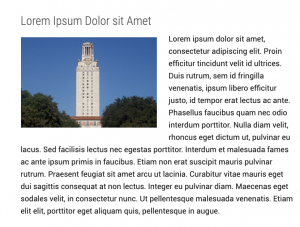
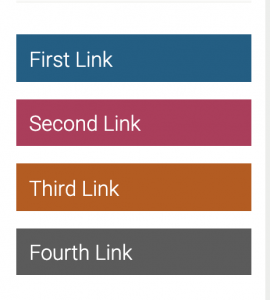
Suloni wanted me to create a test page where I create different ways to easily visually enhance test heavy body content to make some COLA sites more appealing. Here are some of the elements I have drafted up. I am still trying to figure out some types of different formatting.




I spent part of my time this week completing the Illustrator basic training and giving a bit of feedback to Ingrid, who was completing as well. Here are some screenshots:



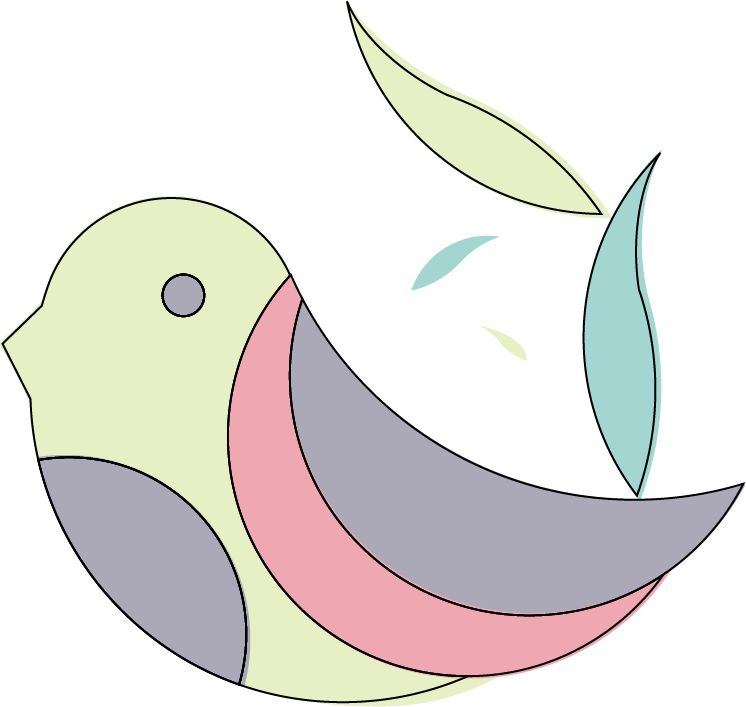
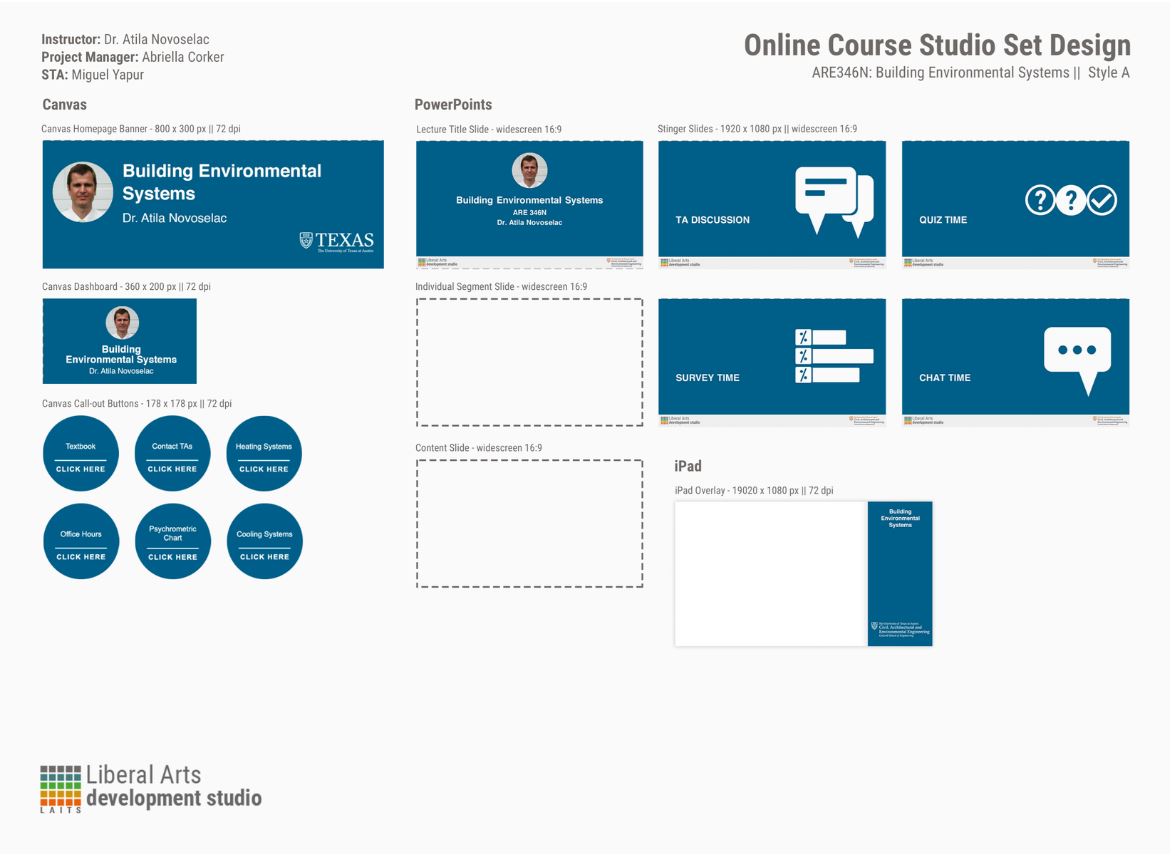
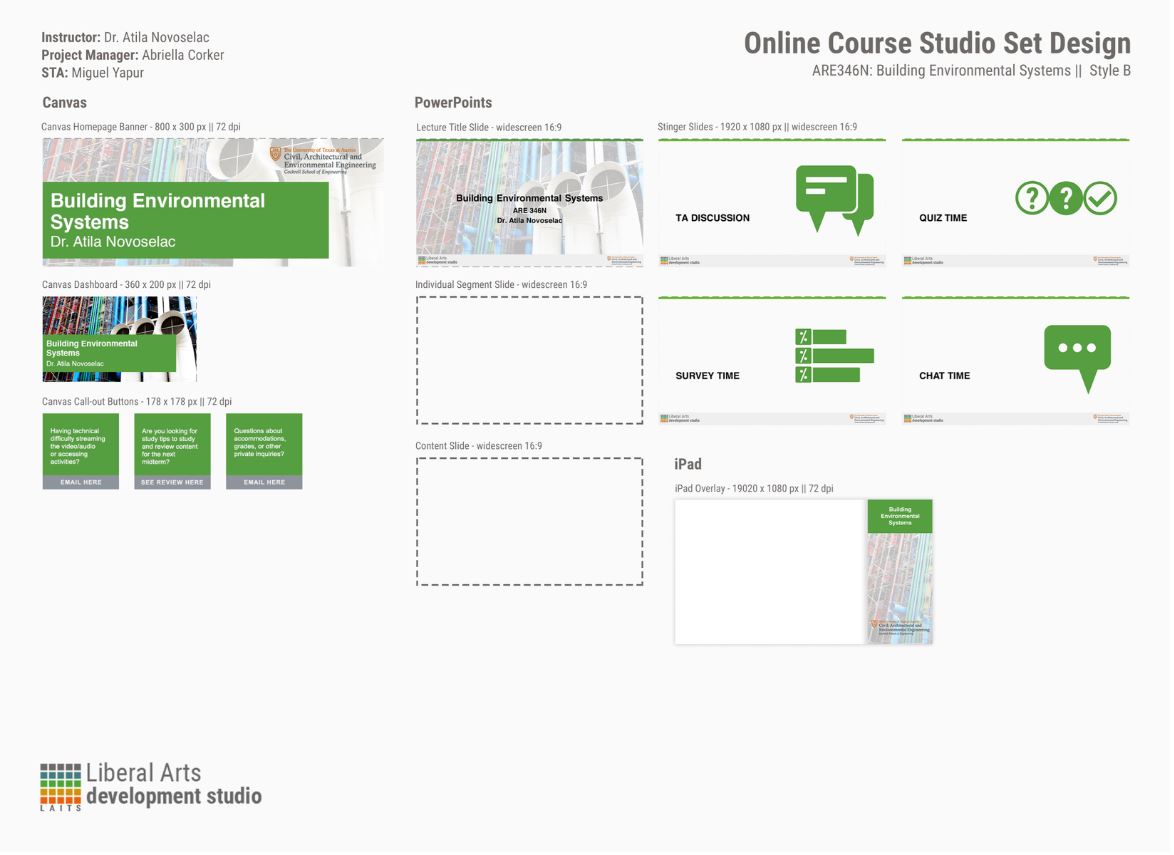
I also spent some type completing the Styles A/B graphics while Abriella gave me feedback on it. This is the finished product for both styles:
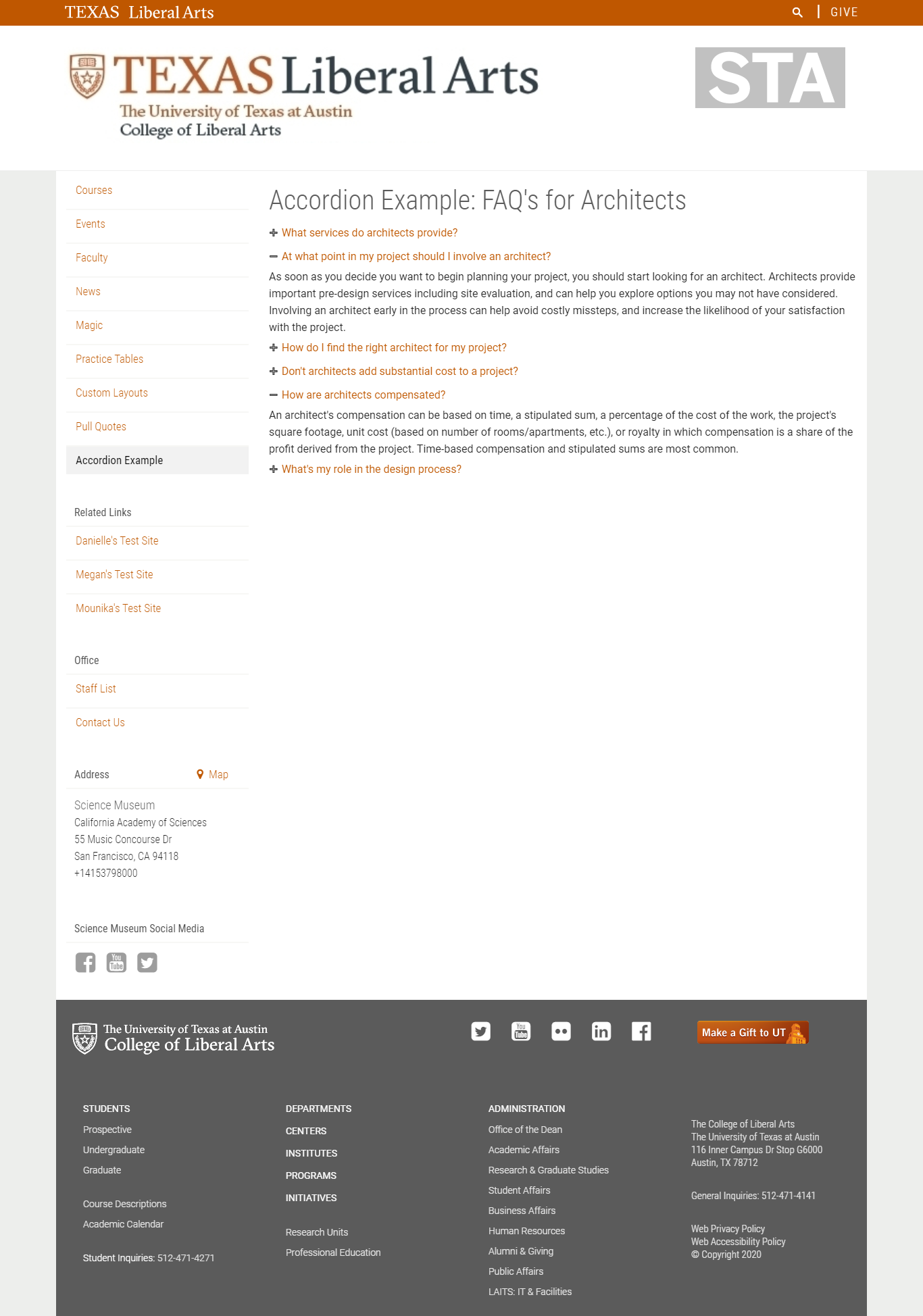
I also completed an accordion code that I added to my website. It was a pretty straightforward task given that the KB tutorial was very clear and well written. Here’s the final result:
The next tutorial I did was an InDesign spread which was a really cool way to get to learn more about InDesign since I’ve never really known how to use it that well. This training is still in progress and I’m still getting feedback on it but here’s what I have so far:


I was asked to design some more graphics for two edX courses, here are some examples:







Finished up CLIO part II last week but was having some trouble uploading pics so here we go.
For this portion of the training I changed the nav bar and one of my card headers to images, adding a color overlay to the navbar using the CSS editor. 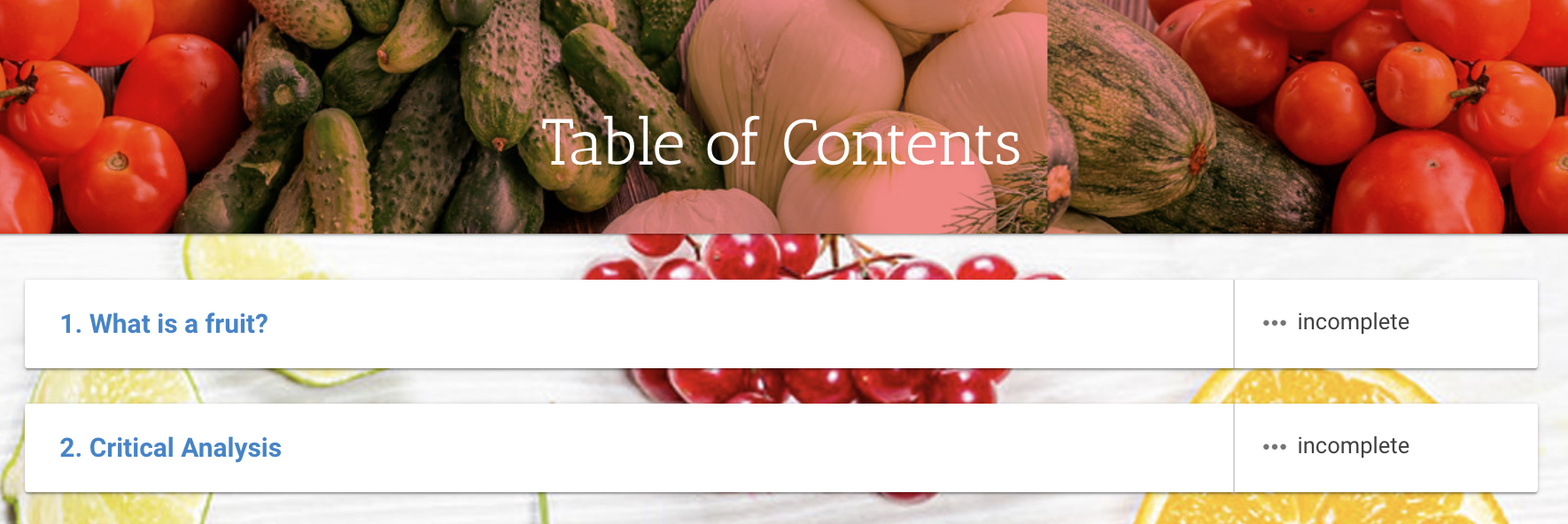
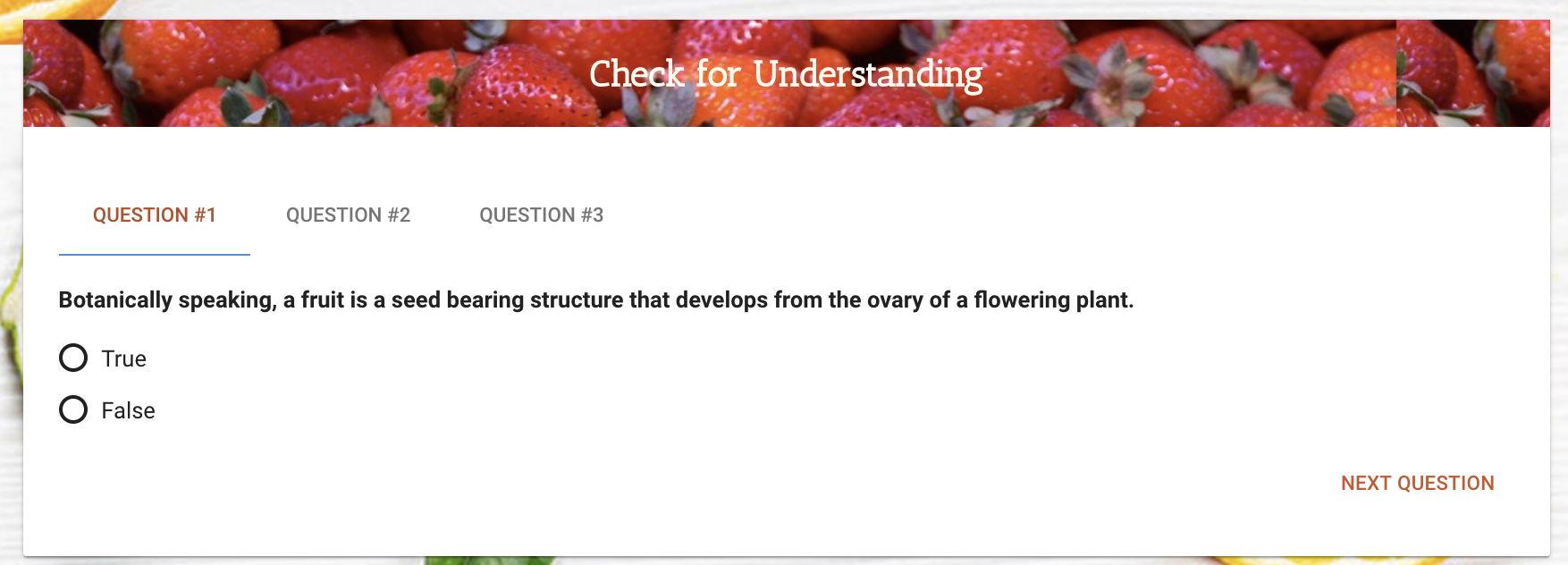
I also used the CSS editor to add a hover feature on a table, seen here (the row turns gray when you place your cursor over it).
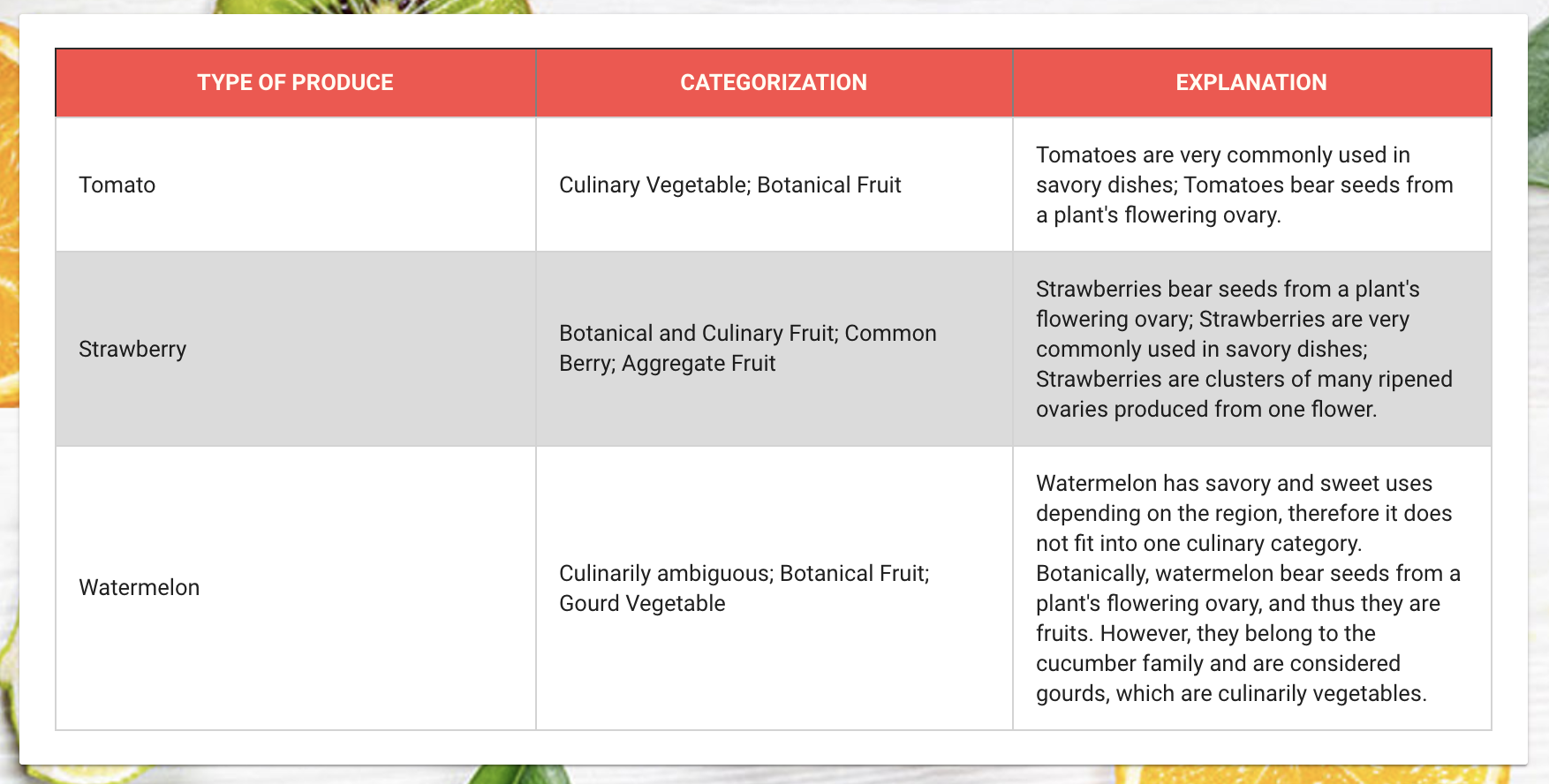
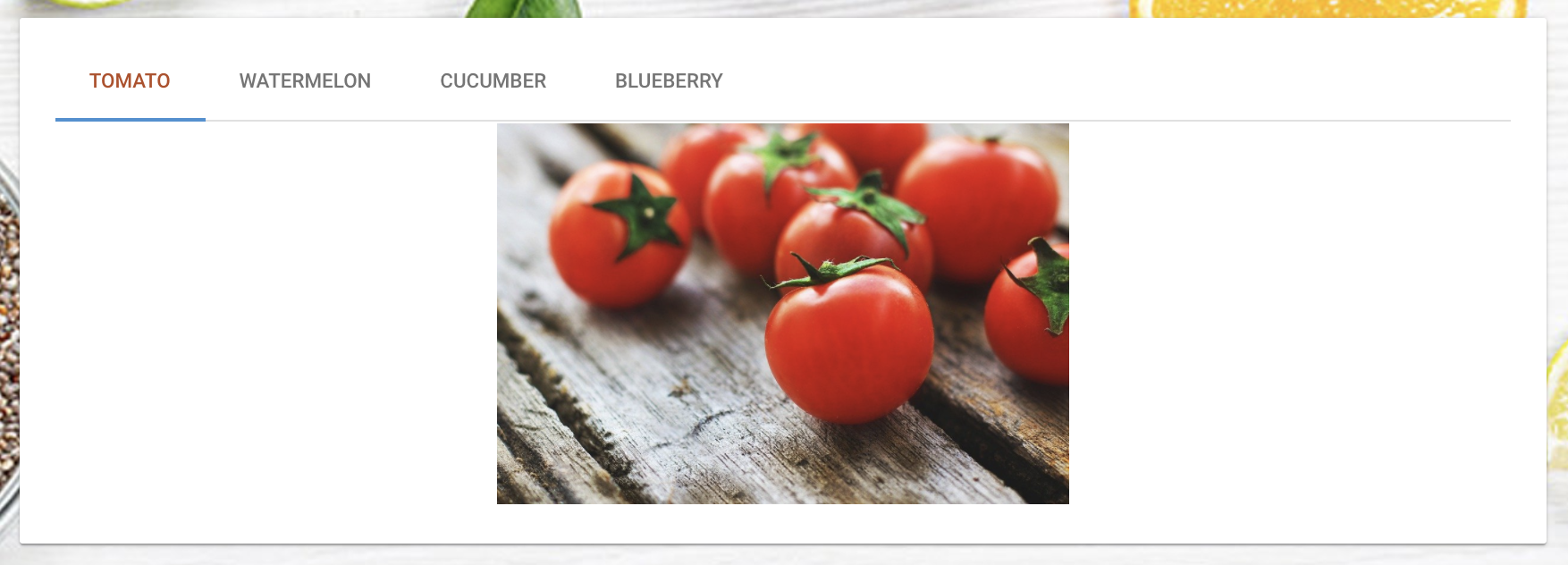
Finally, I edited content card HTMLs to create an image carousel and wrap text around an image.

This training was really fun! I really feel like I’m learning how to properly use HTML and CSS. Thuy also did a really amazing job explaining how the various lines of code functioned so rather than just copying and pasting things, I was more comfortable typing things in myself. Looking forward to parts three and four <3
With only two days working this week, I didn’t have quite enough time to achieve anything extraordinary — the biggest thing I’ve worked on is the Clio Part 2 training. Thuy has been wonderful in helping me along the way, and right now one of the things I’m trying to fix is the background; as you can probably see, it repeats, and unless I find a huge high resolution image, I need to find a way to design the background image so even when it’s repeated it looks relatively seamless. In any case, this is what I have so far.

Last week I mostly finished replacing the videos for Vlabs, except for some MP4 files that wouldn’t play in Safari. Still not entirely sure why the videos weren’t playing when they had previously worked in Safari, but early this week Ruben helped me figure out a work-around by reuploading many of the broken MP4s to Grav, which worked! Turned out to be slightly more convoluted process than I was anticipating, but they main thing is that all videos are updated and playing correctly in different browsers.
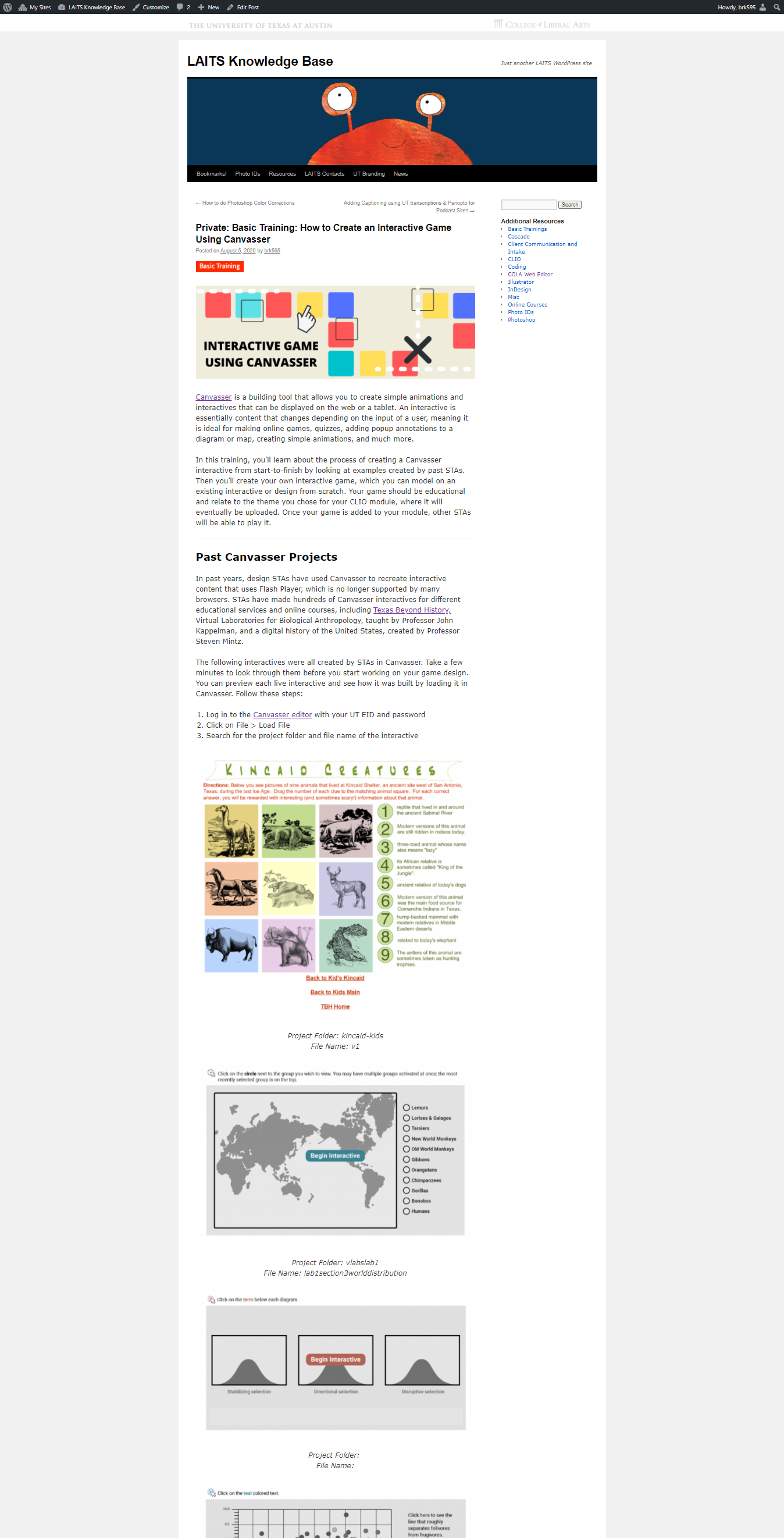
The other main project I’ve been working on is the new Canvasser tutorial for the Knowledge Base. Abriella made this nice banner for the top of the page, and I’m just working on fleshing out, adding screenshots, and improving the the content of the training. I’m trying to break down the steps so they’re easy to follow and not over-complicated, but still make it a comprehensive introduction to Canvasser for people who’ve never used it before. It’s definitely going to be a longer and more involved basic training, so I’m thinking it will be really helpful to get feedback on it as people start attempting it for the first time.
I’m also including multiple Vlabs and TBH interactives at the top of the page to hopefully give people a sense of what a finished interactive can look like in terms of aesthetics and functionality. Here’s what the post is looking like so far: