• We are STAs
    • Asha Rountree
    • Haley Ma
    • Kate Shih
    • Kyra Lee
    • Nicholas Peasley
    • Sasha Kenney
    • Shanda Horm
    • Shriya Atreya
    • Tomas Marulanda-Mesa
  • We were STAs
  • STA Presentation
    • STA Presentation 2017
    • STA Presentation 2016
  • Testimonials
  • Resources
  • Home

STA Blog

LAITS Student Technology Assistants collaborate with the College of Liberal Arts faculty and administration by re-imagining their instructional and promotional projects with a creative use of video, audio, web and graphic design. STAs learn technical skills on the job with LAITS development studio staff. They build presentations, produce audio/visual works, scan text documents & perform image correction. STAs are instrumental in helping COLA faculty realize their vision for instructional technology projects used to enhance the teaching and learning experience.

TBH Kids: Time Travel Interactive Sketches

September 26, 2016 By Anna Xu

TBH Kids: Time Travel Interactive Sketches

I’m currently working on redesigning the “Time Travel to an Ancient Rock Shelter” interactive. The images below (if I succeed in uploading them) are my sketches for the first scene of the interactive.


Option 1: Inside the Time Machine 1

I’m considering digitally painting this scene with a gouache style. I think it might make it look more like a children’s book if the image were painted than with vector drawings. The scene depicts Dr. Dirt off to the side with a speech bubble were the text will go. Behind him is the main interface of his time machine with buttons, screens, and levers. There will be a window that displays the destination (prehistoric Texas) and above the window will be a display that shows the time in which we’ll arrive (XXXXXBCE). I haven’t decided whether the window will contain an image of prehistoric Texas, or of a wormhole in space. On the square TVs, I could insert pictures of prehistoric Texas from the TBH box repository or from creative commons repositories online, if possible. There would be a large “Go!” button in the center that users would click to move to the next scene. The button could be a bright green to indicate that it is clickable. I am also considering making the outlines darker or thicker for the button to make it stand out. The main color for the backdrop would be chrome (grey) for a futuristic feel.


Option 2: Cactus Spaceship

Another idea I had was to put Dr. Dirt into a time machine travelling through space. To make the machine feel more “Texan”, I  decided to make it a cactus. One thing I noticed was that even though the old site had flash animation, the interactive still felt static, so I wanted to make the redesign more “active”. One way of doing this is to depict an object currently in action, like a rocket travelling through space. I could even add a sort of motion blur to make the space appear as if its moving. The interactive would display text on the left and if necessary, can be put in front of a black rectangle (opacity: 30-70%) to enhance readability. This design would incorporate the UI buttons Jun designed (i.e. the “Next” button).


Option 3: Inside the Time Machine 2

This is a different take on the same concept presented in Option 1. In this scene, we have Dr. Dirt inside the time machine with a window looking out to our destination. Within the window frame, we would have the Earth with the shape of Texas colored (any color but green or blue) to make it stand out. This can be constructed with vector shapes. The text would be black and placed on the left-hand side of the frame and would incorporate the new UI buttons. The time machine will likely be grey, so there should be no problem with readability. This design is relatively similar to the old design in terms of object-placement.
Filed Under: 2016 - 2017

TBH: Carousels

September 26, 2016 By Jun Tan

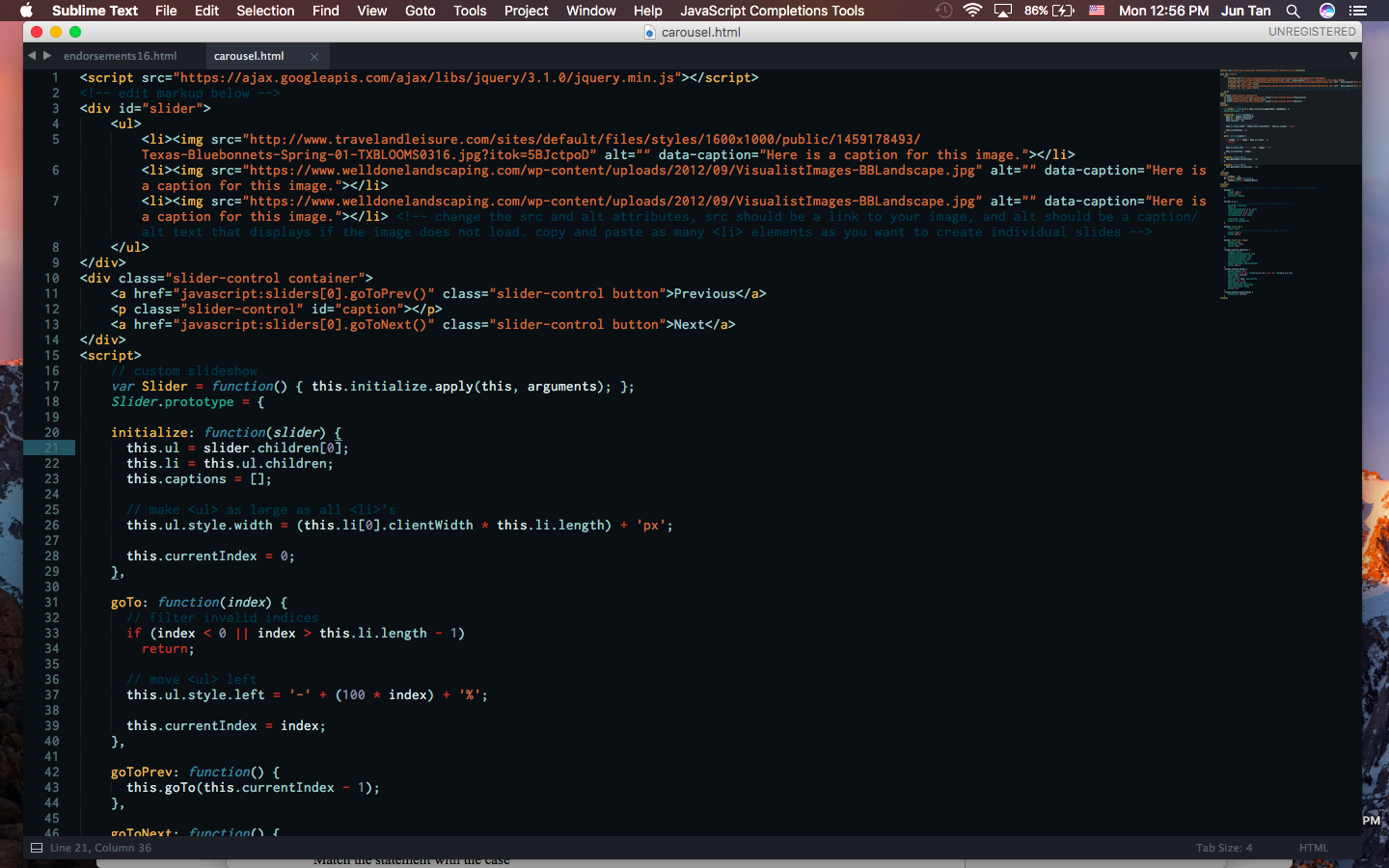
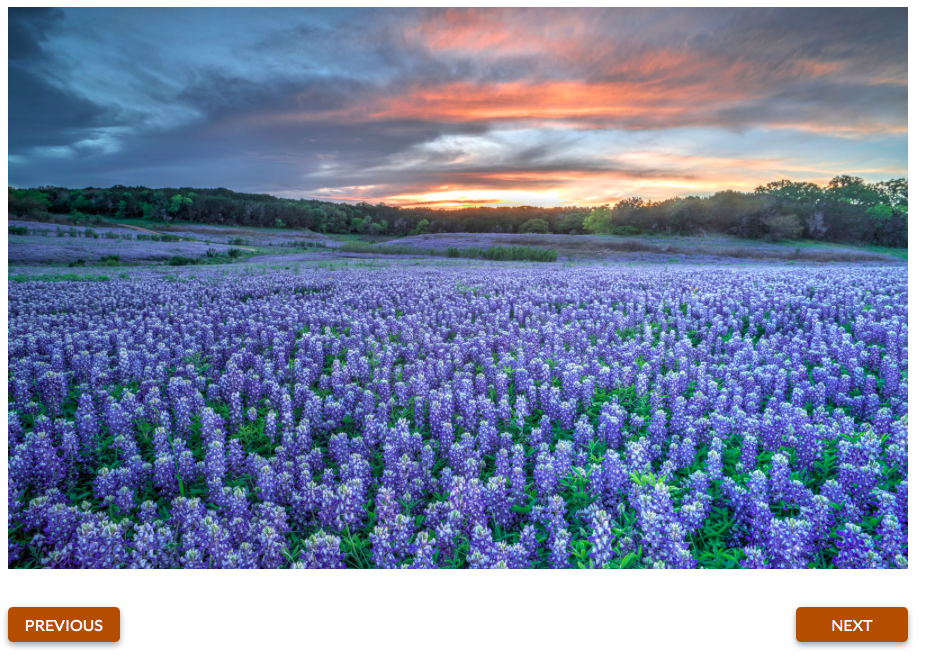
Instead of using an online framework, I decided to roll my own lightweight carousel framework using this guide: http://rafbm.github.io/howtomakeaslider/

Filed Under: 2016 - 2017, Uncategorized

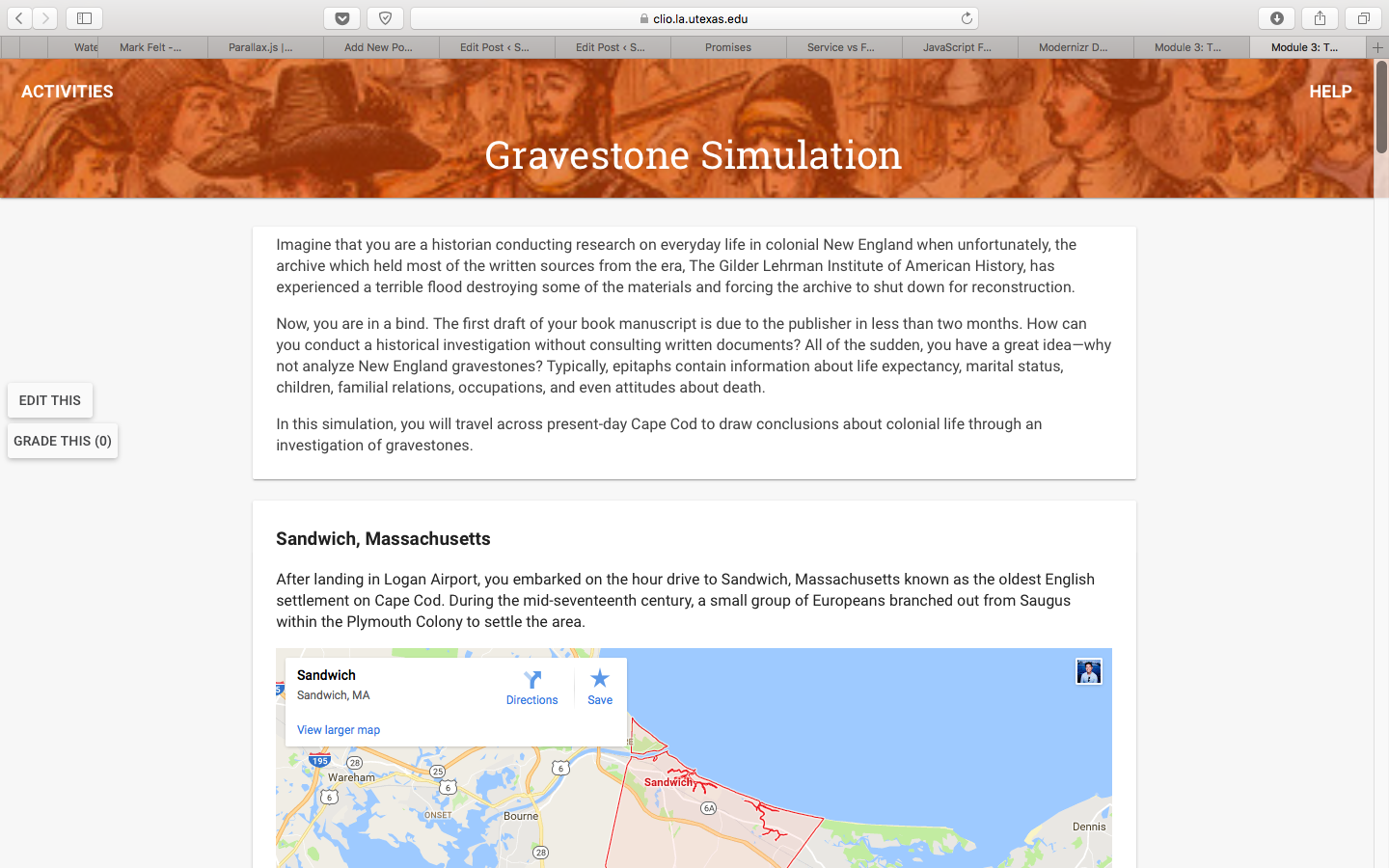
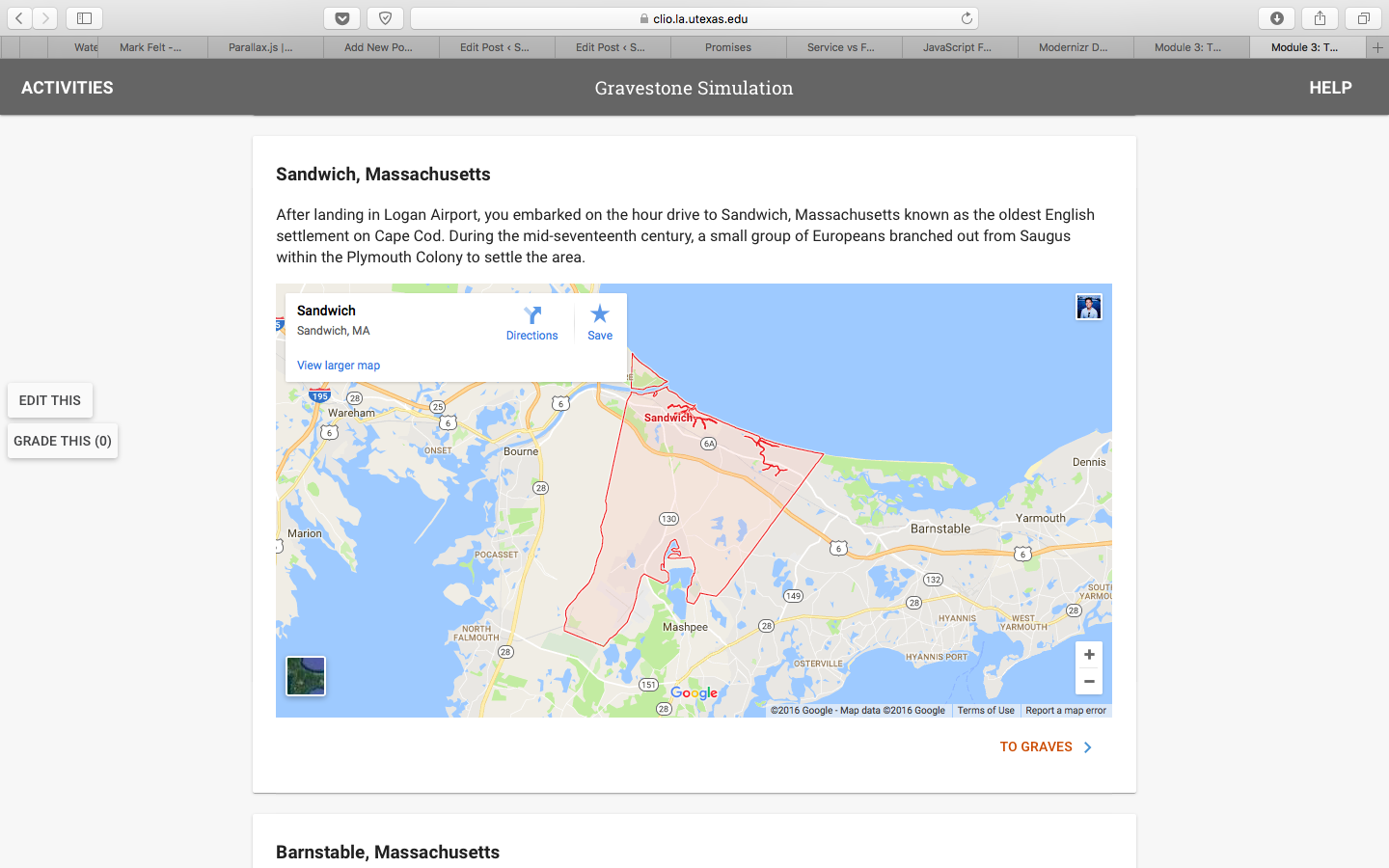
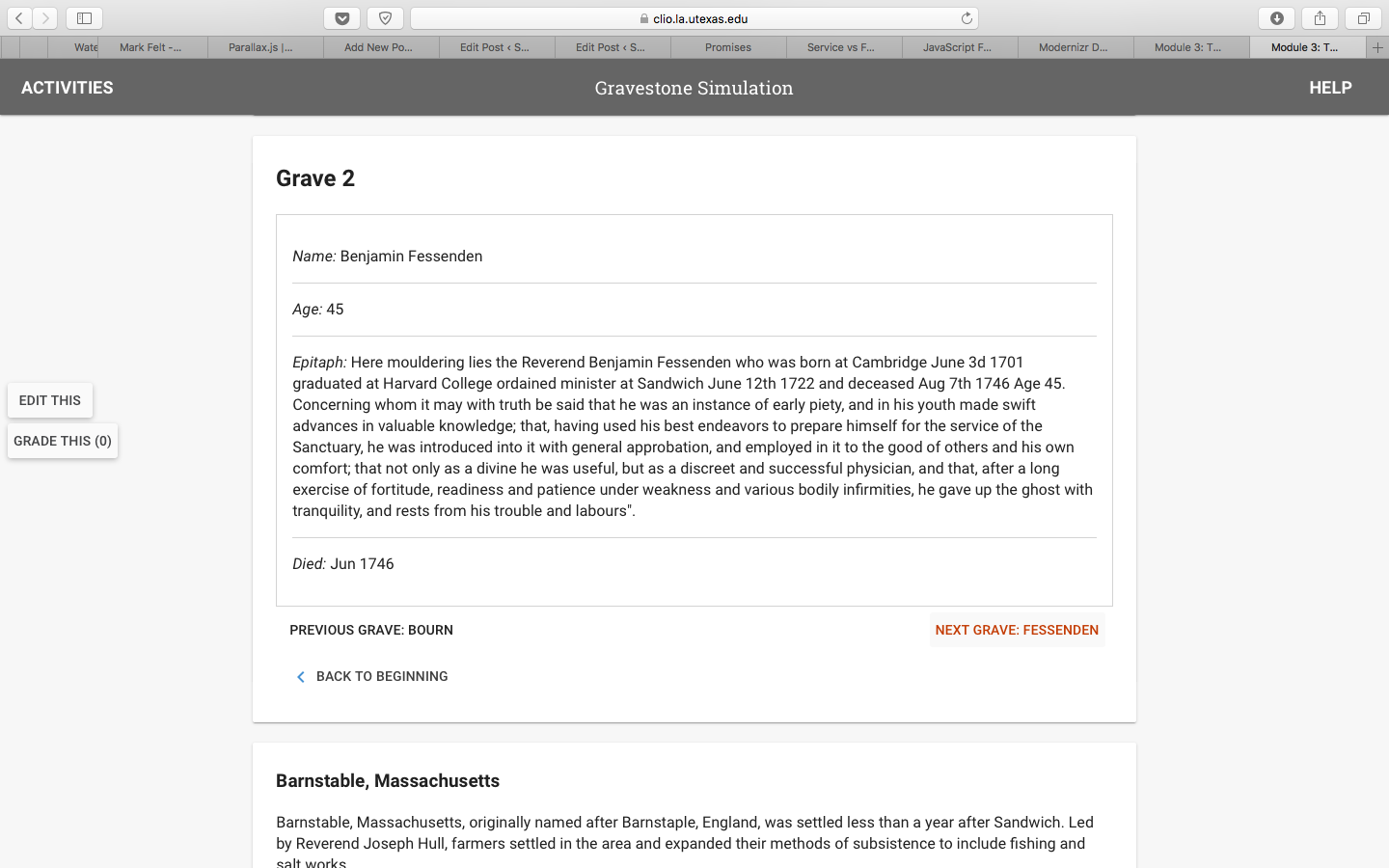
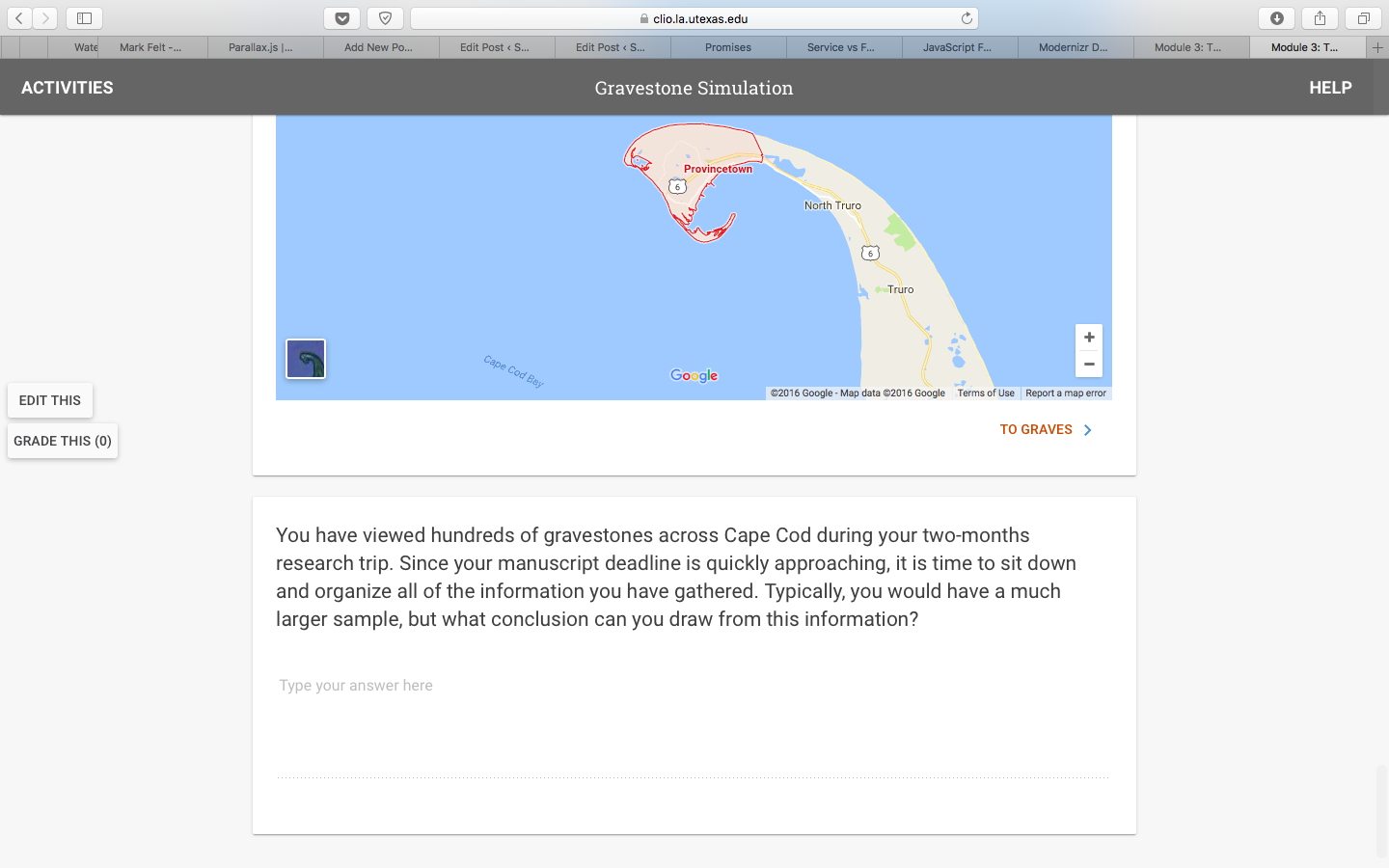
Gravestones

September 26, 2016 By Jun Tan

Filed Under: 2016 - 2017, Uncategorized

BASS Print Flyer without Information Session Text

September 26, 2016 By Roopa Nagarajan

bass-print-mockup-without-info

BASS print brochure mockup without Information Sessions text. Photos are enlarged and rearranged on the ‘front’ of the flyer to fill space.


Filed Under: 2016 - 2017, Uncategorized

End of September

September 26, 2016 By Michael Lam

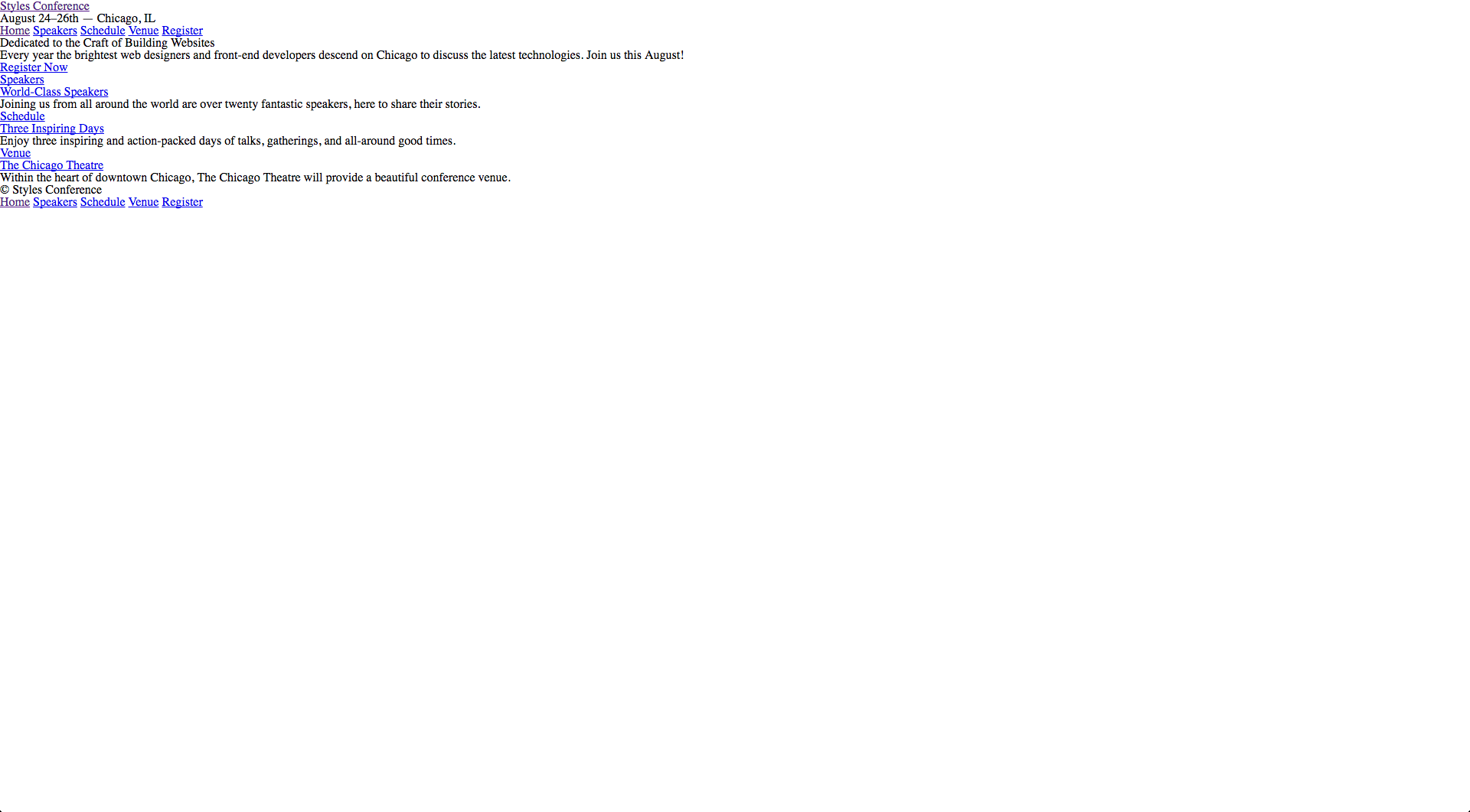
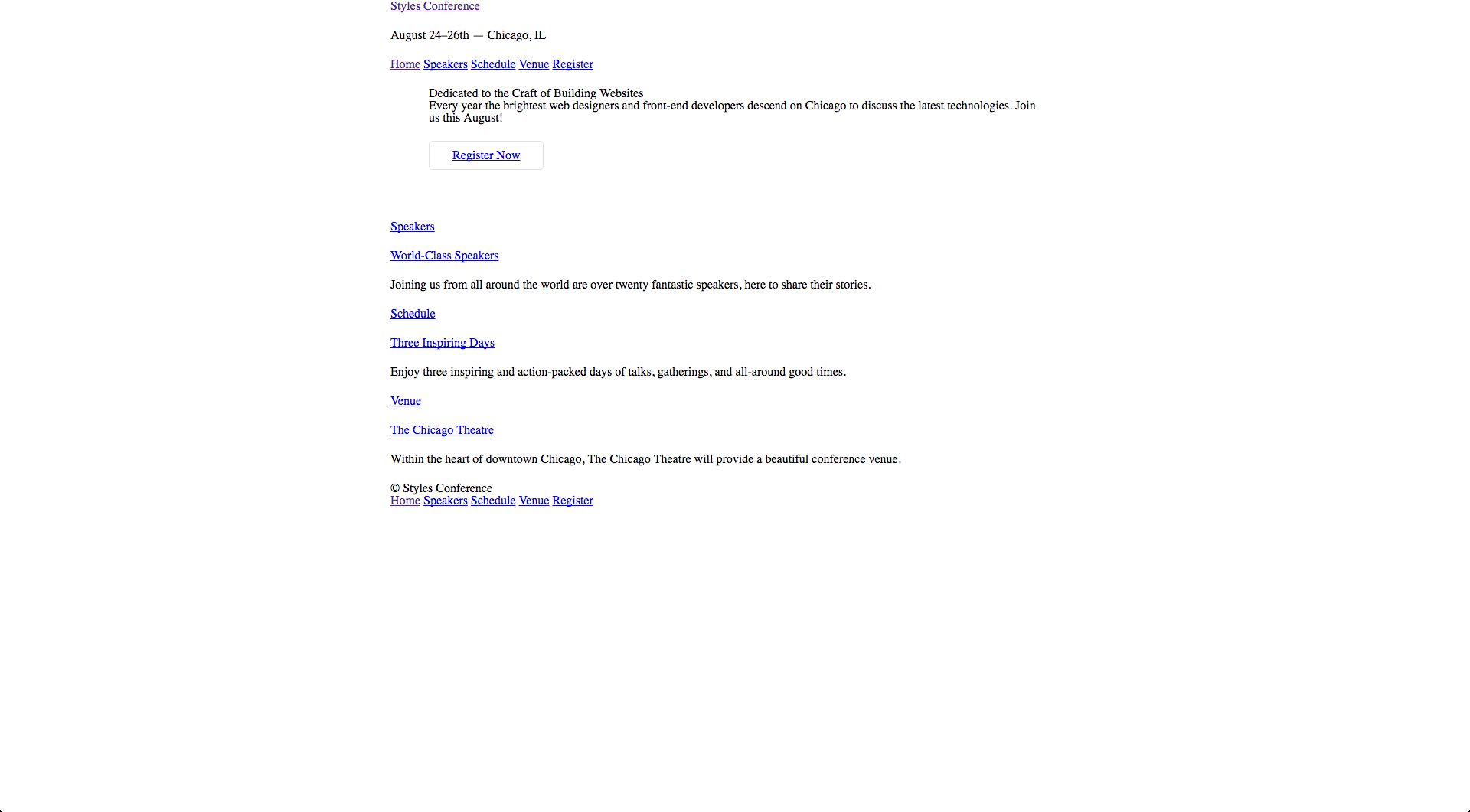
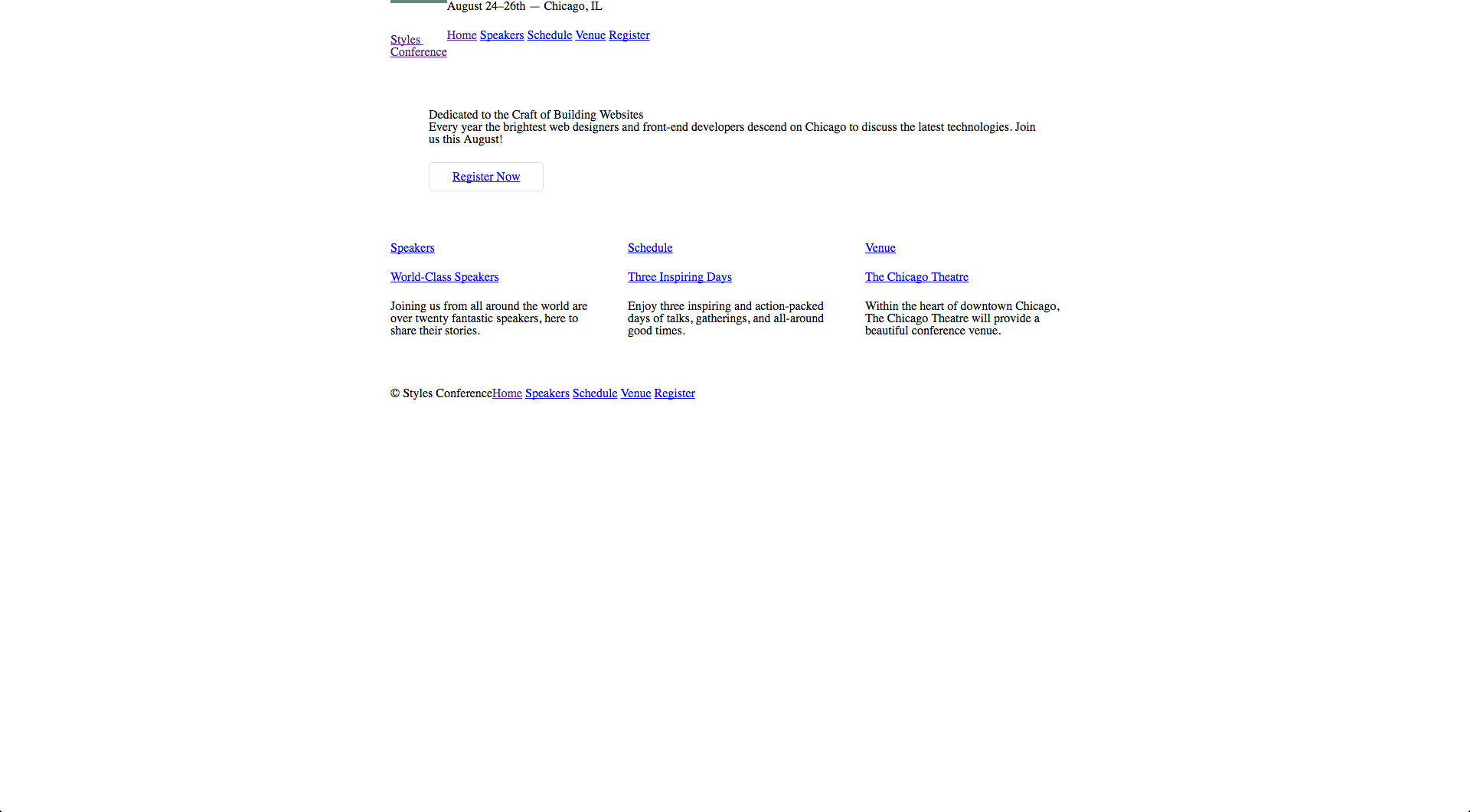
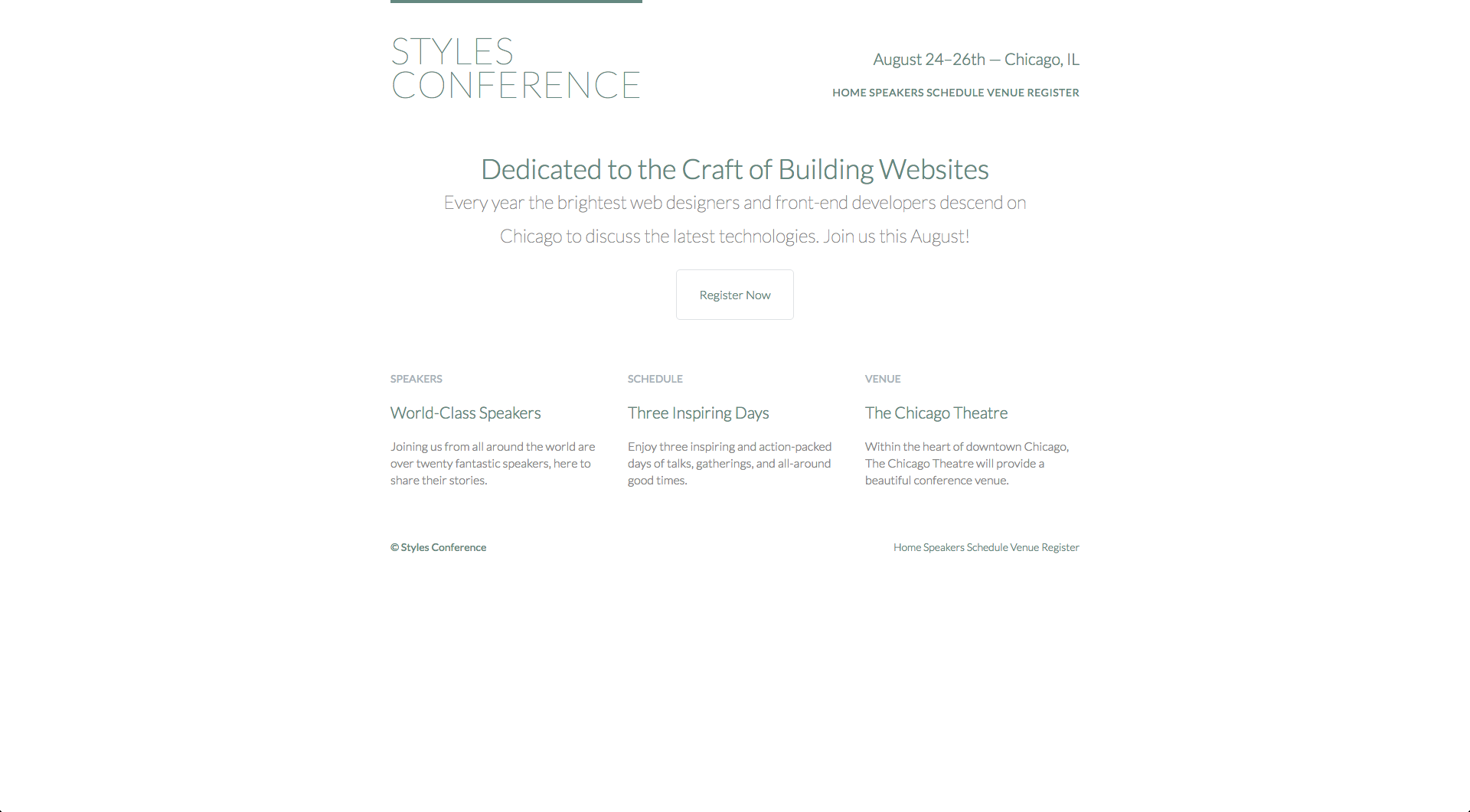
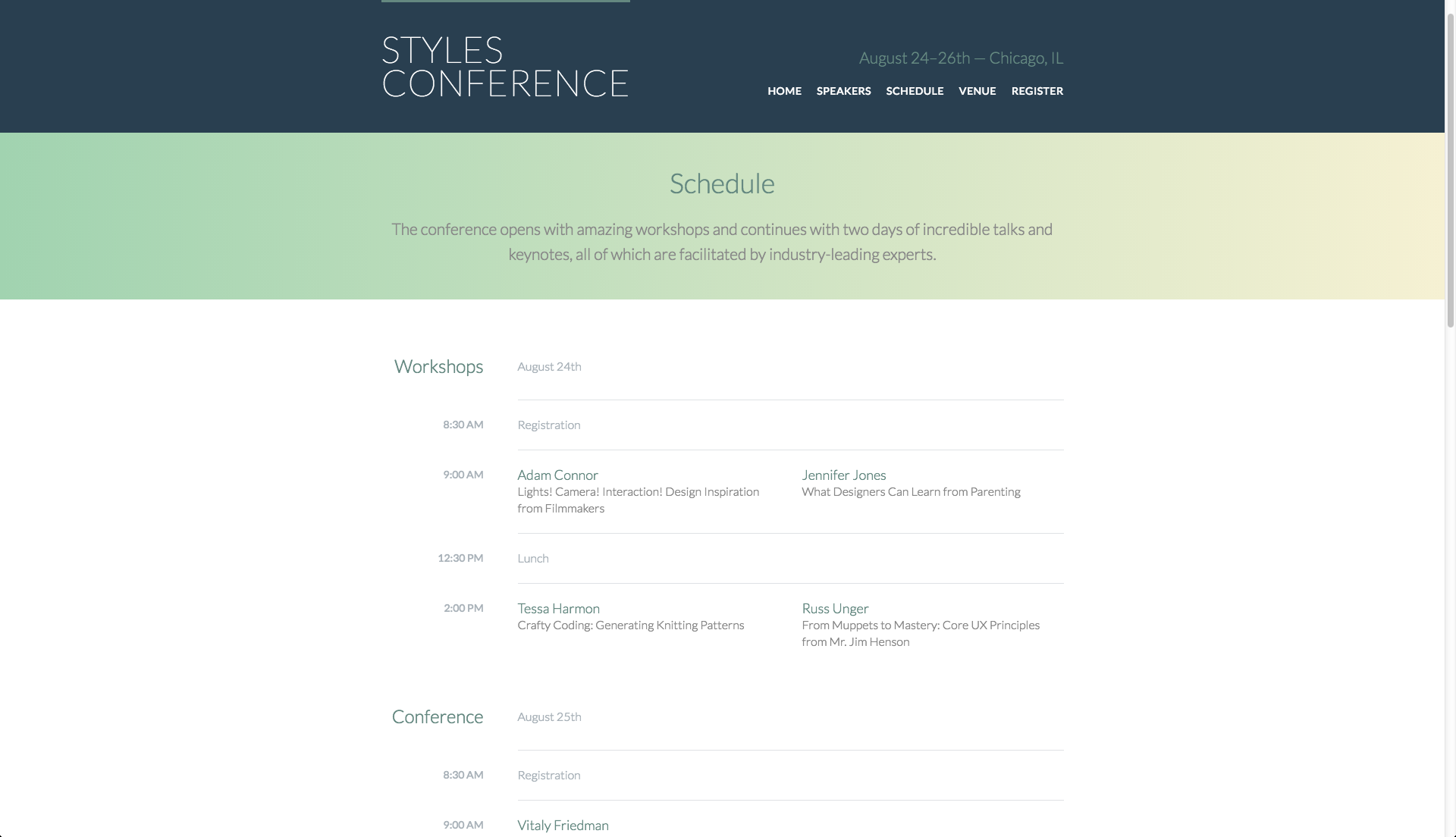
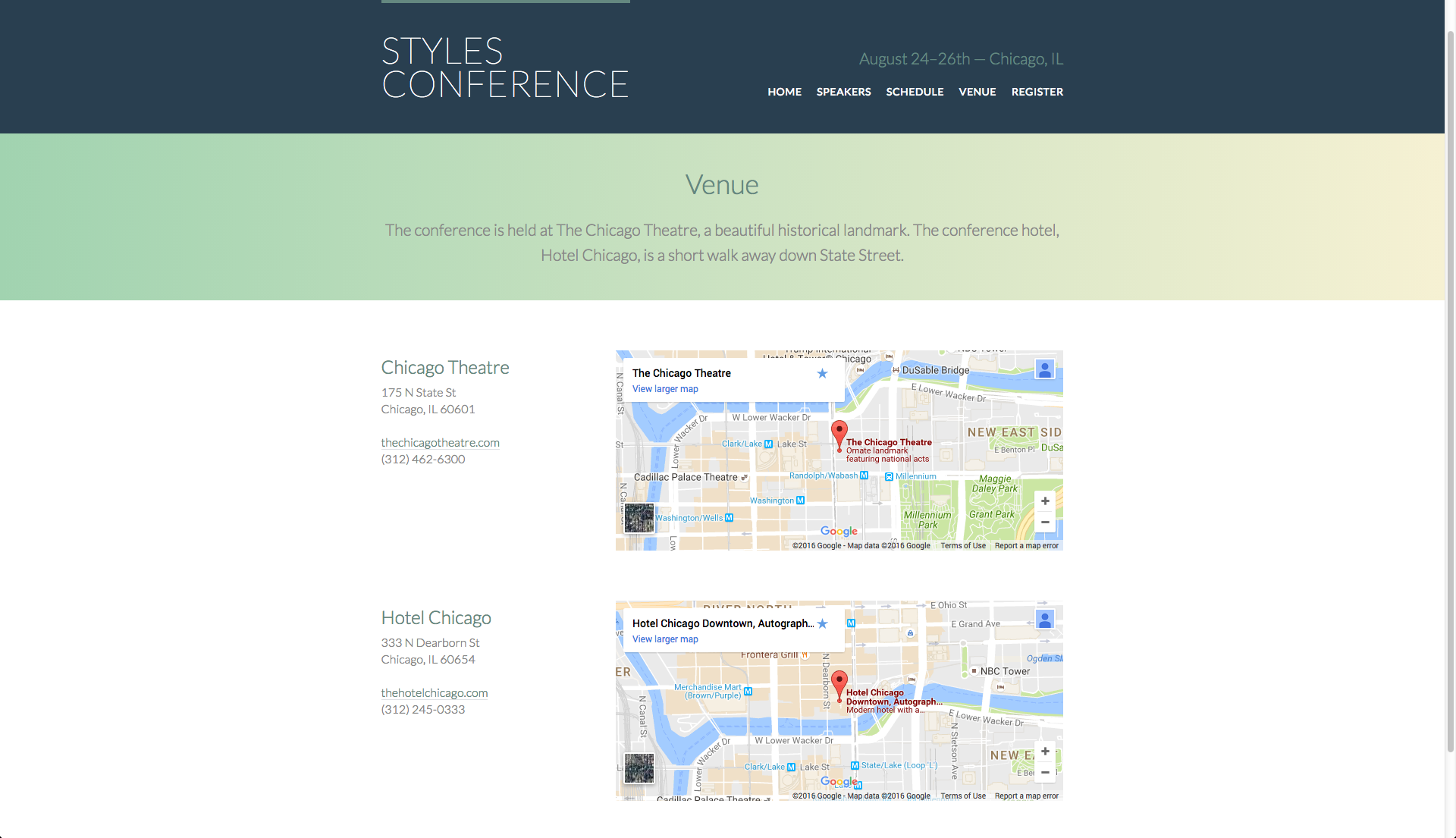
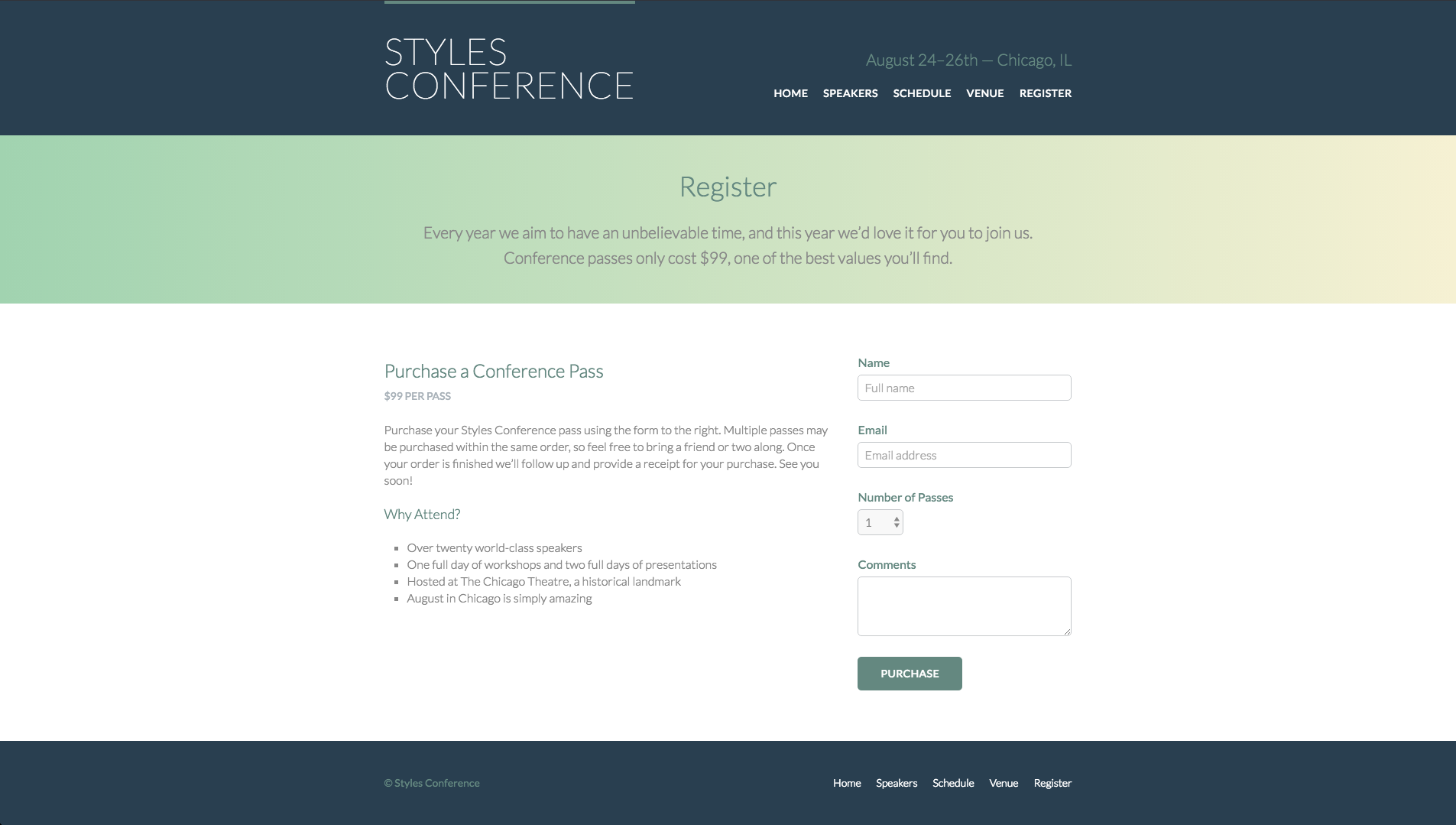
I am beginning to get into coding work as an STA, so I spent one week going through an HTML/CSS tutorial online (http://learn.shayhowe.com/html-css/). It was quite a lot of information and a lot of work to follow along, but I’m happy with the final product.

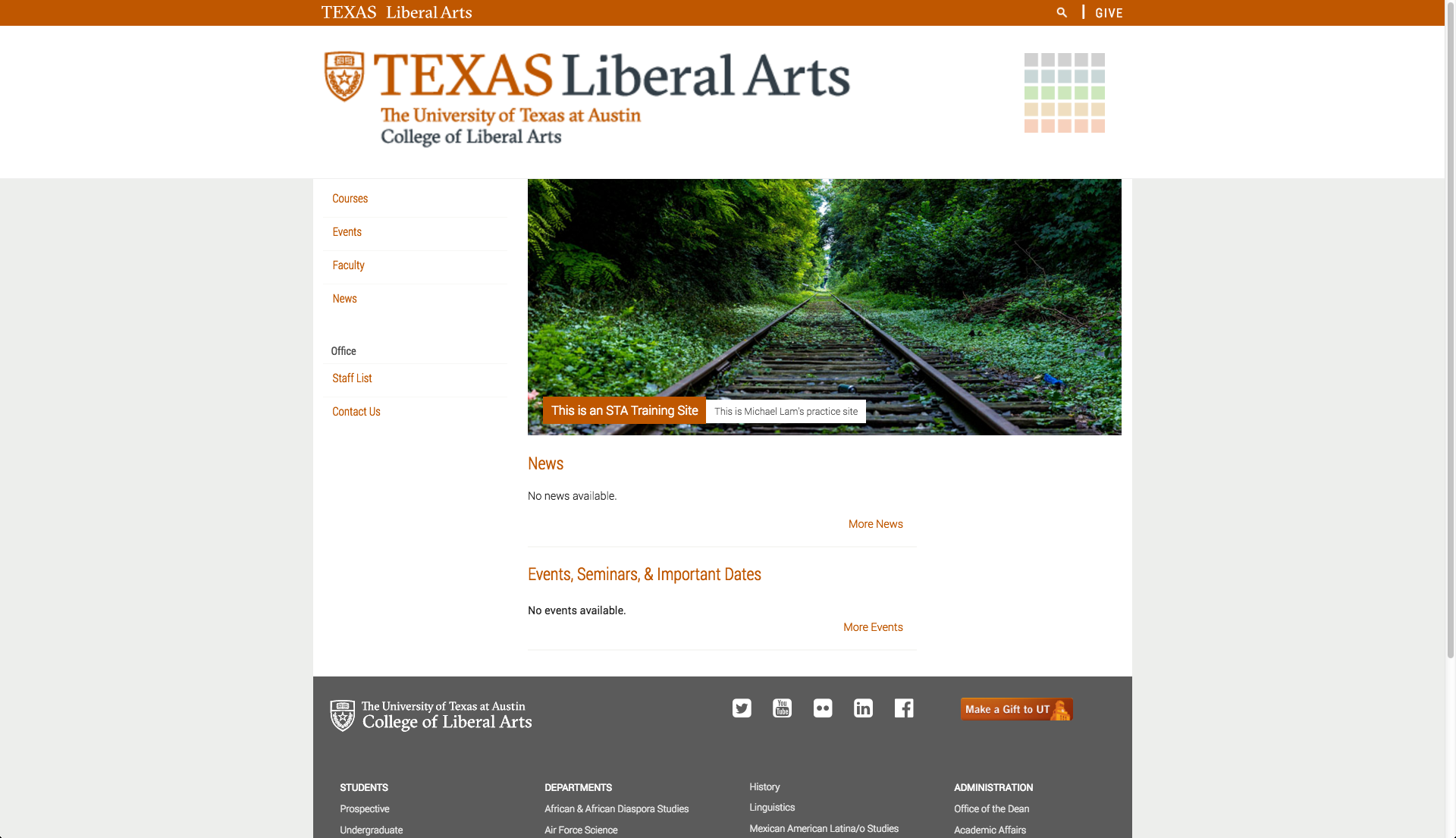
Here are screenshots of the project website at various points from scratch to final product:


Getting to know HTML

screen-shot-2016-09-26-at-10-36-50-am


Getting to know HTML

screen-shot-2016-09-26-at-10-34-45-am


Using the Box Model

screen-shot-2016-09-26-at-10-35-48-am


Positioning Content

screen-shot-2016-09-26-at-10-23-09-am


Working with Typography

screen-shot-2016-09-26-at-10-24-29-am


Setting Backgrounds & Gradients

screen-shot-2016-09-26-at-10-25-26-am


Creating Lists

screen-shot-2016-09-26-at-10-26-16-am


Adding Media

screen-shot-2016-09-26-at-10-27-02-am


screen-shot-2016-09-26-at-10-30-31-am


Organizing Data with Tables

screen-shot-2016-09-26-at-10-31-46-am


Adding Media

screen-shot-2016-09-26-at-10-32-35-am


Building Forms

screen-shot-2016-09-26-at-10-33-09-am


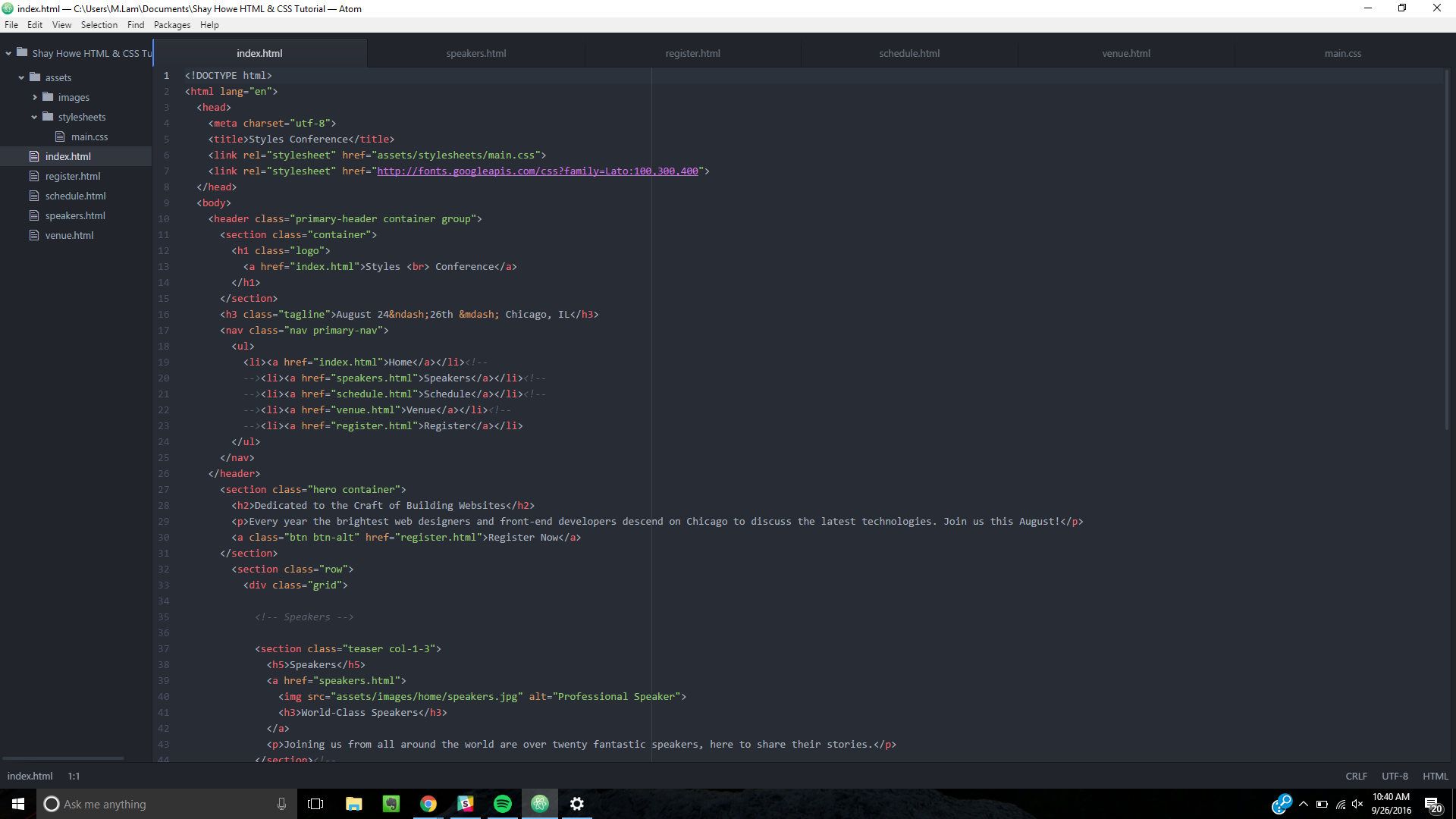
Here is a screenshot of a snippet of the code (HTML & CSS) that produced the above webpages:

code-screenshot


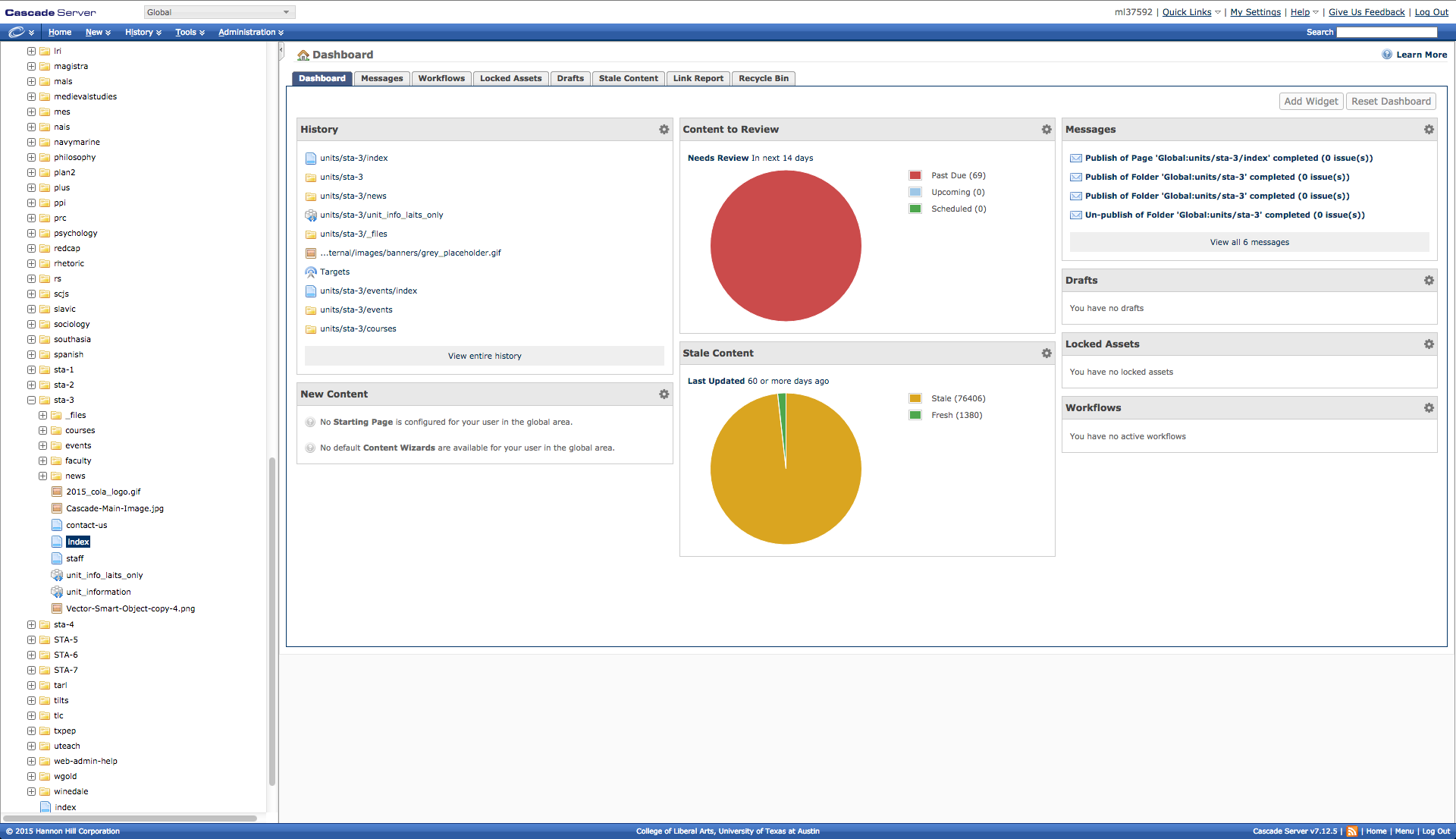
Two weeks ago, Andre gave the new STAs a tutorial on Cascade, the CMS that the College of Liberal Arts uses. We’ve been assigned Cascade training in order to help familiarize ourselves with the system.


screen-shot-2016-09-26-at-10-43-57-am

screen-shot-2016-09-26-at-10-46-16-am


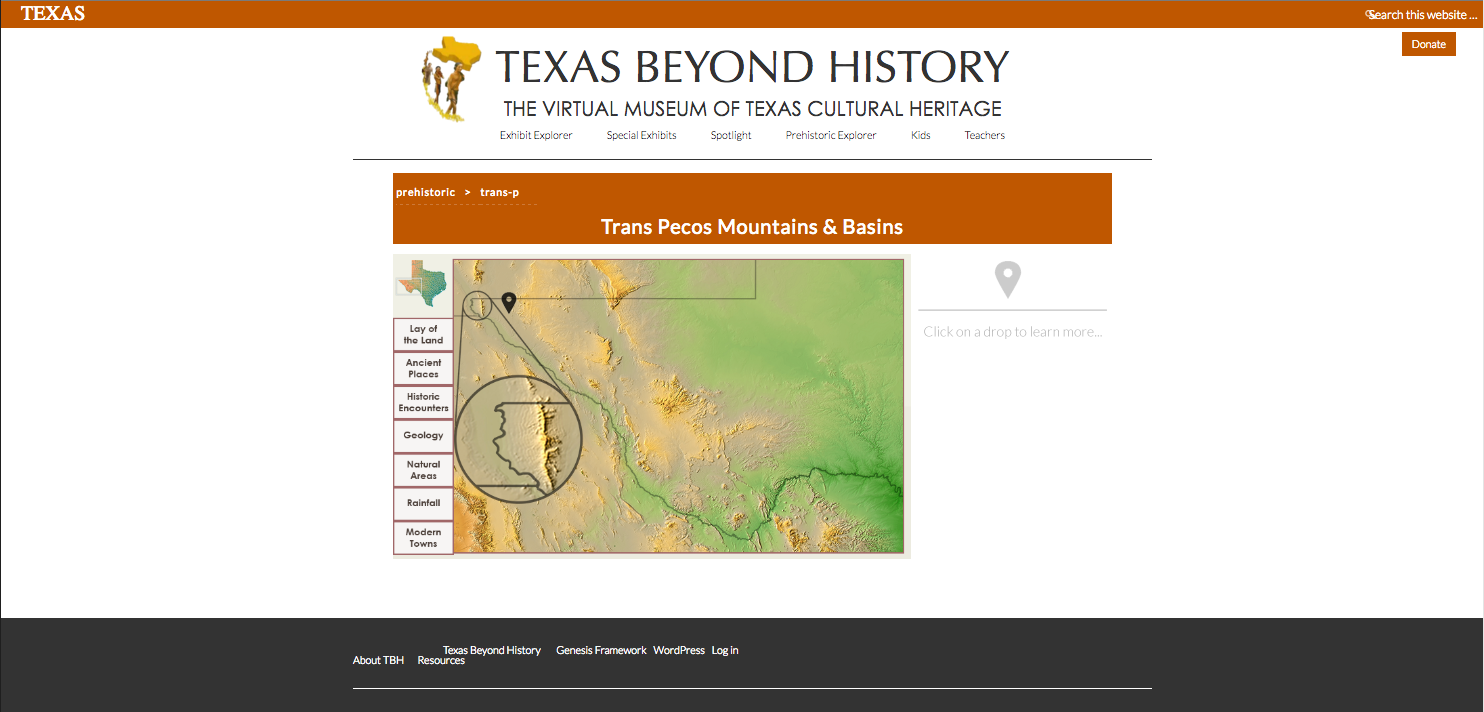
I also created a quick mock-up of another possible design of the Texas Beyond History Trans Pecos webpage in Photoshop.


screen-shot-2016-09-20-at-12-48-43-pm


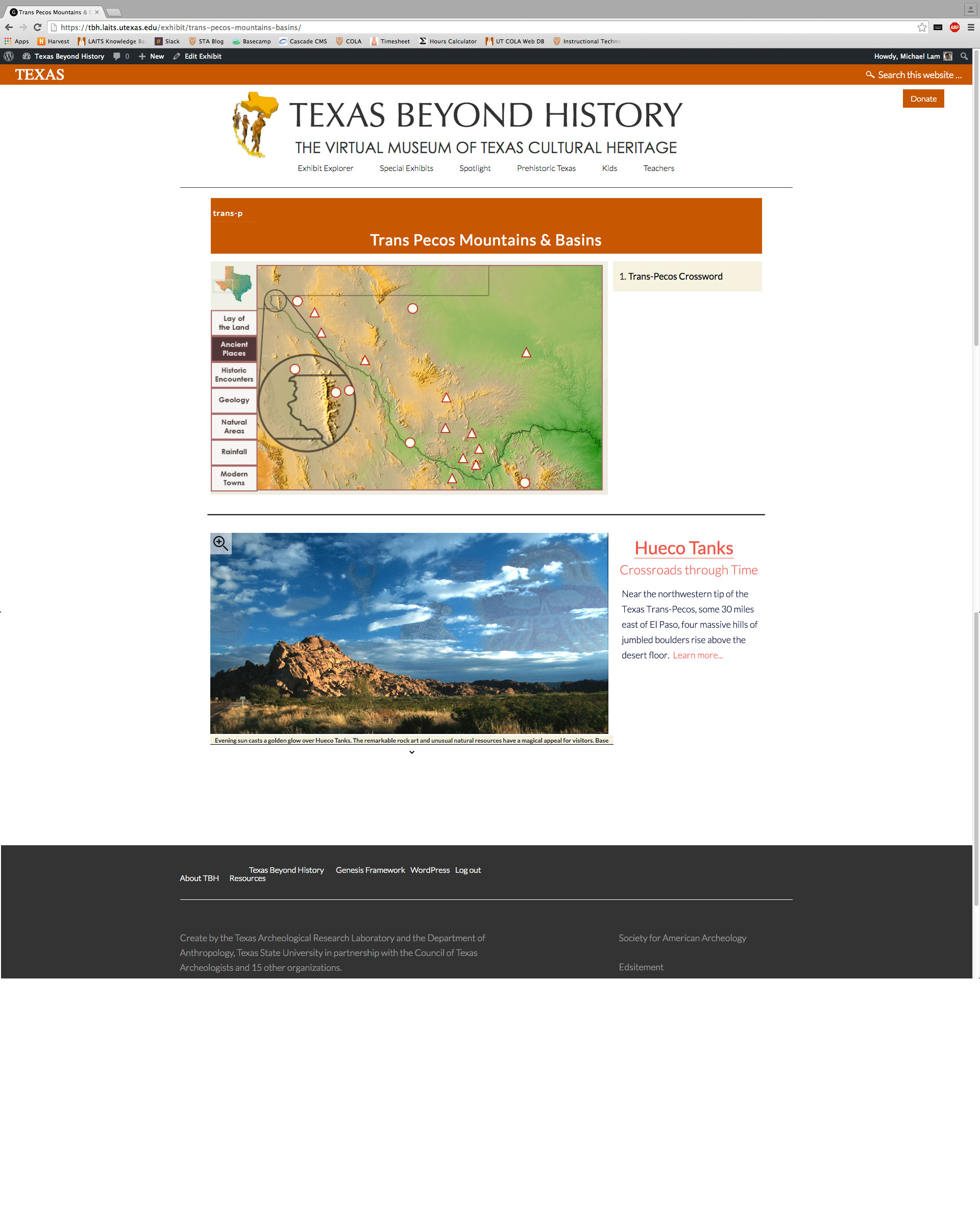
After finishing the HTML/CSS tutorial, I’m now working with Stacy to begin writing the HTML/CSS for some of the Texas Beyond History webpage mockups that we’ve been creating over the past two weeks.


tbh-texas-paco-mock-up

Filed Under: 2016 - 2017

edX Video Background Mock Graphics

September 26, 2016 By Roopa Nagarajan

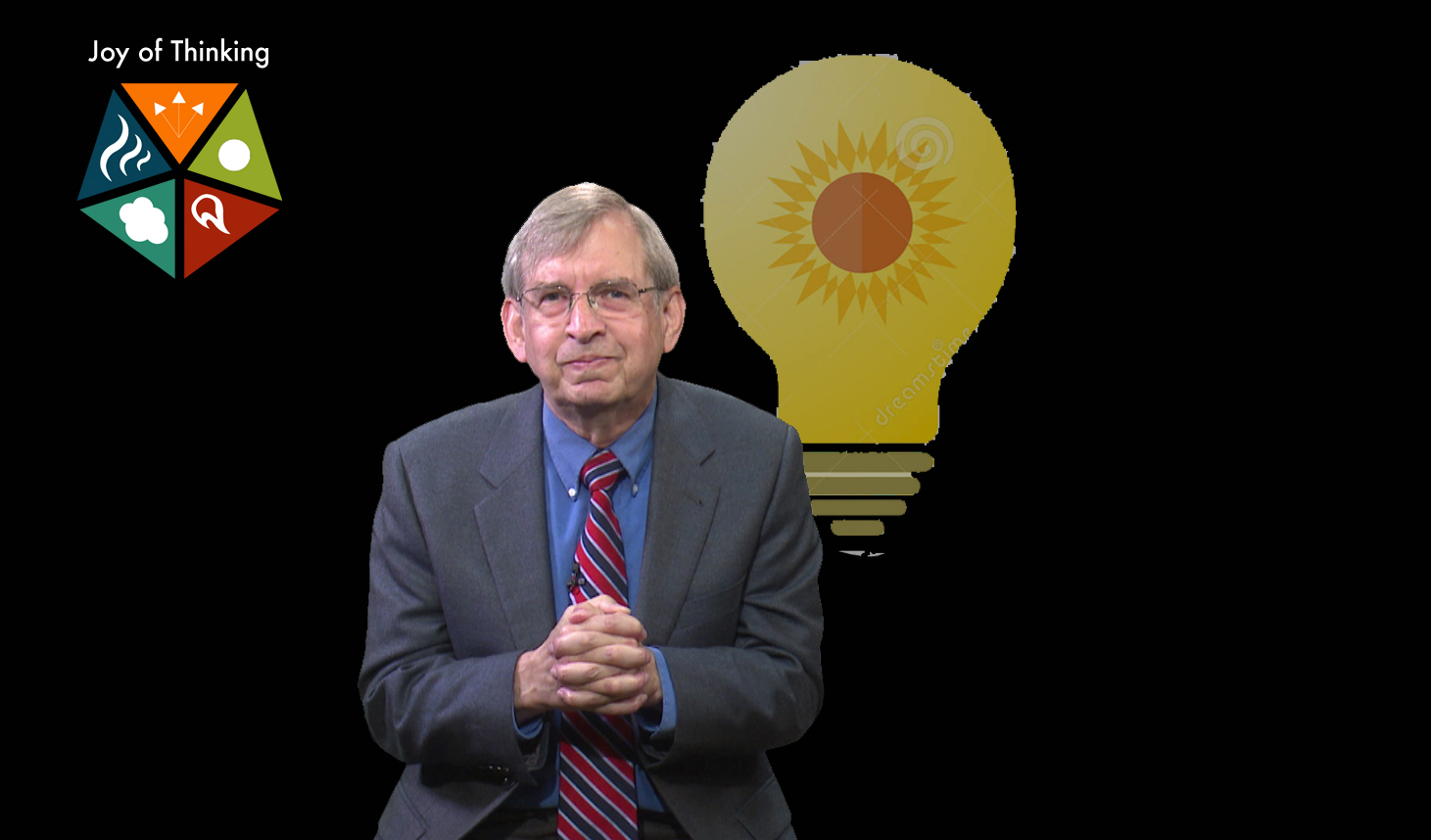
A series of 7 videos about Effective Thinking by Dr. Starbird that require background graphics. I watched the videos for their general main ideas and found generic stock backgrounds to define what graphic needs to be illustrated for the final product.

I proposed the idea of using the entire pentagon for every video, with the relevant triangle highlighted.


video-1

About the depth of the mind and mindful thinking.


video-2

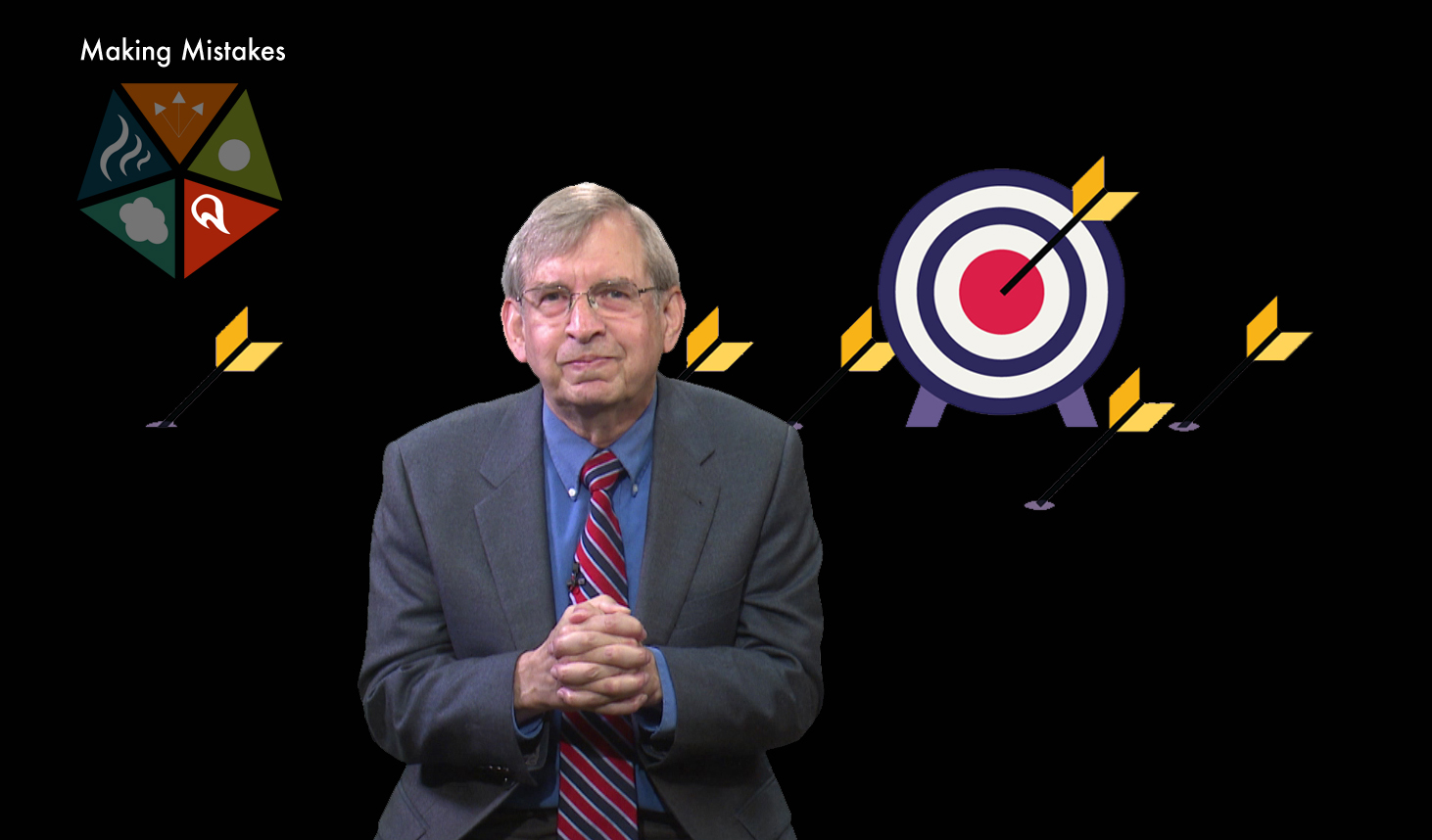
About mistakes being an integral process of success.


video-3

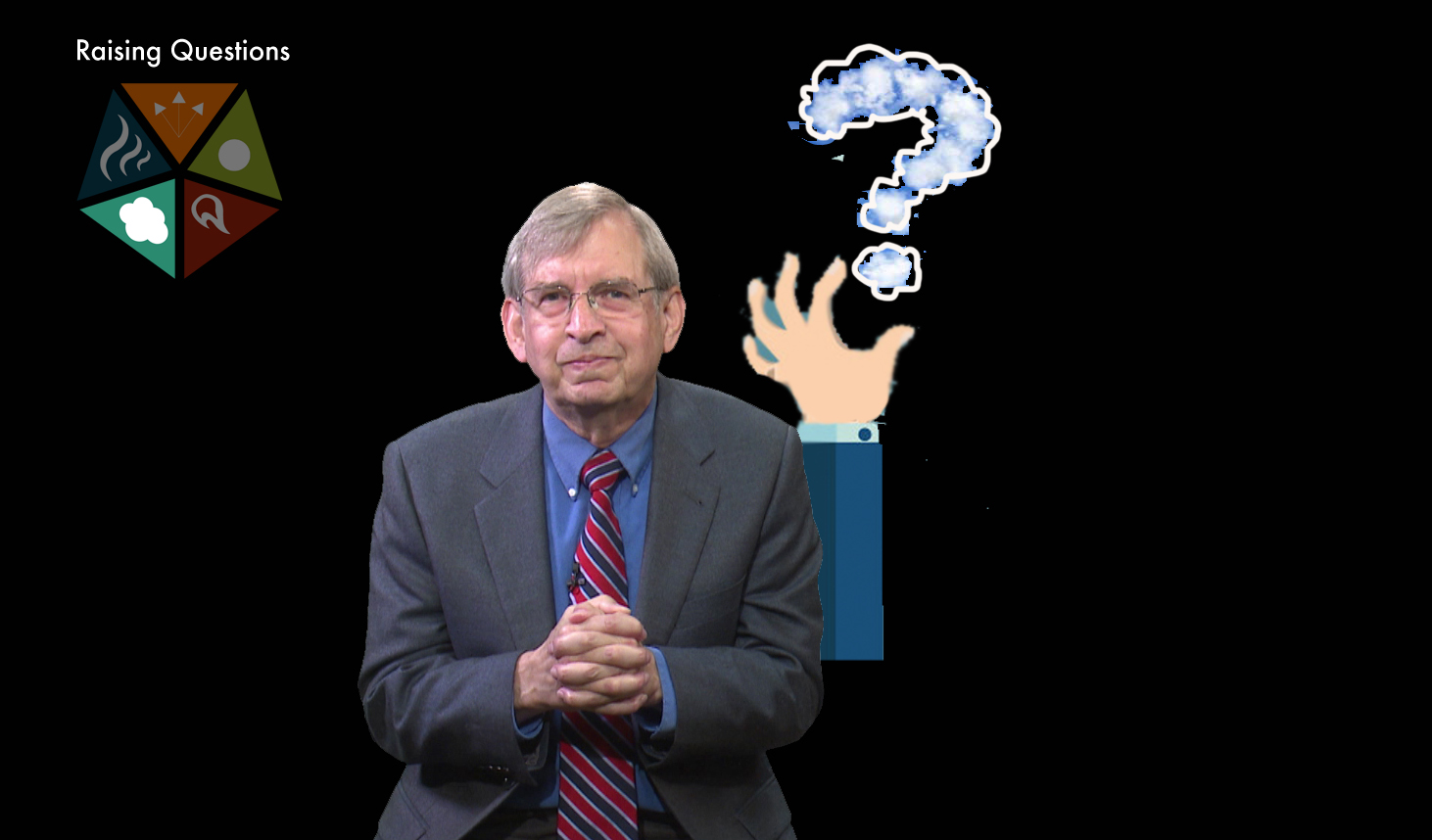
About crafting your own questions.


video-4

About constructing a mindset to see where ideas are coming from and going to.


video-5

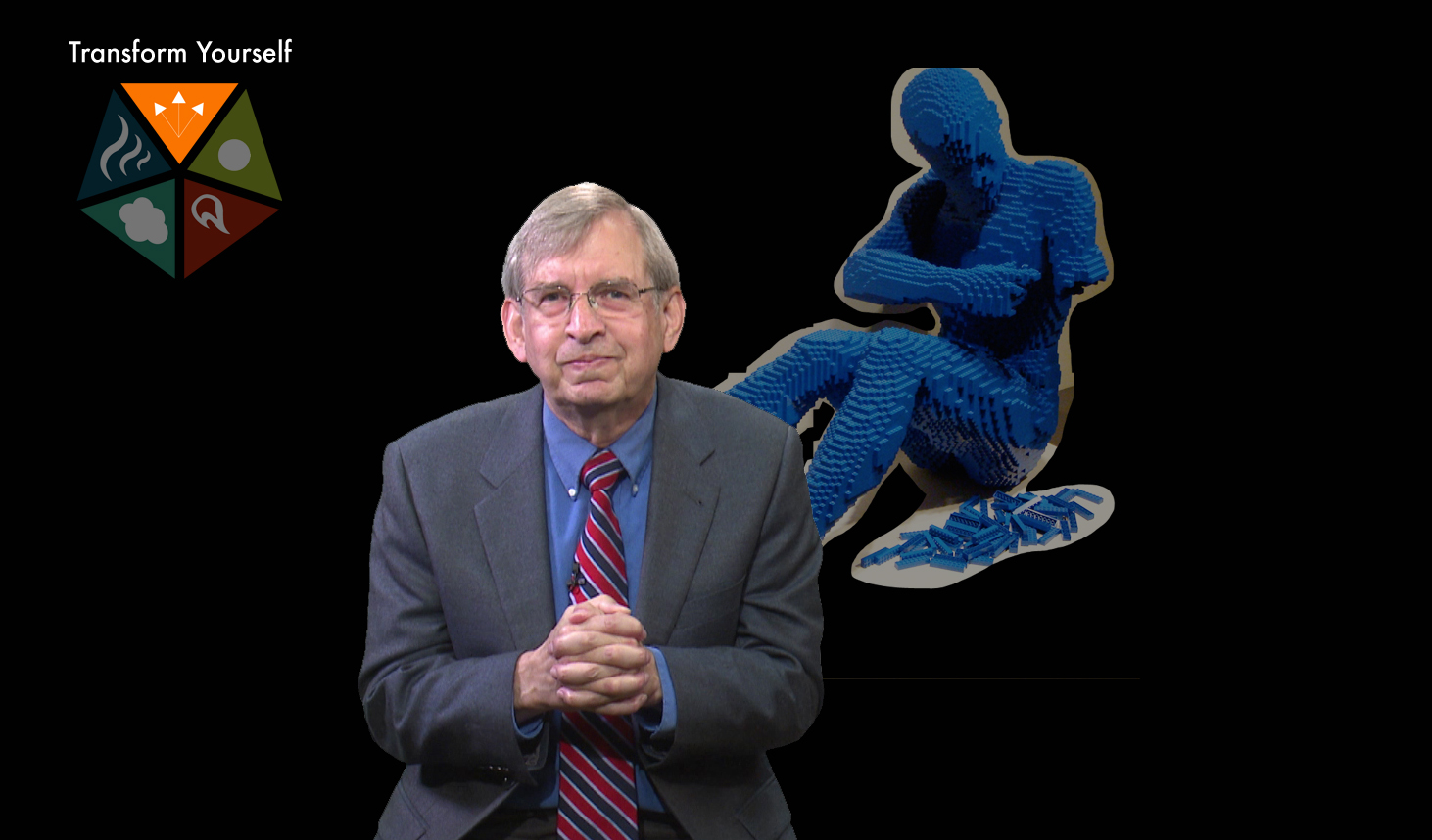
About transforming yourself to actively use the previous four elements of thinking.


video-6-1

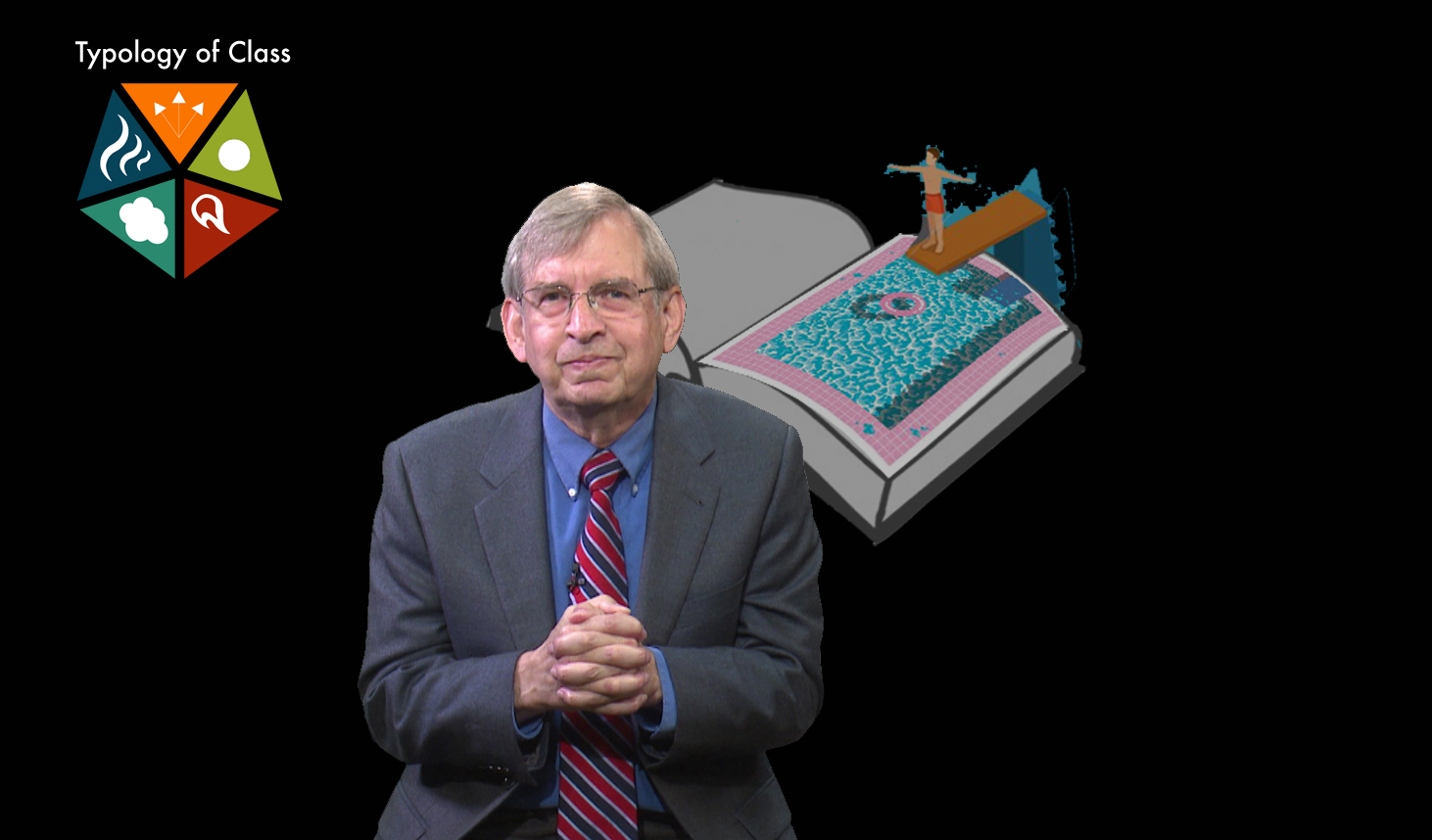
About a class that required jumping into interactive work, not just being taught.


vidoe-6-2

About how wonderful it is to think.

Filed Under: 2016 - 2017, Uncategorized

  • « Previous Page
  • 1
  • …
  • 34
  • 35
  • 36
  • 37
  • 38
  • …
  • 49
  • Next Page »

link to LAITS home page

Video STA Home

© 2025 Liberal Arts Instructional Technology Services | Production Credits