• We are STAs
    • Asha Rountree
    • Haley Ma
    • Kate Shih
    • Kyra Lee
    • Nicholas Peasley
    • Sasha Kenney
    • Shanda Horm
    • Shriya Atreya
    • Tomas Marulanda-Mesa
  • We were STAs
  • STA Presentation
    • STA Presentation 2017
    • STA Presentation 2016
  • Testimonials
  • Resources
  • Home

STA Blog

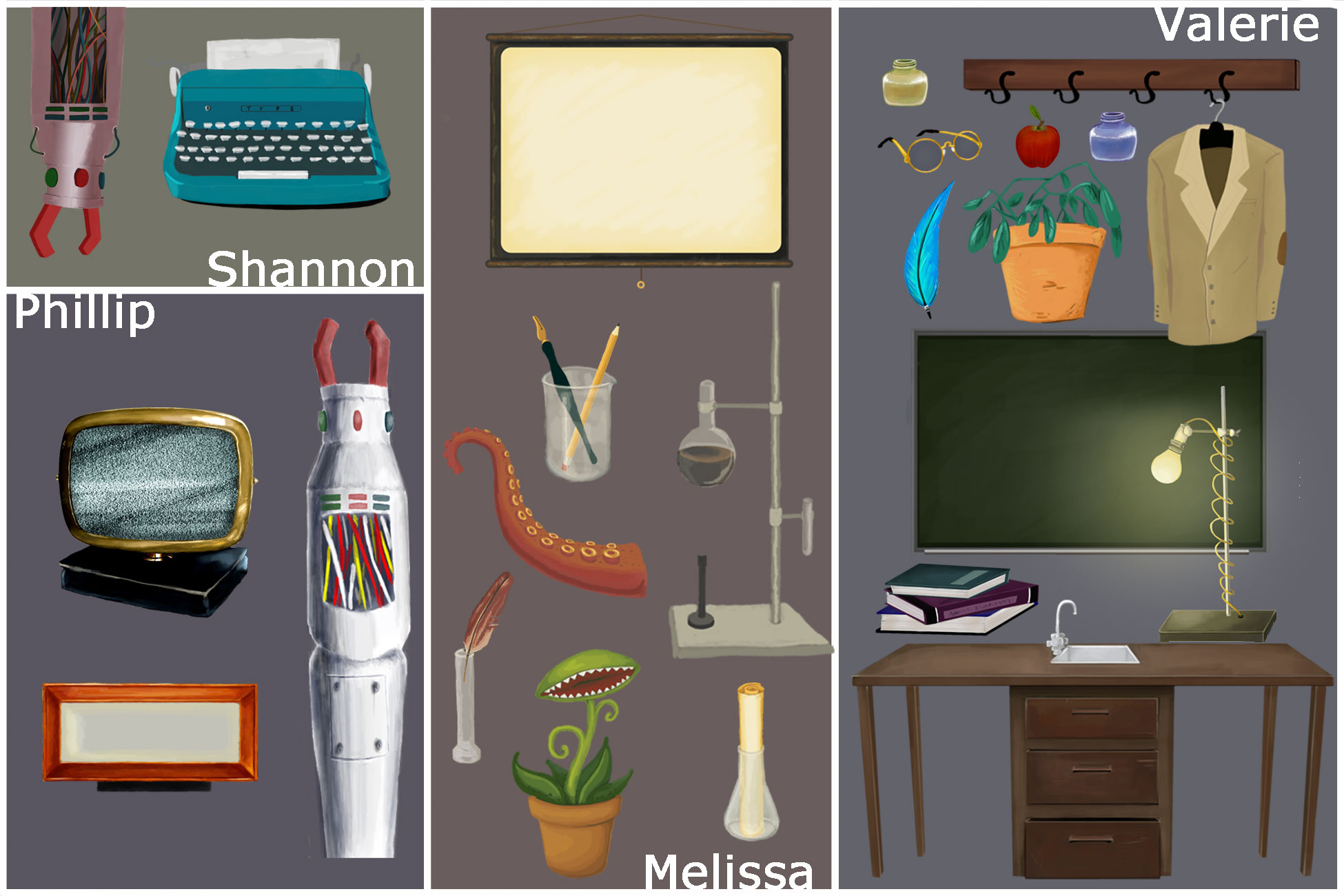
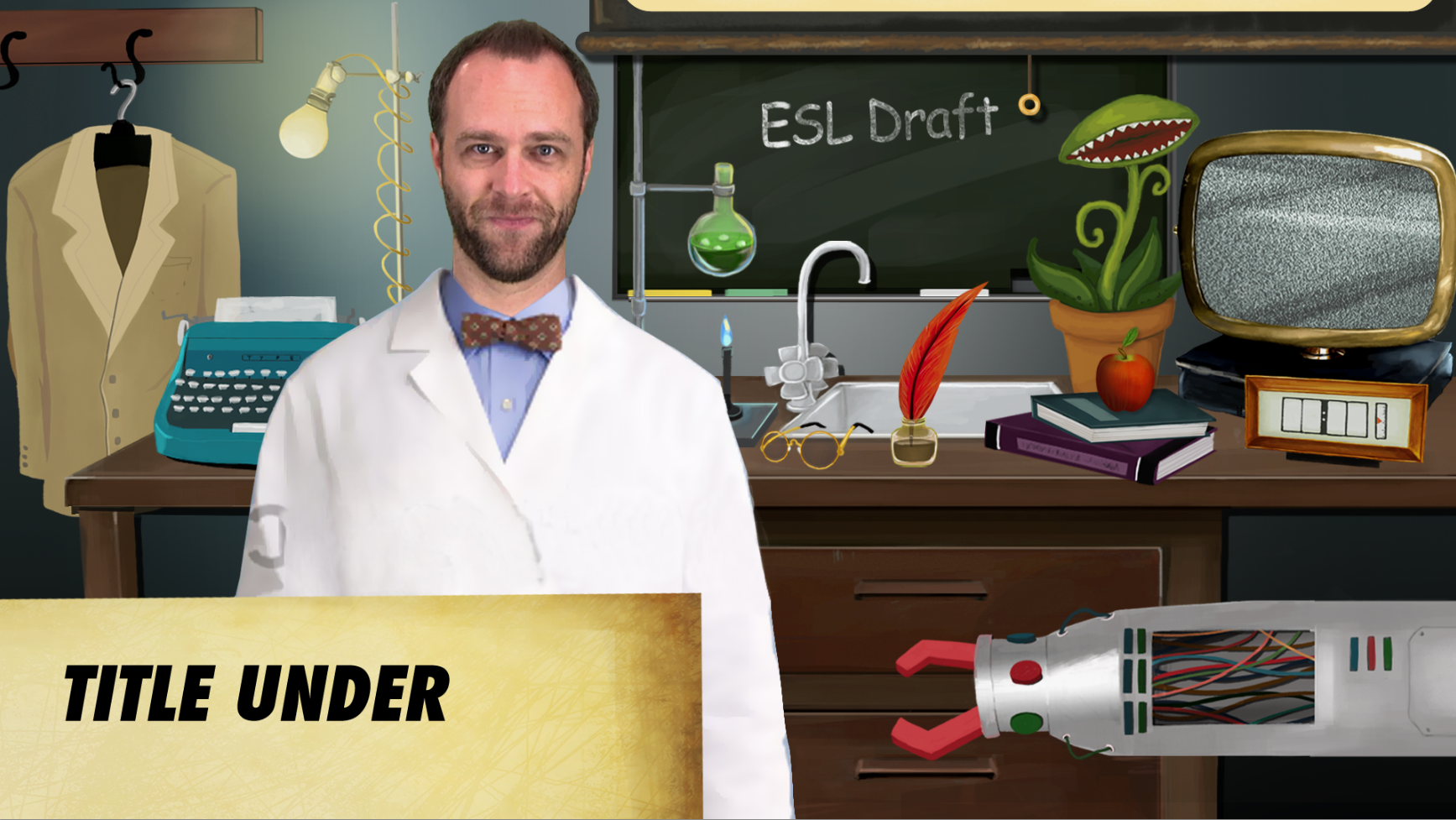
Process and Results for project: English as a Second Language (ESL) with Dr.English Set Design

August 5, 2015 By Valerie Lopez

Request:Create set Design Props and fix set design for Dr. English’s ESL videos.

Worked with:

Professor:Dr. English

Project Managers:Suloni Robertson, Mike Heidenreich

STA’s: Shannon Butler , Melissa O’Sullivan, Phillip Yuanzhong Pan

Video Production:Sam Hodde , Jacob Weiss

Process:
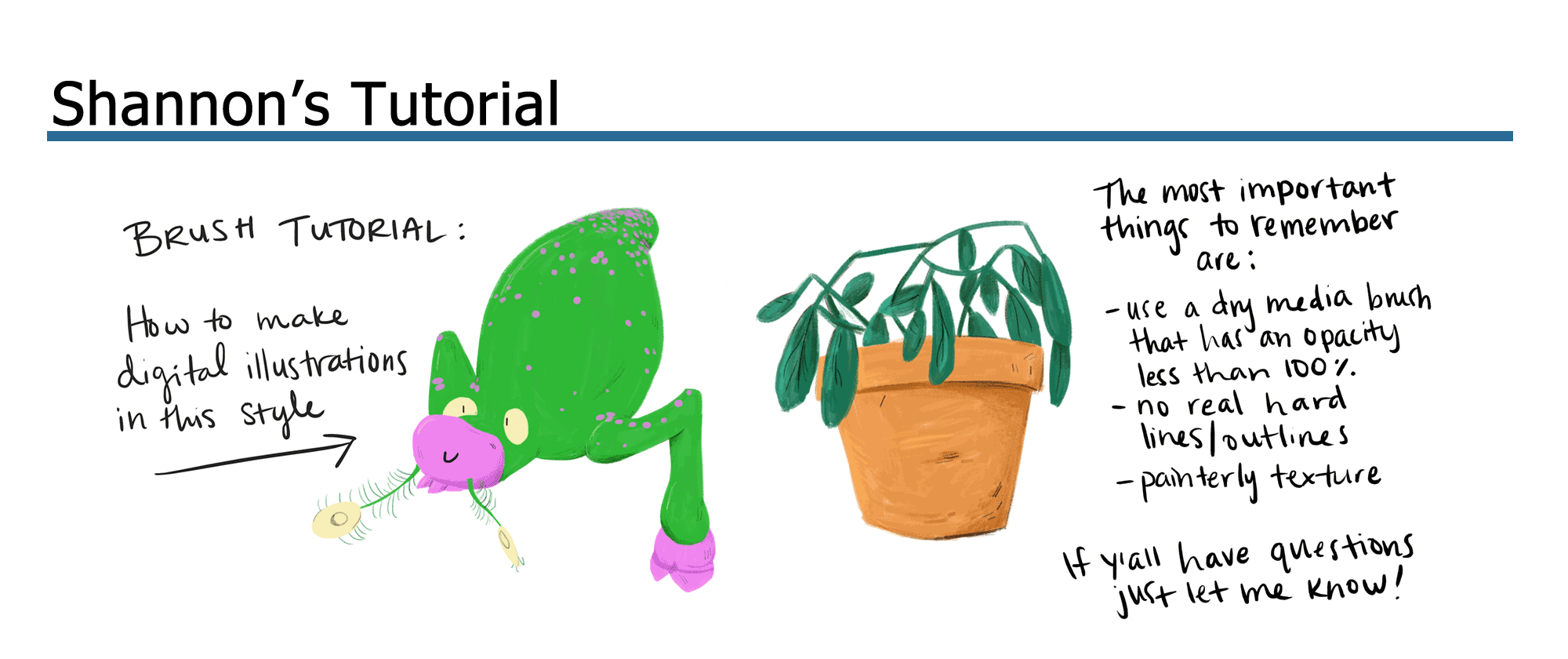
STA WikiWikiWiki image

STA WikiWikiWiki image

Result after fixing up set:
STA WikiWikiWiki image

Filed Under: 2015 - 2016

ESL Illustrations

August 5, 2015 By Erica Ndubueze

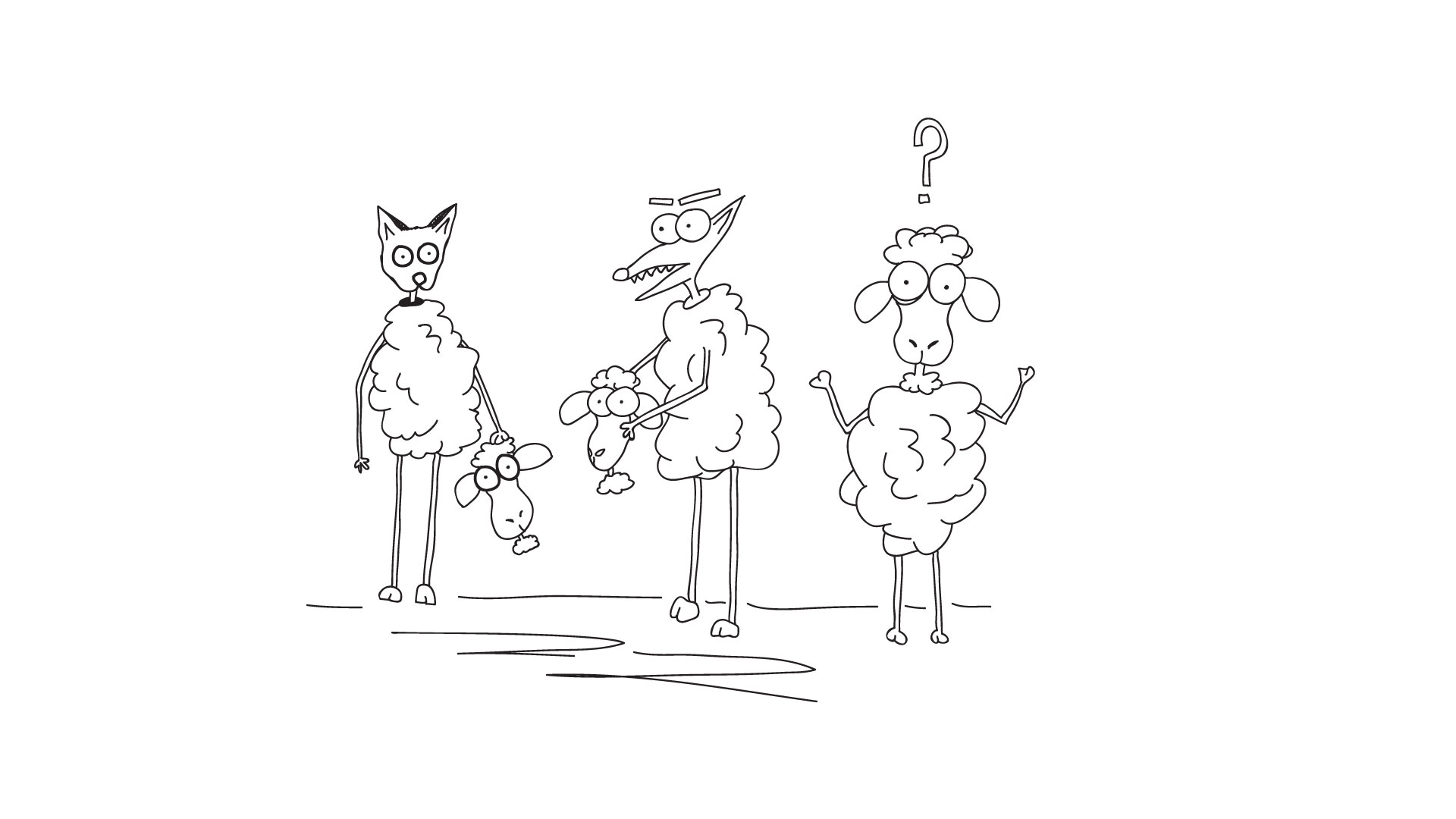
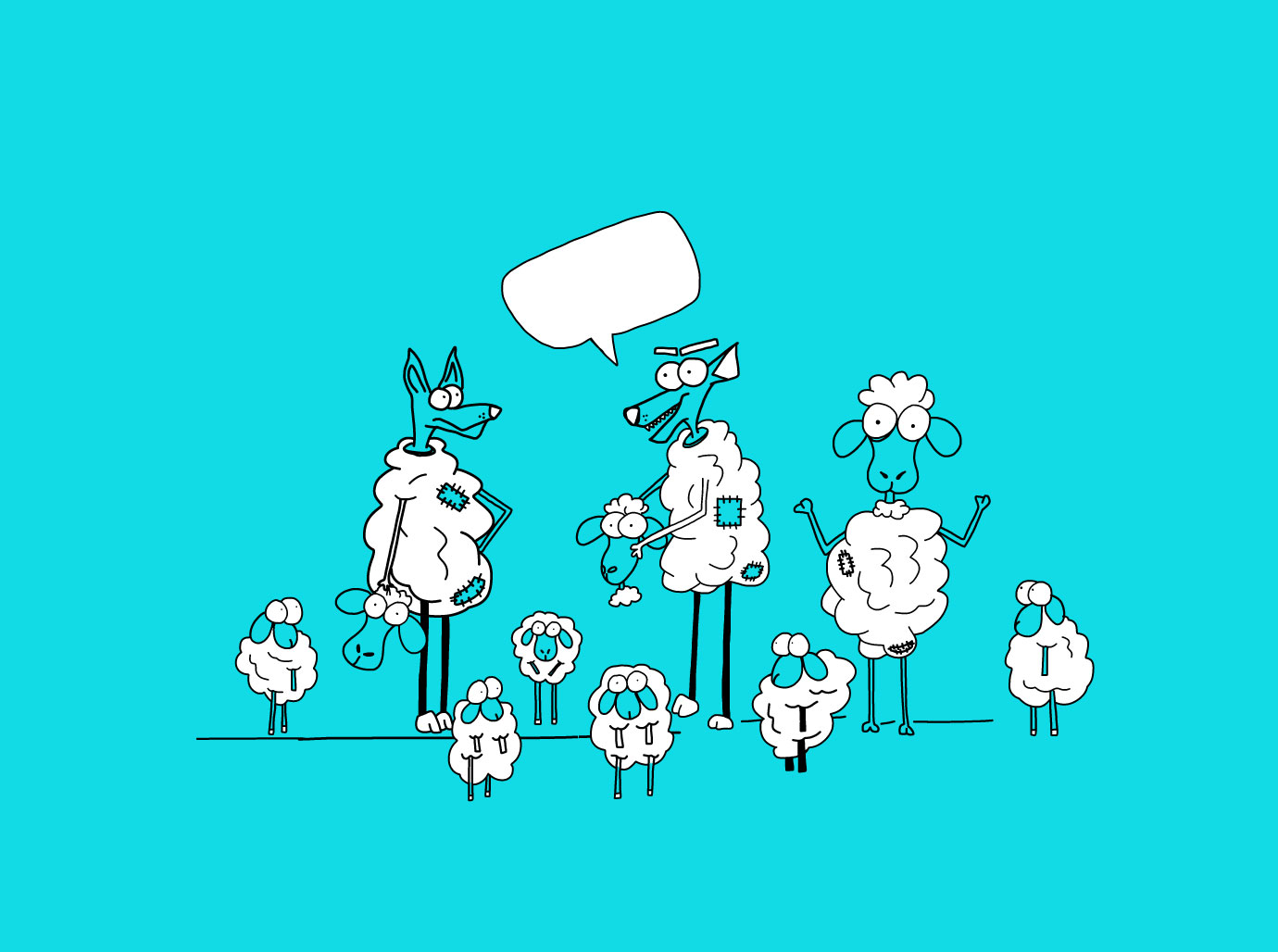
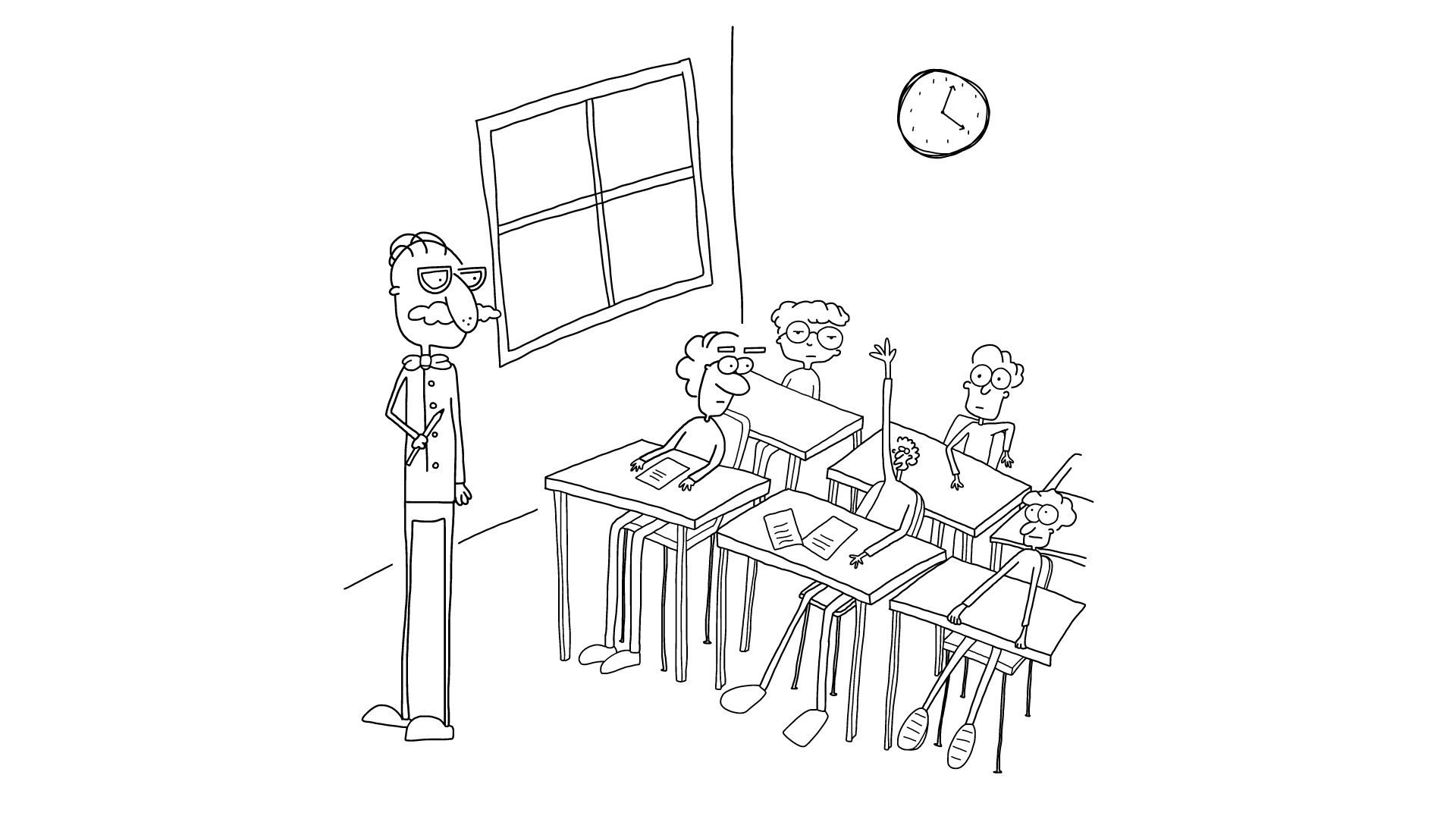
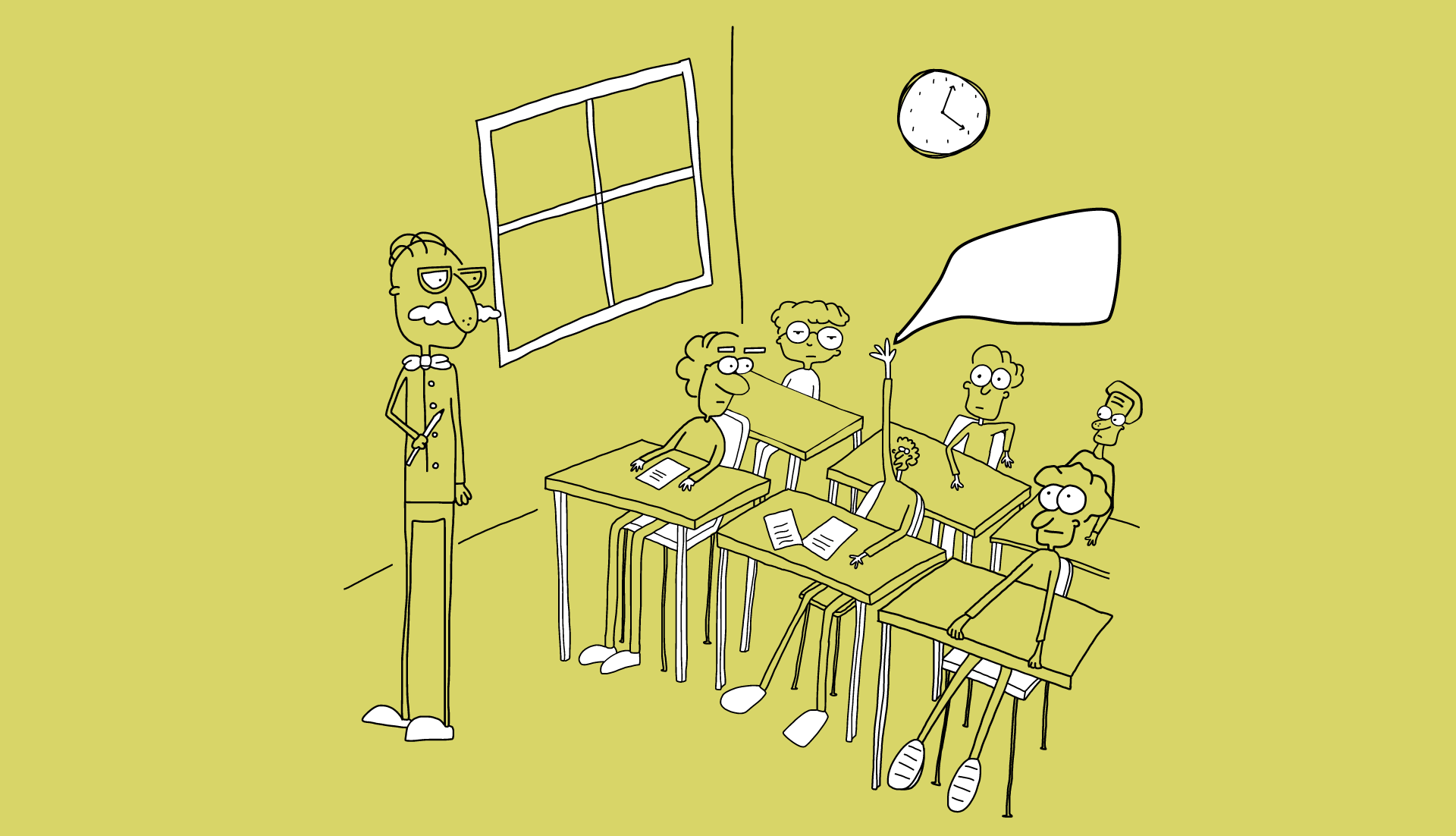
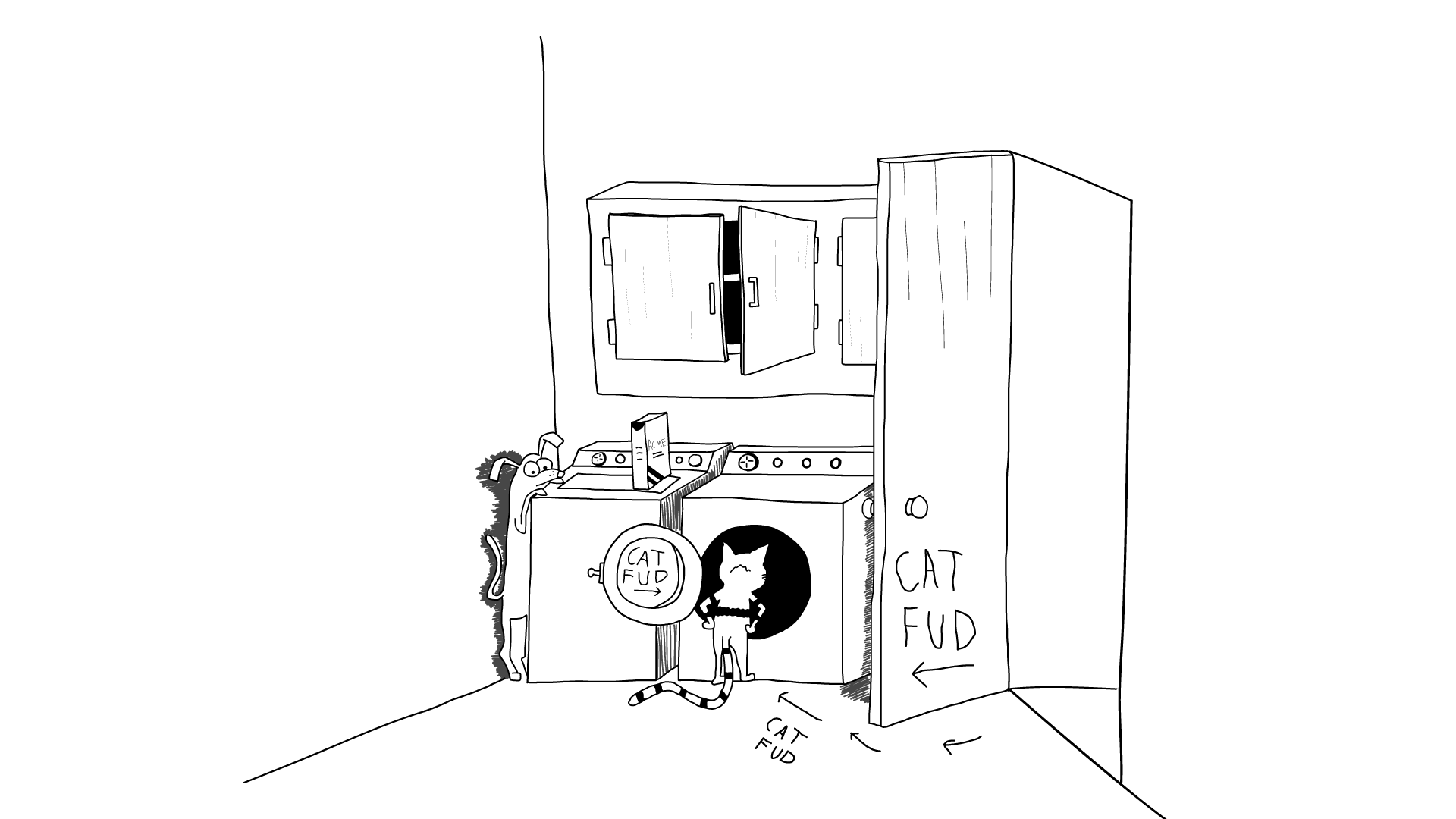
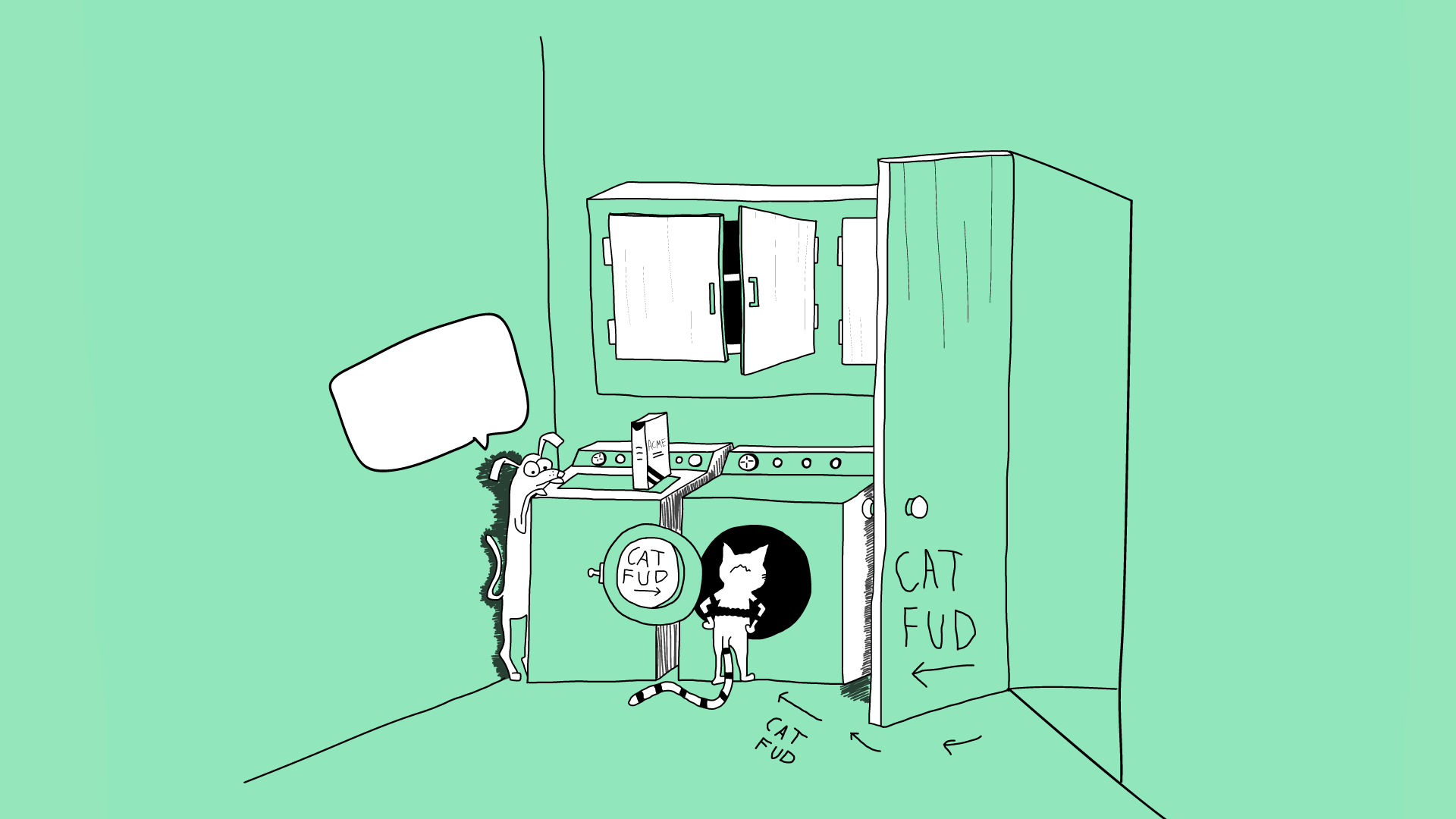
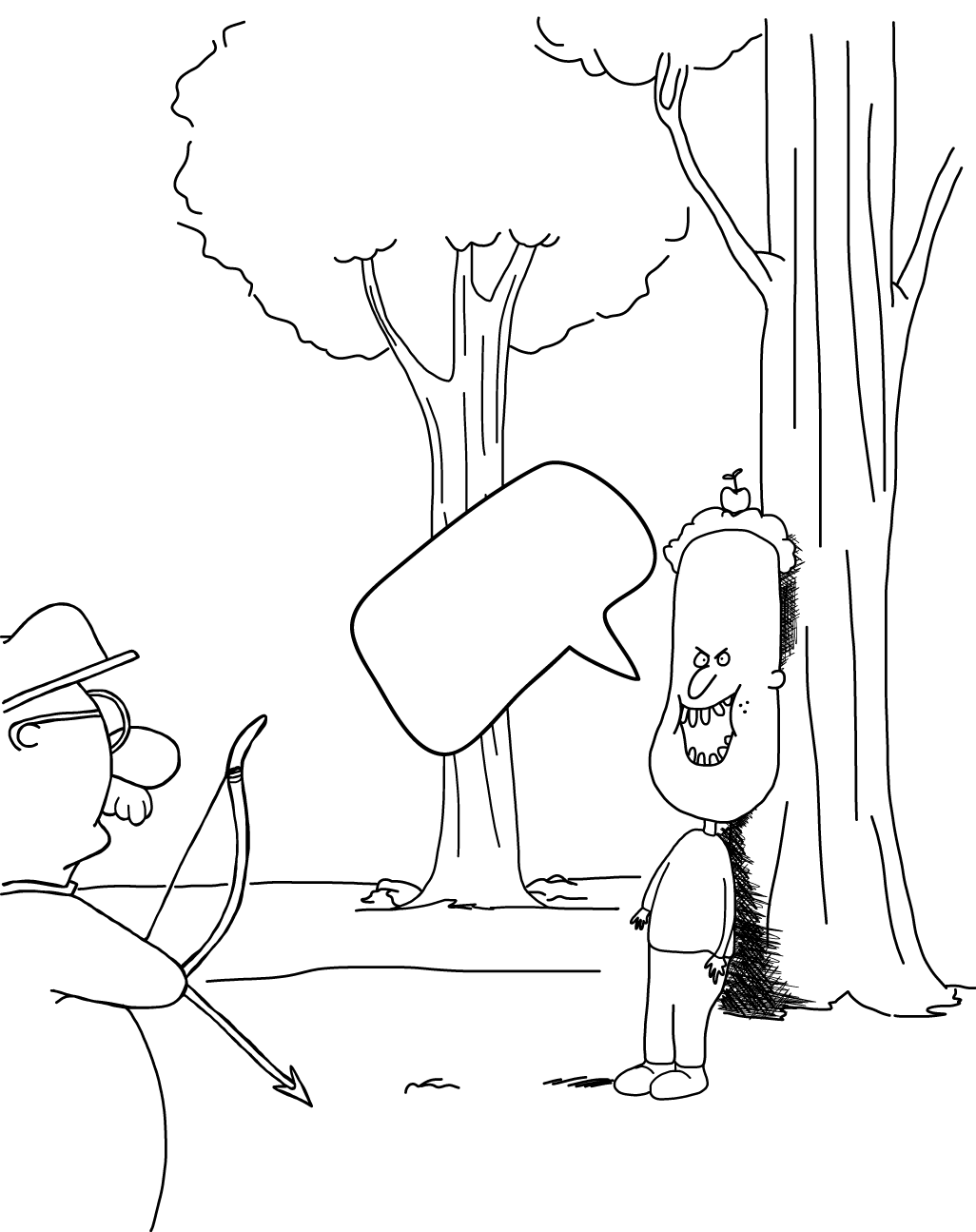
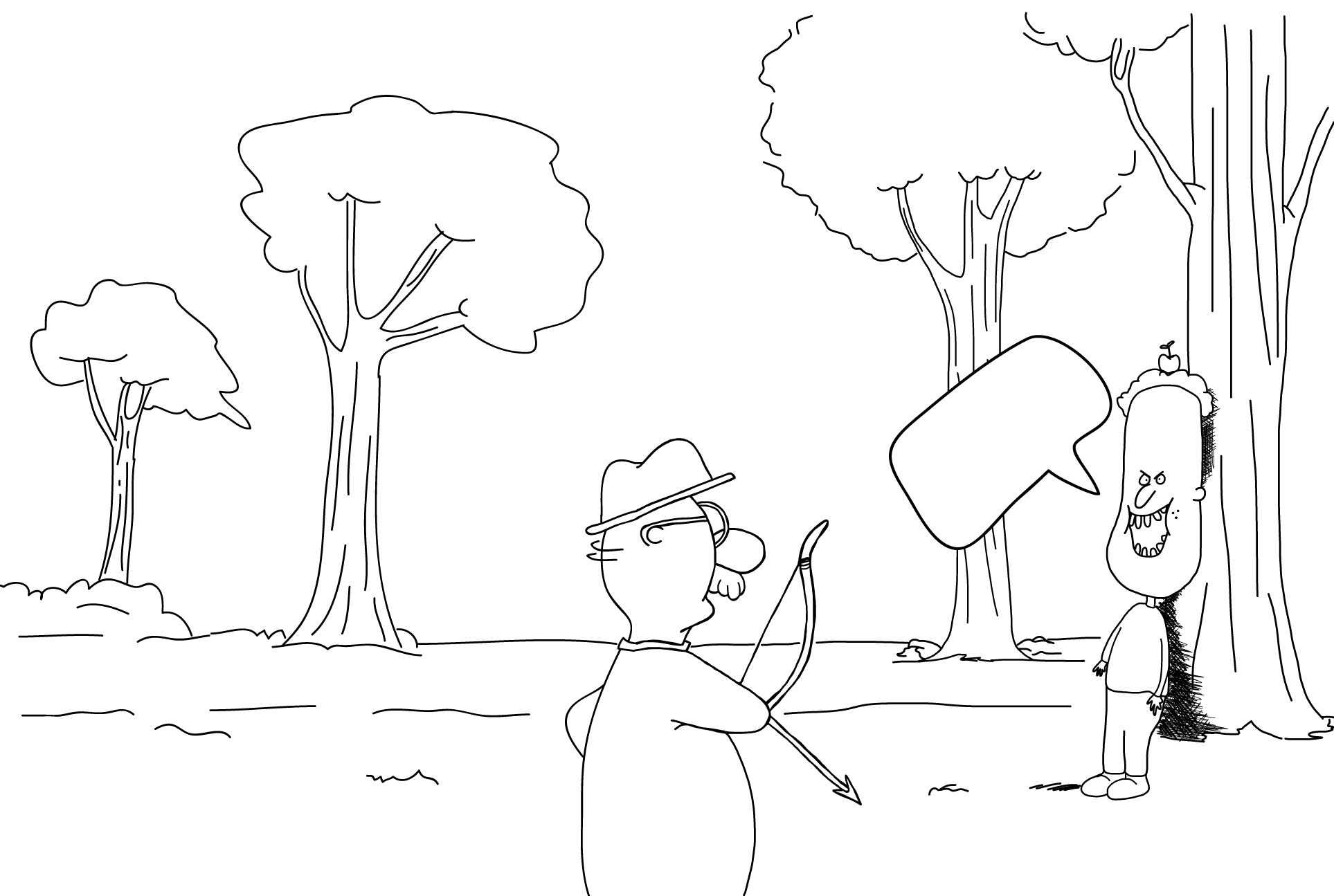
These were images that were for the ESL department. I worked with Mike Heidenreich to get the drawings to become the style of a set of drawings that he presented and wanted to use but he couldn’t because they were copyrighted. The purpose was not to copy the drawings but to make them my own. The drawings were to have a word bubble above one of the characters so the students could figure out what the character is thinking or saying.

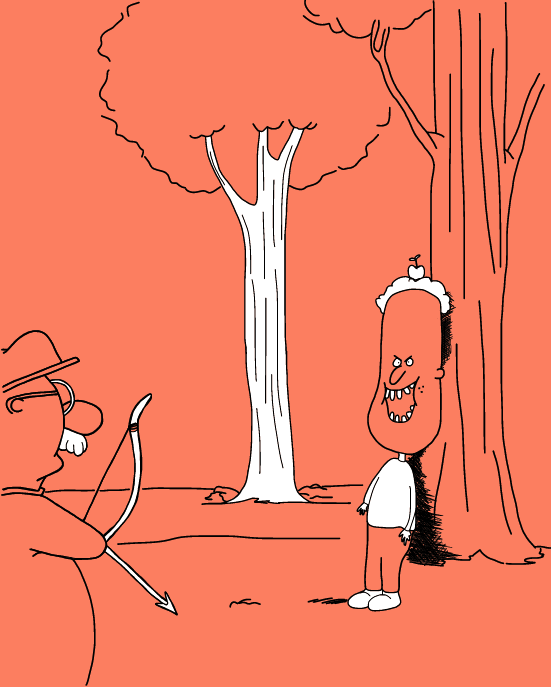
The drawings were done using Adobe Ideas on the IPad and were edited further in Adobe Illustrator. The color idea came from the fact that my banner and my basecamp avatar has a background of one color with select areas being white. This is how I use color in some of my illustrations. I like to go minimal and make the entire drawing one color and the select areas of white to make the characters stand out.

Sheep Illustration revision without color and more sheep

sheep identity illustration

Sheep Illustration revision with color and more sheep

sheep identitiy with color illustration

Brain Full illustration without color

brain full illustration without color

Brain Full illustration with color

brain full illustration with color

“Cat Fud” illustration without color

cat food illustration without color

“Cat Fud” illustration with color

cat food illustration with color

shoot the apple illustration without color

shoot the apple illustration without color

shoot the apple illustration with color

shoot the apple illustration with color

Landscape version of the shoot the apple illustration

shoot the apple illustration in landscape orientation

Filed Under: 2015 - 2016

Progress and Results for Project: CC302 Intro to Ancient Rome with Dr.Ebbeler
August 5, 2015 By Valerie Lopez

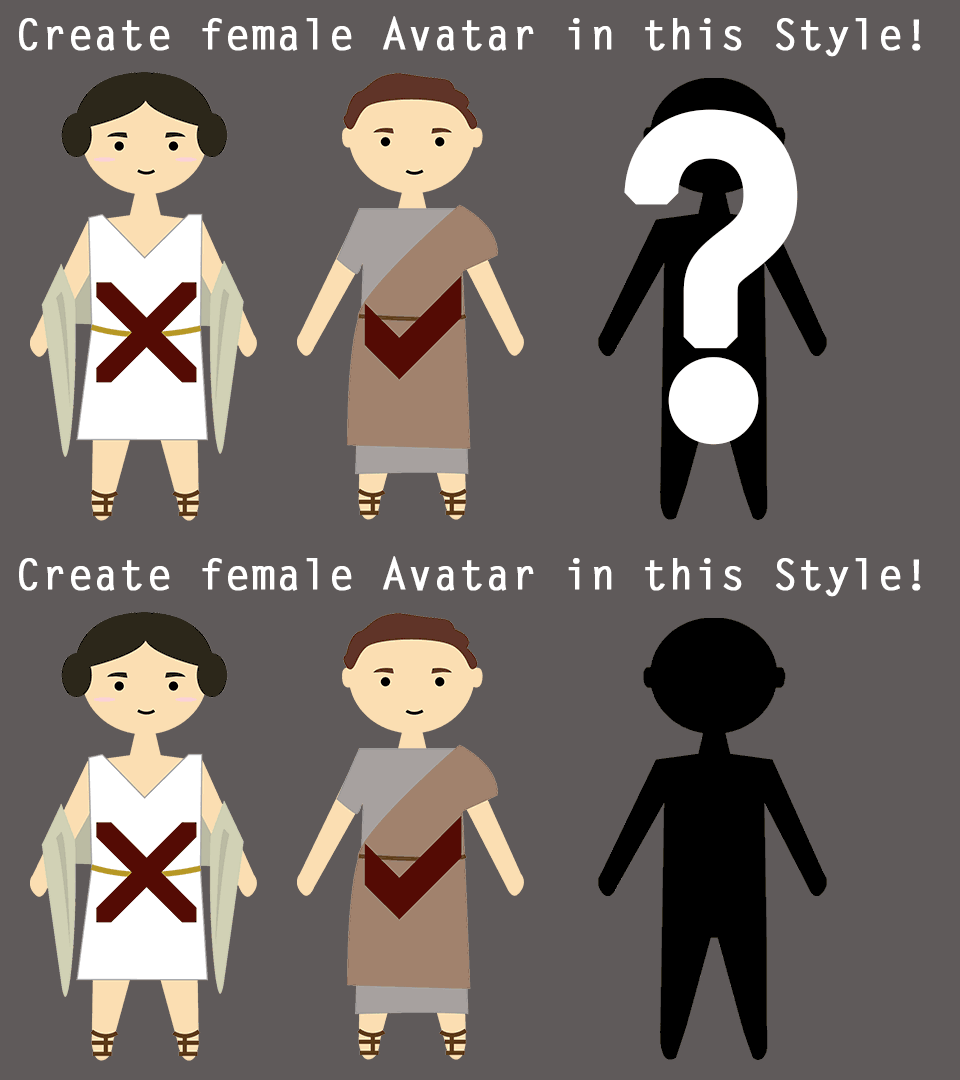
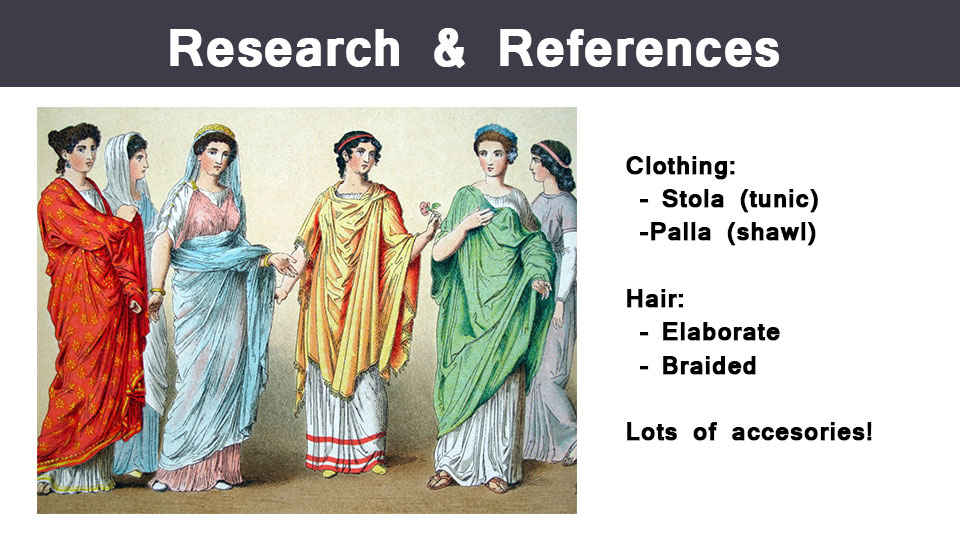
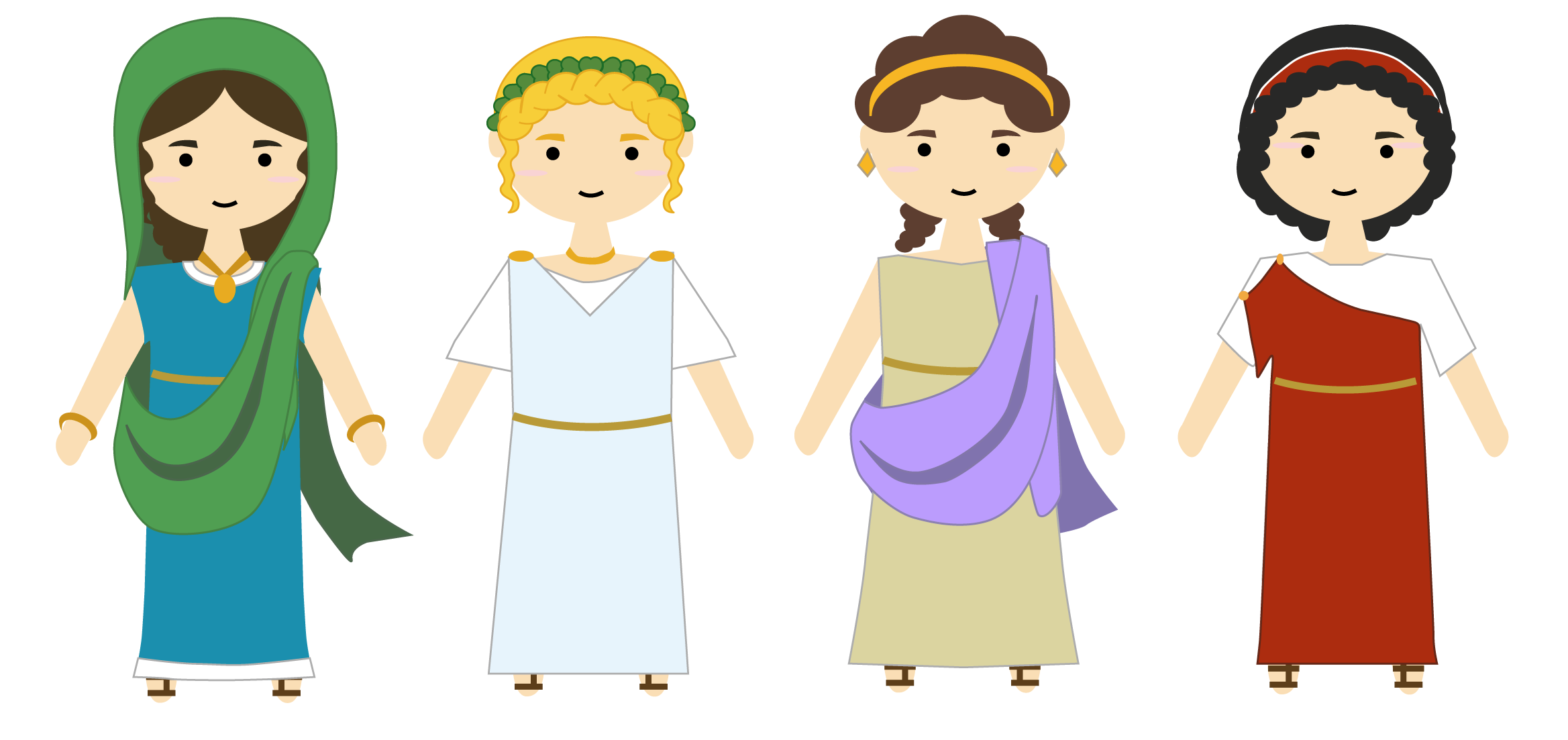
Request: 1)Make more female avatars in same style as previous avatars
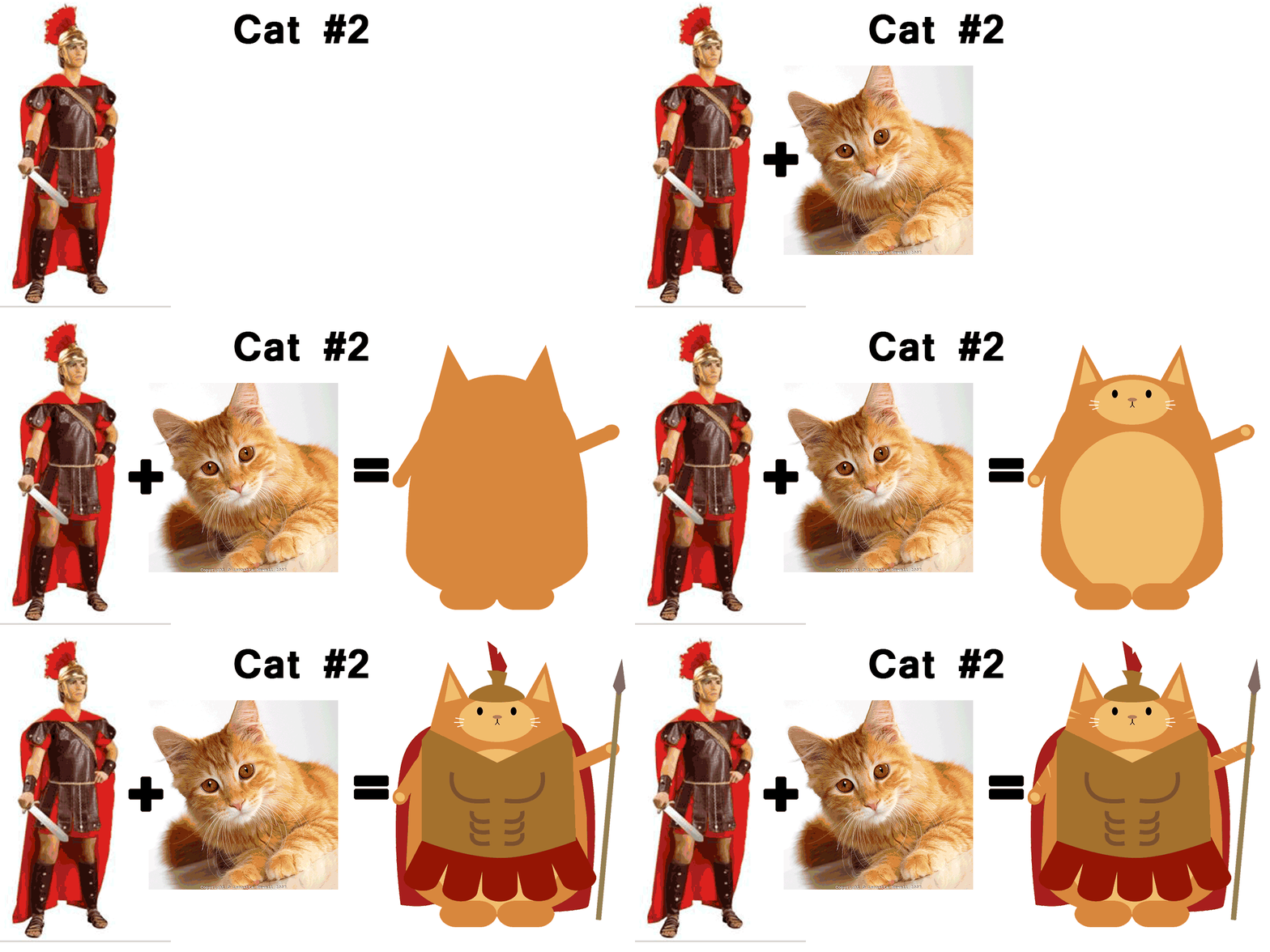
2) Make cat warrior avatars

I worked back and forth with:

Professor: Jennifer V Ebbeler

Project Managers:Suloni Robertson, Mike Heidenreich


Process for Request 1:

STA WikiWikiWiki image

STA WikiWikiWiki image

STA WikiWikiWiki image

Process for Request 2:

STA WikiWikiWiki image

STA WikiWikiWiki image

Results!!!

STA WikiWikiWiki image

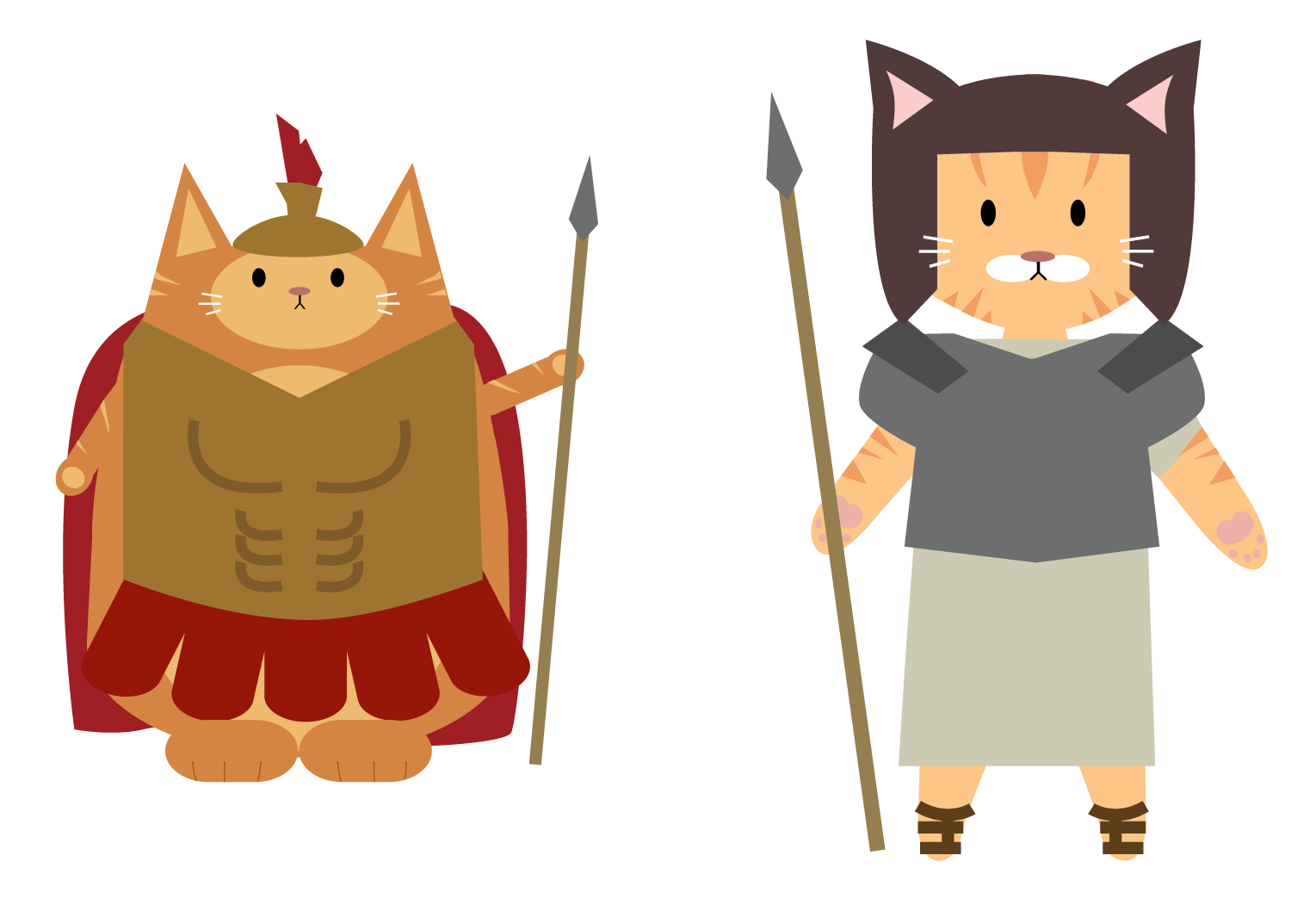
REQUEST 3: MORE CATVATARS!!!!

Inspiration:

STA WikiWikiWiki image

STA WikiWikiWiki image

Results:

STA WikiWikiWiki image

Filed Under: 2015 - 2016

Image placeholders for the Texas Politics Facebook page

August 5, 2015 By Erica Ndubueze

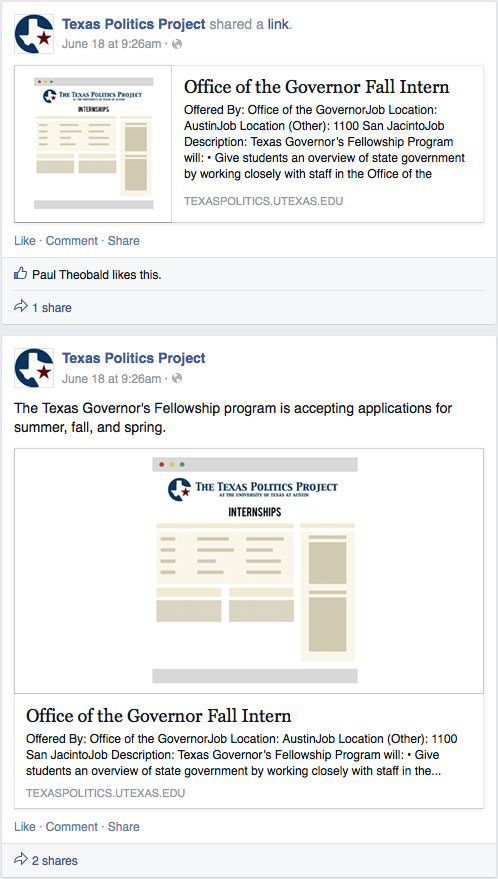
The following images are used as image placeholders for the Texas Politics Facebook page. Previously, when they uploaded an article from their website, in image from the link is used as a placeholder above the article. The problem is some pages such as the internships and the some blog articles and polling pages don’t have images and instead will show a blank box above the content. These images will act as placeholders for the pages that don’t have image content.

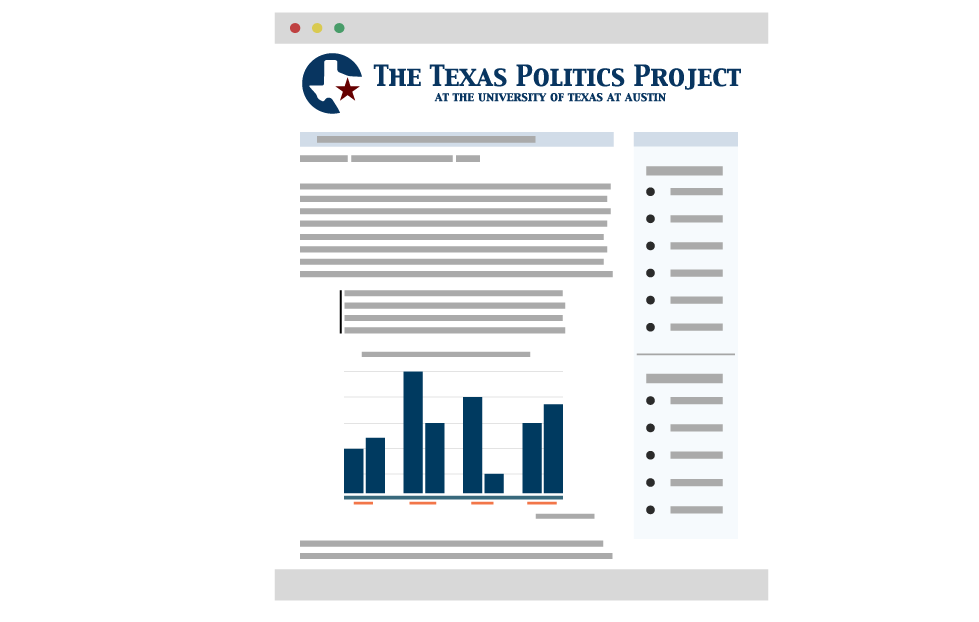
The placeholder for blogging content

The placeholder for blogging content for the Facebook page

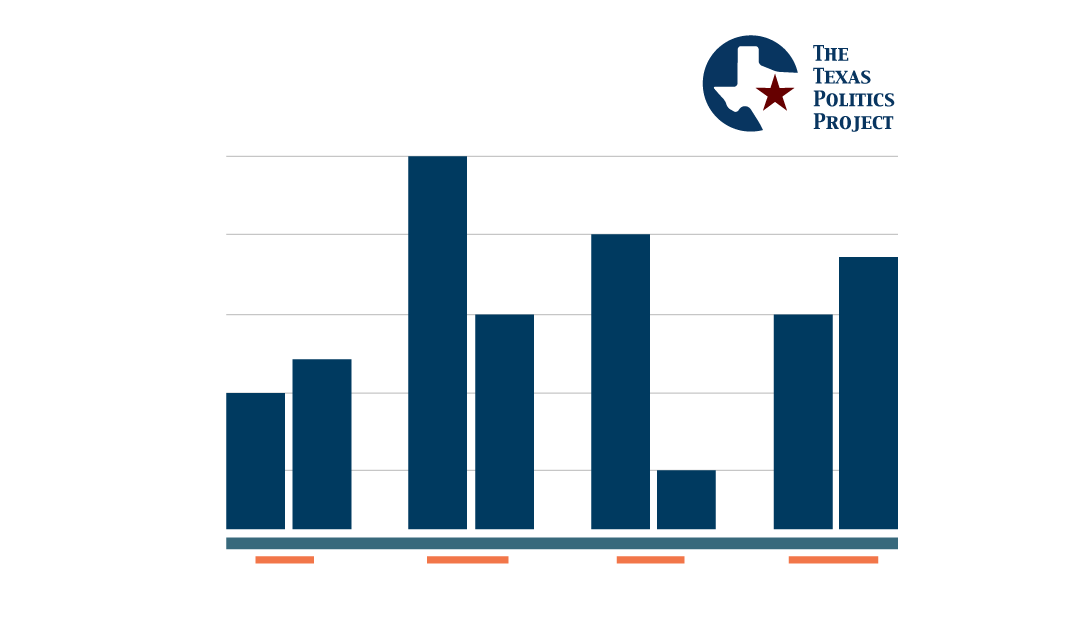
The placeholder for charts

The placeholder for charts for the facebook page

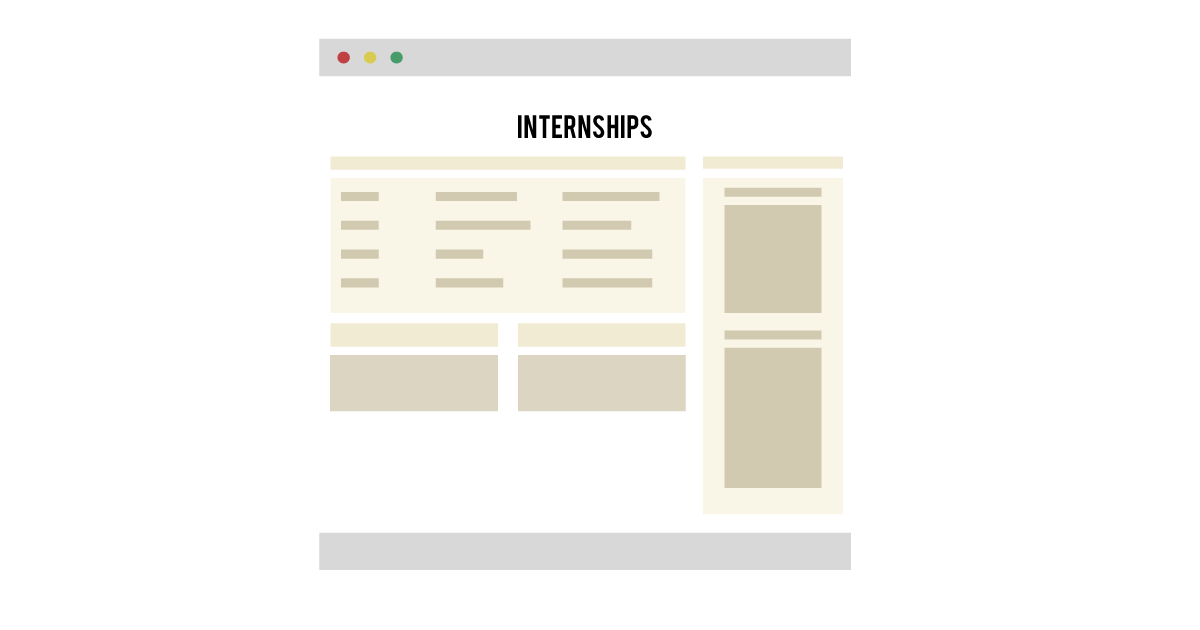
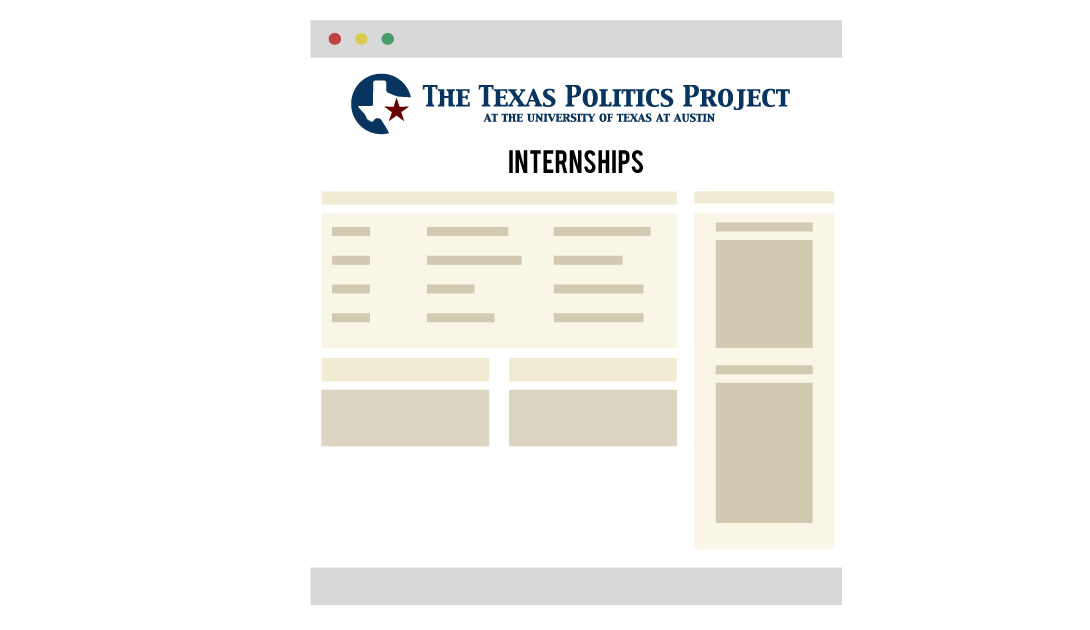
The placeholder for internship related content

The placeholder for internship related content

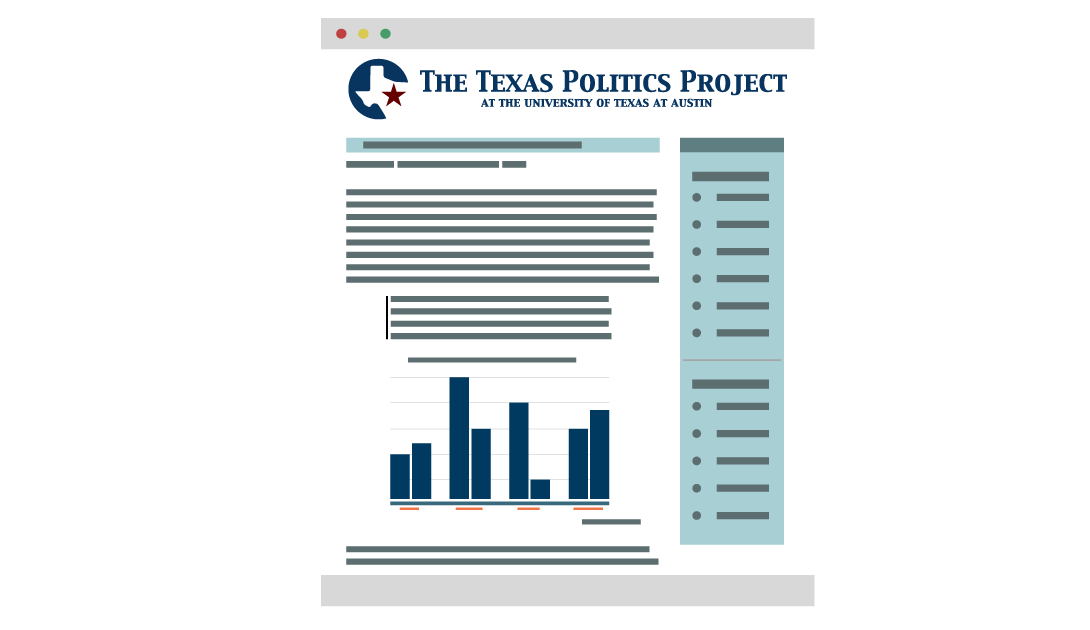
An edit of the placeholder for blogging content with Texas Politics branding. The look reflects the layout of each blog post instead of the blog home page.

blogging placeholder edit with website branding on topSTA WikiWikiWiki image

An edit of the placeholder for the charts content with the Texas Politics Logo. The colors of the bar graph is similar to the color scheme of the website.

chart placeholder with Texas Politics Logo

The placeholder for internship edit related content with the Texas Politics branding on top.

internship placeholder with website branding on top

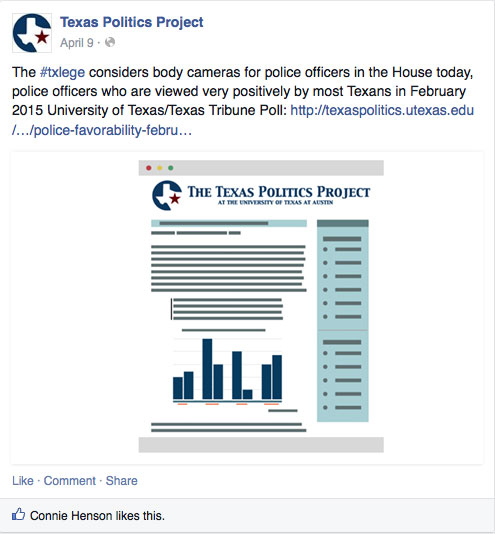
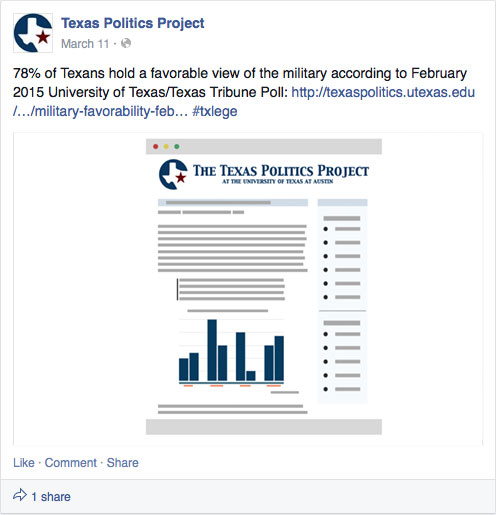
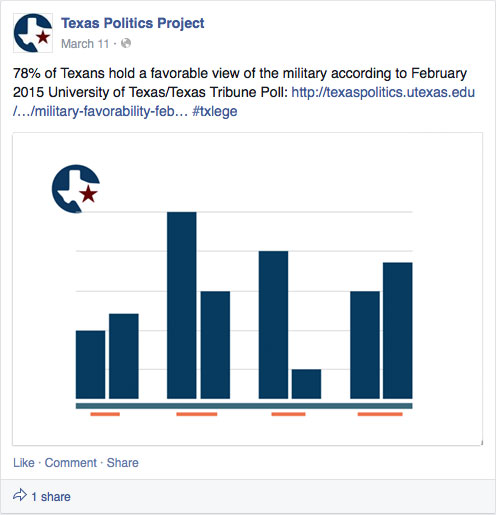
The following images show screenshot images of the placeholder images within the Texas Politics Facebook page. Each placeholder images corresponds to the content within each Facebook post. These images help show a preview of what these placeholder images might look like within a post. These images are added if the webpage within Facebook post does not include any images or visuals to show as a preview image.

the blog placeholder within an example blog post in the facebook pageanother blog placeholder within an example blog post in the facebook pagethe charts placeholder inside of an example chart facebook post

A preview of the internships placeholder image within the Texas Politics Facebook page. The images show two types of internship posts. The top shows the smaller version of the preview image while the bottom shows the larger version of the image.

A small and large version of the placeholder images in an example post

The custom preloader GIF

texas politics preloader gif

Filed Under: 2015 - 2016

Early Indo-European Online app mockup

August 5, 2015 By Erica Ndubueze

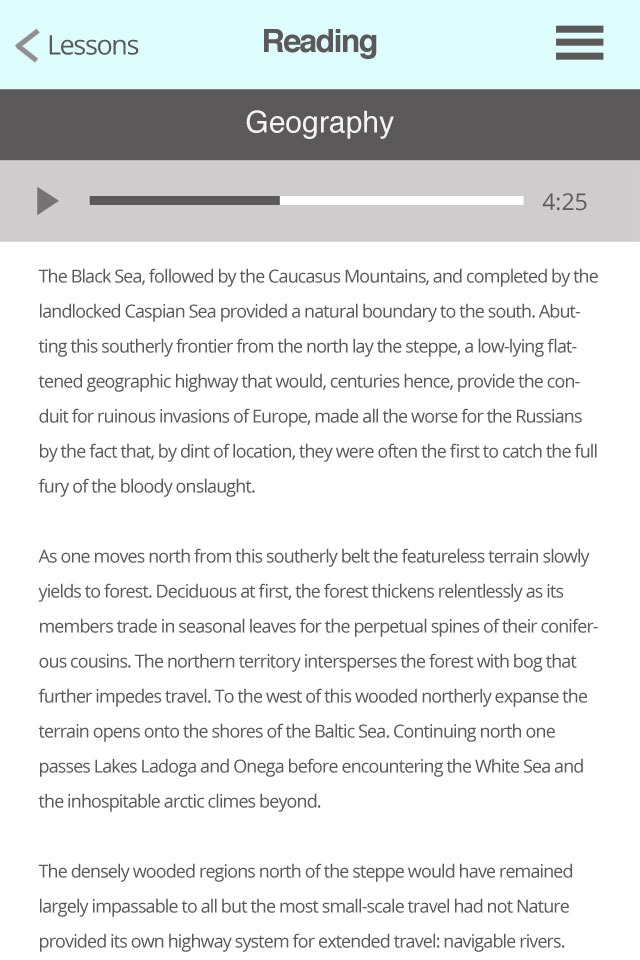
I was assigned to create The Early Indo-European app mockup. The Linguistics Research Center wanted a grant to make the app possible and in order to show the committee (the people in charge of handing out the grant) what they wanted, they needed imagery of the possible app designs. I worked with Dr. Todd Krause, the person who will present these mockups, on what kind of information he wanted within the app. This was a mobile app and everything from the website can’t be placed into the app. The lessons sections, reading and textual analysis and multimedia sections were the areas in the app that needed the most attention. Working with Dr. Todd gave me an experience of what it is like to turn a person’s ideas into something visual. I also provided ideas on how some elements such as video and audio would work. Some sections such as tables and graphs became challenging because some tables and graphs may have a lot of data and although it looks fine on a desktop or tablet device, may not look good on a small phone. I had to think of a way to provide a layout that looked good and was readable on a phone.

When creating the mockup, I went for a minimal approach. The interface and the navigation were not to be cluttered. The color scheme of the navigation made the text easy to read.

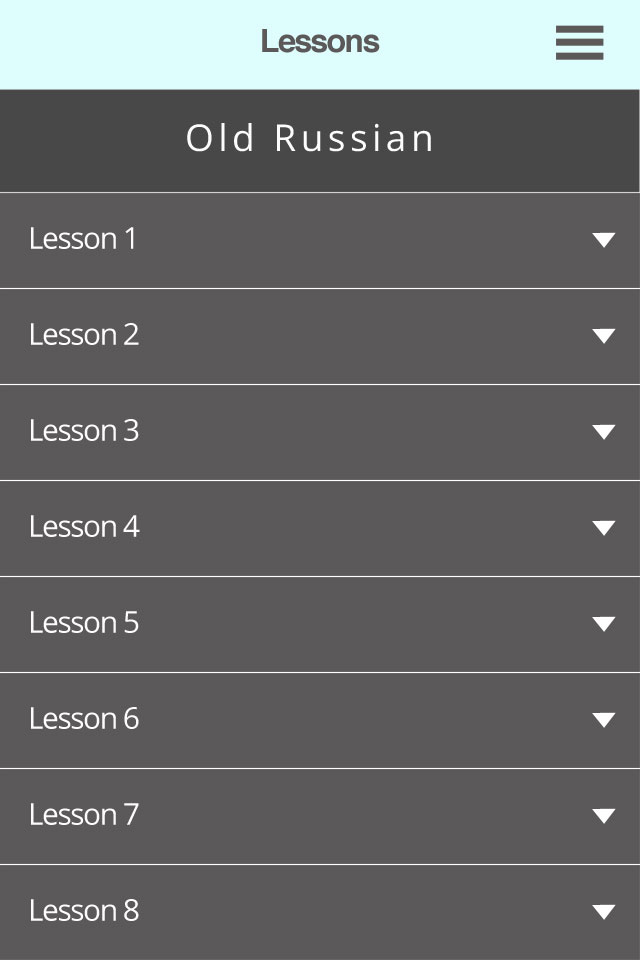
The lessons navigation collapsed

lessons navigation collapsed

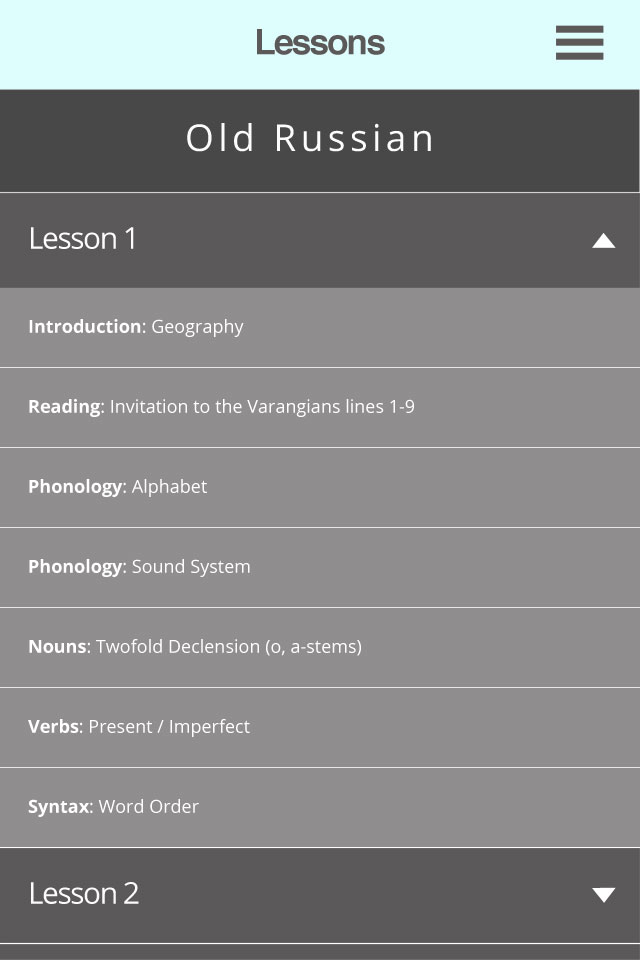
The lessons navigation expanded

lessons navigation expanded

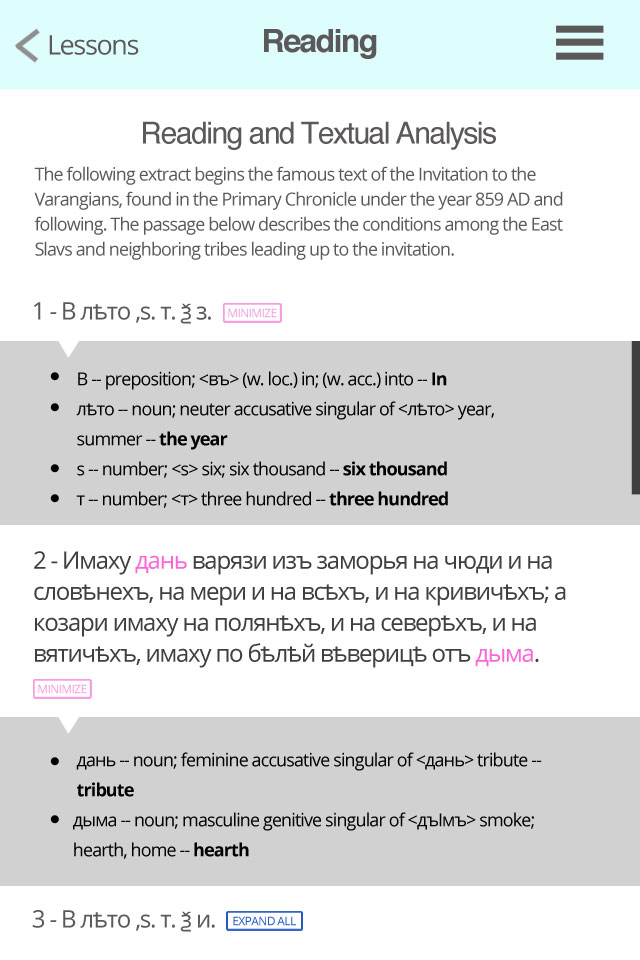
The reading and textual analysis with word highlighting. When a word is selected a box underneath the sentence or paragraph will slide down to show only the words selected (unless you expand all, it will show you all of the words). The box will get up to a certain height, so the user can scroll only within the box instead of scrolling to the bottom of the page and then scrolling all the way back up to read the sentence again.

reading and textual analysis section

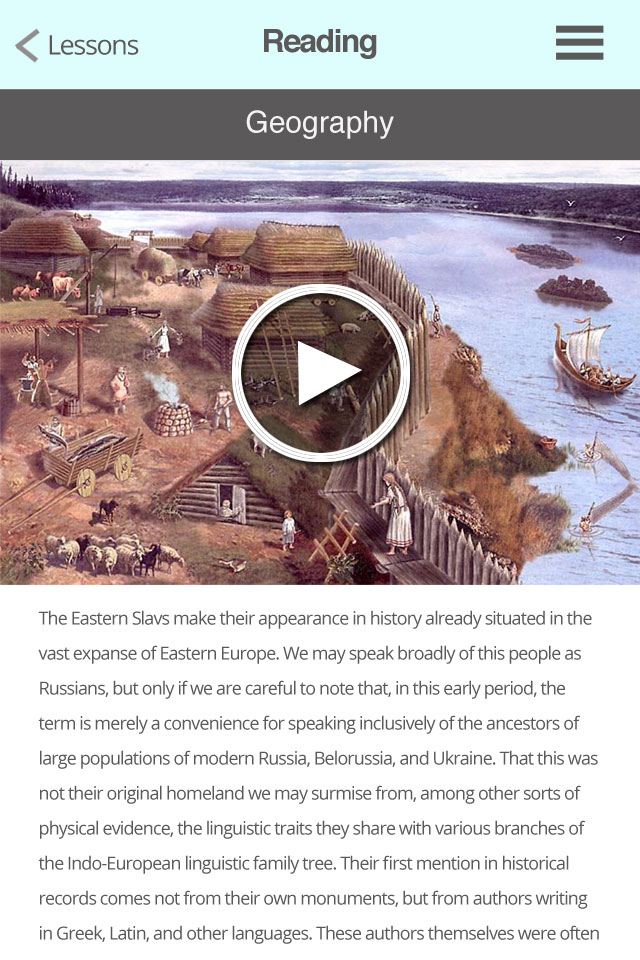
The geography thumbnail so if the user presses the play button the video will go into full screen and play.

geography video section

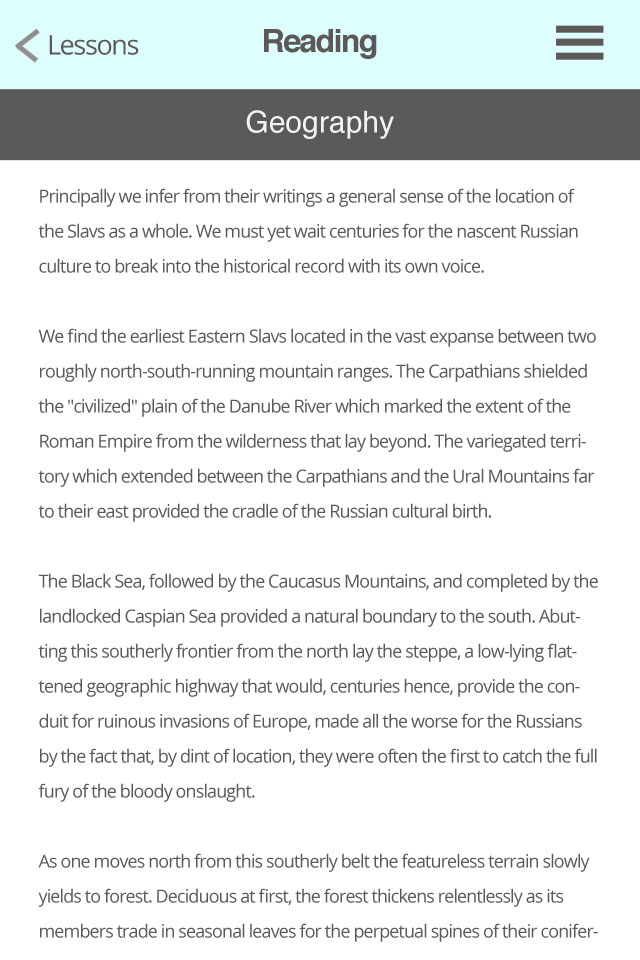
More of the text area when the user scrolls down.

geography section with text only when user scrolls down

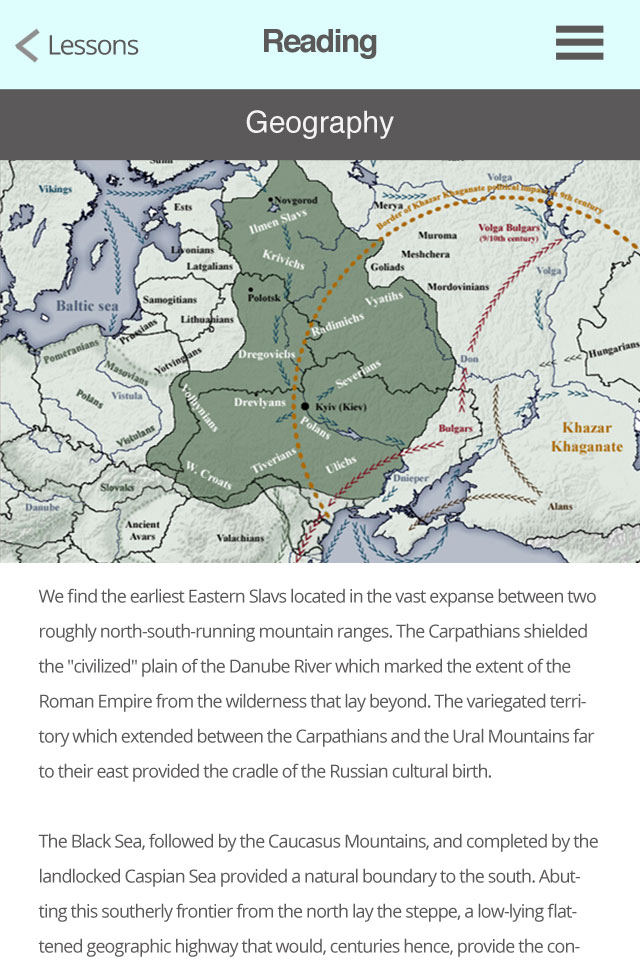
The map section

geography map section

The audio section. The audio bar will remain fixed to the header as the person scrolls down so they can pause when ever they want while reading for example a foreign text.

geography section with audio

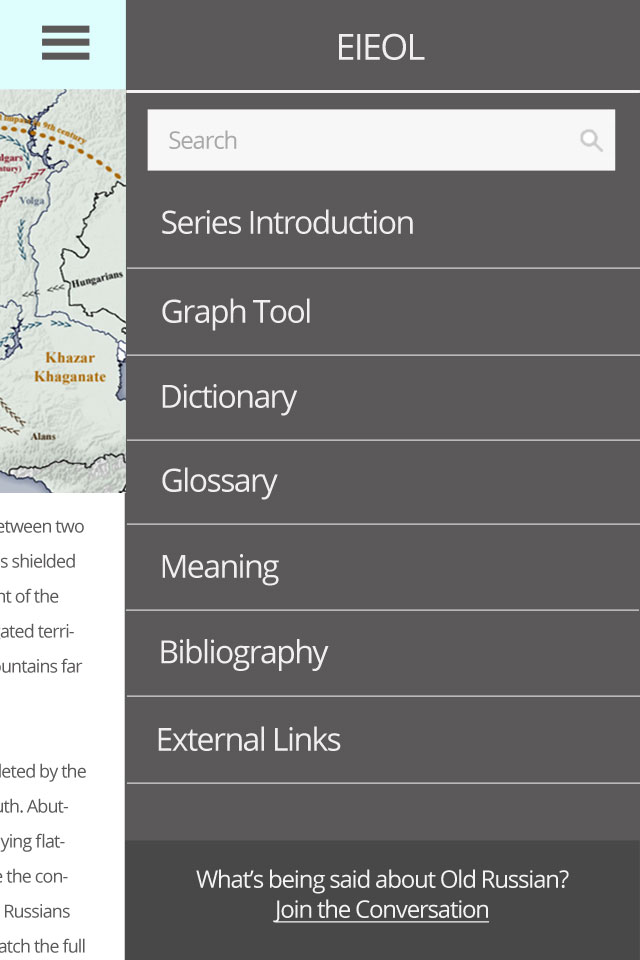
A collapsible menu with sections for each language including a discussion section and bibliography. Lessons is missing because when the user closes the menu and taps to go back, they will reach the lessons section. If they wanted to go to the dictionary, the menu will show all of the sections except the section they are currently in.

the collapsible menu with external resources added

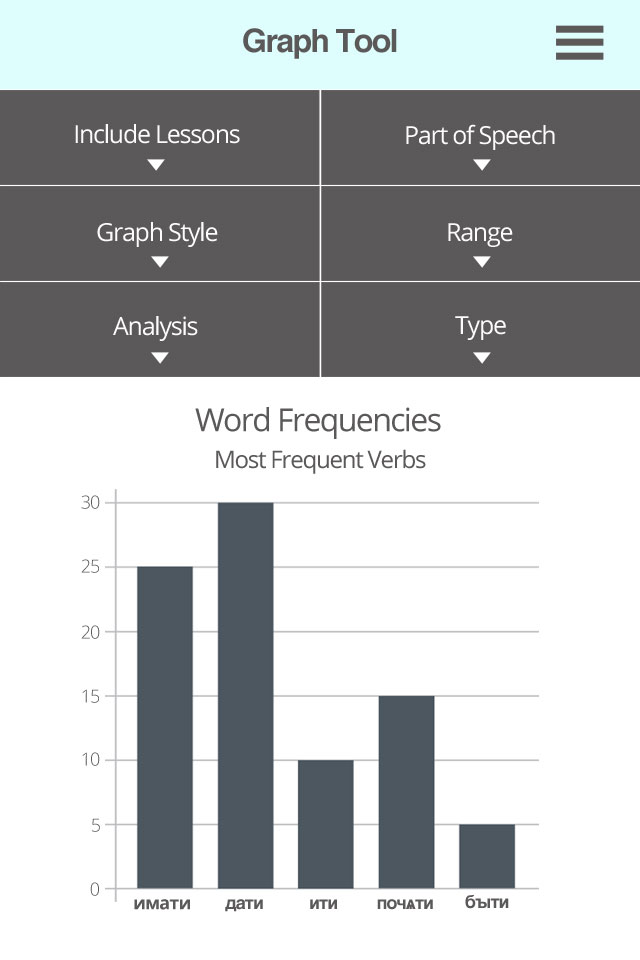
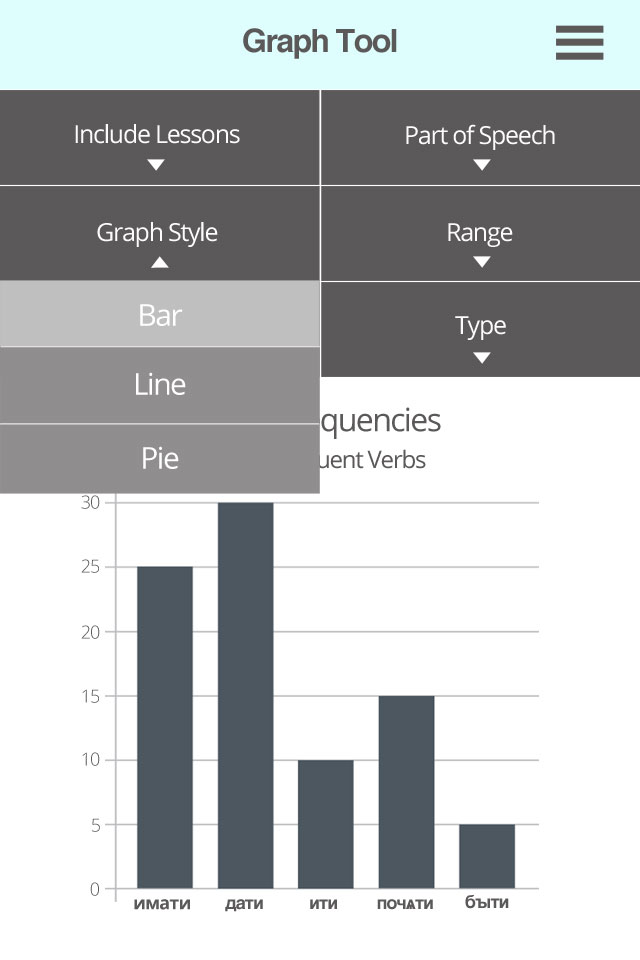
The Graph tool page with options collapsed.

Graph tool page with options collapsed

The Graph tool page with options expanded with selection highlighted.

Graph tool page with options expanded with selection highlighted

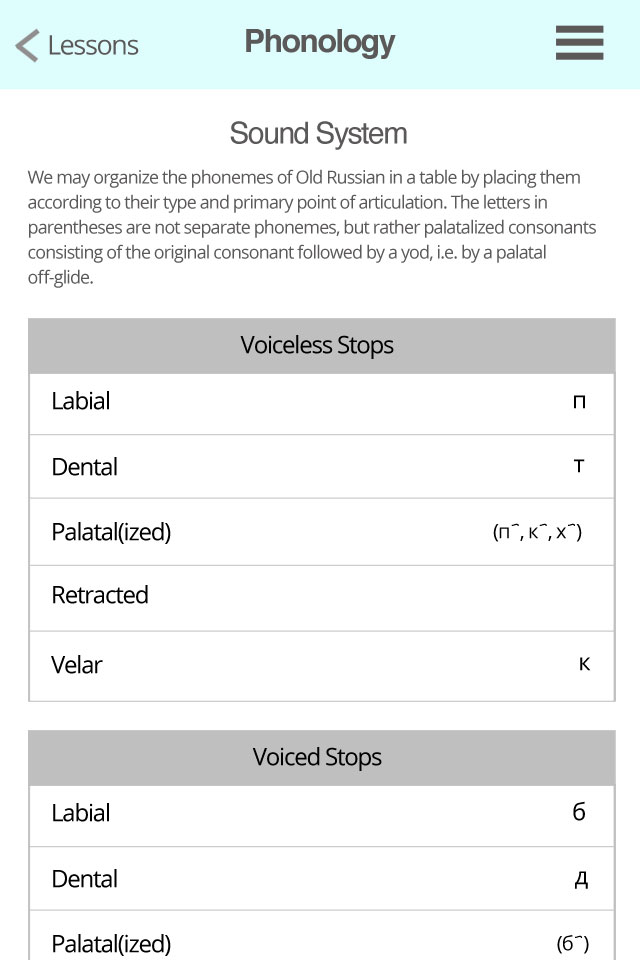
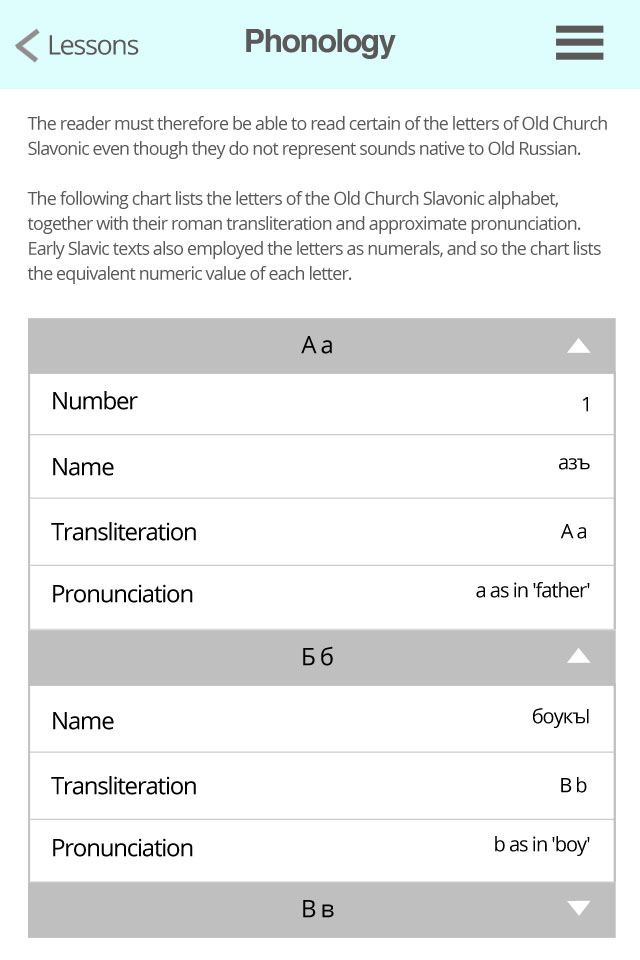
Preview of possible Table layout on mobile. I did some research on possible examples of responsive table layout. It looks like creating a responsive table without the table going off the viewport or scaling down the table to the point of it being unreadable unless you zoom, seems to be a challenging thing to implement. Here is one possibility I came up with where the table headers on the first column become first item on each row. Each table is easy to read and is good for tables that have more than three columns. The problem comes in with really large tables like the alphabet system. Each letter will have their own small table that contains a row for the number, name, transliteration and pronunciation but it will be a large set of tables to scroll down to in order to find a letter that is later in the alphabet. The table could have an accordion-like function so you only select the letters you want to view.

Preview of possible Table layout on mobile

Preview of the alphabet table layout.

Preview of possible Table layout on mobile of the alphabet

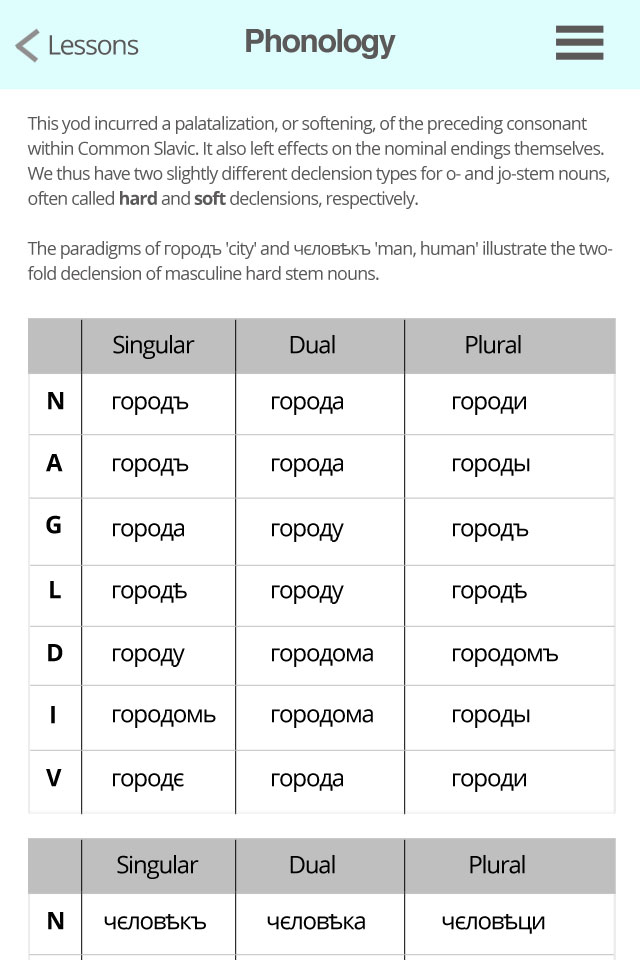
Preview of table layout of the twofold declensions. The two tables are separate and not one large table.

Preview of possible Table layout on mobile of the declension table

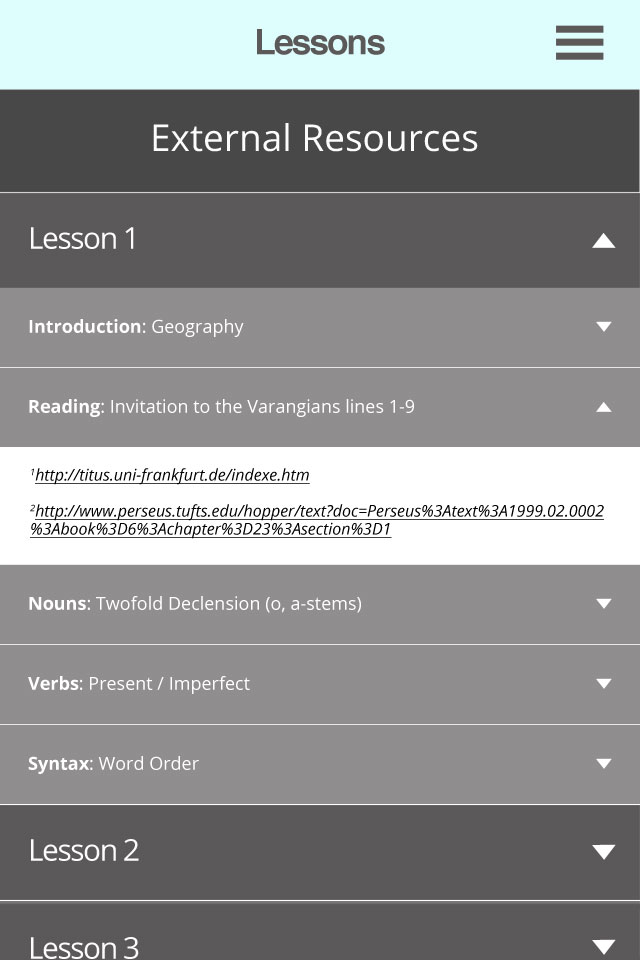
Preview of the external resource menu

preview of the external resource menu

Filed Under: 2015 - 2016

COLA Faculty Webpage Updates

August 5, 2015 By Teresa Cagle

For the past month, I have been corresponding with professors in the College of Liberal Arts, offering to help them update the information on their faculty webpages.

I have contacted 100 professors. 52 of them have responded and I have met with 20 professors. It has been interesting to see what each professor finds important to include on their site. Some are very interested in showcasing their work to other colleagues while others are mostly interested in having information available for press. It’s been fun to tailor each webpage plan to the professor’s needs.

I have officially finished helping Rebecca Bigler, Jeremi Suri, Madeline Hsu, Kurt Weyland, Jorge Canizares, Janet Davis, James Pennebaker and Christopher Beevers update their webpages.

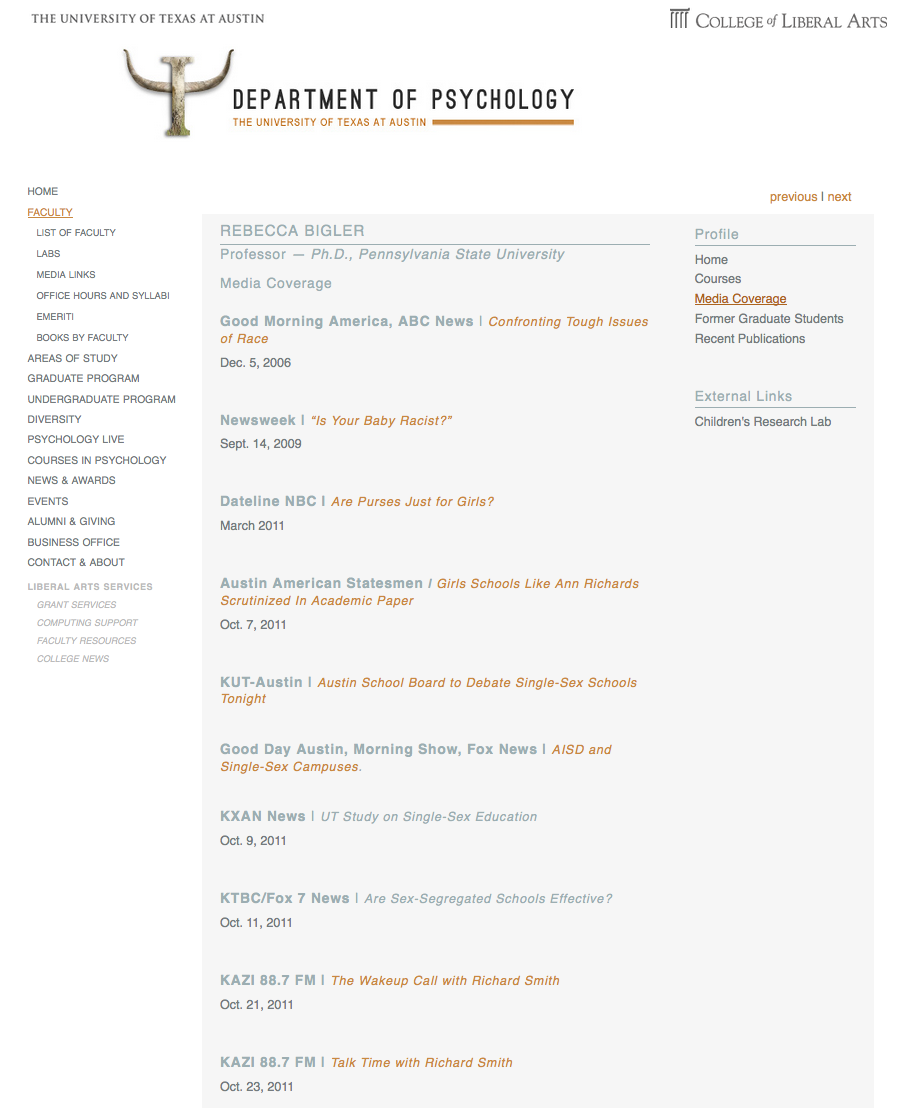
Bigler requested that I update her site to include media coverage. You can see the new custom tab created here:

STA WikiWikiWiki image

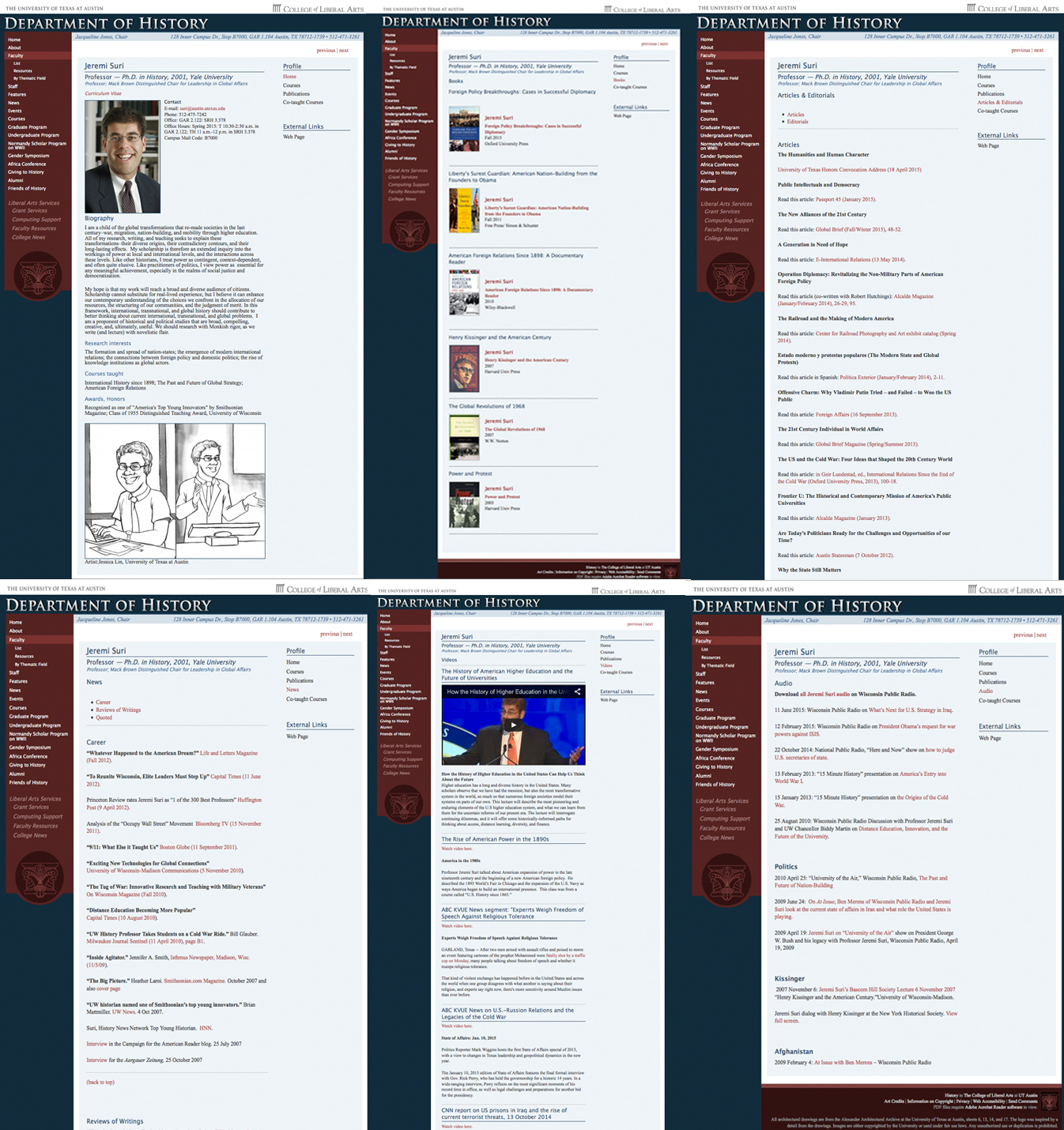
Suri asked for an entire webpage makeover, which I am proud to say has officially been completed. I helped him create six custom tabs. The six tabs I created were Books, Articles & Editorials, News, Videos, Audio and Past Graduate Students. I had fun learning how to code in order to embed videos and make webpages more responsive. Here are most of the tabs after I redesigned:

STA WikiWikiWiki image

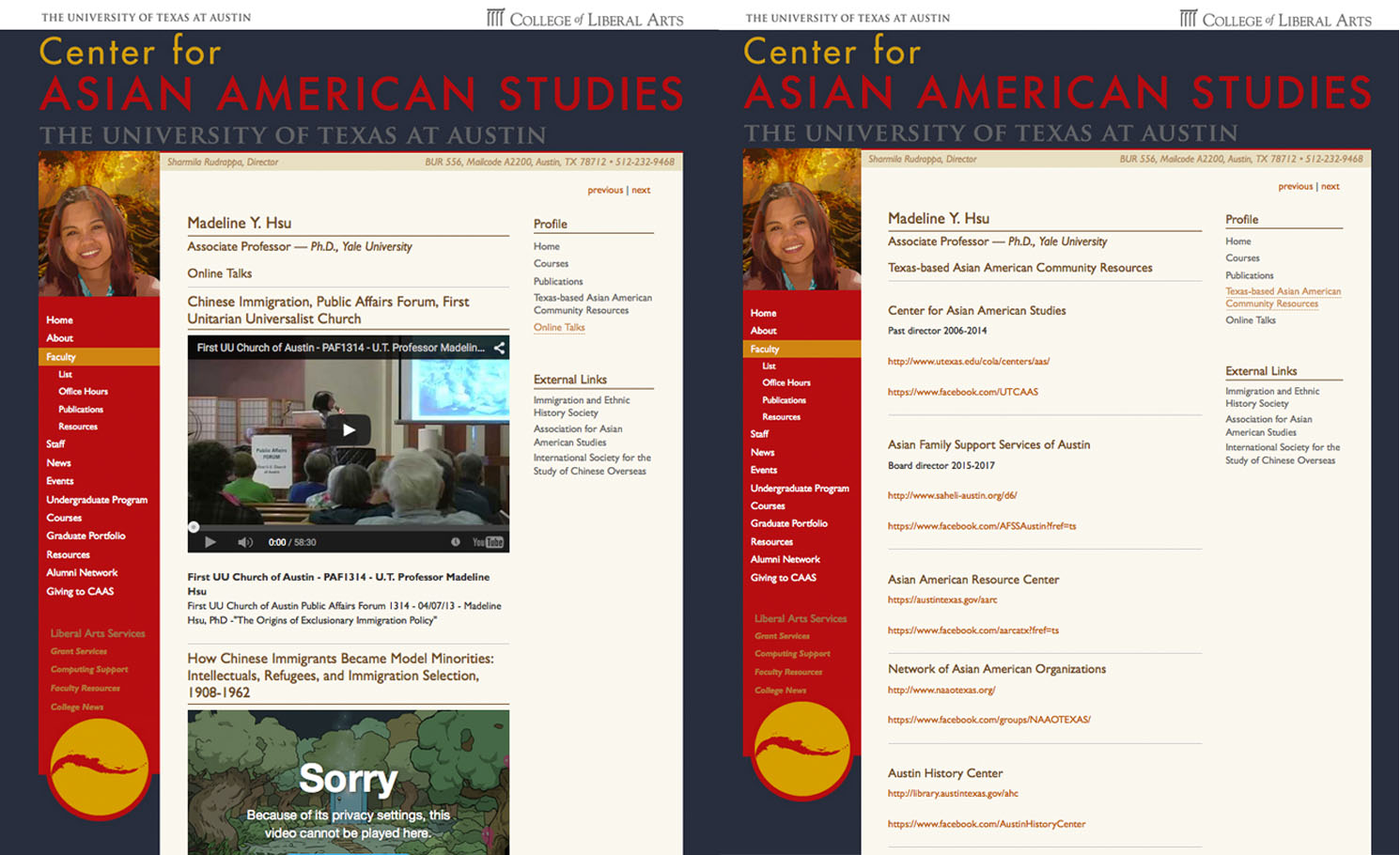
Hsu asked for two custom tabs:

STA WikiWikiWiki image

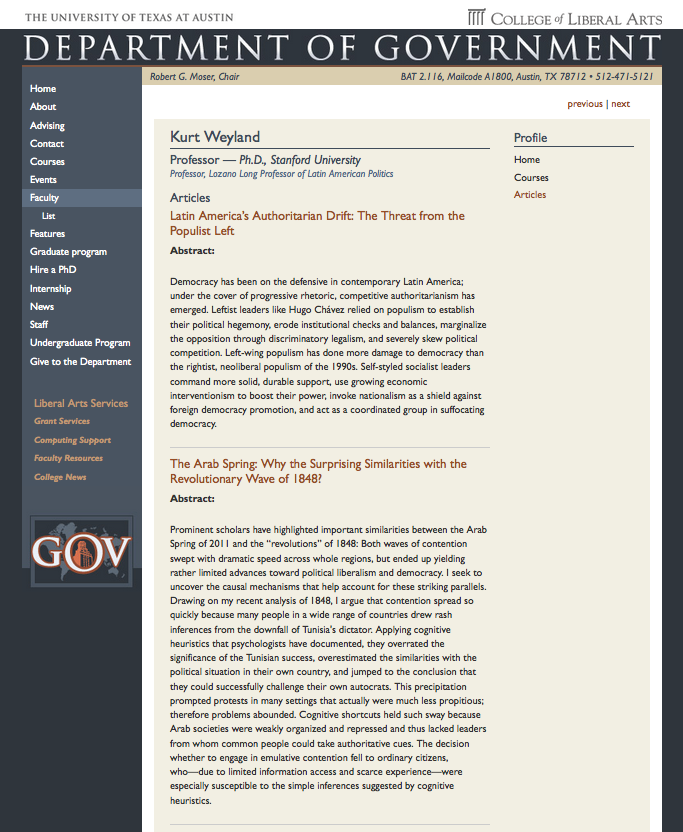
Weyland wasn’t very interested in the initiative, but he did want to update his biography and make a custom tab for his published articles. Here is what the custom tab looks like: STA WikiWikiWiki image

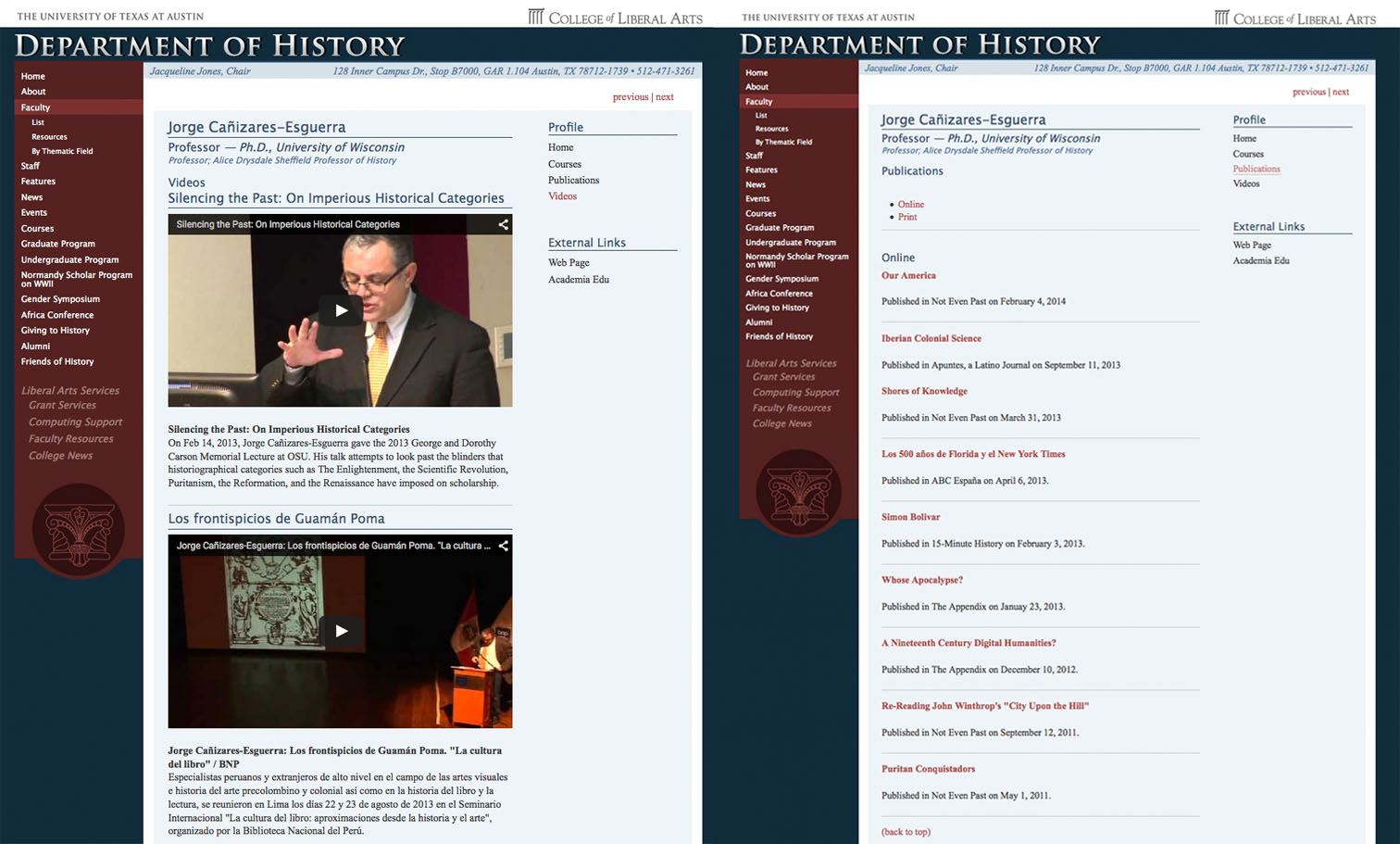
Here are the two custom tabs I created for Canizares:

STA WikiWikiWiki image

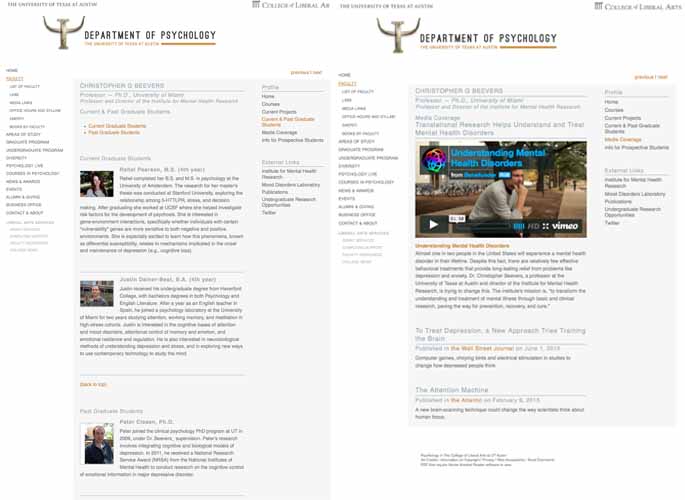
Christopher Beevers asked for two tabs; one for graduate students and one for media coverage.

STA WikiWikiWiki image

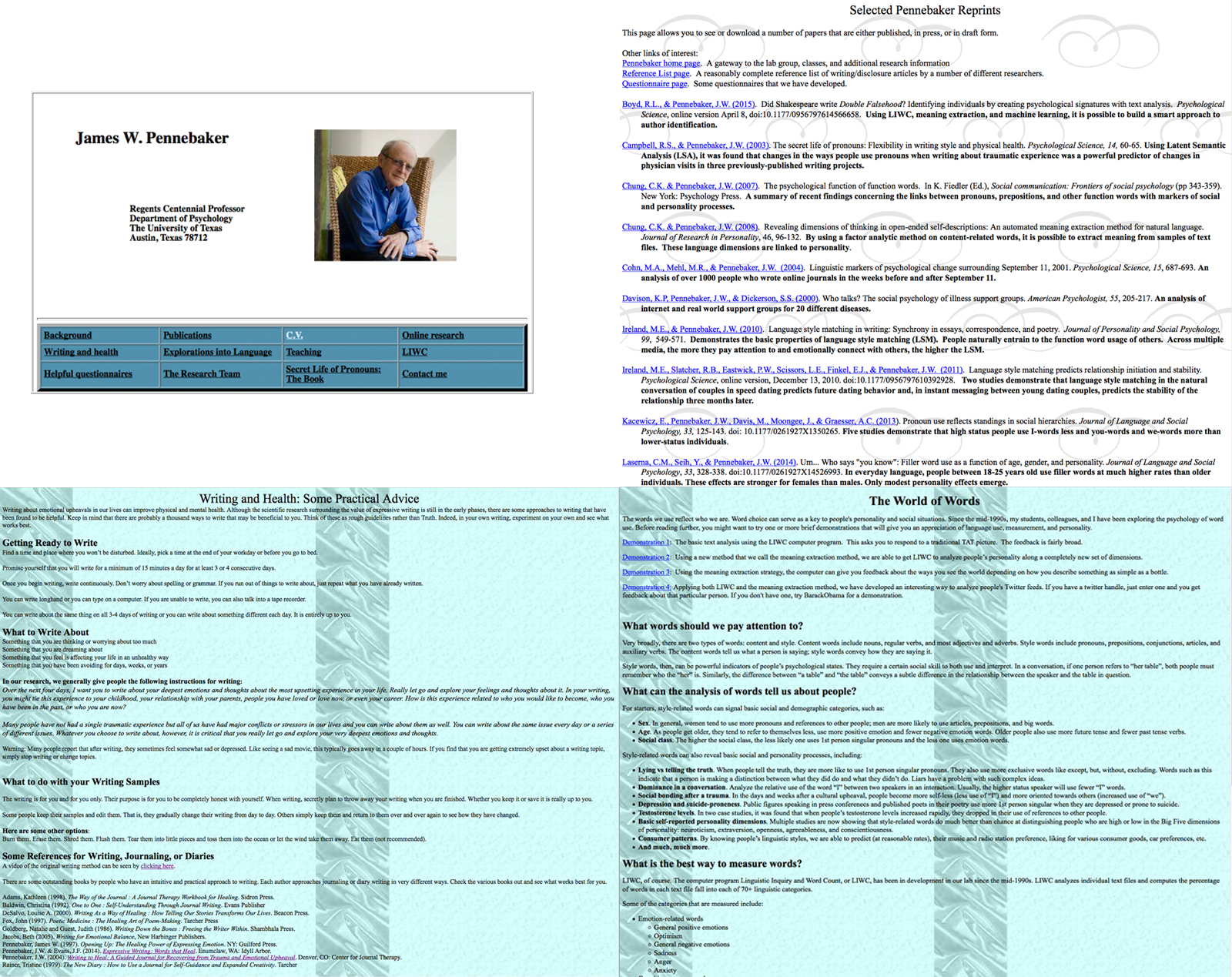
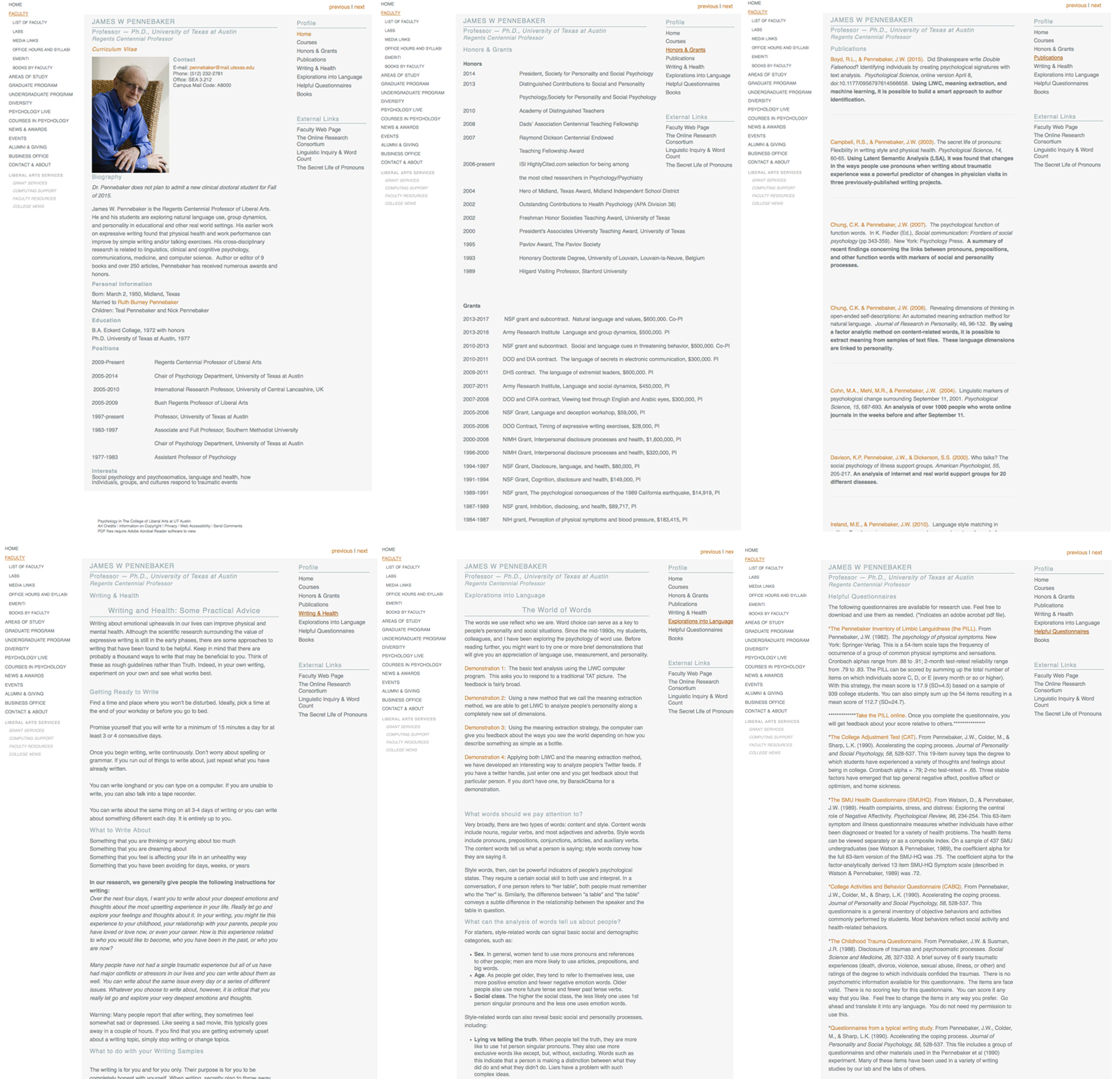
For James Pennebaker, I transferred all of the information on his old website. I also downloaded all of his publications off of the old psychology server and uploaded them into his UT Box. Here is his old website versus his new webpage:

STA WikiWikiWiki image

STA WikiWikiWiki image

Coming soon: Updated webpages for Shamira Rudrappa, Juliet Hooker and David Pedulla!

Filed Under: 2015 - 2016

  • « Previous Page
  • 1
  • …
  • 12
  • 13
  • 14
  • 15
  • 16
  • …
  • 29
  • Next Page »

link to LAITS home page

Video STA Home

© 2025 Liberal Arts Instructional Technology Services | Production Credits