• We are STAs
    • Asha Rountree
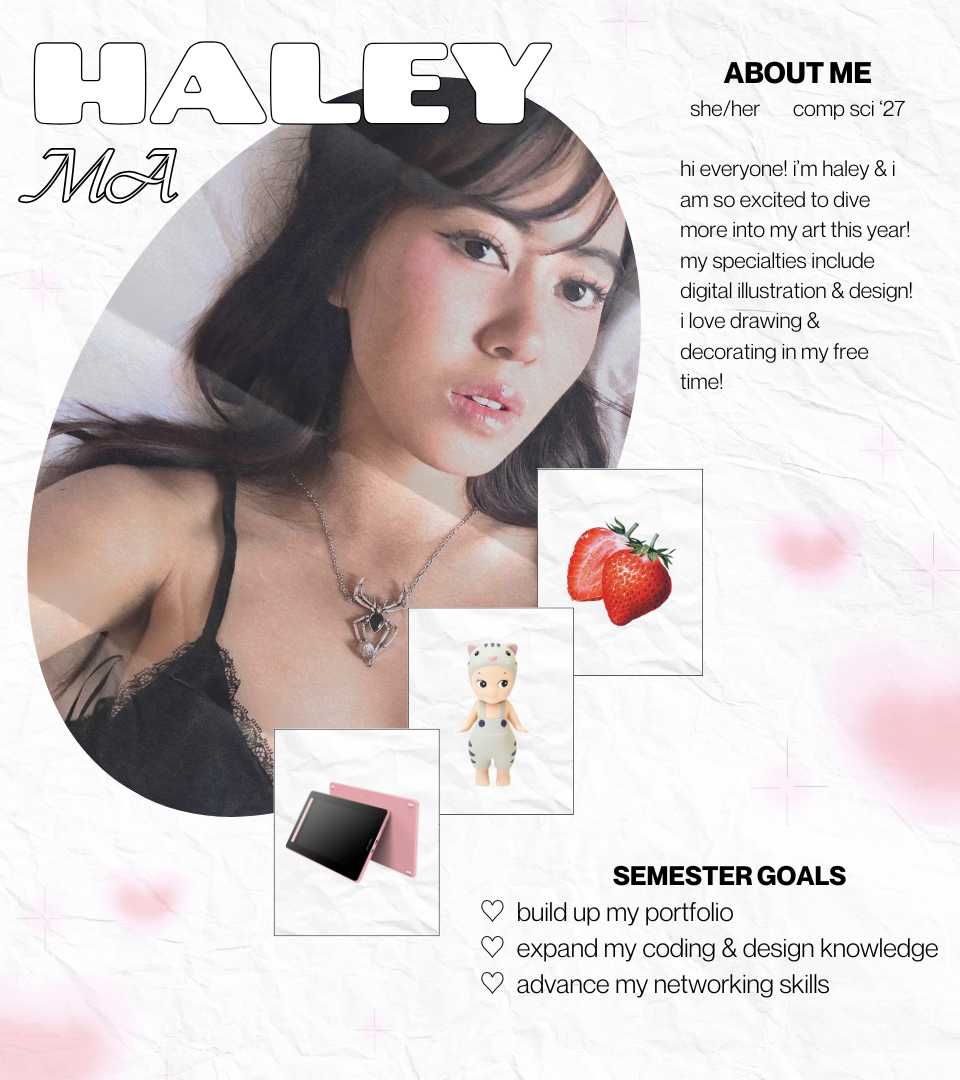
    • Haley Ma
    • Kate Shih
    • Kyra Lee
    • Nicholas Peasley
    • Sasha Kenney
    • Shanda Horm
    • Shriya Atreya
    • Tomas Marulanda-Mesa
  • We were STAs
  • STA Presentation
    • STA Presentation 2017
    • STA Presentation 2016
  • Testimonials
  • Resources
  • Home

STA Blog

November Updates

November 20, 2024 By Shanda Horm

November Updates

This month I was assigned a new animation project where I worked alongside Lila. We began our training by designing a simple and detailed character. Here are the ones I made:

Soon after we created our characters, we received feedback on our detailed characters. Our detailed characters needed a few adjustments to look like they were in the same design “family” as the characters below:

Here is my character with the adjustments made based on De’sha’s feedback:

Lila and I received more information on our upcoming project and were given example scenes to animate. We got premade Illustrator files to work with, but the layers weren’t separated correctly. However, this gave me more practice with how to separate a scene’s layers for easier animating in Adobe After Effects. Below is my first pass at the animation:

De’sha suggested more subtle changes in the expressions of the characters, meaning more practice separating the layers in Illustrator (which wasn’t too hard)!

Here is my second animation with the feedback implemented:

Lots of Logos!

I began some logo training during my downtime to get more practice working in Illustrator! Here are some I have made so far.

This first set of logos is for the iconography training.

Filed Under: Fall 2024 - Spring 2025

First Week Projects

November 18, 2024 By Haley Ma

⋆˚✿˖° First Week Projects ⋆˚✿˖°

My first week done as a Design & Web STA! I’m so excited for this opportunity and can’t wait to see how the rest of my semester goes with this new experience!

This week was focused on orientation, some of my tasks included:

── ⊹ ࣪ ˖♡˖ ࣪ ⊹ ──

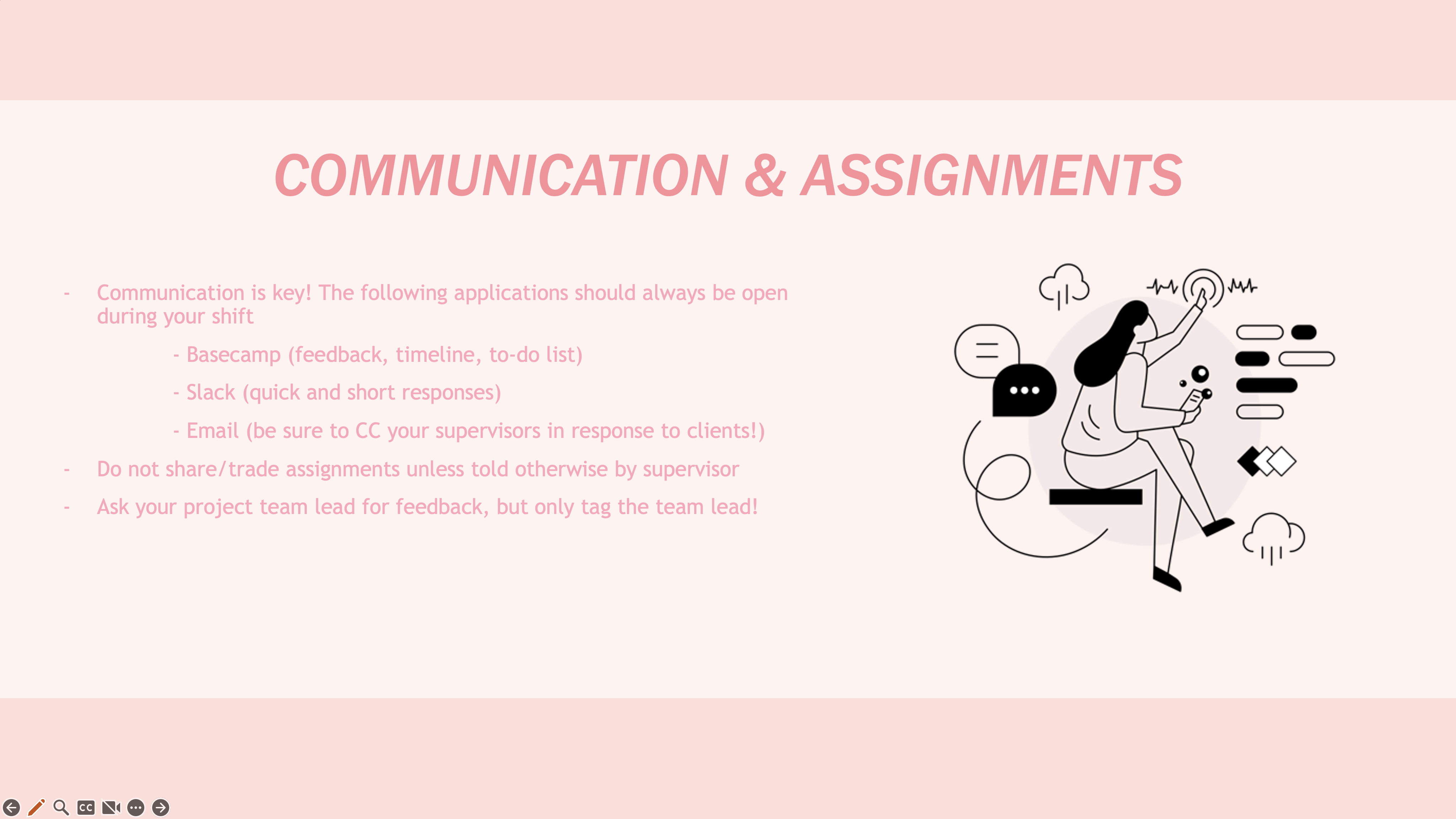
STA Handbook Powerpoint

It had been awhile since I last worked on PowerPoint so it did take me awhile to adjust to the differences. But, it was super interesting figuring out how to build a PowerPoint from scratch since I normally work in Google Slides!

── ⊹ ࣪ ˖♡˖ ࣪ ⊹ ──

Using DropBox

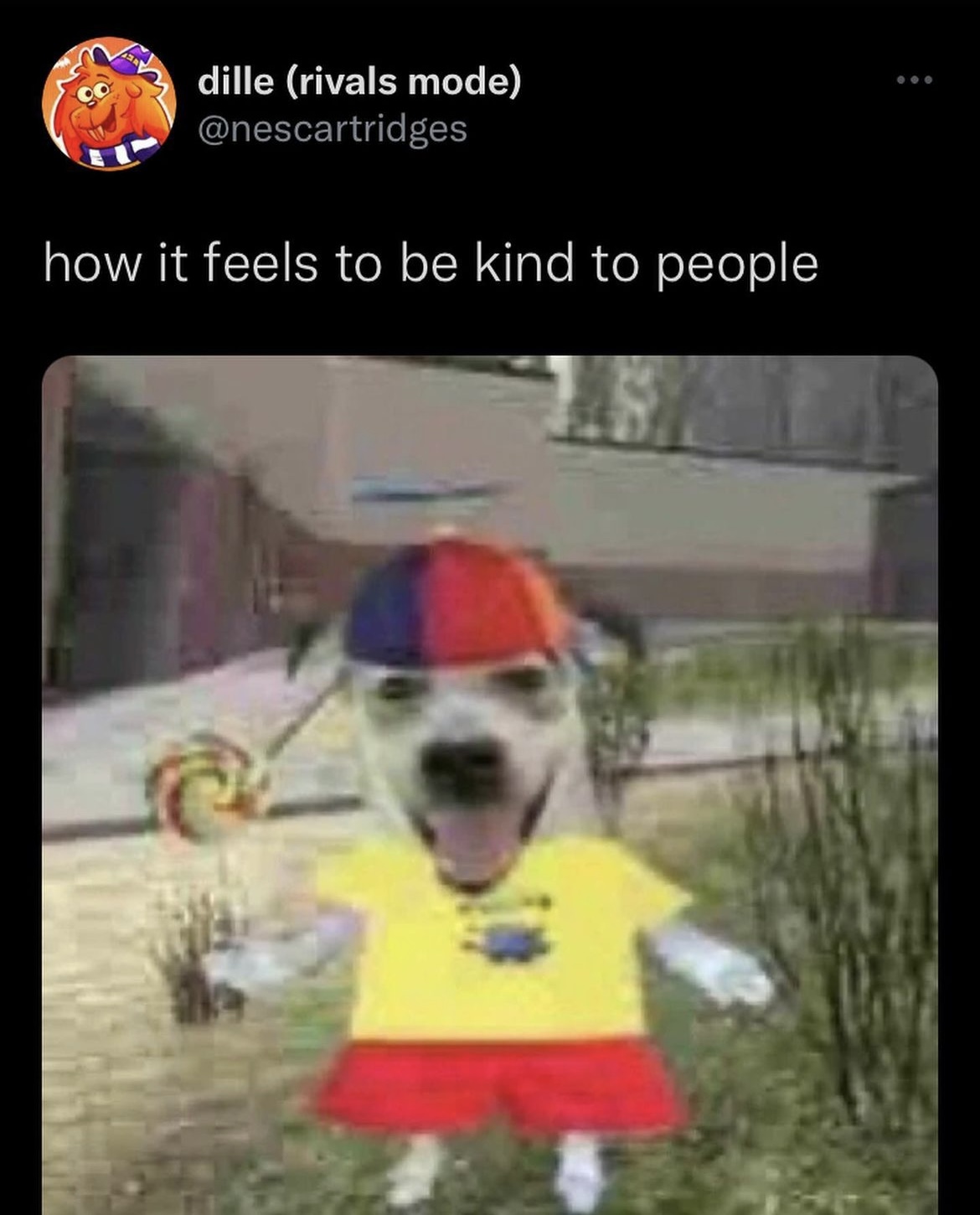
Familiarizing myself with dropbox was definitely tricky too but I’m glad I got around to getting used to the application! One of my favorite dropbox activities was sharing this silly little dog ૮ ˶ˆ ﻌ ˆ˶ ა

Filed Under: Fall 2024 - Spring 2025

November

November 18, 2024 By Kyra Lee

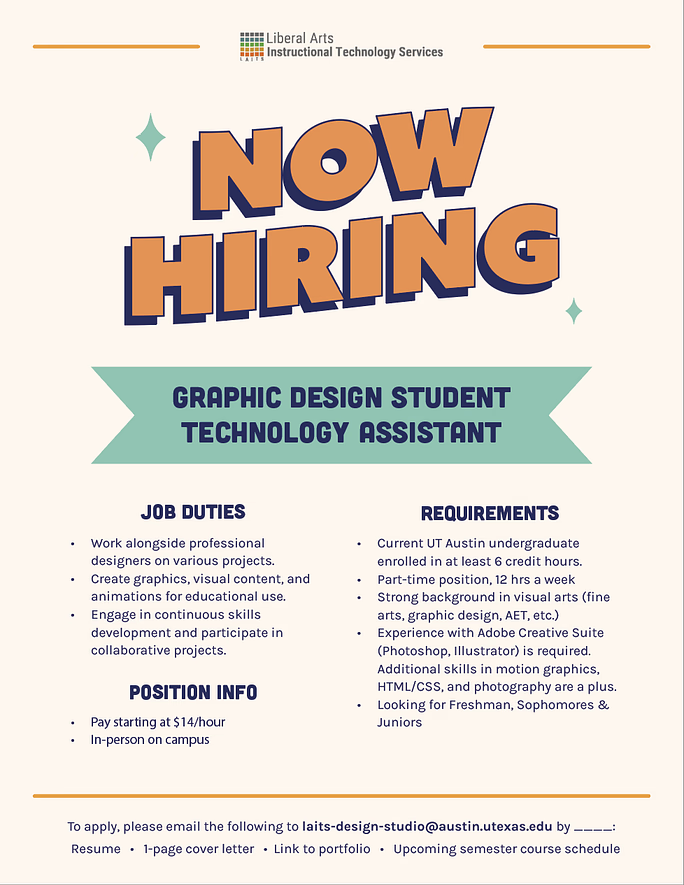
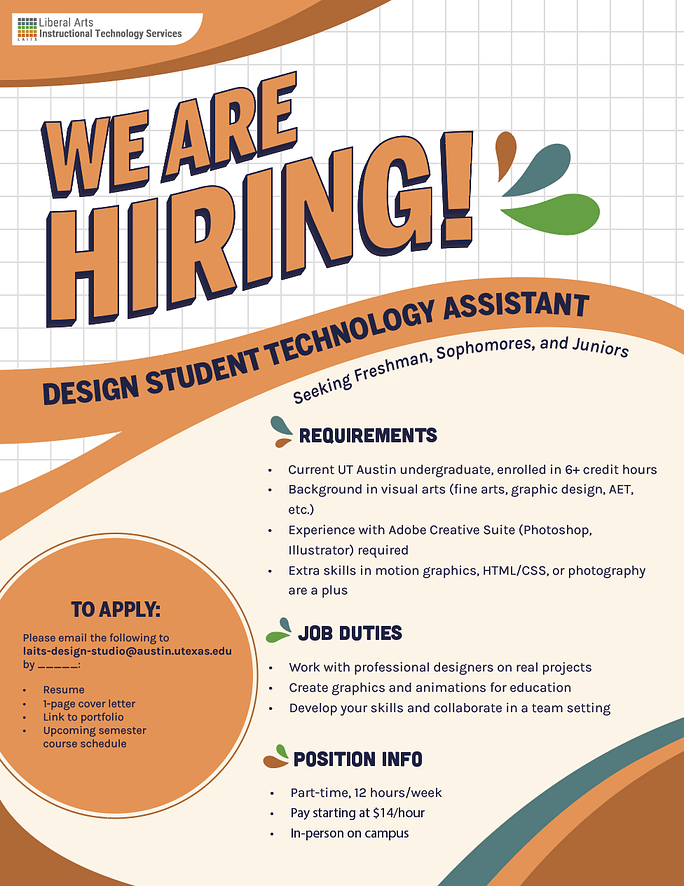
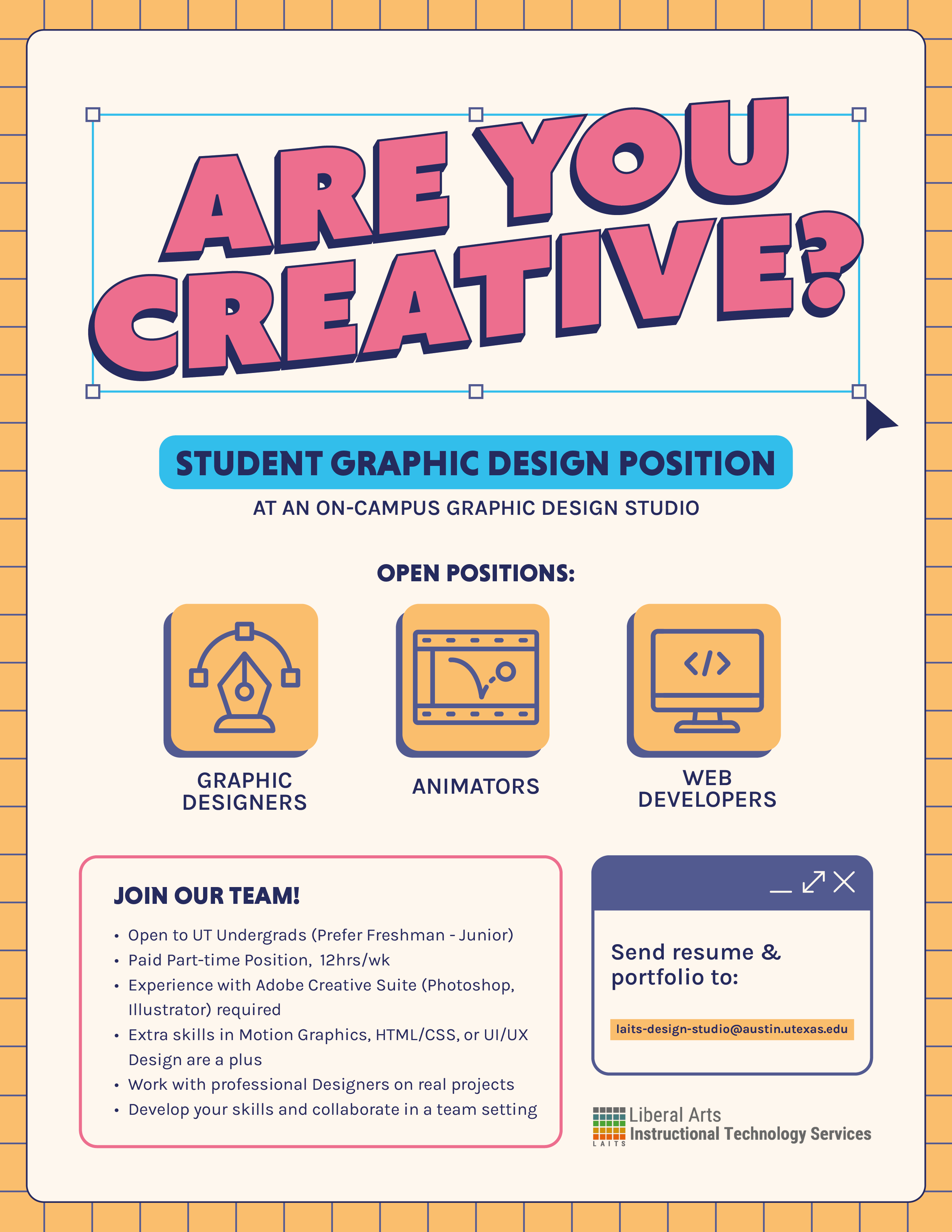
Design STA Hiring Flyer

Project Overview: Design a visually engaging flyer that promotes hiring for Graphic Design and Web Development Student Technology Assistants (STAs).

This project was a large learning curve for me. One of the bigger hurdles was balancing design with practicality (fitting all the required text onto the page). The first drafts either didn’t have a clear message (left) or were too text-heavy (right). Even after condensing the information and playing around with the colors and elements, nothing was really working.

As Leilani (the Art Director) and I discussed possible edits to the above drafts, I created a third option that is more visually engaging, but that ultimately ran into the same problems: did not look like a graphic design hiring flyer and was too busy.
At this point it was decided that the flyer should have more visuals. The text was condensed even further to include a new hook (“Are you creative?”), the job title, 3 open positions, a few bullet points about the job, and how to apply.

With this feedback, I modified the very first draft to lean more heavily into a graphic design/digital look.

My Final Thoughts: I’m not entirely happy with the final design. I think it’s a little static and the background is plain, BUT it does have more of a graphic design-vibe and a clearer hierarchy than the previous versions. Overall, I learned a lot about designing layouts and what to prioritize when creating a poster with a purpose. I think in the future I’ll spend more time in the thumbnail step so I have more stability when jumping into Illustrator.

Filed Under: Fall 2024 - Spring 2025, We are STAs

Course Graphics Training

November 13, 2024 By Kate Shih

Course Graphics Training

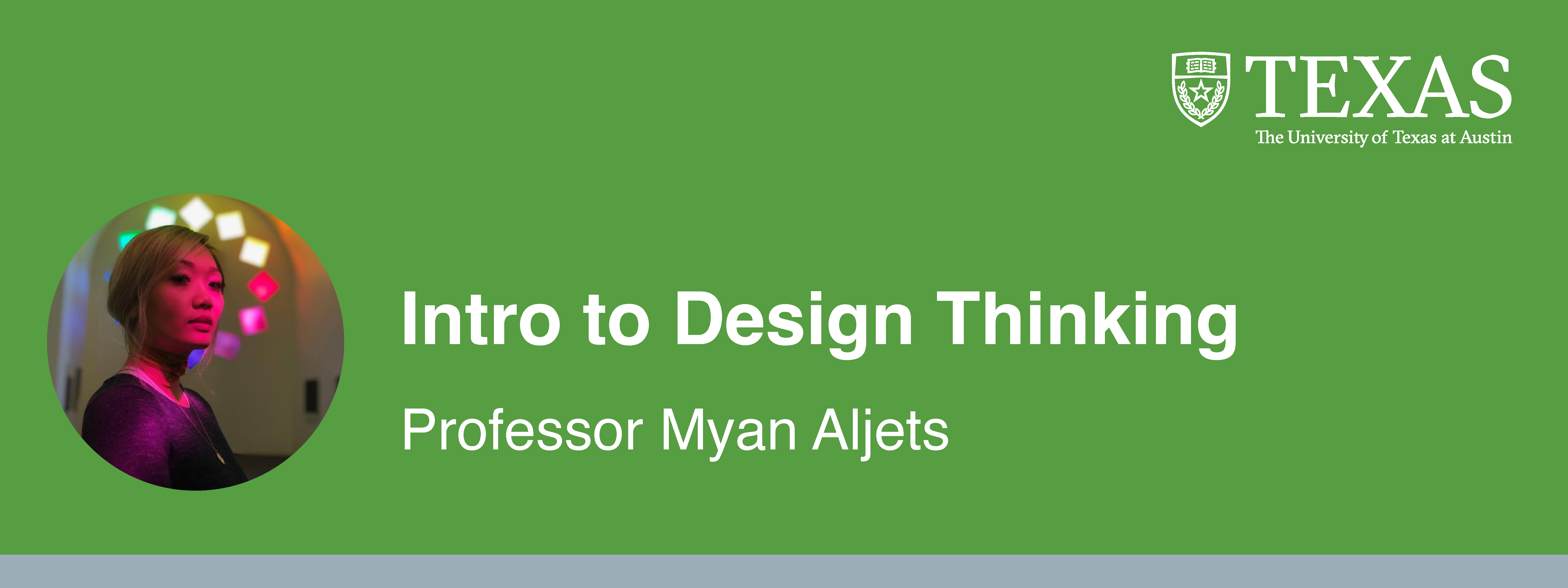
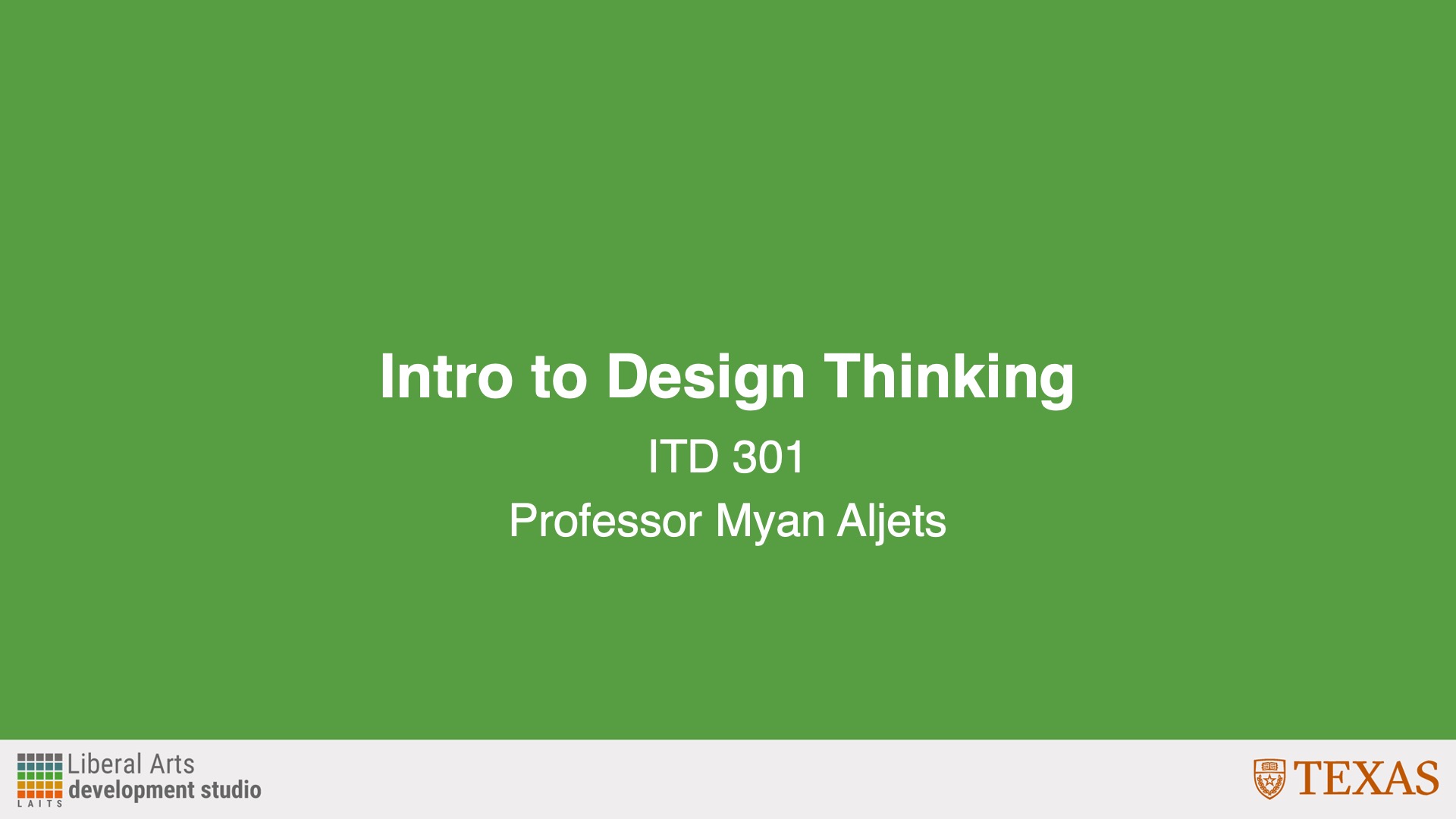
I began Course Graphics Training, starting with designing Style A/Style B graphics. For my course graphics, I chose to use the course “Intro to Design Thinking,” which was a class I took last semester.

For each style, I created:

Canvas dashboard/homepage graphics

Canvas buttons

Powerpoint resources

Stinger slides


Style A

First Drafts

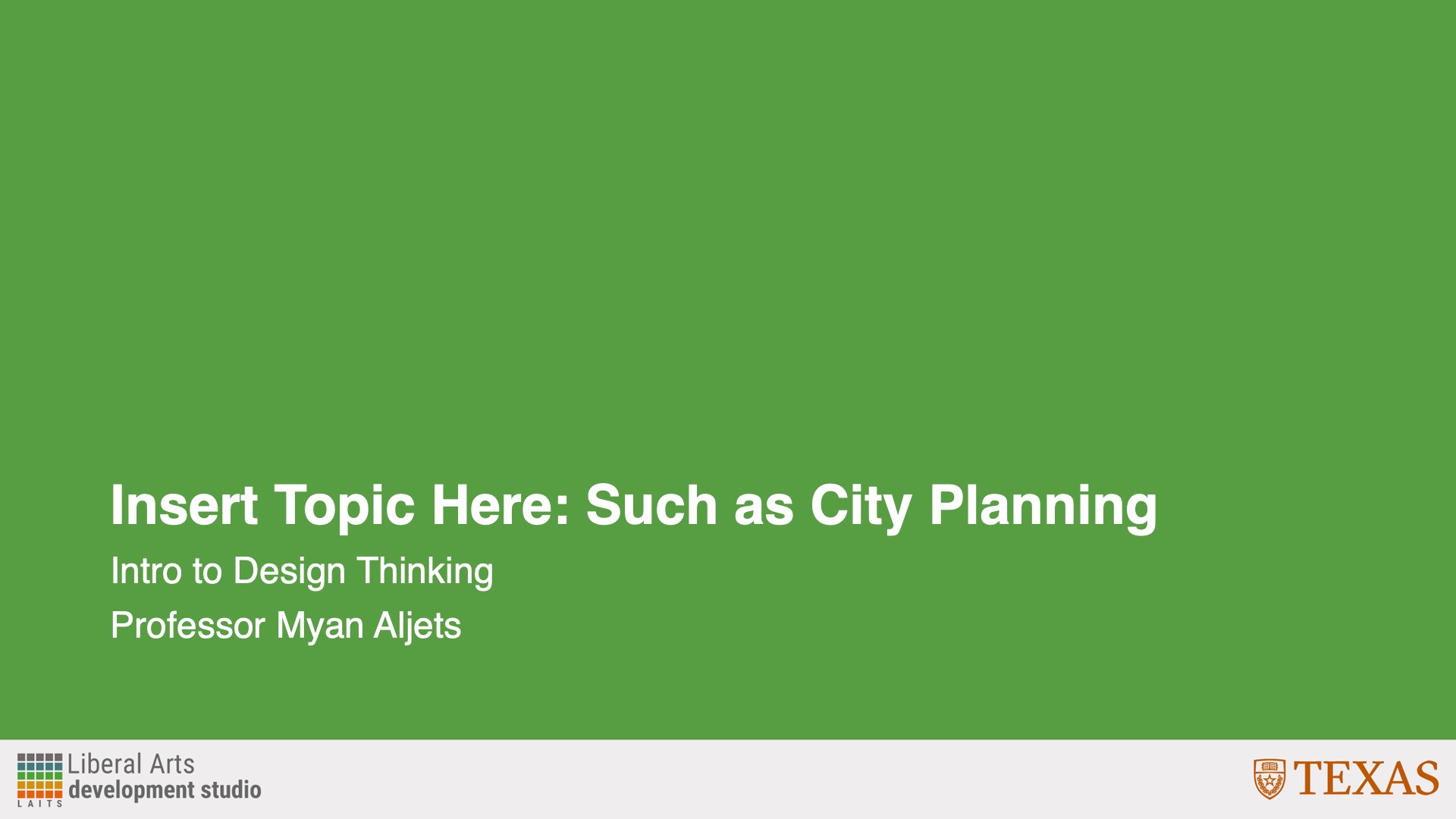
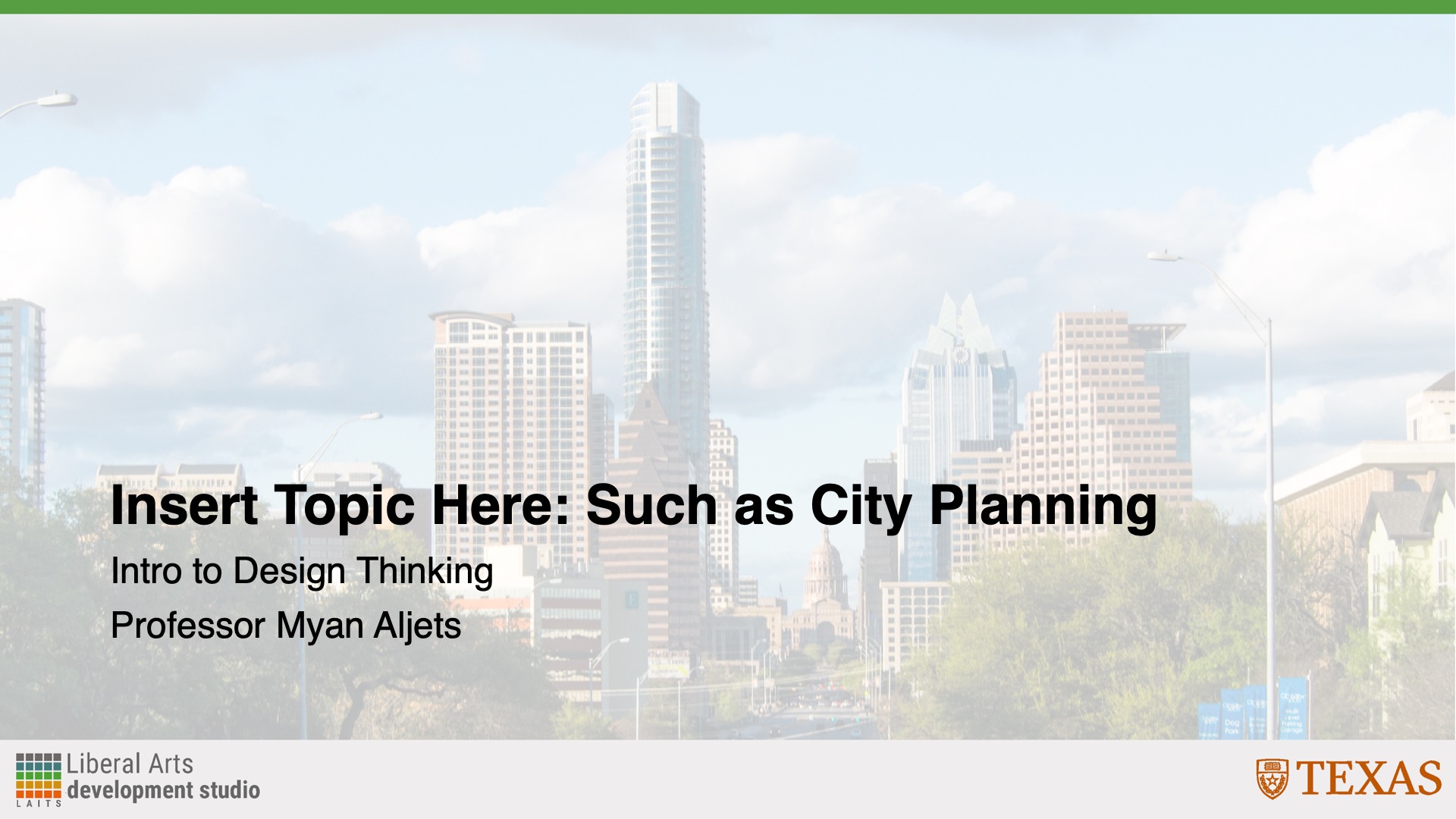
For my Style A graphics, I decided on the green background because I felt it complimented the picture of the professor well. I created these graphics with the templates provided to me in the dropbox.

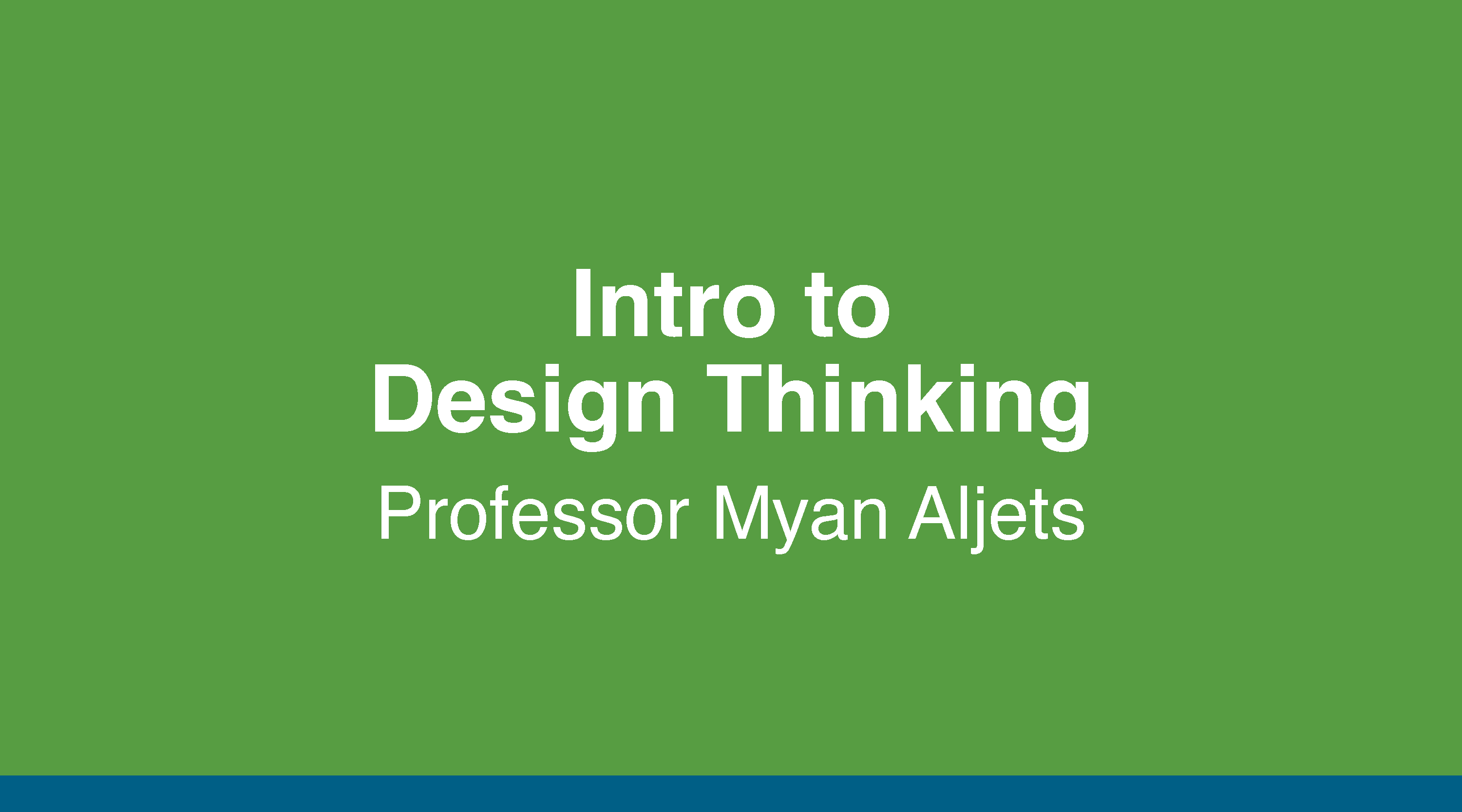
Canvas Graphics

Powerpoint Graphics/Templates

Canvas Buttons

After this, I received feedback to:

  • Change the bottom bottom bar of the Canvas graphics to an accent color that compliments the course and primary color

Incorporating Feedback

After receiving feedback, I decided to change the bottom bar to a darker blue to compliment the course and primary green.


Style B

First Drafts

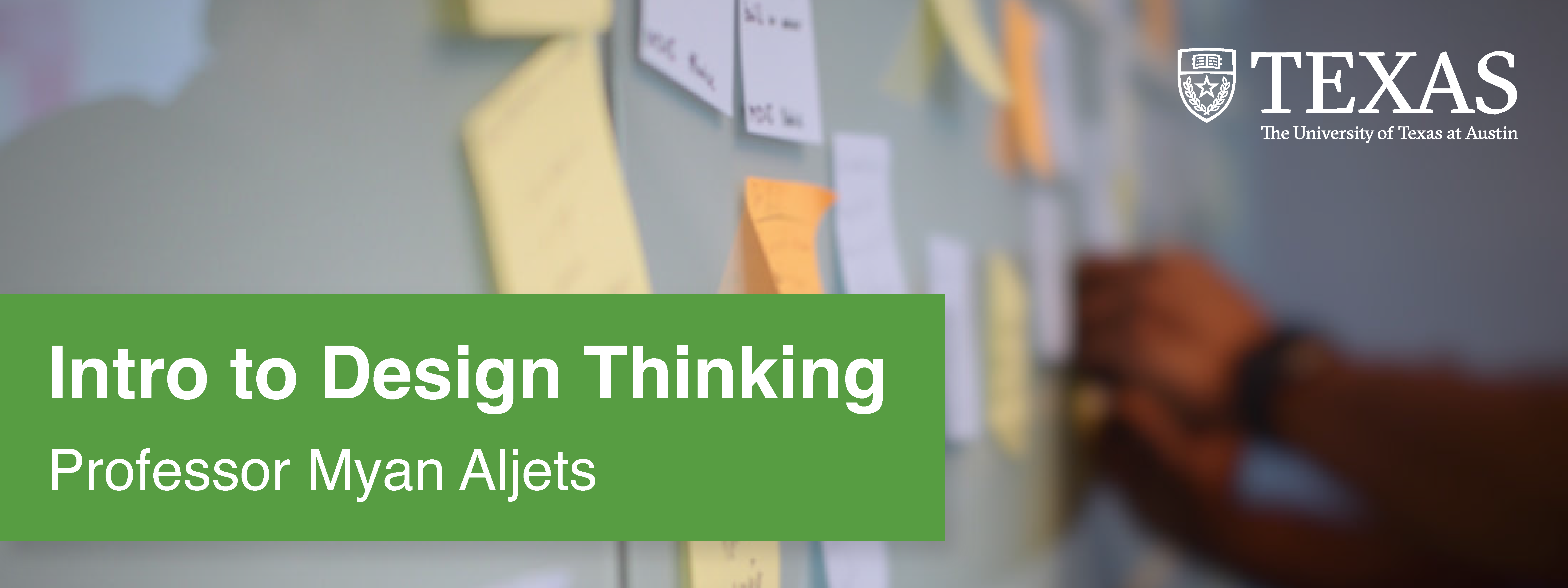
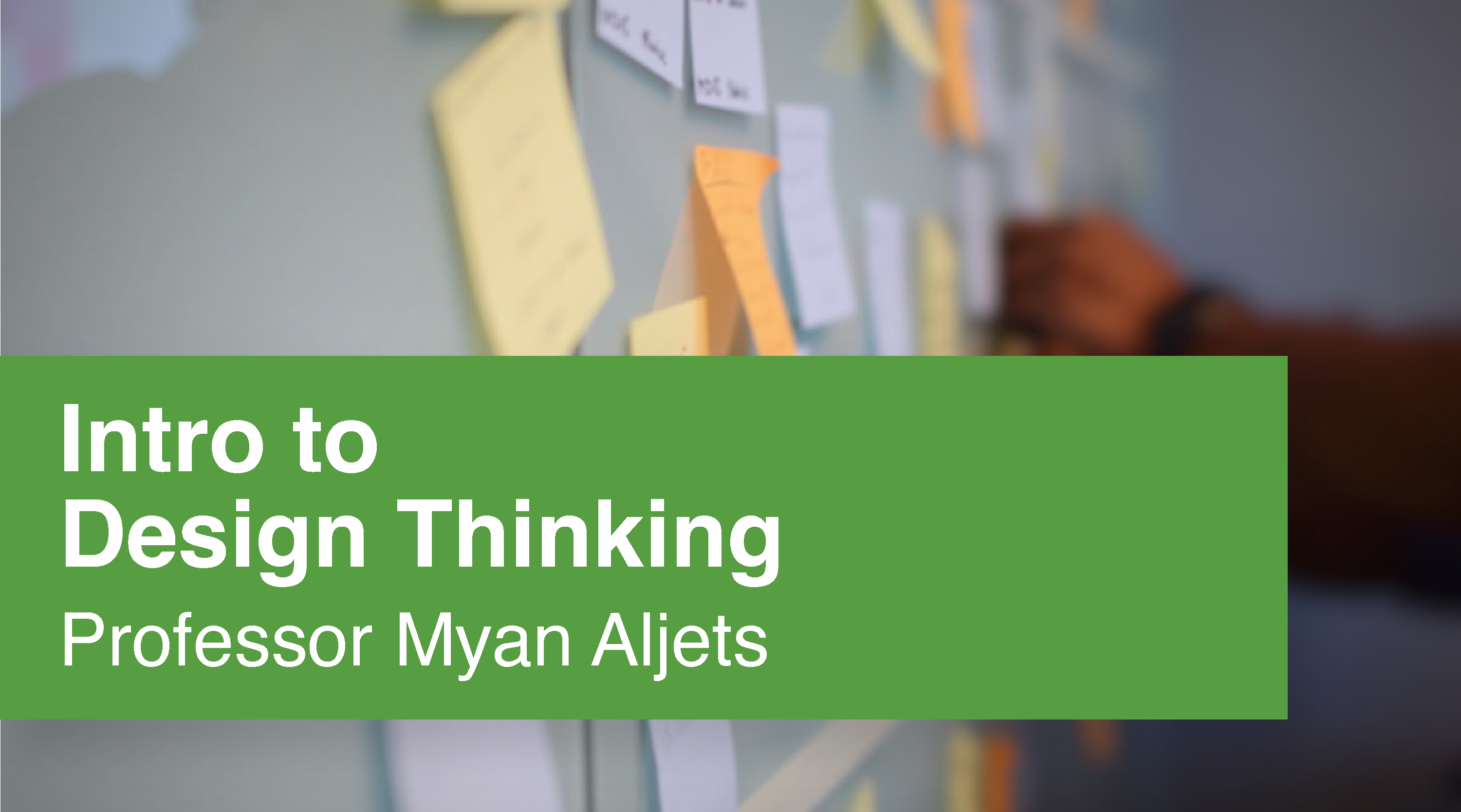
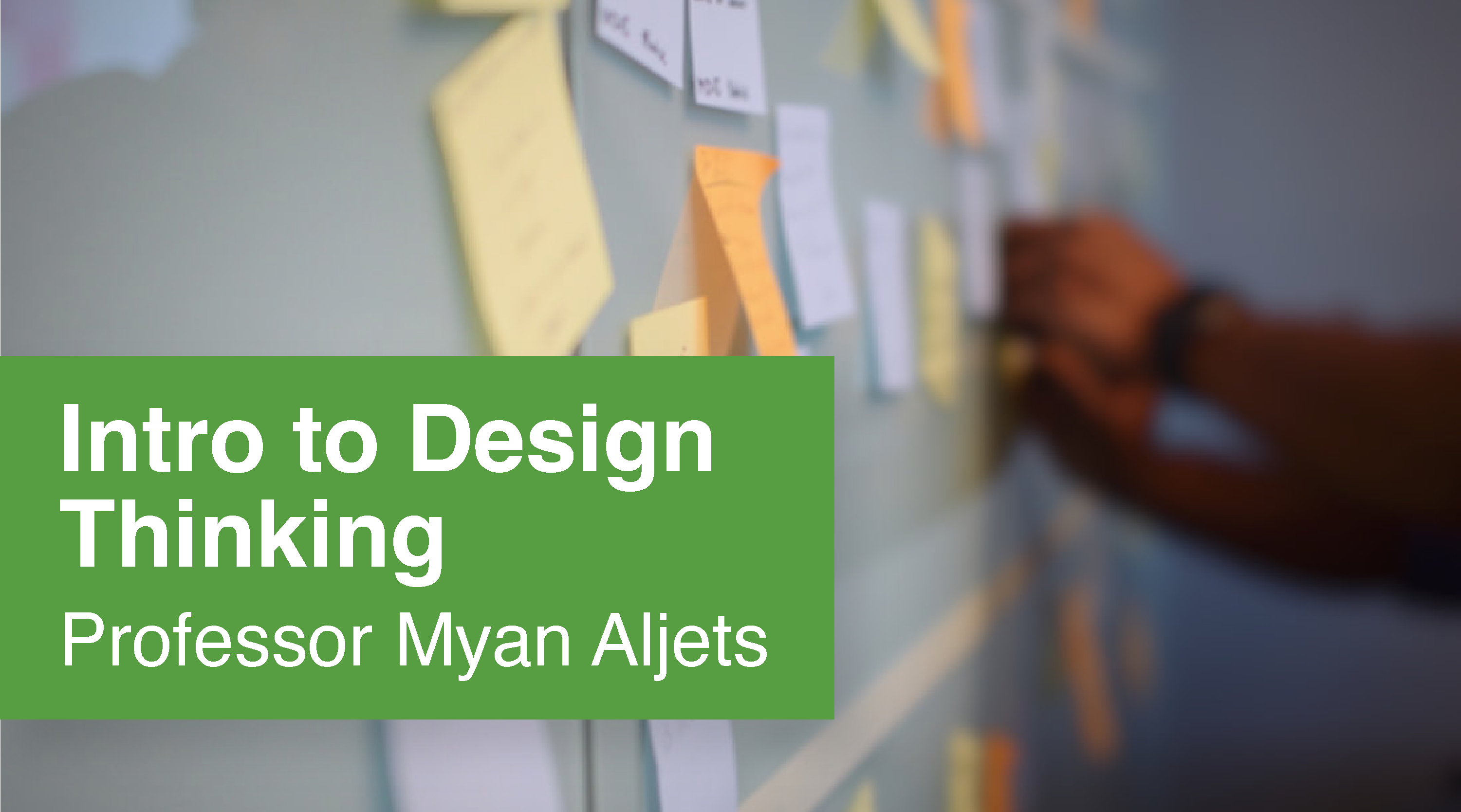
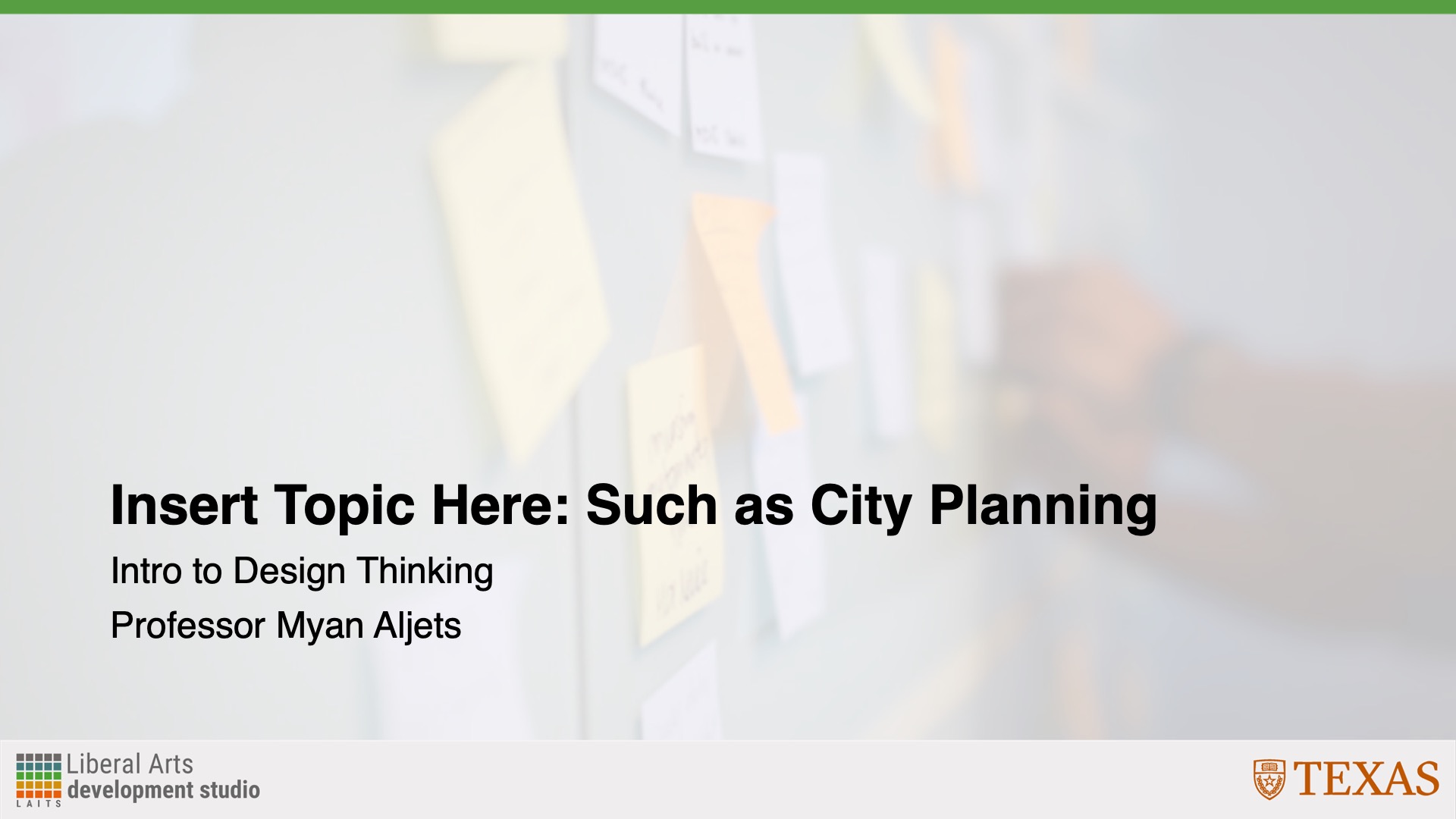
Here were my first drafts for Style B. I decided on having a photo with a wall of sticky notes as the background photo because when I took the class last semester, our whiteboards often looked like that when we brainstorming/ideating our ideas.

Canvas Graphics

Powerpoint Graphics/Templates

Canvas Buttons

After this, I received feedback to:

  • Put “Intro to Design” in the first line of the Canvas Homepage graphic and “Thinking” on the bottom. Also, to shrink the green background box to match the length of the text.
  • I forgot to change the background of one of my Powerpoint slide templates, so to add the sticky note wall to Slide 2.

Incorporating Feedback

After receiving feedback, I shrunk the background box and changed the text formatting on the Canvas Homepage graphic. I also added the correct background to my Powerpoint slide template.


Stinger Animations

I also made Stinger Animations for this training—which I had never done before—so I was very excited to use Adobe After Effects for the first time! It wasn’t too challenging to use, and I look forward to using it more in the future.


Final Menus + Final Thoughts

Here are the final menus for my two sets of course graphics:

Style A

Style B

Overall, this training taught me how how to navigate the LAITS server and how to use the course graphics templates. It taught me how to pick appropriate colors for the graphics I’m creating and was my introduction to Adobe After Effects!

Filed Under: Fall 2024 - Spring 2025, Uncategorized, We are STAs

Orientation ✧.*

November 11, 2024 By Nicholas Peasely

° Hellooo, I’m Nicholas Peasley : ̗̀➛ a new Design STA. I’m currently a 2nd year Advertising major from Fort Worth, TX. I’m very interested in UX and hope to be a product designer in the future ✧˖°

Some of my interests include ⇢

✧ taekwondo

✧ cooking

✧ point and shoot photography ˚⋆。˚


° Today was my first day in the design studio! It was really cool seeing all the different tools and applications the STAs use on a regular basis. I’m very excited to start this new part of my design journeyᵎᵎ I’m hoping to learn a lot, and hopefully make a few friends along the way! ₊˚⊹♡

– Nicholas Peasley ฅ^._.^ฅ

Filed Under: Fall 2024 - Spring 2025, We are STAs

October

November 11, 2024 By Kyra Lee

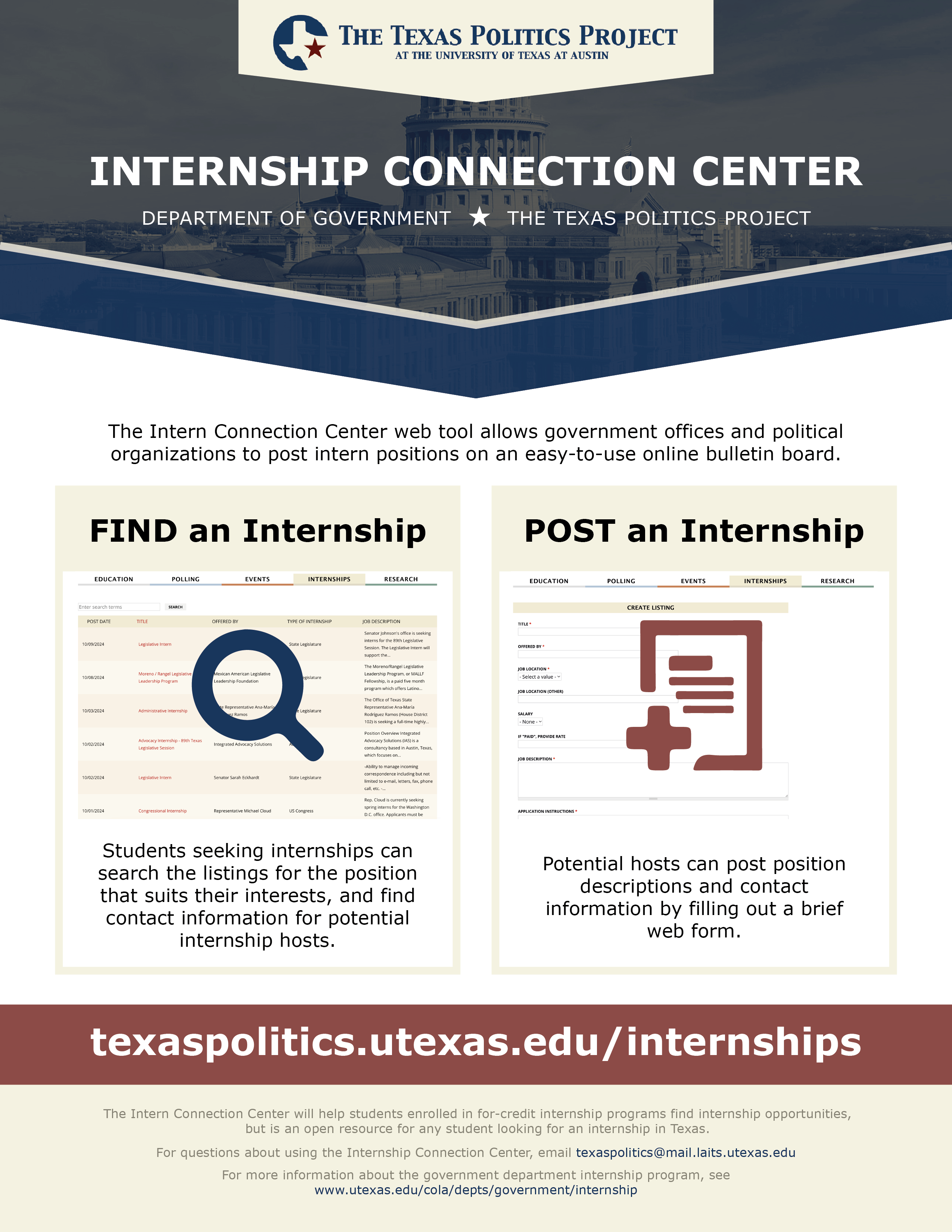
Texas Politics Project – Internship Flyer and Digital Display Ads

Project Overview: Re-design/update the 2016 TxP Internship flyer to reflect the updated Texas Politics Project Website.

2016 Flyer / Draft 1 / Revision from client feedback / Revision from art director feedback:

Client Feedback on Draft 1: Preference for the banner look to the chevron look. Incorporate more clean lines to reflect the re-designed website. Replace header text.

Art Director Feedback: Change the fill of the icons and add a drop shadow to make them stand out.

Notes: This project has been a good exercise in layout design and incorporating feedback. I like the changes made from “Draft 1” to “Revision from art director feedback”. I think for the first draft I stuck too closely to the original flyer. The latest draft feels a bit more modern.

Final Product

Filed Under: Fall 2024 - Spring 2025, We are STAs

  • « Previous Page
  • 1
  • …
  • 7
  • 8
  • 9
  • 10
  • 11
  • Next Page »

link to LAITS home page

Video STA Home

© 2025 Liberal Arts Instructional Technology Services | Production Credits