• We are STAs
    • Asha Rountree
    • Haley Ma
    • Kate Shih
    • Kyra Lee
    • Nicholas Peasley
    • Sasha Kenney
    • Shanda Horm
    • Shriya Atreya
    • Tomas Marulanda-Mesa
  • We were STAs
  • STA Presentation
    • STA Presentation 2017
    • STA Presentation 2016
  • Testimonials
  • Resources
  • Home

STA Blog

December Updates

January 16, 2025 By Shanda Horm

DECEMBER 2024

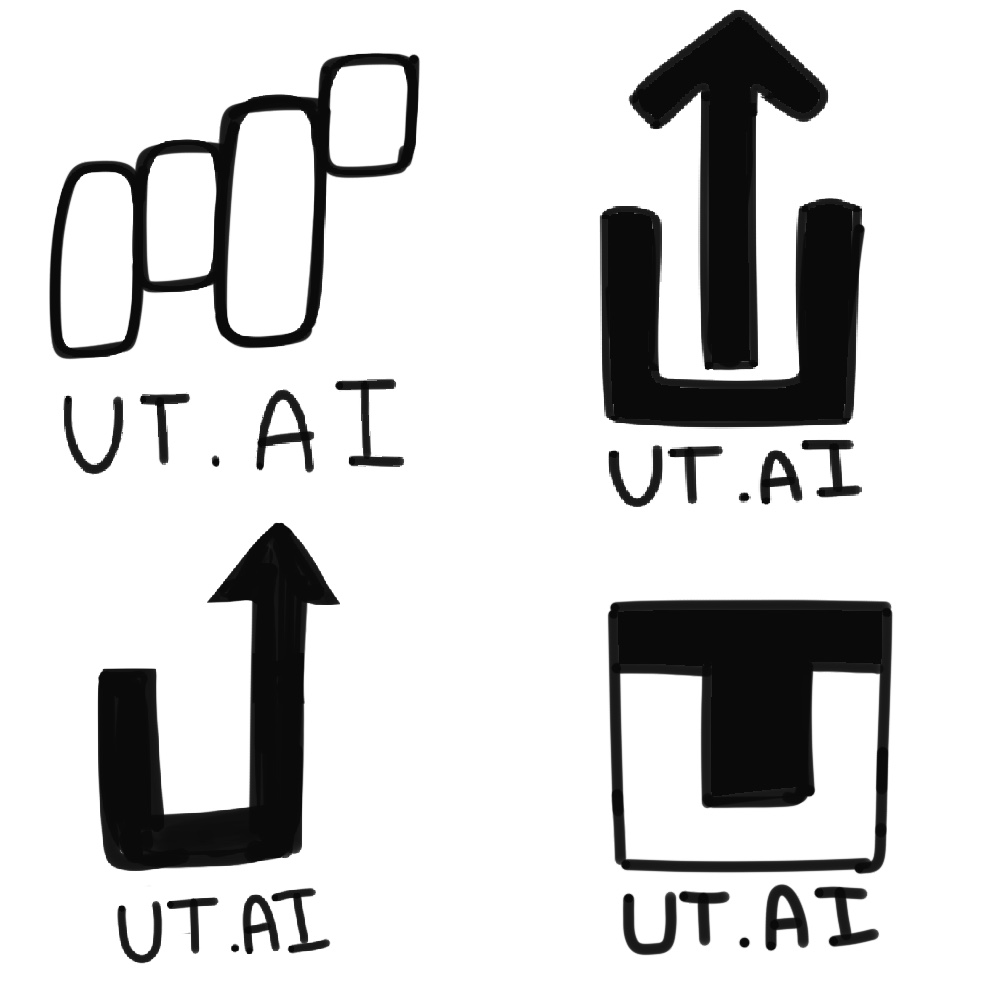
At the beginning of December, I was tasked with creating a logo for UT.AI marketing. I was a little surprised when I was assigned this since I never made a logo before and only recently began training for it in my downtime. However, with the consistent feedback from De’sha and Leilani, I know what to expect in the future if I’m assigned a logo design again!

Regarding the actual creation of the logo, it took many back and forths to find the direction for the logo. Here are my sketches:
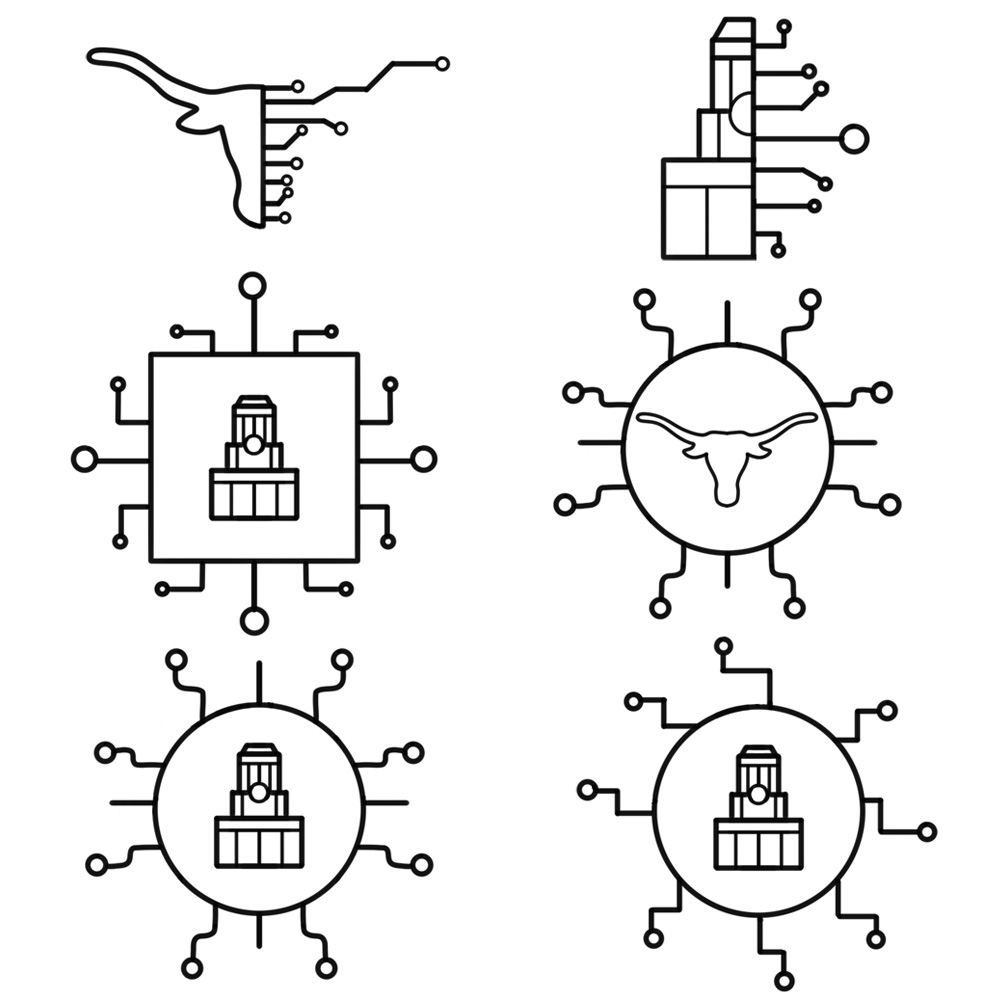
The direction of these two sketches was going in the right place and I got approval to iterate them further:

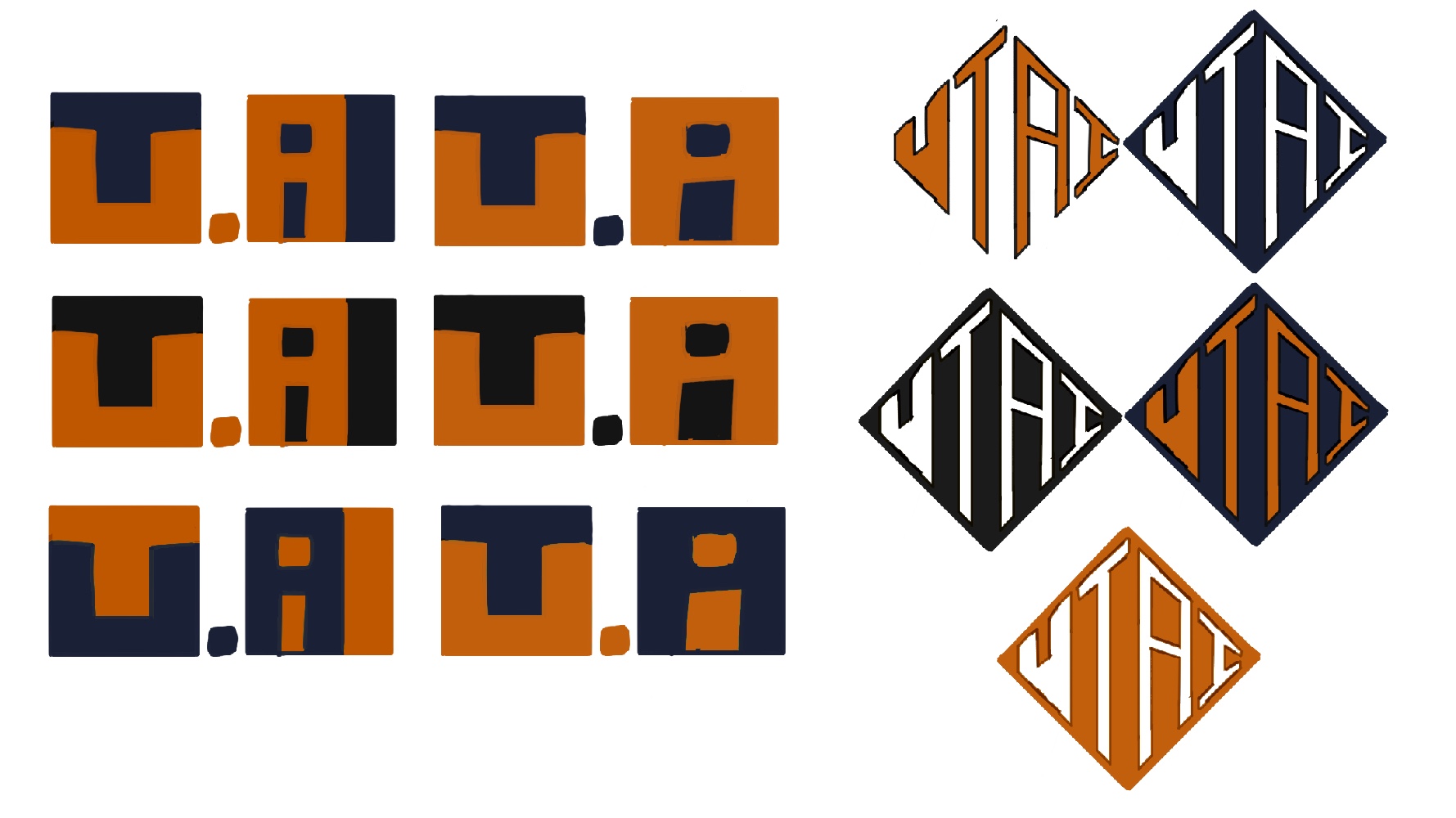
Color Iterations:
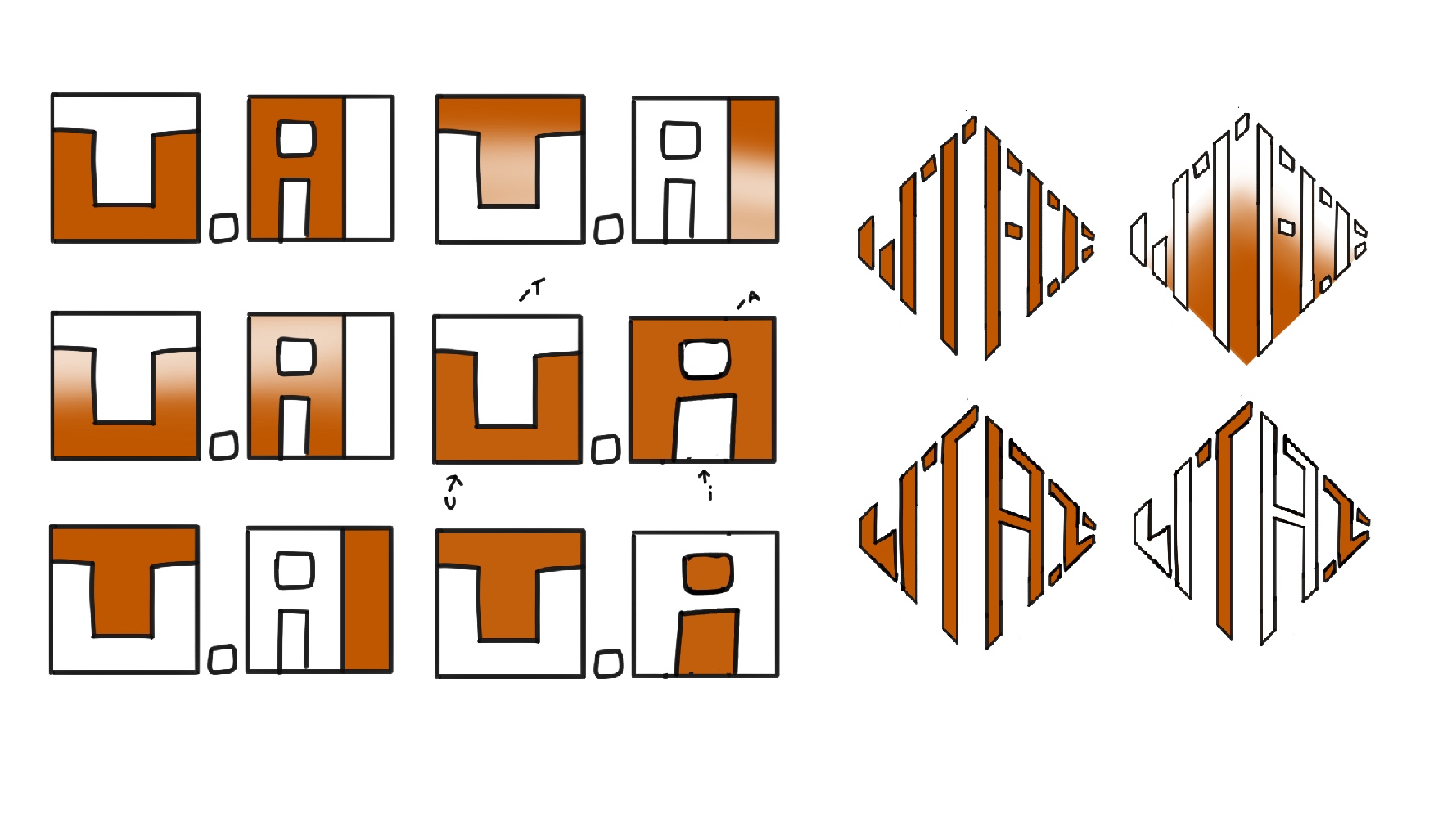
Vectorized:

The second logo was favored the most. I was asked to do one last adjustment before it was sent to Mike:


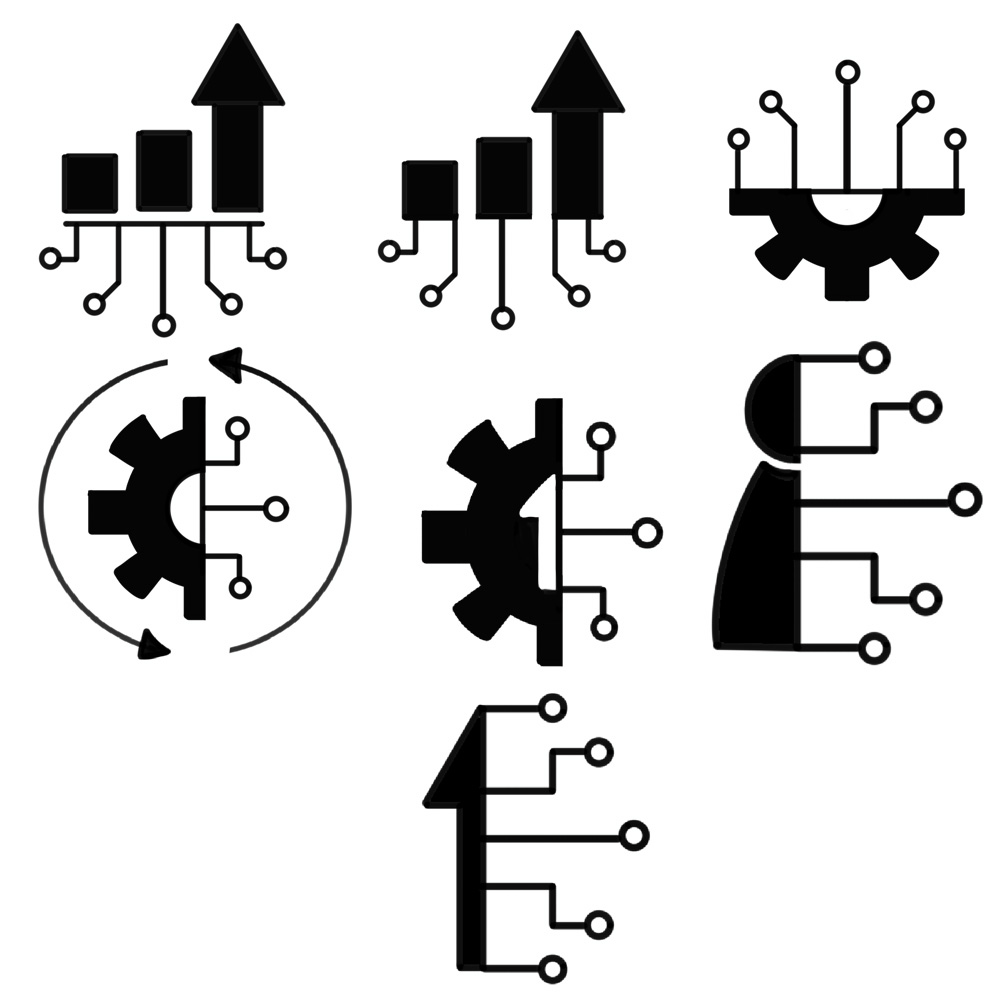
Before going on winter break, I was assigned to work on some illustrations and icons for the IPE project! These icons and illustrations would be used in animations created by Lila.

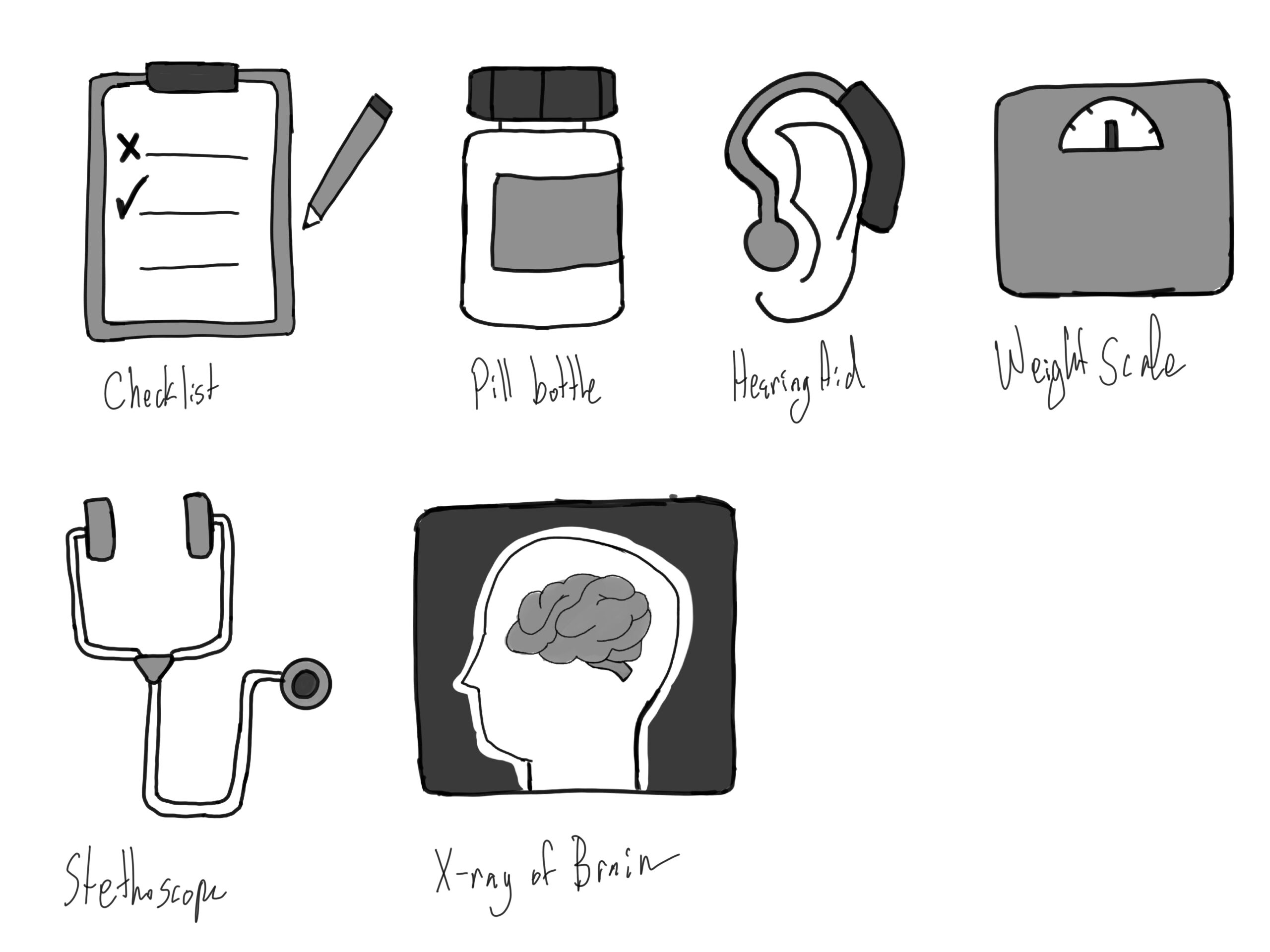
I was on a bit of a time crunch since I only had 6 days of work before I was out for winter break. I began with making sketches for the icons. Here are the sketches I was able to do:
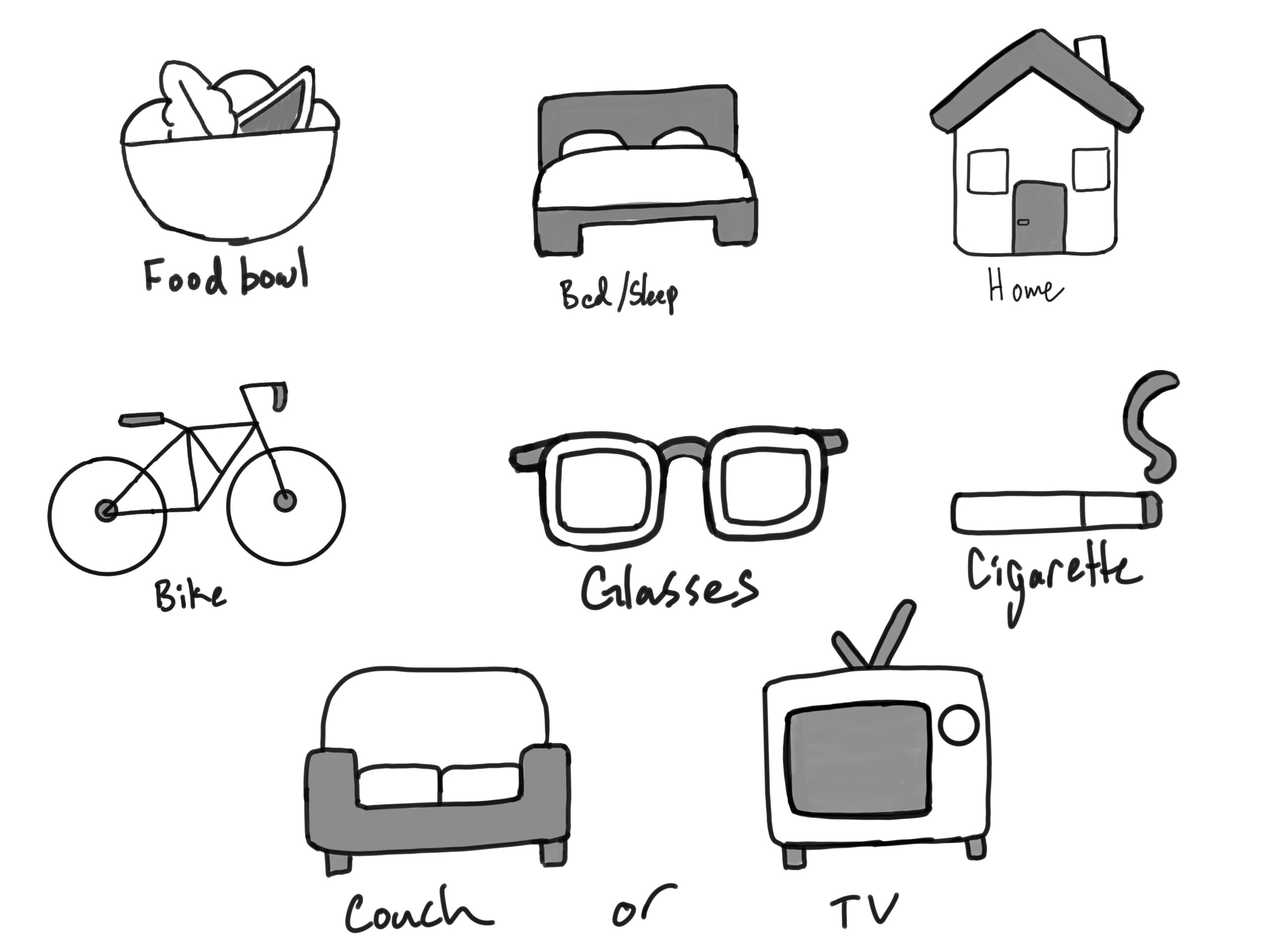
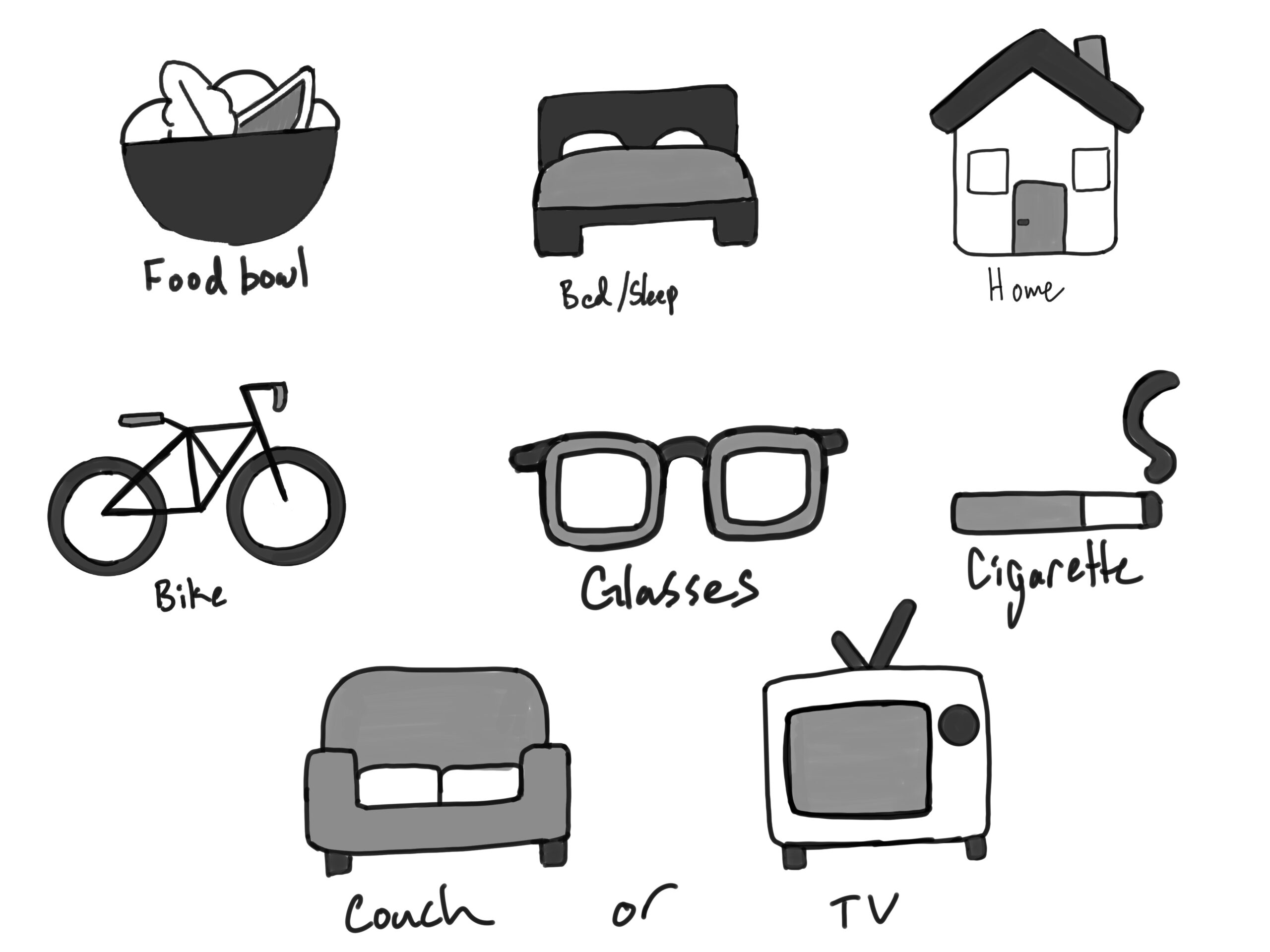
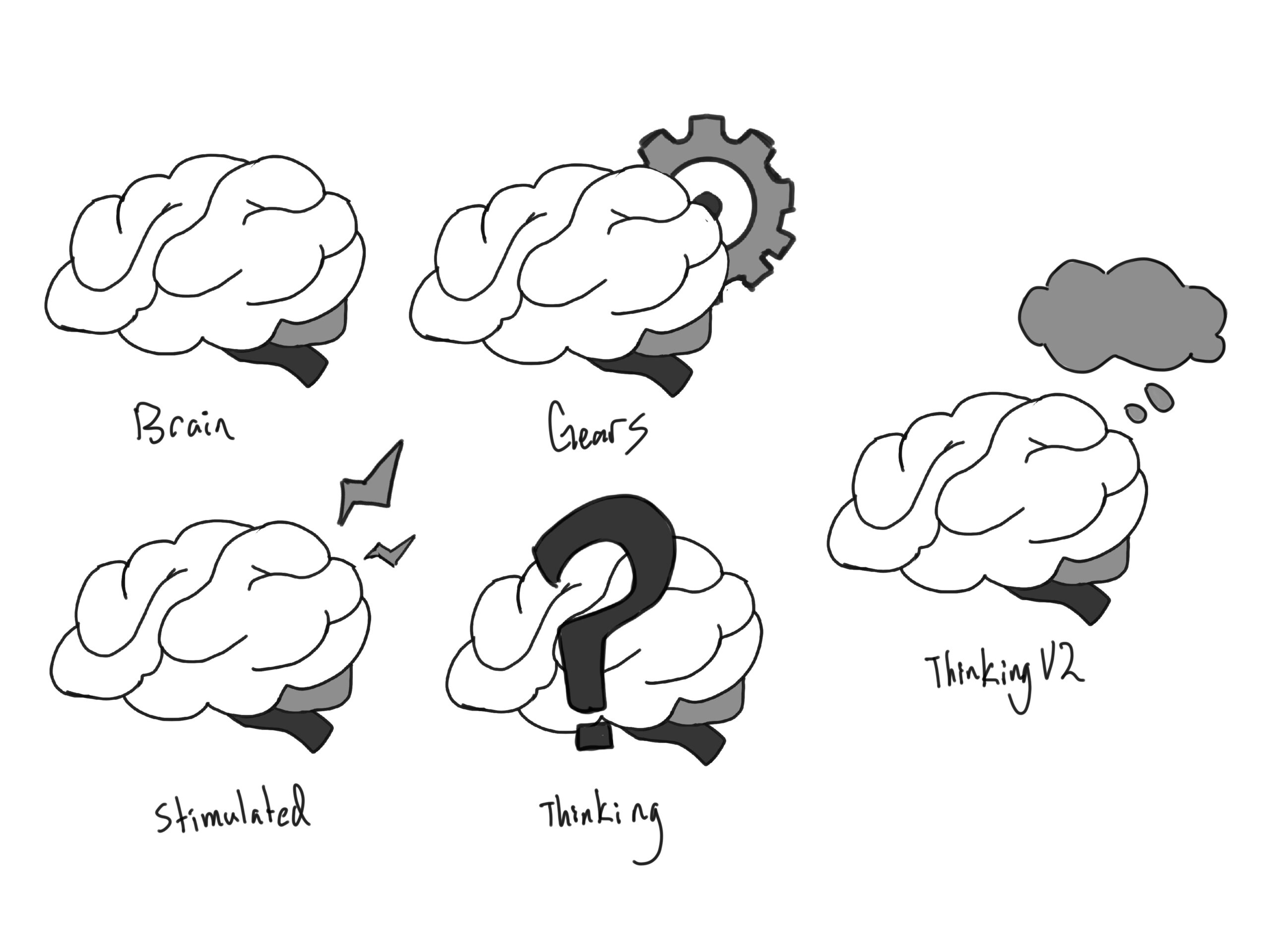
After creating these sketches, I was to focus on creating characters, environments, and scenes for Lila to animate.


Here is the final character lineup:

These are the final environments I made:

The last thing I did was get started on a couple of scenes that would be animated. These are the ones I managed to complete before my last shift ended for the semester:


When I went on break, De’sha finished up my end! I was happy to be assigned this project because it allowed me to see how I’ve grown in Illustrator. Overall, I look forward to getting projects like this one again in the future, but hopefully we won’t be on as much of a time crunch as this one!

Filed Under: Fall 2024 - Spring 2025, We are STAs

December

December 6, 2024 By Marissa Devivar

PSY339: Behavior Problems of Children

Project: Course Graphics
Client /Prof: Dr. Sara Villanueva
Description/Plans: Updating/creating new course graphics and imagery for PSY339 Spring 2025

Pre-roll Animation

PPT Content Slides

TA Monitor

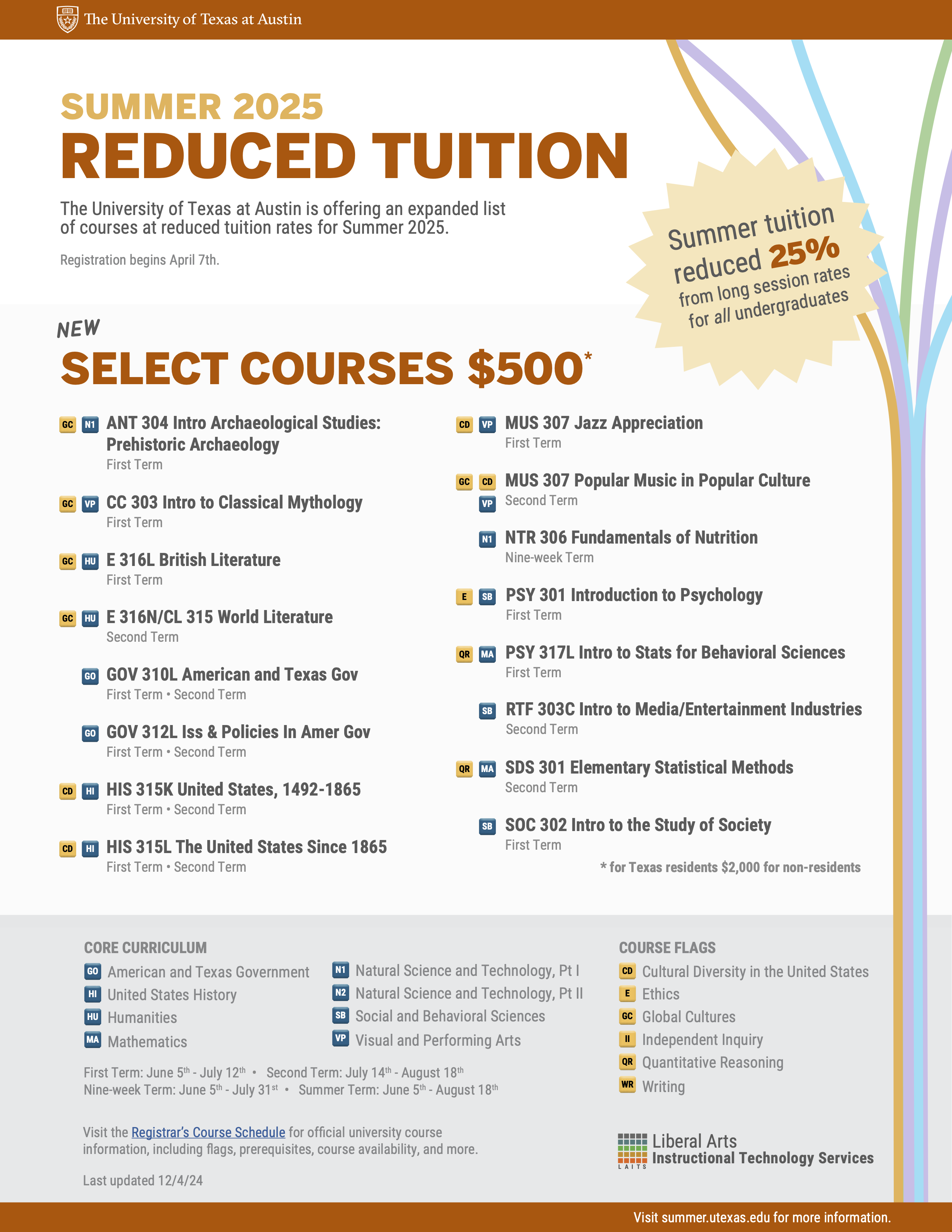
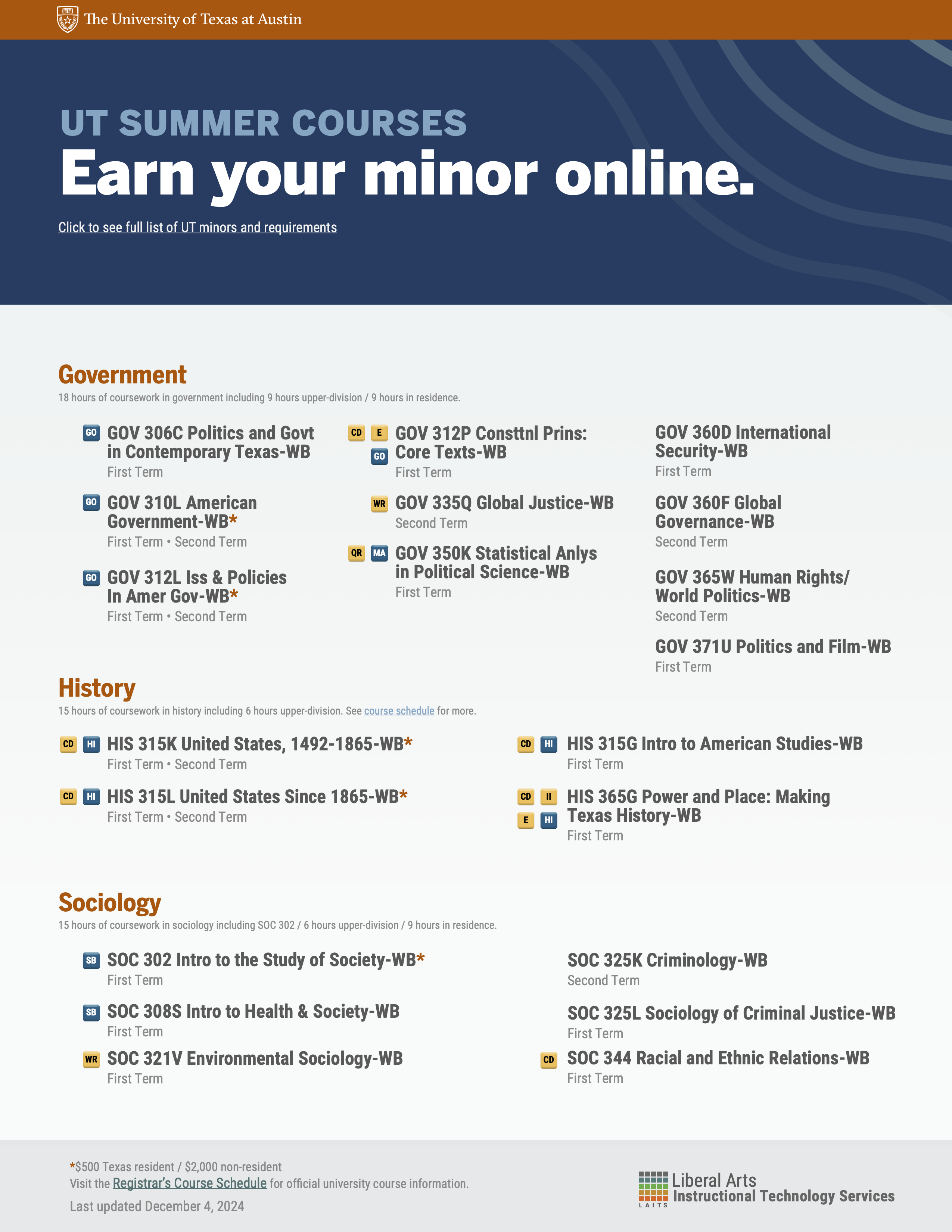
Summer Marketing

Tuition Guide

Added estimated semesters offered

Minors Guide

Updated classes and spacing

Filed Under: Fall 2024 - Spring 2025, We are STAs

PSY 339 Course Graphics

December 5, 2024 By Kate Shih

PSY 339 Course Graphics

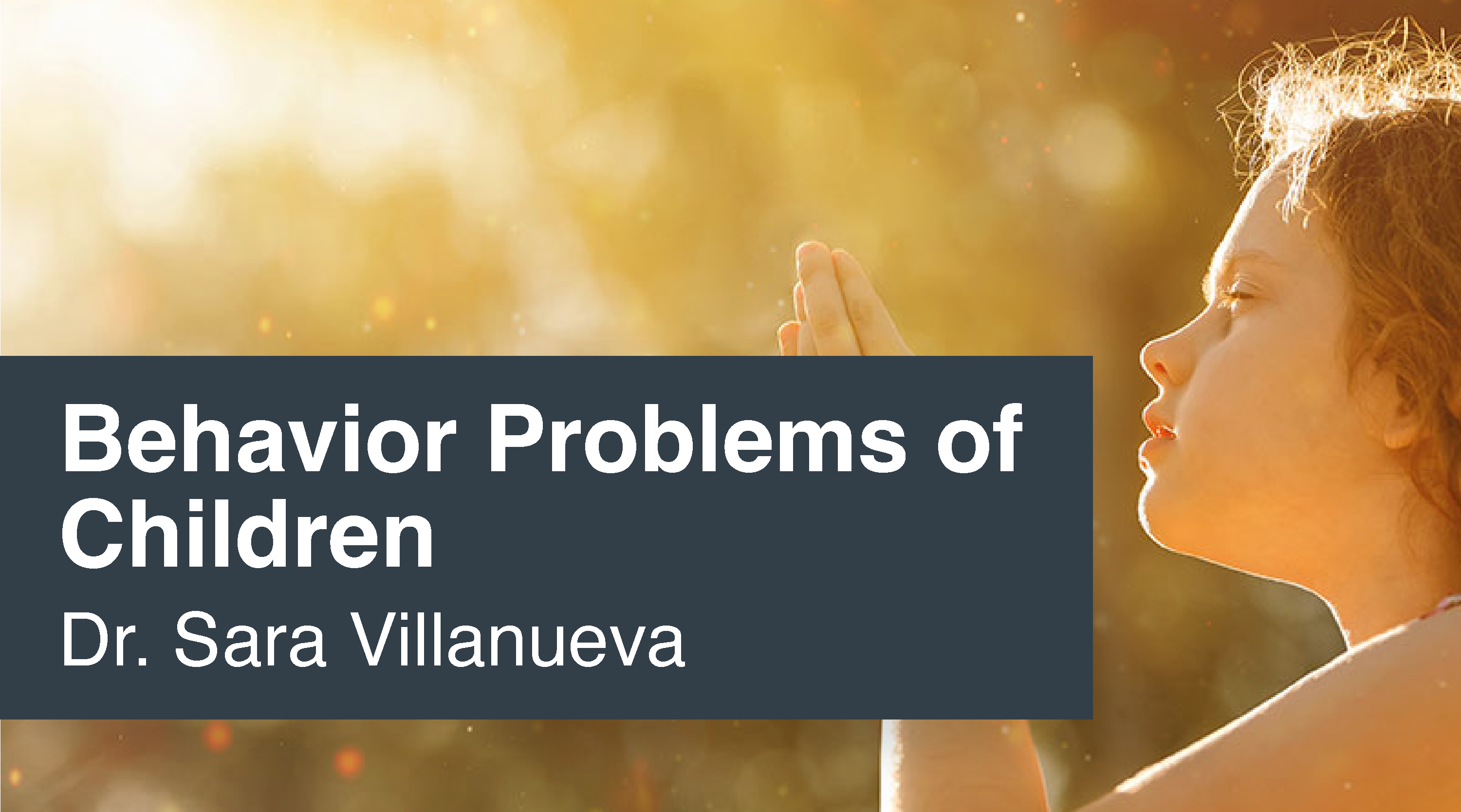
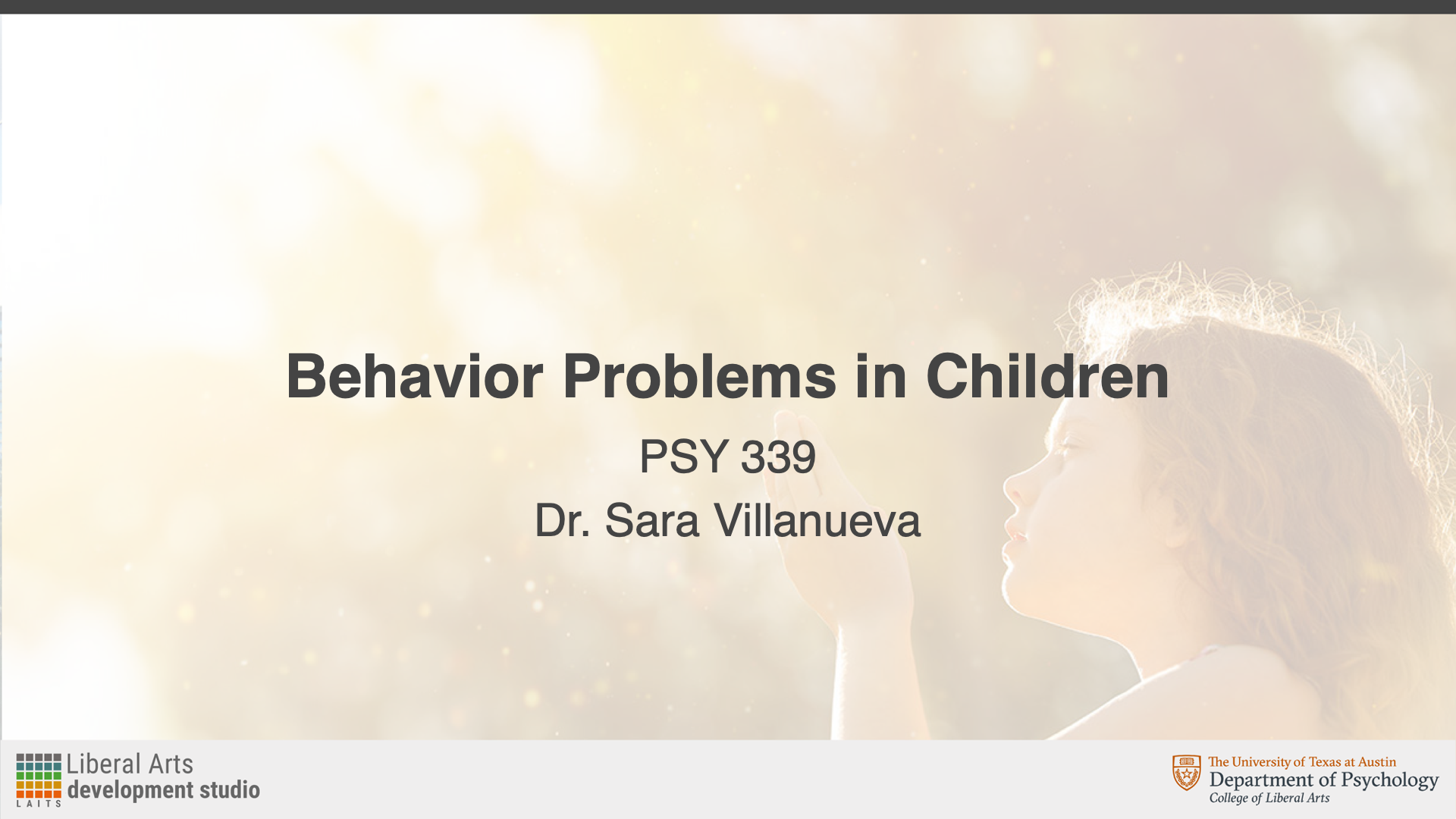
My first assignment was to work on making course graphics for PSY 339: Behavior Problems of Children. The professor wanted Style B graphics and had already chosen an image to be used.

For this assignment, I created:

Canvas dashboard/homepage graphics

Canvas buttons

Powerpoint resources

Animated stingers

An end card


Canvas Assets

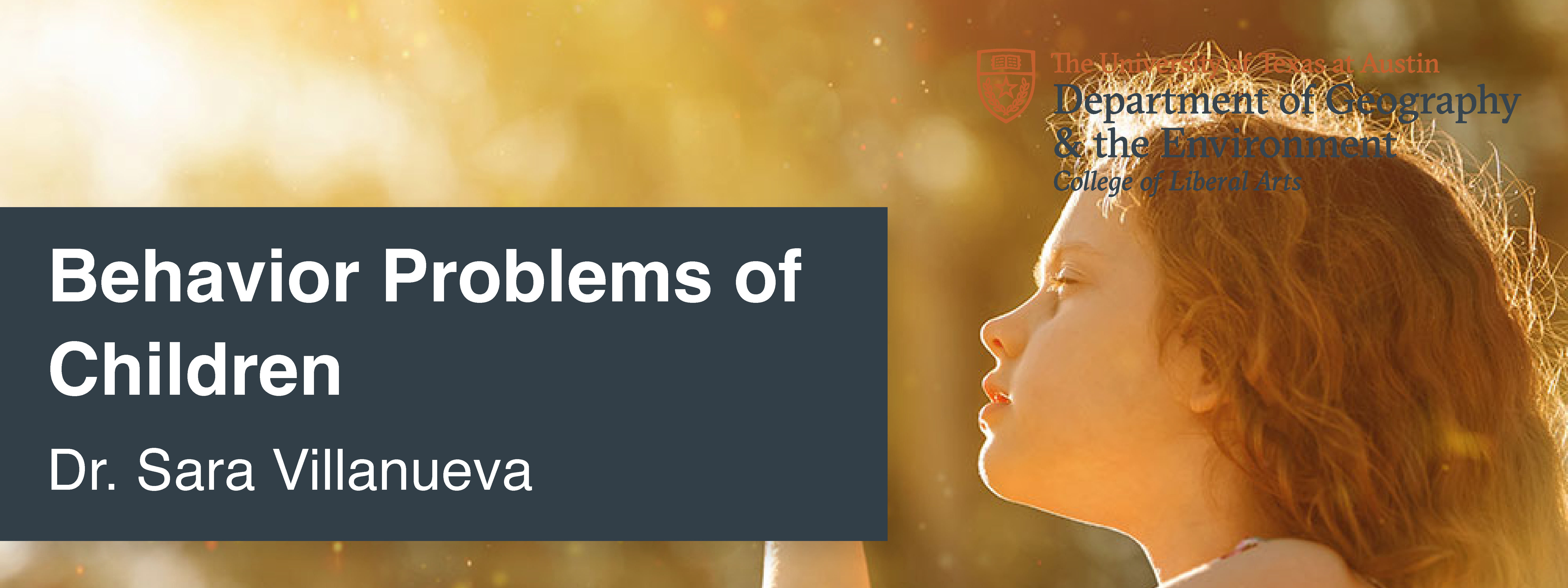
These were my initial designs for the Canvas assets. I had some trouble positioning the girl so that she wasn’t covered up by anything, and couldn’t find the department logo initially.

After this, I received feedback to:

  • Use the department branding
  • Use a color overlay on the logo
  • Change the color bar to more of a gray color instead of a slightly blue color
  • Put “of” on the second row with “children”
  • Push the picture of the girl up a little

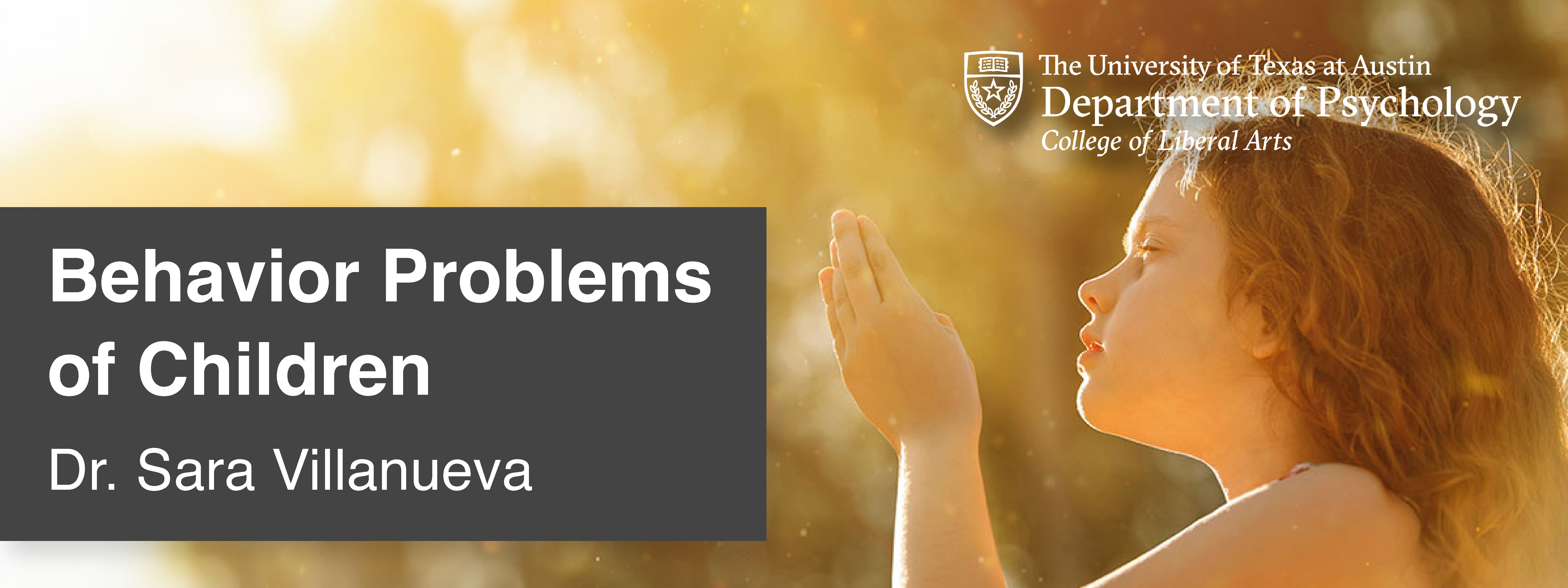
Incorporating Feedback

After receiving feedback, I changed the logo, color bar, text, and played with the photo. I tried to make sure that the girl was more visible and more fully in the frame.


Canvas Buttons

After this, I created my Canvas buttons. I wasn’t sure what color to make the bottom bar, so I just made them a different gray because it didn’t clash with the main gray.

After this, I received feedback to:

  • Make the main color a gold/yellow so it matches the image
  • Make the bottom bar the gray color

Incorporating Feedback

I used the eyedropper tool to pick a gold/yellow color from the photo, and my buttons ended up looking like this:


Powerpoint Assets

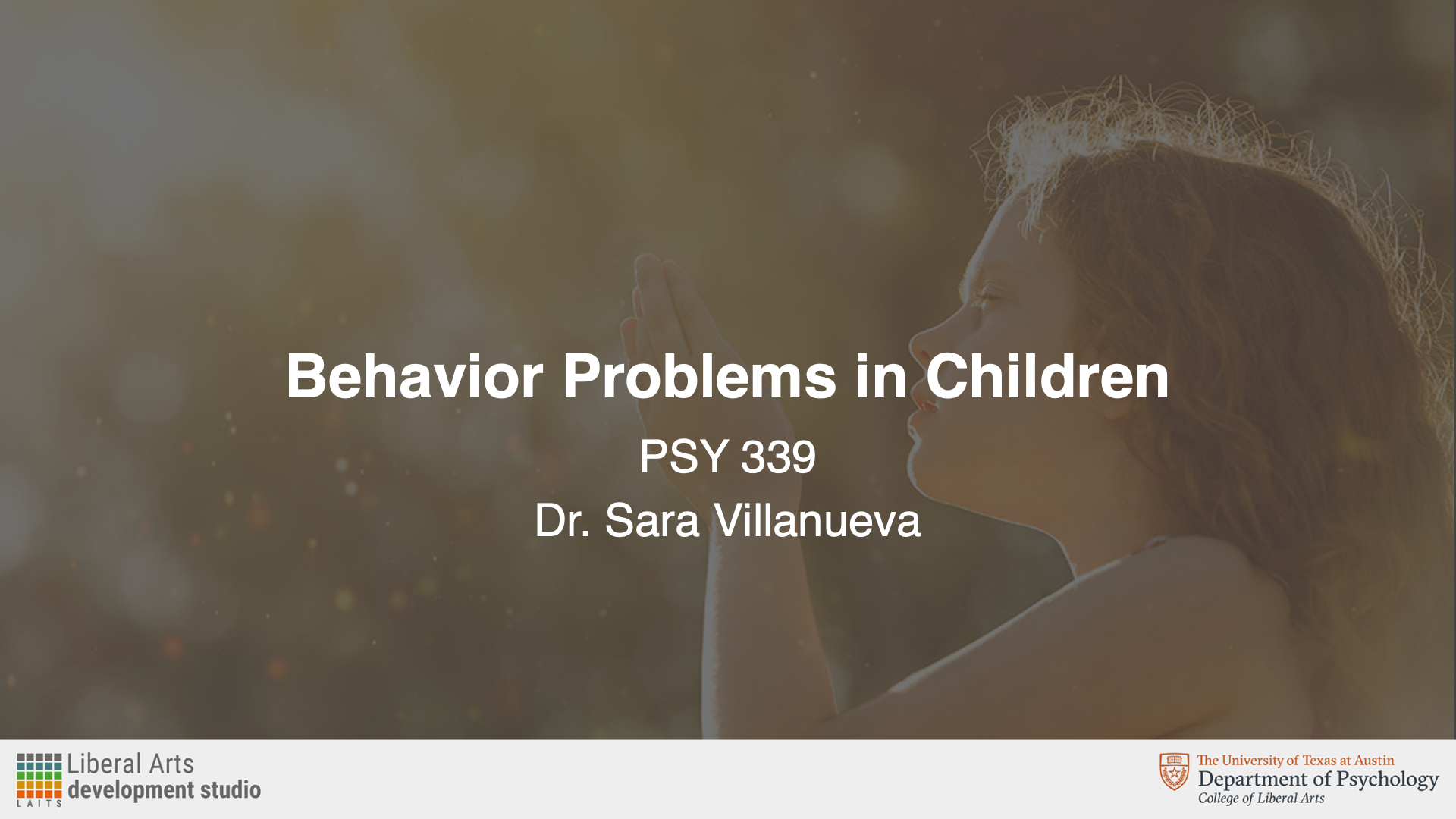
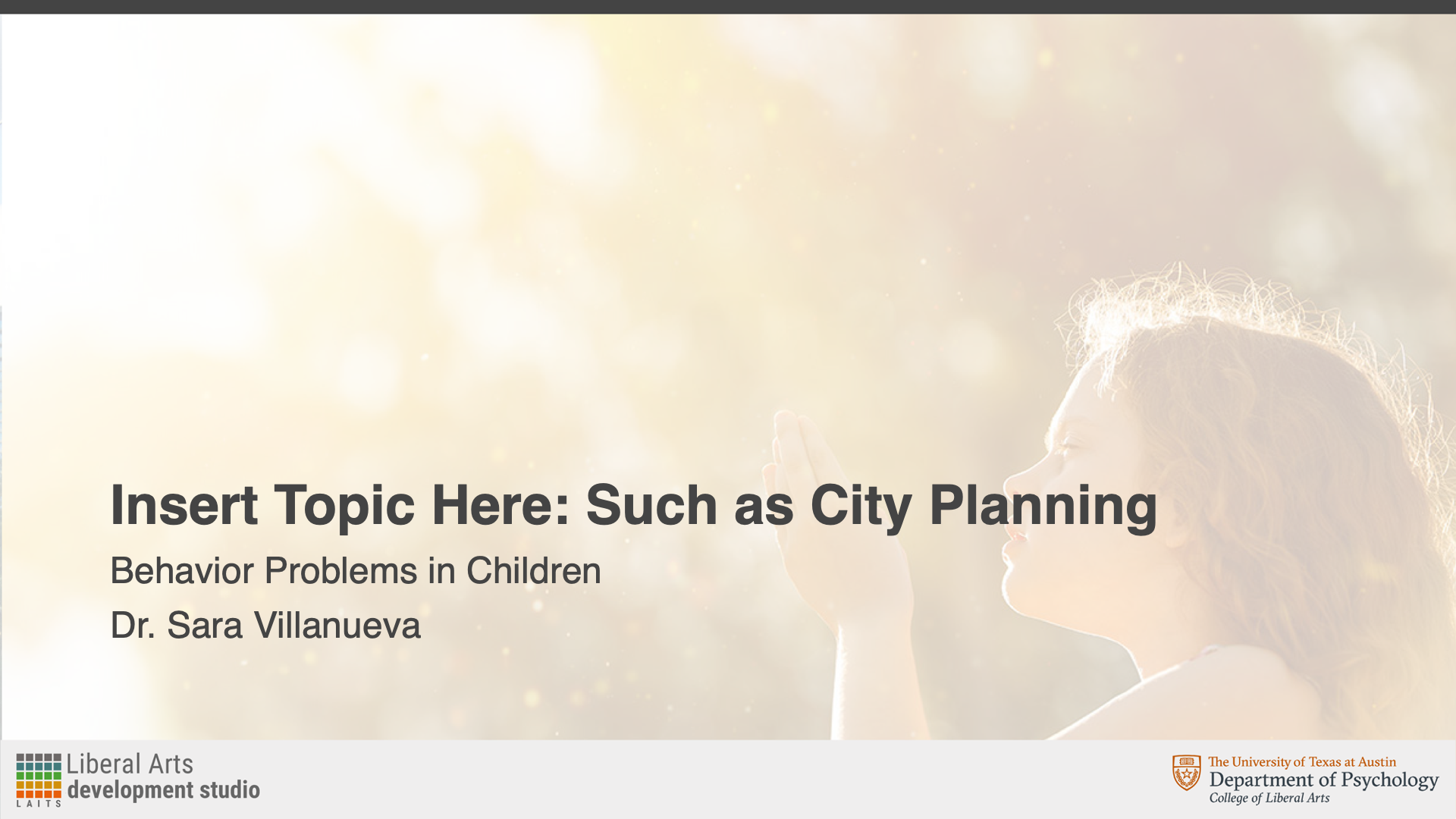
Next, I created my Powerpoint assets. The professor specified that she wanted them to be in Style B Color Overlay. Creating these slides involved using Adobe Illustrator to make the backgrounds and then importing them into Powerpoint.

After this, I received feedback to:

  • Change the slide to the faded color instead so that the image doesn’t have the gray overlay

Incorporating Feedback

After changing the background accordingly, the slides looked like this:


Stinger Animations

Lastly, I created stinger animations and the end card. The professor had some that she had previously used, but she wanted to change the background color to match. I made these in Adobe After Effects.

After this, I received feedback to:

  • Change the background color to the same gold/yellow color that buttons use
  • Add the Department of Psychology branding onto the end card

Incorporating Feedback

I then changed the background to the gold button color and revised the end card. Since I’m not as familiar with After Effects, it took me a little while to figure out how to add the new logo and animate it. However, after playing around (and a bit of Google), I learned how to use keyframes and opacity to make the logo fade in and out.

I then got final feedback to:

  • Add the utexas logo back in at the end of the end card

Incorporating Feedback

Here is the updated end card with the added logo:


Pre-Roll Animation

Lastly, I had to fix the pre-roll animation logo. Originally, it was the logo for the Department of Government, and it should have been the logo for the Department of Psychology. This wasn’t necessarily a difficult task, but I’m not as adept with Adobe After Effects, so it was a fun challenge for me to see if I could figure out the layers and elements needed.


Final Thoughts

Overall, I thought this assignment was interesting and a good way to practice the skills and guidelines I learned in my previous course graphics trainings. The most challenging part for me was the end card because I’m not as familiar with Adobe After Effects. I had a little trouble figuring out how to get the logos to fade in from black and color, and just how to animate in general. I held off on asking for help, just to see if I could teach myself—and I was able to use online resources, as well as a little trial and error to learn what I needed to do. Aside from After Effects, I thought I was a fun exercise in layout and color.

Filed Under: Fall 2024 - Spring 2025, We are STAs

November

December 4, 2024 By Marissa Devivar

Tuition Guide

  • Five more classes were added:
    • ANT 403 Intro to Archaeological Studies
    • E 316/CL 315 World Literature
    • PSY 317L Intro to Stats for the Behavioral Sciences
    • CC 303 Intro to Classical Mythology
    • RTF 303C Intro to Media/Entertainment Industries

  • Edits:
    • Added the new classes and shifted spacing to accommodate
    • Abbreviated some of the longer course names

Finalized Fall Postcard

Finalized Digital Display

  • Removed department names (reduced text)

Finalized GPC Screensaver

  • Kept the same as the previous year

Filed Under: Fall 2024 - Spring 2025, We are STAs

November Projects

December 3, 2024 By Lila Mali

Icon Animation Training!

My last few shifts, I wanted to brain storm a new animation training for the video team and thought that icon animation would be a good next step to start understanding how to prepare assets in Illustrator and animate them in After Effects. For the training, I animated 4 icons that my supervisor De’sha found. Here’s how they turned out!

I’m not used to animating pre made icons so I had a lot of fun with this project.

Character rigging animations

In the mean time, I’ve been taking time to learn more about character animation in After Effects and have been assigned to work with pre made character rigs. Here’s the image I worked with and the animation I made from it!

There’s still some training I need to complete but I’ve been really liking this project so far!

CSMS animation

To finish from my last blog post, I completed the CSMS logo and intro animation. Here’s the final.

Filed Under: Fall 2024 - Spring 2025, We are STAs

Custom/Studio Course Graphics Training

November 22, 2024 By Kate Shih

Custom/Studio Course Graphics Training

Continuing with course graphics training, I completed a training for designing custom course and studio assets. I chose the course ARTH 3800: Twentieth Century Art to create course graphics for.

I created:

In-studio and video assets

Canvas assets

Powerpoint slides

Stinger animations


Moodboards/Inspiration

Here are some ideas I had at the start for directions I could go for the designs.


In-Studio Assets

Once I got my moodboards approved, I moved on to the studio assets. I tried to take inspiration from both my second and third moodboard (art through the years while implementing the bold, line driven style of modernism). I decided to give it a red overlap just to keep the entire graphic consistent, as there is a lot going on. Still, I was unsure of whether red was an appropriate color and whether or not it was still too busy.

First Drafts

Studio Mockups

After this, I received feedback to:

  • Make sure the professor is the main focus
  • Blur and mute the backdrop a little

Incorporating Feedback

Taking in account the feedback I was given, I applied a gaussian blur to the pictures in my backdrop and lowered the brightness in Photoshop.

Revised Studio Assets

Revised Studio Mockups


Storyboarding

After finalizing my studio graphics, I created a storyboard for the intro animation. I decided to give it the same layout as the wall monitor background and have the panels slide in from the top, bottom, and sides. After this, the background will fade out while the title of the course will fade in.


Canvas Graphics

After finalizing my studio graphics and storyboard, I moved on to creating Canvas graphics. I decided to reimplement the non-blurred version of the graphic because there is no longer a need to have a focus on the professor, and I felt that the clear version was less distracting for the Canvas graphics than it was for the the studio graphics.

Here were the first drafts of my Canvas graphics:

Homepage Banner

Dashboard Graphic

Canvas Buttons

iPad Overlay


Powerpoint Assets

I also made Powerpoint assets. These included a title slide and a content slide. For the title slide, I decided to use the same graphic from my monitor background, and for my content slide, I decided to keep it very simple to allow for easy comprehensibility.

Title Slide

Content Slide


Final Menu + Final Thoughts

Overall, this training was very useful in prepping me for designing custom studio graphics in the future. I was excited to design studio graphics for the first time because I haven’t worked in environment design very much. Overall, I enjoyed seeing what I could do creatively, while still following guidelines and requirements.

Filed Under: Fall 2024 - Spring 2025, Uncategorized, We are STAs

  • « Previous Page
  • 1
  • …
  • 6
  • 7
  • 8
  • 9
  • 10
  • 11
  • Next Page »

link to LAITS home page

Video STA Home

© 2025 Liberal Arts Instructional Technology Services | Production Credits