• We are STAs
    • Asha Rountree
    • Haley Ma
    • Kate Shih
    • Kyra Lee
    • Nicholas Peasley
    • Sasha Kenney
    • Shanda Horm
    • Shriya Atreya
    • Tomas Marulanda-Mesa
  • We were STAs
  • STA Presentation
    • STA Presentation 2017
    • STA Presentation 2016
  • Testimonials
  • Resources
  • Home

STA Blog

Documenting Summer Marketing

May 14, 2025 By Marissa Devivar

Documenting Summer Marketing

Animated Reel:

This was my first time really creating something in After Effects from scratch (that wasn’t for training). I started with some sketches De’sha and I made– which were crucial in the initial steps of building out each animated segment. (Note: I also copied the style of our pre-existing animated pre-roll)
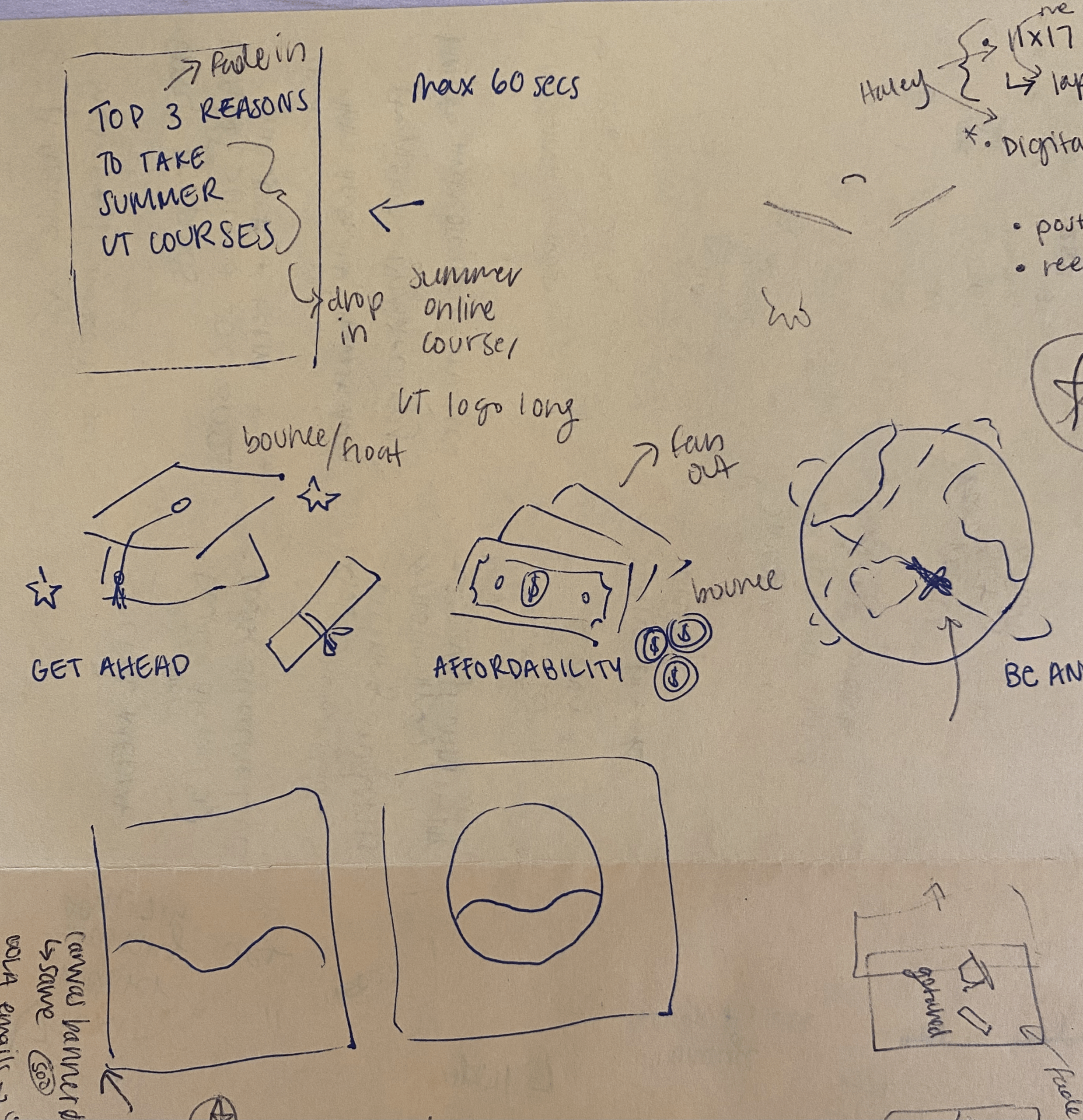
I created the elements in a way that would allow them to be animated (ex: tassle was separate from the cap, individual dollar bills, etc.) There was a lot of back and forth between Illustrator and After Effects to make sure certain elements were suitable to be animated.

After the elements were built out, I began animating. I think in the future it would be wiser to finalize the transitions between each segment and then individually animate, but whatever process is easiest and most efficient for you is probably fine. I would save the masking of text and certain elements towards the end, once you have the transitions and smaller animations of elements done.

Tips:

  • Think of creating a ‘pre-composition’ in the main Comp 1 panel as similar to creating a ‘group’ in Illustrator and Photoshop. Select a group of elements and right click -> Pre-compose… -> Enter a New composition name and click ‘OK’. Then, double click on your Pre-comp to see the individual files within it and apply edits.
  • I essentially made each segment into its own composition (Top 3 Reasons, Get ahead, Affordability/Save Money, Be Anywhere, Summer logo)
  • Applying Easy Ease/Ease in/Ease out can help objects appear to move more smoothly. Select your keyframes -> right click on the keyframes -> Keyframe assistant -> ‘Easy Ease’
  • To create a loop, hold the option key and click on the time clock next to the transformation (position, rotation, etc.) -> click where it says “transform.position” and type/replace with loopOut(). Then all of the keyframes in the transformation should loop infinitely, and you can make adjustments as needed.

Filed Under: Fall 2024 - Spring 2025, We are STAs

March & April & May (oh my!)

May 7, 2025 By Marissa Devivar

Summer Marketing Social Media:

These are all of the posts I’ve created or helped work on since my last blog update. There are also a couple of stories I helped create between these posts as well. I think my favorites so far have been the bulletin board ones, as they feel real, personal, and have lots of small fun details.

Filed Under: Fall 2024 - Spring 2025, We are STAs

March-April Trainings

April 24, 2025 By Kyra Lee

March – April Trainings

Animate Simple Course Graphics

The goal of this training is to grasp the basics of Adobe After Effects through some basic animation practice. The instructions were to animate a simple course graphics intro. Here is what I came up with!

I enjoyed working with Photoshop and After Effects to make this very simple course intro. This was a good introduction to the software. I think if I were to go back and revise it I would add some people viewing the art and make the text more colorful.

Logo Design

For this training I was tasked with creating a personal brand/logo. Here are some variations and the final chosen design.

Several elements included in the logo and how they represent me:

  • Cat – because I like cats 🙂
  • Cap – I wear caps a lot and usually draw myself wearing one
  • Pencil – to show that I do illustration
  • Star – my cat’s name is Star!
  • Red Color – I use red a lot in my art, so using it here makes it recognizable as me
  • Kyrartist – My “brand” name!

Logo Animation

For this training I brought the logo I just designed into After Effects to give it some movement! I learned some new techniques like the trim paths feature and how to use the graph editor.

For my first time animating a logo in After Effects I’m pretty happy with this! I like how the star looks like it’s being drawn and the subtle movement of the hand and head. If I were to revise this I would make the logo appear in a more interesting and unified way. Maybe having the head turn around and put some follow through on the hat. I would also like to add movement to the face to give it more personality. Making the eyes blink and the mouth go from neutral to smirking can really bring the logo to life and feel inviting.
Painting in Photoshop

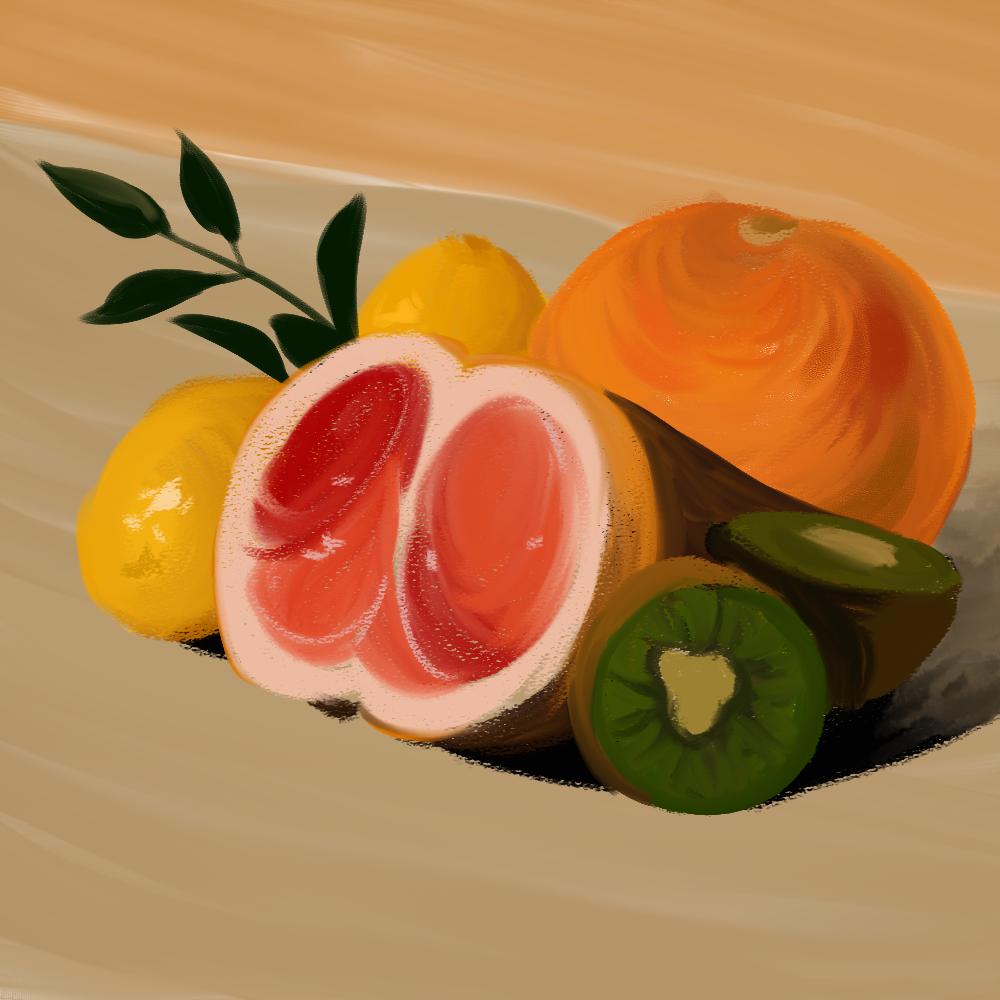
Finally, I completed this quick Photoshop training where I got to explore the different textured brushes.

I’ve mostly used Ps for line art and more flat color illustrations, so this was a nice change of pace. I love how the coloring on the orange turned out. I like the movement in the brush strokes and the variations in hue/saturation.

One thing I would improve on for next time is to refrain from using the color picker. This would help develop my color observation skills.

Filed Under: Fall 2024 - Spring 2025, We are STAs

STA Presentation!

April 18, 2025 By Lila Mali

Presenting at the STA Presentations for the first time!

April 11th were the 2025 STA presentations and I can fully say I had an amazing time presenting, meeting other STA’s, and seeing all the work that goes on at LAITS. Everyone is so talented and it was a wonderful experience.

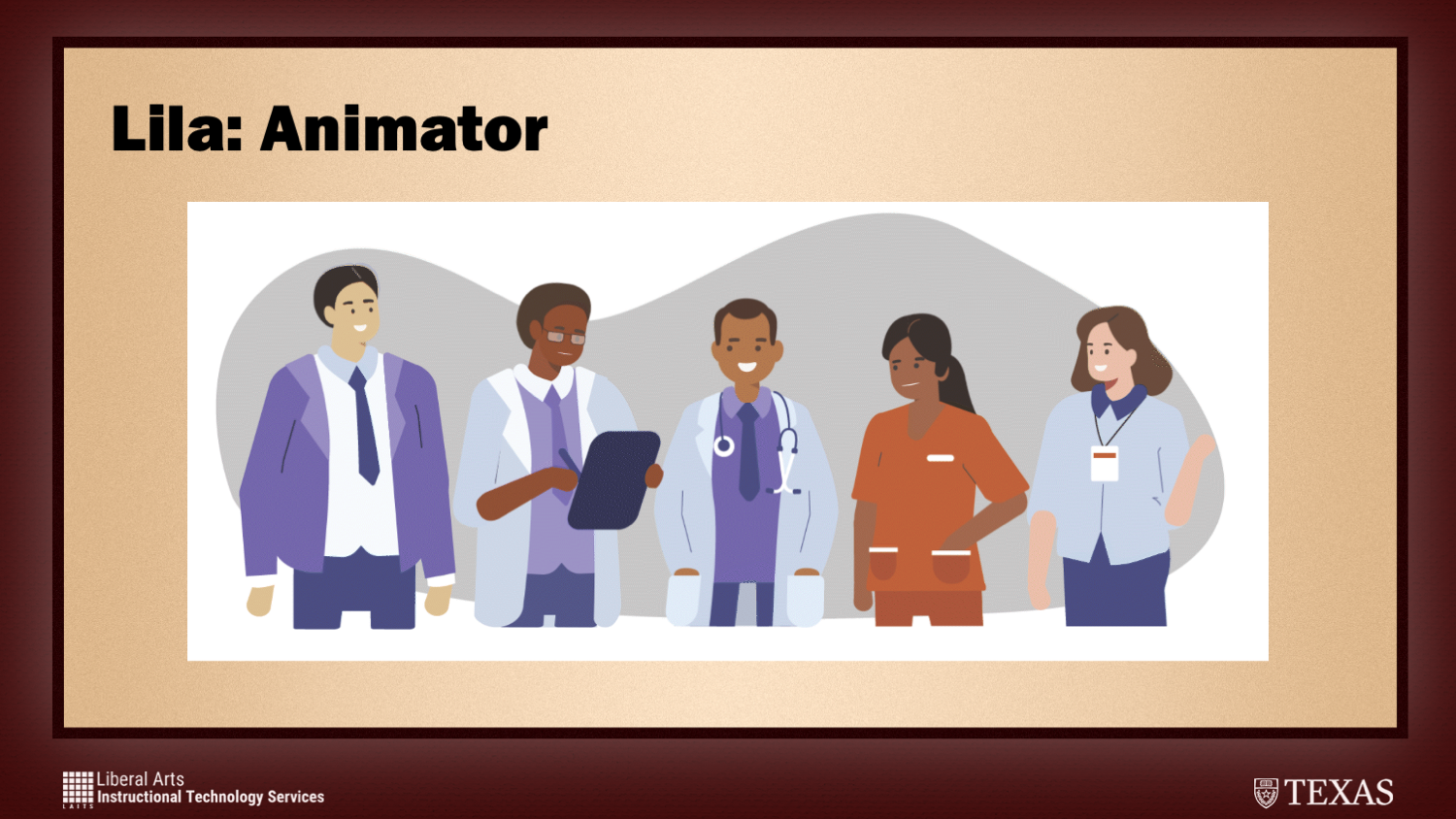
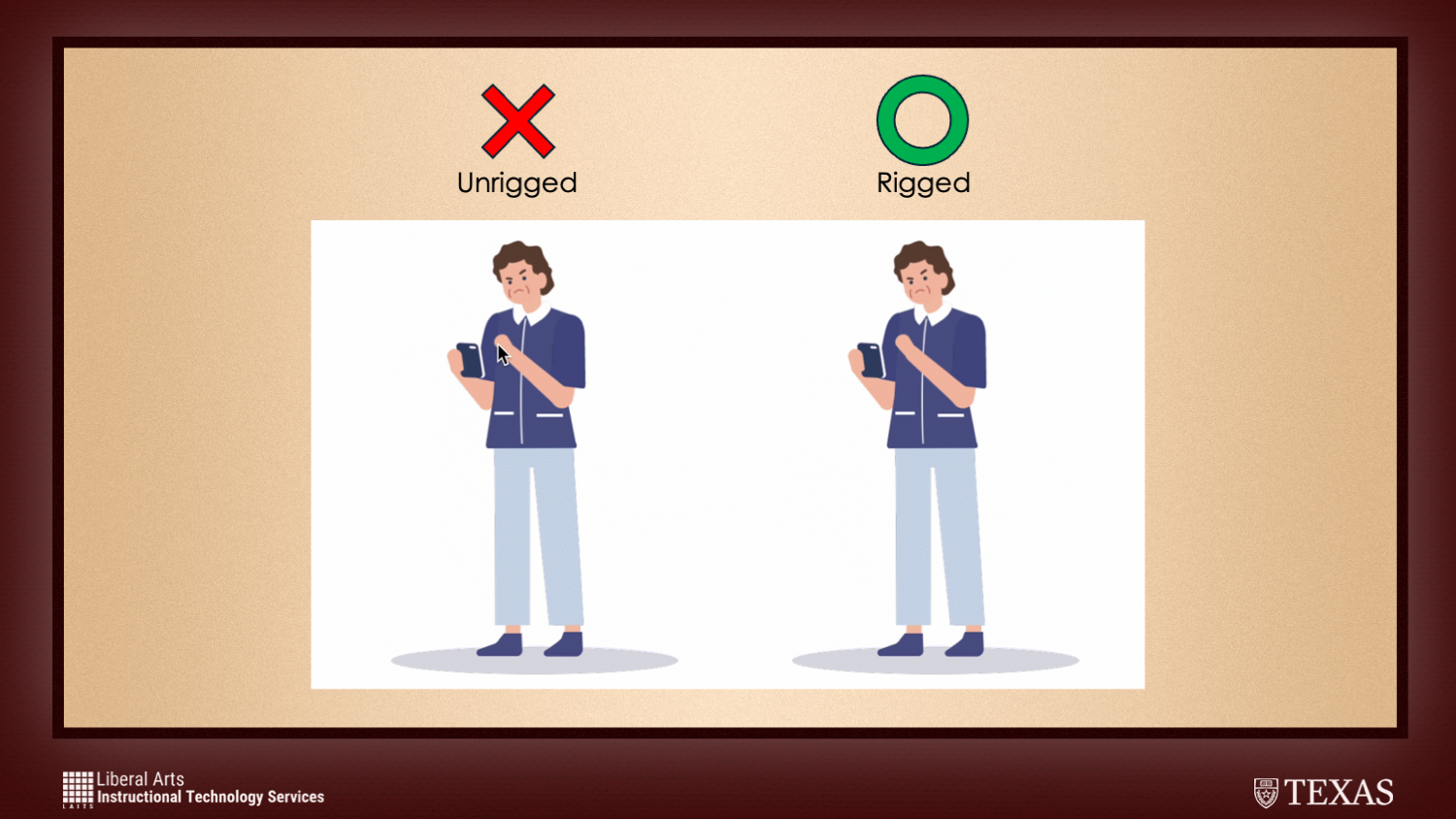
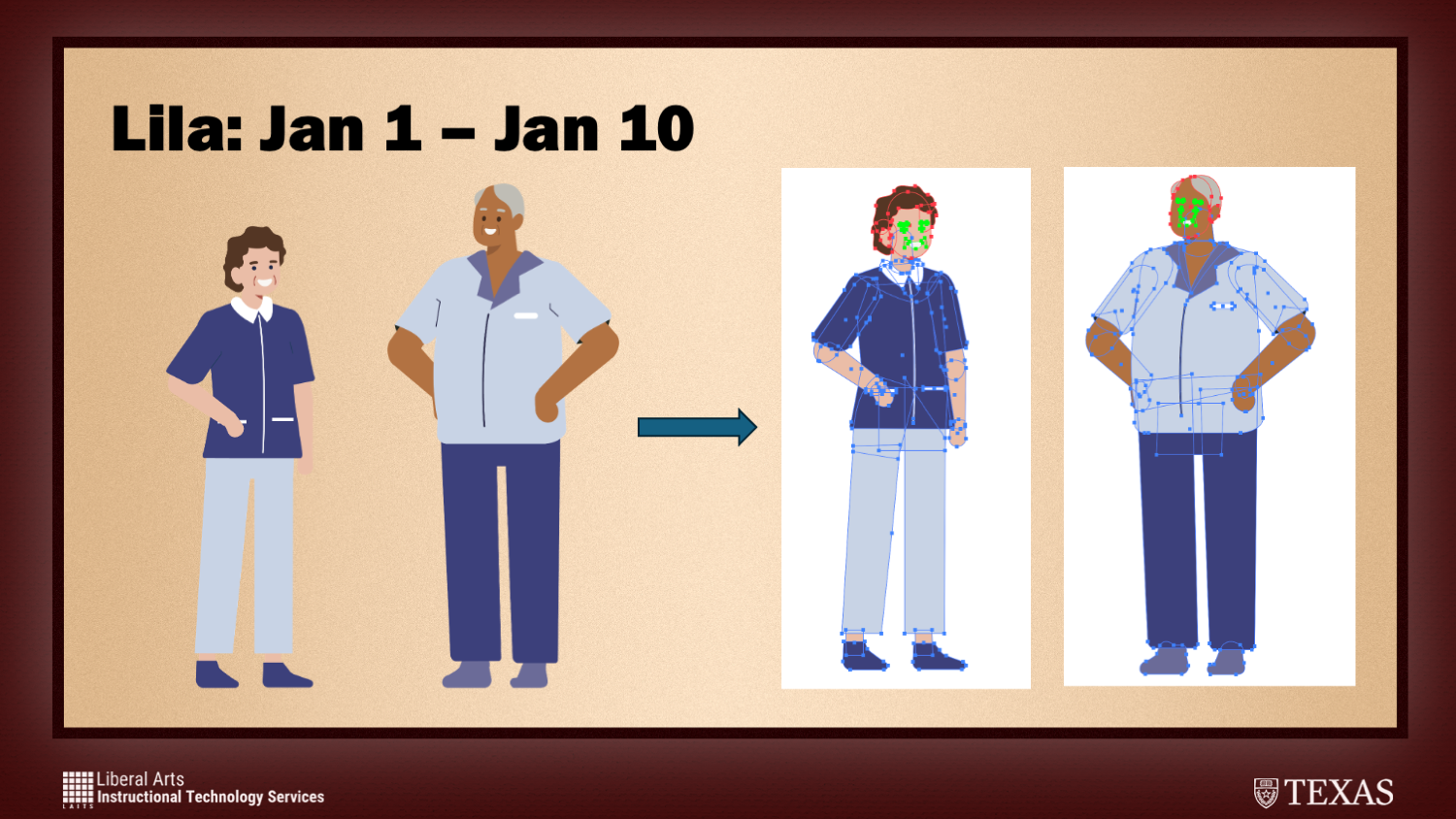
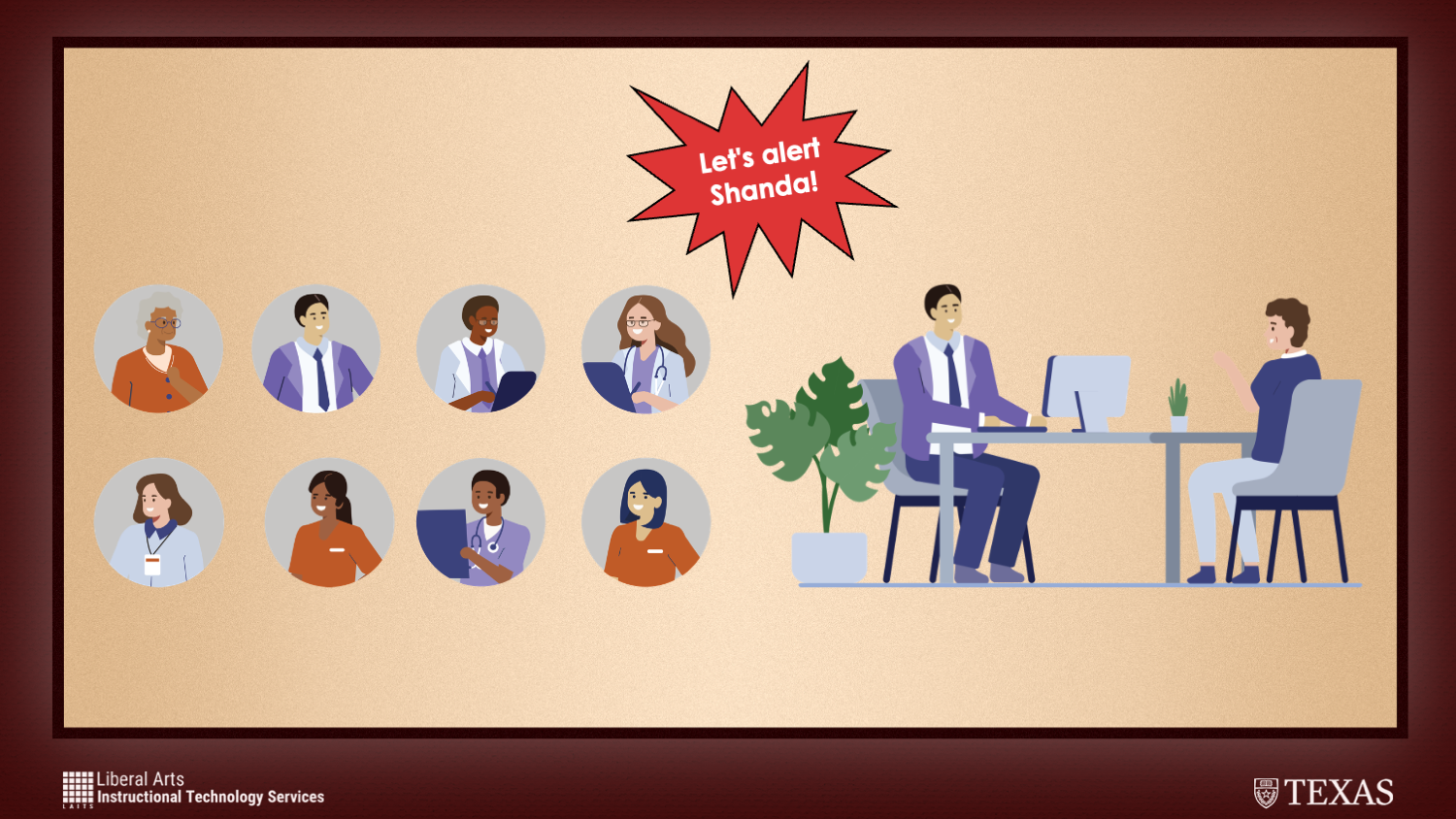
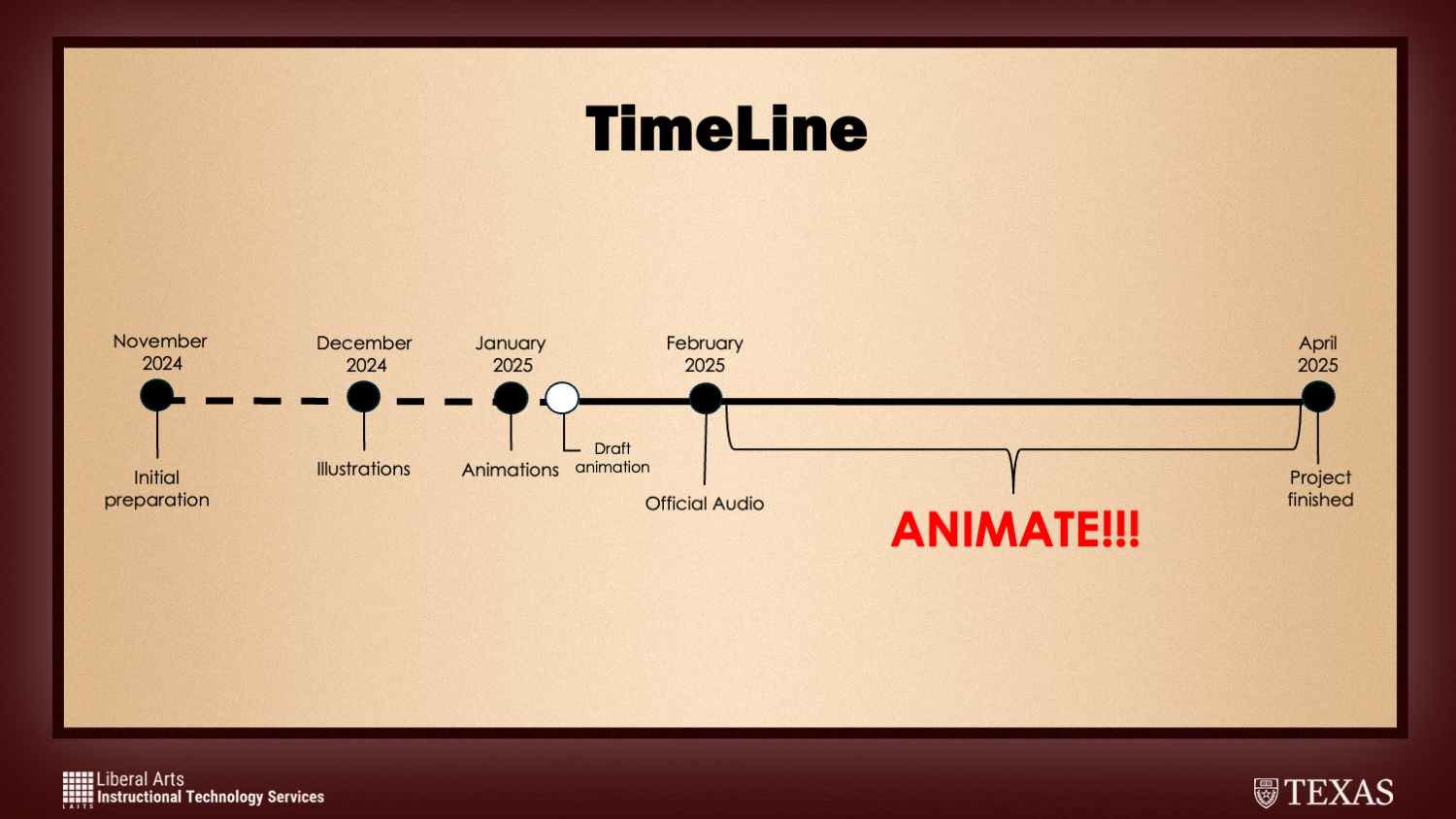
I was very nervous presenting for that first time, I was given the benefit of presenting with my fellow STA, Shanda! There was definitely a cushion with the pressure be up there with someone else and overall I think people enjoyed our work. We presented our work on the IPE Illustration and Animation Project which was a project I’ve posted about before that has taken up a lot of time but none the less it’s definitely one of my favorite projects I’ve worked on.

Here are some of my slides from the presentation!

The STA presentation was such an amazing experience that I am so grateful to have been a part of. The community at LAITS is so supportive and welcoming and it’s also very encouraging to see all the different levels of talent in this department. I only hope to meet and connect with more talent here and in the future!

Filed Under: Fall 2024 - Spring 2025, General, We are STAs

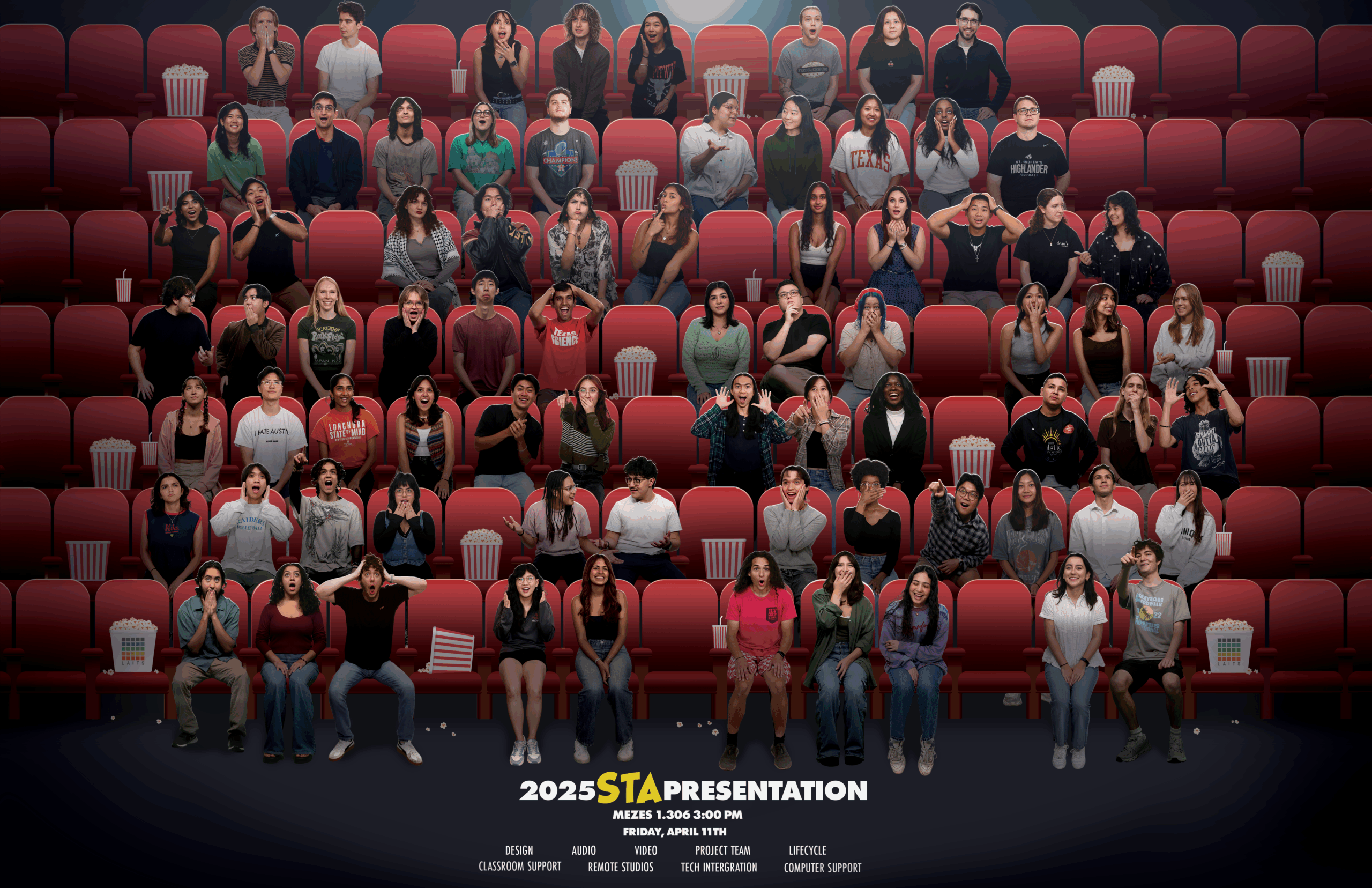
2025 STA Presentation

April 16, 2025 By Nicholas Peasely

2025 STA Presentation


STA Photo Cut Outs

Made photo cut outs for all new STAs! Like myself ฅ^•⩊•^ ฅ


Lower-Thirds Graphic

For this next project I was tasked with designing a Lower Thirds graphic for the STA presentation.

Considerations

⋆。°✩ Keep the design simple and subtle, ensuring it does not distract from the video content.

⋆。°✩ Use LAITS colors or colors from pre-existing graphics for the STA Presentation

⋆。°✩ Find a graphic and font fitting for the theme: Movies, specifically drawing inspo from the The Peanuts Movie poster

Early Versions

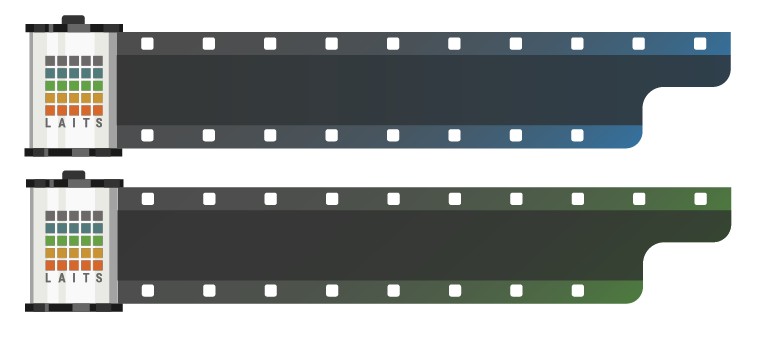
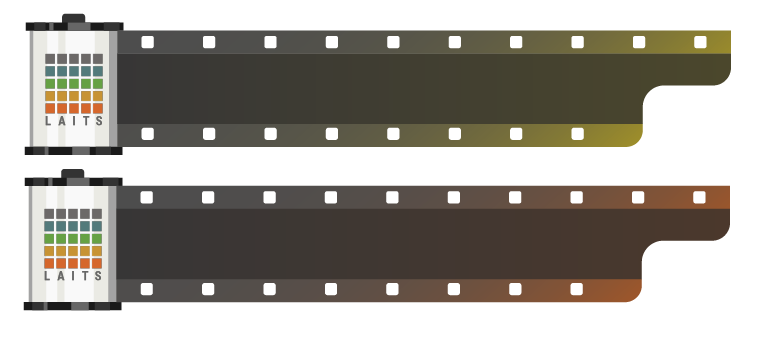
After landing on the idea of a film roll, I started mocking up different versions. Playing with:

• Color

• Logo

• Canister Style

• Film Style

After evaluation, we decided to move forward with the last iteration!

Final Version


STA Presentation Webpage

My next project was to design the STA Presentation webpage!

Filed Under: Fall 2024 - Spring 2025, Uncategorized, We are STAs

APRIL 2025

April 16, 2025 By Shanda Horm

APRIL 2025

— 2025 STA PRESENTATION —

This first half of this month was dedicated to the 2025 STA presentations- plenty of projects for the Design team! On top of my project for the event, I was chosen to present! I presented the IPE project alongside Lila with her talking about animation and me explaining the illustrations.

— Horizontal Presentation Poster —

I was tasked with making a single horizontal version of the posters I made earlier in the year for the video team to use in the presentation reel. This was challenging and took longer than I expected since the two posters couldn’t be put together seamlessly without editing. Regardless, I’m satisfied with the final result and was happy to see it on presentation day.

— COFA + COE Arts Integration Course Development —

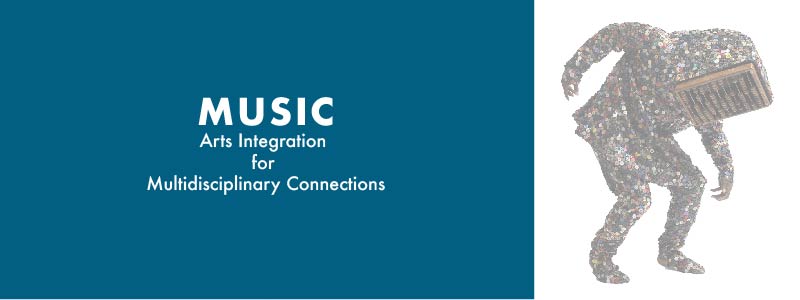
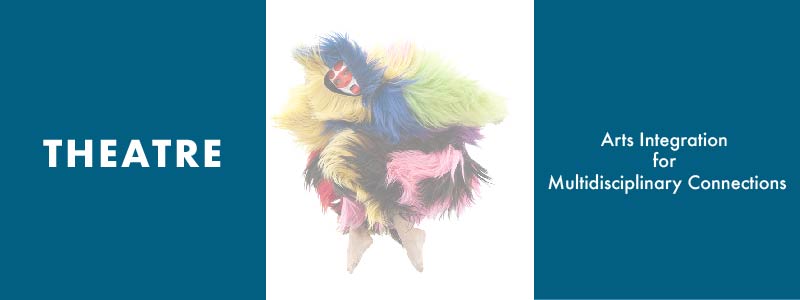
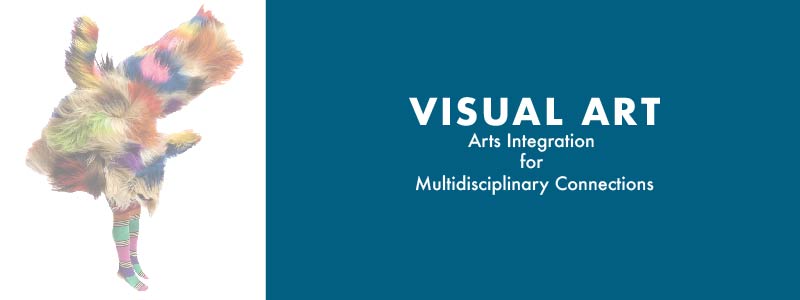
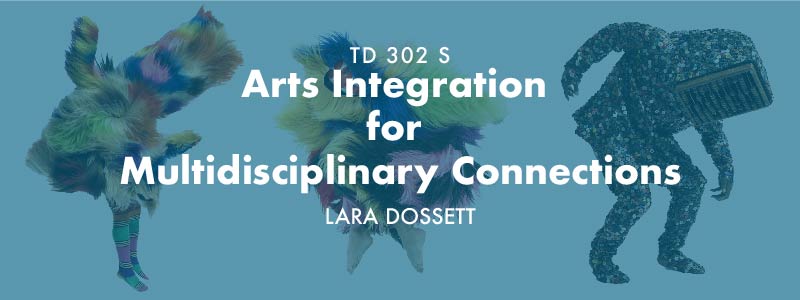
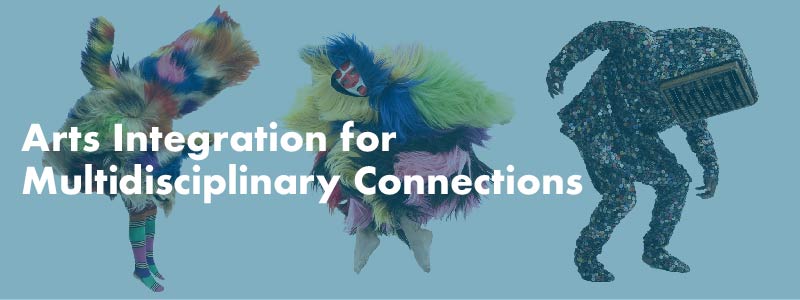
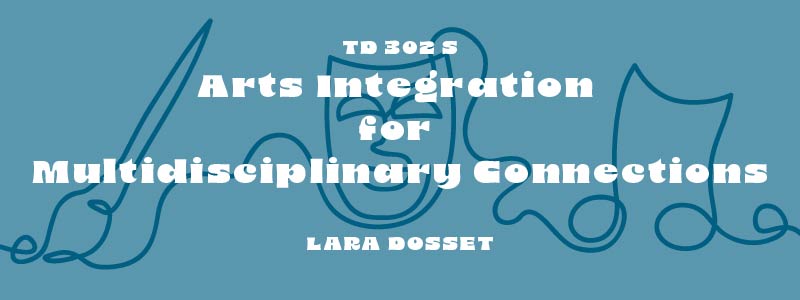
In the last half of April, I began to work on the course graphics for TD 302 S Arts Integration for Multidisciplinary Connections.

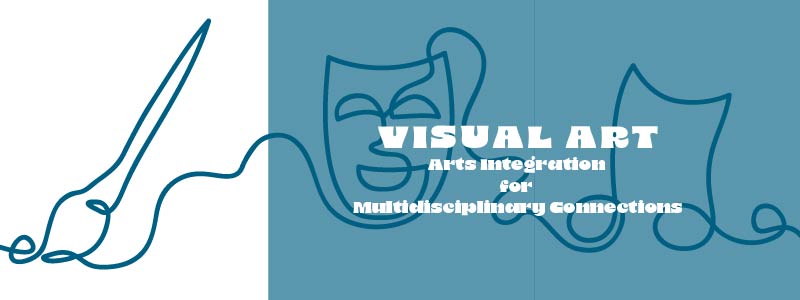
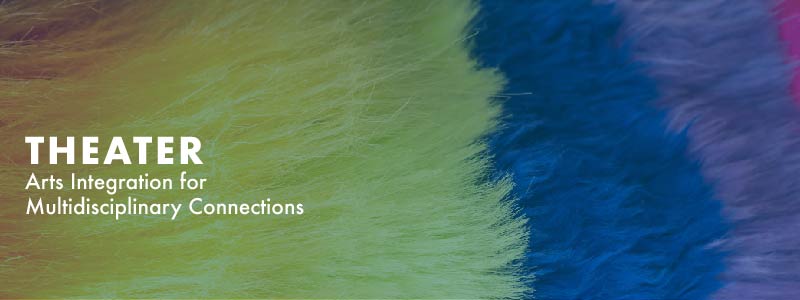
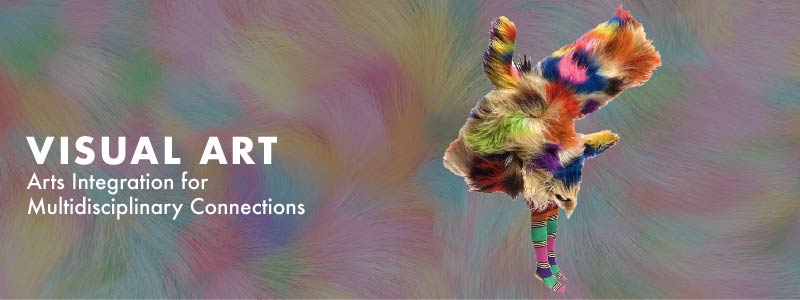
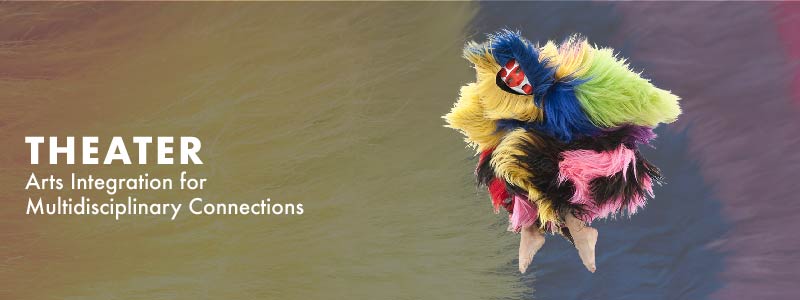
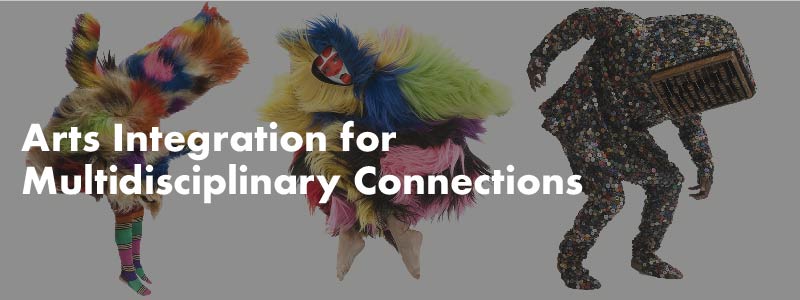
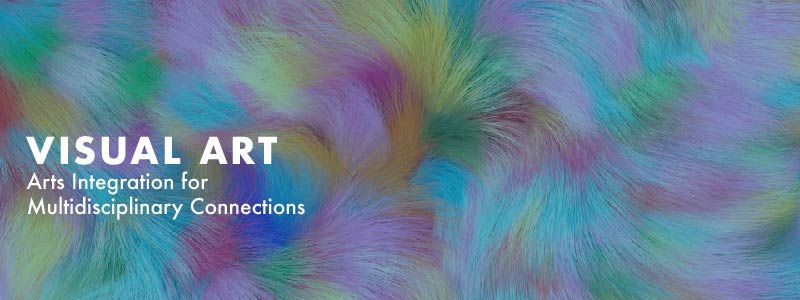
I began working on the Canvas homepage banners. The client requested a total of 4 banners: 3 independent banners and 1 where the 3 banners come together seamlessly. I found this challenging since the client wanted to utilize photos of Nick Cave’s sound suits. These are very colorful and extravagant- so I had to not only ensure that I make 3 banners that come together cohesively, but also make sure the graphics don’t distract from the text.

Below are my first two passes where I explored the sound suit idea and an original graphic:

Some feedback I received:

  • Have the sound suits be a connected design. Try having a textured background that corresponds to each suit.
  • The professor wants to avoid the traditional mask and art motifs for theatre and visual arts respectively- so pursue the sound suit idea.

Here is my second pass with a couple of options:

Filed Under: Fall 2024 - Spring 2025, We are STAs

  • « Previous Page
  • 1
  • 2
  • 3
  • 4
  • 5
  • …
  • 11
  • Next Page »

link to LAITS home page

Video STA Home

© 2025 Liberal Arts Instructional Technology Services | Production Credits