• We are STAs
    • Asha Rountree
    • Haley Ma
    • Kate Shih
    • Kyra Lee
    • Nicholas Peasley
    • Sasha Kenney
    • Shanda Horm
    • Shriya Atreya
    • Tomas Marulanda-Mesa
  • We were STAs
  • STA Presentation
    • STA Presentation 2017
    • STA Presentation 2016
  • Testimonials
  • Resources
  • Home

STA Blog

Steve Hoelscher 35mm slides

February 27, 2023 By Carrie Wang

Steve Hoelscher 35mm slides

Start: Feb 27th 2023

To be Completed: March 13th 2023

Client: Steve Hoelscher

Staff Guidance: Valerie and Maddy

Description: The task is about scanning the photo the professor would like to put on the slide. He want it to be clear with a relatively small file size (probably around 3MB per one).

I learned how to use the Epson scanner for the first time. Before the film get to scan, I should choose the film holder that fits for the size/format of the file.

Before the scanning start to possess, I used preview to see the effect and adjusted the setting of Epson application to maximize the quality of the photo.
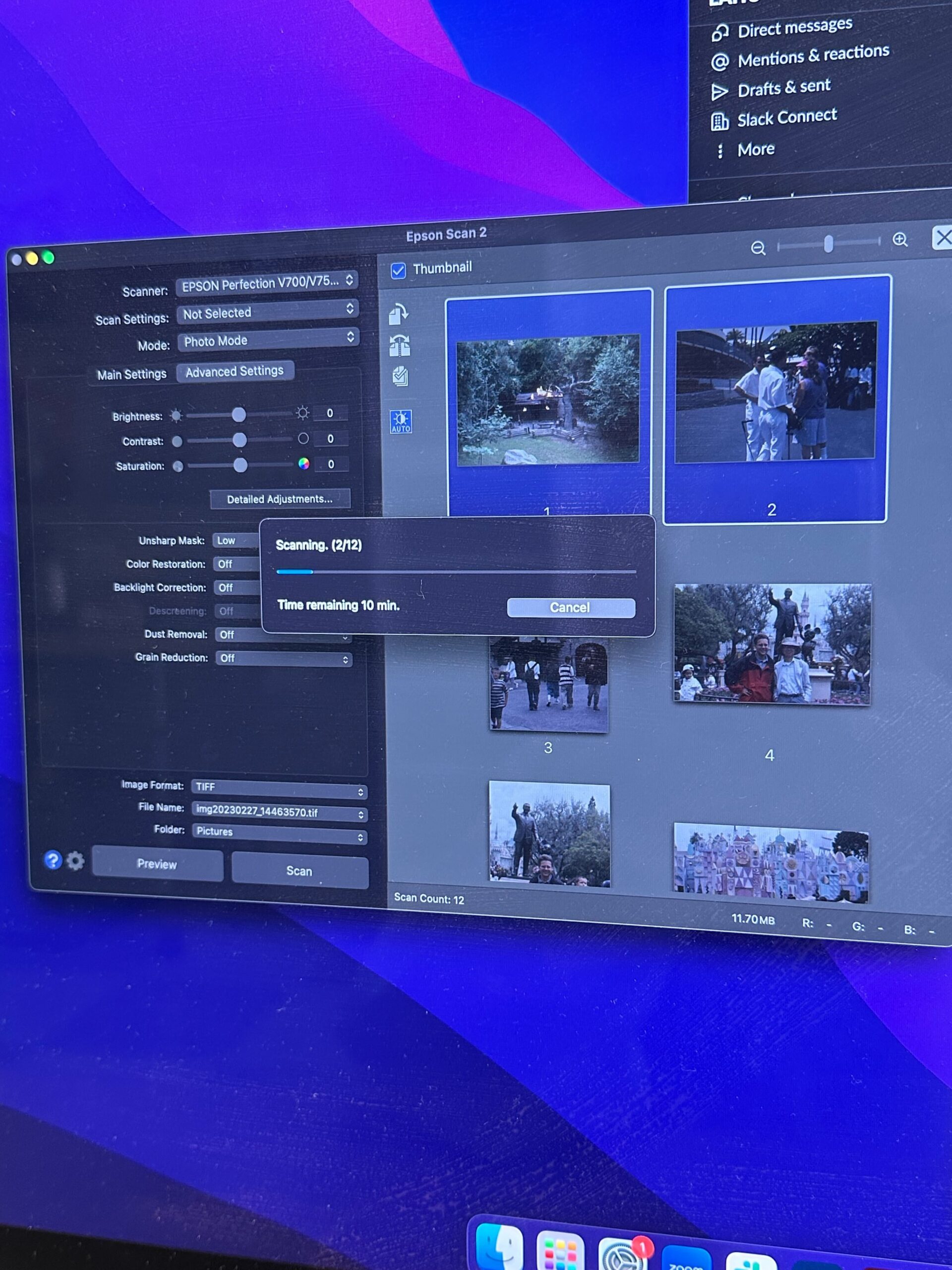
After, the scanner is ready to scan and I exported these photo as TIF file to further edit it with high quality. To put them into a presentation, I convert the file into JPEG for the professor to review and use.

I also process the photo in photoshop to darken some of the shade without altering the film effect on the photos. I utilized Contrast/Brightness, Highlight/Shadow to adjust the photo into more color balanced-look with the remaining film look. I also learn the RGB channel to edit the color side by side. This technique is useful when only adjust on part of image since the mask can be paint over time.

  before

    in progress

  after

Filed Under: Fall 2022 - Spring 2023

STA Cut-out

February 27, 2023 By Carrie Wang

STA Cut-out

Start: Feb 20th 2023

To be Completed: Feb 27th

Client: LAITS

Staff Guidance: Valerie

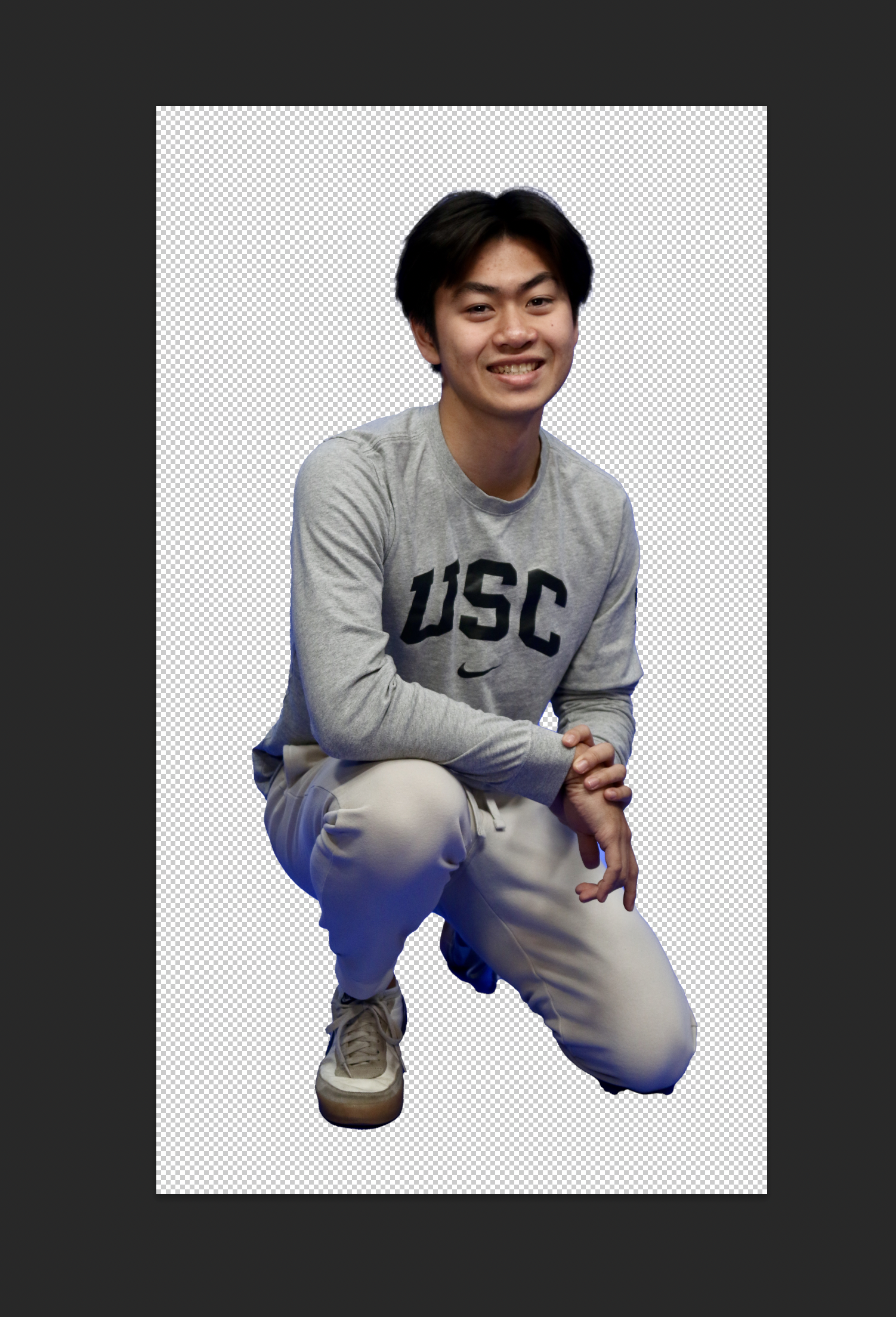
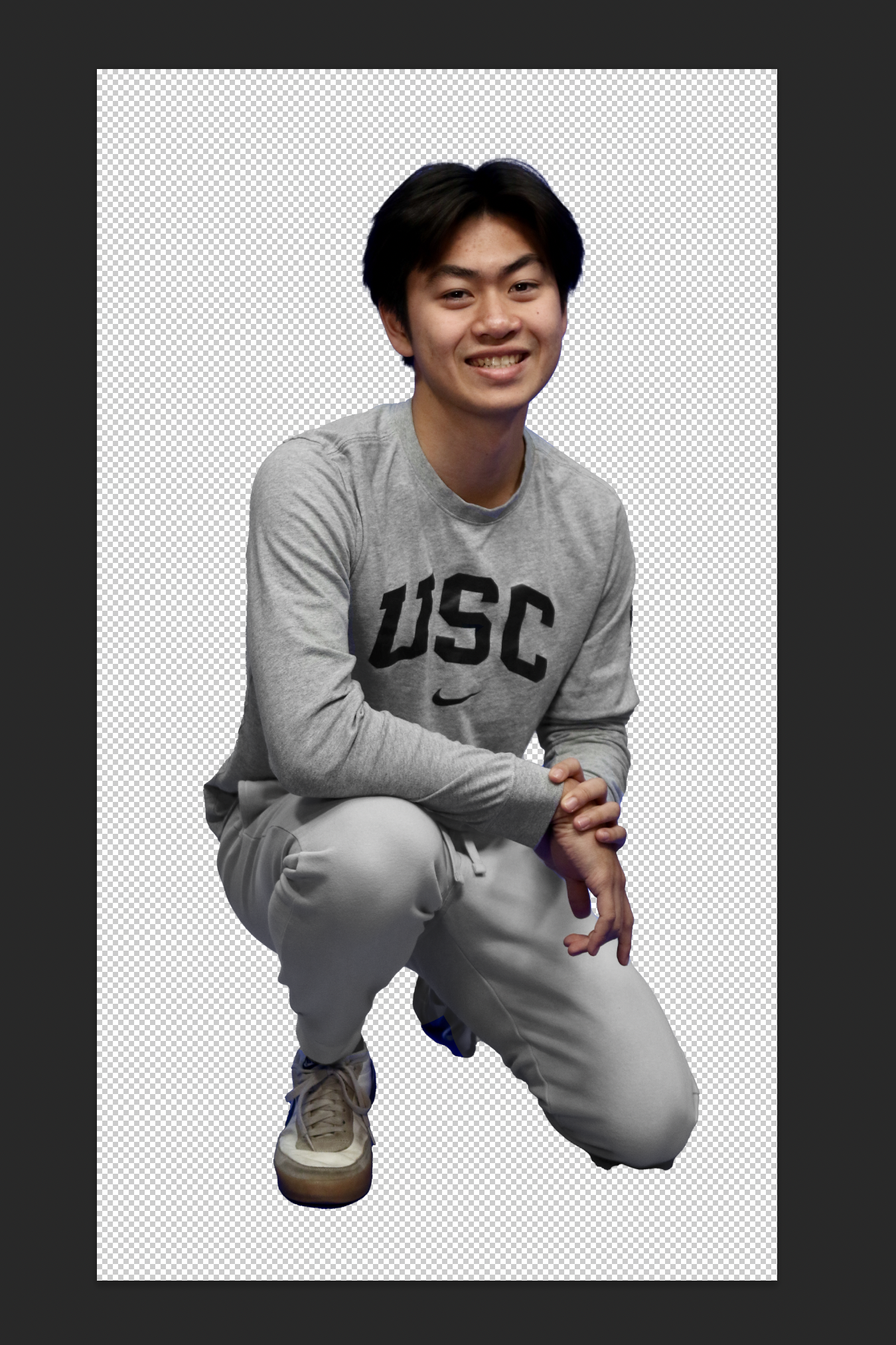
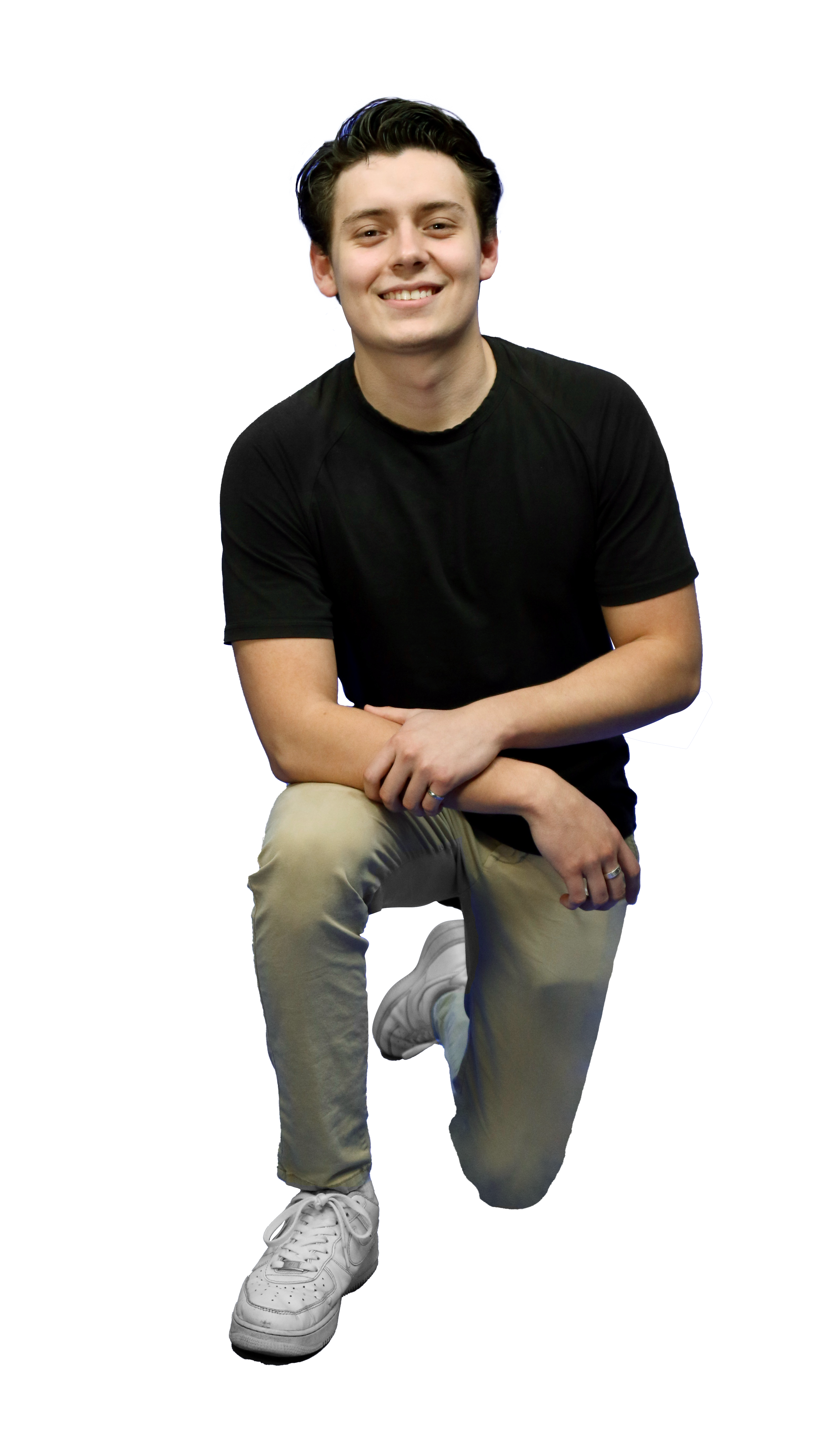
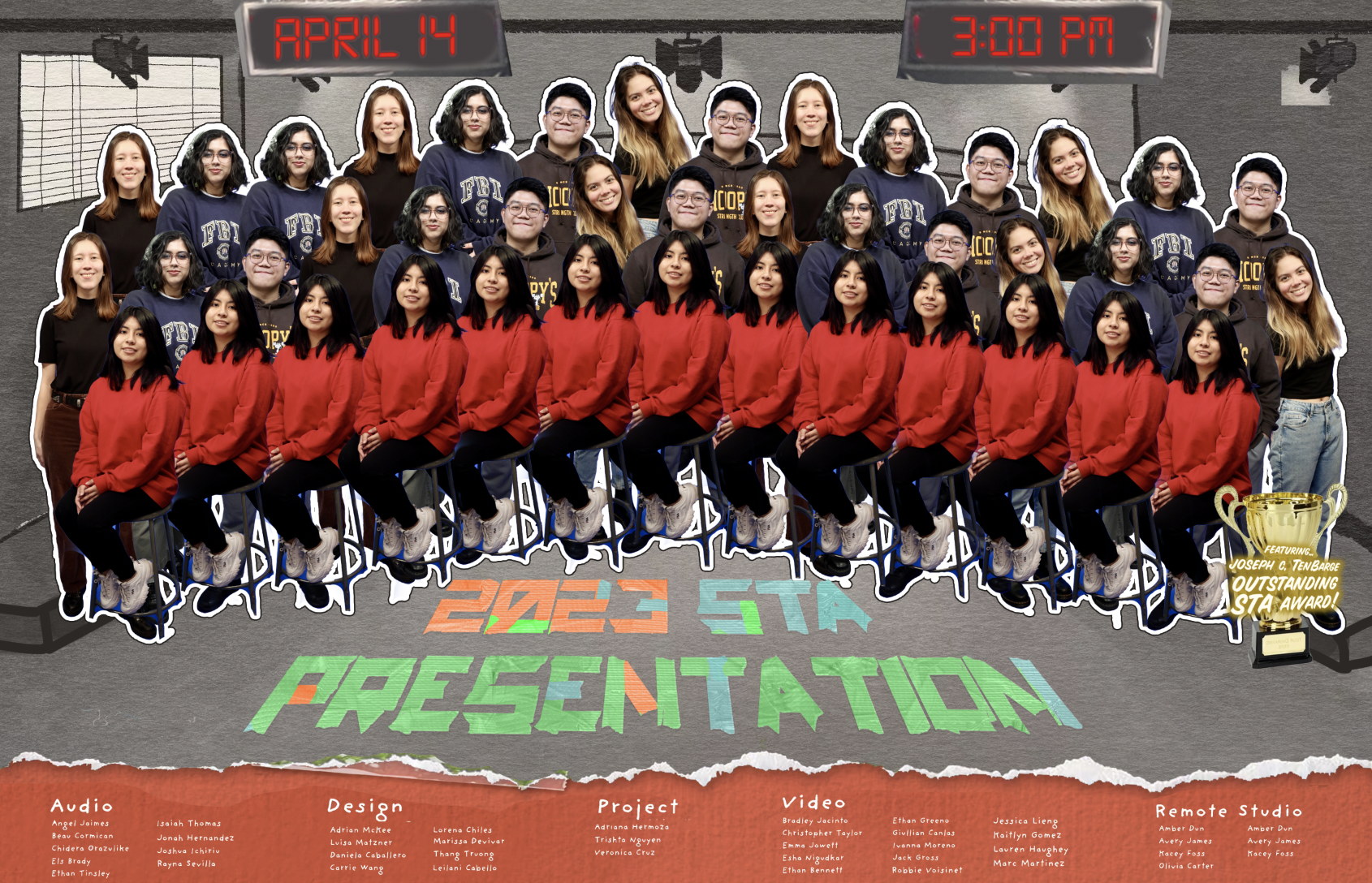
Description: Making the STA cut-out one by one using Photoshop for STA presentation. The chosen “serious” pose would be either kneeling or standing depending on the “quality” of the kneeling picture (if it’s straight towards the camera).

I met one major issue when I tried to mask them from the background. When white object approach to the ground, the purple background would reflect to the object.

We tried different approach to neutralize the photos. One is using Levels Eyedropper to color correct:

  1. Select the part of the photo we want to neutralize using one of the selection tools
  2. Create a new layer with the area we want to neutralize
  3. Click on the “Create new fill or adjustment layer” button at the bottom of the Layers panel and add a Levels adjustment layer
  4. Click the Gray Eyedropper (the middle Eyedropper icon) in the Properties panel and select the grey area in the pictures to neutralize it.

However, since we discover that all reflection ally appear on white object, I found a much effective way.

  1. Create a new layer with the selected area
  2. Add a black/white effect on the new layer
  3. Mask the person out and use the brush tool to black the other area.

This technique is working well in all photos. Here is another example:

->

Other photo I make adjustment.


Filed Under: Fall 2022 - Spring 2023

February 27, 2023 By Luisa Matzner

Summer Marketing

Posters

Project: Summer Marketing Posters
Client /Prof: Internal
Completion Status: Started early Feb
Staff Guidance: Maddy
Description: Final exports
To be completed: Mar. 1

These are the final 11″ x 17″ posters for summer marketing. Thank you to Carrie and Lorena for being such great models!

https://sta.laits.utexas.edu/blog/2023/02/27/47874-2/

Filed Under: Fall 2022 - Spring 2023

Pre-roll Video

February 27, 2023 By Luisa Matzner

Summer Marketing

Pre-roll Video

Project: Summer Marketing Pre-roll
Client /Prof: Internal
Completion Status: Started Feb
Staff Guidance: Maddy
Description: Updating video graphics and trimming video
To be completed: Mar. 1

This was a project where I had to pick up a lot of skills very quickly, a crash course in After Effects. From learning how the project was embedded to troubleshooting file names, there were a lot of challenges in fixing the video before the deadline.

My main edits were to the animation in which the student is scrolling through a list of courses as well as the end animation where I updated the messaging on the banners. I also shortened the video and removed the previous intro so that it would flow properly with the new voiceover.


http://sta.laits.utexas.edu/wp-content/uploads/2023/02/Full-Comp-2022-Textured.mp4

Filed Under: Fall 2022 - Spring 2023

Week 2/16 – 2/22

February 22, 2023 By Leilani Cabello

UTFC Logo Design 

Project: Connexions Francophones Logo
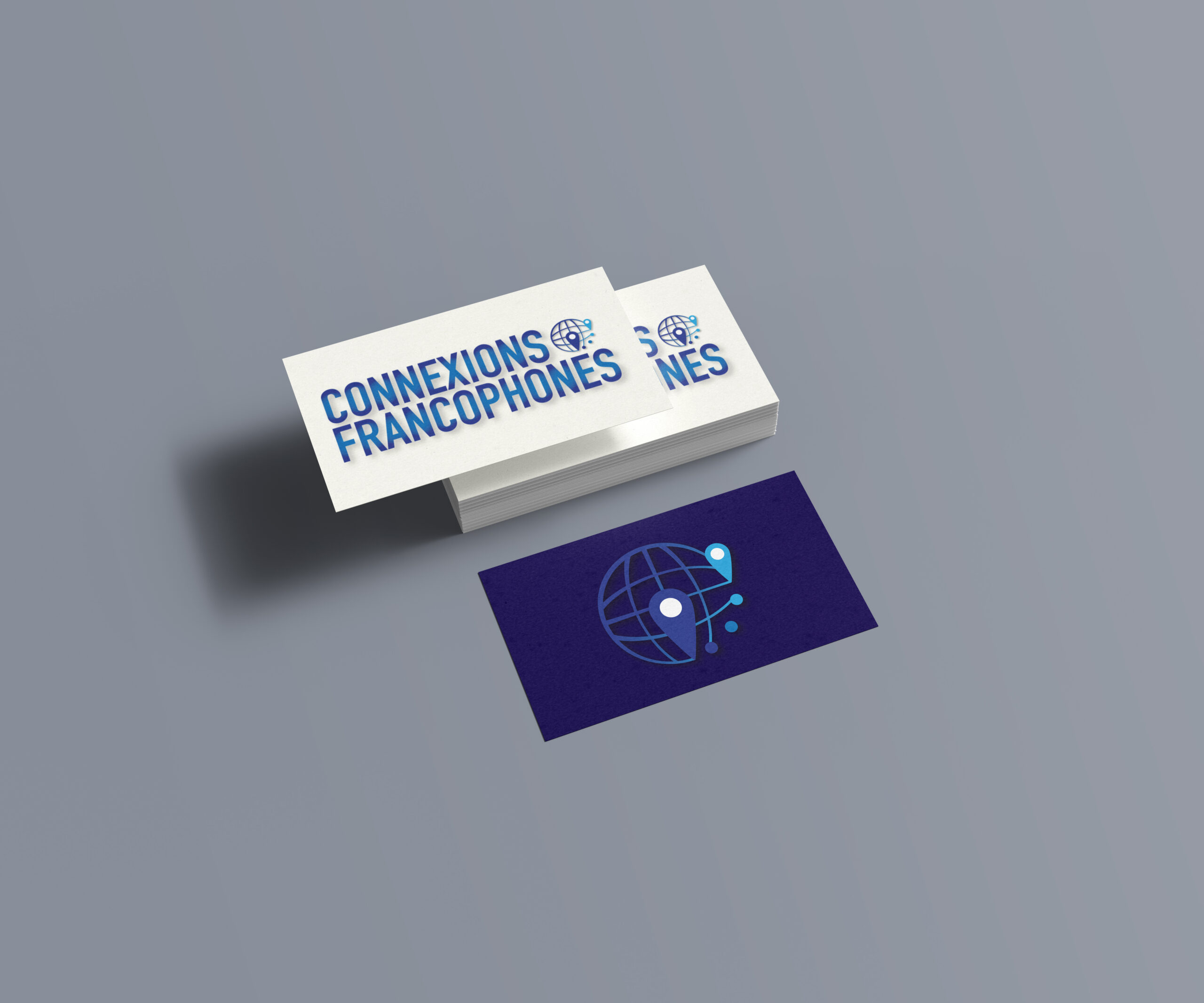
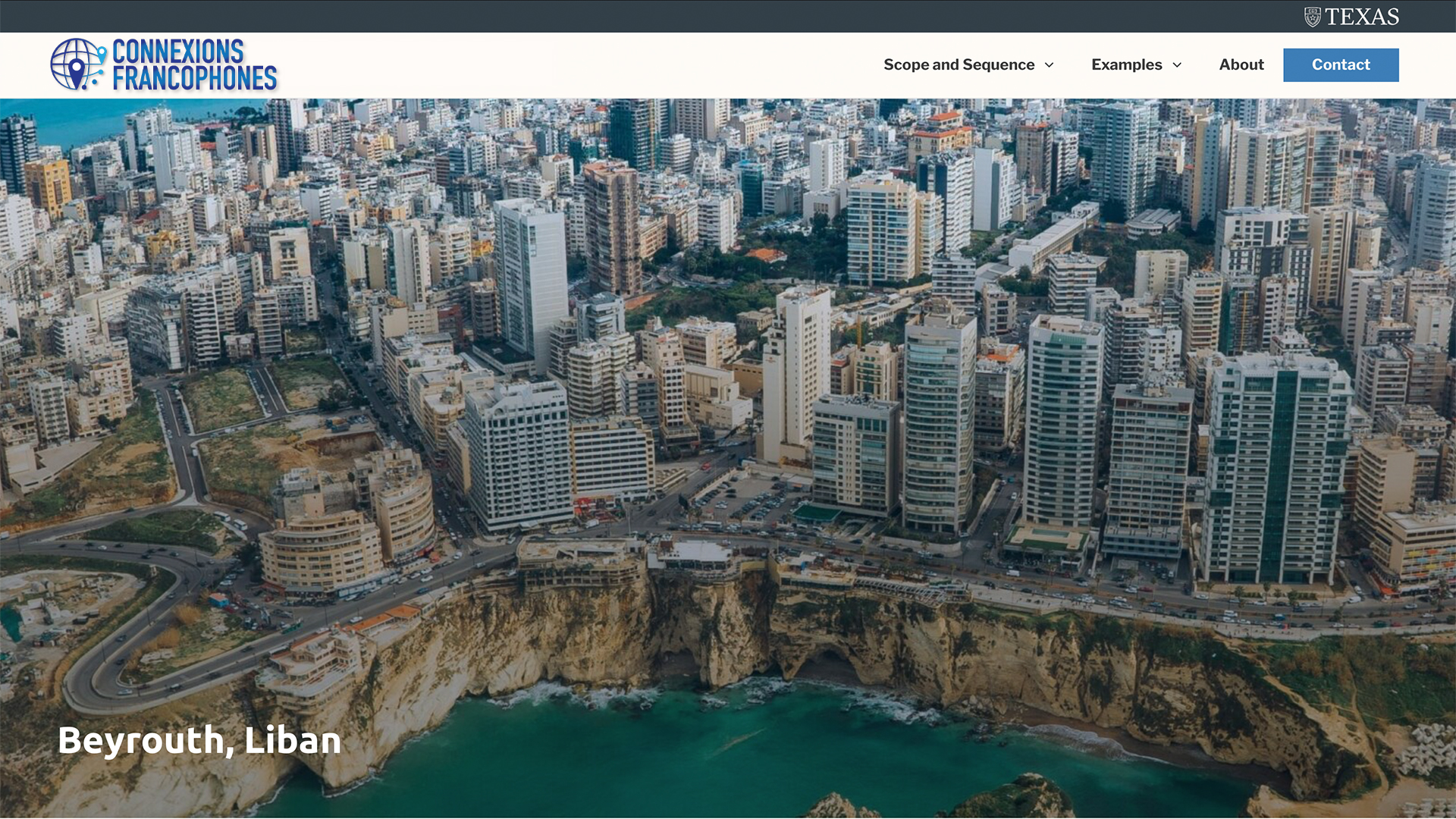
Notes: For this new project, I was assigned with developing keywords/symbols and sketches for the French Online Textbook logo. The main goal of mine for this logo design is to create something timeless, advertiseable, and something like a trademark. I proceeded further by making logo mockups of how I envisioned the colors playing out from the initial drawing. I made a mockup of a business card and two website variations, and for the type, I used DIN Condensed Bold and a gradient of blues to overlay.


STA Poster 

Project: Spring 2023 STA Presentation Poster
Due On: February 28, 2023
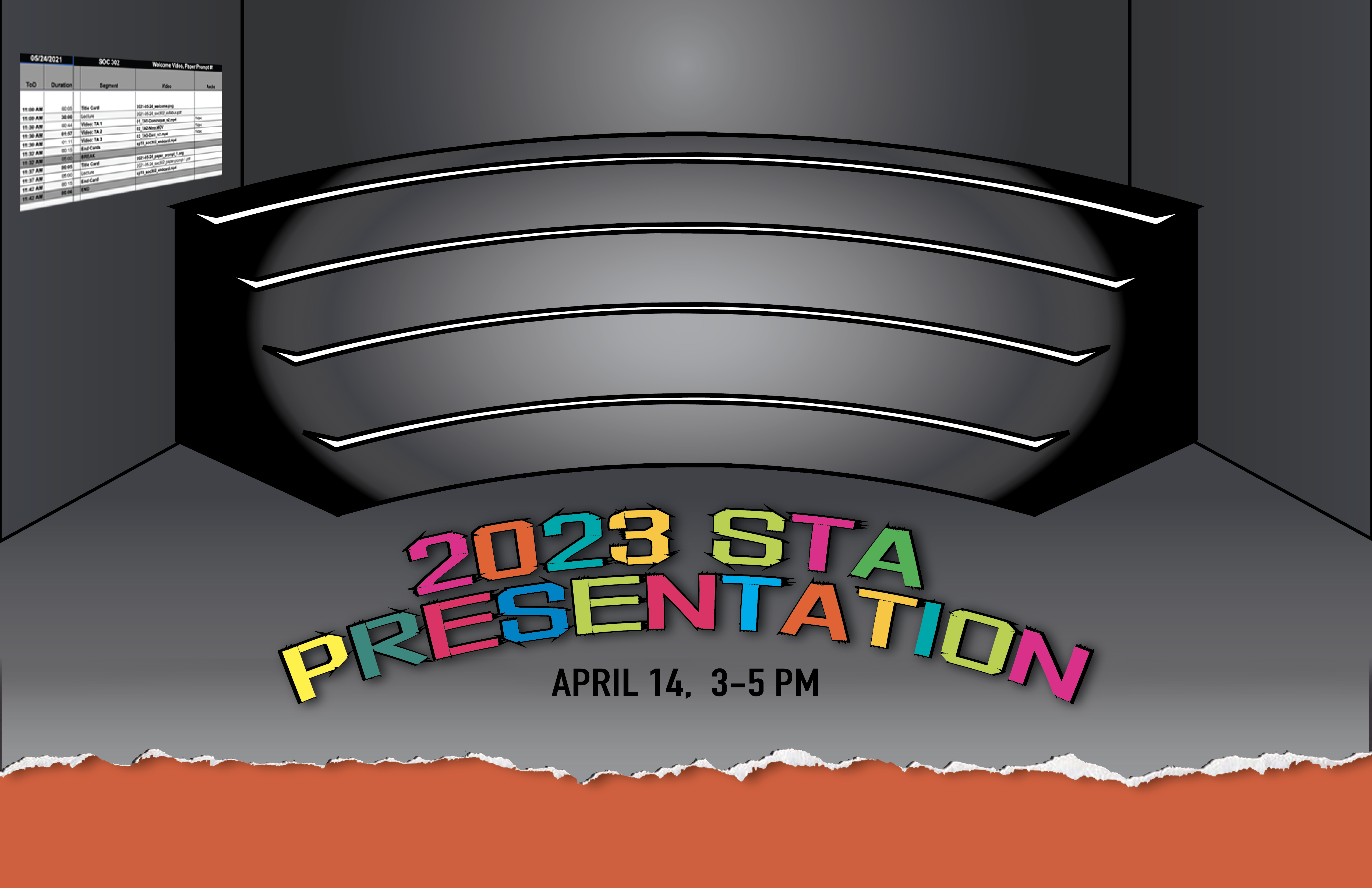
Notes: This week, I made some rough renders from my previous sketch. I have this brush & texture set on my iPad that I think really ties into the DIY theme! Maddy, my art director, also helped with some rendering such as the title for the poster and the addition of some items. Here are a couple of the mockups.


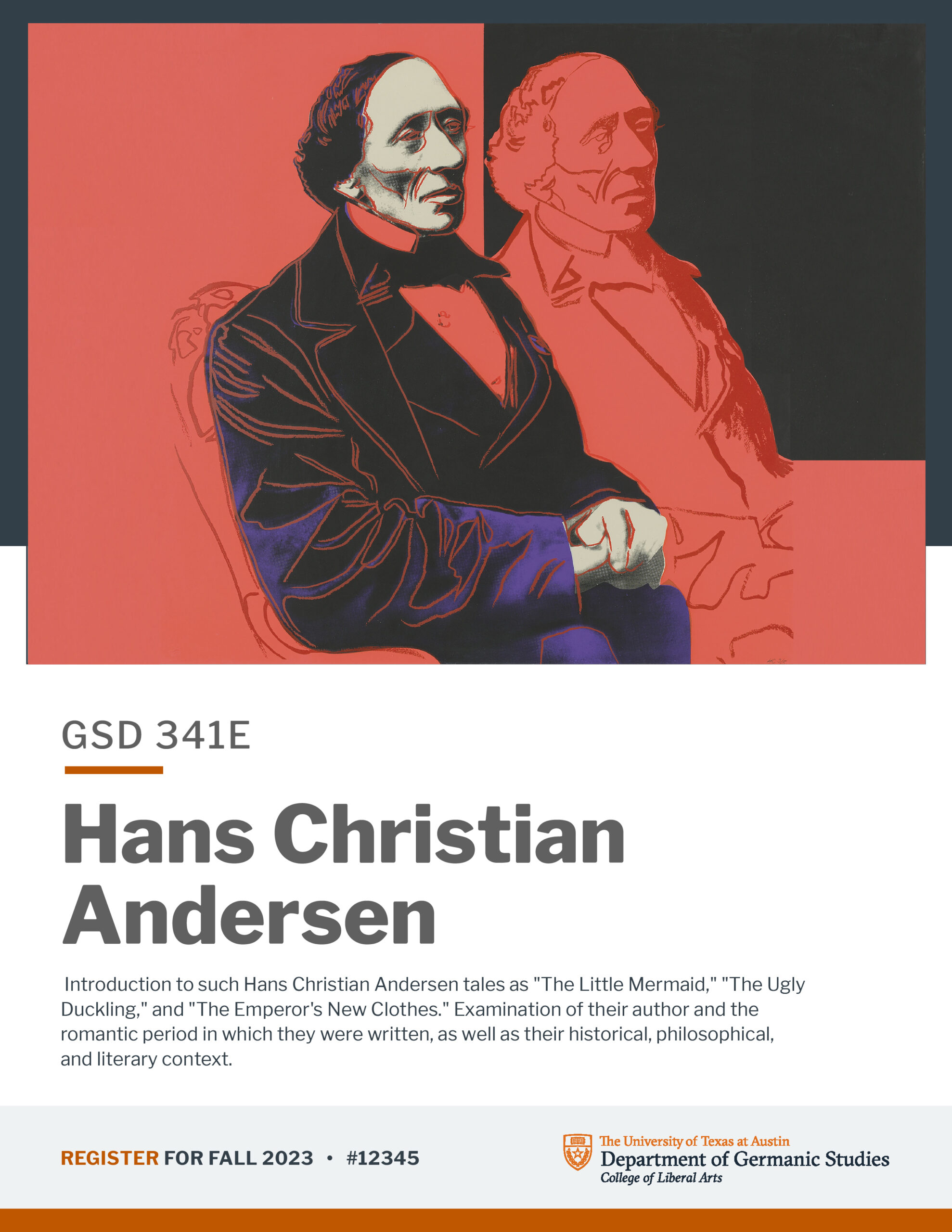
GSD Course Promo Flyers

Project: Course Promo Flyers
Due On: February 24, 2023
Notes: Germanic studies have requested a batch of course posters, so we’re using templates. Some of these have photo assets provided and we choose 1-2 that look good together, collage if necessary but keep it simple. If assets aren’t provided, find something relevant to the course. Adrian, a fellow STA, has been providing feedback and assigning these flyers.


Filed Under: Fall 2022 - Spring 2023

Week 7

February 22, 2023 By Daniela Caballero

Week 7


Project: Qualtrics LTI Grade CSV Passback

Client/Prof: LAITS

Started on: February 6, 2023

Completion status: Completed on March 1, 2023

Staff guidance: Chris Pittman, Stacy Vlasits

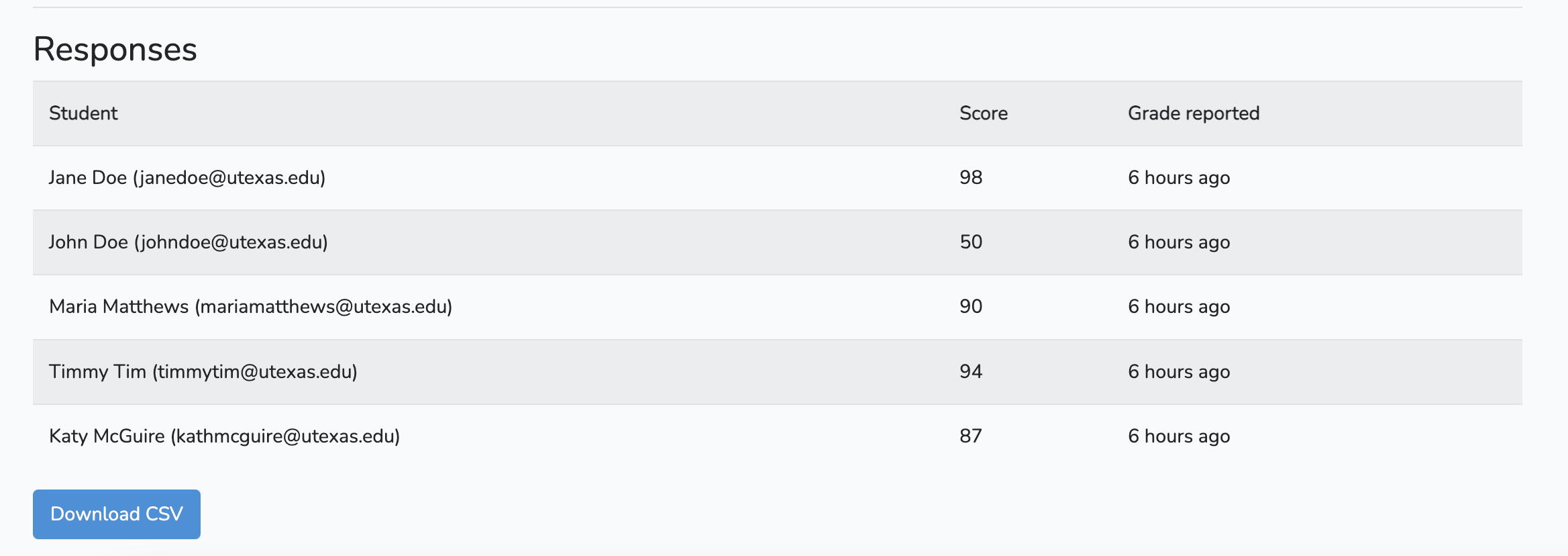
Description/plans: Feature to download student responses as CSV file


Going back to the MVC (Model-View-Controller) architecture, these are the changes I made in each aspect of the tool.


Controller:

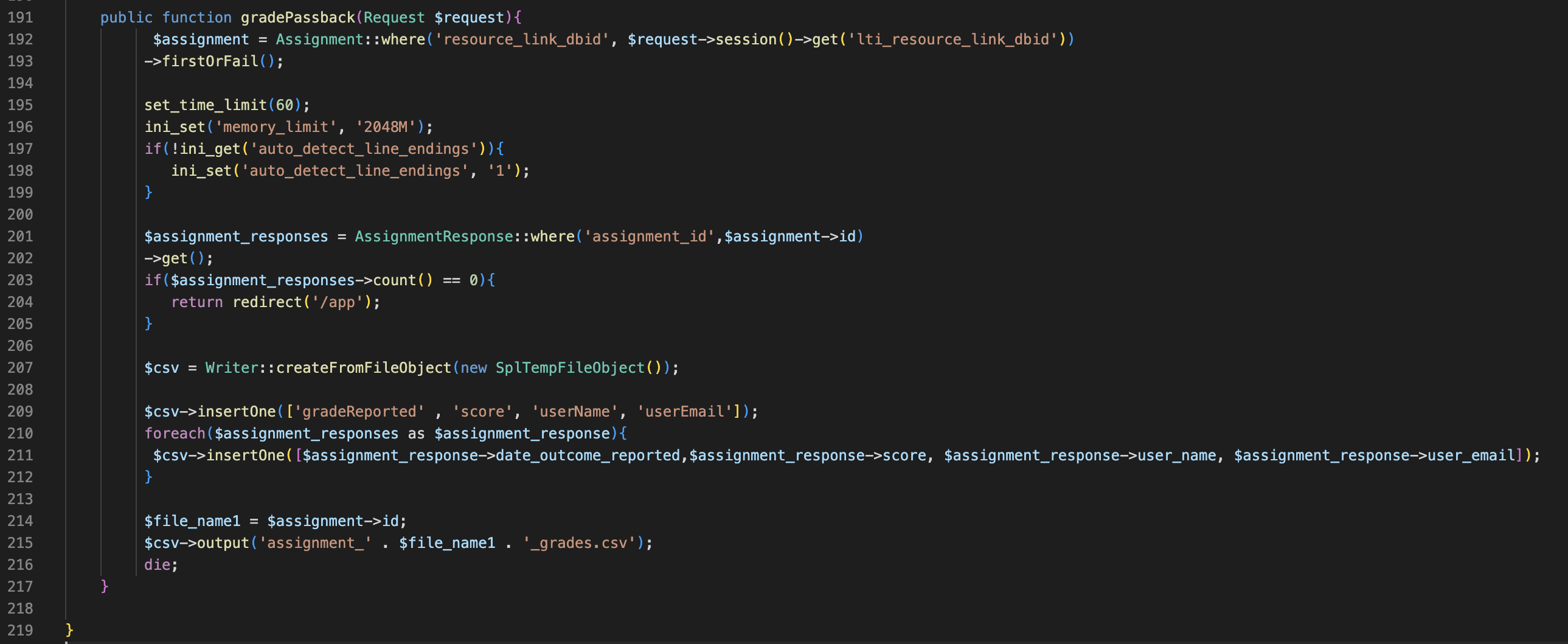
Applications built on the Laravel Framework have a controller that features functions that help the user interact with the database (not directly of course). These methods can be categorized as GET or POST. GET methods or functions retrieve data from the server and presents it to the user. When you browse for something online like pictures of cats and hit search, these pictures are retrieved from servers, so GET methods must be behind this. POST, you guessed it: posts your data to the server. When you create an account for the first time, your information is sent and stored in the server. An example of the cycle of GET and POST methods is when you search for an online store (getting user interface), logging in (posting your info and verifying that it’s correct), and then seeing the items in your cart or wishlist (getting again).


The function I implemented gradePassback() is a GET method.  This is the web.php file which includes all the HTTP routes. The “/” app the main URL calls a function that performs a GET or POST method. I added line 36 which calls the gradePassback() function.


These are my changes to the app controller. I used the LeagueCSV library to convert the data I pulled from the data base in a downloadable CSV file


View:

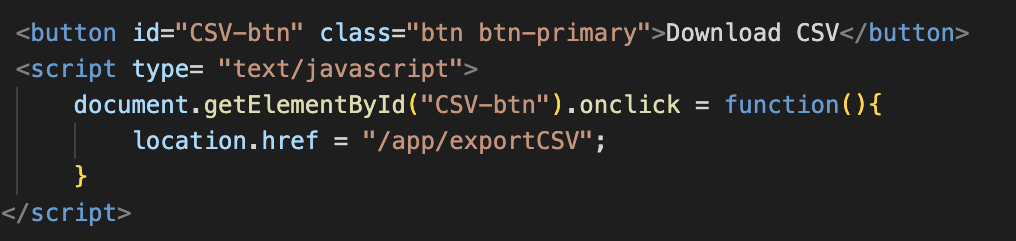
In the teacher interface, I added the button from my previous post. My first idea was to create a button in HTML and to make it redirect to /app/exportCSV I use a JavaScript block within the HTML to go to the link on click. After I made a pull request, Chris suggested that I link to the route and stylize it instead. This solution is much cleaner.


This is a sample of what the teacher side view looks like (these are not real people’s names)


and this is the CSV file that is retrieved when the Download CSV button is pressed


Update 3/1/2023

My contribution was merged to the main Qualtrics-LTI code repository on GitHub! Overall this was a really cool and insightful project to work on. Starting with no prior experience with MVC architecture, I learned about the framework used in a lot of web applications, technologies used in web dev, and the git workflow. Throughout this month I went from familiarizing myself with the project, to sometimes feeling frustration when setting up the development environment and figuring out how all the MVC components interact, to actually making a contribution.

Filed Under: Fall 2022 - Spring 2023, We are STAs

  • « Previous Page
  • 1
  • …
  • 18
  • 19
  • 20
  • 21
  • 22
  • …
  • 50
  • Next Page »

link to LAITS home page

Video STA Home

© 2025 Liberal Arts Instructional Technology Services | Production Credits