• We are STAs
    • Asha Rountree
    • Haley Ma
    • Kate Shih
    • Kyra Lee
    • Nicholas Peasley
    • Sasha Kenney
    • Shanda Horm
    • Shriya Atreya
    • Tomas Marulanda-Mesa
  • We were STAs
  • STA Presentation
    • STA Presentation 2017
    • STA Presentation 2016
  • Testimonials
  • Resources
  • Home

STA Blog

TBH: Site Explorer Page

November 23, 2021 By Cristina Villarreal Núñez

TBH: Site Explorer Page

Project: New Site Addition to the Site Explorer Page
Client: Steve Black & Emily McCuistion
Completion Status: In progress, early stages.
Staff Guidance: Suloni Robertson, Estella Sun, and the WebDev team
STA Team Members: Cristina (esa soy yo)
Description/Plans: To add “Hendrick and Ware Plantation” to the Site Explorer https://www.texasbeyondhistory.net/explorer.html This involves putting exhibit/place name and a locational dot on map on list, and then adding an image, a blurb, and timeline for the pop-up when exhibit selected.


This project has slowly been in the works for the past week, but basically I need to add a new spot (that being one of the sites we worked on from the Rusk County map project) into this other interactive map…
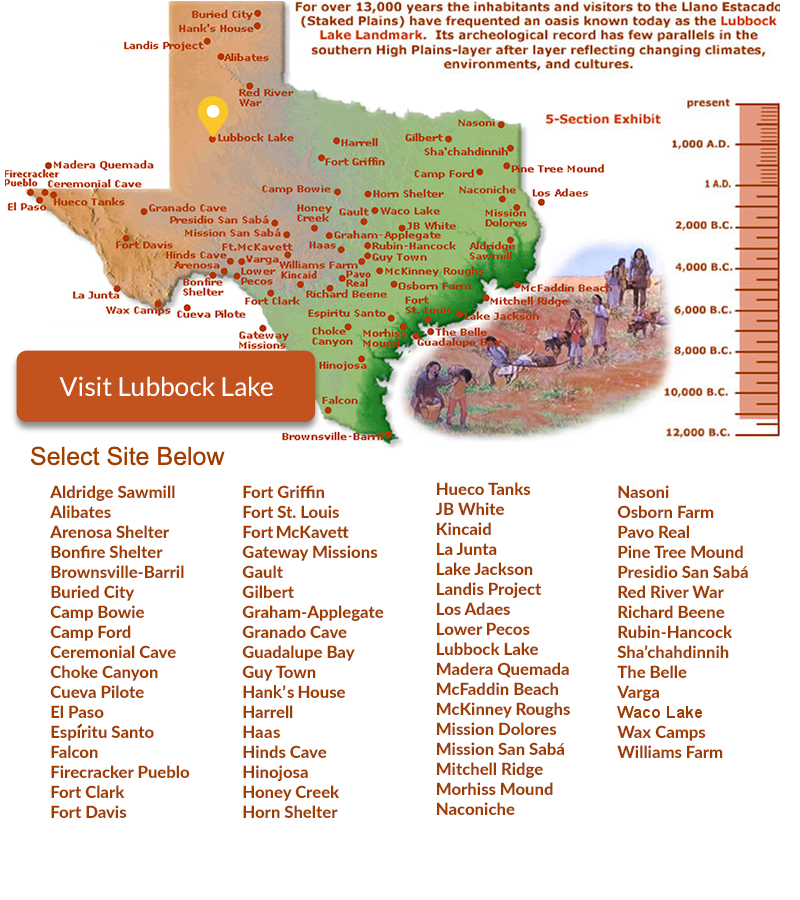
 

In order to do so, though, I need a lot more information than I was given. So to summarize what I need, I made the following annotated mockup to send the client a detailed list of things for them to send over. Take a look…


For now, and probably till we get back from Thanksgiving break, I’m waiting for them to send over these assets. Nonetheless, in the meantime I also worked on recreating two very important assets, those being the orange button, and the yellow pin. Why? Well, because no one has really worked on this project in a long time, and those files (at least the editable psd versions) were lost along the way.
Filed Under: Fall 2021 - Spring 2022

Week 13

November 22, 2021 By Asmita Karmakar

This week I mainly worked on trainings.

HTML/CSS training:

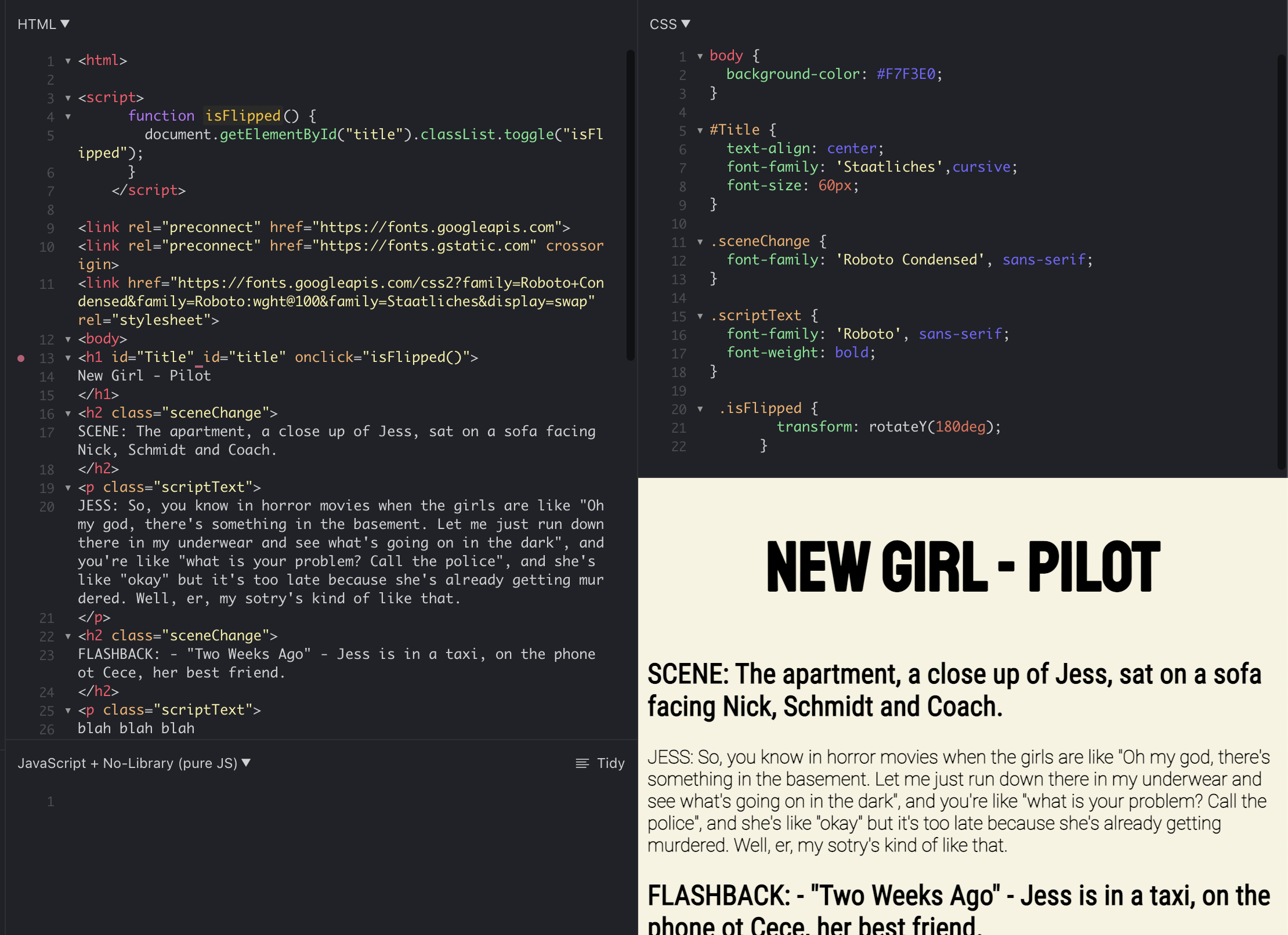
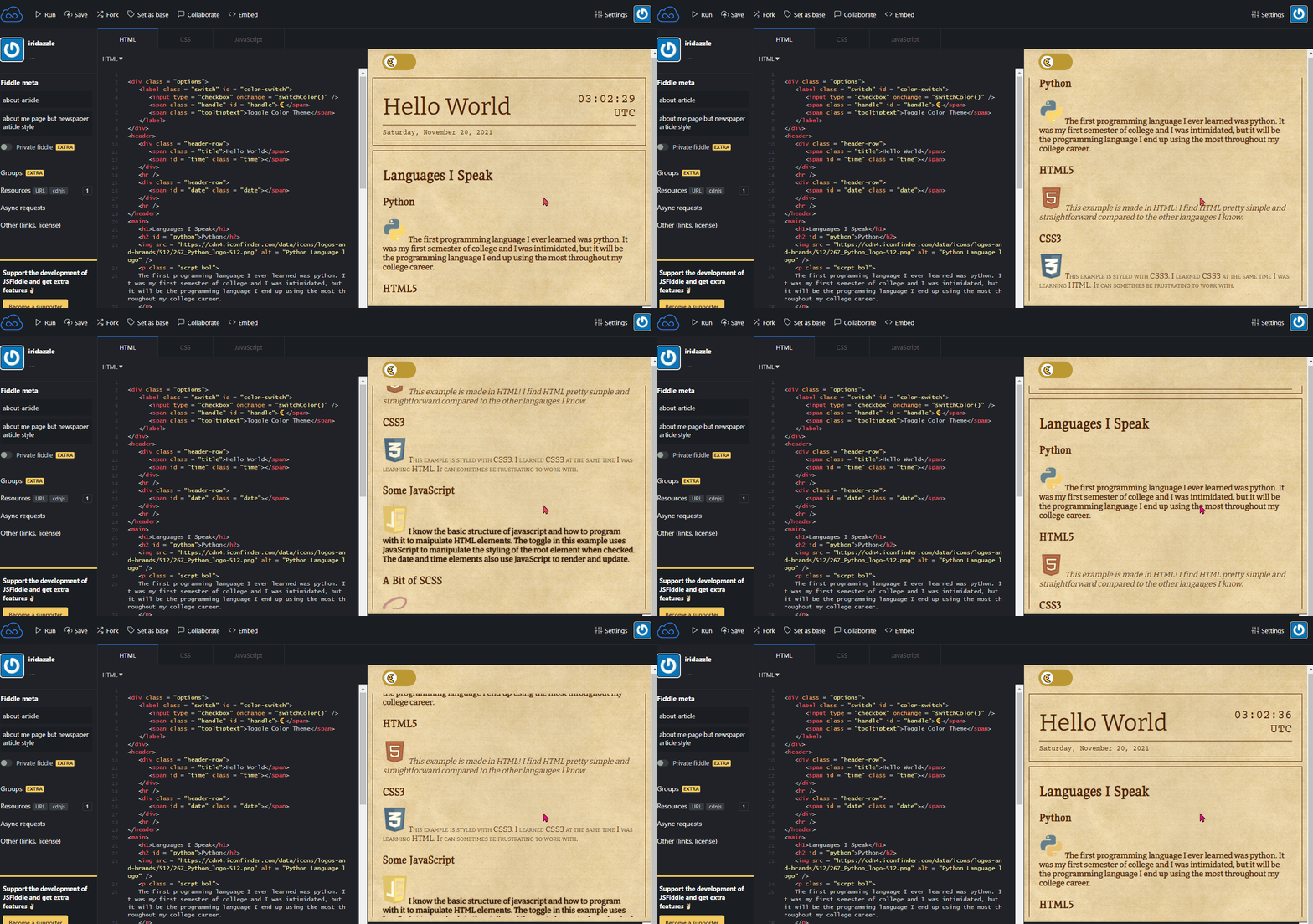
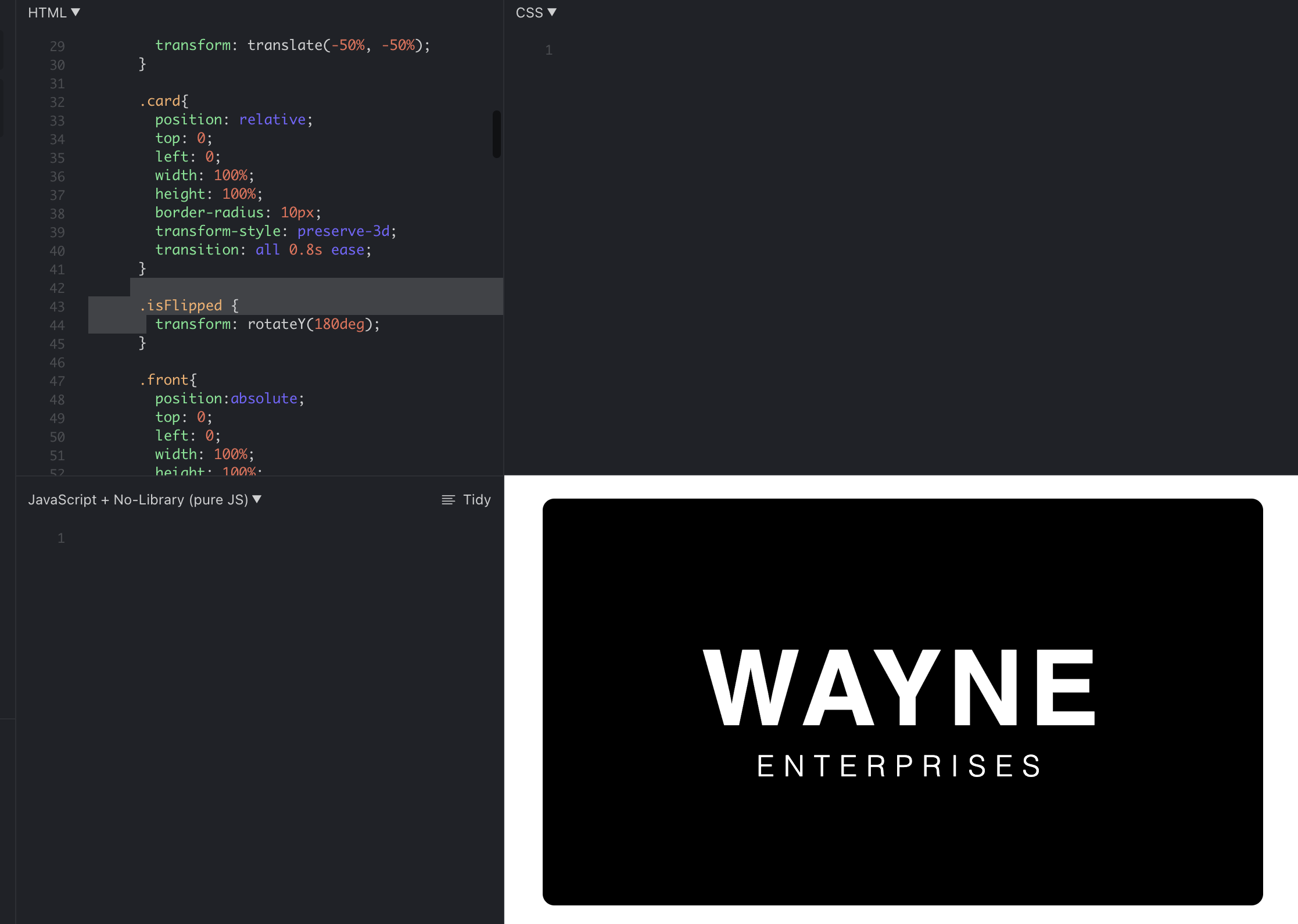
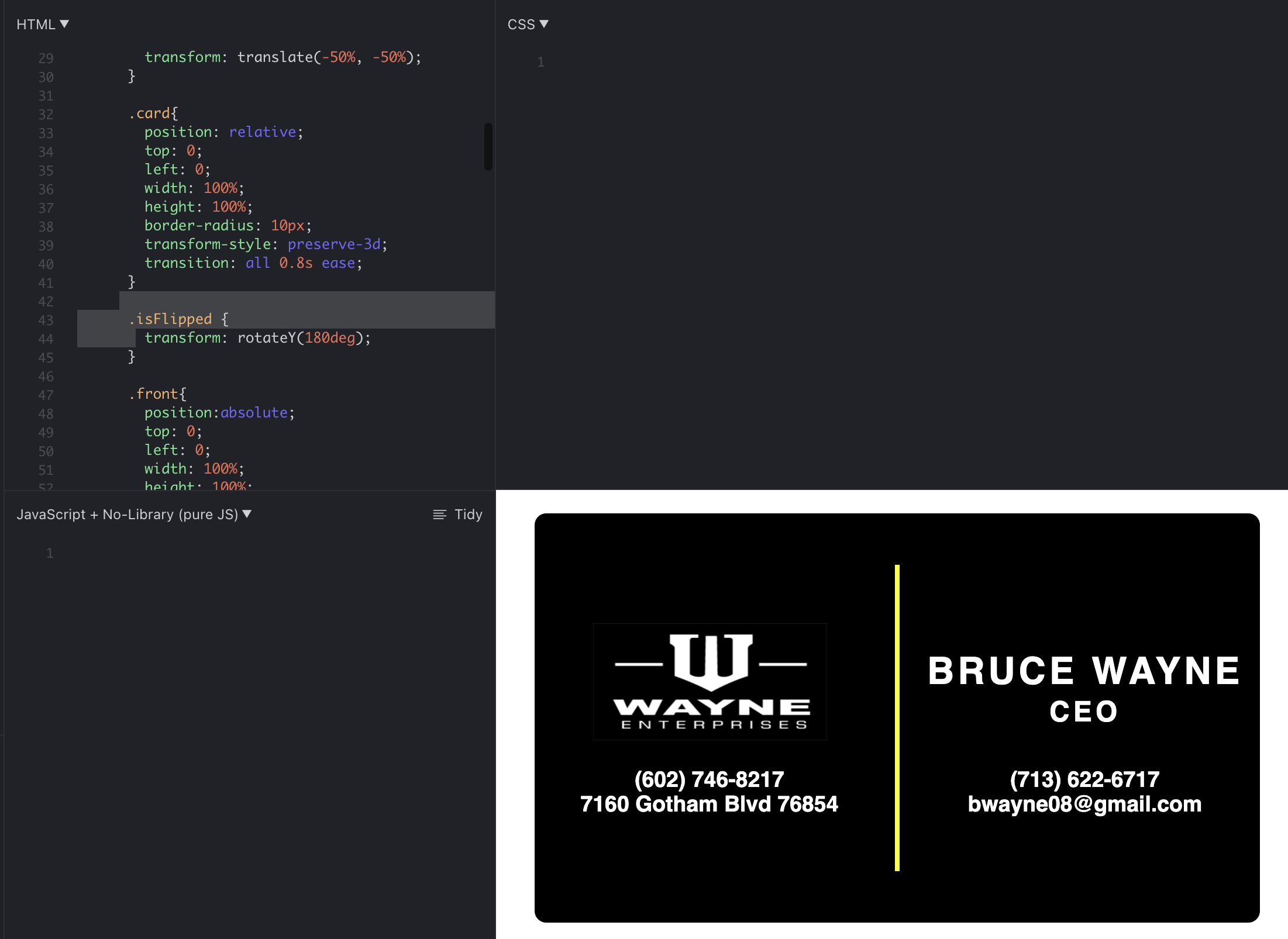
I did a project earlier making a batman business card which flips when you click it.


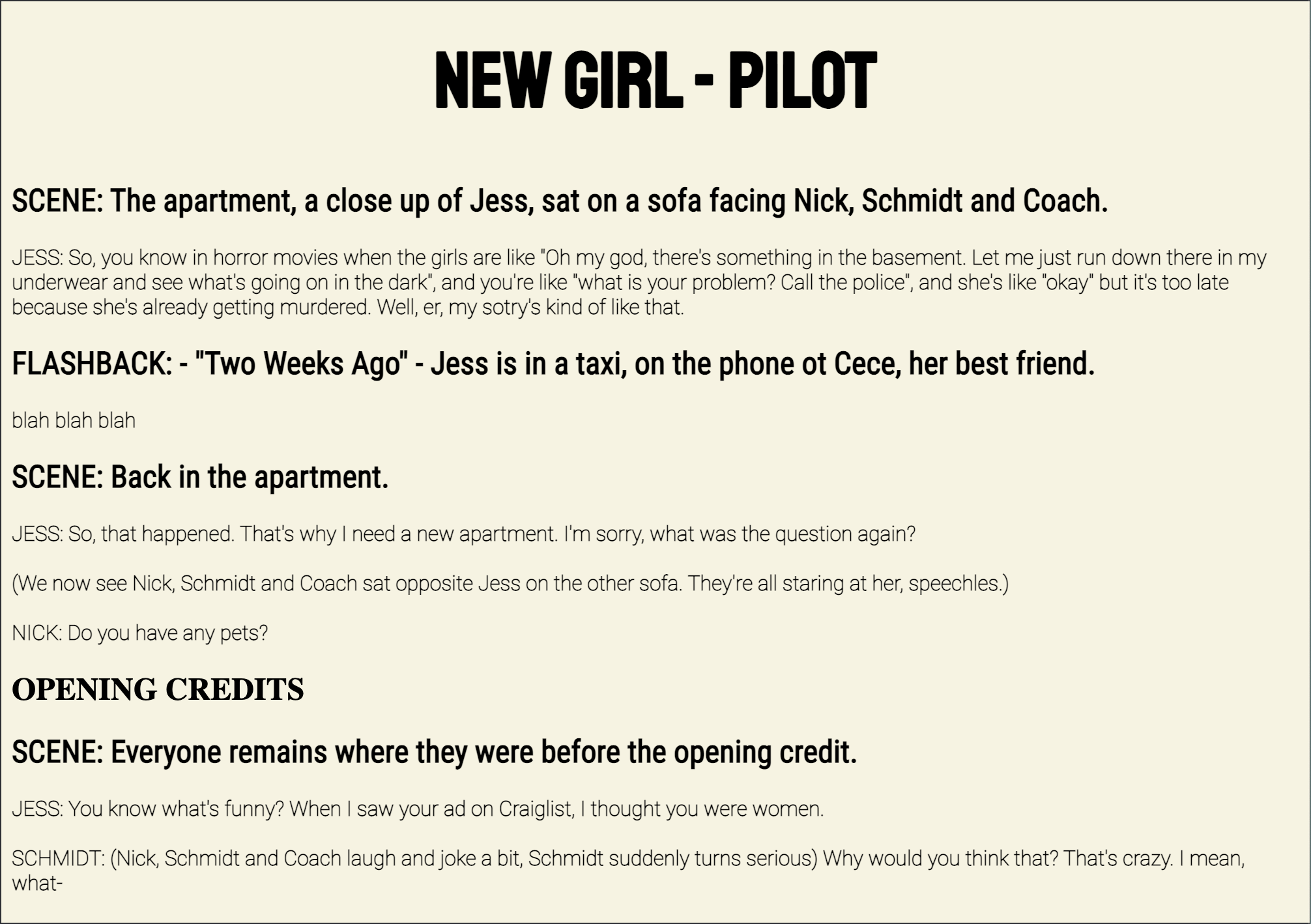
Now I’m styling a New Girl script and focusing more on transformations with Javascript.

I also included a personal project. I’m working on the front-end of an app for an org I’m in so this is a little video of the work I’ve done in React Native.

Filed Under: Fall 2021 - Spring 2022, We are STAs

cts banner cont.

November 22, 2021 By Sheryl Long

Project: CTS Banner Design
completion status: in progress
staff guidance/team: Valerie, Matthew
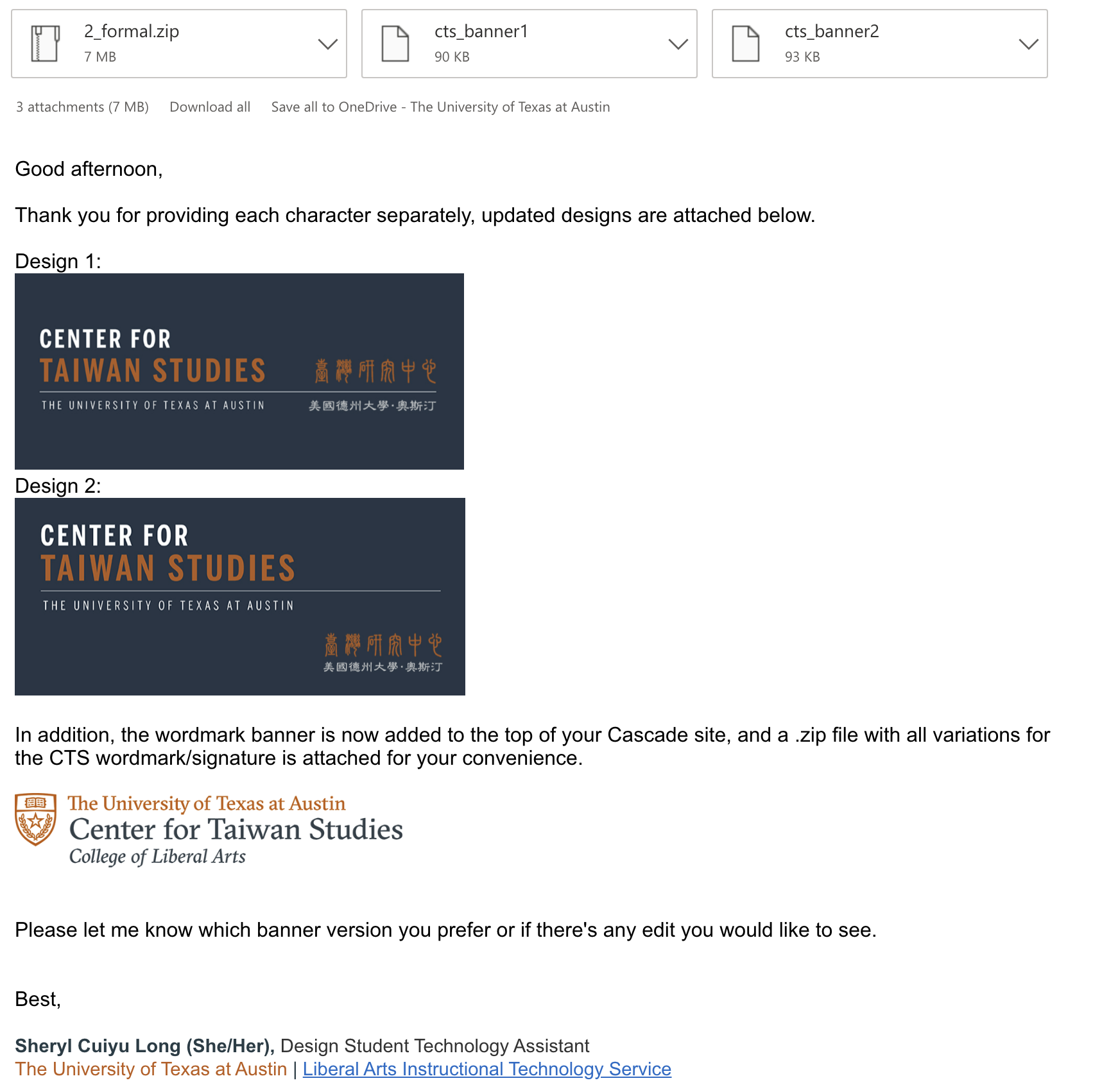
description/plans: Client asked to take off the image and add two lines of text (Chinese titles of the center and university) For center title, client wanted an archaic Chinese calligraphy, which took a while to find.

Update: Client asked for small text adjustment. Valerie heard back from wordmark department, so I added the wordmark banner to Cascade.

Filed Under: Fall 2021 - Spring 2022

Pixel Art Trainings

November 22, 2021 By Rachel Sacks

Pixel Art Training

Goal: With the live paint tool in Adobe Illustrator, create pixel art based off of a reference image

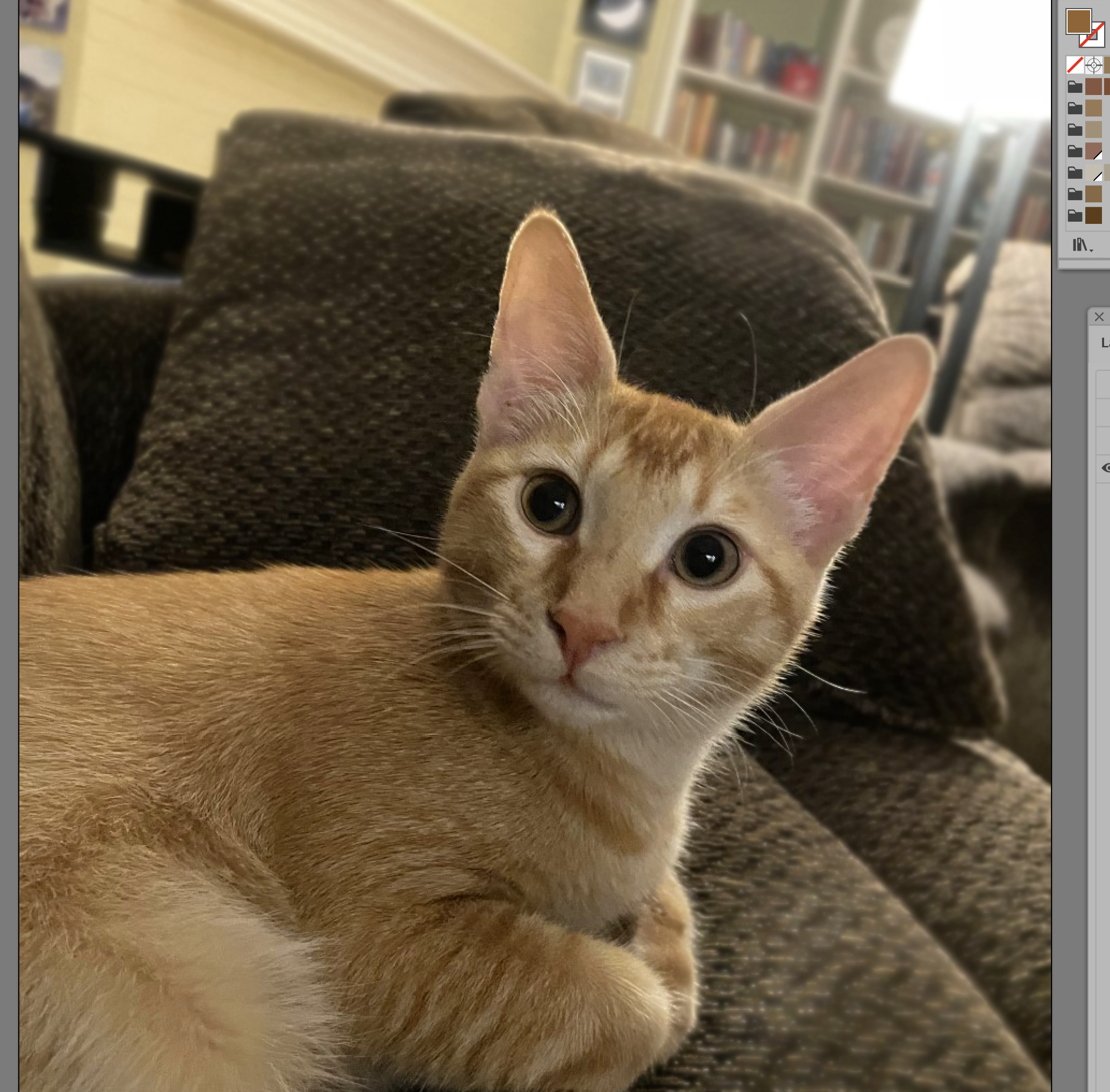
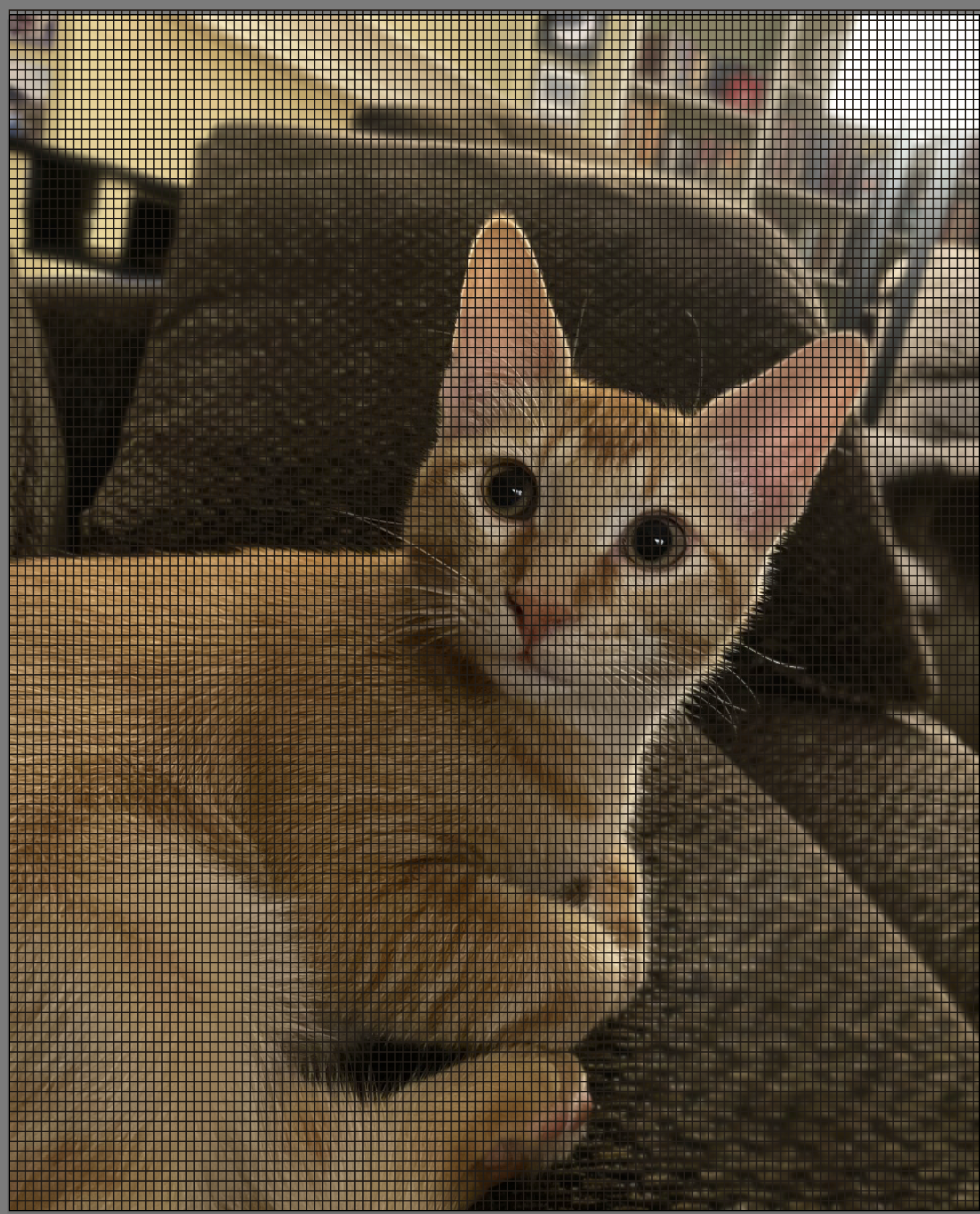
For the Pixel Art Training, I had to first take an image and create a color palette based off of the image using the eye-dropper tool in Illustrator. I chose this lovely image of my cat, Travis.

I made a few extra palette groups to keep track of the colors that I ended up changing once I realized that the colors I chose were not perfect.

Once I did the palette, I created a 120×120 grid in illustrator (because I hate myself), and used the Live Painting tool to paint pixel-like dots over the image I was referencing.

After this, I used the live painting tool and pixeled him in! I chose to crop the image a bit to make it more visually interesting, as his feet looked a bit odd in the pixelated version.

This is the final result!

  • What I learned from this training:

    • How to use the live paint tool
    • Successful ways to color pick that convey more complicated shades with less colors
    • Less is often more
    • Sometimes you want to abstract features more to make it look MORE like the thing you’re imitating (his eyes don’t have any color besides black and a bit of green because the green color makes it more cluttered in the pixelated version)
    • How to change out colors in the swatch tool

Filed Under: Fall 2021 - Spring 2022

Week XIII

November 22, 2021 By Adrian McKee

Week XIII

CoLA Refresh Project

In physics, a photon is regarded as having the properties of both a particle and a wave, depending on how it is measured. I’ve noticed that UT departments/majors/programs are similarly fluid in definition, and also subject to the observer effect, as I’ve found many pages for programs that no longer exist after I contact the administrators. Besides that, same as last week.

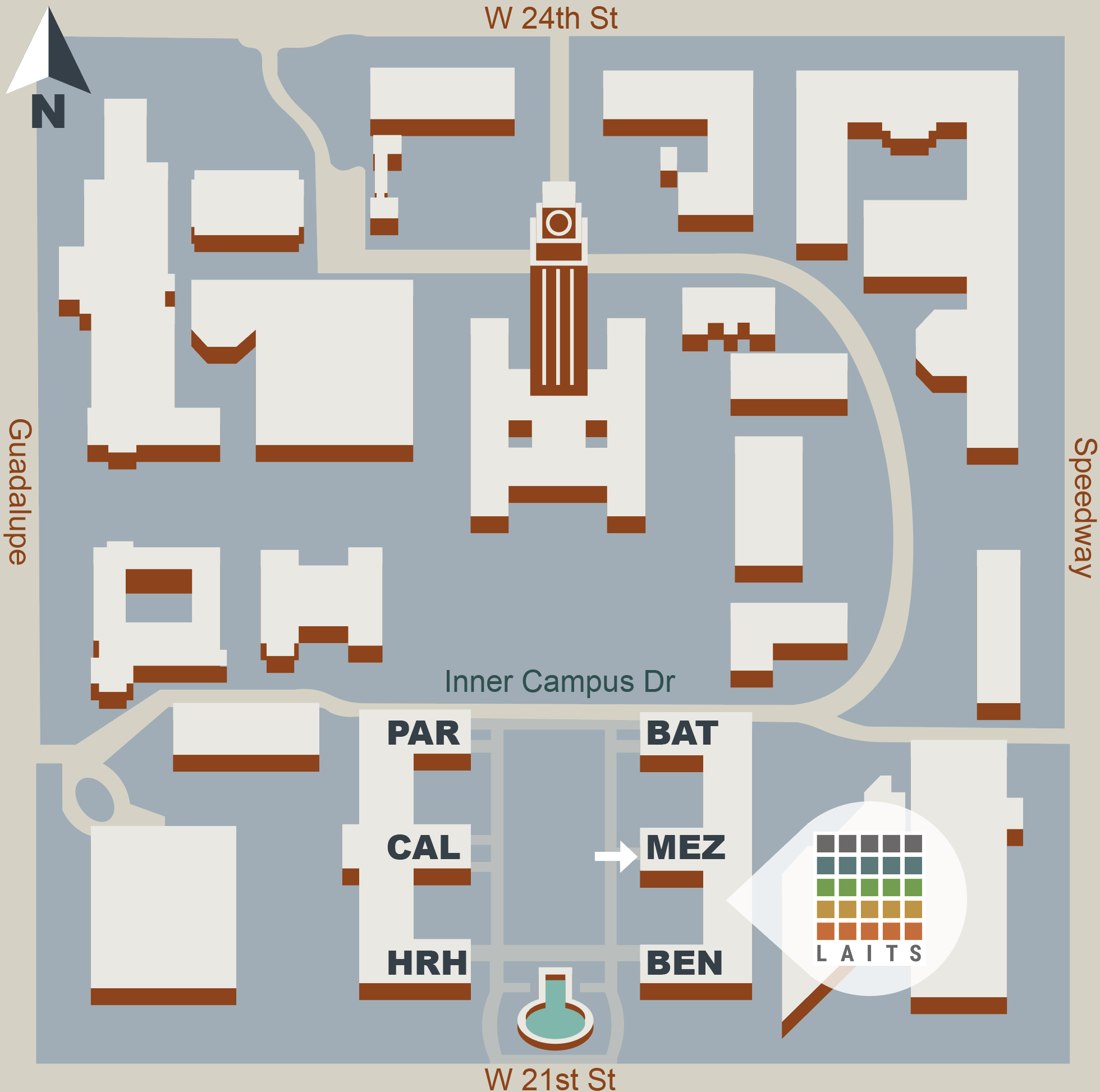
LAITS location – map illustration for web

This one is pretty much finished. I ended up redoing the palette for higher contrast/visibility, and we’re probably sticking with this one. It also sticks to UT brand palettes more closely, with some flexibility (the “white” is a UT grey with 50% opacity).

Basic Training: Hierarchy in Magazine Spreads

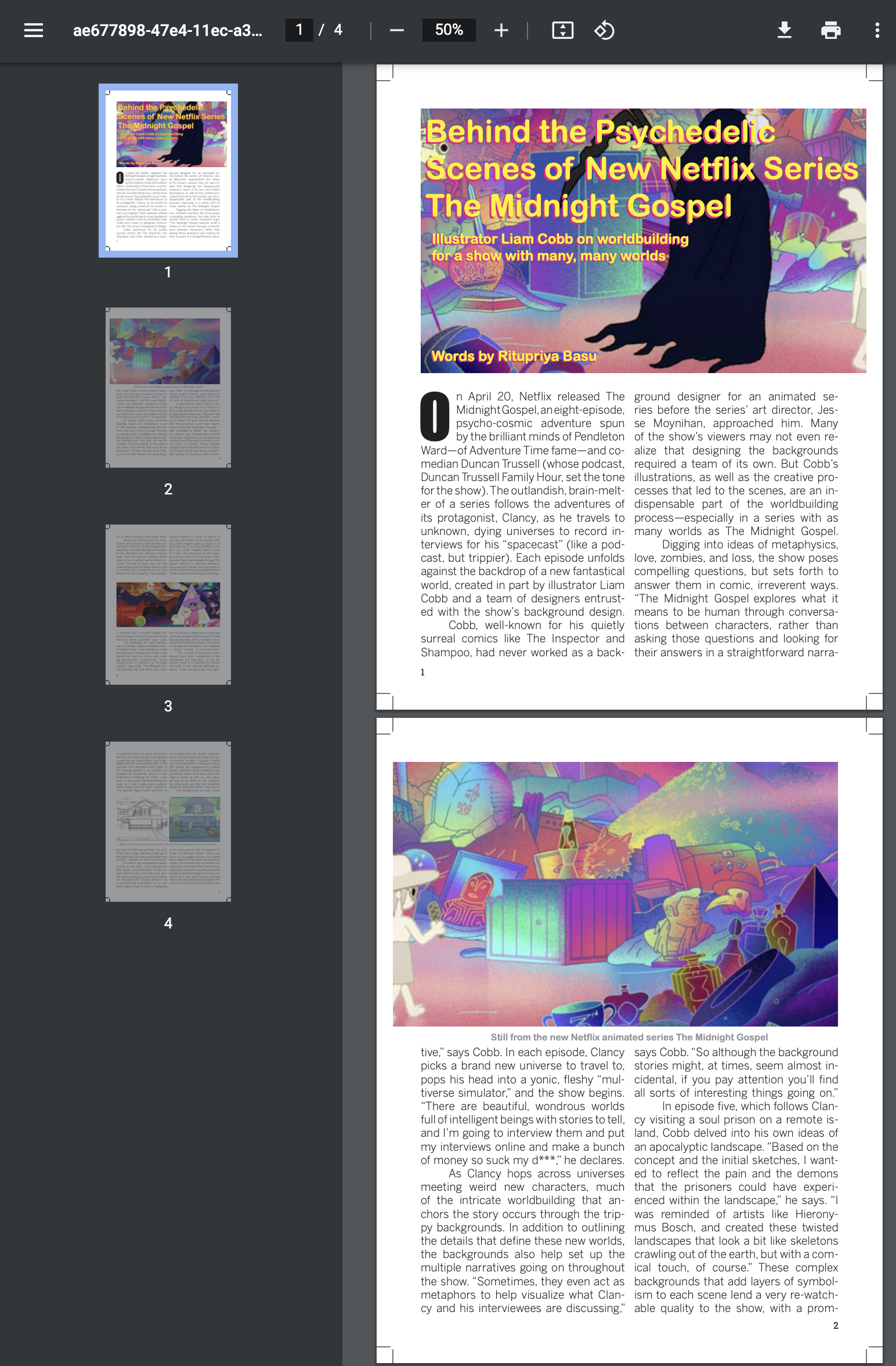
This training I started a while back, but worked intermittently awaiting feedback, so I just wrapped it up this week. The prompt was to design a magazine layout for a short article with 4 images.

InDesign, like Illustrator, is a completely foreign language to me, and similar to illustrator, I think I’ve learned enough to ask where the bathroom is. This training was very useful for providing some basic skills, such as drop caps and multi-page formatting (my previous Ai training was only a 1 page poster). I’m waiting for 1 final round of feedback, and just noticing that I forgot to include any italics (which I believe is its own skillset in Ai), so wish me luck with that.

Web Dev Basics: git and GitHub

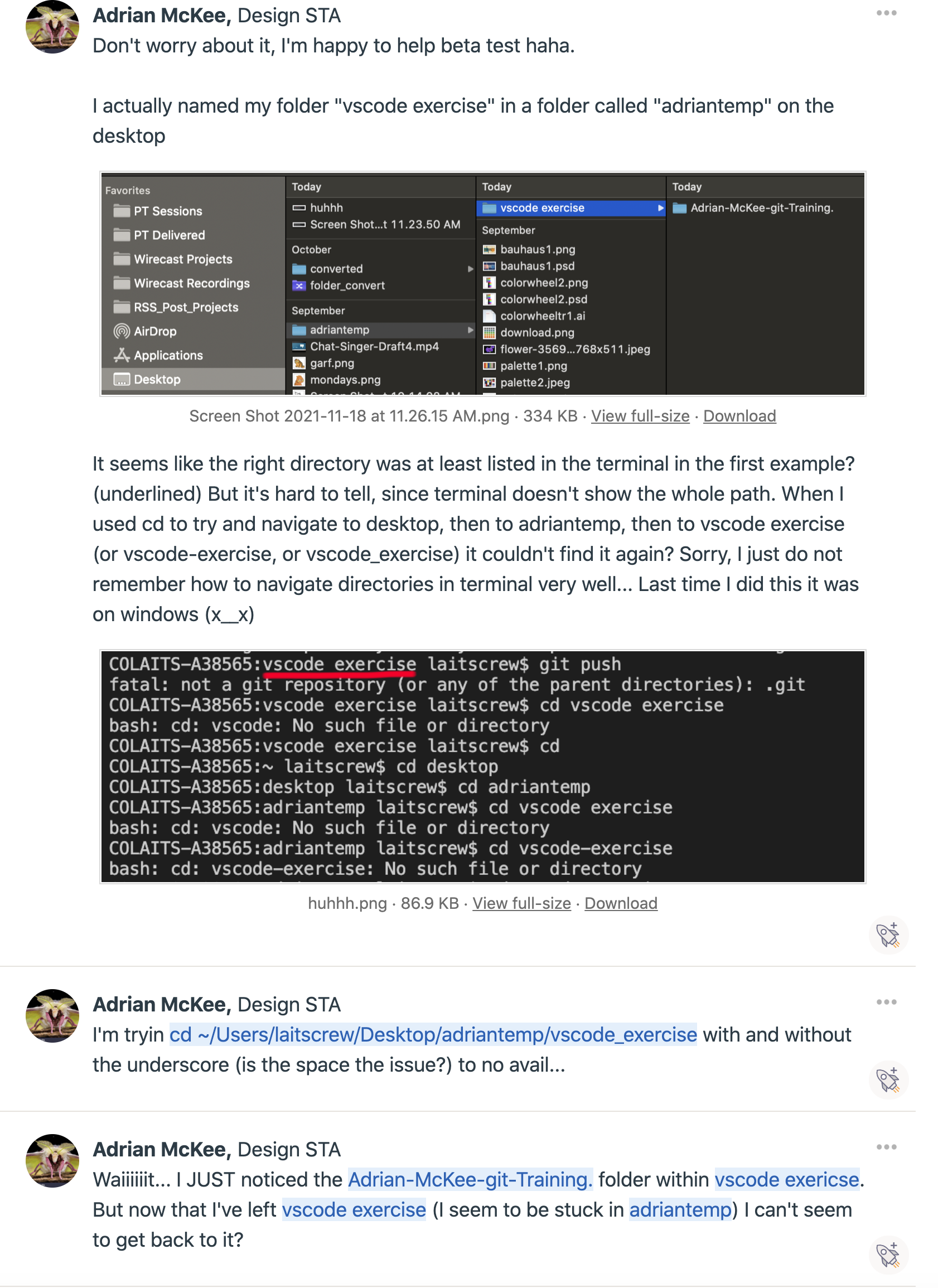
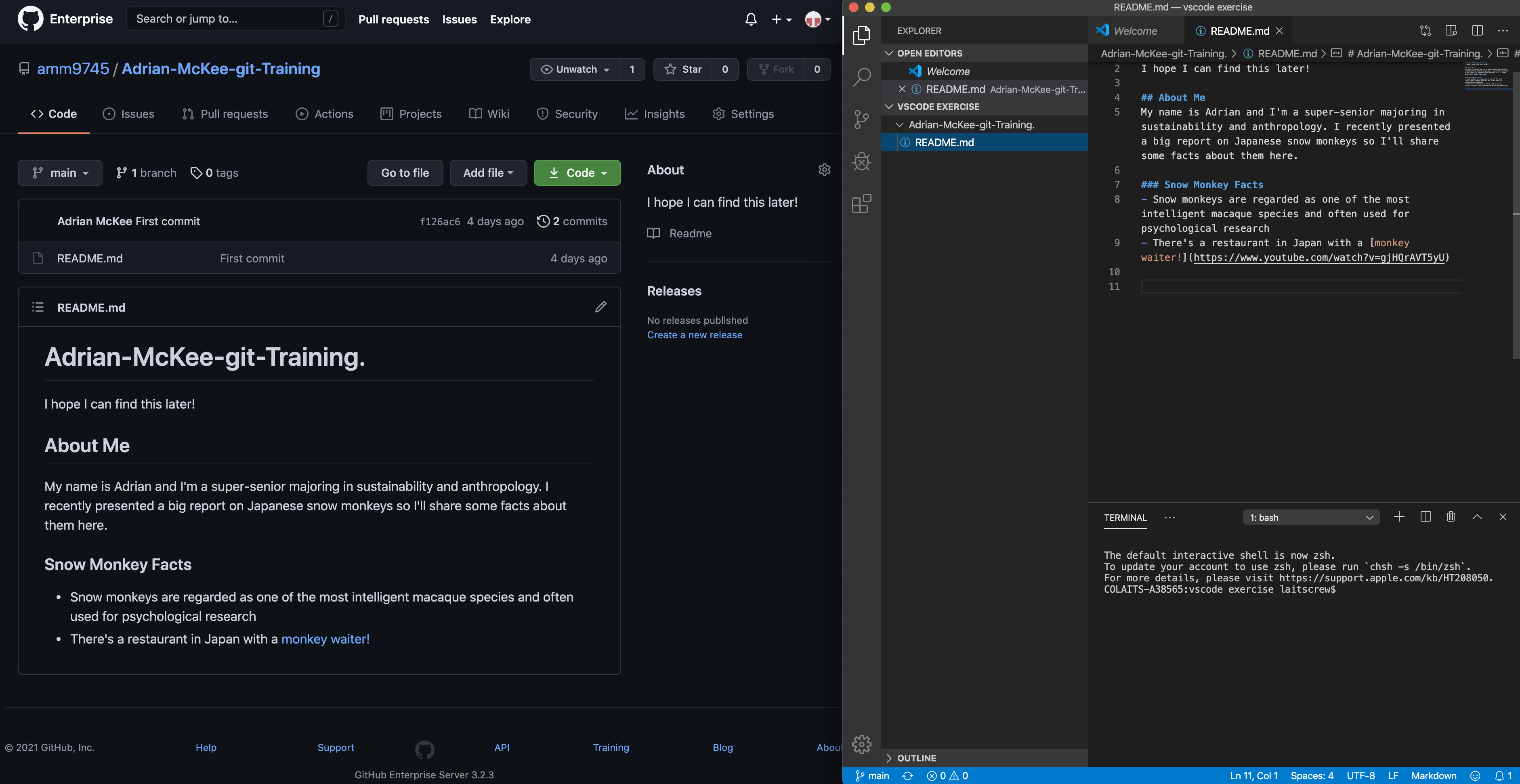
Hoping to pick up some shifts over the winter break, I’m working on a few web dev-related trainings Estella assigned me. The first completed was a basic intro to GitHub (and git in general). It involved writing up a readme file in VSCode, then linking it to a GitHub directory. Simple enough, right?

Estella ended up having to help me with almost every individual step. To be fair to myself, half the problems were outdated KB instructions (the UT GitHub has different access perms from when it was written, so I couldn’t really get the places I needed at first) but the other half was me getting hopelessly lost trying to go to the right directory in Terminal. Apparently, in macOS a folder with a space in the name has to be written as backslash-space, not underscore or dash or space or any of the other permutations I tried over and over again. Oops.

But I did get it eventually! Onward to course graphics~

Filed Under: Fall 2021 - Spring 2022

Debugging Blanton & Trainings

November 20, 2021 By Marianne Lê

Small Blanton Fixes

This week I helped Ruben and Lizabel (a client; works for Blanton) with some small fixes to the Blanton.

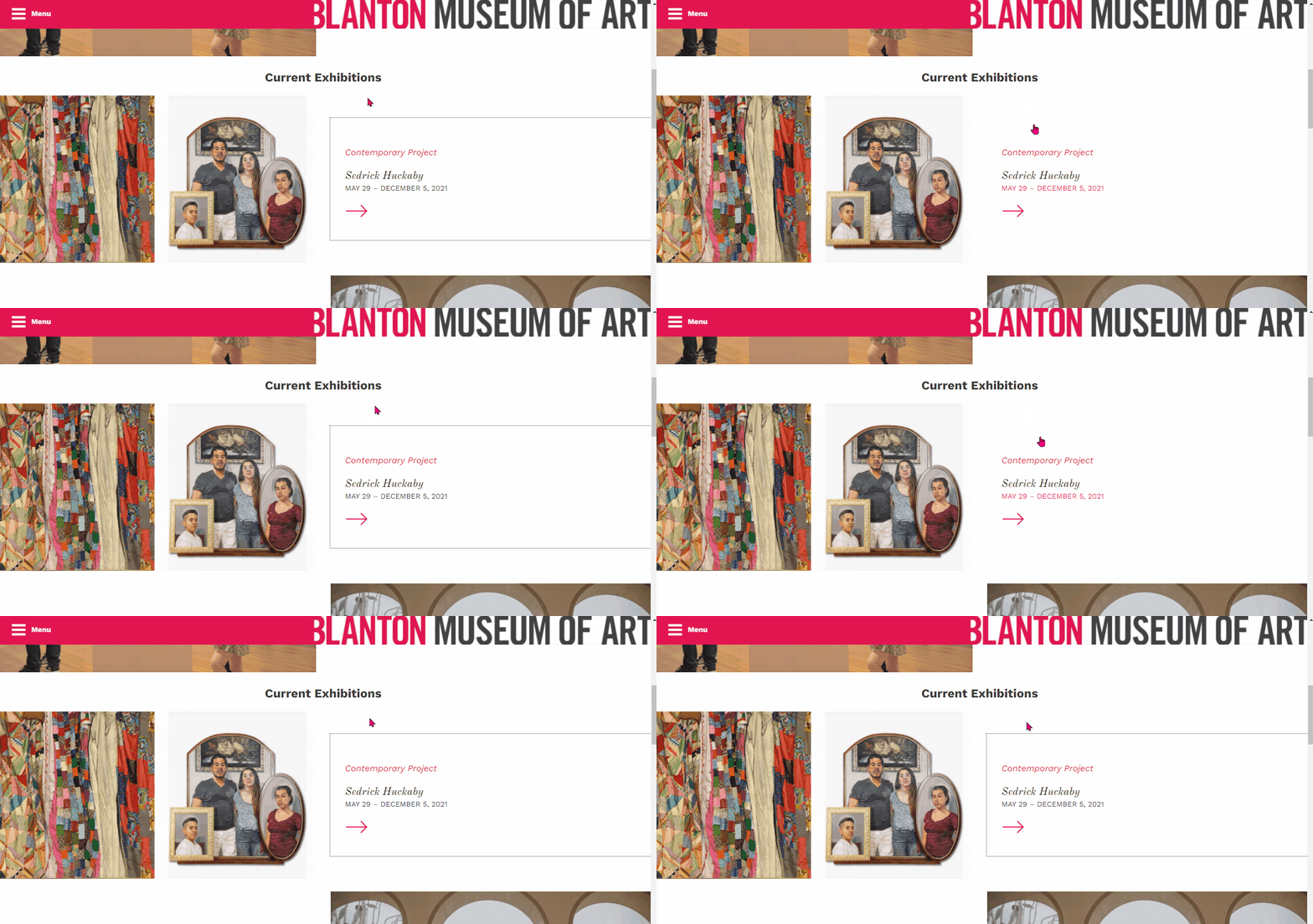
Before, I could only add link to individual blocks of texts. Ruben recently added a plugin that allowed us to add links to any kind of block.

I also helped Lizabel debug some things. There was a problem where on mobile some of her pages had some her pages were very wide. The text was contained in the screen, but at the bottom of the page there was a wide blank space that caused a horizontal scrolling. I found the problem to be a large canvas element and quickly fixed that for her.

The rest of the week I did trainings.

HTML/CSS Training

I recycled code from my hackathon project for this training.

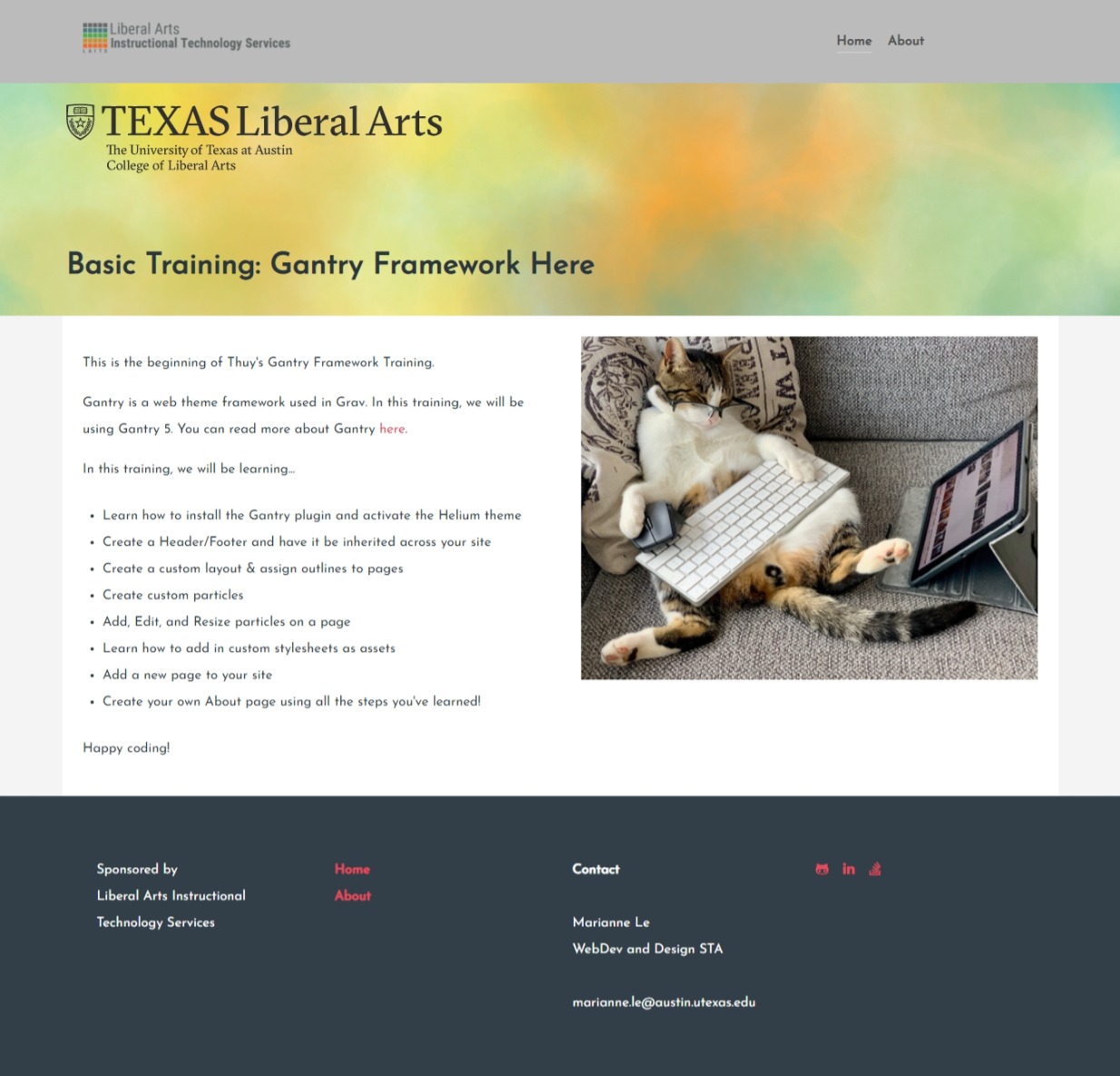
Grav and Gantry Training

Had some small technical difficulties because I am new to Grav, but I am getting there.

Made my own custom particle for the profile half and half.

Filed Under: Fall 2021 - Spring 2022

  • « Previous Page
  • 1
  • …
  • 29
  • 30
  • 31
  • 32
  • 33
  • …
  • 63
  • Next Page »

link to LAITS home page

Video STA Home

© 2025 Liberal Arts Instructional Technology Services | Production Credits