Training: Make a Spread in InDesign
I followed Maddy’s new InDesign tutorial draft on how to make a spread. The steps were easy to follow, it will definitely be a fun basic training for the new STAs.


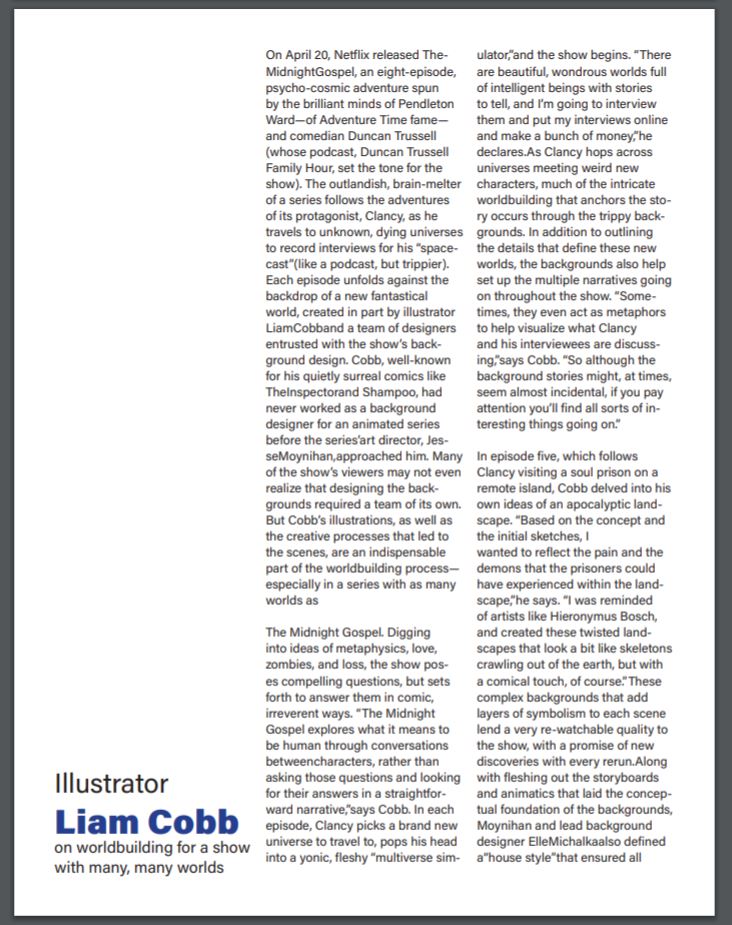

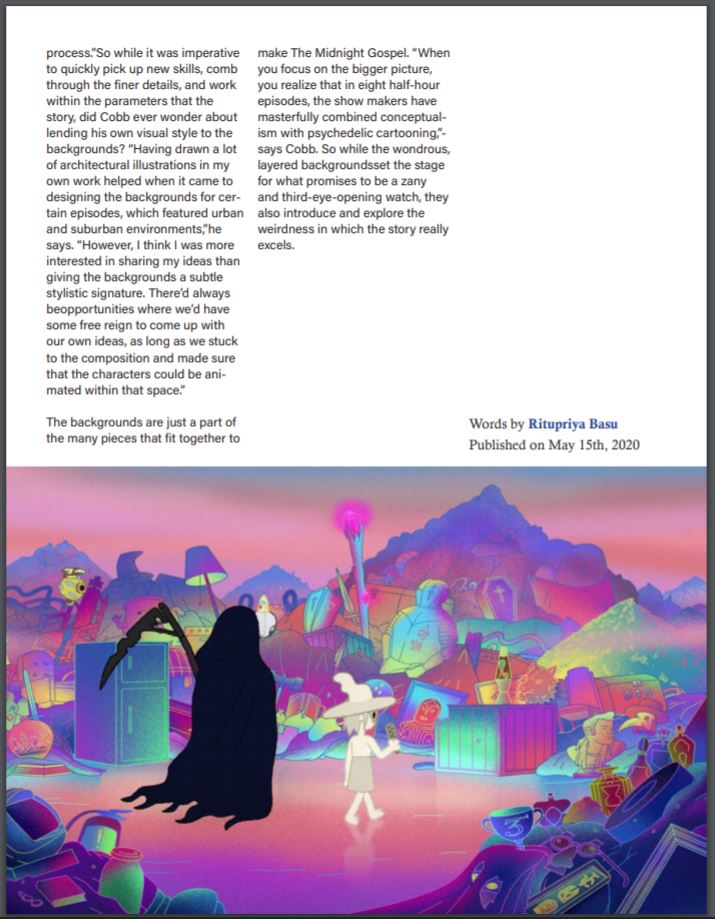
I followed Maddy’s new InDesign tutorial draft on how to make a spread. The steps were easy to follow, it will definitely be a fun basic training for the new STAs.
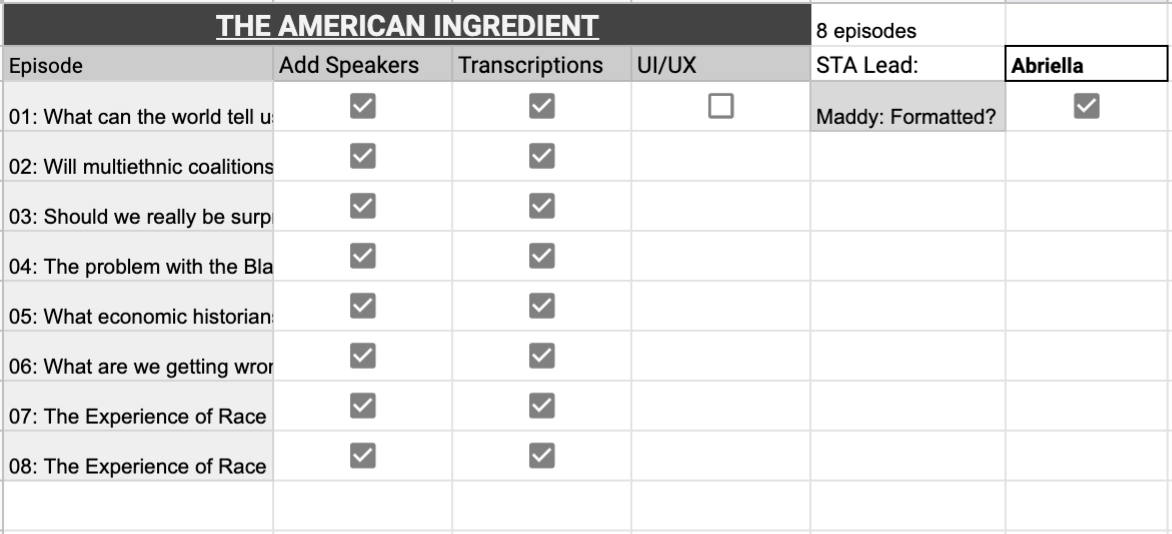
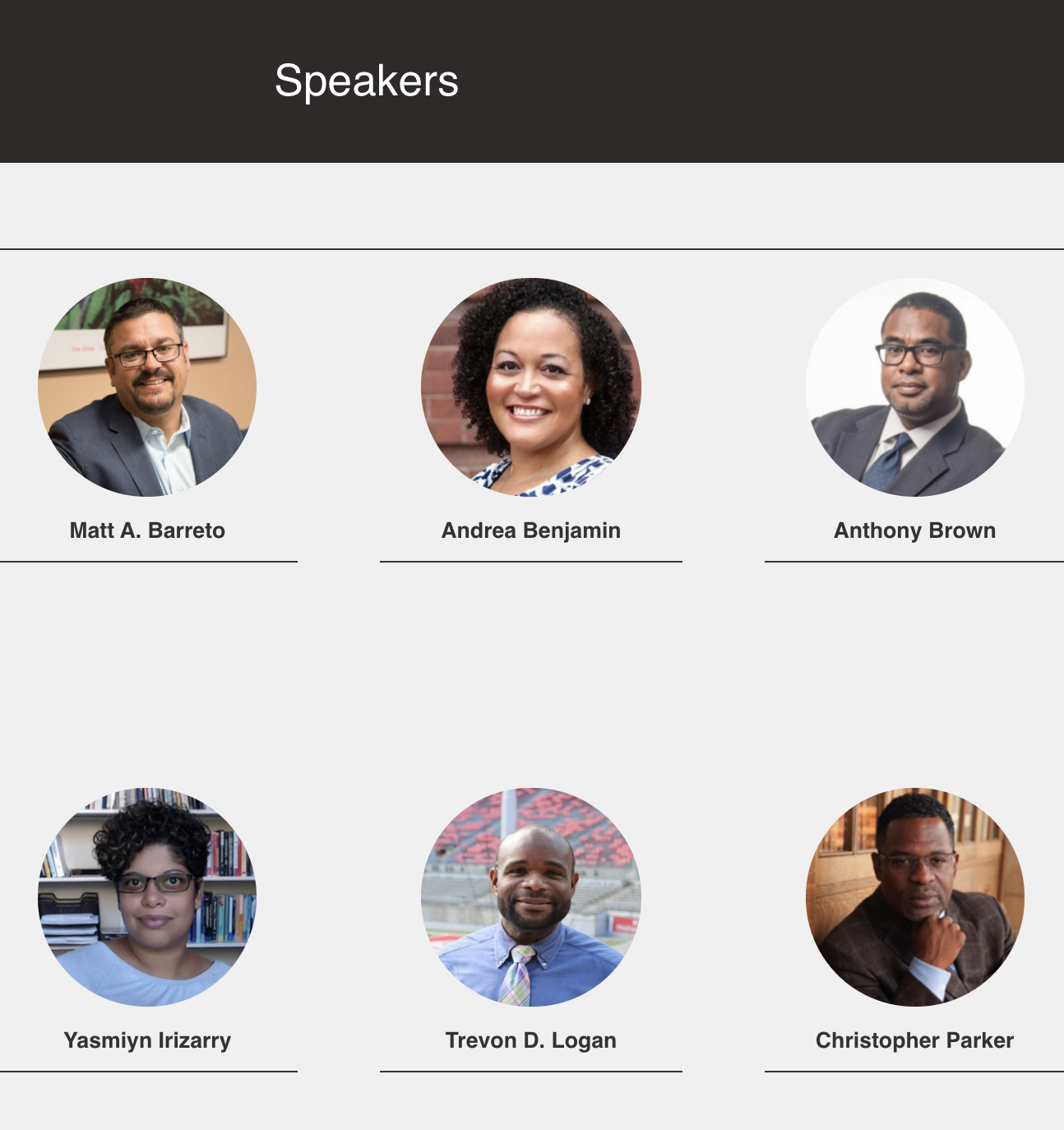
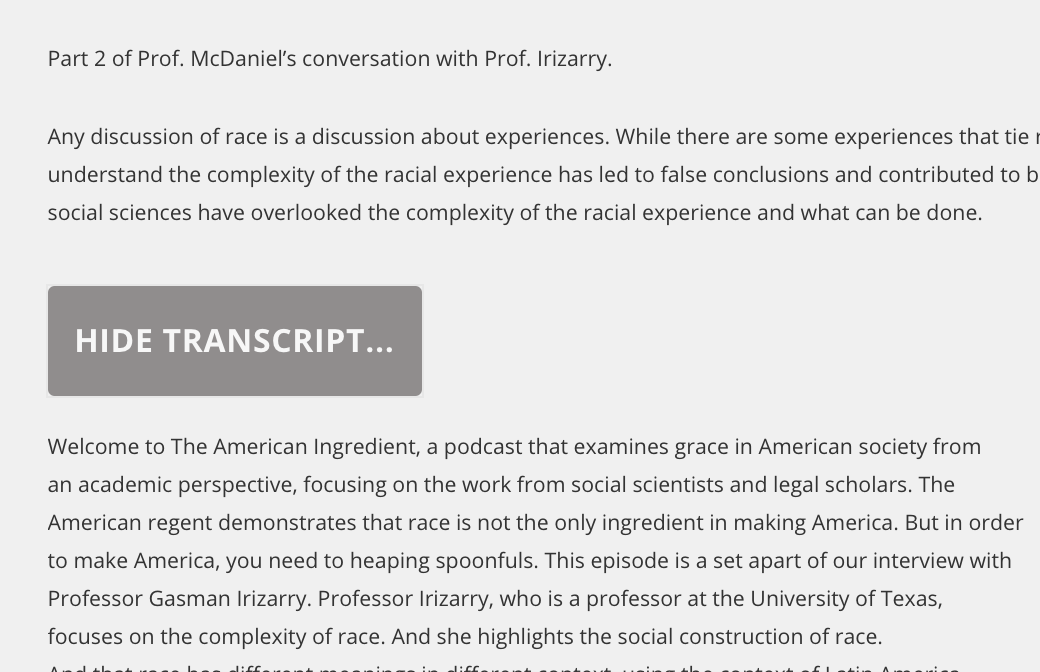
I have been working on updating some different podcasts this past week. I completed one of them today during my last shift this week. The edits we are doing involves adding speaker profiles and transcriptions for the episodes. I used Panopto to edit transcriptions that weren’t going through on the UT transcription site. It worked much quicker so I might shift over to that method. Below are screenshots:
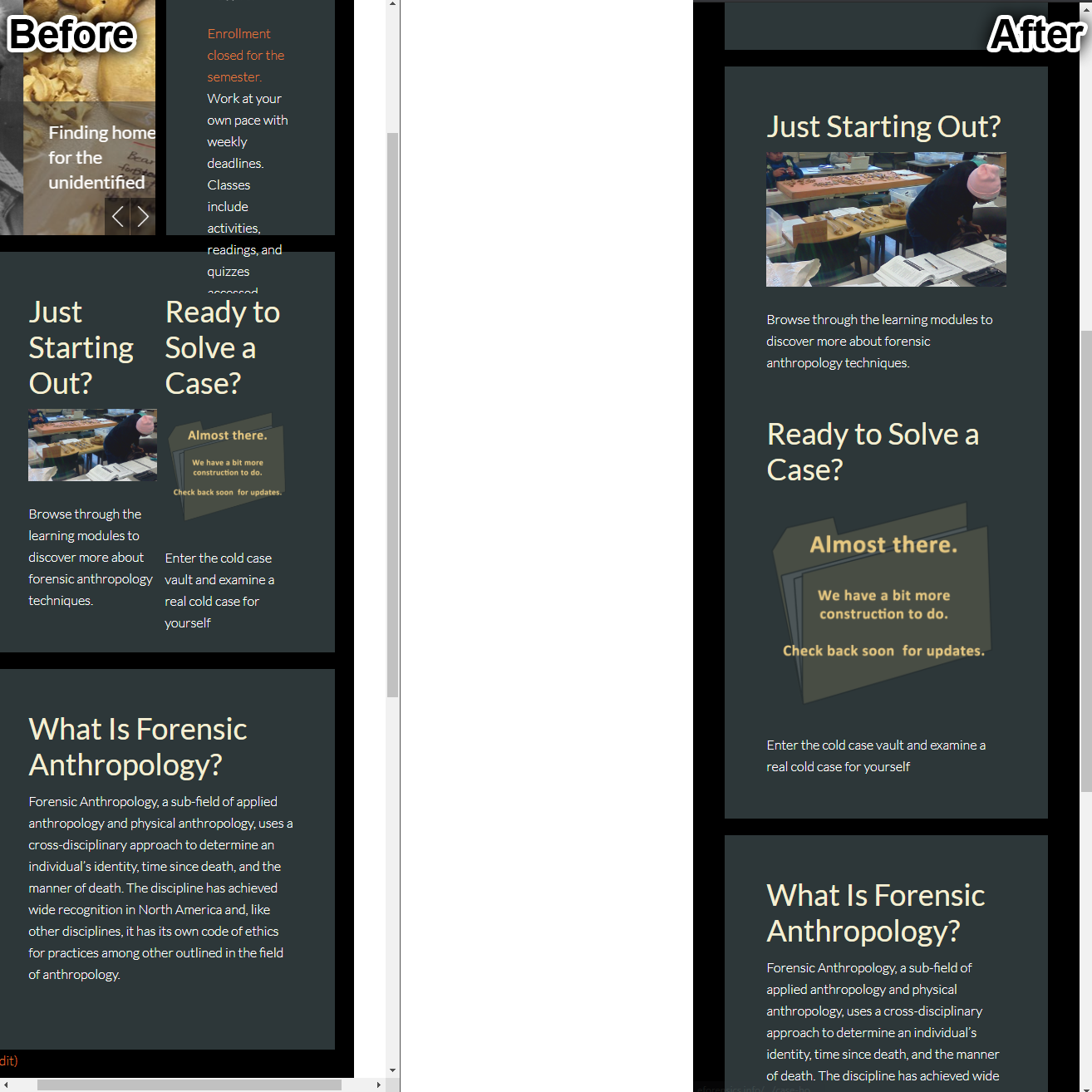
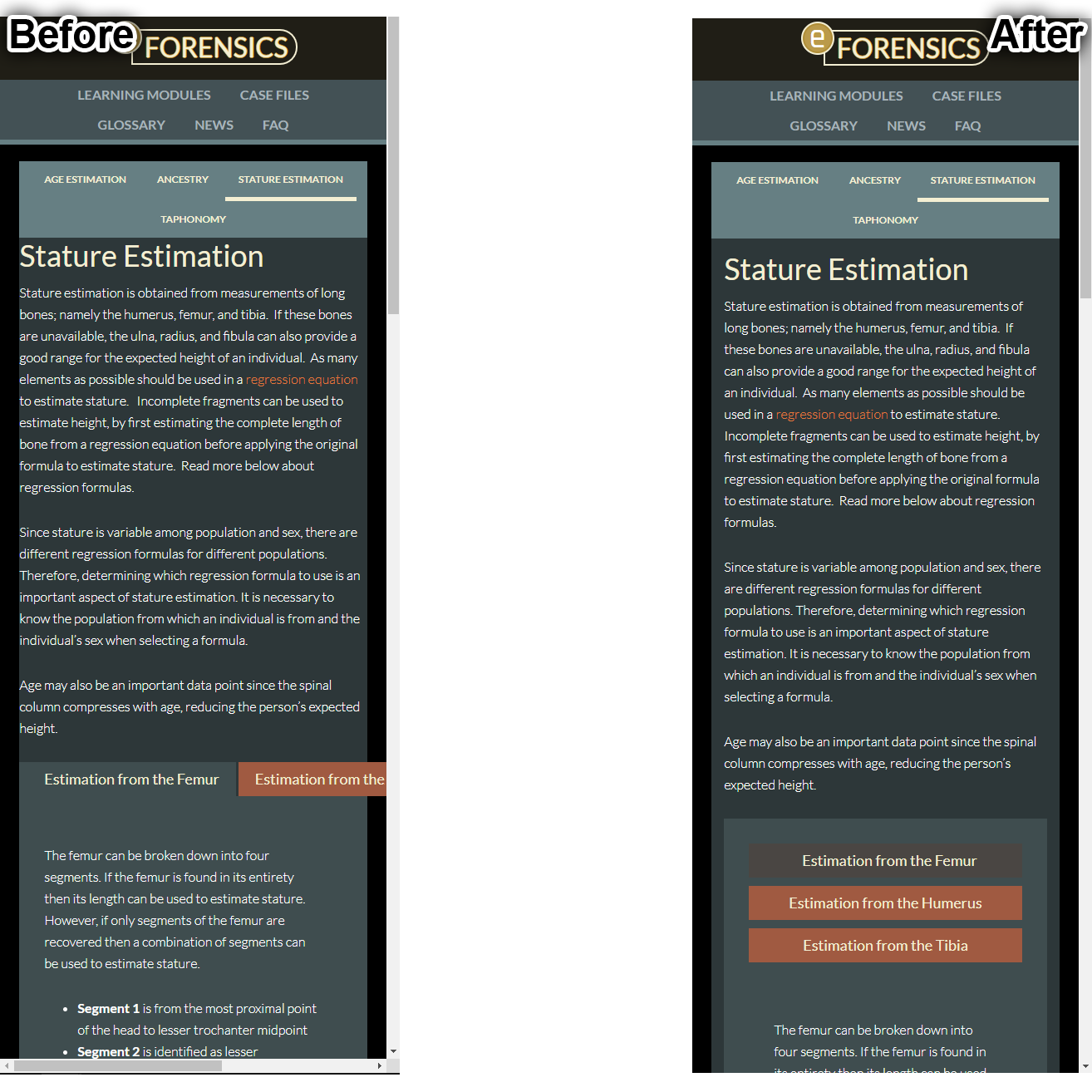
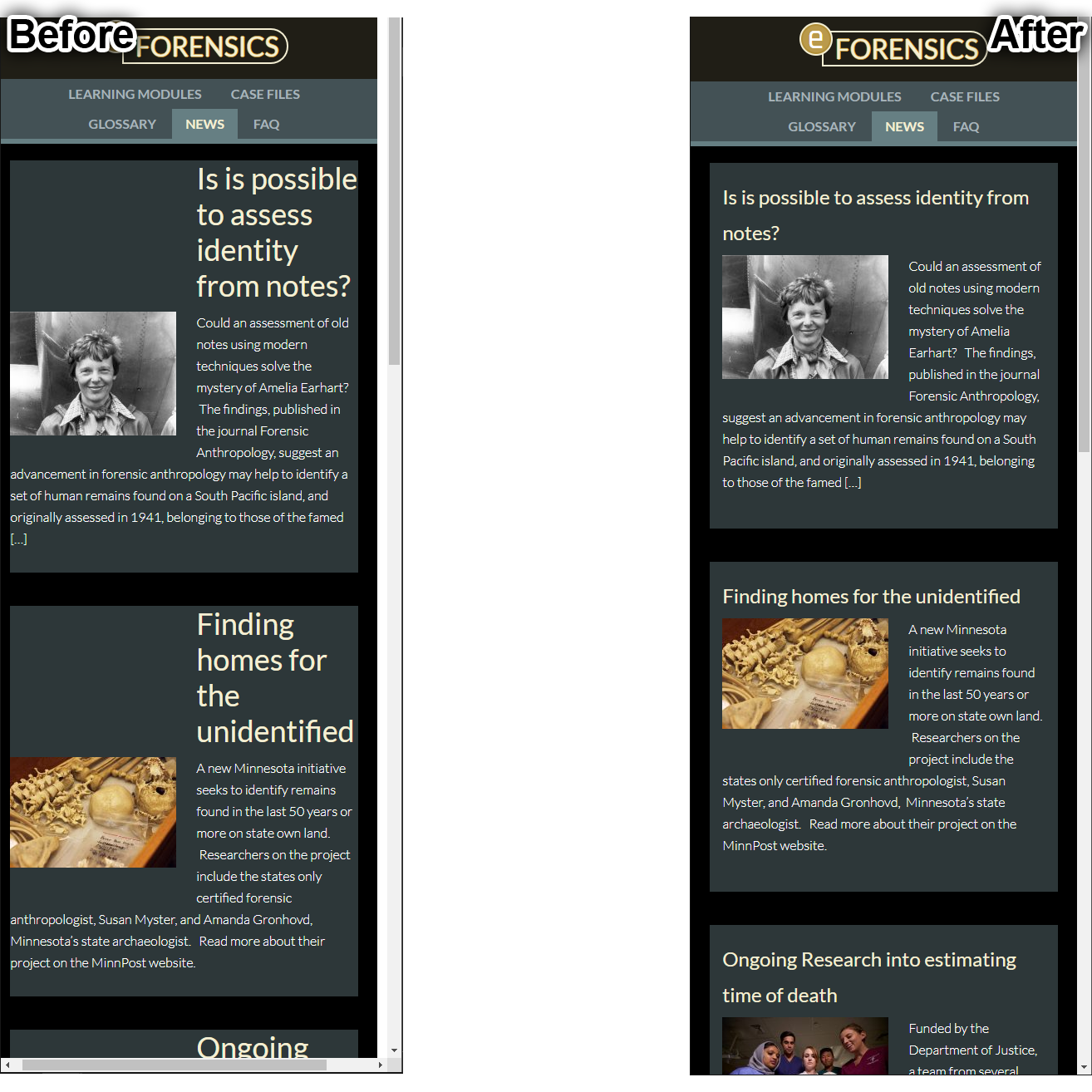
I worked to fix the mobile responsiveness of the eForensics site. It already had a slighty amount of support for mobile, but a lot of elements were placed in oddly disconnected ways even if they were a part of the same overall element, leading to weird formatting when the screen got smaller. After a lot of little tweaks to put everything into a more reasonable place, I think things came out pretty responsive, take a look here or below:
Wow, almost one full year as a design STA has kind of flown by! It’s been a wild ride since last summer, from animating monkey bones in Canvasser to creating entire studio sets to now: working from home 2 feet from my bed… and all along it has been such a pleasure getting to work with ya’ll, such talented and creative designers. I am so grateful to have had a job like this that emphasized learning and growing not only as a designer, but also as a teammate and leader. The STA program is truly special and I can only hope future students dreaming of careers in graphics/coding/video/audio/production will find it too.
I will miss you all so much..PSYCH!!!
I’m a full timer now baby!! I’ve been hired on for this next year+ to help manage the Design team and work with other first-years to manage LAITS COVID-19 fall semester. What a relief, because a) steady employment during COVID is rare and I feel extremely blessed, and b) I don’t have to say goodbye to everyone here!! I look forward to building my skills in project management, art direction, and leadership – crucial considering I hope to start my own business/freelance career in the future. I feel grateful to be a part of ya’lls journeys as we all pursue our careers in design etc, and I hope to be an encouraging presence along your path. I will work to incorporate diversity and inclusion into my everyday practice (Check out this event happening tomorrow: Where are the Black designers?). It is a lot of hard work to “make it” as a creative but I really believe in supporting one another and sharing the opportunity. See ya’ll on Monday 🙂
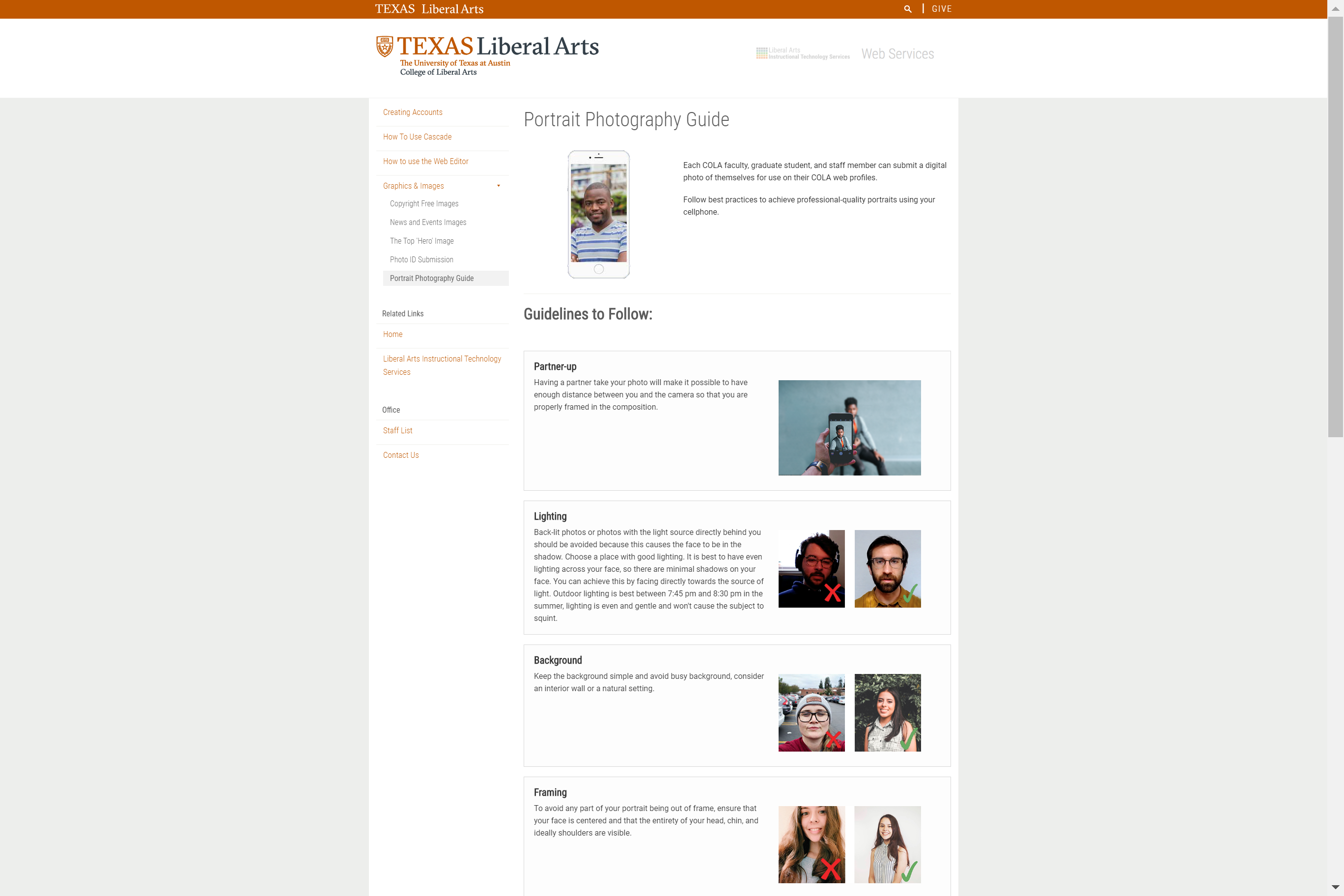
I worked on updating the layout for the photo ID guide. I have implemented a layout similar to the ‘Example Projects and Information’ section from the Podcasting site.
I also worked on adding a few points from the latest design brief. Below is an image of the updated photo ID guide:
More updates for the Blanton site. The client finalized on the TextBoxOverlay view with a gray box for the header info. We’ll have a meeting next week regarding some usability features.
I recently worked on the Tablet and Mobile View. This is the first time I tried designing these responsive views, so there were a lot of things to consider. But I had a call with Stacy earlier and it was really helpful.
Anyways here’re my first drafts.

