• We are STAs
    • Asha Rountree
    • Haley Ma
    • Kate Shih
    • Kyra Lee
    • Nicholas Peasley
    • Sasha Kenney
    • Shanda Horm
    • Shriya Atreya
    • Tomas Marulanda-Mesa
  • We were STAs
  • STA Presentation
    • STA Presentation 2017
    • STA Presentation 2016
  • Testimonials
  • Resources
  • Home

STA Blog

STA Work Blog

STAs: Student Technology Assistants

Who We Are
LAITS: IT and Facilities Director, Joe TenBarge initiated the Student Technology Assistant program in 2004. STAs are UT students who work on a variety of projects in collaboration with UT faculty and LAITS staff members. STAs assist College of Liberal Arts faculty members and administrative staff with print and web design. From building presentations, to creating audio/visual works, and producing online classes in the LAITS film studios, STAs are instrumental in helping COLA faculty realize their vision for multimedia projects that enhance their teaching and the students learning experience. By the end of their student careers, STAs have portfolios which demonstrate their accrued technical and design skills.


Prospective STAs:

Creative and technically inclined students are appointed as STAs for one year, with the possibility of being rehired as long as they study at the university. Applicants for the program are hired before both long semesters. Interested students may look for postings on Hire-A-Longhorn when positions are available. Positions will have Student Technology Assistant (illustrator or web designer) in the title of the job post.


Faculty and Staff:

Faculty & Staff with questions about services, please contact us.

https://liberalarts.utexas.edu/laits/contacts.php

  • Audio Services: Michael C Heidenreich, Audio Services Manager
  • Video Services: Kelly Webster, Video Production Supervisor
  • Graphic Design & Web Design Services: Suloni Robertson, Art Director / STA Program Manager

STA Training: Live Trace

March 19, 2018 By Esther Shin

Live Trace – STA Training

This training exercise was something I had a lot of fun with. I took something I doodled in my sketchbook and then converted it into vector art!


Here is my process.
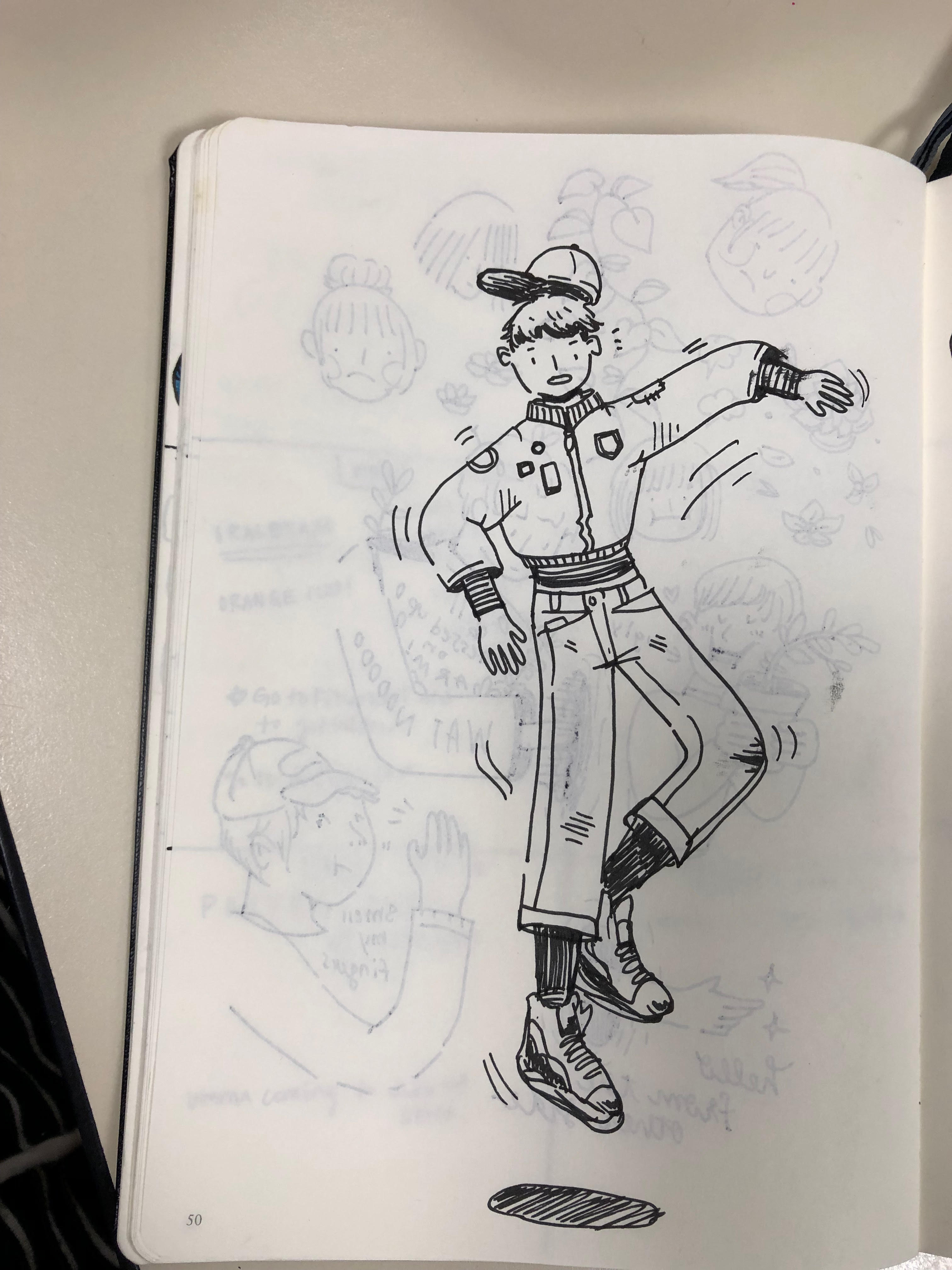
 

Step 1) First, I drew something I liked in black pen, made sure they were clear lines and it was what I was satisfied with.


Step 2) I took a picture of that drawing and then I opened it in Photoshop  and increased the brightness and contrast (2nd photo) to make the process easier for the image trace with a clearer photo.


Step 3) I saved that image as a new image (jpg) and then opened it onto Illustrator. From here, I went to Object > Live Trace > Make. Now your drawing has been converted to vector! (below)


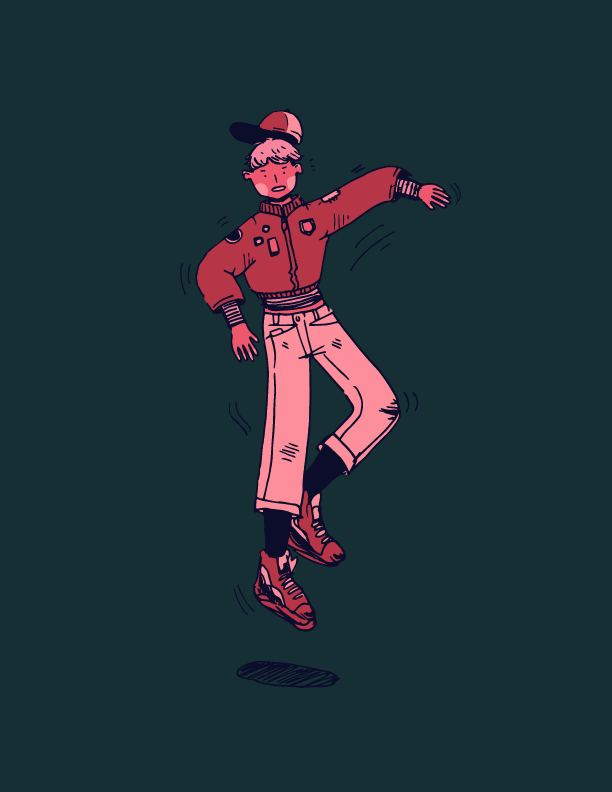
Step 4) Color Time! For me, I took an artwork I admire/like and decided to go with a similar color scheme as them. BUT, before I color, I made sure the white parts of the drawing were clear, or of no color. I went through all the parts that are colored white and made them transparent. Then, I layered each element I wanted colored and mostly used the brush tool to color behind the vector art. In the end, I finished it and it turned like that! (below)

 

Filed Under: 2017-2018

LAITS Summer Poster

March 19, 2018 By Anna Xu

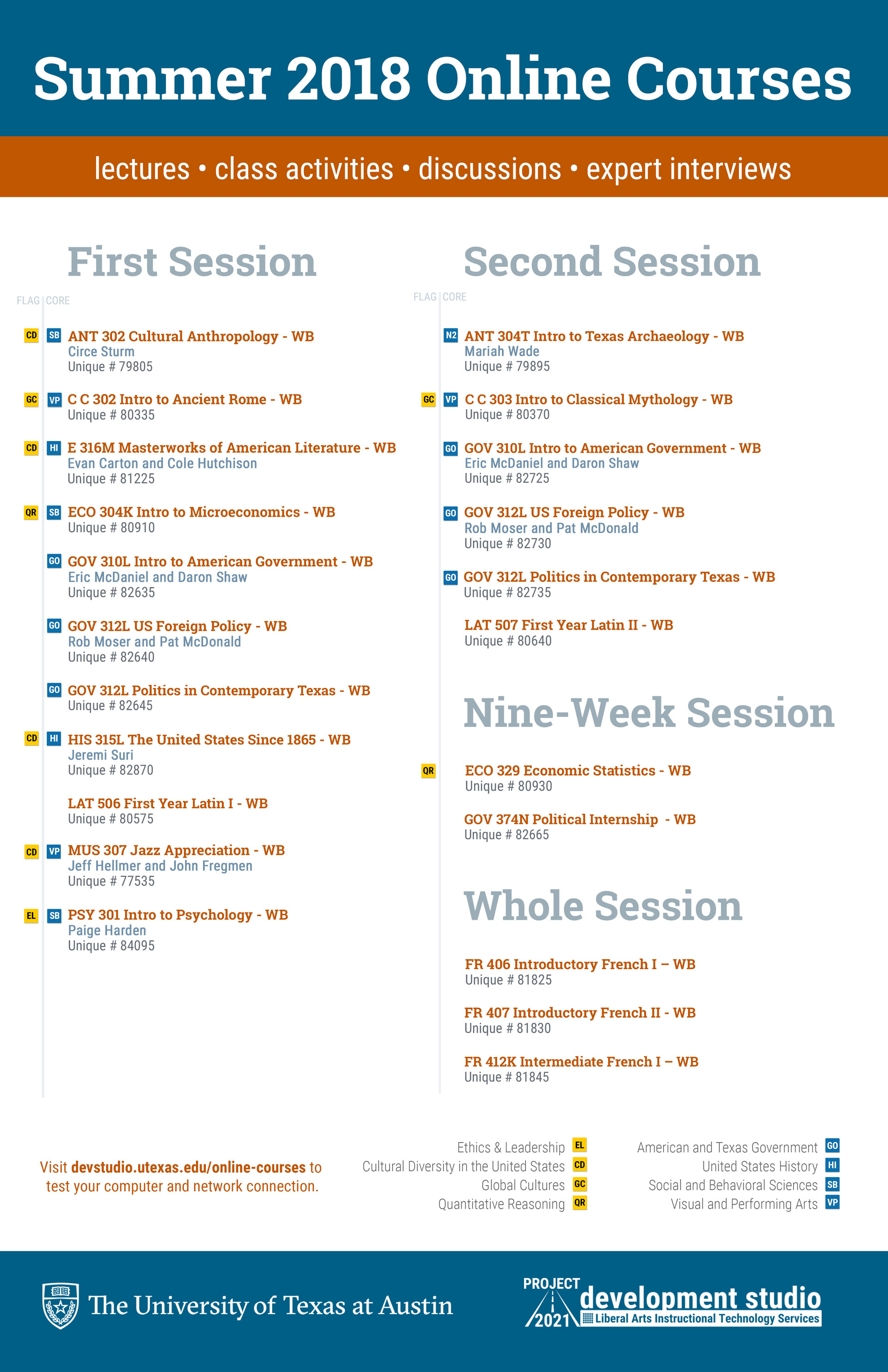
CoLA Summer 2018 Online Courses: Poster & Email

Filed Under: 2017-2018

photo id’s! and logos

March 8, 2018 By Chloe Kim

Ah yes, the photo ID processing that no one blogs about…

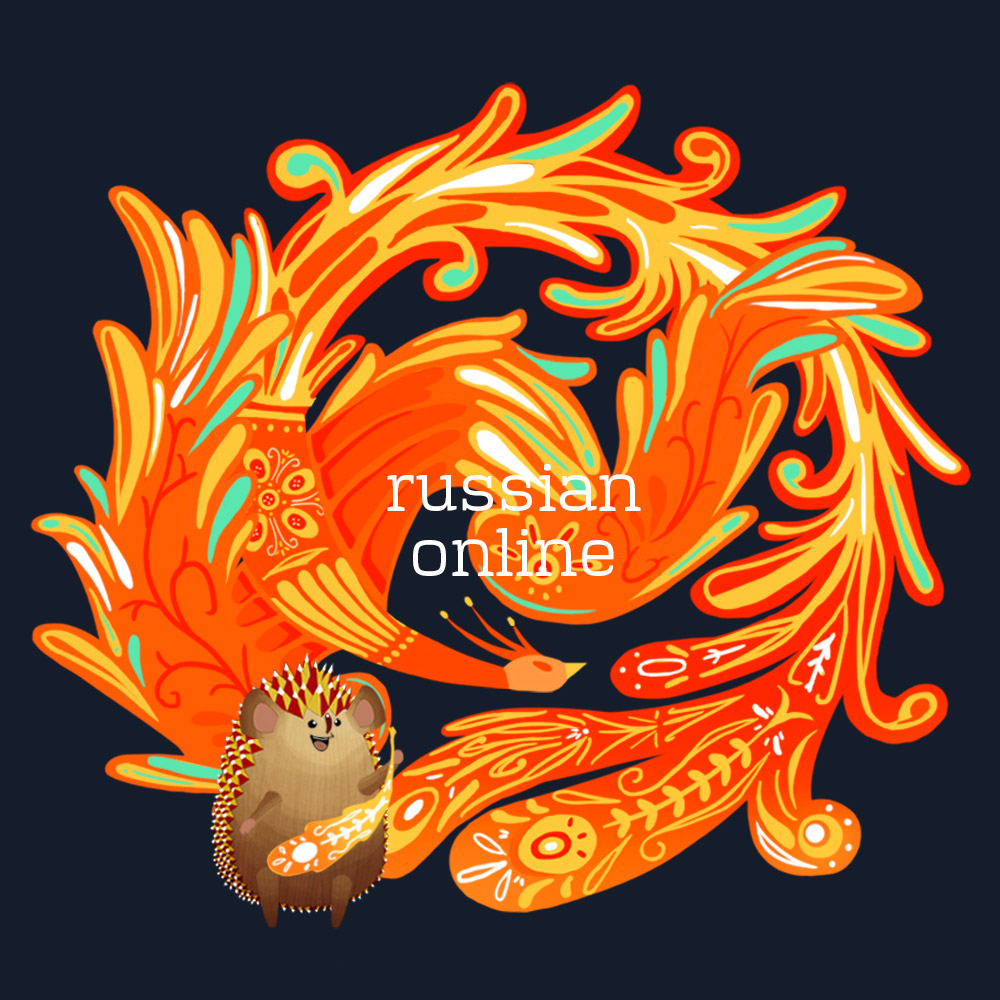
I also worked more on the Slavic presentation logo design for Mike & Dr. Rice!

This is the one Dr. Rice ended up choosing:

Filed Under: 2017-2018

GG Plot Visualizations

March 8, 2018 By Jaclyn Alford

I started working on a visualization project for the Dev. Studio using GG Plot. Thus far, learning GG Plot has consisted of a lot of trial and error. First, I developed a style guide outlining font families, font sizes, font faces, text color, background color, and bar colors.

For one visualization, I have successfully changes the fonts and background to match the style guide using this block of code (which can then be copy+pasted to make any visualization adhere to this font and bg style):

_________________________________
# Start theming here
WORKLOAD_PLOT + theme(
  text = element_text(color=”#333333″),
  plot.title = element_text(size = 20, family = “Roboto”, face = “bold”),
  plot.caption = element_text(size = 12, family = “Helvetica”),
  axis.title = element_text(size = 14, family = “Helvetica”),
  axis.text = element_text(size = 12, family = “Helvetica”),
  legend.title = element_text(size = 16, family = “Roboto”, face = “bold”),
  legend.text = element_text(size = 14, family = “Helvetica”),
  plot.background = element_rect(fill = “white”),
  panel.background = element_rect(fill = “white”),
  panel.grid = element_blank()
)
__________________________________

Original:

Updated:

Filed Under: 2017-2018

Quick update for the meeting!

March 6, 2018 By Chloe Kim

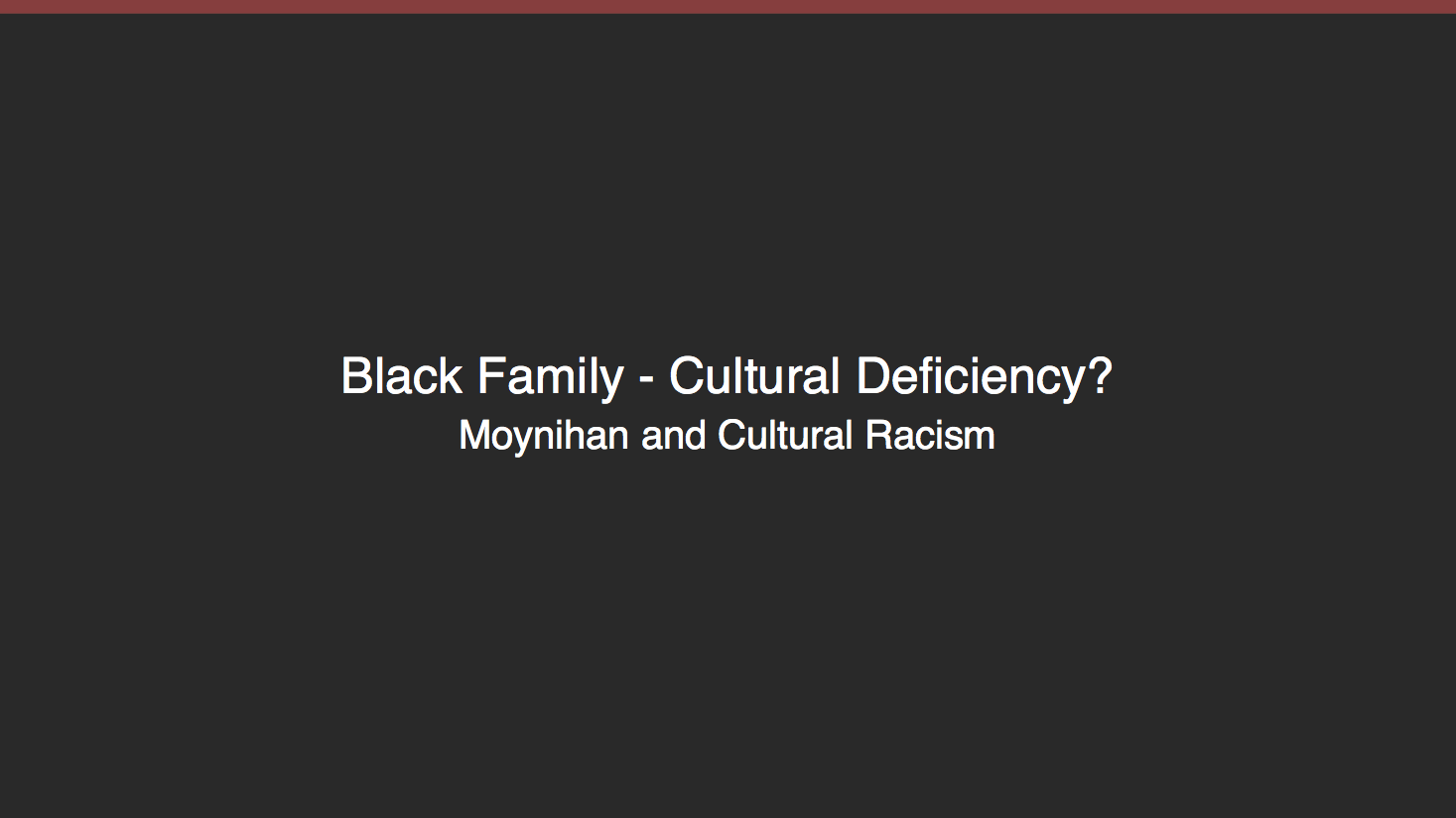
I worked on several different things the past week or two. First, like everyone, I worked on a ppt reformatting for the AFR303 class:

I’ve also worked on photo ID reorganization, a big project that Aidan and Andre have been working on.

And lastly, my main focus for the past week has been on designing a logo for Dr. Rice’s Slavic presentation. The first few rough drafts looked like this:

And then I got rid of the dark background and the text box:

Now working on final drafts… more updates to come!

Filed Under: 2017-2018

LAITS EVENTS STA Presentation 2018 Flyer

March 5, 2018 By Anna Xu

STA Presentation 2018 Flyer


Filed Under: 2017-2018

  • « Previous Page
  • 1
  • …
  • 20
  • 21
  • 22
  • 23
  • 24
  • …
  • 43
  • Next Page »

link to LAITS home page

Video STA Home

© 2025 Liberal Arts Instructional Technology Services | Production Credits