• We are STAs
    • Asha Rountree
    • Haley Ma
    • Kate Shih
    • Kyra Lee
    • Nicholas Peasley
    • Sasha Kenney
    • Shanda Horm
    • Shriya Atreya
    • Tomas Marulanda-Mesa
  • We were STAs
  • STA Presentation
    • STA Presentation 2017
    • STA Presentation 2016
  • Testimonials
  • Resources
  • Home

STA Blog

STA Work Blog

STAs: Student Technology Assistants

Who We Are
LAITS: IT and Facilities Director, Joe TenBarge initiated the Student Technology Assistant program in 2004. STAs are UT students who work on a variety of projects in collaboration with UT faculty and LAITS staff members. STAs assist College of Liberal Arts faculty members and administrative staff with print and web design. From building presentations, to creating audio/visual works, and producing online classes in the LAITS film studios, STAs are instrumental in helping COLA faculty realize their vision for multimedia projects that enhance their teaching and the students learning experience. By the end of their student careers, STAs have portfolios which demonstrate their accrued technical and design skills.


Prospective STAs:

Creative and technically inclined students are appointed as STAs for one year, with the possibility of being rehired as long as they study at the university. Applicants for the program are hired before both long semesters. Interested students may look for postings on Hire-A-Longhorn when positions are available. Positions will have Student Technology Assistant (illustrator or web designer) in the title of the job post.


Faculty and Staff:

Faculty & Staff with questions about services, please contact us.

https://liberalarts.utexas.edu/laits/contacts.php

  • Audio Services: Michael C Heidenreich, Audio Services Manager
  • Video Services: Kelly Webster, Video Production Supervisor
  • Graphic Design & Web Design Services: Suloni Robertson, Art Director / STA Program Manager

RUS Short Animation Character Design–Taxi Driver

July 3, 2018 By Jaclyn Alford

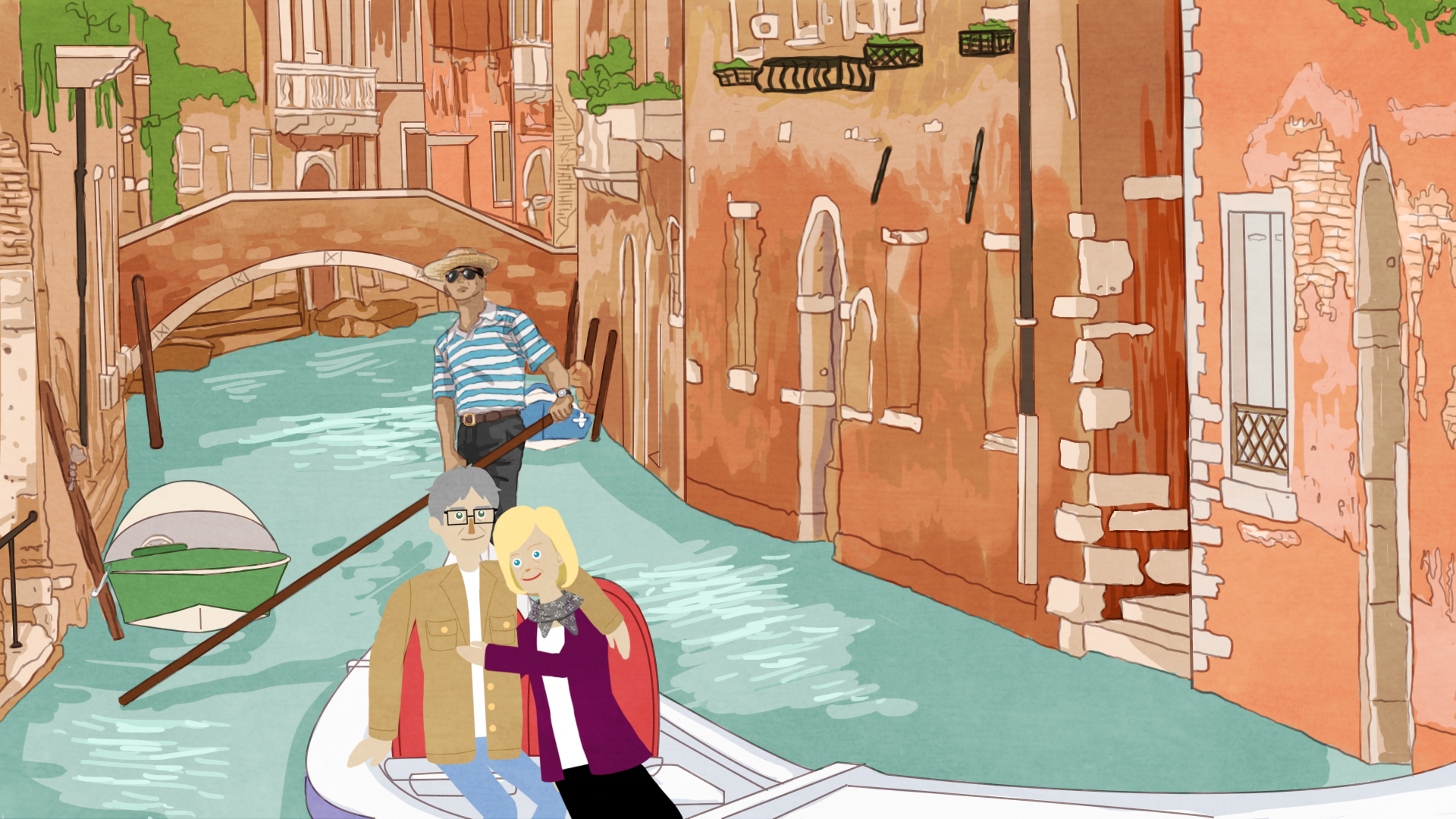
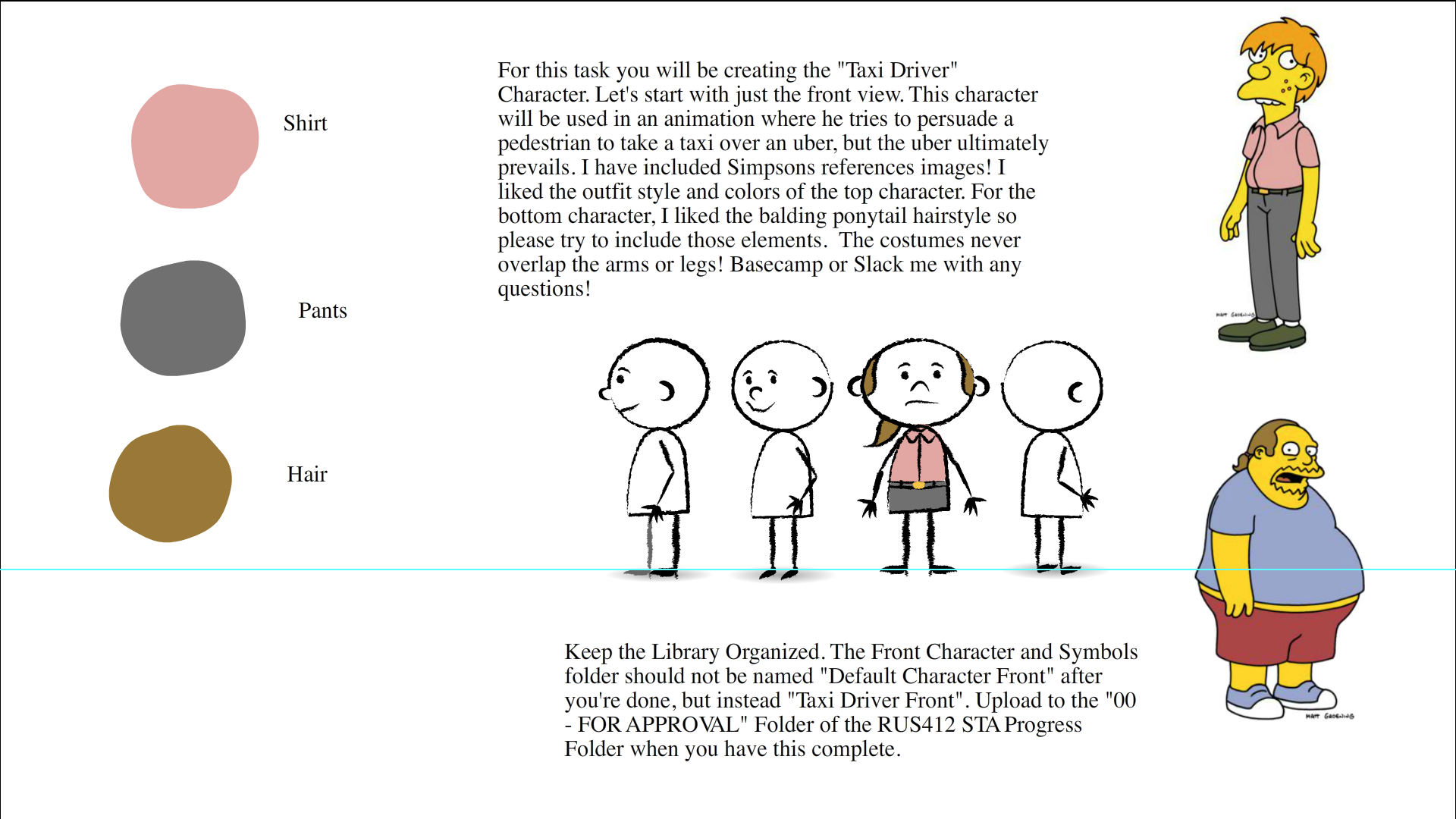
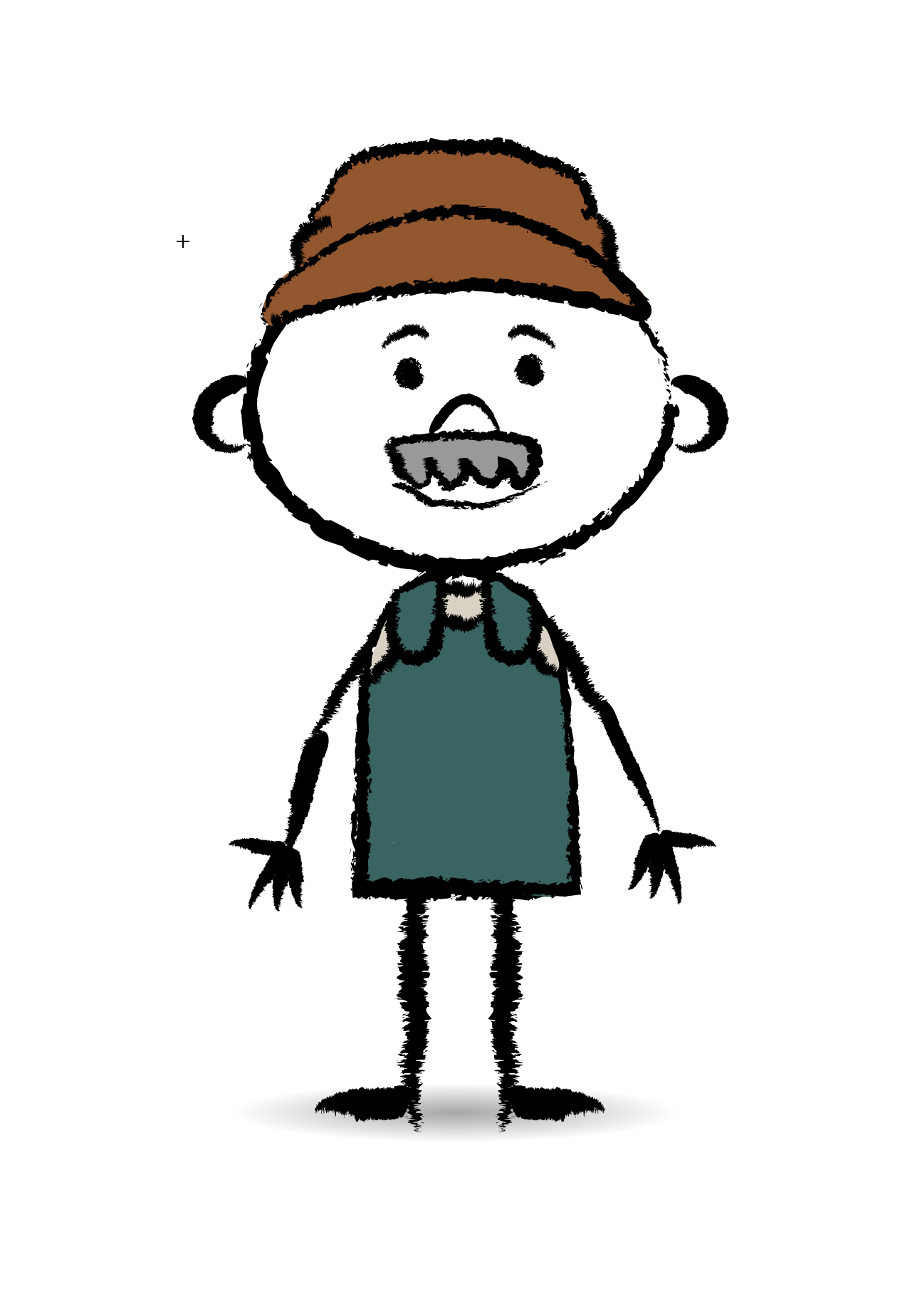
For RUS 412, I will be working on assets for the short animations. For my first project, I created a taxi driver using reference images from–low and behold–the Simpsons!

Here was my shot at the front view + the refs and description.
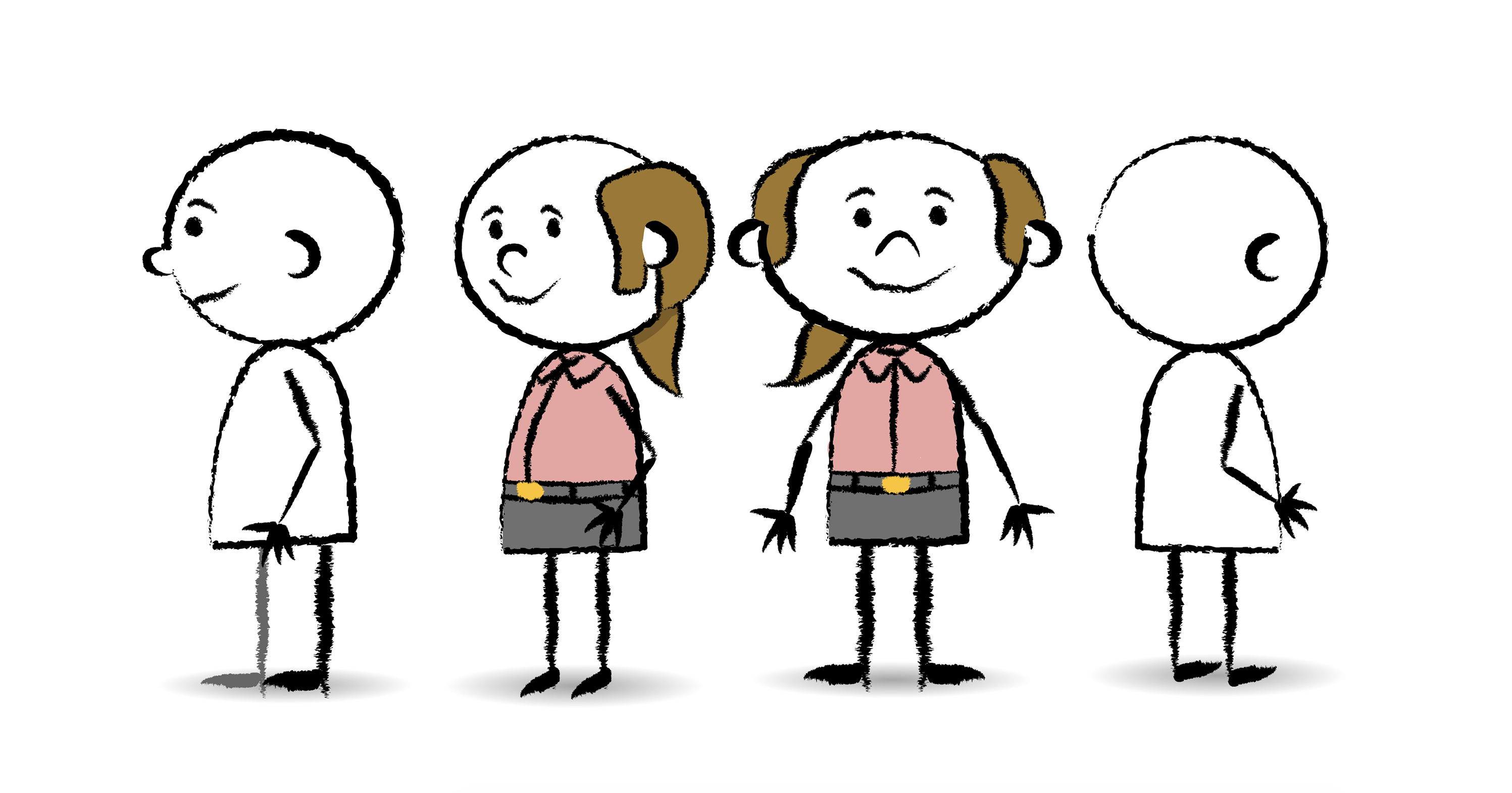
and Tate’s lil edit to the hair which makes this dude considerably better:

annnnnnnnd the 3/4 view:
Filed Under: 2017-2018

RUS412K updates!

July 3, 2018 By Kathy Vong

This past week I have been really busy doing things for the RUS412K project! I did some character creation training for Tate and was tasked with creating a Garbage Man. It was my first time, and I have to admit: I was very confused! I ended up making a lot of edits on the wrong symbol. (Whoops!) Here’s how my Garbage Man turned out!

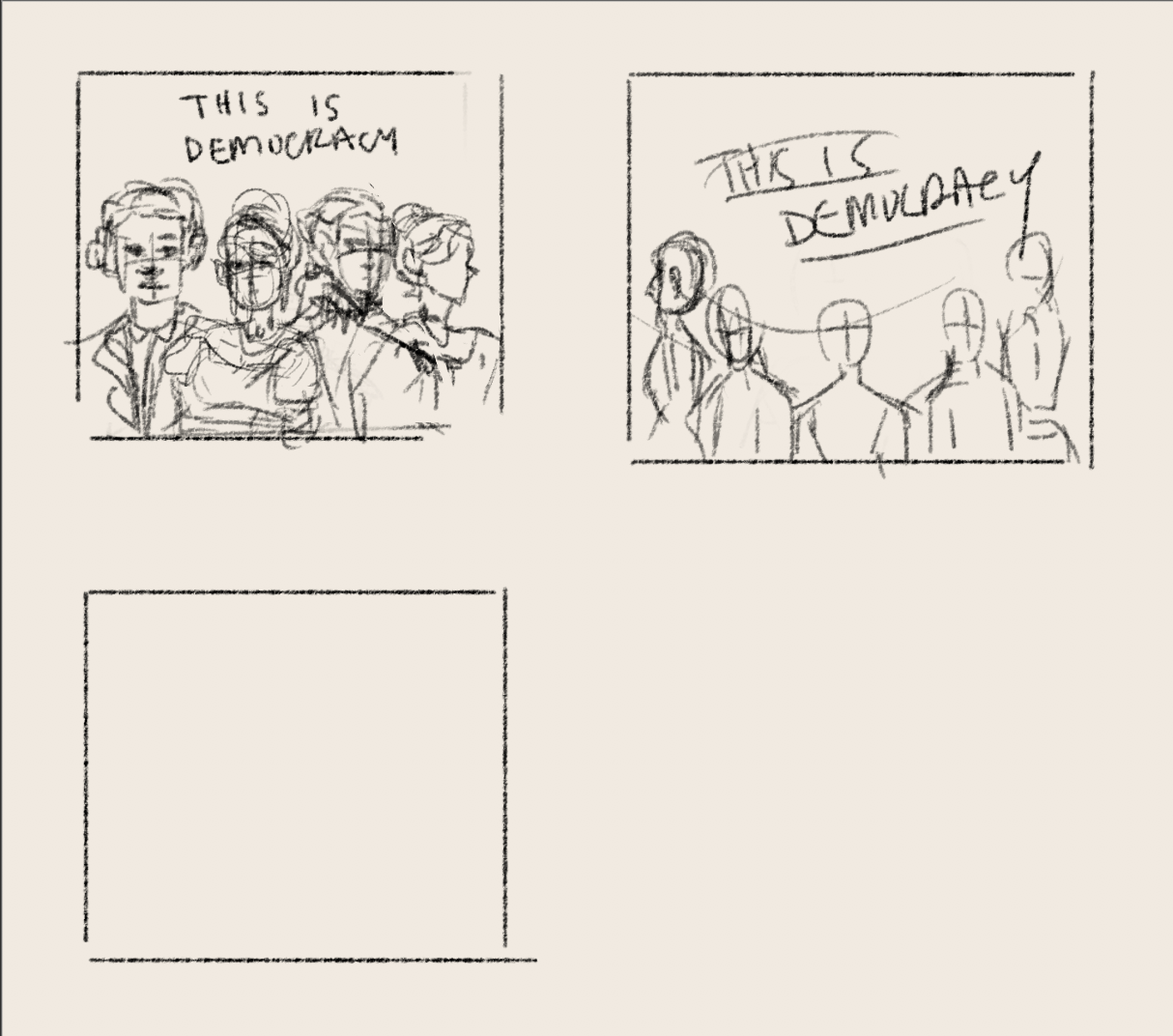
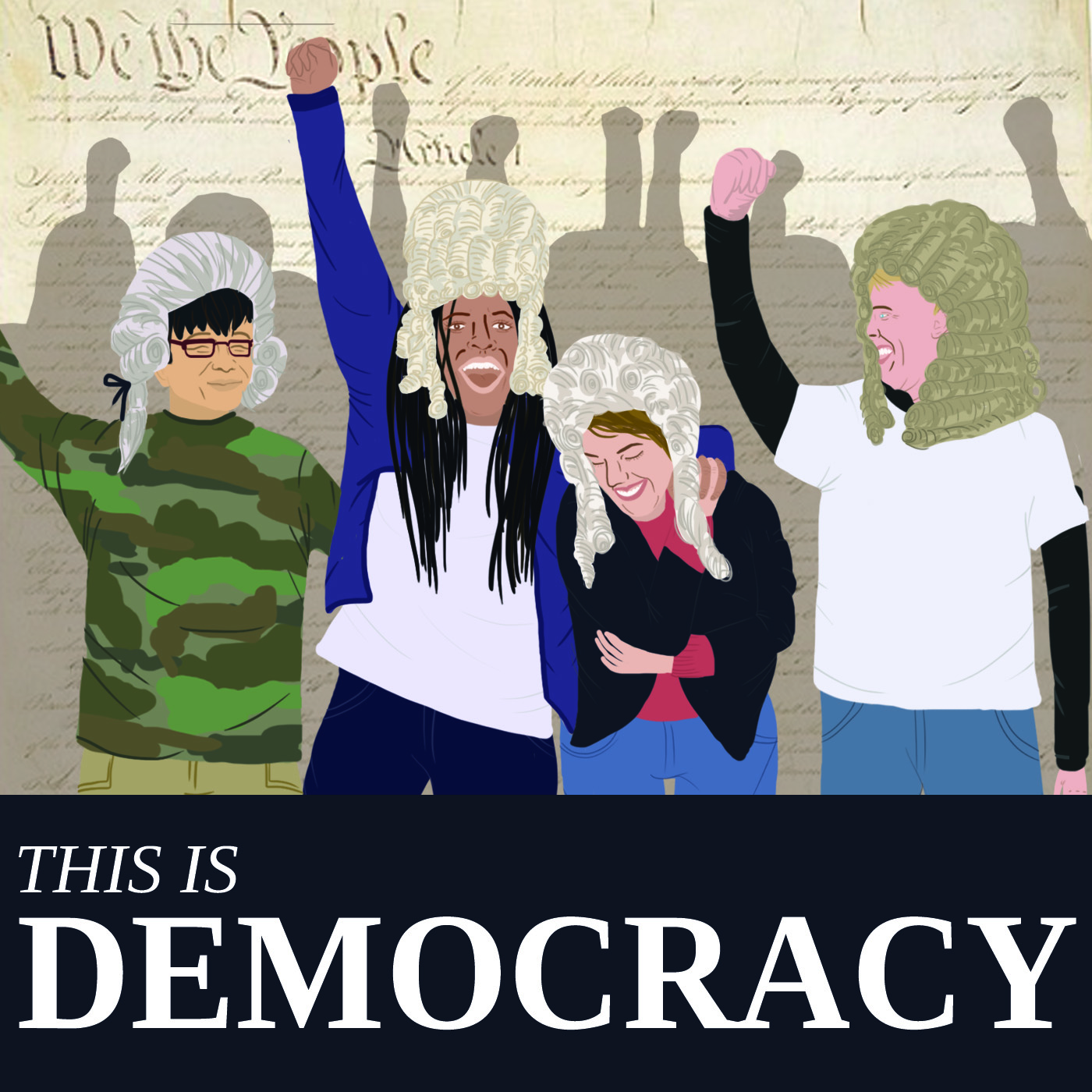
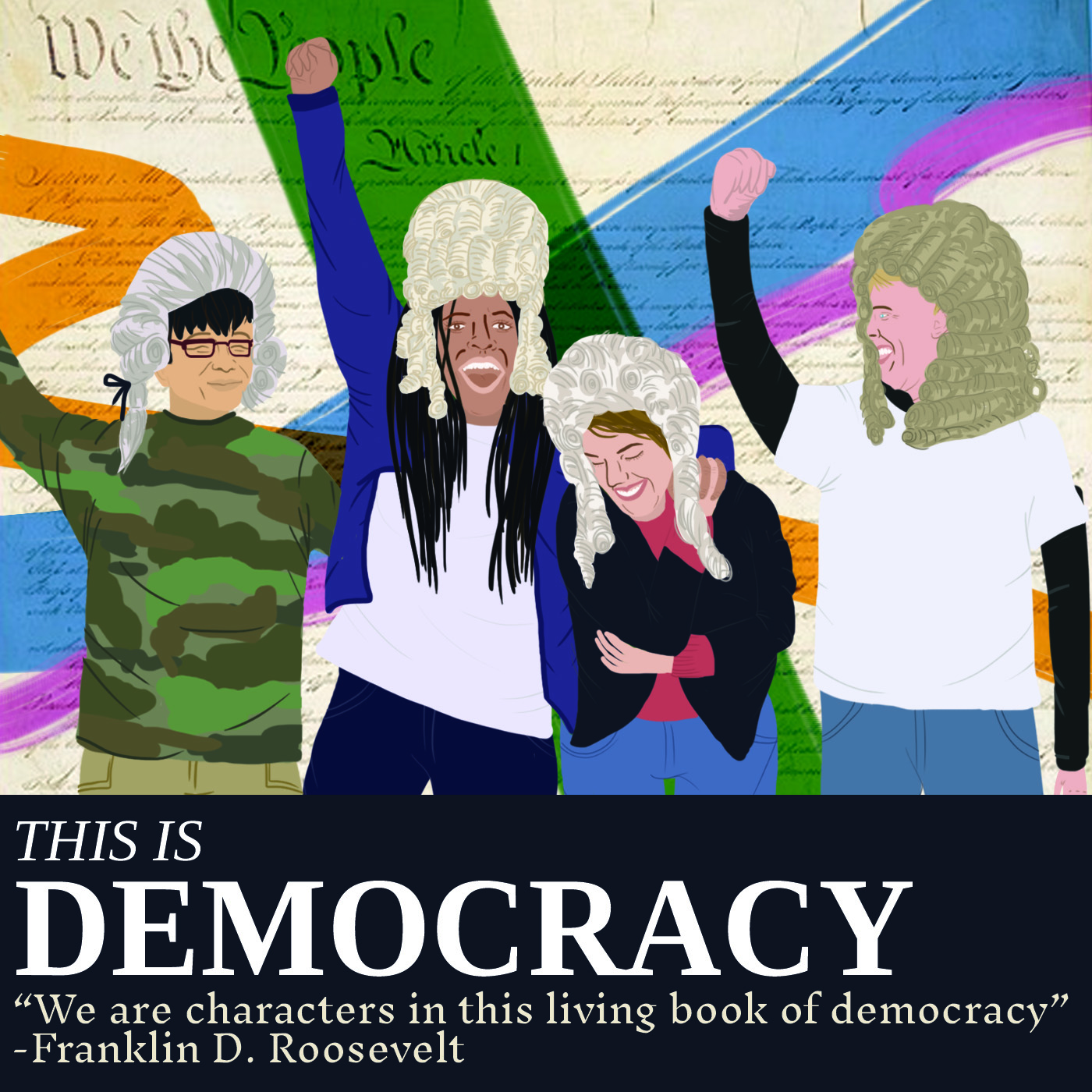
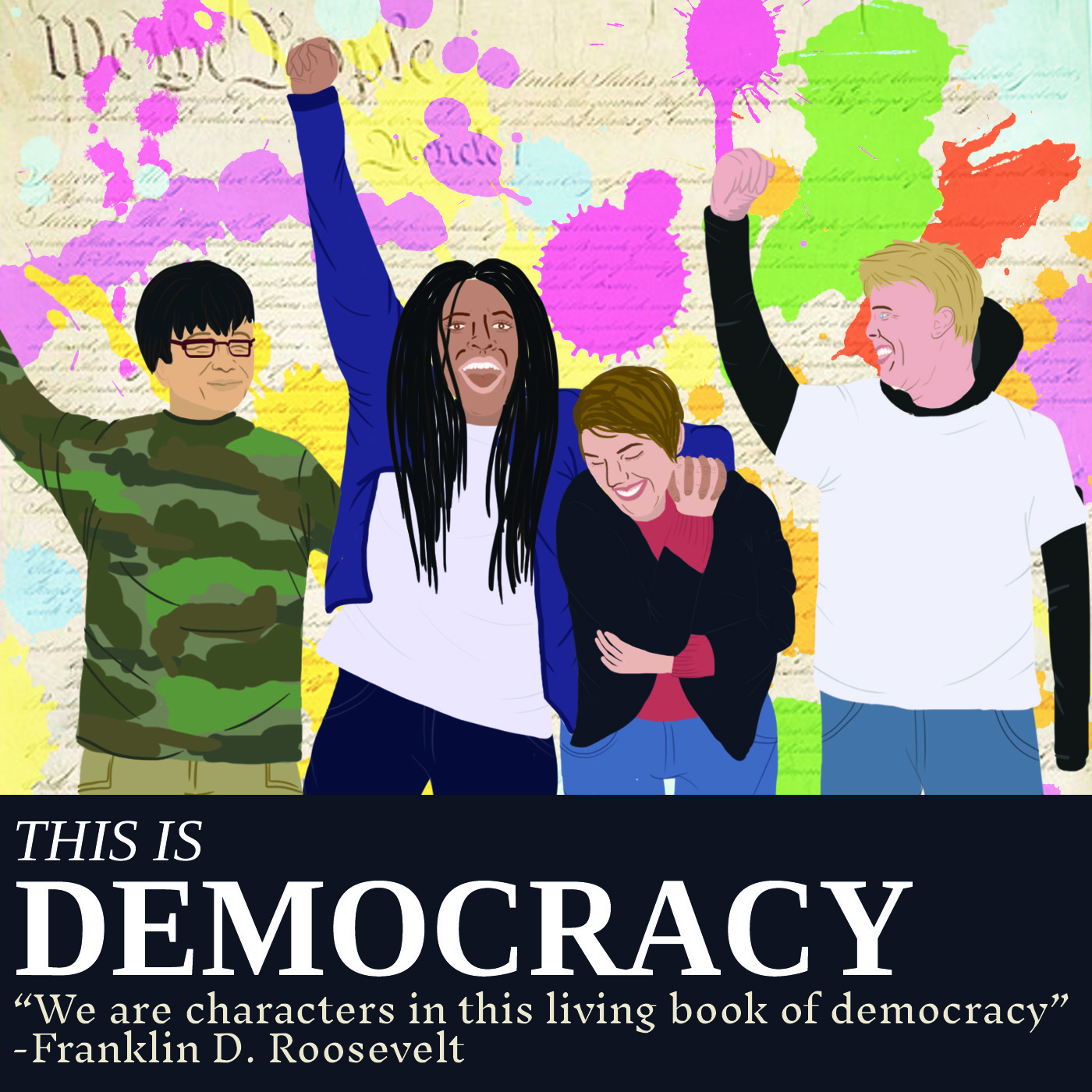
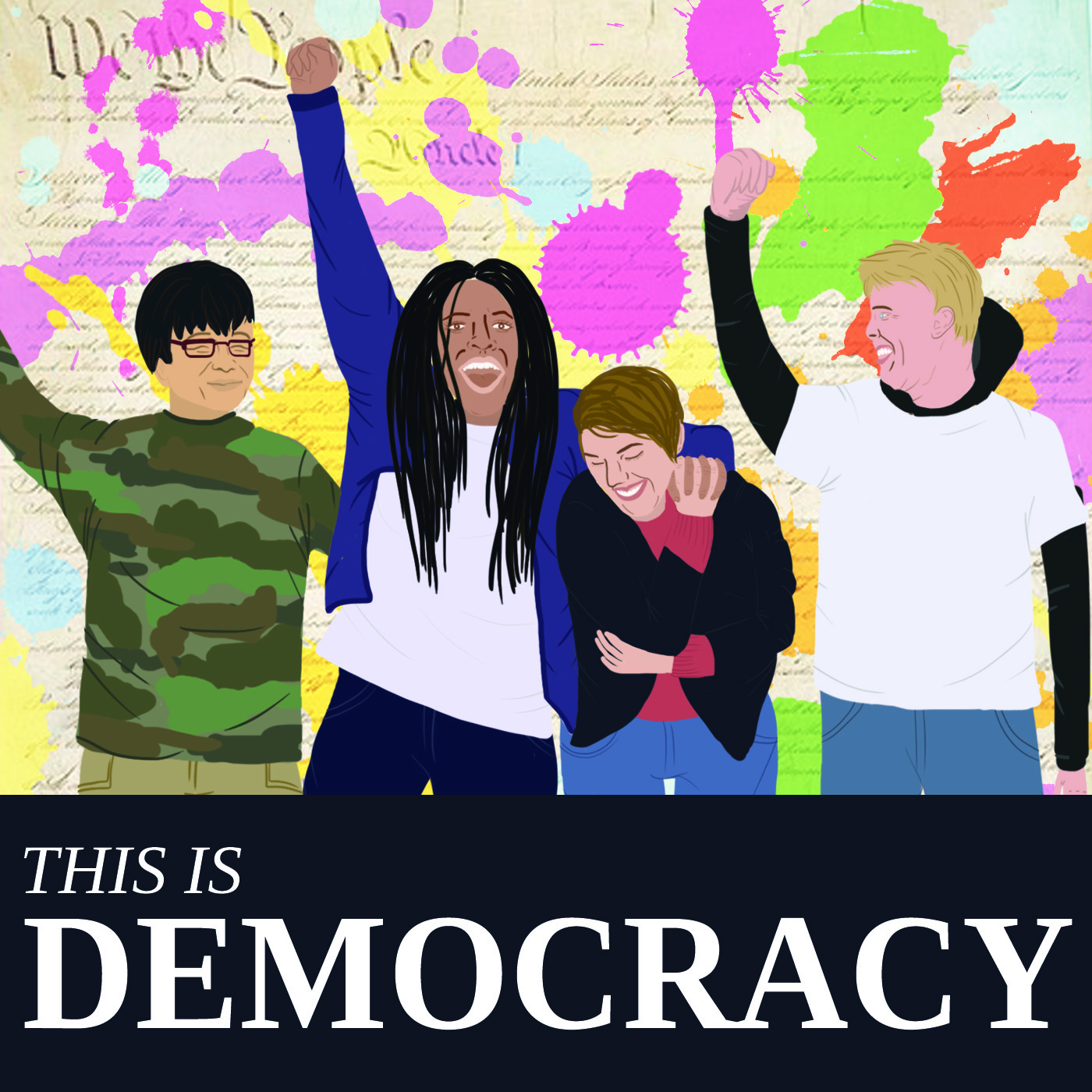
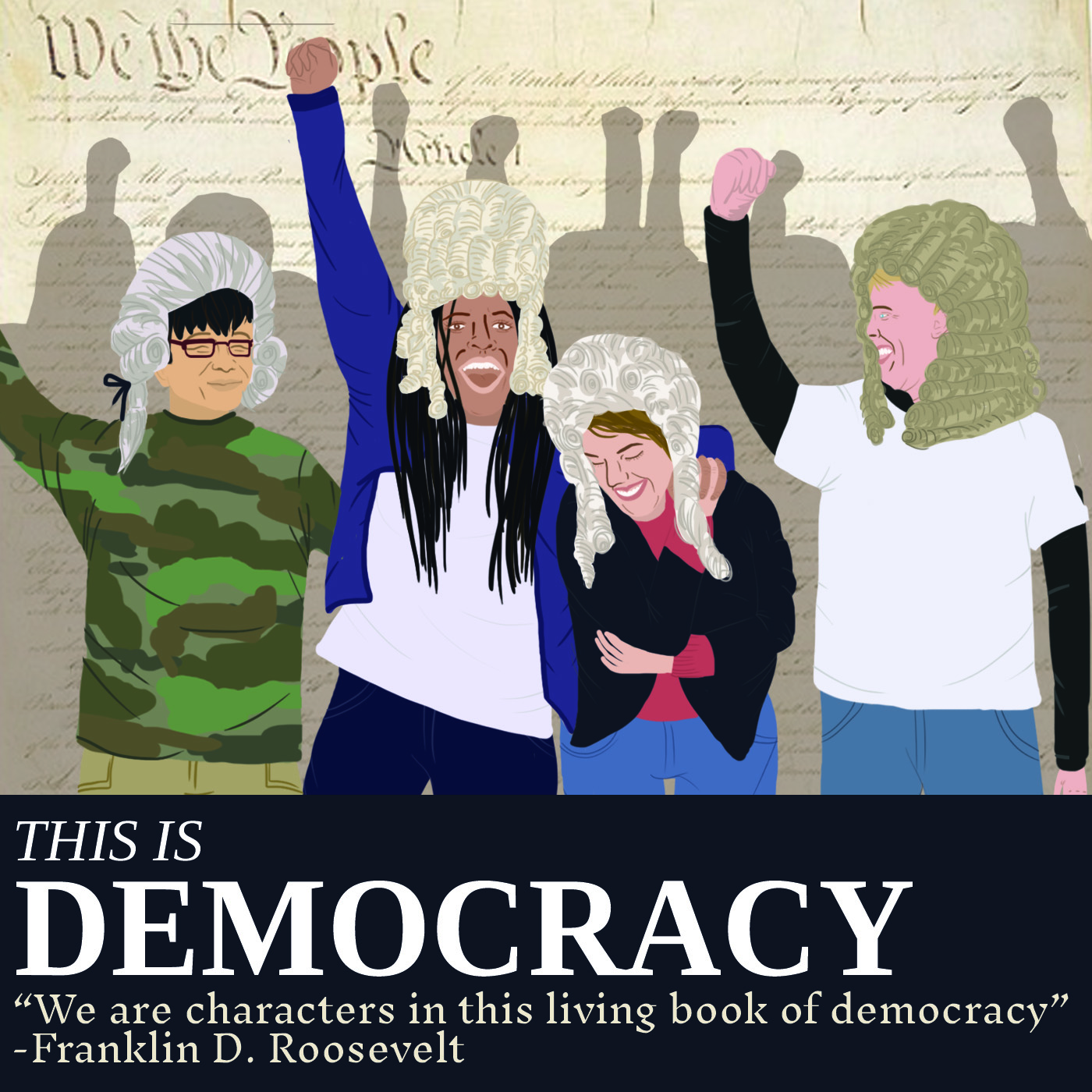
I also briefly attempted to do something for the This Is Democracy podcast, but I didn’t have time to finish it. I just sketched out something very quickly and tried to block in some colors… Here’s my process!

First, I did some rough thumbnail sketches of what the composition could possibly look like… I just made some squares and sketched inside them on a separate art board.

I then roughly sketched out one thumbnail I was relatively happy about. However, I ended up scrapping it because I wasn’t really feeling the style.

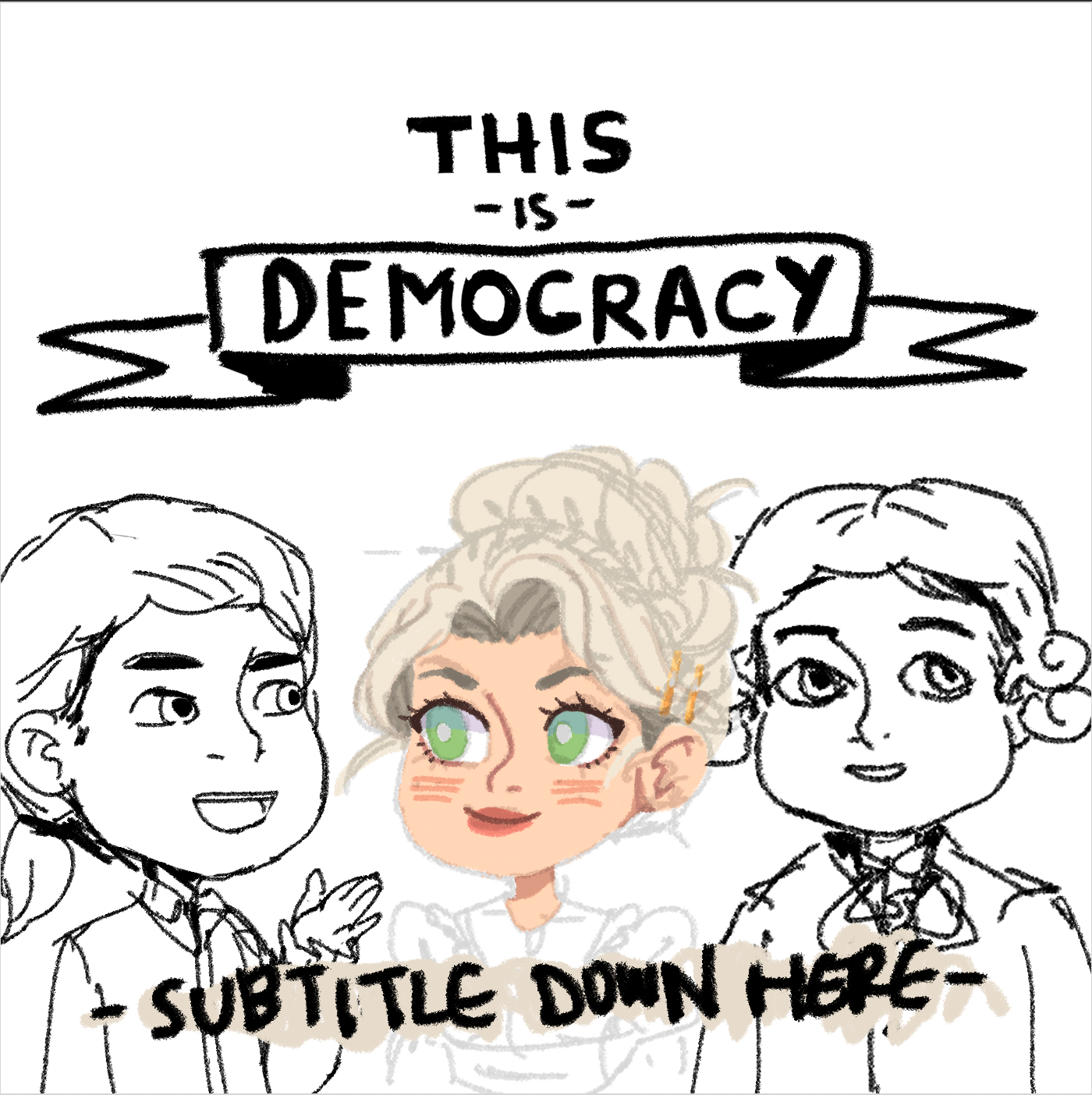
I tried to make something similar but in a completely different style. Now it feels very fun! A lot more cartoony and still kind of anime inspired.

I thought it’d look nice if I put “DEMOCRACY” in a ribbon…

I knew I didn’t really have the time to work on this assignment, but I started blocking in some color anyway because I thought it’d be a fun break from RUS412K work, haha.

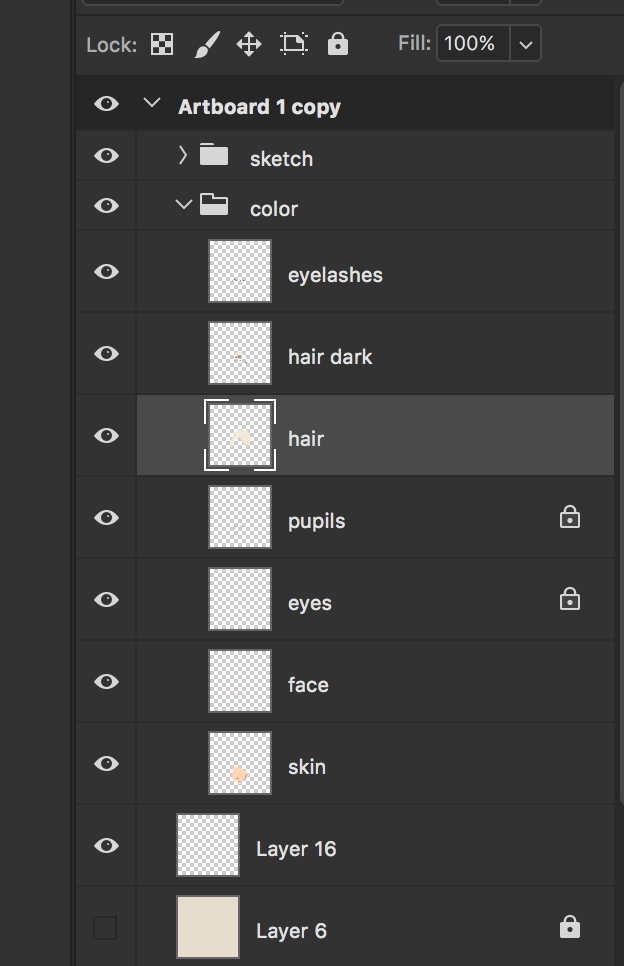
Here’s my process for that and how I organize my layers for lineless artwork in Photoshop!


And here is what I managed to get done before my shift ended last Tuesday.

Now moving back to Russian… I finished an edit:

I also made another very long post on Basecamp updating everyone on the illustration team about the project after having a short meeting with Heather :^)

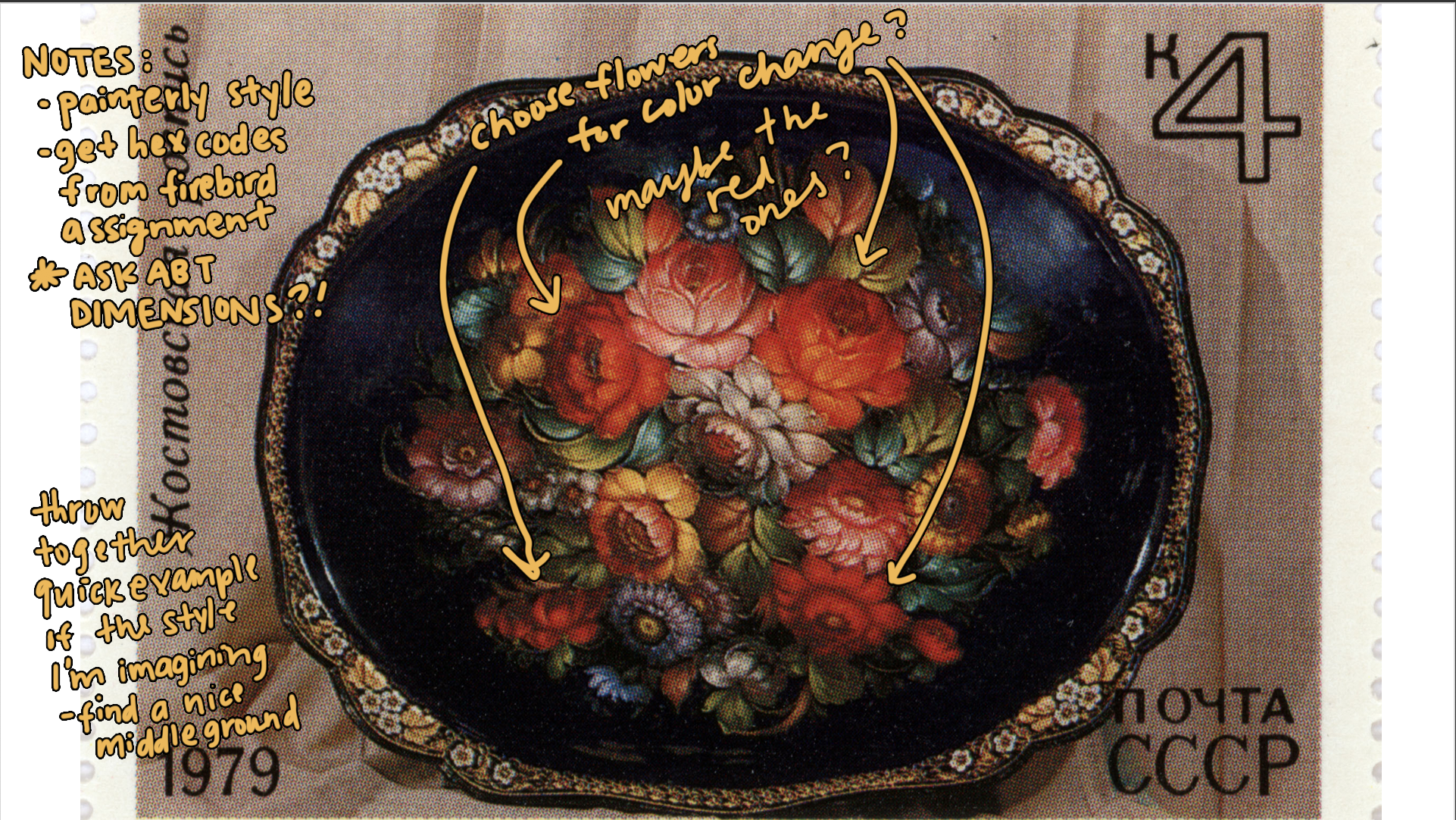
For the RUS412K banner, I found a reference image with Suloni and Heather, and I just wrote up some notes before leaving yesterday!


Filed Under: 2017-2018

Last Week

July 3, 2018 By Chloe Kim

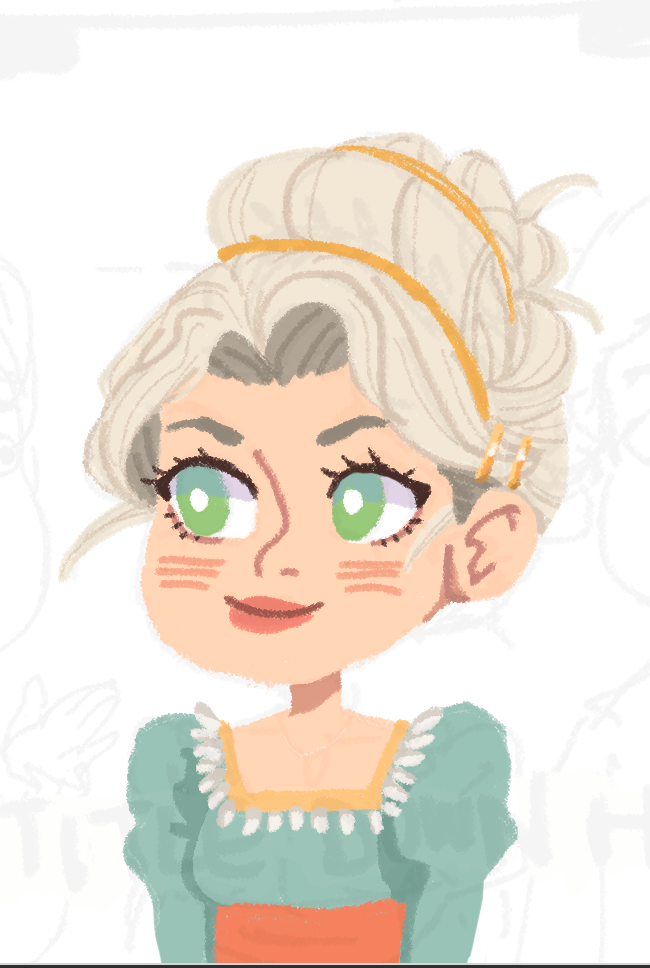
Last week, I worked on various projects. I finally finished my first draft of “This is Democracy” podcast art:

I also worked on the Tec slides for Bridget with Suloni:

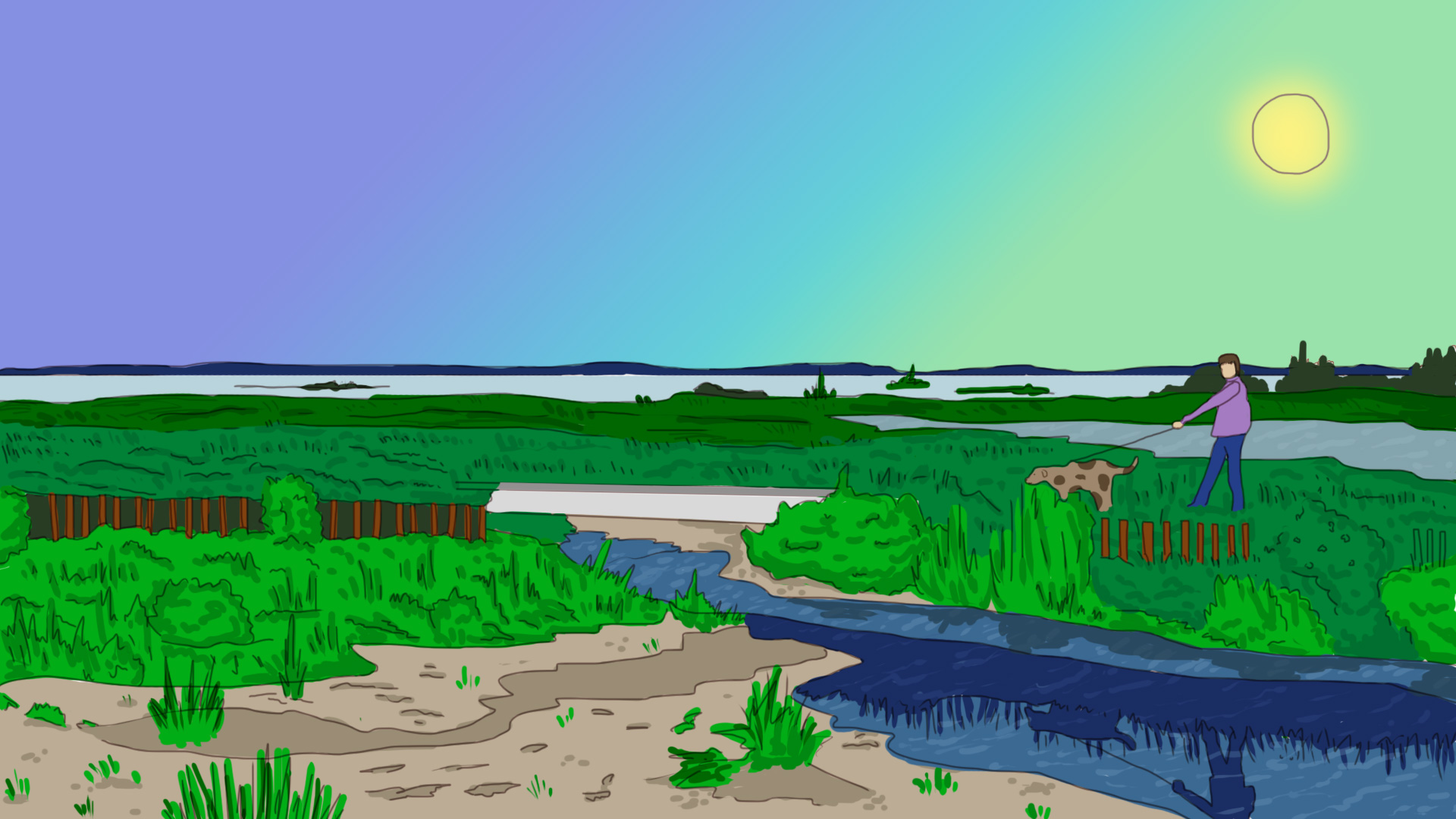
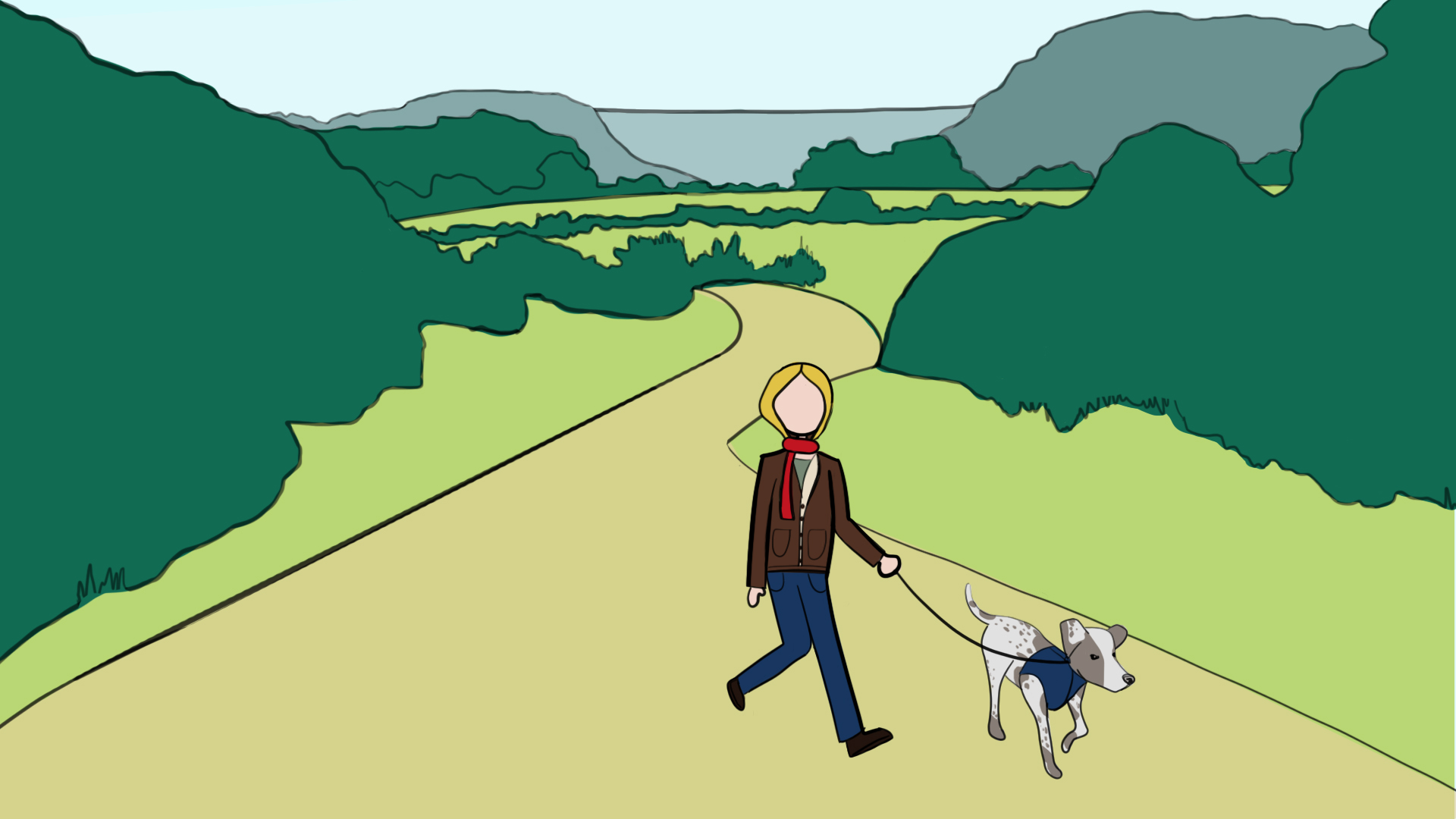
I also worked on my RUS412 illustration test that Kathy assigned to me. It’s been a while since I’ve drawn an illustration for the RUS class, but I knew as soon as I started the assignment how much I’ve missed it! I can’t wait to help Kathy on the illustration projects. Here’s the illustration I drew for our “test”:

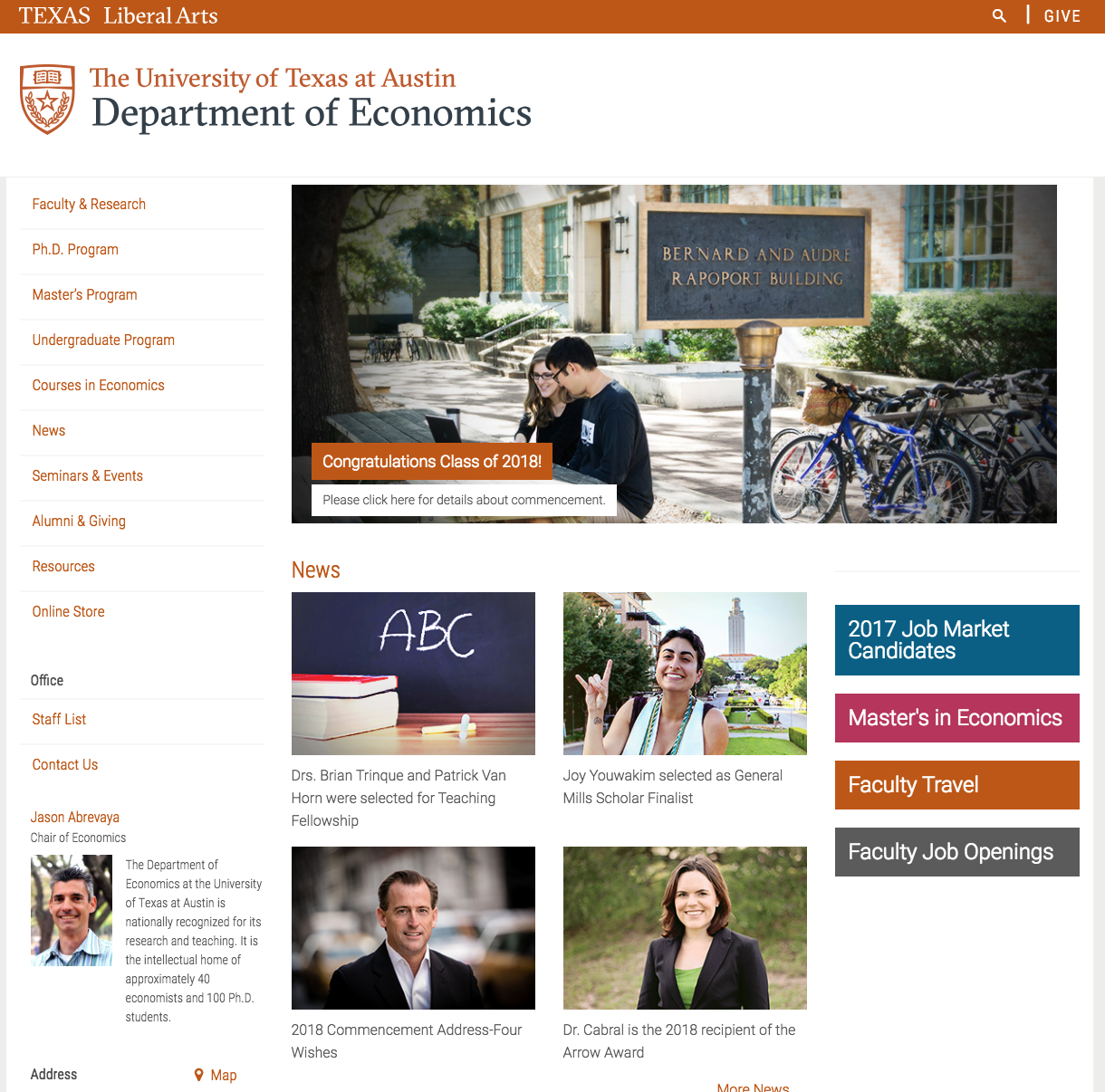
I also helped with some Cascade projects for faculty/ staff – this one was for replacing the Economics department banner. I am getting the hang of how to navigate through cascade, and hopefully, I’ll be ready with the other STA’s to help faculty and staff be more familiar with the navigation, also. We are planning on holding a training (?) day for one of the professors and her team. I have a lot to learn before then!

Filed Under: 2017-2018

HTML5 Interactives with Adobe Animate!

July 3, 2018 By Rodrigo Villarreal

HTML5 Interactives with Adobe Animate!

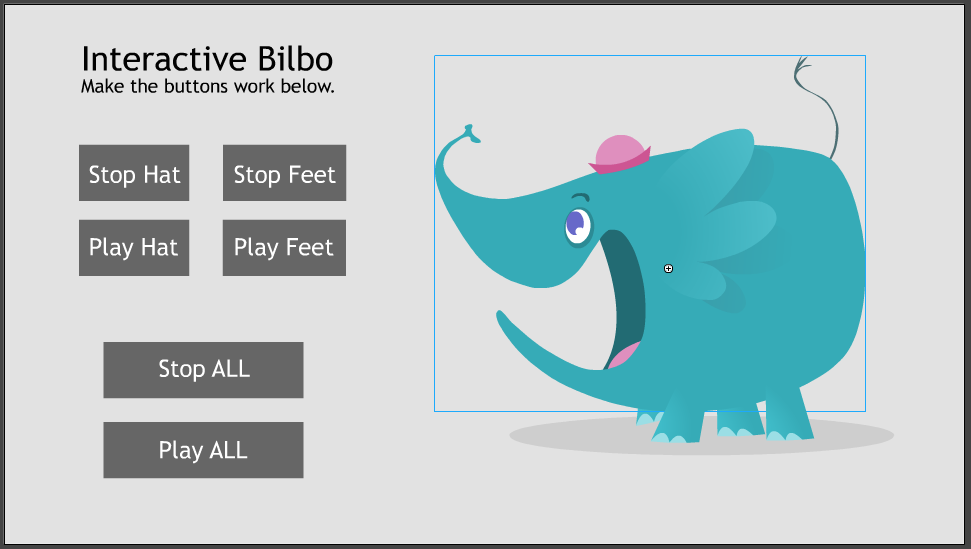
For my last shift before going on vacation I worked with Tate to try and figure out how to make an interactive with Adobe Animate. He found a couple of video tutorials online and we wanted to use them to make a simple drag and drop game. The results were mixed…

We found out that it is possible to make interactives in Animate but we had to mix our skills animating and coding to make one. Animate uses a Javascript library called CreateJS (and a bunch of sublibraries) to interact with pictures and elements called ‘symbols’. From there, if Tate made a symbol that represents an animation, I could make it do stuff like play and pause. We got a funny elephant animation from the tutorials and clicking the button makes the different parts move or not move.

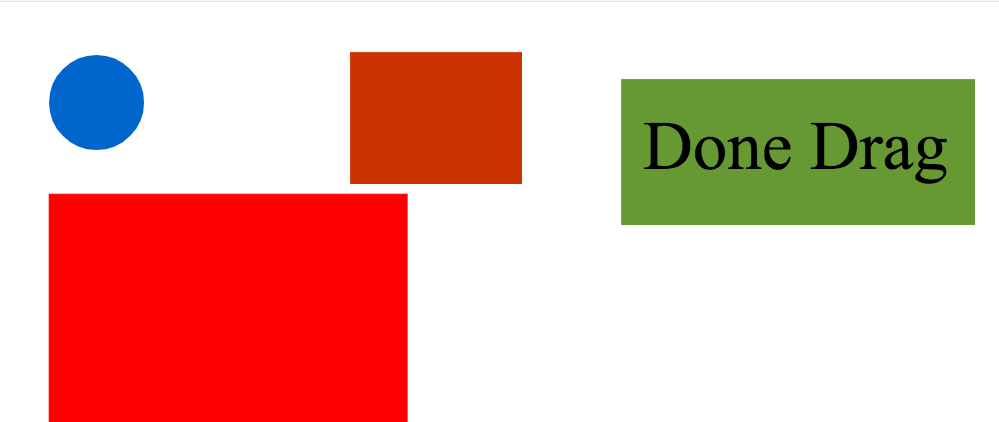
The next step was more challenging. Making a simple drag and drop game. If the user drags the circle into the box, a green square should pop up, else a red square would pop up. Although there are a lot of references on how to use Adobe Animate and how CreateJS works, there is virtually no documentation on how to use them together. We managed to get the dragging and dropping working but we couldn’t get any other functionality. This was a bit of a disappointment. At least we both got to learn a little bit about what the other one works with.

Filed Under: 2017-2018

7-3-18

July 3, 2018 By Bridget

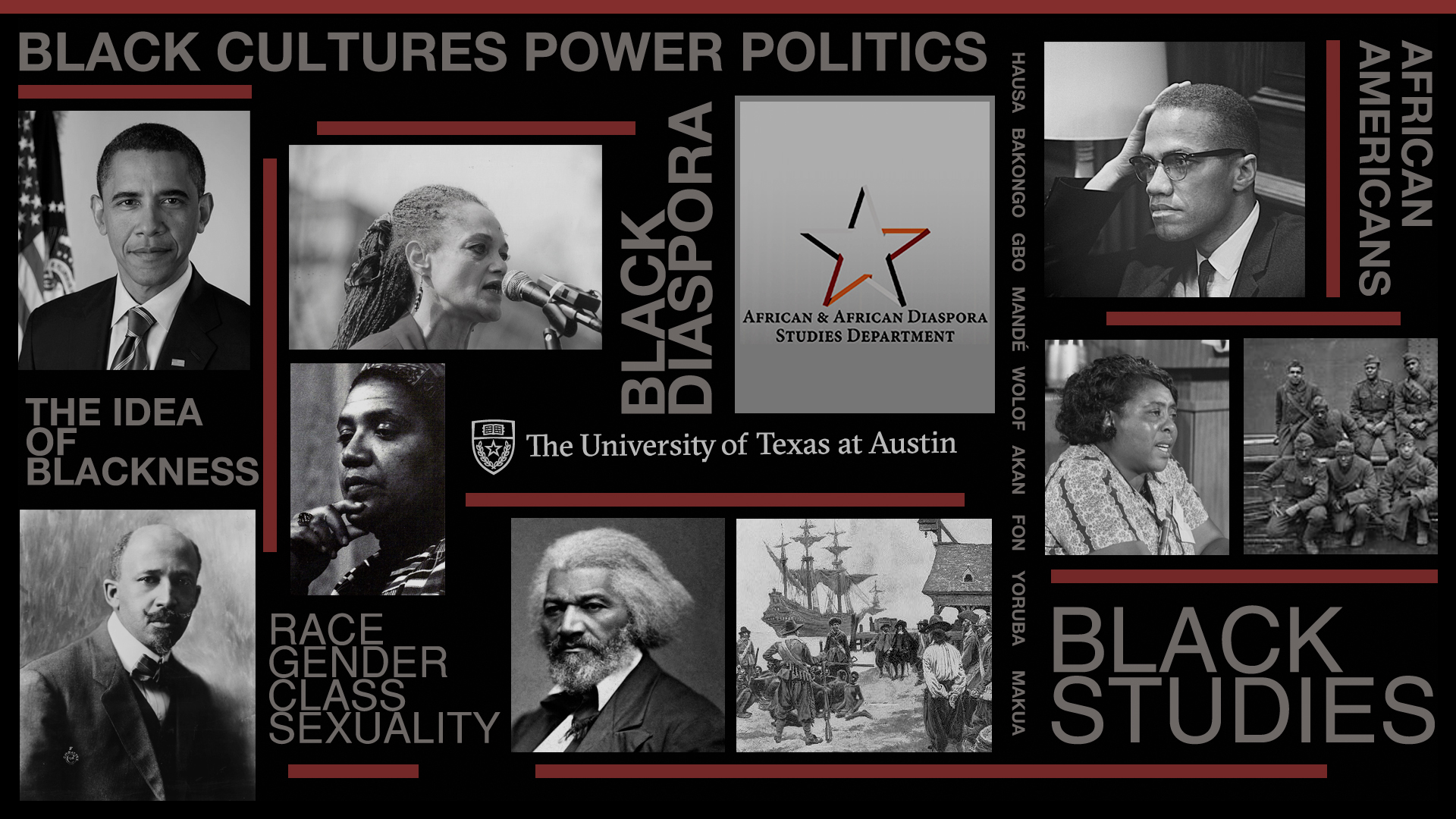
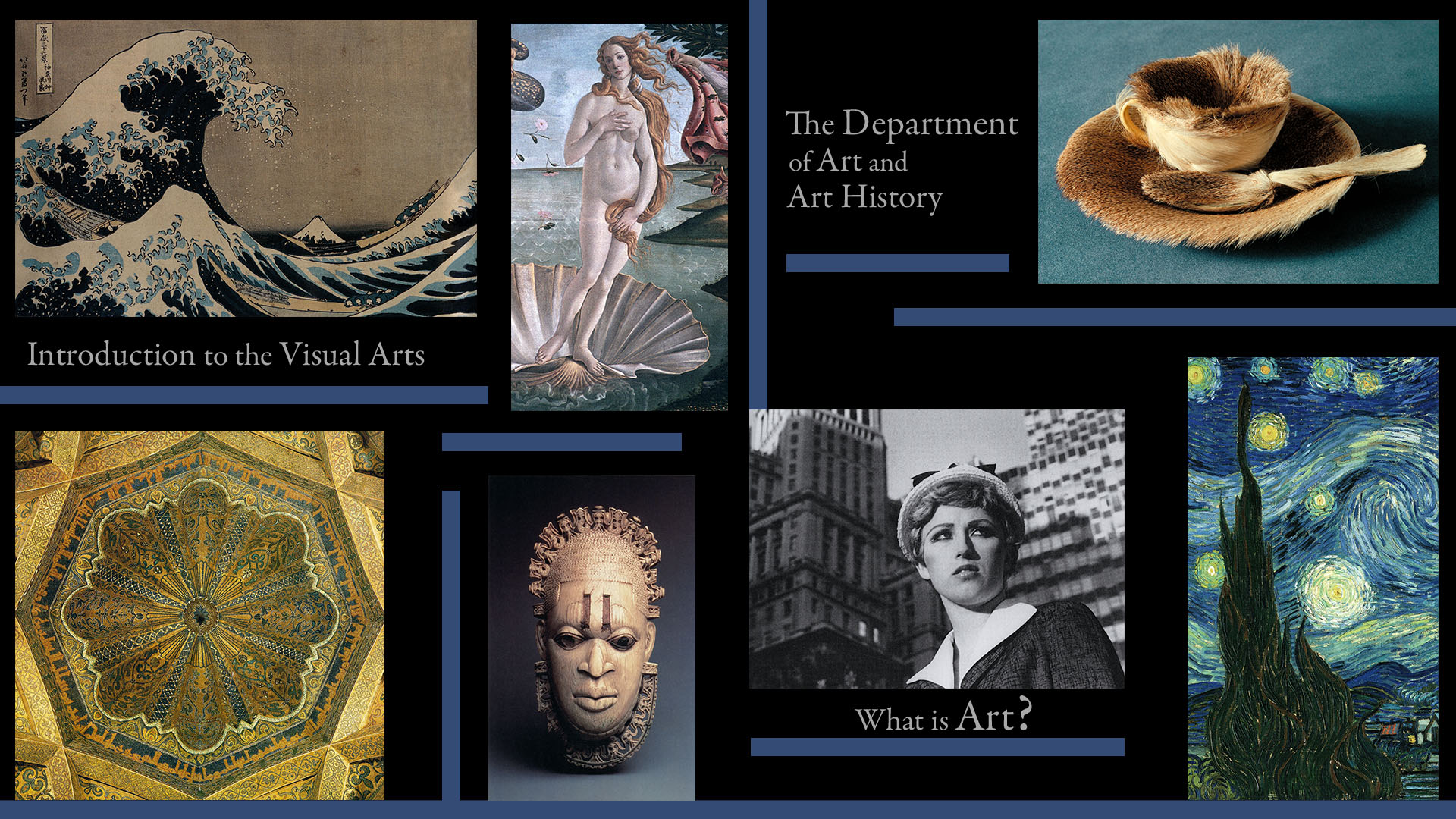
I was assigned to make a 1920 x 1080 digital display for Prof. Ann Johns’ ARH 301 Intro to Visual Arts fall class. I was given this previous digital display for a black studies class as an example of the type of design I should model, and also the images, text (using Garamond), and colors (black and blue–#344c75) Prof. Johns requested I use.

I left room for the UT and/or department logo/s to be added, as in the black studies display. I will rearrange the images a bit more after that so there won’t be any gaping holes like there are now. The display, once finished, will be on a screen behind Prof. Johns during her recorded lectures

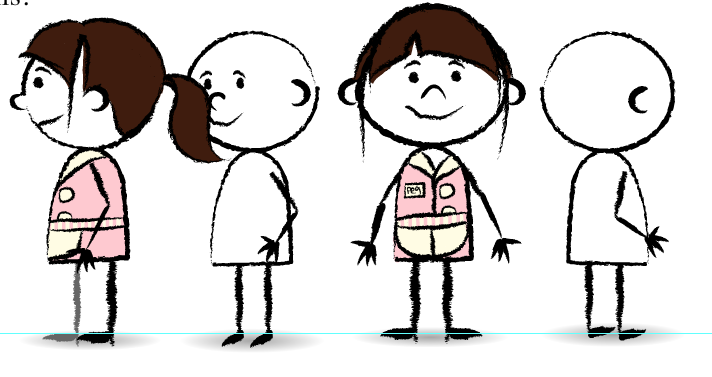
Other things I’ve been working on. I made some amendments to my “Waitress 2” character design, adding some strands of hair so that the bangs on the front view would look more realistic. I’m getting the hang of the Animate tools, which work differently than they do in Photoshop. Instead of using many layers like I normally would, in Animate you have the option to change the settings on your pen/brush to paint on top of, inside, behind, etc, existing lines. I also finished my practice illustration for Kathy (below).

Other ongoing projects I’m working on: Cascade documentation. A few of us were tasked with updating the guides on how to use Cascade which will be extremely useful for faculty who need to manage pages within their department sites. When faculty come to us to learn about Cascade, we can point to this as a resource and make the process much easier for everyone involved. We’re planning to have this completed by the end of the month. Also, for TBH I’ve been organizing .mp4 files that have been converted from .mov. Once they’ve all been moved to their correct folder I’ll check them to make sure that they play.

Filed Under: 2017-2018

July 2, 2018 By Estella Sun

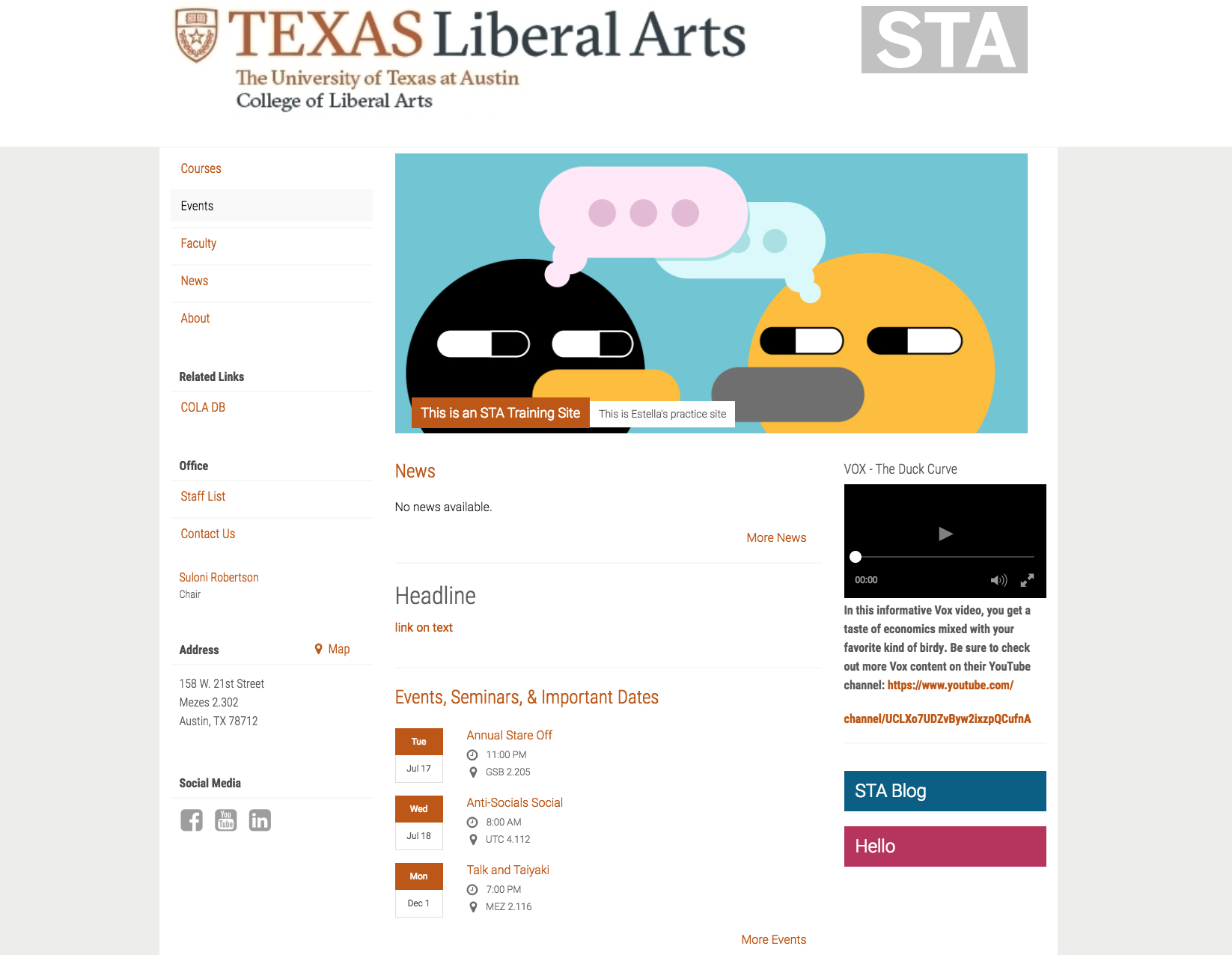
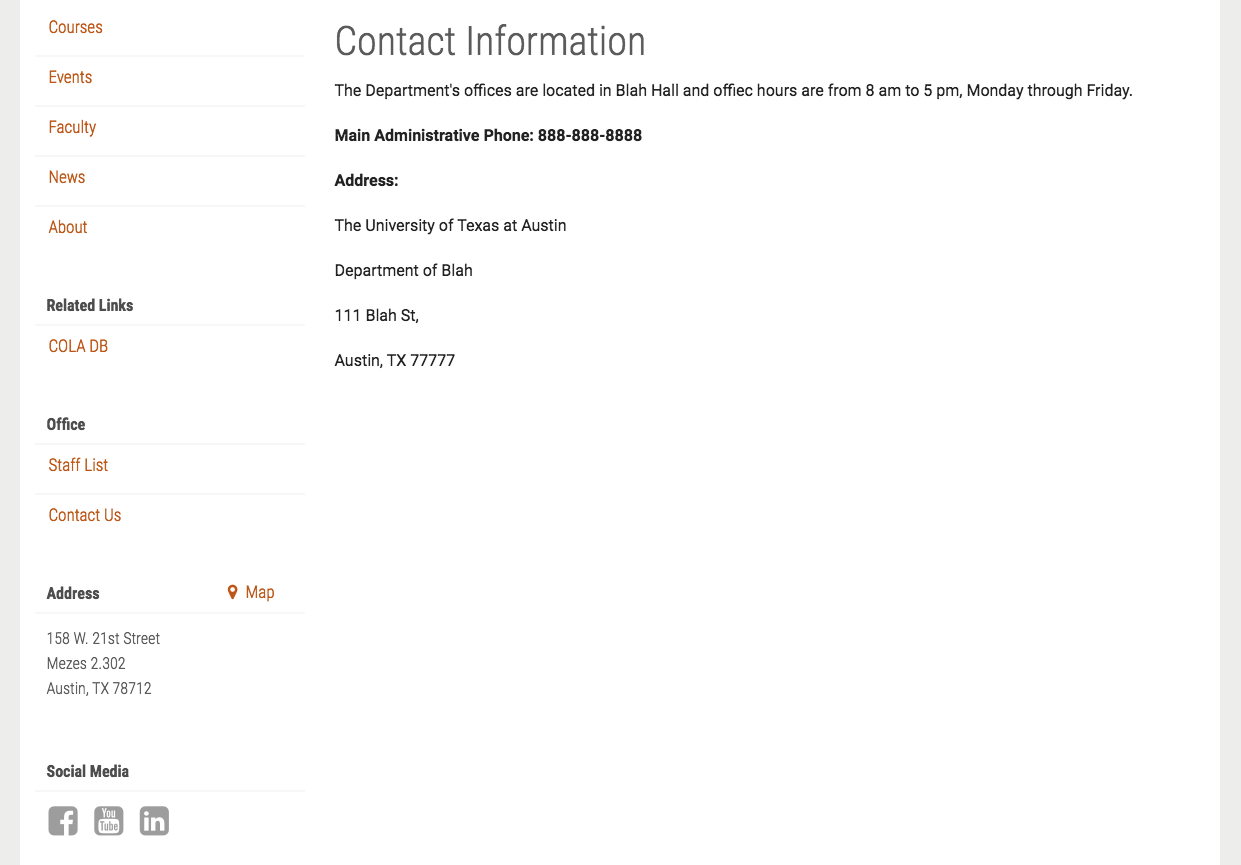
This week, I’m continuing to work on the final steps of my Cascade site. So far, I’ve gotten to add a multitude of things like color links, a contact page, embedded video, etc. Ideally, going through this Cascade assignment will help me with the Cascade Re-documentation project (Which I’ve started drafting on a Google doc).


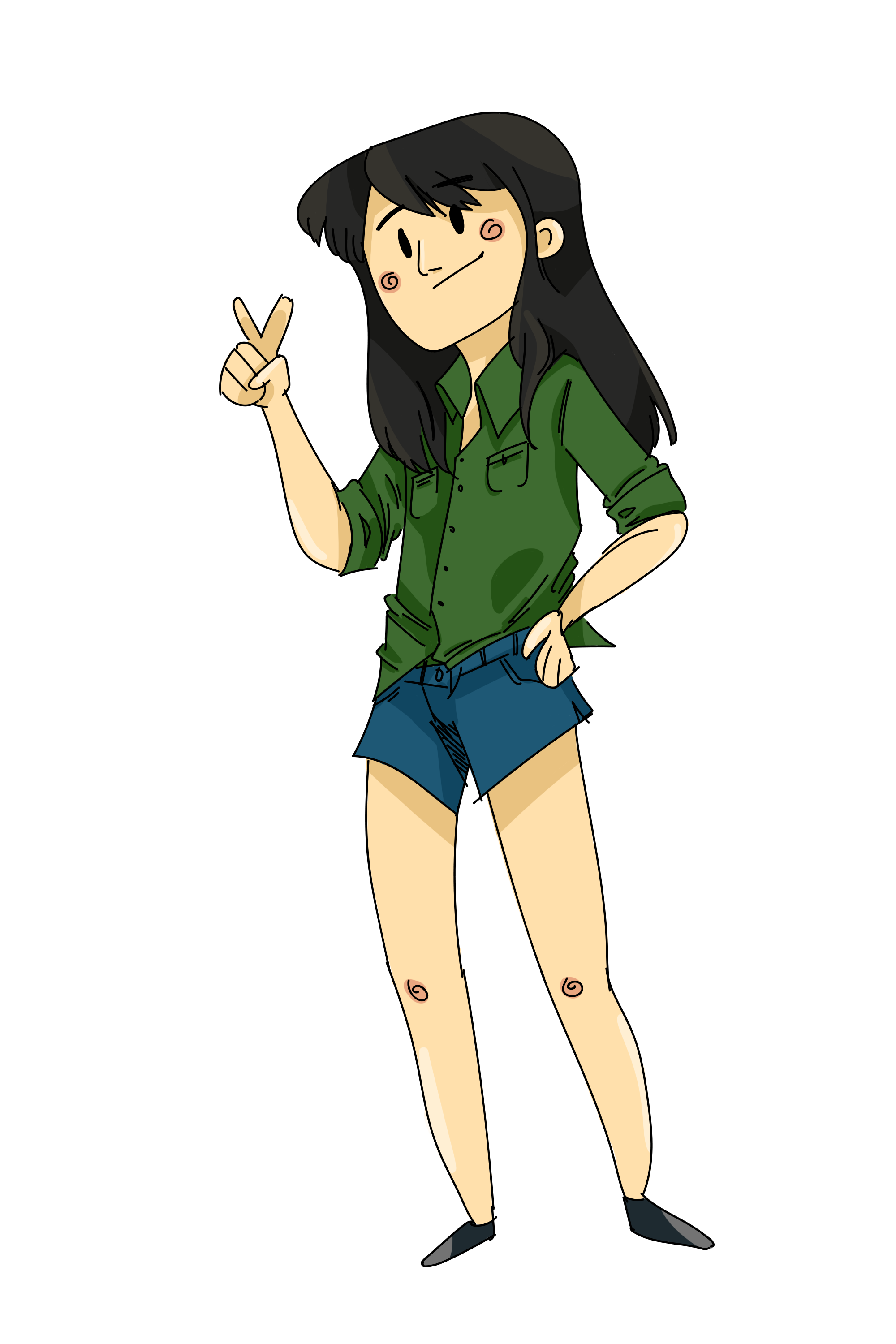
Also, I had a bit of time after finishing my assignments, so I went ahead and illustrated my self portrait for the blog. I experimented with a cartoonish style and did the line work in Illustrator (alternating between Illustrator and Photoshop for lining and coloring). I kept it simple overall by using hard brushes to shade to keep everything flat looking (which seems to be my default style of choice). Overall, I had fun being able to relax and draw.

https://sta.laits.utexas.edu/blog/2018/07/02/23434-2/

Filed Under: 2017-2018

  • « Previous Page
  • 1
  • …
  • 9
  • 10
  • 11
  • 12
  • 13
  • …
  • 43
  • Next Page »

link to LAITS home page

Video STA Home

© 2025 Liberal Arts Instructional Technology Services | Production Credits