• We are STAs
    • Asha Rountree
    • Haley Ma
    • Kate Shih
    • Kyra Lee
    • Nicholas Peasley
    • Sasha Kenney
    • Shanda Horm
    • Shriya Atreya
    • Tomas Marulanda-Mesa
  • We were STAs
  • STA Presentation
    • STA Presentation 2017
    • STA Presentation 2016
  • Testimonials
  • Resources
  • Home

STA Blog

Current Sta

Stinger – Animation Refresh Planning

August 26, 2021 By De'sha Bass-McClellan

Stinger – Animation Refresh Planning


project: Stinger – Animation Refresh
Client /Prof: N/A
completion status: Started August 25 2021
staff guidance: Maddy
STA team members: Rachel and Megan
description/plans: Refresh the stingers for the course graphics to add light animation.
To be completed: N/A


For this project, I started working on planning out the steps to make the overall creation of the stingers simple for future STAs.


Notes:

Current Stingers: 

  • Chat
  • instapoll
  • Quiz
  • Survey
  • TA

Questions to Consider:

  • Easily customizable After Effects File
    • Color
    • Background Images
    • Fonts? Segment title
  • Standard animations for each segment??
  • Standard animation for title??
  • How long do the animations need to be? (2 seconds + additional second for static image) 

*** Standard AE composition with the layout of each element (Title, background, animation). ***

  • Duplicate “standard” composition
  • Edit the Title and Background Image
  • Insert/open the different icon animation compositions into “standard composition”

After Effects File Requirements:

  • Placement of Title with small animation
  • Placement for icon with animation
  • Background image placement (static)

Title Animation Ideas:

*** Left side of the graphic (simple) ***

  • Typing 
  • Fade in
  • Slide in from left or bottom


Stinger Animation Ideas:

*** Right side of the graphic (Fade in first) ***

Chat:

  • Multiple Chat bubbles appear?
  • iMessage chat

Instapoll:

  • Revolving circle around install with moving bars?

Quiz:

  • Blinking/transitioning between filled question mark and open. Switch to check mark after?

Survey:

  • Toggle back and forward

TA:

  • Interchanging the chat bubbles


Files:

I already began creating the AI files for the different stingers. Once we have decided on the animation for each icon, we can began making the different frames in AI or creating the different piece to animate in AfterEffects.


I also began creating the After Effects Template for the animation composition. There is a “main composition” that will hold the final completed animation that will be sent off. Within the main composition, there is the Title, that can be changed, the background composition, and the animated stinger composition. There will also be a composition that the STA can use to change the background image.


Filed Under: Fall 2021 - Spring 2022, We are STAs

First Week

August 25, 2021 By Rahul Palla

Hello, it’s Rahul. It’s been a very eventful week, from meeting my fellow STAs and other staff members to starting work. This week I’ve mostly been going through the WebDev trainings and getting familiar with the browser inspect tool as well as good website accessibility. Below are two screenshots of one accessible website (Billboards) and one inaccessible website (Yale Art).


Another training that I have done is the Web Browser Inspect Tool. In that training I utilized the inspect tool and changing some lines of HTML and CSS was able to manipulate the website, including changing images, font style, and size. You can see some of the changes below.

I have also attended the training for the COLA Refresh project and will began working on some of the trainings, including making a personal page.

Classes have also started this week so it’s been busy, but I’m sure it will all get settled into a rhythm soon. All in all, it’s going pretty well, and I’m excited to continue working on the COLA Refresh project.

Filed Under: Fall 2021 - Spring 2022, We are STAs

press release

August 24, 2021 By Ingrid Alberding

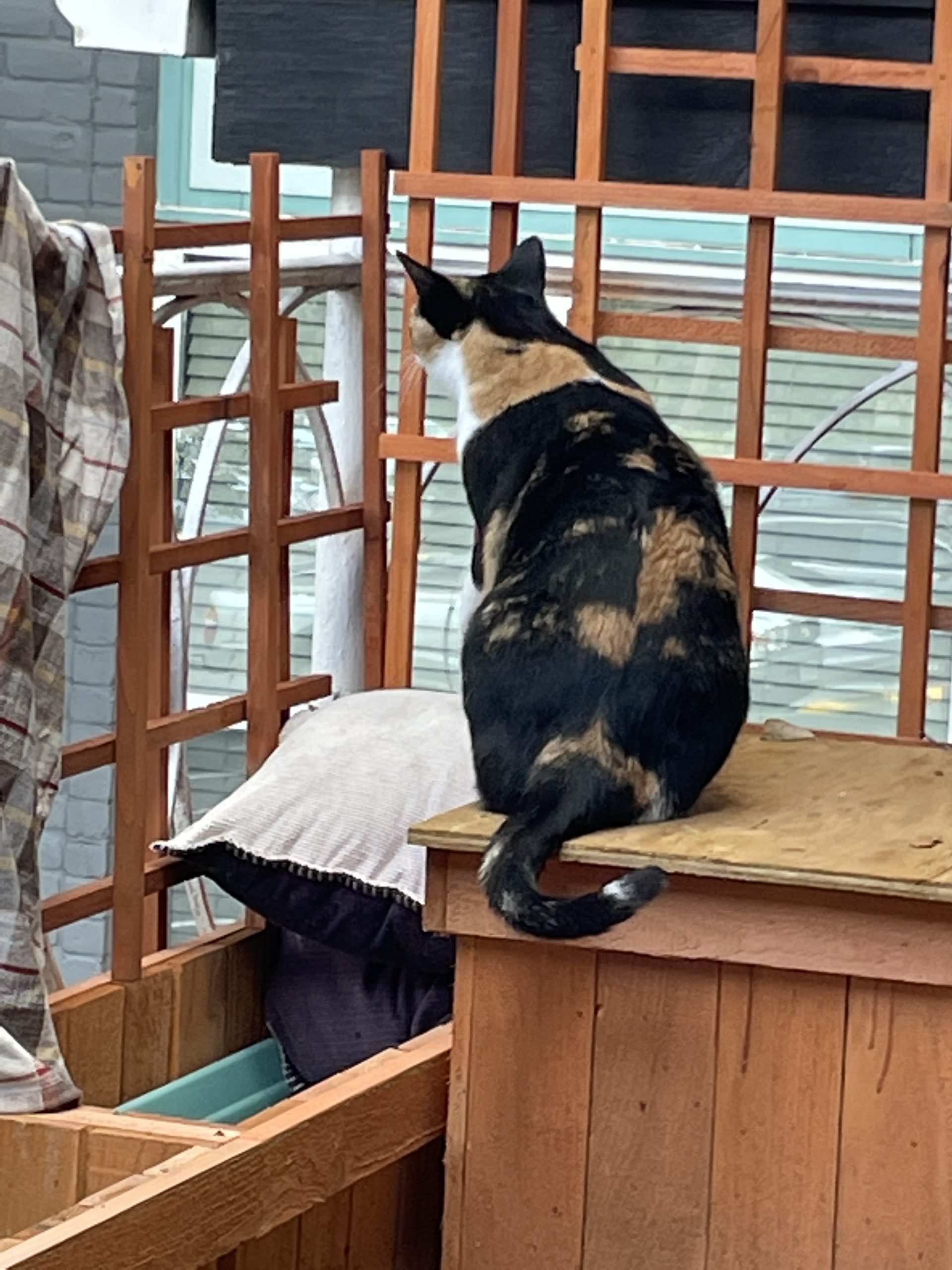
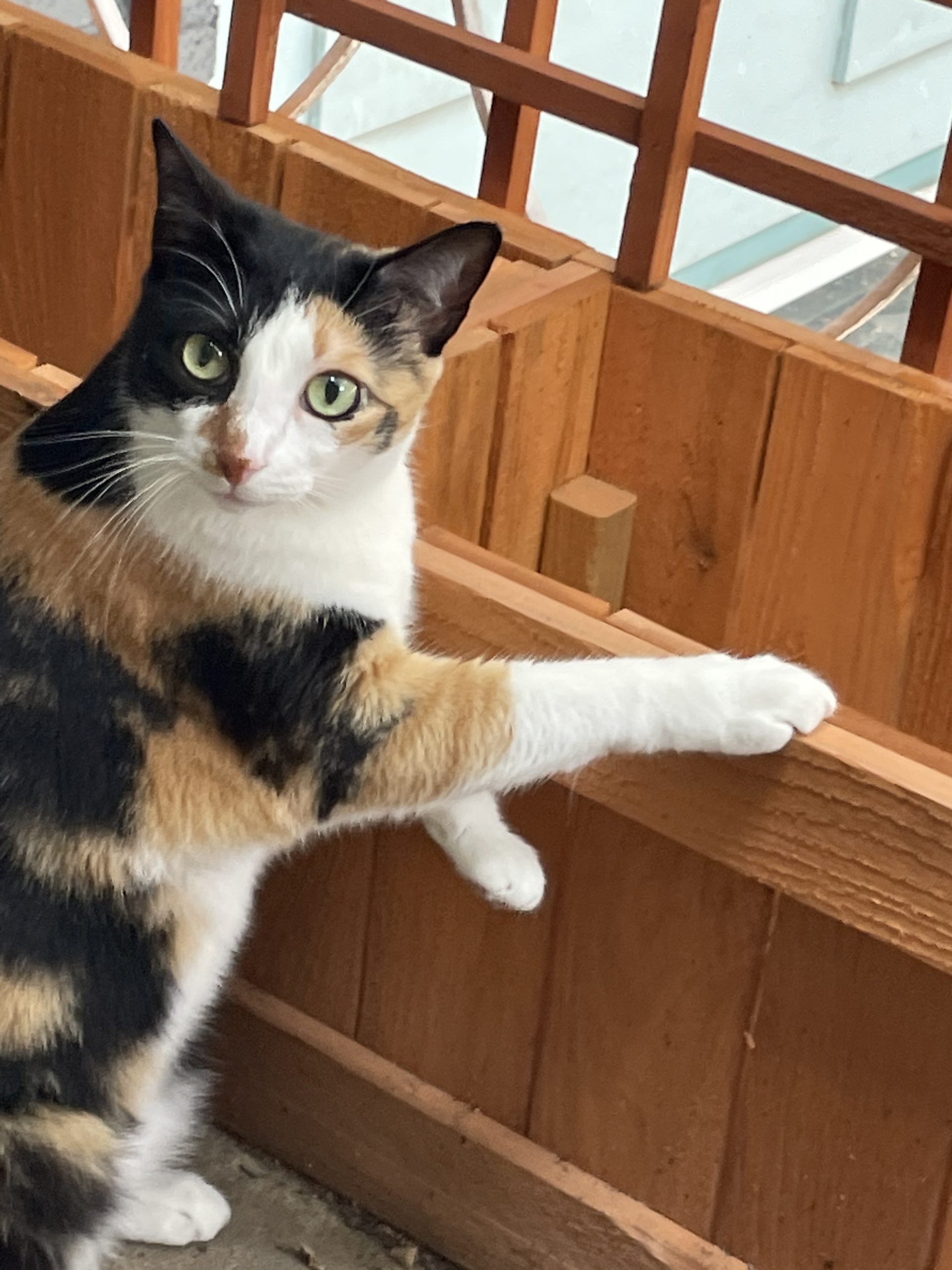
Hello again, it’s me. The semester is starting tomorrow and I am not ready… but also happy to be in the office and amongst people again! Maybe I’ll stop having one-sided conversations with cats…

This week I kind of bopped around, working on photo IDs and finishing the animation project script. Excited to see where the animation project goes! It’s definitely been slow-going, as we’ve all just been working on it in our downtime, but we’re definitely starting to make some significant progress.

Also, I’ll include a couple IDs here for reference


I also worked a bit on web support and updating the STA blog as well as reviewing the documentation for the COLA web refresher project, which me and a couple other STAs will start helping with beginning tomorrow. I am storing my current questions here.

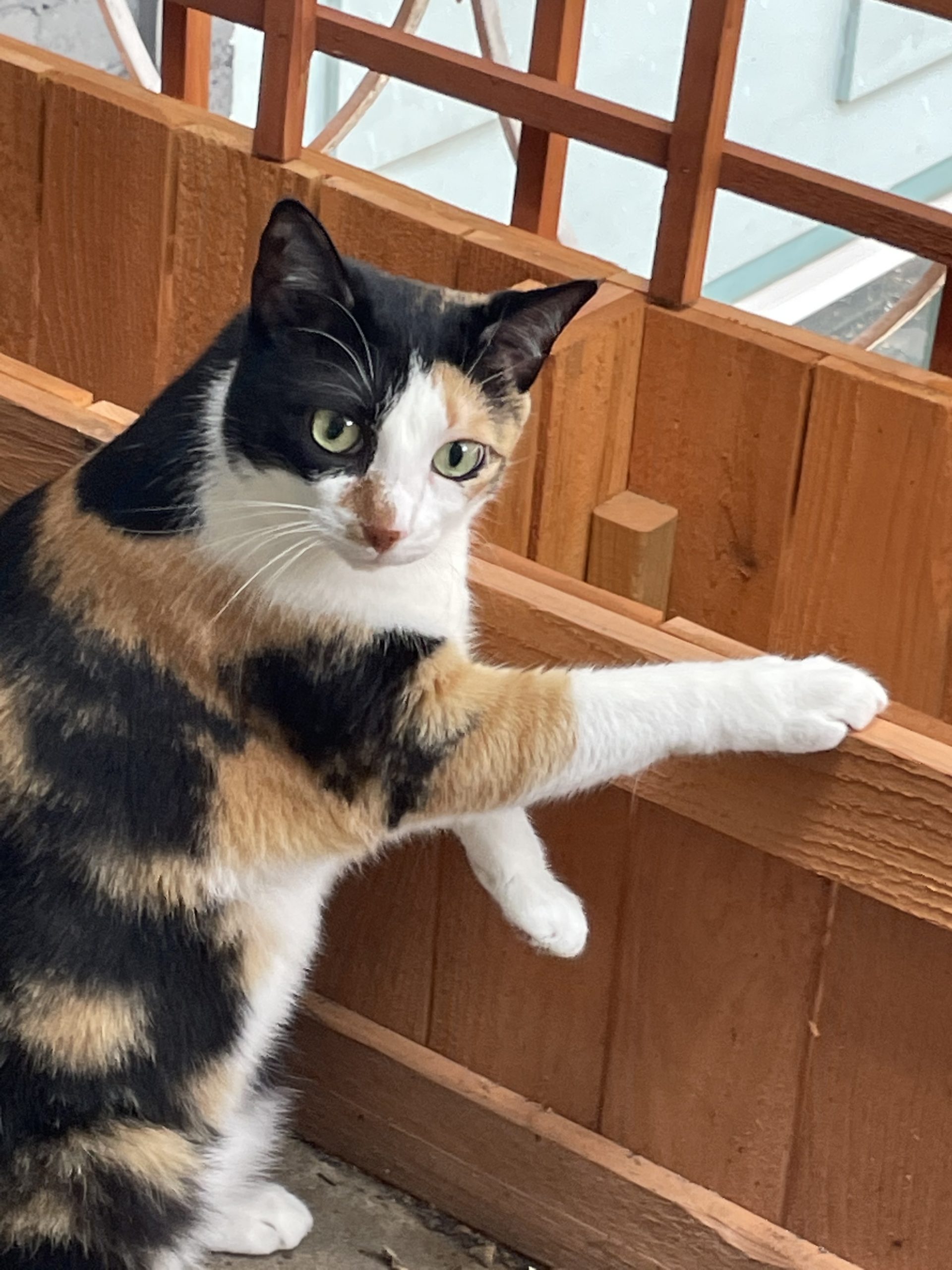
Also I have an important announcement. After careful consideration, Pirate has decided she is not open to photographs at this time.

Filed Under: Fall 2021 - Spring 2022, We are STAs

Green Screen Training

August 24, 2021 By De'sha Bass-McClellan

Green Screen Training

For the green screen training, I decided to use this image:

I was able to successfully remove the green screen background and color adjust the image.

I decided to add in a forest background to the image. Since the background image was lighter, I edited the photo to make the image fit better with the background.


Filed Under: Fall 2021 - Spring 2022, We are STAs

Photo IDs

August 24, 2021 By De'sha Bass-McClellan

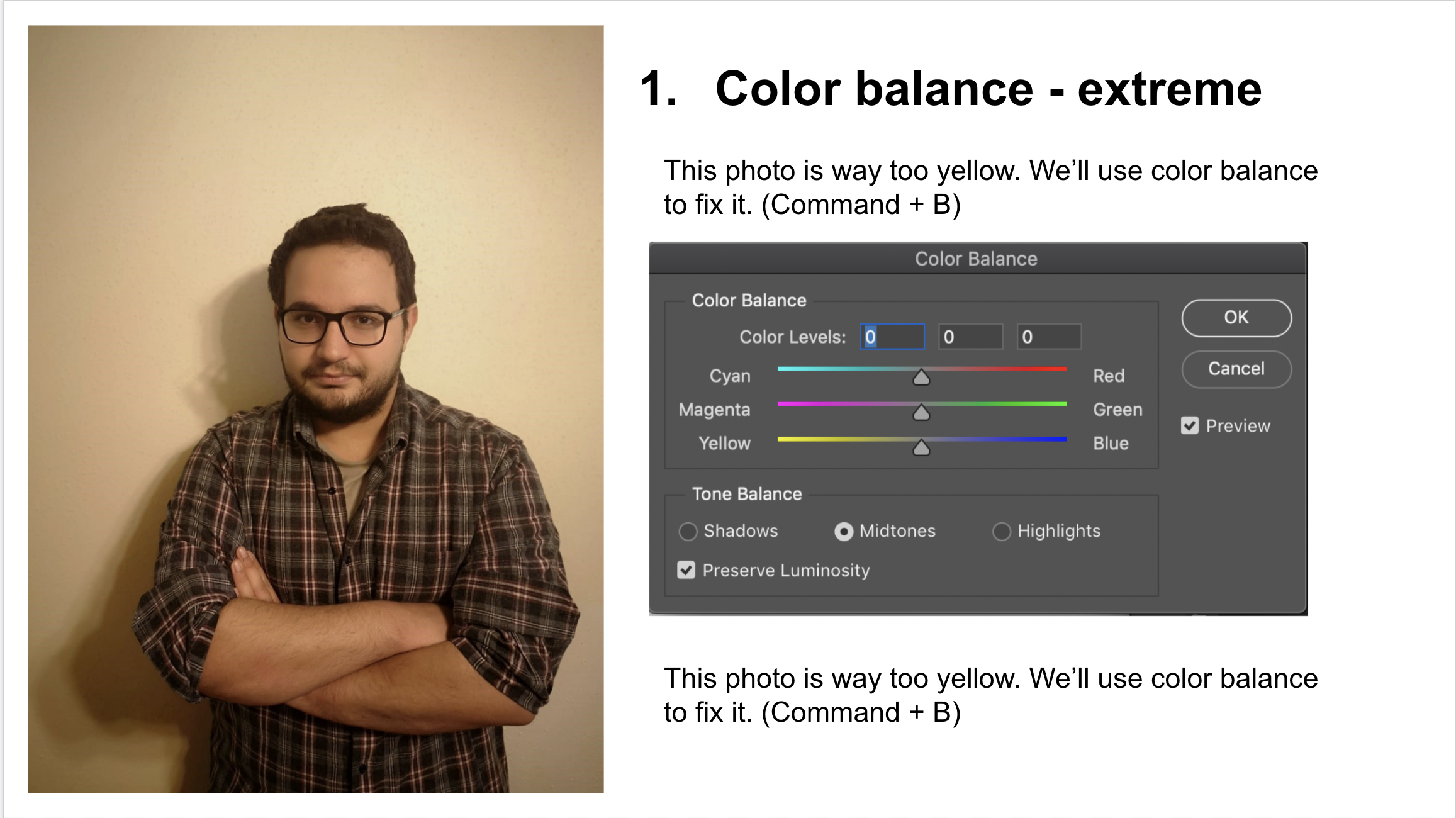
Photo IDs

Here are some photo IDs that I recently completed. 🙂

Filed Under: Fall 2021 - Spring 2022, We are STAs

Welcome to the STA Blog

August 23, 2021 By Asmita Karmakar

Hi Adrian! 🙂 Welcome to the STA Blog! This the page where your blog posts will published.
Toward the end of your STA Orientation, you’ll design and upload a banner to go at the top of this page.

Upload a Blog Banner


Step One: Design Your Banner in Photoshop

Use these Photoshop specs when you’re making your banner:

  • Your banner should be 780 pixels wide (the height doesn’t matter)
    • Must include your name, your major, and your expected graduation year
    • Your banner should reflect who you are (your personality, interests or major)
    • Make sure to save your banner for the web (i.e. File > Export > Save for Web (Legacy))
    • If you save your banner as a JPG, make sure sure the quality is high (i.e. at least 60)

Step Two: Save Your Banner

  • There are two places you can save your completed projects: UT Box and the LAITS server. You’ll be given a personal folder in both locations. For now, you only have to save your banner to UT Box, but you may have to access the server at some point in the future.

Accessing UT Box

  • If you haven’t already registered with Duo,  follow the instructions here to set up an account.
    • Then log in to UT Box with your EID and password: http://utexas.box.com/
    • Go to the folder called Design-Coding-STAs, then the subfolder STA-folders
    • Find the folder with your name on it
    • Save your banner both as an image and an unmerged PSD

Accessing the LAITS server

  • Accessing the LAITS server from off-campus is slightly more complicated.
    • You’ll need to be registered with Duo if you aren’t already (you can register here).
    • Then you’ll need to connect to the UT VPN and the LAITS server. The videos below will walk you through how to do that:
      • Connect to the Server – PC
      • Connect to the Server – Mac
    •  Then navigate to your STA volume folder and save
      • smb://file.laits.utexas.edu/sta/Adrian McKee
    • Save your banner both as an image and an unmerged PSD

Step Three: Upload Your Banner to the STA Blog

  • Log in the the STA Blog here.  You should’ve received an email confirming your new WordPress account with your username and assigned password. If didn’t get it or you can’t log in, ask Suloni or another STA.
  • You’ll be able to change your password anytime by going to Users > Your Profile > Account Management > New Password.

Uploading media and banners in WP

  • Read these links before you upload your banner.
  • They will walk you through how to upload media to your blog.

How to Upload a Homepage Banner

Adding New Posts and Media

Filed Under: Fall 2021 - Spring 2022, We are STAs

  • « Previous Page
  • 1
  • …
  • 78
  • 79
  • 80
  • 81
  • 82
  • …
  • 126
  • Next Page »

link to LAITS home page

Video STA Home

© 2025 Liberal Arts Instructional Technology Services | Production Credits