• We are STAs
    • Asha Rountree
    • Haley Ma
    • Kate Shih
    • Kyra Lee
    • Nicholas Peasley
    • Sasha Kenney
    • Shanda Horm
    • Shriya Atreya
    • Tomas Marulanda-Mesa
  • We were STAs
  • STA Presentation
    • STA Presentation 2017
    • STA Presentation 2016
  • Testimonials
  • Resources
  • Home

STA Blog

Current Sta

First Week as an STA

March 23, 2022 By Hoa Truong

Today, March 25th marks my first week of working as an STA. I am very excited and thankful for having this opportunity to work and contribute to the LAITS team.  I gained a lot of valuable information about STA, LAITS during the orientation. It was a really good time.

During my first week, I designed my self portrait. I learnt how to use photoshop to crop the image.

This is the picture of my self portrait.

Also, I finished the handbook webpage. The idea is to make a flip book and each page of the book contains the information from the handbook that I found interesting.

GIF

Filed Under: Fall 2021 - Spring 2022, We are STAs

UT Graduation, UX for Live-Streaming

March 23, 2022 By Abriella Corker

UT Graduation, UX for Live-Streaming


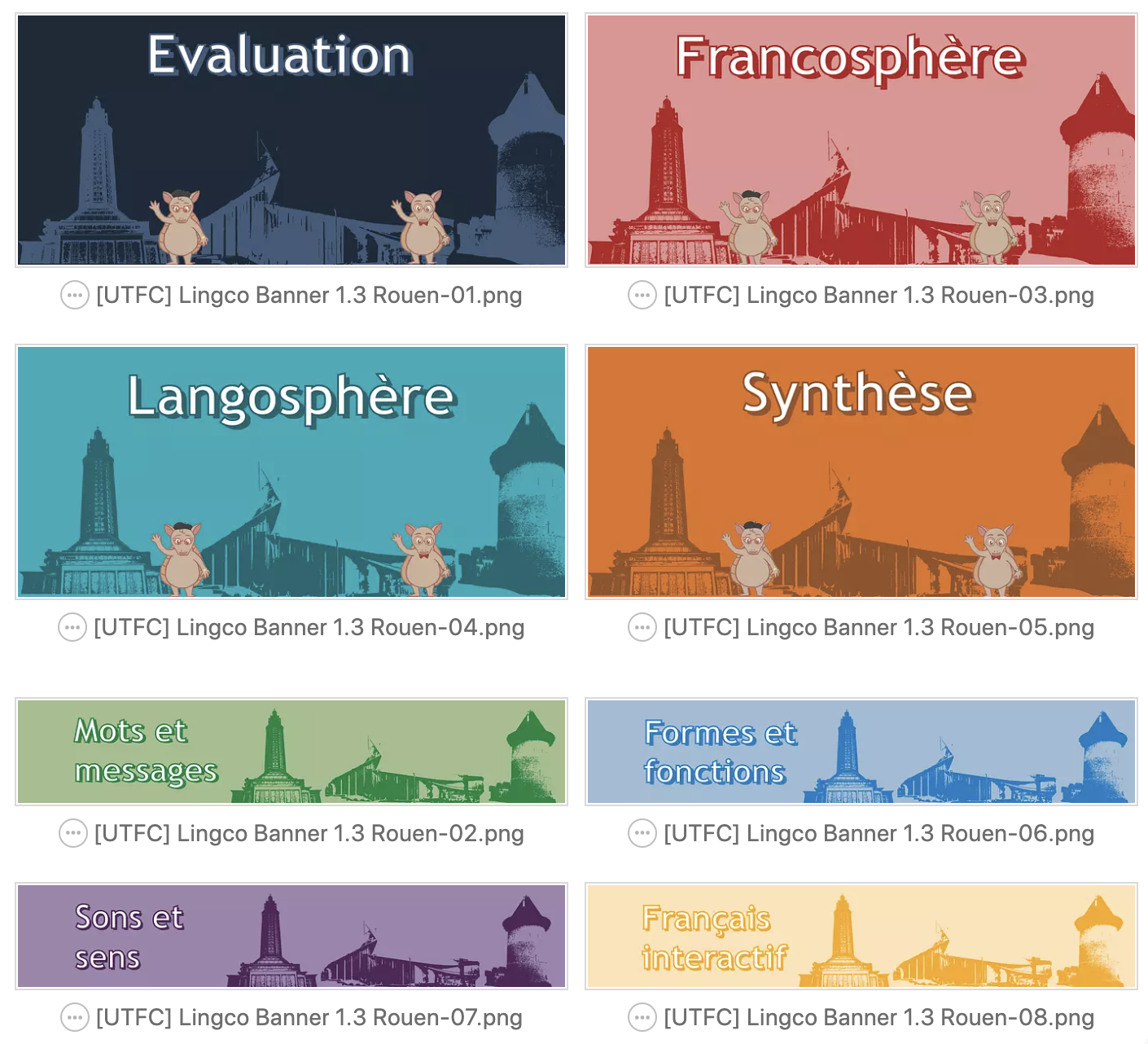
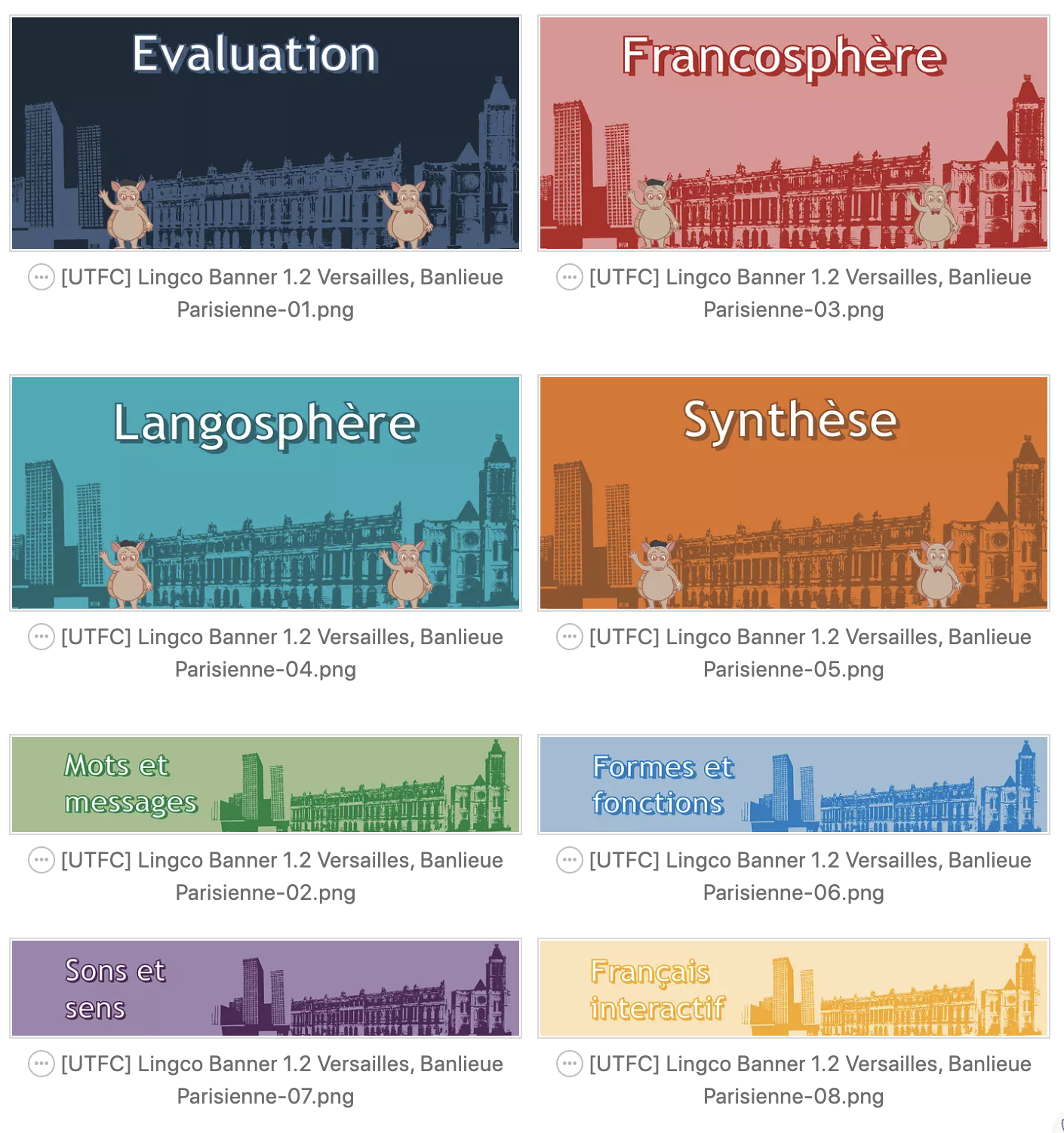
The university is going to be having a live-stream graduation ceremony for the College of Liberal Arts. About two weeks ago we had a sprint collaboration on creating user personas for three kinds of people who will be accessing the site. Grandparents, parents, and extended family are the main users and I was given persona A, the grandparents, to work on. I’ve been preoccupied with the French course that I am making studio assets and web assets for but I found time today to work on polishing up user flows and creating sketches. I used lucid charts and miro to create the graphics you see below. I screenshotted Maddy’s UX annotations and used them to lay out the site like a jigsaw puzzle and for simplicity to make user flow as easy as possible.

Filed Under: Fall 2021 - Spring 2022, We are STAs

March 17, 2022 By Ingrid Alberding

I’ve been working on Dana Center Carnegie Case Studies.

In case you aren’t familiar with the project, Dana Center has funding and a need for 3 separate content design/InDesign layout projects. One of them, Arkansas, has already been completed by my lovely coworker Rachel!

That leaves the Carnegie and Strategic Direction projects. I’m not going to go in depth about the latter, since it’s an infographic centered project led by Cristina and Rachel at the moment. The Carnegie project includes 4 case studies on “Math for Manufacturing: Workforce and Higher Education Partnerships” and 1 process document. We have received content for 3 case studies.

This week I spent much of the time working on the first case study, on KY FAME.

I used Rachel’s Style B template, which had been approved for this project. However, I made some alterations on the template level as I went on, refreshing myself on paragraph and character styles as well as a little bit of GREP. For a project like this, one of the biggest concerns and most important components is consistency. To some degree, I can ensure this automatically, but I’ve also been taking notes on style in order to prepare a comprehensive style guide to accompany the 3 case studies.

I also received some pretty fast feedback from Ophella (a writer at the Dana Center) and Alison (main client), which helped guide refinement of my draft.

This project was a bit out of my comfort zone, I haven’t worked with InDesign since doing a basic training on it almost 2 years ago, so it’s definitely been a work in progress; however, so far, I am happy with my progress and the results!

https://sta.laits.utexas.edu/blog/2022/03/17/43938-2/

Filed Under: Fall 2021 - Spring 2022, We are STAs

News

March 11, 2022 By Ingrid Alberding

Hello blog! I promise someday I will be better at keeping up with you. Recent activities:

Dana Center Carnegie Work 

So far I’ve been on the sidelines of this project, but starting next Monday I’m going to start entering and formatting content for Carnegie case studies using templates made by Rachel. We ran into some roadblocks with not having updated InDesign on any of the Design Lab machines, so I’m either going to bring my laptop next week or work on a computer Mike set up in a studio on the 4th floor.

COLA Web Refresh

Chris and Michelle have Adrian and I working on reformatting the LACS “Where Students Intern” site. Here is the current site. Each “review” is a separate page in Cascade (currently here). The new, redesigned site will include accordions instead of separate pages. Screenshot (below). This is a fairly time-consuming task, because it’s full of a lot of information.
Personal News

On a more personal note, I’ve received an offer from GBH’s National Center for Accessible Media, a consulting group for digital accessibility efforts within a public broadcasting organization. I have a start date of May 30th at their Boston office, with the job title of Accessibility Analyst :~) I can’t overstate how excited and grateful I am for this opportunity. Thank you so much to Suloni, Valerie, and Michelle for being my references!!

Filed Under: Fall 2021 - Spring 2022, We are STAs

Welcome Keshav!

March 4, 2022 By Keshav Thamalla

Hi Keshav!
Welcome to the STA Blog! This the page where your blog posts will published.
Toward the end of your STA Orientation, you’ll design and upload a banner to go at the top of this page.
Upload a Blog Banner


Step One: Design Your Banner in Photoshop

Use these Photoshop specs when you’re making your banner:

    • Your banner should be 780 pixels wide (the height doesn’t matter)
    • Must include your name, your major, and your expected graduation year
    • Your banner should reflect who you are (your personality, interests or major)
    • Make sure to save your banner for the web (i.e. File > Export > Save for Web (Legacy))
    • If you save your banner as a JPG, make sure sure the quality is high (i.e. at least 60)
Step Two: Save Your Banner

  • There are two places you can save your completed projects: UT Box and the LAITS server. You’ll be given a personal folder in both locations. For now, you only have to save your banner to UT Box, but you may have to access the server at some point in the future.
Accessing UT Box

    • If you haven’t already registered with Duo, follow the instructions here to set up an account.
    • Then log in to UT Box with your EID and password: http://utexas.box.com/
    • Go to the folder called Design-Coding-STAs, then the subfolder STA-folders
    • Find the folder with your name on it
    • Save your banner both as an image and an unmerged PSD

Accessing the LAITS server

  • Accessing the LAITS server from off-campus is slightly more complicated.
    • You’ll need to be registered with Duo if you aren’t already (you can register here).
    • Then you’ll need to connect to the UT VPN and the LAITS server. The videos below will walk you through how to do that:
      • Connect to the Server – PC
      • Connect to the Server – Mac
    •  Then navigate to your STA volume folder and save
      • smb://file.laits.utexas.edu/sta/Adrian Mckee
    • Save your banner both as an image and an unmerged PSD

Step Three: Upload Your Banner to the STA Blog

  • Log in the the STA Blog here. You should’ve received an email confirming your new WordPress account with your username and assigned password. If didn’t get it or you can’t log in, ask Suloni or another STA.
  • You’ll be able to change your password anytime by going to Users > Your Profile > Account Management > New Password.

Uploading media and banners in WP

  • Read these links before you upload your banner.
  • They will walk you through how to upload media to your blog.

How to Upload a Homepage Banner

Adding New Posts and Media

Make Your First Blog post


  • Reflect on the day. You blog posts will be a documented experience of your time as an STA with LAITS. They can include anything you want to share about the projects you’re working on, and the more media (screenshots, images, links, videos, gifs) you can use, the better.
  • For today, write a bit about about yourself and what you did during orientation.
  • If you haven’t already, upload your banner.

Things to Remember


Image Specs

  • You should never copy and paste images intoto your blog. Always upload images into the media section of blog first (Click on the add media button), then insert the image from the media folder to display on your blog.
  • Don’t use the thumbnail version of your images.
  • Use images that are 72 dpi
  • Screenshots are fine
  • Images that are 780 pix wide format nicely above or below text blocks

Always Categorize Your Posts

  • Always check the category “2019 Fall-Winter | Spring-Summer 2020” on the blog posts you make this summer. This is the only category you need to check.
  • Make sure your posts are categorized correctly so that all of your work is documented in the correct semesters.

Commenting on Basecamp

Notification comments: etiquette, files, questions, feedback

Let us know when you’ve completed this task by adding a link to your blog to a comment in Basecamp.
Notes for all comments in Basecamp:
  • Always address the person/people you are writing to by their names.
  • Always use complete sentences.
  • Always add links or paths to your design file in your STA folder.
  • Make it easier for your collaborators and mentors to give you feedback on a design by adding screenshots to your comment.


Notify people in Basecamp by adding the @ symbol before their names (no spaces), otherwise they may not see your comment.

@ your STA mentor and Suloni in your comments when you want to:

  • ask us questions about the mechanics of using the STA blog,
  • about the mechanics of photoshop,
  • to let us know that you have completed this task,
  • or that you would like a little feedback on on your banner design 🙂

Thank you & have fun!

Filed Under: Fall 2021 - Spring 2022, We are STAs

UTFC PowerPoints

March 3, 2022 By Abriella Corker

UTFC PowerPoints

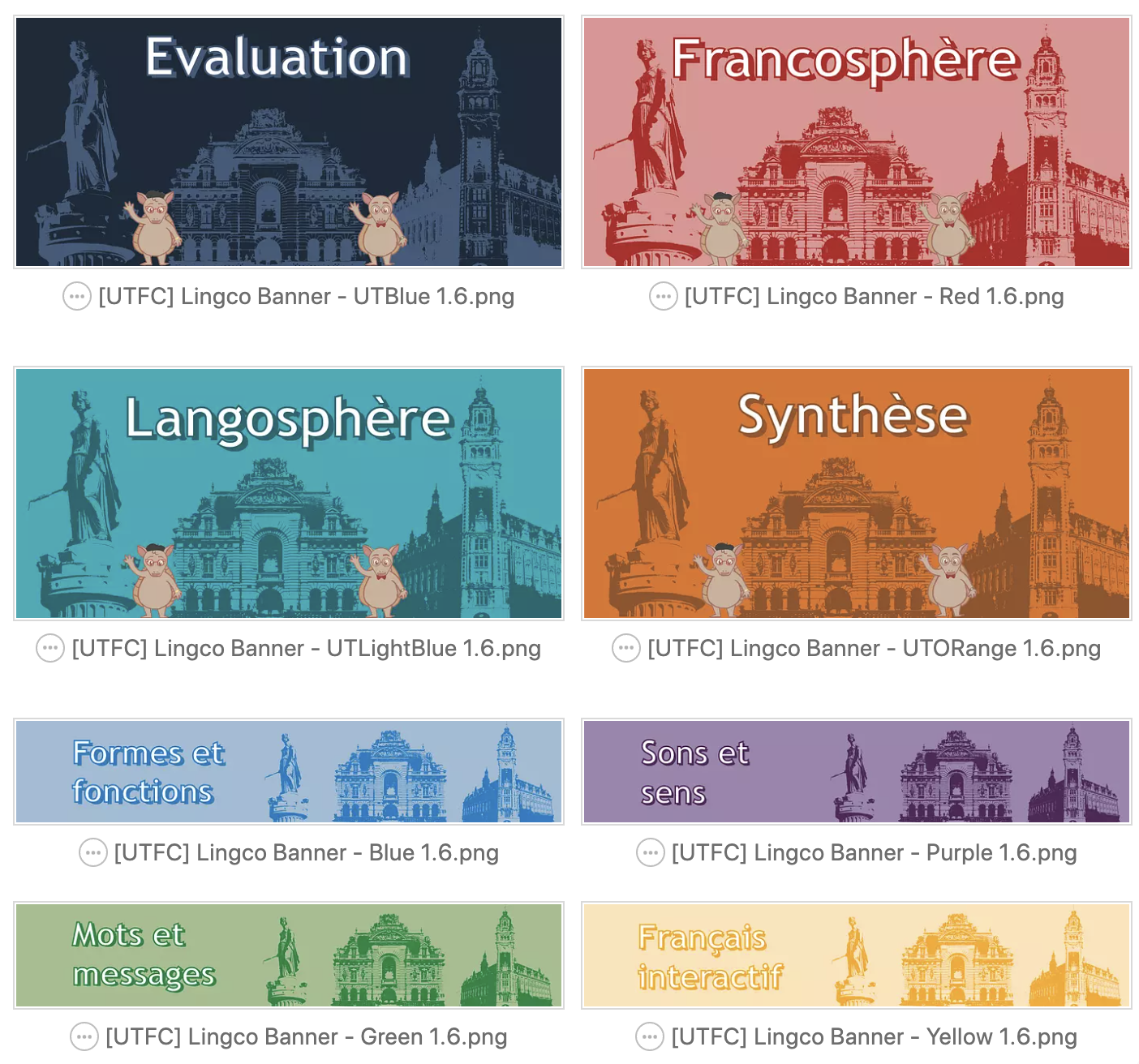
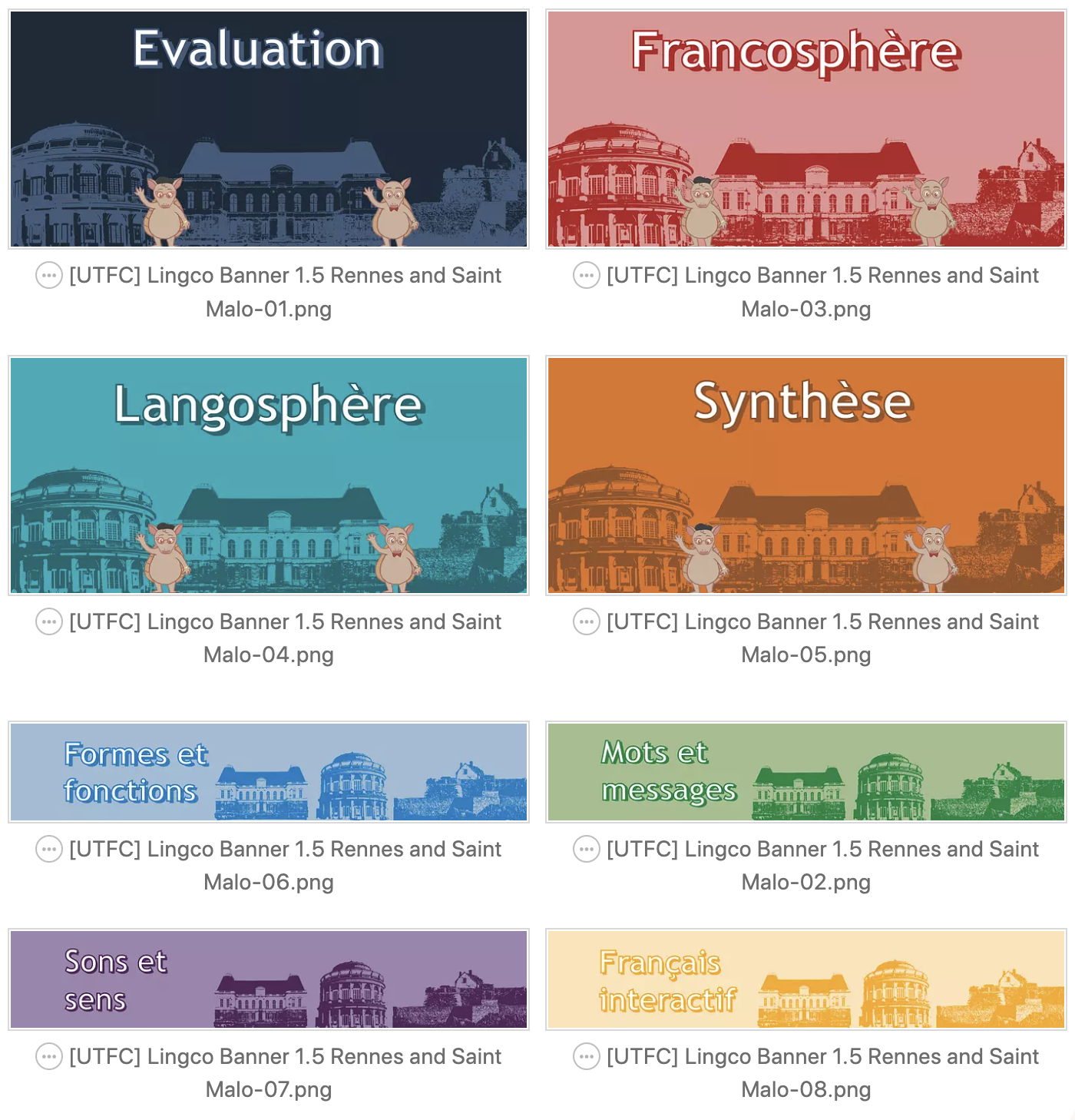
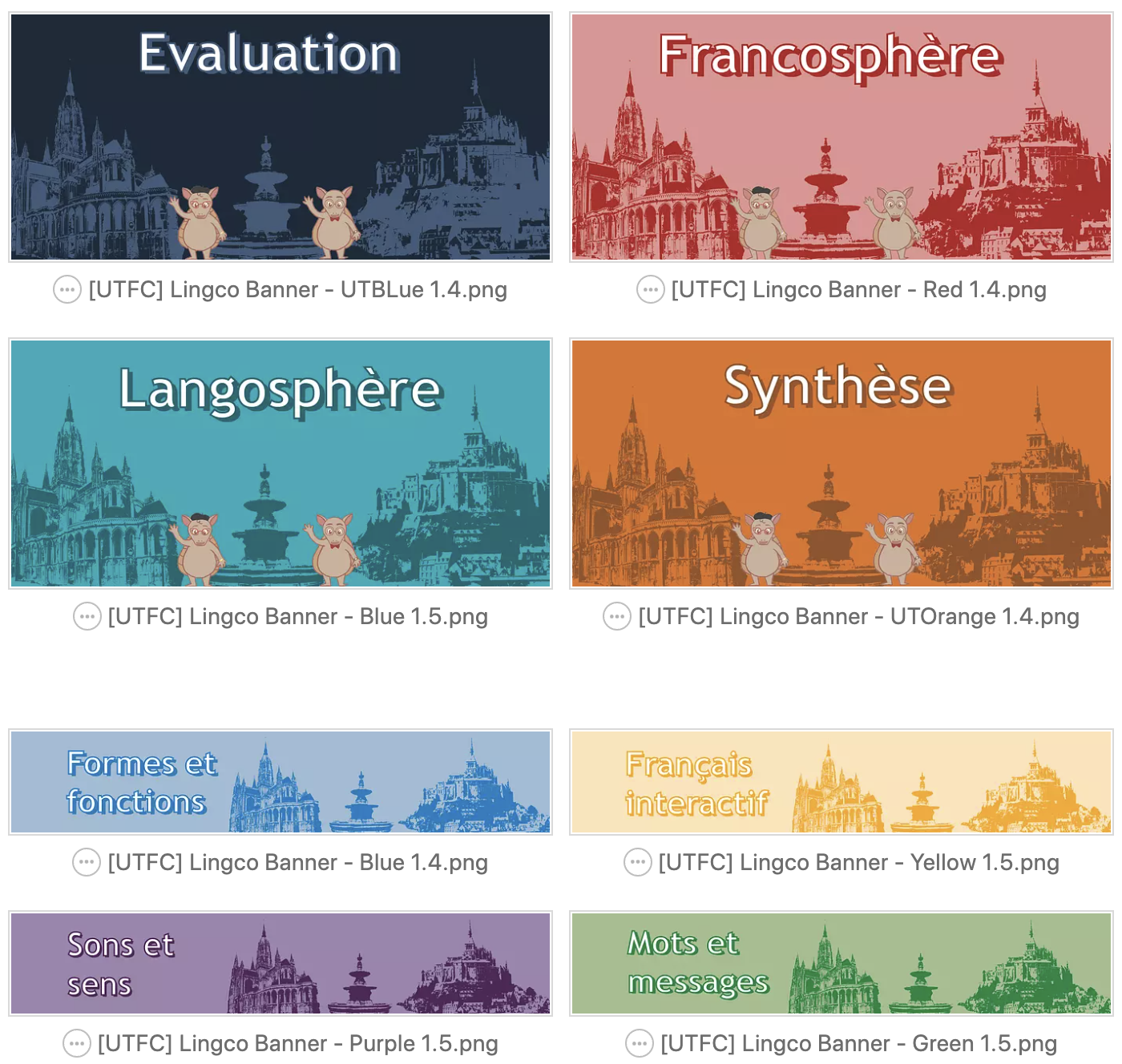
Yazz, one of our clients provided me with a list of classroom objects and digital classroom objects she needed images for to be translated into a PowerPoint and projected onto a green screen. We tried to get as many images in a single photo as possible. Commercial use attribution-free images were harder to find for the digital version so some only have 3 or less on a slide. I had about 4 days to make two different powerpoints.


Another list was provided with the numbers 1-20. They wanted to use dice to represent this and luckily Valerie had a 20 sided die? dice? and took photos for me to place inside the PowerPoint. Yazz came back with a request to fill in the numbers to be black so I added in that. I also added a throwing the dice animation for each slide so they are more interactive.

https://utexas.box.com/s/0iquk47fjowthqv5bjn9k7rsbxplzqev


Filed Under: Fall 2021 - Spring 2022, Uncategorized, We are STAs

  • « Previous Page
  • 1
  • …
  • 63
  • 64
  • 65
  • 66
  • 67
  • …
  • 127
  • Next Page »

link to LAITS home page

Video STA Home

© 2026 Liberal Arts Instructional Technology Services | Production Credits