• We are STAs
    • Asha Rountree
    • Haley Ma
    • Kate Shih
    • Kyra Lee
    • Nicholas Peasley
    • Sasha Kenney
    • Shanda Horm
    • Shriya Atreya
    • Tomas Marulanda-Mesa
  • We were STAs
  • STA Presentation
    • STA Presentation 2017
    • STA Presentation 2016
  • Testimonials
  • Resources
  • Home

STA Blog

Current Sta

Week LX

January 30, 2023 By Adrian McKee

Week LX

Top secret!

I’ve gotten approval to share this, but the actual purpose is still classified. All that needs to be said is that it’s a studio backdrop. This is my first time making an animated one, so I finally understand what keyframes are.

http://sta.laits.utexas.edu/wp-content/uploads/2023/01/wave3.mp4

There’ll be a few more versions coming up, and you’ll see them all soon, I think?

TGDP Banner 5

Initially, I was trying to draft this in Photoshop, with placeholder blobs of text. That didn’t really work. The format here is pretty particular, with the length and hierarchy of various text blocks. This is where I got with actually making a vector draft:

Some stuff could still be fine-tuned… especially the image layout. This was really just my best attempt to fit the text and images at all, without considering eye flow too much. There’s probably a better way to structure it, though the volume and assymetry of material leaves not that much wiggle room.

Filed Under: Fall 2022 - Spring 2023, We are STAs

Week 3

January 28, 2023 By Daniela Caballero

Week 3

Web Accessibility Standards


Started on: January 23, 2023

Completed on: January 26, 2023

STA Guidance: Valerie Tran

Description: Web Accessibility Standards


This week I completed a training on web accessibility standards. This training helped me learn the basics of how to design websites and create graphics to be more accessible to users. Three of the main concepts I gathered where that 1) text on a background picture or color needs to have enough contrast for the user to be able to see it. 2) Text and elements of an info graphic/webpage also have to be large enough for the user to see them and lastly, 3) Web pages must have a clear HTML hierarchy (this means usage of headers when the developer wants to highlight a main point) since component files of a the page might be used with other applications (such as text-to-speech) to provide accessibility. If the correct elements are not used, then the text-to-speech process might be inaccurate.


Part I: Infographics

The first part of this training involved an assignment in which I had to find two graphics online and tweak them to be more accessible to users. The first graphic I found was an infographic about mRNA vaccination. I used a tool that checks the contrast between a text color and a background color to identify that the contrast was very low on this graphic. I made some adjustments to the improve the contrast on Figma. First, I lightened the background and then darkened the color of all the text until the Coolors tools approved the contrast level. I was still have issues seeing the text so I also increased the font size and adjusted some of the pictures on the graphic. In order to do this I cut out sections of the images on I wanted to re-size, saved them as PNGs, placed a rectangle of the same color of the graphic to cover the image and then pasted the re-sized PNGs of it onto the rectangle.


Infographic 1 (original)infographic_1_original

Infographic 1 (edited)
infographic_1_edited


For the second infographic, I followed a similar process of identifying where the contrast failed to meet accessibility standards and adjusted in on Figma. Editing this graphic was slightly more challenging since there were elements (the yellow circular icons) that were originally on a different color background. I learned how to use the tools to create and cut out sections on Figma and how to delete parts on Mac Photo Preview.


Infographic 2 (original)

Infographic 2 (edited)


Intro to Websites PowerPoint


Started on: January 26, 2023

Completed on: January 27, 2023

STA Guidance: Valerie Tran

Description: Introduction to Websites


I created a PowerPoint after reading the LAITS Knowledge Base page about websites.

https://docs.google.com/presentation/d/12uCghpWPpzUcXcXhROjw6tTLO0SKP9itR1-mT0BvUh0/edit?usp=sharing

Filed Under: Fall 2022 - Spring 2023, We are STAs

Week 14

January 27, 2023 By Lorena Chiles

STA Poster Photo Editing

Client /Prof: LAITS
Completion Status: Jan 23
Staff Guidance: Maddy
STA Team Members: Adrian, Luisa, Marissa
Complete by: Jan 23

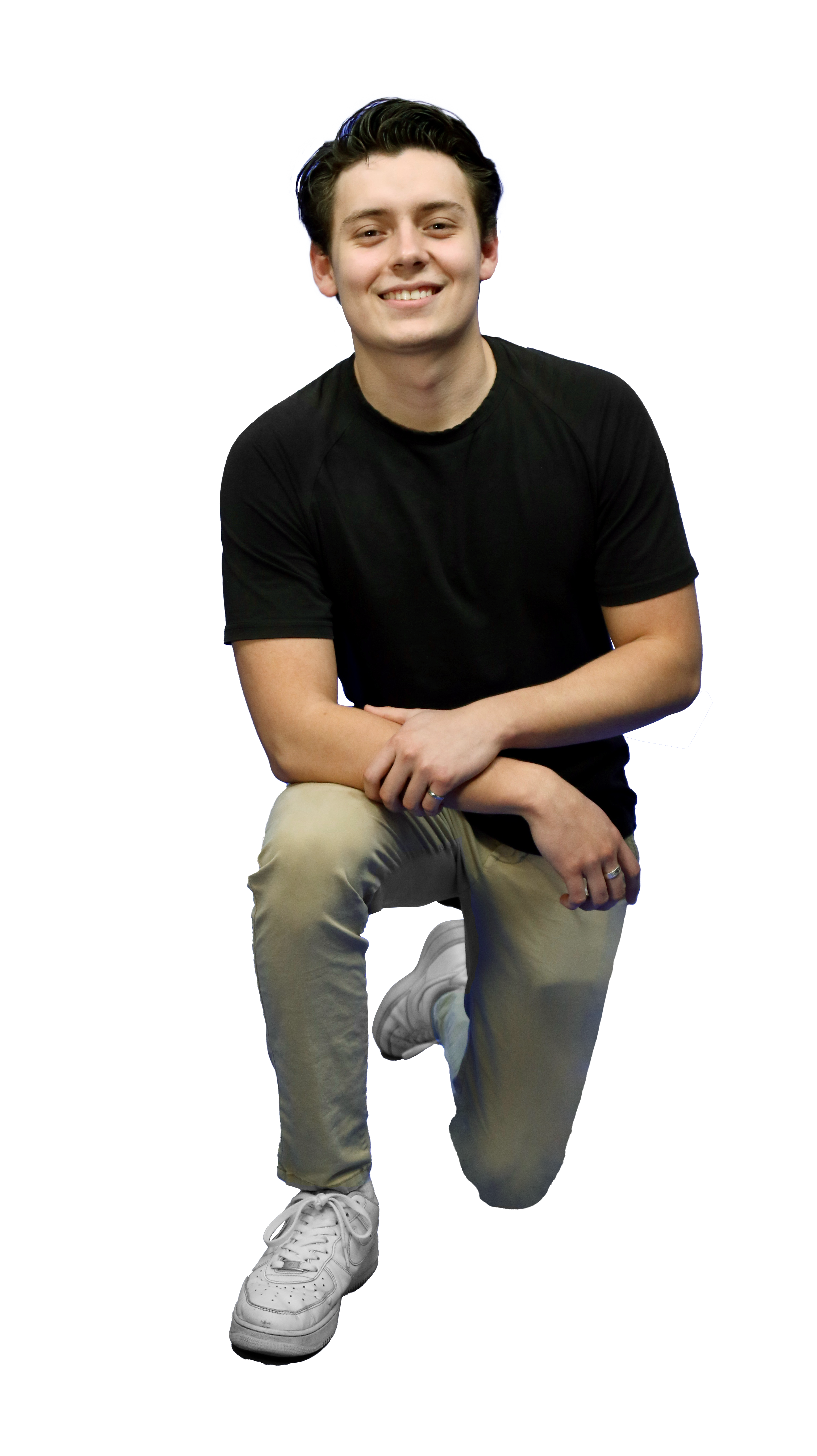
Started this week erasing backgrounds of STA photos to put on the STA Presentation poster! I did the Audio, Design, and Remote Studios teams, and helped a little on the Video team photos.


Advanced Training: Motion Graphics

Client /Prof: LAITS
Completion Status: Started on Jan 11
Staff Guidance: Valerie
Complete by: Jan 25

For the Advanced Training on Motion Graphics I animated mock course graphics. In part 1 of the training I fixed a broken After Effects file with malfunctioning effects, and in the second part I used the puppet and mesh tools in After Effects to make an animated title card for a course.

Part 1: https://utexas.box.com/s/l6ete0h3clp9sey5ydwuent0coc456xv
Part 2: https://utexas.box.com/s/2nkov9j3l7cb9p2mwjiapb2hx84jpy5y


Basic Training: 8-Bit Animation

Client /Prof: LAITS
Completion Status: Started on Jan 27
Staff Guidance: Valerie
Complete by: Jan 27 (?)

I circled back to a basic animation training because I had never done a Photoshop-based animation before, so this was interesting! I tried to animate some little stars sparkling, but it went a little wonky. I think if I were to spend more time on this project I would make my lines a little thicker and perhaps also play around with how to make this animation a smooth loop.

Filed Under: We are STAs

Week 14

January 25, 2023 By Marissa Devivar

Week 14

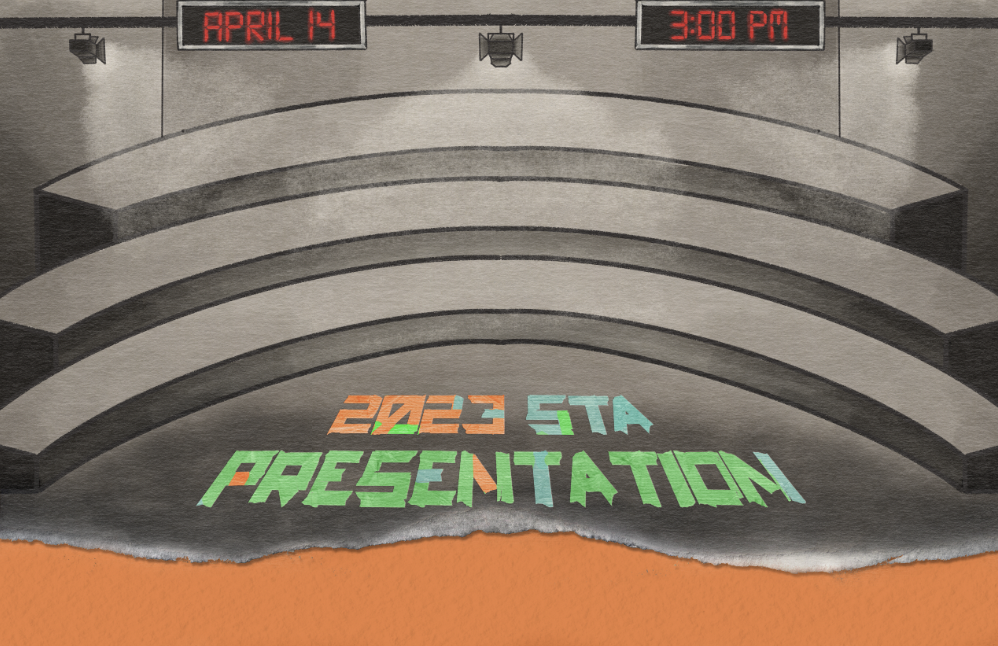
STA Presentation Poster

Client /Prof: LAITS
Started: January 17th, 2023
Staff/STA guidance: Maddy & Leilani

This week I mostly worked on banner iterations. Last week I did a couple of drafts of what the art style could look like — pulling inspiration from Juno and Leilani’s Pinterest board.

Also added STA names of each studio to Leilani’s draft.

notes from Maddie: add crosshatching for shading & change event date/time


Edits after notes:


Filed Under: Fall 2022 - Spring 2023, We are STAs

Week 2

January 20, 2023 By Daniela Caballero

Week 2

Training: HTML/CSS Basic Training


Started on: January 17, 2023

Completed on: January 19, 2023

STA Guidance: Thang Truong

Description: In this training I learned the basics of HTML/CSS. HTML (Hyper Text Markup Language) is responsible for all the text we see on websites and CSS (Cascading Style Sheets) is used to add style and color. To freshen up my skills with CSS and HTML I did a training that required me to create a single-page website including three rules from the STA handbook.


HTML: Starting off with HTML, there are two general components to a website layout written in HTML. These are the head and the body. The head includes metadata about the page and the body is where all the text and element actually seen on the page are added. In HTML, the best way to separate different elements is by using a <div> or a container for other div types, headers, paragraphs, images, etc. I was able to center the header and STA rules in the center of the page by placing them all in the same div.


CSS: Working with CSS was definitely my favorite part of this training since there are so many properties to work with and ways to style a webpage. In order add CSS style properties to the elements and text found in an HTML, a class or id type must be added to the HTML element it order to reference it in the CSS file. All the white boxes (divs) about the rules on the page I created are tagged with the class “rule”.  In the CSS I referenced the “rule” class (this is also called using a selector!) and added the properties such as the font type, size, color and space to style it as seen below. Another thing about CSS is that it can used to dynamically change the sizing of some elements! By using percentages instead of fixed values for the width and height of divs, the text and images will increase and decrease in size proportionally to the browser window.


Link to the page

Filed Under: Fall 2022 - Spring 2023, We are STAs

Week 13

January 20, 2023 By Lorena Chiles

PHY 303K Course Animated Intro

Client /Prof: Dr. Viranga Perera
Completion Status: Started on Jan 9
Staff Guidance: Maddy
Complete by: ASAP

This week I’ve mainly been working on the PHY303K animated intro. Since last week I’ve mostly been getting feedback, shortening each video scene, and smoothing out transitions. The intro has now been approved, and here is the final version (without audio): https://utexas.box.com/s/2kpzbg1z50w9zsg3hu3gwb51bgn33b7i


2023 STA Presentation Ticket/Ad

Client: LAITS
Completion Status: Started on Jan 13
Staff Guidance: Maddy
STA Team Members: Adrian and Carrie
Complete by: Feb 3

I’ve also been continuing to work on the Save the Date ticket for the STA Presentation, which is a presentation that LAITS puts on to showcase STA work. I started mainly focusing on text layouts, and eventually I came up with this one:

After talking with Maddy, I realized that the functionality of a vertical ticket might be hard to view on a computer screen because of its orientation.

From there I used my idea of even spacing of texts from left to right, as well as further trying out colors and fonts, and then made these versions:

Filed Under: Fall 2022 - Spring 2023, We are STAs

  • « Previous Page
  • 1
  • …
  • 50
  • 51
  • 52
  • 53
  • 54
  • …
  • 127
  • Next Page »

link to LAITS home page

Video STA Home

© 2026 Liberal Arts Instructional Technology Services | Production Credits