• We are STAs
    • Asha Rountree
    • Haley Ma
    • Kate Shih
    • Kyra Lee
    • Nicholas Peasley
    • Sasha Kenney
    • Shanda Horm
    • Shriya Atreya
    • Tomas Marulanda-Mesa
  • We were STAs
  • STA Presentation
    • STA Presentation 2017
    • STA Presentation 2016
  • Testimonials
  • Resources
  • Home

STA Blog

Week 3 9/11 – 9/15

September 15, 2023 By Lila Mali

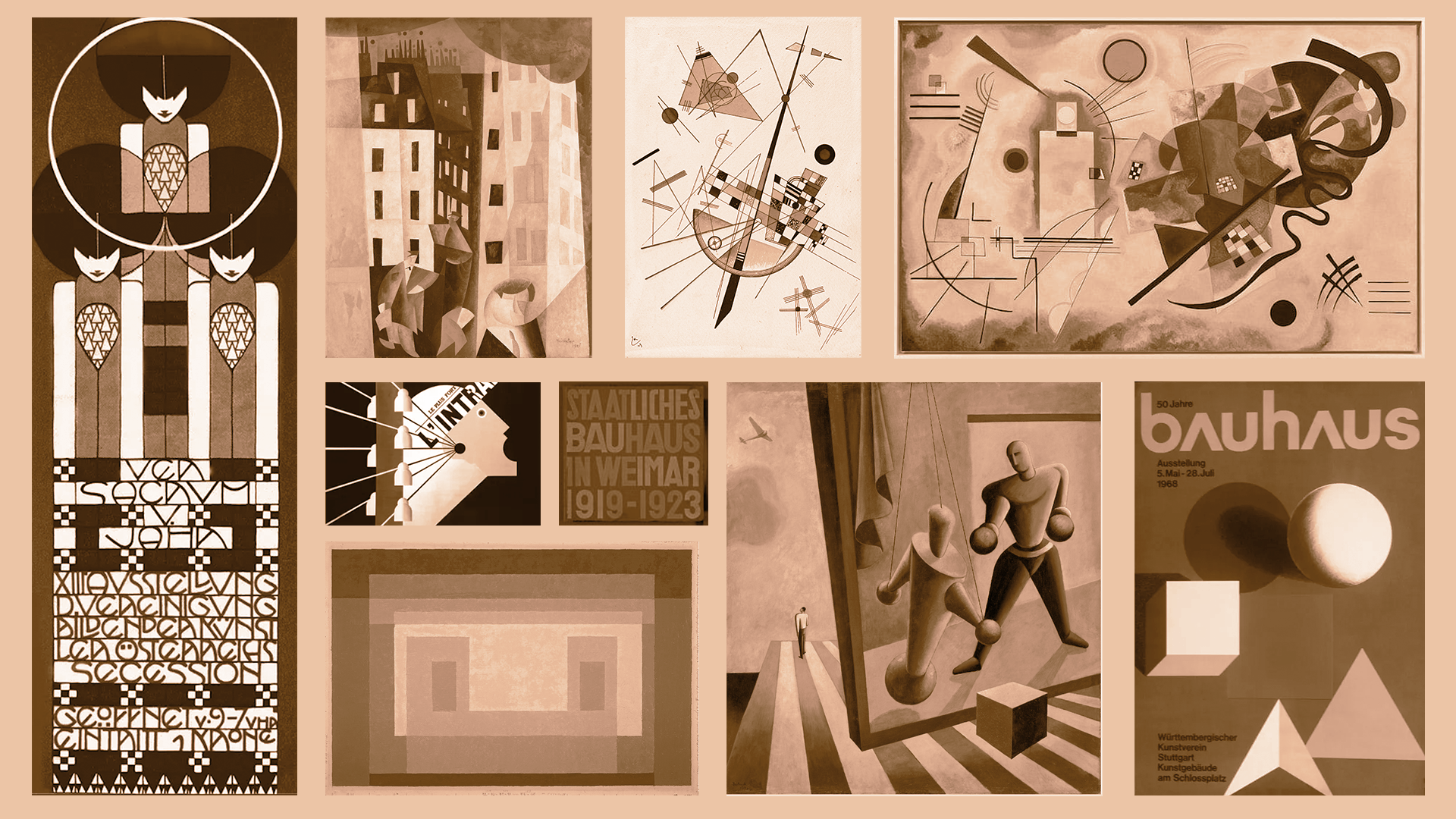
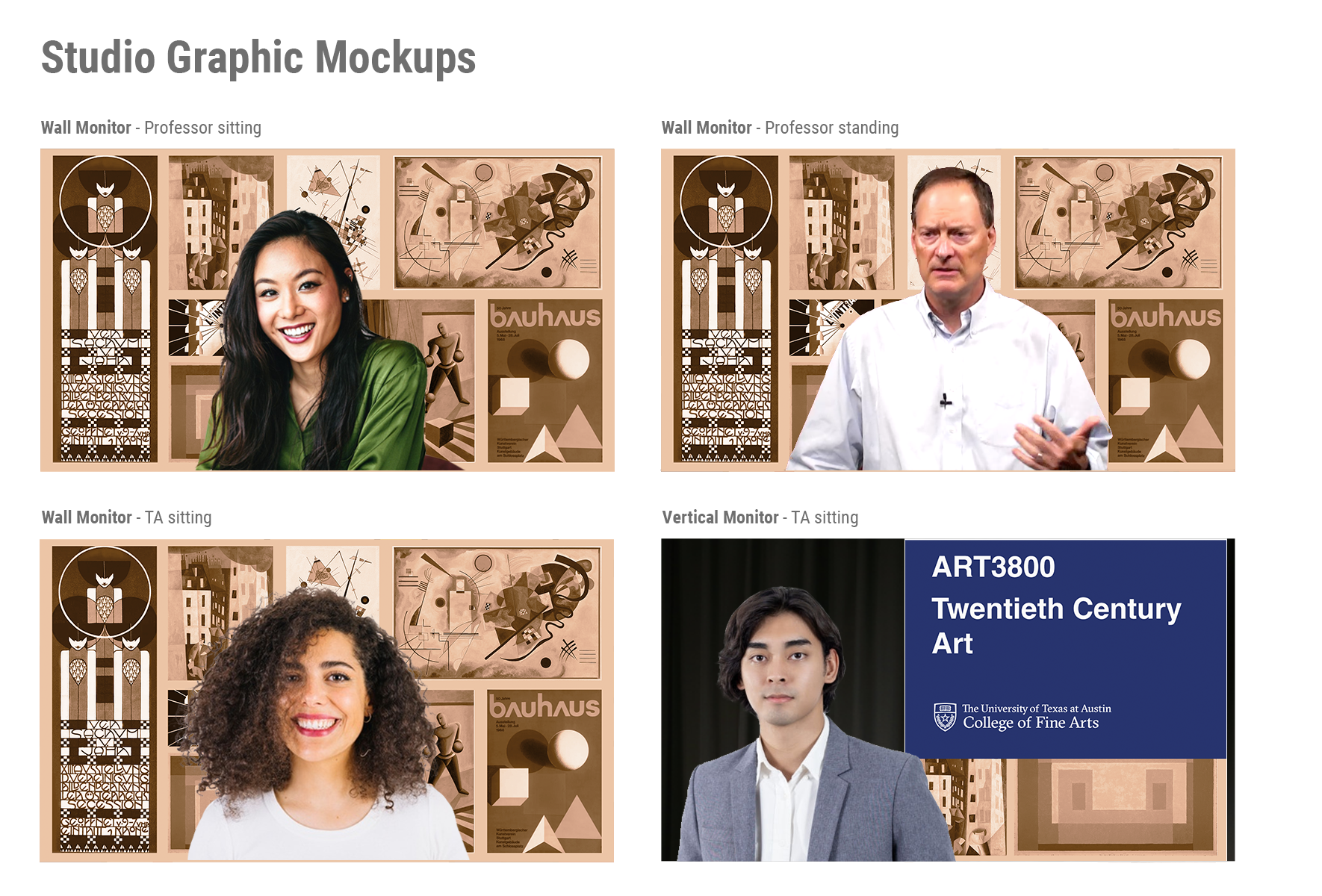
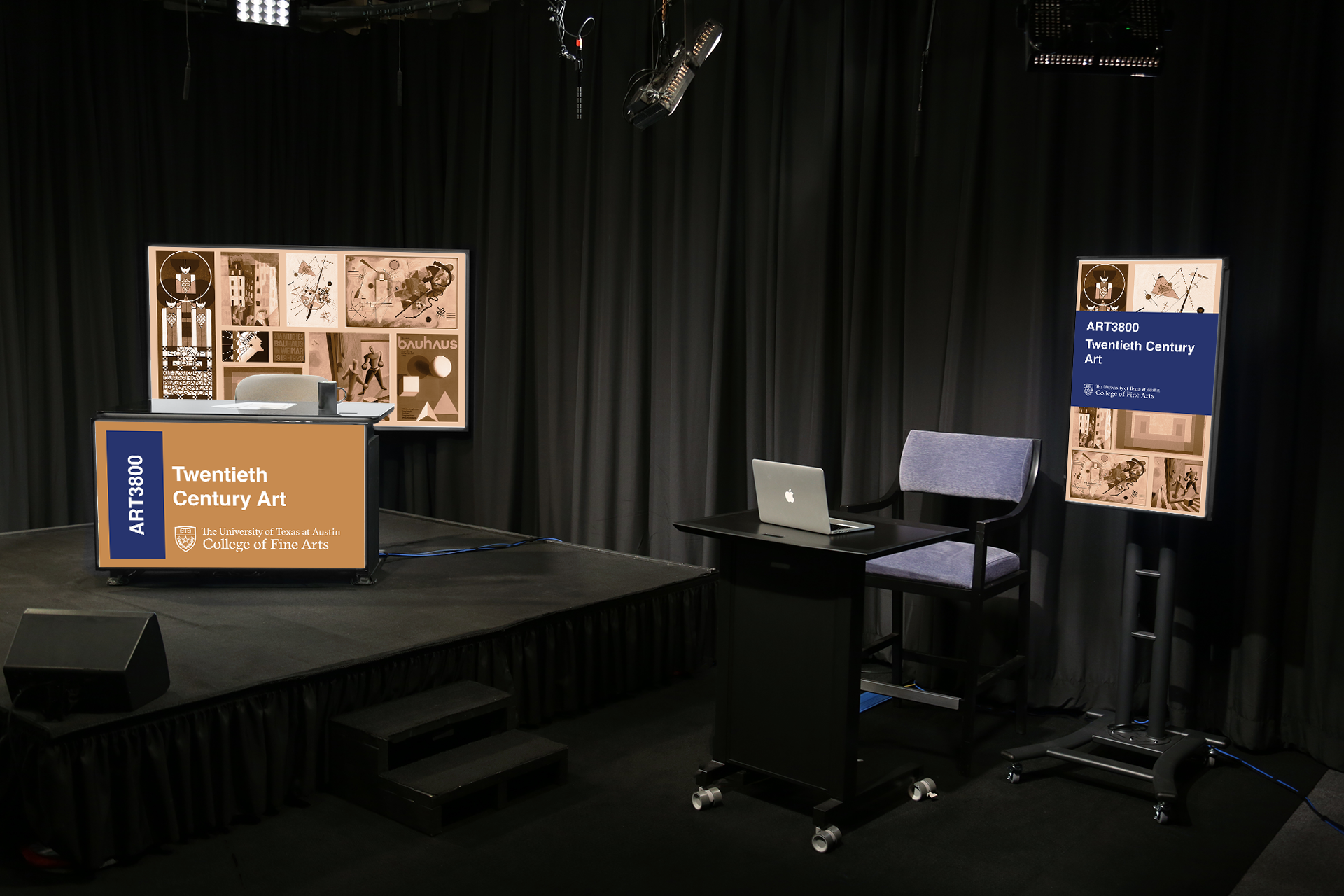
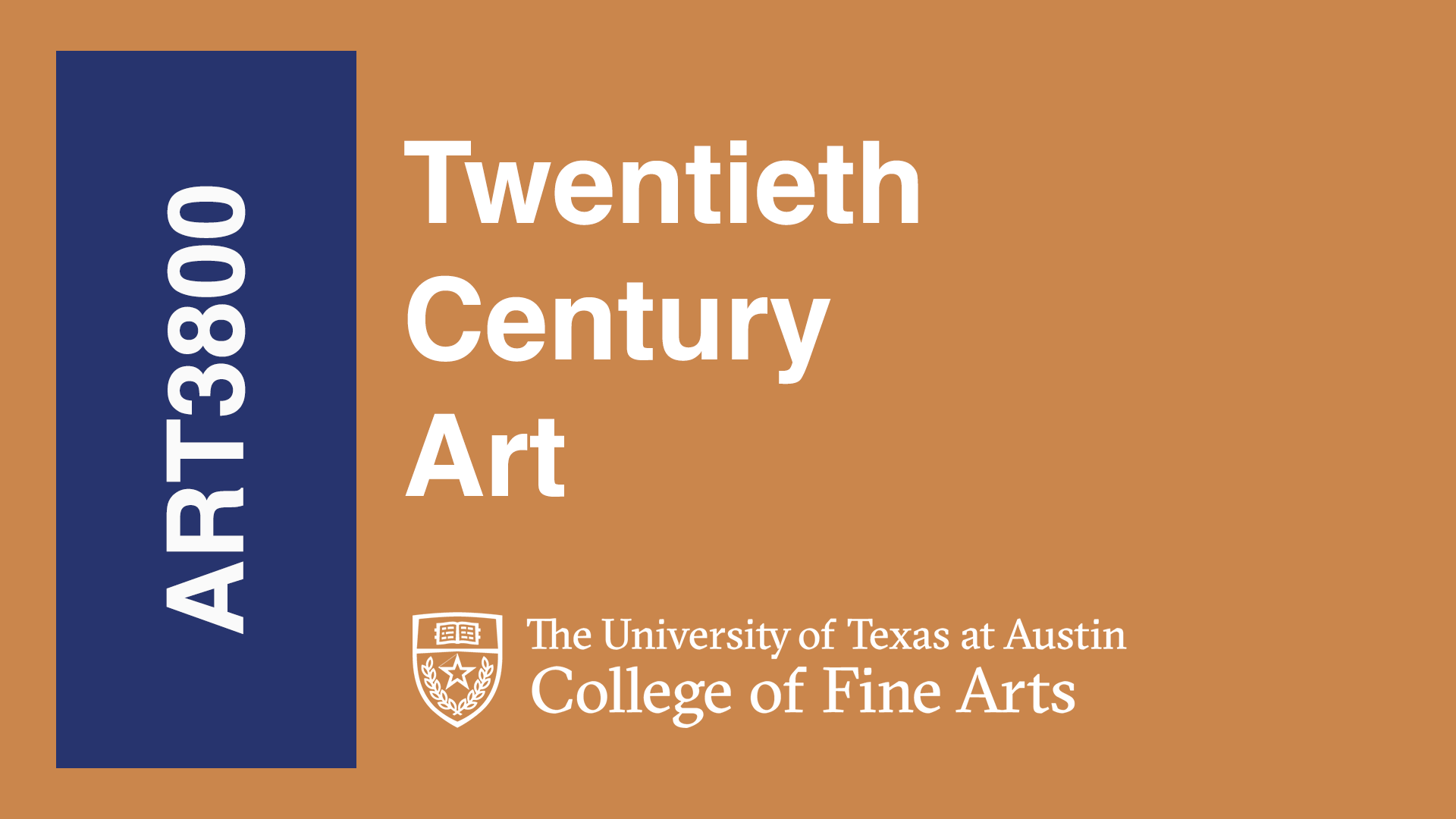
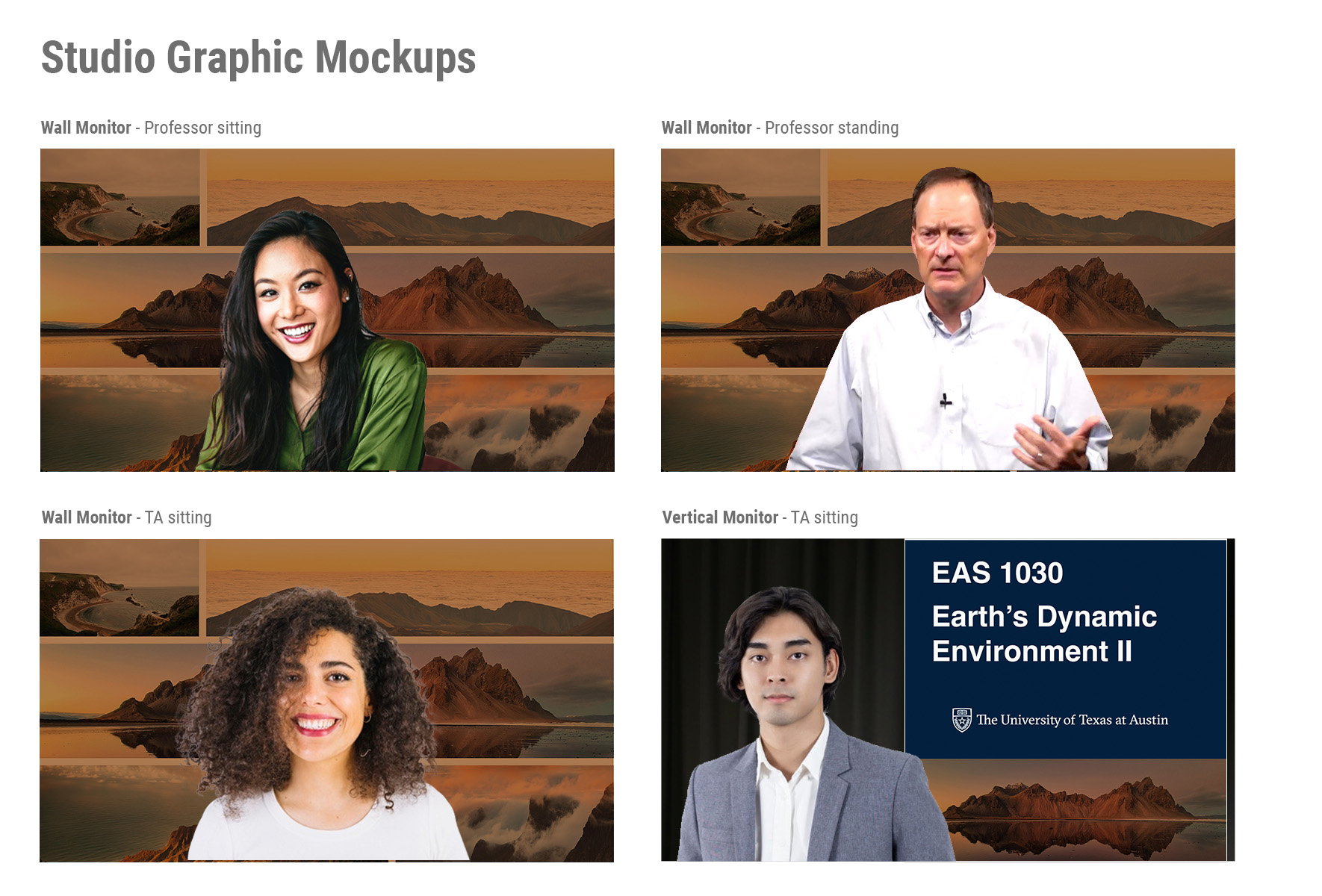
This week was mainly spent on completing the custom graphics part of my training which should wrap up the Basic STA Skills portion of my training!

Here’s some of the graphics and mockups I completed.
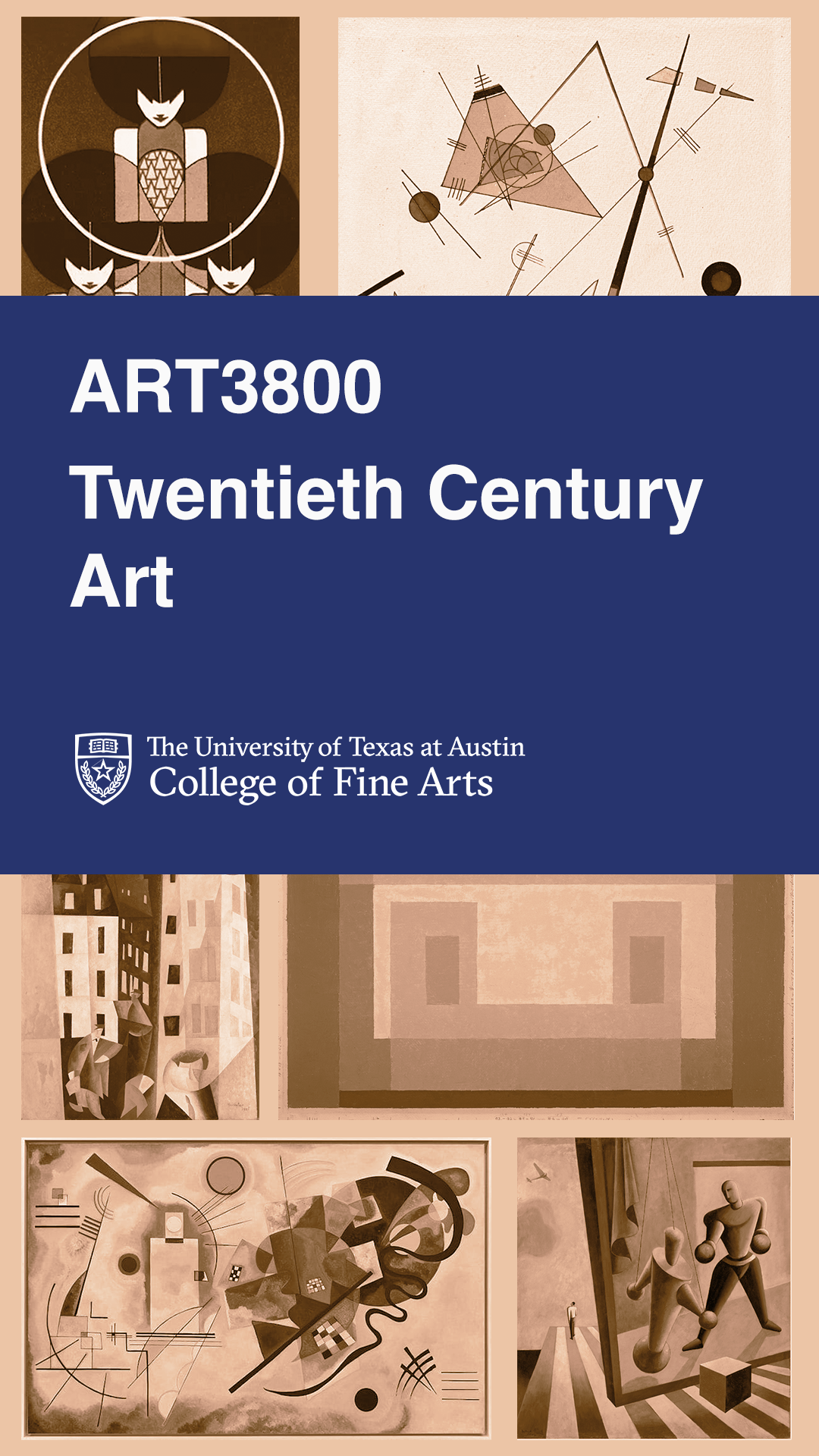
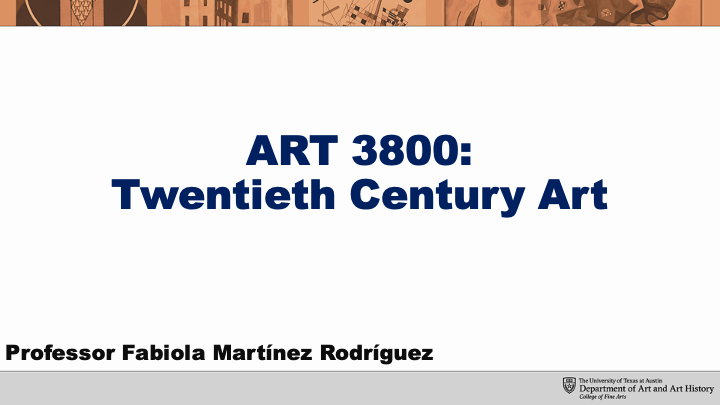
Making collages can be surprisingly hard. I was able to learn a lot through this training, mainly with PowerPoint and Photoshop. Now I’ll be able to move on to my animation training which I’m really excited for!
Filed Under: Fall 2023 - Spring 2024, We are STAs

Week 4 (9/11 – 9/15)

September 13, 2023 By Adriana Hermoza

This week I had my first two assignments! After finishing up with the Intro Training: Custom/Studio Course Graphics, I started on the graphic request for ANT 302 and GOV 310L. I also finished the Basic STA Skills training! Afterwards I’ll start on the Web Design training.


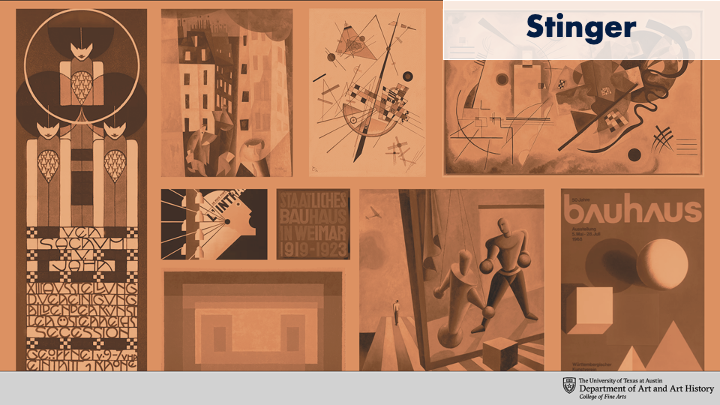
ANT 302 Stinger

Start: September 11, 2023

Completed: September 14, 2023

The course requested an additional stinger for an “In-Class Exercise” to which there wasn’t a custom stinger. I chose a stinger that the class didn’t use and created the stinger. I used the templated given and the same colors as the rest of them.

http://sta.laits.utexas.edu/wp-content/uploads/2023/09/ANT302-Stinger-In-Class-Exercise.mp4


GOV 310L PPT + Buttons

Start: September 12, 2023

Completed:

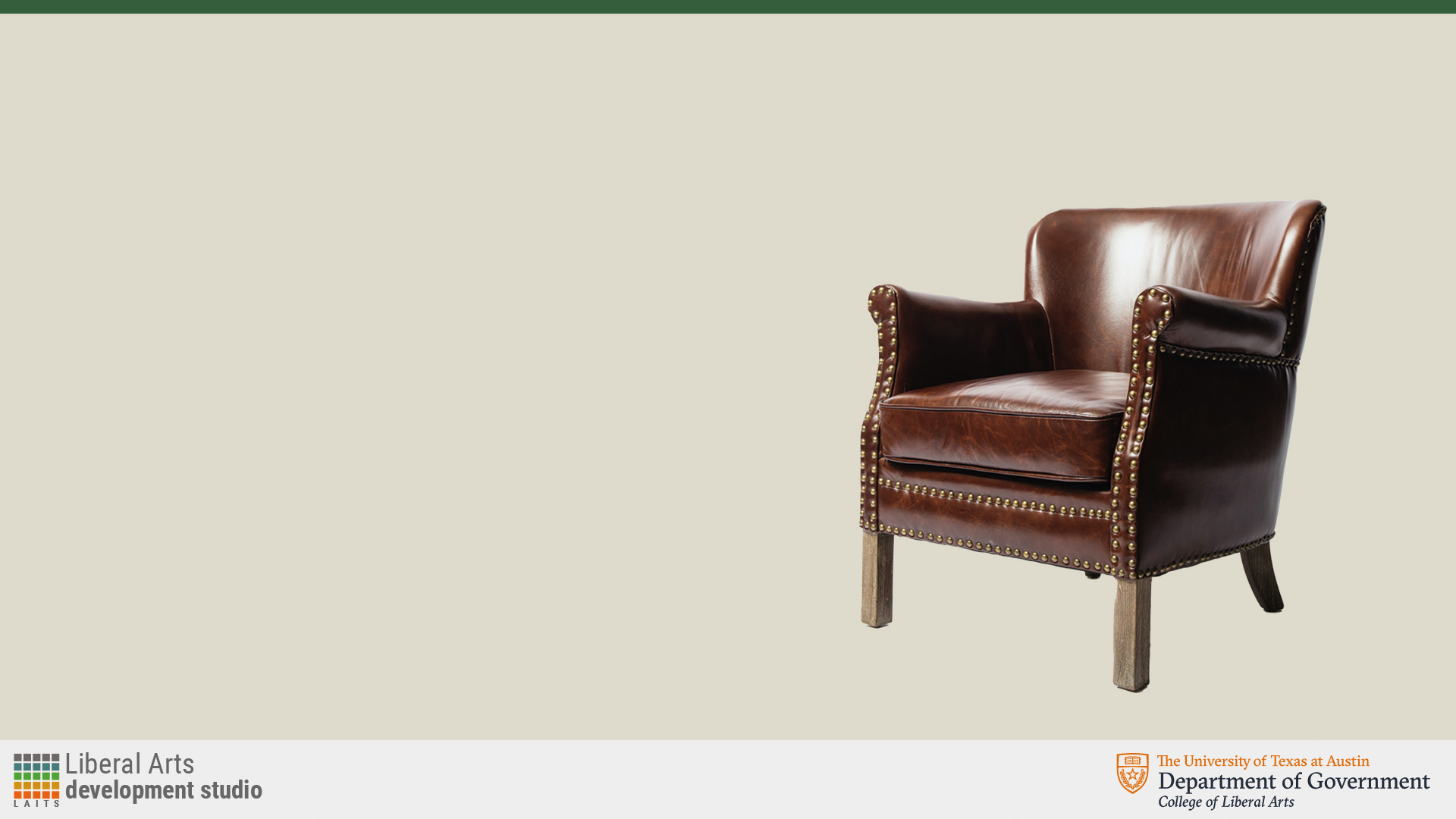
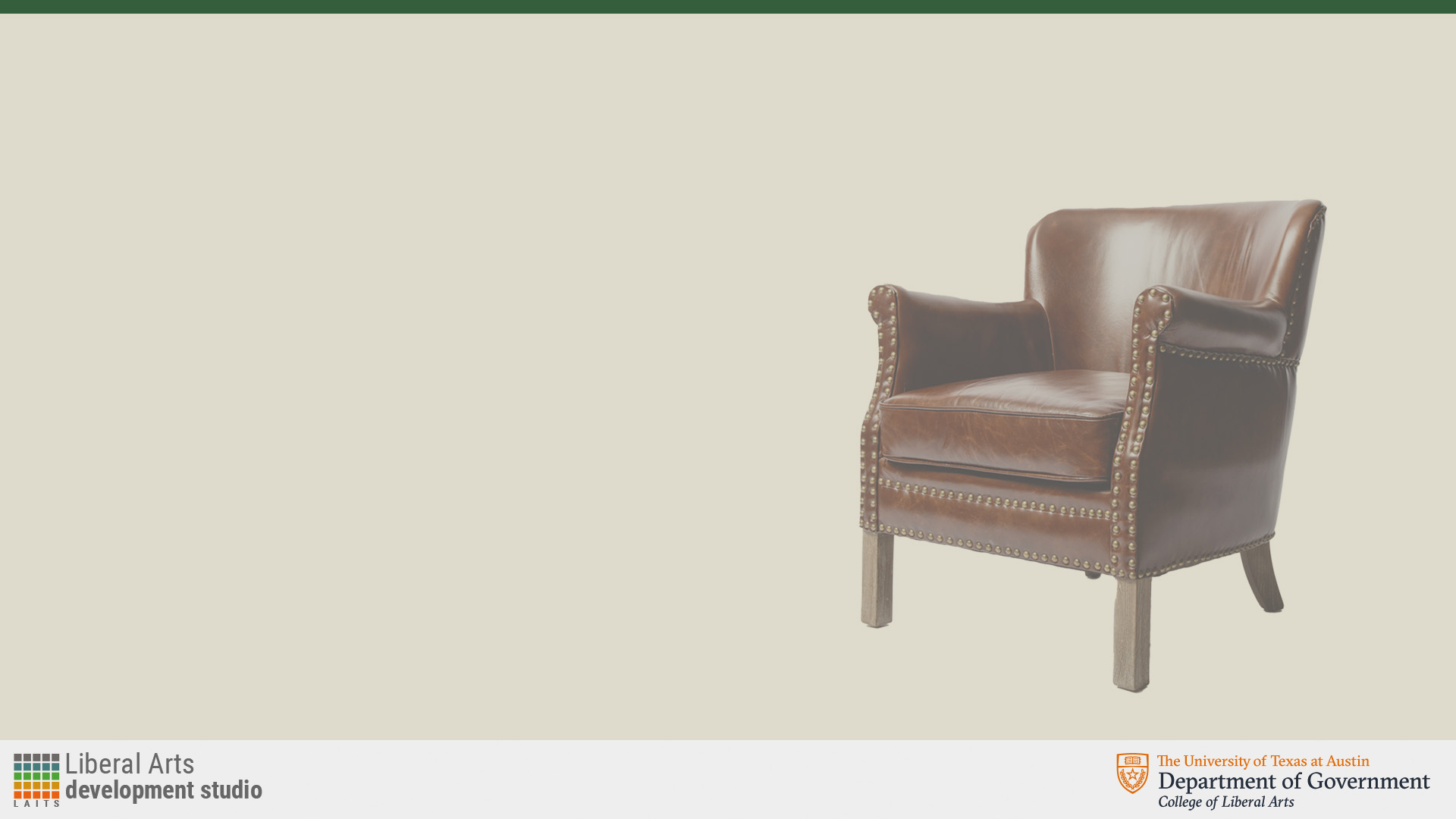
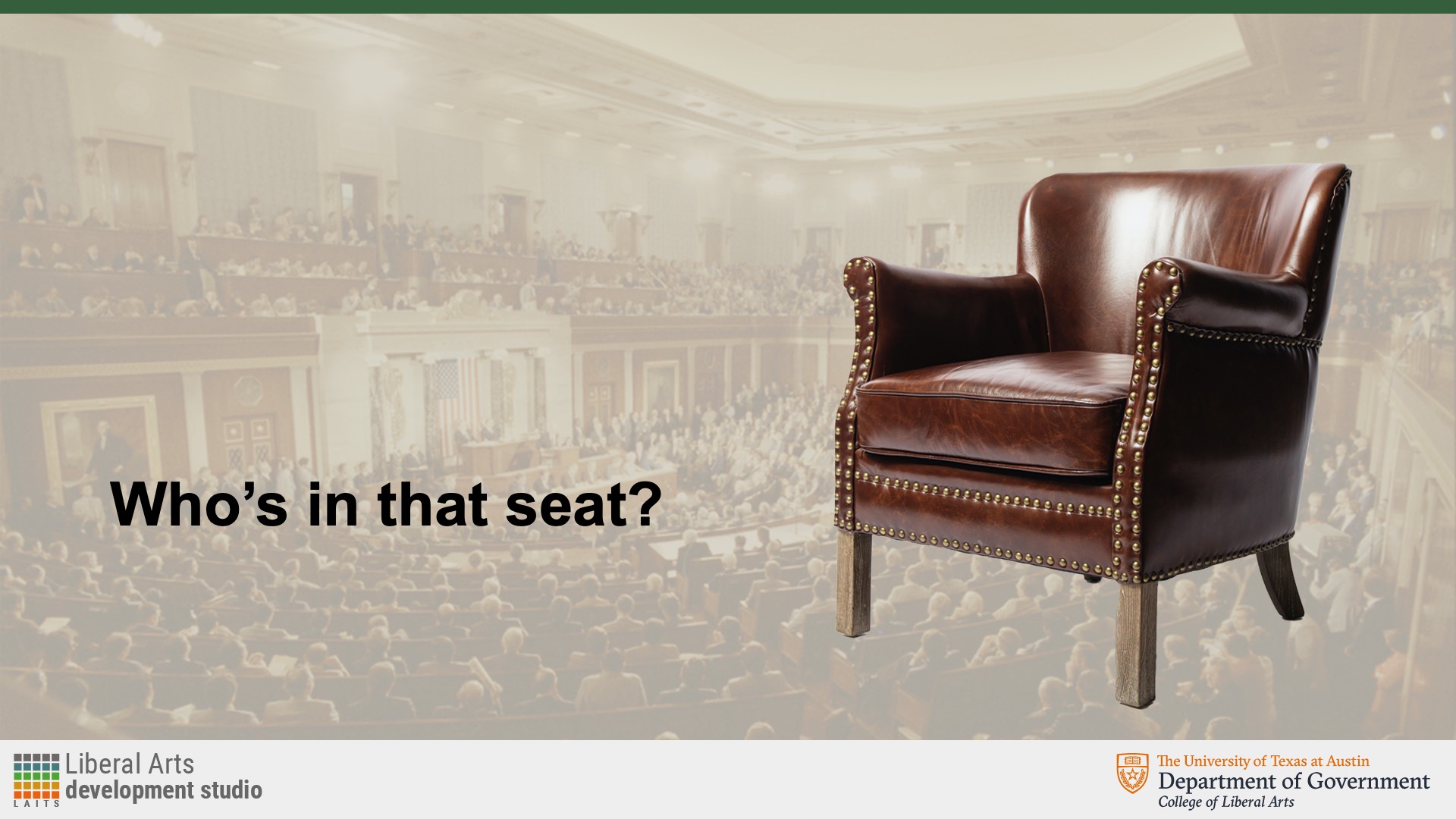
The request consisted of 2 extra PPT slides for the section in the lecture “Who’s in that seat?” where a representation of Congress or a political chair was requested as the image. I created two designs and went with the one that included both a background image and an image on top. I wanted to keep the ongoing designs and color to make look cohesive, but at the same make it be differentiated


Afterwards I saved all the standard buttons for the course and added them to the UT BOX folder.


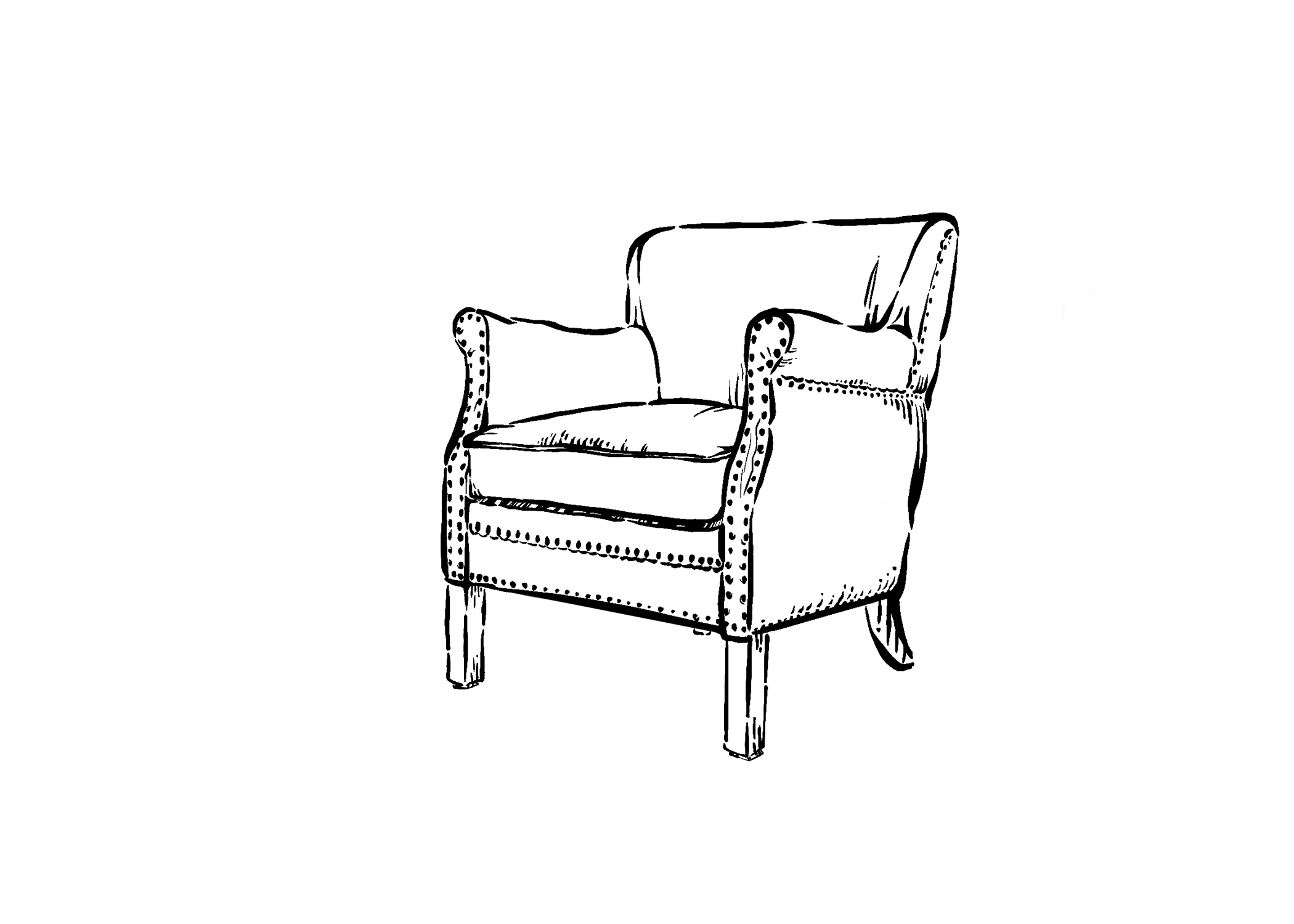
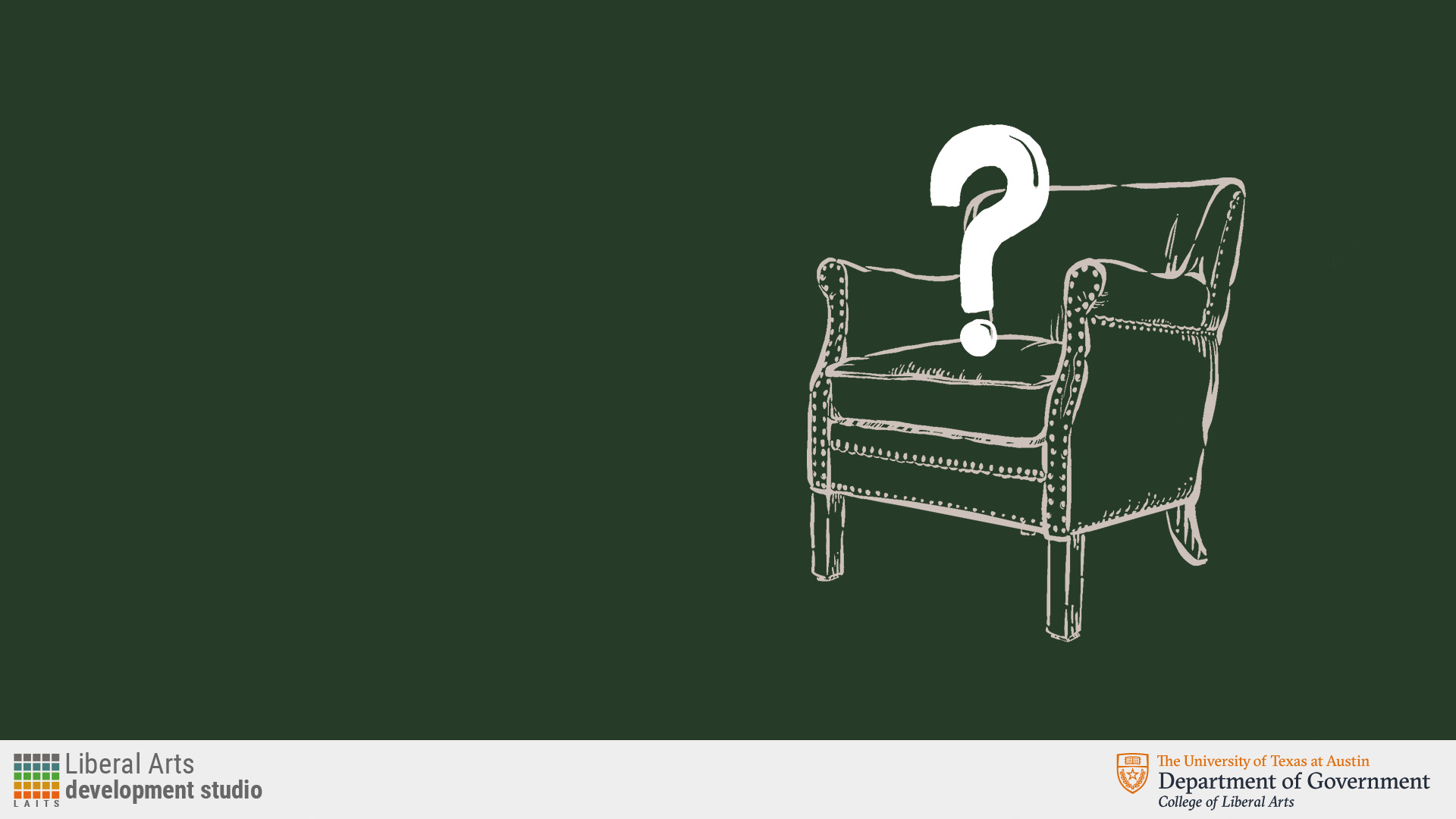
After getting some feedback from Anne and De’Sha on the direction of the slides, I hand-drew the chair in the same style as the first slide with the capitol. Along with the chair design, I also included the question mark “sitting” on the chair while increasing the font size of the title.

First rough drafts of the chair with the question mark.


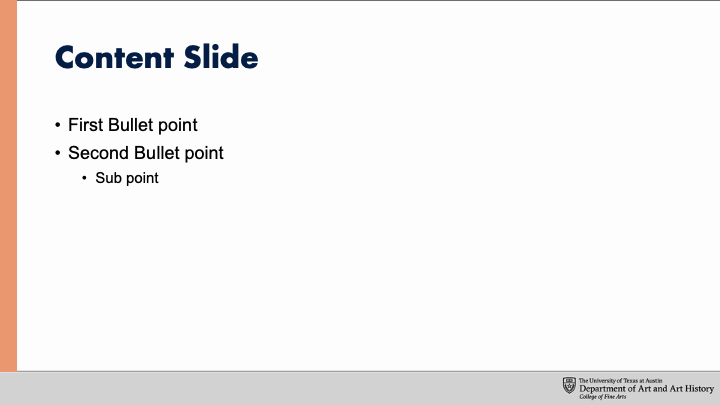
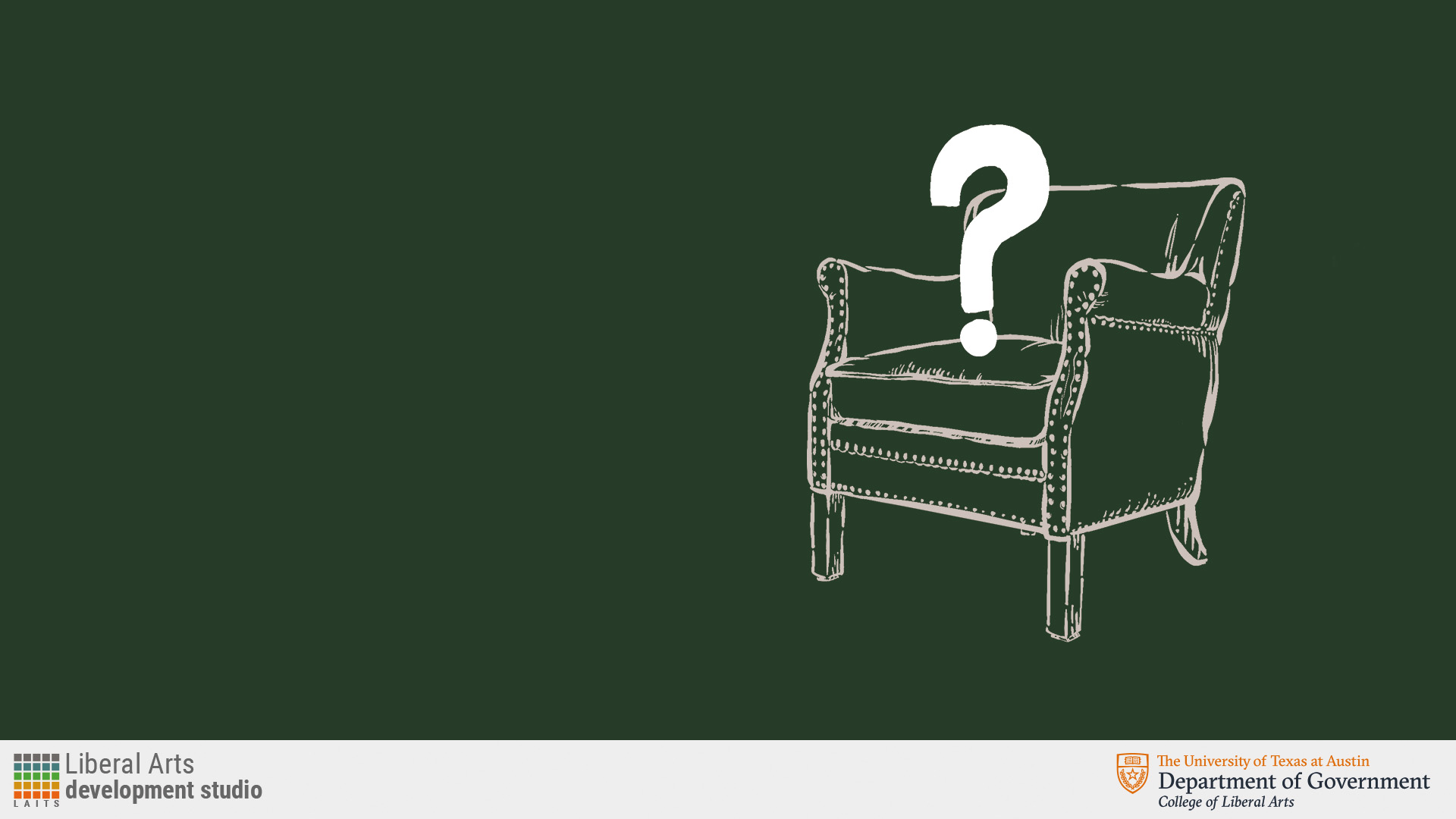
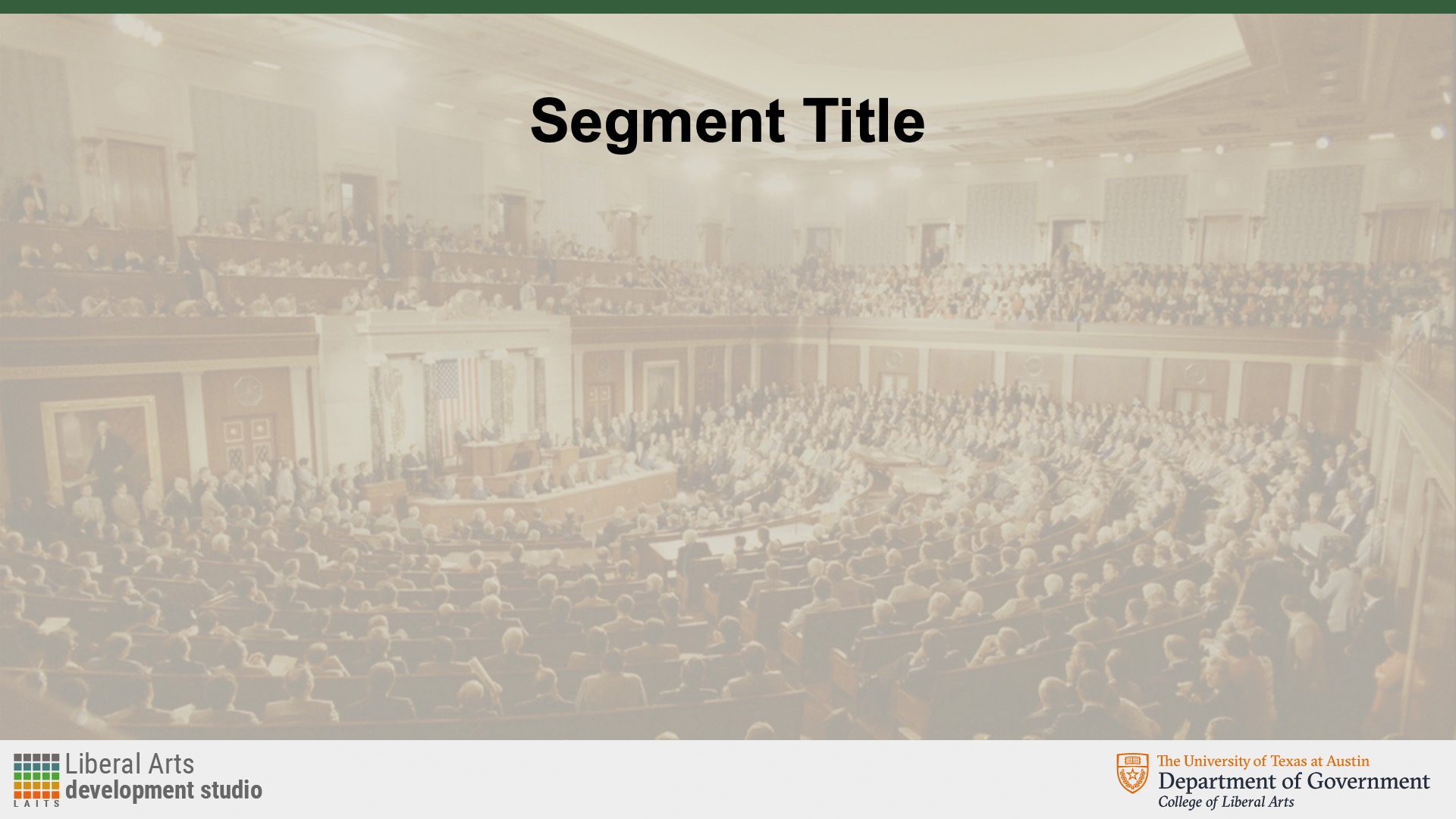
Then, after getting feedback from De’Sha about the question mark, I created another one using vectors to make it look more smooth and place them in the PPT slide. I chose to go with a darker green for the background color per the client’s request to make it stand out and be different  the other slides. I additionally created the content slide along with the title slide.


After deciding to go with the vector question mark, I added the title as a one line title, but changed it to 2 lines and centered it to fill up more space efficiently.


When it came to the content slide, there were more iterations where the background color, header strip, or layout changed. At first the background was dark green with the chair logo at the upper right corner, which was then changed to the lighter, tan background with a dark green top bar. For the latest iteration, the chair in the background was mirrored and moved to the upper left corner followed by the segment title while increasing the width of the top dark green bar.


Filed Under: Fall 2023 - Spring 2024

Week 9/11 – 9/15

September 13, 2023 By Marissa Devivar

Fall ’23 STA Roster Poster

Project: Fall 2023 STA Roster Poster
Client: LAITS
Completion Status: Due Sep 22
Staff guidance: De’sha
STA team members: Leilani
Description/plans: I’ve been working on different layouts/ideas for the STA Roster Poster. I have been testing various patterns and shapes to try and capture the essence of Carnival without it being too literal. My overall color palette for these drafts was influenced by the inspo references I’ve gathered thus far. It’s hard to create a balanced design with so many patterns and shapes, but these elements are very prevalent in Carnival visuals.

Poster #1: Audio, Design, Project Team, Video, and Tech Integration (34 STAs)

Poster#2: Classroom Support, Computer Support (35 STAs)


Mike ended up really liking the last draft, so that’s the direction we’re heading in as of right now:)


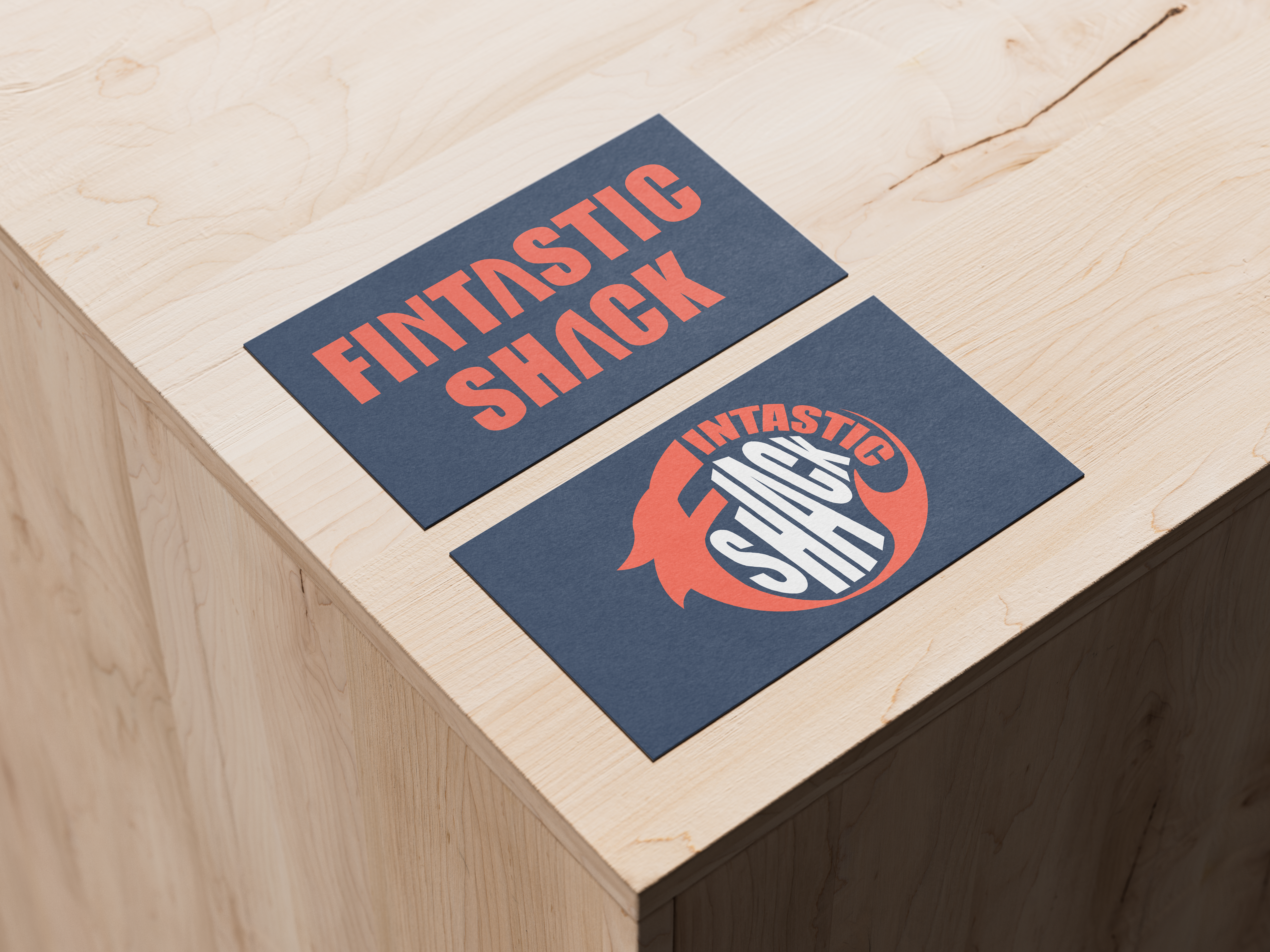
Branding: Logo Design Training

Project: Fintastic Shack logo design
Client (hypothetically): Fintastic Shack
Description/plans: Your client is The Fintastic Shack: a newly founded family-owned seafood restaurant. The family is very friendly, fun, and loves a good pun, so they would love it if you could incorporate some of that humor into your design.


Update: I mocked up the two logos on some business assets to get an idea of what the vibe brand will exude with each logo/ color variation. I honestly don’t have a strong preference for either one, but keeping in mind this is a family-owned restaurant (who has a sense of humor) the red color might be a more fun color concept for them.


Filed Under: Fall 2023 - Spring 2024, We are STAs

Fixing UIUX Training

September 11, 2023 By Carrie Wang

Fixing UIUX Training

Start: Sep 11th, 2023

Completed:Sep 11th, 2023

Staff Guidance: De’sha

Description: I fixed the broken images by searching for new images online for the STA UIUX Training.

Filed Under: Fall 2023 - Spring 2024

Infographic Training

September 11, 2023 By Carrie Wang

Infographic Training

Start: Sep 8th, 2023

To be Completed: N/A

Staff Guidance: De’sha

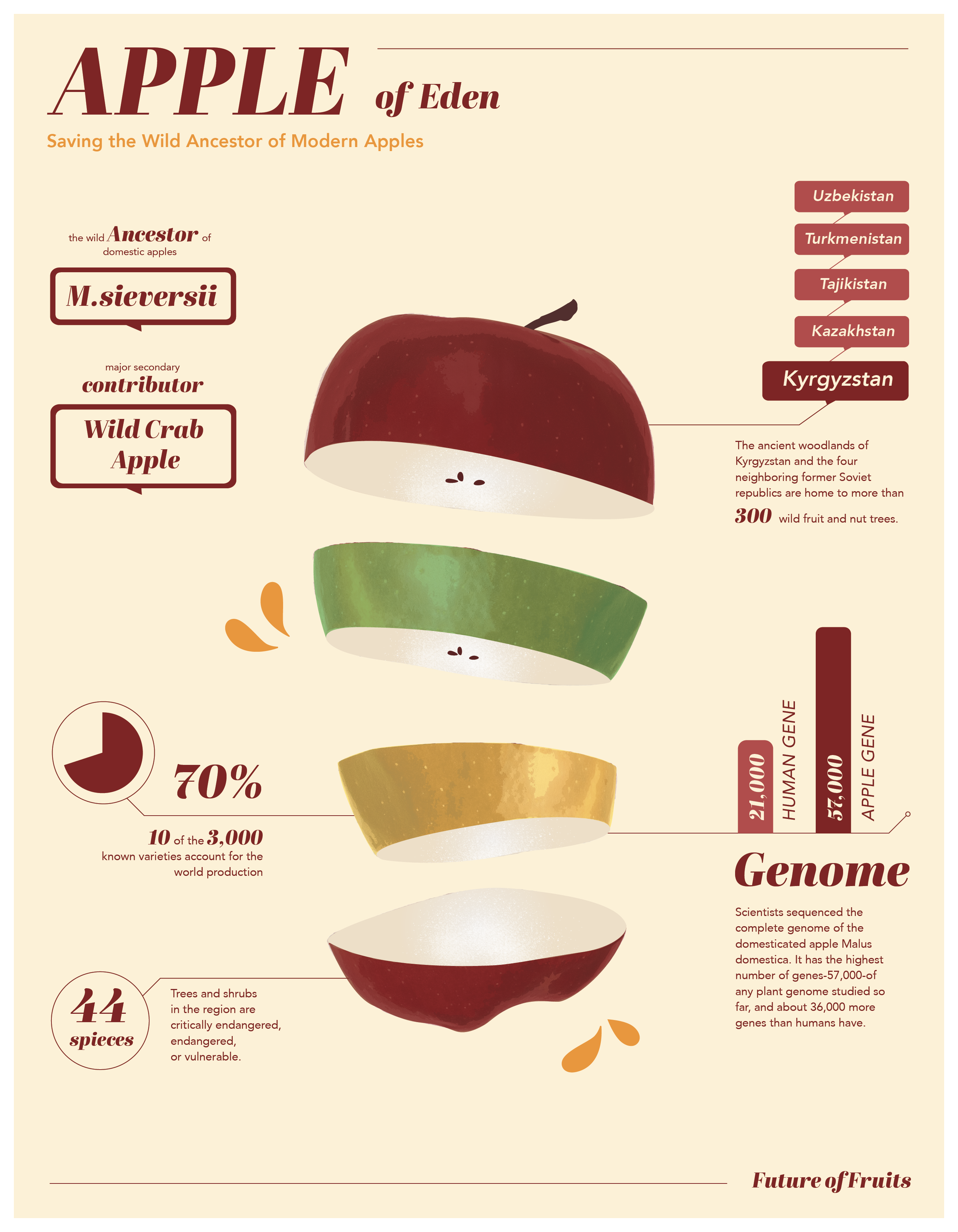
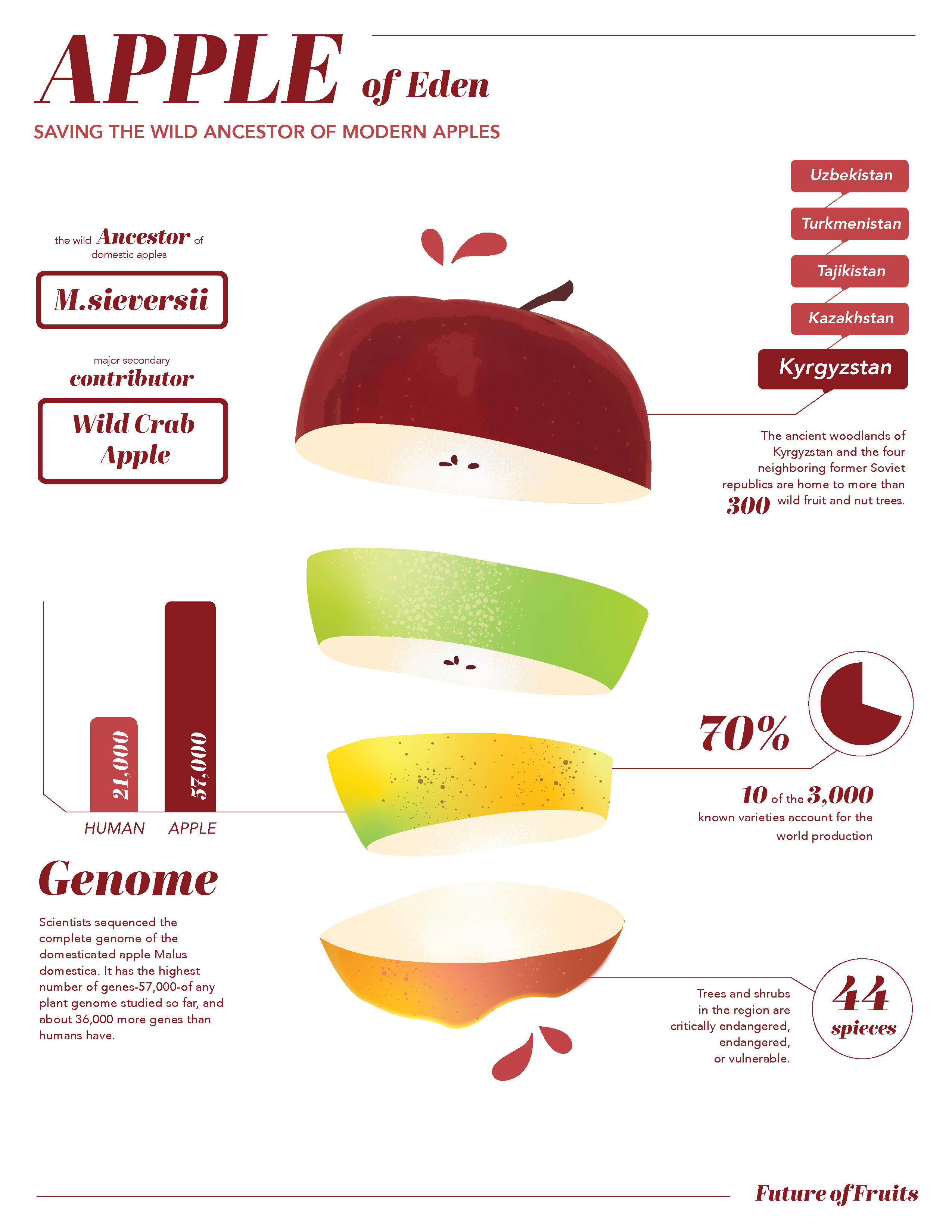
Description: In this project, I work on an infographic that helps people understand APPLE – history, gene, current status…

Here is my first draft of apple infographic with available information via the article Apples of Eden: Saving the Wild Ancestor of Modern Apples.

I primarily using graphics (Column Graph and Pie Graph) to showcase any number associated information and name tag to label the location of ancestors. I also used the cut apple slice to represent different types of apple

I realize that the color scheme of looks a little bit dirty and the illustration style didn’t match with the rest of graphic elements. Meanwhile, the composition tends to lead me into the right side because of the heavy blocks. In the second version, I revised the layout by re-arranging them and drew the color with a more clean and fresh color palette. I discovered the spray and symbol features in illustrator. The spray features makes the spots on apples scatter more randomly, adding texture to the illustration.

Filed Under: Fall 2023 - Spring 2024

Week 3 (9/4 – 9/8)

September 11, 2023 By Adriana Hermoza

The majority of this week I focused on the training checklist, in particular the Custom/Studio Course Graphics and getting accustomed to the lab.


Custom/Studio Course Graphics

Start: August 30, 2023

Completed: September 11, 2023

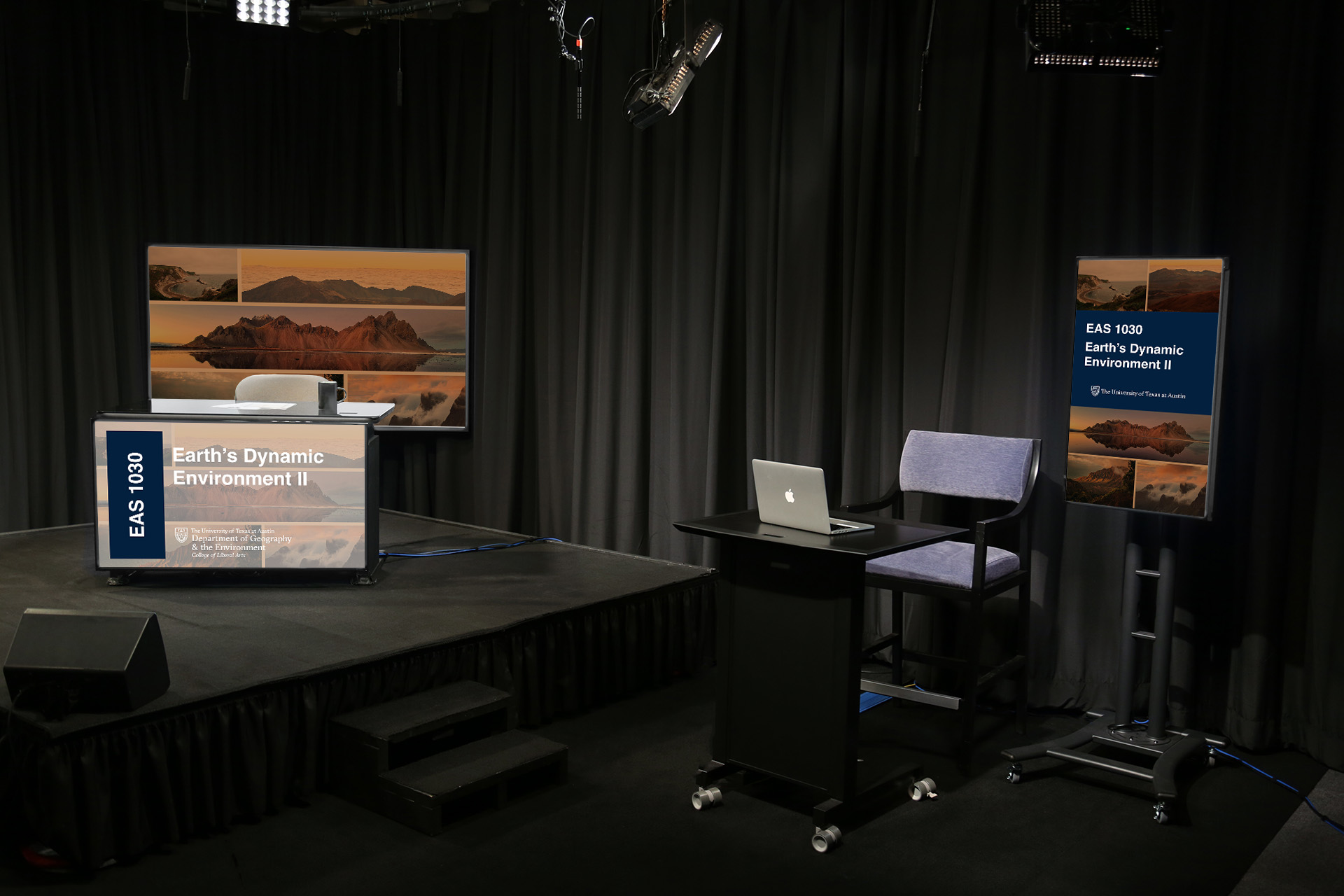
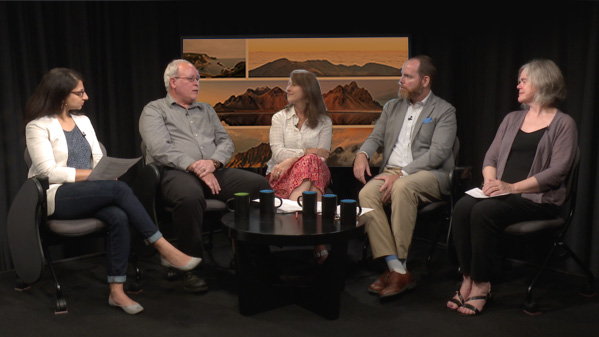
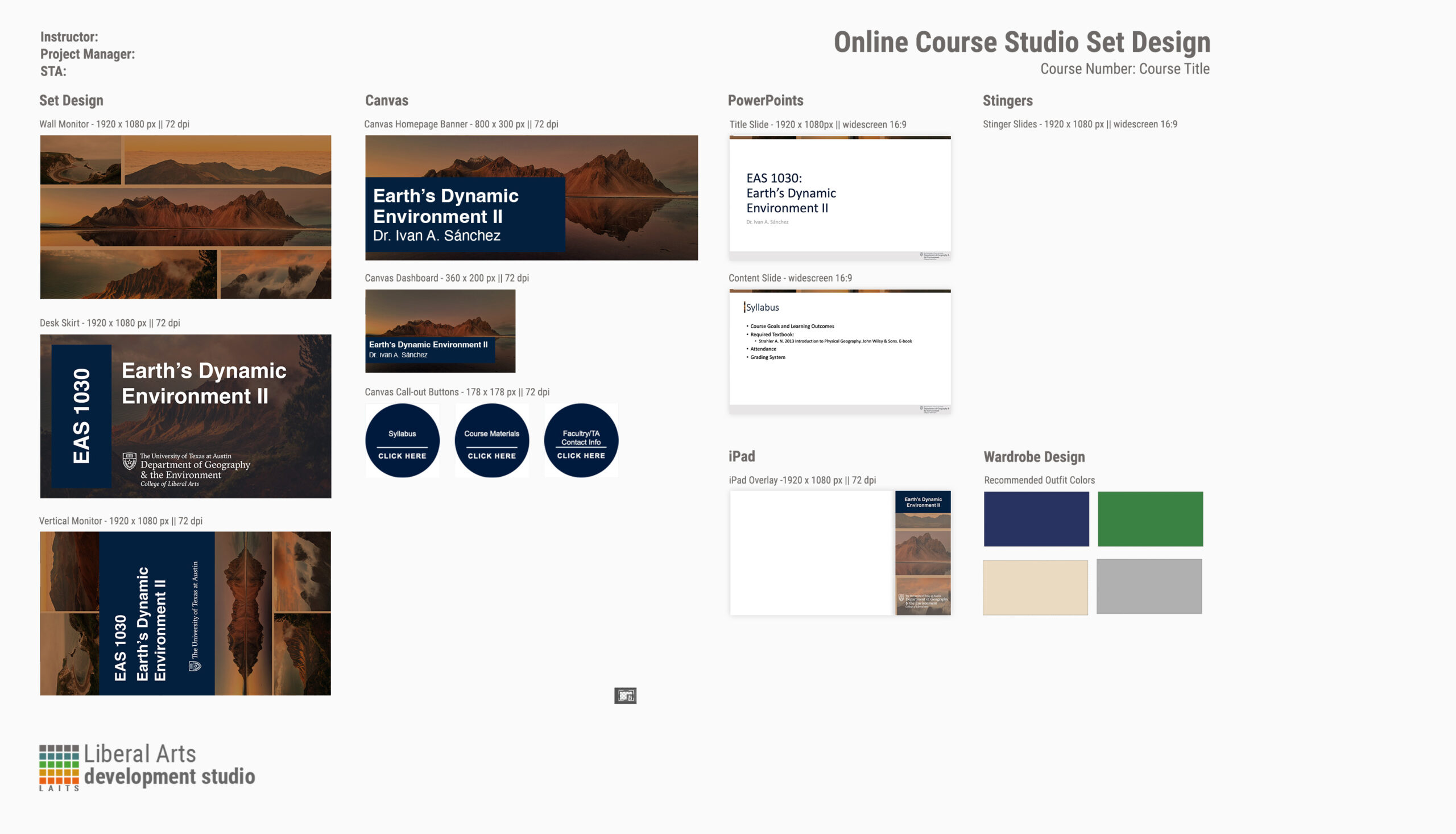
During this training I was tasked with creating custom course graphics for a class of my choosing. I chose the Earth’s Dynamic Environment II class and designed the studio layout, canvas, and ppts. I started by brainstorming ideas and trying out different styles and narrowed it down to two: solid picture and a photo grid. I decided to go with the photo grid as I was able to implement the use of complementary colors (blue and orange) while using the color the professor likes, burnt orange. Along the way I edited the designs to make it cohesive and simple to not draw too much attention from the speaker but still convey an idea of what the course will be about.

Here are the first few iterations of the photos and arrangement I created at the beginning.


After adding space between the pictures and adding a dark orange hue I started creating the Desk, Vertical, and iPad Designs and finally tested it out with the studio templates.


I edited some of the layouts such as the Desk Skirt to make it darker and the more visible:

After finalizing all the designs, I created a Design Menu.

Filed Under: Fall 2023 - Spring 2024

  • « Previous Page
  • 1
  • …
  • 23
  • 24
  • 25
  • 26
  • 27
  • 28
  • Next Page »

link to LAITS home page

Video STA Home

© 2025 Liberal Arts Instructional Technology Services | Production Credits