• We are STAs
    • Asha Rountree
    • Haley Ma
    • Kate Shih
    • Kyra Lee
    • Nicholas Peasley
    • Sasha Kenney
    • Shanda Horm
    • Shriya Atreya
    • Tomas Marulanda-Mesa
  • We were STAs
  • STA Presentation
    • STA Presentation 2017
    • STA Presentation 2016
  • Testimonials
  • Resources
  • Home

STA Blog

Shanda Horm

Shanda Horm

4/29/30 – 5/2/24

May 21, 2024 By Shanda Horm

4/30/30 – 5/2/24

I received my first-course graphic project for E316N. Below are the approved graphics I worked on:

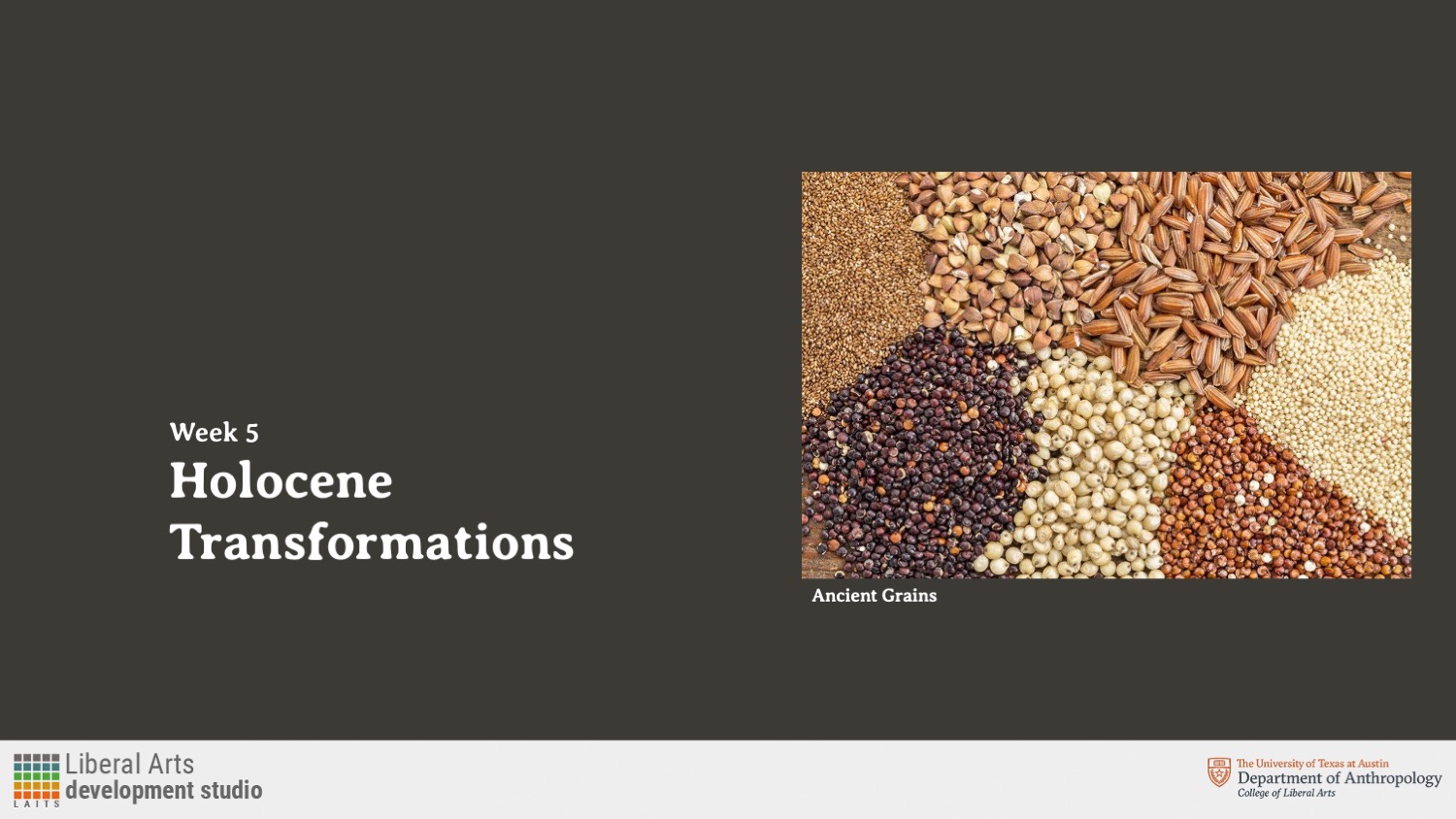
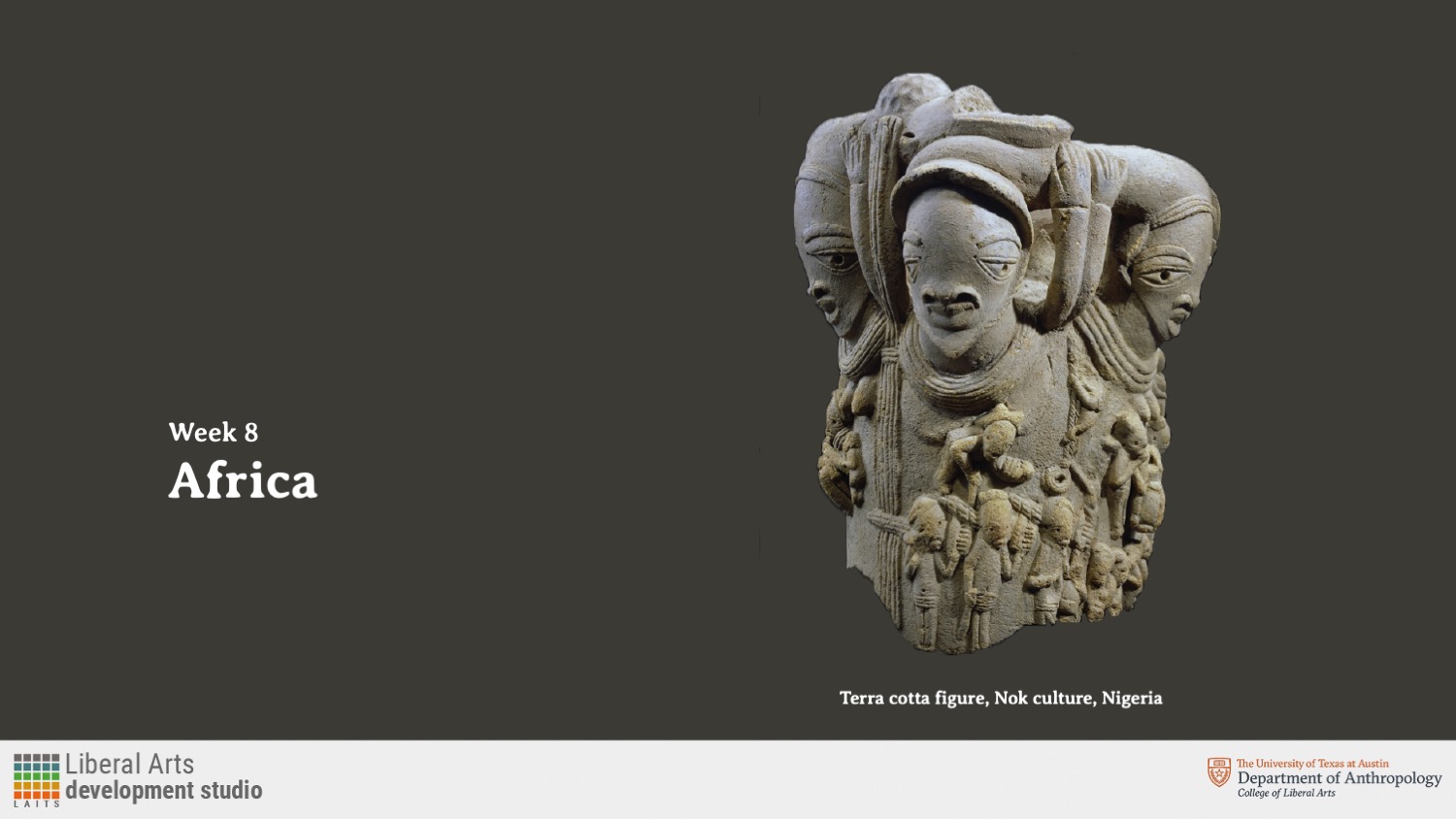
E316N-styleB-PPTSlides

Filed Under: Fall 2023 - Spring 2024, We are STAs

Week 4/22/24 – 4/26/24

April 26, 2024 By Shanda Horm

4/22/24 – 4/26/24

This week I was assigned animation training! Below is an 8-bit animation I did in Photoshop:

I also worked in Adobe Illustrator for the first time and did pixel art of my dad with a squid plushy on his head:

Filed Under: Fall 2023 - Spring 2024, We are STAs

Week 4/15/24 – 4/19/24

April 23, 2024 By Shanda Horm

4/15/24 – 4/19/24

I’m continuing my training by doing custom course graphics for a made-up class. Below are the mood boards I created to give me some direction:

While waiting for approval for direction from my trainer- I looked ahead in my training and did an exercise from “History of Design” where I modeled a design piece after a movement. I chose the Pop Art movement and here is the portrait I did of my baby cousin as an alien.

Filed Under: Fall 2023 - Spring 2024, We are STAs

Week 4/8/24 – 4/12/24

April 23, 2024 By Shanda Horm

4/8/24-4/12/24

I began my training by learning how to do style A and B course graphics! I also began the process of learning how to make custom course/studio graphics.


Additionally, I presented at my first STA weekly meeting. I presented a project called Project: S.O.R.C which I made for the 2024 AET showcase.


Below are the approved custom course graphics I made:

Filed Under: Fall 2023 - Spring 2024, We are STAs

STA Orientation

April 2, 2024 By Shanda Horm

STA Orientation 4/1/24-4/5/24

Day 1: I began my orientation process! De’sha went over the STA Design handbook with me and after I began a walkthrough of the applications needed with Marissa.

Here are the slides for the STA Handbook Powerpoint that I made:

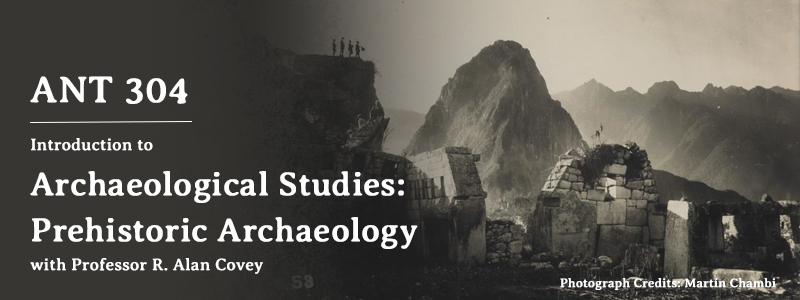
I also did my blog banner:


Day 2: Working on getting into the flow of things and I also did my STA questionnaire and Bio.

Day 3: I did my caricature- finishing off my orientation. I then began my training. Below is the caricature I made of myself!

Day 4: I continued my training where I’m learning the process of making style A and B course graphics.

Filed Under: Fall 2023 - Spring 2024, We are STAs

Welcome to the STA Blog!

March 29, 2024 By Shanda Horm

Hi Shanda! Welcome to the STA Blog! This the page where your blog posts will published.

Toward the end of your STA Orientation, you’ll design and upload a banner to go at the top of this page.

Upload a Blog Banner


Step One: Design Your Banner in Photoshop

Use these Photoshop specs when you’re making your banner:

    • Your banner should be 780 pixels wide (the height doesn’t matter)
    • Must include your name, your major, and your expected graduation year
    • Your banner should reflect who you are (your personality, interests or major)
    • Make sure to save your banner for the web (i.e. File > Export > Save for Web (Legacy))
    • If you save your banner as a JPG, make sure sure the quality is high (i.e. at least 60)

Step Two: Save Your Banner

  • There are two places you can save your completed projects: UT Box and the LAITS server. You’ll be given a personal folder in both locations. For now, you only have to save your banner to UT Box, but you may have to access the server at some point in the future.

Accessing UT Box

    • If you haven’t already registered with Duo, follow the instructions here to set up an account.
    • Then log in to UT Box with your EID and password: http://utexas.box.com/
    • Go to the folder called Design-Coding-STAs, then the subfolder STA-folders
    • Find the folder with your name on it
    • Save your banner both as an image and an unmerged PSD

Accessing the LAITS server

    • Accessing the LAITS server from off-campus is slightly more complicated.
    • You’ll need to be registered with Duo if you aren’t already (you can register here).
    • Then you’ll need to connect to the UT VPN and the LAITS server. The videos below will walk you through how to do that:
      • Connect to the Server – PC
      • Connect to the Server – Mac
    •  Then navigate to your STA volume folder and save
      • smb://file.laits.utexas.edu/sta/Shanda Horm
    • Save your banner both as an image and an unmerged PSD

Step Three: Upload Your Banner to the STA Blog

  • Log in the the STA Blog here. You should’ve received an email confirming your new WordPress account with your username and assigned password. If didn’t get it or you can’t log in, ask De’sha or another STA.
  • You’ll be able to change your password anytime by going to Users > Your Profile > Account Management > New Password.

Uploading media and banners in WP

  • Read these links before you upload your banner.
  • They will walk you through how to upload media to your blog.

How to Upload a Homepage Banner

Adding New Posts and Media

Make Your First Blog post


  • Reflect on the day. You blog posts will be a documented experience of your time as an STA with LAITS. They can include anything you want to share about the projects you’re working on, and the more media (screenshots, images, links, videos, gifs) you can use, the better.
  • For today, write a bit about about yourself and what you did during orientation.
  • If you haven’t already, upload your banner.

Things to Remember


Image Specs

  • You should never copy and paste images intoto your blog. Always upload images into the media section of blog first (Click on the add media button), then insert the image from the media folder to display on your blog.
  • Don’t use the thumbnail version of your images.
  • Use images that are 72 dpi
  • Screenshots are fine
  • Images that are 780 pix wide format nicely above or below text blocks

Always Categorize Your Posts

  • Always check the category “Fall 2023 – Spring 2024” on the blog posts you make this summer. This is the only category you need to check.
  • Make sure your posts are categorized correctly so that all of your work is documented in the correct semesters.

Commenting on Basecamp

Notification comments: etiquette, files, questions, feedback

Let us know when you’ve completed this task by adding a link to your blog to a comment in Basecamp.
Notes for all comments in Basecamp:
  • *Always address the person/people you are writing to by their names.
  • *Always use complete sentences.
  • *Always add links or paths to your design file in your STA folder.
  • *Make it easier for your collaborators and mentors to give you feedback on a design by adding screenshots to your comment.


Notify people in Basecamp by adding the @ symbol before their names (no spaces), otherwise they may not see your comment.

@ your STA mentor in your comments when you want to:

  • ask us questions about the mechanics of using the STA blog,
  • about the mechanics of photoshop,
  • to let us know that you have completed this task,
  • or that you would like a little feedback on on your banner design

Thank you & have fun!

Filed Under: Fall 2023 - Spring 2024

  • « Previous Page
  • 1
  • 2
  • 3
  • 4

link to LAITS home page

Video STA Home

© 2025 Liberal Arts Instructional Technology Services | Production Credits