• We are STAs
    • Asha Rountree
    • Haley Ma
    • Kate Shih
    • Kyra Lee
    • Nicholas Peasley
    • Sasha Kenney
    • Shanda Horm
    • Shriya Atreya
    • Tomas Marulanda-Mesa
  • We were STAs
  • STA Presentation
    • STA Presentation 2017
    • STA Presentation 2016
  • Testimonials
  • Resources
  • Home

STA Blog

Athena Zeng

Athena Zeng

Religiology Logo

October 12, 2020 By Athena Zeng

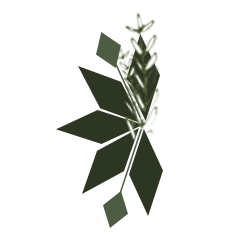
Logo Design for Religiology

I was assigned to work on a logo for the Religiology department. The clients provided us with a design brief that included a color palette, 240×240 dimension requirements, and two sketches for inspiration (see below). Using Illustrator and Photoshop, I created several drafts and made edits as I received feedback. I’m going to walk through my thought process and some of the feedback. This is still ongoing.
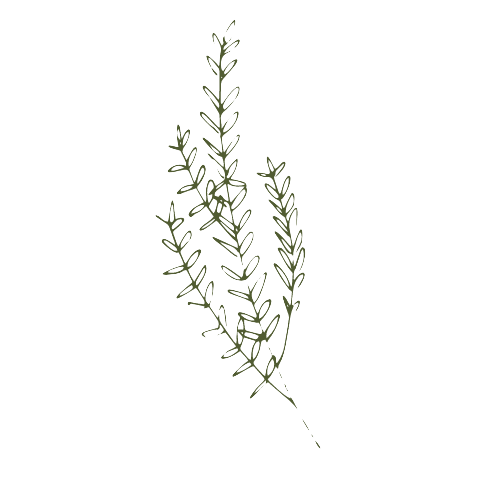

^ Sketches provided for inspiration ^

Here are the first two drafts I made. These first few drafts were intimidating because it felt like there were so many possible things to do. So I took the rhombus shapes from the sketches provided and used that as a guiding force. The feedback I received was that the logos were too complex for easy visibility. Also, Suloni and Valerie wanted to see me use a different shape and use the new, brighter color palette . I also stopped using Photoshop and switched to Illustrator, which I probably should have started out with.

Here is the third draft I made, I am not really sure what my thought process was, but I was playing around with different shapes and the circle seemed spiritual in a way, like the circle of life. When the overlapping circles happened to make the shape of a crescent moon, it made sense to me because the moon also seemed spiritual.  Then, I placed a plant inside to tie in some of the client sketches. Based on the AI Logo training Valerie assigned me, I tried to focus on visibility and balance.
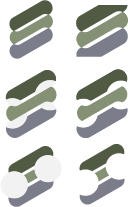

After deciding to do a little more reading into what religion entails, I made this fourth draft. Religion is highly centered around belief and rituals, so I decided to make something with repetition in mind. Also, I read that salvation is very important in religion so as the iterations continued, I tried to kind of create an S shape and but that’s not very relevant. I ordered the colors in the palette from gray at the bottom to greenest at the top because I thought that it could symbolize something with belief in a higher power. I don’t think this logo makes sense.
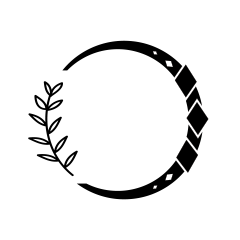
 

Valerie and Maddy later sent me suggestions that helped me make this fifth draft. They told me to be wary of balanced and aligned curves that follow the shape of the other shapes. For example, in my third draft, the plant stem does not follow the shape of the circle, which is distracting. They also recommended I use black and white then adjust later.

That’s it for now, still working on this and Clio. And I will add that school is not easy! Have a good week.

Filed Under: 2020 Summer | 2020 Fall

Clio Training

September 30, 2020 By Athena Zeng

Clio Training Pt. 1

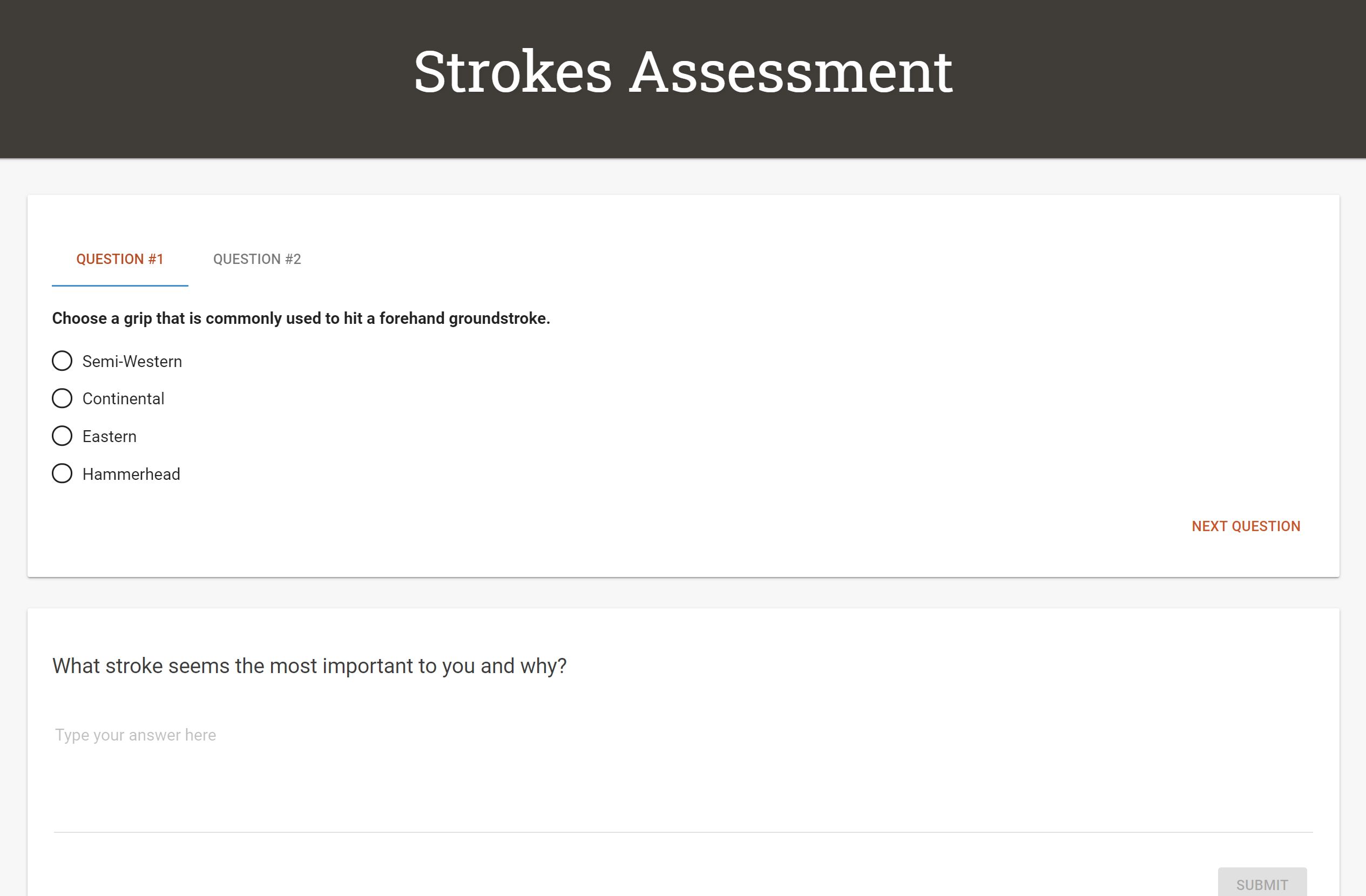
Here is what I have so far. I decided to teach tennis.

Proposal:
1. I will be teaching how to play tennis
2. I can support my teaching through Clio with assignments and quizzes on the rules of tennis. For example, I could ask “What line do you serve from?” or “what are the basic tennis strokes?” I will also use modules to describe the motions and include video tutorials for extra support
3. I want it to look similar to this New Yorker cover, but also maybe like these other two with like more jarring colors

Worked on organizing the content, embedding videos, changing the colors and headings with the CSS editor, and adding pictures. Though understanding how to teach something is useful, I probably took too long on the content when this is really more about understanding the CSS. Will speed it up from now on!

Filed Under: 2020 Summer | 2020 Fall

September 16, 2020 By Athena Zeng

A More In-Depth Look at Cascade Pages

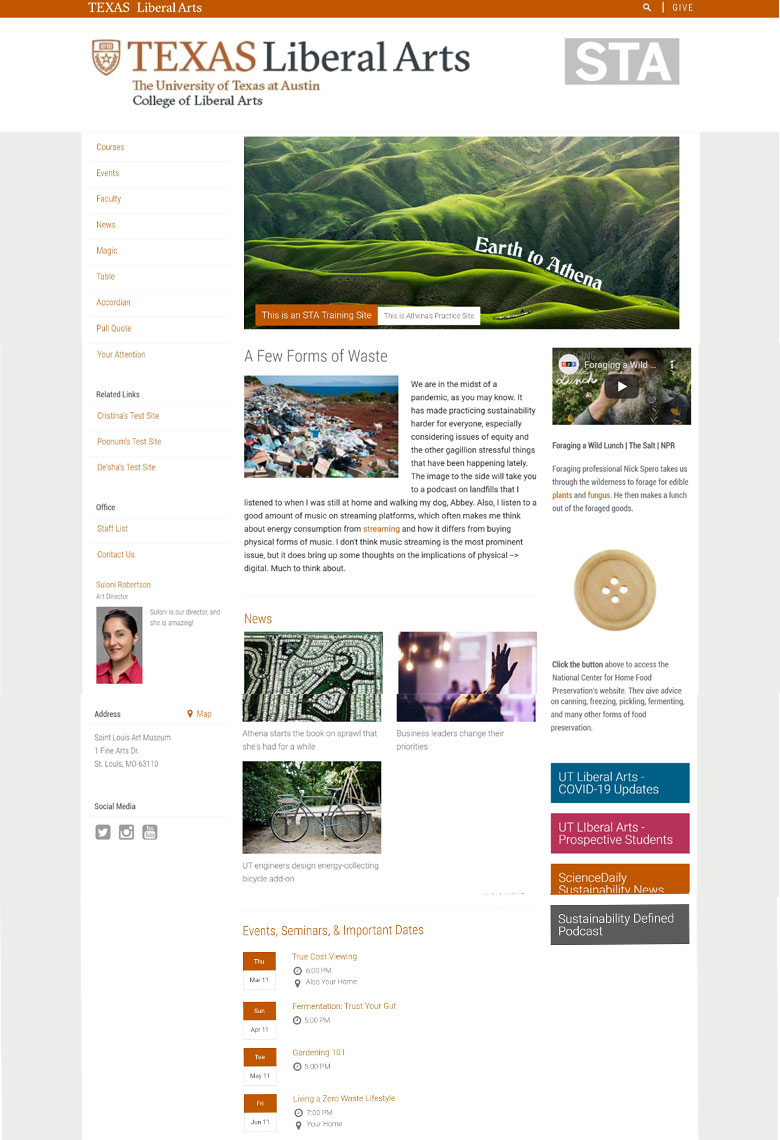
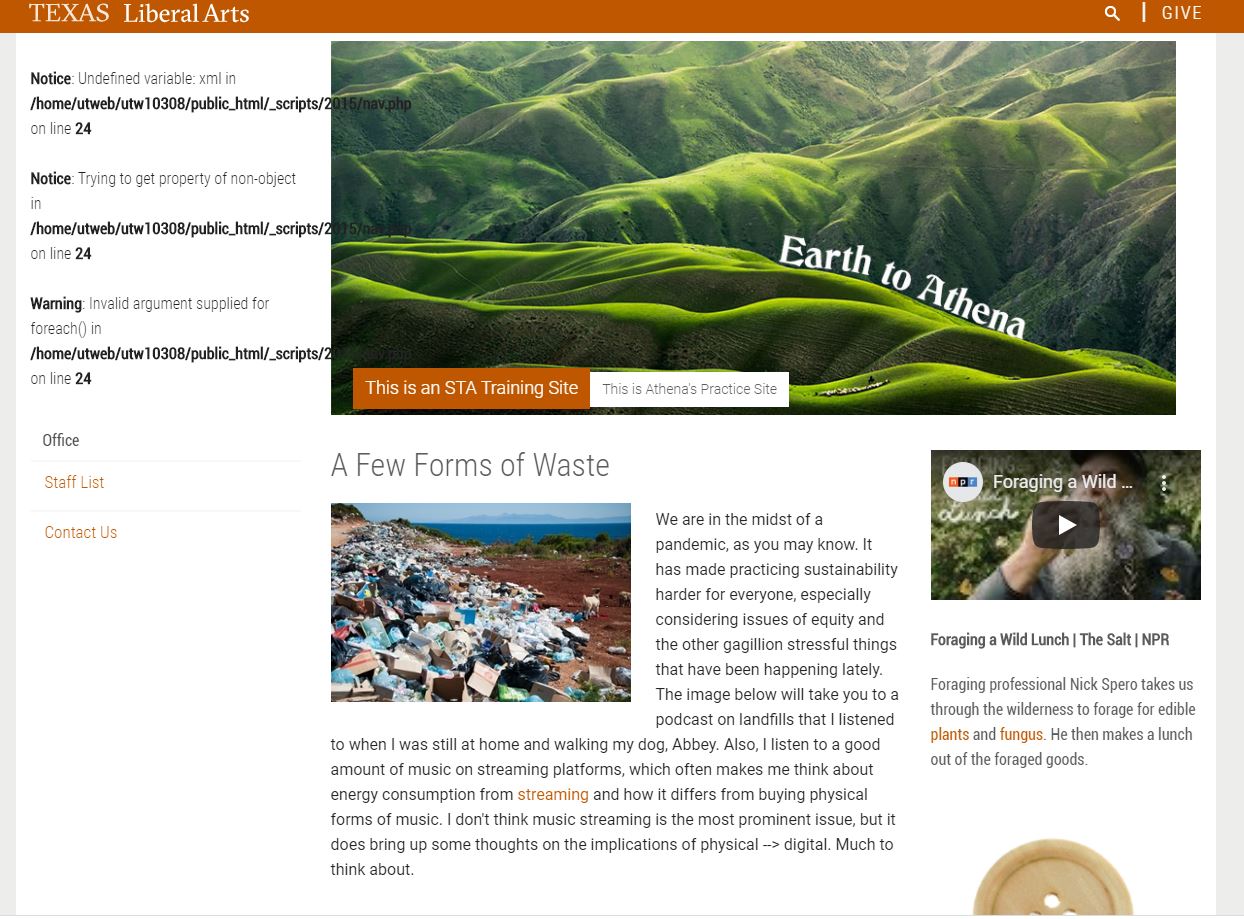
Suloni explained to me that, after a while, our Cascade sites will be recycled to new STAs. She recommended that I capture some more screenshots of what I had done with my site for future reference, so here it is. The site is loosely environment/plant/sustainability-focused.

Main Page

Here is the main page. On the left, there is an index for all the other pages, related links to other STA sites, a bio for Suloni, and the address to an art museum I like (I’m from St. Louis). In the main body lies the site banner, the main story, and current news and events. On the right, there is a video, a clickable button, and quick links. This part of the process was great for learning how the Cascade cms is organized, as each edit was sort of a guess and check process of submitting, publishing, and seeing if the changes I was trying to make were actually being made.


Events

The page it takes you to when you click on an event.


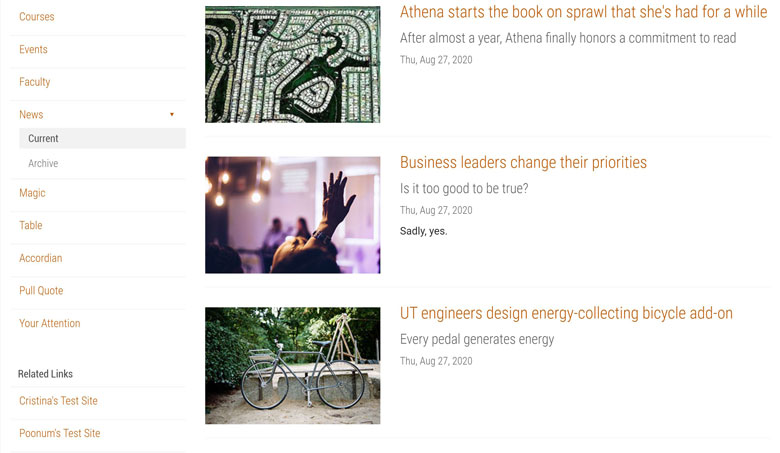
News

The page it takes you to when you click on a news story.


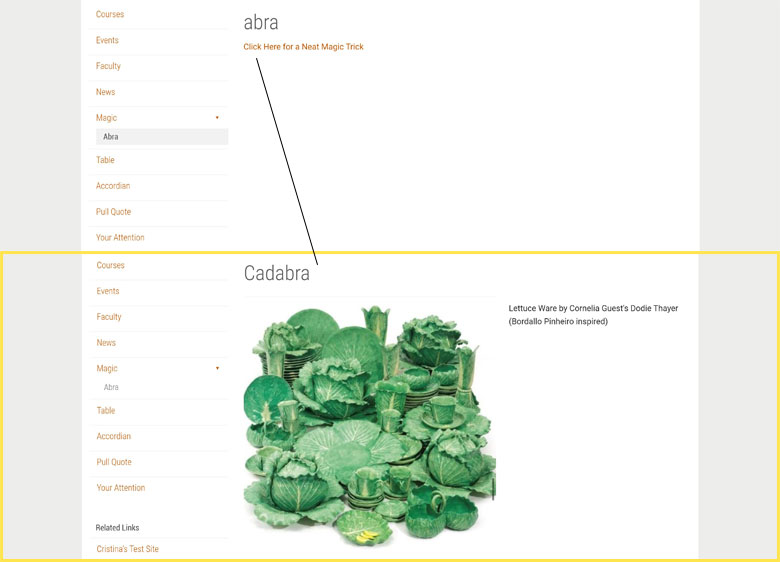
Magic

In this exercise, the “Magic” aspect was creating both a page that was visible under the Magic folder (abra) and creating a page that was “invisible” under the Magic folder (cadabra). You can access the cadabra page by clicking on a link the abra page, but it will still appear unindexed under the Magic folder directory.


Tables

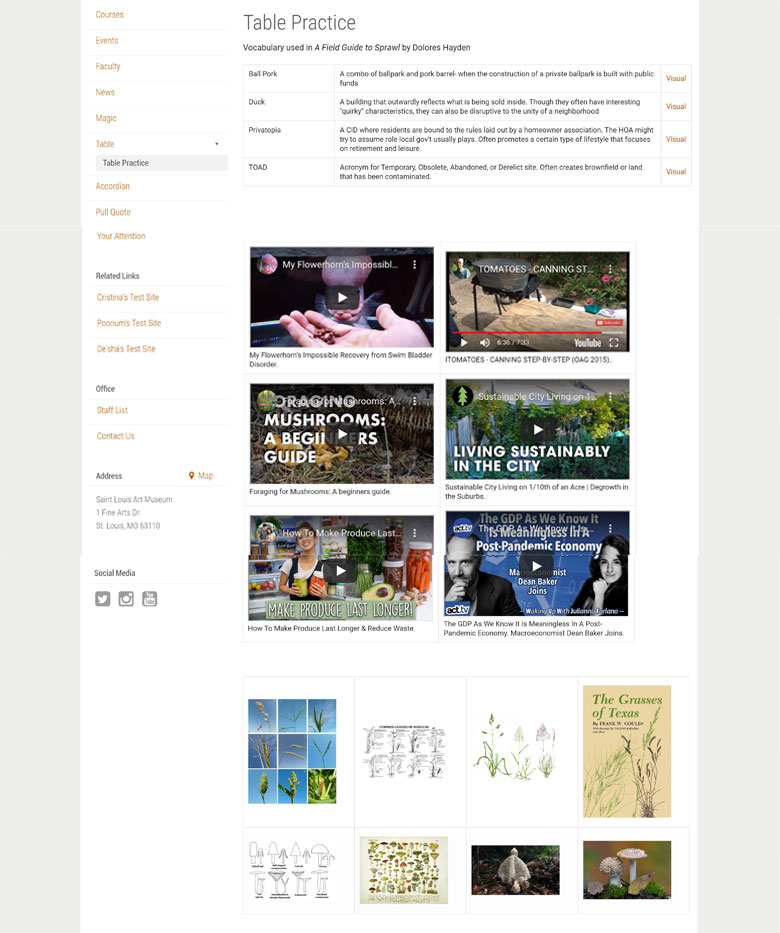
Here, I practiced making three different kinds of tables using text, video, and images. This was the point in the Cascade training where we started practicing more HTML-related exercises.


Pull Quotes

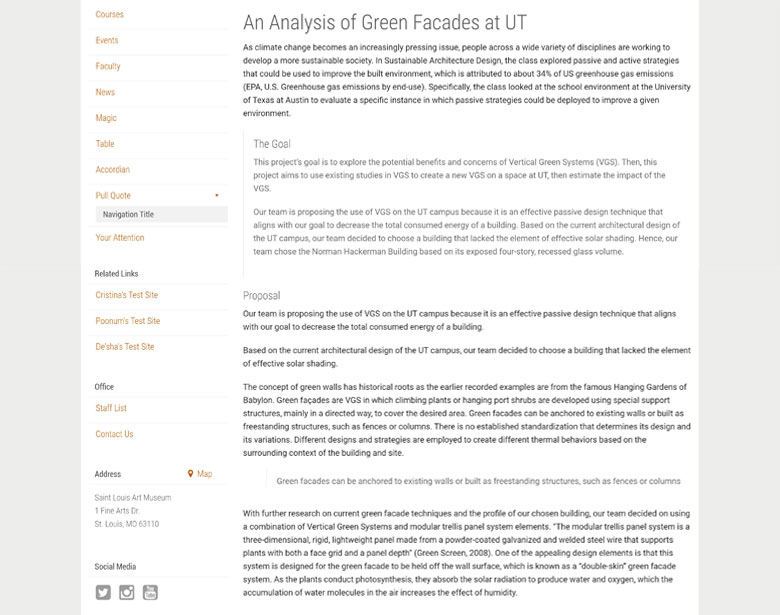
Here, I practiced making some different kinds of pull quotes (The Goal and “Green Facade…”).


Custom Layout and Buttons

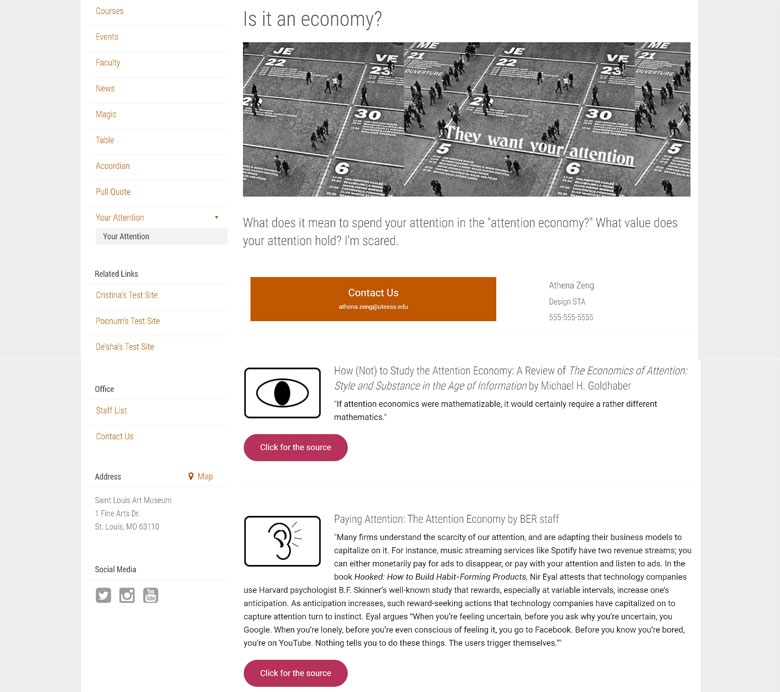
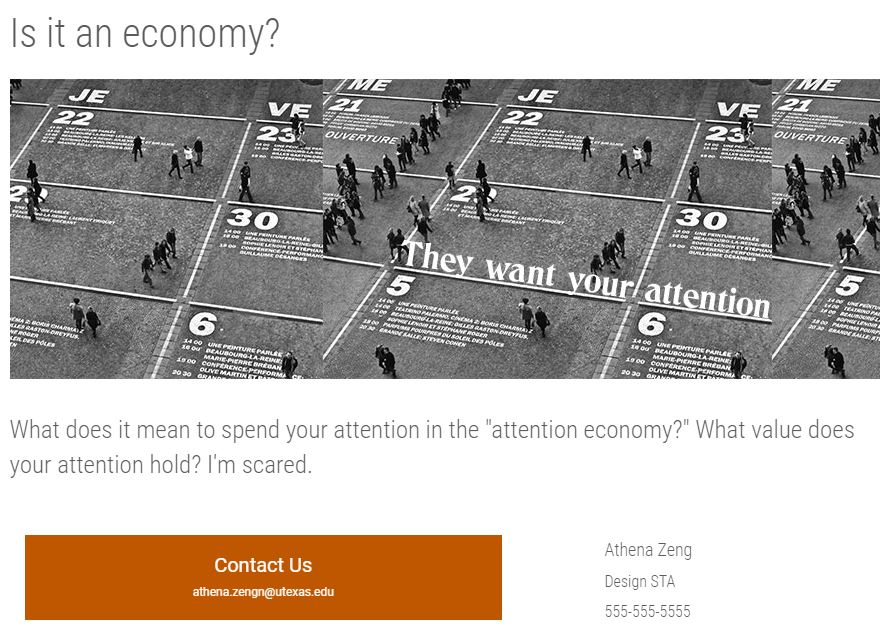
Here, I practiced making a page with a custom layout and buttons. I explained it more in my last blog post, but we practiced using HTML elements to add some extra pizzazz to the page. Something I didn’t note in my last post: it took me a while to figure out why my oblong buttons were not changing color when I was adjusting the code. It was because I didn’t copy over the style section… so don’t do that.

So that is all, I hope this helps future STAs!

https://sta.laits.utexas.edu/blog/2020/09/16/34674-2/

Filed Under: 2020 Summer | 2020 Fall

Finishing the Cascade Tutorials

September 11, 2020 By Athena Zeng

Finishing the Cascade Tutorials

Hi, after what seems like a really long time, I think I have finished the Cascade tutorials. The issue mentioned in the last post was resolved with the help of Suloni, Abriella, Thuy, Bridget, and Jake- a lot of people! The problem was that the whole STA 14 folder, not just the “Magic” folder, accidentally became unindexed. From there, I added an accordion, a few tables, and another page (as pictured above) with a custom layout and buttons. You can see the icons right here (below).

I made the icons on Photoshop with various shapes. Being an STA is still fun! I have a good feeling my fermented rice will neither kill me nor blind me.

Filed Under: 2020 Summer | 2020 Fall

Cascade Basic Training

September 2, 2020 By Athena Zeng

Cascade Basic Training Pt. 1

Over the past few shifts, I have been working on the first Cascade Basic Training. This training walks us through building a test site in Cascade. I learned how to use the Cascade and Web editor to add news, events, videos, buttons, and maps, amongst other things. Cascade can be kind of tedious with all the submitting and publishing, but it’s okay. It was really helpful to see all the changes that were made after making each change in the editor. I have gone through everything in the first training, but recently a few errors have been re-popping up on the left navigation bar after I tried to remove the “_files” tab. Now, you can’t see any of the related links or maps either. Will keep trying to fix it.


Filed Under: 2020 Summer | 2020 Fall

Making My Blog Banner

August 26, 2020 By Athena Zeng

Making My Blog Banner

This is my blog banner! I’m going to talk about the process of making it and my personal style.

My favorite illustrations are oftentimes whimsical, ominous, lo-fidelity, and hand-drawn. I also like it when you can see some sort of strong emotion/aloofness in a character. Or when it looks like a character is caught up in / very dedicated to what they are doing. I mentioned I like bunnies earlier, so I wanted to have hand-drawn bunnies in my banner. I thought it’d be interesting to have the bunnies interacting with my name in some way and brainstormed on what that would look like.

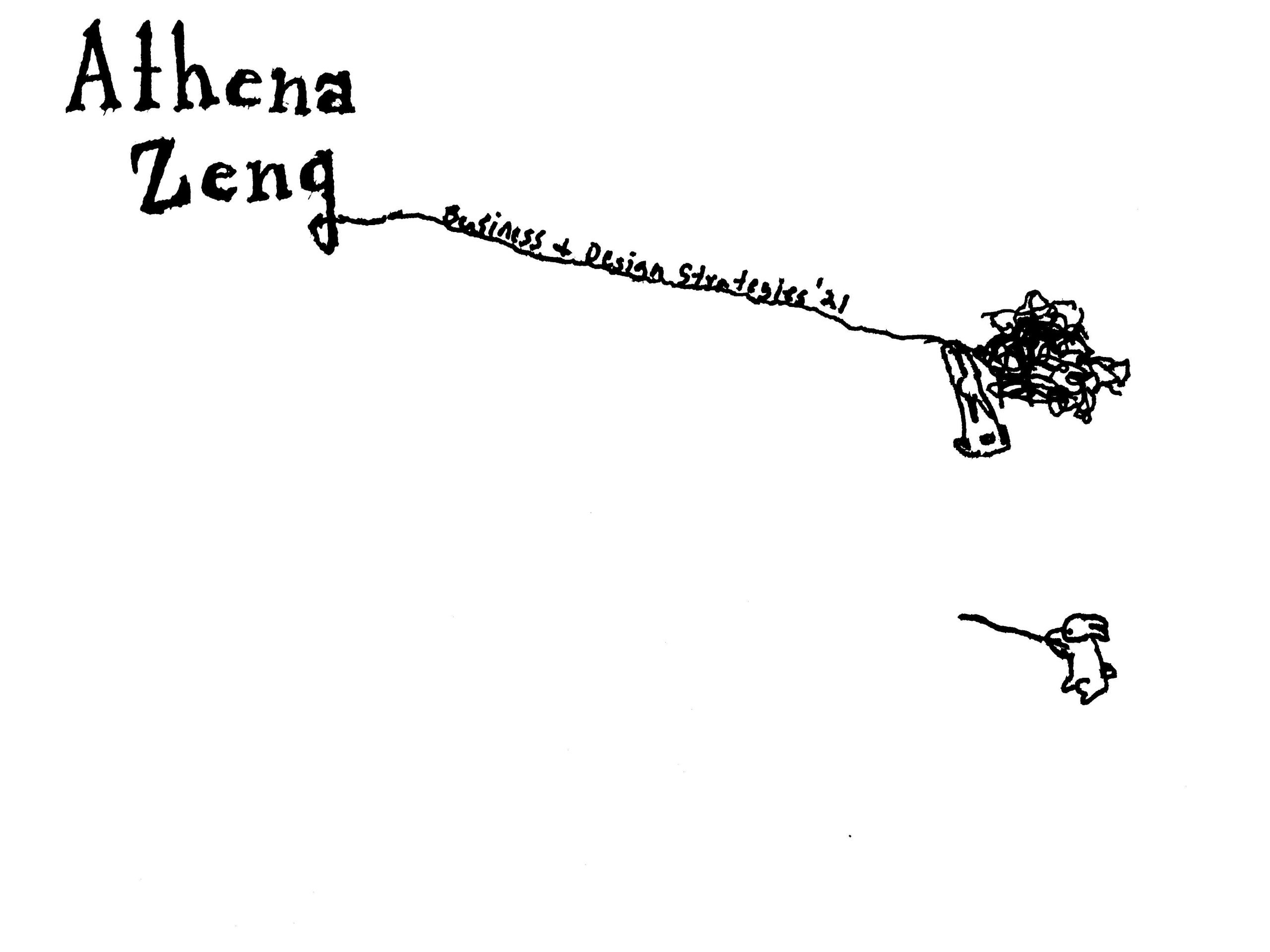
Then, I started to make the banner. I drew the sketch on a piece of paper with a black pen. It generally looked like what you see in my banner, but it did not need to be exact because I could make small changes in Photoshop. Then, I used either Tinyscan or Snapseed to get a clear scan of my illustration. I emailed the file to myself and opened it in Photoshop.  Unfortunately, I do not have the paper with me right now, but I can show you what the scan looked like.

Then, I took the quick selection tool and got rid of all the white in the background, the gaps between my name, and the yarn. Using the quick selection tool, I separated the individual bunnies from the text and yarn so I could do a color overlay without changing the color of the bunnies. I then recombined everything and used the brush tool to add more pink yarn in the background to make it seem as if the bunnies were stuck in a world of yarn. Abriella said it reminded her of Tim Burton, which I can see! I thought it kind of looked like Harold and the Purple Crayon. Thanks for recommending Edward Gorey, Suloni! I read over the link you sent, and I really enjoy his style and all his book illustrations. I always thought it’d be really cool to write and illustrate a children’s book.

Filed Under: 2020 Summer | 2020 Fall

  • « Previous Page
  • 1
  • …
  • 4
  • 5
  • 6
  • 7
  • Next Page »

link to LAITS home page

Video STA Home

© 2025 Liberal Arts Instructional Technology Services | Production Credits