• We are STAs
    • Asha Rountree
    • Haley Ma
    • Kate Shih
    • Kyra Lee
    • Nicholas Peasley
    • Sasha Kenney
    • Shanda Horm
    • Shriya Atreya
    • Tomas Marulanda-Mesa
  • We were STAs
  • STA Presentation
    • STA Presentation 2017
    • STA Presentation 2016
  • Testimonials
  • Resources
  • Home

STA Blog

Athena Zeng

Athena Zeng

Continuing with Studio Course Graphics and Researching KB Topics

February 8, 2021 By Athena Zeng

Continuing with Studio Course Graphics and Researching KB Topics

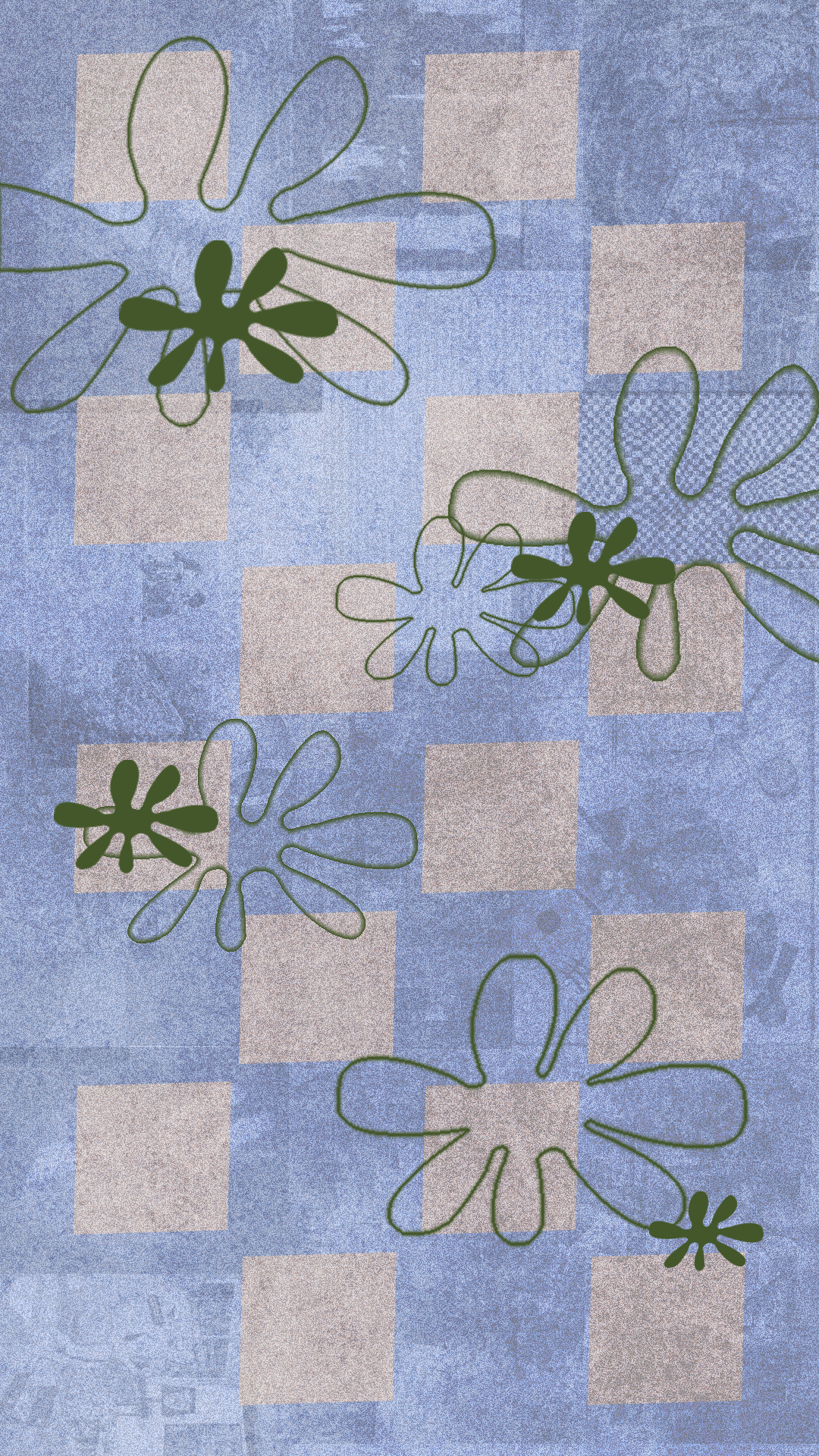
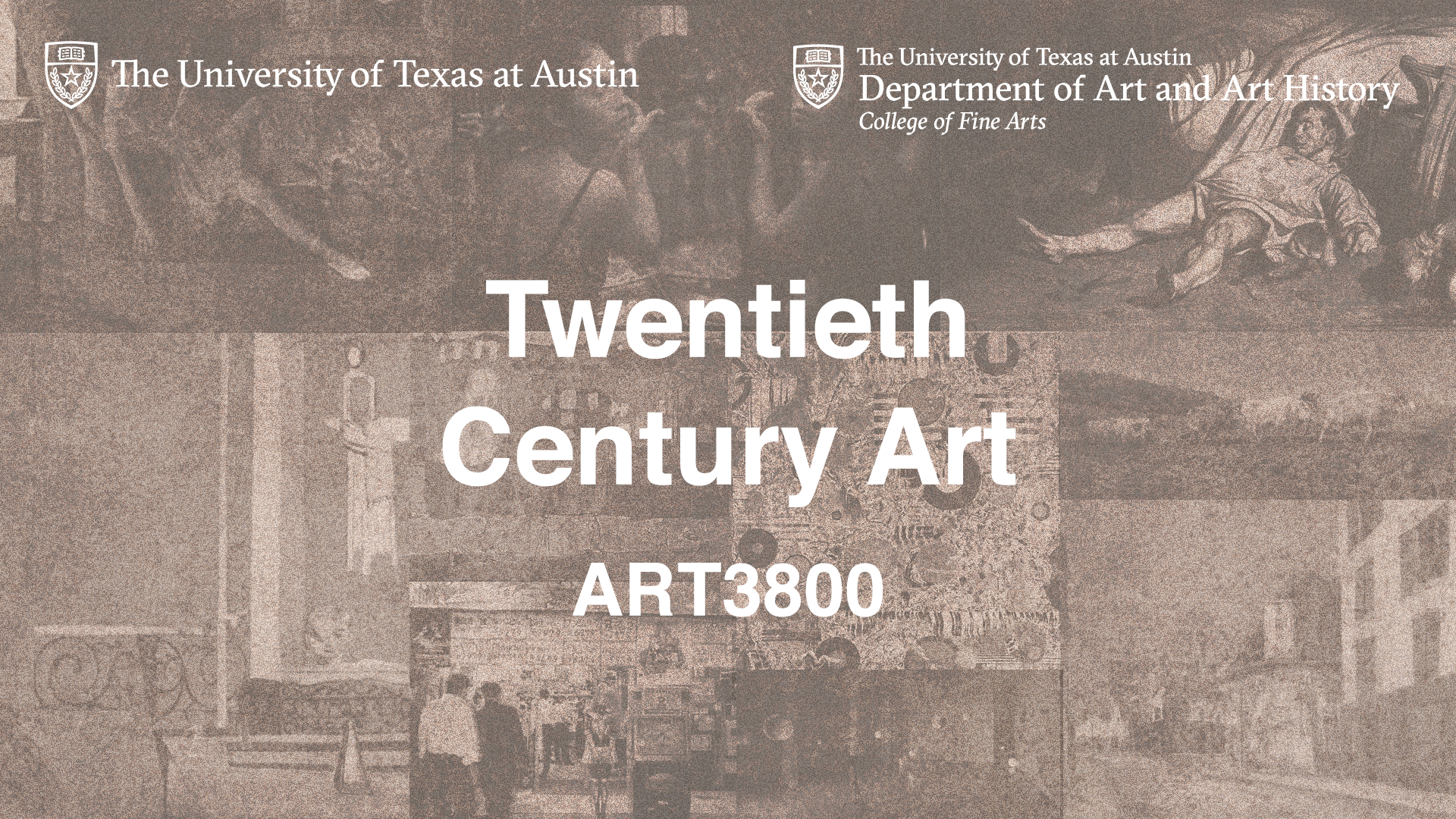
Last week, I continued working on the Studio Course Graphics training. I made the digital desk skirt, the vertical monitor, and some mockups using the same technique of noise, using artwork as texture, and layering. I think the digital desk skirt incorporates a lot of relevant class artwork, but it could maybe have some more Bauhaus elements.
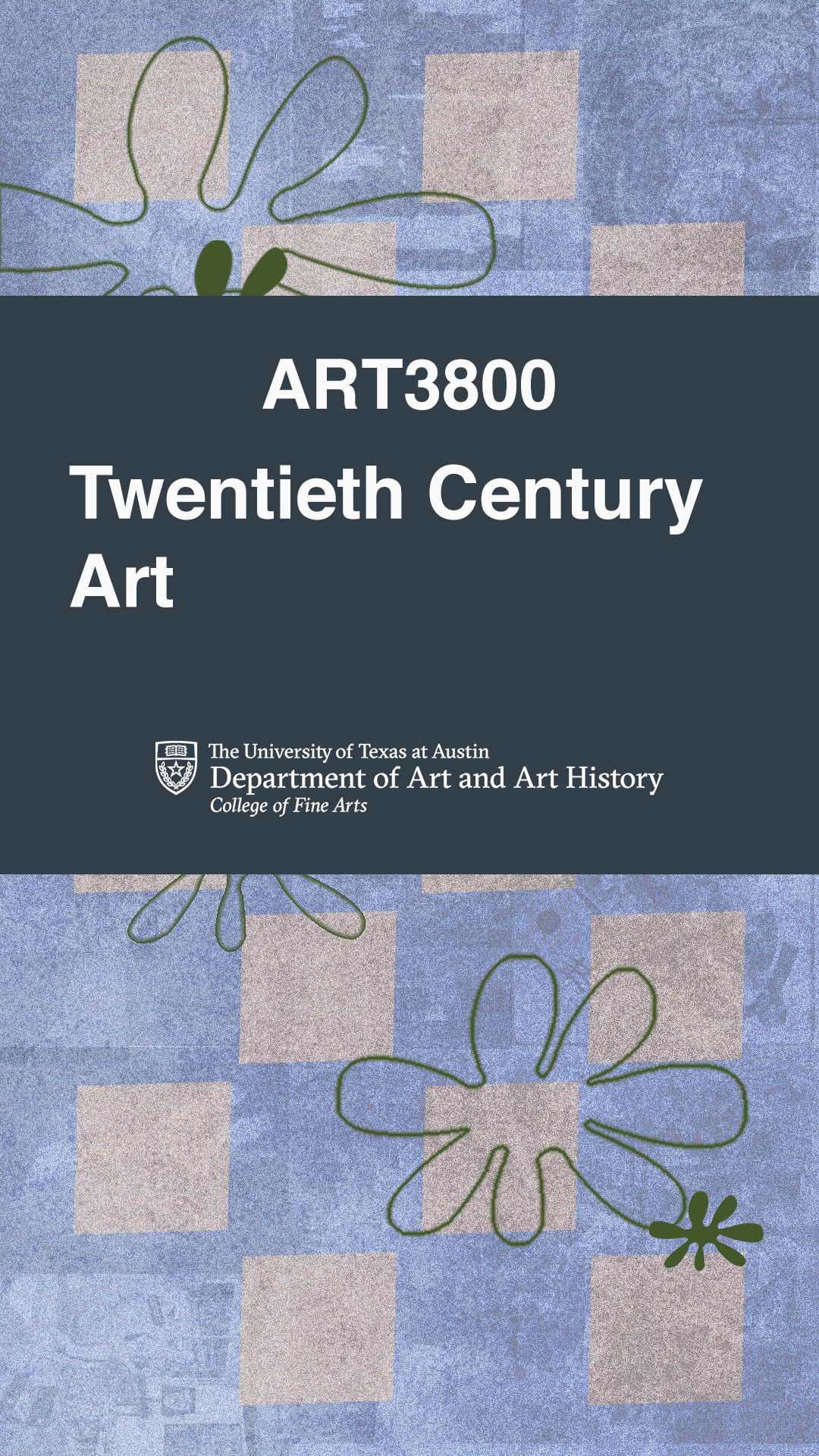
We have also started a new initiative where we will be making a more in depth training curriculum for new STAs. This week, I spent a lot of time researching research for effective design systems and exporting file types, which are the two trainings I will be working on. There is a lot of information on the web, so the main challenge I think is  thinking about the best ways to organize the information, how to make the training interactive and helpful for the STA taking it, and how to include the most relevant information.

Research to create meaningful design systems and brands – this is one of the initial planning outlines I worked on for the research for effective design systems training. I spent today gathering information for and working on both trainings.

Outside of work, school is pretty much the same! There is a lot of writing this semester because I am a second-semester senior, and I am in a lot of capstone courses. Naruto is making me so angry it’s almost visceral. It’s also snowing in St. Louis! Have a fun and peaceful week.

Filed Under: 2021 Spring - 2021 Summer

Online and Studio Course Graphics Training

February 1, 2021 By Athena Zeng

Online and Studio Course Graphics Training

This past week, I finished the rest of the the Style A and B trainings for the Online course graphics trainings. Poonum gave me good advice about waiting for feedback before continuing on to sections like the Design Menu, as it would become very tedious to make all the edits and export again if changes needed to be made. So now, I should be prepared to make course graphics packages if needed.

I also started working on the Studio Course Graphics training, which is for courses taught in the LAITS studio. Since I kind of made a course graphic for the earth class so I could do the After Effects training, I decided to do this training for the Art3800 mock-course. The design brief is as follows:

Professor Request
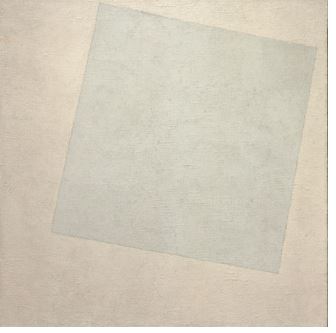
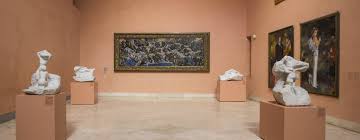
“Please look at what artists and pieces are in my updated syllabus to draw inspiration for your design. I don’t specialize graphic design personally, however I do think you may be able to draw inspiration from the Bauhaus artists of the 1920’s and 30’s. I also take my students to tour the Thyssen-Bornemisza Museum each semester, which may bring you inspiration as well. Thank you…”
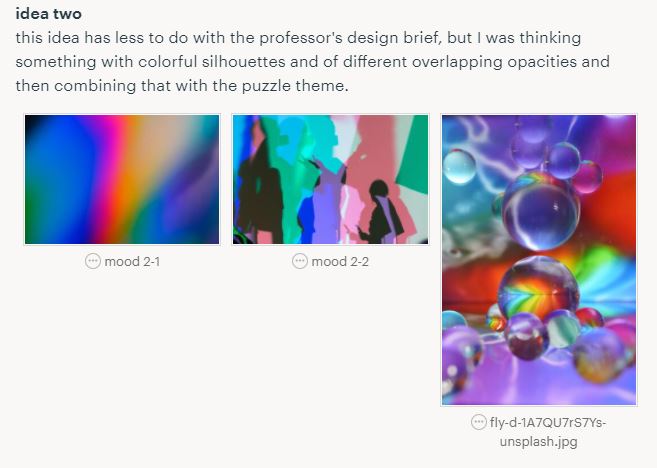
So, I started planning out some directions for how I wanted to take the graphic, and I came up with two ideas listed here. I ultimately went with idea one because I had a clearer idea in my head on how to execute it, because it incorporated more of the professor’s requests, and because it involved colors that would be more likely to appear true to color on the studio monitors. Since the studio can warp the appearance of color, there are a few shades that are known to work better in the studio like sepia, cool tones, and jewel tones. We were told to avoid bright colors and pure black and white, so the second idea I had wouldn’t work too well.
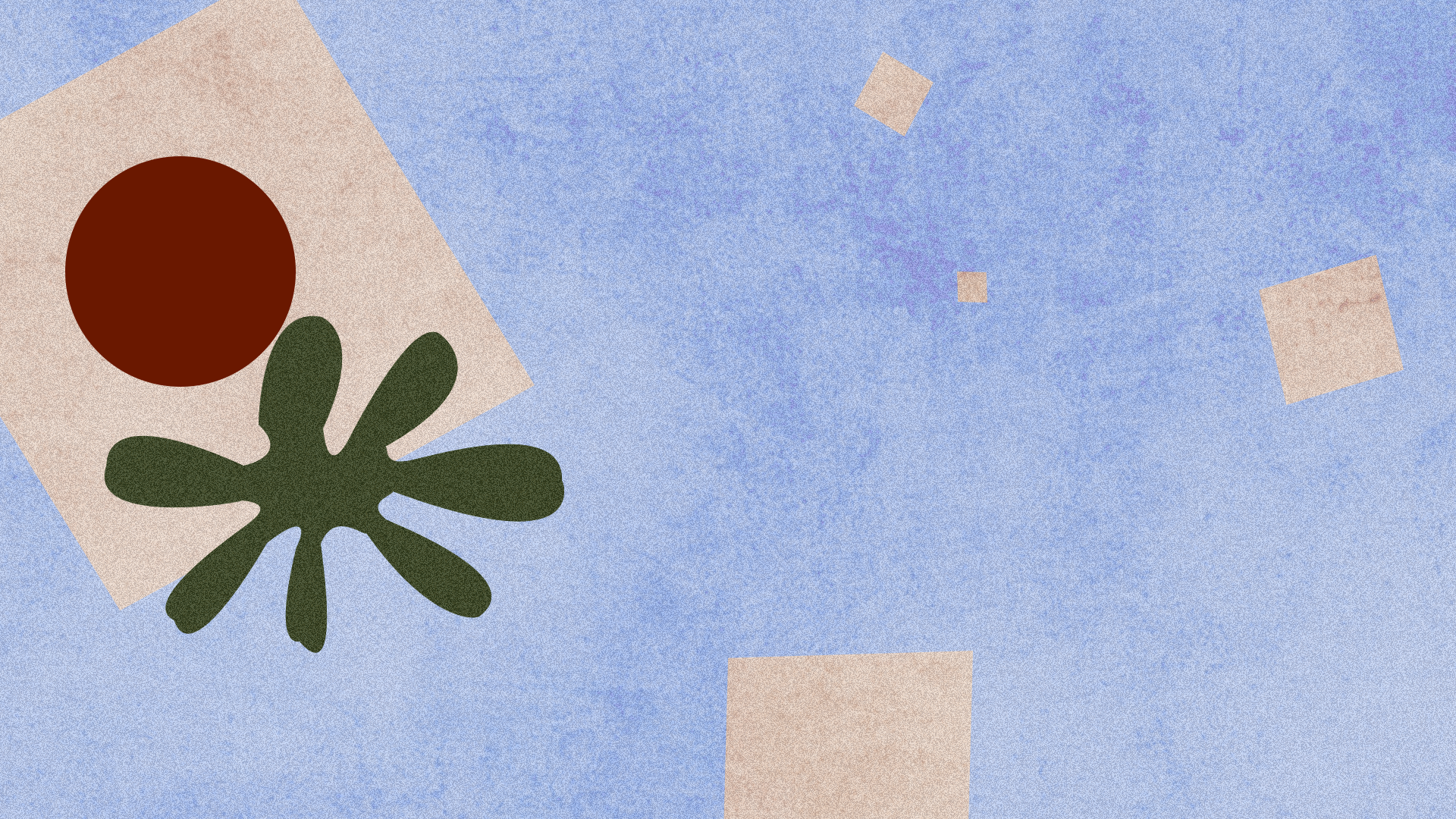
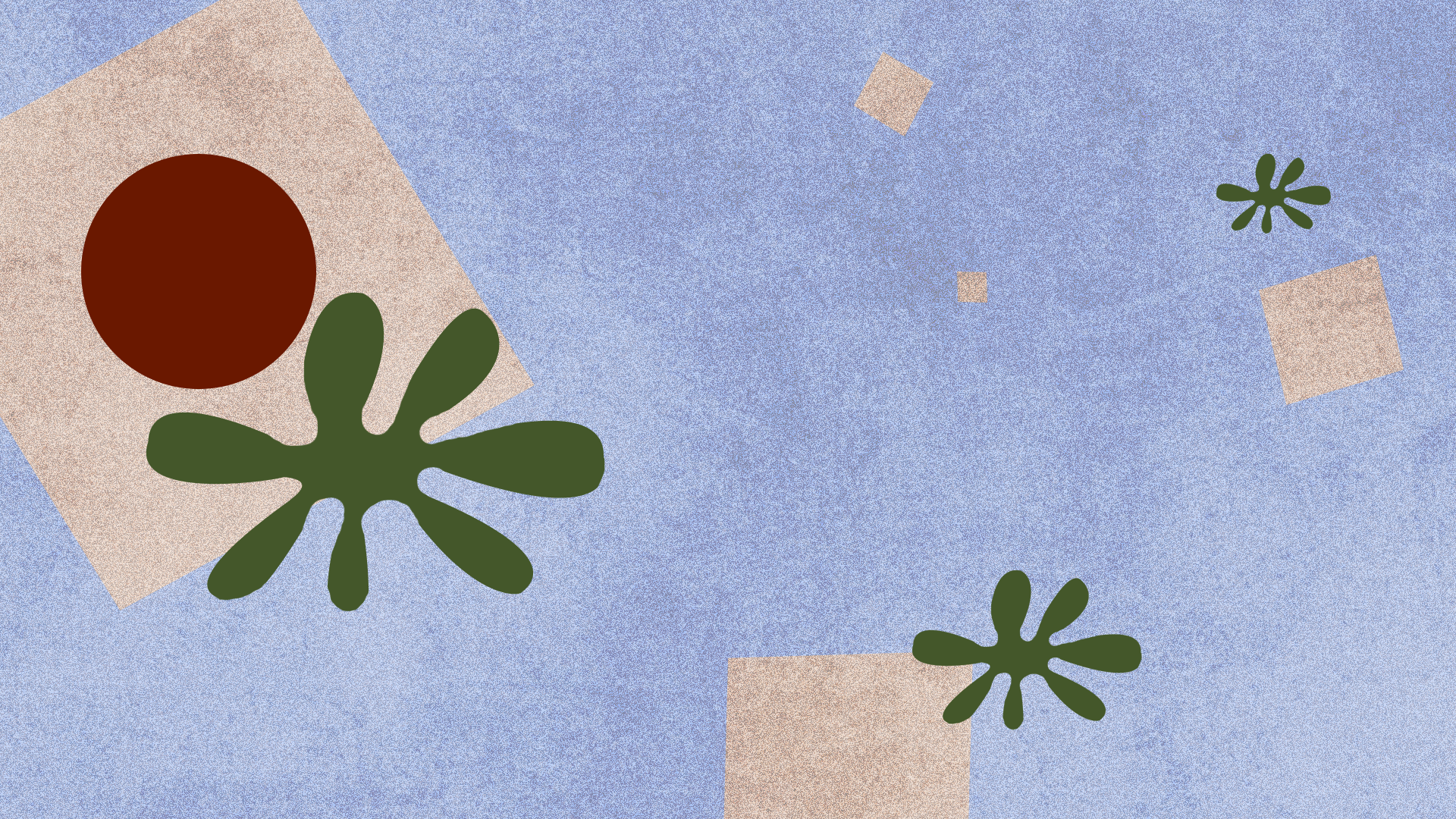
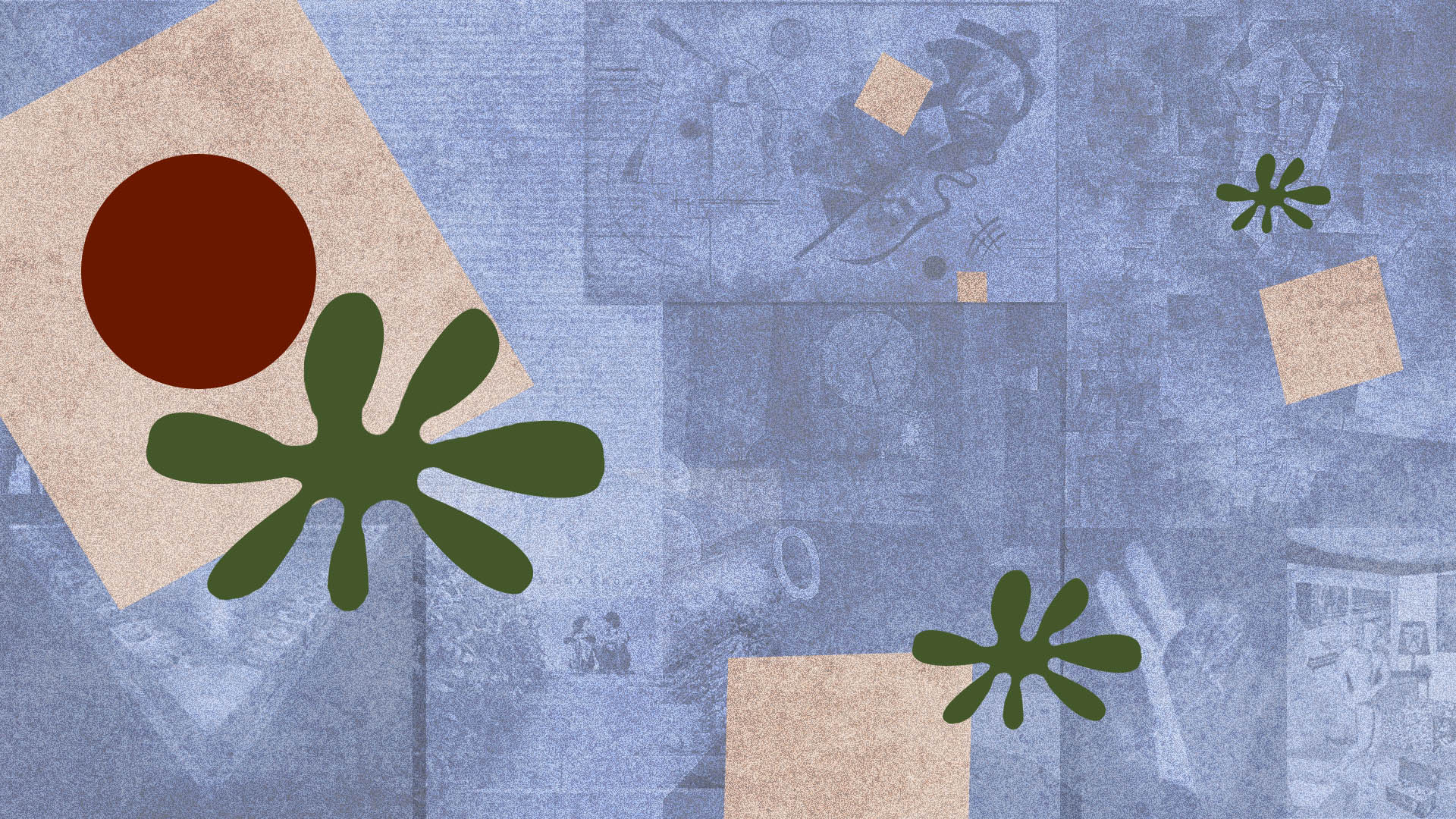
Here is where I started making the graphic. I used a lot of different textures, noise, and blending modes to achieve the appearance it has. I tried to make it bauhaus-y because the professor mentioned that, but I’m not sure if this is actually bauhaus-y. I took the colors from a picture I found of the museum that the professor was talking about. You can see a test I did with the placement of the graphics and how it would look if professors were sitting in front of it. Currently, I am playing around with incorporating artwork as a textural element, to further tie the graphic back to the class. Still working on this training just wanted to write a blog post since I forgot to last Friday.

Still watching Naruto! Here are two songs that I like right now. One and Two. Have a great week!

Filed Under: 2021 Spring - 2021 Summer

Online Course Graphics Training

January 22, 2021 By Athena Zeng

Online Course Graphics Training

Hello! This week, I have been working on a few things:

  1. The presentation Poonum, Angie, Miguel, and I will be doing on our group project
  2. A little bit of the AI Logo training
  3. The online course graphics training

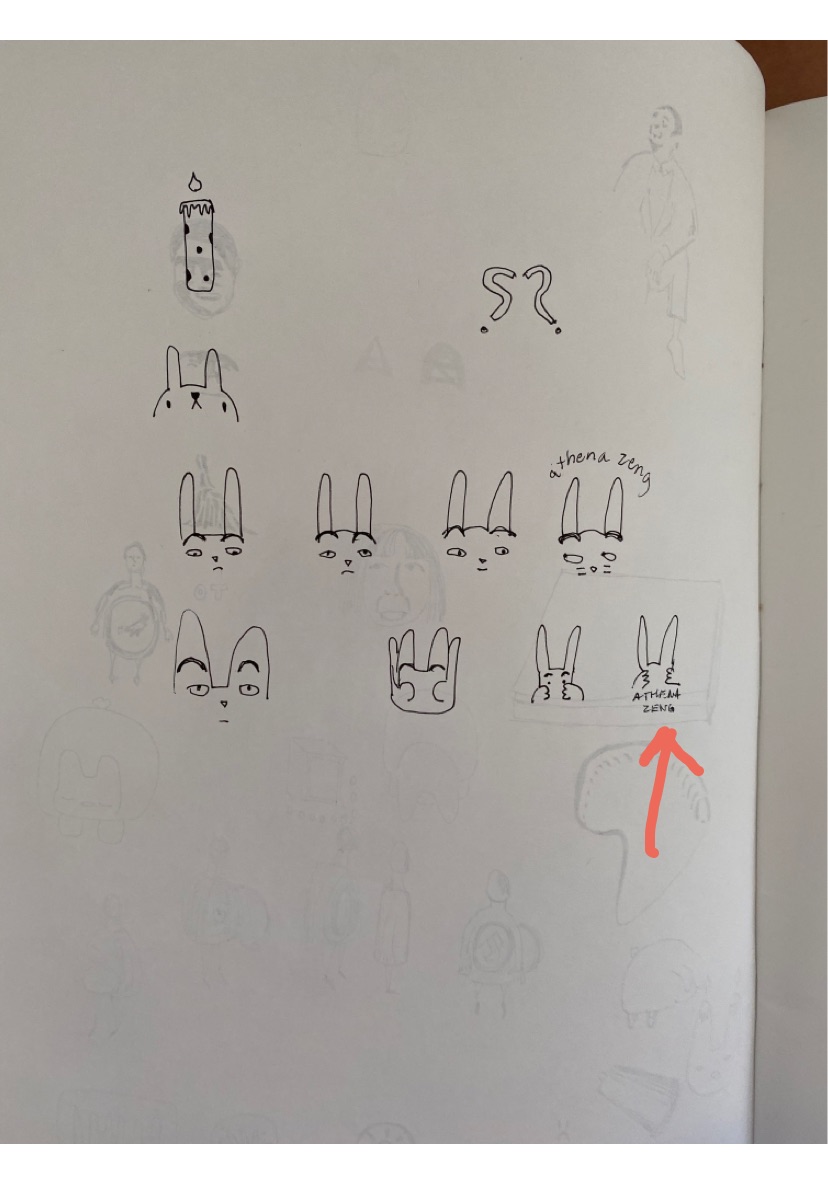
For the logo, this was the initial thought process. I wanted to do a bunny with raised eyebrows because I resonate with bunnies and raised eyebrows (both the song and the action). However I think those details could get lost, so I think I will go with the bunny silhouette with hands covering its eyes / hands covering face in frustration

For the online course graphics training, I am almost done with the style A set. I will later need to make sure they’re in the correct places on Box, but this training is relatively straight forward. This is not a real course, but Donnie Darko is great! Here are the sample PowerPoint slides.

Hope everyone had a great first week back at school! I am still watching Naruto! It’s bringing me pain.

Filed Under: 2021 Spring - 2021 Summer

Completing the Wellness Video

January 13, 2021 By Athena Zeng

Completing the Wellness Video

Hello again! A lot has happened since the last time I posted: winter break, coming back to work, and the rest of the wellness (and study tips) videos!

Asset Completion

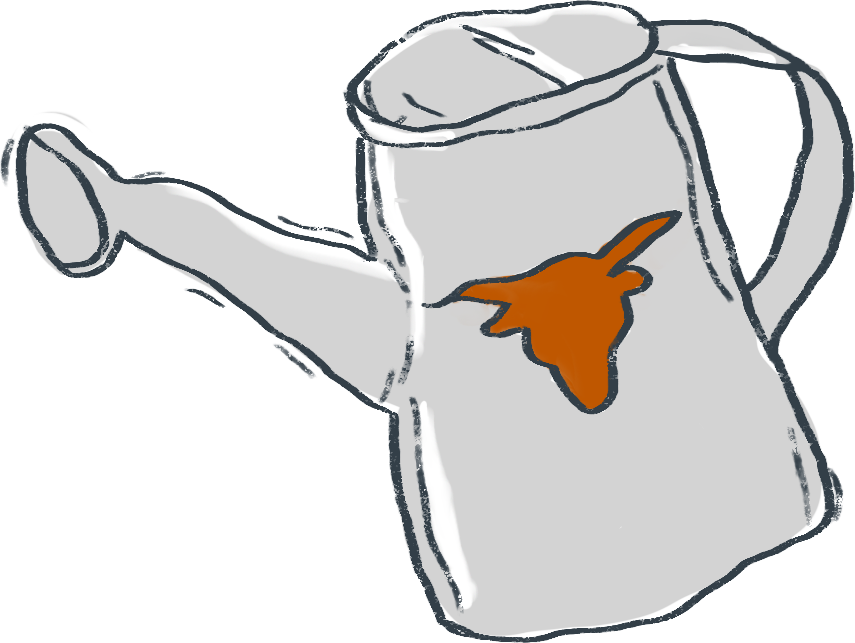
I think where I last left off, I was in the final stages of tracing the wellness assets. From that point, I also colored in the assets based on the style guide Poonum created, with leeway for shading. The “look” we were going for was that kind of sketchy type of illustration where it’s not perfectly colored in. I learned a lot about illustrating with tablets and making use of different layers and the keyboard shortcuts to do coloring efficiently. This happened right before break, and I wrapped the coloring up the day we came back from break (January 4).


Animation

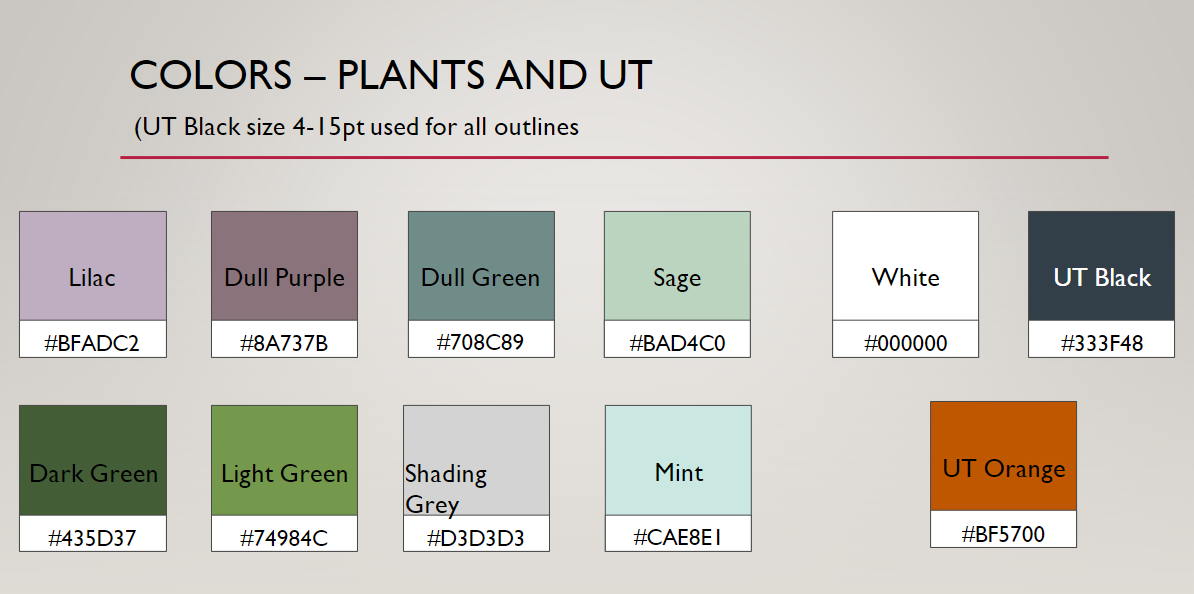
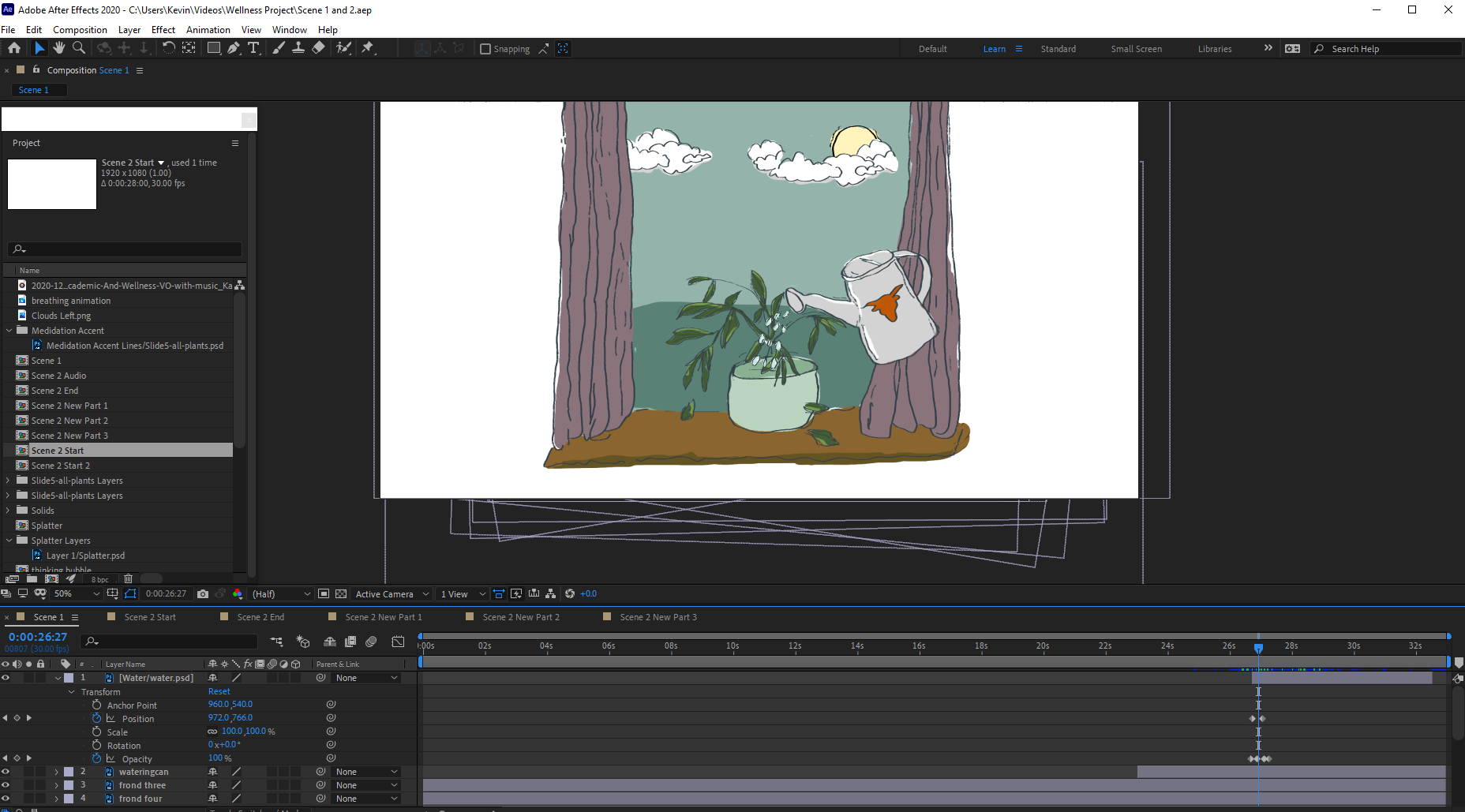
When the final assets were done, I uploaded them to box and got started on the animating. After Effects is a hefty program with a lot of buttons and my laptop was not prepared for it. Luckily, my brother let me use his computer for a few days (Thank You). I imported the asset photoshop files and got to work doing the different animations. This was a pretty tedious process that involved a lot of small changes to composition time, animation timing, and asset creation/tweaking as needed. Since we had already planned out what layers we needed for the animations to work , Angie and I split up the work based on the five scenes that needed to be created. I read through the wellness scripts to get an understanding of what actions needed to happen and when, then applied the earlier brainstorming on effects that could be used to execute the actions. This process involved a lot of learning as I went and looking up YouTube video tutorials. I mostly used the position, rotation, and opacity tools to adjust keyframes, but I also used the wiggle() expression to get some of the plant “shivering”. Something I learned you could do was use the panning tool to adjust the anchor point of assets, such that rotation would make the asset rotate from a different point. Due to deadline pressure, it wasn’t too feasible for me to learn a bunch of new, fancy effects. But I feel way more comfortable using After Effects now, and I definitely want to explore further. Here is a screenshot of what working on After Effects looked like.

When we were satisfied with a scene, we got feedback usually by rendering and uploading an mp4 file. Then we collected the dependencies and sent them to Poonum, who put all our compositions together on Premier Pro. This is a step that is necessary when collaborating on After Effects files with different people. Part of the challenge was figuring out how to do all the remote collaboration, and this process also got pretty tedious at times. The animation process took us two work weeks. It was so impressive to see it all come together. Poonum mentioned working together to create a KB for remote project/After Effects collaboration, which is a great idea.


The videos will be available for viewing on a Canvas module, so I also did a quick mockup of a way to display the resources. This would require some more effort and learning from the coding side though!


Final Reflection

The videos are done! I think! We wrapped up today. For me, the most important takeaways probably center around remote collaboration and also the topic of learning new things.

Remote collaboration was a big challenge throughout this whole process. This is something that has been pertinent throughout all of my projects at LAITS, as I often find myself wishing I was around other people to get those quick questions answered or to watch how other people do things. But it was applicable here on a new scale, as we had to figure out how to designate roles and split up tasks for a large project. The project puzzle pieces coming together was the best part of this project, for me.

In regards to learning new things, this whole project involved a lot of it. We pretty much created everything from scratch, other than the audio. To see it go from an idea, to sketches, to storyboarding, to assets, to animation, to a compiled video was such an amazing thing! It required a lot of question-asking, Googling, and guessing and checking. If someone had asked me to do this on my own, prior to working as an STA, I honestly would have been so frazzled and probably given up. But having everyone to bounce off of and the expectation that something would actually be completed by a deadline was a nice reminder that things can be done even if they are scary LOL. I am so proud of our team! Hopefully it all works out.

On a personal note, I decided to stop watching Naruto Shippuden and finish the original series first, which was so necessary. After watching too much Naruto over the break and skipping some filler, I have now returned back to Shippuden. I keep harping on Naruto because I previously held a strong loathing for anime, so this is actually very intense character development for me. One of the best parts about Naruto is the music. I particularly like Gaara’s Childhood Theme and this song. Thank you for reading hehe. Have a great last weekend before school officially starts again!

Filed Under: 2021 Spring - 2021 Summer, We are STAs

Study Tips and Wellness Video Project

December 17, 2020 By Athena Zeng

Study Tips and Wellness Video Project

A lot of things have been happening lately because I have started working on the study tips and wellness video project with Poonum, Angie, and Miguel! We are working in a very close-knit team to design and animate two different videos that will be used as pre-class activities for every class LAITS supports. We will be working on this project throughout winter break. Here is an overview of what has happened thus far.

Storyboarding

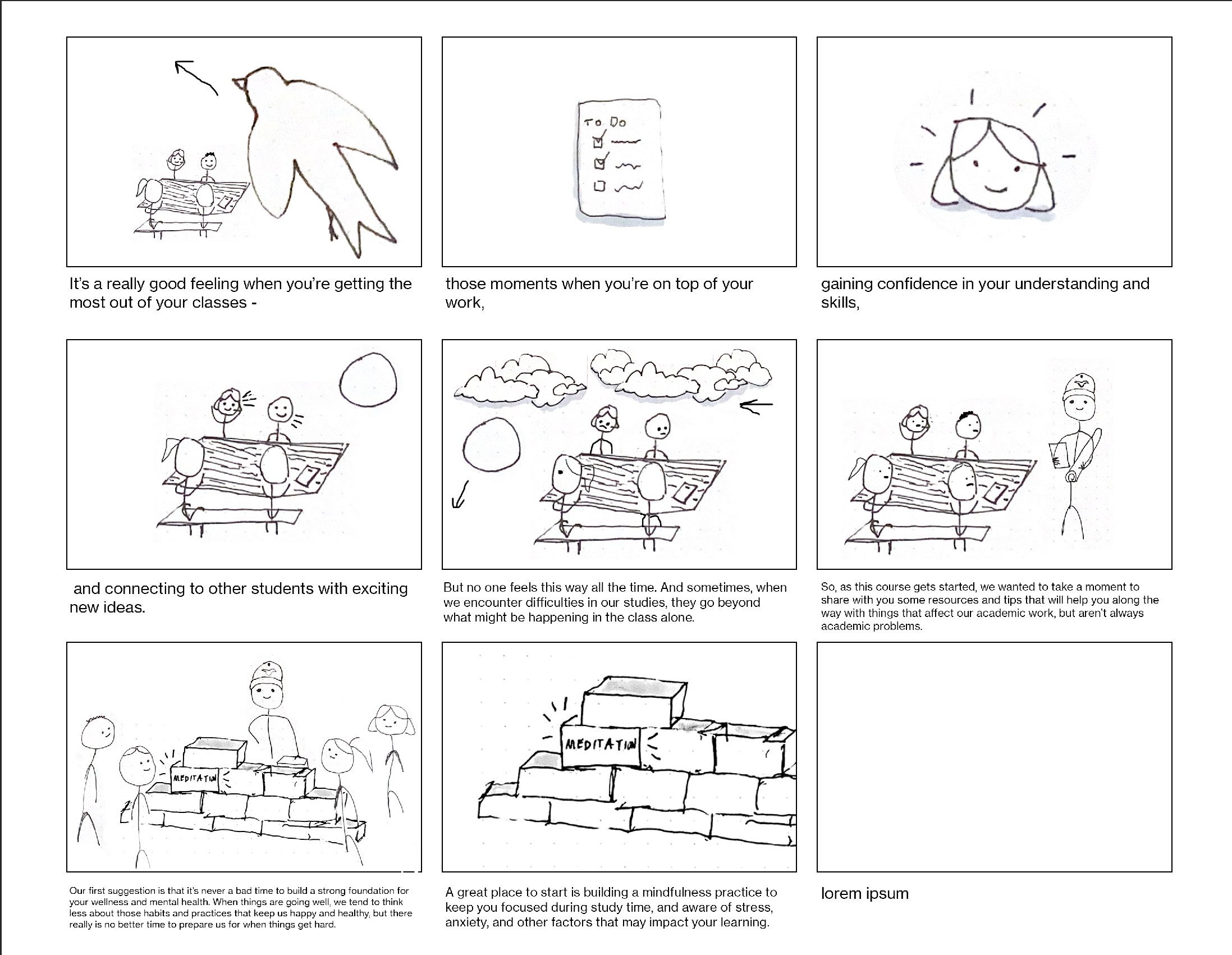
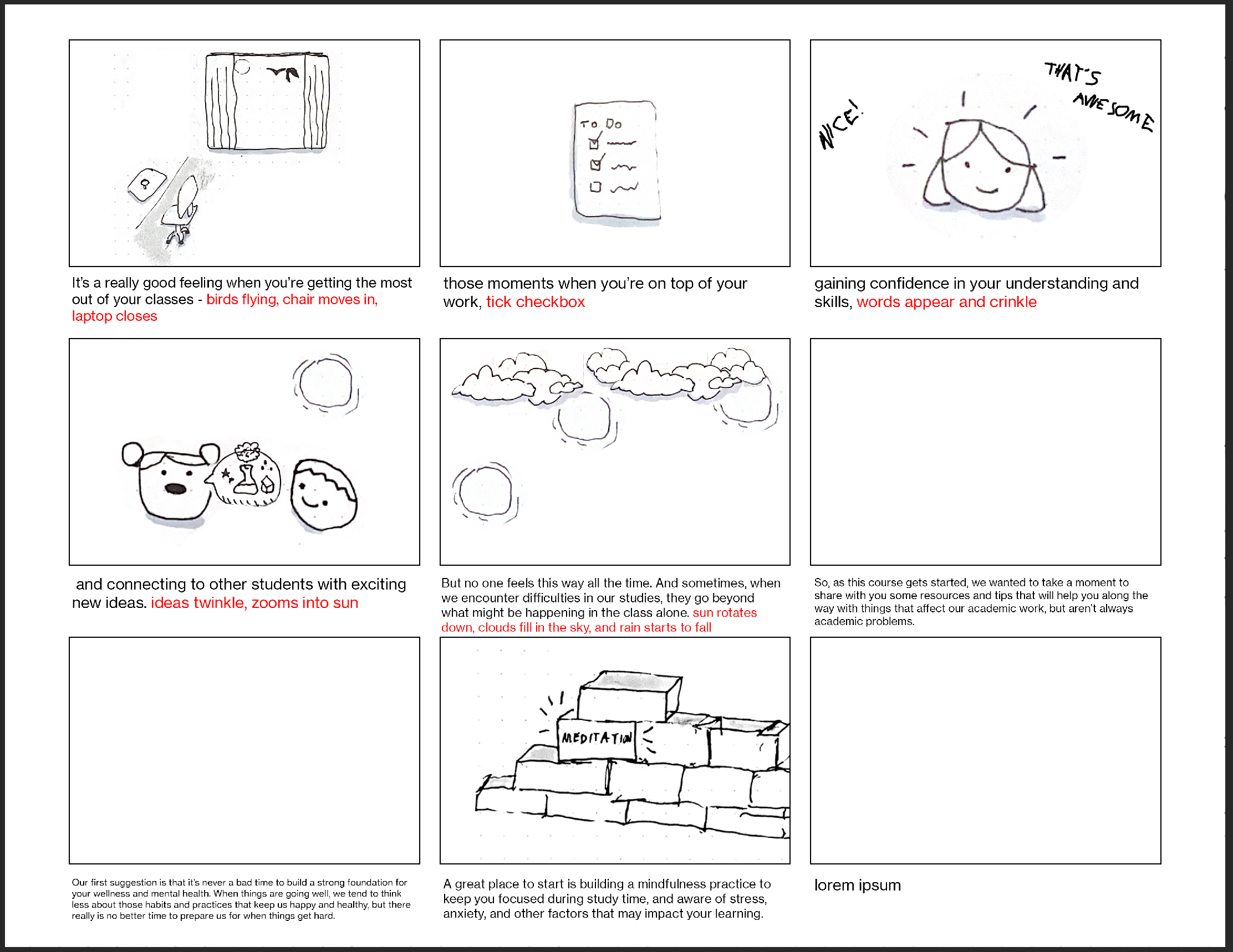
After meeting to kick off the project, it was decided that I would start off working mostly on the wellness video. The wellness video gives some guidance on the subject of being well amidst the stressors of life and school. Poonum is the project director/art director of our team, and she went over the script we were given to create a vision for how we wanted to tell the story visually. Initially, we were going to do stick figures, and I took a bit of time to create some storyboards. The first storyboards went through quite a few iterations. Pictured are the initial storyboards I compiled on Photoshop. Since I did not have a tablet, it was pretty tedious because I drew and scanned a bunch of individual pieces and moved them around.

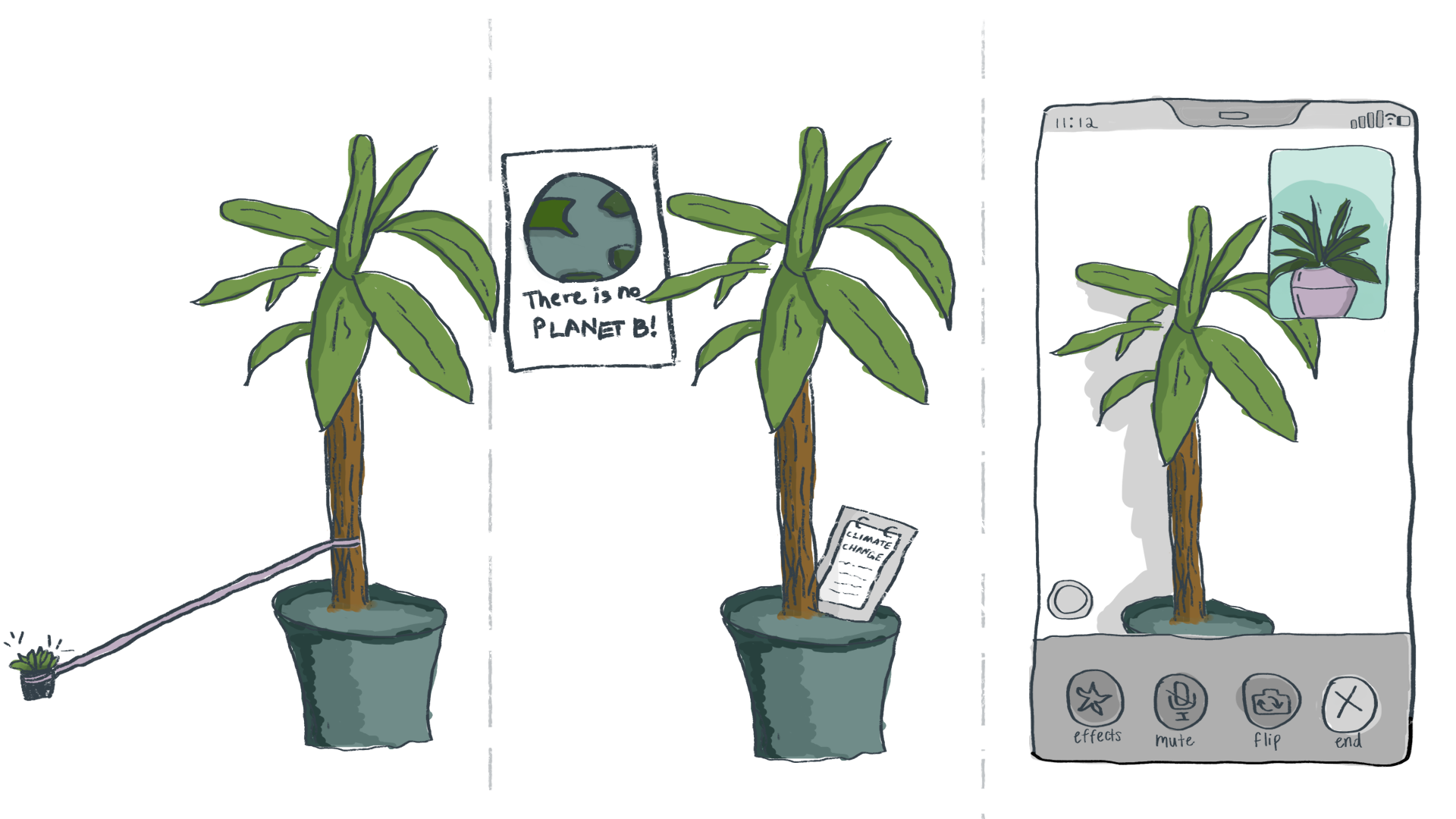
After getting feedback from Valerie and Maddy, we decided to change the direction of the art style. Stick figures (and people figures in general) are kind of difficult to work with, both from a representation perspective but also from an animation perspective. I then tried some more simpler frames with fewer things going on, as seen below, and with a sketched type style.

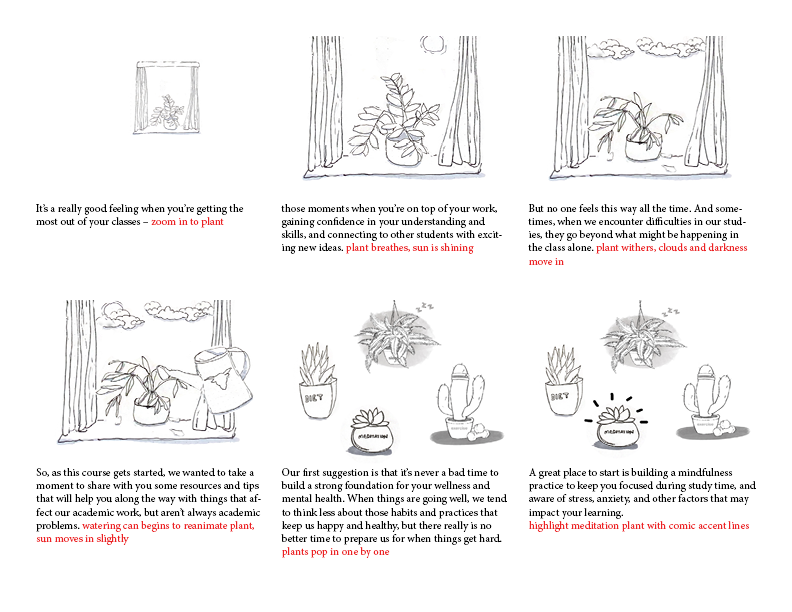
From here, we met for a longer amount of time with Maddy and Valerie to discuss art direction. We decided to go with plants! Which is very exciting and cute. Under this new direction, Poonum rewrote the vision on how we wanted to tell the story, and I started storyboarding again on pen, paper, Photoshop and InDesign. I still used Photoshop to move around the pieces and form frames in Photoshop, but then I placed them in a storyboard template I made in InDesign.

Asset Creation

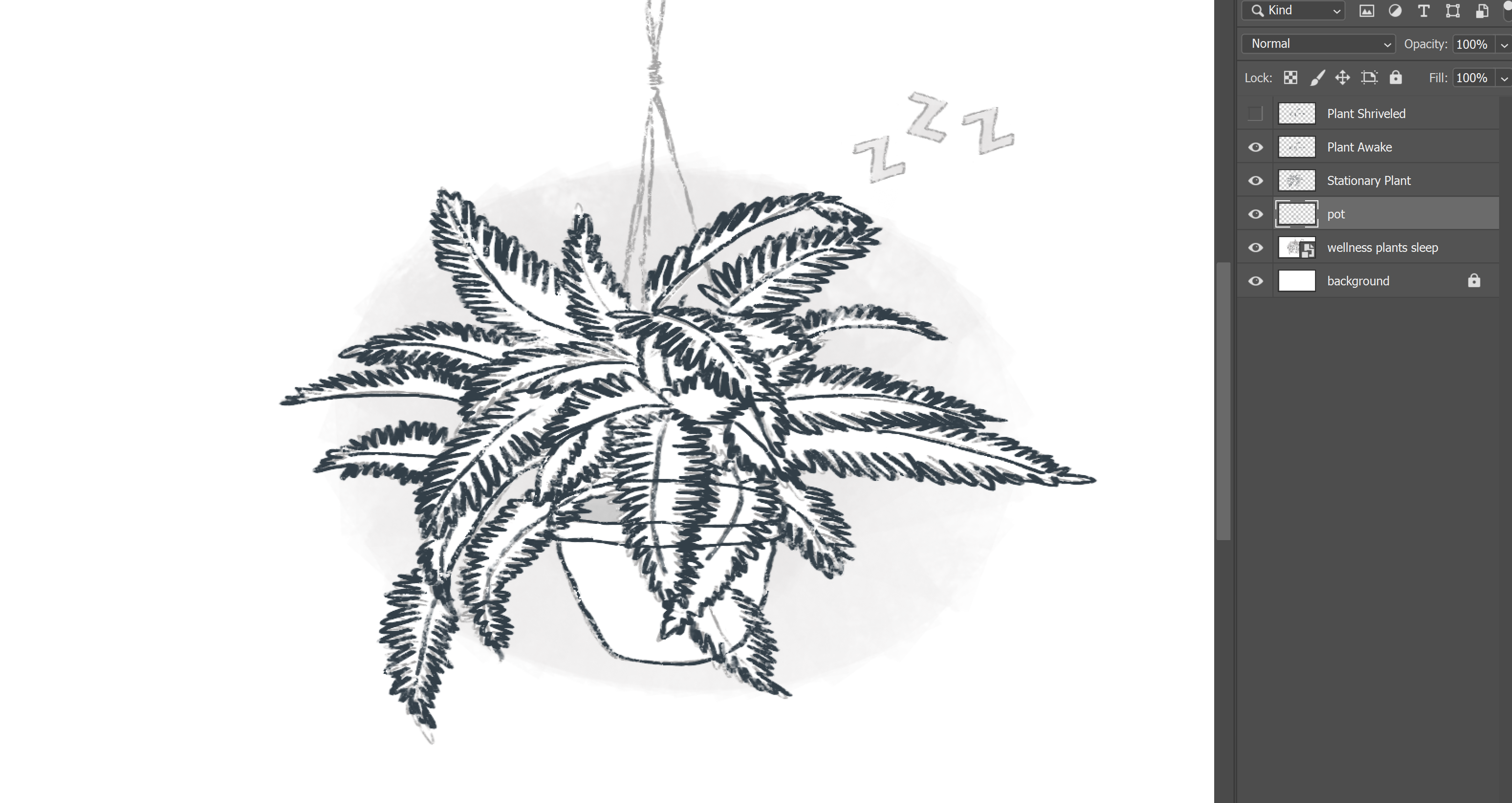
Then, we passed the storyboard onto the clients, and they approved the vision we created! So we began the process of planning out how we would be making the actual assets in the video. This required a lot of forward thinking as to how we would be incorporating animation. Everything that needed to be animated would need to be created on its own layer a Photoshop file, so we listed out all the assets that would need to be created to guide the workflow moving forward. That brings me to today, as I was working entirely on asset creation! The tablet I ordered came in today, and thank goodness. Here is a screenshot of me tracing over a plant Angie had created in the storyboarding process. You can see how the layers are versions of the different states of the plant.

Thoughts

This project has been so much fun so far! I really enjoy working in this close-knit team type style and observing how everyone’s individual efforts are piecing together. I’ve learned a lot about illustration, storyboarding, video creation, and project planning. I am very excited to continue working on this project and eventually see the final product. Outside of work, I just finished my last final of the semester yesterday night! Truly, I am so glad to be done. It’s so weird to think that I will soon be in my final semester of undergrad. Here are some songs I have been enjoying lately: painty paint pots and Sirena (idk how to type it). ALSO, Maddy said we might get Mother Earth’s Plantasia-inspired audio from the audio team, which I am so excited for because I love that album. Have a great weekend!

Filed Under: 2020 Summer | 2020 Fall

InDesign + AfterEffects Basics

December 5, 2020 By Athena Zeng

InDesign + AfterEffects Basics

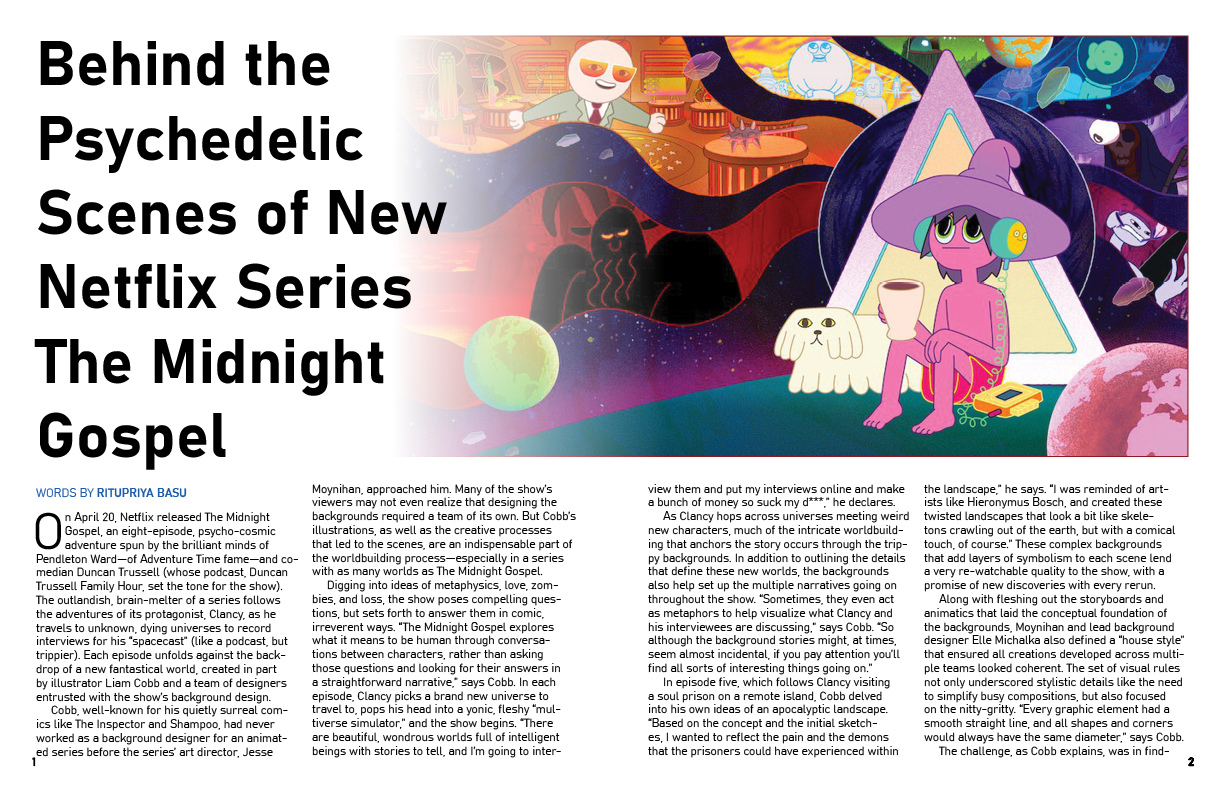
This week, I worked on two trainings- InDesign and AfterEffects. In the InDesign training, we were asked to create a four-page layout for a story about The Midnight Gospel (I really enjoyed this show). We were given the article and four pictures to incorporate, but other than that, we had a lot of freedom as to how we wanted our spreads to look. Here is the final result of the InDesign basic training. I used to do newspaper in high school, so this training made me very nostalgic :'(. I remembered some general rules from high school, but this training was cool because I learned a lot of shortcuts on InDesign that helped lend to greater design consistency. For example, I learned how to use master templates and how to create text/paragraph styles. I remember being so intimidated by InDesign in high school, but I had so much fun doing this training in this setting and would love to experiment more on InDesign. Also thank you to Megan for your help and guidance!!

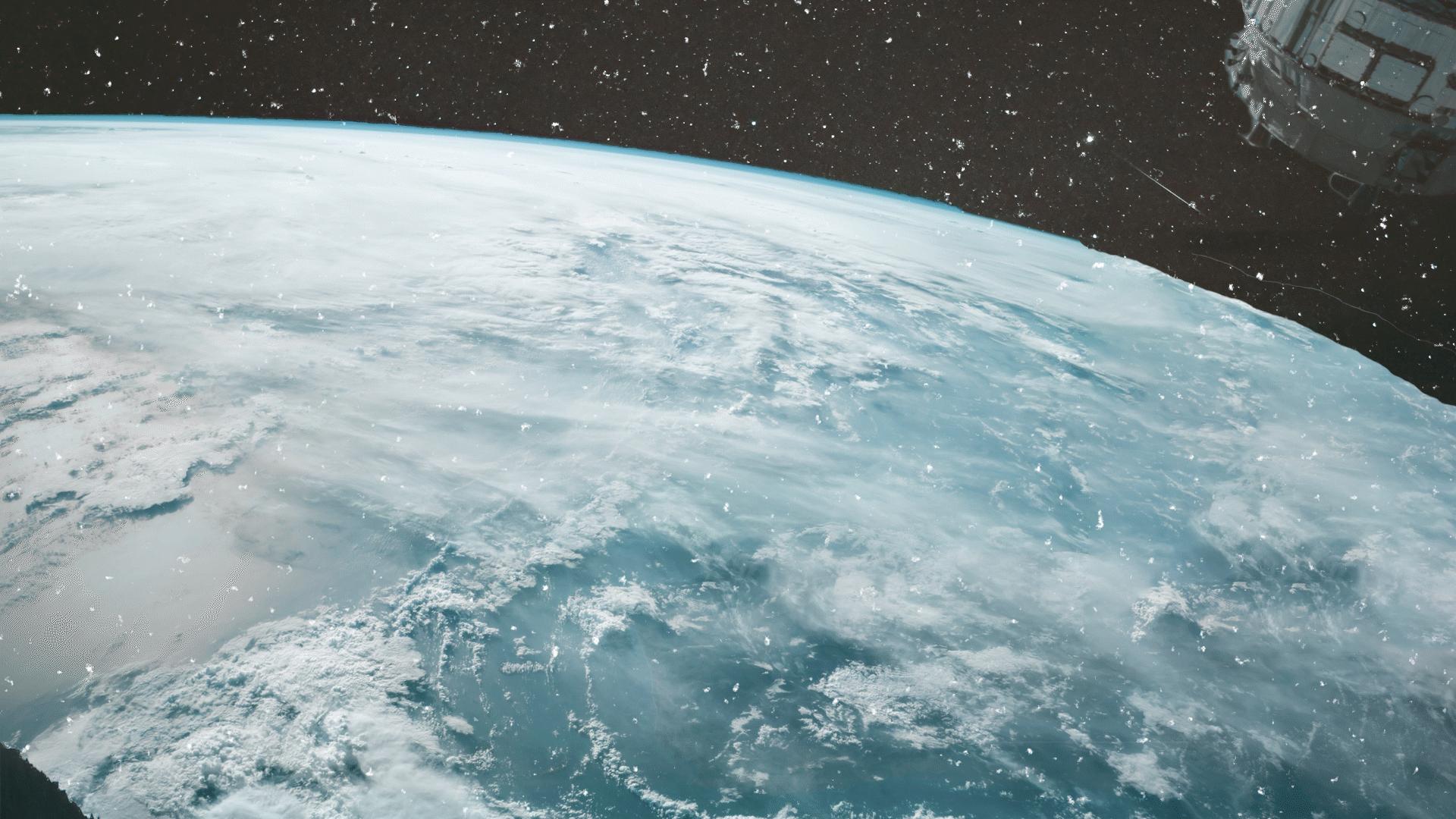
I have also been working on an Aftereffects basics for simple online graphics training. I decided to make an animation for a mock course on Earth’s Dynamic Movement. So far, I have made the assets on Photoshop and made an animation on Aftereffects. I am unsure about the actual graphic, but I think the main point is to understand how Aftereffects works in time for our winter break Study/Wellness video project (which I am excited for). After converting the composition into a GIF, I realized I had misunderstood the pacing (because I was only looking at the preview in the Aftereffects program), so I will need to adjust a bit to get the pacing to be less awkward. But it has been fun! The Aftereffects program was also kind of intimidating at first, but now it has become a little more intuitive, and I want to experiment more with all the capabilities and effects. You can see it here.

GIF

I am looking forward to the end of school! Having so much to do at once is very overwhelming, and I prefer having more compartmentalized focuses. Here is a song that makes me happy. Also, I am thoroughly enjoying Naruto Shippuden. Have a great weekend!

Filed Under: 2020 Summer | 2020 Fall

  • « Previous Page
  • 1
  • 2
  • 3
  • 4
  • 5
  • 6
  • 7
  • Next Page »

link to LAITS home page

Video STA Home

© 2025 Liberal Arts Instructional Technology Services | Production Credits