Post Orientation + Training Thoughts/Deliverables
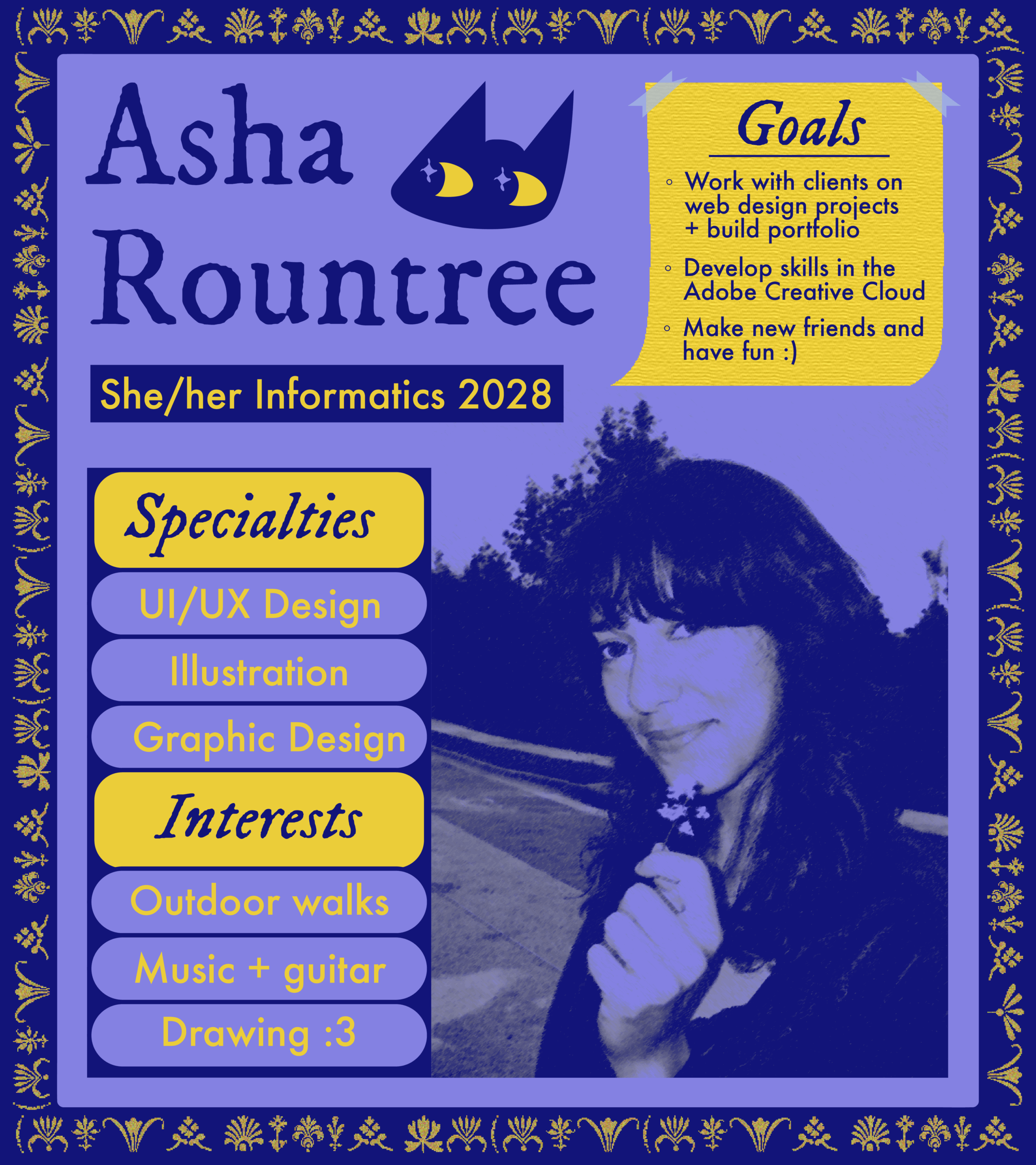
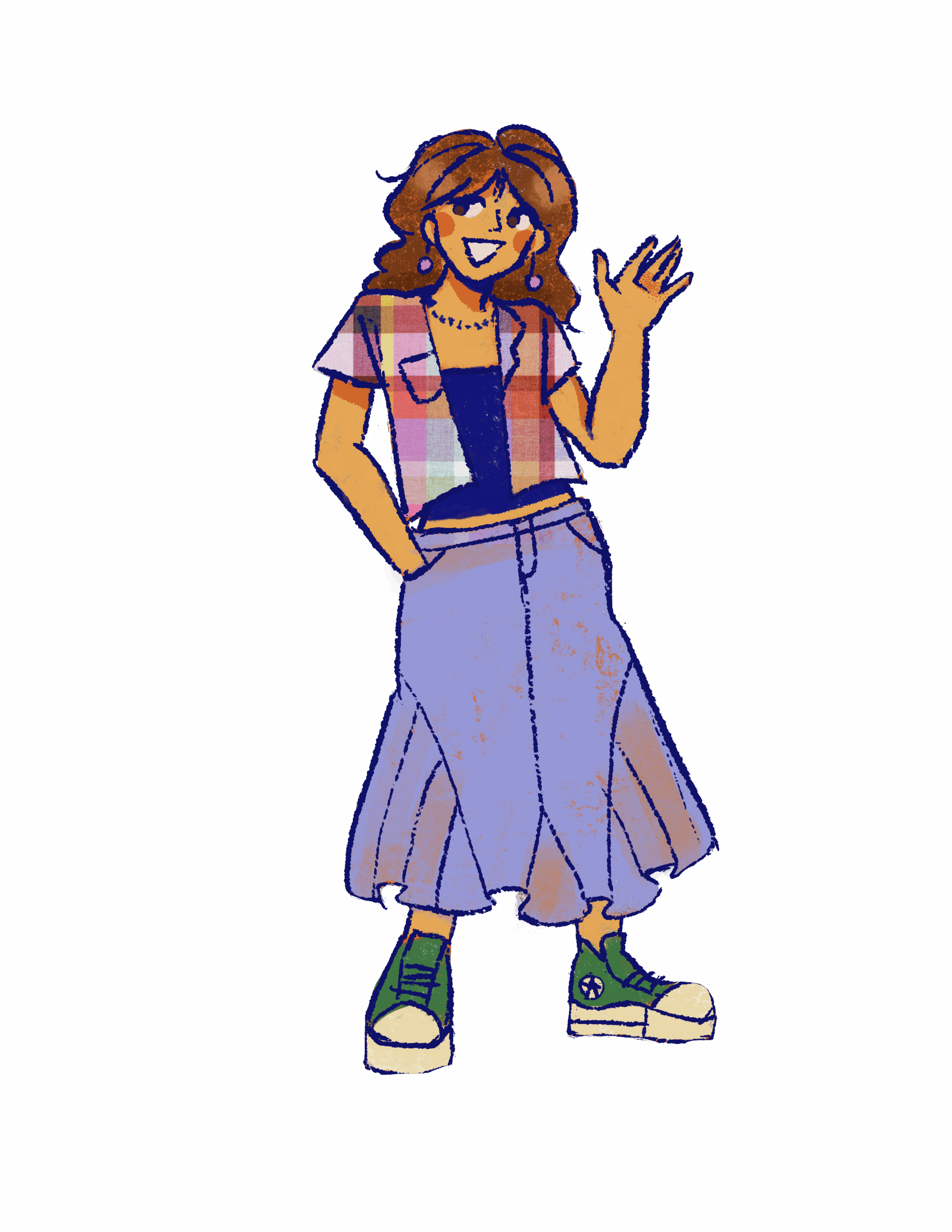
After spending the past few weeks working on completing the initial STA orientation and training tasks, I can say I’ve got a much better understanding of the different programs within the Adobe Creative Cloud. I had a lot of fun designing a bio for myself, especially playing around with image effects and patterns within Adobe Illustrator. I also enjoyed creating a caricature of myself on Procreate!
★ Orientation Graphics ★
★ Course Graphics Training ★
For this training, my main task was to create a comprehensive set of course graphics for a UT course. I chose to work on creating assets for LEB 320F Foundations of Business, Law/Ethics, taught by Professor David Quintanilla, as it is a course I am currently taking.
➜ Design Direction: My goal is to create a puzzle design that represents the intersection between law, business, and ethics, using distinct images from each field. Also, understanding law cases are about putting pieces of the puzzle together, so this imagery fits in multiple ways!
➜ Wall Monitor: Next, I iterated upon a wall monitor design.
Shown below is my first wall monitor design (left), and the design I created in response to initial feedback (right). After creating the first design, I was advised to add a more centralized component to draw attention to the presenter, and to follow a more collage-inspired concept.


After creating the second design, I received feedback that the central image was a bit distracting, and may take away attention from the presenter. To address this, I created a full collage with all images/cutouts equally emphasized. After playing around with color and texture, I arrived at my final wall monitor design:

This was my first time using Adobe Photoshop, so it took me a bit of time to get acquainted with all of the tools! However, I had a lot of fun, and definitely learned a lot, from using the background remover, overlaying textures, adding drop shadows, and more.
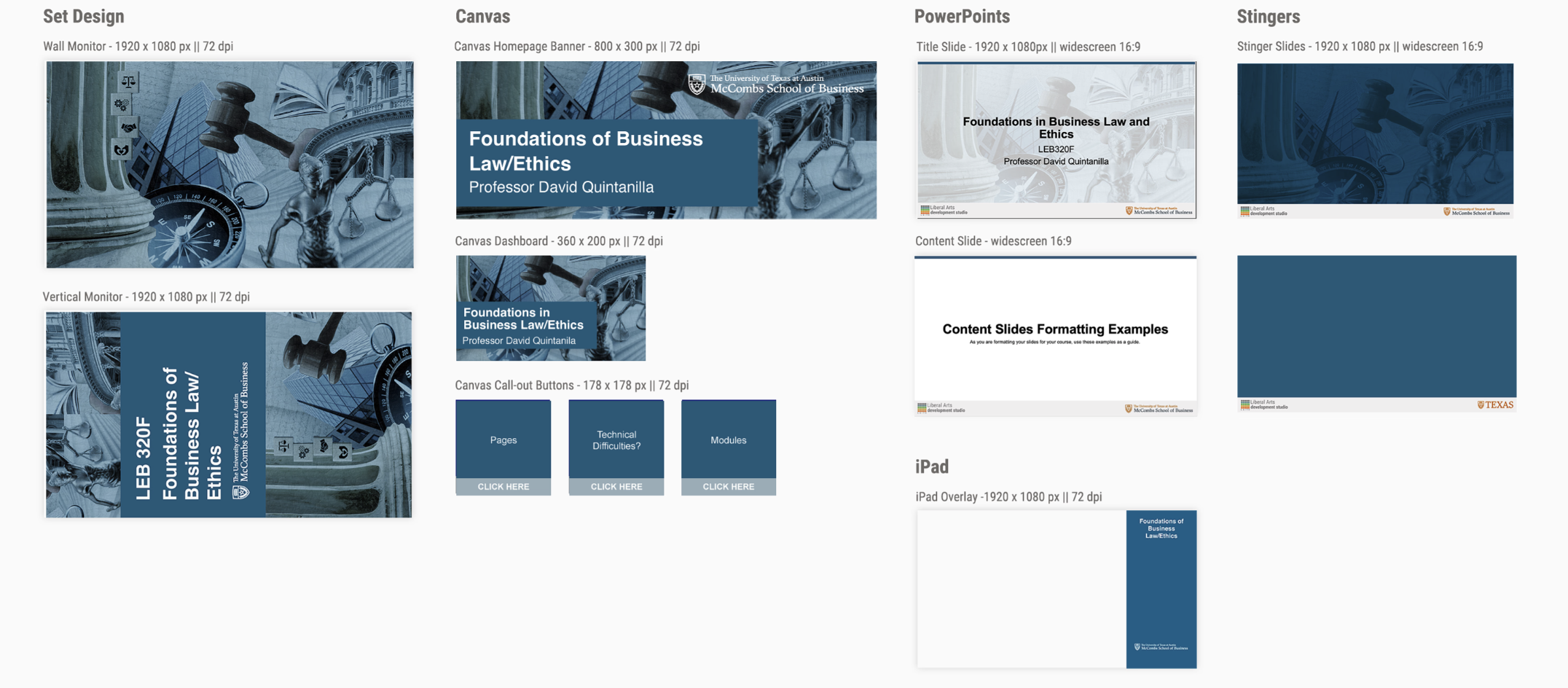
➜ Full Course Graphics Set: My next step was to use this main graphic/imagery to create a full set of course graphics, including a vertical monitor, Ipad overlay, canvas assets, and a powerpoint template.
➜ Reflection: I think this training helped me get over the hurdle of being intimidated of Adobe products and the vast amount of tools available within them. I learned that as long as you have a clear vision, and are willing to ask for help (thanks to Lila and Google), it doesn’t take too much for a design to come to life!