• We are STAs
    • Asha Rountree
    • Haley Ma
    • Kate Shih
    • Kyra Lee
    • Nicholas Peasley
    • Sasha Kenney
    • Shanda Horm
    • Shriya Atreya
    • Tomas Marulanda-Mesa
  • We were STAs
  • STA Presentation
    • STA Presentation 2017
    • STA Presentation 2016
  • Testimonials
  • Resources
  • Home

STA Blog

Week 1

September 12, 2022 By Carrie Wang

WEEK 1

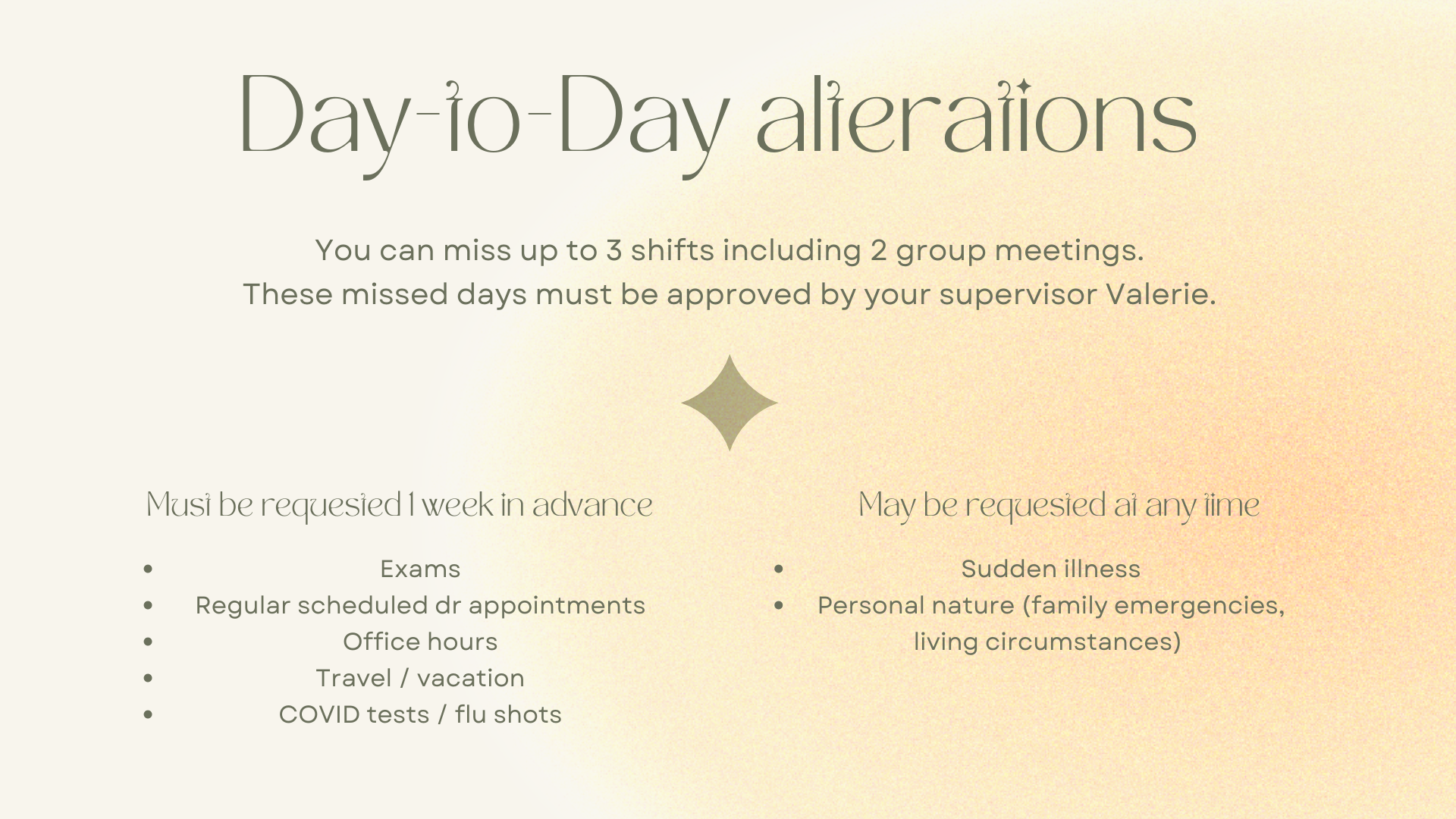
This is the first week for STA and it’s started with the orientation! I meet with my buddy and luckily find out it’s my classmate Luisa :). She’s very nice and teaches me how Workday, Harvest, BaseCamp, Box, and STA Blog function in their own ways.


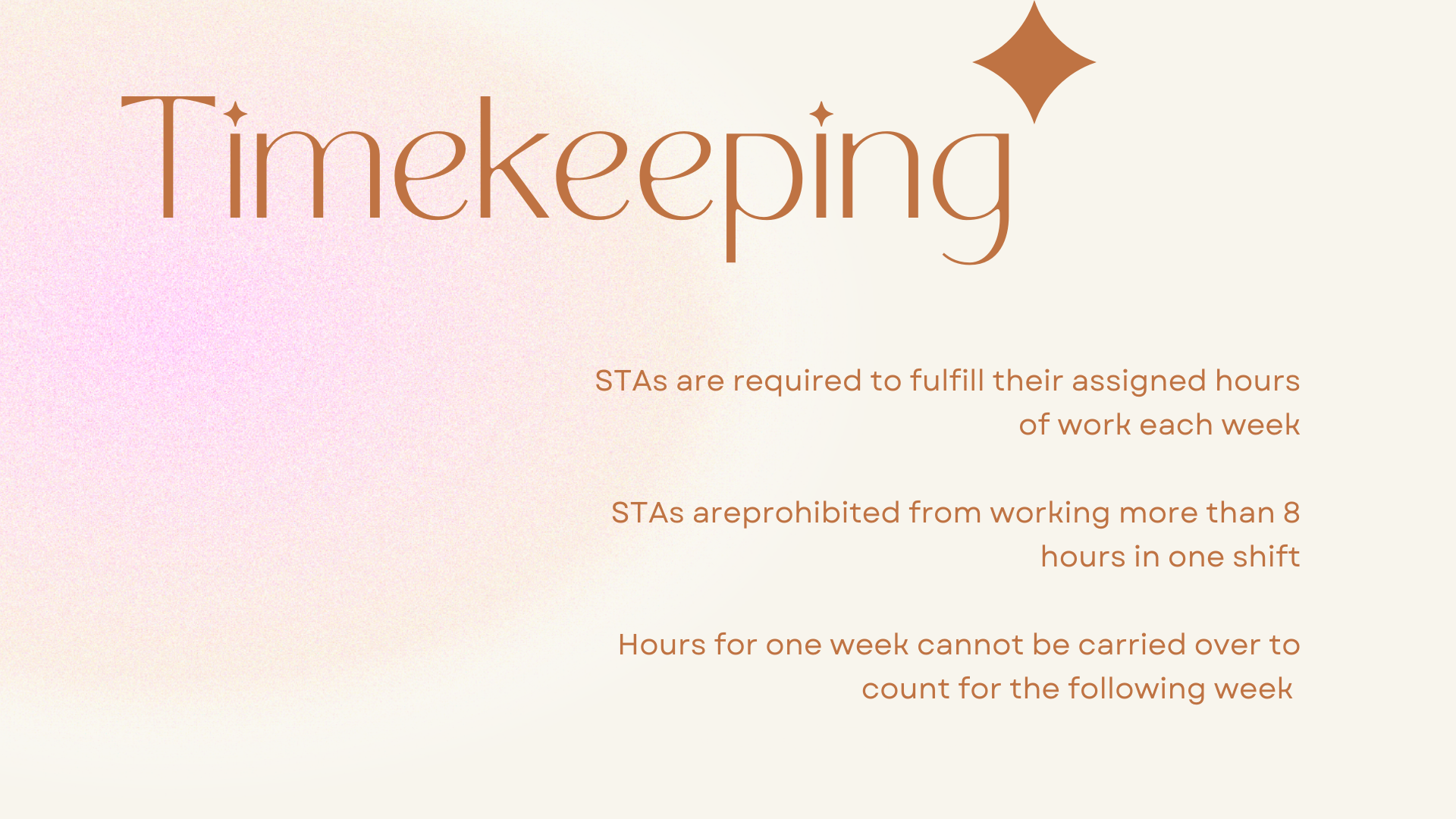
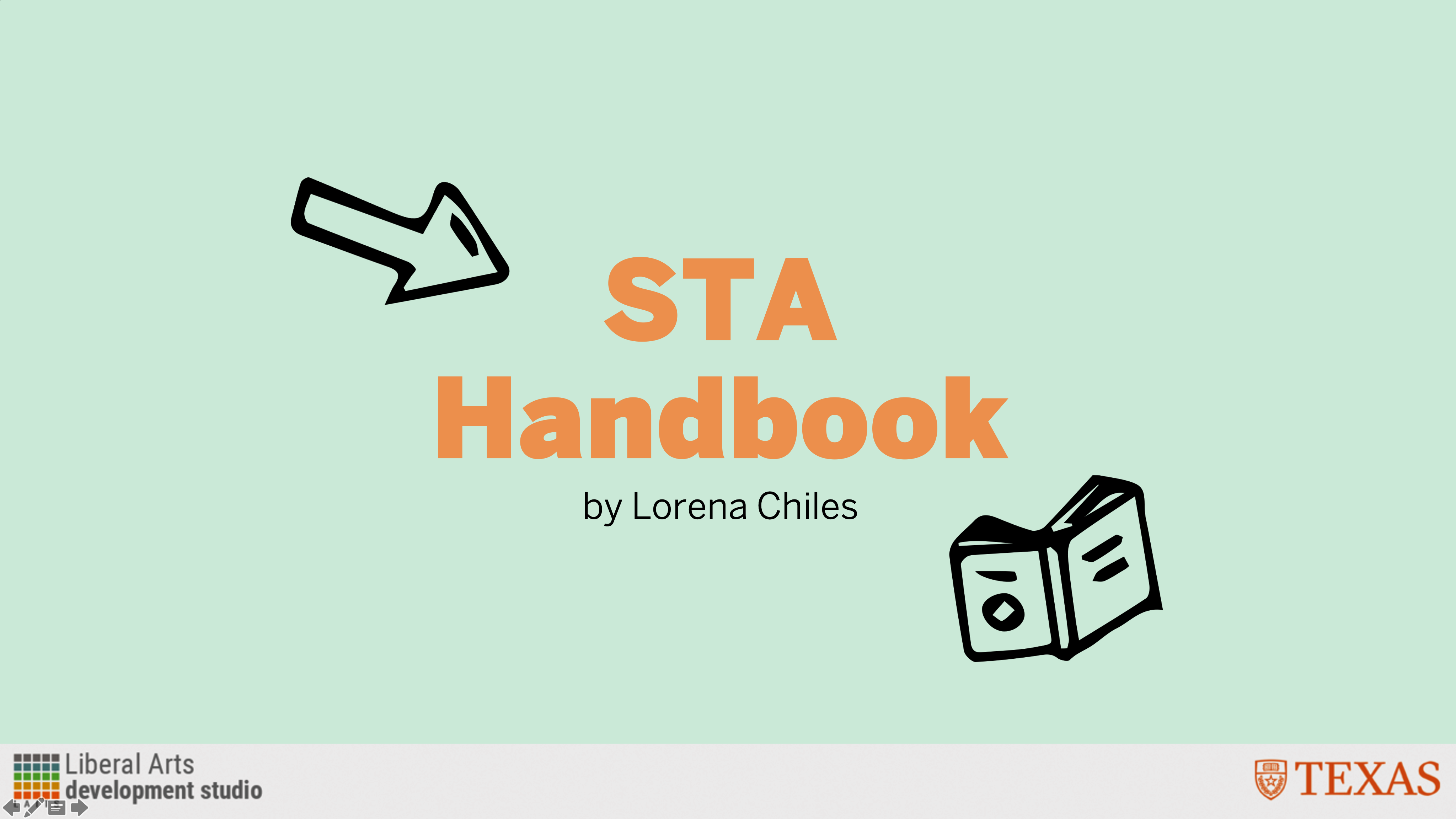
Project: STA Handbook Re-Design Slideshow

Start: September 7th 2022

Complete: September 7th 2022

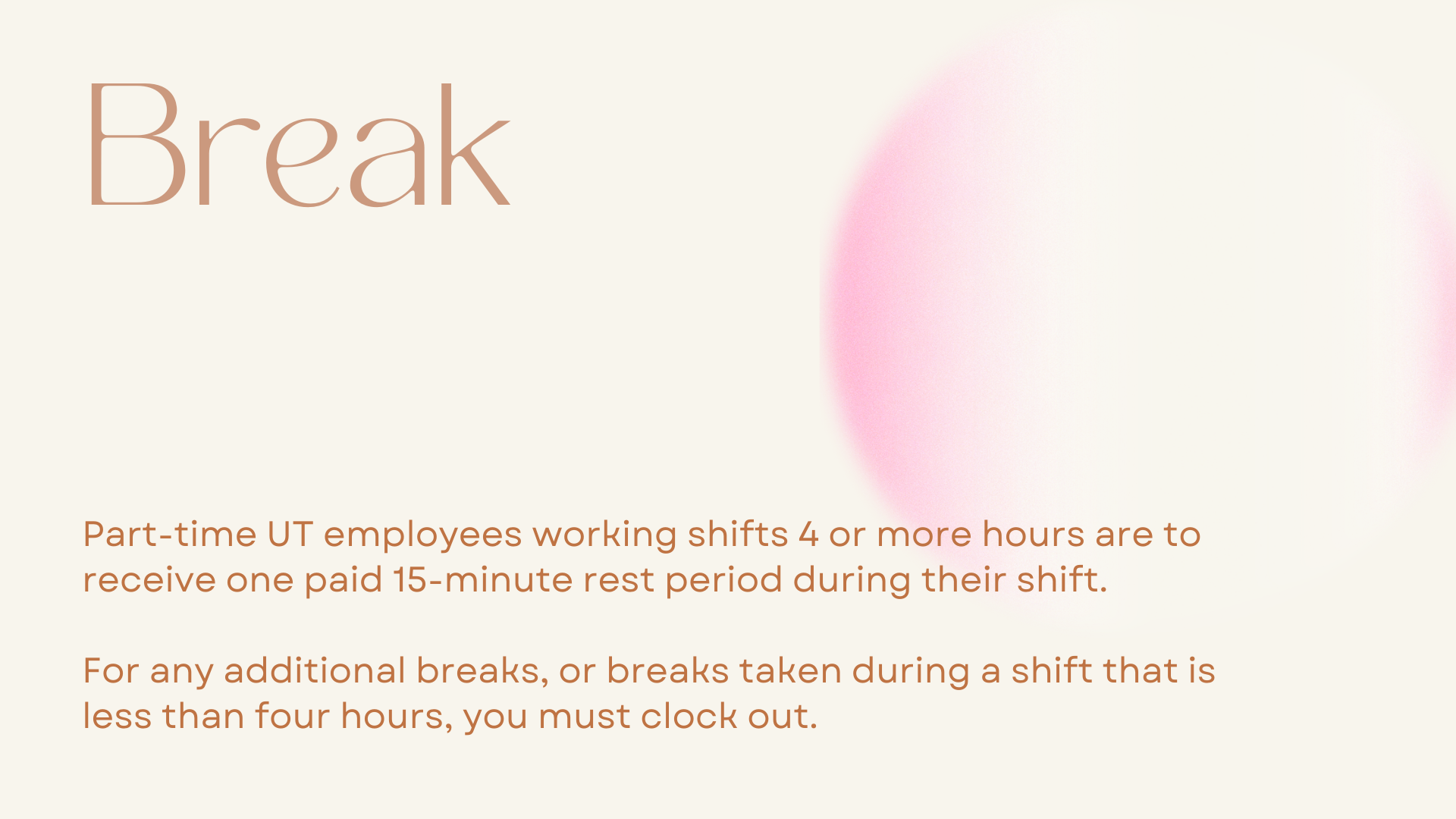
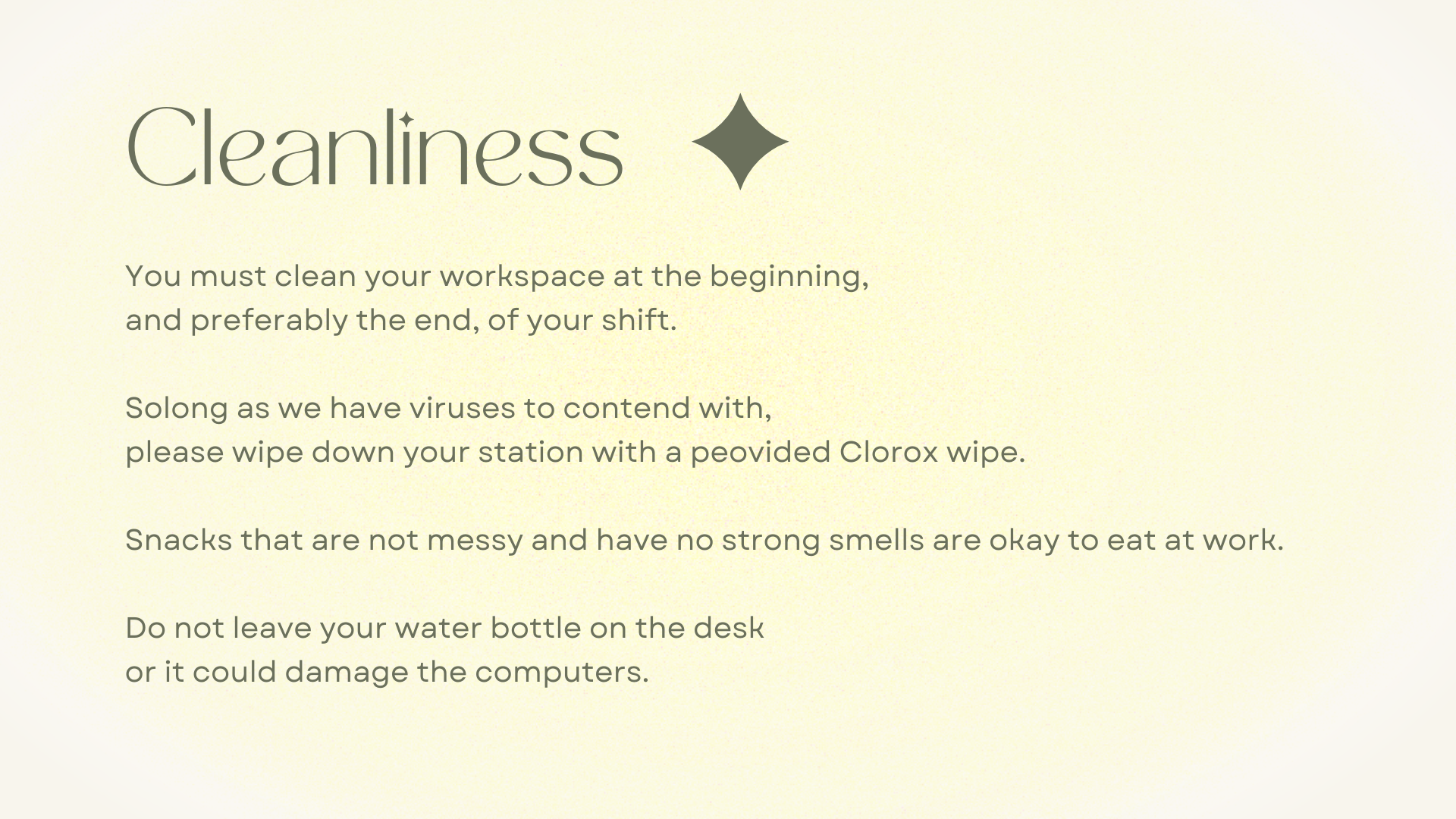
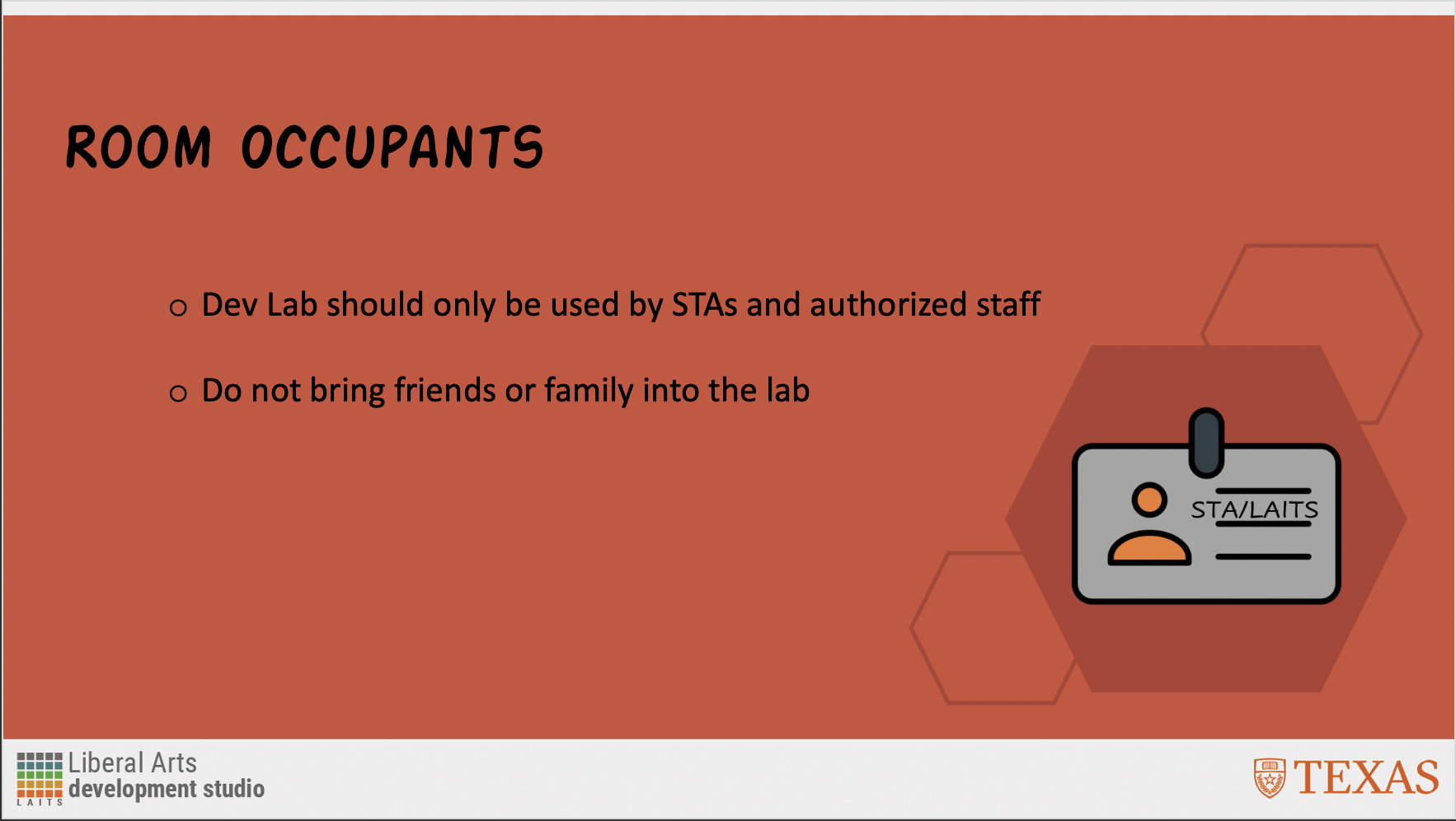
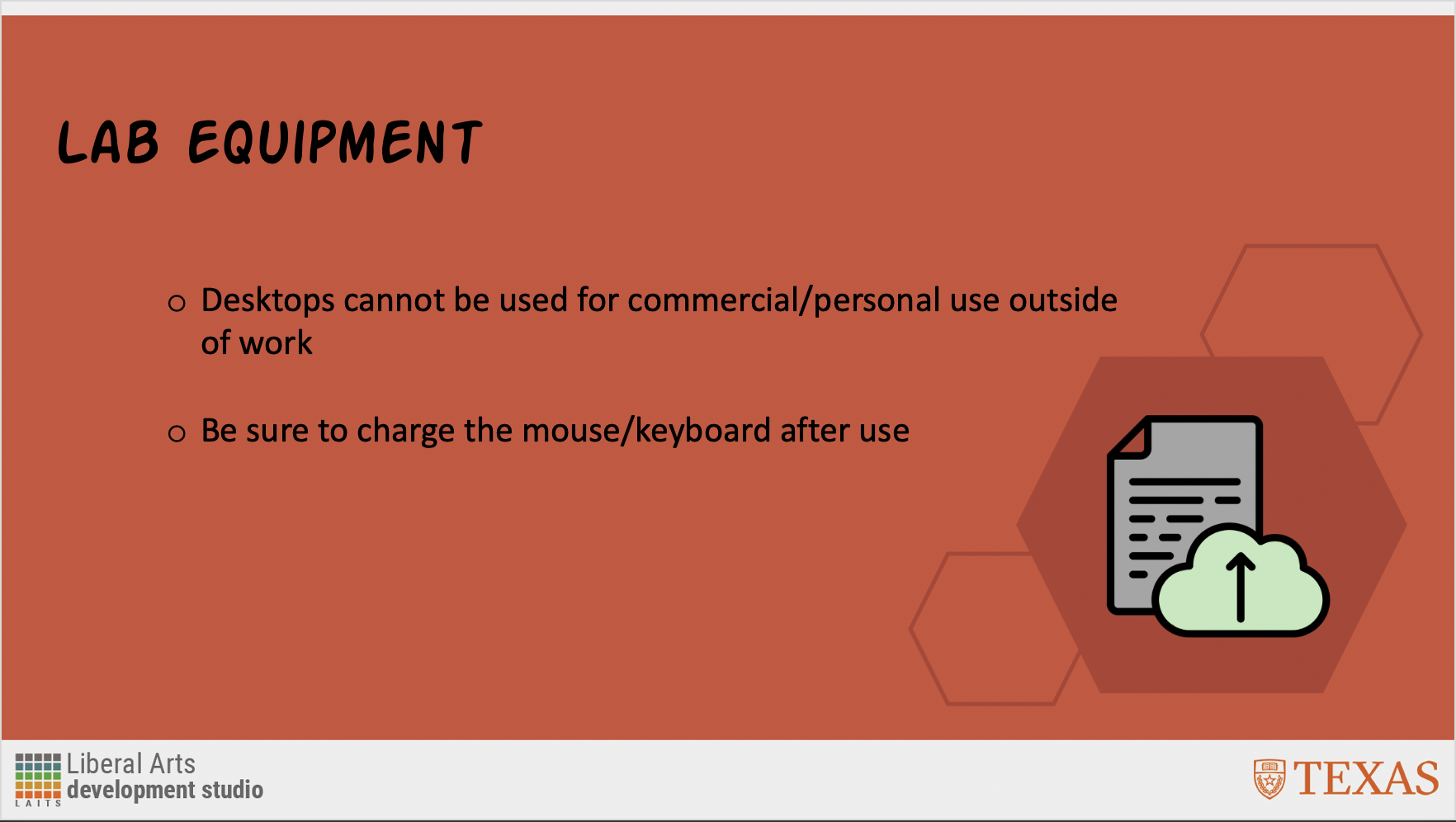
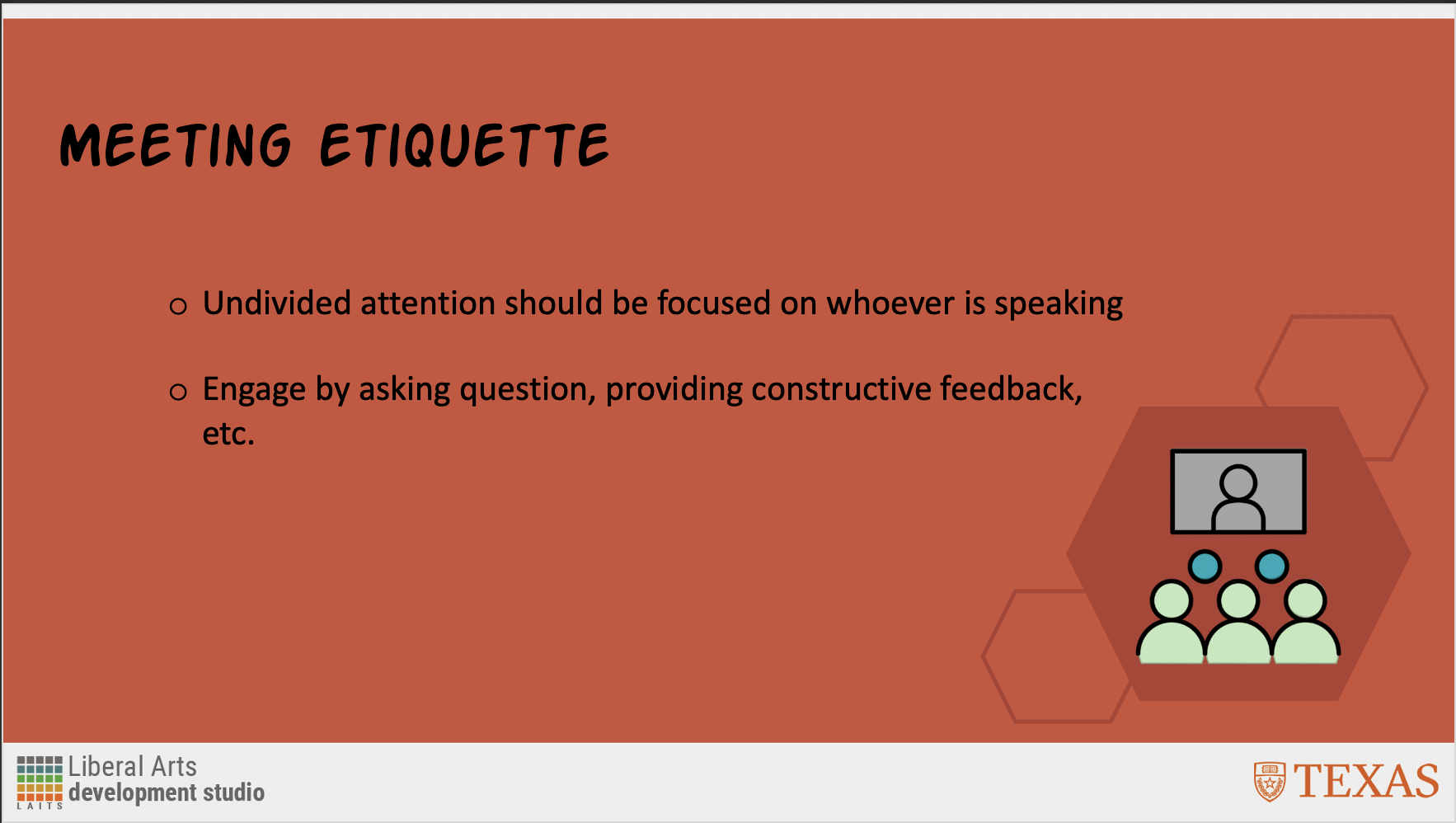
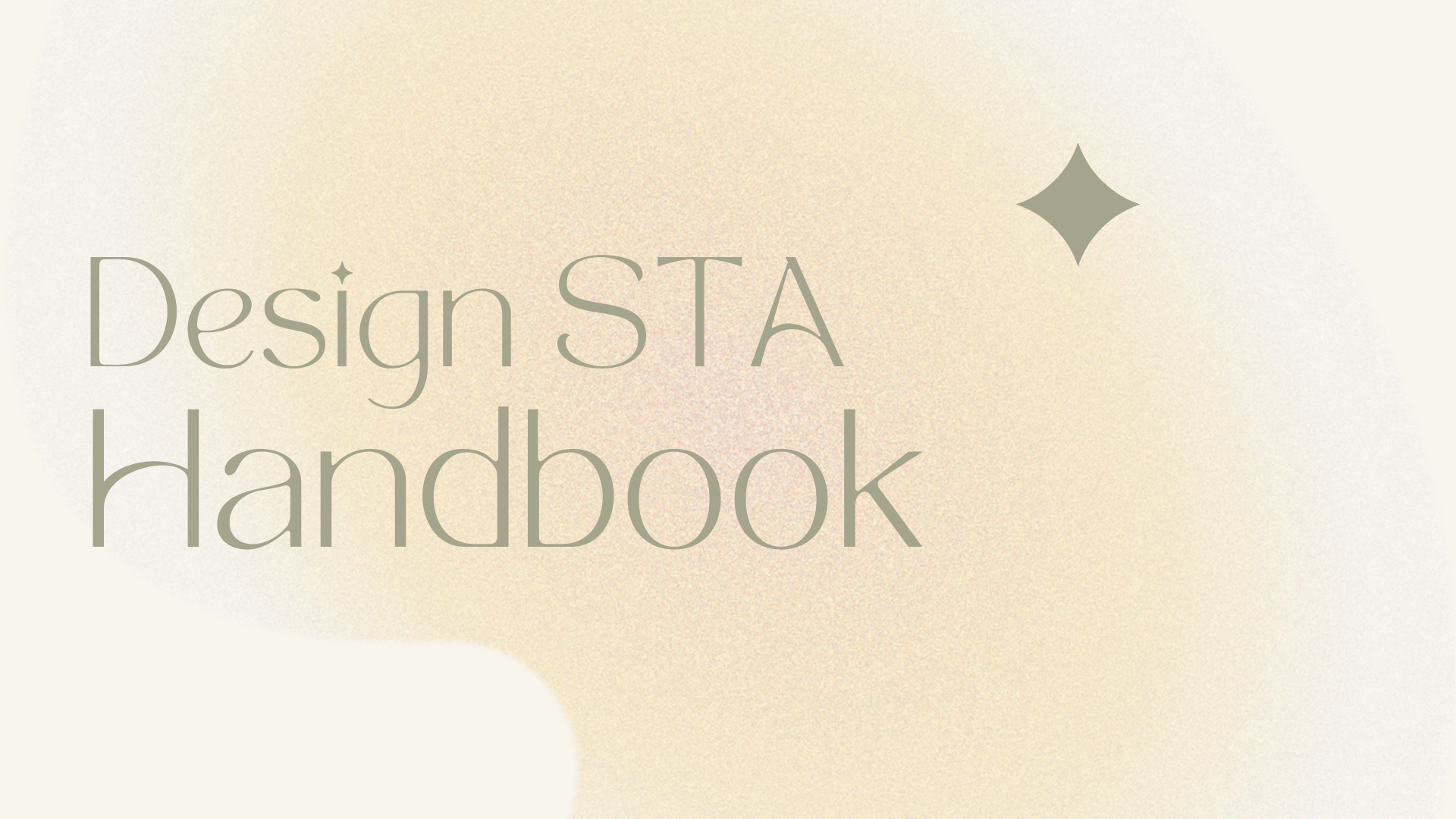
On the second day of the orientation, there are lots of individual works for me to explore. I start with re-design the STA Handbook in 5 slides. Here is my work:
 

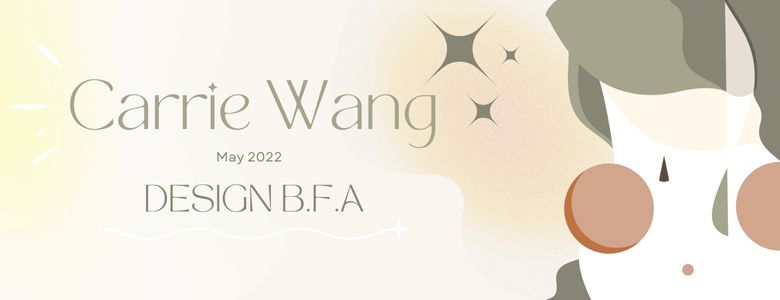
Project: STA Banner

Start: September 7th 2022

Complete: September 7th 2022

I then realized that the color palette and typography I chose for this assignment fit my personality and aesthetic style. Therefore, I decided to keep these elements in my Blog Banner design. I use Illustrator to draw a portrait of me and place it on the right side of me (the color of the hair in the banner is actually my hair color now!). The font I used is called Tan Mon Cheri, an exclusive font from Canva (at least it’s not useable in Illustrator). It’s been my favorite font recently!
Filed Under: Fall 2022 - Spring 2023

Orientation

September 12, 2022 By Lorena Chiles

Hi everyone, last semester I was a Content Management STA working on the COLA Web Refresh Project, and this semester I’m so happy to be returning to LAITS as a Design STA! I’m really excited to learn more about design and get more experience in the Adobe programs, and I’m especially looking forward to working with other STA team members this semester.

Last week I worked on a few things:

STA Handbook Slideshow

Started on: September 6, 2022
Completed on: September 6, 2022

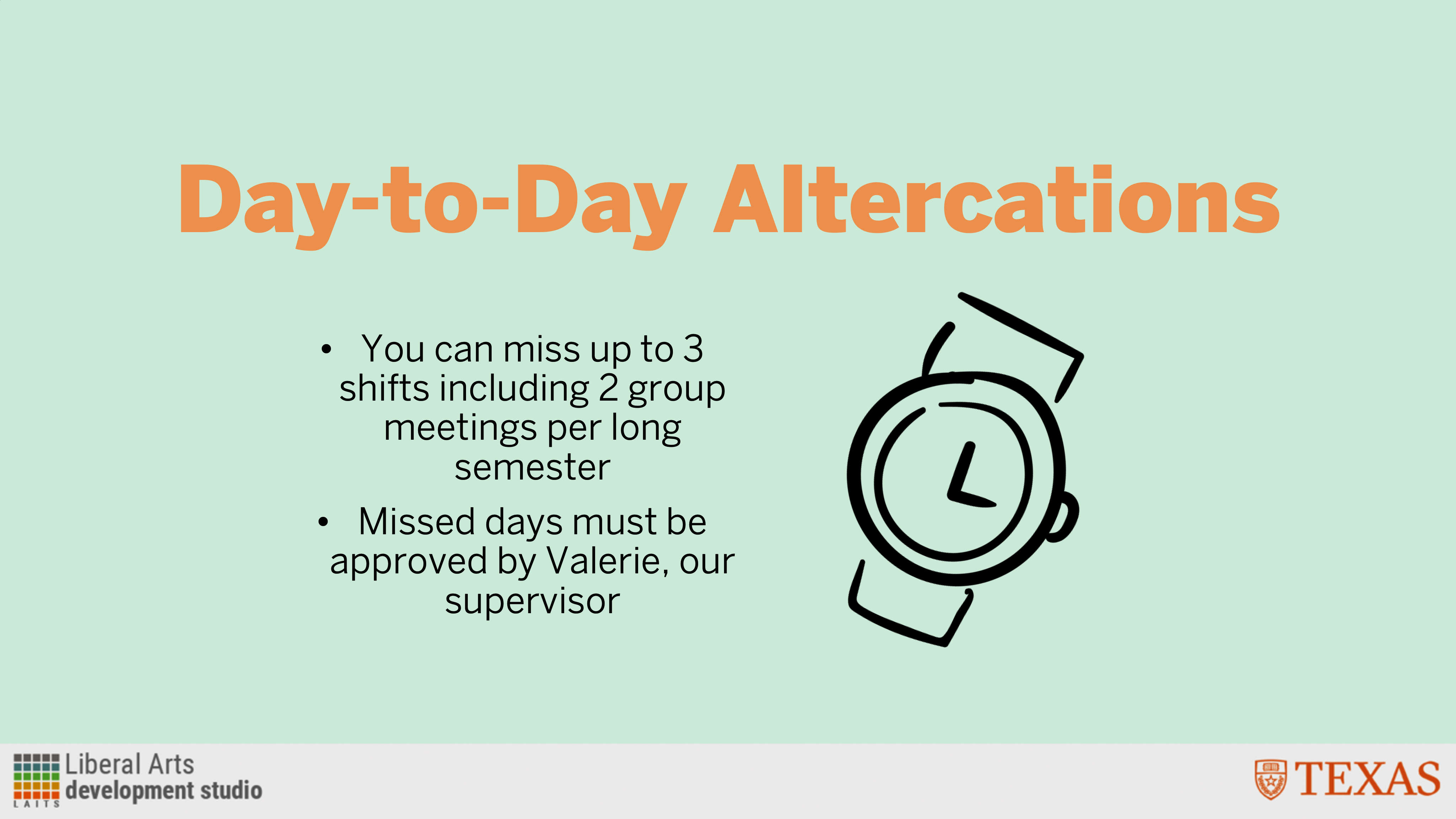
Description: Here I took 5 rules from the STA Handbook and made a slideshow out of them.

Logo Sourcing for History Conference

Started on: September 8, 2022
Completed on: September 8, 2022
STA Team Members: Maddy and Valerie

Description: I sidetracked a little bit from the orientation projects to help Maddy with finding department/organization logos for an upcoming History Department conference. I located logos for 9 different departments/organizations and included some different file types or logo versions for Maddy to work with — when I could find them, at least! Valerie stepped in to find a surprisingly elusive logo version of the College of Education (thanks Valerie).

STA Blog Banner

Started on: September 6, 2022
Completed on: September 12, 2022

Description: I made my first STA blog banner! I started on this last week and have been working on and off on this until finishing this version today.

And that’s all I have to share today, thanks for reading!

Filed Under: Fall 2022 - Spring 2023

Orientation Day – A Week at LAITS

September 12, 2022 By Thang Truong

Howdy ya’ll,

This week, I have a lot fun getting to know everyone at LAITS and start to learn about all the software and past project relating to website development. I hope throughout my journey at LAITS, I can grow into my best version of myself and become better at my soft skills and hard skills.


Banner Design & Portrait Photo

I finished my banner and my portrait for LAITS. This is also my first time getting to draw in Procreate and export it as Photoshop file.

Project: Banner Design & Portrait Photo
Client /Prof: STAS
completion status: Started Sep 6 2022
description/plans: Design banner and my portrait photo.
To be completed: Sep 12, 2022

Filed Under: Fall 2022 - Spring 2023, We are STAs

Week XLVI

September 9, 2022 By Adrian McKee

Week XLVI

Yes, I am officially acknowledging I skipped a week, since we had an orientation in place of the meeting, and were given semiofficial permission. Anyhow, it’s been a slow bunch of little tasks, as usual lately.

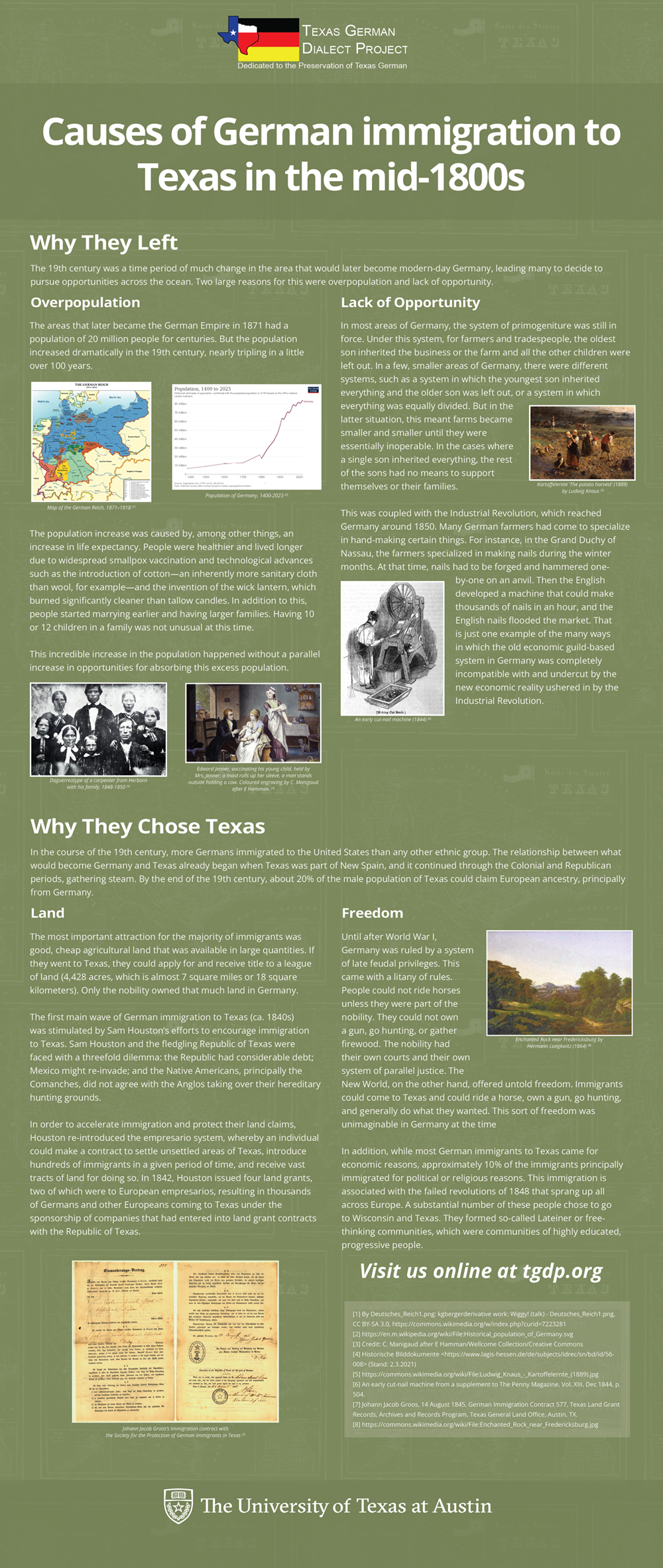
Texas German Dialect Project

Back on this with a new draft. Font size has been made smaller (smallified) for some breathing room. Nothing radical, but steady progress. I forget which month this was supposed to be finished in.

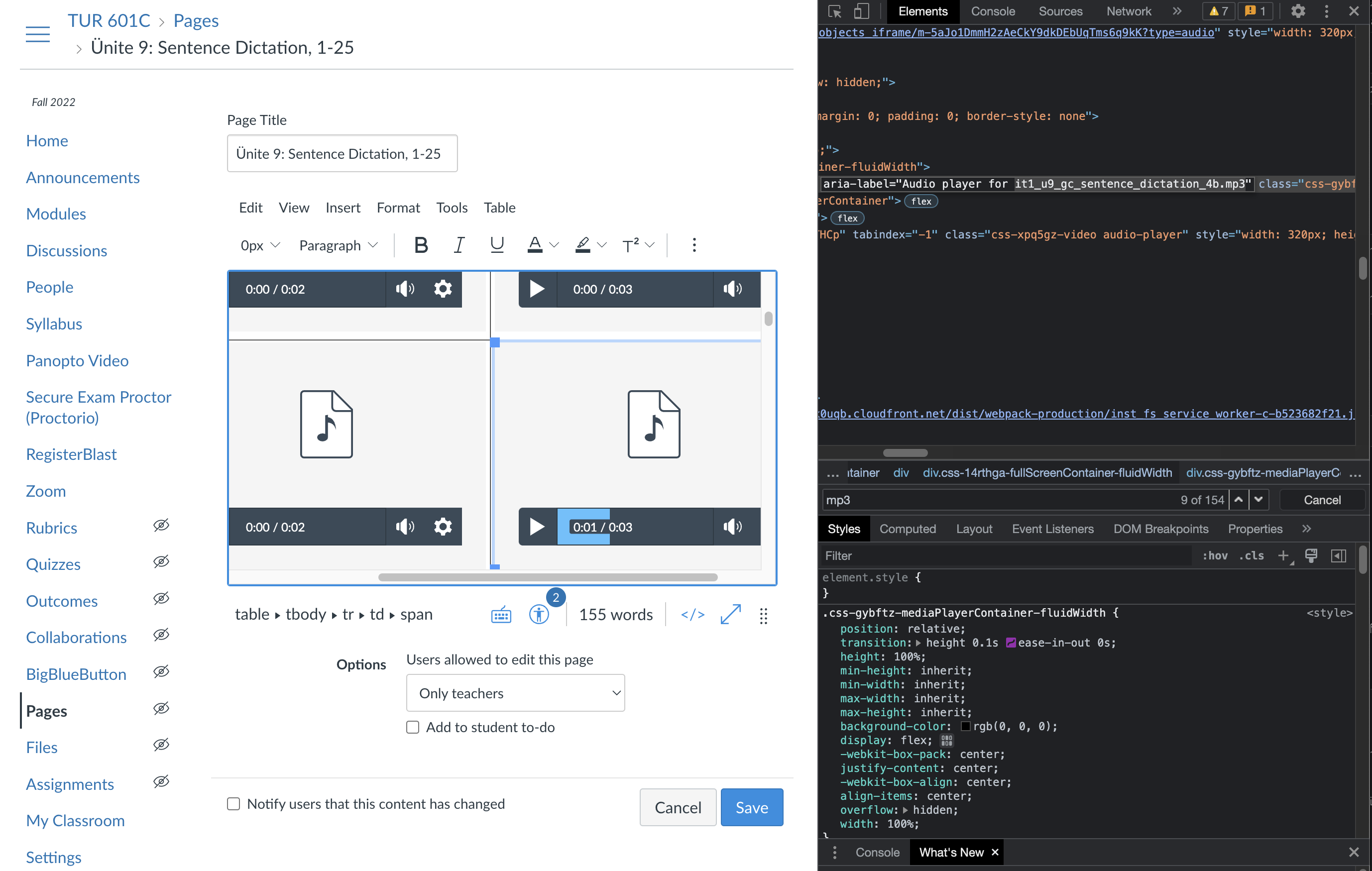
Intermediate Turkish – transferring content from OCILL

This one was interesting. Mariannne recruited me to help fix some broken MP3 files in Canvas. I’ve never touched Canvas editing before, but it was simple enough, just using inspect element to track down the missing file name and a built-in editor to re-attach it.

Photo IDs

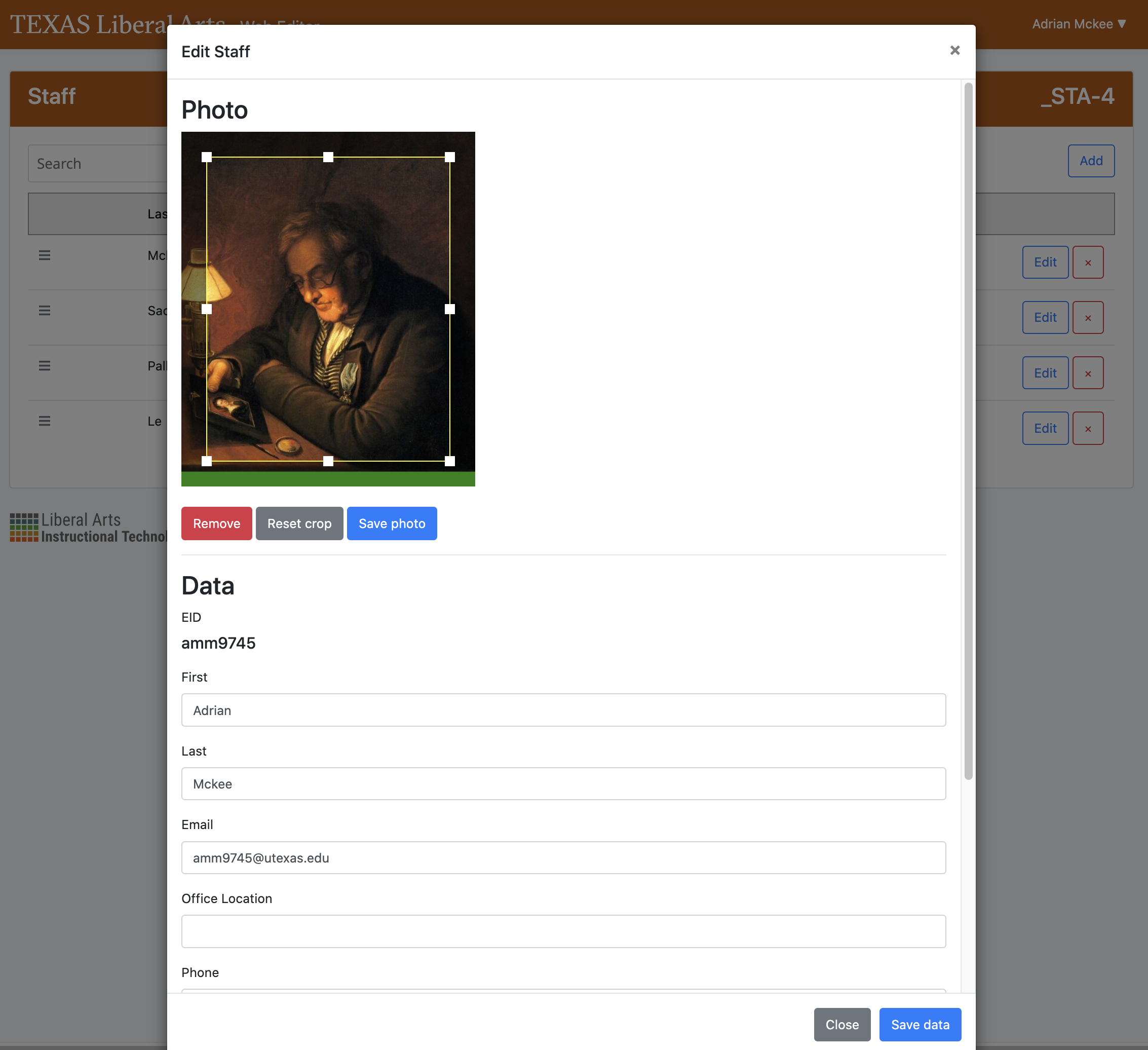
This week has been more of the same, but with a big update – Andre the API is being retired! That means no more manually editing and uploading photos! I got to test out a new interface which the faculty/students will be using from now on to upload their profile pictures more like a Facebook photo, with a built-in crop tool, rather than creating busywork for us STAs.

It’s much more efficient, and I’ve wondered why something like this wasn’t done years ago, but it’s a little sad too – I’ll miss the tedium of Photo IDs! Well, maybe not tracking down all the missing ones.

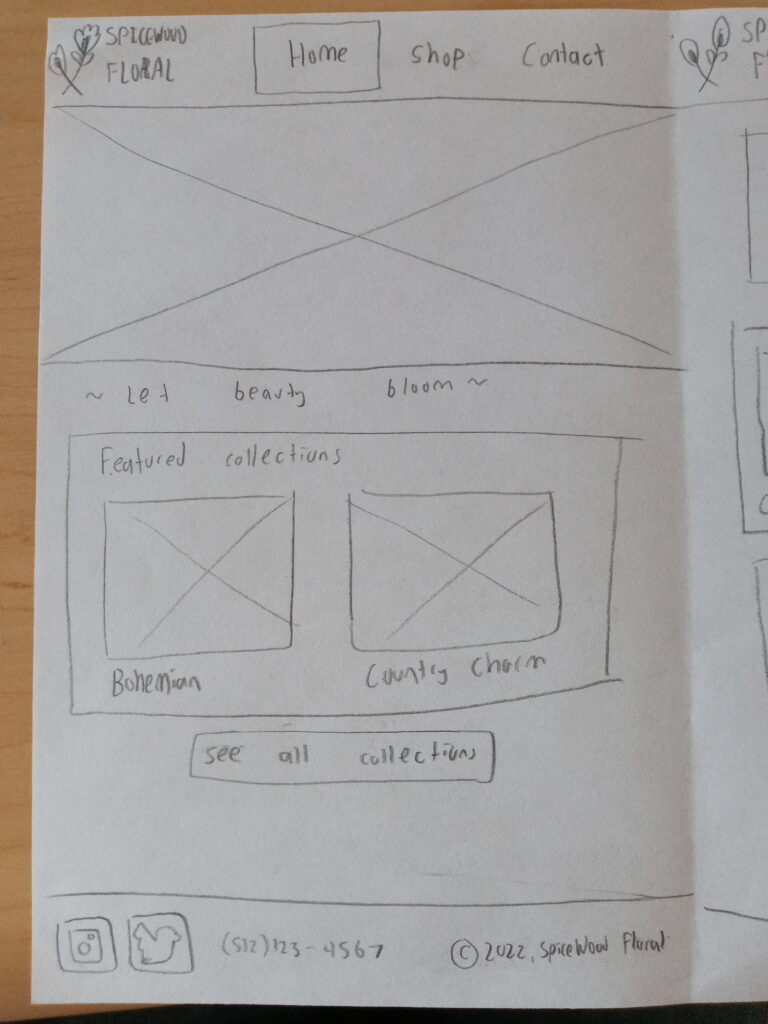
Intermediate Training: UI/UX with Figma

I’ve finally gotten to the point where I have my first page mostly-sort-of-kinda-constructed-ish in Figma. Here’s the draft drawing and the mockup side-by-side.

My workload is lightened with the Photo IDs wrapped up (forever…) so this is a good training to sink some time into while I wait for new projects to pick up steam. Figma has a LOT of room for trial-and-error learning.

Filed Under: Fall 2022 - Spring 2023

STA Orientation PPT

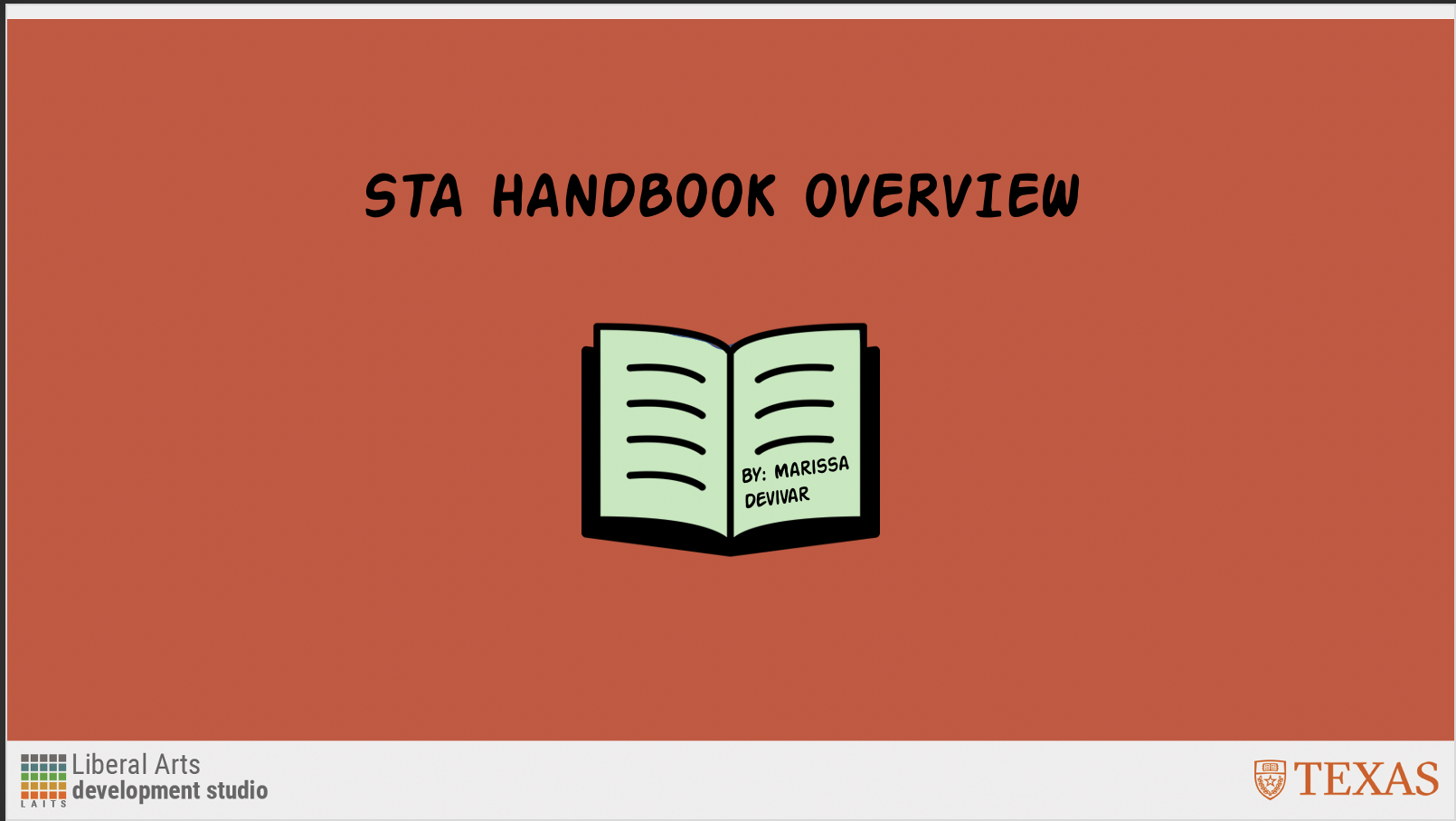
September 8, 2022 By Marissa Devivar

Project: STA Orientation PPT
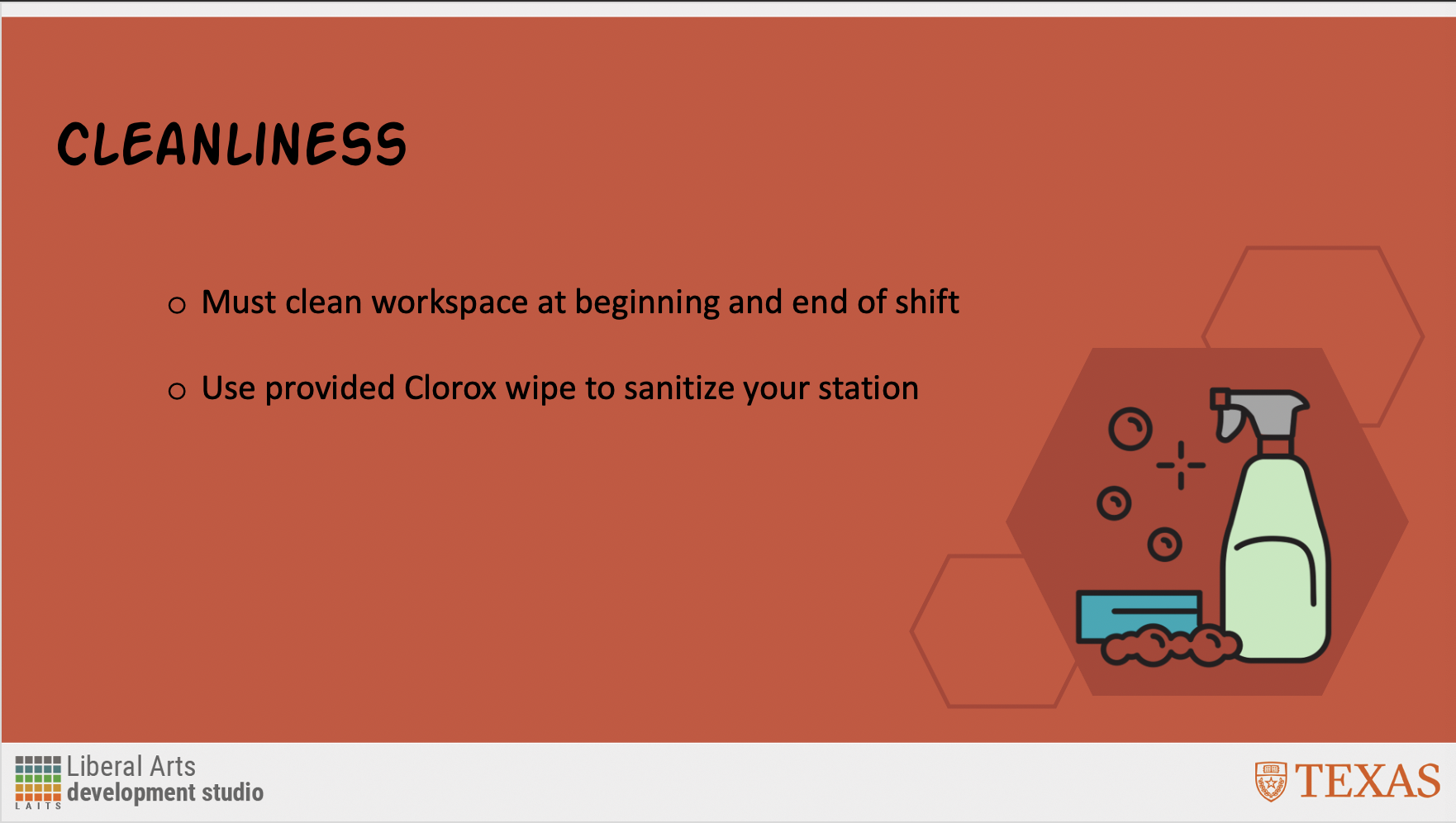
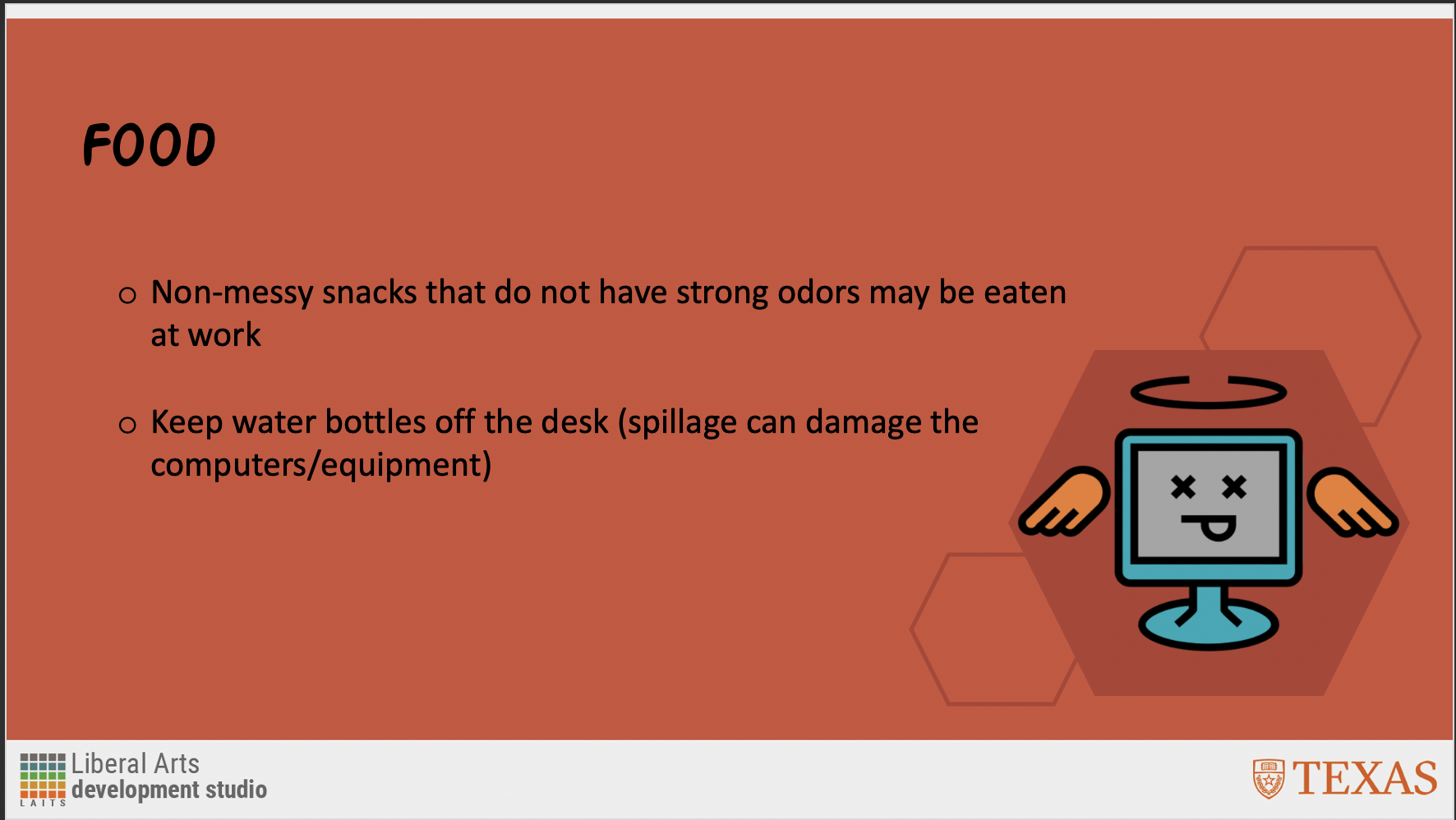
 I chose 5 rules from the STA Handbook and illustrated them using my own design. I sourced icons from The Noun Project and blocked them in with a color palate I generated using Coolors.co I also added some solid fill and outlined hexagons behind them to add more visual interest, otherwise, the slides seemed bare (even with the text).


Filed Under: Fall 2022 - Spring 2023, We are STAs

Welcome to the STA blog!

September 2, 2022 By Thang Truong

Hi Thang! 🙂 Welcome to the STA Blog! This the page where your blog posts will published.
Toward the end of your STA Orientation, you’ll design and upload a banner to go at the top of this page.

Upload a Blog Banner


Step One: Design Your Banner in Photoshop

Use these Photoshop specs when you’re making your banner:

  • Your banner should be 780 pixels wide (the height doesn’t matter)
    • Must include your name, your major, and your expected graduation year
    • Your banner should reflect who you are (your personality, interests or major)
    • Make sure to save your banner for the web (i.e. File > Export > Save for Web (Legacy))
    • If you save your banner as a JPG, make sure sure the quality is high (i.e. at least 60)

Step Two: Save Your Banner

  • There are two places you can save your completed projects: UT Box and the LAITS server. You’ll be given a personal folder in both locations. For now, you only have to save your banner to UT Box, but you may have to access the server at some point in the future.

Accessing UT Box

  • If you haven’t already registered with Duo,  follow the instructions here to set up an account.
    • Then log in to UT Box with your EID and password: http://utexas.box.com/
    • Go to the folder called Design-Coding-STAs, then the subfolder STA-folders
    • Find the folder with your name on it
    • Save your banner both as an image and an unmerged PSD

Accessing the LAITS server

  • Accessing the LAITS server from off-campus is slightly more complicated.
    • You’ll need to be registered with Duo if you aren’t already (you can register here).
    • Then you’ll need to connect to the UT VPN and the LAITS server. The videos below will walk you through how to do that:
      • Connect to the Server – PC
      • Connect to the Server – Mac
    •  Then navigate to your STA volume folder and save
      • smb://file.laits.utexas.edu/sta/Thang Truong
    • Save your banner both as an image and an unmerged PSD

Step Three: Upload Your Banner to the STA Blog

  • Log in the the STA Blog here.  You should’ve received an email confirming your new WordPress account with your username and assigned password. If didn’t get it or you can’t log in, ask Suloni or another STA.
  • You’ll be able to change your password anytime by going to Users > Your Profile > Account Management > New Password.

Uploading media and banners in WP

  • Read these links before you upload your banner.
  • They will walk you through how to upload media to your blog.

How to Upload a Homepage Banner

Adding New Posts and Media

Make Your First Blog post


  • Reflect on the day. You blog posts will be a documented experience of your time as an STA with LAITS. They can include anything you want to share about the projects you’re working on, and the more media (screenshots, images, links, videos, gifs) you can use, the better.
  • For today, write a bit about about yourself and what you did during orientation.
  • If you haven’t already, upload your banner.

Things to Remember


Image Specs

  • You should never copy and paste images intoto your blog. Always upload images into the media section of blog first (Click on the add media button), then insert the image from the media folder to display on your blog.
  • Don’t use the thumbnail version of your images.
  • Use images that are 72 dpi
  • Screenshots are fine
  • Images that are 780 pix wide format nicely above or below text blocks

Always Categorize Your Posts

  • Always check the category “2019 Fall-Winter | Spring-Summer 2020” on the blog posts you make this summer. This is the only category you need to check.
  • Make sure your posts are categorized correctly so that all of your work is documented in the correct semesters.

Commenting on Basecamp

Notification comments: etiquette, files, questions, feedback

Let us know when you’ve completed this task by adding a link to your blog to a comment in Basecamp.
Notes for all comments in Basecamp:
  • *Always address the person/people you are writing to by their names.
  • *Always use complete sentences.
  • *Always add links or paths to your design file in your STA folder.
  • *Make it easier for your collaborators and mentors to give you feedback on a design by adding screenshots to your comment.


Notify people in Basecamp by adding the @ symbol before their names (no spaces), otherwise they may not see your comment.

@ your STA mentor and Suloni in your comments when you want to:

  • ask us questions about the mechanics of using the STA blog,
  • about the mechanics of photoshop,
  • to let us know that you have completed this task,
  • or that you would like a little feedback on on your banner design 🙂

Thank you & have fun!

Filed Under: Fall 2022 - Spring 2023

  • « Previous Page
  • 1
  • …
  • 41
  • 42
  • 43
  • 44
  • 45
  • …
  • 50
  • Next Page »

link to LAITS home page

Video STA Home

© 2025 Liberal Arts Instructional Technology Services | Production Credits