• We are STAs
    • Asha Rountree
    • Haley Ma
    • Kate Shih
    • Kyra Lee
    • Nicholas Peasley
    • Sasha Kenney
    • Shanda Horm
    • Shriya Atreya
    • Tomas Marulanda-Mesa
  • We were STAs
  • STA Presentation
    • STA Presentation 2017
    • STA Presentation 2016
  • Testimonials
  • Resources
  • Home

STA Blog

Week LX

January 30, 2023 By Adrian McKee

Week LX

Top secret!

I’ve gotten approval to share this, but the actual purpose is still classified. All that needs to be said is that it’s a studio backdrop. This is my first time making an animated one, so I finally understand what keyframes are.

http://sta.laits.utexas.edu/wp-content/uploads/2023/01/wave3.mp4

There’ll be a few more versions coming up, and you’ll see them all soon, I think?

TGDP Banner 5

Initially, I was trying to draft this in Photoshop, with placeholder blobs of text. That didn’t really work. The format here is pretty particular, with the length and hierarchy of various text blocks. This is where I got with actually making a vector draft:
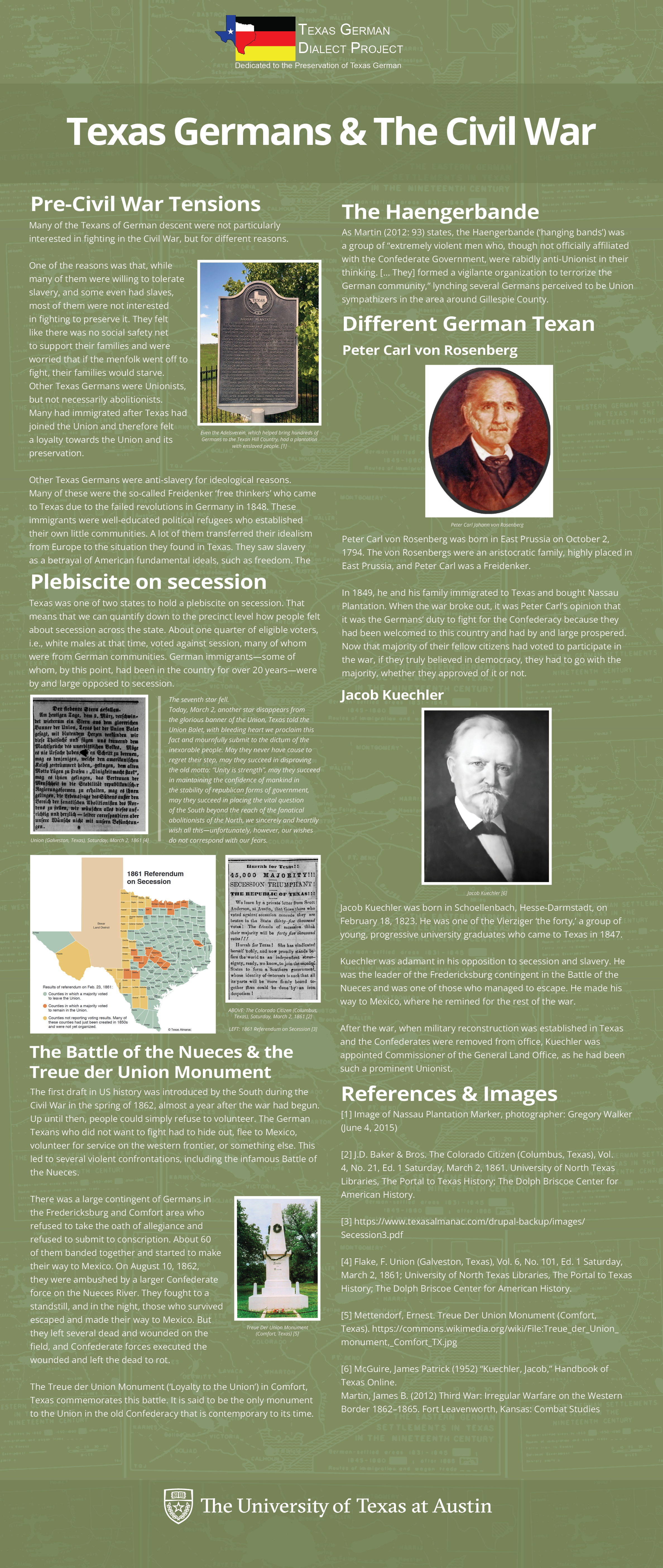
Some stuff could still be fine-tuned… especially the image layout. This was really just my best attempt to fit the text and images at all, without considering eye flow too much. There’s probably a better way to structure it, though the volume and assymetry of material leaves not that much wiggle room.
Filed Under: Fall 2022 - Spring 2023, We are STAs

Week 3

January 28, 2023 By Daniela Caballero

Week 3

Web Accessibility Standards


Started on: January 23, 2023

Completed on: January 26, 2023

STA Guidance: Valerie Tran

Description: Web Accessibility Standards


This week I completed a training on web accessibility standards. This training helped me learn the basics of how to design websites and create graphics to be more accessible to users. Three of the main concepts I gathered where that 1) text on a background picture or color needs to have enough contrast for the user to be able to see it. 2) Text and elements of an info graphic/webpage also have to be large enough for the user to see them and lastly, 3) Web pages must have a clear HTML hierarchy (this means usage of headers when the developer wants to highlight a main point) since component files of a the page might be used with other applications (such as text-to-speech) to provide accessibility. If the correct elements are not used, then the text-to-speech process might be inaccurate.


Part I: Infographics

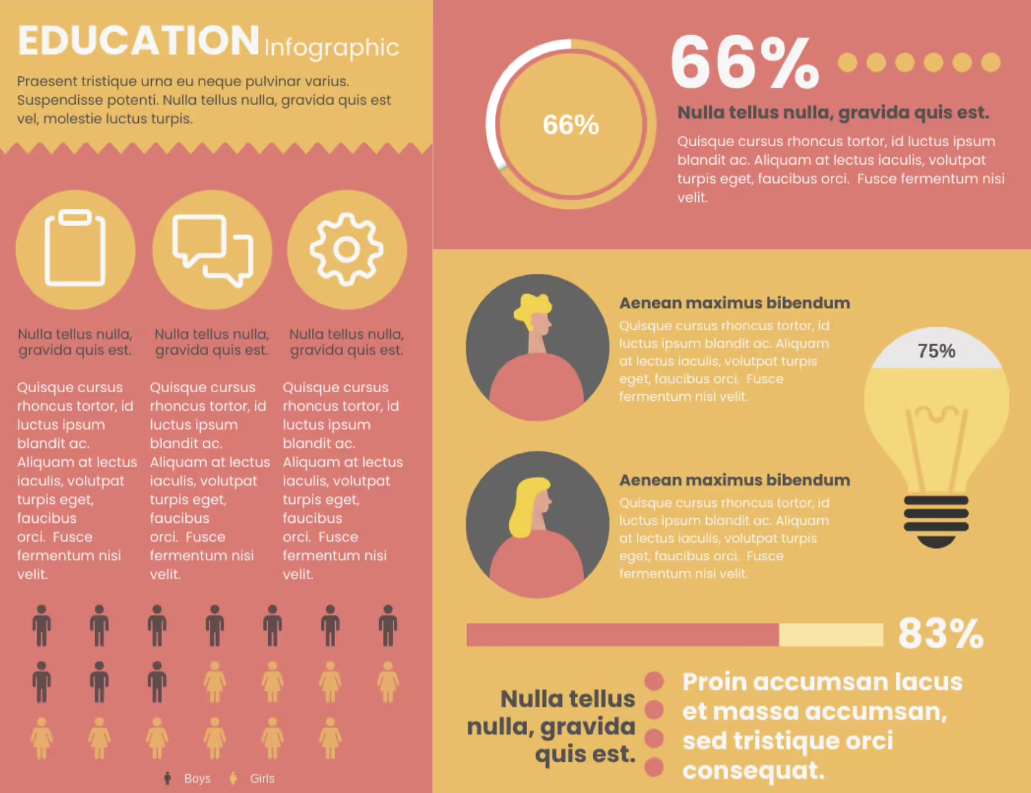
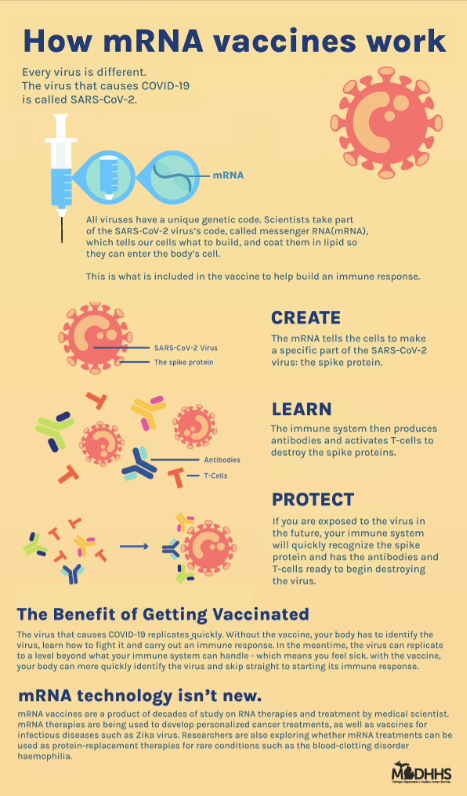
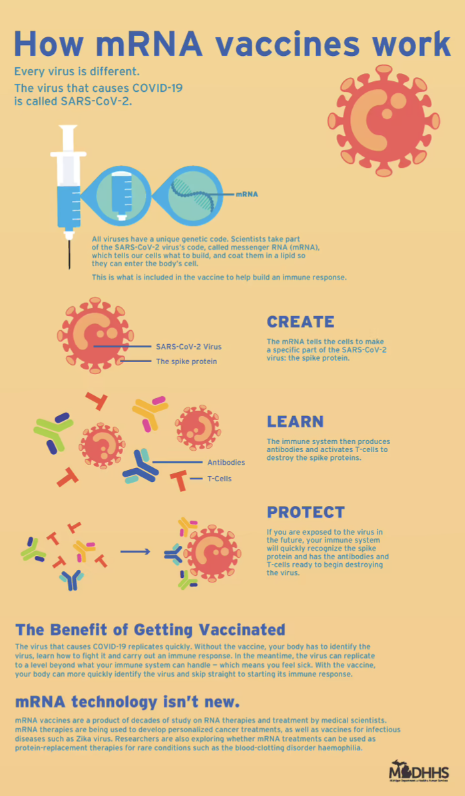
The first part of this training involved an assignment in which I had to find two graphics online and tweak them to be more accessible to users. The first graphic I found was an infographic about mRNA vaccination. I used a tool that checks the contrast between a text color and a background color to identify that the contrast was very low on this graphic. I made some adjustments to the improve the contrast on Figma. First, I lightened the background and then darkened the color of all the text until the Coolors tools approved the contrast level. I was still have issues seeing the text so I also increased the font size and adjusted some of the pictures on the graphic. In order to do this I cut out sections of the images on I wanted to re-size, saved them as PNGs, placed a rectangle of the same color of the graphic to cover the image and then pasted the re-sized PNGs of it onto the rectangle.


Infographic 1 (original)infographic_1_original

Infographic 1 (edited)
infographic_1_edited


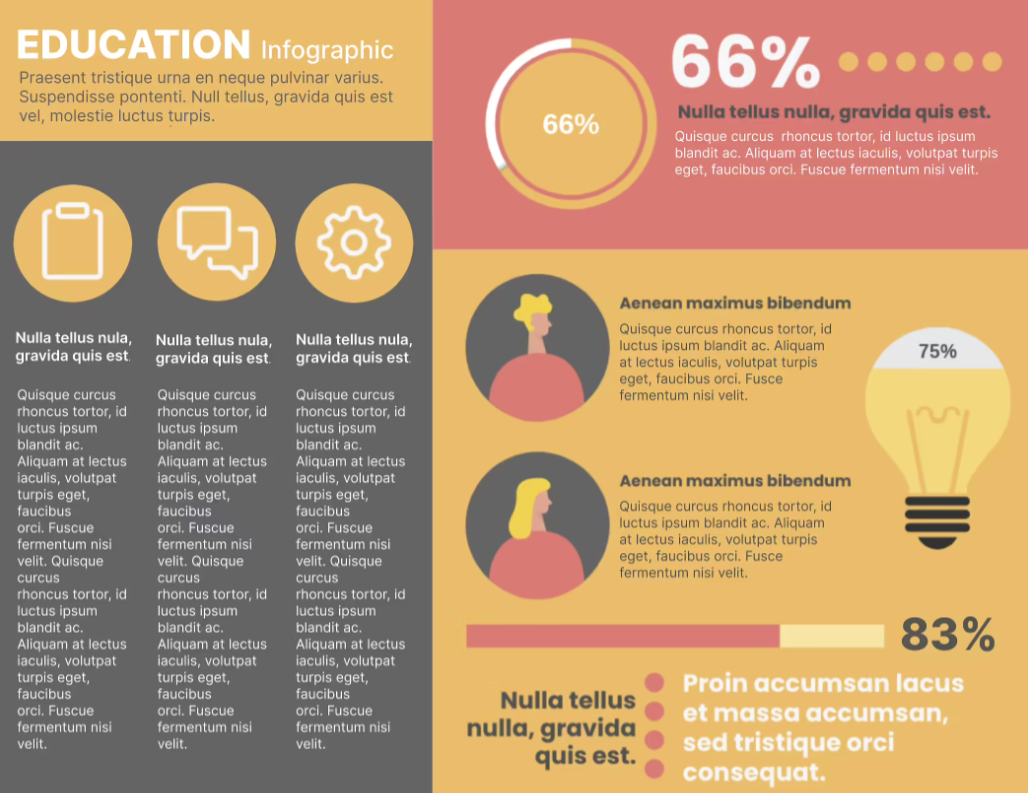
For the second infographic, I followed a similar process of identifying where the contrast failed to meet accessibility standards and adjusted in on Figma. Editing this graphic was slightly more challenging since there were elements (the yellow circular icons) that were originally on a different color background. I learned how to use the tools to create and cut out sections on Figma and how to delete parts on Mac Photo Preview.


Infographic 2 (original)

Infographic 2 (edited)


Intro to Websites PowerPoint


Started on: January 26, 2023

Completed on: January 27, 2023

STA Guidance: Valerie Tran

Description: Introduction to Websites


I created a PowerPoint after reading the LAITS Knowledge Base page about websites.

https://docs.google.com/presentation/d/12uCghpWPpzUcXcXhROjw6tTLO0SKP9itR1-mT0BvUh0/edit?usp=sharing

Filed Under: Fall 2022 - Spring 2023, We are STAs

Spring 2023 STA Poster

January 27, 2023 By Carrie Wang

Spring 2023 STA Poster

Start: Jan 21th 2023

To be Completed: Jan 27th 2023

Client: LAITS

Staff Guidance: Maddy and Luisa

Description: Spring 2023 STA poster with All STA photos in it.

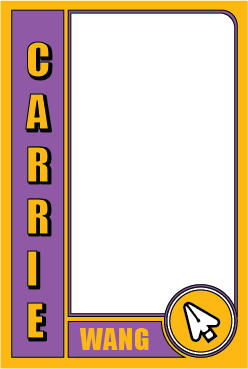
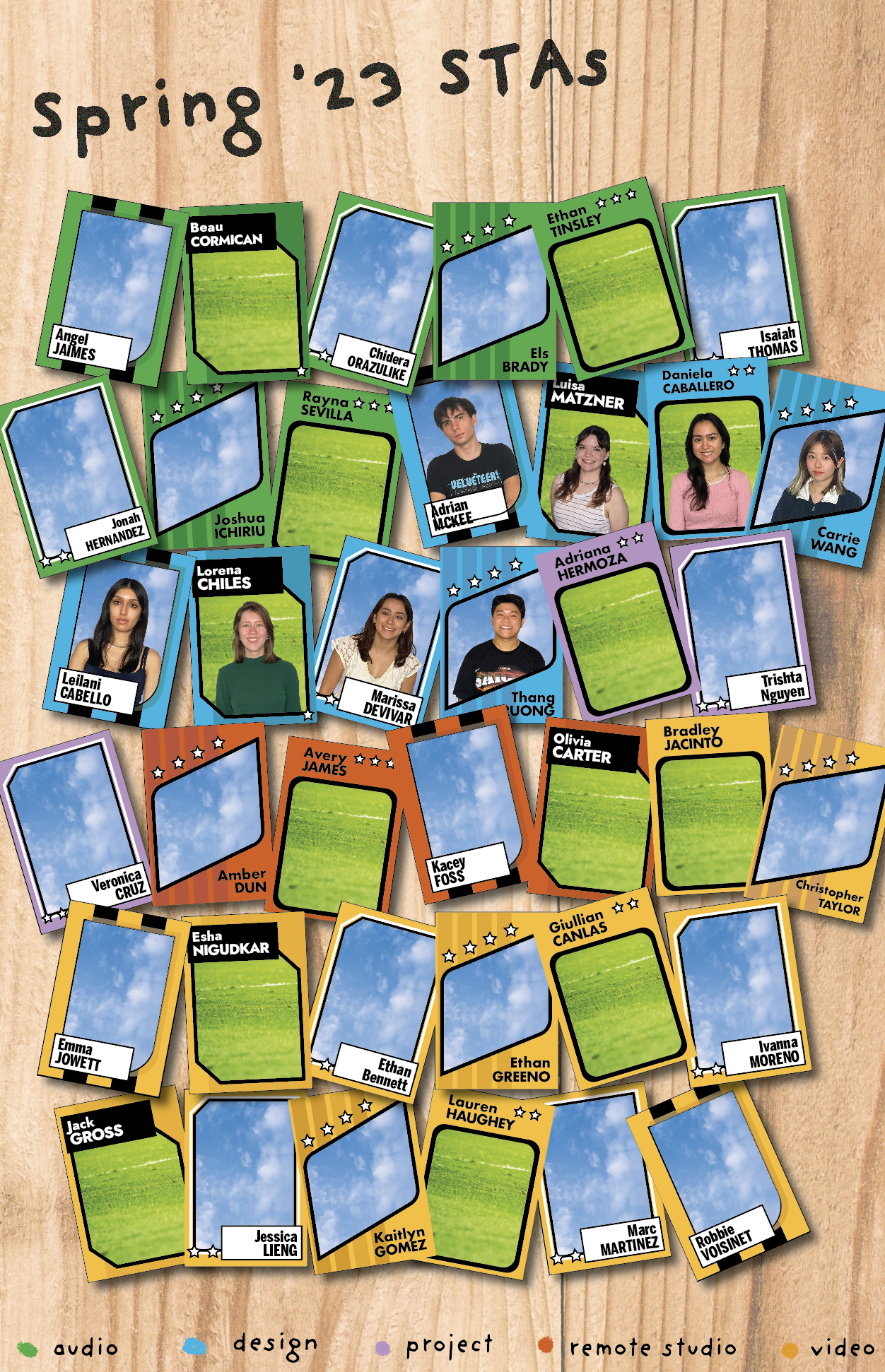
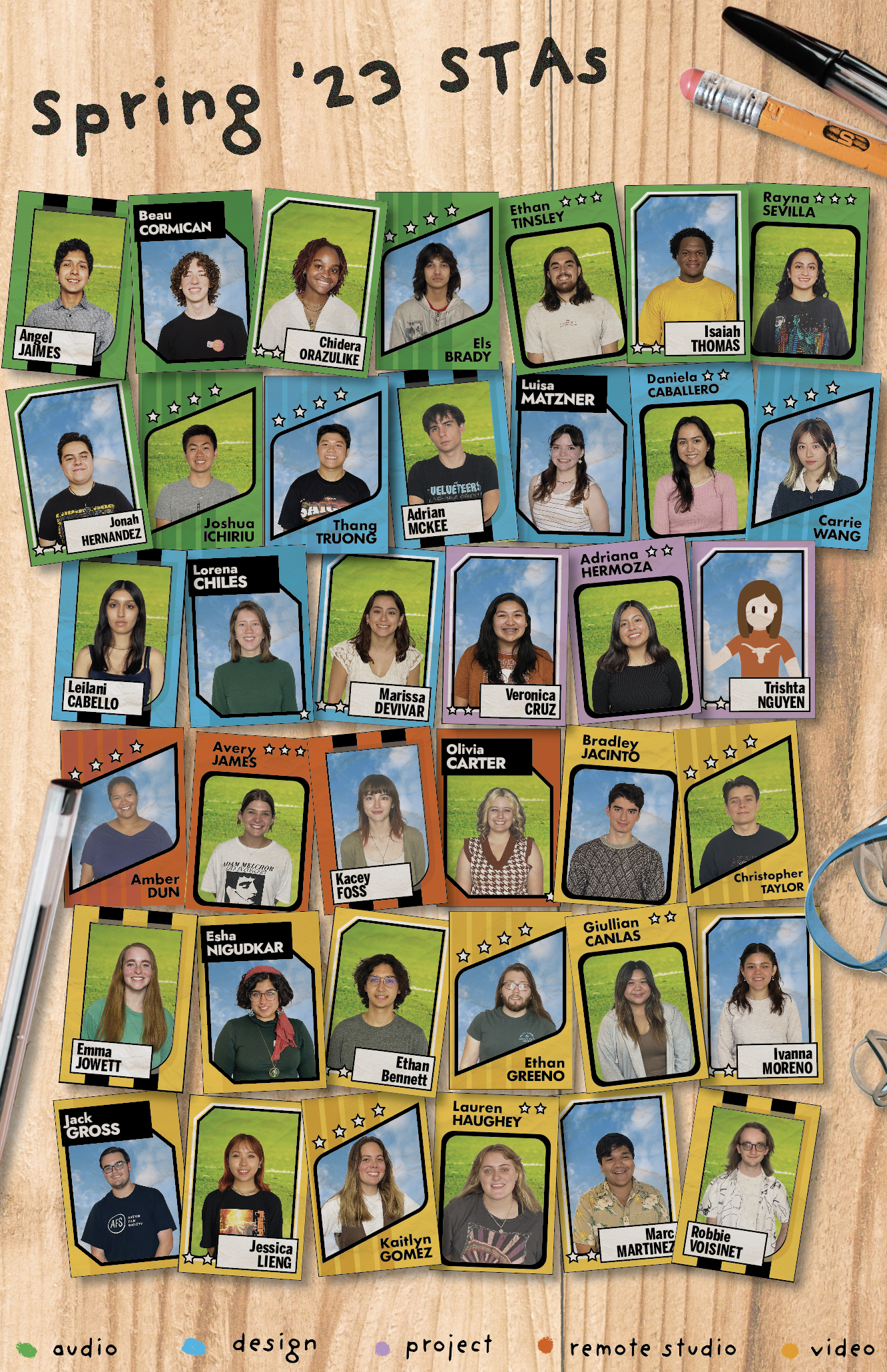
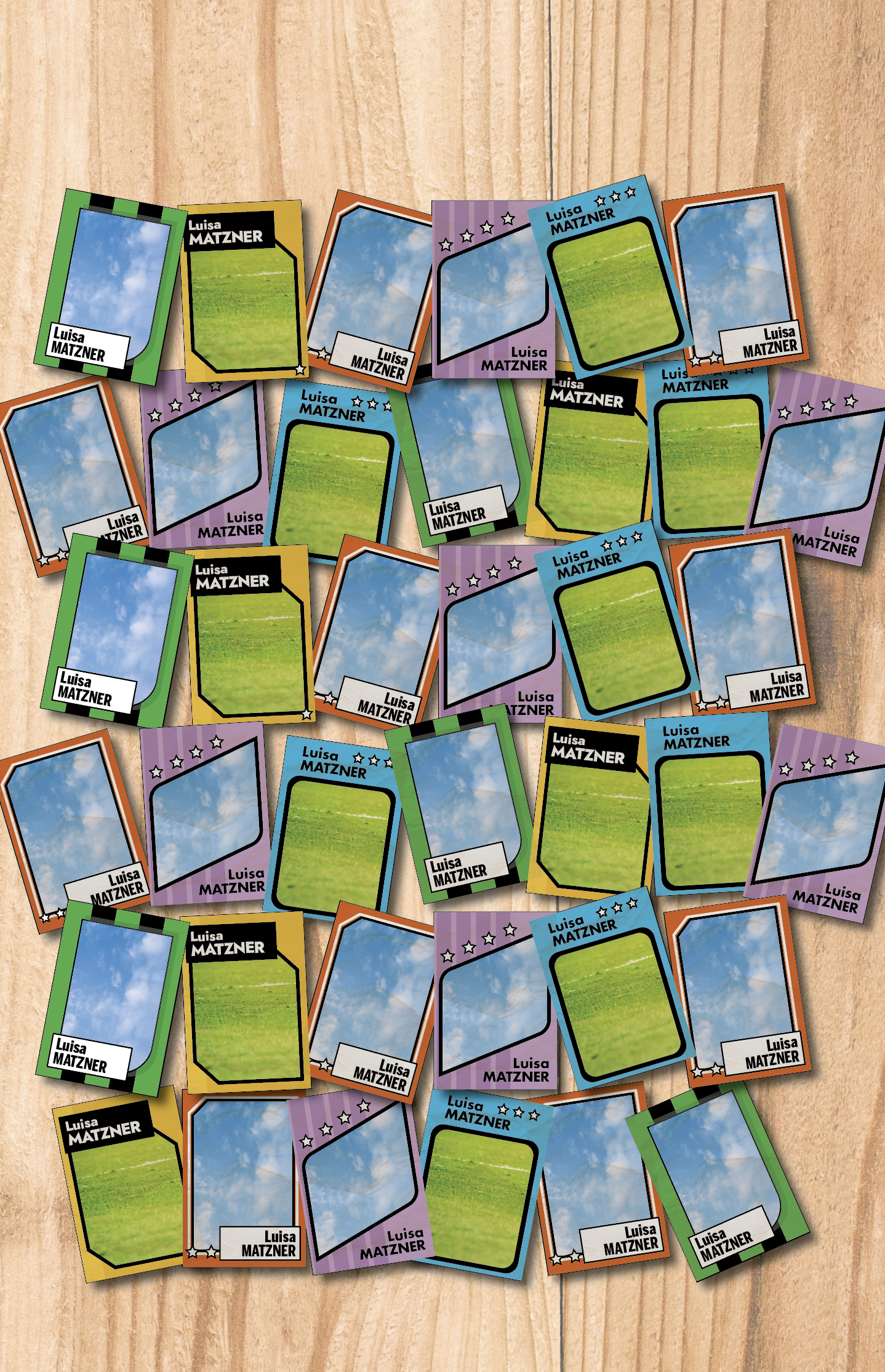
Luisa and I was collaborating on this project to create the amazing STA poster for Spring 2023! Following with the sports theme, we’re designing the sports card with everyone’e names and portrait on it. On the side of the sports cards, I used the thin strokes on color blocks with STA’s name. On the corner of the card, I extract one element from the crest we design on Fall 2022 STA poster to represent the team of one selected STA.

Finally we decided to go with Luisa’s design as it limits the color palette and is able to stand for each team. Luisa make the layout with each STA name on the cards.

With Luisa’s design, I..

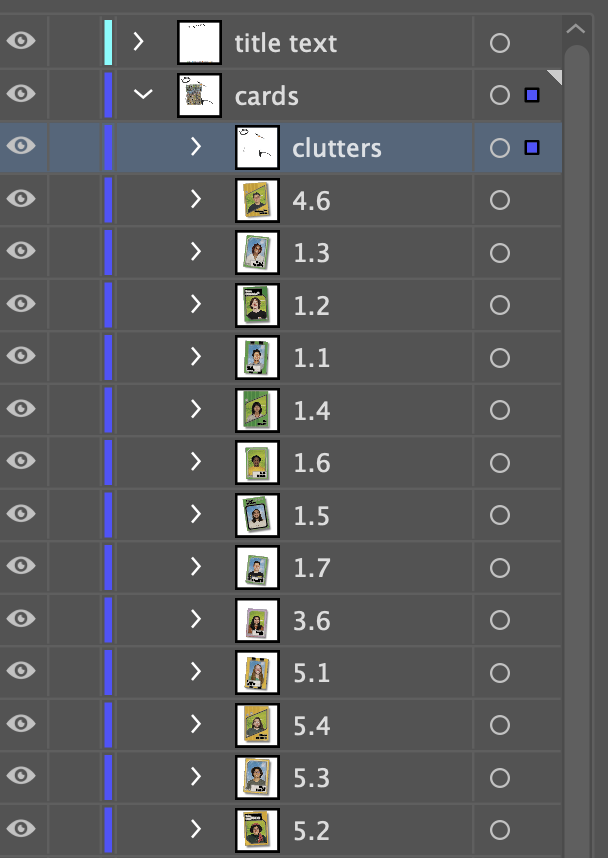
  • re-organized the layer. Right now in the cards layer, each card is grouped by itself and name as its row and column. EX: Row 1 Column 2 —- 1.2. Each group has card design itself, texture, and drop shadow (I combined the texture layer and card layer to prevent the overlapping). In other words, we can move the card freely to adjust the composition now since they are grouped individually)
  • adjusted the tilt by chance and make them more regularly placed. I also adjusted the design of a few card since the texture and drop shadow are missing by part or as a whole.


Afterwards, Luisa and I…

  • adjusted the drop shadow’s depth and opacity as it is kind of heavy and dense.
  • worked on the layout of each team since the project team is split.
  • limited the color combination/color palette. One approach Maddy and I got together is to match one color with sky or grassland instead of combining both of them, i.e: green (audio) with grassland, blue (design) with sky.

Final Version:

  • Alphabet order
  • Star represent STA level
  • Desktop clutter for each team


Filed Under: Fall 2022 - Spring 2023

Week 14

January 25, 2023 By Marissa Devivar

Week 14

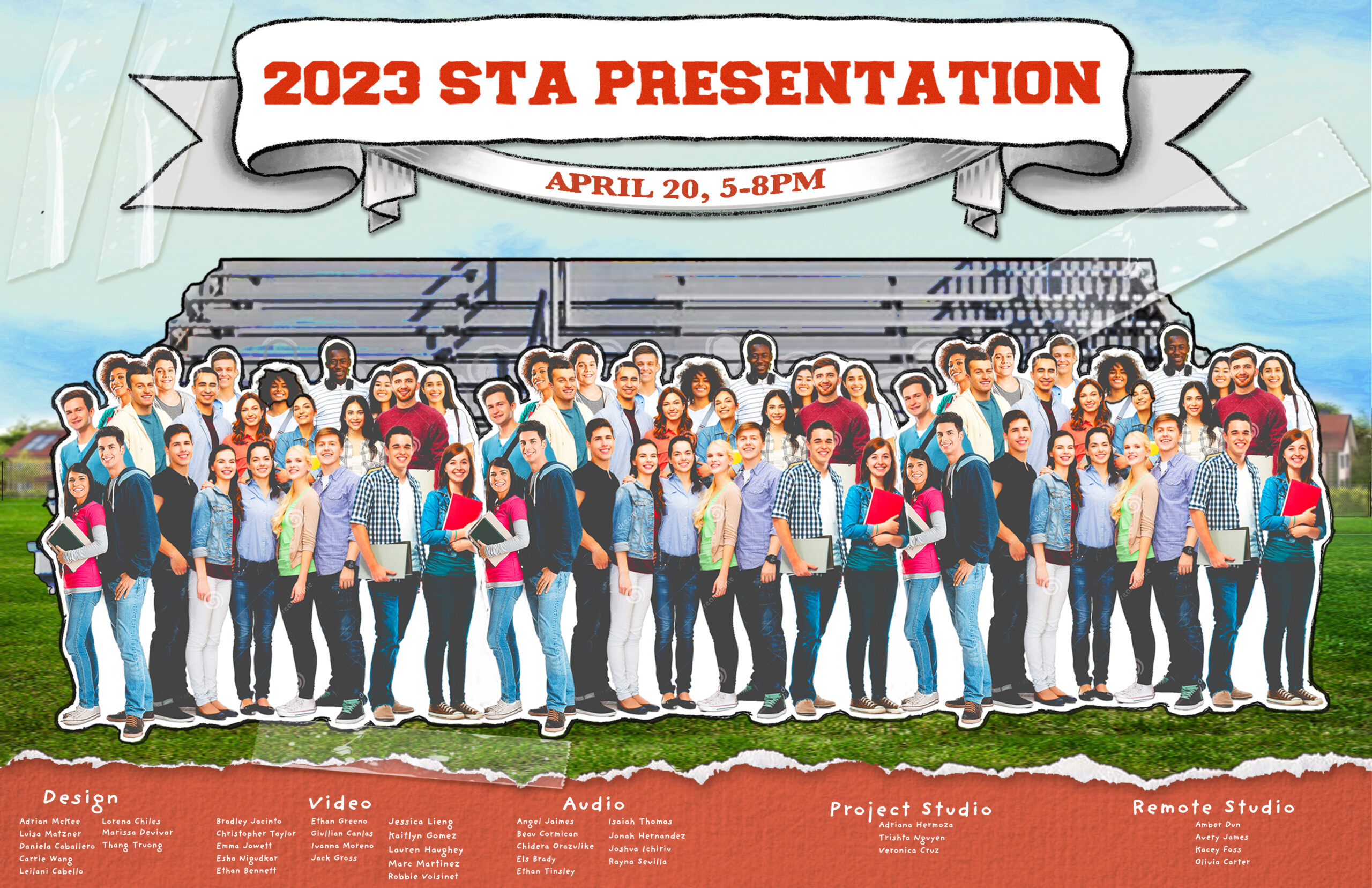
STA Presentation Poster

Client /Prof: LAITS
Started: January 17th, 2023
Staff/STA guidance: Maddy & Leilani

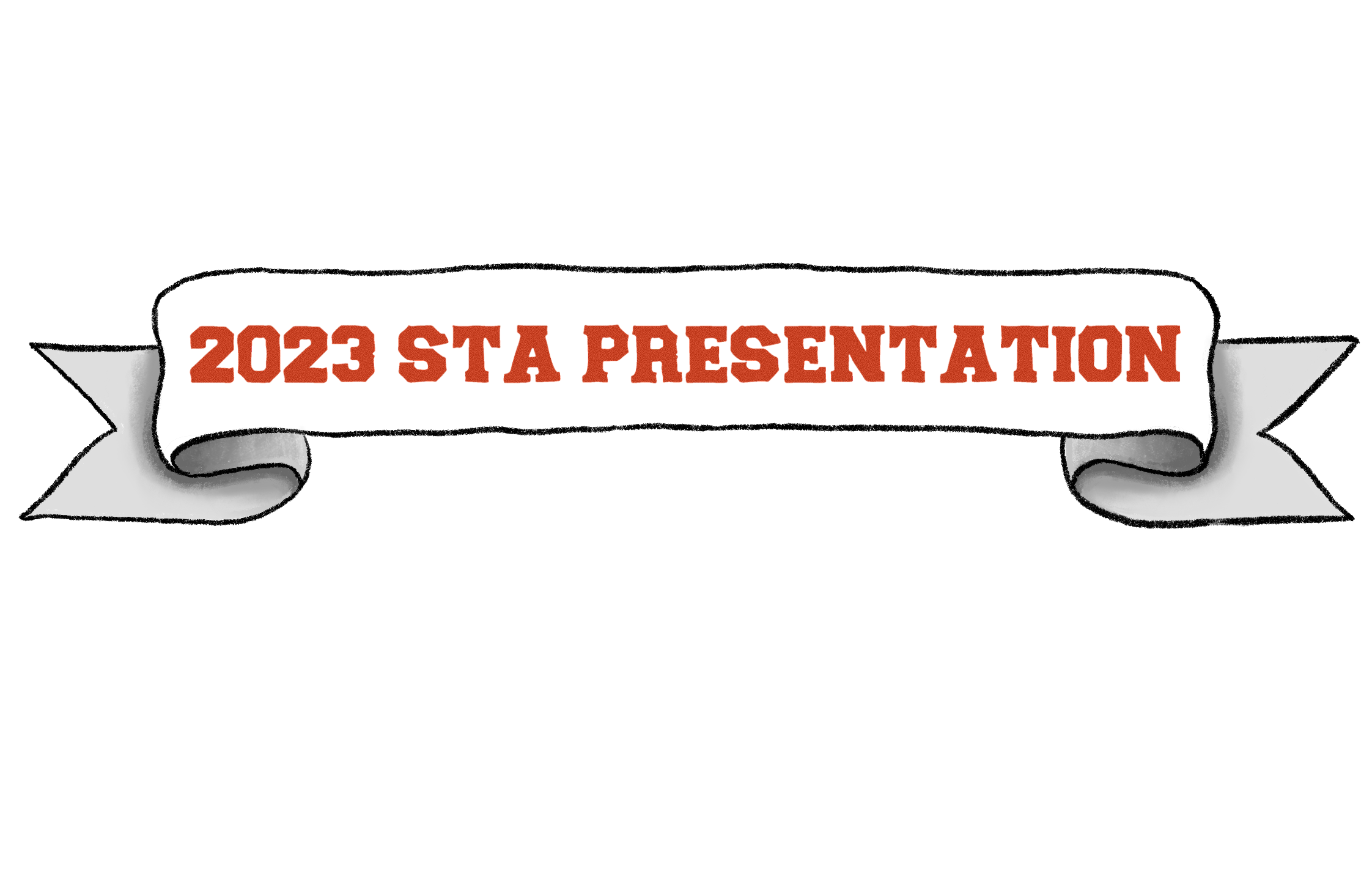
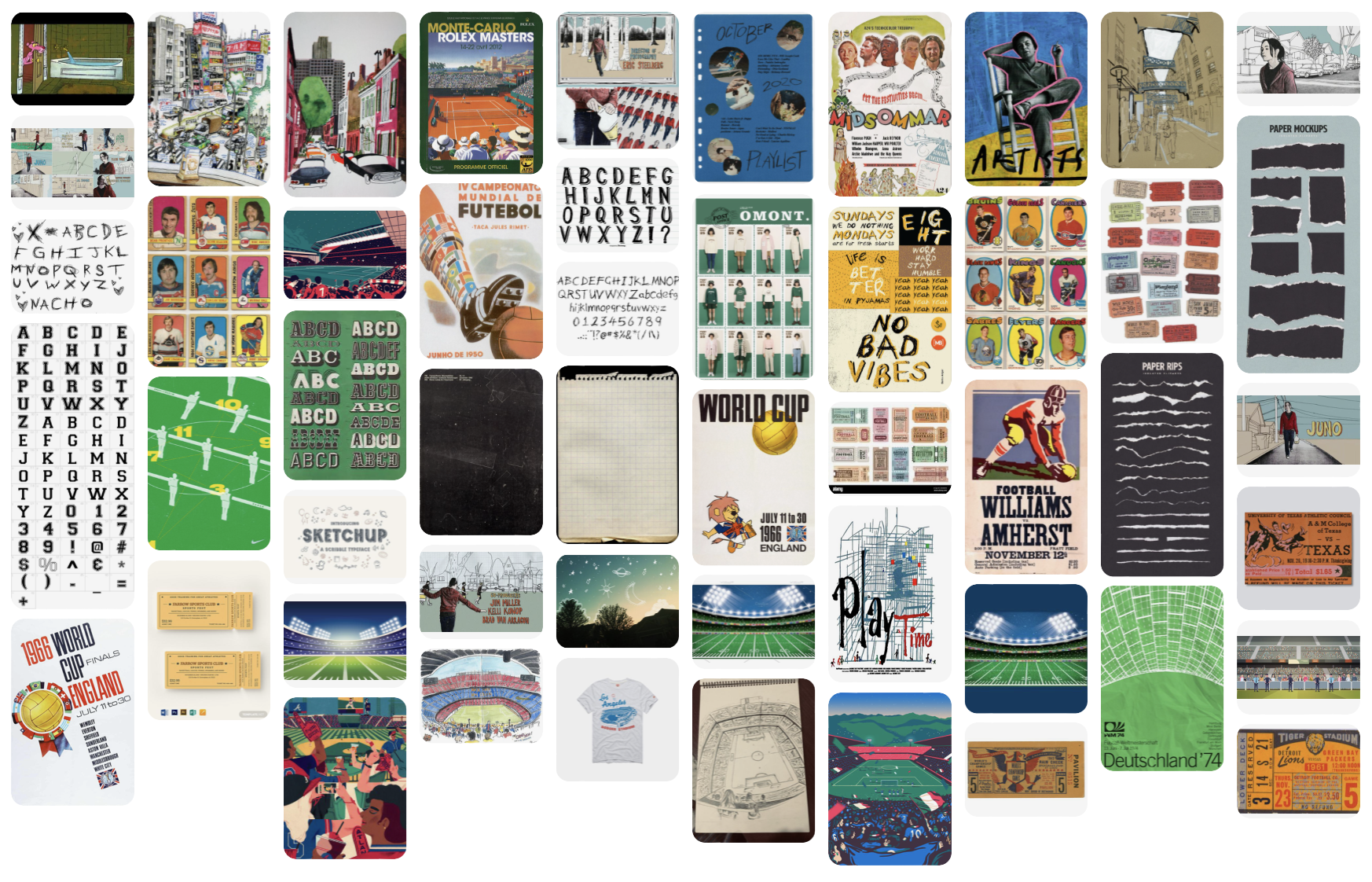
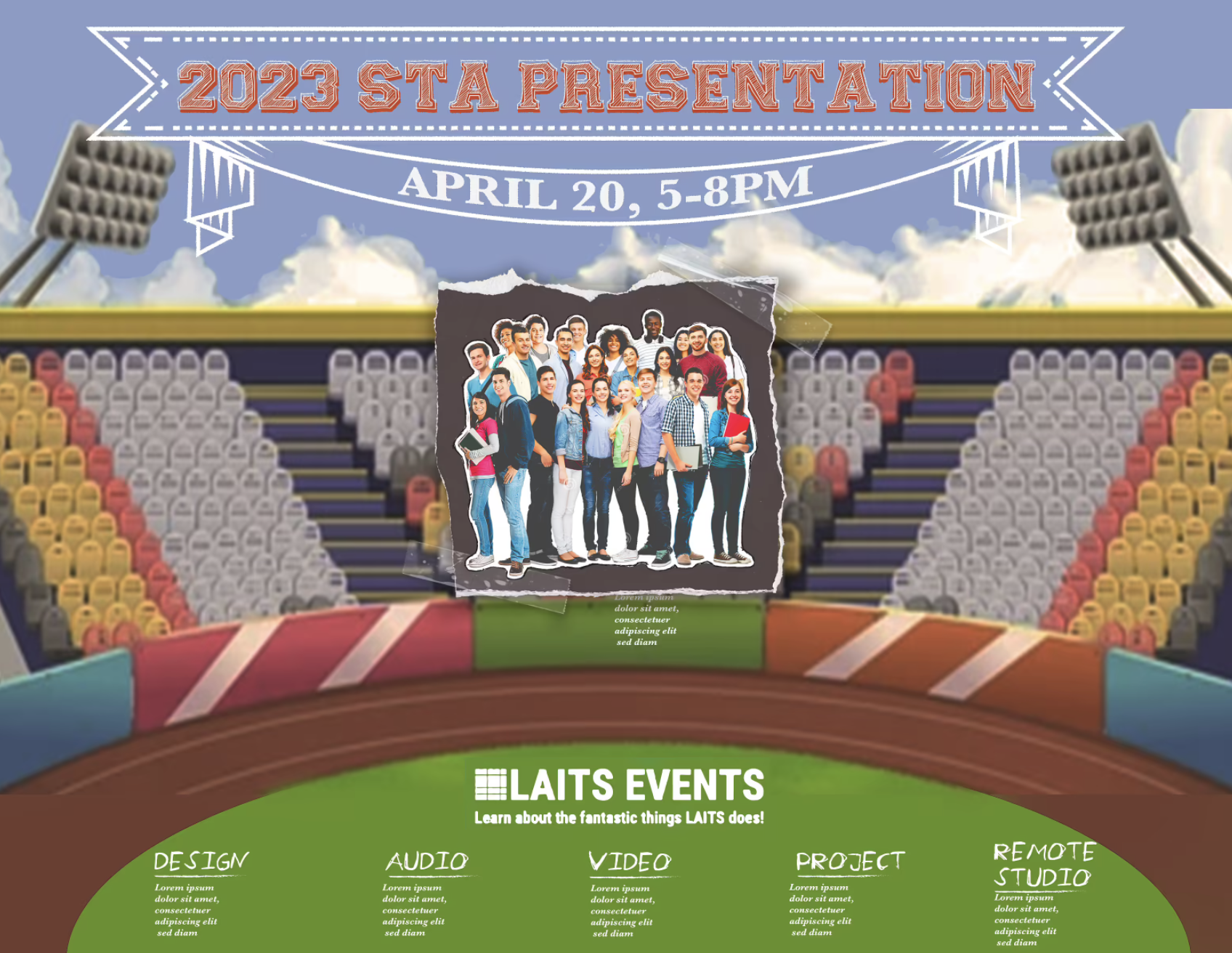
This week I mostly worked on banner iterations. Last week I did a couple of drafts of what the art style could look like — pulling inspiration from Juno and Leilani’s Pinterest board.

Also added STA names of each studio to Leilani’s draft.

notes from Maddie: add crosshatching for shading & change event date/time


Edits after notes:


Filed Under: Fall 2022 - Spring 2023, We are STAs

Week 1/17 – 1/19

January 25, 2023 By Leilani Cabello

Hello! This week has been a bit slow but I’m still working on some stuff!


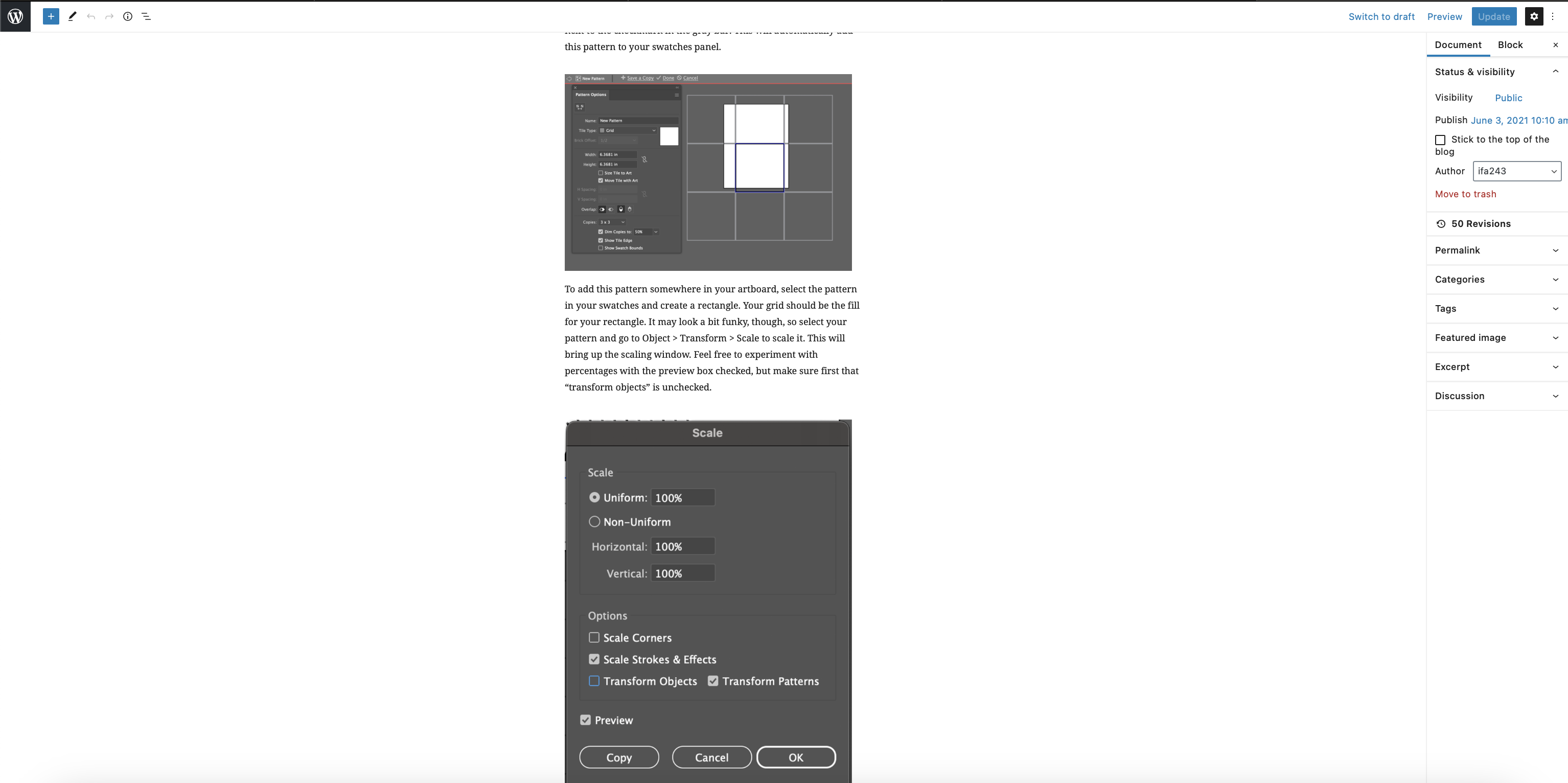
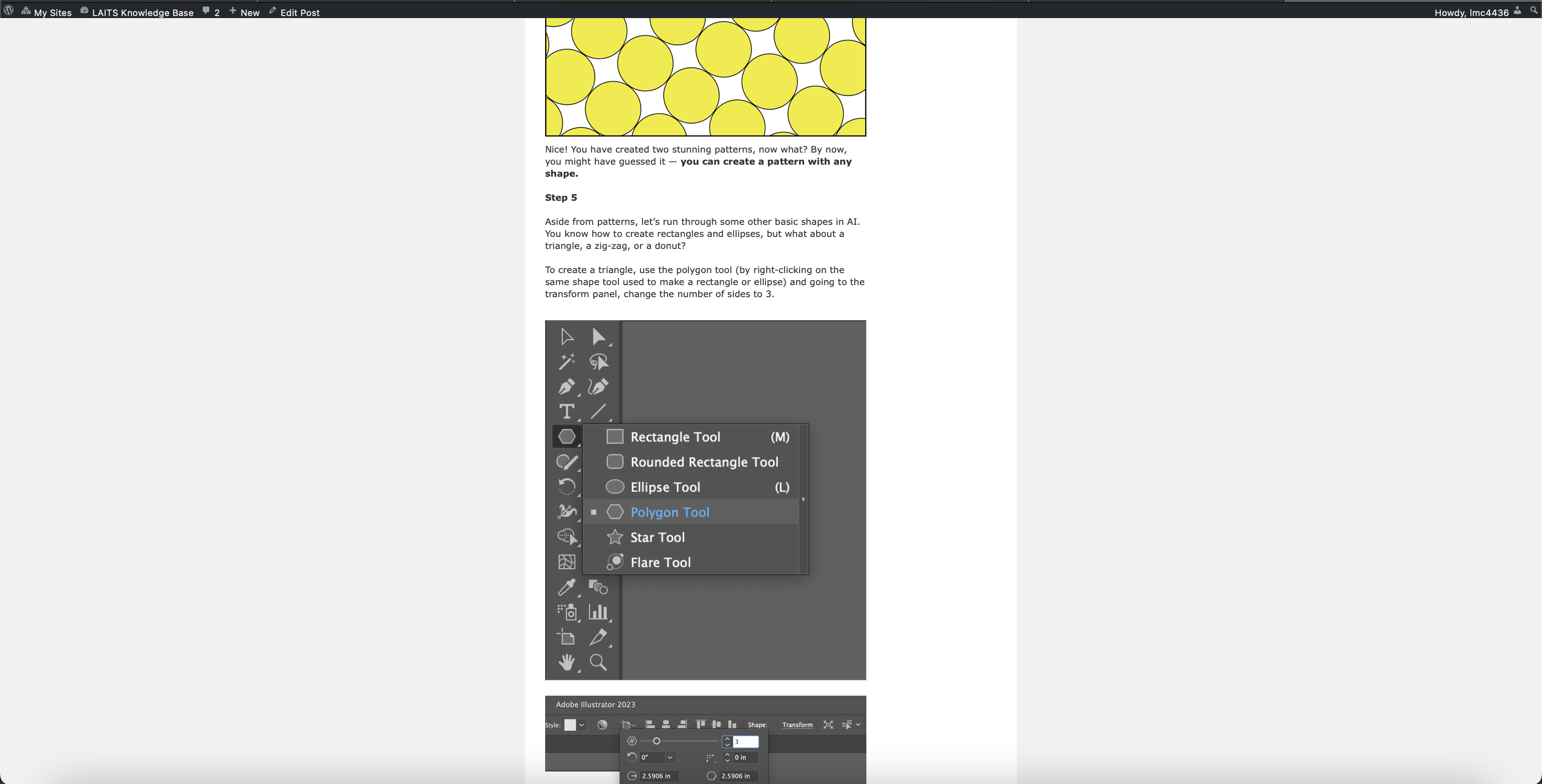
I’m almost done but here’s some more progress on the “Principles of Design: Shapes and Pattern” LAITS Knowledge Base tutorial. It’s an interesting challenge to find and make graphics for a tutorial with missing images. Here’s a before of what the editing side of the website looks like vs the actual preview!


STA Poster 

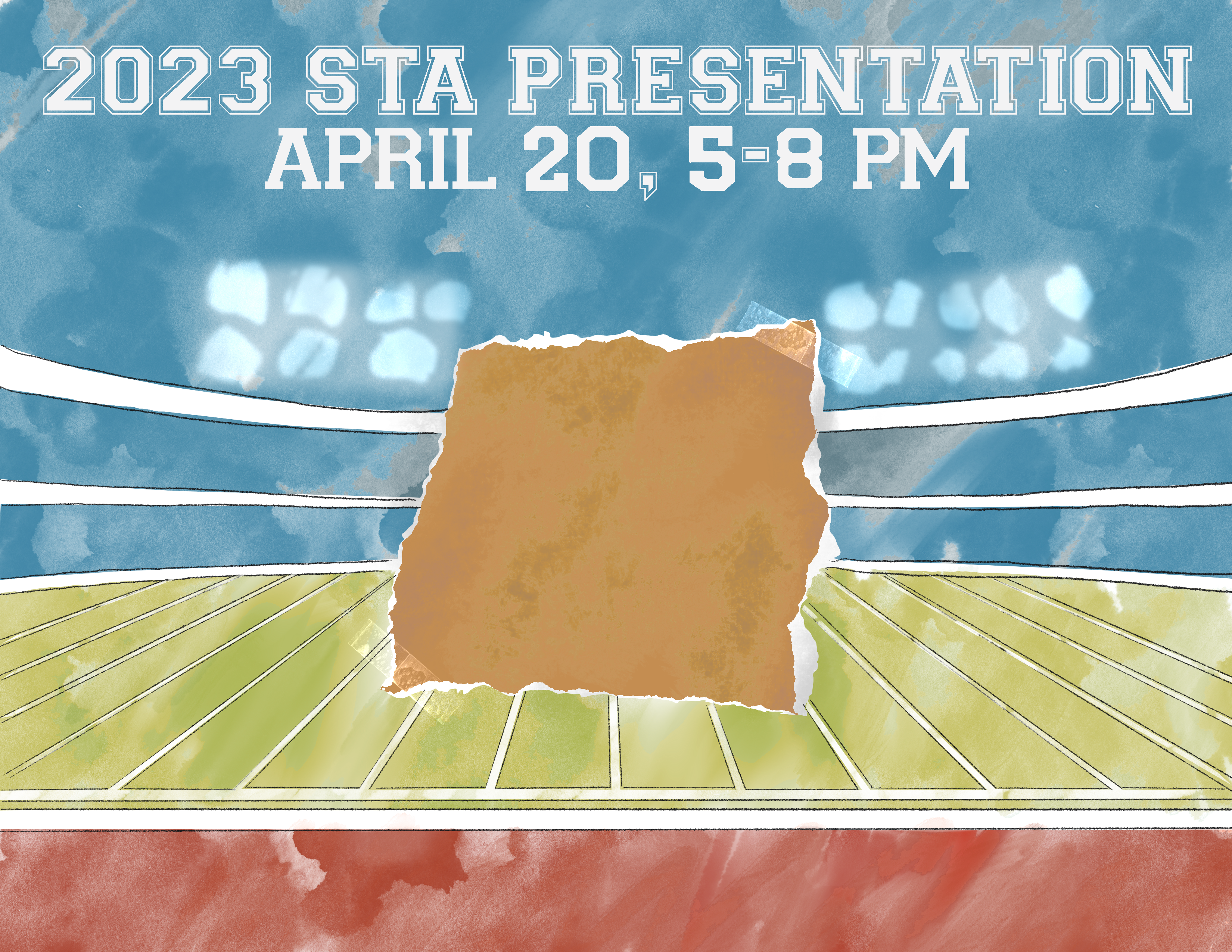
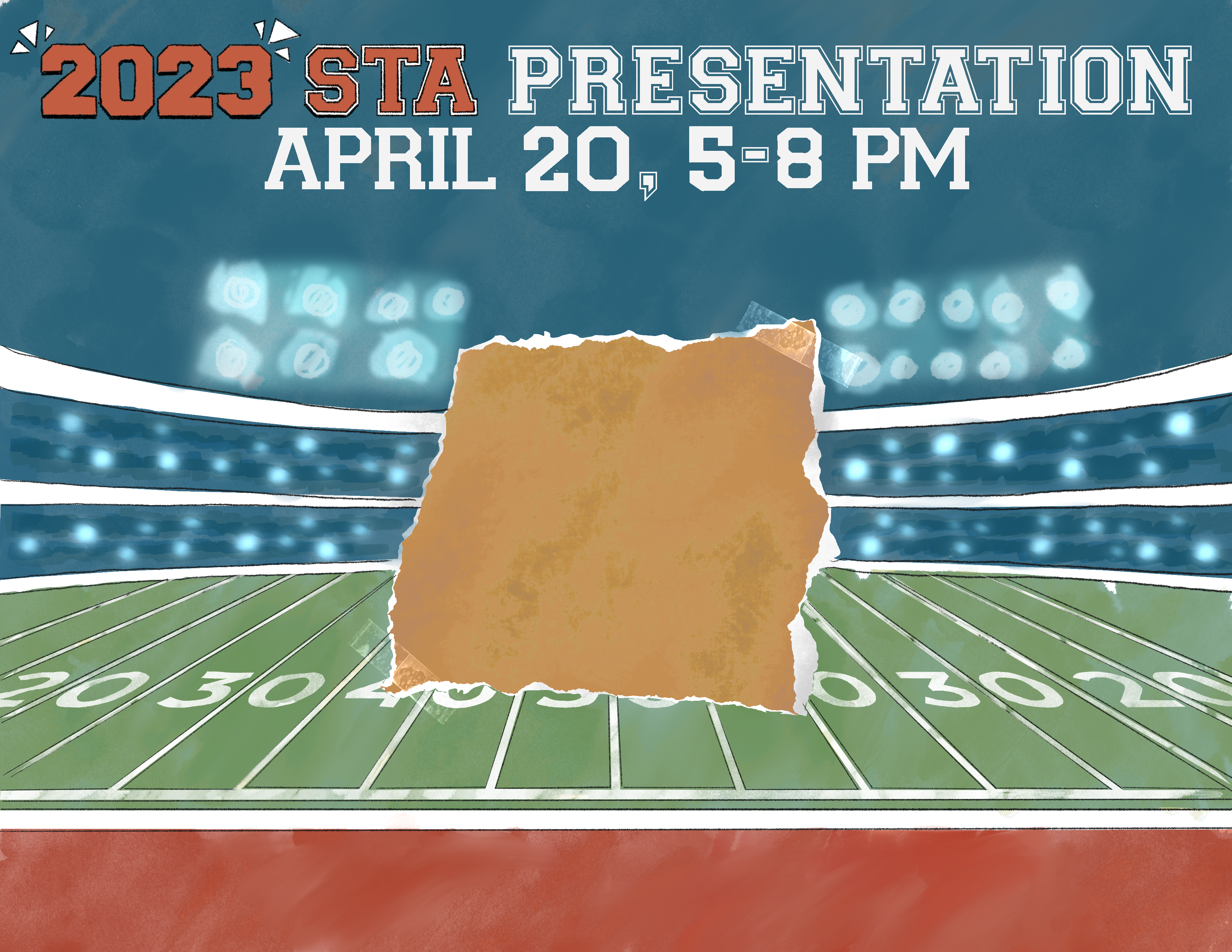
Project: Spring 2023 STA Presentation Poster
Due On: February 28, 2023
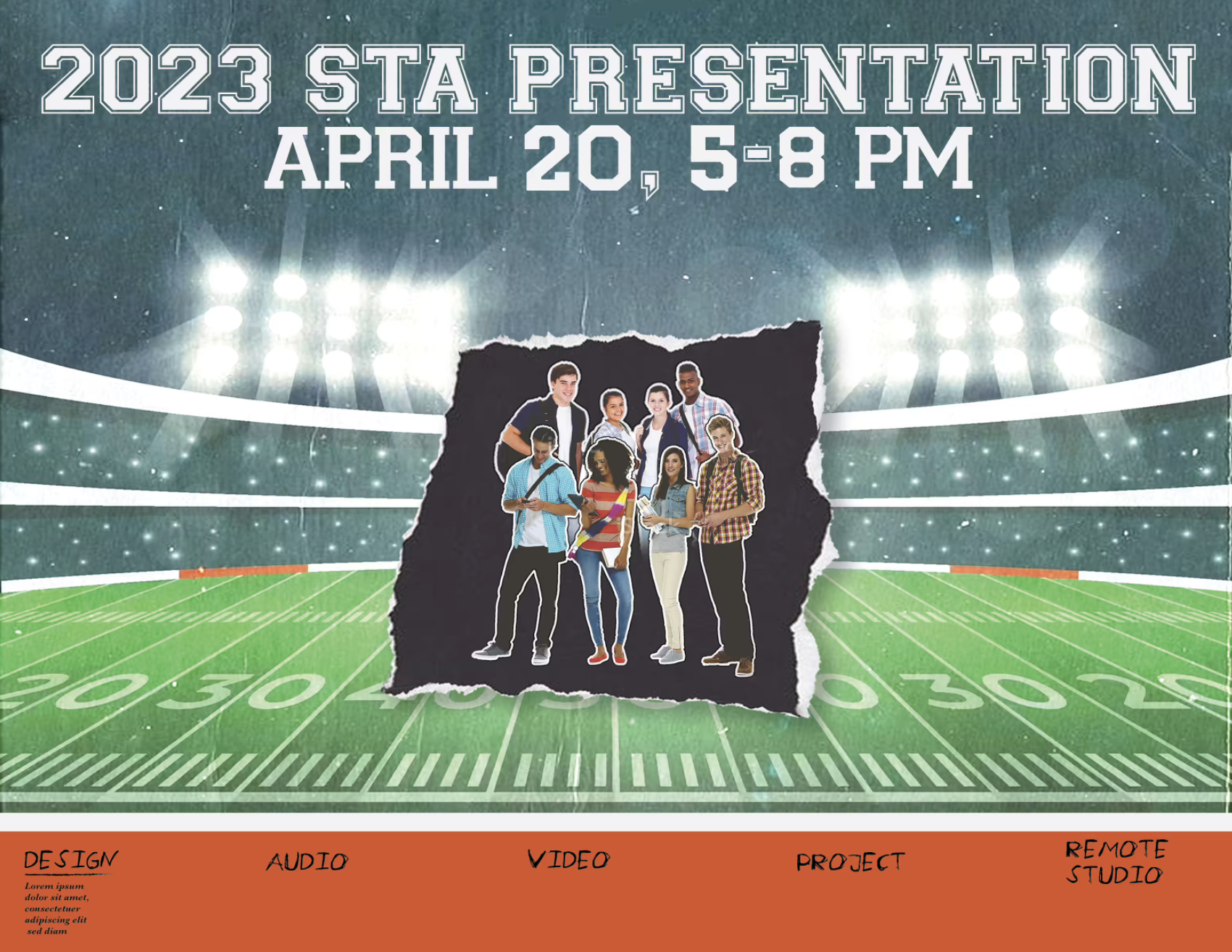
Notes: For this project, I was assigned to design the LAITS Spring Presentation poster for the end of the semester. It’s such a great opportunity to be able to be a part of making something for all of the LAITS STAs to view and visualize for the big event that’s to come! The theme is sort of a sporty/scrapbook look so here’s some of the progress I’ve made so far:

Filed Under: Fall 2022 - Spring 2023

STA Poster Drafts, Pt. 2 and Summer Marketing

January 24, 2023 By Luisa Matzner

Spring 2023 STA Poster

Layout Drafts

Project: Spring 2023 STA Poster
Client /Prof: Internal
Completion Status: Started Jan 12
Staff Guidance: Maddy
Description: Poster featuring all the LAITS STAs.
To be completed: Jan 25, 2023

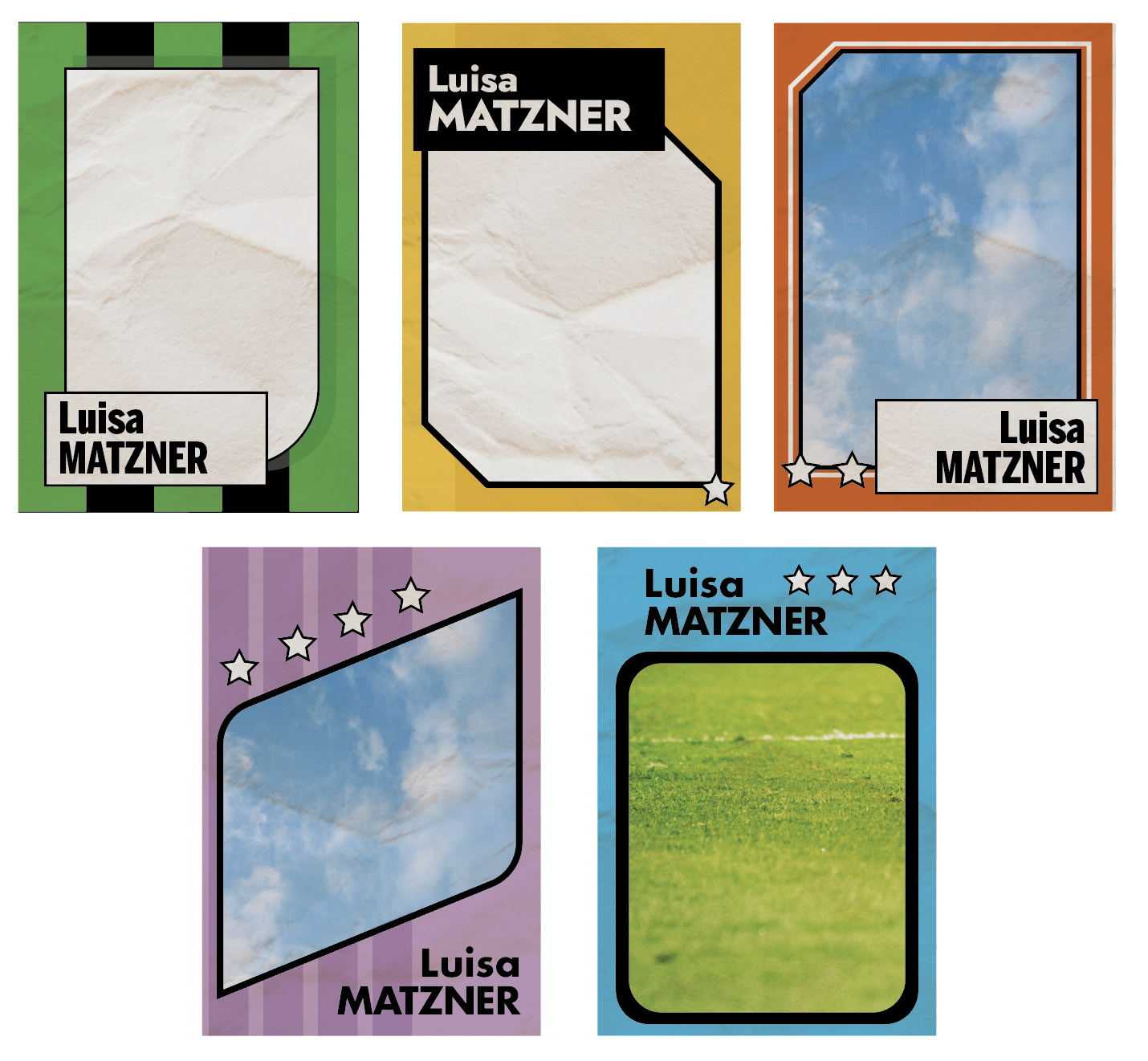
This week, I finalized the card designs to five interchangeable templates. I also began laying them out on Illustrator. Aside from the poster, I’ve also been working on summer marketing plans.


Filed Under: Fall 2022 - Spring 2023

  • « Previous Page
  • 1
  • …
  • 23
  • 24
  • 25
  • 26
  • 27
  • …
  • 50
  • Next Page »

link to LAITS home page

Video STA Home

© 2025 Liberal Arts Instructional Technology Services | Production Credits