• We are STAs
    • Asha Rountree
    • Haley Ma
    • Kate Shih
    • Kyra Lee
    • Nicholas Peasley
    • Sasha Kenney
    • Shanda Horm
    • Shriya Atreya
    • Tomas Marulanda-Mesa
  • We were STAs
  • STA Presentation
    • STA Presentation 2017
    • STA Presentation 2016
  • Testimonials
  • Resources
  • Home

STA Blog

Basic Training: Online Course Graphics – Style A & B

December 3, 2020 By Cristina Villarreal Núñez

Basic Training: Online Course Graphics

Style A & B

Hey blog! Long time no see! It’s been a while since my last post, but I blame that on Thanksgiving break. ¯\_(ツ)_/¯ Anyway, back to work.


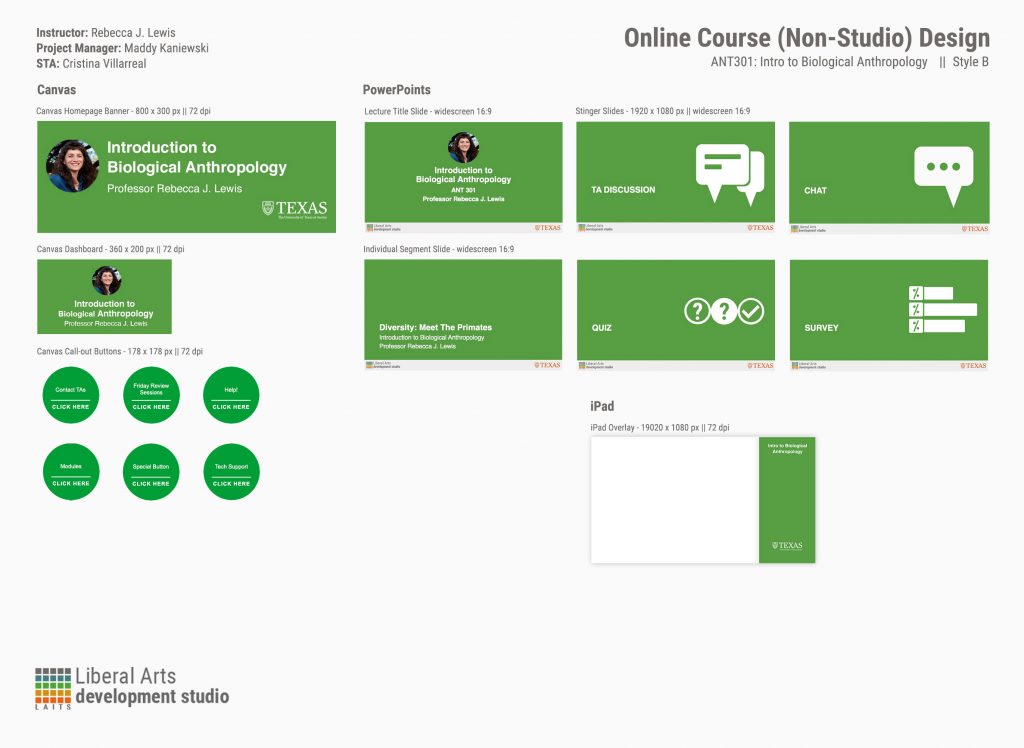
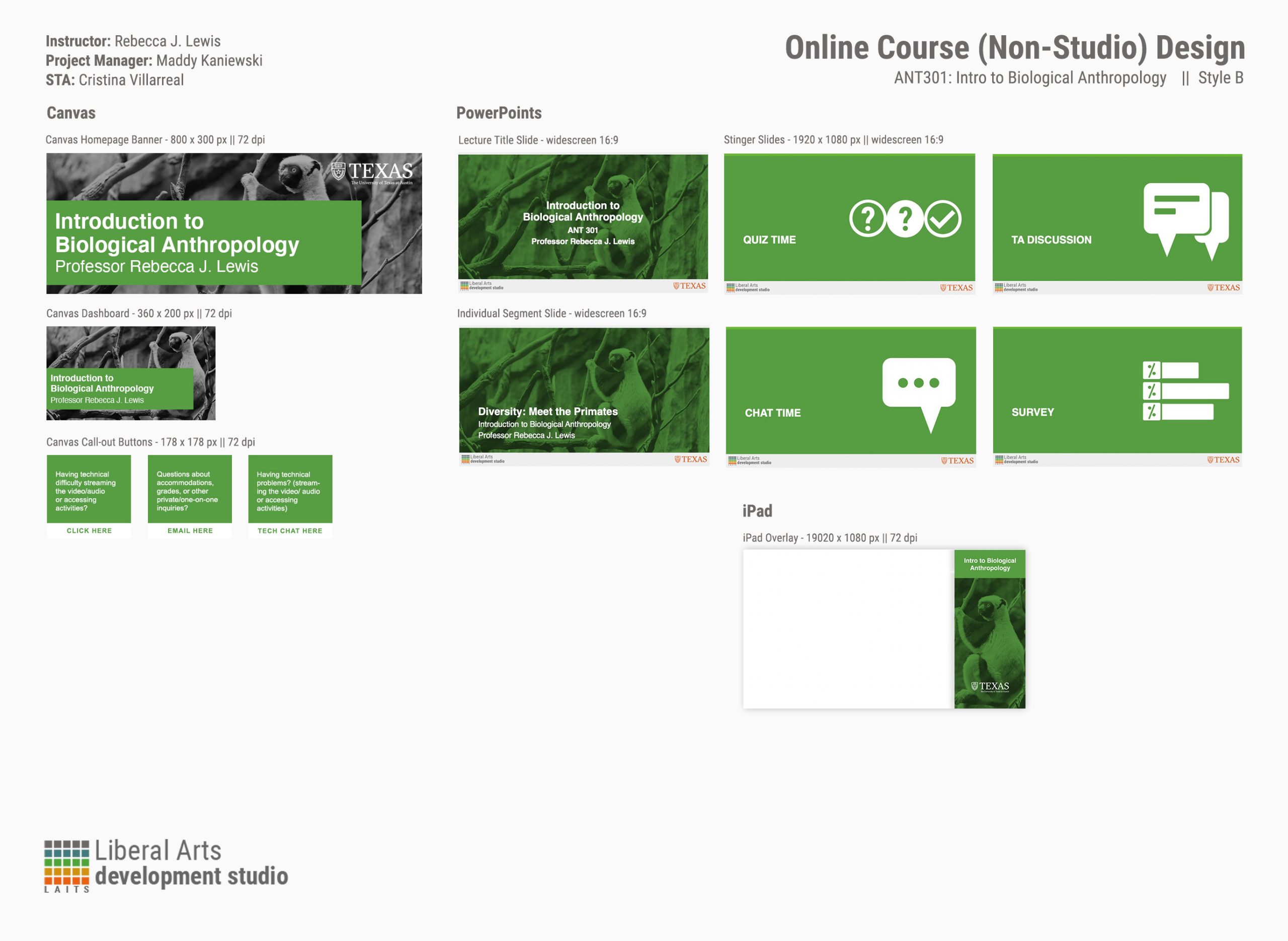
The goal of this activity was to practice creating Style A and Style B course packages. “Course packages” meaning a group of different yet cohesive graphics meant to be used on Canvas and within remote online courses. The two styles differ in a few ways one from the other:


Style A

– uses the professor’s photo
– has a monochromatic color scheme
– has round canvas buttons

Style B

– uses an image/graphic
– color scheme depends on the image/graphic
– square canvas buttons


Considering the purpose of this basic training is to learn and practice this stuff without the pressure of having to please a client, I was allowed to do the activity as if it were for my favorite course I’ve taken at UT, a course I really liked, or a course I look forward to taking. So I chose the Intro to Biological Anthropology course I took last semester, mainly because I wanted to use an image of a lemur, monkey or ape for Style B. ( I guess I just like taking these basic trainings as opportunities to produce content for cute animals… hence everything I’ve done for penguins, hehe)


Furthermore, the tools I needed to work on for this training were mostly Photoshop and PowerPoint, both of which I’ve had much experience in the past with; so I didn’t have difficulty working with those tools. I did ask for a lot of feedback from my peer mentors and to Maddy (our design coordinator) regarding design queries, though. For instance, on working with a cohesive color palette, on spacing issues, on policies regarding the shortening words like introduction → intro, color balancing for Style 2, etc. Bellow you can see how my two styles of packages turned out:

Style A
Style B
Once I was done designing both packages, I then followed the instructions on learning how to upload the graphics destined for Canvas (the Canvas Homepage Banner, Dashboard, and the Call-Out Buttons) onto the course. This is how that turned out:

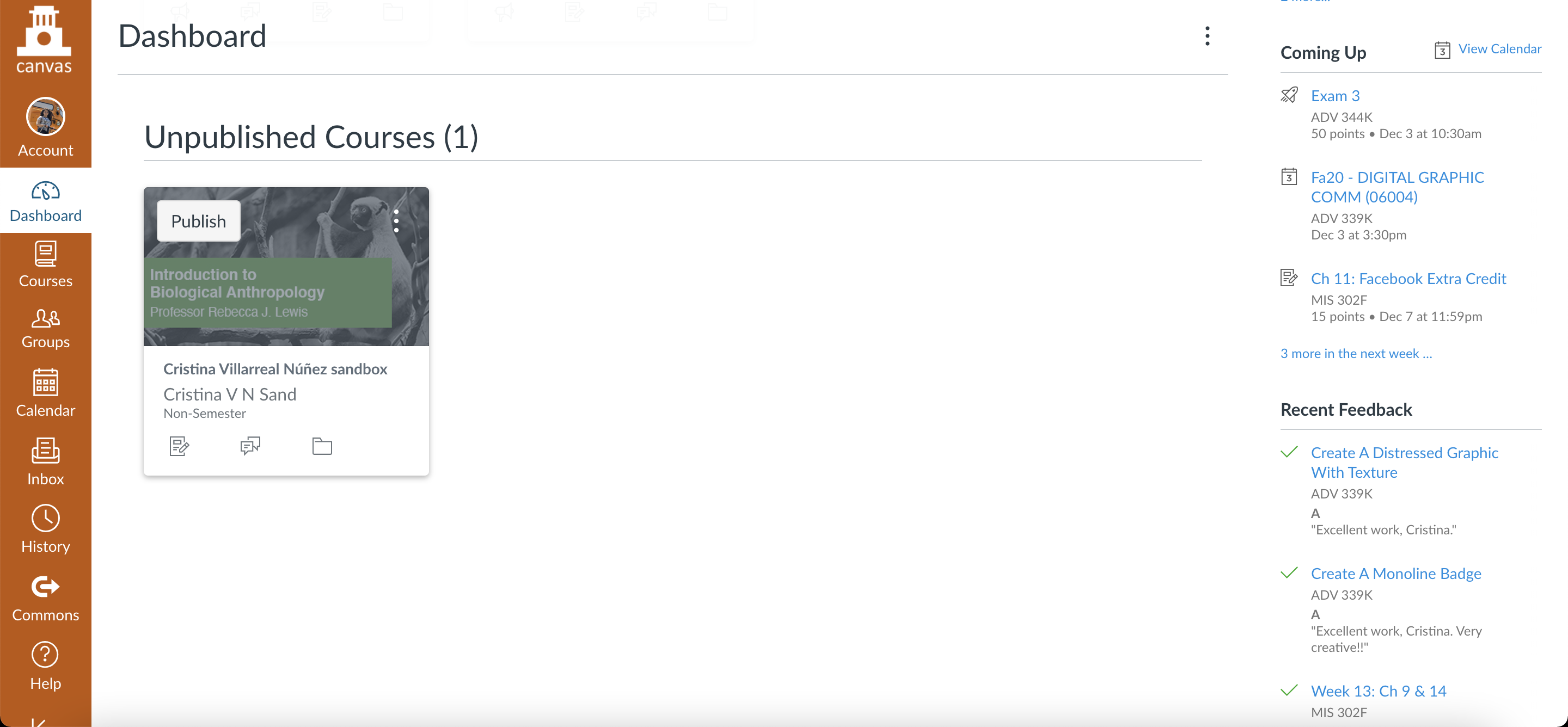
 

Homepage Banner & Call-Out ButtonsDashboard

Filed Under: 2020 Summer | 2020 Fall

Figma and more

December 1, 2020 By Angie Huang

Figma and more

In the last week, I’ve been providing feedback for a variety of STA training assignments, like on the infographics training which I developed with Megan- as well as Online Course Graphics and AI Icon training 🙂 I also started the Photoshop Painting training. This is the cute little teapot that I started for the assignment.

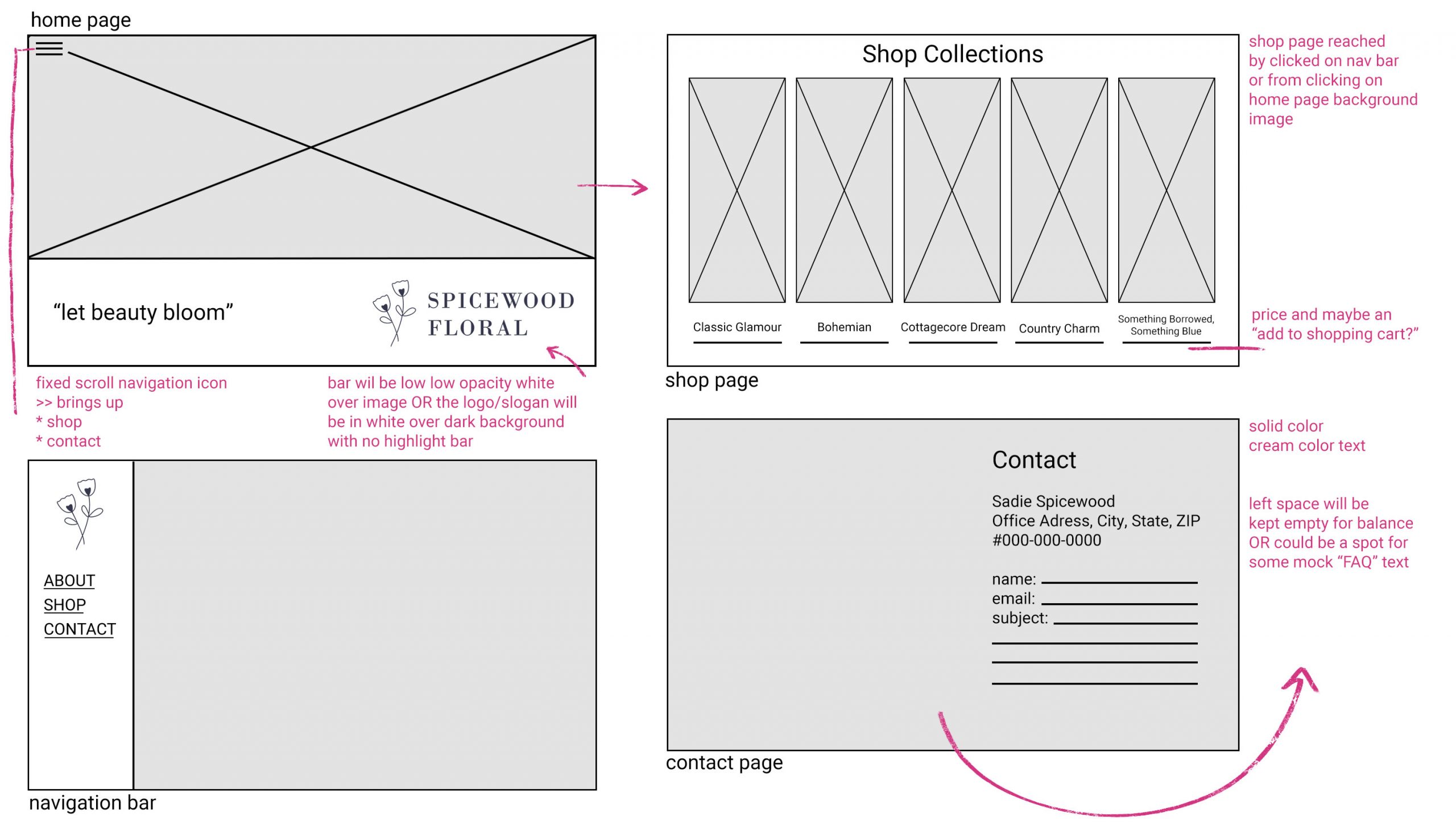
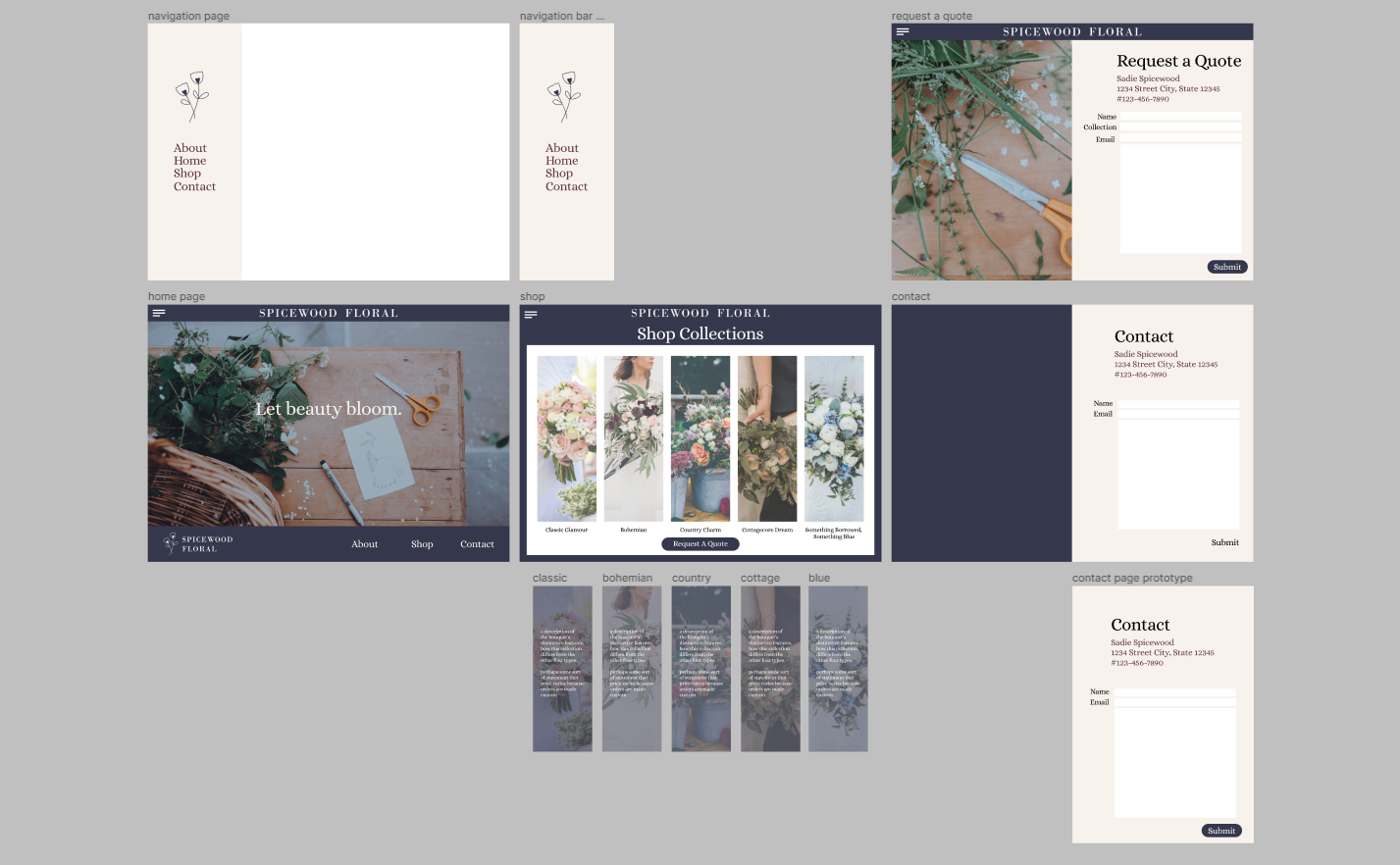
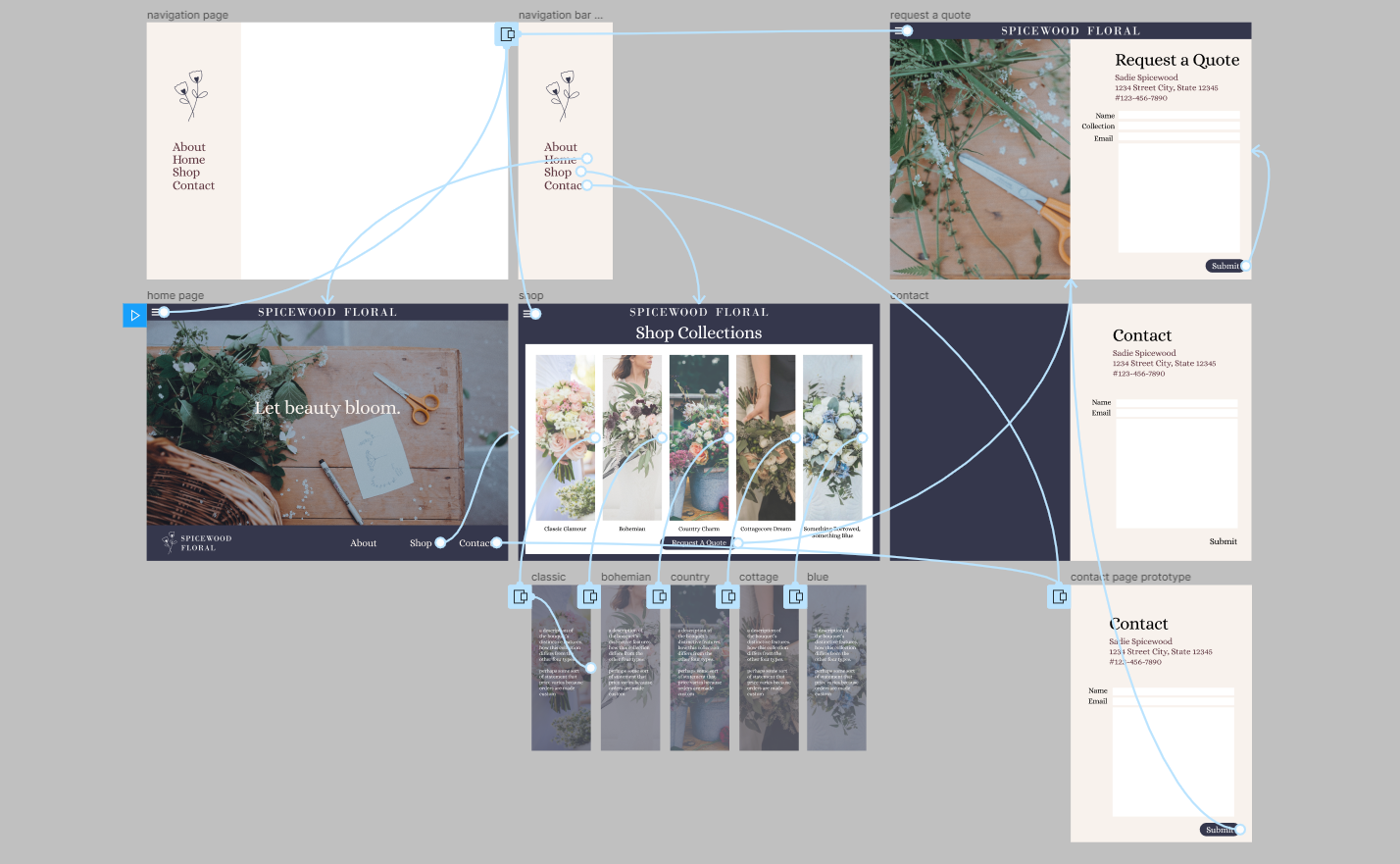
My main focus however has been FIGMA- a collaborative, web-based vector editor/ design interface tool that has become widely used for professional UI and UX design. I had no experience in UI/UX going into this training so I learned a lot from this assignment. This was my initial wireframe, and final frame, and prototype layout.

You can interact with my prototype through the embed below (hit the options at the top right to adjust display)

Filed Under: 2020 Summer | 2020 Fall

Battle Casts Updates

December 1, 2020 By Thuy H Nguyen

Battle Casts Updates

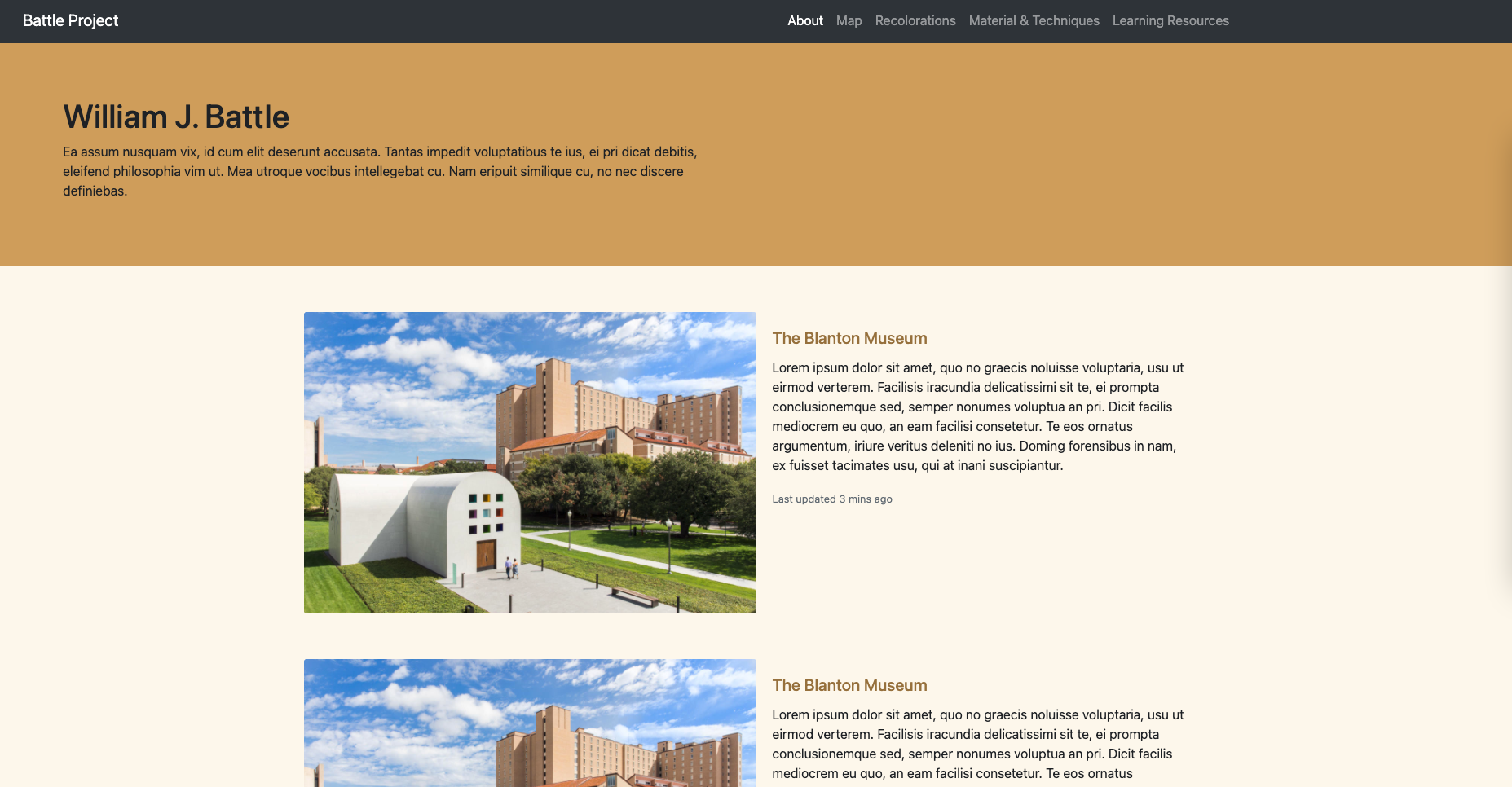
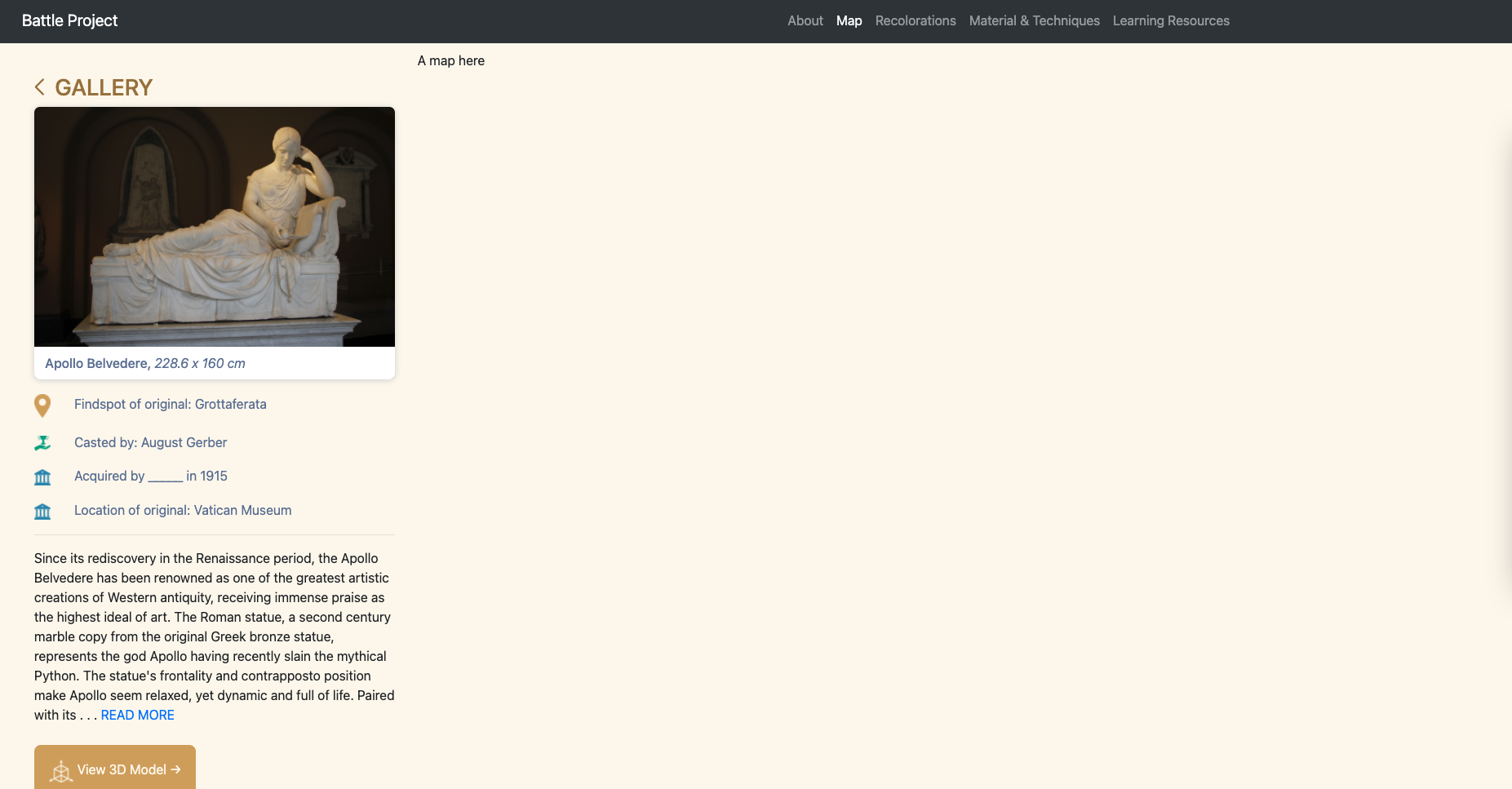
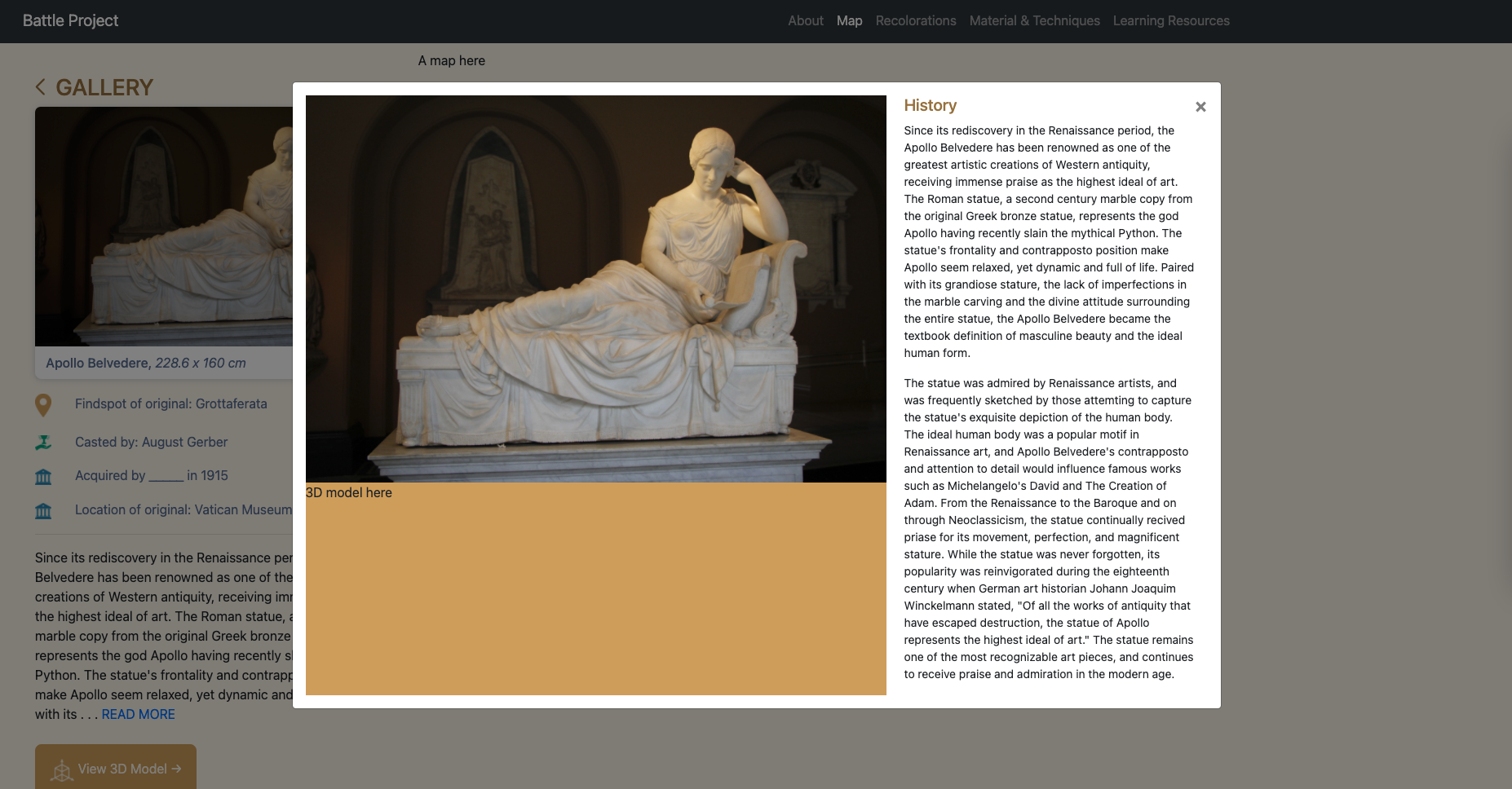
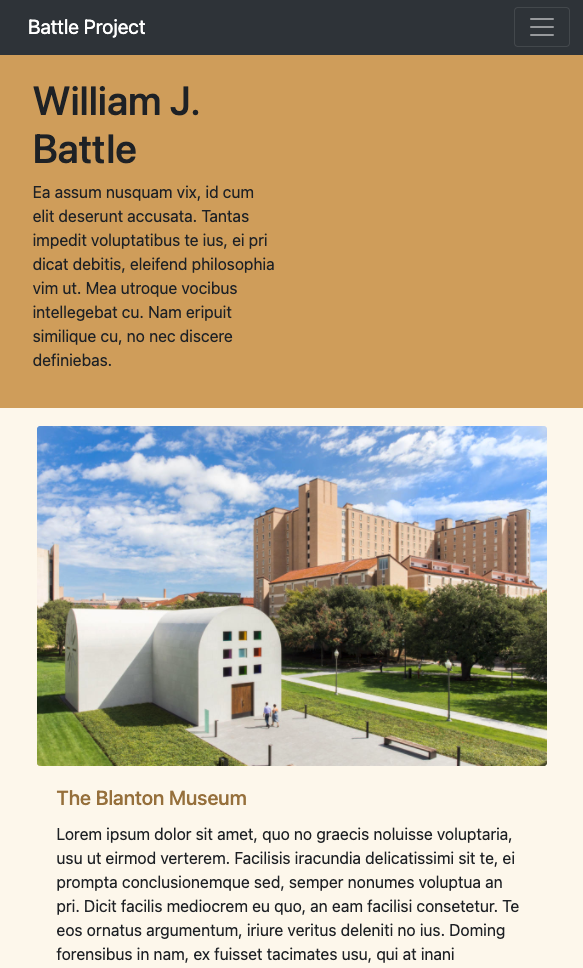
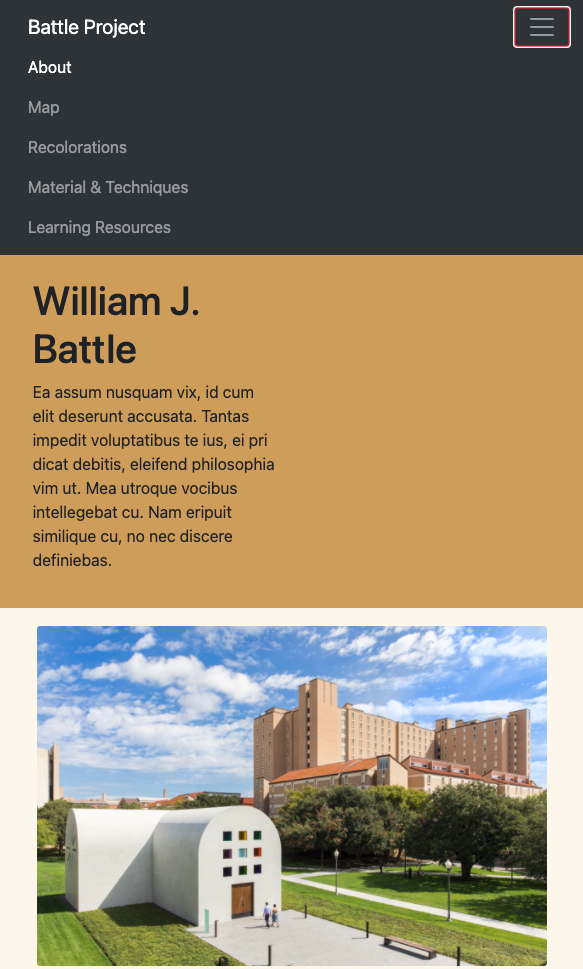
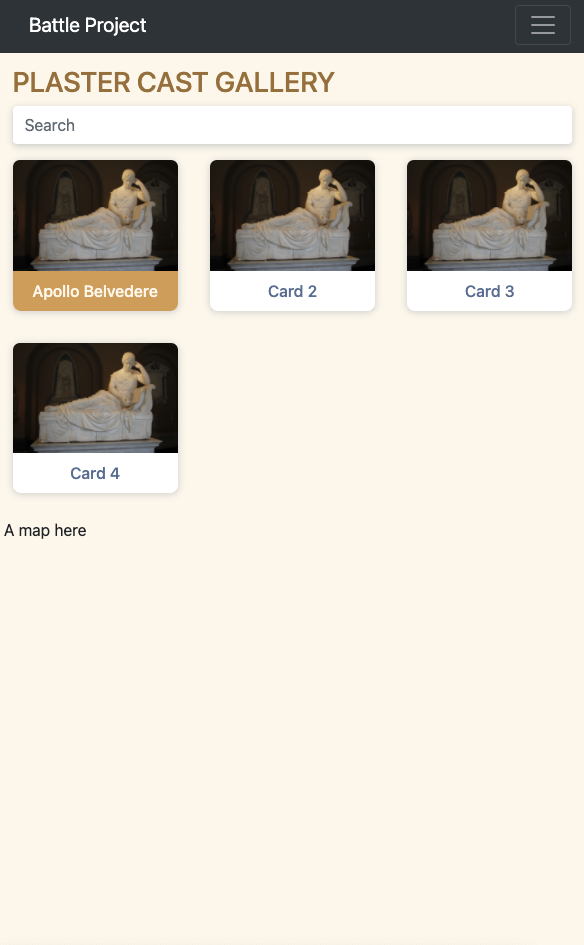
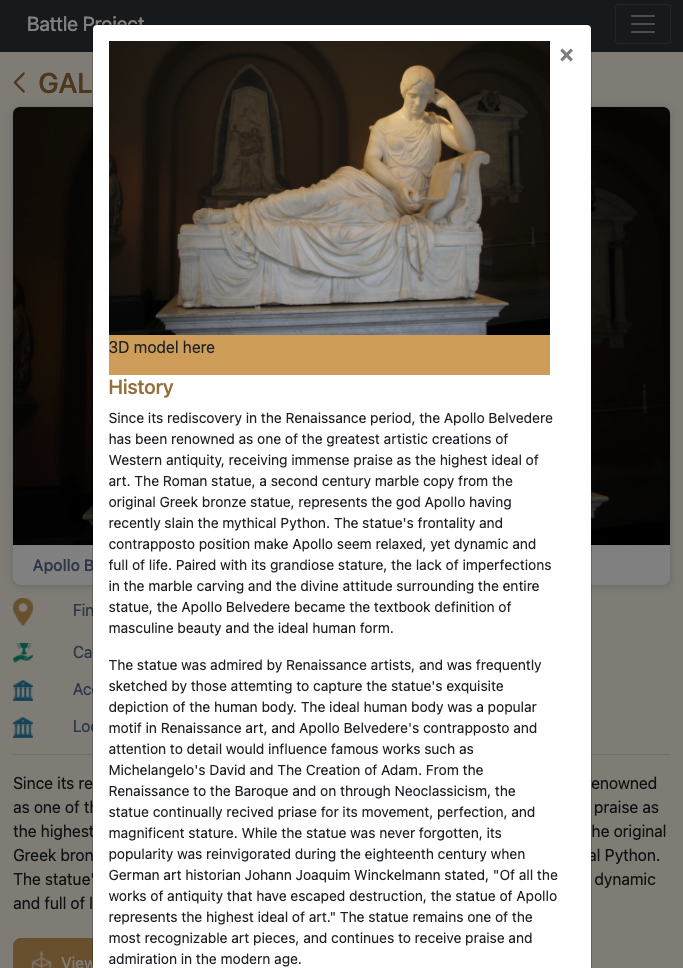
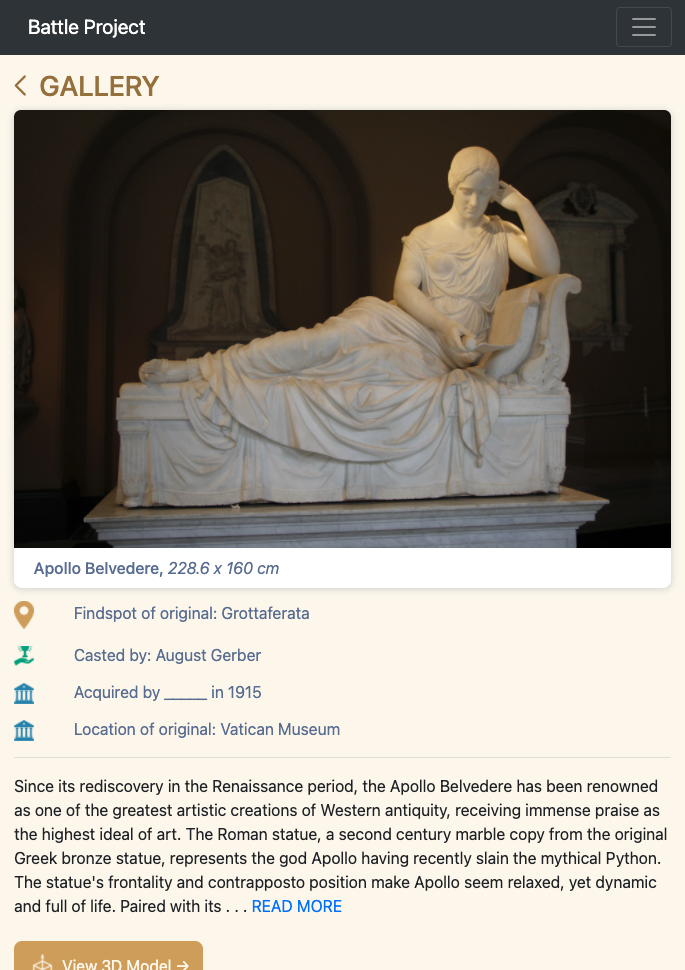
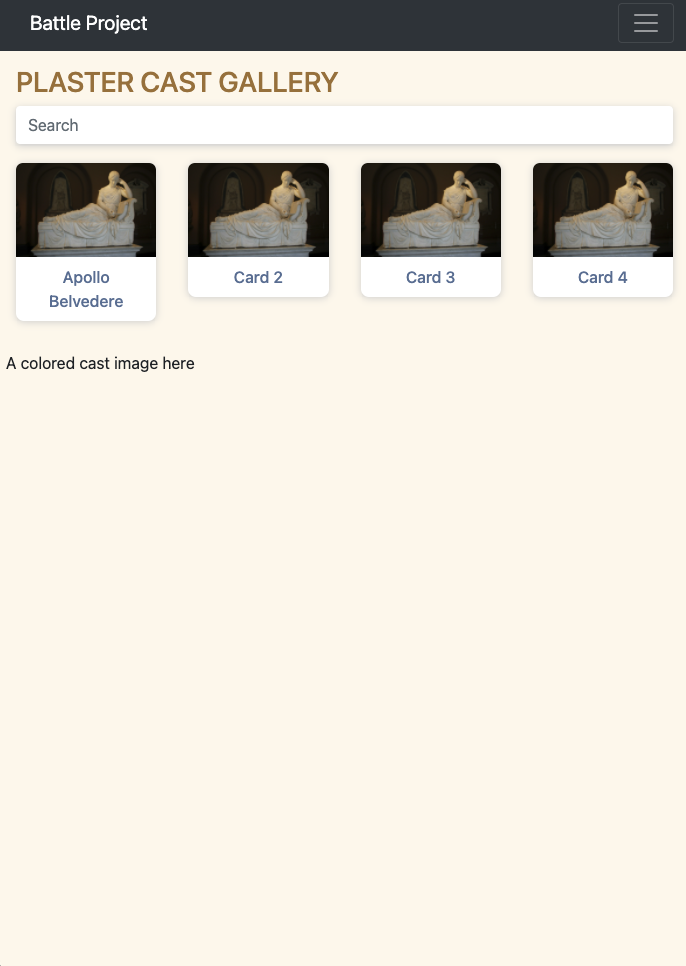
I’ve been working on the skeleton site for Battle Casts. For this project I’ve been using plain HTML, CSS, JS, and Bootstrap. Stacy also suggested me learning Less.js and / or Sass to write cleaner CSS, so I’ve been doing that as well and it’s been very exciting. I ended up choosing to learn Less.js, but it turned out that I needed to use Sass as well because I wanted to customize the Bootstrap default theme to fit the client’s prototype’s theme, and the customizing that requires writing Sass. Either way, both are pretty intuitive and easy to understand, so the learning curve was gentle.

The biggest thing that I learned so far in this project is how to utilize Bootstrap to make the site 100% responsive. It can be a pretty fun exercise to think about how certain website components translates to a smaller viewport.

Here are some screenshots of my progress so far.

Filed Under: 2020 Summer | 2020 Fall

Thanksgiving Week!

November 25, 2020 By Danielle Daynos

This week I mainly worked on After Effects training. I was able to get my animation finished and here are the results! I had to look up tutorials online for how to make the paper texture “move” and I’d say it turned out pretty good.

I also worked on giving feedback to my PSD Character Design Training. Had to make an update to it and add this image to the bottom of both so I did that.


The last thing I did (today) was get started on the Infographic training. I posted to Basecamp already about what fonts and color schemes I was thinking of using. And after making this post, going to continue working on gathering the information and sketching out a layout.

Filed Under: 2020 Summer | 2020 Fall

Clio/Canvasser + InDesign

November 25, 2020 By Athena Zeng

Clio/Canvasser + InDesign Training

Click on “BB” to play the final game on Canvasser!

With the help of Bridget and Poonum, I tried evening out the speed of the fade animation, but it did not change, so it will have to do.

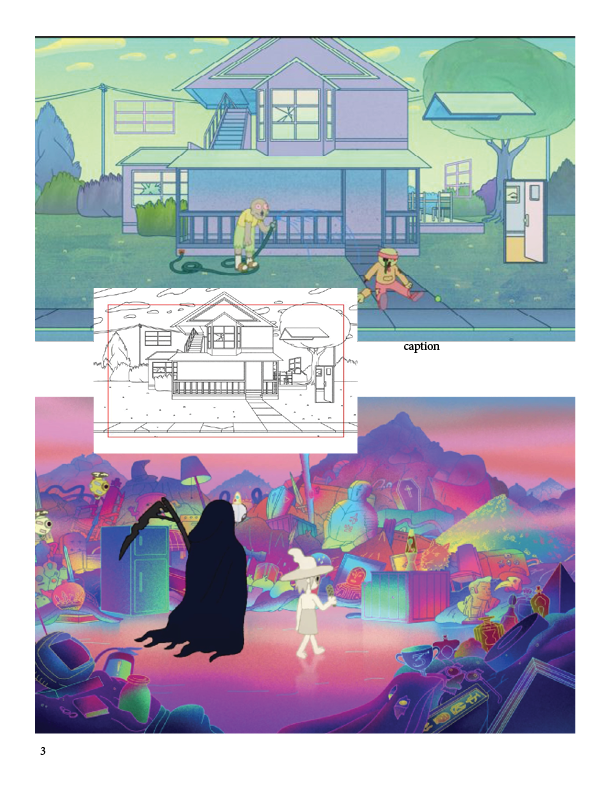
InDesign Training

Today, I also started working on the InDesign training! Here is a preliminary layout that I started tinkering. I used a 6×6 grid system to guide some of the positions, and next time I am going to continue to move around the text and change the appearance of the elements. I used to use InDesign a lot in high school newspaper, but that was so long ago! I felt so nostalgic doing this training today. We never really got into short cuts, such as using the master template tool, in high school, so I am having fun learning about these techniques.


It feels like school is over to me, which is dangerous. Have a great and safe Thanksgiving break!


Filed Under: 2020 Summer | 2020 Fall

MIS 302F Studio Background

November 25, 2020 By Poonum Mehta

After designing the course graphics for MIS 302F, the McCombs department decided they wanted a studio background that would match what they’ve been doing in some other courses. I looked at Sheryl’s design for STA 301 for inspo:

And this is what I came up with:

Here’s a mockup with an overlay:


Hope the professor likes these! The graphics were honestly pretty tricky to come up with because defining the intersection between business and technology can only be done with so many different graphics…I feel like I did a pretty decent job though. Now, hopefully, it’ll just be a matter of nailing down colors and branding. Pretty fun assignment overall and looking forward to finishing it up!

Filed Under: 2020 Summer | 2020 Fall

  • « Previous Page
  • 1
  • …
  • 7
  • 8
  • 9
  • 10
  • 11
  • …
  • 50
  • Next Page »

link to LAITS home page

Video STA Home

© 2025 Liberal Arts Instructional Technology Services | Production Credits