• We are STAs
    • Asha Rountree
    • Haley Ma
    • Kate Shih
    • Kyra Lee
    • Nicholas Peasley
    • Sasha Kenney
    • Shanda Horm
    • Shriya Atreya
    • Tomas Marulanda-Mesa
  • We were STAs
  • STA Presentation
    • STA Presentation 2017
    • STA Presentation 2016
  • Testimonials
  • Resources
  • Home

STA Blog

Course Graphic Training

November 12, 2020 By De'sha Bass-McClellan

Course Graphic

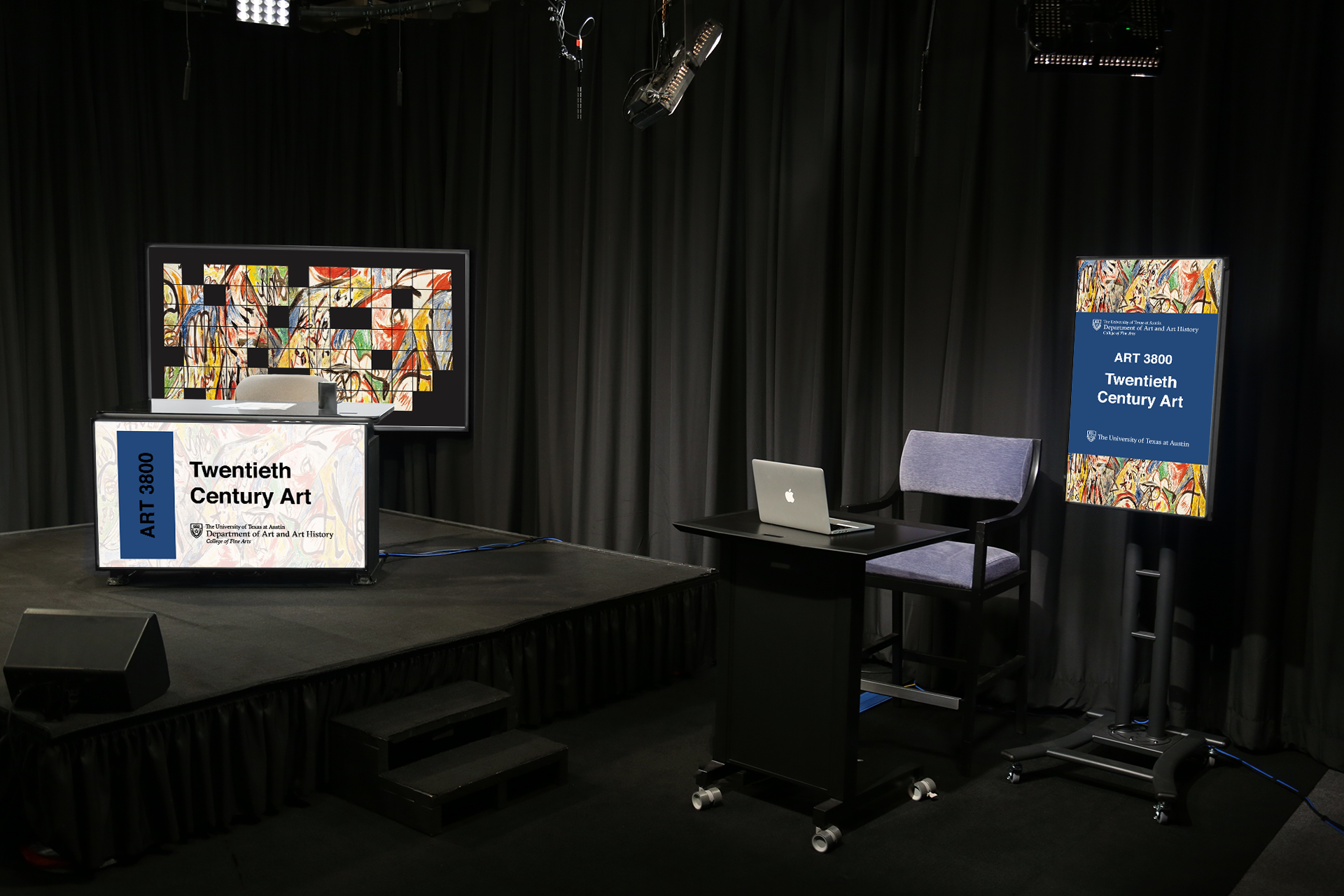
For the past couple of weeks I have been working on the course graphics training. I started off with two designs.
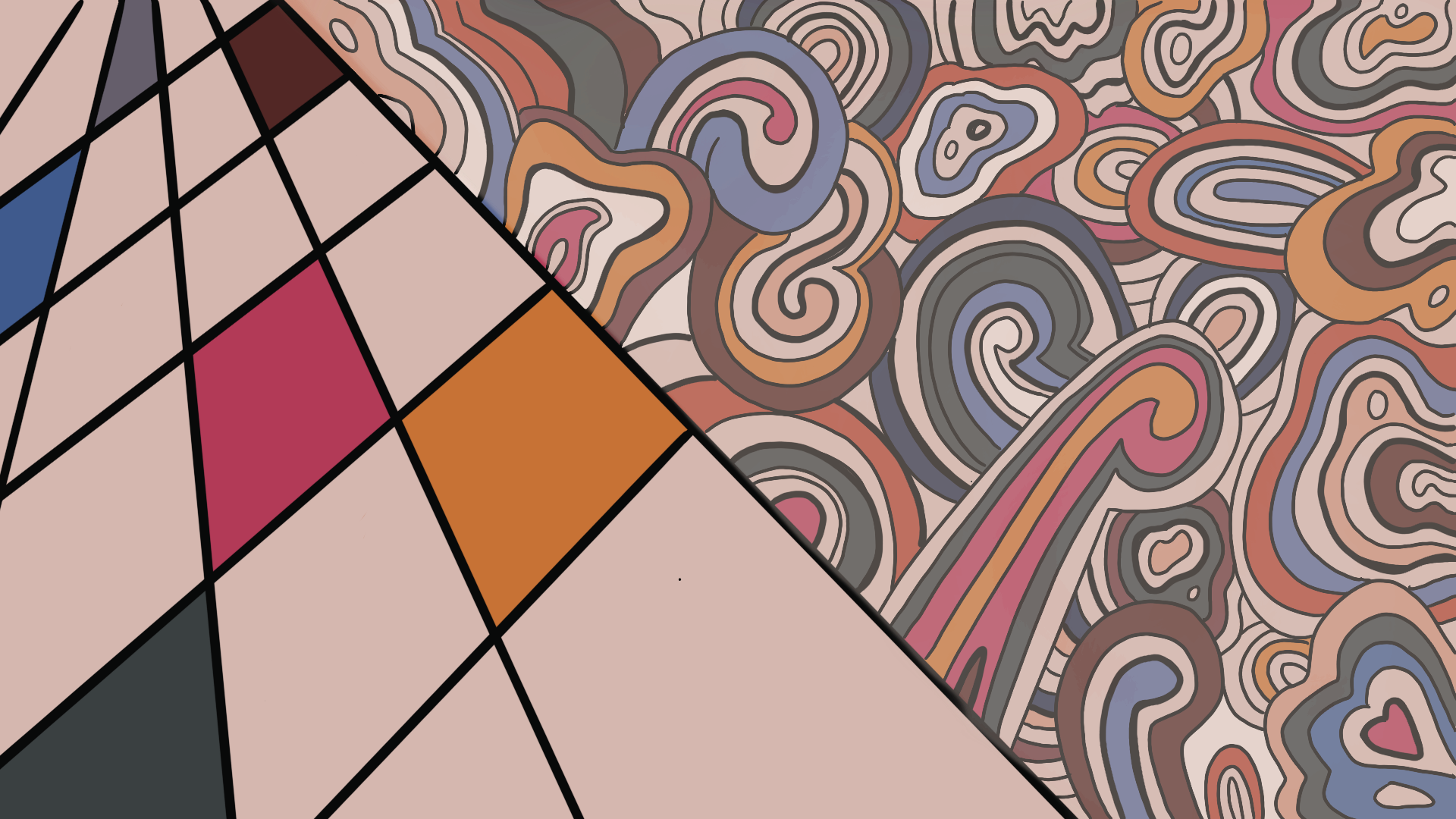
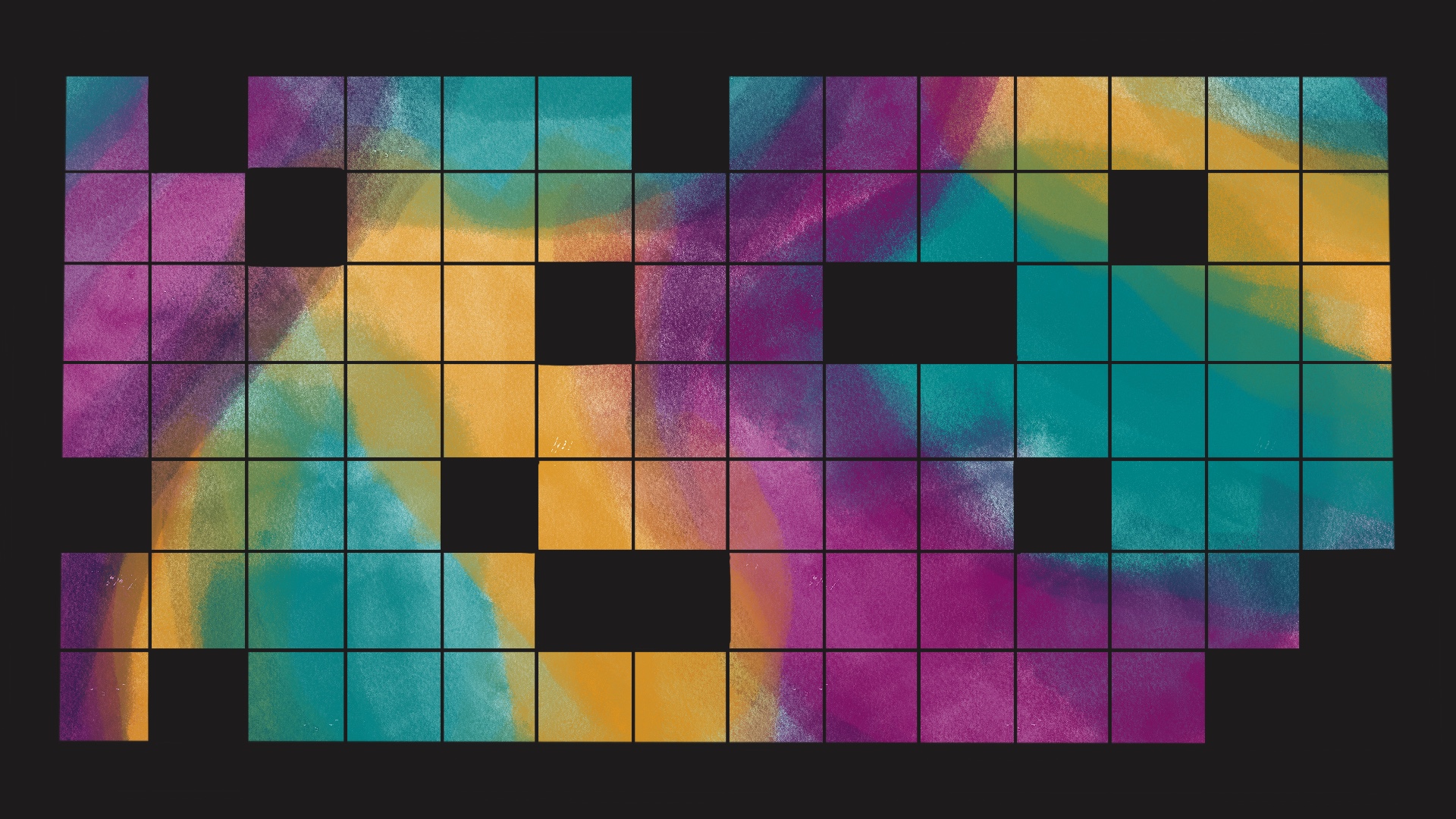
They both were visually appealing designs, but there was still something missing to make it a design that will capture the students attend, but wouldn’t distract them from the professor.

I decided to continue with the grid design, but add in the original painting as the background.
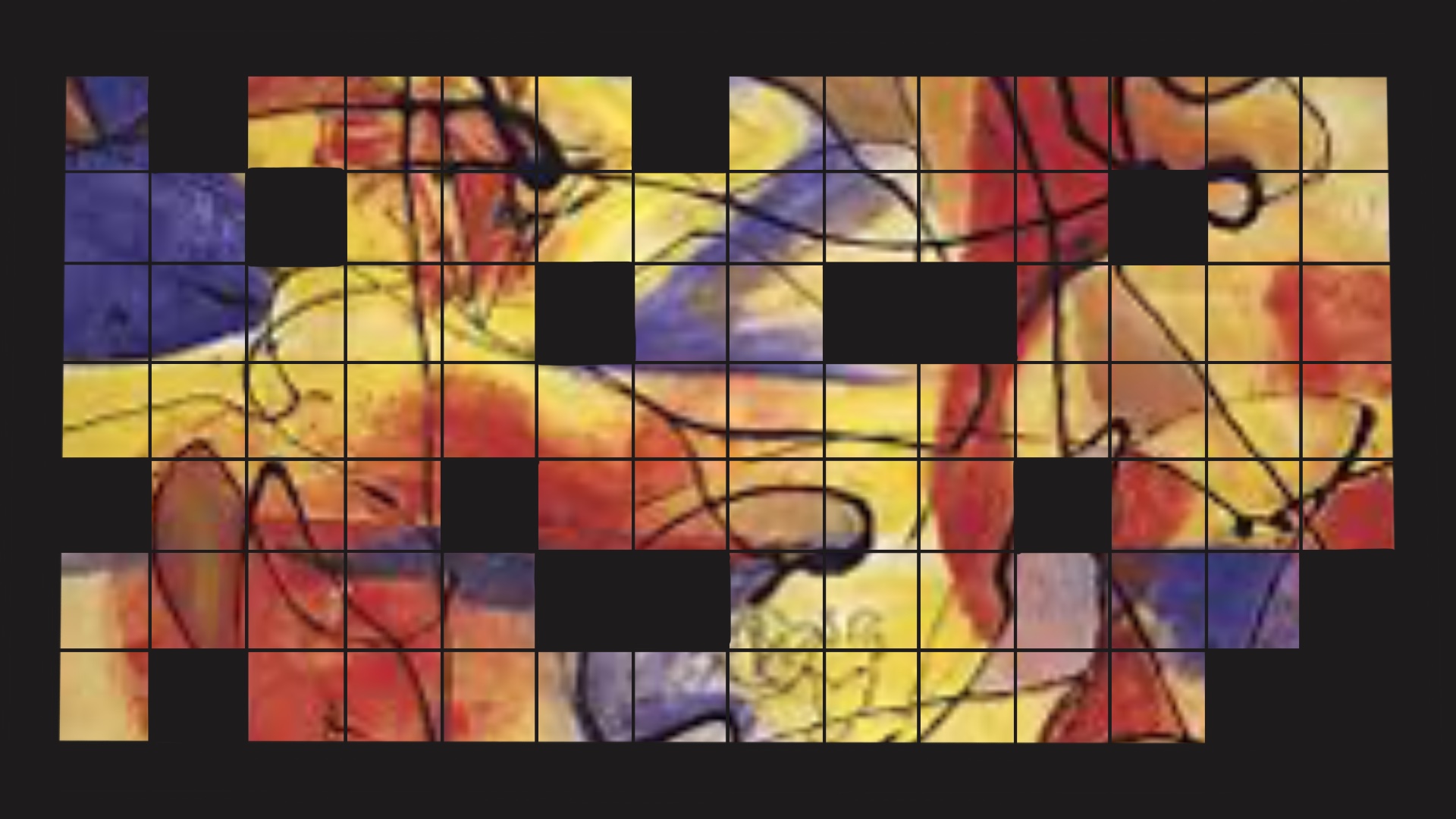
This was the path I wanted to go in for this course graphic. I felt that it was a perfect balance between simple and complex. However, the resolution of the image was really blurry and I was unable to find a larger size of this image.

As a result, I decided to research other paintings by the artist and come across a colorful master piece that would be the focus for the course graphic.
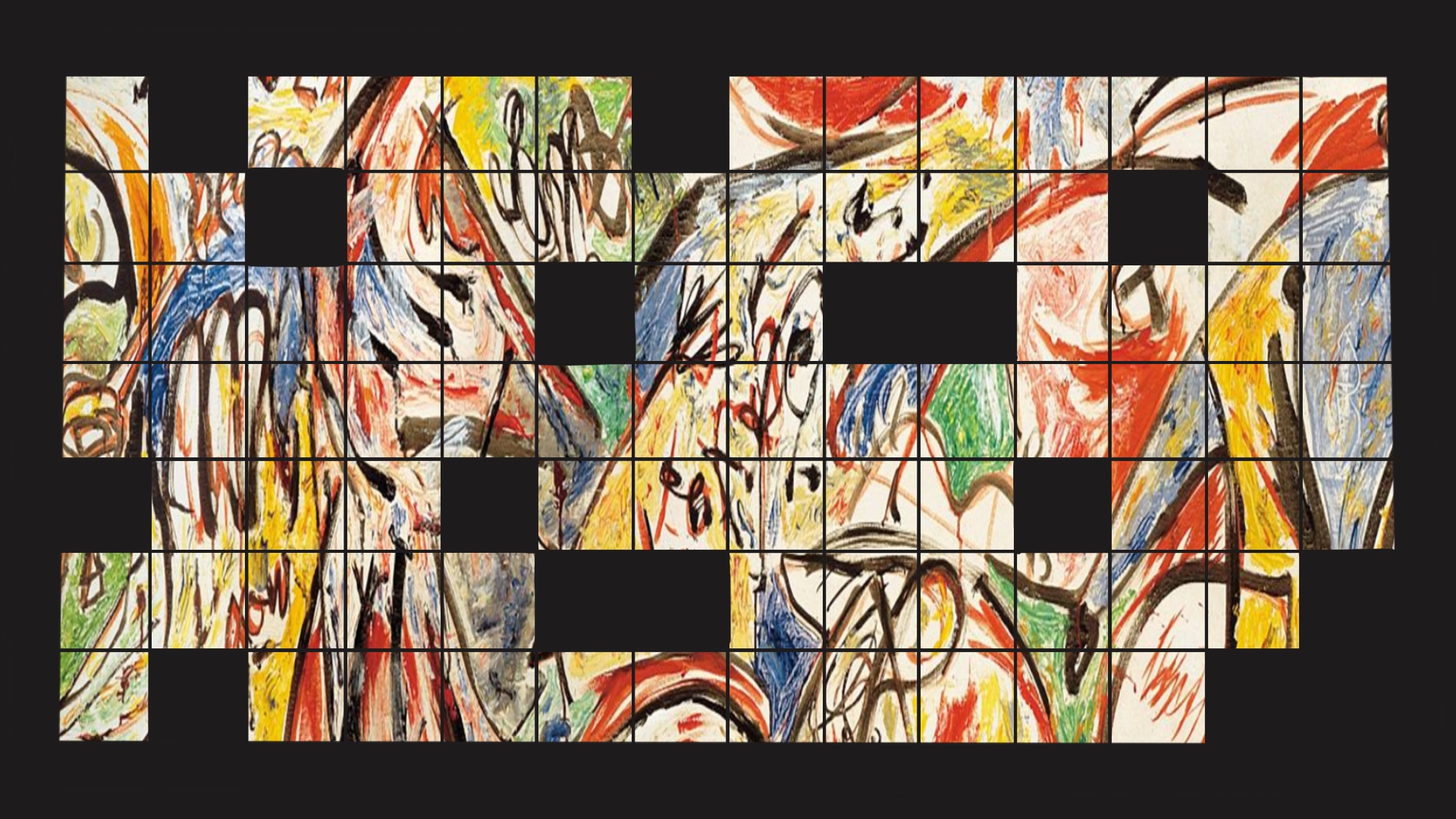
I began working on the additional assets that would be included in the course graphic package. I decided to have the based color to be a navy blue color.
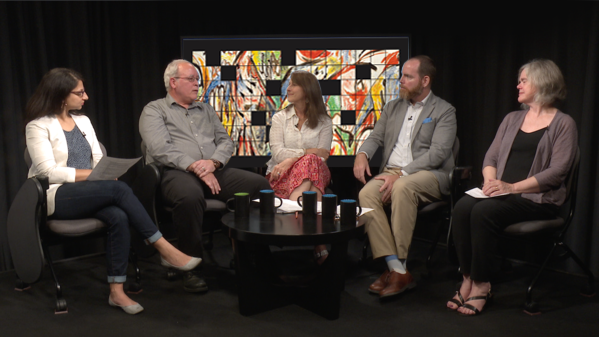
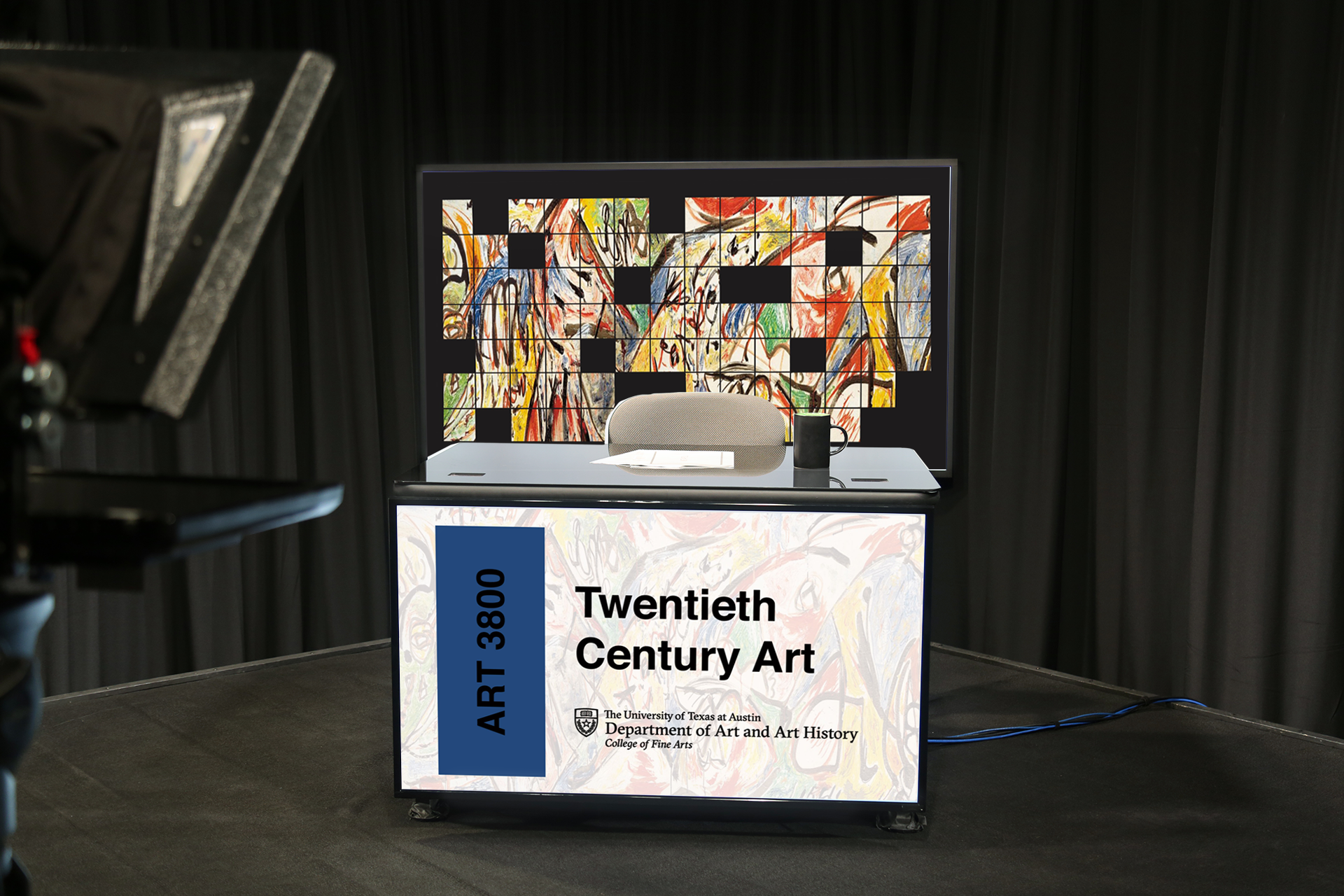


The graphics were turning out great. However, the black border for the grid was contradicting the light colors of the other graphic. As a result, I ended up changing the black to the same navy blue color to make everything more in sync.
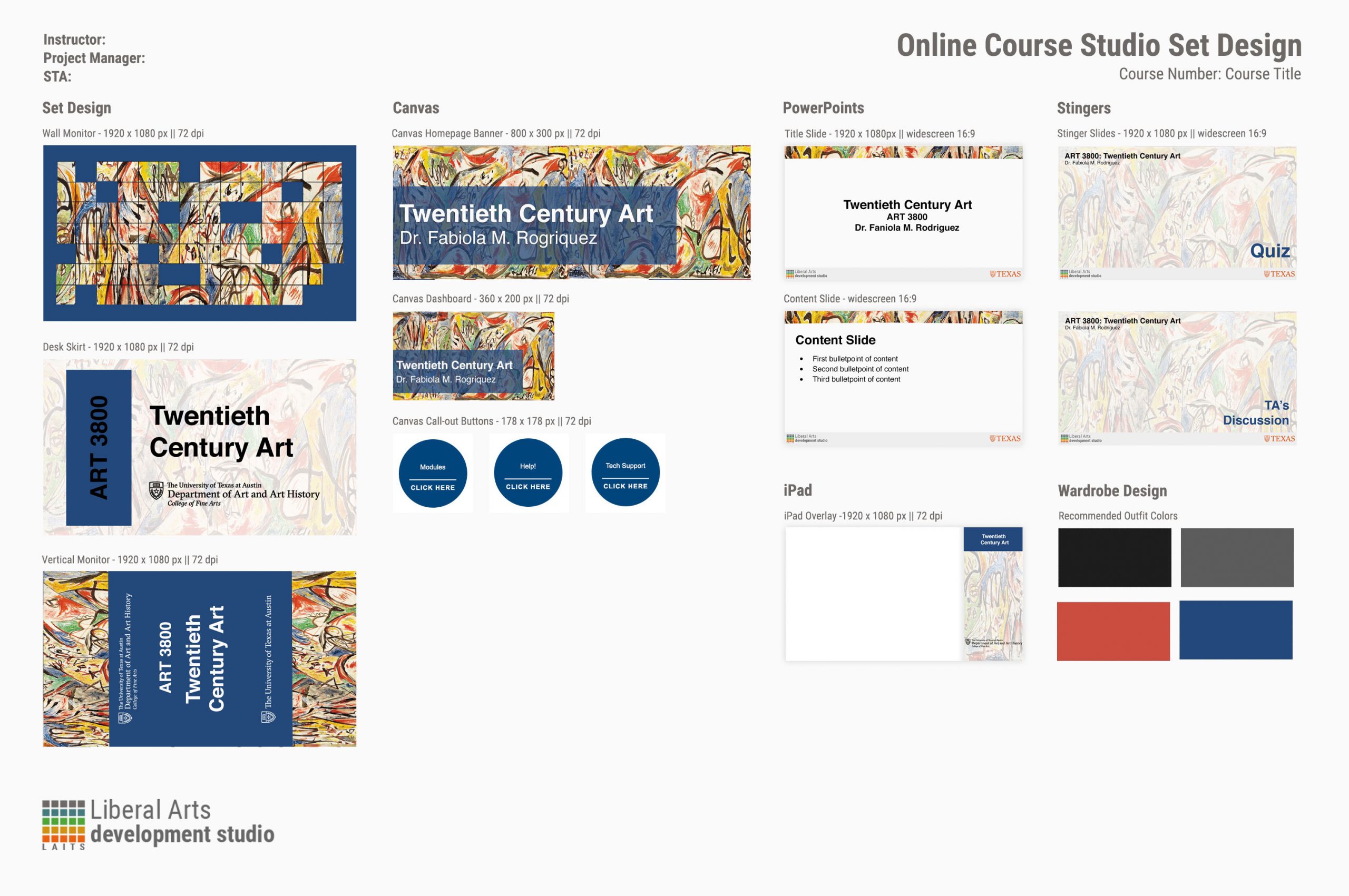
Overall, I believe I created a successful course graphic that is both visually appealing and applies well to the theme of the course.

Filed Under: 2020 Summer | 2020 Fall

I Designed for a Charity Fundraiser!

November 11, 2020 By Thuy H Nguyen

I Designed for a Charity Fundraiser!

It’s been a while since I made a life update post, so here it is!

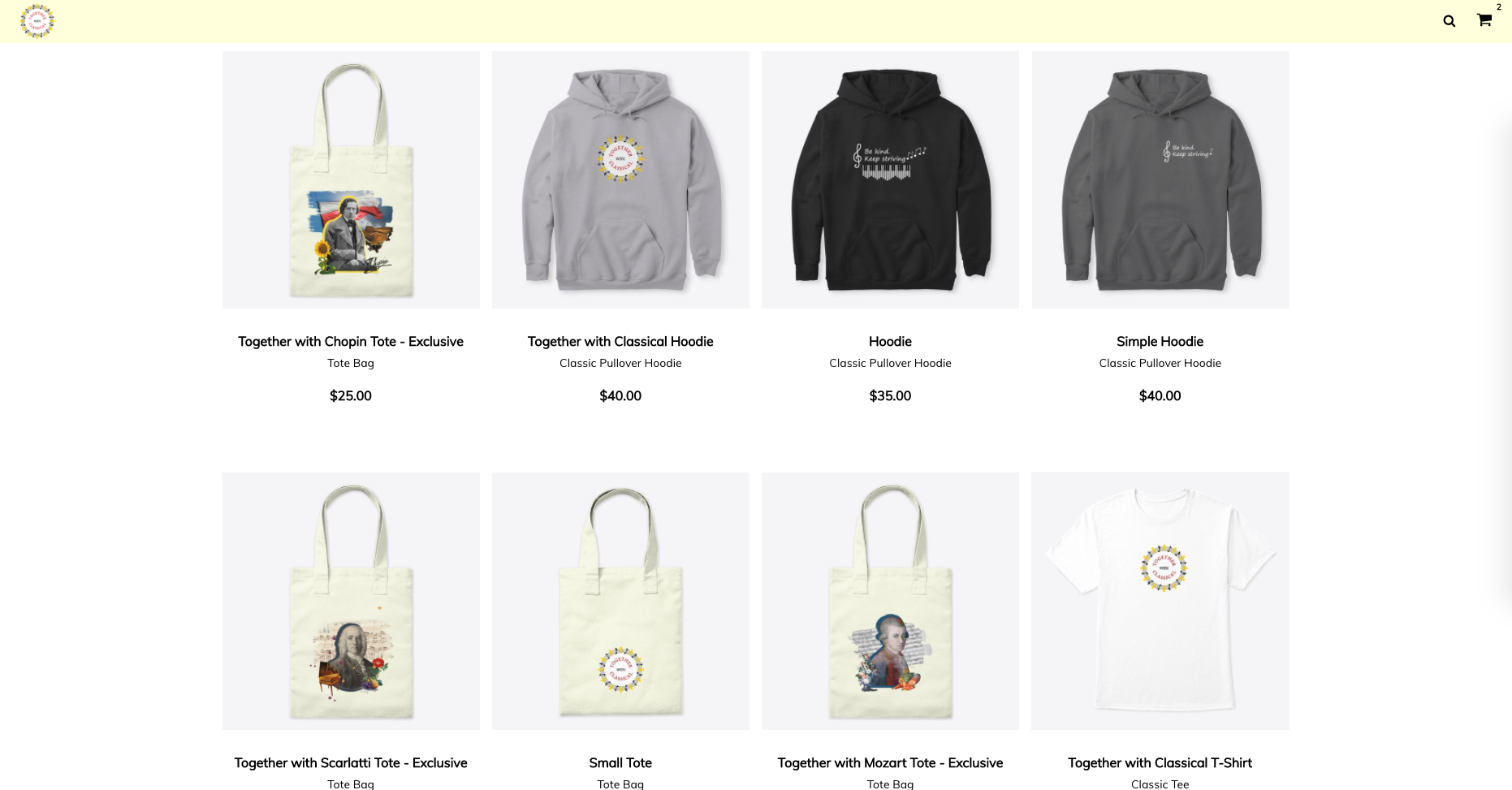
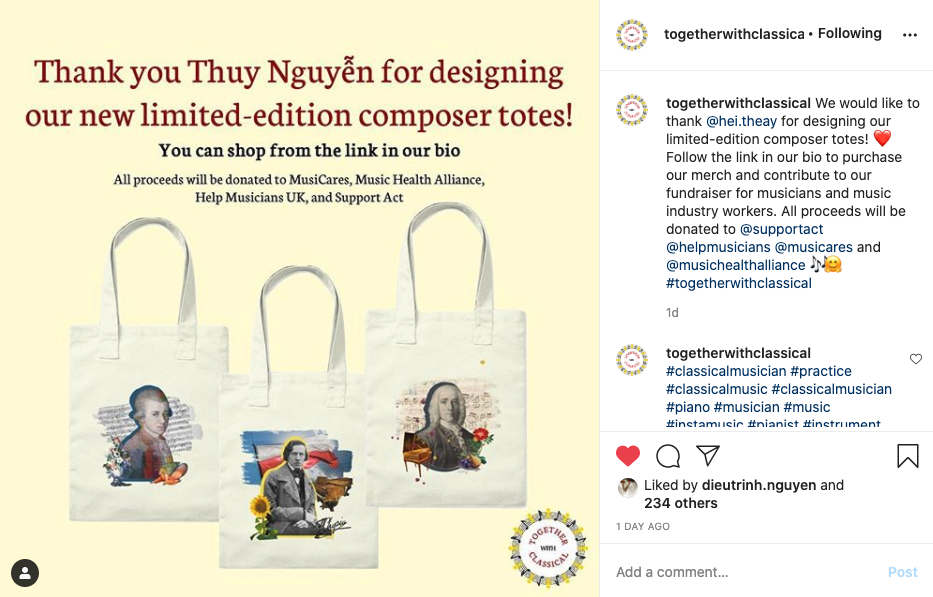
A few weeks ago I did the crazy thing of messaging Tiffany Poon, a concert pianist and YouTuber whom I really admire, on Instagram because I had an idea: I wanted to ask her if she would be interested in using my designs of the Composer Collages on merch totes to raise funds for her charity, Together with Classical.

She responded!!!!!!!!! (I was very thrilled if you haven’t noticed).

Long story short, my designs are now up on the Together with Classical store for a new fundraiser, with all proceeds to the Support Act, Help Musicians UK, MusiCares, and Music Health Alliance (all charities / non-profit organizations related to the music industry).

Classical music and the piano means a lot to me, and so this is very exciting!! I really don’t considered myself an artist, but I’m really grateful to have this opportunity to help make a difference with my designs. Thank you so much!

Some links if you’d like to check out:

Together with Classical Instagram: https://www.instagram.com/togetherwithclassical/

Together with Classical website: https://www.togetherwithclassical.org/

Together with Classical Store: https://together-with-classical.myteespring.co/?

While we’re at it, I’ll also recommend this performance below by Tiffany Poon of Schumann-Liszt Widmung (Dedication), originally written by Robert Schumann in 1840 in Myrthen, a set of lieder, as a wedding gift to Clara Schumann, and transcribed by Liszt. The piece is marked with a memorable and sweet melody, while still having those technical bravura typical of Liszt. I think Tiffany’s performance is my favorite so far of this piece because of some subtle but unique phrasing.

Filed Under: 2020 Summer | 2020 Fall

HTML / CSS Training Troubleshooting

November 11, 2020 By Thuy H Nguyen

HTML / CSS Training Troubleshooting

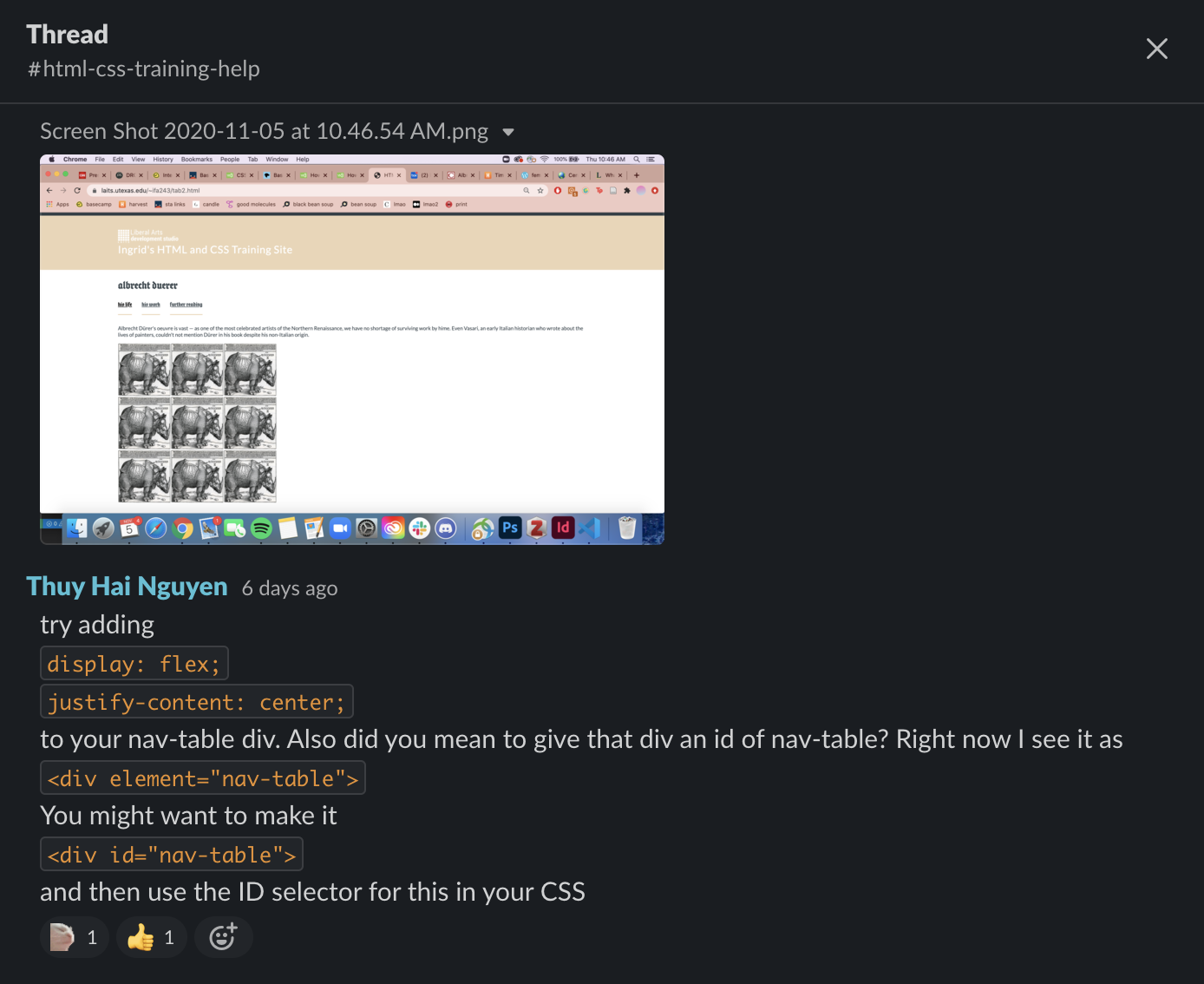
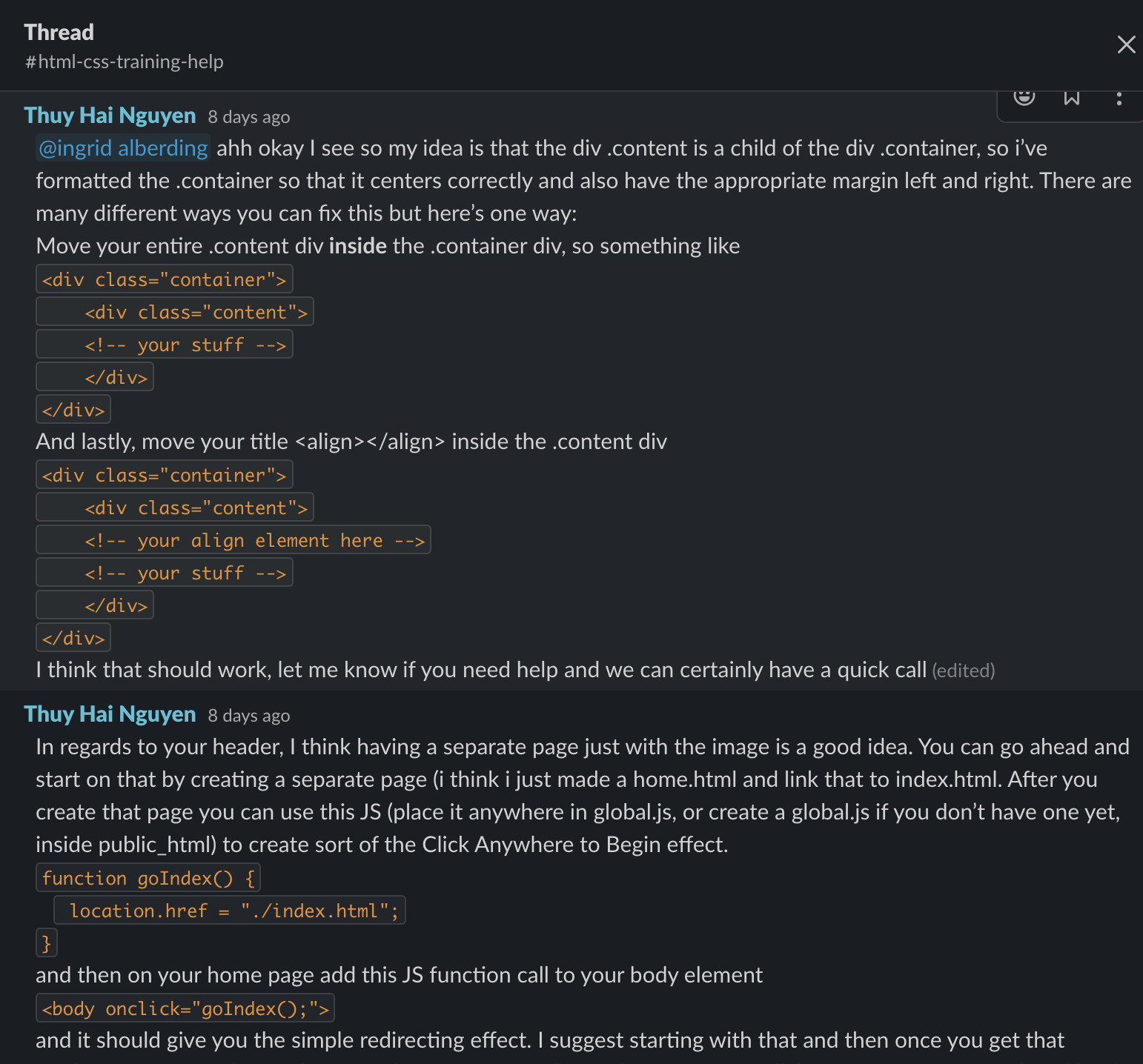
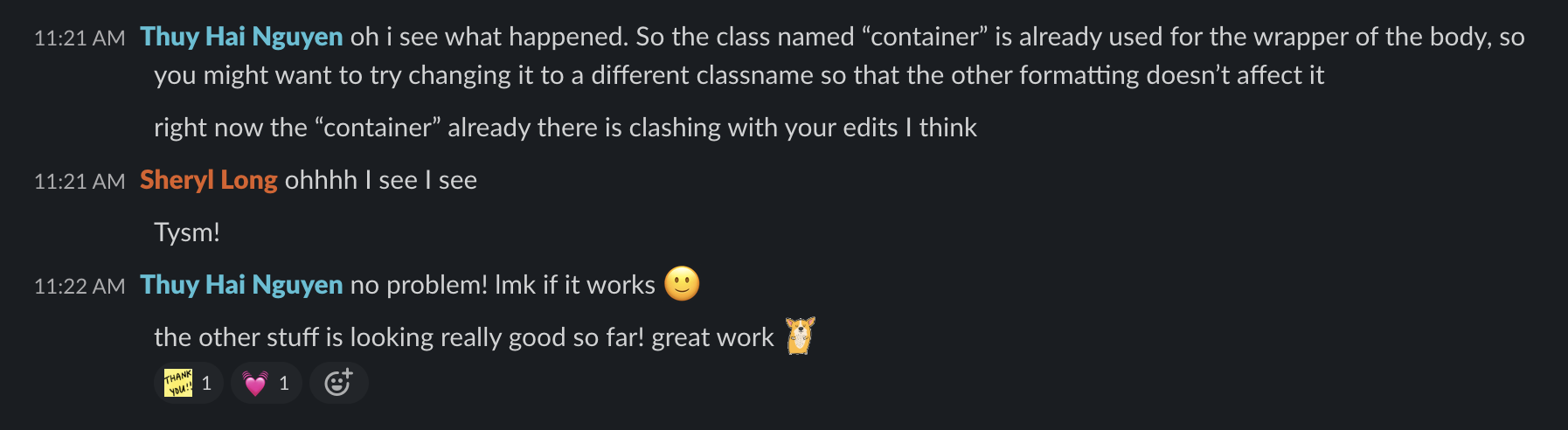
I’ve been helping other STAs who are working on the HTML and CSS training troubleshoot their site. At the beginning we had a lot of problems with ssh into the server (I don’t really know why T.T) but it’s gotten a little better now (the STAs have been ssh fine). Here are some screenshots of the troubleshooting I’ve been doing (we have a Slack channel for help on this training). Everyone’s site has been looking very unique and exciting, so I really hope everyone enjoys this training :).

Filed Under: 2020 Summer | 2020 Fall

Figma Training

November 11, 2020 By Thuy H Nguyen

Figma Training

I’ve been working on the UI / UX Figma training that Maddy wrote. I chose to do the personal portfolio site, and it has been really fun so far.

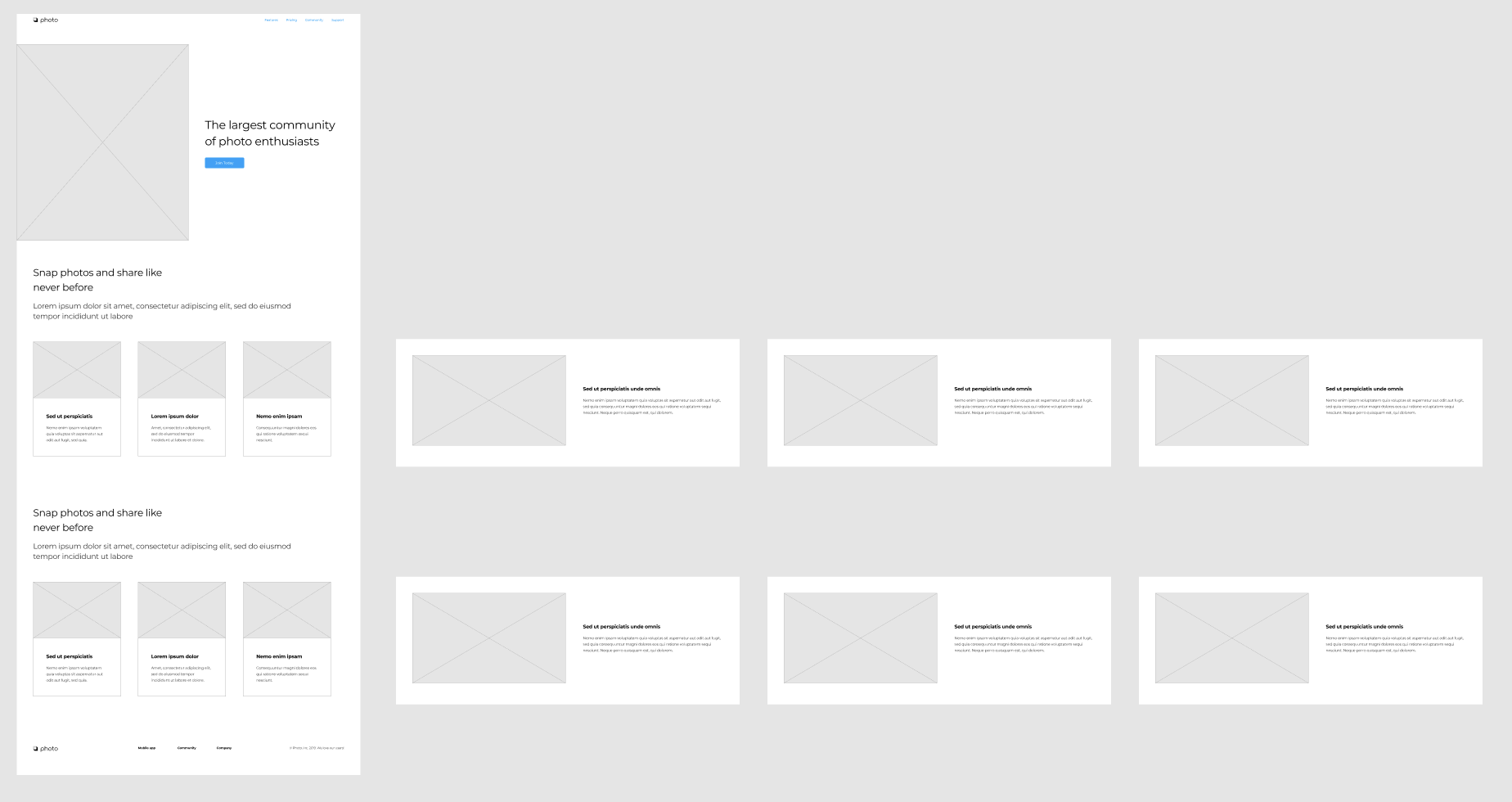
Here’s a picture of my wireframe.

And here’s my prototype.

Filed Under: 2020 Summer | 2020 Fall

11-11-20

November 11, 2020 By Bridget

Basic Training: After Effects (Continued)

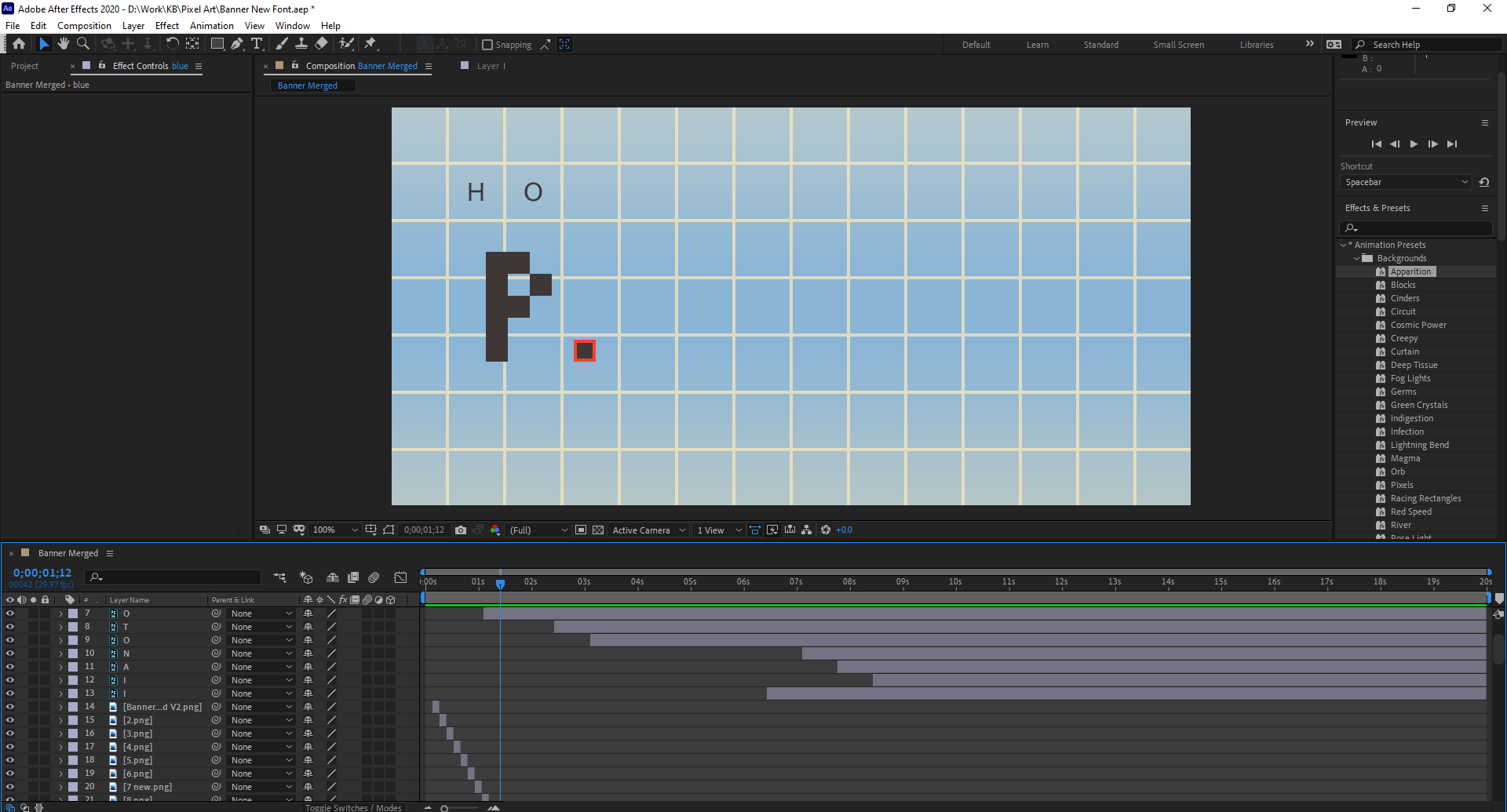
This week I made some progress on animating my banner in After Effects. I took awhile to get the assets for it ready, but the animation was pretty straightforward once I dropped in my PSD. I didn’t end up using a lot of effects besides fading in/out each background color. For the rest of the images I just offset them so they would drop in one at a time. There are a lot more effects that I still haven’t tried out (it seems like there’s an endless number of possible effects), but I’m pretty happy with how my first animation came out!


Pixel Art Tutorial

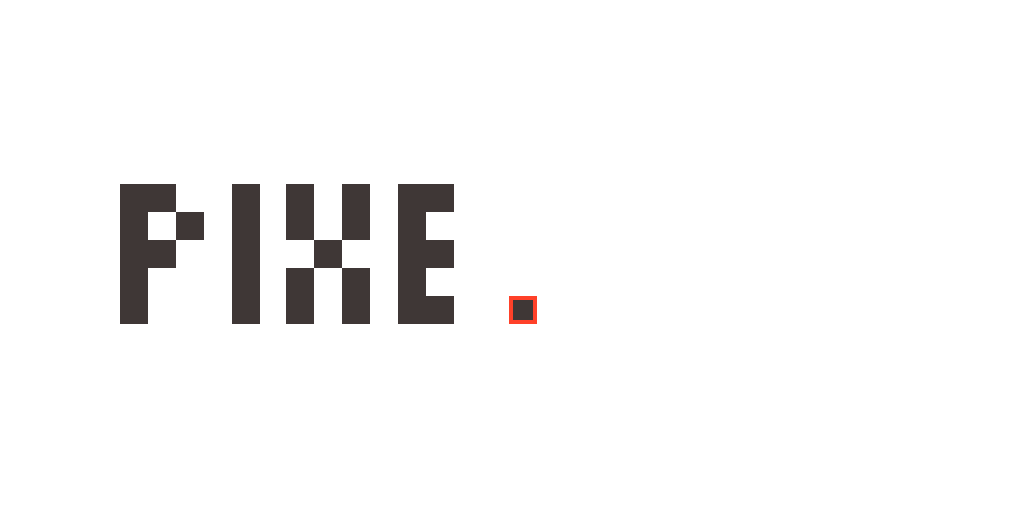
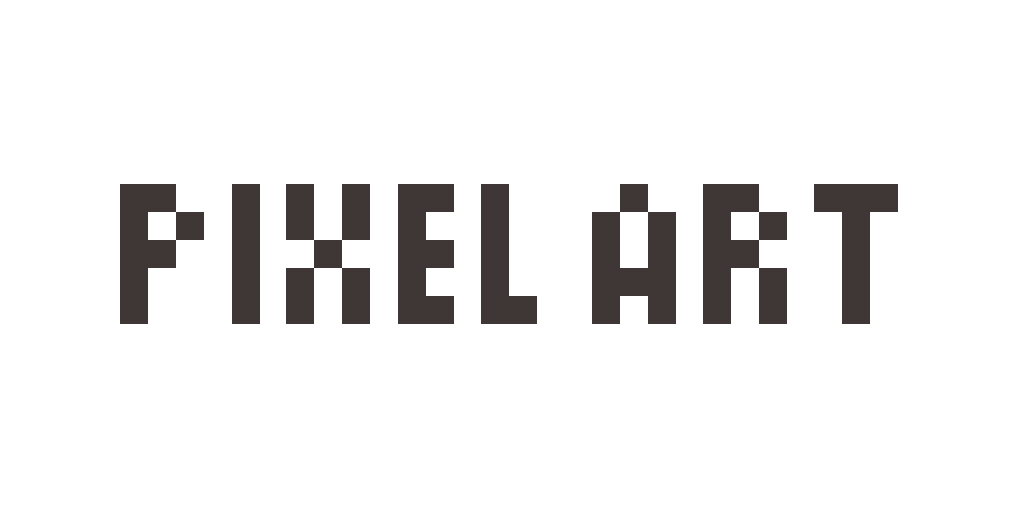
Here is the published pixel art tutorial! It’s ready to go for other STAs to start testing it out. I think it should be a good primer on Ai tools like the grid tools and the live paint bucket (if people haven’t used them before), so I’m hoping people find it helpful and applicable to other projects.

Filed Under: 2020 Summer | 2020 Fall

UX FIGMA Training

November 11, 2020 By Abriella Corker

UX FIGMA Basic Training

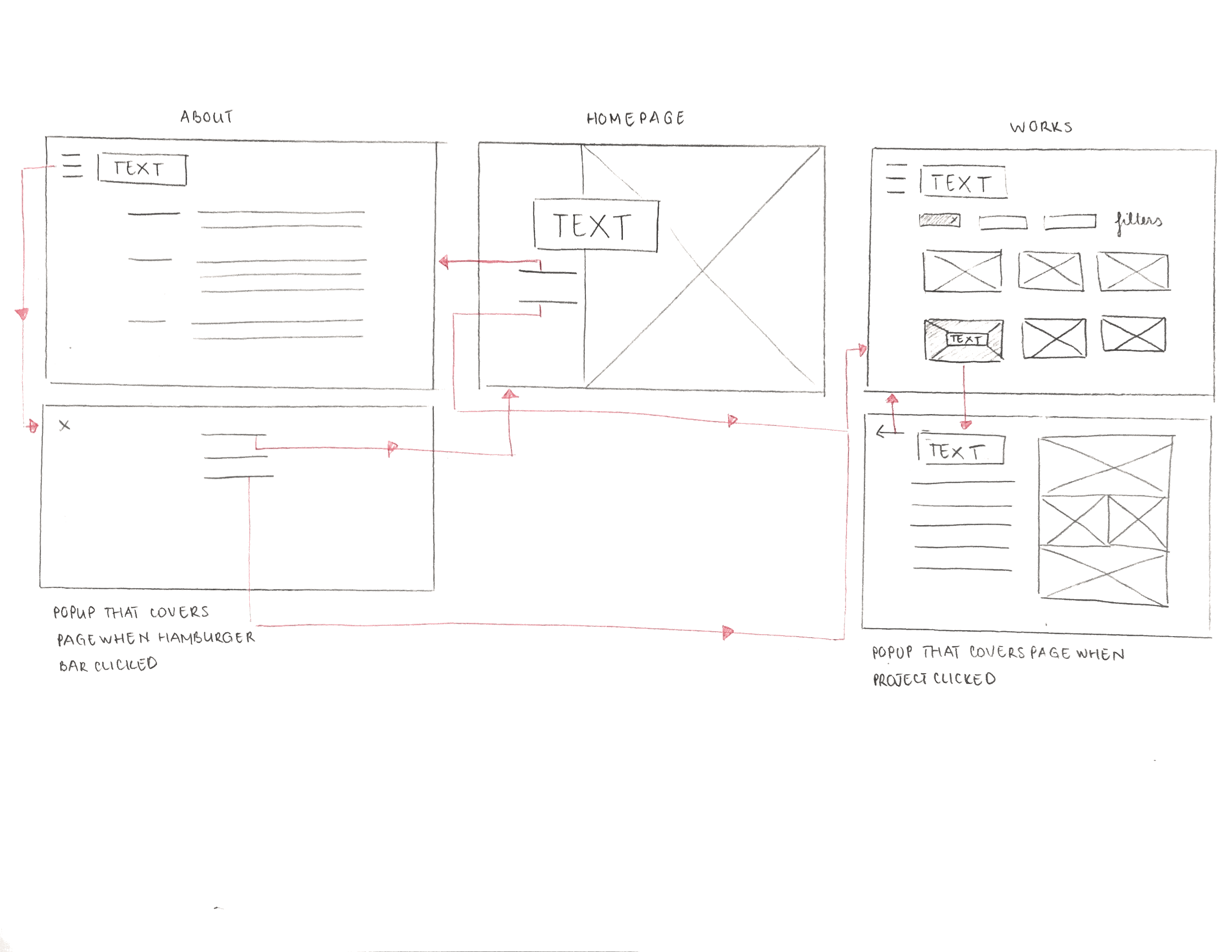
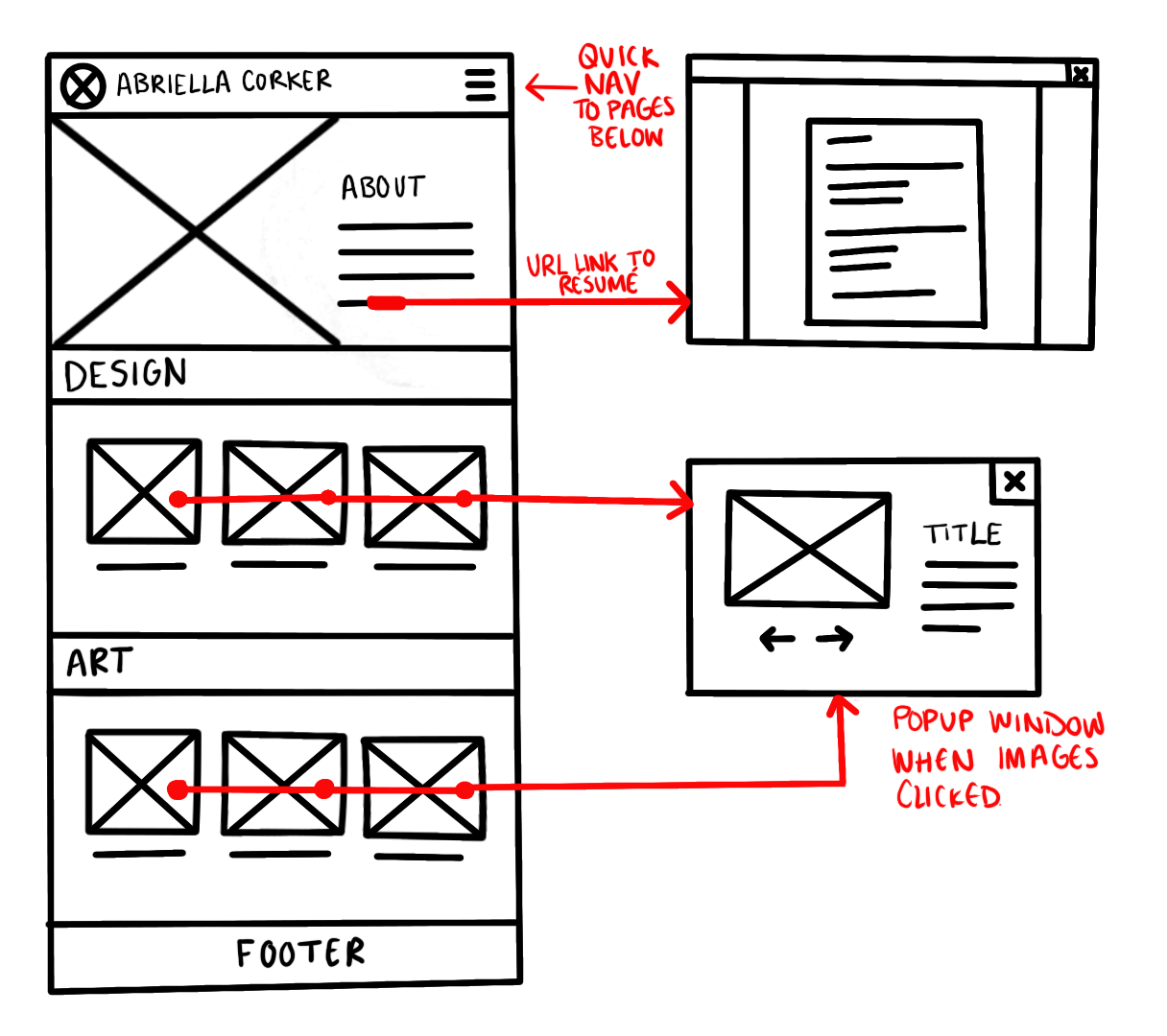
I started out the training picking the option of creating a portfolio over a floral shop website. I used procreate to draw out my wireframe sketch. I used red to label elements and show connections between frames.

I went through the basic instructions on FIGMA to get familiar with the platform and how to wireframe and prototype. From there I started working on creating the template and picking a color scheme.

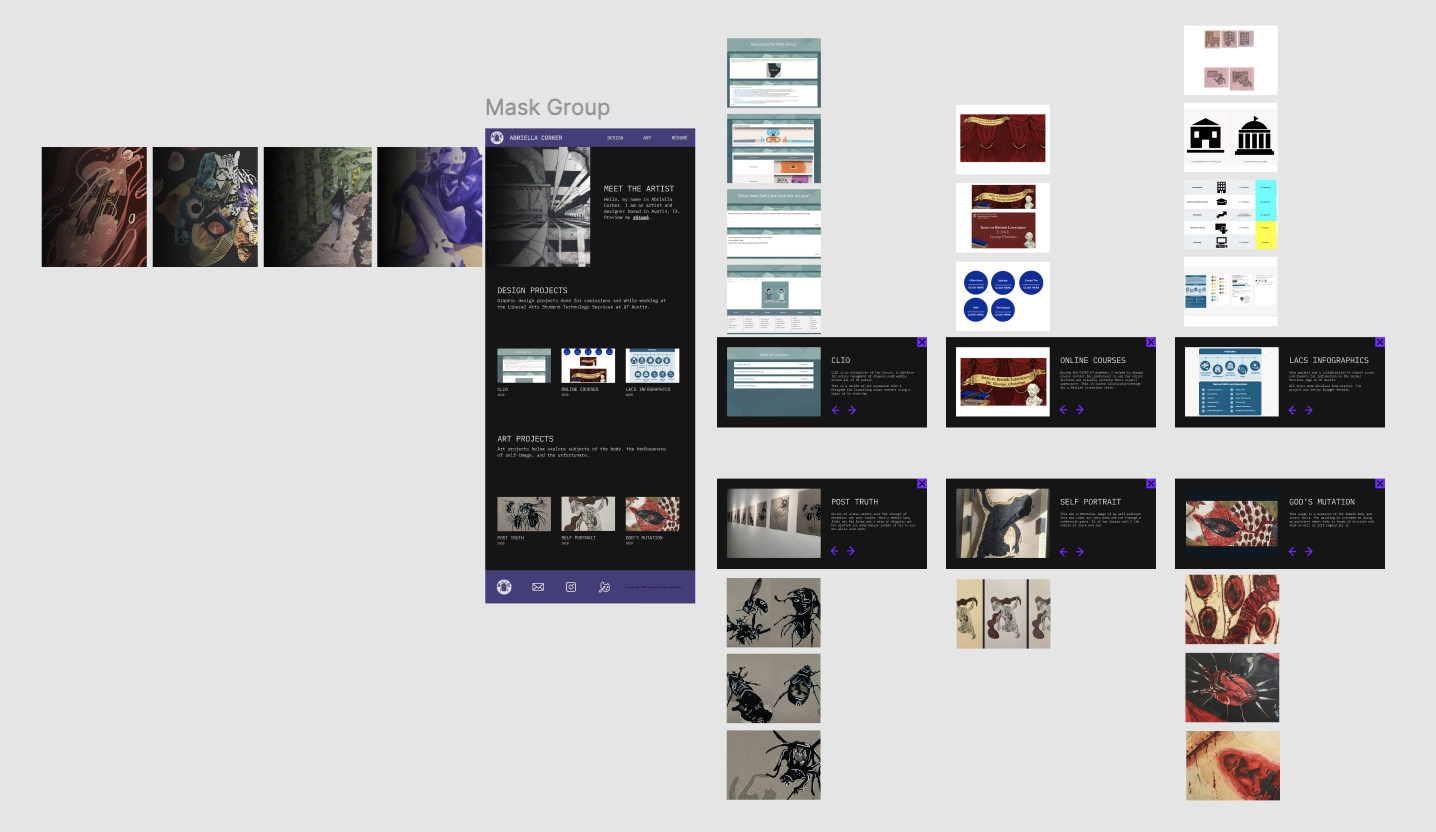
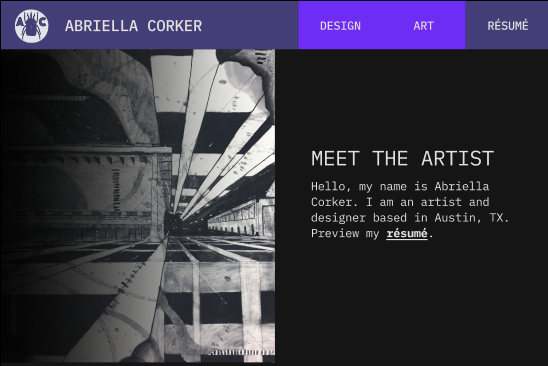
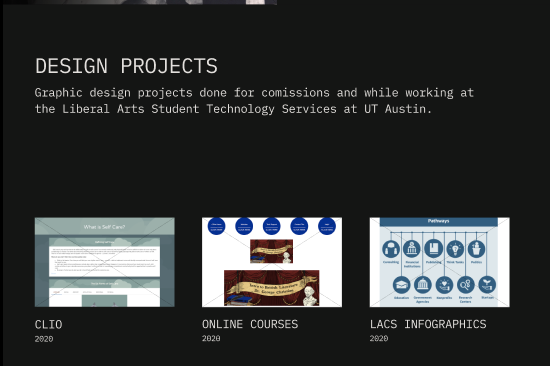
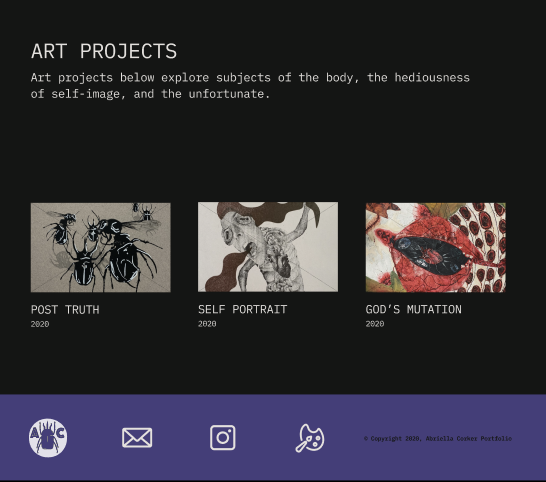
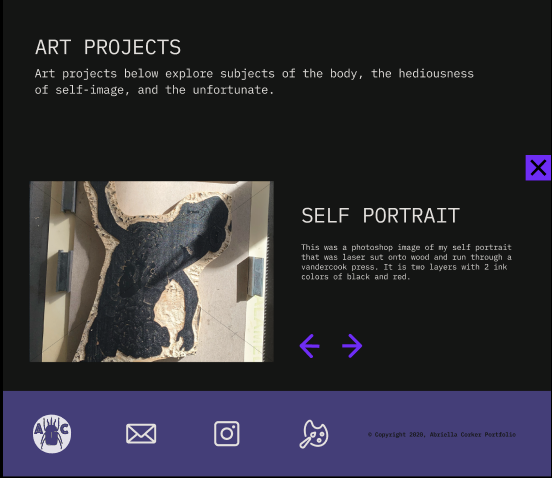
This is how it ended up looking with all the content laid out in it. A hero image will flip through different pictures when tapped. When the user clicks one of the three projects on the main pages a window will overlay on top so they can see a description and more images of the project. I couldn’t get the navigation elements to do the commands I want because FIGMA isn’t equipped for the edit I want so I placed in the elements but they aren’t functional.

Thuy and I will walk through and test out each other’s templates next and provide feedback.

Filed Under: 2020 Summer | 2020 Fall

  • « Previous Page
  • 1
  • …
  • 12
  • 13
  • 14
  • 15
  • 16
  • …
  • 50
  • Next Page »

link to LAITS home page

Video STA Home

© 2025 Liberal Arts Instructional Technology Services | Production Credits