• We are STAs
    • Asha Rountree
    • Haley Ma
    • Kate Shih
    • Kyra Lee
    • Nicholas Peasley
    • Sasha Kenney
    • Shanda Horm
    • Shriya Atreya
    • Tomas Marulanda-Mesa
  • We were STAs
  • STA Presentation
    • STA Presentation 2017
    • STA Presentation 2016
  • Testimonials
  • Resources
  • Home

STA Blog

This Week

November 20, 2020 By Megan Fletcher

Weekly Recap

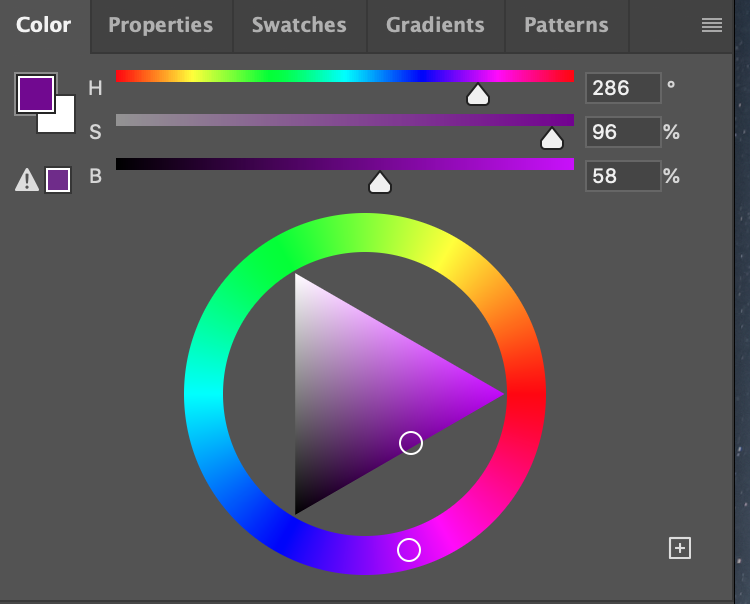
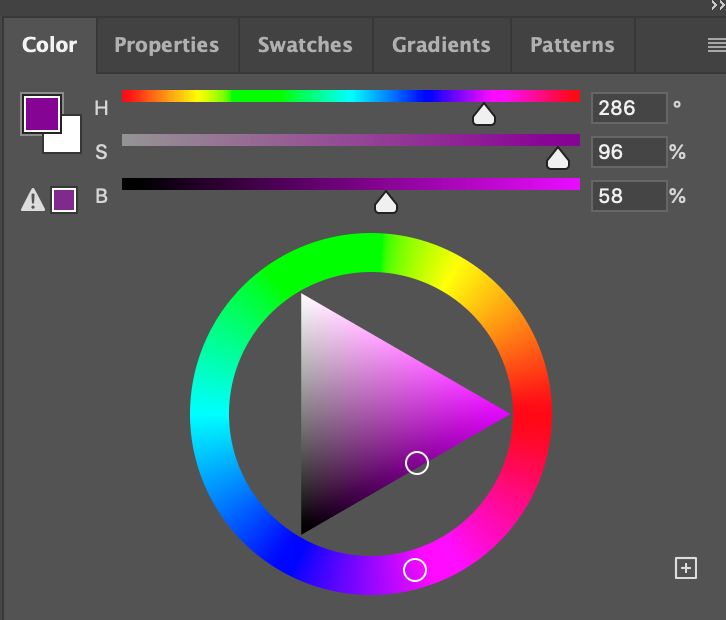
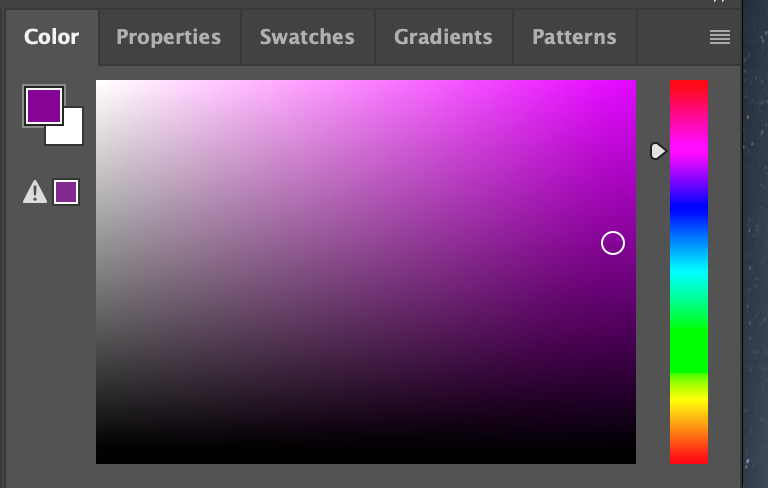
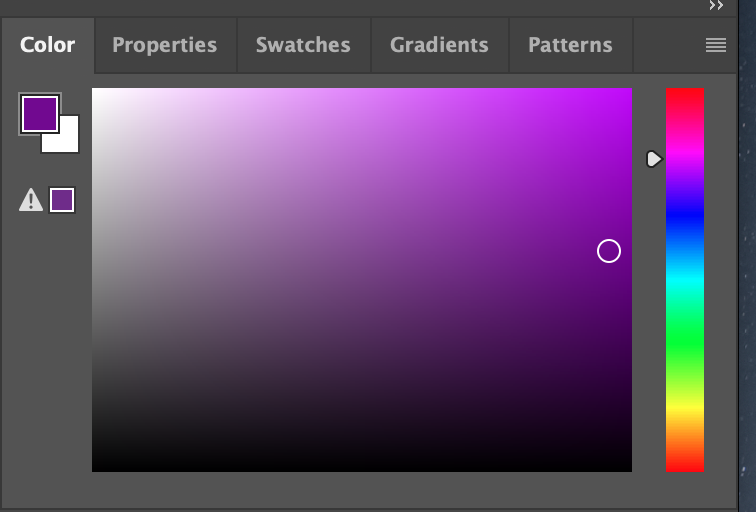
This week, I worked on some IDs, finished the HTML training, started Poonum’s project time estimates training, and worked on simple course graphics for a women’s and gender studies course. The professor for that course didn’t like the deep purple I originally chose, so I’m redoing them with a slightly pinker, brighter shade. But there’s an issue: the PSD file for the Canvas buttons has slightly different RGB color settings than the others and as a result, the pink extends further into the blue in the B values. Take a look:
 

Filed Under: 2020 Summer | 2020 Fall, We are STAs

11-19-20

November 19, 2020 By Bridget

Basic Training: InDesign

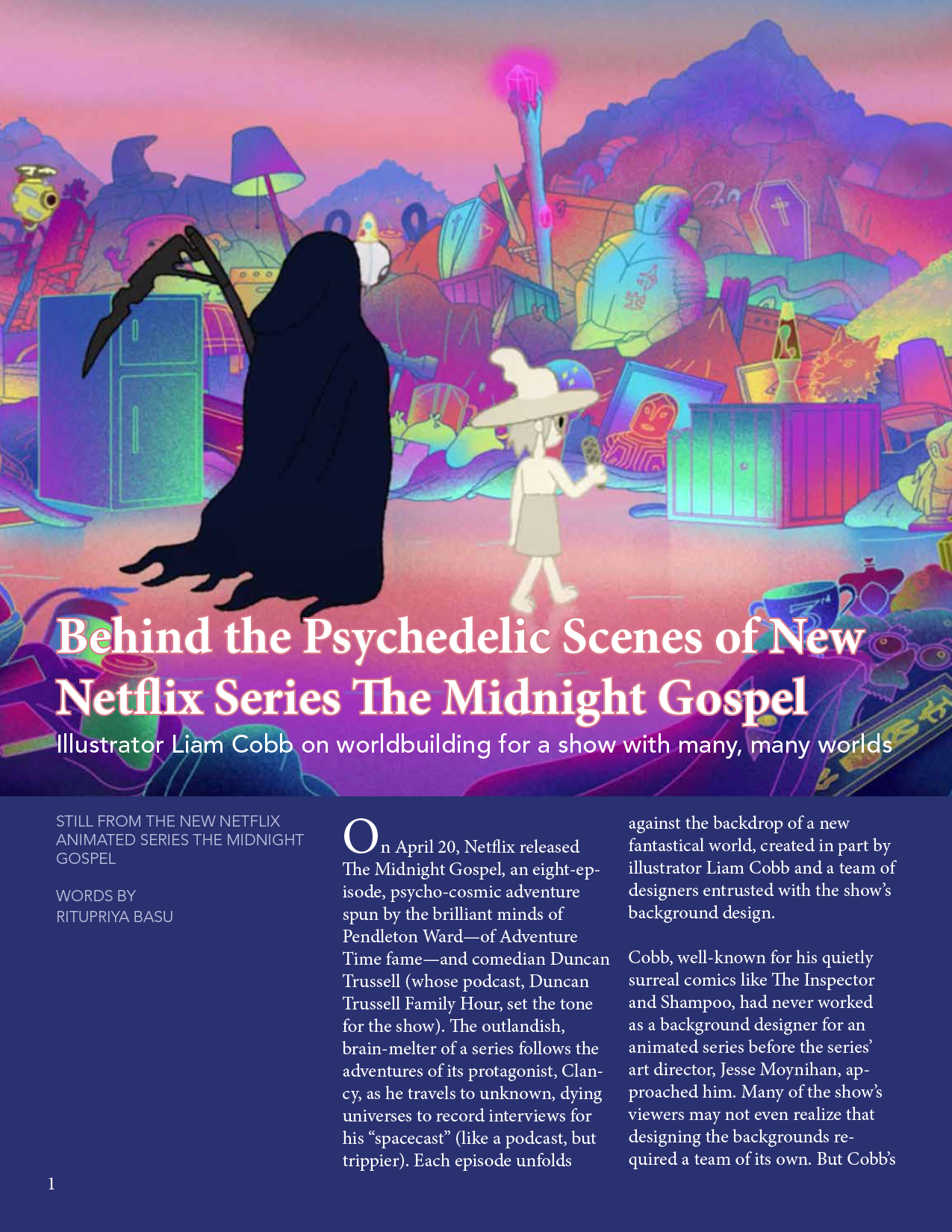
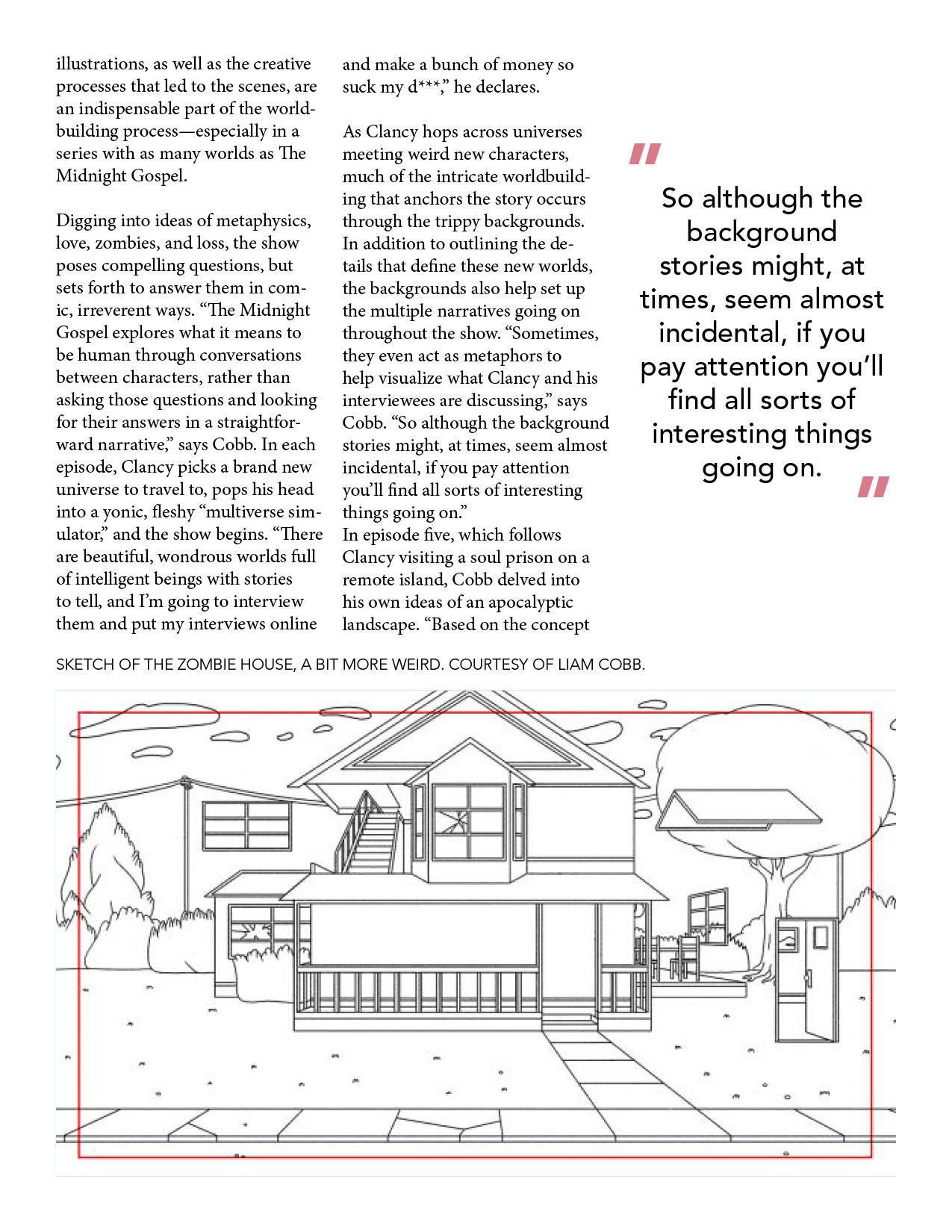
This is my first time using InDesign, so it’ll be interesting to explore this program and get familiar the process of creating magazine spreads and other types of layouts. So far the program has been pretty intuitive, and I think it’s one of those things that will be super useful to have some experience with in case I ever need to make a flyer, brochure, etc.

For this training all of the content was given to us, and so the assignment was to arrange in an aesthetic way, create different text styles for the header, paragraph content, captions, etc. I decided to make the first page more of a focal page and keep the rest more minimalist. I used accent colors (pink, dark blue, pale blue) by pulling colors directly from the feature image, which is always a good way to tie in color.

After Effects

I also tinkered a little bit more with my animation to get the letters to slide in faster, because initially there were too slow I think.

Filed Under: 2020 Summer | 2020 Fall

Basic Training: Canvasser Game

November 19, 2020 By Cristina Villarreal Núñez

Basic Training: Canvasser Game

The basic purpose of this activity was to “learn about the process of creating a Canvasser interactive from start to finish by looking at examples created by past STAs.” I also had to create my own interactive game! This game will eventually be played by other STA’s, too.

The requirements of this game were as follows:

  • Should be educational
  • Must be related to the theme of my CLIO module
    • (since that’s where it’s meant to be uploaded)

But before getting down to business, I first had to propose a detailed plan for my instructional game design. So this is what I proposed:

*the parts in bold are the prompts I was given to plan my game proposal*

  • What specific information or concept do you want to teach in your game? How will it supplement the rest of the content on your CLIO site?
    • I want my game to use the same kind of questions that are in the second quiz from my CLIO module: I want people to match movie titles.
  • What is the best game format for that information?
    • I think the combination of a matching game and popups is the ideal format for this game. I want it to work like this example but less constricted by the chart format.
    • This is what the example I linked looks like:
  • What kind of aesthetic will your game have? Think about how you can use colors and other visuals to make your game more cohesive and engaging.
    • I want my game to follow the same kind of retro game format but I want to add a few more colors to it. I want to do something with a black background and with colorful elements in the foreground. Maybe something like the Mario’s Underground.
  • What types of assets (buttons, popups, click-and-drag objects) will be needed?
    • I want to use the click-and-drag option for matching, and popups to tell the user if they are correct of if they should try again.

After this plan was approved, I started working on the design on my game. The basic requirements for this portion of the training were to include:

      • A Begin Filter (including: a begin screen and a begin button)
      • Popups (text boxes to appear on command)
      • Clickable Elements (including: buttons, toggle elements, and drag objects)
      • Stationary Elements (those not meant to have any sort of interactive action, i.e. the background and such)

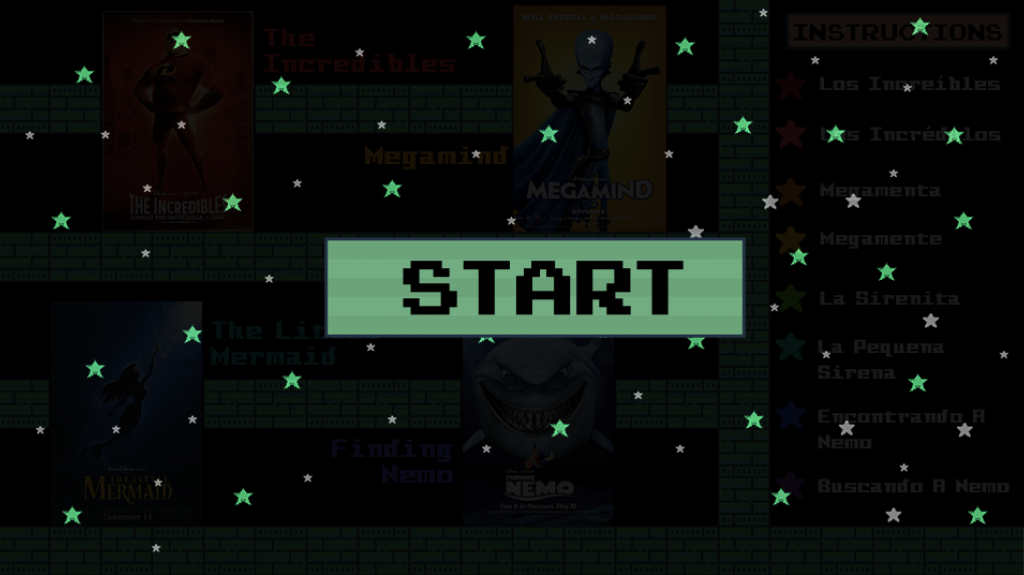
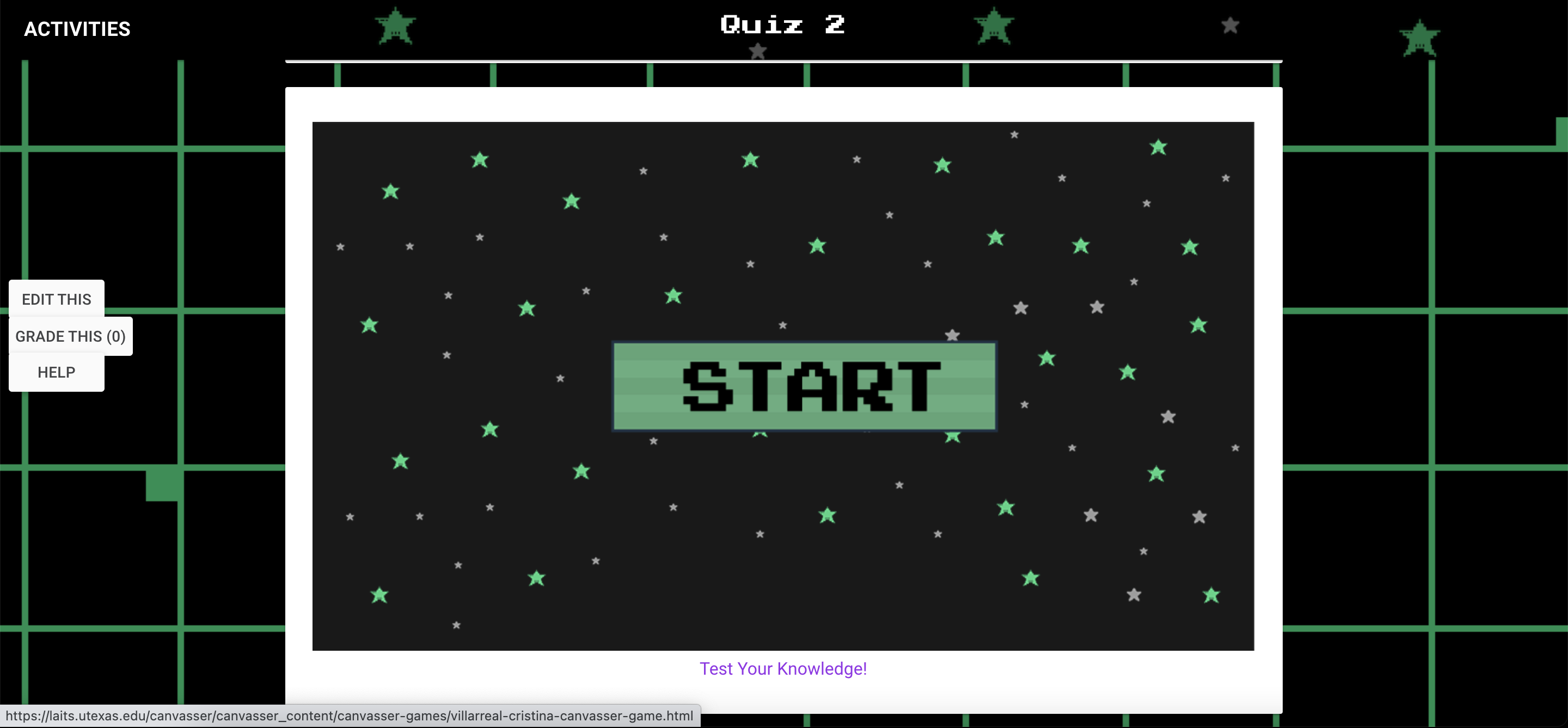
I started out by making the begin filter. I made a green start button and a screen with a black background and a bunch of little pixelated stars. Then I reduced the opacity of this begin screen so that the stationary elements would still be visible behind the begin filter when the user started the game.


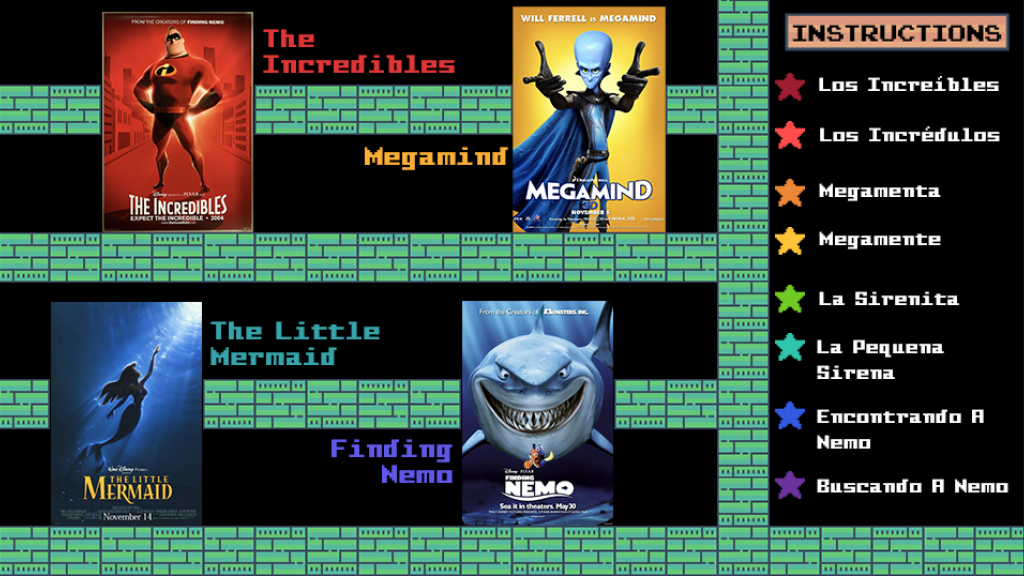
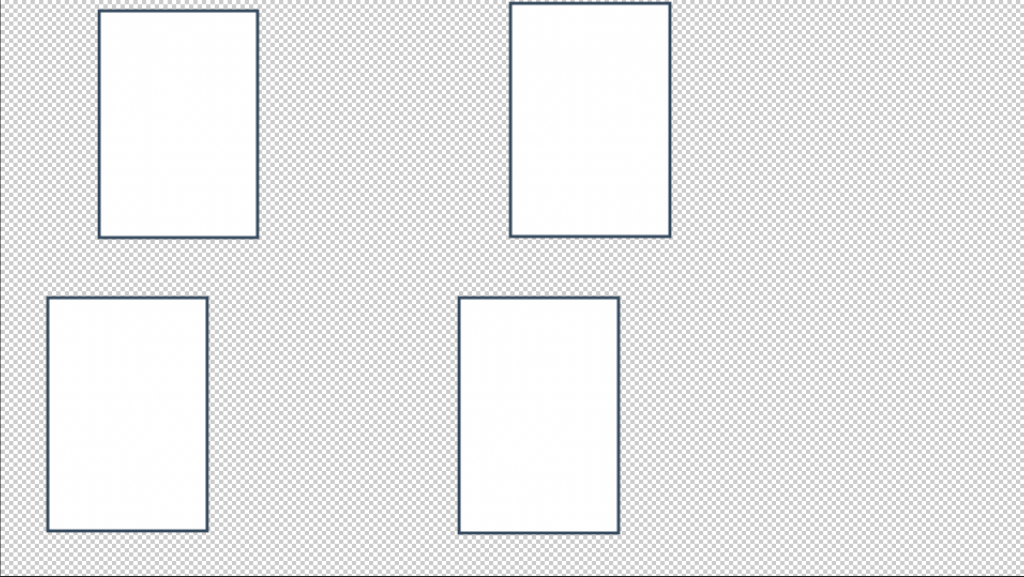
Then I moved on to making the stationary elements. I included a black background and added a few layers of brick icons to organize further elements I would include. I also included the movie posters for four of the movies that anyone who’s playing this game should have already learned from going through my CLIO module. And finally, I included the movie titles in both languages (English and Spanish) along a few fake titles in Spanish, so that the user could then chose from two different translated titles when playing the game. (I also made 4 hidden location shapes in layers beneath the stationary one so when I eventually uploaded all of these elements to Canvasser, I could use those shapes to define the space where the stars should be dropped on and marked as correct/incorrect).


Then I made the clickable elements. I decided to use different colored stars as the draggable objects to be dragged and dropped over the movie posters to match the proper translated title with the corresponding poster. I also made an instructions button so that when pressed it would open a popup describing the instructions of my game.


Finally, I made the popups. I made three of them. One was the instruction popup that I mentioned explaining how the game works. Then I made one for when the answers were correct, and one for when they were wrong.

Begin Filter
Stationary & Clickable Elements
Hidden Locations

After all of this was approved by my peer mentors, I exported all of these elements to eventually upload into Canvasser and start assembling my game there. I learned how to upload and save my files into Canvasser, how to set up my workspace, how to convert those files into objects, how to name them, etc. Then I learned all of the interactive commands that would fit my game, such as activating and deactivating the popups, how to make elements draggable, so on and so forth. When I was done, and my peer mentors checked that the game was up and running I then added the game into my CLIO module under the Quiz 2 Activity.

All in all it was a completely new experience, but I learned a lot from it.  Anyway, here is a link to my game, feel free to check it out! https://laits.utexas.edu/canvasser/canvasser_content/canvasser-games/villarreal-cristina-canvasser-game.html

Filed Under: 2020 Summer | 2020 Fall

November 19, 2020 By Abriella Corker

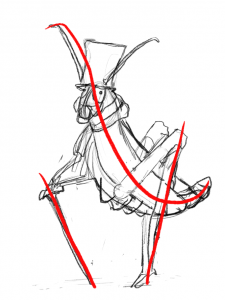
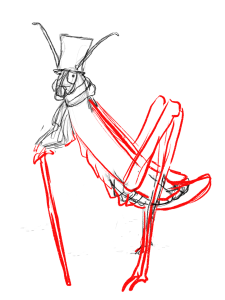
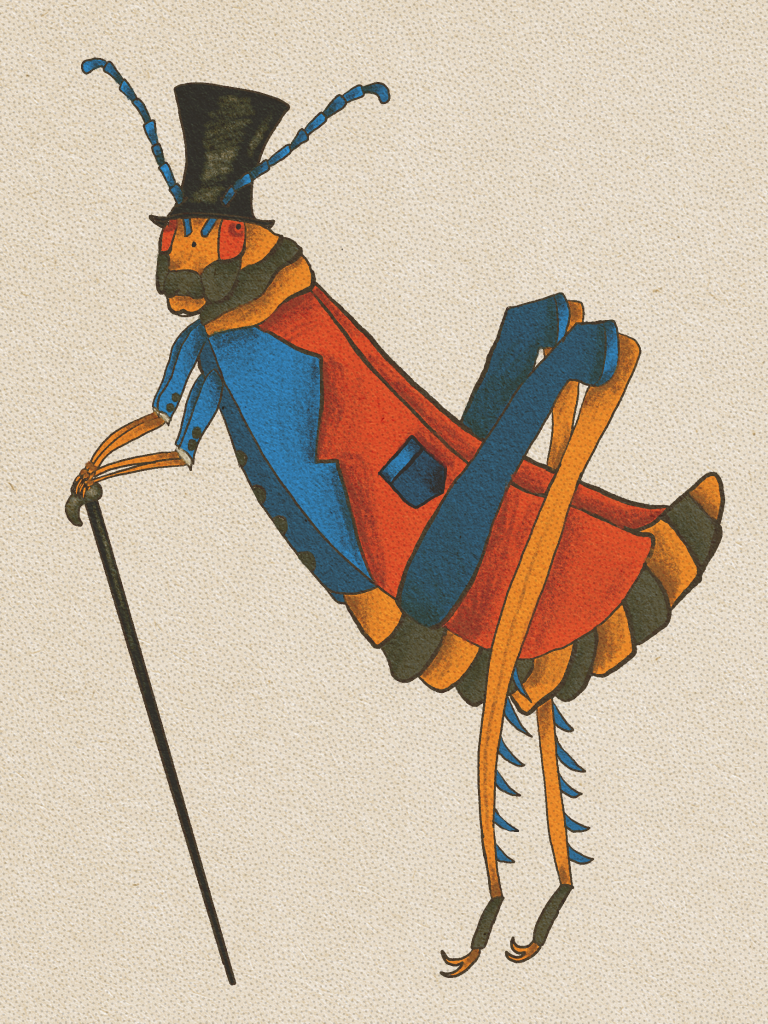
Part 1 Character Design

I have never done character design and so far it has been an enjoyable experience it is more freeform art-making which I enjoy doing. I can see how learning the elements of character design and the process would be beneficial in case we were to make another type of animated cartoon like for the Russian course before I started working here.


These were my three color palettes:

This is the draft of creating the outline:


These are my three drafts:

Final Version:

http://sta.laits.utexas.edu/blog/2020/11/19/36131-2/

Filed Under: 2020 Summer | 2020 Fall

HTML / CSS Training Feedback

November 18, 2020 By Thuy H Nguyen

HTML / CSS Training Feedback

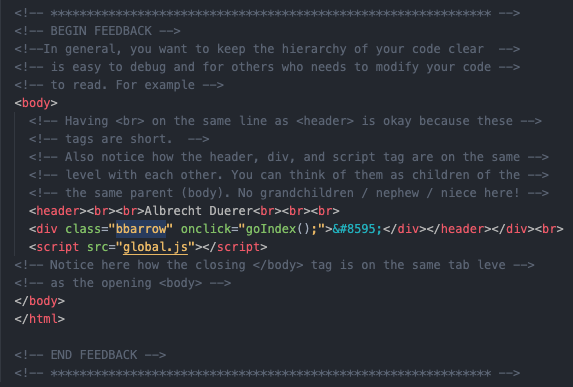
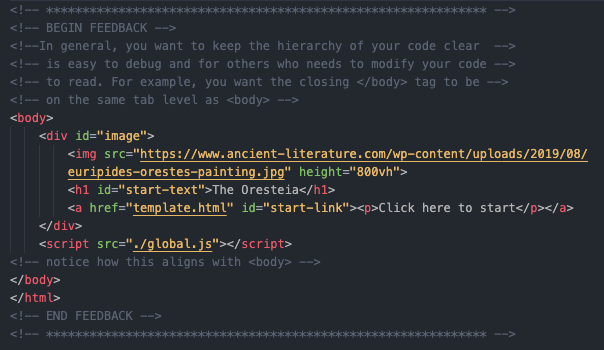
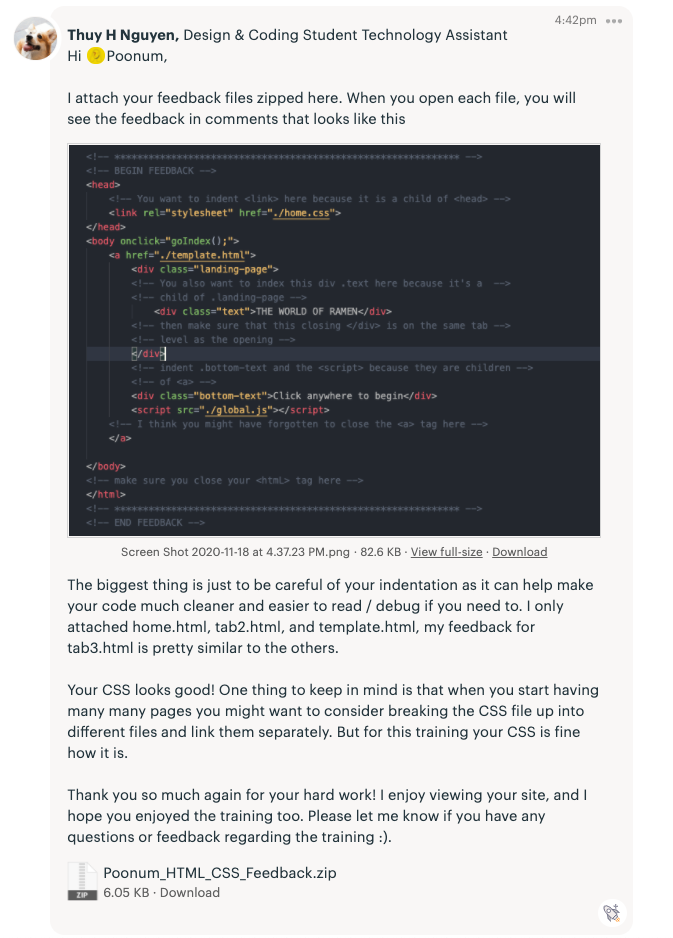
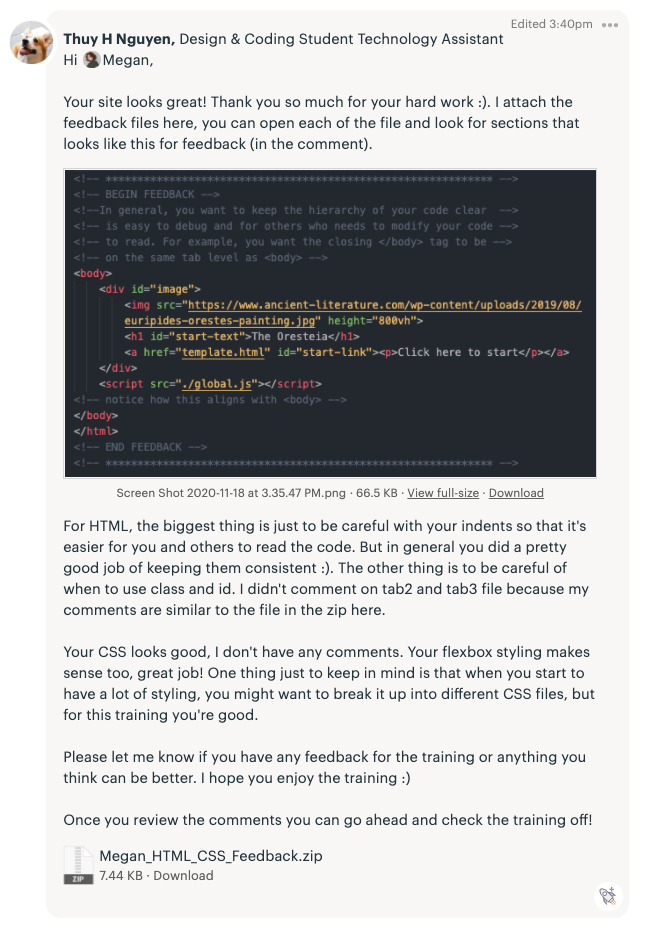
I’ve been giving feedback on the HTML and CSS training. I wanted to give very detailed feedback so I thought of commenting in-line with the code so that it’s easier for me to refer to what I was talking about as well as for the STAs to look at.

Filed Under: 2020 Summer | 2020 Fall

Finished Canvasser!

November 18, 2020 By Megan Fletcher

Finished Canvasser!

I finally finished my Canvasser game and integrated it into CLIO! I was happy to use my new HTML/CSS know-how to code and style a button into CLIO with the link to my game. Play it here! Match the Spanish personal pronouns to the corresponding picture!

Filed Under: 2020 Summer | 2020 Fall, We are STAs

  • « Previous Page
  • 1
  • …
  • 9
  • 10
  • 11
  • 12
  • 13
  • …
  • 50
  • Next Page »

link to LAITS home page

Video STA Home

© 2025 Liberal Arts Instructional Technology Services | Production Credits