• We are STAs
    • Asha Rountree
    • Haley Ma
    • Kate Shih
    • Kyra Lee
    • Nicholas Peasley
    • Sasha Kenney
    • Shanda Horm
    • Shriya Atreya
    • Tomas Marulanda-Mesa
  • We were STAs
  • STA Presentation
    • STA Presentation 2017
    • STA Presentation 2016
  • Testimonials
  • Resources
  • Home

STA Blog

AMS Logo and Banner

June 23, 2016 By Teresa Cagle

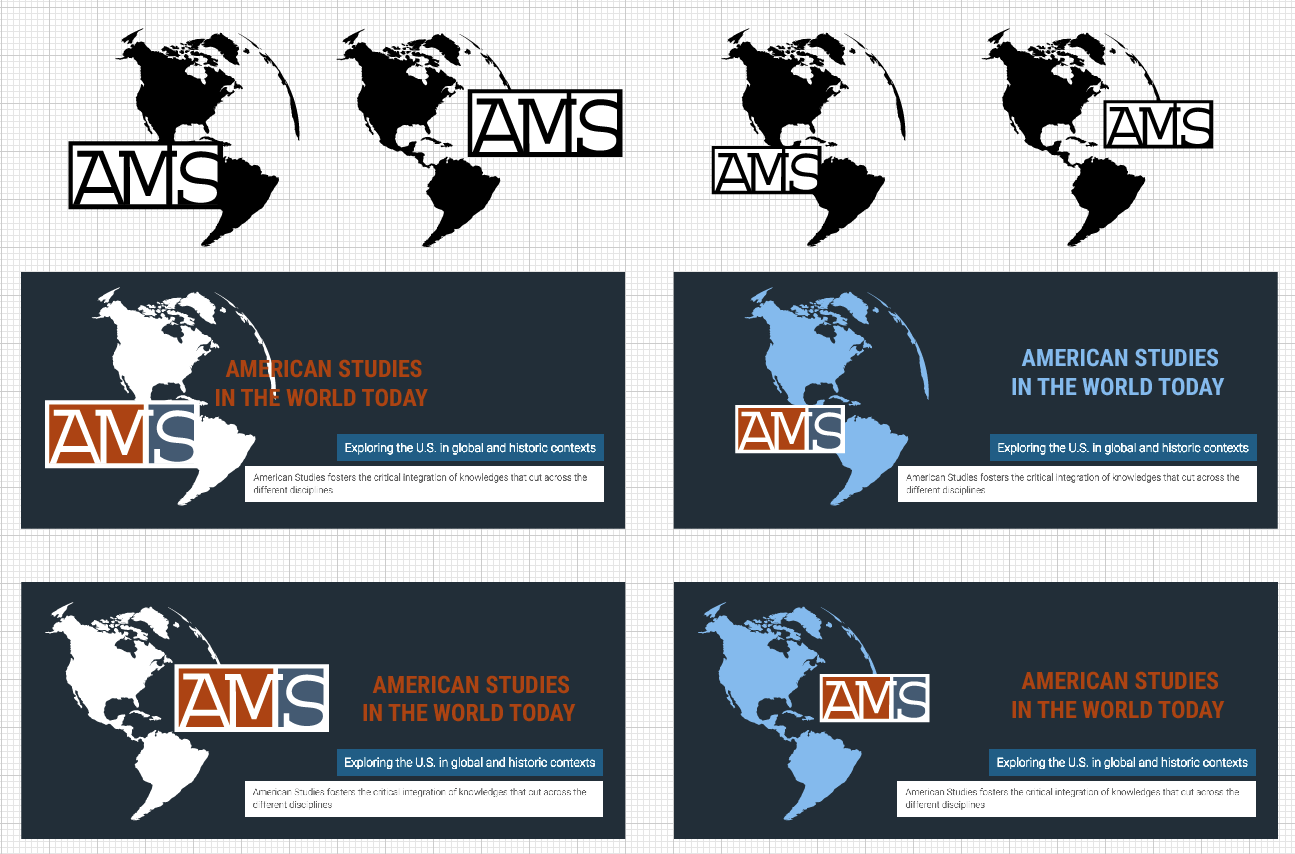
I am helping the American Studies department redesign their logo and banner for their homepage.

After a couple changes made that the client suggested, here is what the logo looks like:

Screen Shot 2016-07-19 at 11.50.06 AM


The client liked the first design, but felt that there needed to be an indication that this year is the 75th anniversary for AMS on the logo. Here are my latest drafts, with an added element: the 75th anniversary.
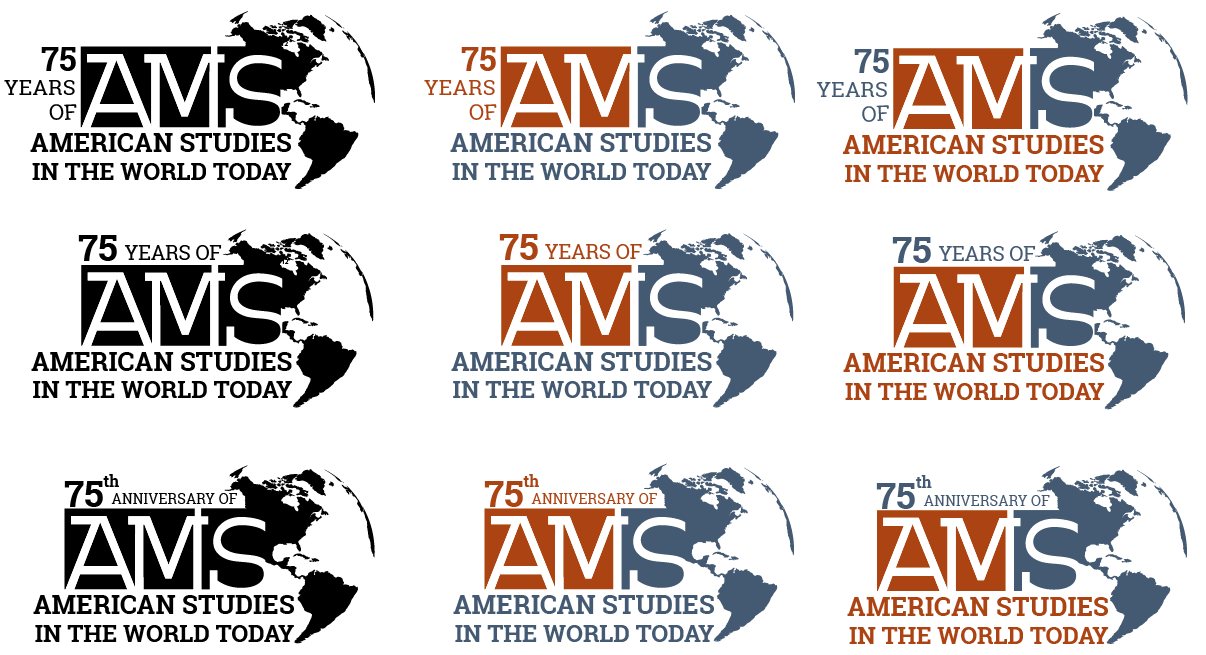
Screen Shot 2016-07-12 at 10.22.24 AM


These are the options I sent to the client on 6/30:
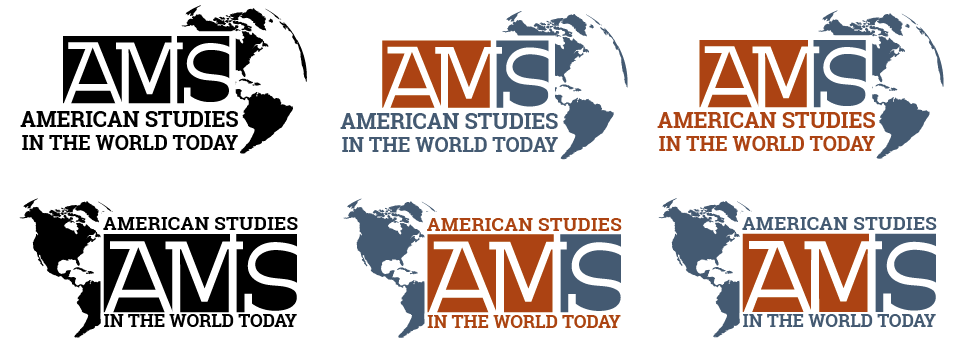
Screen Shot 2016-06-30 at 11.44.25 AM

–Version of 1 color & 1 b&w
where the AMS dominates the combined shape (AMS bigger)
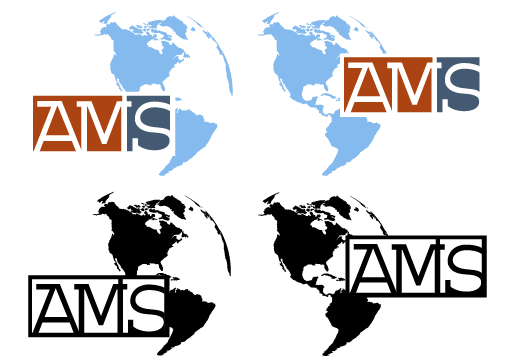
Screen Shot 2016-06-27 at 12.45.55 PM
–1 b&w version
where “AMS” lettering is white on black squares

 Screen Shot 2016-06-27 at 12.46.05 PM
–Versions where you are treating
  • the western hemisphere
  • “American Studies In The World Today”
  • AMS
as a well balanced all in one logo.
Screen Shot 2016-06-27 at 12.45.46 PM

Here are my drafts from 6/24/2016.

Screen Shot 2016-06-24 at 1.45.09 PM


Here are my first, very rough drafts. What I focused on with this draft was just the placement of the western hemisphere and the AMS sign.
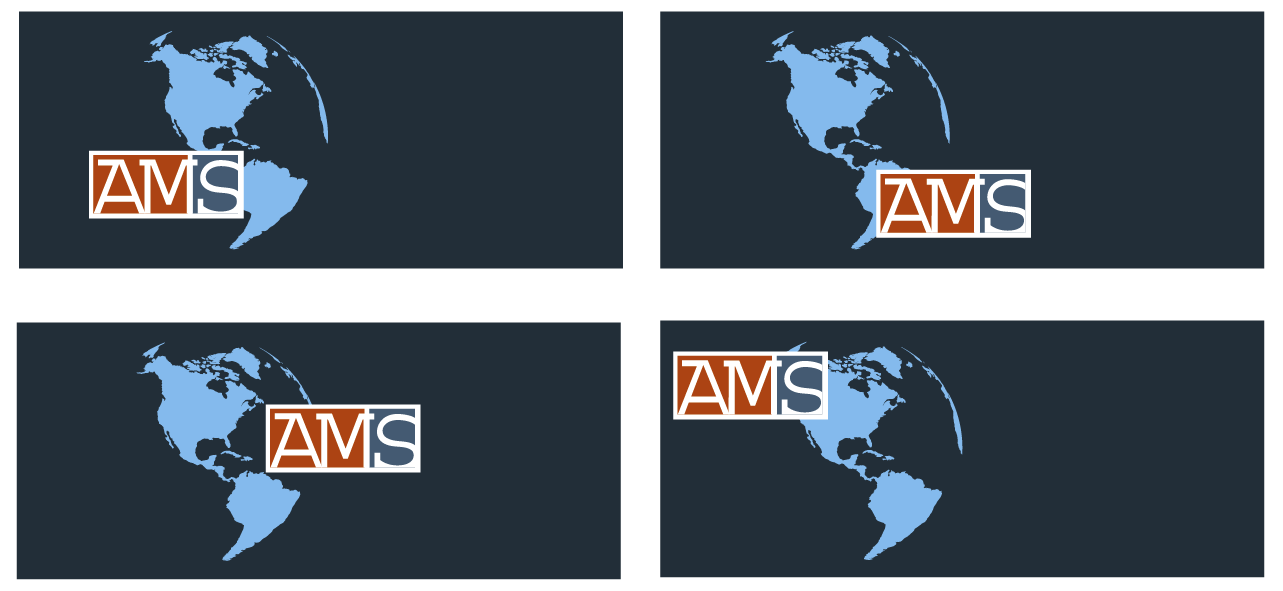
Screen Shot 2016-06-23 at 11.45.18 AM

Filed Under: 2015 - 2016

eForensics Bone Images

June 15, 2016 By Teresa Cagle

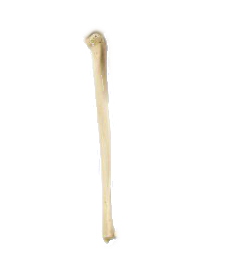
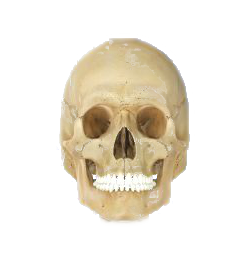
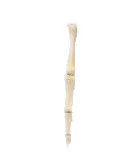
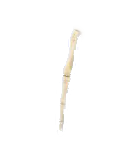
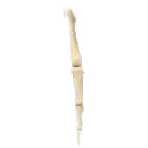
Ben and I helped Ruben prepare images for an interactive eForensics project. We cut out different bones from a human skeleton. Here are the bones I cut out:


bone23 bone24 bone25

bone27bone29 bone30 bone31

Filed Under: 2015 - 2016

PSY 352 Drafts

June 7, 2016 By Aidan Kessler

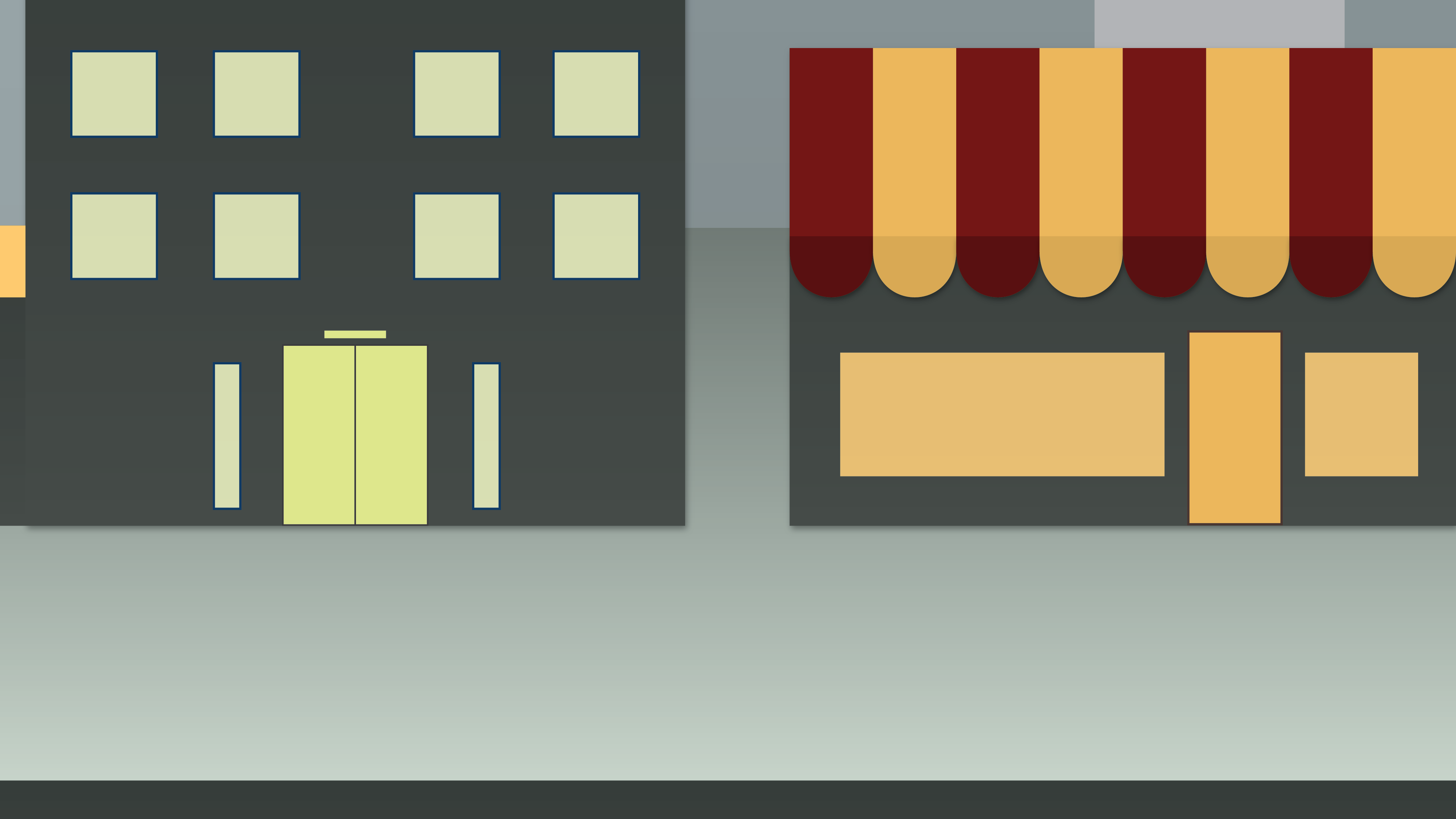
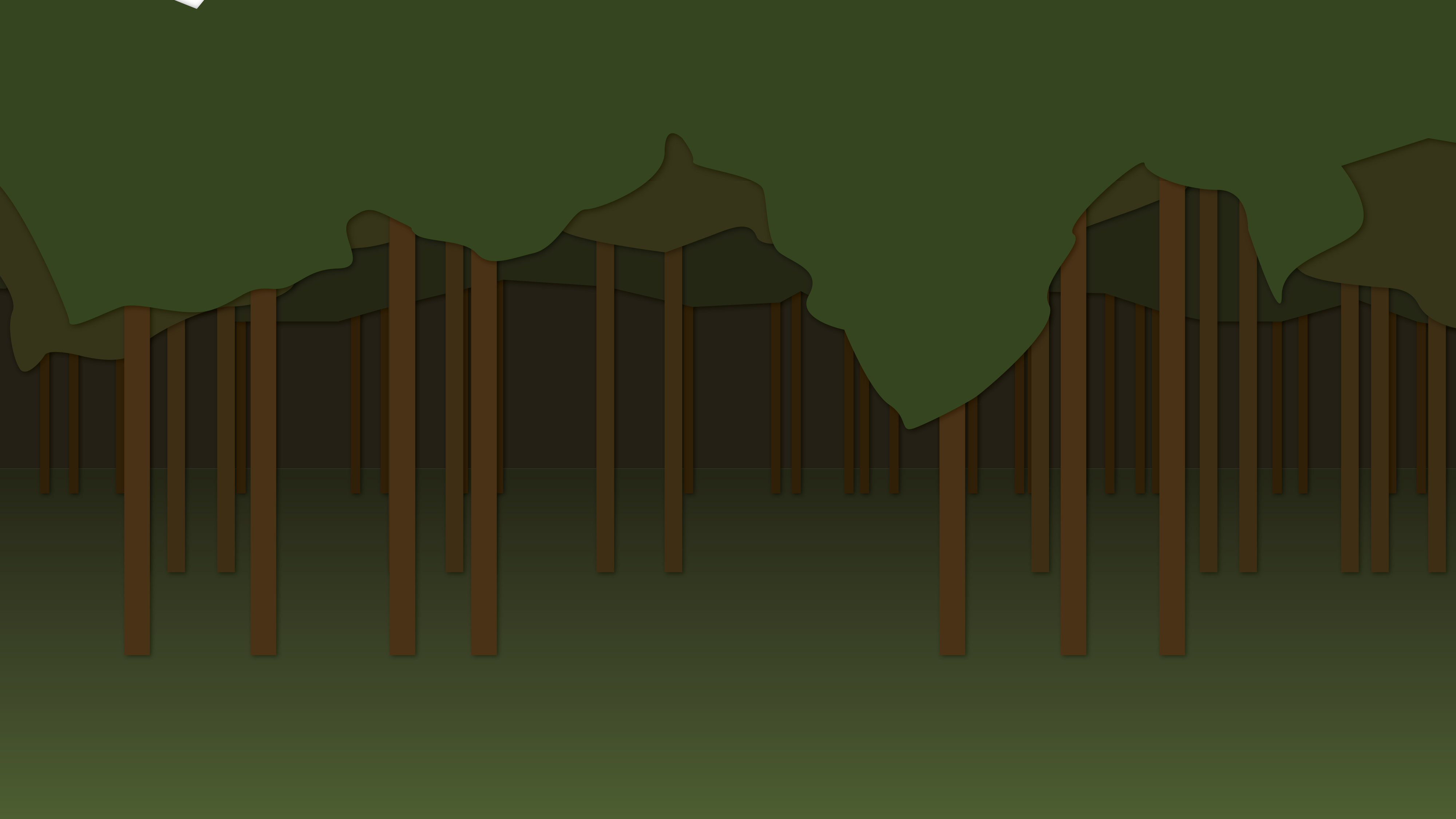
As part of the project to create an intro video for the online PSY 352 course, I’ve been making a few background drafts of environments where the characters might reside. Here are a few images cut out of some possibilities.

City_1-01 Forest_2-01 Mountains_01-01Mountainshand

Filed Under: 2015 - 2016, 2016 - 2017

LAITS Portfolio Mockups

May 18, 2016 By Teresa Cagle

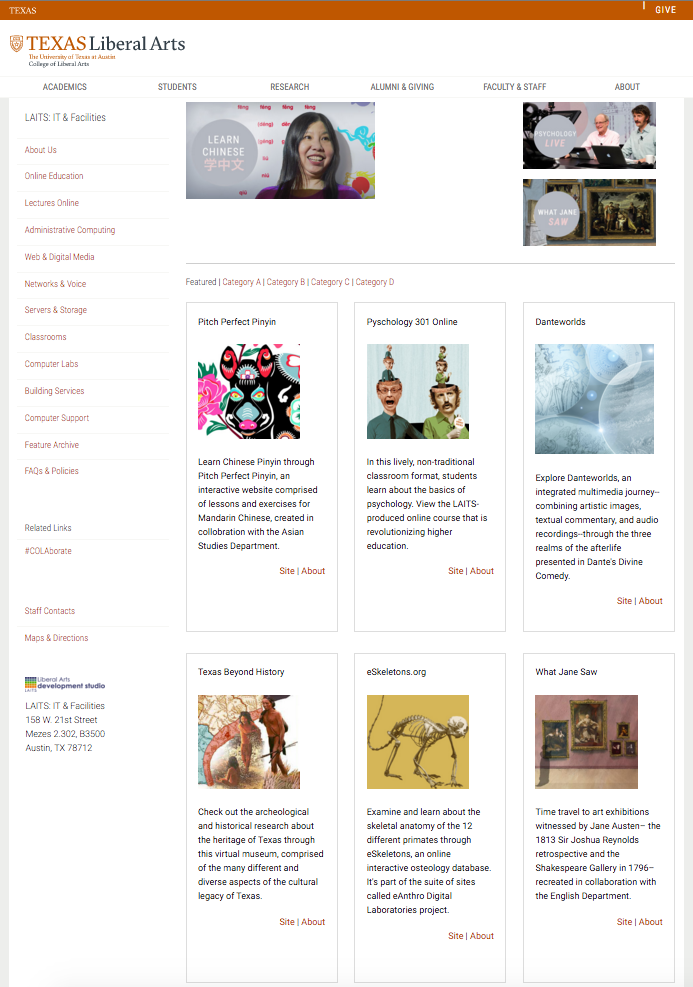
Andre has been preparing a new LAITS portfolio for the COLA website. The portfolio will showcase stellar projects created by the staff.

I created a draft of the landing page for the portfolio. This was special for me because it was the first time I worked on a web page in Sublime Text. I didn’t have to do much of the actual coding, I just edited the writing and added photos. I also edited each of the banners and images. Here is a look at my draft:

Screen Shot 2016-06-03 at 12.52.42 PM

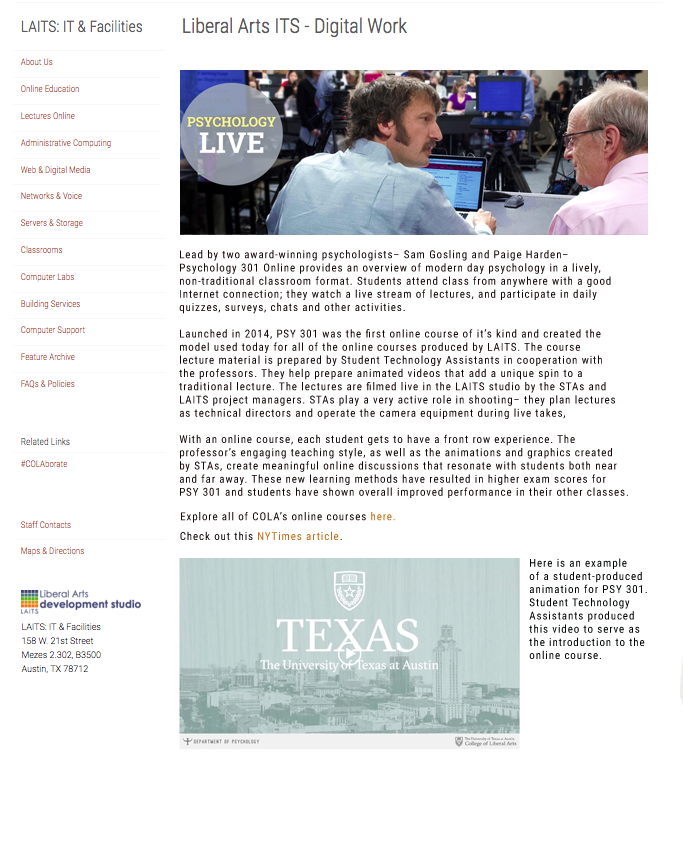
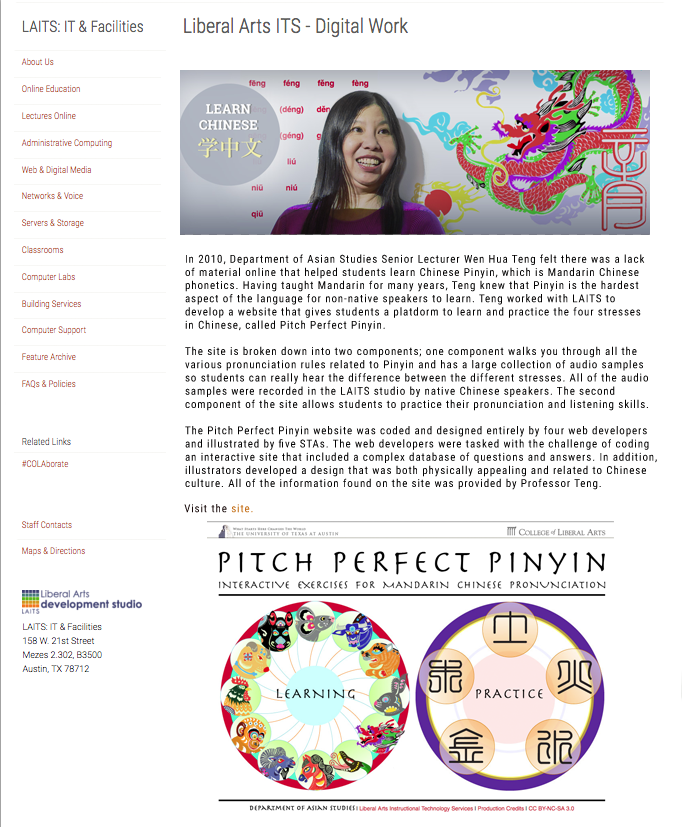
Andre asked me to write the copy for the PSY 301 online course project and the Pitch Perfect Pinyin project. To write the copy, I interviewed the project managers for each project and learned about each one, and what made those projects special. Then I created these mock web pages, showing how I would present the body copy and what graphics I would use to complement the copy. In the end, these web pages will actually just be lightboxes that pop up on a main web page, but for presentation sake I just designed them as individual pages.

Here are my first mock pages:

PSY301Lightbox

PPPLightboxDraft

Filed Under: 2015 - 2016

Canvas Callout Buttons

May 4, 2016 By Teresa Cagle

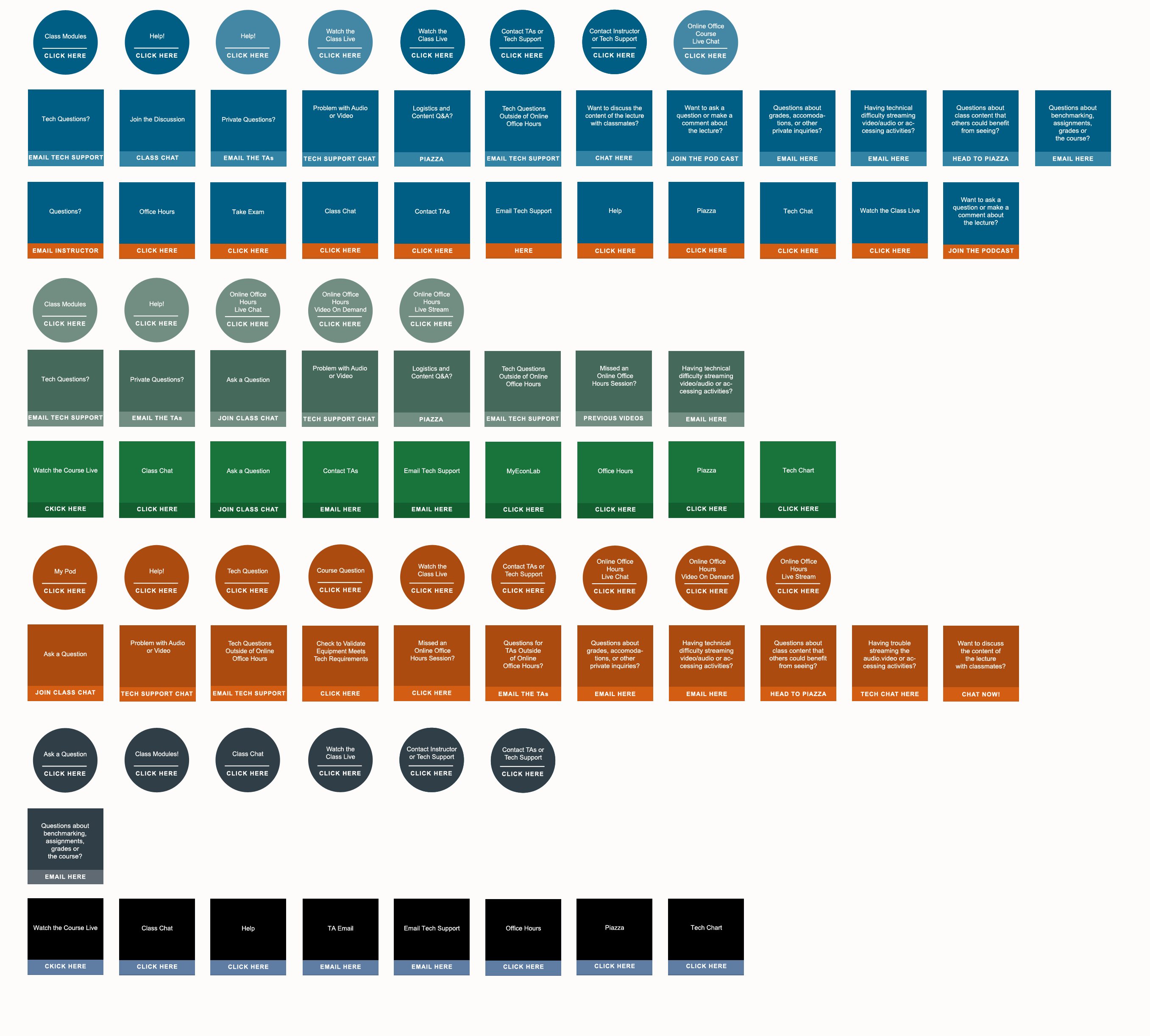
On Canvas, staff have the option to select “callout buttons” to place on certain pages. These buttons are basically just aesthetically pleasing ways to embed links. We realized that all of the buttons looked different for every department, so Suloni asked me to create a “master template” that had all of the callout buttons on it and made them all look the same. Now, whenever a staff member needs a callout button, they can just navigate to this PSD file and select a button, knowing will conform with the rest of the callout buttons already online.

Canvasbuttons_Mastertemplate

Filed Under: 2015 - 2016

Screencasting Cascade Tutorials

May 2, 2016 By Teresa Cagle

This semester I have been creating tutorials on how to use Cascade. It has been a really interesting experience because I am definitely not an expert on the CMS, so I’ve been learning how to use it as I’ve made these screen casts.

Basically, Andre has assigned me a list of tutorials that he thinks staff and faculty will find helpful. I plan out tutorials for each topic and then screen cast myself doing the tutorial and explaining what I’m making. Then I submit it to Andre for approval and when he approves, he uploads it to YouTube and sends me the link. Then, I create a page on Cascade about the tutorial, which includes the screen cast and a brief written tutorial as well.

Below are the assorted tutorial I’ve created– linked to the page where the tutorial is online– and the corresponding video.

  • How to Log-In

  • Navigating to A Page

  • Creating A Page

  • Publishing A Page

  • Publishing the Parent Folder

  • Changing the Navigation Title

  • Embedding A Web Link

  • Re-Ordering the Navigation Bar

  • Changing the Title of the Navigation Folder
  • Linking a PDF from UTBox
  • Home Page Functionality – Editing the Main Image and Text
  • Home Page Functionality – Editing the Body Content 
  • Home Page Functionality – Editing the Video Sidebar
  • Home Page Functionality – Enabling Faculty and Graduate spotlights
  • Home Page Functionality – Editing the Color Bar Sidebar
  • Home Page Functionality – Editing Sidebar Body Content

Filed Under: 2015 - 2016

  • « Previous Page
  • 1
  • 2
  • 3
  • 4
  • 5
  • 6
  • …
  • 29
  • Next Page »

link to LAITS home page

Video STA Home

© 2025 Liberal Arts Instructional Technology Services | Production Credits