project: STA Orientation
completion status: DONE June 3rd
staff guidance: Suloni
description/plans: Complete photoshop assignments (individual portrait banner, group banner, animated gif, color wheel, more to come).
To be completed: 6/21

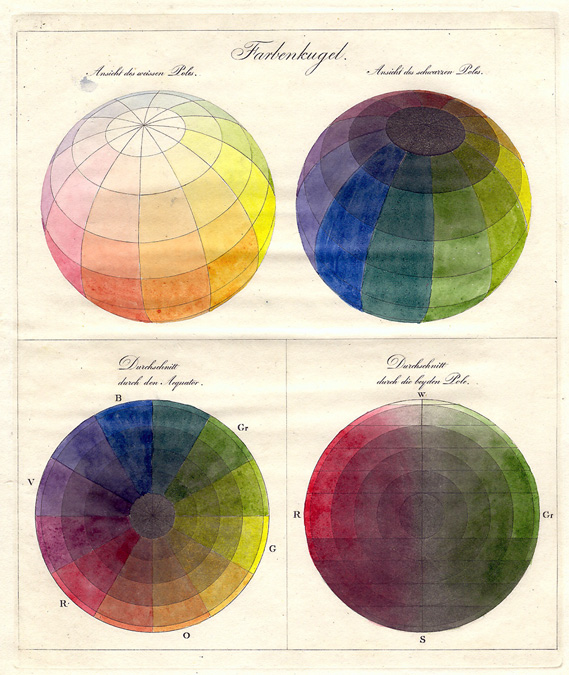
project: STA Orientation
completion status: DONE June 3rd
staff guidance: Suloni
description/plans: Complete photoshop assignments (individual portrait banner, group banner, animated gif, color wheel, more to come).
To be completed: 6/21
project: STA Orientationcompletion status: DONE June 3rdstaff guidance: Orientation Teamdescription/plans: Complete photoshop assignments (individual portrait banner, group banner, animated gif, color wheel, more to come). To be completed: 6/21
project: STA Orientationcompletion status: DONE June 3rdstaff guidance: Orientation Teamdescription/plans: Complete photoshop assignments (individual portrait banner, group banner, animated gif, color wheel, more to come). To be completed: 6/21
http://labs.la.utexas.edu/pillow/
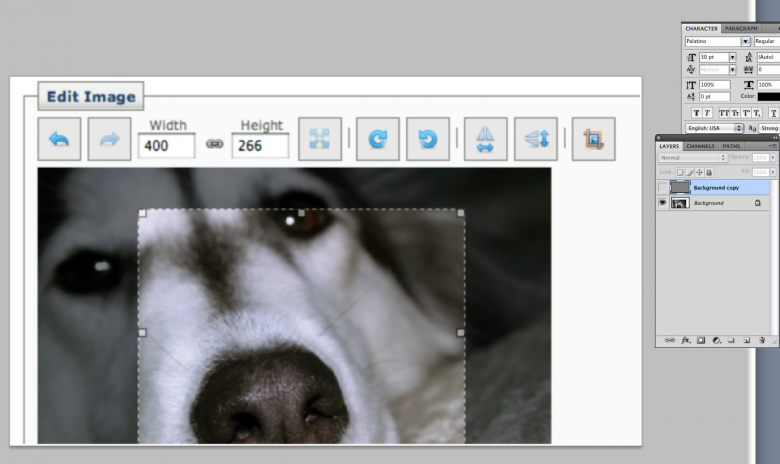
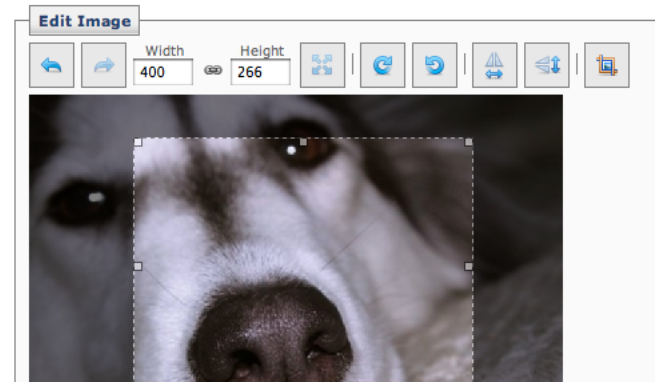
Pretty sure we all run into images wherein everything is just too blurry to work with. Sharpening doesn’t always help of course, so here’s another solution that might help turn your blurry (and sometimes low-res) image into something a little sharper.
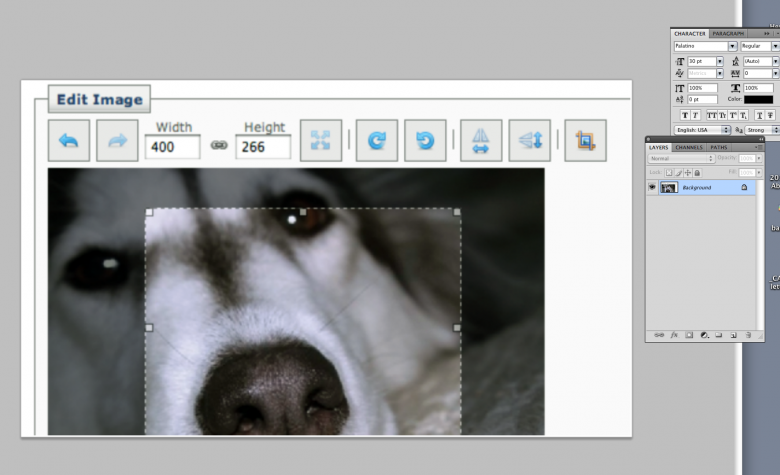
Step 1) Duplicate the layer/image.
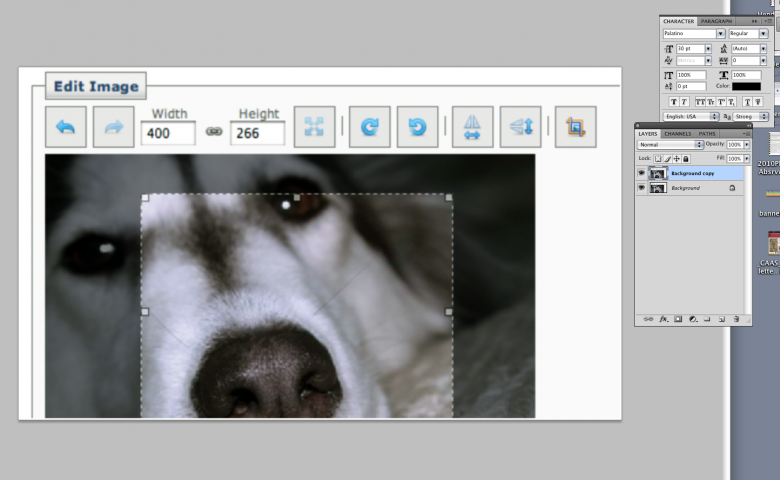
Step 2) Set the new duplicate layer from ‘Normal’ to ‘Overlay’
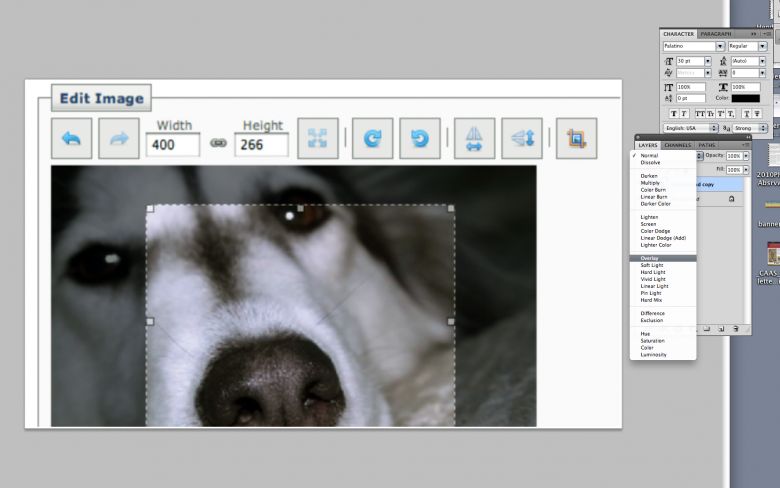
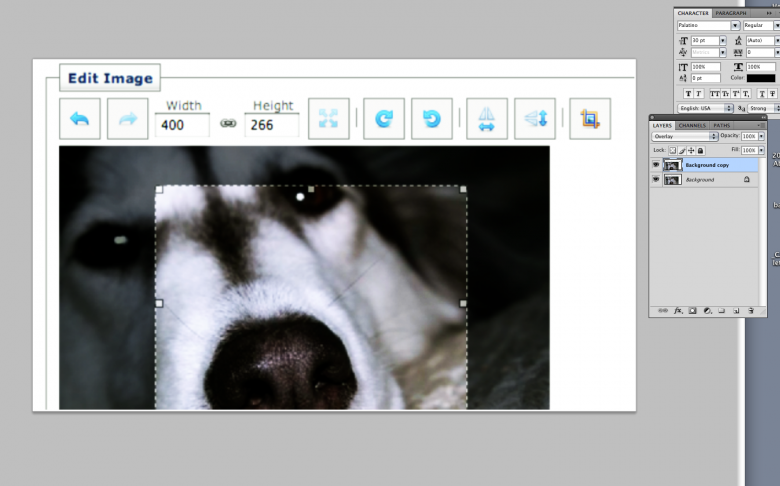
Not pretty yet, however there’s just a little more to do.
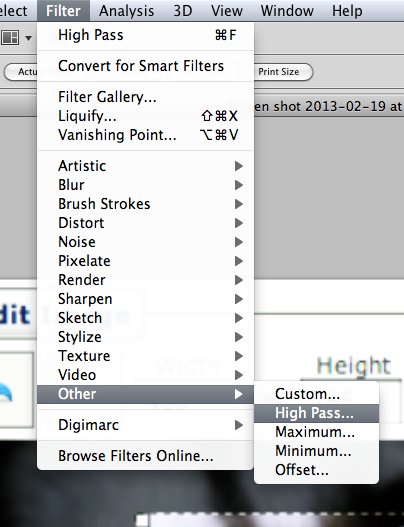
Step 3) Go to Filter>Other>High Pass
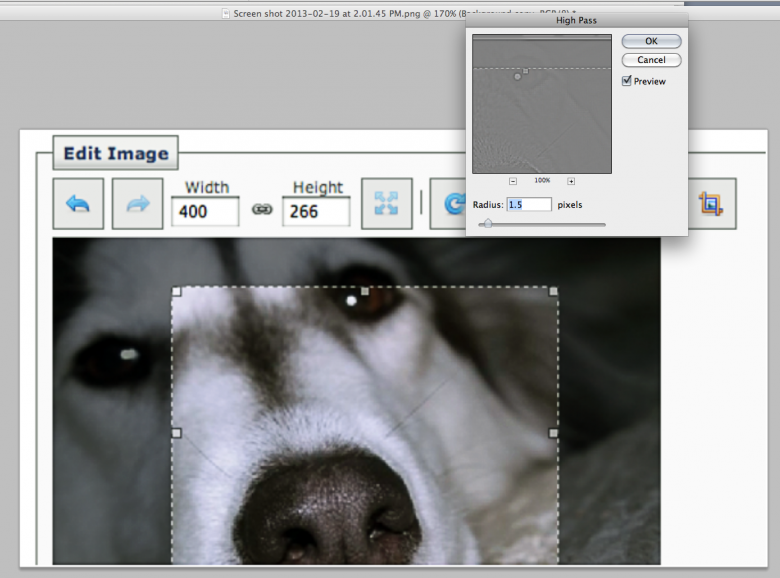
Step 4) Play around a bit with the radius until you get somethign satisfactory, normally I rarely have to go over 1.0, and hardly ever go over 2.0.
Step 5) Apply your change and you’re done!
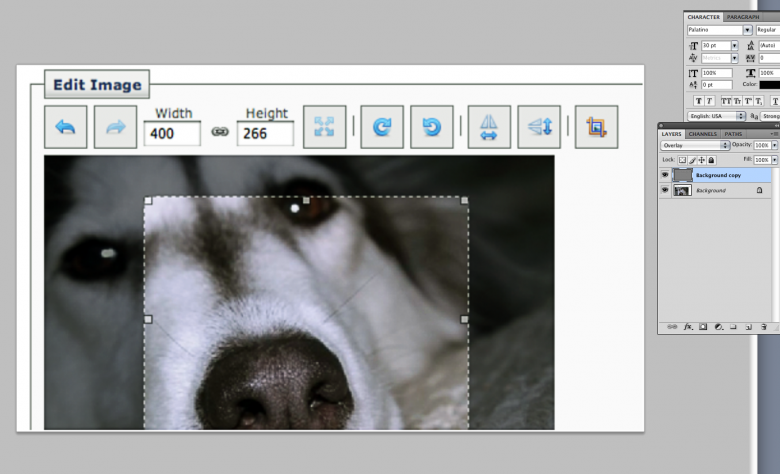
Before:
After:
project: Gov310 after effects animation
completion status:will start soon
staff guidance: Lauren
description:met with Lauren to go over the details of the project, and will start the farmers animations this week
project: STA video
completion status:done
staff guidance: Suloni
description:this is a kinetic typography video made in after effects. (graphic elements designed in illustrator& photoshop). This video introduces STA program to new STAs (outsiders too) and also documents the projects I designed/co-designed during the 2012-2013 semester year.
http://www.youtube.com/watch?v=K1U9MzDb39o&feature=youtu.be