• We are STAs
    • Asha Rountree
    • Haley Ma
    • Kate Shih
    • Kyra Lee
    • Nicholas Peasley
    • Sasha Kenney
    • Shanda Horm
    • Shriya Atreya
    • Tomas Marulanda-Mesa
  • We were STAs
  • STA Presentation
    • STA Presentation 2017
    • STA Presentation 2016
  • Testimonials
  • Resources
  • Home

STA Blog

Current Sta

TGDP Posters

October 17, 2025 By Asha Rountree

Selected Features of Texas German Morphosyntax Banner (TGDP)


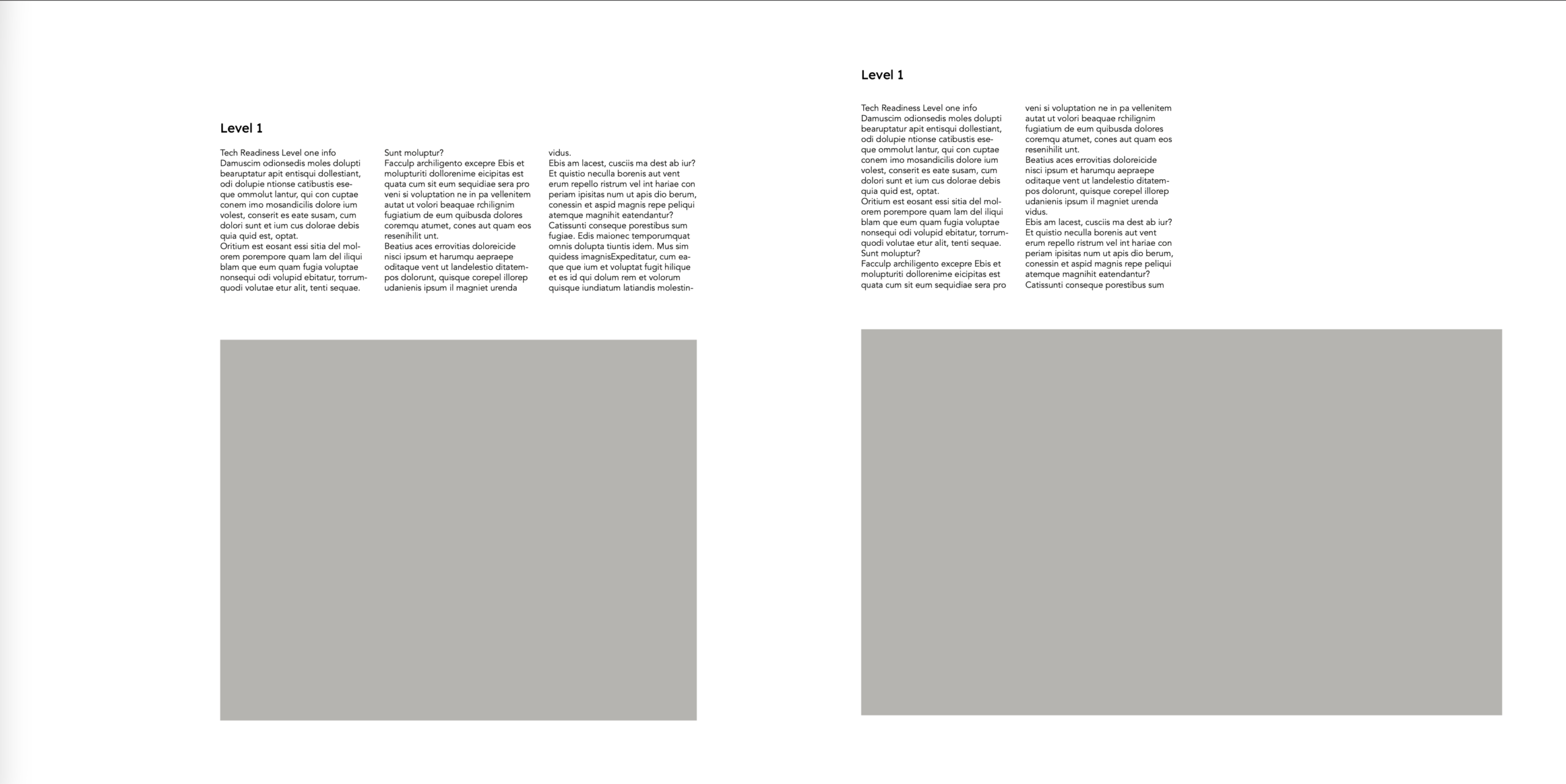
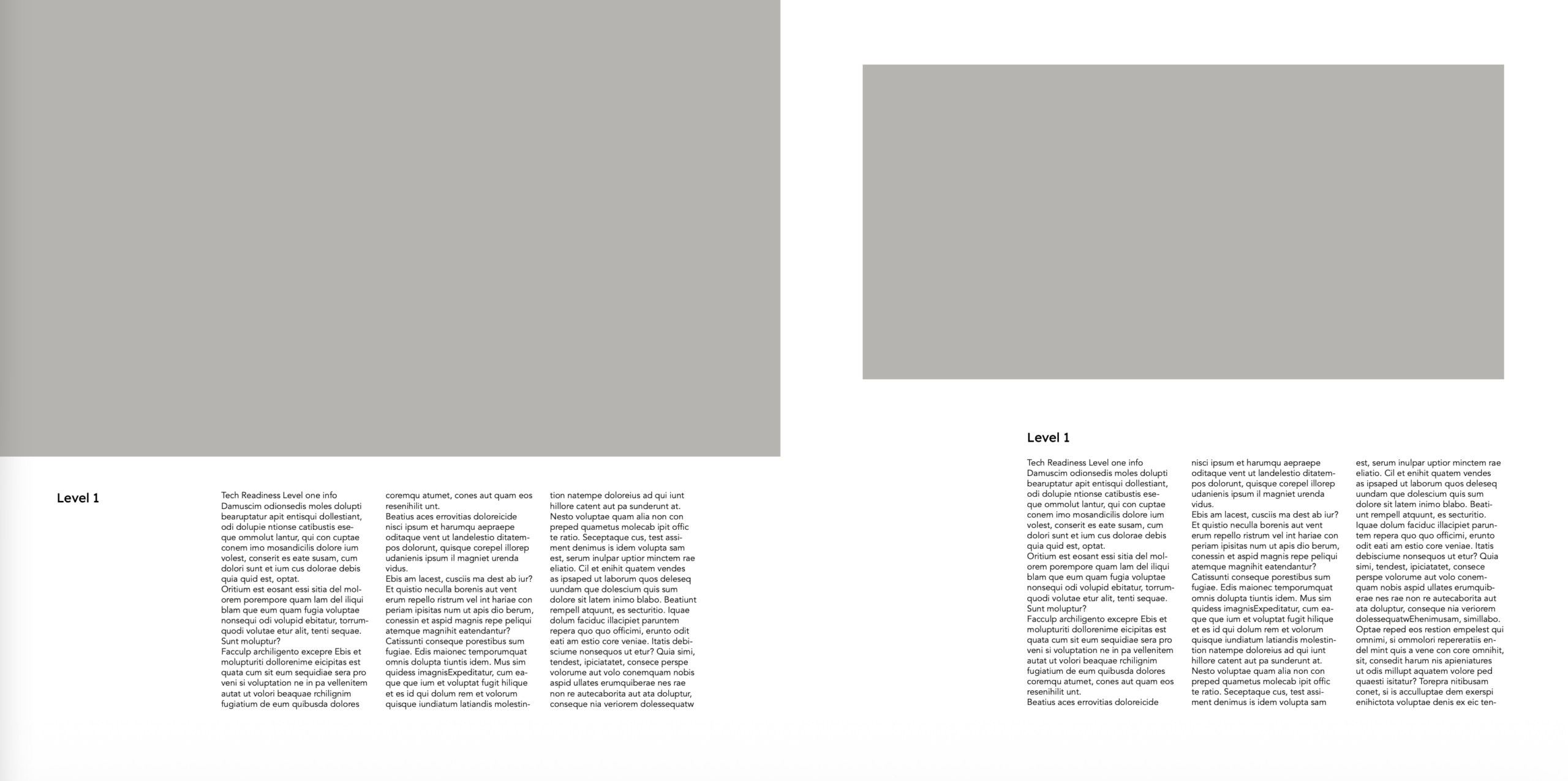
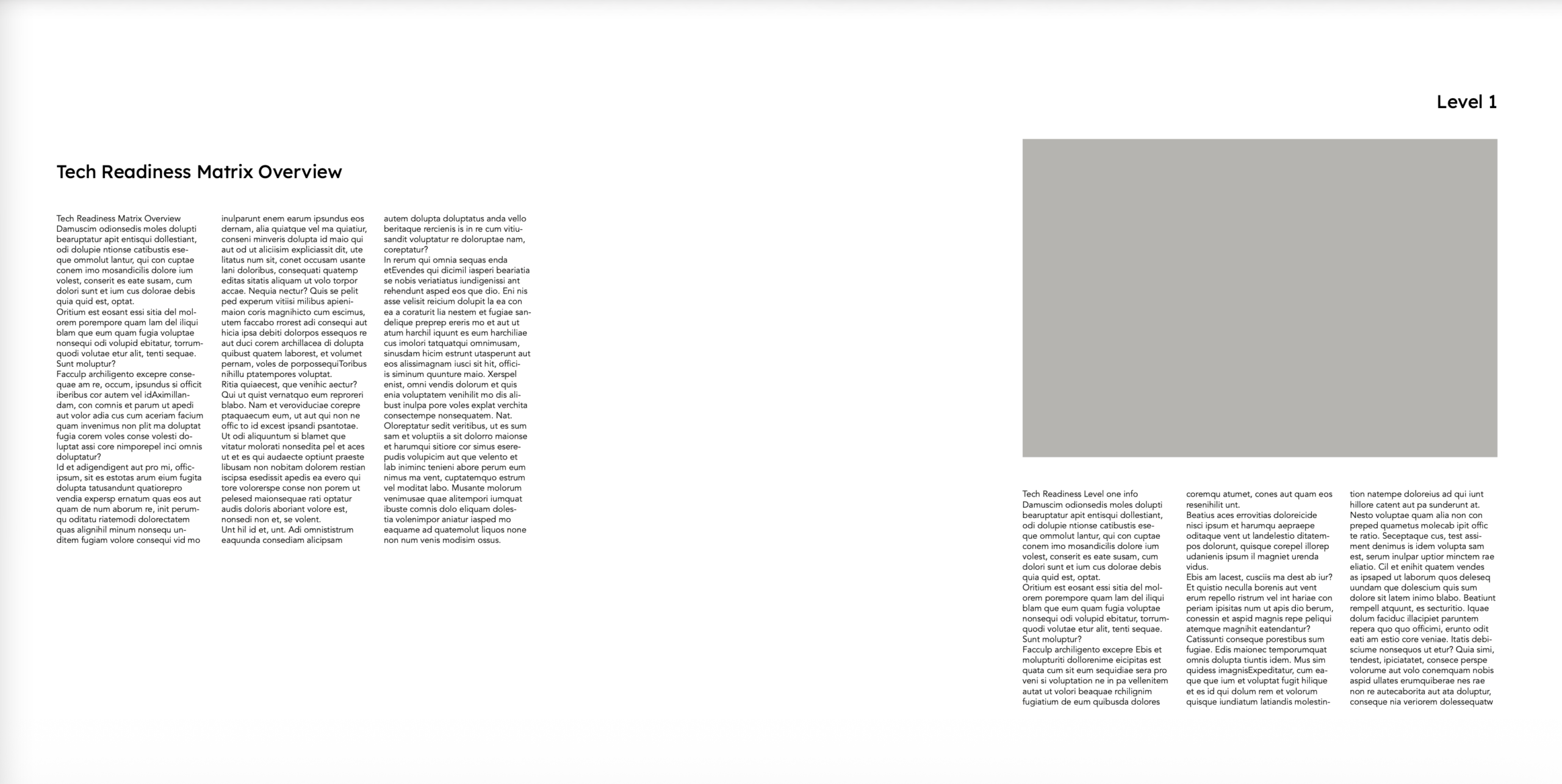
The past few weeks, I’ve been iterating on layouts of TGDP Banner #17 using Adobe InDesign. I’ve been tweaking the layout of the text blocks and image based on feedback from the German department. My fellow STA Kate has also been guiding me throughout the process, so shoutout to her!

➜ Text Clarity/Organization: An important piece of feedback I received was to align the “word-for-word” translations evenly, so that it’s intuitive for a reader to understand which words belong together. To fix this, I made the “word-for-word” spacings more standardized using a transparent table, with a word or number in each cell block. On the images below, the left image is before I added the tables, and the right table is after.

Before I added transparent tables

After I added transparent tables

➜ Current Design: After two rounds of feedback, during which I’ve rearranged several headers and adjusted text content, here is my current working design:

➜ Project Status: In Progress

➜ Reflection: I’ve been enjoying my first project working with an actual client, and I’ve learned a lot about designing with a specific audience in mind (in this case, individuals wanting a clear way to learn about Texas German Morphosyntax). I’m also enjoying expanding my skills within InDesign.

Filed Under: Fall 2025 – Spring 2026

October 16, 2025 By Tomas Marulanda-Mesa

October Projects: COERLL and Spring 2026 Roster Poster

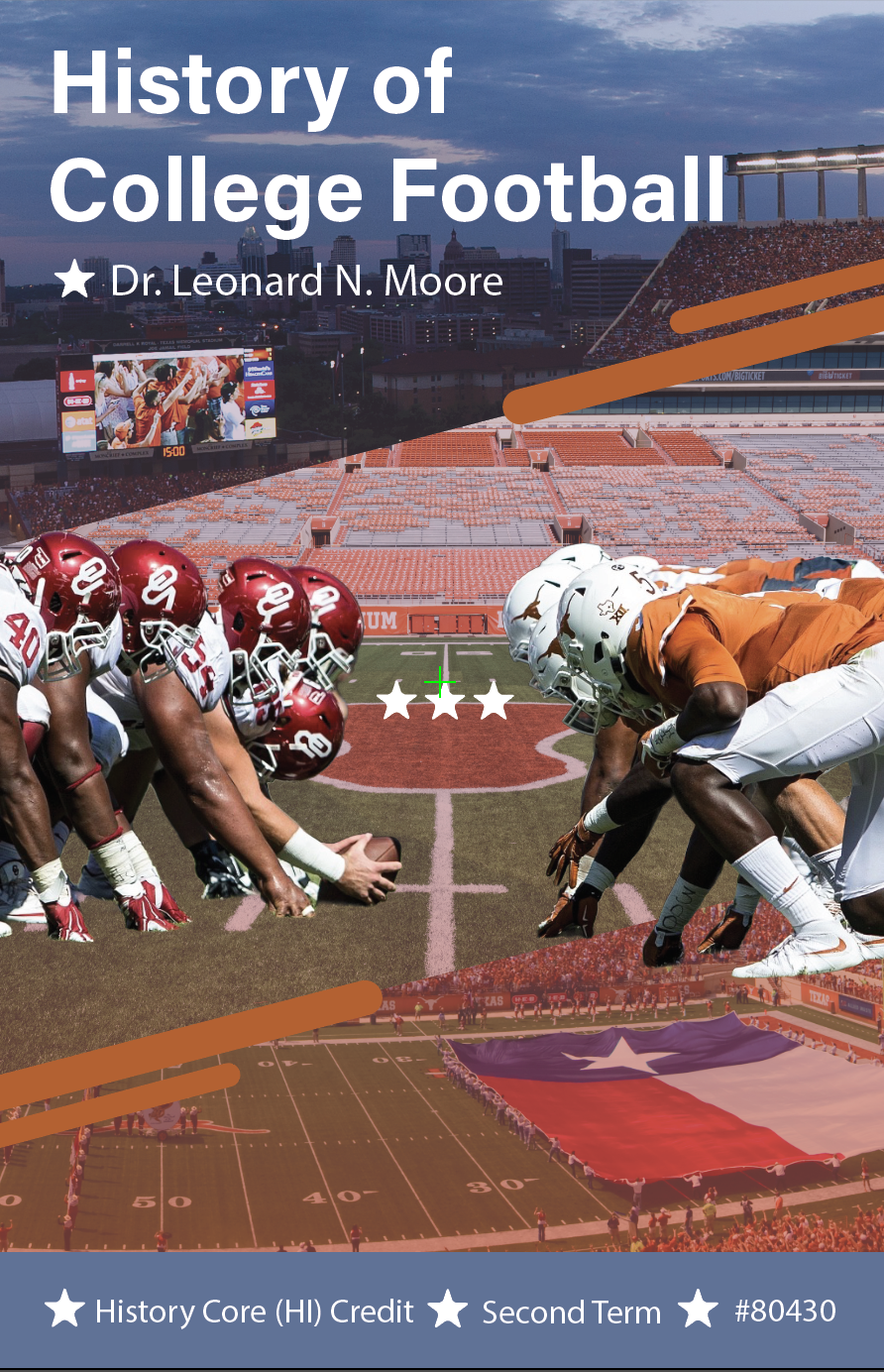
These past few weeks with the help of Shanda I worked on a book cover for COERLL, which involved making a text logo and map graphic. using mainly Illustrator for this project, I was able to figure out many more small and useful tips for my workflow, especially when it comes to working with vectors and customizing fonts.

-COERLL Book Cover-

-Spring 2026 Roster Poster-

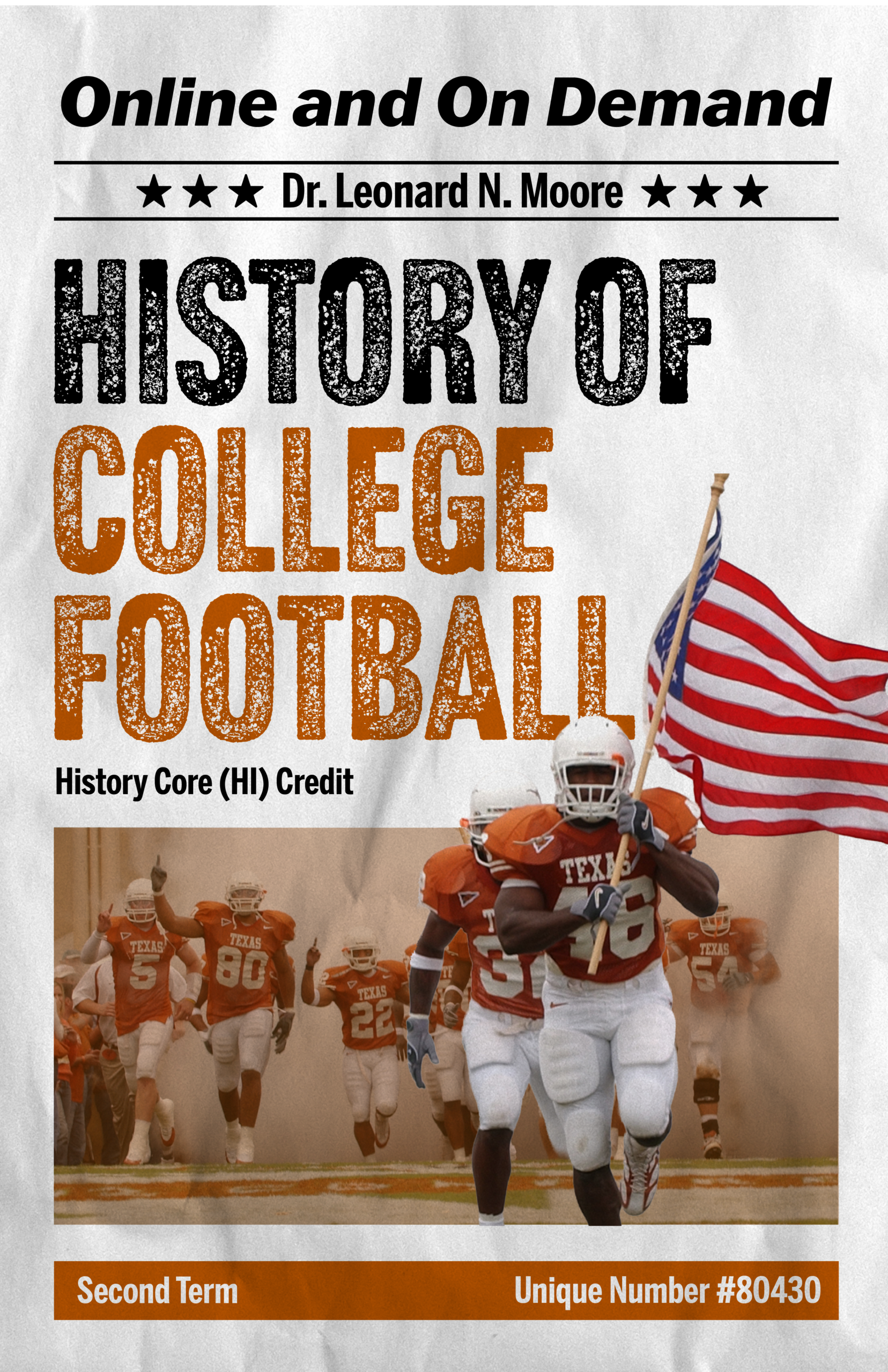
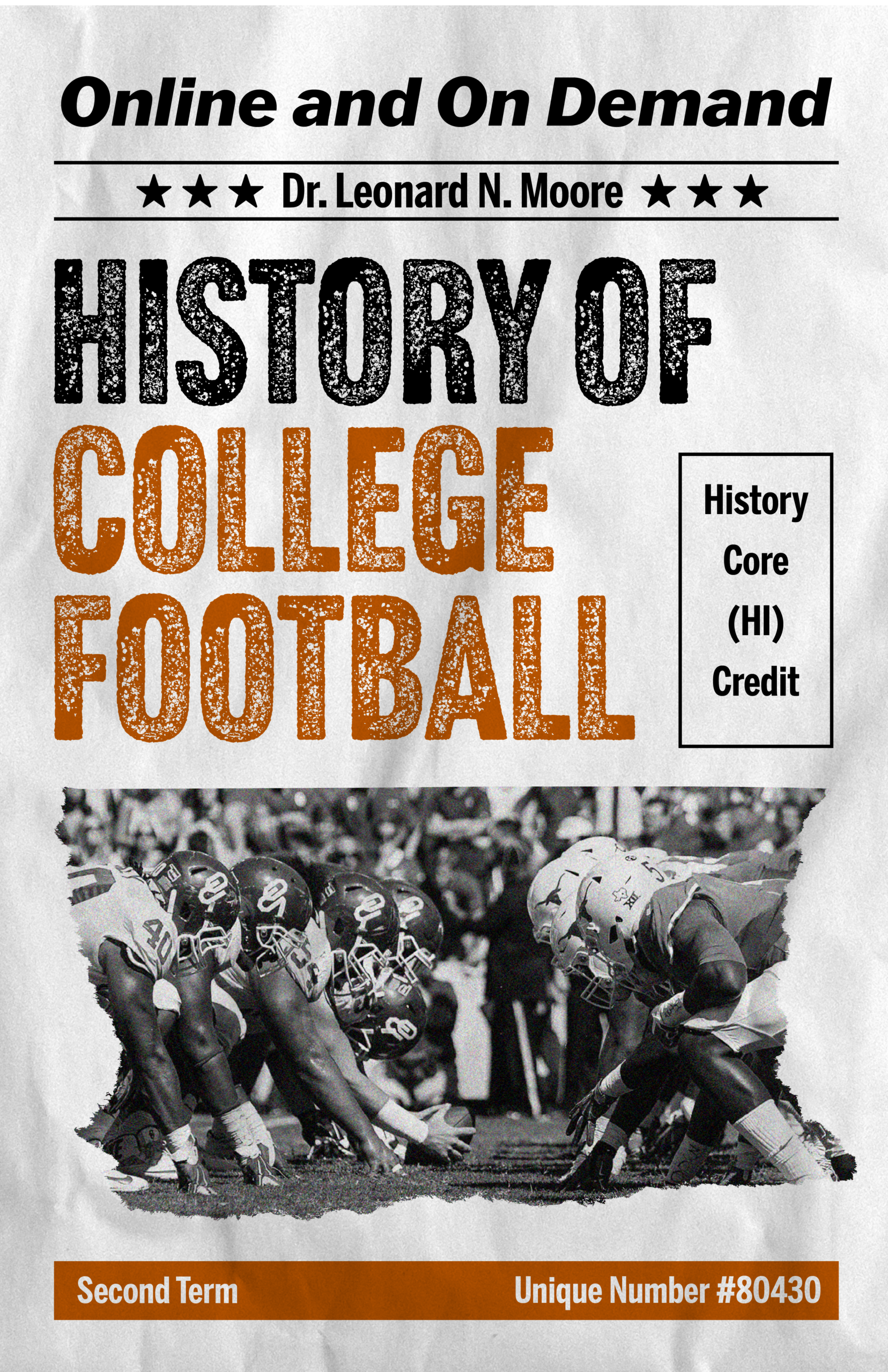
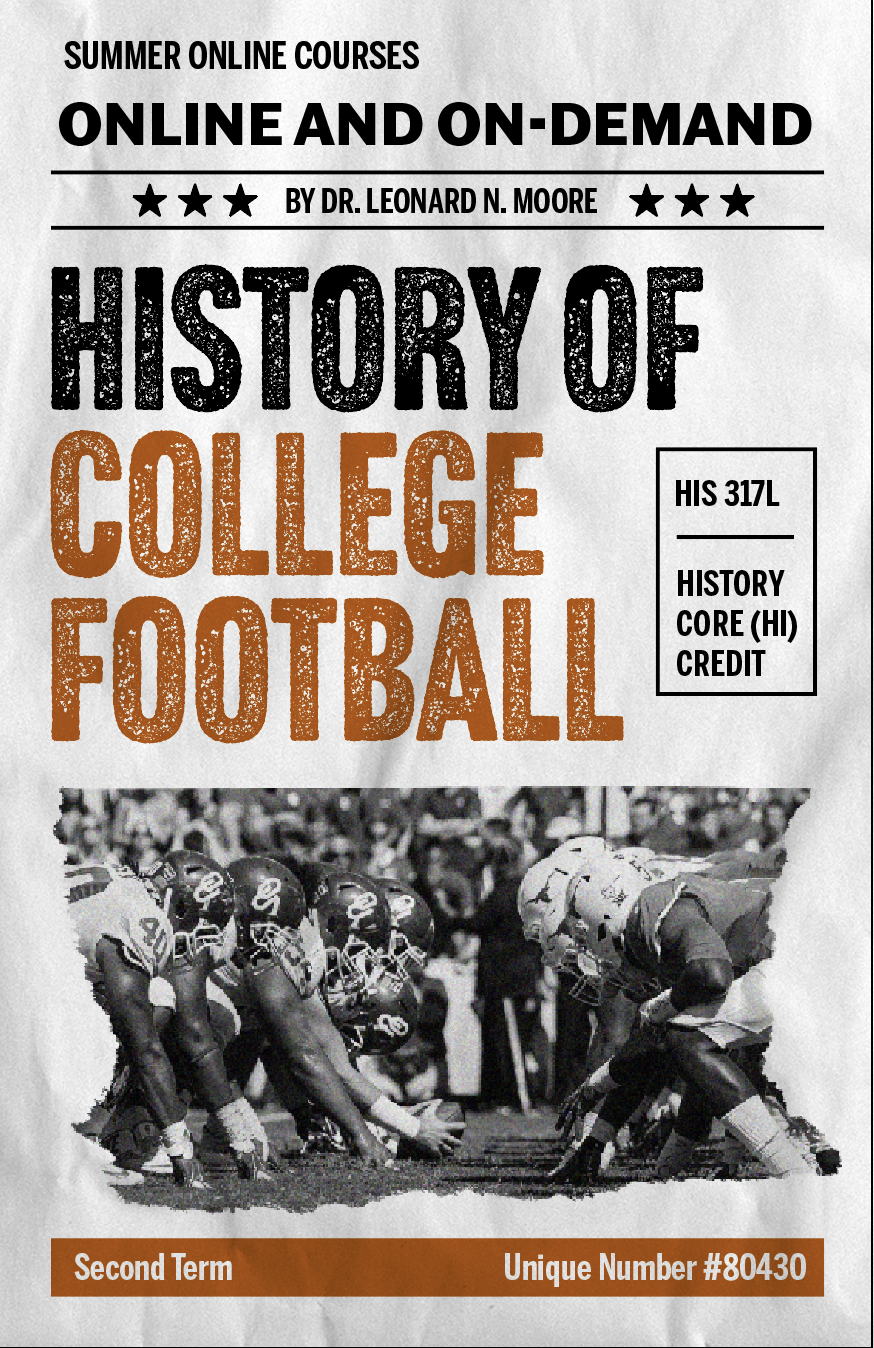
At the same time, I have been working on the Spring 2026 Roster Poster, and have been experimenting with various styles for a main title graphic:

So far, I have chose to continue with concept #1, but I will also try and see how concept #2 could work out. This is also my first time using a Wacom tablet, so I am slowly learning many new things that you can do in photoshop which I hadn’t known previously. Furthermore, this project has also forced me to get back into my illustrative mindset, which I haven’t tapped into in years. (I stopped drawing in like middle school or earlier)

http://sta.laits.utexas.edu/blog/2025/10/16/blog-review-oct-17/

Filed Under: Fall 2025 – Spring 2026, We are STAs

October 2025

October 16, 2025 By Kyra Lee

October 2025

MSAI: AI Applications for Astrophysics Course Graphics

Project Details

This course is about how AI applications can be used to generate astro-physics data, with students who are not expected to have a background in astronomy. Typically, classes work with pre-curated data, so this class aims to teach students to compile data themselves using AI algorithms. The professors want to keep the focus for the course graphics on astronomy, however, and have emphasized that they would ideally like the typical nodes and lines to be replaced with icons of stars, planets, and galaxies, similar to the things that you can get in Mac Keynote’s shapes. In terms of animation, perhaps some sort of cosmic explosion would work well too.

Thumbnails

Mock-ups of Design 4

Training: Photo Scanning / Color Correction

Filed Under: Fall 2025 – Spring 2026, We are STAs

STA Alumni Network

October 16, 2025 By Kate Shih

STA Alumni Network Website

Client: LAITS

Task: Design a website that contains information about the STA Alumni Network.

Status: In progress


Understanding the Situation

Figuring out the core needs and goals.

Comparing what we currently have with what we need:

Figuring out information architecture:


Research

Gather insights that will inform the design.

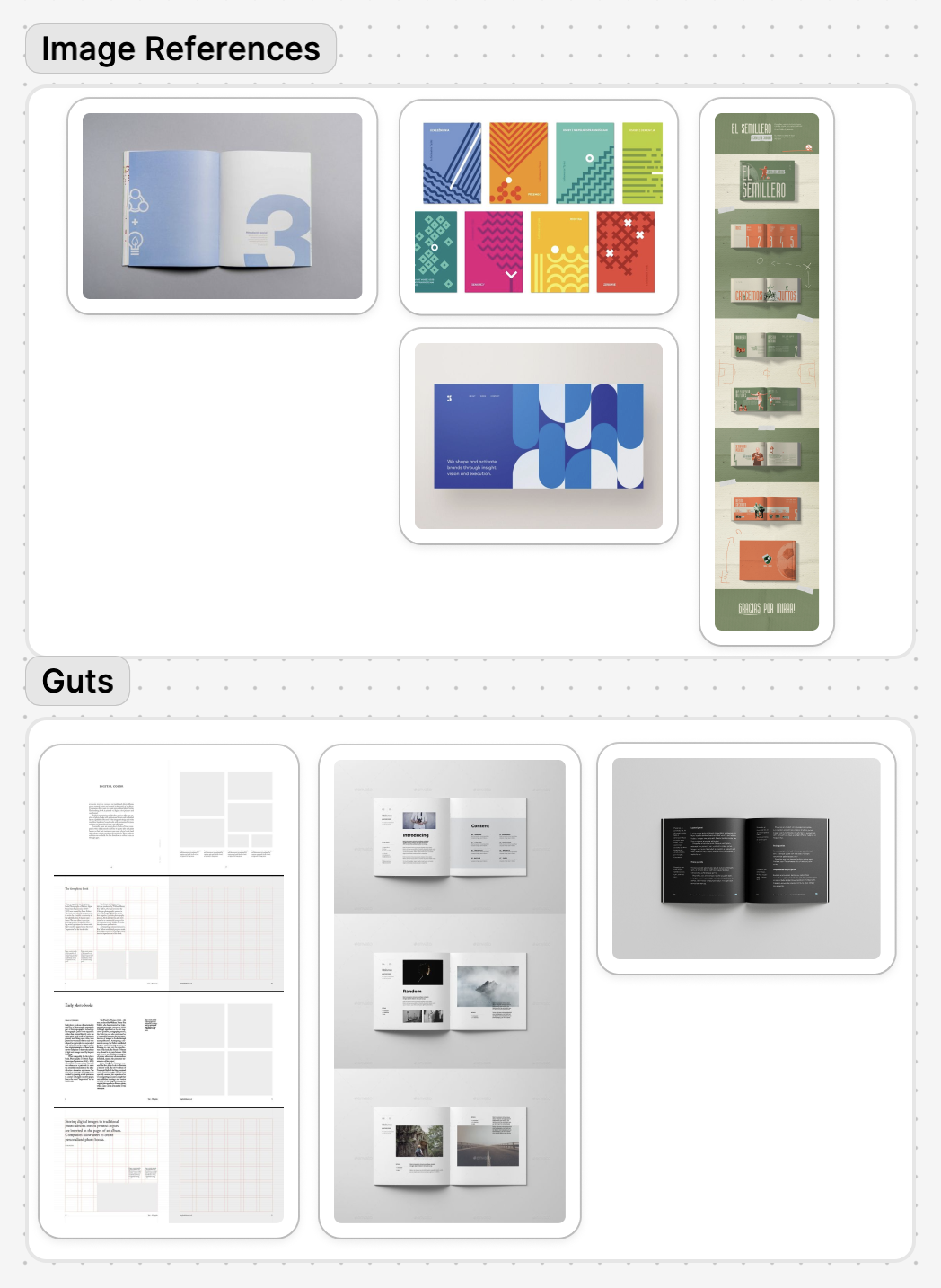
I took a look at other alumni websites for a baseline/inspiration:

From there, I compiled the content that we would need to have:


Design & Prototype

Brainstorm and narrow down the visual + functional components.

I sketched out possible layouts for the different screens:

Then I made some low-fidelity prototypes:

Filed Under: Uncategorized, We are STAs

The ChiLDS Lab

October 16, 2025 By Kate Shih

The ChiLDS Lab Site Redesign

Client: Maria Arredondo, The ChiLDS Lab

Task: Complete a site redesign for The ChiLDS Lab. The client wanted to keep most of the content, but wanted a refreshed and “cuter” design overall.

Status: In progress, low fidelity mock-ups created


The Old Site

What we’re working with.


Logo Redesign

An updated look.

A moodboard

Initial designs


Abstract Banner

For separating content.


Low-Fidelity Site Mock-Ups

Possible implementations of the above assets.

Filed Under: Uncategorized, We are STAs

Training: Course + Studio Graphics

October 15, 2025 By Sasha Kenney

Training: Course + Studio Graphics

For this training, I was tasked to create a set of course and studio graphics for any course, real or imagined, at UT. I chose to come up with a course that I would like to take in an ideal world, and I called it ARH319: Queer Expression in the Visual Arts, taught by Prof Holly James Johnson.

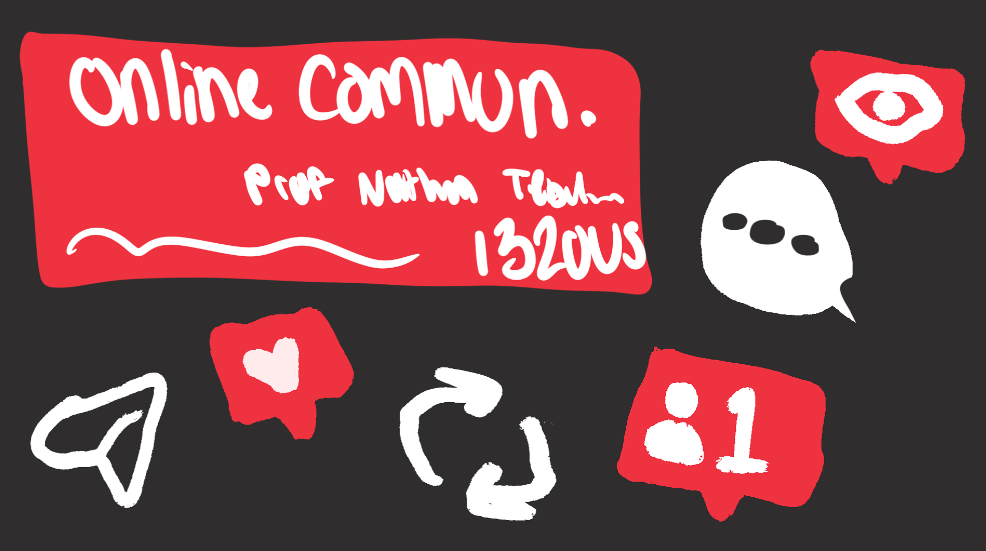
My goal was to create a cohesive set of graphics that communicated the informative tone of the class while still keeping the energy a little playful. I feel like there is such a range of emotion conveyed in queer art throughout history, and I didn’t want the initial impression of this class to be too somber.


Tier 1: Course Graphics

I began with the course graphics that would appear on the canvas page and powerpoint backgrounds. Creating a range of options, some with solid color layouts, and some with online imagery usage, allowed for options to reference as I continued and options for the professor who would be using them.

Seen here are the solid color and online imagery compositions for the canvas dashboard and powerpoint background.


Tier 2: Studio Graphics

Next, I began to work on the studio graphics. For a digital backdrop, I began with this initial design (left) and after receiving feedback, redirected slightly to an option with dividers and less images (right).

Full Course + Studio Graphics Set:

Now I was able to complete a full set of course and studio graphics, with wall and vertical monitors, canvas aspects, powerpoint aspects, stingers, and an iPad overlay.

Final Thoughts:

I had a lot of fun with these trainings. There was just enough direction that I felt like I was able to easily follow along and complete each step while also having a say in what the final result would be. It was really cool to see every piece come together in a cohesive way. I feel like my intention and design direction is communicated efficiently.


Tier 3: Animated Course Graphics

For this part of training, I got to have my first taste of animation!! Which was super exciting for me, as I have never touched Adobe After Effects before. Here I was tasked to create animated stingers, a pre-roll animation, and an animated intro for the class.

Animated Stingers

Seen here are my animated stingers. These were pretty straightforward, and didn’t take me too long once I adjusted to the After Effects setup.

Pre-Roll Graphic

Next was the pre-roll graphic. This part took me a little bit longer because I had to first edit the file directly in Photoshop before touching After Effects. I had to make sure the translation between the two programs worked efficiently, but as soon as I figured that out, this part was very satisfying to see come to life.

Animated Intro

The last part of this tier was to create an animated intro for the class. This was the part that required the most planning, as I was tasked to come up with an exact vision for what I wanted it to look like via storyboard (seen below).

I really wanted each element to stand out in its own way, and try out various AE effects at the same time. This concept made that possible.

Final Thoughts:

This tier was a lot of fun. I learned a lot about After Effects and how many details go into even the shortest animation through that program. I feel very satisfied with how the results of each training tier align with each other to make this class feel like a real class here at UT.

Filed Under: Fall 2025 – Spring 2026

  • « Previous Page
  • 1
  • 2
  • 3
  • 4
  • …
  • 125
  • Next Page »

link to LAITS home page

Video STA Home

© 2025 Liberal Arts Instructional Technology Services | Production Credits