• We are STAs
    • Asha Rountree
    • Haley Ma
    • Kate Shih
    • Kyra Lee
    • Nicholas Peasley
    • Sasha Kenney
    • Shanda Horm
    • Shriya Atreya
    • Tomas Marulanda-Mesa
  • We were STAs
  • STA Presentation
    • STA Presentation 2017
    • STA Presentation 2016
  • Testimonials
  • Resources
  • Home

STA Blog

Basic Training: Ai Logo Design

September 20, 2019 By Abriella Corker

BASIC TRAINING: Ai LOGO DESIGN


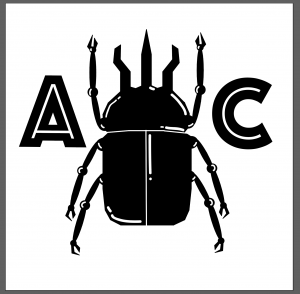
This one I held out on for a while while finishing a lot of the photoshop basic trainings first. Learning photoshop was of more immediate concern since it is used a lot for projects that I was assigned since starting to work here. This logo was a bit tedious for meet to put together on Ai since I am not at all familiar with the tools on it. This is what I managed to come up with within the restrictions of the practice. The “A” and “C” are the initials for my name and in the center is an atlas beetle. I really enjoy how to pink and red came out as well as the inverted black and white. I also made a favicon for this logo but it is very small so I did upload it to this post. It is just a small 16 x 16 pixel icon for a beetle in black with a white background.


 

Filed Under: 2019 Fall-Winter | Spring-Summer 2020

Photoshop is hard (but cool!)

September 18, 2019 By Kevin Dao

Hello,


Yesterday, I started working on designing the 2019-20 STA banner, which meant messing around with Photoshop.


I haven’t used Photoshop that much.


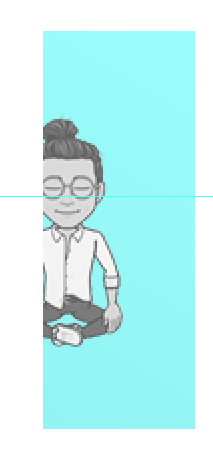
Meaning, I spent some time trying to figure out how to do simple things, like clipping an image inside a shape so that if the image extends beyond the shape, it’s hidden. But either way, I sort of got to learn how layer masking works, like if you add a mask onto an already existing layer, the masking layer can only contain white (meaning show this part of the picture), black (meaning hide this part of the picture), or somewhere in-between (show the picture but make it transparent kind of…). Even though this feature wasn’t relevant to what I was trying to do (just clip an image inside a shape), it was still super cool to learn.


Here’s what I ended up with:

As you can see, my character is constrained by the rectangle that it sits in. c o o l.

Mission accomplished!

Filed Under: 2019 Fall-Winter | Spring-Summer 2020

Updates!

September 16, 2019 By Kevin Dao

Hey there,


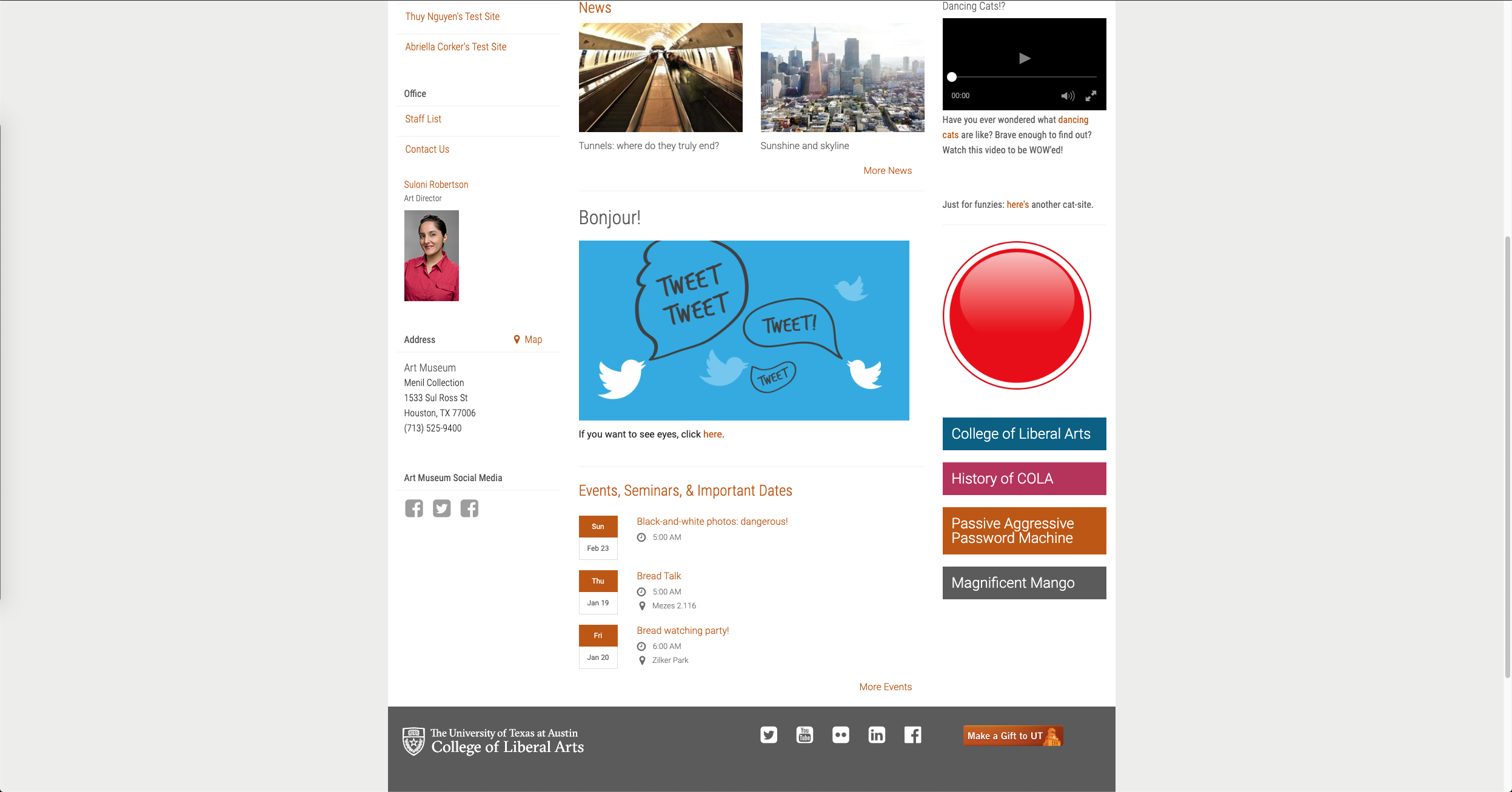
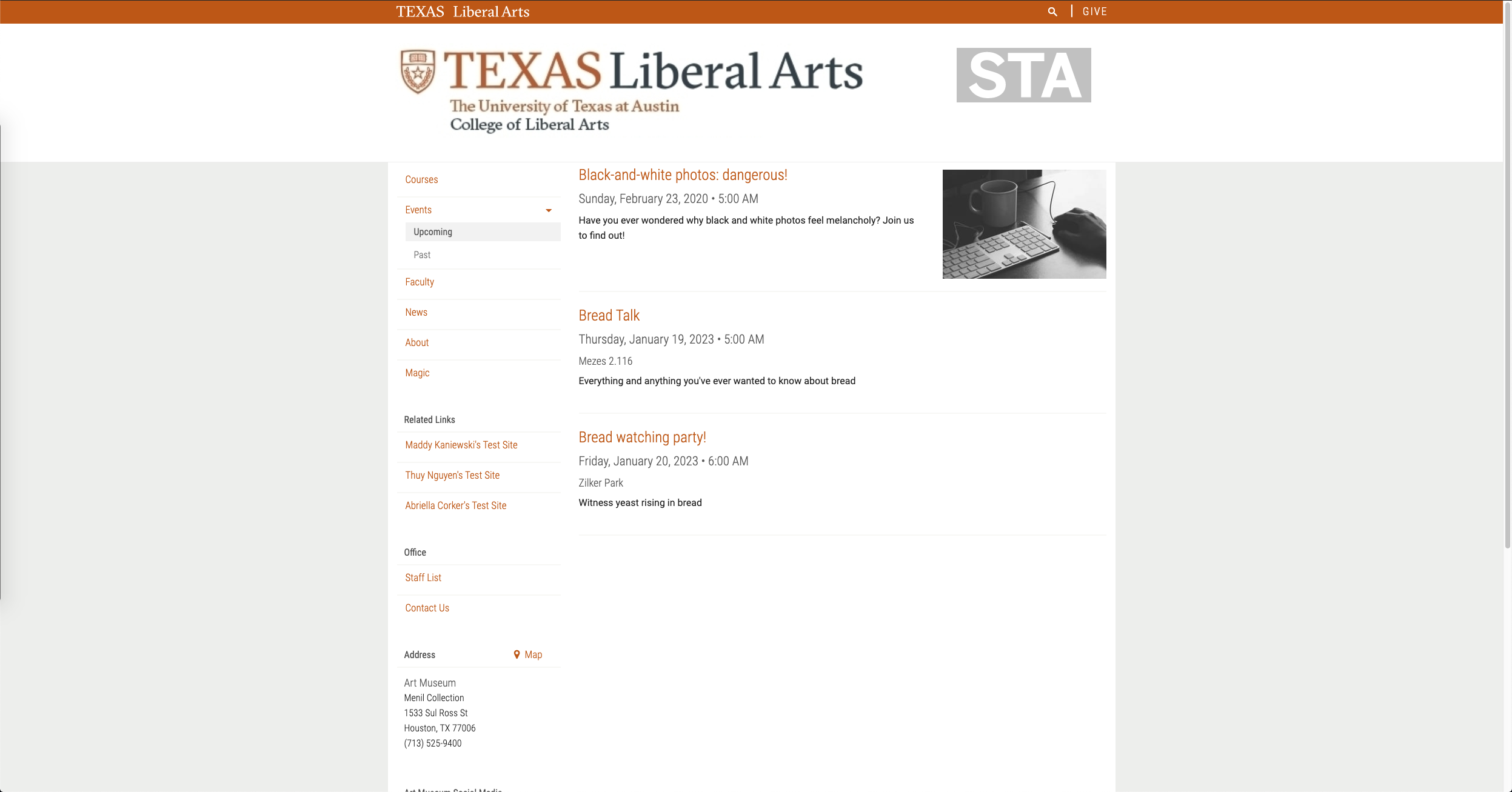
I just wanted to give some quick updates on what I’ve been working on, one of which is Cascade training. Basically, the training is supposed to give me a better understanding of how to use Cascade (i.e. adding content and formatting it properly, linking it to external pages, adding new pages + dropdowns, etc.) It’s pretty interesting to see how simple it is to use a CMS as opposed to manually doing everything through HTML/CSS. Here’s what it looks like right now!


Here’s the landing page.


The bottom part of the landing page.


The news page.

Other than Cascade training, I’ve also been work a lot with handling Adobe Flash Player remediation on a Hebrew course made by Dean Esther Raizen who’s part of COLA. To rundown what the root of the issue is, the Hebrew course contains learning modules that were built in Flash. This is (or was) fine and dandy, but Adobe announced that they were deprecating Flash Player in December of 2020, meaning that these modules would stop working. Thus, in order to make sure that students will still have access to the modules once it’s deprecated, we wanted to find a way to convert the modules to HTML5.


After doing some exploration, I learned that there was really no way for us to convert the modules directly from .SWF (Small Web Format) into HTML as .SWF is a compressed file format that doesn’t really preserve the interactivity + animations when you try to uncompress it. Thus, after working with Chris Pittman and Ruben Garza, we decided that the best approach would just be to extract whatever information we can from these modules, and then start thinking about rebuilding using what we already have.


Now, I’ve parallelized the process of extracting all ~120 Flash modules and am lucky to have the help of Jalisa and Thuy. We’re working on pulling out all the Hebrew text + images and saving them onto Box, and we should be through all the modules in no time.

Filed Under: 2019 Fall-Winter | Spring-Summer 2020

Cascade Site Basic Training

September 16, 2019 By Thuy H Nguyen

Training – Cascade Site Basic Training

Over the past few weeks I’ve been assigned a basic training to build my own site on Cascade. The instructions given by Abriella were very detailed, and although I ran into some difficulties publishing my site (which led to me accidentally republishing the entire STA site :p), I was able to figure it out in the end.

Here’s a short video on how my site looks.

Click to preview Thuy’s Cascade Site

Filed Under: 2019 Fall-Winter | Spring-Summer 2020

Assigning out Cascade Training

September 16, 2019 By Abriella Corker

ASSIGNING CASCADE TO-DOs

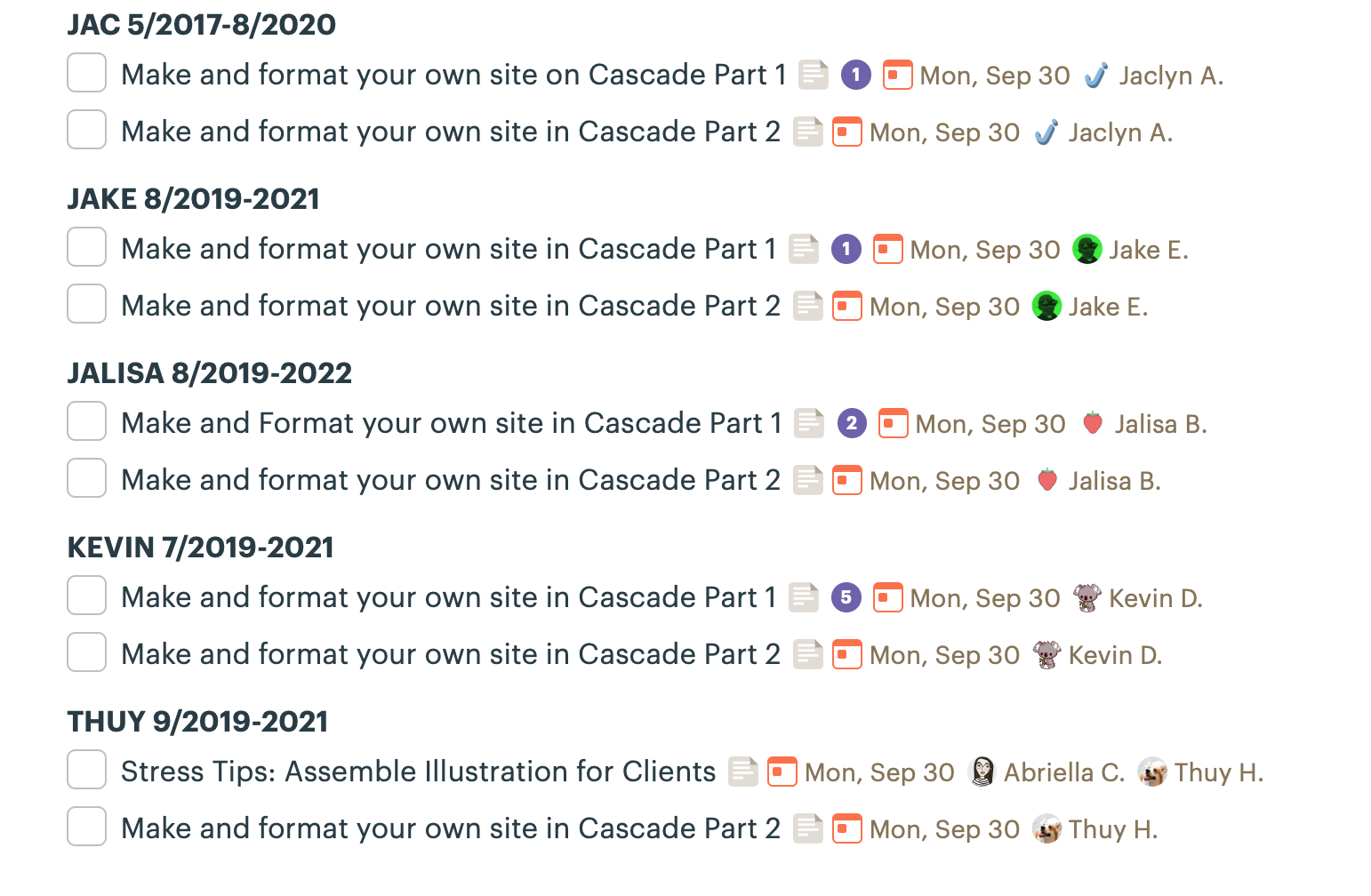
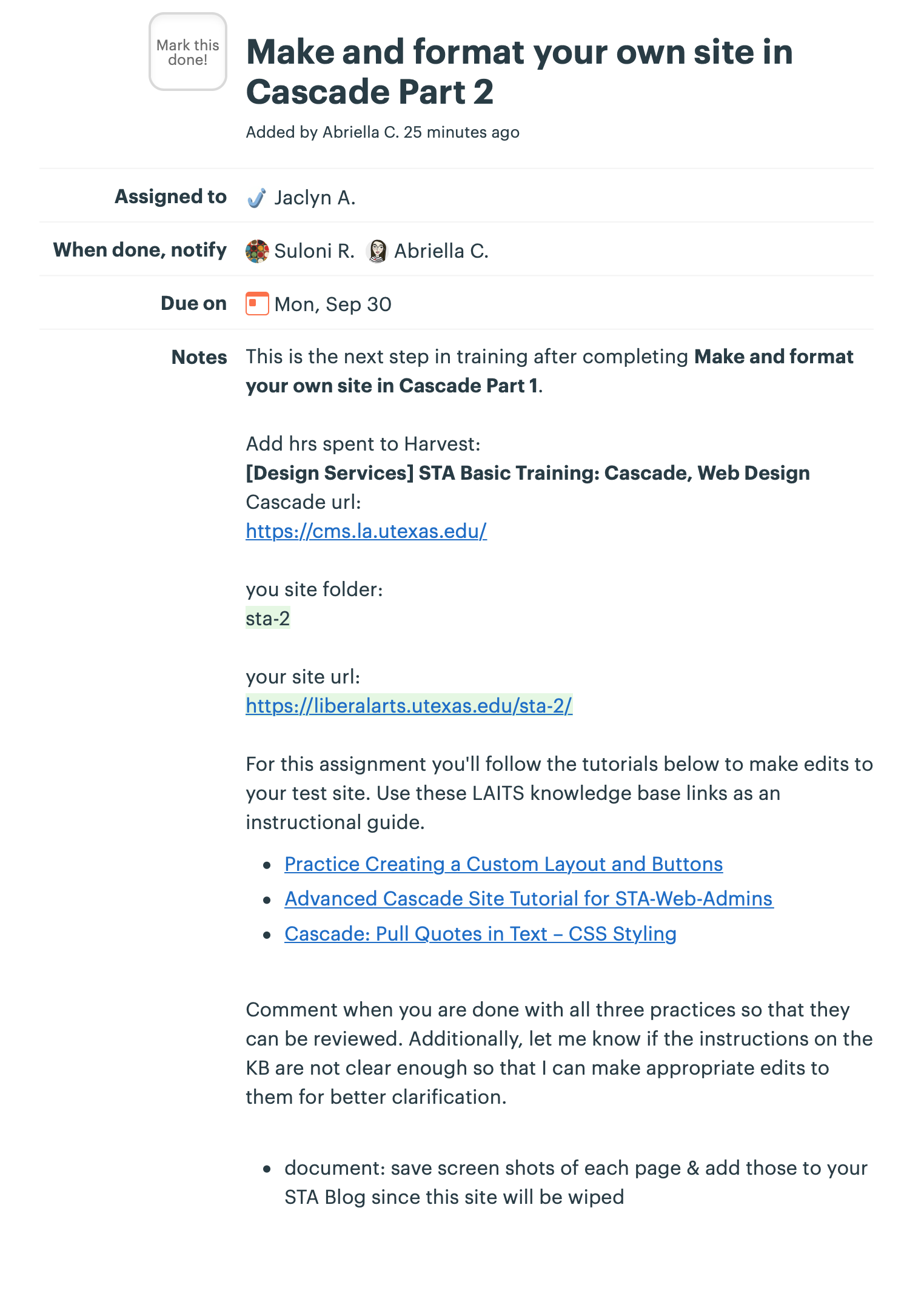
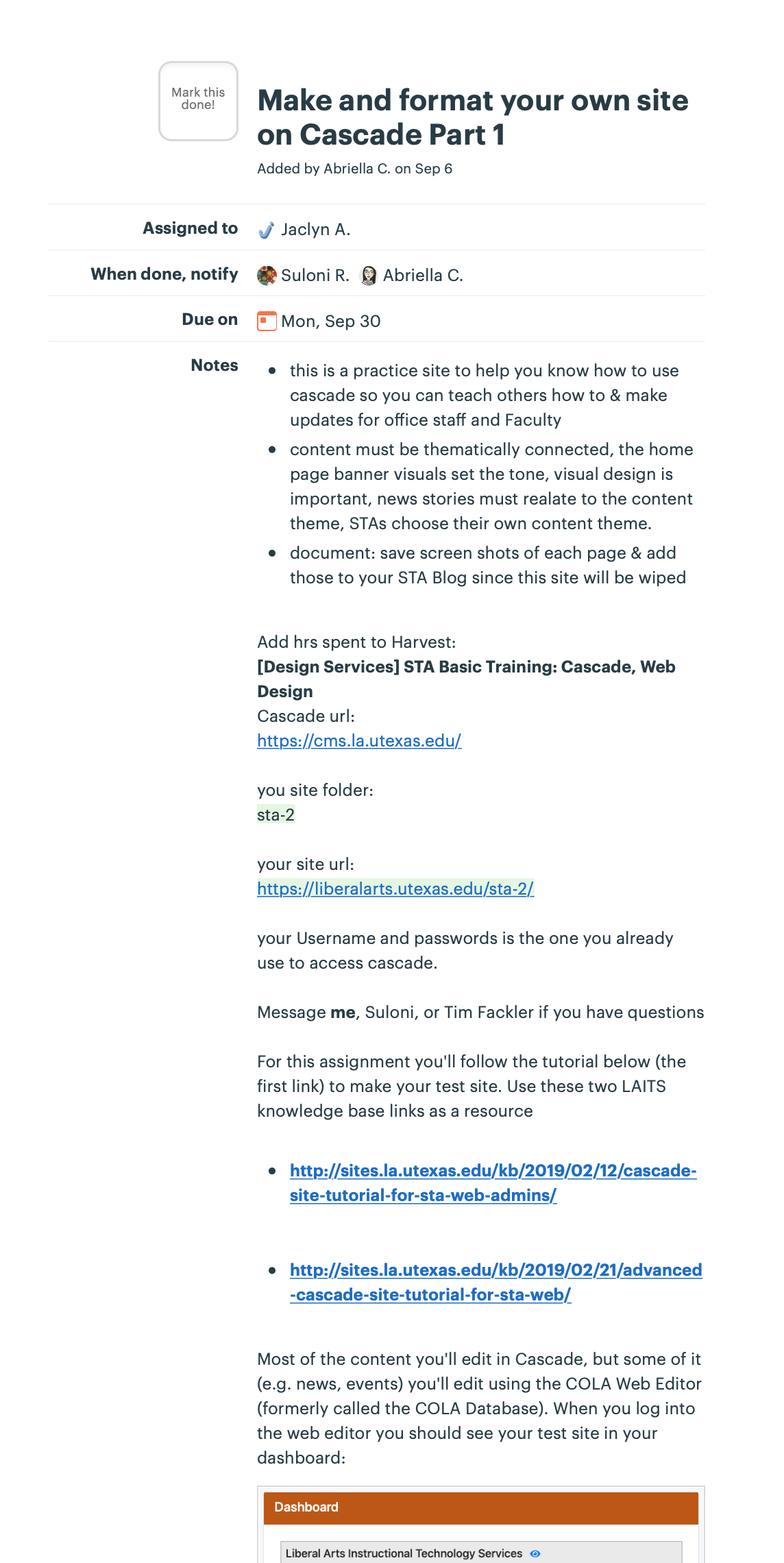
I have been tasked with handing out assignments for training STAs on Cascade editing. I made a part 1 for basic beginning training, and a part 2 for the advanced training. 2 of the tutorials they will follow I made myself/heavily edited. This qualifies as a level 3 training!

Filed Under: 2019 Fall-Winter | Spring-Summer 2020

Copyright Usage

September 16, 2019 By Abriella Corker

IMAGE REUSE

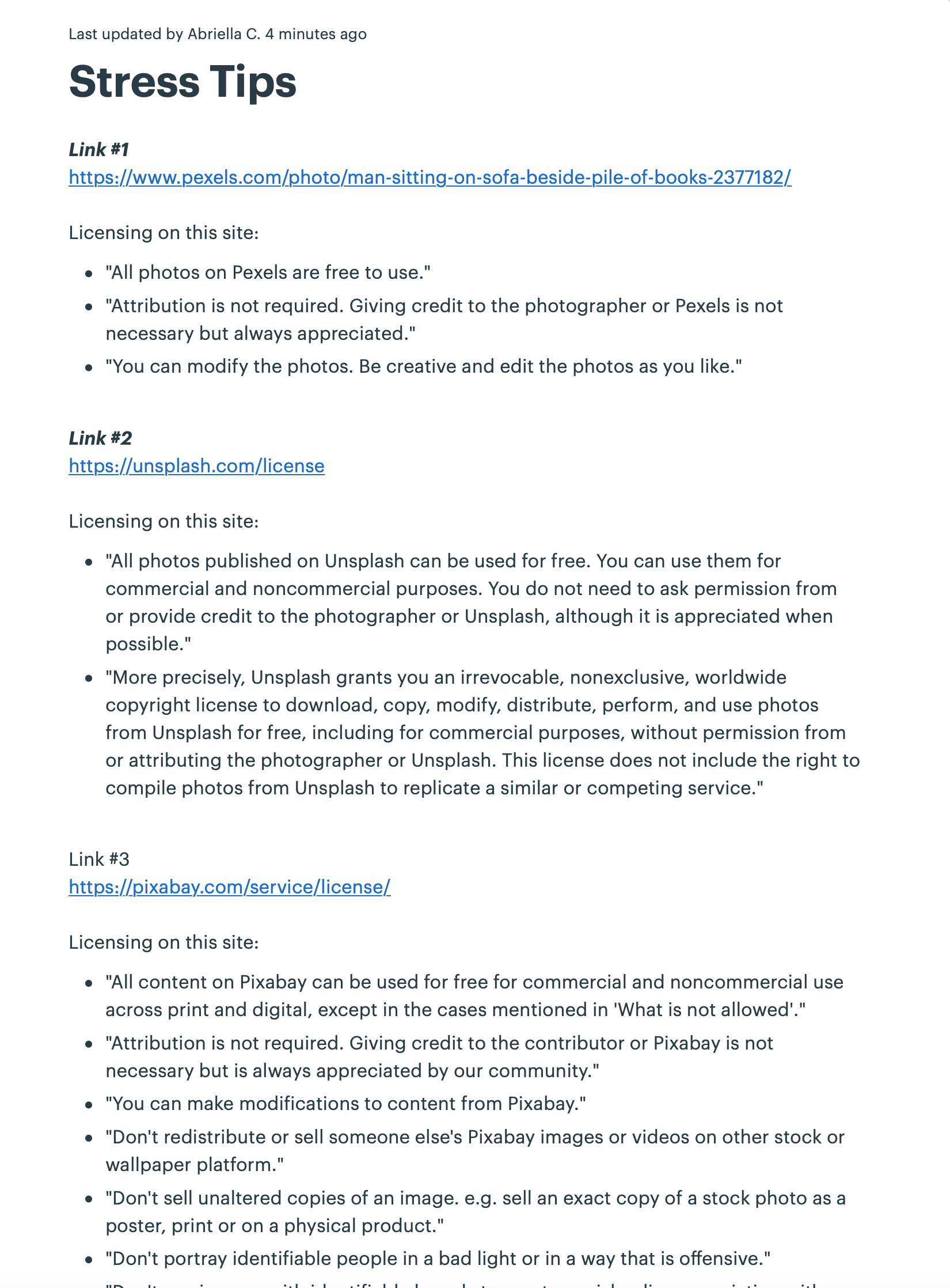
For the stress tips assignment I had to create a document about all the copyright and licensing rights for each image used in the design since the illustration is photo collage. For the most part credit was not required for the images with the exception of 3-4 images used.

Filed Under: 2019 Fall-Winter | Spring-Summer 2020

  • « Previous Page
  • 1
  • …
  • 74
  • 75
  • 76
  • 77
  • 78
  • …
  • 80
  • Next Page »

link to LAITS home page

Video STA Home

© 2025 Liberal Arts Instructional Technology Services | Production Credits