STA Work Blog
STAs: Student Technology Assistants
Who We Are
LAITS: IT and Facilities Director, Joe TenBarge initiated the Student Technology Assistant program in 2004. STAs are UT students who work on a variety of projects in collaboration with UT faculty and LAITS staff members. STAs assist College of Liberal Arts faculty members and administrative staff with print and web design. From building presentations, to creating audio/visual works, and producing online classes in the LAITS film studios, STAs are instrumental in helping COLA faculty realize their vision for multimedia projects that enhance their teaching and the students learning experience. By the end of their student careers, STAs have portfolios which demonstrate their accrued technical and design skills.
Prospective STAs:
Creative and technically inclined students are appointed as STAs for one year, with the possibility of being rehired as long as they study at the university. Applicants for the program are hired before both long semesters. Interested students may look for postings on Hire-A-Longhorn when positions are available. Positions will have Student Technology Assistant (illustrator or web designer) in the title of the job post.
Faculty and Staff:
Faculty & Staff with questions about services, please contact us.
https://liberalarts.utexas.edu/laits/contacts.php
- Audio Services: Michael C Heidenreich, Director of Studio Operations & STA Program Coordinator
- Video Services: Kelly Webster, Video Production Supervisor, Video STA Supervisor
- Graphic Design & Web Design Services: Suloni Robertson, Art Director / Design & Coding STA Supervisor
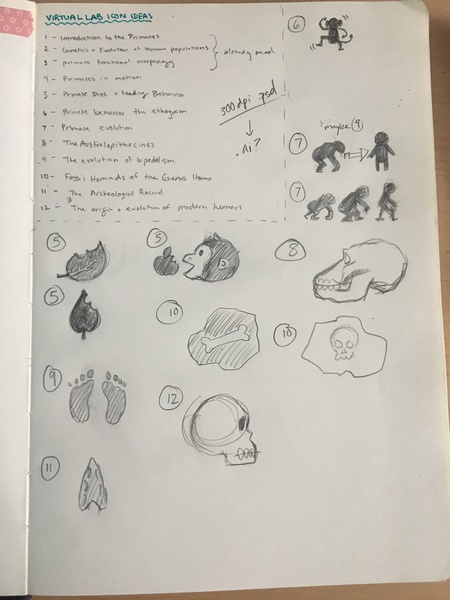
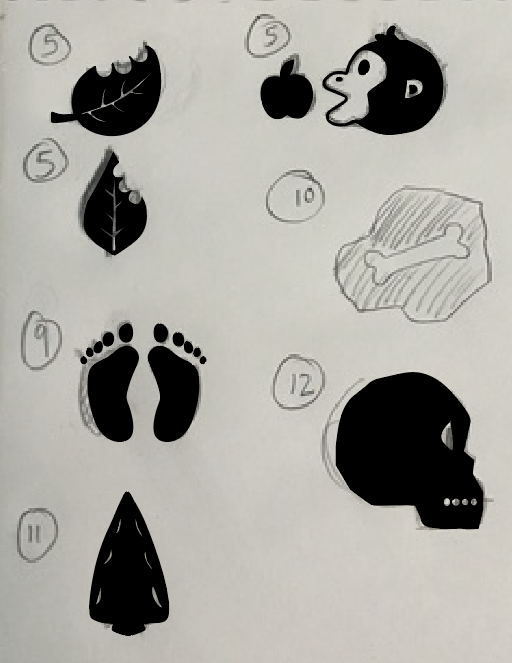
V-lab icons!
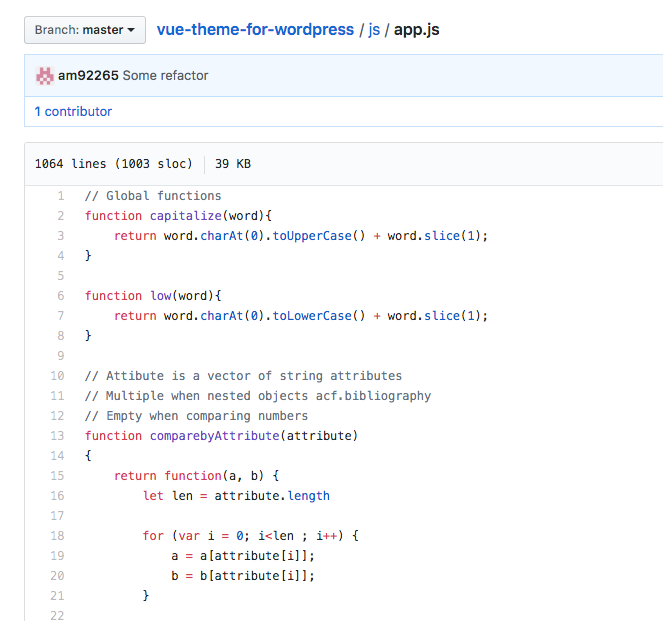
Github and final refactor
Today, I linked the updates of the local site version to the github repository, as well some other code refactoring for retrieving specific posts from other posts.

4-18-19
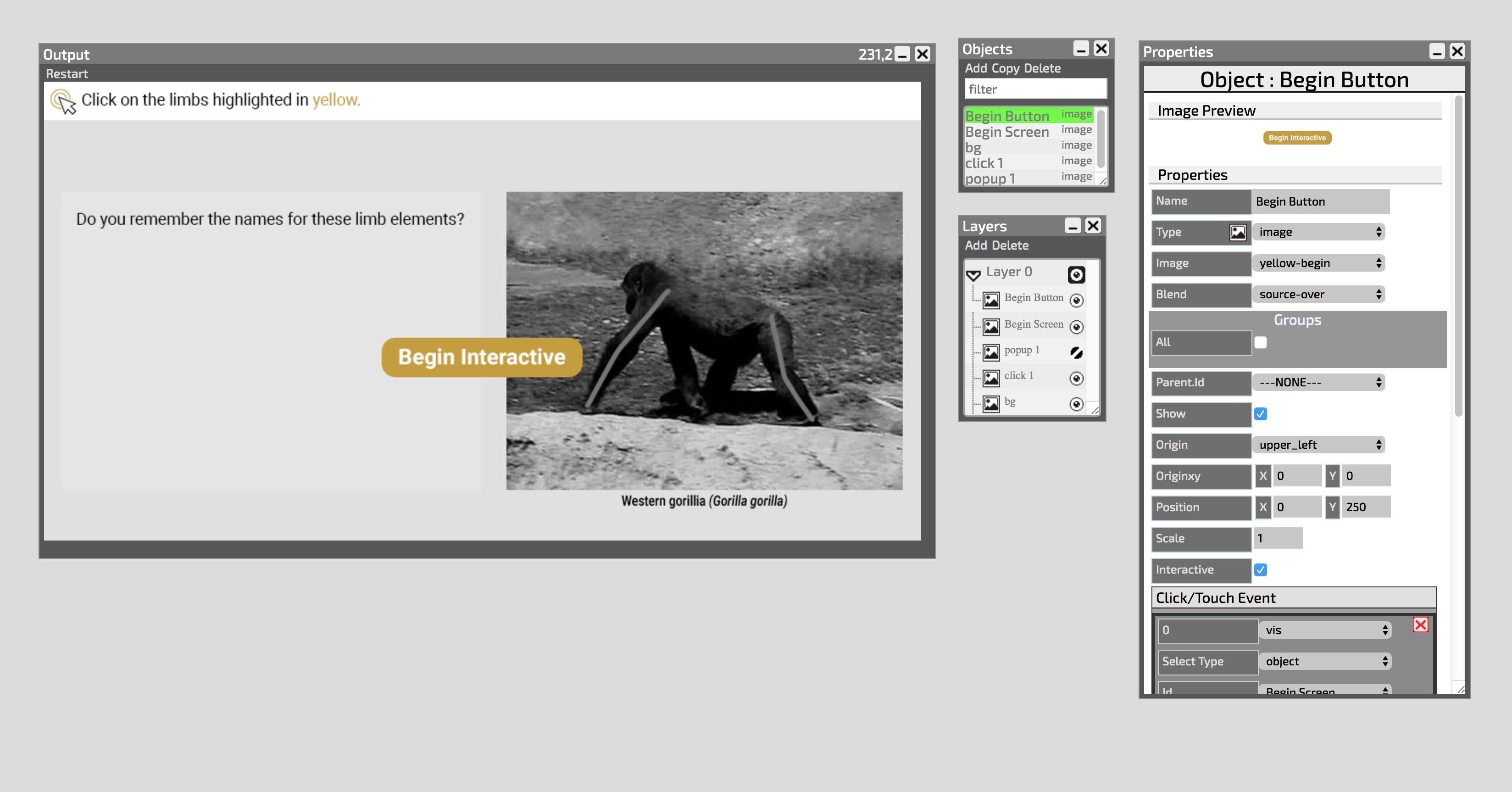
Vlabs
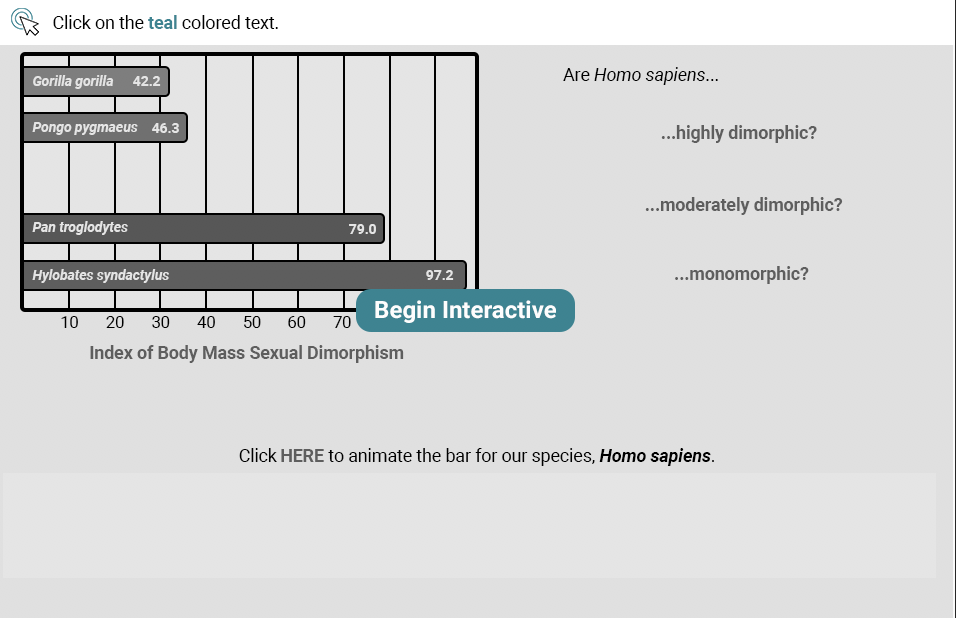
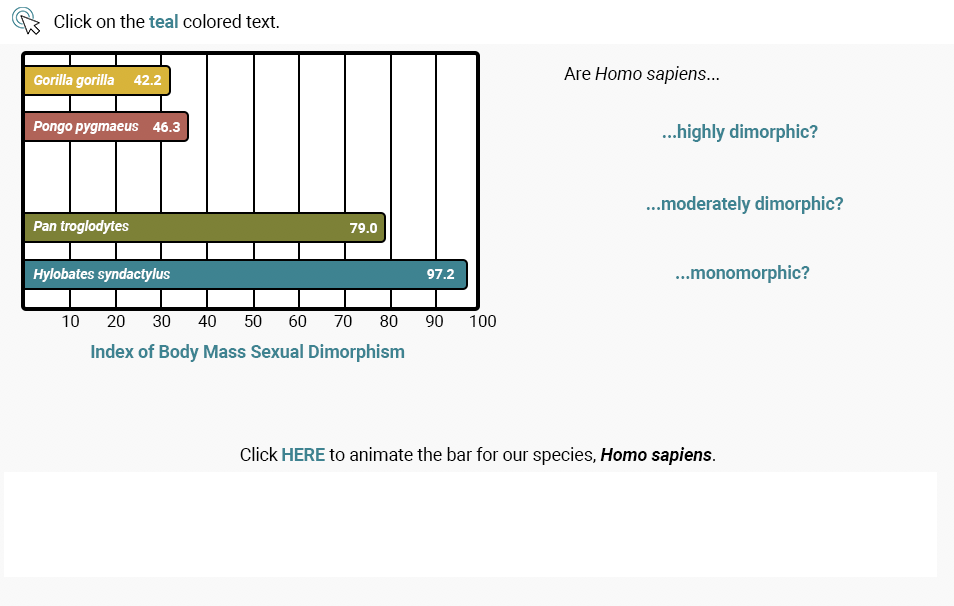
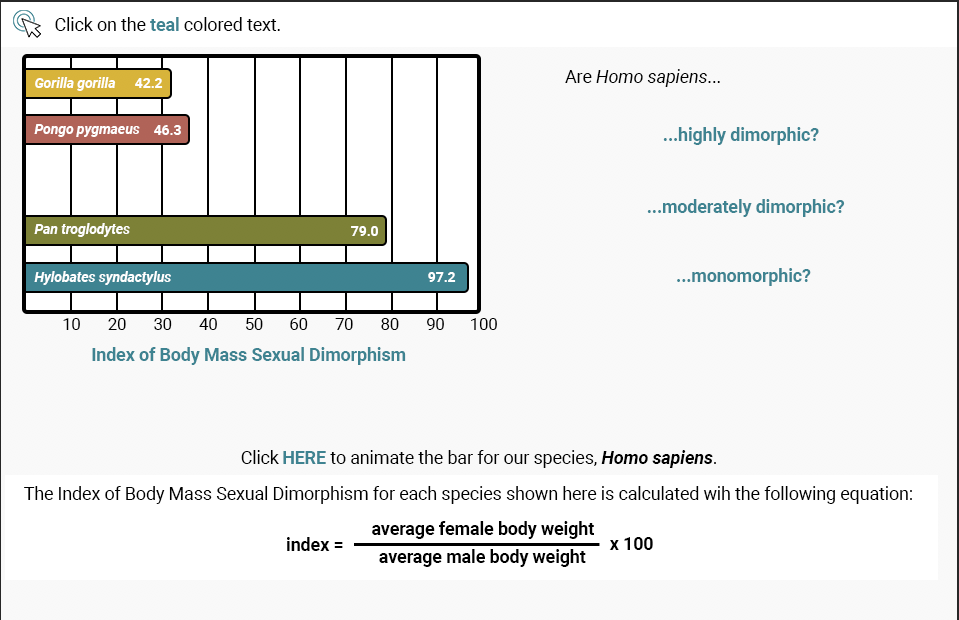
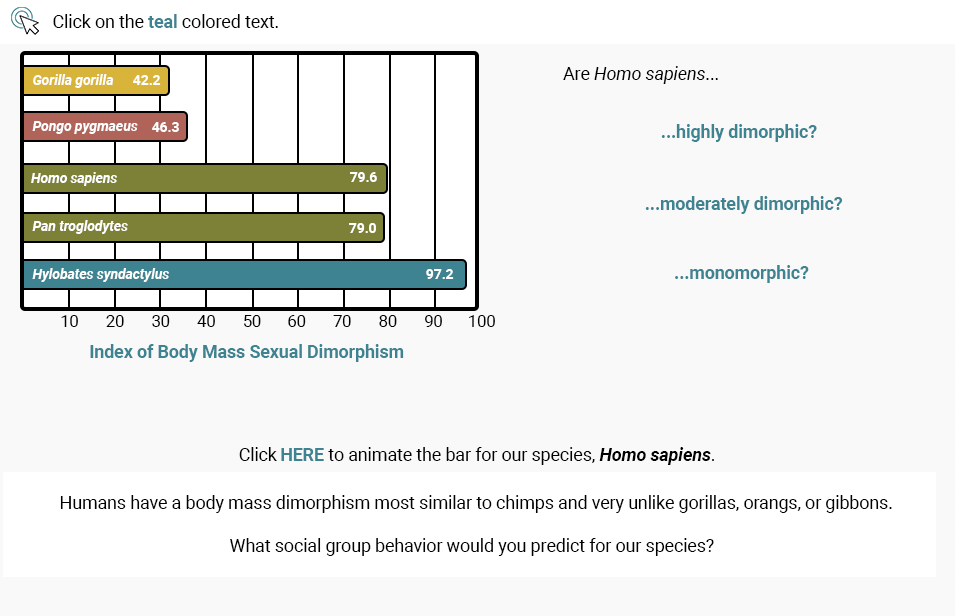
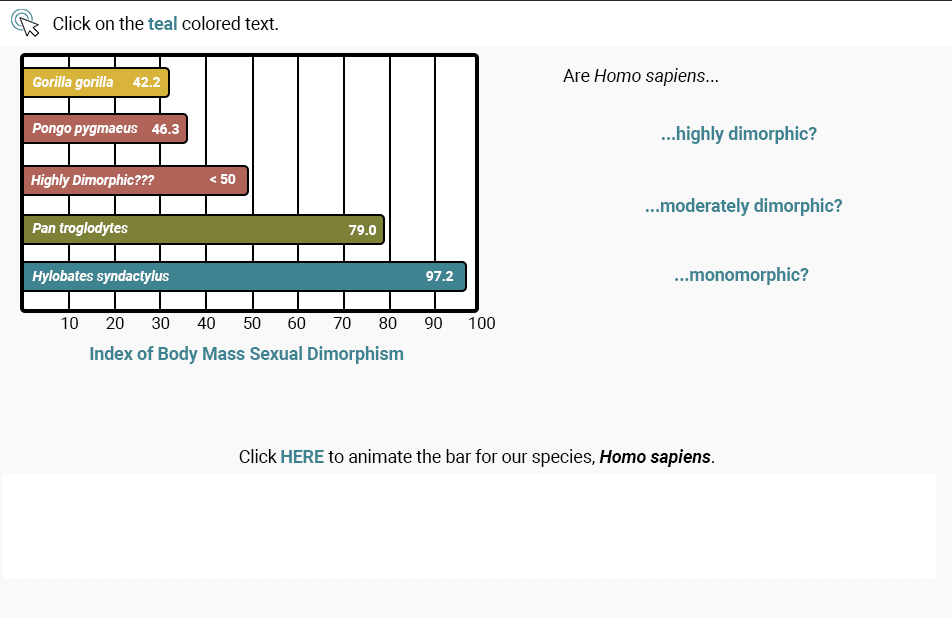
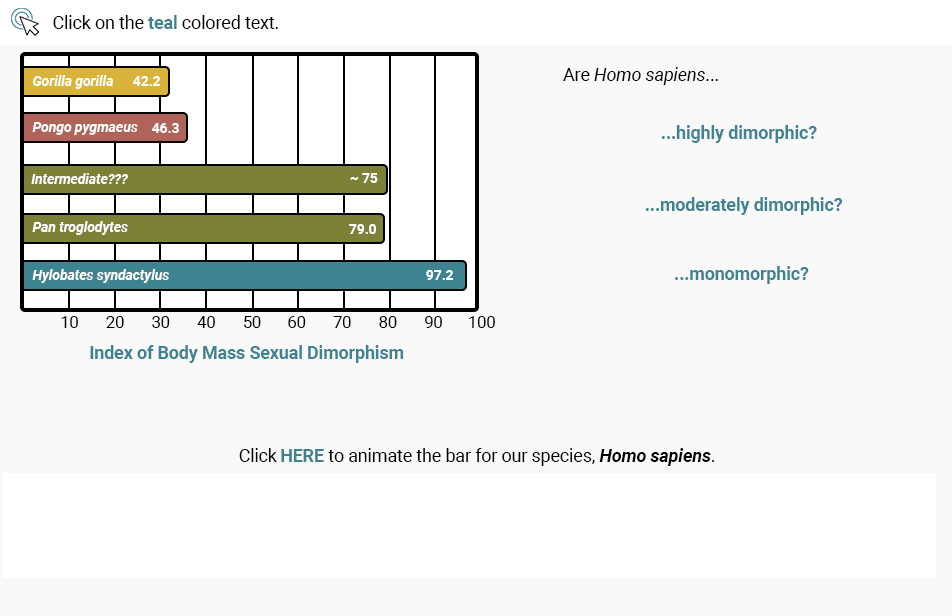
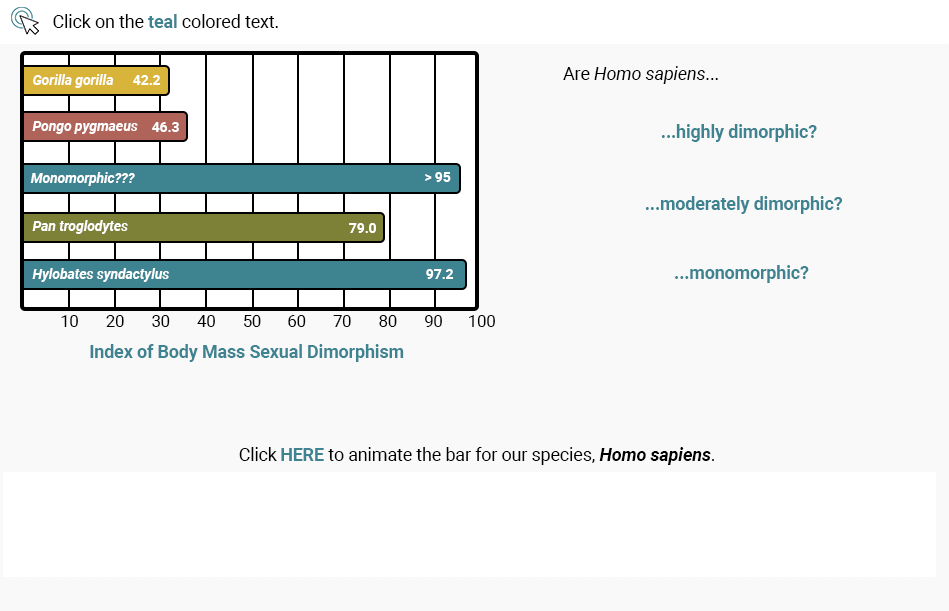
I’ve been making some interactives in Canvasser, and they were ones that I made the assets for, so I’ve got to see them from start to finish. The ones I’ve done so far are not that complicated (yay) because they don’t have a lot of popups, but they do have a a lot of information that has to be organized in a visually appealing way (or I try). I’m getting the hang of Canvasser pretty quickly. Every asset gets added as an object and positioned in the output box, then every clickable object is set as an interactive. The begin button is an interactive that’s only visible at the same time as the begin screen, then they both disappear. Then, for every clickable object, there’s a corresponding popup that becomes visible after you click it.
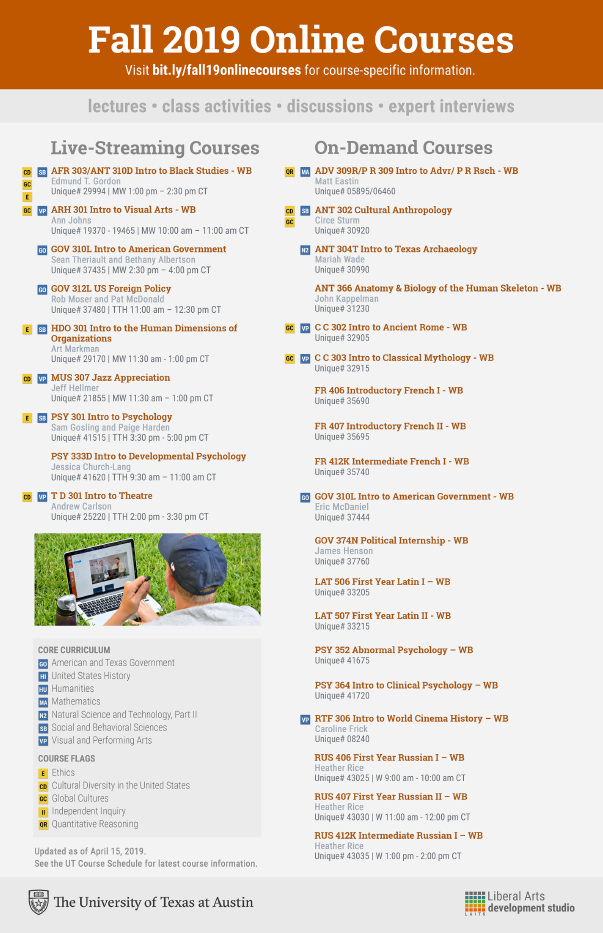
Fall Advisor’s Flyer
Last week, I also got the opportunity (?) to work with Chad, Marla, and Suloni on the Fall 2019 Advisor’s Flyer. Suloni initially warned me about the thousands of layers, and… she was right! It was kind of hard to navigate through the layers because a lot of it was unorganized, but I can’t blame it, there are so many components to the flyer. I mean, those flags and cores were everywhere!! But alas, Suloni and I teamed up and we were able to produce a flyer that met all the required needs:
another V-labs assets
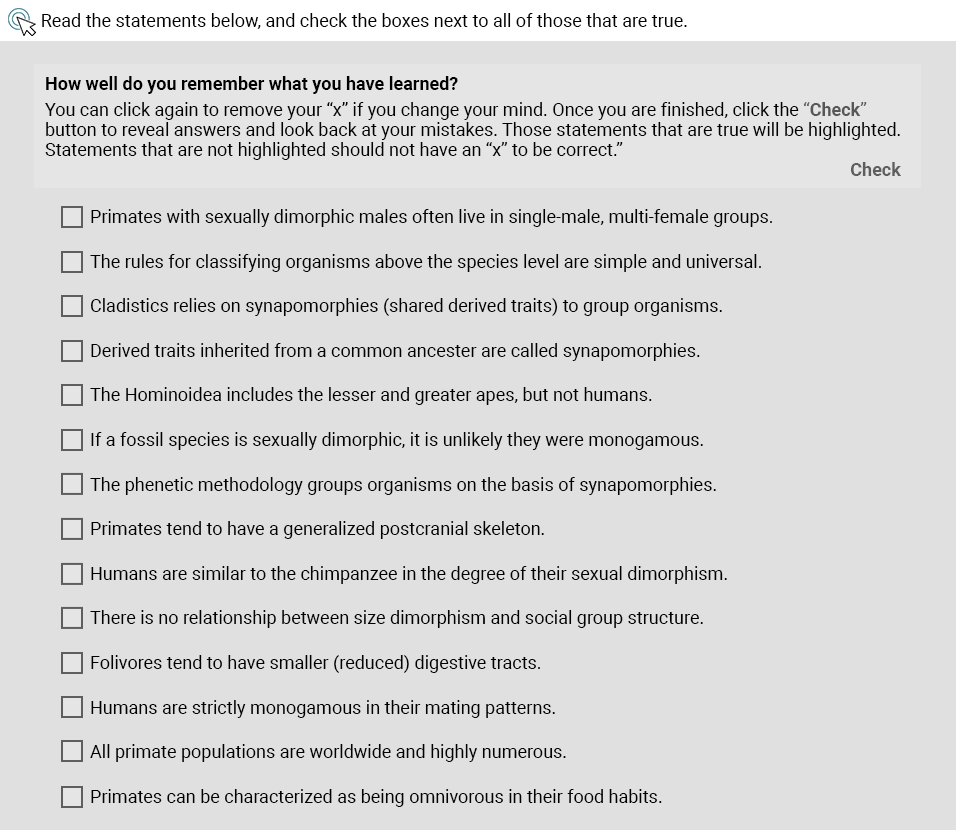
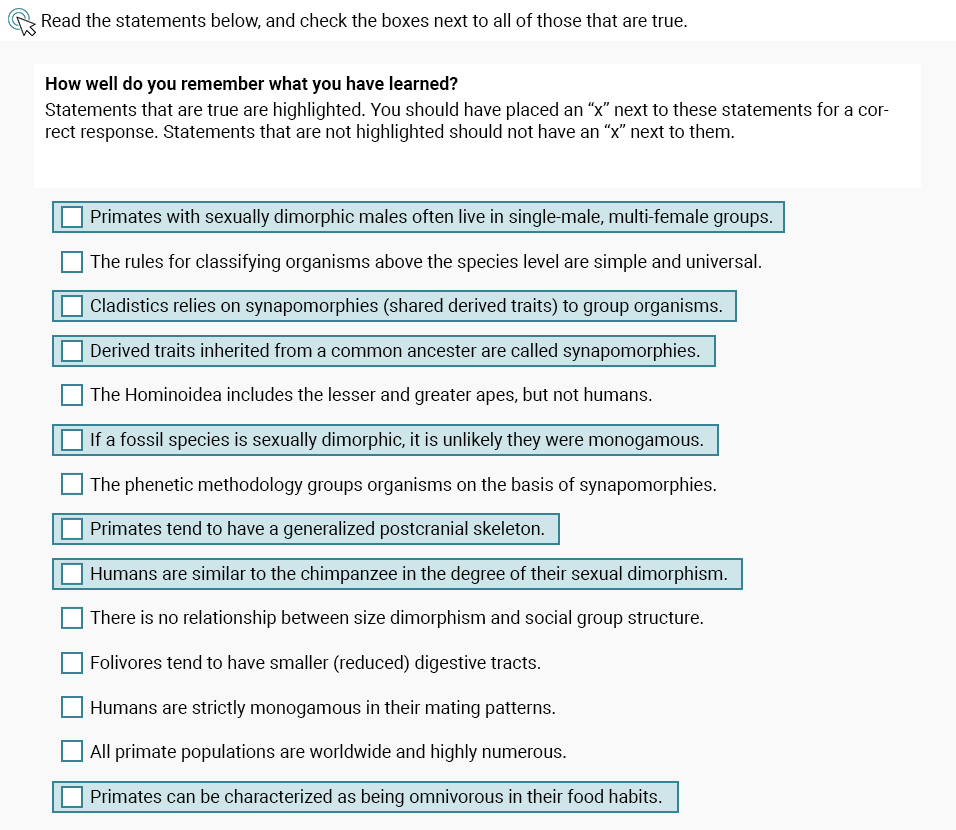
Since the STA presentation is now ~over~, I’ve been getting back on track with my other assignments, such as v-labs. I worked on lab 1 sec 5 Quiz this time, and this is what it looks like:
<beginning screen>
<answer key>
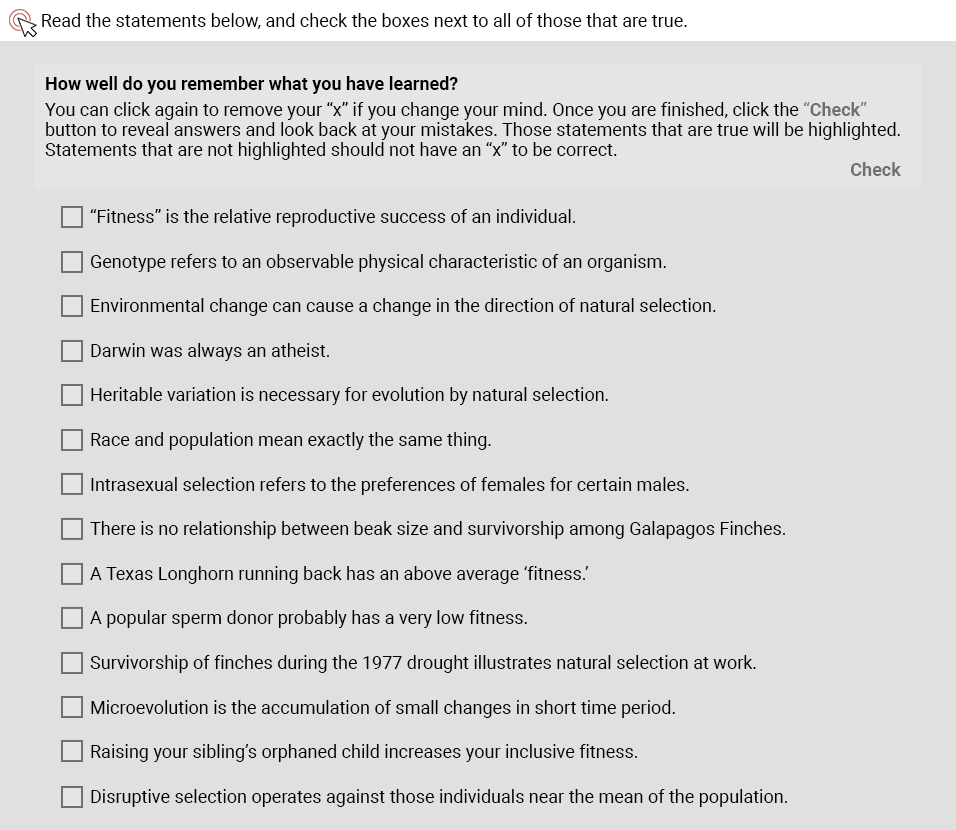
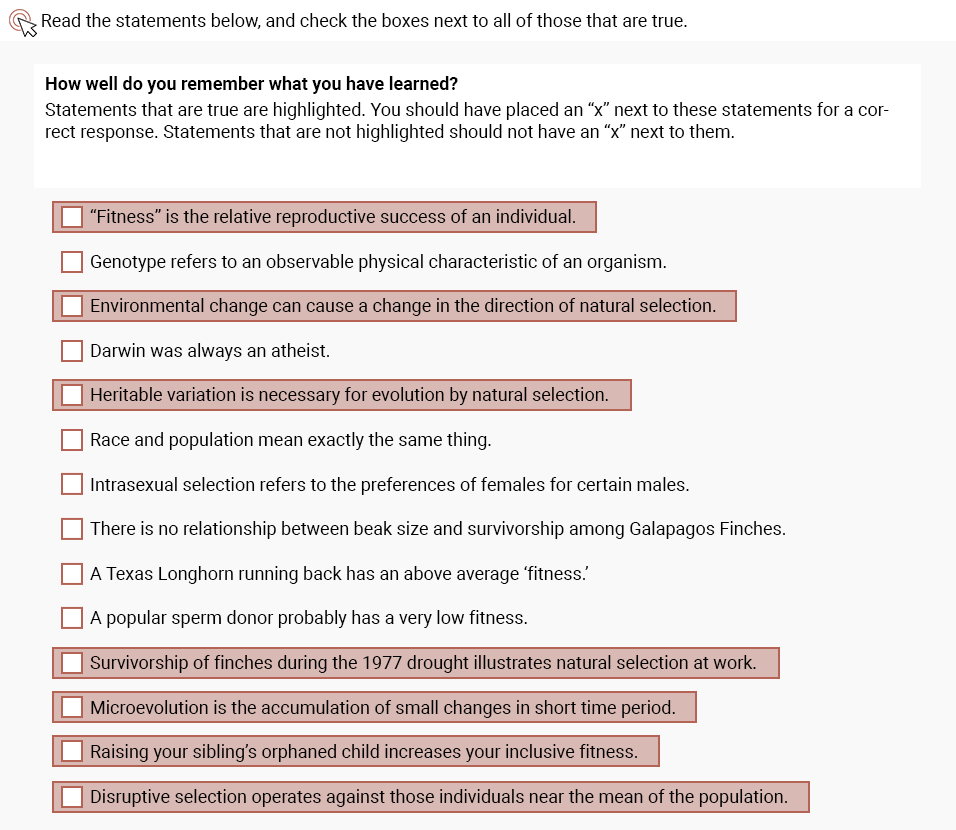
And since these quizzes are very similar in structure/ nature, I was able to knock out another one – Lab 2 Sec 1 Quiz:
<beginning screen>
<answer key>
- « Previous Page
- 1
- …
- 13
- 14
- 15
- 16
- 17
- …
- 62
- Next Page »