• We are STAs
    • Asha Rountree
    • Haley Ma
    • Kate Shih
    • Kyra Lee
    • Nicholas Peasley
    • Sasha Kenney
    • Shanda Horm
    • Shriya Atreya
    • Tomas Marulanda-Mesa
  • We were STAs
  • STA Presentation
    • STA Presentation 2017
    • STA Presentation 2016
  • Testimonials
  • Resources
  • Home

STA Blog

LAITS Student Technology Assistants collaborate with the College of Liberal Arts faculty and administration by re-imagining their instructional and promotional projects with a creative use of video, audio, web and graphic design. STAs learn technical skills on the job with LAITS development studio staff. They build presentations, produce audio/visual works, scan text documents & perform image correction. STAs are instrumental in helping COLA faculty realize their vision for instructional technology projects used to enhance the teaching and learning experience.

October 7, 2016 By Lauren Shafford

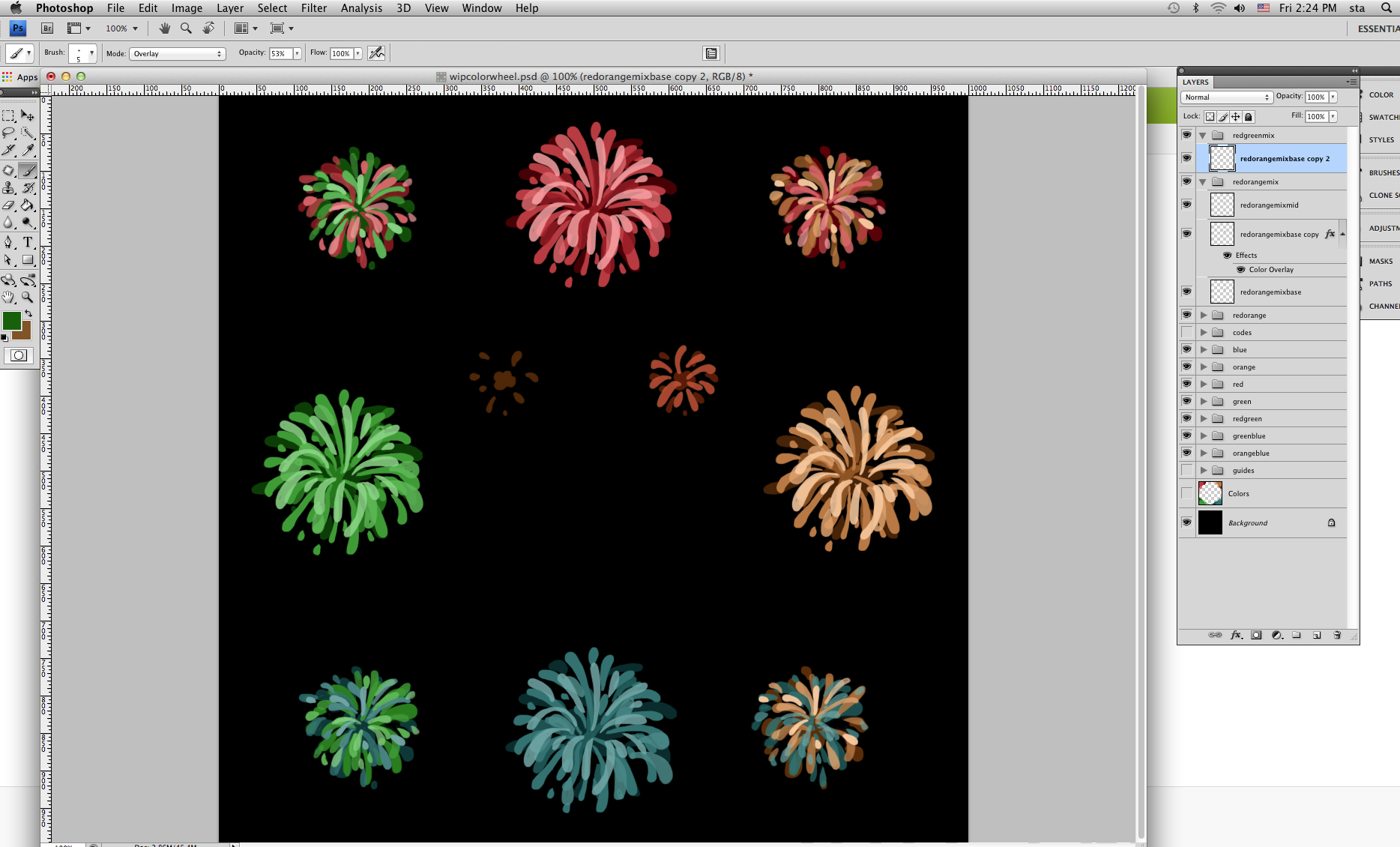
screen-shot-2016-10-07-at-2-24-18-pm

For the past two days I’ve been working on the color wheel project. This is a WIP screenshot of what I’ve been doing. (They’re supposed to be fireworks but look more like flowers…..oh well.) I found a color palette I liked and have been using that to explore how colors fit and mix together. And gaining some photoshop experience is always a plus!
https://sta.laits.utexas.edu/blog/2016/10/07/18267-2/

Filed Under: 2016 - 2017

COLA Faculty Profiles

October 7, 2016 By Ben Liu

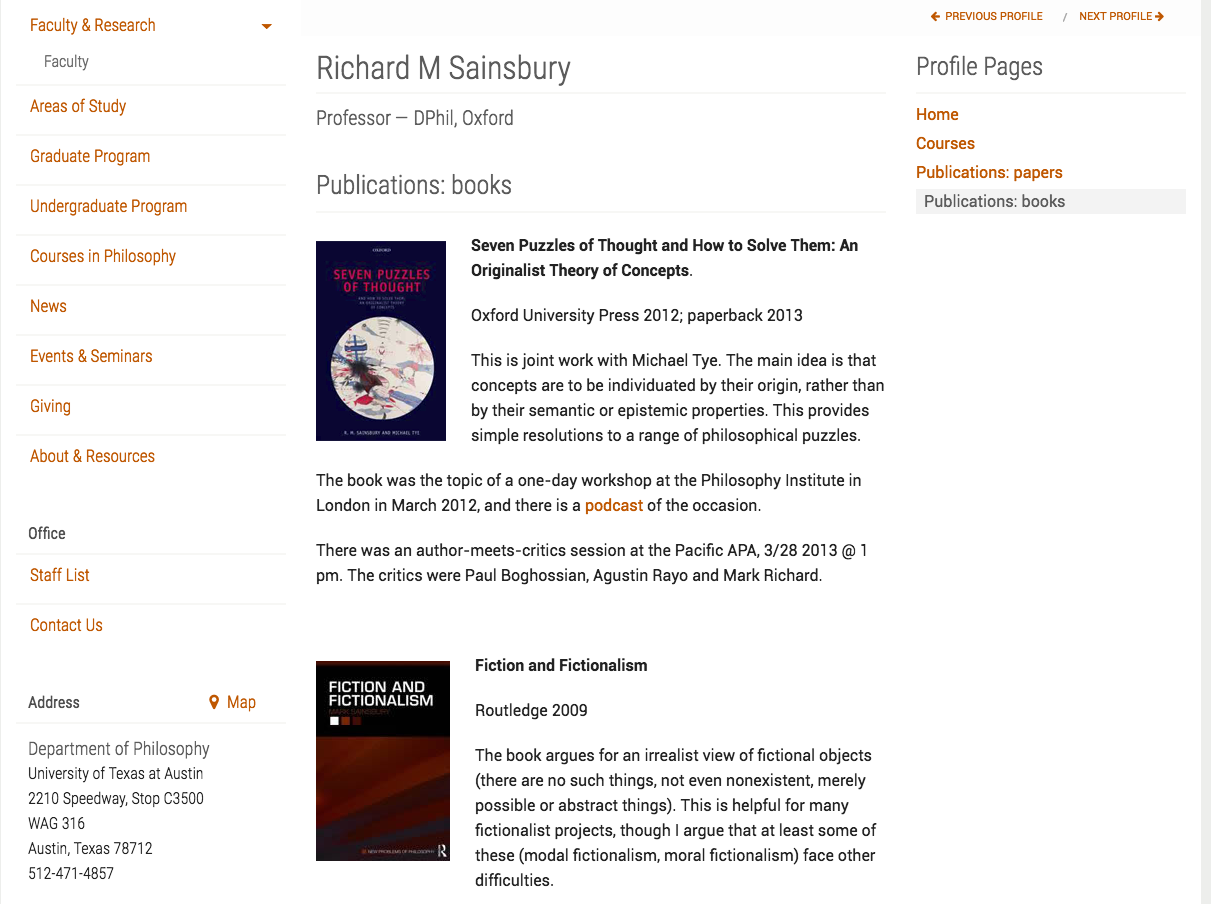
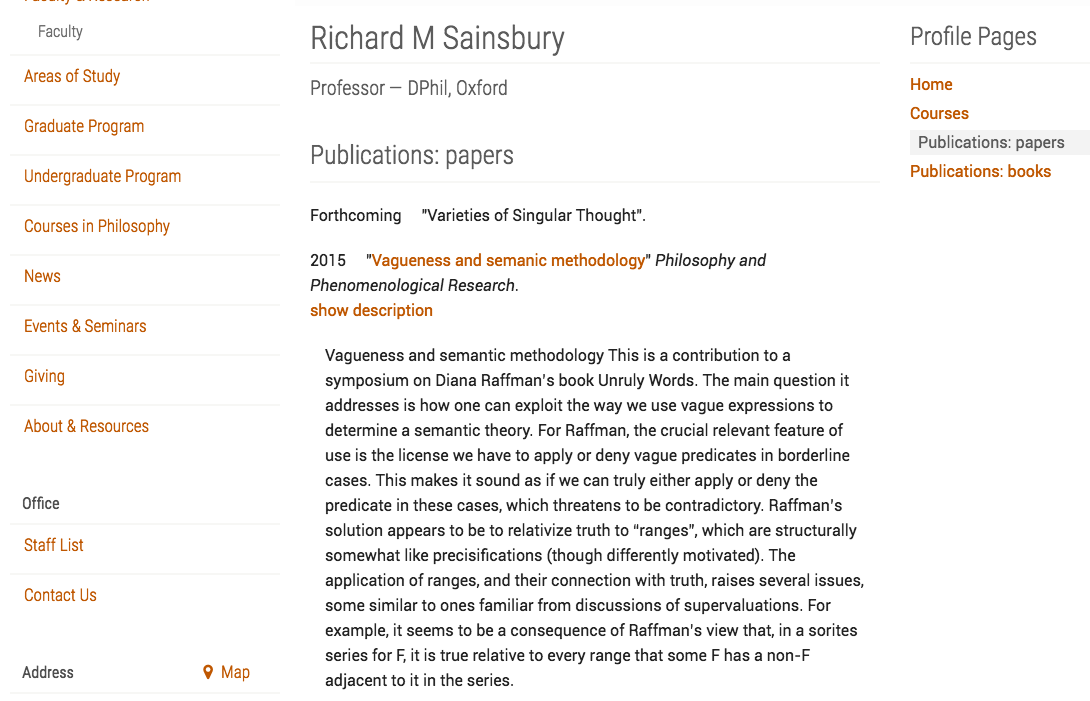
I’ve been working on Professor Mark Sainsbury COLA Profile.

I set up his books page with all the cover photos

screen-shot-2016-10-07-at-1-25-23-pm

I worked on his publications page so that they would display an abstract with a drop-down drawer.

screen-shot-2016-10-07-at-1-25-54-pm

Filed Under: 2016 - 2017, Uncategorized

October 7, 2016 By Bethany Wong

illosallcomp-deskA continuation of the Workday project

https://sta.laits.utexas.edu/blog/2016/10/07/18253-2/

Filed Under: 2016 - 2017, Uncategorized

TBH

October 7, 2016 By Ann Yue

Map key for TBH & example of how they would look on the map:

map-key-mockup-dots

Filed Under: 2016 - 2017

Lots of BadgeChain

October 7, 2016 By Ann Yue

A lot of the past two weeks was spent on the website for BadgeChain. I was told to go play a game (at work!) to learn about flexbox. It was pretty simple although there were certain lines of code which would change the orientation completely, and then I’d have to reorient myself to make sure the frogs moved the correct direction.

flexboxfroggy

Playing this game was mainly for me to learn how to place items using flexbox since we needed to create a background graphic for the website. Here was the initial super basic version:

websitetry1

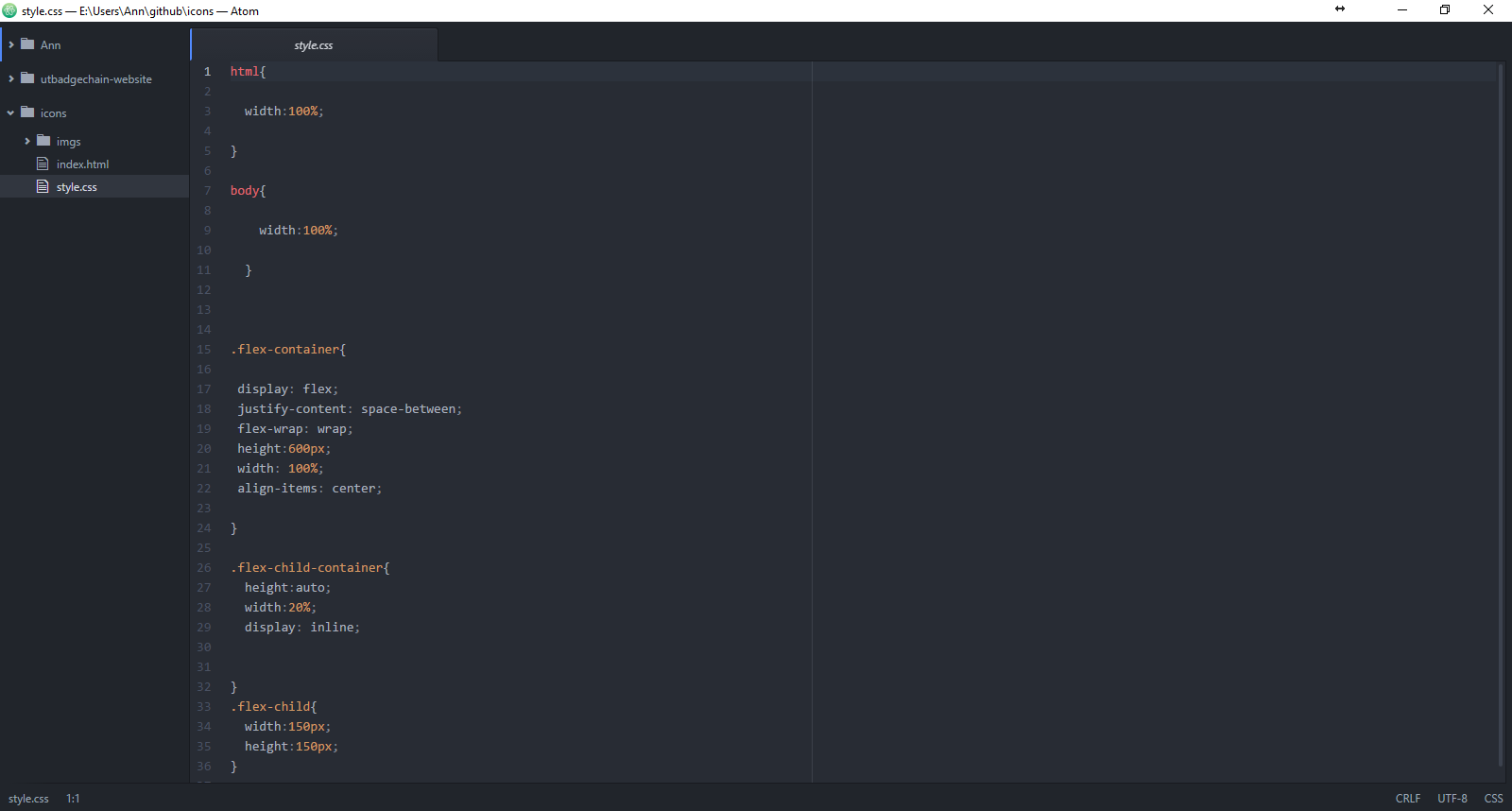
websitetry1css

CSS

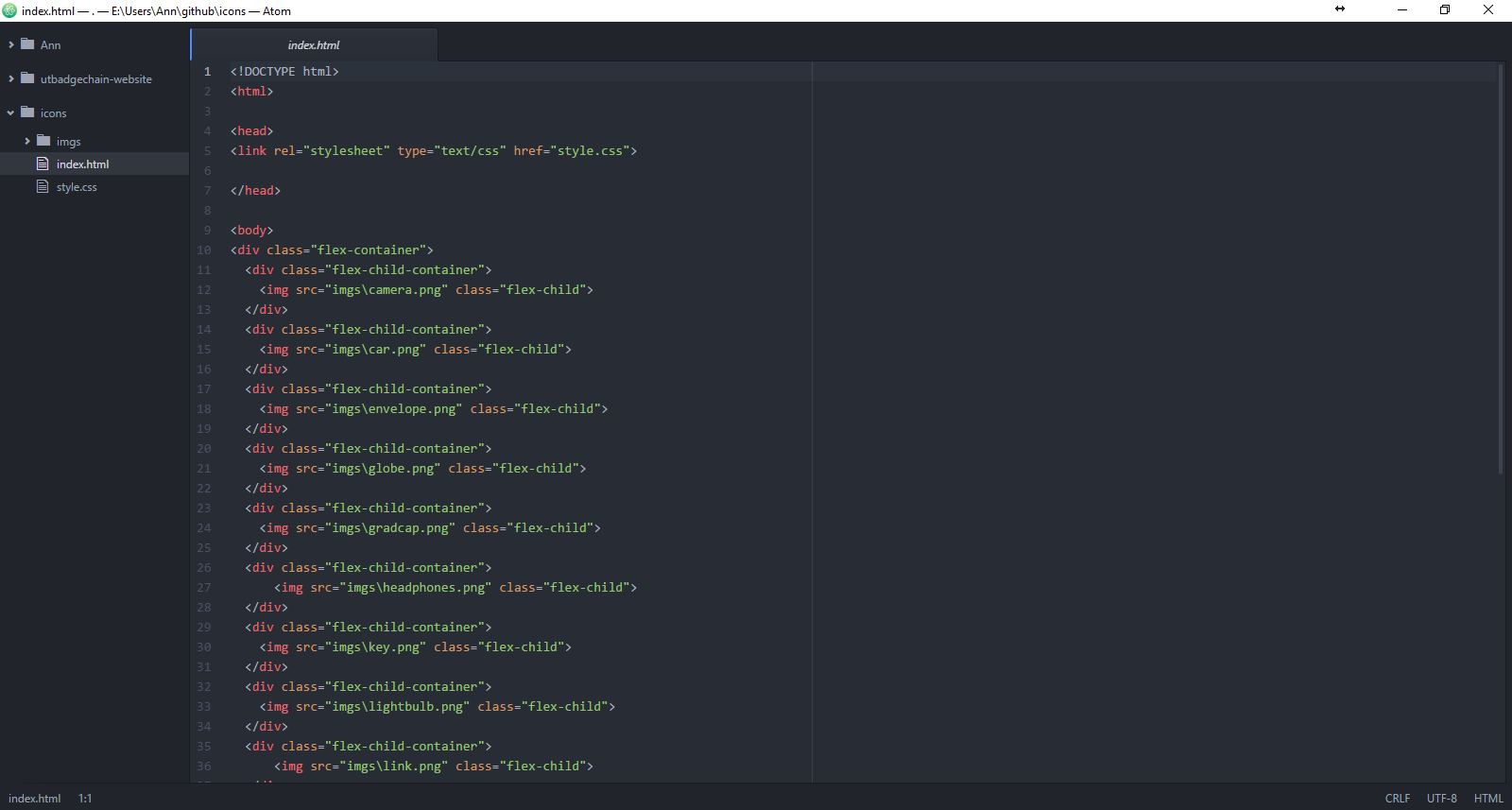
websitetry1code
HTML

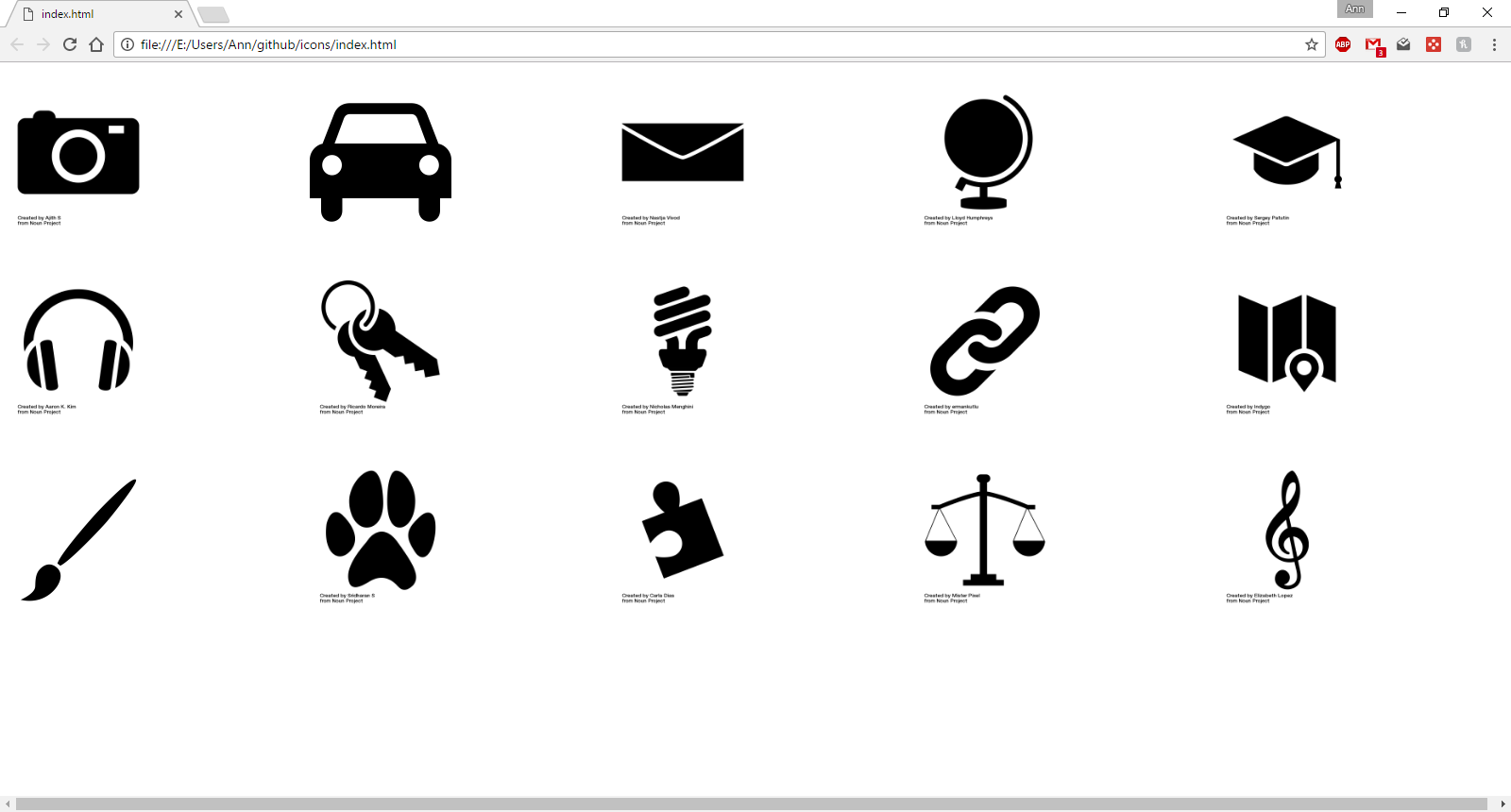
We soon abandoned trying to use solely code to create the background as it was unwieldy. However, we still wanted a background that would be able to scale based on the size of the browser/platform. Originally we talked about putting the icons in hexagons or circles so they’d stack up nicely. This was put into motion by creating a pattern in Photoshop.

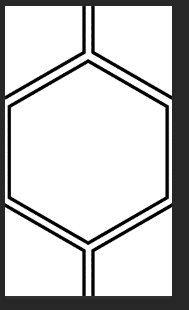
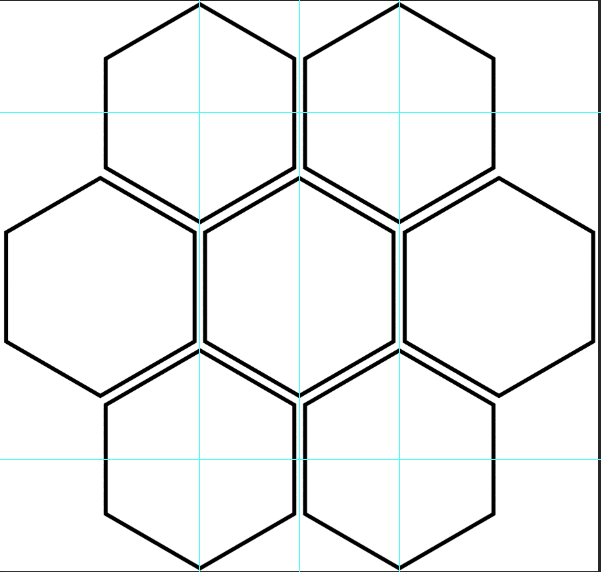
Hexagons look nice but they’re a pain to work with. In order to get a hexagon pattern that would line up if replicated and lined up with each other, I had to have a complete hexagon and then also make sure that every part that made up the hexagon was also in the pattern.

hexpattern
Final hexagon pattern.
hexagoncuts
I just needed the center rectangle.


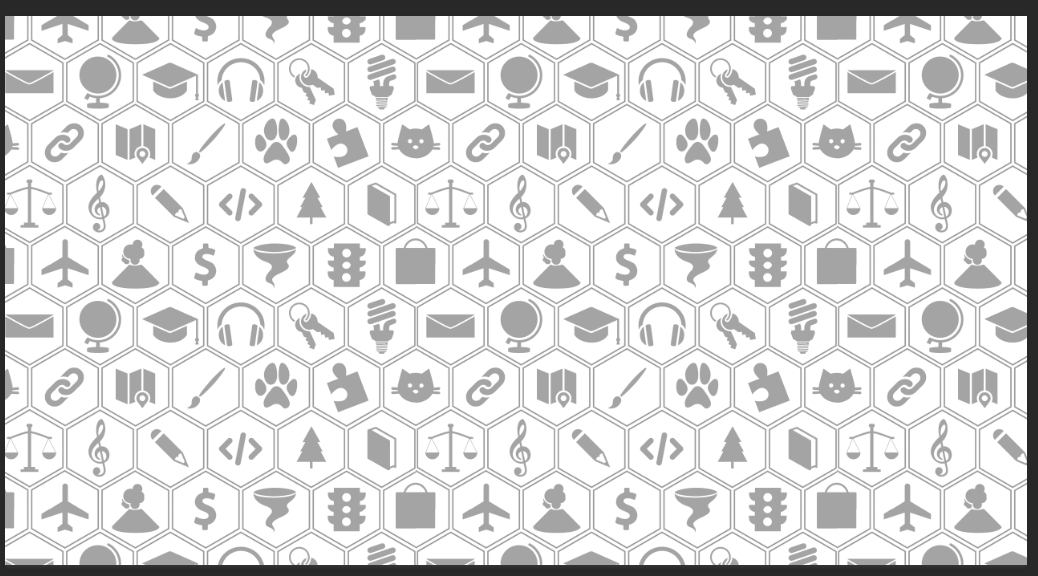
After that was done, I place the icons that I had picked before into the hexagons. But then came another issue. In order for the pattern to create a cohesive image after tiling, I had to chop up some of the icons. In particular, the icon in the corners got split into fourths. I chose a bag for that icon since it was symmetrical and slight misalignment wouldn’t show up.

Layout of the icons before tiling the pattern.
After tiling.
After tiling.

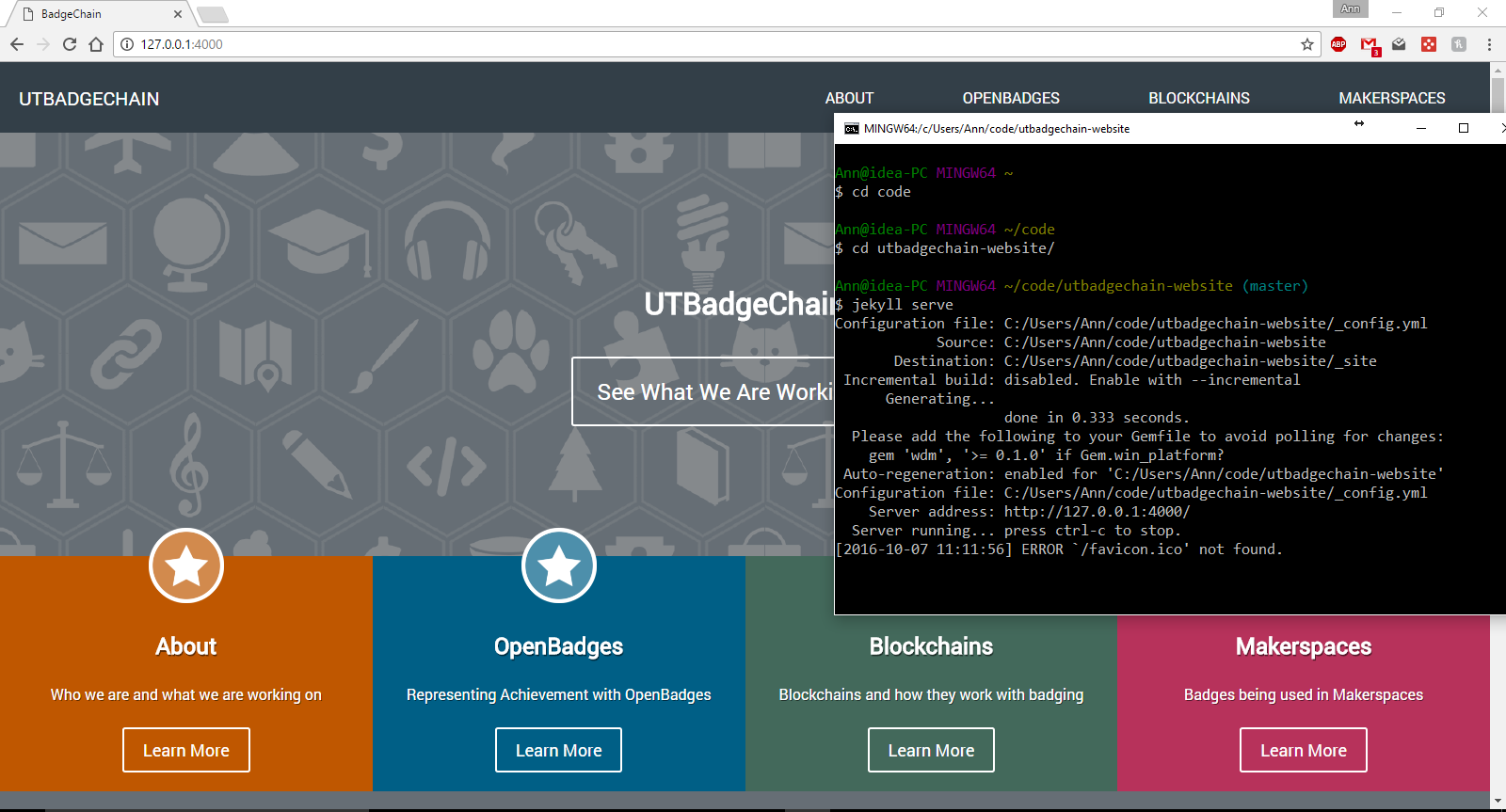
And it’s actually being used for the website!

The website isn't live yet but here's a copy of it running locally.
The website isn’t live yet but here’s a copy of it running locally.

Well this post is getting long, but I’m still not done. After that was finished, I was given the task of designing a logo and another background image for the bottom portion of the website.

First rough draft.
First rough draft.
After talking to Suloni, this is what was sent over. I'm not sure if this is final though.
After talking to Suloni, this is what was sent over. I’m not sure if this is final though.


I was told to incorporate the lines on the first rough draft onto this.

I’ve just started on the other background image so that won’t be done for a bit. I learned a lot about flexbox from this but it still takes a bit of fiddling to get the correct positioning. Also, we had a very fun and tedious time setting up git on my laptop since commands are hard to remember.


Filed Under: 2016 - 2017

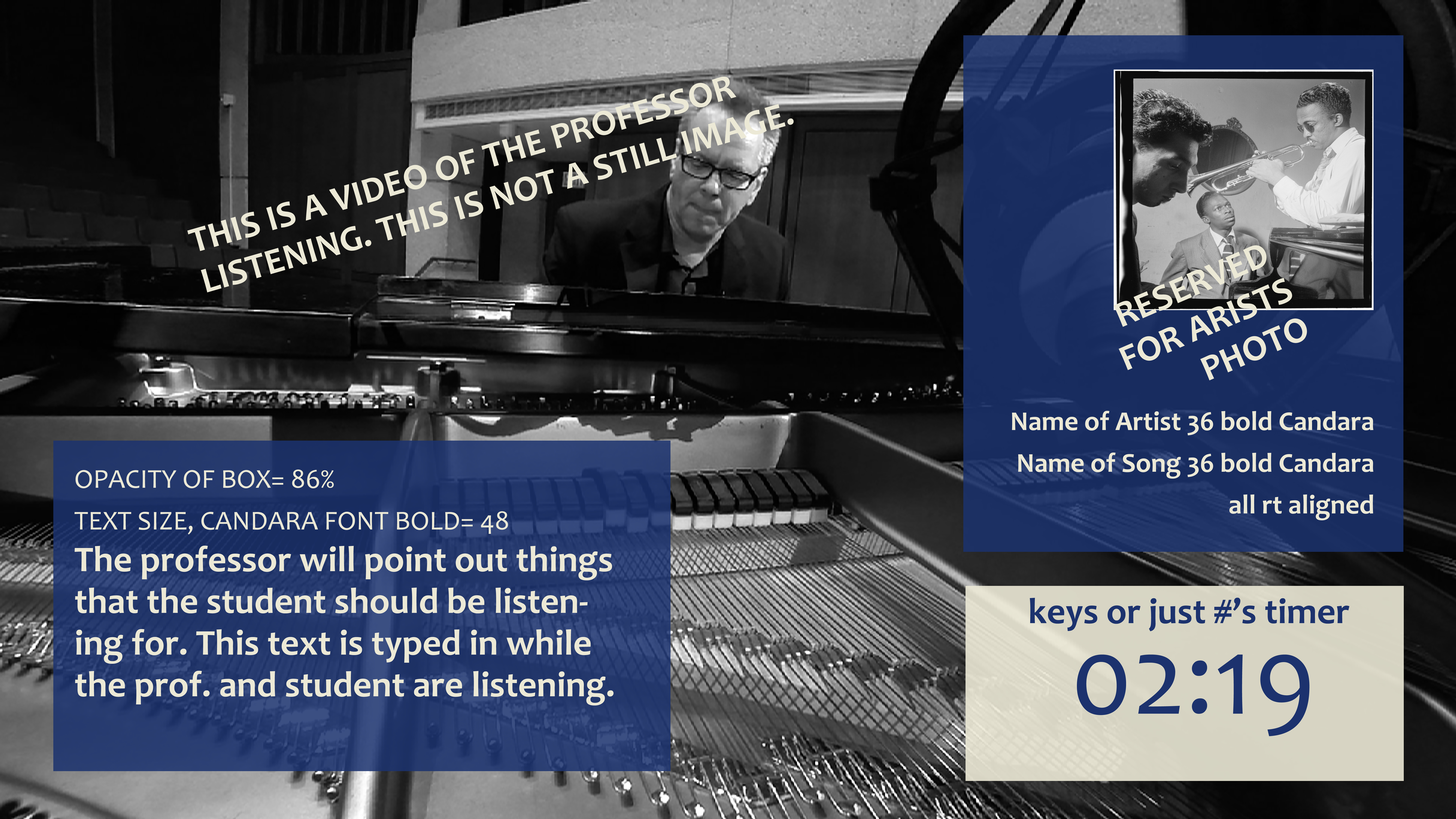
Jazz Spotlight Songs Template

October 6, 2016 By Roopa Nagarajan

original-template

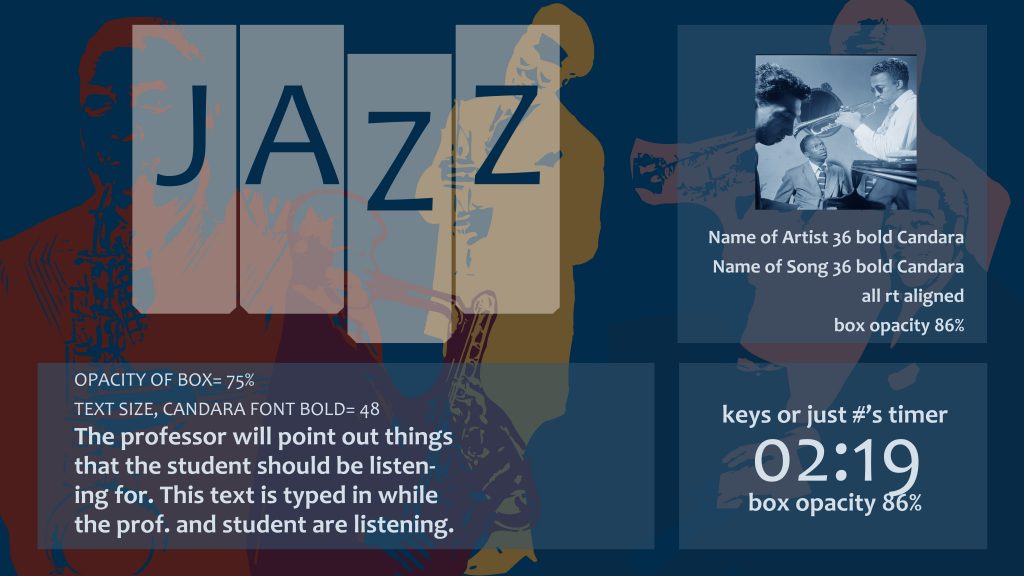
Original template that I need to rework. No photo/video of the professor + logo


spotlight-template-1spotlight-template-2


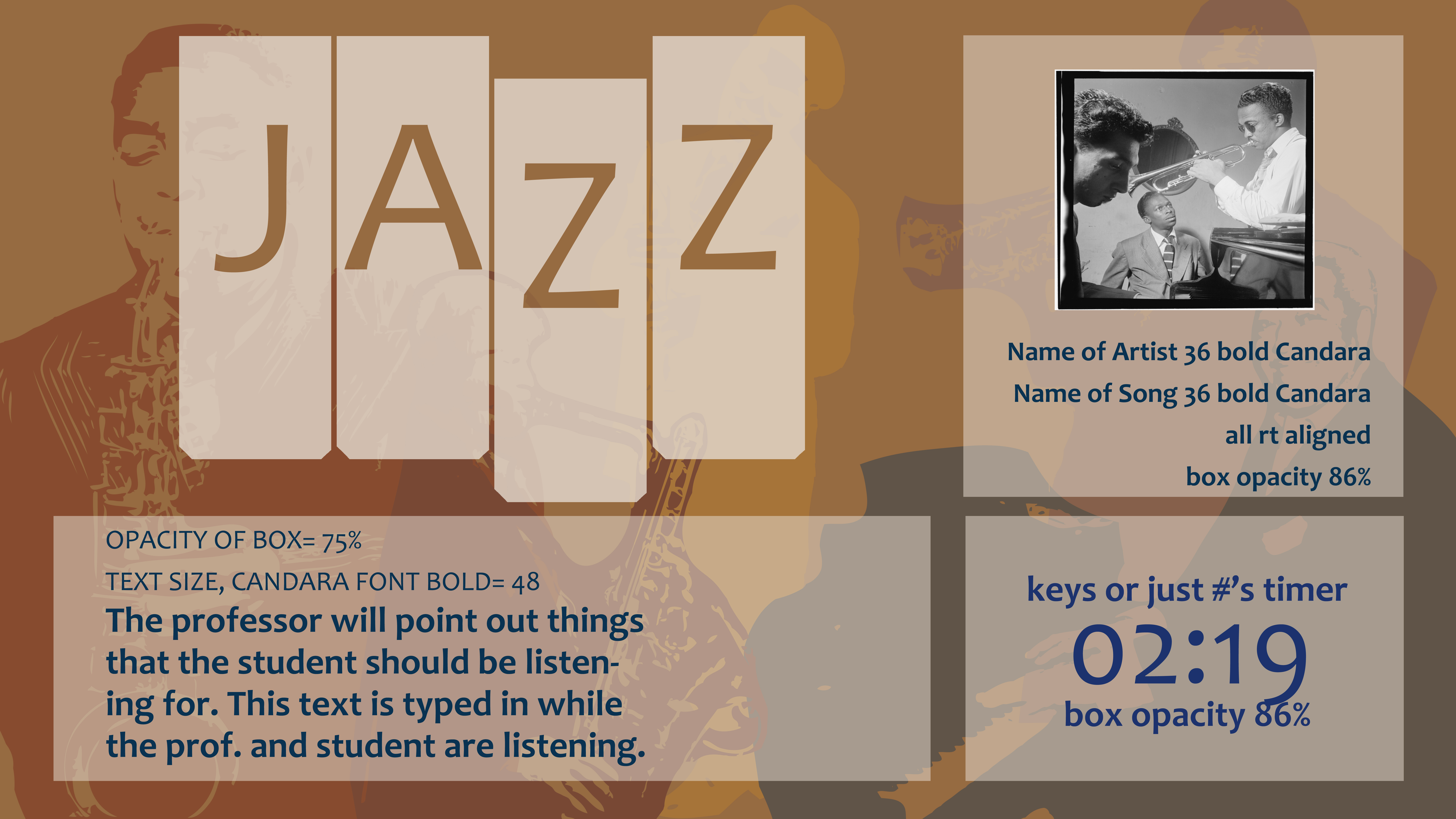
First two quick mockups I made, based off the color style guide and palette from the edX video introduction.


spotlight-template-beige-small-logo-copy

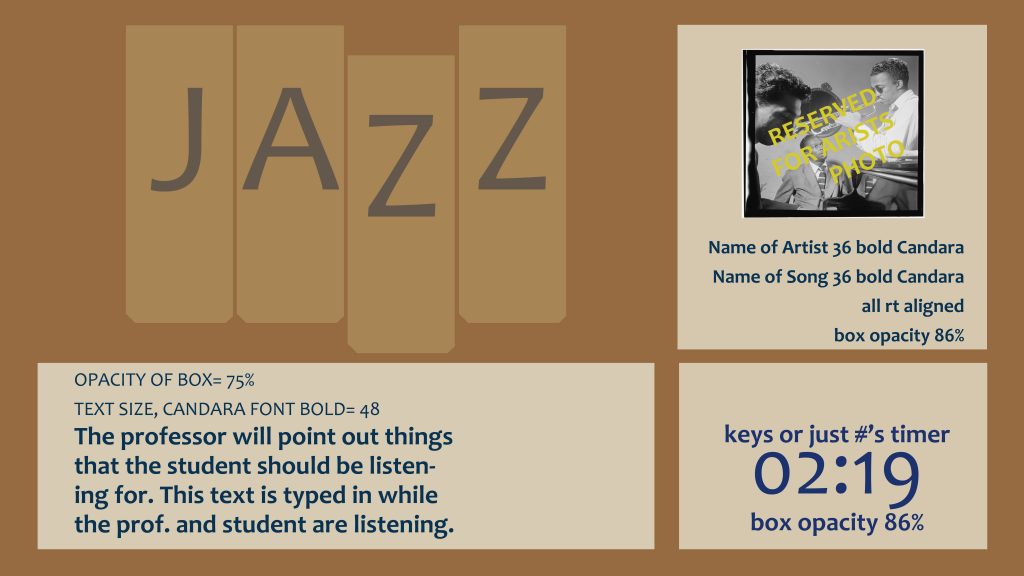
Made the logo smaller and lengthened the text boxes to create a more cohesive layout.


spotlight-template-beige-musicians-small-logo

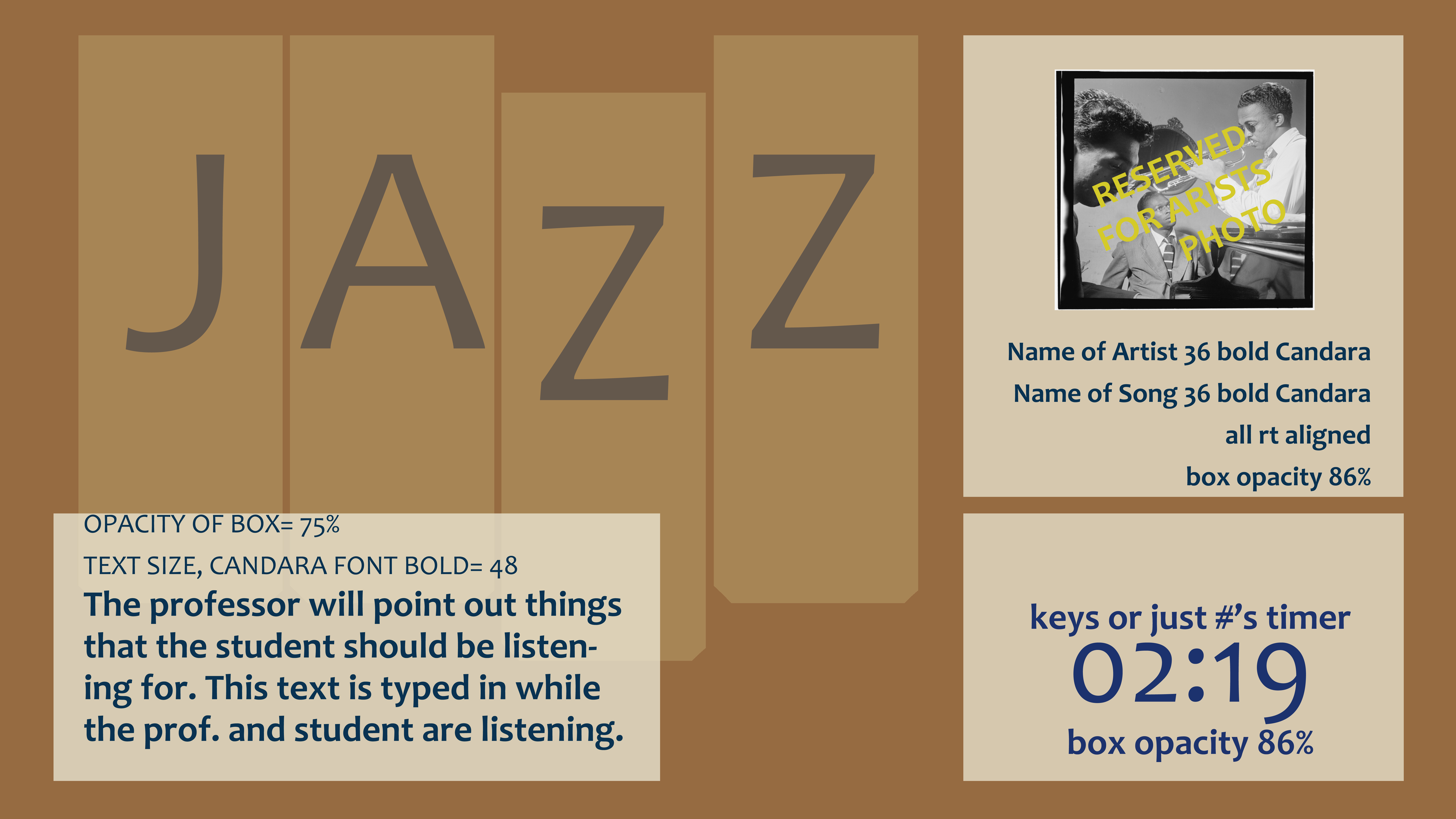
Added the musicians in the background, increasing transparency to fade them into the background. Other objects also got a lowered opacity to show the musicians.


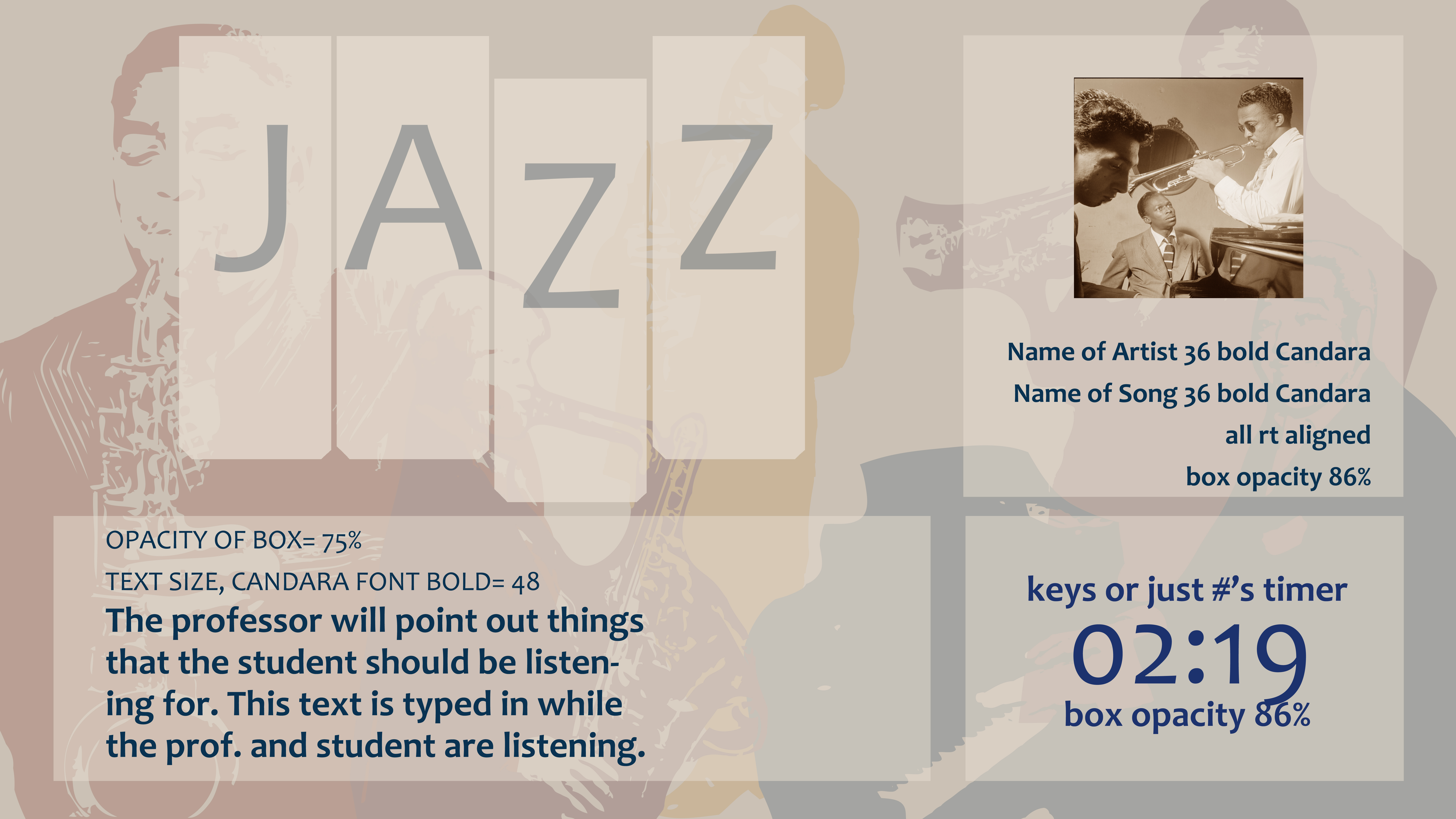
spotlight-template-musicians-faded-almond-bg-sepia-artist-pic

“Daytime” mockup with the almond color from the style guide faded out because of low opacity.

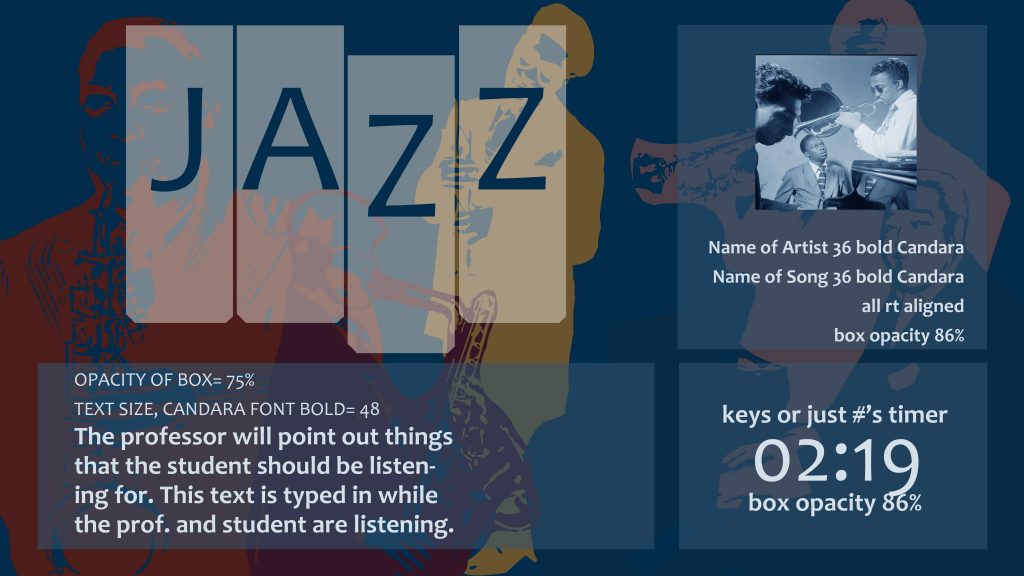
spotlight-nighttime-version-copy

“Nighttime” version of the same mockup, this time with blue off the style guide.


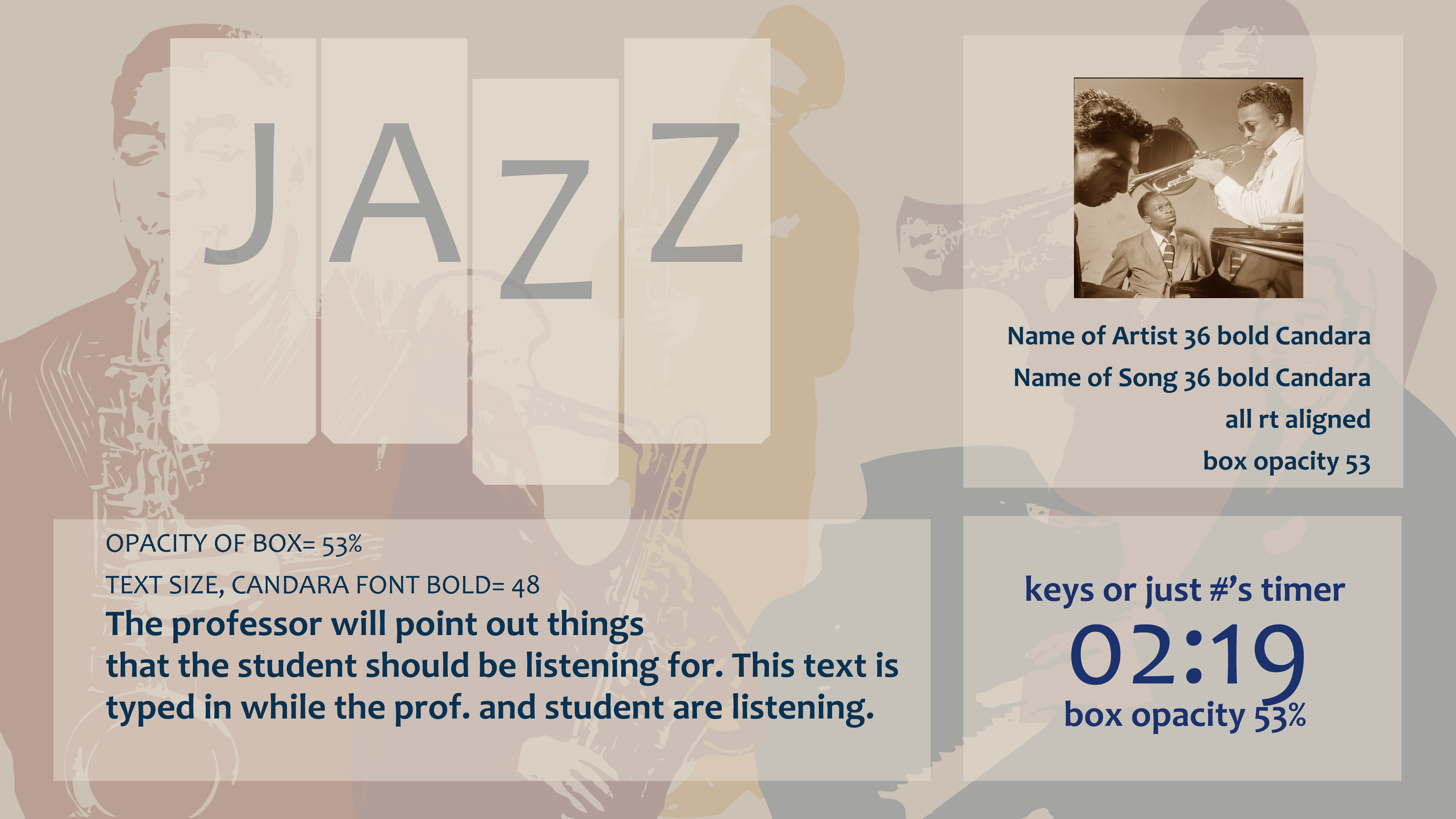
spotlight-daylight

spotlight-nighttime-version

Finishing touches on the alignment and layout.


spotlight-nighttime-version-final-guided

The client chose the ‘nighttime’ version, so I guided out the text.


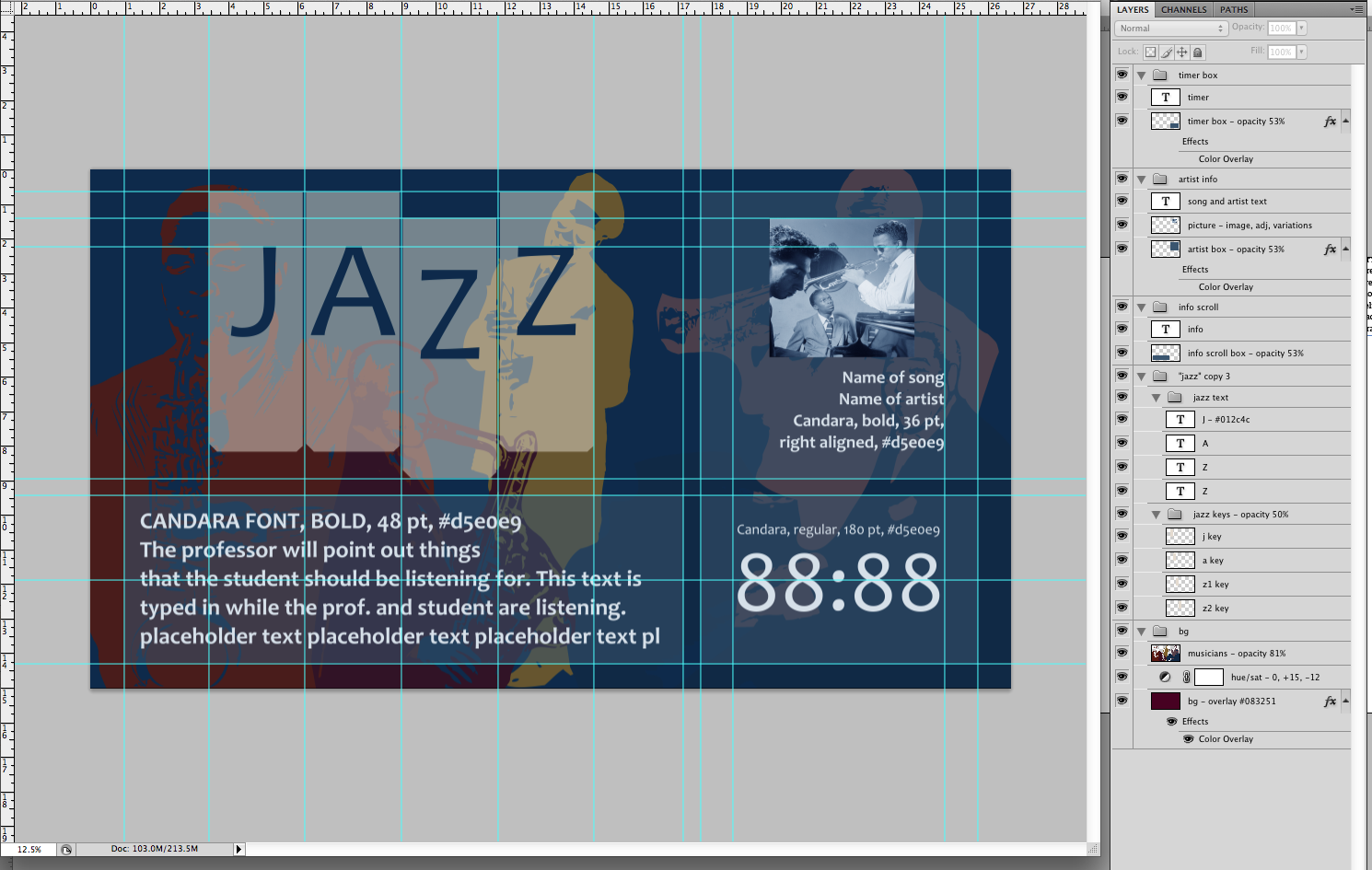
screen-shot-2016-10-06-at-12-03-35-pm

Shown with guides and layers. Many of the instructions for objects were in the layer titles.

Filed Under: 2016 - 2017, Uncategorized

  • « Previous Page
  • 1
  • …
  • 31
  • 32
  • 33
  • 34
  • 35
  • …
  • 49
  • Next Page »

link to LAITS home page

Video STA Home

© 2026 Liberal Arts Instructional Technology Services | Production Credits