• We are STAs
    • Asha Rountree
    • Haley Ma
    • Kate Shih
    • Kyra Lee
    • Nicholas Peasley
    • Sasha Kenney
    • Shanda Horm
    • Shriya Atreya
    • Tomas Marulanda-Mesa
  • We were STAs
  • STA Presentation
    • STA Presentation 2017
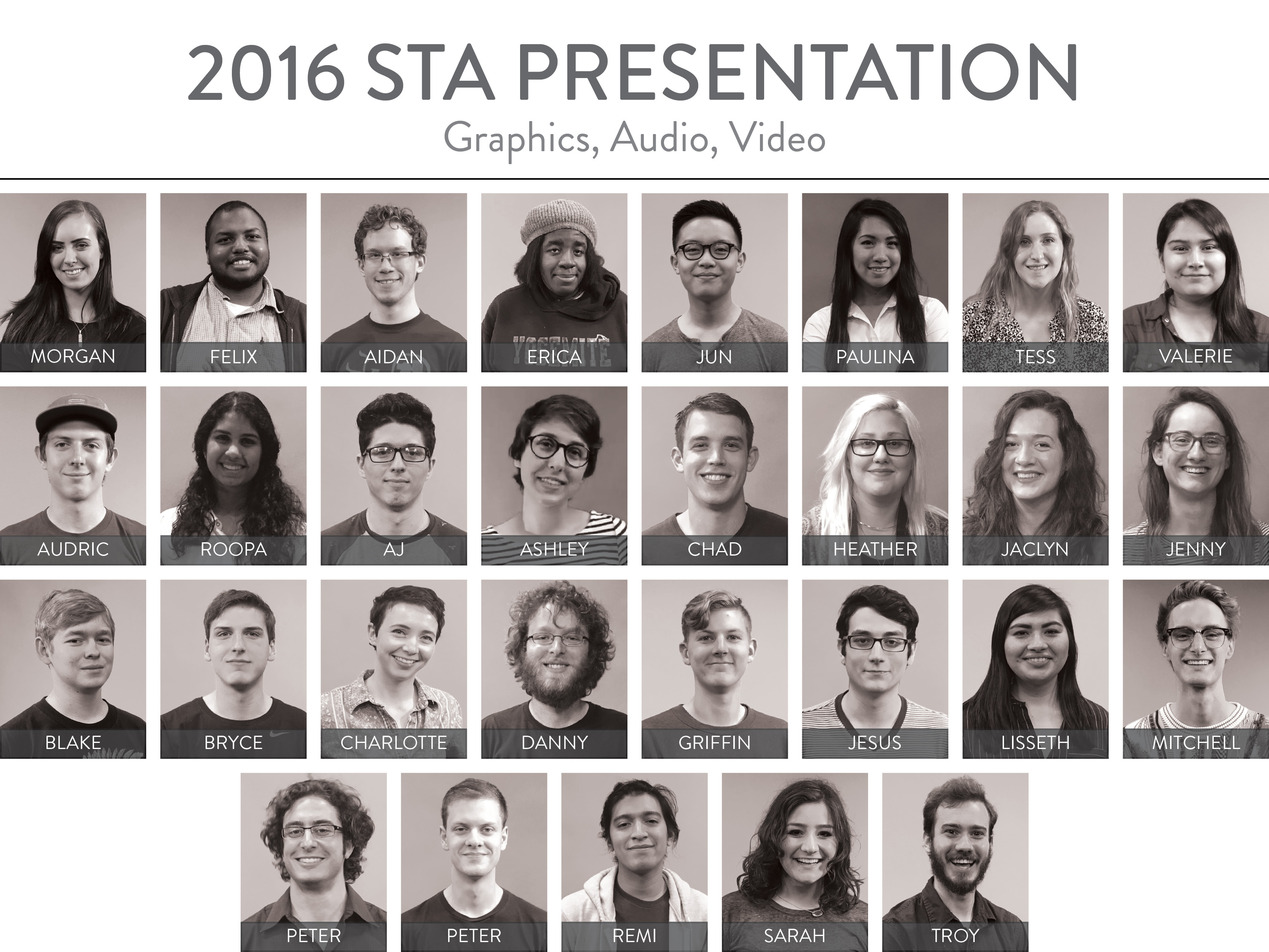
    • STA Presentation 2016
  • Testimonials
  • Resources
  • Home

STA Blog

What Jane Saw

April 12, 2016 By soods

Filed Under: Uncategorized Tagged With: 2016 STA Presentation

What Jane Saw

April 7, 2016 By Valerie Lopez

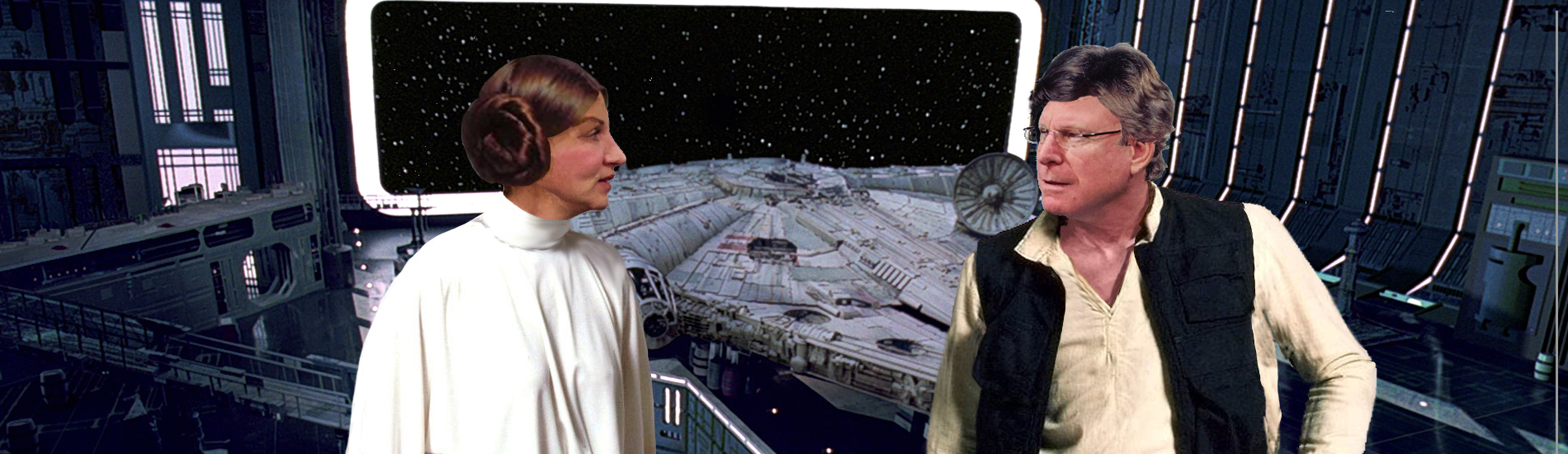
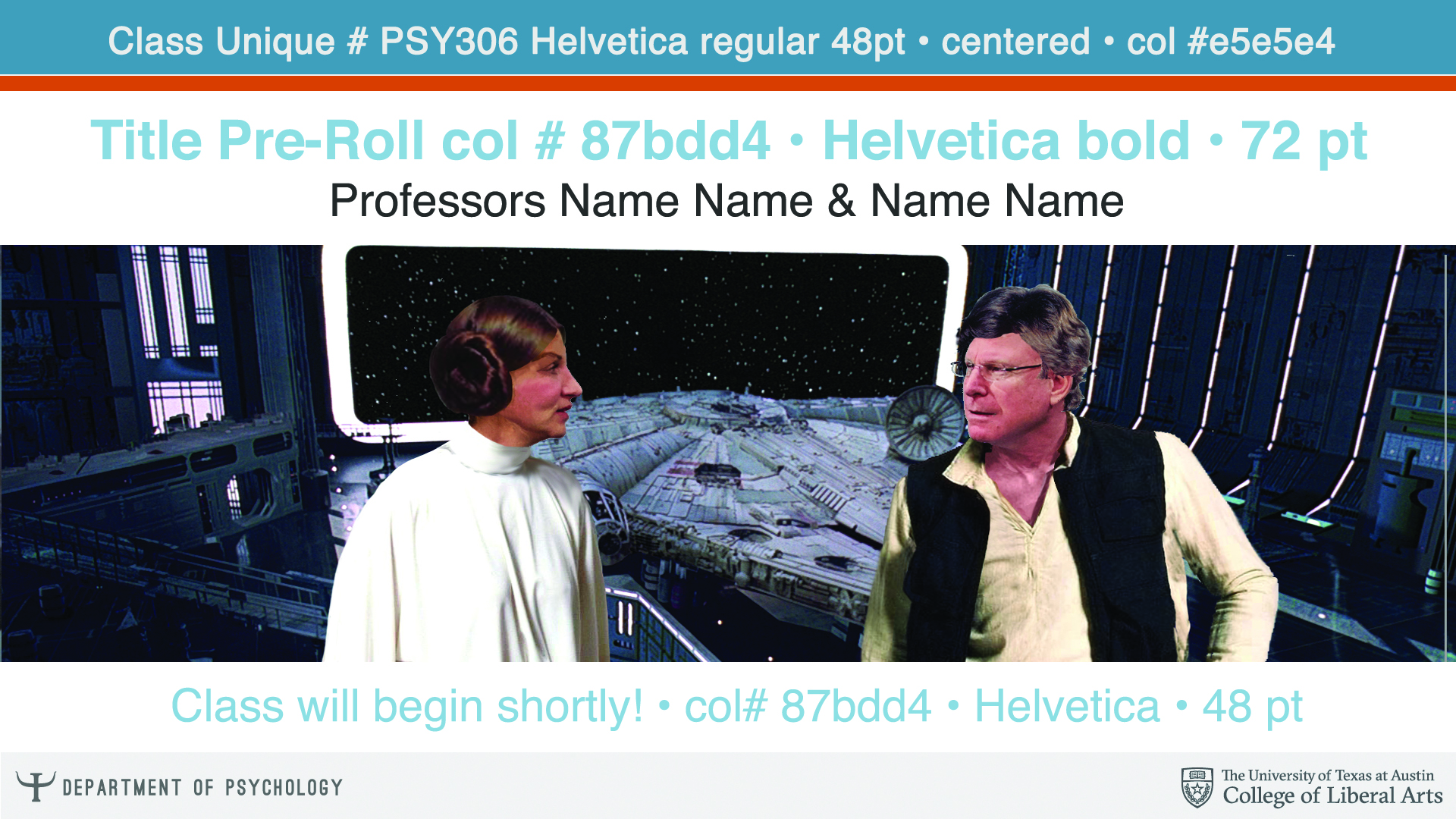
Request: Create 2 images for the What Jane Saw website. 1) Take the green screen images of the staff who worked on What Jane Saw  and place them inside the What Jane Saw Exhibit. Add some stylization to the image. Image to be featured in the New York Times.

2) Create a line up of all the What Jane Saw staff inside one of the museum rooms with ipads over their faces.

Professor: Janine Barchas

Project Manager & Art Director: Suloni Robertson

Process:

1) First was to retrieve the green screen images of the staff that were taken of them observing an imaginary object.


2) Next, was to key out the green screen and mask out their feet so I could place them into the exhibit.


3)Then I stylized it using a technique taught to me by Suloni. This stylization required giving the image a tint and adding noise., then adding a color and texture over the clothing to make it stand out. Next, adding small details to highlight features like the hair or clothes and then highlighting figures with a white stroke. Lastly, was to adjust the color of both the images of the staff and of the exhibit. I played with perspective and made the figures smaller or larger according to their location in the image. Adding shadows was  the finishing touch so that the room looked to exist in a 3d space.

The final result

Screen Shot 2016-04-06 at 7.12.05 PM


For the Second image, a similar process was done as far as retrieving the green screen image and cutting everyone out and placing them into a room. This image though didn’t require the stylization but rather lining up everyone who worked on the project together.


final-lineup

Filed Under: 2016 - 2017, Uncategorized

Ch507 Final Illustrations

April 3, 2016 By Valerie Lopez

Final Images for Ch507


Filed Under: 2016 - 2017, Uncategorized

CH507 Continuation

April 3, 2016 By Valerie Lopez

Request: Make a canvas banner, add 2 or 3 canvas button designs

Professor: Camilla Hsieh

Project Managers: Suloni Robertson, Emily Farias

In most of the Ch507 presentations, the graphics that I created for the examples would often contain members of a chinese family. Because these characters were reoccurring I decided to put them into the Ch507 Canvas Banner.  The logo is also on the corner of the banner. Another banner was created using instead just the logo.

CH507webbanner4


Chinese banner

For the first round of buttons, I had chosen to go with the same style as the illustrations used in the videos and came up with 2 buttons. The first is a cat in the same style as one of the illustration examples in the Ch507 powerpoint and the second I chose to make a horse since the logo for the class is a horse.

horse button-01cat button-01

After discussing with the professor, it was decided on making the buttons more in the style that is like the logo for the class which is a horse in an ink painting style. These were the results I came up with since then.

LOGO: Final Logo approved chinese-buttons (1)

-Note that these are not finalized just yet.


Filed Under: 2016 - 2017, Uncategorized

Pro Bene Meritis

April 3, 2016 By Valerie Lopez

Request: Scan pictures and put into a powerpoint for professor to read off of during her award ceremony. Create a collage with the old newspaper clippings of the professor.

Professor: Elizabeth Butler Cullingford

Project Managers: Suloni Robertson


Process: First I scanned all of Professor Cullingford’s images and then scanned her newspaper clippings. After arranging the the images into a powerpoint according to her instructions, I took the scanned newspaper clippings and rearranged them using photoshop.


Slide15

Filed Under: 2016 - 2017, Uncategorized

History Department Banner

March 30, 2016 By Teresa Cagle

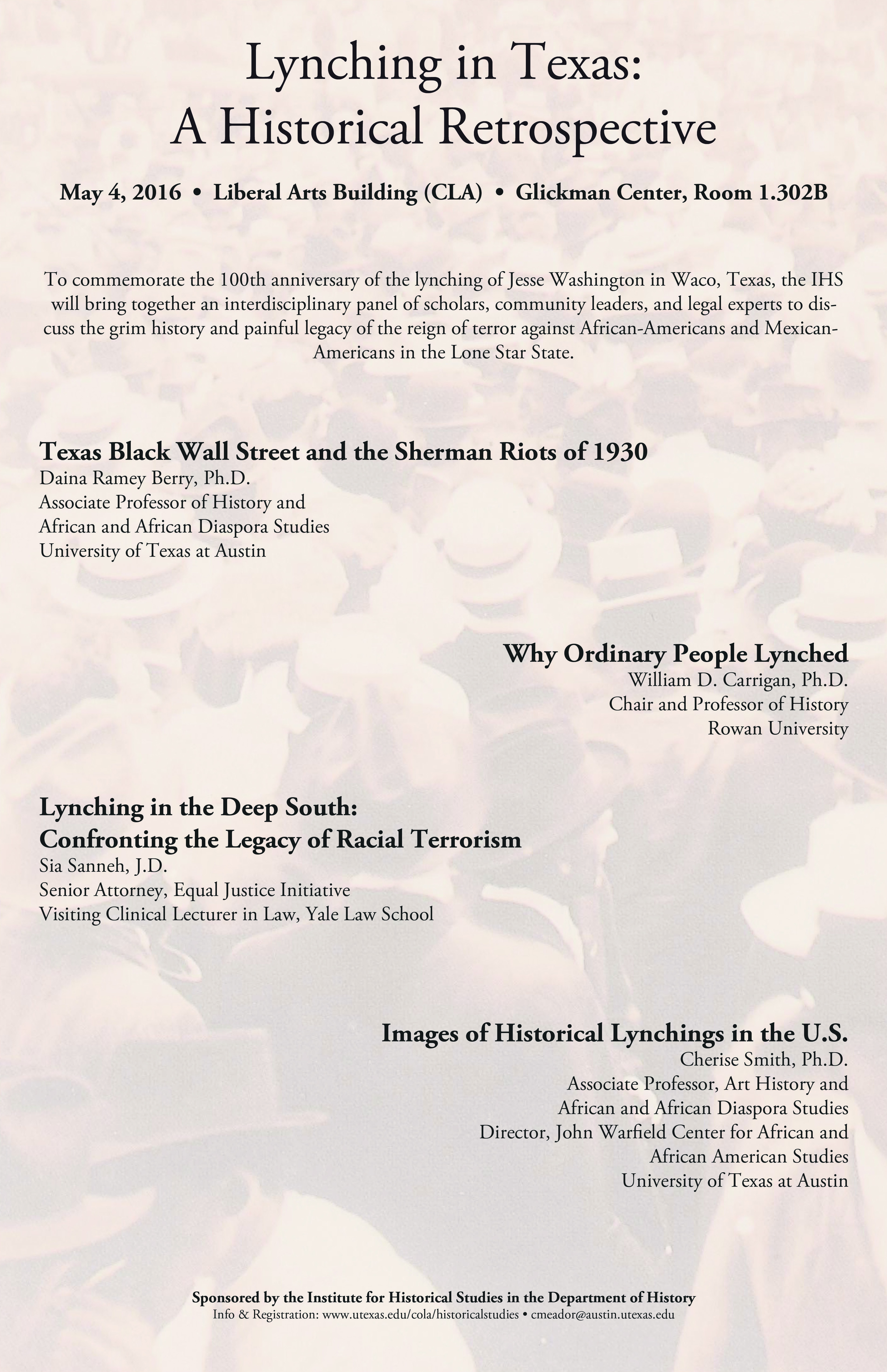
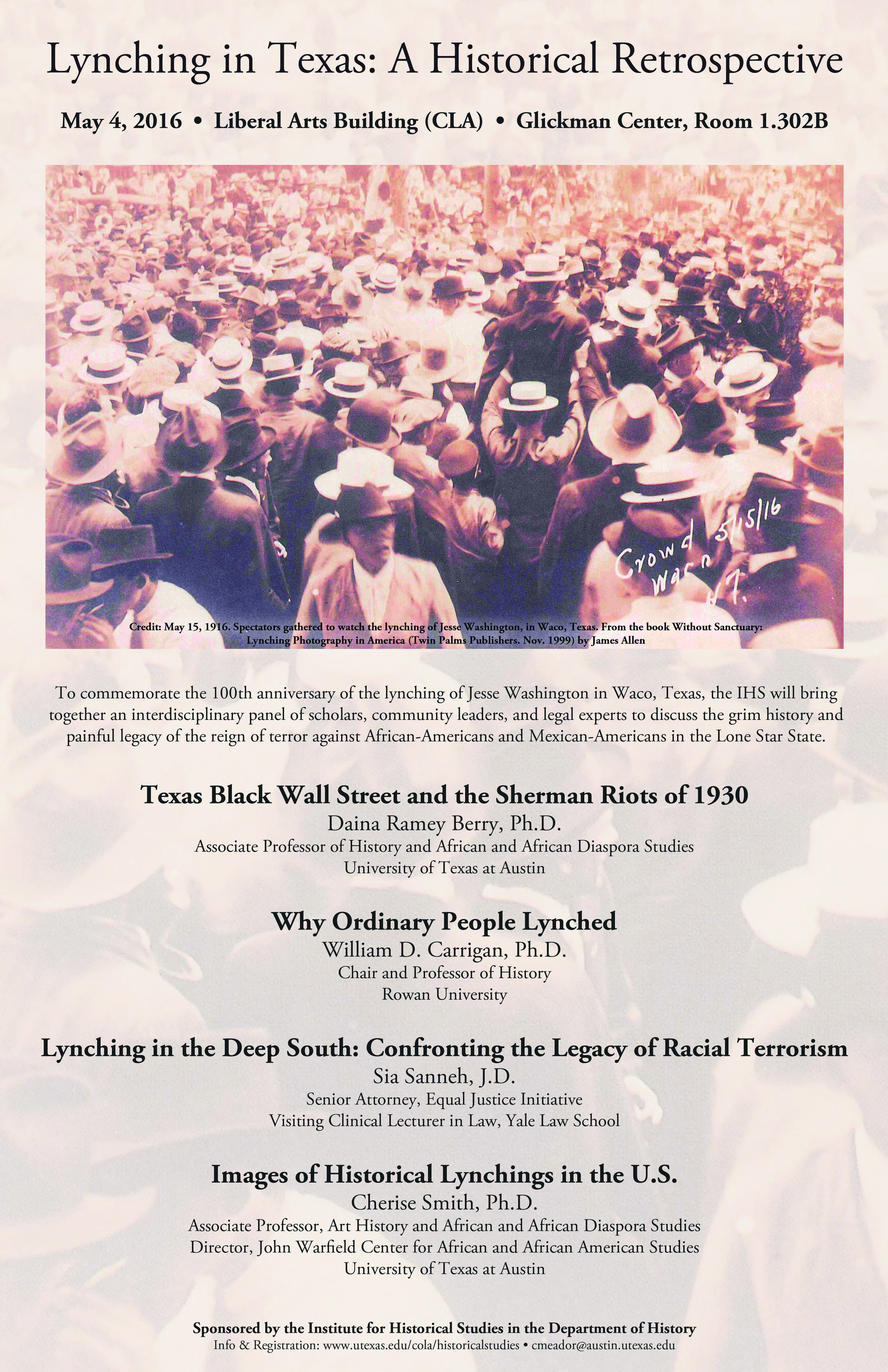
The COLA history department requested to have their homepage banner changed to advertise an upcoming panel.

They submitted this graphic to be edited:

HISTRY-banner-Malthus

Suloni and I agreed that the graphic was a little text heavy to be a banner. I created two drafts of the banner for Suloni to choose from. Here is the first graphic, that she did not select:

Screen Shot 2016-03-30 at 11.33.18 AM

And here is the product we submitted to the client:

Screen Shot 2016-03-30 at 11.33.35 AM

We agreed that the black background looked a lot cleaner and made the text more readable. In the end, the client decided to design their own graphic and did not use our recommendations.

Filed Under: 2015 - 2016, Uncategorized

  • « Previous Page
  • 1
  • …
  • 82
  • 83
  • 84
  • 85
  • 86
  • …
  • 90
  • Next Page »

link to LAITS home page

Video STA Home

© 2025 Liberal Arts Instructional Technology Services | Production Credits