• We are STAs
    • Asha Rountree
    • Haley Ma
    • Kate Shih
    • Kyra Lee
    • Nicholas Peasley
    • Sasha Kenney
    • Shanda Horm
    • Shriya Atreya
    • Tomas Marulanda-Mesa
  • We were STAs
  • STA Presentation
    • STA Presentation 2017
    • STA Presentation 2016
  • Testimonials
  • Resources
  • Home

STA Blog

Poonum Mehta

Poonum Mehta

MIS 302F Studio Background

November 25, 2020 By Poonum Mehta

After designing the course graphics for MIS 302F, the McCombs department decided they wanted a studio background that would match what they’ve been doing in some other courses. I looked at Sheryl’s design for STA 301 for inspo:
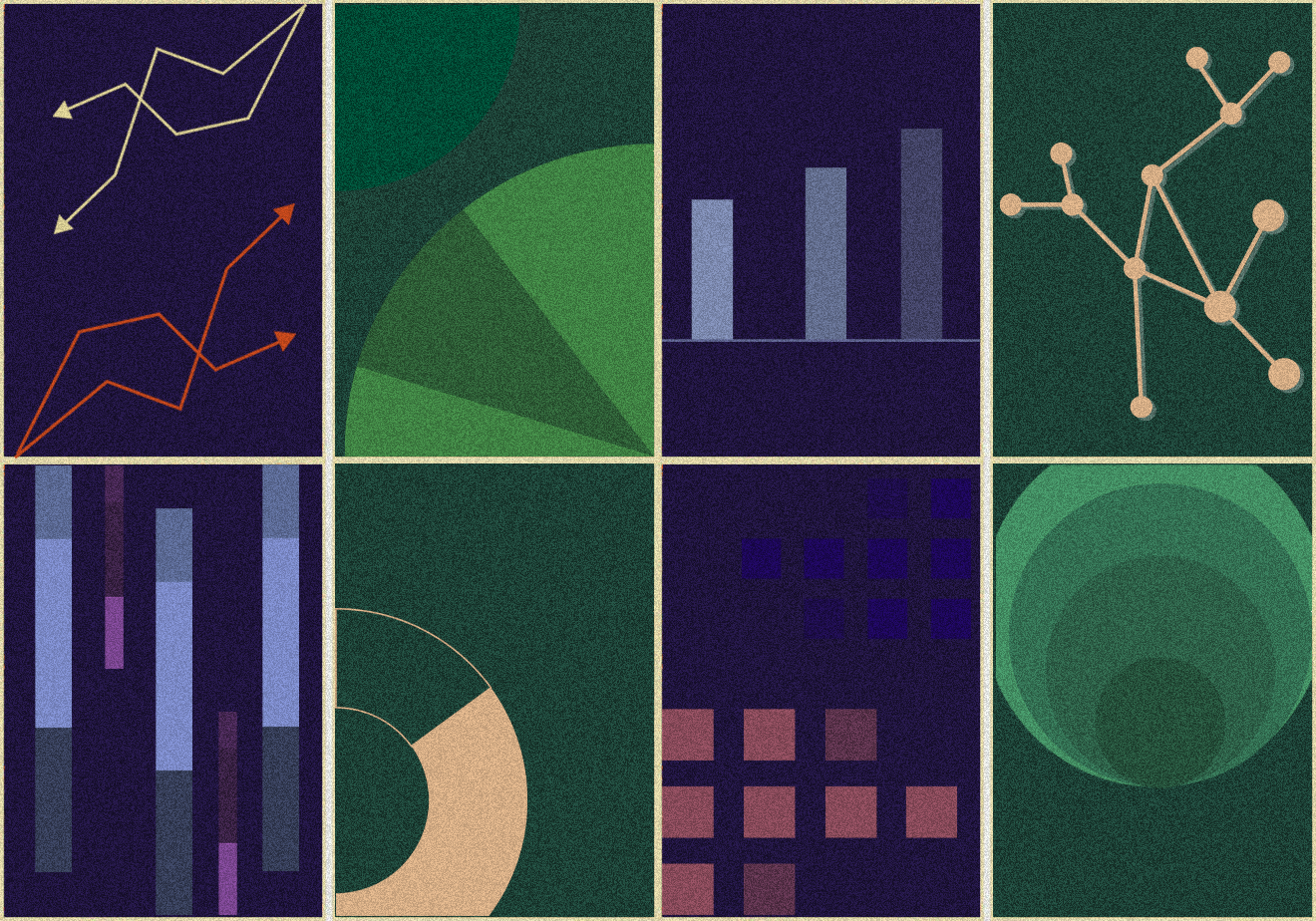
And this is what I came up with:

Here’s a mockup with an overlay:

 

Hope the professor likes these! The graphics were honestly pretty tricky to come up with because defining the intersection between business and technology can only be done with so many different graphics…I feel like I did a pretty decent job though. Now, hopefully, it’ll just be a matter of nailing down colors and branding. Pretty fun assignment overall and looking forward to finishing it up!

Filed Under: 2020 Summer | 2020 Fall

MIS 302F – Course Graphics Package

November 12, 2020 By Poonum Mehta

Worked on a graphics package for Foundations of Information Technology Management today! This is the image the professor chose:


And here is the full design menu:


This was pretty fun, I love the mindlessness of filling in the template 🙂 Hope the professor likes the color I chose!

Filed Under: 2020 Summer | 2020 Fall

HTML/CSS Training

November 5, 2020 By Poonum Mehta

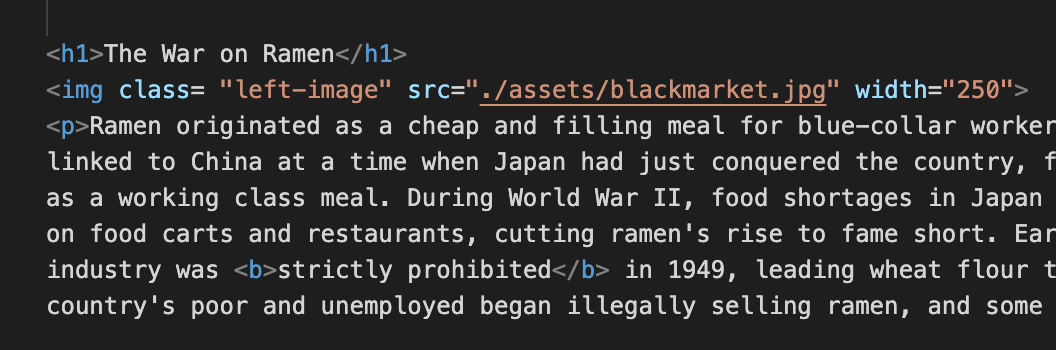
Been working through the HTML/CSS training for a few days, having a lot of fun with this! I was initially a bit confused on how elements could be edited in both HTML and CSS at the same time, but I’m starting to figure out how to define an element in one sheet so that it can be adjusted in another. My website is all about ramen 🙂 Today I just adjusted the first tab (which won’t actually be the landing page once I’m finished) and “floated” the images so that the text wraps around them on either the left or the right. In order to change the “float” impact on different images, I had to create a class for each one in HTML:

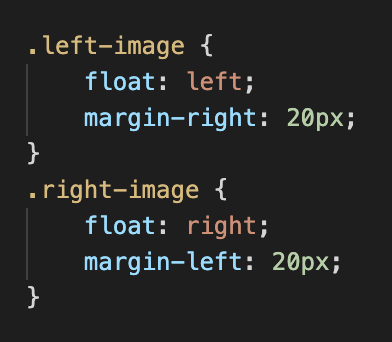
Once the class was created for each image, I could reference that class in CSS to add the float tool. I floated the first and last images right, and the middle image left:

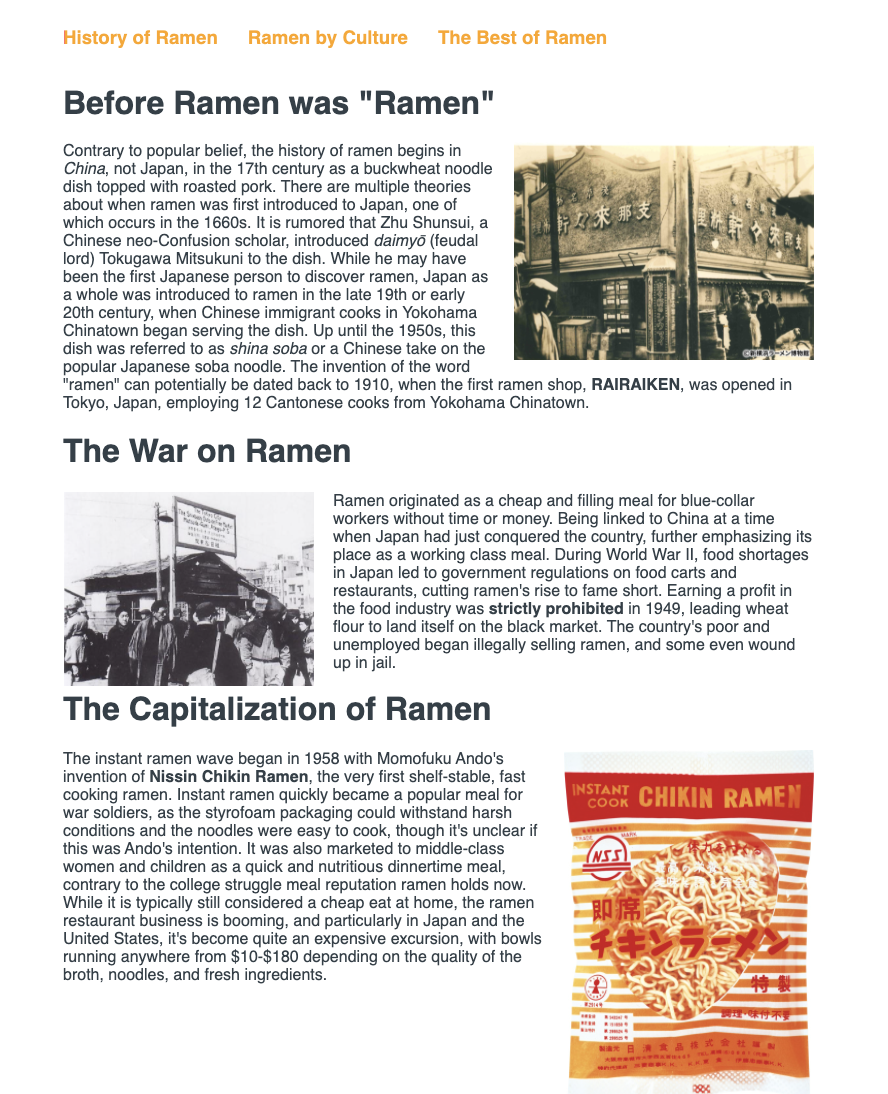
Aaaand here’s the result of that:

I’m probably going to play around with this a bit more to make sure the different sections are evenly spaced.

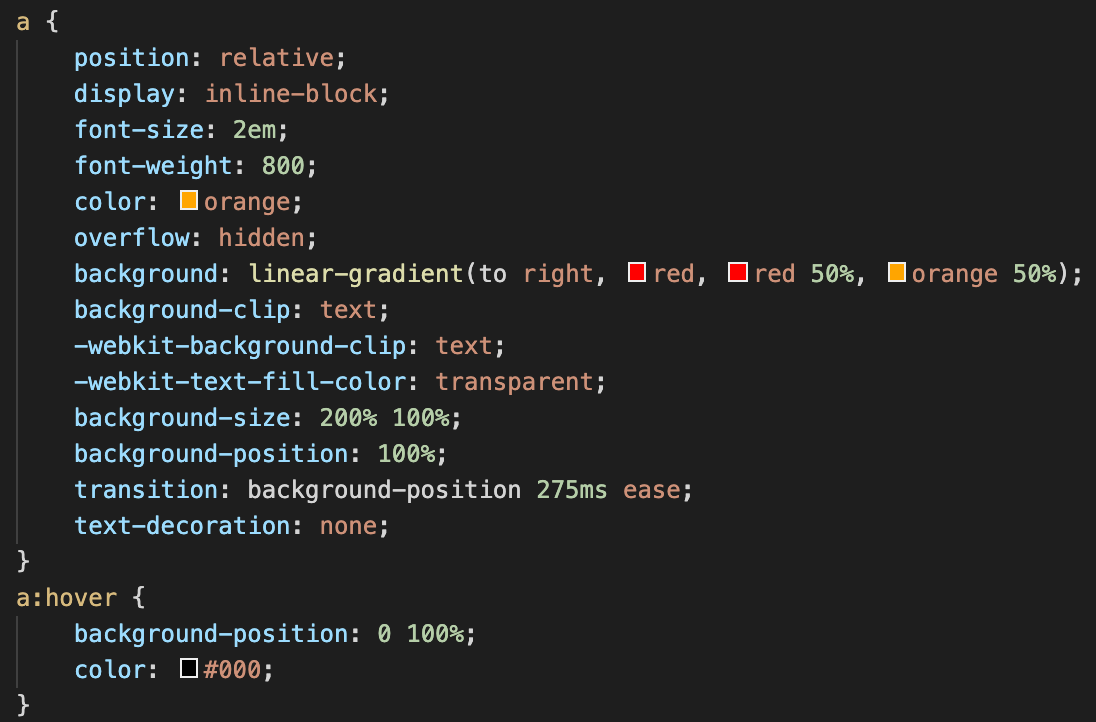
I also animated my hyperlinks for the different tabs on the page. Essentially the color fades from left to right, and the underline appears from the center:

http://sta.laits.utexas.edu/wp-content/uploads/2020/11/video.mp4

Looks pretty simple but here’s all the code that went into doing that lol:

Have a lot of cool ideas for this site so hopefully those will start coming together soon 😀

Filed Under: 2020 Summer | 2020 Fall

AI Shape Manipulation Training

October 27, 2020 By Poonum Mehta

This week I worked on a shape manipulation training that taught me how to create different shapes using the direct selection / pen tool, as well as combining/subtracting certain parts of shapes. I made this lil pattern, pretty neat:


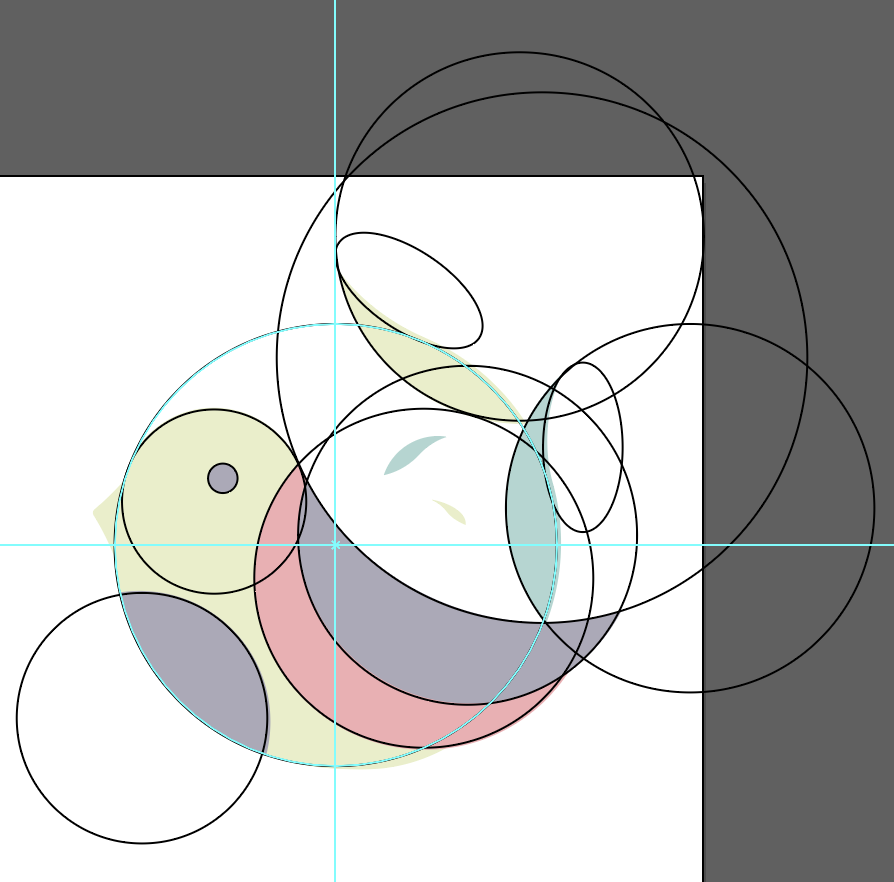
The coolest part of this training was getting to mess around with this bird that was created out of a bunch of overlapping, trimmed ellipses:

I used this tool I’ve never even heard of on illustrator called the shape builder to add and subtract parts of each of these shapes, eventually creating this lil birdy!:


Pretty fun. Would love to play around with this tool for some logo design fun.

Filed Under: 2020 Summer | 2020 Fall

Canvasser – Done!

October 27, 2020 By Poonum Mehta

My canvasser game is finally finished and has been added to my CLIO module! This was a struggle to get finished, primarily because I was experiencing some really weird canvasser glitches. I was only able to work on the program for about an hour each day before something went wrong with my computer, resulting in my edits not saving countless times. Eventually I was traumatized enough to be saving every 5 minutes and got it done 🙂

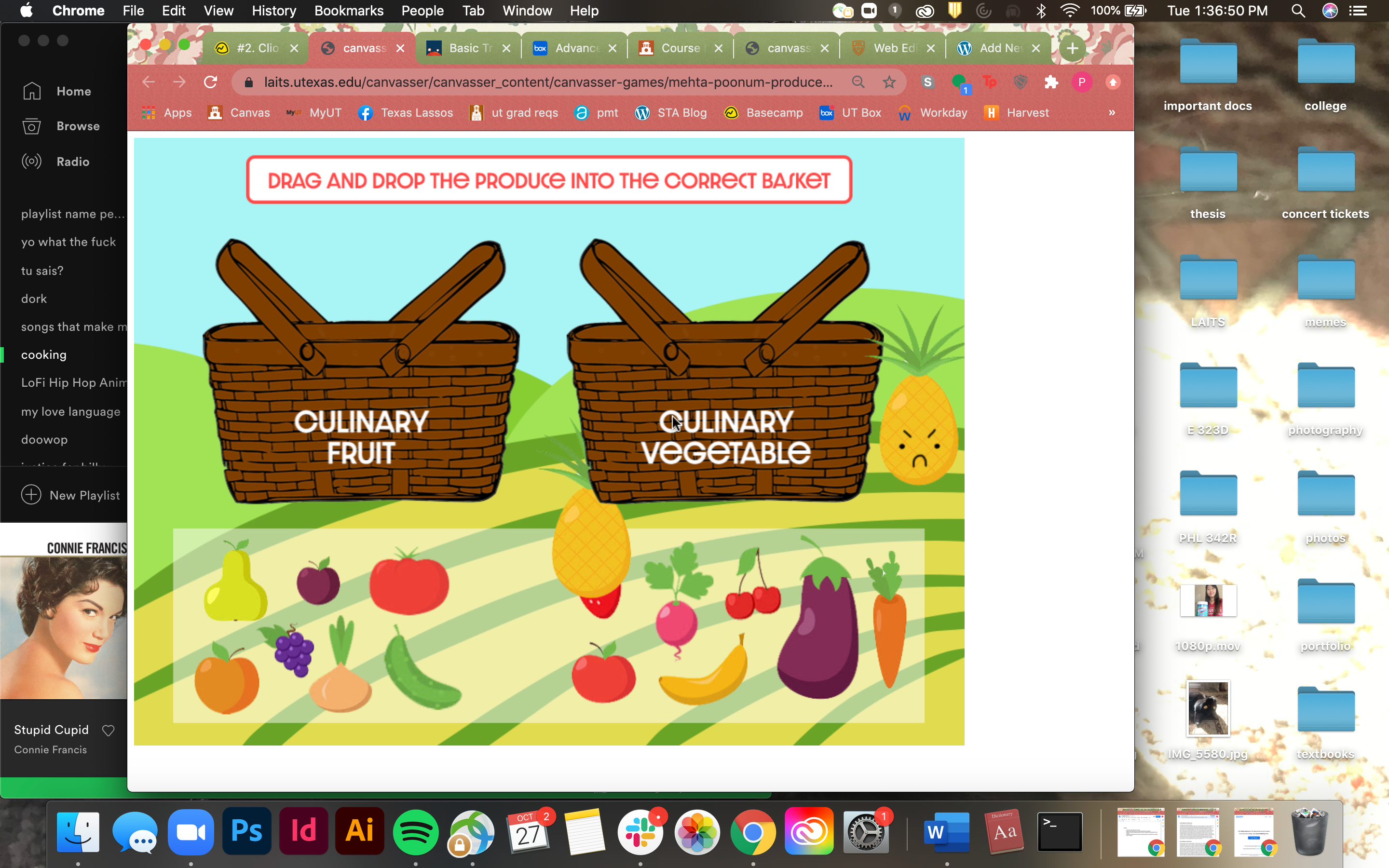
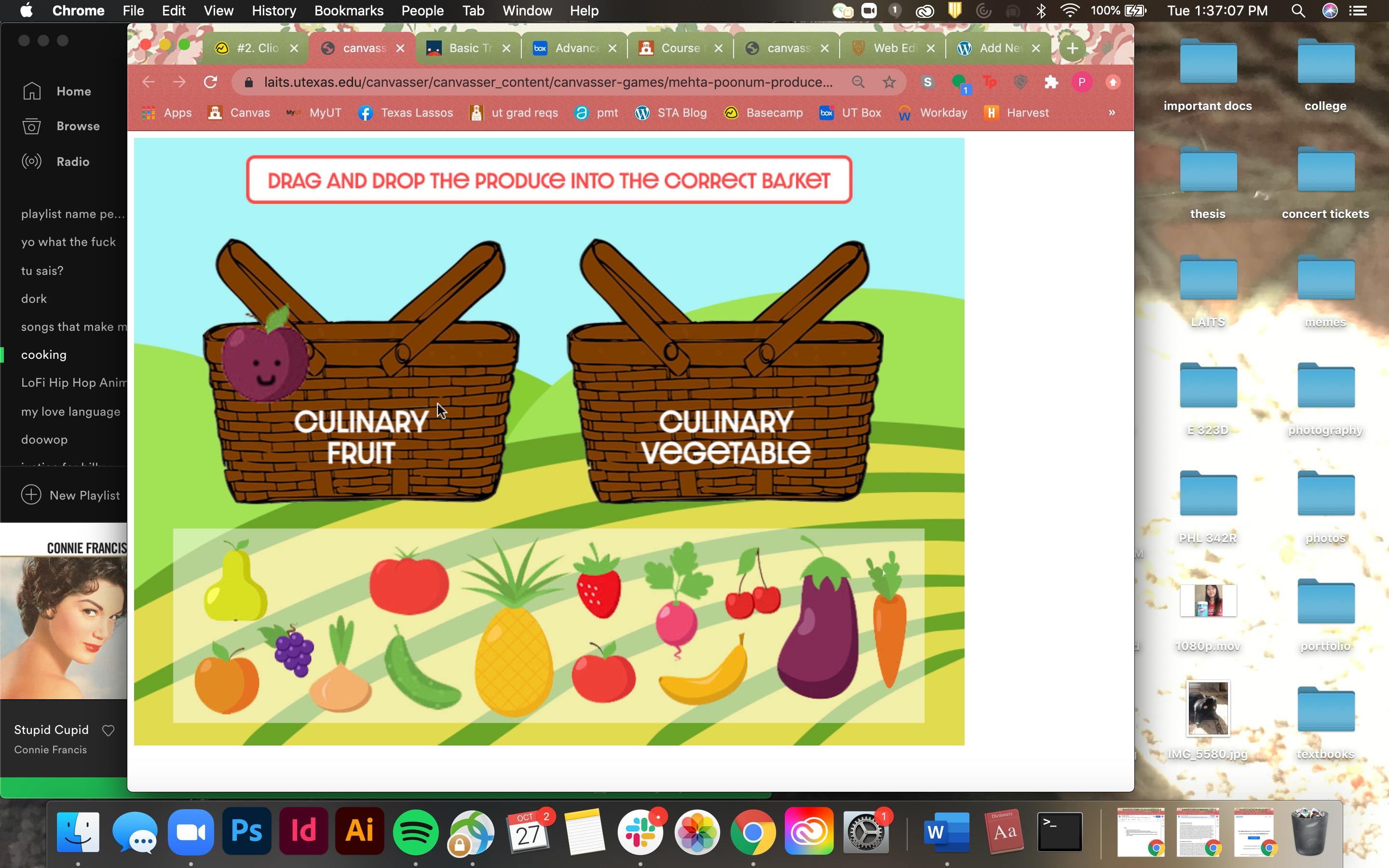
I ended up splitting the culinary / biological classifications into two separate games, as I felt it would be a bit too complicated to reset all of the assets after the first click-and-drag game was over. There are some animations that I can’t capture with a screenshot so I’ll try to paint you all a picture of what’s going on.

In this first screenshot, I’ve just dragged the pineapple into the culinary vegetable box. The pop up on the right (angry pineapple) fades out within 2 seconds, and the clickable pineapple is being launched back to its original spot for the user to try again.

Here, I’ve just dragged the plum into the correct basket and a happy plum appears 🙂 This will also fade out in 2s.


Same functions are applied to the biological classification game with different pop ups for the adjustments. Don’t get me wrong, this was super fun to make and SO rewarding to see the final product. I just wish canvasser liked me more and wouldn’t quit on me so often 🙁 Looking forward to some canvasser projects in the future!

Filed Under: 2020 Summer | 2020 Fall

Project Time Estimates Training

October 22, 2020 By Poonum Mehta

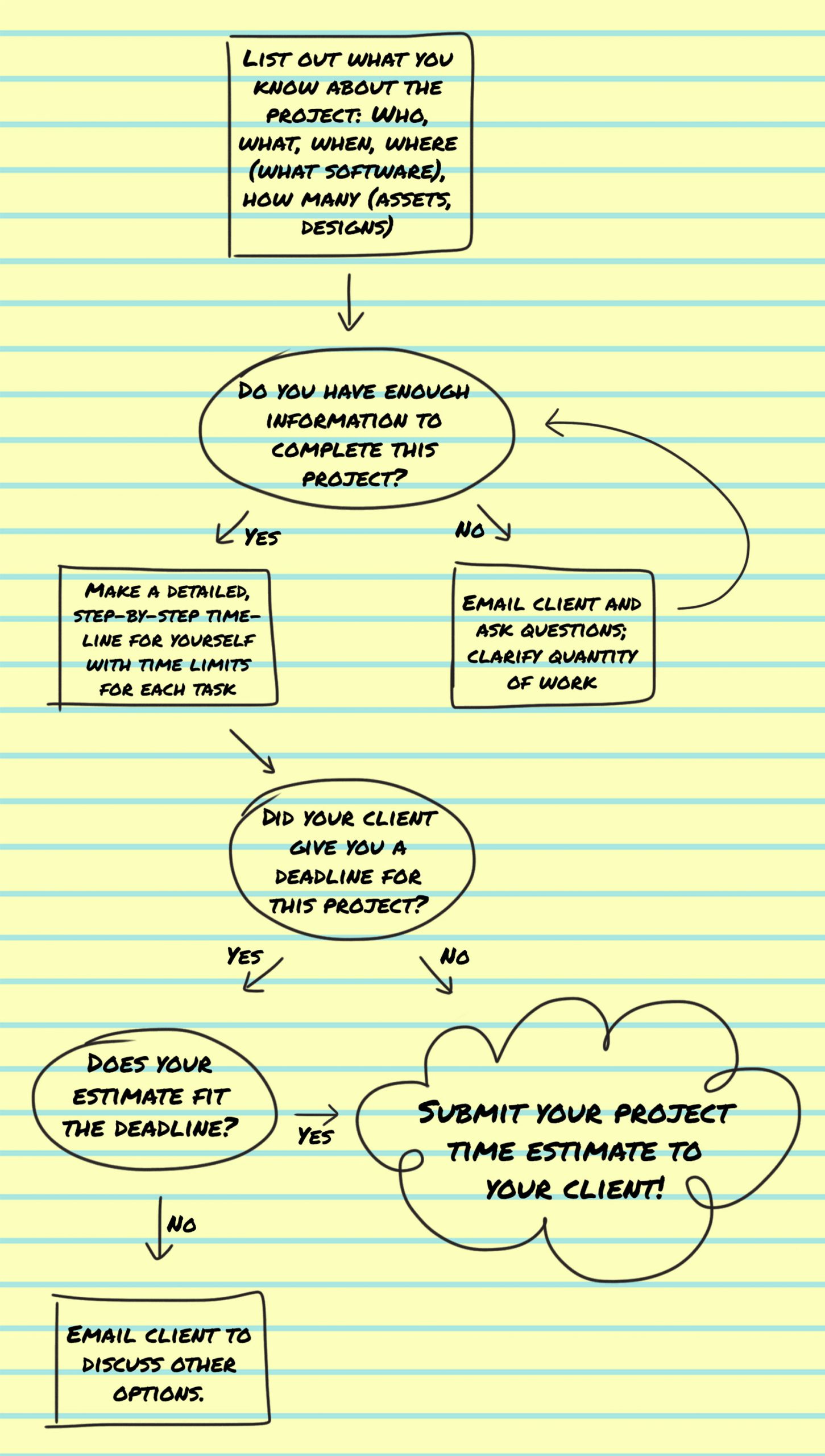
This week, I made some final edits to the project time estimate training I’ve been working on. We decided that a vertical flow chart was the easiest to follow:

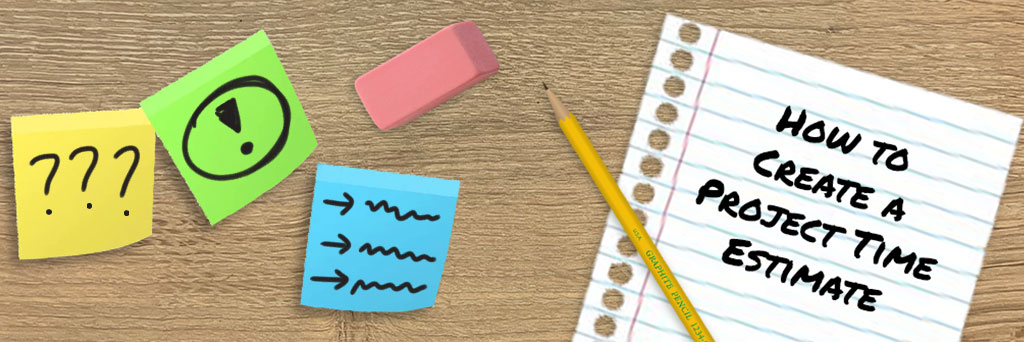
And I created this little banner to try and fit in with the pencil sketch / brainstorming theme of the flowchart.

Looking forward to doing a test run of this training sometime next week! It’s pretty dense, but I’m hoping the information is clear enough. I’ve framed the practice part of the training to make me (or whichever future STA is in charge of providing feedback for this training) act as the “supervisor” or “client” that the STA is working with, so should be pretty fun to play that role.

Other than that this week has been pretty relaxed; Just worked on some photo IDs and tried to get a bit of stuff done on canvasser, but my computer seems to really hate running that software, so baby steps.

Filed Under: 2020 Summer | 2020 Fall

  • « Previous Page
  • 1
  • …
  • 3
  • 4
  • 5
  • 6
  • 7
  • …
  • 11
  • Next Page »

link to LAITS home page

Video STA Home

© 2025 Liberal Arts Instructional Technology Services | Production Credits