• We are STAs
    • Asha Rountree
    • Haley Ma
    • Kate Shih
    • Kyra Lee
    • Nicholas Peasley
    • Sasha Kenney
    • Shanda Horm
    • Shriya Atreya
    • Tomas Marulanda-Mesa
  • We were STAs
  • STA Presentation
    • STA Presentation 2017
    • STA Presentation 2016
  • Testimonials
  • Resources
  • Home

STA Blog

Lorena Chiles

Lorena Chiles

Week 4

October 4, 2022 By Lorena Chiles

Remote Studios Logo / Poster

Completion status: started on September 20
STA team members: De’Sha and Leilani
To be completed: TBD

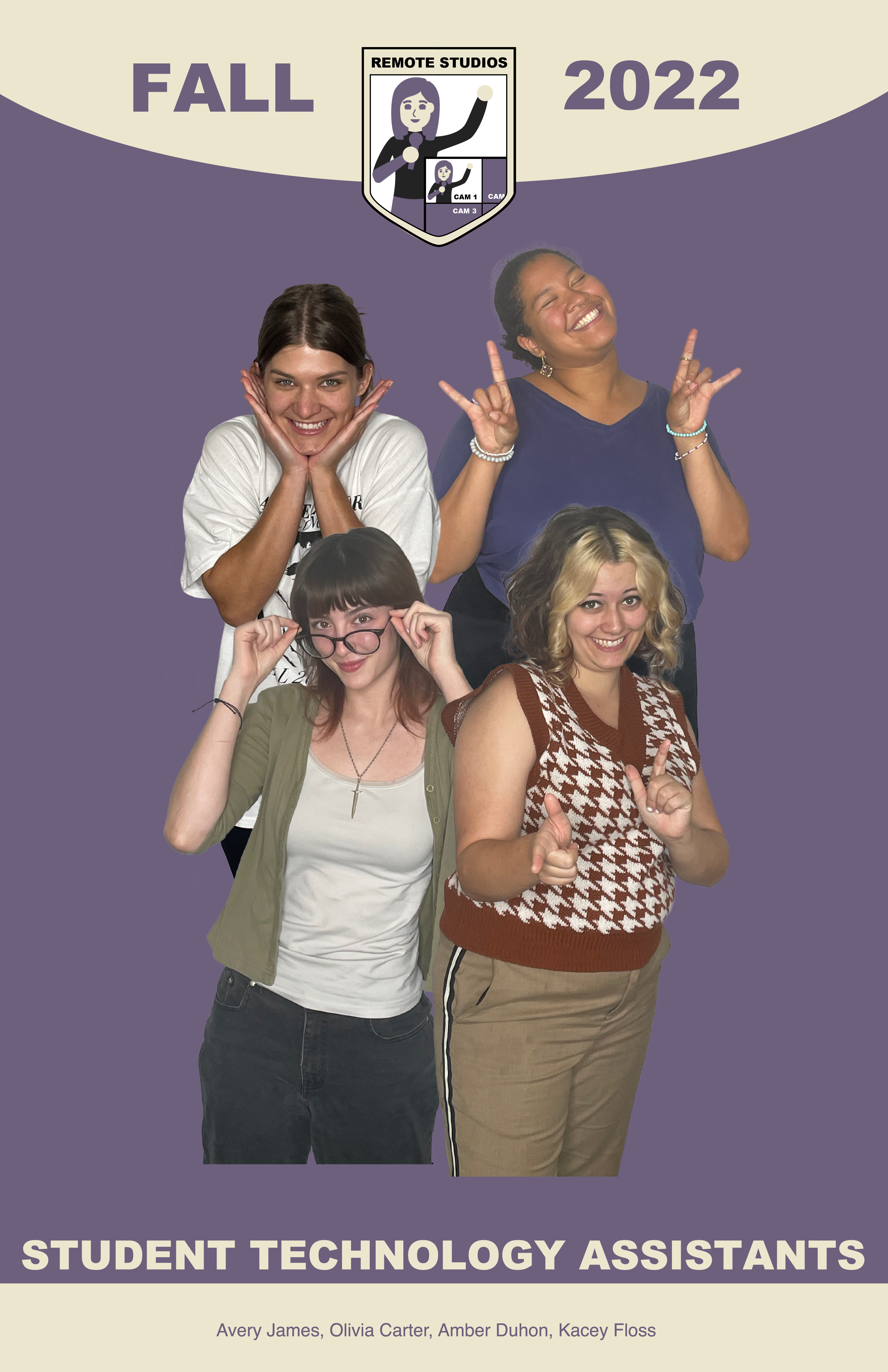
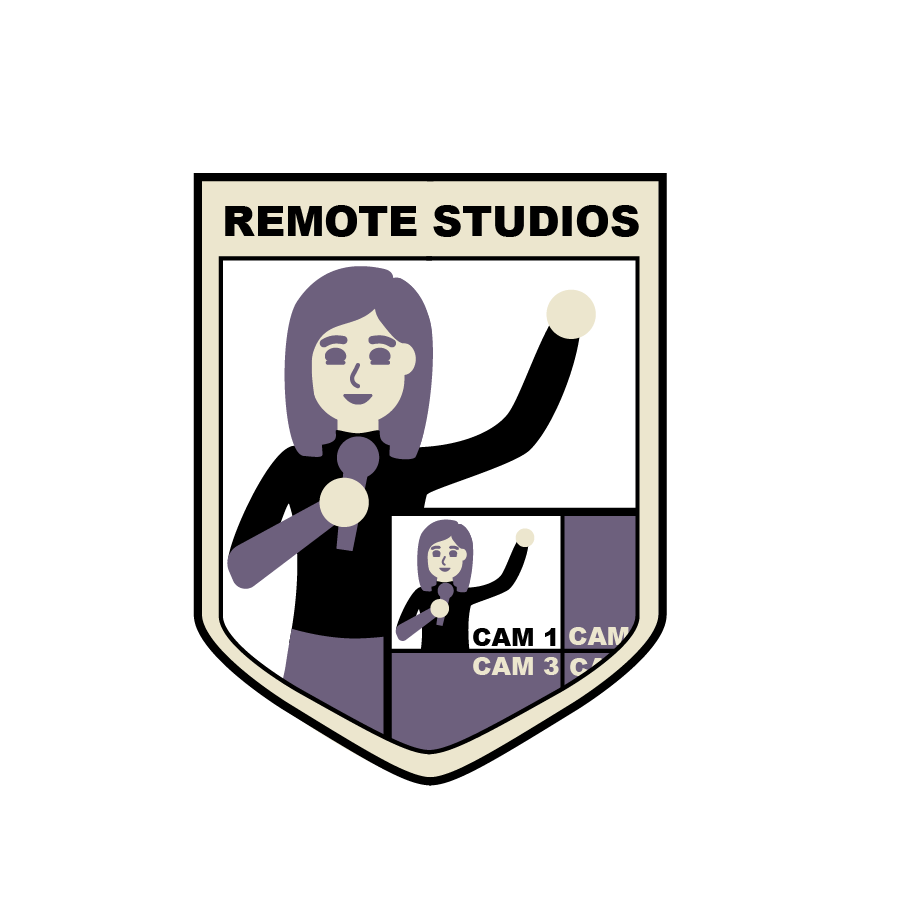
Last week I mainly worked on the Remote Studios poster/logo; I updated formatting to match the other STA poster designs.

Both of the following designs are still very much in progress, will be working on this more soon!
STA Portraits

Completion status: started on Sept 29
STA team members: De’Sha and Leilani
To be completed: Finished on Sept 29

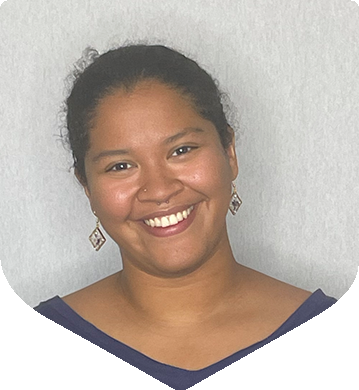
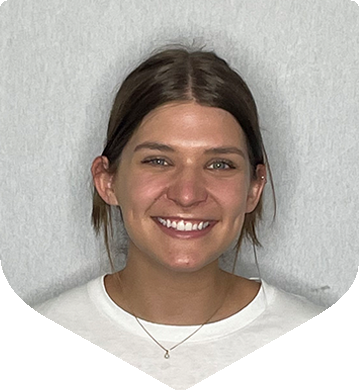
Last week I also helped resize some of the STA portraits in little shield shapes for the main STA poster. Shown below is the Remote Studios team, but I also did part of the Audio team. (note: it seems that these images have harsh lines at the bottom, I think that’s just how they uploaded to WordPress since the original exports were not like that)
 

Redefining Health Care Summit Logo Updates

Completion Status: Started on September 22
Staff Guidance: Maddy
To Be Completed: September 27

Continuing the project from last week, I converted to the print file types and also made the black and white versions (print and digital) of the stacked and horizontal logos. Here’s the black versions, the white is a very similar.
Filed Under: Fall 2022 - Spring 2023

Week 3

September 26, 2022 By Lorena Chiles

Remote Studios Poster/Logo

Completion status: September 20
STA team members: De’Sha and Leilani
To be completed: TBD

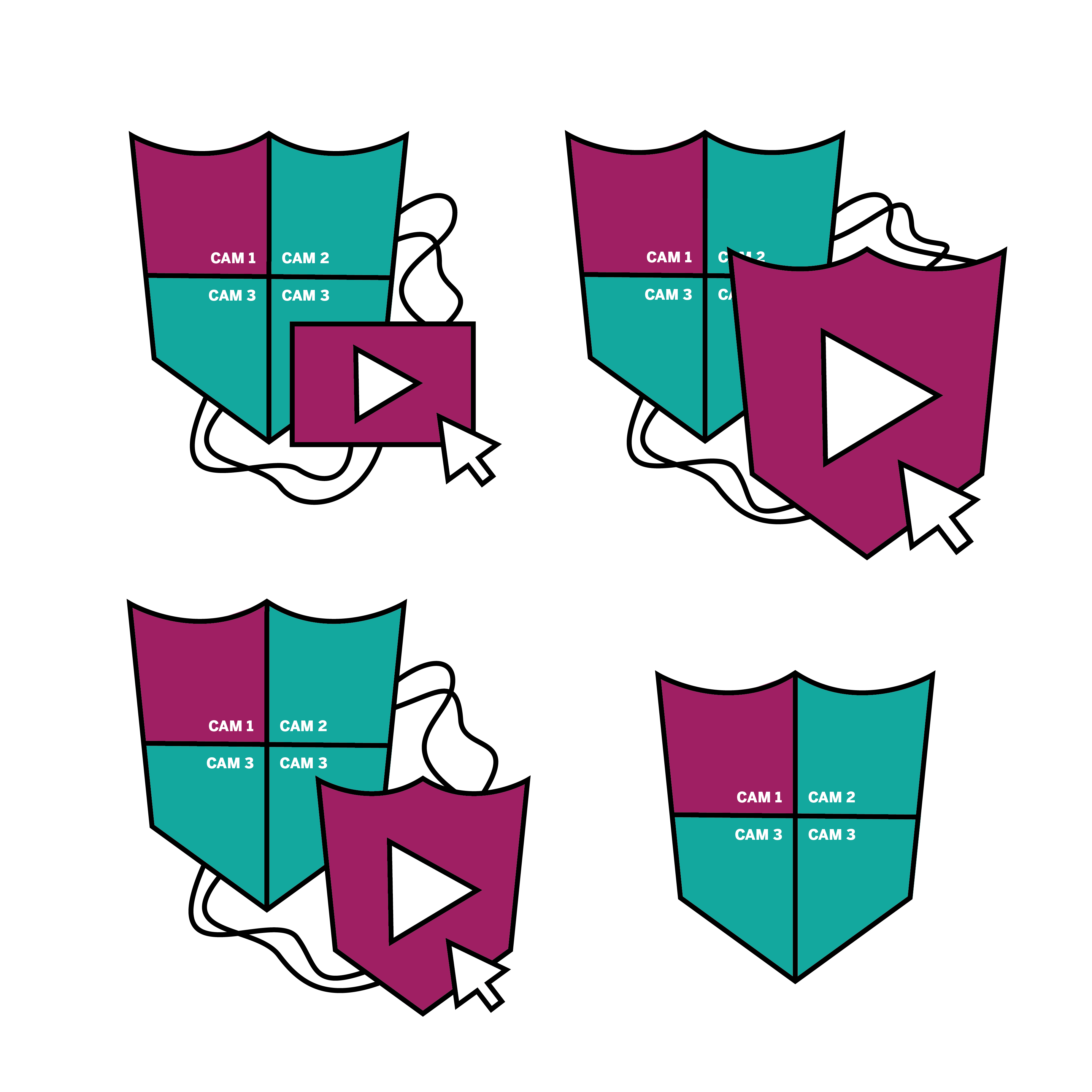
I went and shadowed one of the Remote Studios STAs, Avery, last week and that was really insightful! Since then I’ve been working on the poster/logo for Remote Studios. The logo here is more of a mock up than anything, and this hasn’t really been through a feedback round yet, by the way! The logo I was planning on making a bit more detailed for each camera image. Colors aren’t quite right yet.


Redefining Health Care Summit Logo Updates

Completion Status: Started on September 22
Staff Guidance: Maddy
To Be Completed: September 27

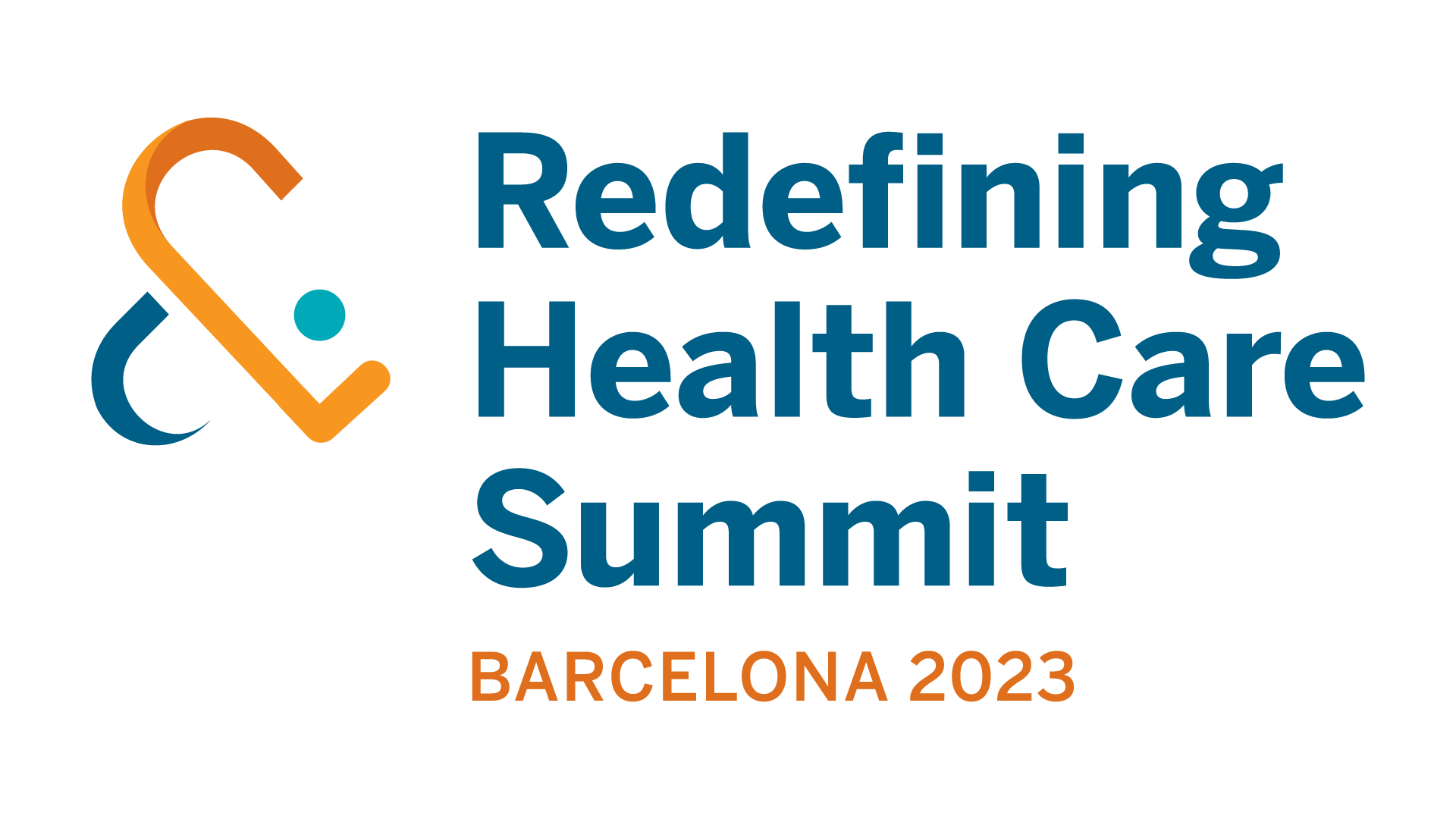
In my extra time I’ve been working on changing the text on this logo from “Barcelona 2022” to “Barcelona 2023” and exporting different file types of those — next I’ll be exporting both of these in black and white as well!


Filed Under: Fall 2022 - Spring 2023

Week 2

September 19, 2022 By Lorena Chiles

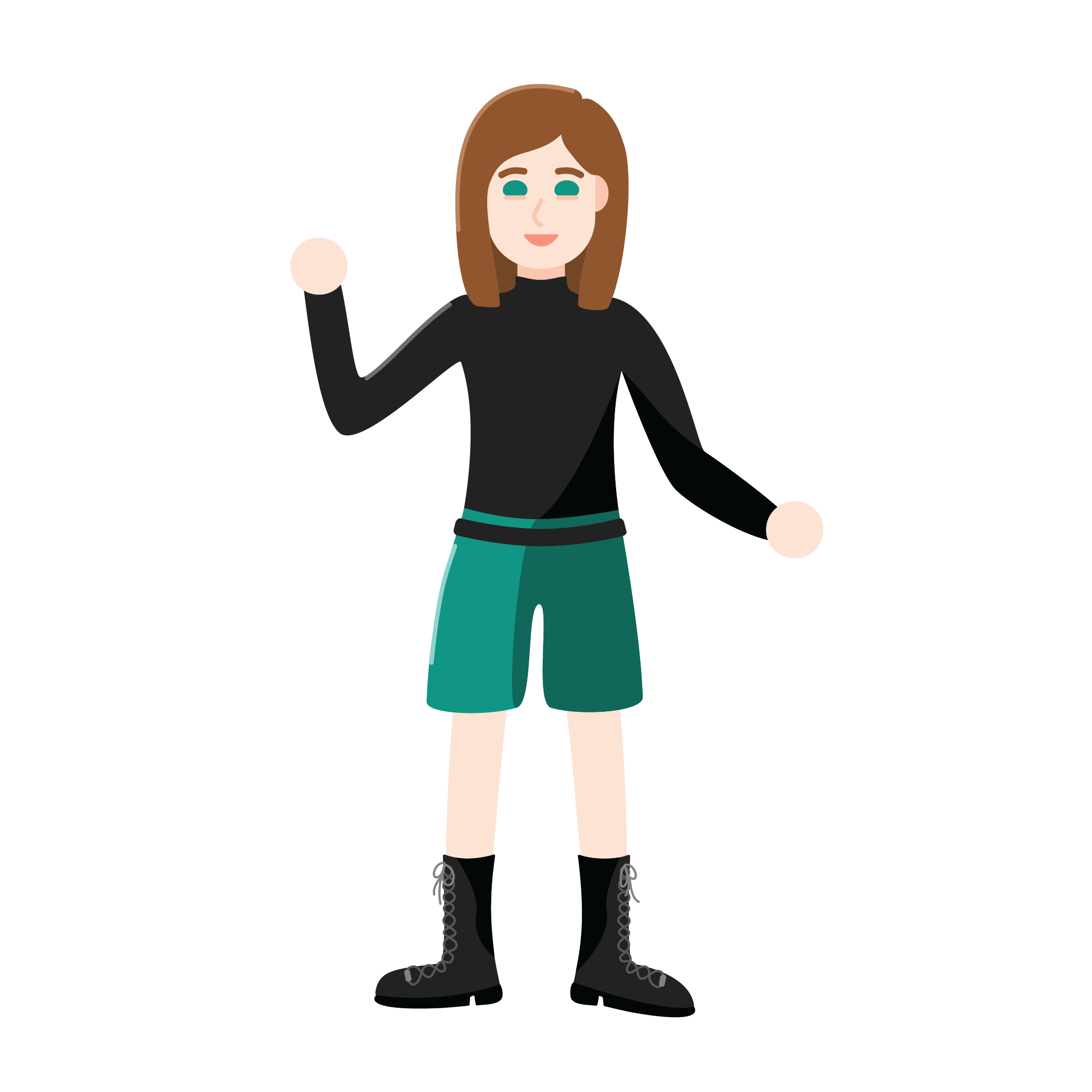
Self-Portrait for STA Blog

Started: September 13, 2022
Completed: September 15, 2022
Staff Guidance: Valerie

I made my self-portrait for the STA blog! I took style inspiration from one of my favorite science YouTubers, Kurzgesagt.

Training: Style A&B Course Graphics

Started: September 15, 2022
To Be Completed: Probably September 20
Staff Guidance: Maddy

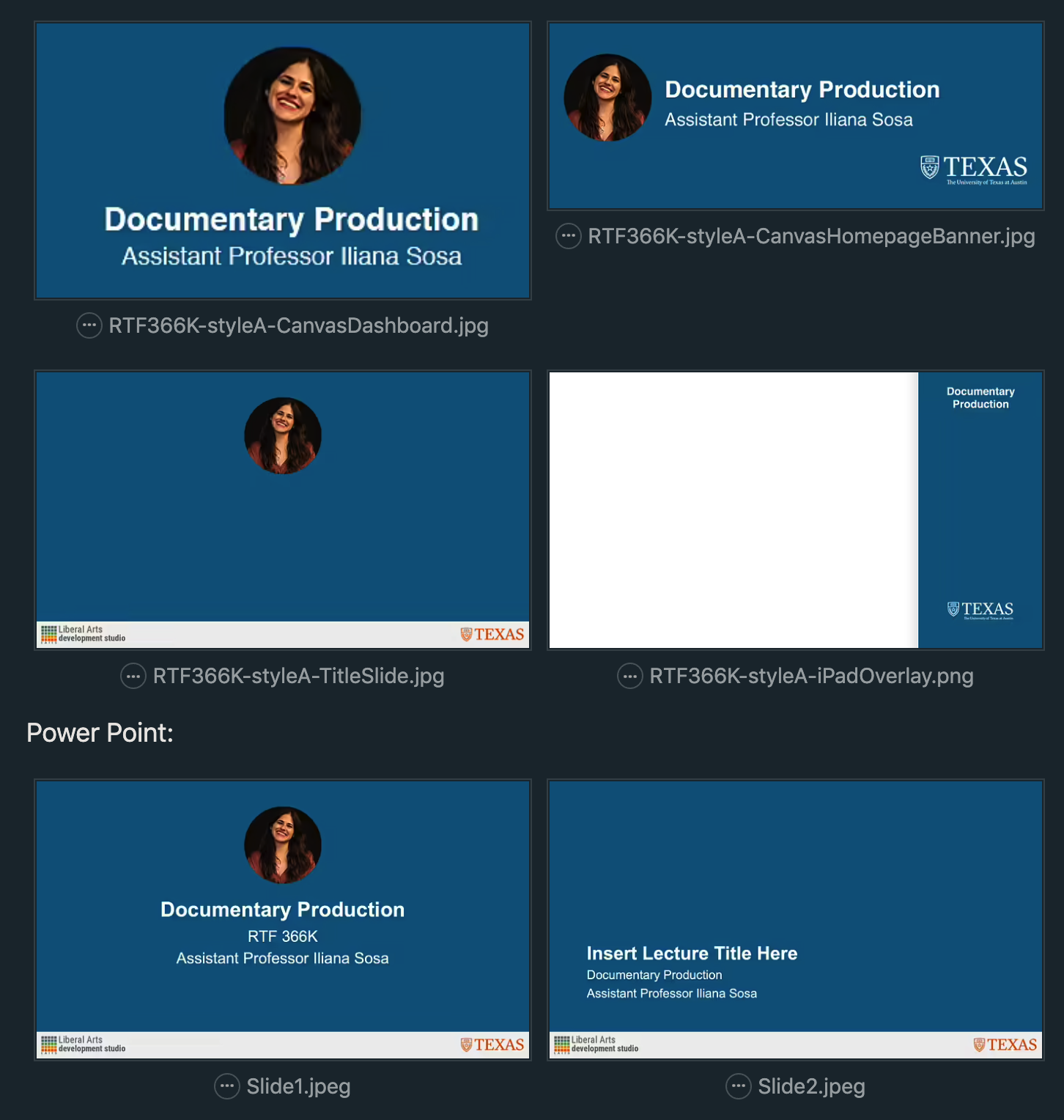
I worked on the first half of the Course Graphics training, focusing on Style A. Here’s what I have so far (screenshots from Basecamp):

The power point I’ll be switching to the regular .PPTX soon, I just exported it initial as two .jpeg files.

And then here’s the stingers:

http://sta.laits.utexas.edu/wp-content/uploads/2022/09/RTF366K-styleA-Stinger-Chat.mp4
http://sta.laits.utexas.edu/wp-content/uploads/2022/09/RTF366k-StyleA-Stinger-Quiz.mp4

CCI Logo Recoloring

Started: September 19, 2022
Completed: September 19, 2022
Staff Guidance: Maddy

Today I also did a quick little recolor of the Contextualization & Commemoration Initiative logo to a slightly different shade of red. The first picture below is the original, second is the recolor!

Filed Under: Fall 2022 - Spring 2023

Orientation

September 12, 2022 By Lorena Chiles

Hi everyone, last semester I was a Content Management STA working on the COLA Web Refresh Project, and this semester I’m so happy to be returning to LAITS as a Design STA! I’m really excited to learn more about design and get more experience in the Adobe programs, and I’m especially looking forward to working with other STA team members this semester.

Last week I worked on a few things:

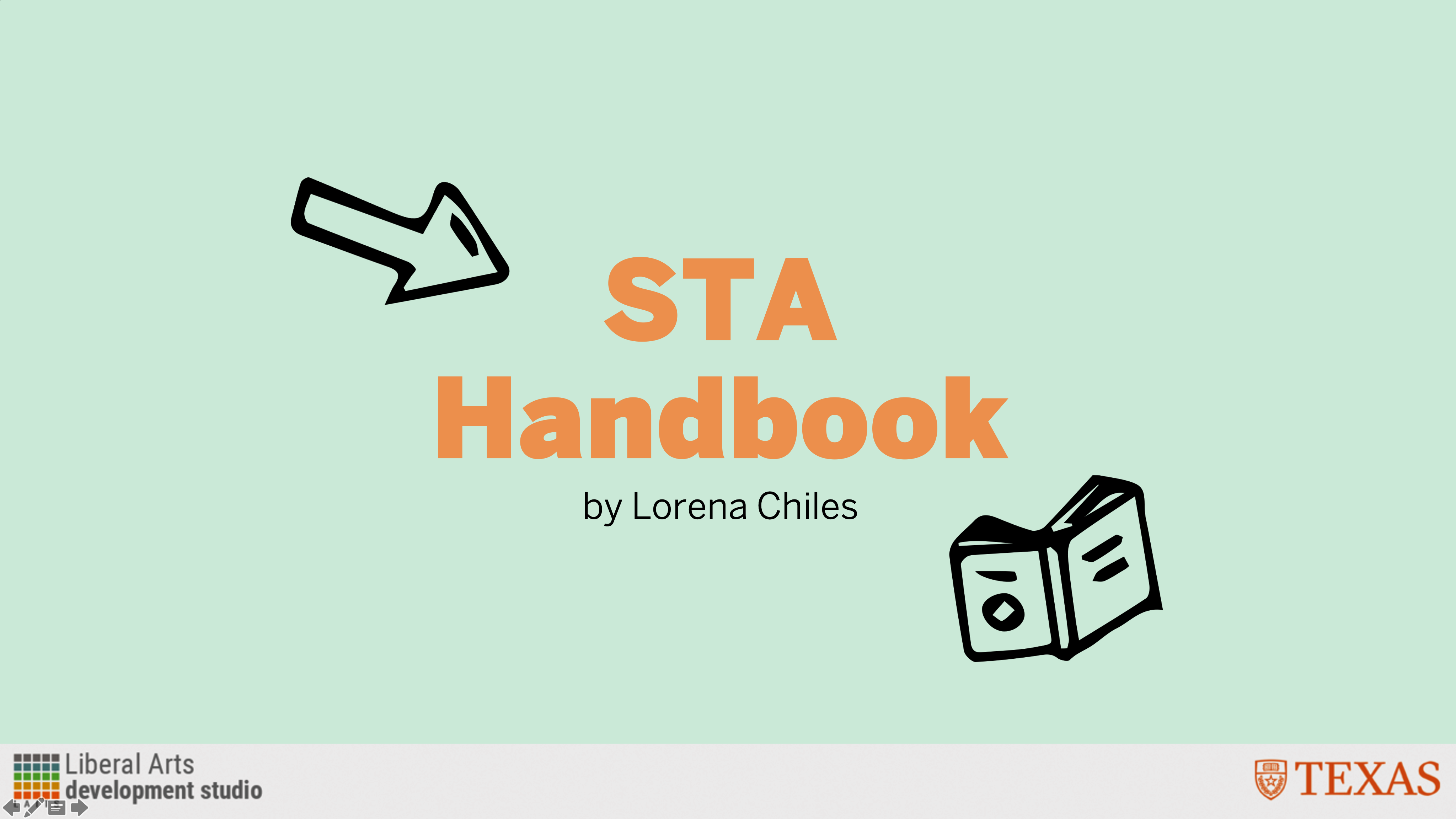
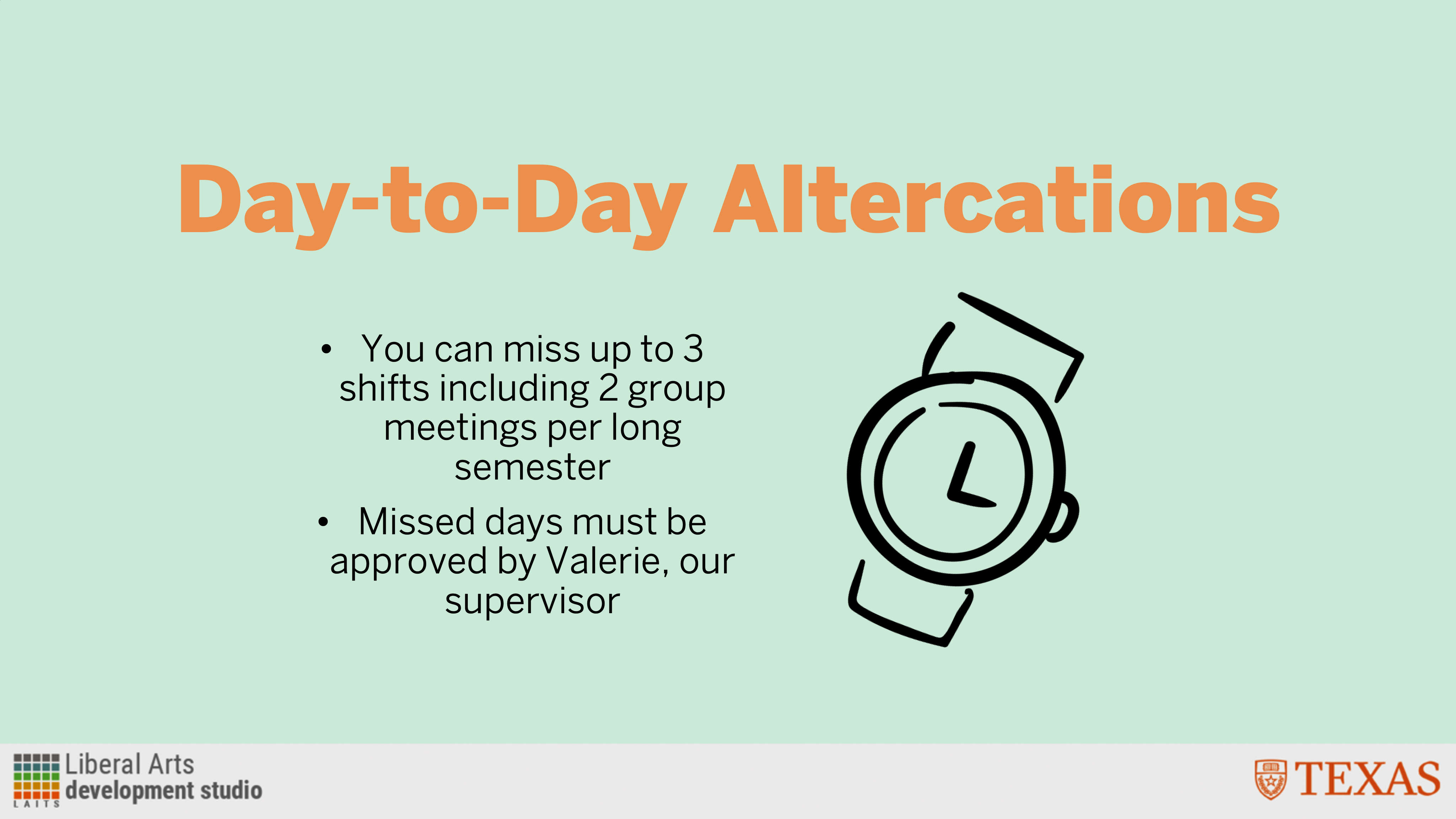
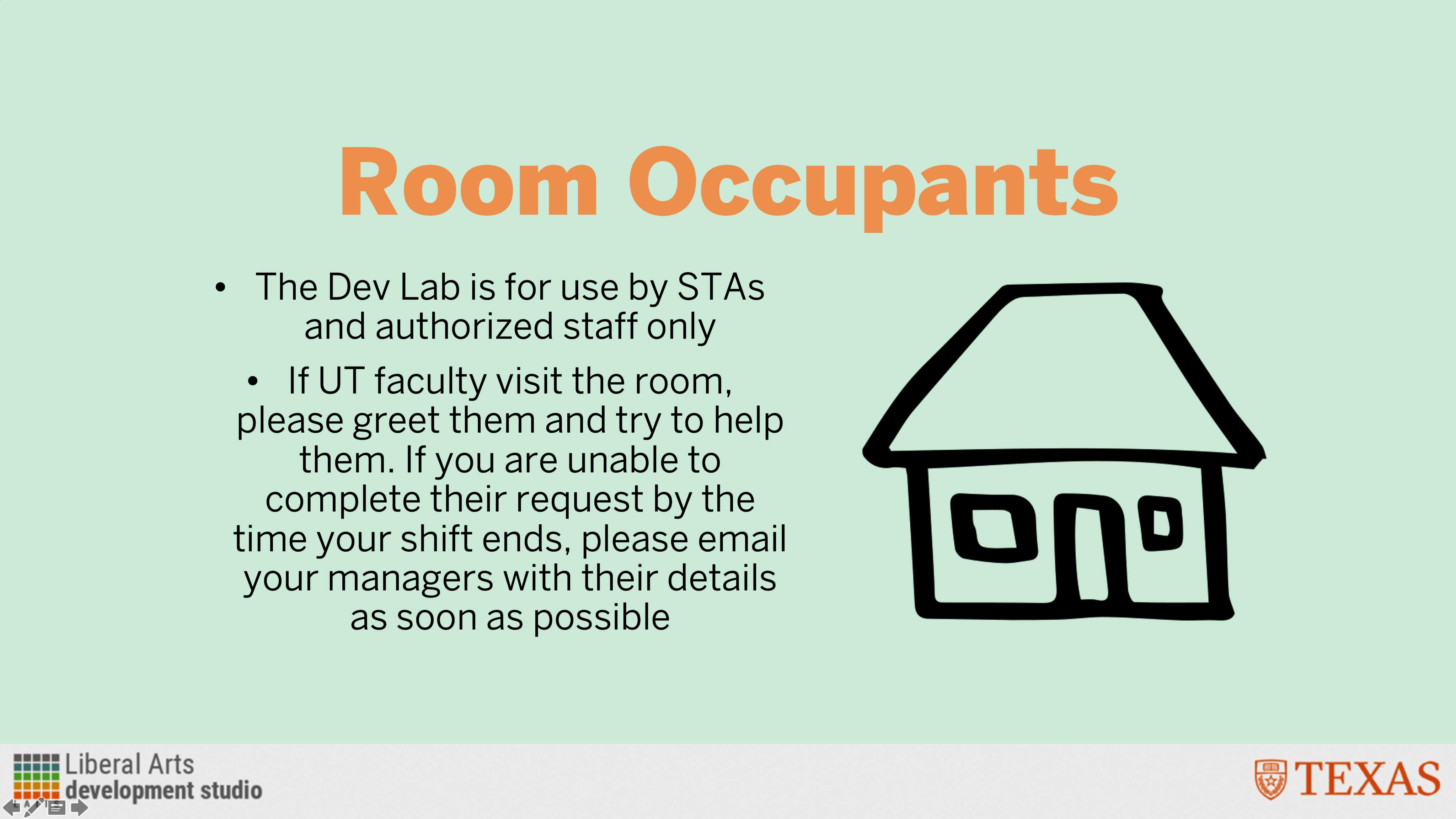
STA Handbook Slideshow

Started on: September 6, 2022
Completed on: September 6, 2022

Description: Here I took 5 rules from the STA Handbook and made a slideshow out of them.

Logo Sourcing for History Conference

Started on: September 8, 2022
Completed on: September 8, 2022
STA Team Members: Maddy and Valerie

Description: I sidetracked a little bit from the orientation projects to help Maddy with finding department/organization logos for an upcoming History Department conference. I located logos for 9 different departments/organizations and included some different file types or logo versions for Maddy to work with — when I could find them, at least! Valerie stepped in to find a surprisingly elusive logo version of the College of Education (thanks Valerie).

STA Blog Banner

Started on: September 6, 2022
Completed on: September 12, 2022

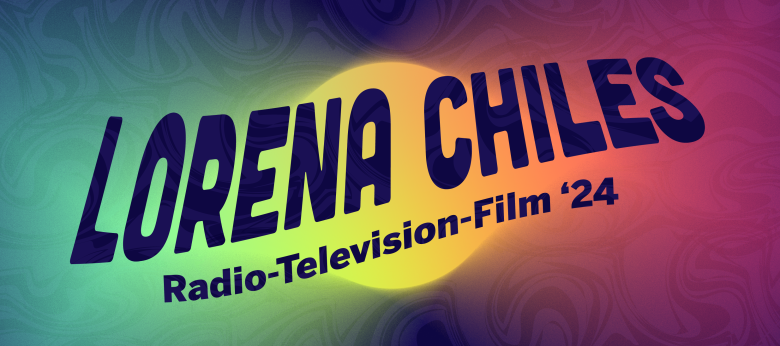
Description: I made my first STA blog banner! I started on this last week and have been working on and off on this until finishing this version today.

And that’s all I have to share today, thanks for reading!

Filed Under: Fall 2022 - Spring 2023

Welcome to the STA blog!

September 2, 2022 By Lorena Chiles

Hi Lorena! 🙂 Welcome to the STA Blog! This the page where your blog posts will published.
Toward the end of your STA Orientation, you’ll design and upload a banner to go at the top of this page.

Upload a Blog Banner


Step One: Design Your Banner in Photoshop

Use these Photoshop specs when you’re making your banner:

  • Your banner should be 780 pixels wide (the height doesn’t matter)
    • Must include your name, your major, and your expected graduation year
    • Your banner should reflect who you are (your personality, interests or major)
    • Make sure to save your banner for the web (i.e. File > Export > Save for Web (Legacy))
    • If you save your banner as a JPG, make sure sure the quality is high (i.e. at least 60)

Step Two: Save Your Banner

  • There are two places you can save your completed projects: UT Box and the LAITS server. You’ll be given a personal folder in both locations. For now, you only have to save your banner to UT Box, but you may have to access the server at some point in the future.

Accessing UT Box

  • If you haven’t already registered with Duo,  follow the instructions here to set up an account.
    • Then log in to UT Box with your EID and password: http://utexas.box.com/
    • Go to the folder called Design-Coding-STAs, then the subfolder STA-folders
    • Find the folder with your name on it
    • Save your banner both as an image and an unmerged PSD

Accessing the LAITS server

  • Accessing the LAITS server from off-campus is slightly more complicated.
    • You’ll need to be registered with Duo if you aren’t already (you can register here).
    • Then you’ll need to connect to the UT VPN and the LAITS server. The videos below will walk you through how to do that:
      • Connect to the Server – PC
      • Connect to the Server – Mac
    •  Then navigate to your STA volume folder and save
      • smb://file.laits.utexas.edu/sta/Lorena Chiles
    • Save your banner both as an image and an unmerged PSD

Step Three: Upload Your Banner to the STA Blog

  • Log in the the STA Blog here.  You should’ve received an email confirming your new WordPress account with your username and assigned password. If didn’t get it or you can’t log in, ask Suloni or another STA.
  • You’ll be able to change your password anytime by going to Users > Your Profile > Account Management > New Password.

Uploading media and banners in WP

  • Read these links before you upload your banner.
  • They will walk you through how to upload media to your blog.

How to Upload a Homepage Banner

Adding New Posts and Media

Make Your First Blog post


  • Reflect on the day. You blog posts will be a documented experience of your time as an STA with LAITS. They can include anything you want to share about the projects you’re working on, and the more media (screenshots, images, links, videos, gifs) you can use, the better.
  • For today, write a bit about about yourself and what you did during orientation.
  • If you haven’t already, upload your banner.

Things to Remember


Image Specs

  • You should never copy and paste images into your blog. Always upload images into the media section of blog first (Click on the add media button), then insert the image from the media folder to display on your blog.
  • Don’t use the thumbnail version of your images.
  • Use images that are 72 dpi
  • Screenshots are fine
  • Images that are 780 pix wide format nicely above or below text blocks

Always Categorize Your Posts

  • Always check the category “2019 Fall-Winter | Spring-Summer 2020” on the blog posts you make this summer. This is the only category you need to check.
  • Make sure your posts are categorized correctly so that all of your work is documented in the correct semesters.

Commenting on Basecamp

Notification comments: etiquette, files, questions, feedback

Let us know when you’ve completed this task by adding a link to your blog to a comment in Basecamp.
Notes for all comments in Basecamp:
  • *Always address the person/people you are writing to by their names.
  • *Always use complete sentences.
  • *Always add links or paths to your design file in your STA folder.
  • *Make it easier for your collaborators and mentors to give you feedback on a design by adding screenshots to your comment.


Notify people in Basecamp by adding the @ symbol before their names (no spaces), otherwise they may not see your comment.

@ your STA mentor and Suloni in your comments when you want to:

  • ask us questions about the mechanics of using the STA blog,
  • about the mechanics of photoshop,
  • to let us know that you have completed this task,
  • or that you would like a little feedback on on your banner design 🙂

Thank you & have fun!

Filed Under: Fall 2022 - Spring 2023

  • « Previous Page
  • 1
  • …
  • 7
  • 8
  • 9

link to LAITS home page

Video STA Home

© 2025 Liberal Arts Instructional Technology Services | Production Credits