• We are STAs
    • Asha Rountree
    • Haley Ma
    • Kate Shih
    • Kyra Lee
    • Nicholas Peasley
    • Sasha Kenney
    • Shanda Horm
    • Shriya Atreya
    • Tomas Marulanda-Mesa
  • We were STAs
  • STA Presentation
    • STA Presentation 2017
    • STA Presentation 2016
  • Testimonials
  • Resources
  • Home

STA Blog

Tate Gibson

Tate Gibson

STA Presentation Progress Cont

April 3, 2018 By Tate Gibson

Personal STA Presentations Progress

I have made much progress on my own STA presentations as well. I have been assigned two presentations, one for an animated Austin Skyline I made for a live broadcast online AET class, and one for the Russian Online course I have devoted so much of my time to since beginning this job. The Russian online course presentation has taken some time to develop, it has already gone under two major structural changes and about 3 or 4 drafts, but I believe it’s near its completion! The AET presentation was a little simpler for me to break down, especially since there was much less to talk about, it’s first draft is complete and will probably only need a few minor adjustments.
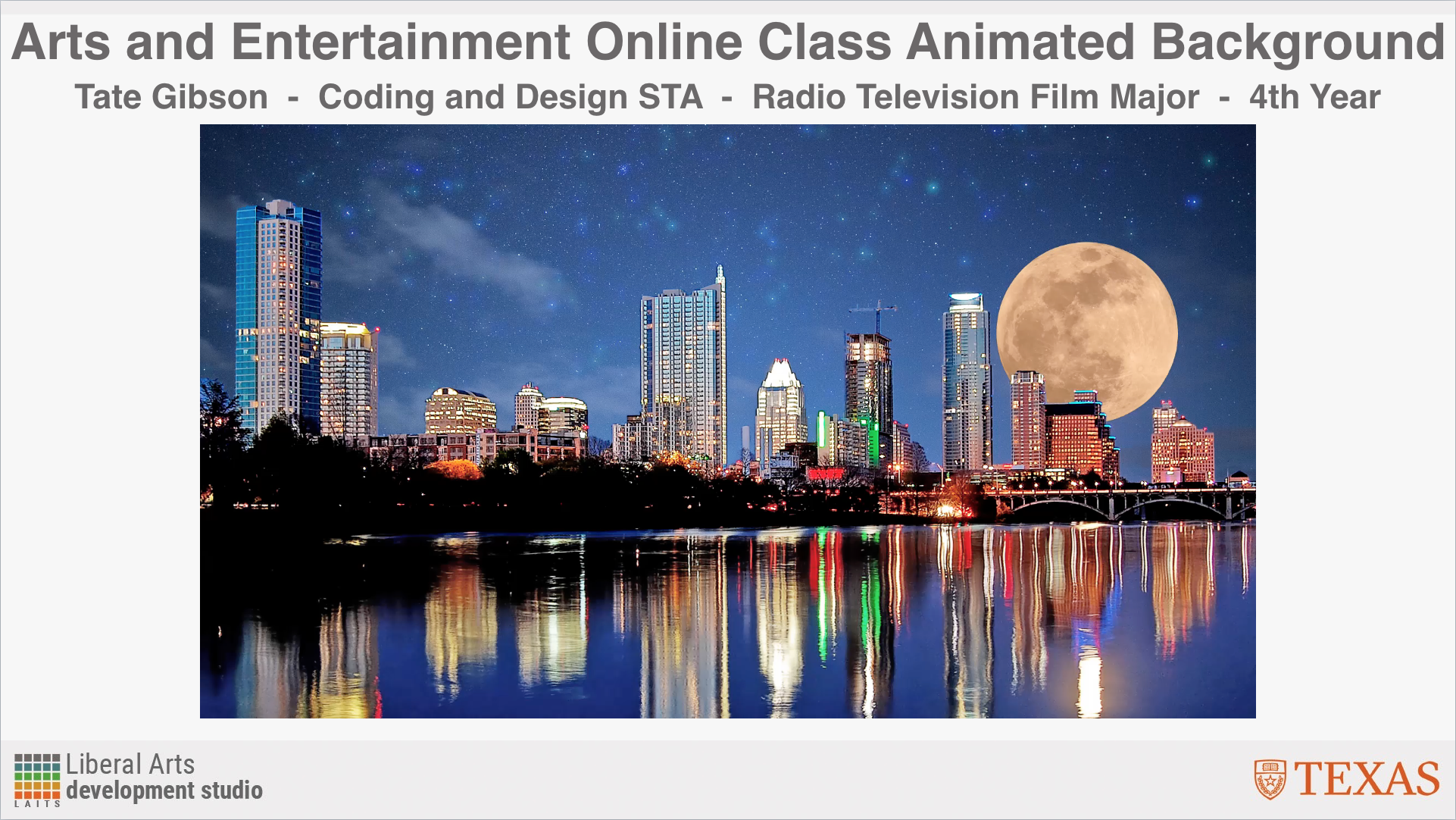
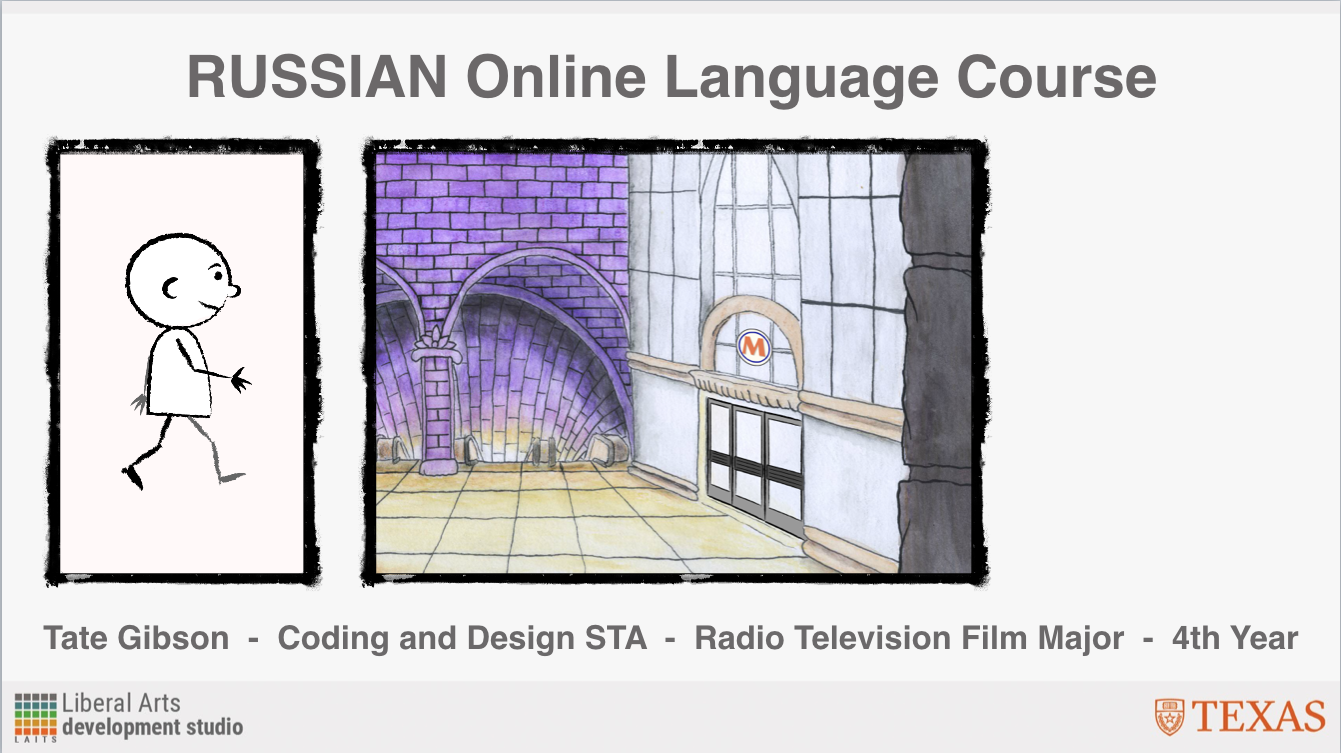
My title slide for this presentation still needs some development. Instead of multiple pictures on the slide I am going to make the subway entrance backdrop larger and incorporate a green screen photo of myself with some of the Animation characters.


Filed Under: Uncategorized

STA Presentation Progress

April 3, 2018 By Tate Gibson

STA Presentation Progress

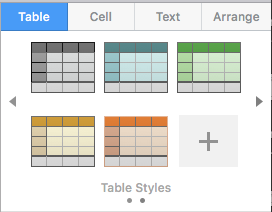
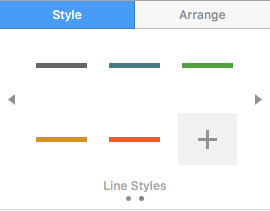
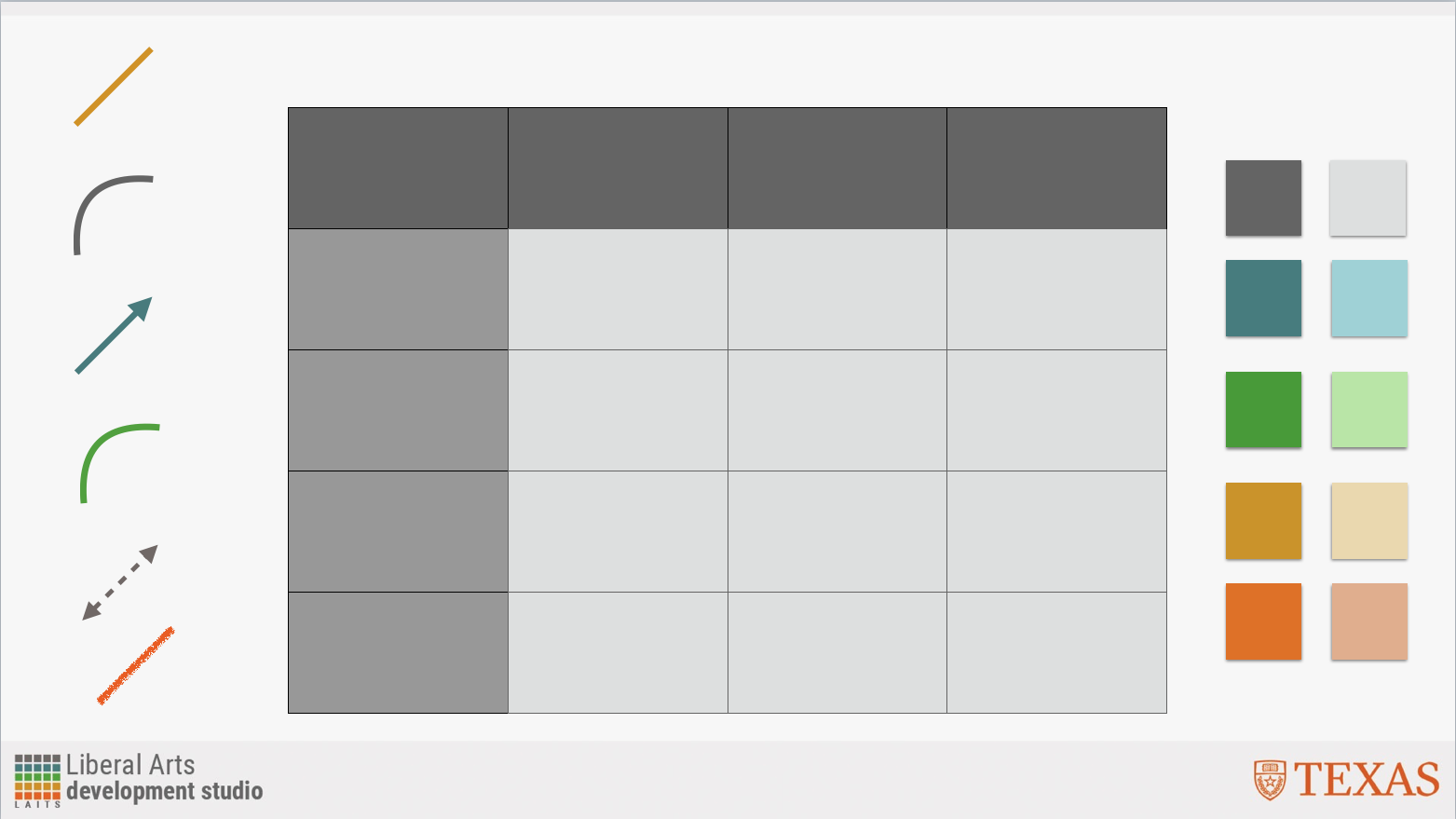
I’ve mainly been working on preparing for the STA presentation set for April 20th since last posting on the blog. I was first tasked with establishing the Keynote template that every STA will use for their presentation. I started by placing the LAITS presentation background that was provided to me onto the background of the “Master Slides” for the Presentation template. I then established a color scheme based of the LAITS color block in the bottom left of the slide and created a number of line, shape and table styles that reflected this color scheme. I even made a tutorial for using Keynote if there were any STAs unfamiliar with the program.

The Base “Master” Slide I was given.
Base Master slide with a stock photo, and the established Text style. There are a number of slides styles that are formatted for this presentation.

Filed Under: Uncategorized

Some Updates from my Weekend

February 27, 2018 By Tate Gibson

Some Updates from my Weekend.

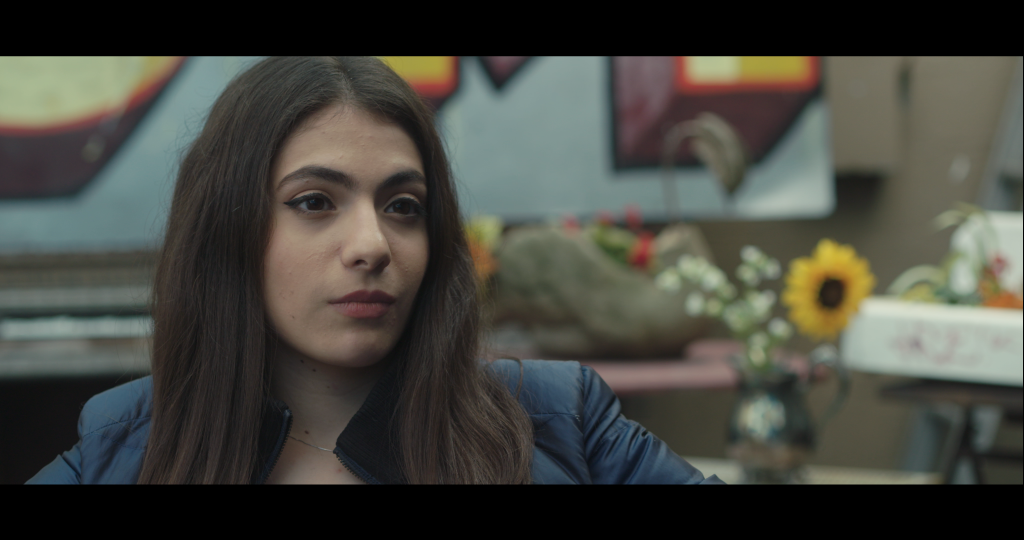
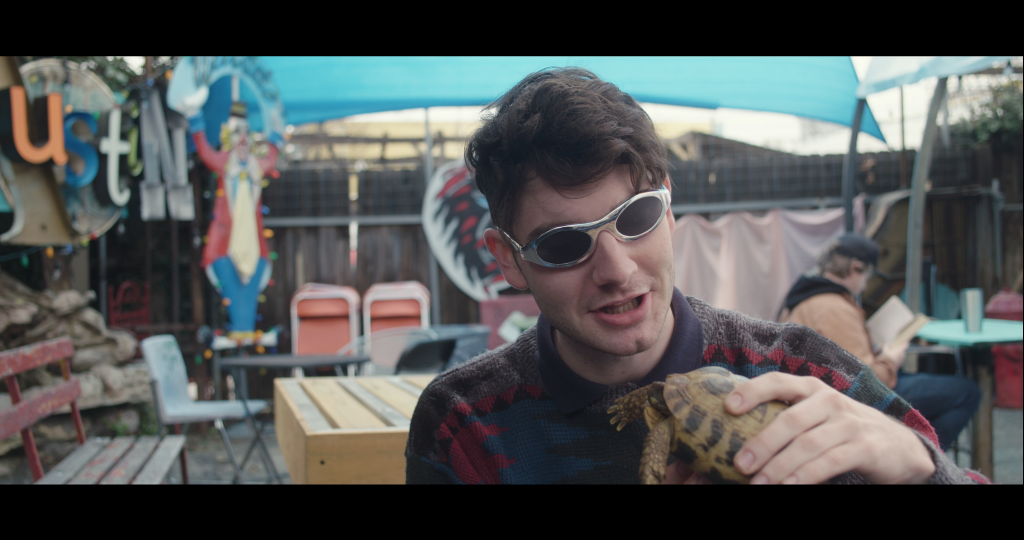
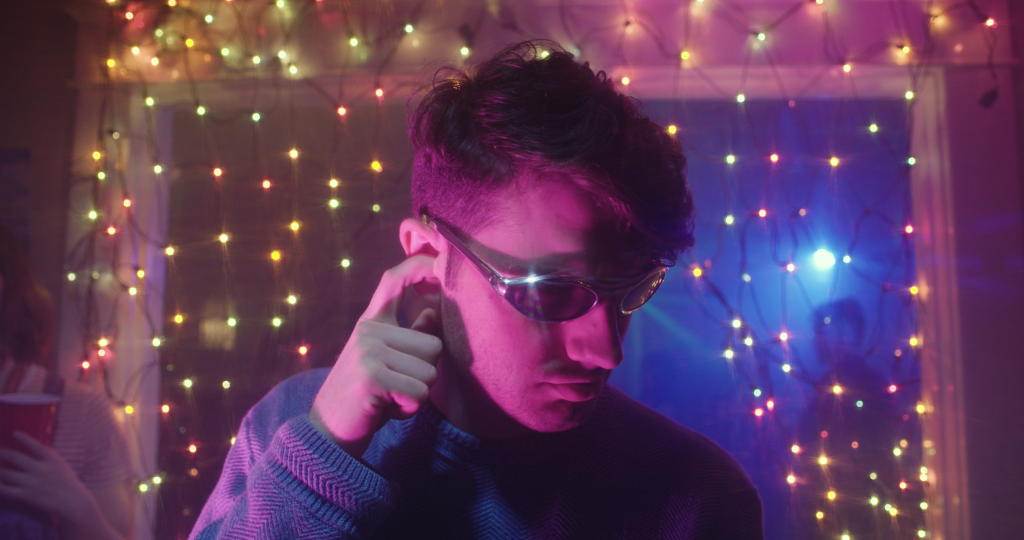
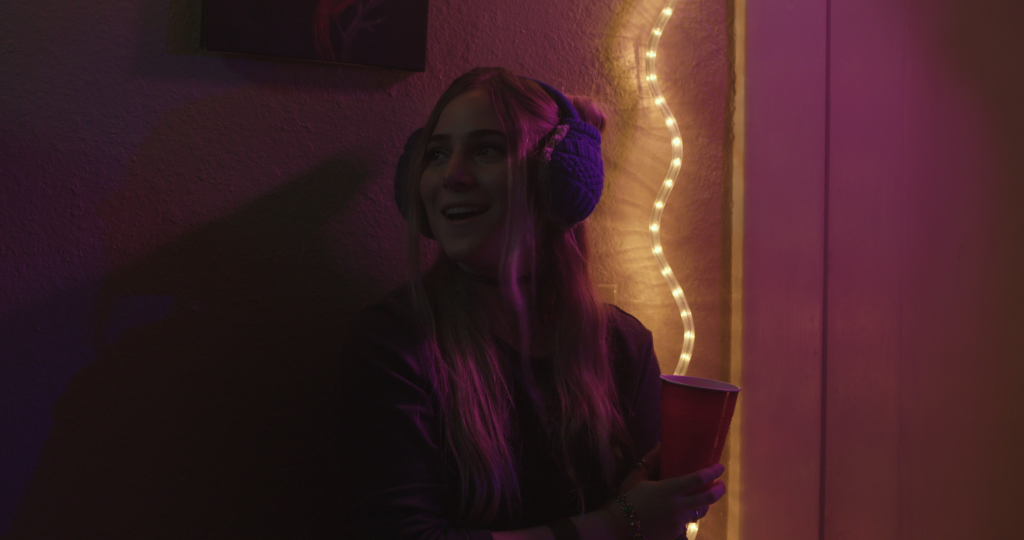
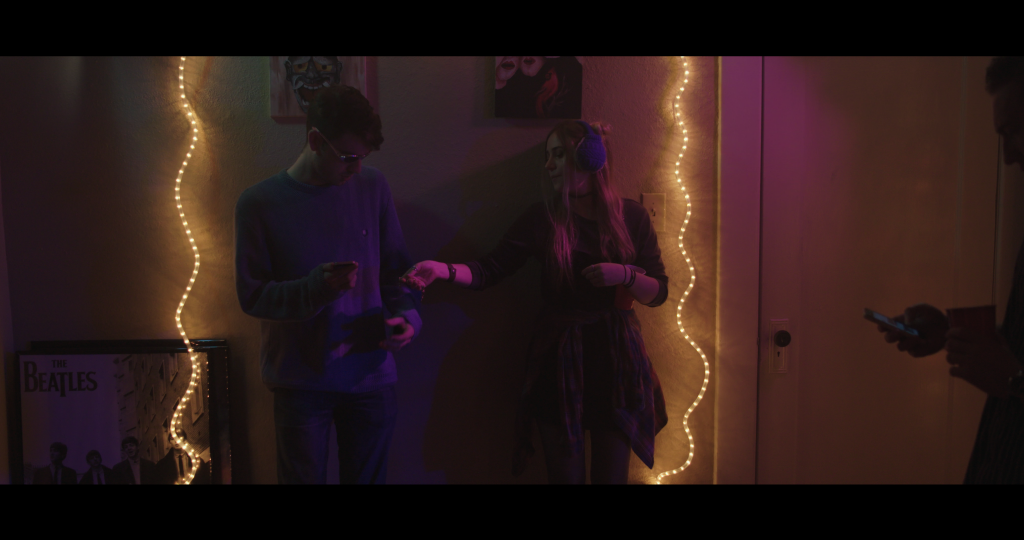
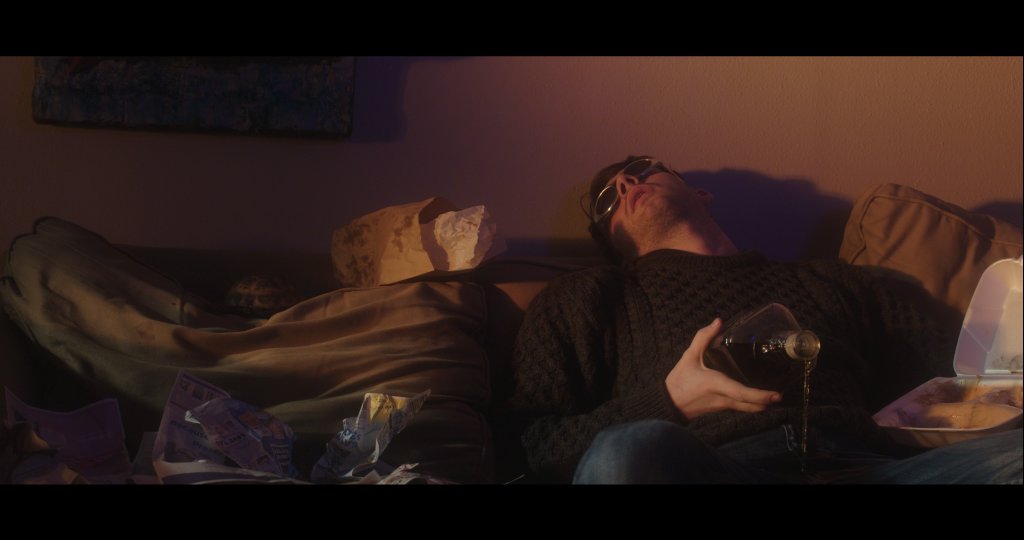
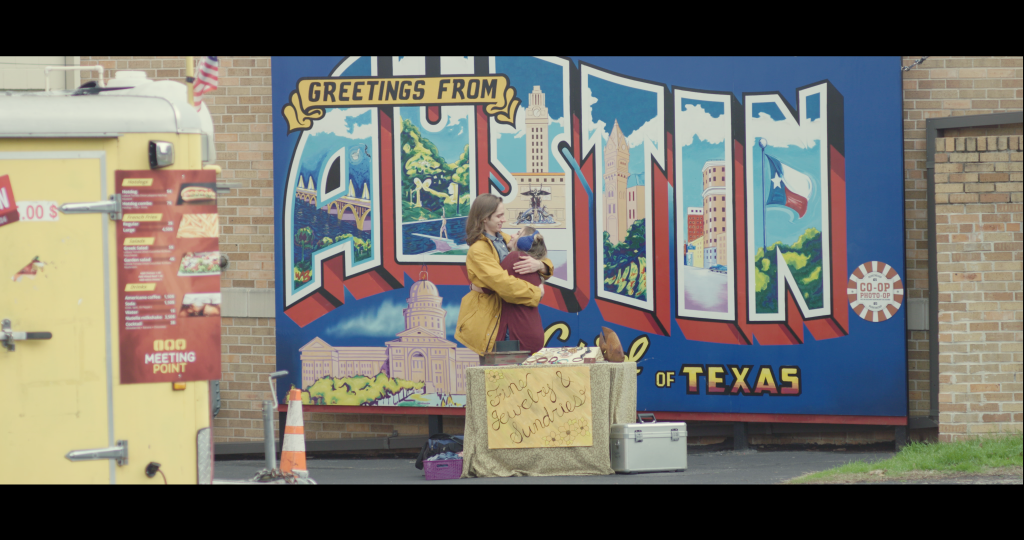
This weekend I worked with director Jared Marxuach, an audio STA at LAITS, on his thesis RTF narrative film project, “Gregory”, serving as the production designer. This wasn’t a LAITS related shoot, but it was a super fun set, where I was given a lot of creative freedom and got to work with some great people, so I’m sharing some stills of some of my set design set ups from the shoot!

Set up some flowers behind Reeba for this scene to reflect Gregory’s idealistic view of her.
Behind Gregory, the frame is messy with nicknacks like cloth and lights and a clown to reflect Gregory’s personality.
The camera team constructed an elaborate dolly move that Gregory rides on here, so that it looks like he’s unnaturally floating through the party. We used lights in the doorway to create a “barrier” that Gregory floats through.
Really loved the effect of the rope light for this shot!
A wider shot of the moment between Gregory and Juniper at the party.
An image from the montage where Gregory’s life starts to fall apart.
My little cameo in the film! This was a little jewelry stand I set up at the food trucks near campus that my “girlfriend” in the film works at.

Filed Under: Uncategorized

Creating the “Russian Subway” Set for RUS407 animations

February 21, 2018 By Tate Gibson

Creating the “Russian Subway” Set for RUS407 animations

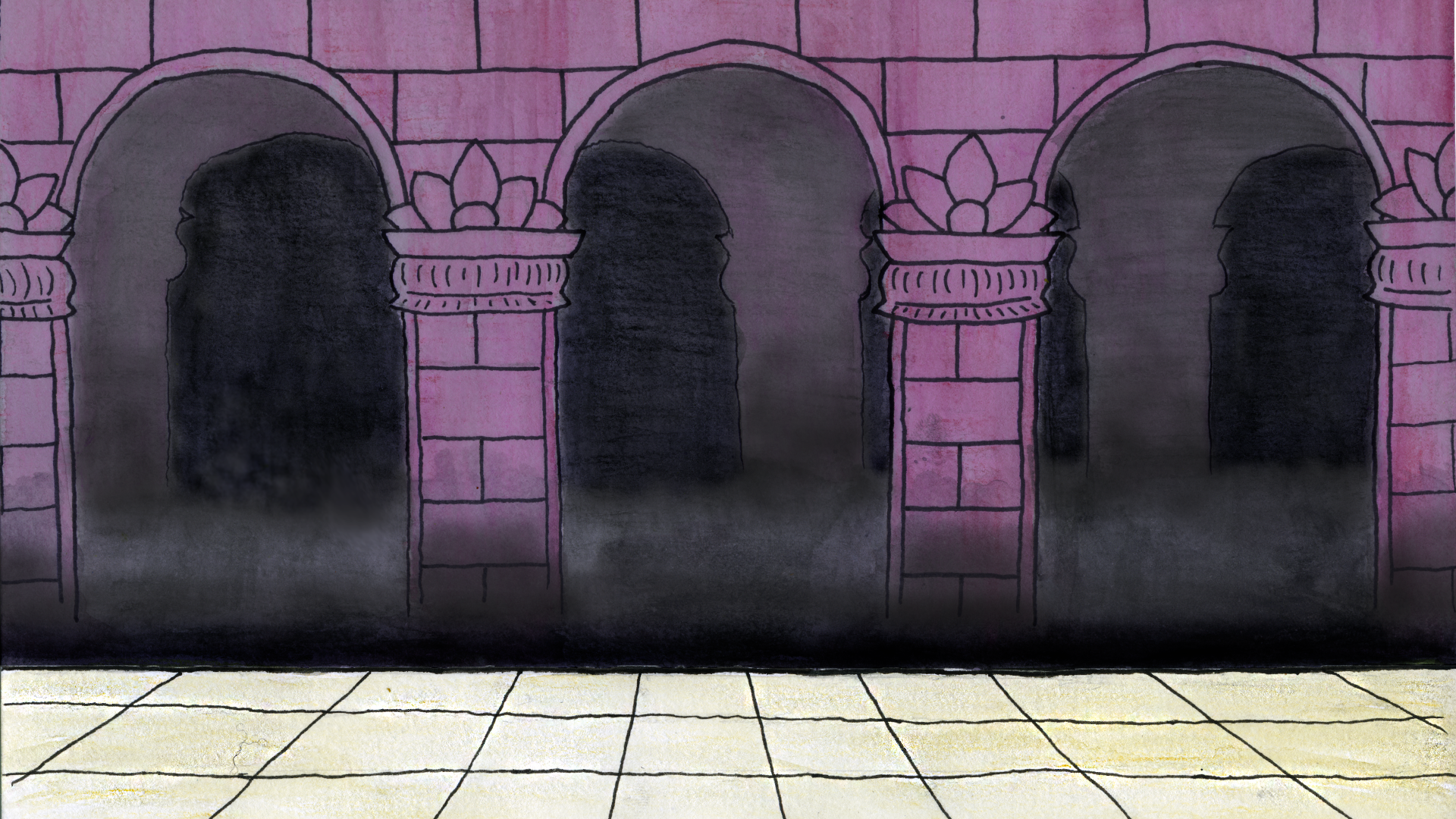
The creation of the “Russian Subway” set definitely yielded my favorite outcome for backgrounds in RUS407 animations. After getting comfortable with set building within Adobe Animate, I wanted to experiment with incorporating hand drawn illustrations with pen, watercolor, and paper into the program as the set design. First I drew the tunnel itself. From my research I saw that many Russian subway tunnels have large archways with ornate designs and big, expansive entrances, which I tried to incorporate in my drawings. After completing the hand drawn picture, I scanned the image into the computer and touched it up in Photoshop, adding shading and contrast to create more depth. Here is a before and after comparison of the original untouched image scan and after I finished touching it up in Photoshop:

After completing this, I exported the image (with the walkway and the back arches on two separate layer) and imported into Adobe Animate and was able to easily add a subway train and some characters:

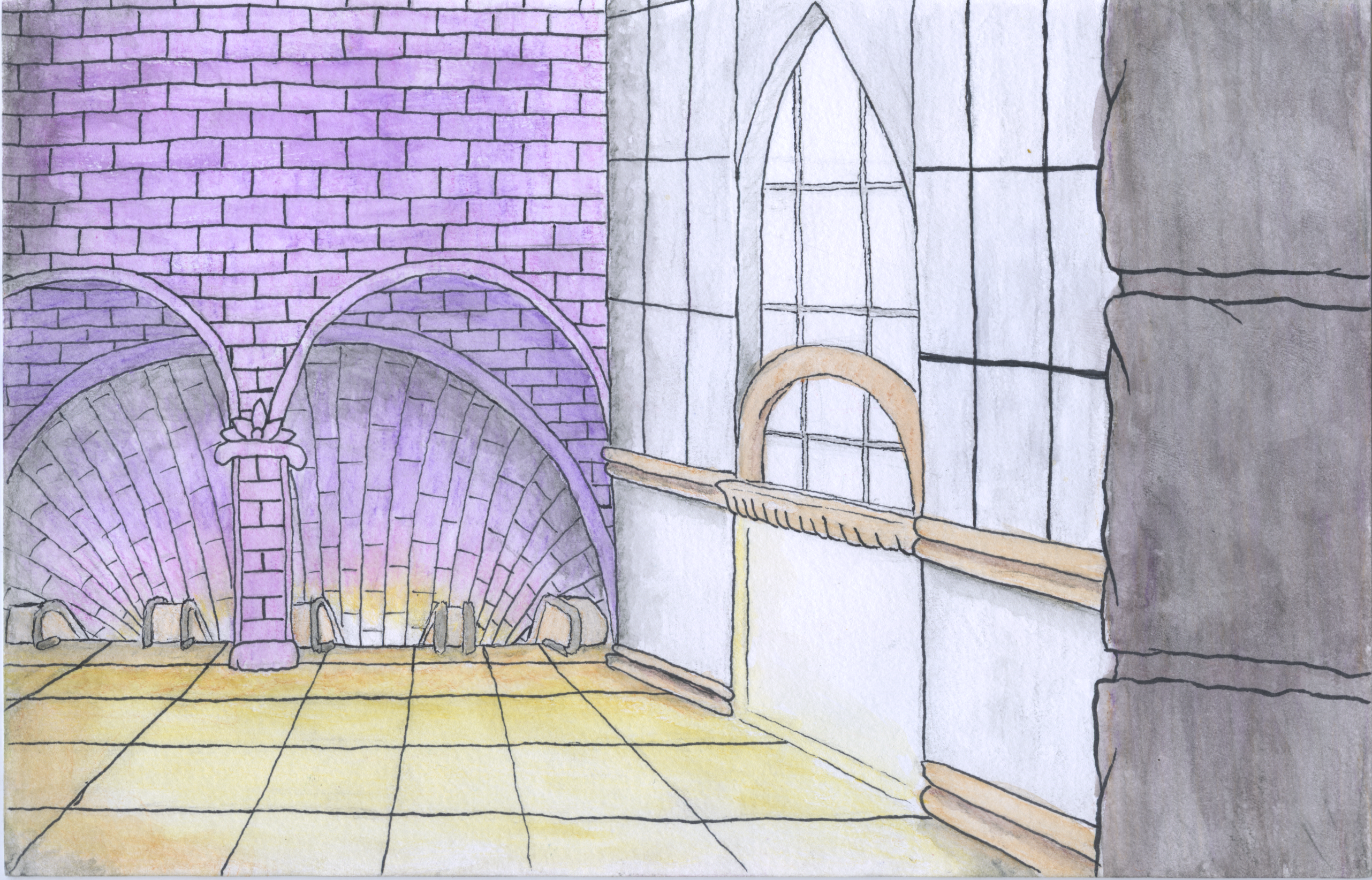
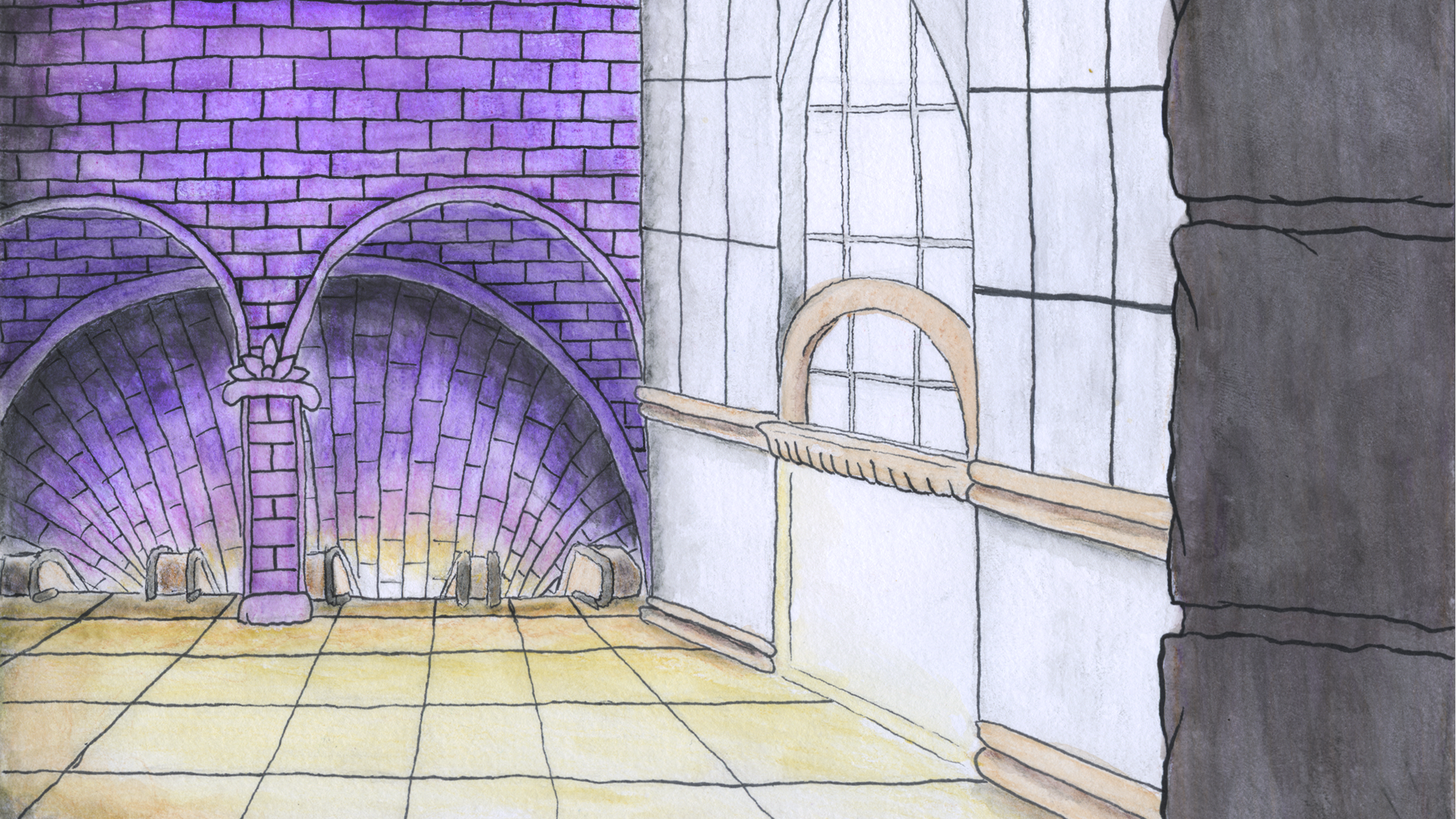
I then followed a very similar process for creating the Interior of the Subway station entrance. With this illustration, I wanted it to have the same feel as the “Tunnel” illustration, but I also wanted the space to feel more expansive and to play with depth more. Here is the before and after of touching up the image in Photoshop:

And after I uploaded the image into Adobe Animate, added details and my character:

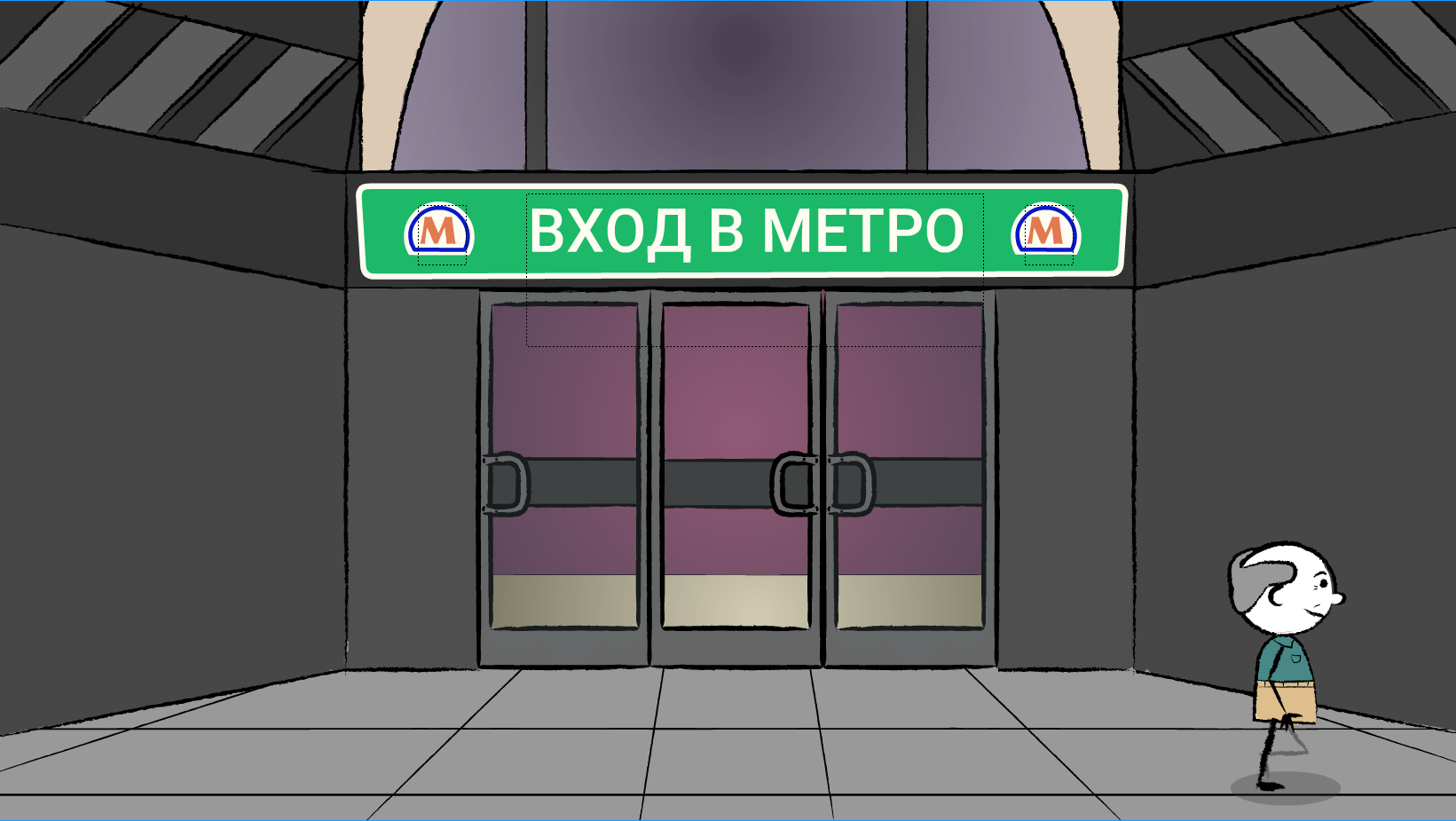
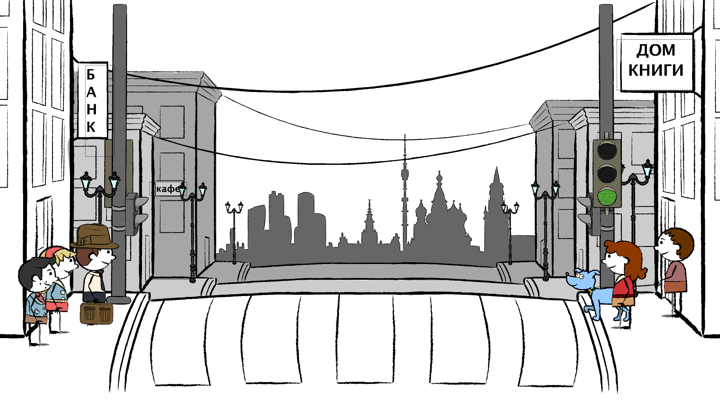
Finally, since I wasn’t entirely sure if these hand drawn backgrounds would match the rest of the backgrounds, I decided for the exterior of the “Subway Entrance”, that I would create this digitally in the animation program, just matching the hand drawn illustration as best as I could:

I ultimately LOVE the feel the hand drawn backgrounds provide, and would be very interested in continuing this style in future animations.

Filed Under: Uncategorized

Creating the “Street” Set for RUS407 animations

February 21, 2018 By Tate Gibson

Creating the “Street” Set for RUS407 animations

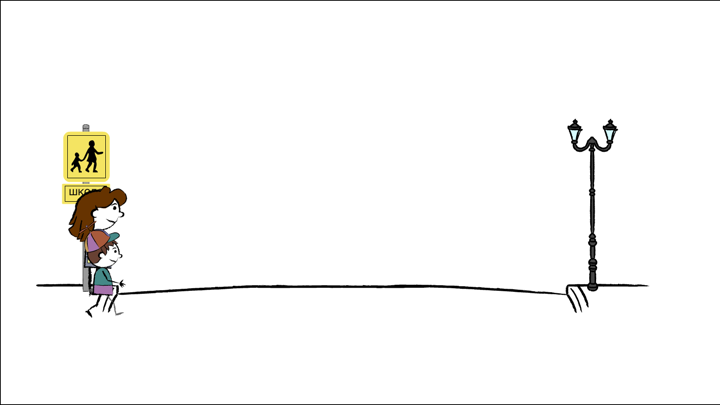
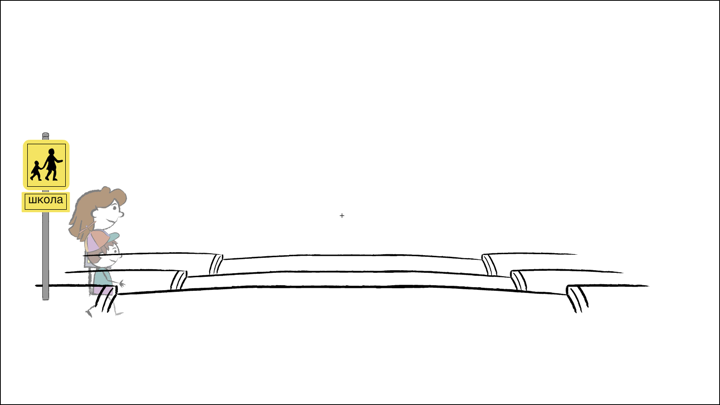
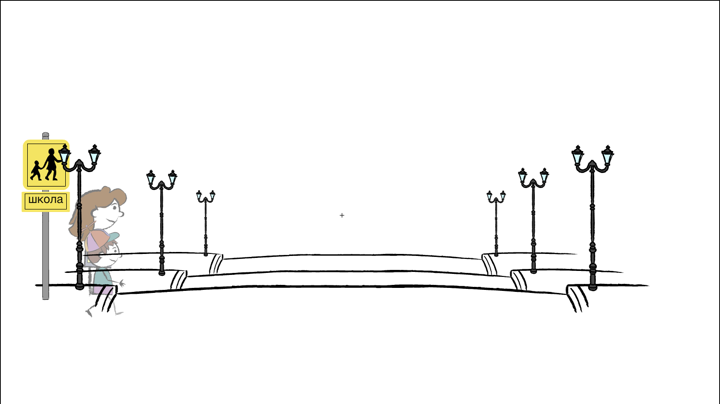
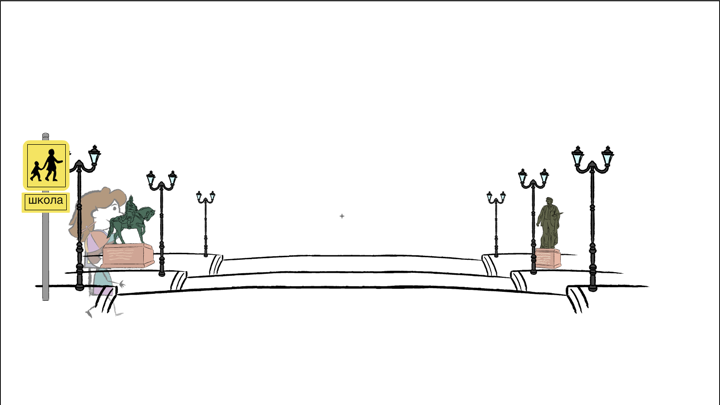
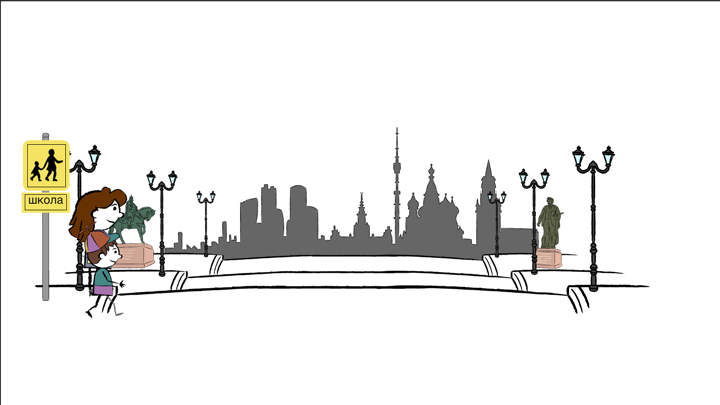
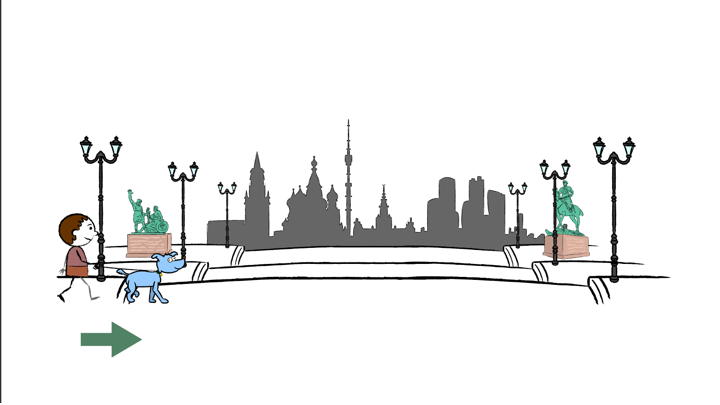
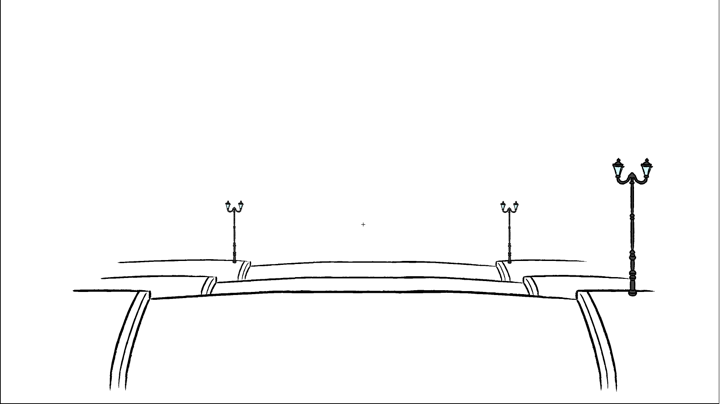
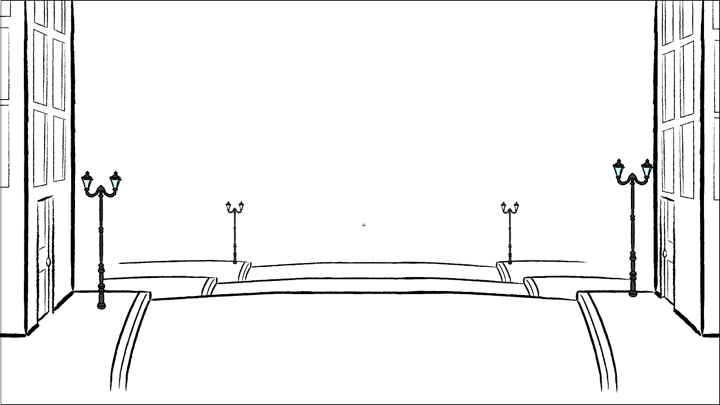
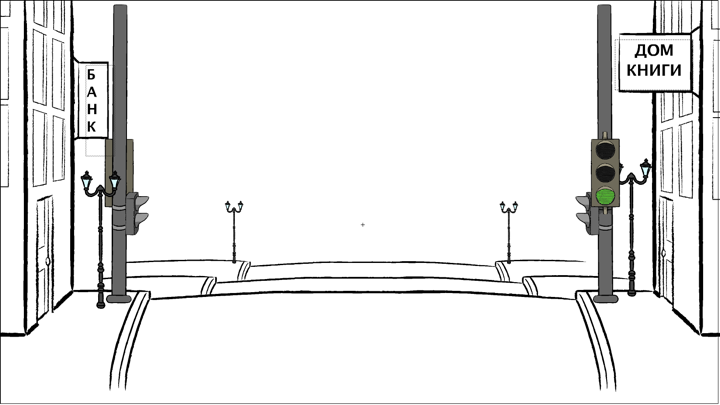
The “Street Set” went through many iterations as I progressed in the RUS407 animations. With many animations for this project, I would complete the bare minimum for the animation to be “finished”, and then come back, sometimes as much as a month or two later, and add more details. The slideshow below outlines this process:

  • I started with the bare minimum I felt was needed to portray the action described: "a mom walking her child to school (one direction)"
  • I decided I wanted more depth, so I added two more "hills" of road behind the first.
  • With that depth I added a little more detail, having rows of street lights getting smaller in the distance.
  • After talking with Dr. Rice about some of the animations, we agreed that it would be nice to have some icons to make the street more "Russian" and I started with some statues that are in Moscow.
  • I then added a final layer of the Moscow skyline for these animations.
  • I applied this same tactic with this animation as well, flipping the skyline image and adding different statues.

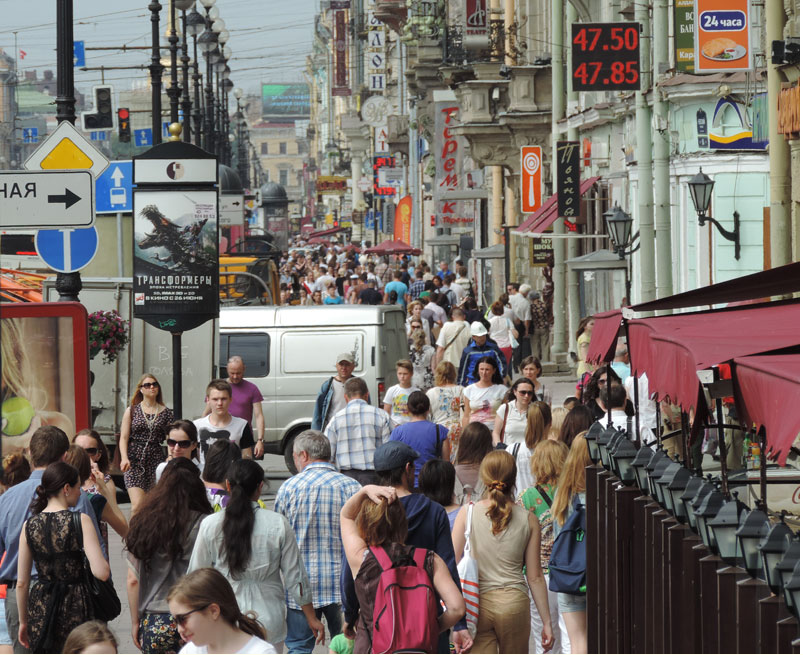
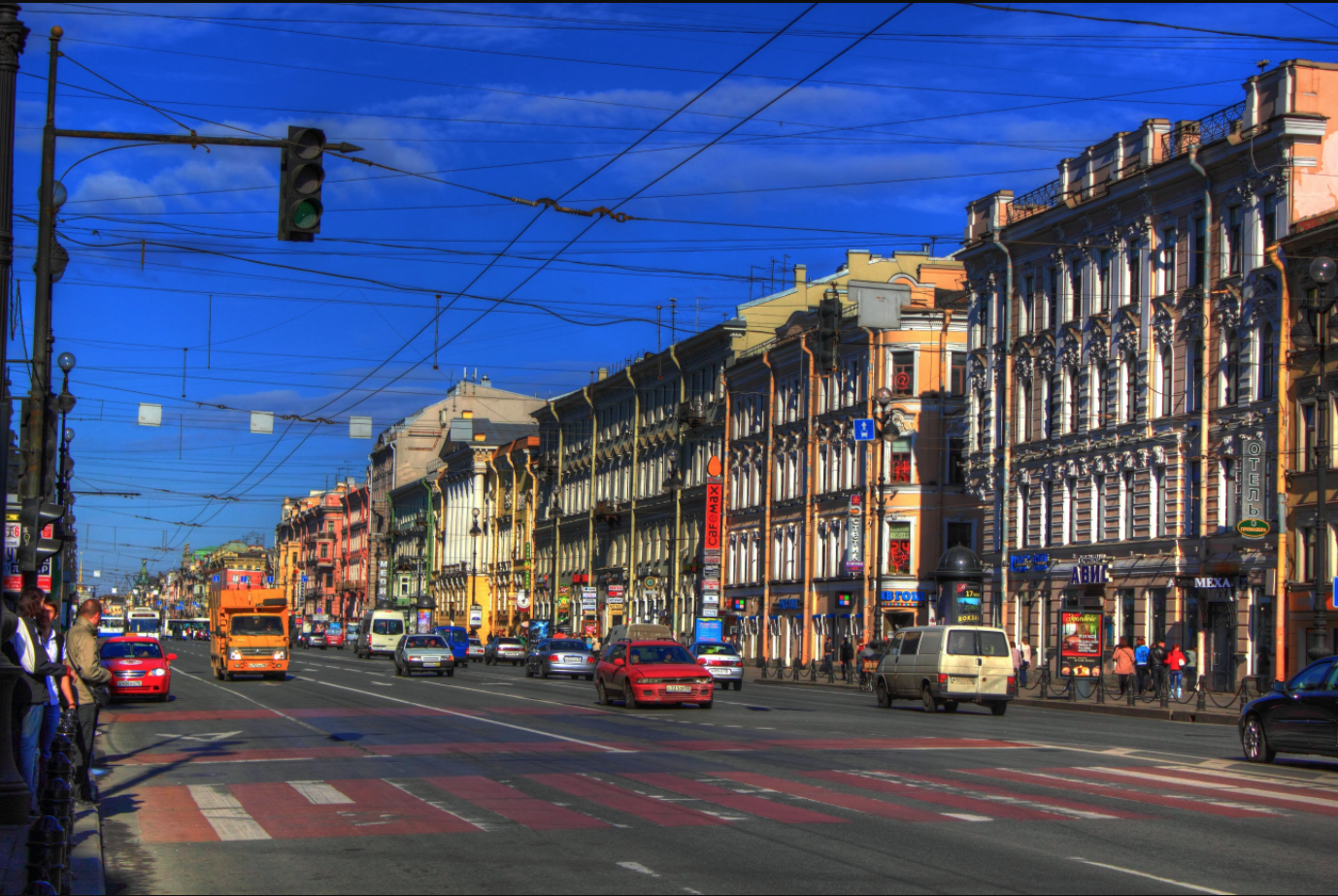
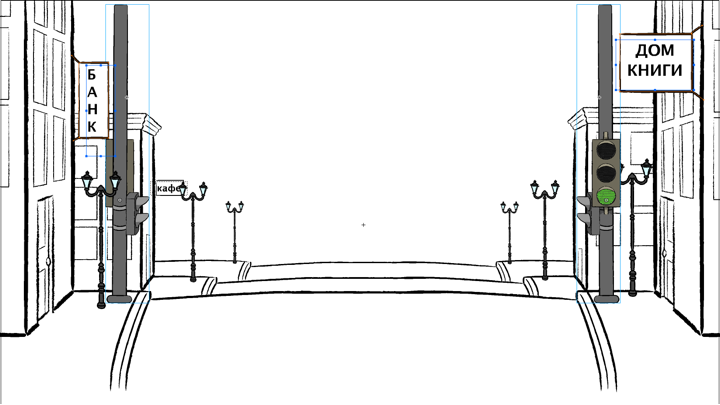
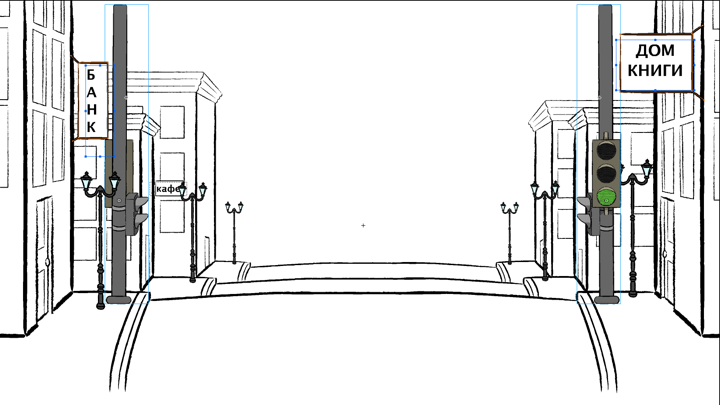
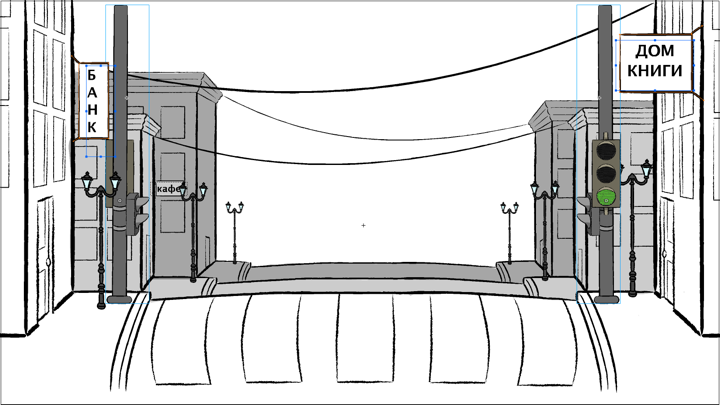
For the “Crosswalk” animation that came in Unit 11, I wanted to match the street a little more to what a city street might look like in Moscow. I used some images that Dr. Rice provided to as inspiration:

I added buildings, shading and detail to the animation, I think to successful effects. This slideshow breaks down this process:
Filed Under: Uncategorized

Creating the Cafe (кафе) Set for RUS407 Animations

February 21, 2018 By Tate Gibson

Creating the Cafe (кафе) Set for RUS407 Animations

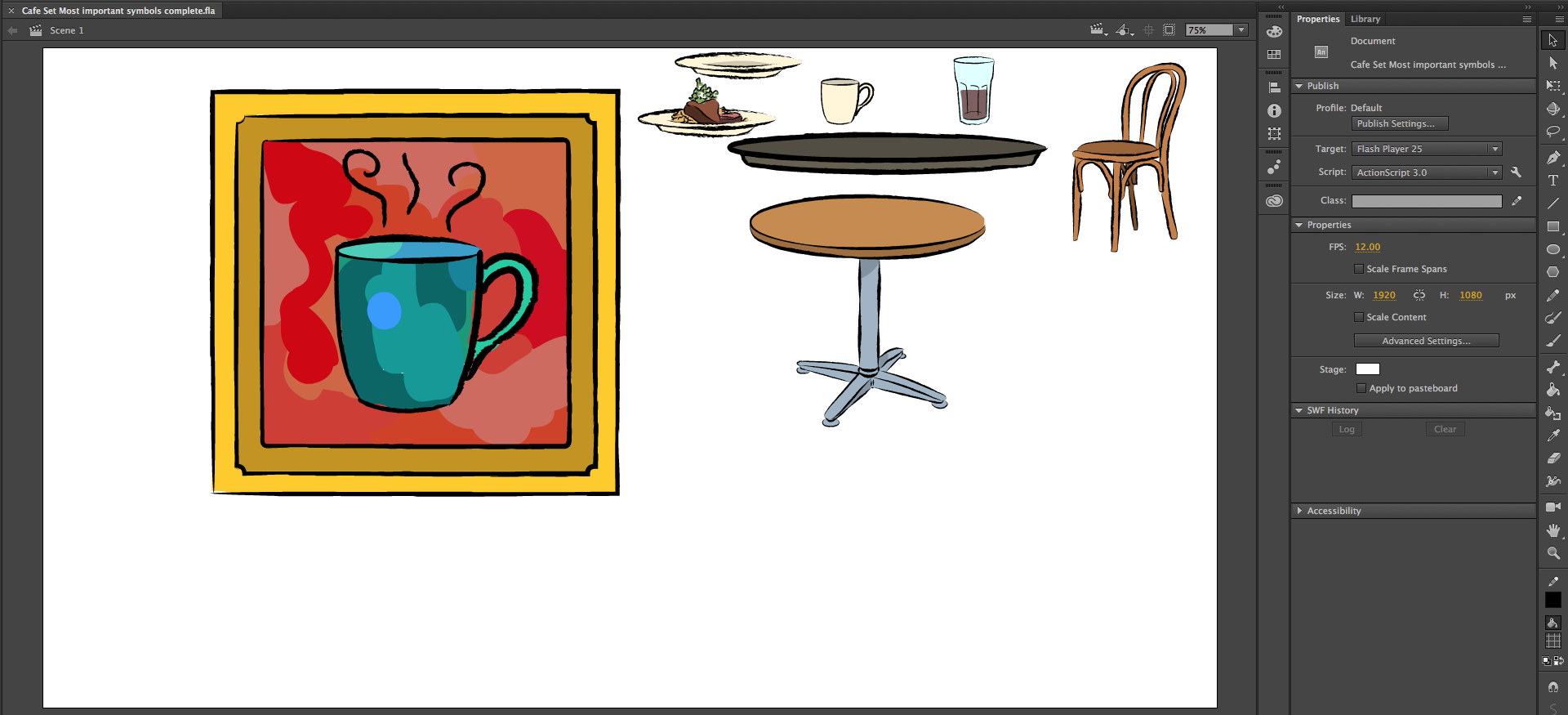
The Cafe set was the first set I created for the RUS407 animations. Since my previous set building with Adobe Animate was pretty limited, I wanted to keep things pretty simple, focusing on important icons to make up a Cafe. First, I made a list of the most important items I knew I’d need for the cafe set and drew those: 
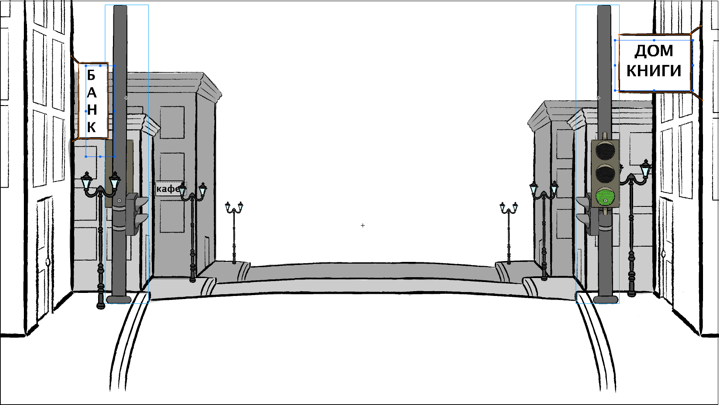
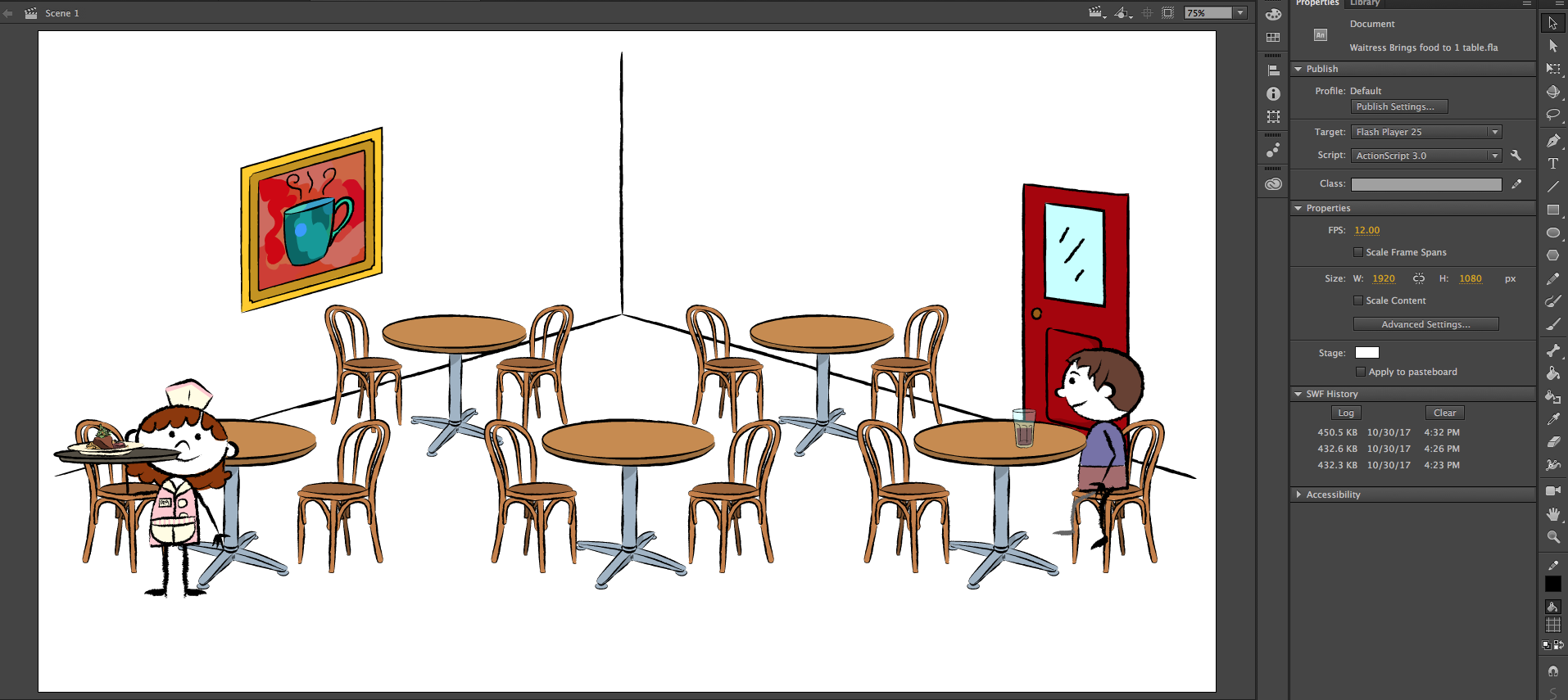
I then took these symbols and pieced together a simple “Cafe” set:


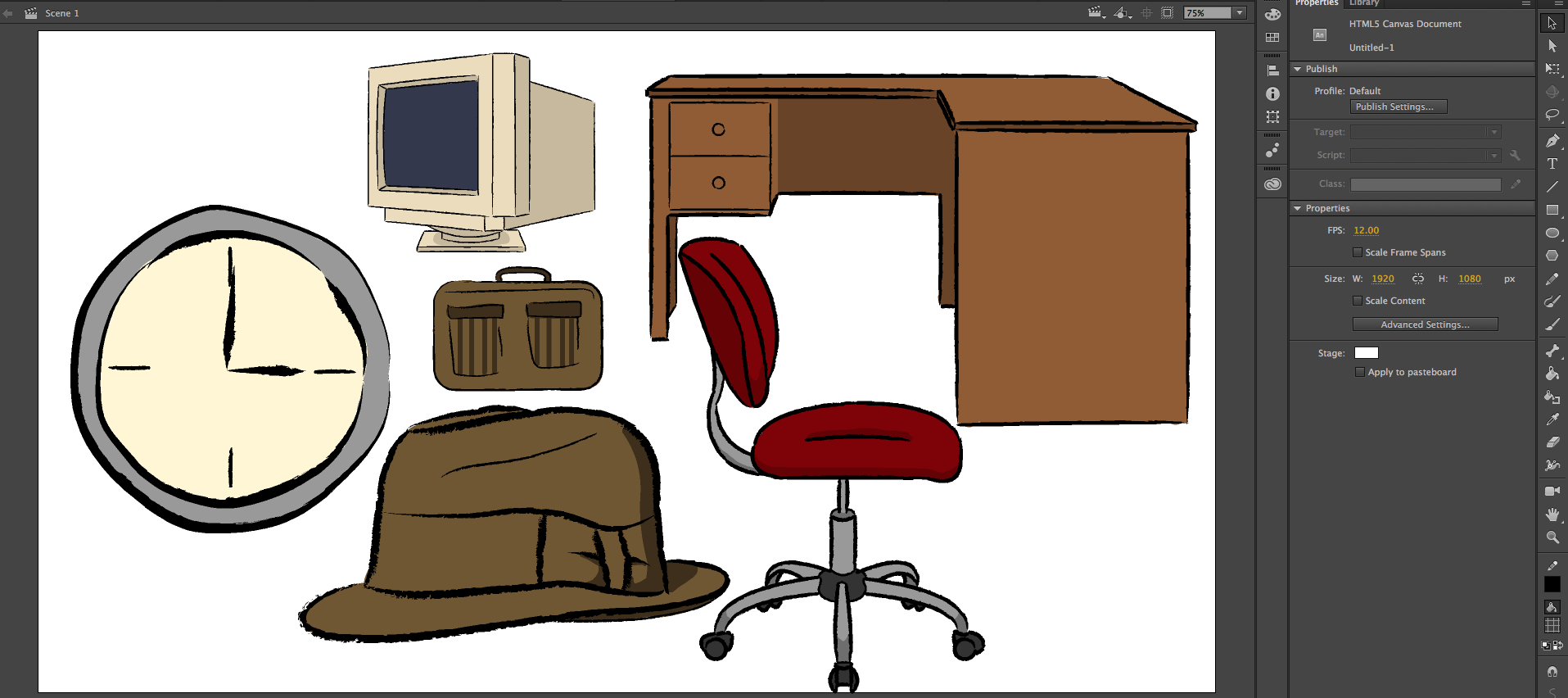
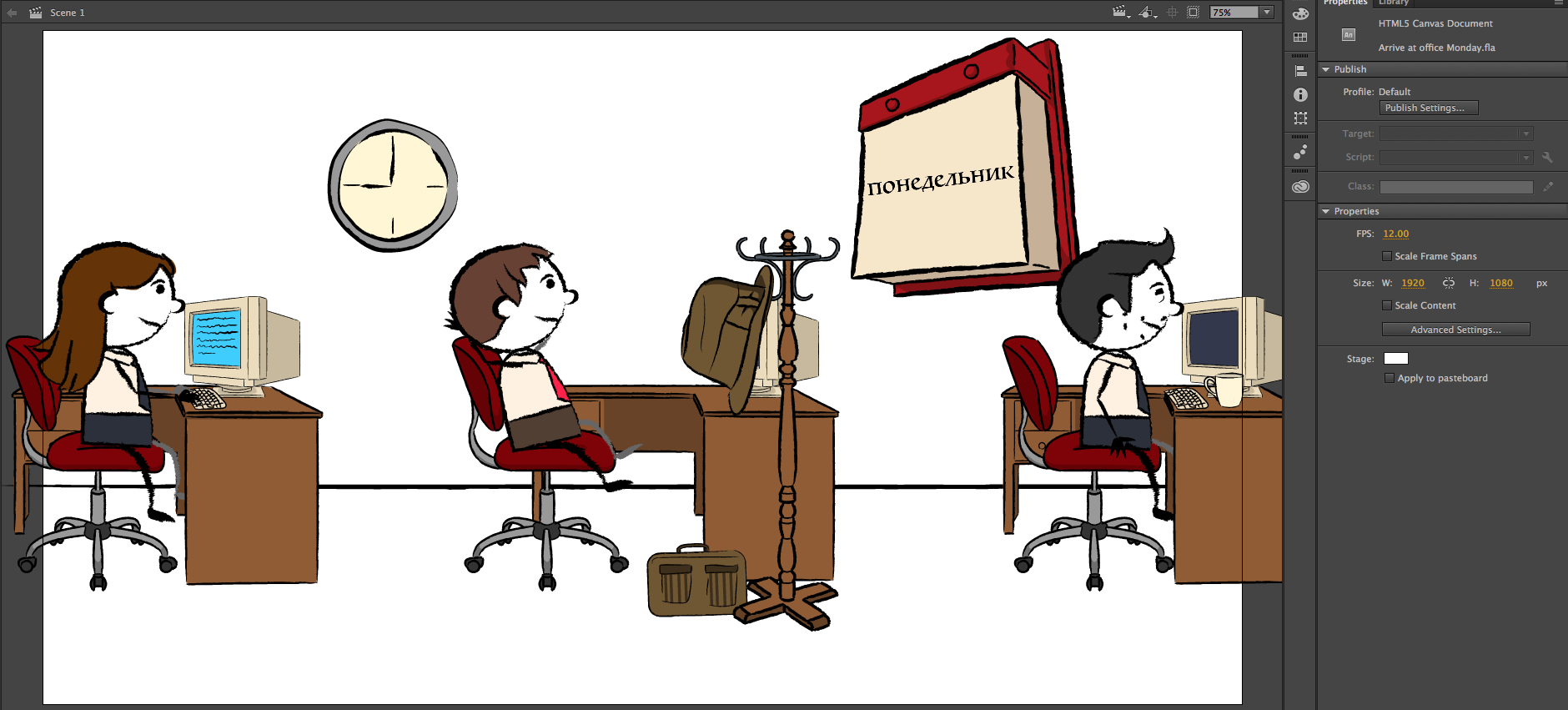
I also followed a similar process for the creation of the “Office” set, seen below:

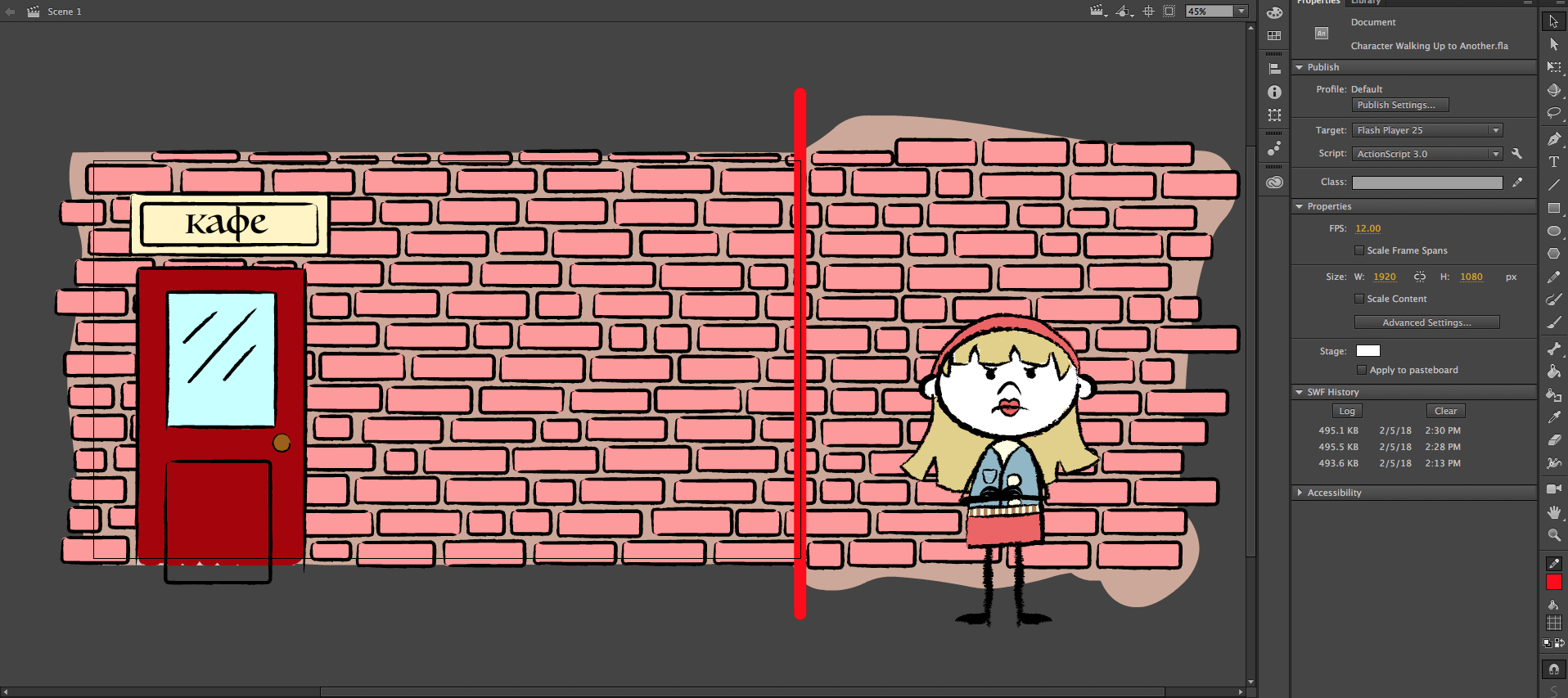
Later, I was able to expand the “Cafe” set to outside the front door for an animation in Unit 11. I started with creating a brick wall, the front door and a sign above it. As you can see, I made the brick wall longer than the 1080×1920 frame (seen by the red line), so that the “camera” can pan over to the girl standing angrily:

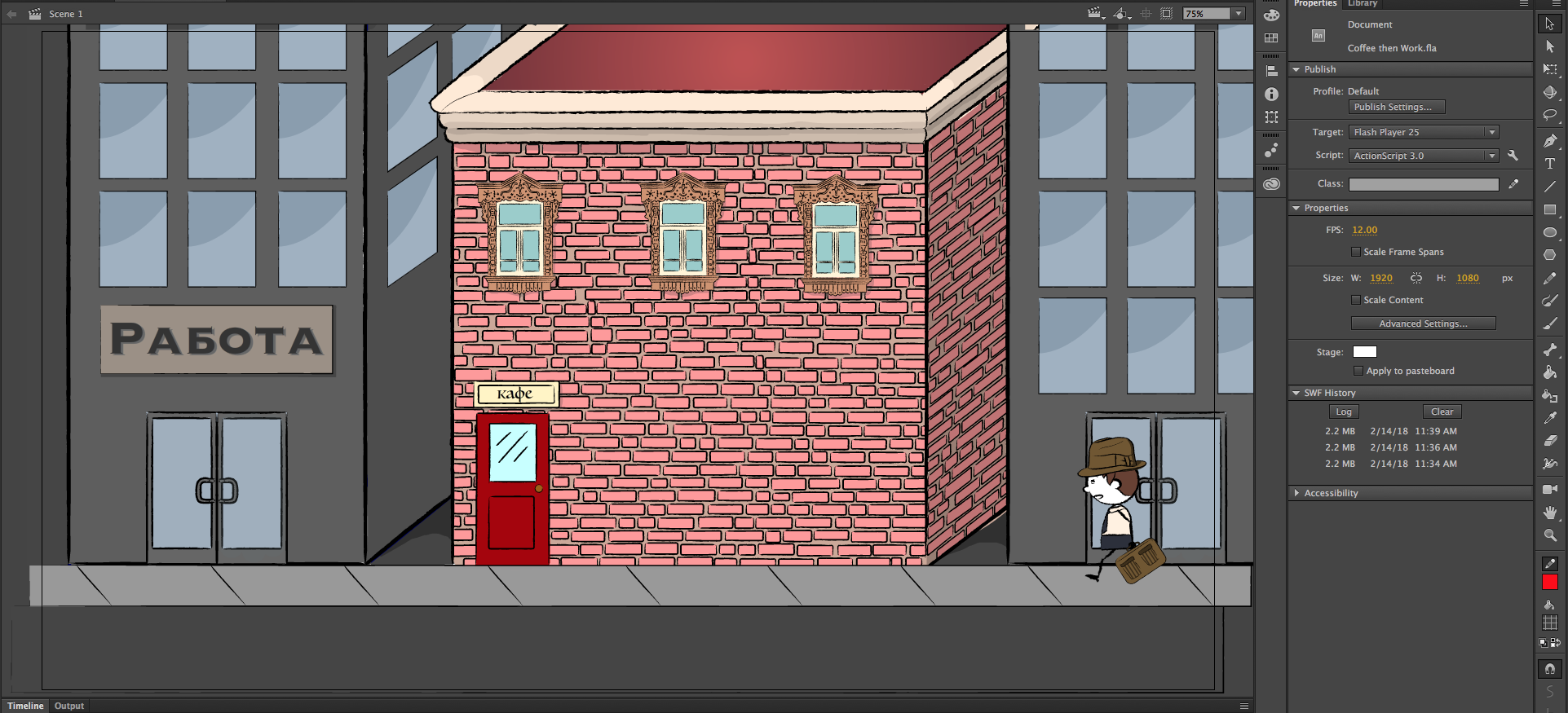
Finally, for an another animation after that, I expanded the “Cafe” set to include the buildings next to it and some of the street, adding more brick and some ornate Russian window frames that I had already drawn:

The “Cafe” set proved to be very conducive to me gradually adding more complexity to the RUS407 animations as I became more comfortable with the program and the workflow!

Filed Under: Uncategorized

  • « Previous Page
  • 1
  • …
  • 7
  • 8
  • 9
  • 10
  • 11
  • …
  • 13
  • Next Page »

link to LAITS home page

Video STA Home

© 2025 Liberal Arts Instructional Technology Services | Production Credits