• We are STAs
    • Asha Rountree
    • Haley Ma
    • Kate Shih
    • Kyra Lee
    • Nicholas Peasley
    • Sasha Kenney
    • Shanda Horm
    • Shriya Atreya
    • Tomas Marulanda-Mesa
  • We were STAs
  • STA Presentation
    • STA Presentation 2017
    • STA Presentation 2016
  • Testimonials
  • Resources
  • Home

STA Blog

Abriella Corker

Abriella Corker

PHOTOSHOP TIPS: KB INSTRUCTIONS

August 27, 2019 By Abriella Corker

PHOTOSHOP TIPS: KB INSTRUCTIONS

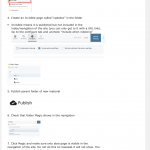
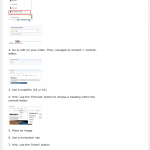
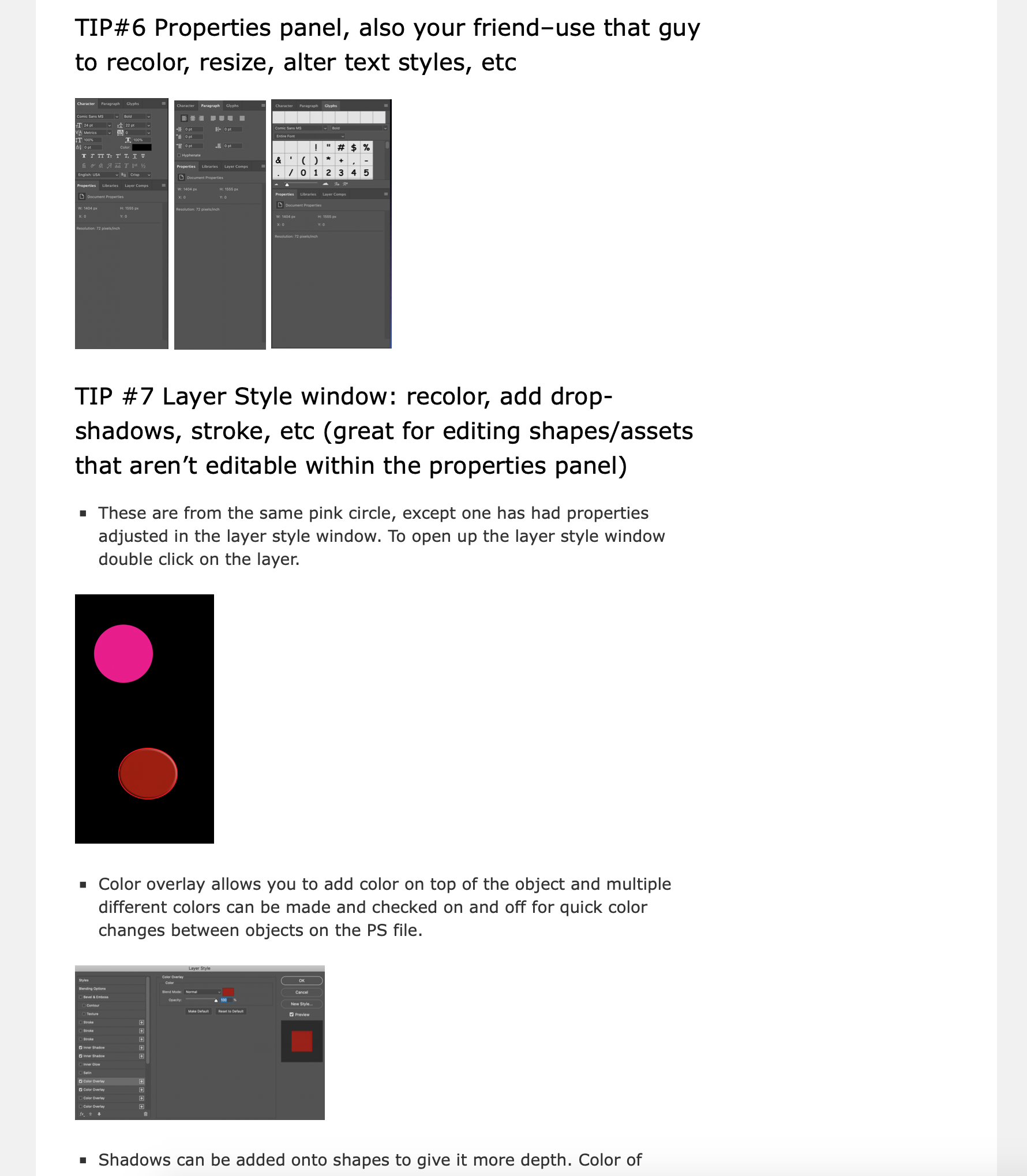
Bridget had me make a photoshop quick tip page in the KB editor. I added images and supplemental material for the main tips she had sent to me. As time goes on each of these steps will probably have their own in-depth sections with lots of useful information and examples of various ways to use them.

 

Filed Under: Uncategorized

KB INSTRUCTIONS: CREATING YOUR OWN CASCADE SITE

August 21, 2019 By Abriella Corker

KB INSTRUCTIONS: CREATING YOUR OWN CASCADE SITE

More on my notes in the basecamp assignment of what I did:

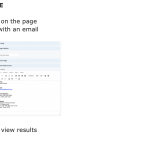
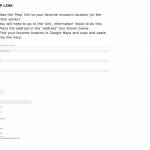
I added more photos because I find them to be of tremendous help in locating where things are in an unfamiliar site. The broken images are removed and I added supplementary tips and texts.
For every step that required a photo to be uploaded I put it at the beginning of the instructions, so that they don’t start working through it and realize they have to go back to upload something. It made the process less fluid IMO when I was doing this.


Filed Under: Uncategorized

Creating my sta website

August 19, 2019 By Abriella Corker

CREATING MY STA WEBSITE

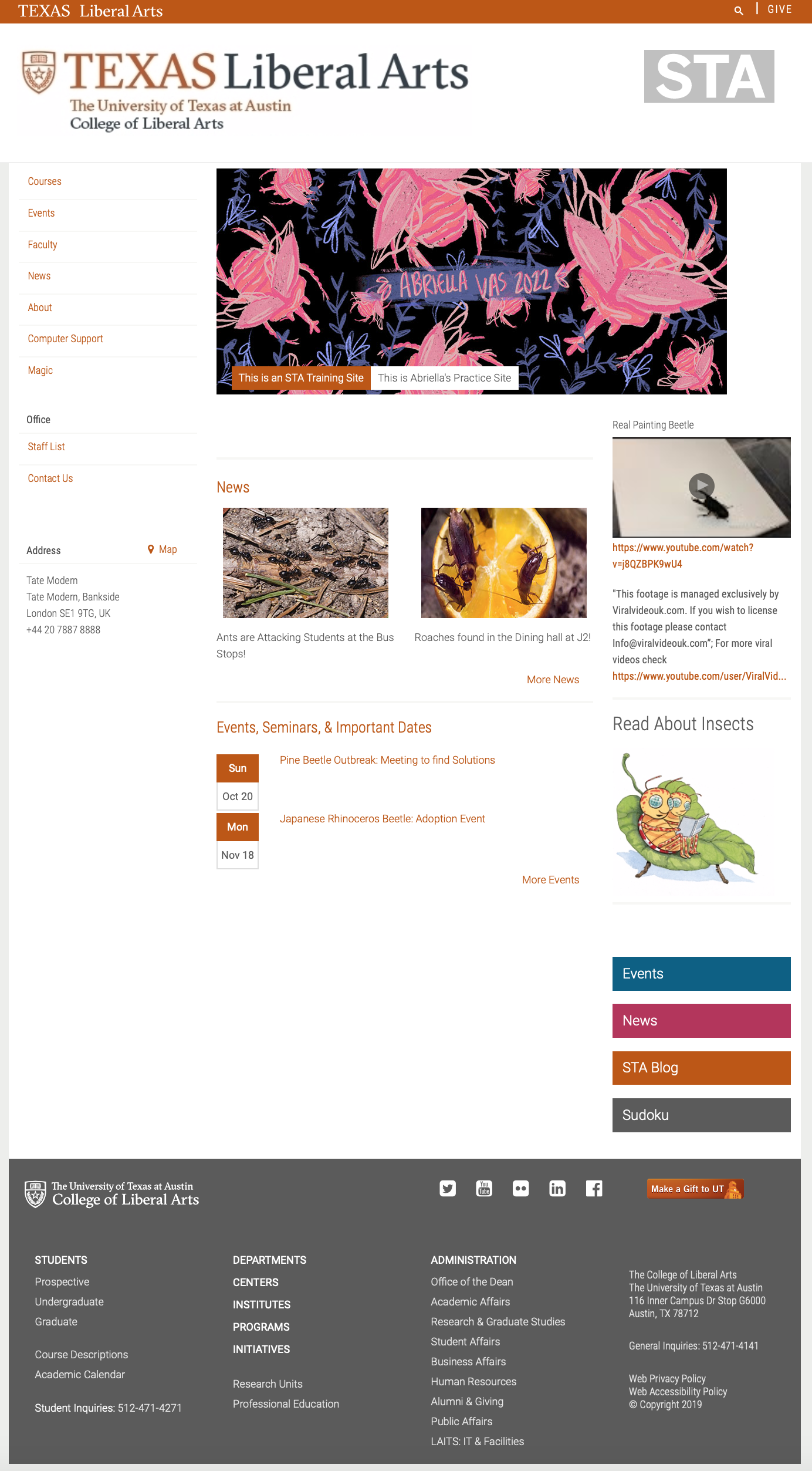
The theme of my website was about insects with a few random link to things I like and my art. I decided to use bugs as the theme because they are a little bit of a hobby for me right now. I like to go out and identify different insects as well as read news articles about them when there are outbreaks or new discoveries. Besides the theme of this, this website was slightly difficult for me to put together because I have never used cascade before, but for being a first time user I think the end product was a success. Some things in this page screenshot is pending to possibly turn into other things as final edits upload and I keep practicing more things on it. The next step is to make edits to the instructional tutorial so new STAs can find it an easier experience to put together. Hopefully those things will be up soon in an upcoming post.


Check it out for yourself: https://liberalarts.utexas.edu/sta-6/index.php


Filed Under: 2018 Fall - 2019 Spring

Basic Training: Green Screen Editing

August 13, 2019 By Abriella Corker

GREEN SCREEN EDITING

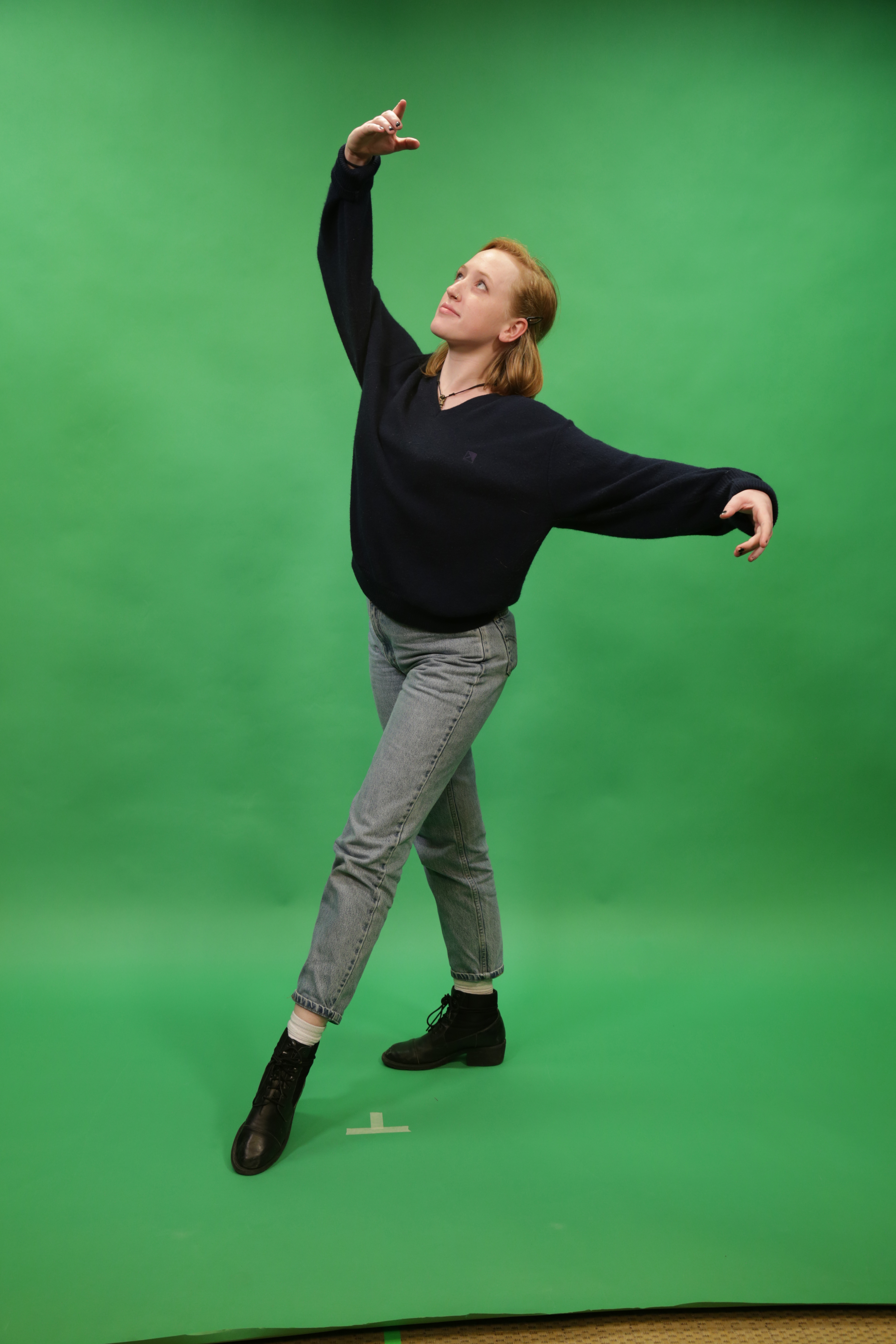
Here is a basic training I just did today with green screen in photoshop. This one was pretty fun to do but the file got lost on me! Got to search for it now. If anything more practice makes perfect.


Filed Under: 2018 Fall - 2019 Spring

Vocabulary Flash Cards

August 13, 2019 By Abriella Corker

Vocabulary Flash Cards 

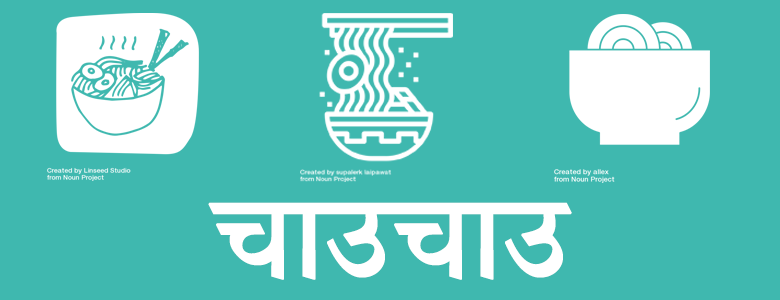
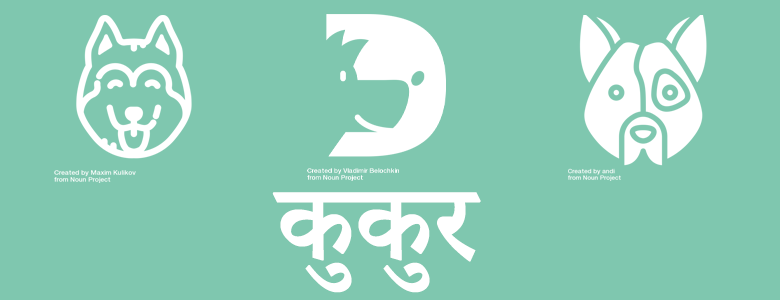
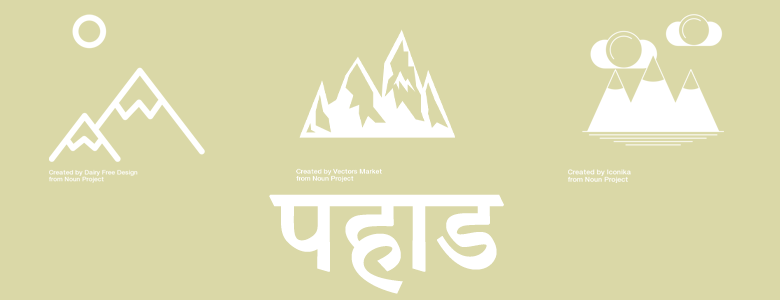
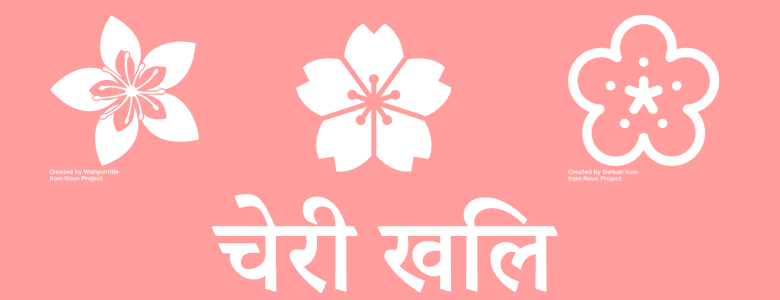
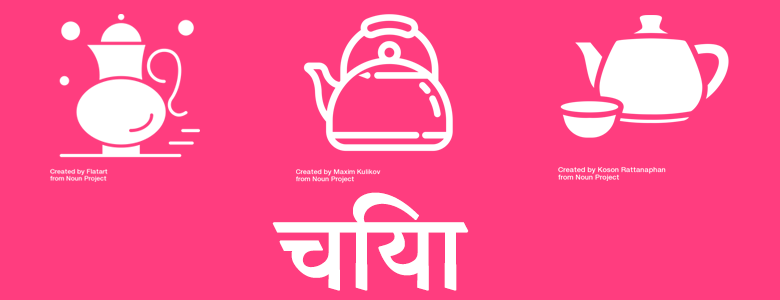
This is another basic training on making a slideshow in WordPress and editing bold graphics in Photoshop. Big thank you to Valerie for helping me figure out where to start with this. The instructions need to be updated on how to insert a slideshow but I’m sure it will be an easy fix I can add on. I Google translated my words to Nepali so sorry if you can understand the language and the translation is a little rough. The assignments provided a resource to look up ready made graphics and then to pair it with a language that doesn’t use the Roman alphabet.

Filed Under: 2018 Fall - 2019 Spring

triple duplicate

August 12, 2019 By Abriella Corker

Triple Duplicate

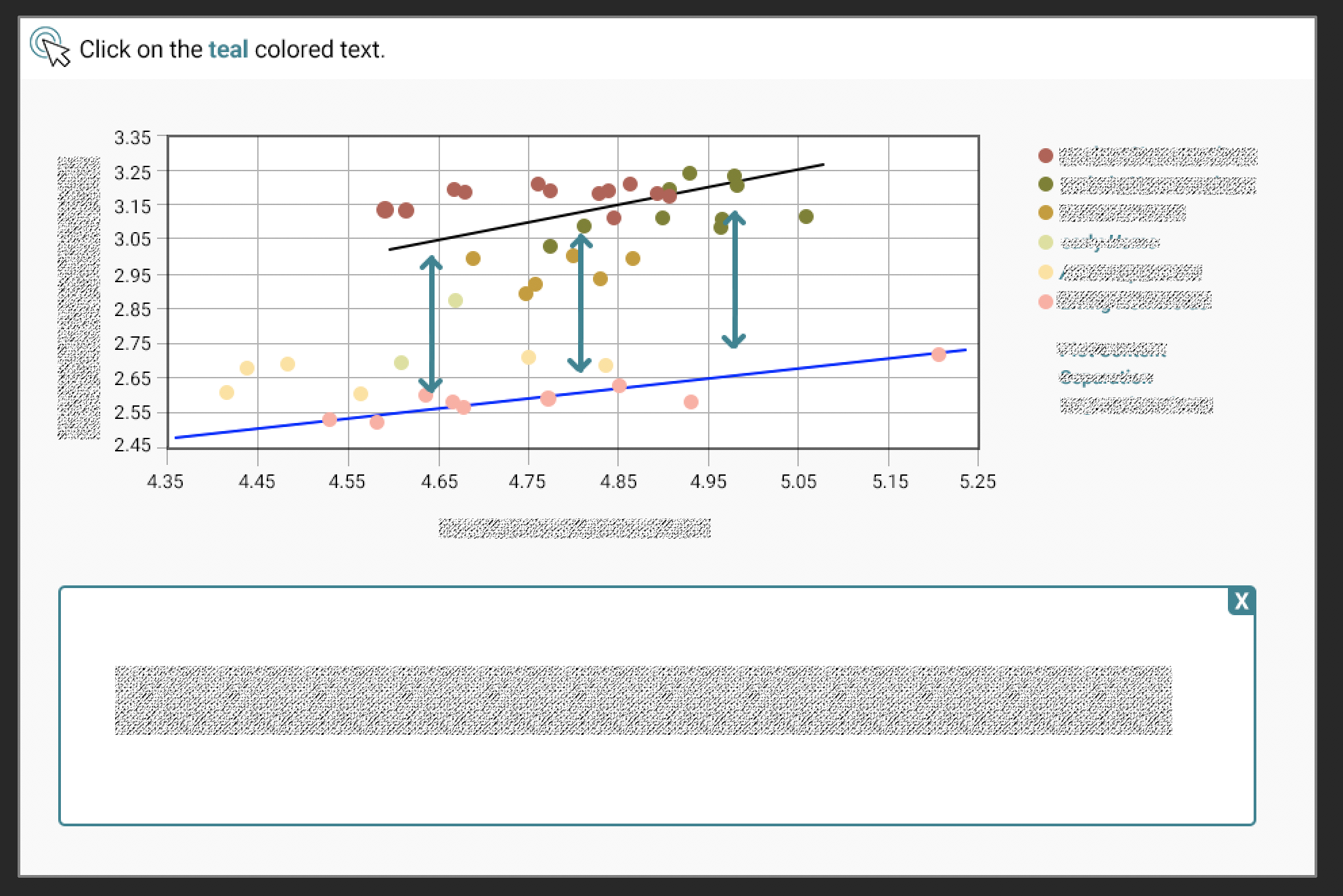
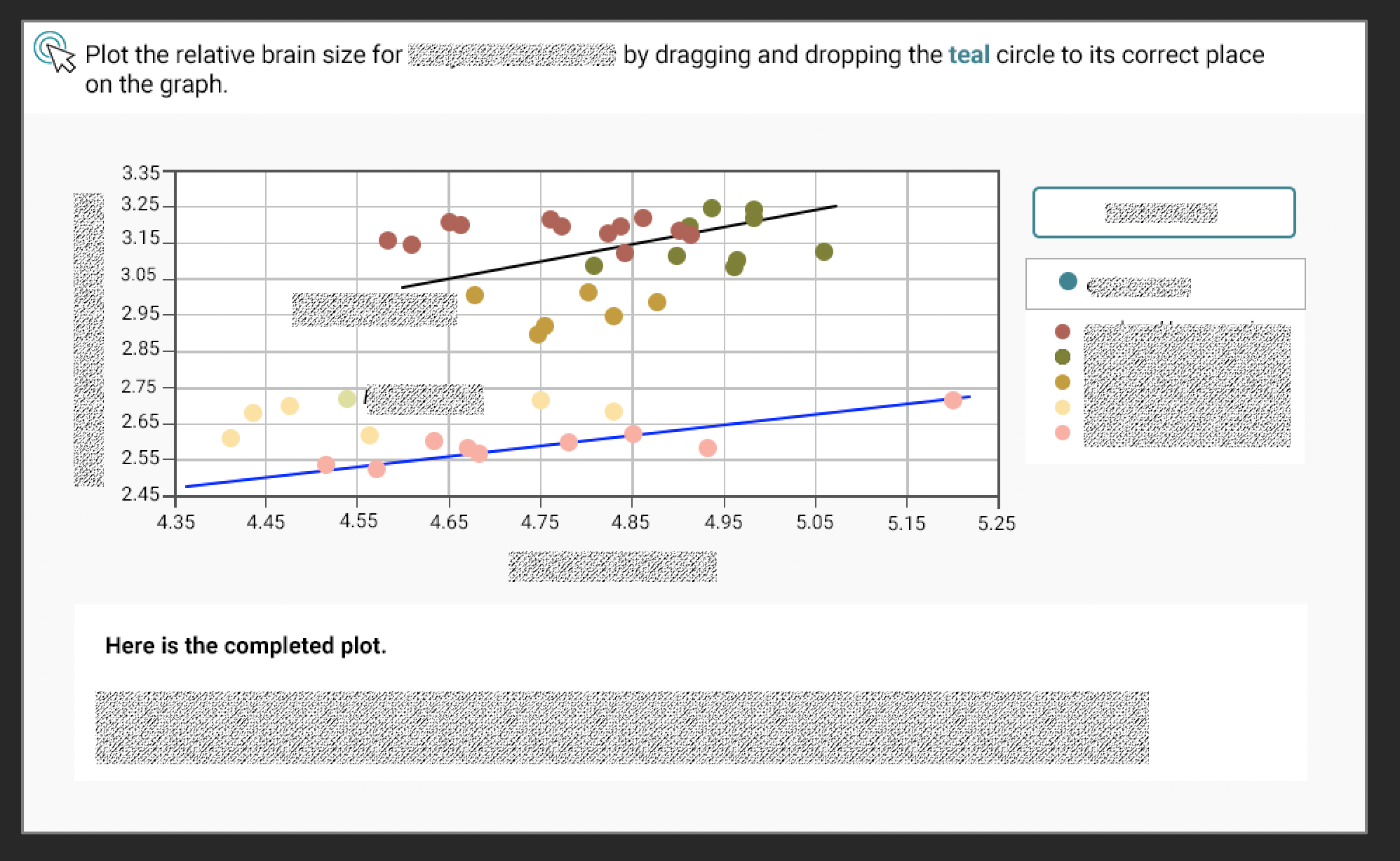
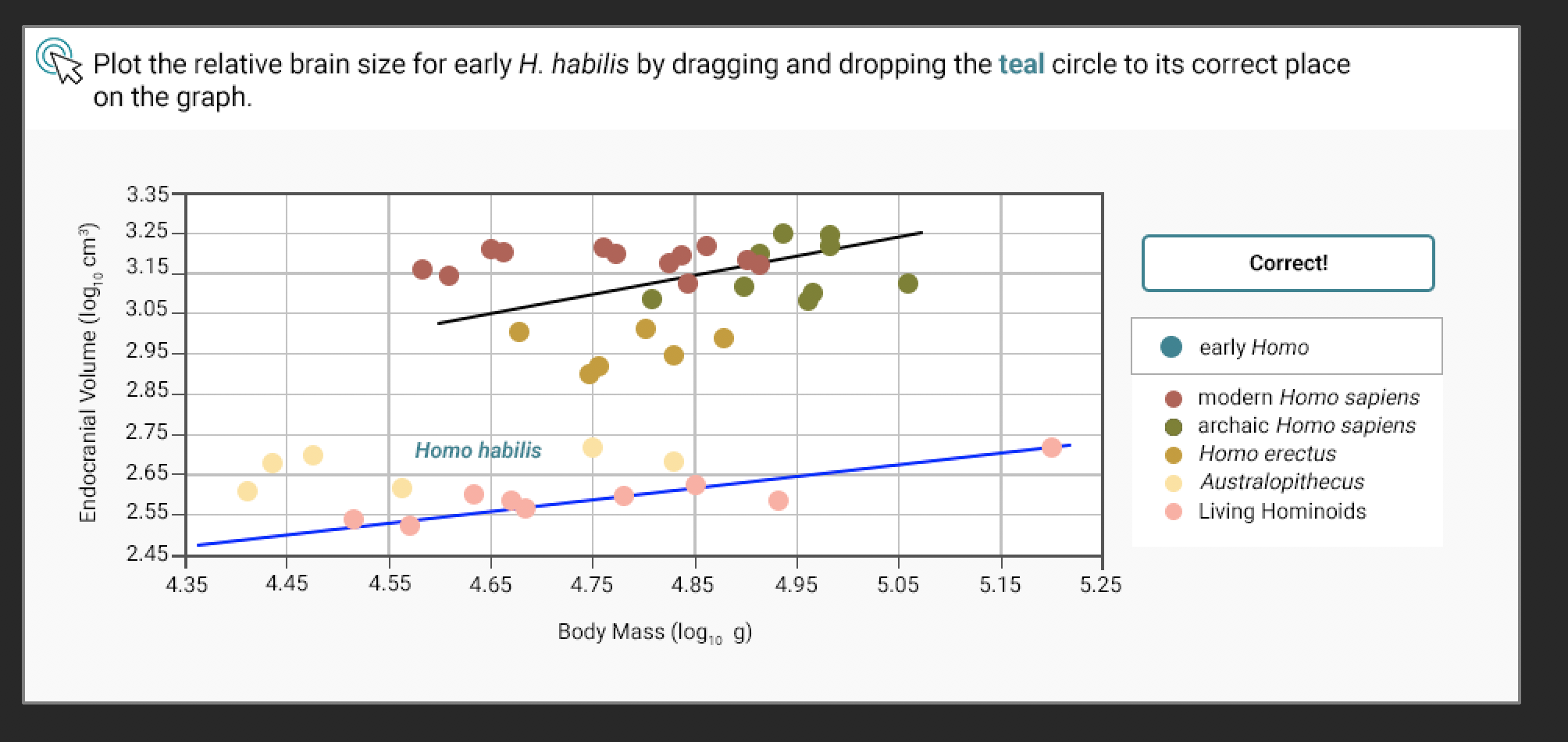
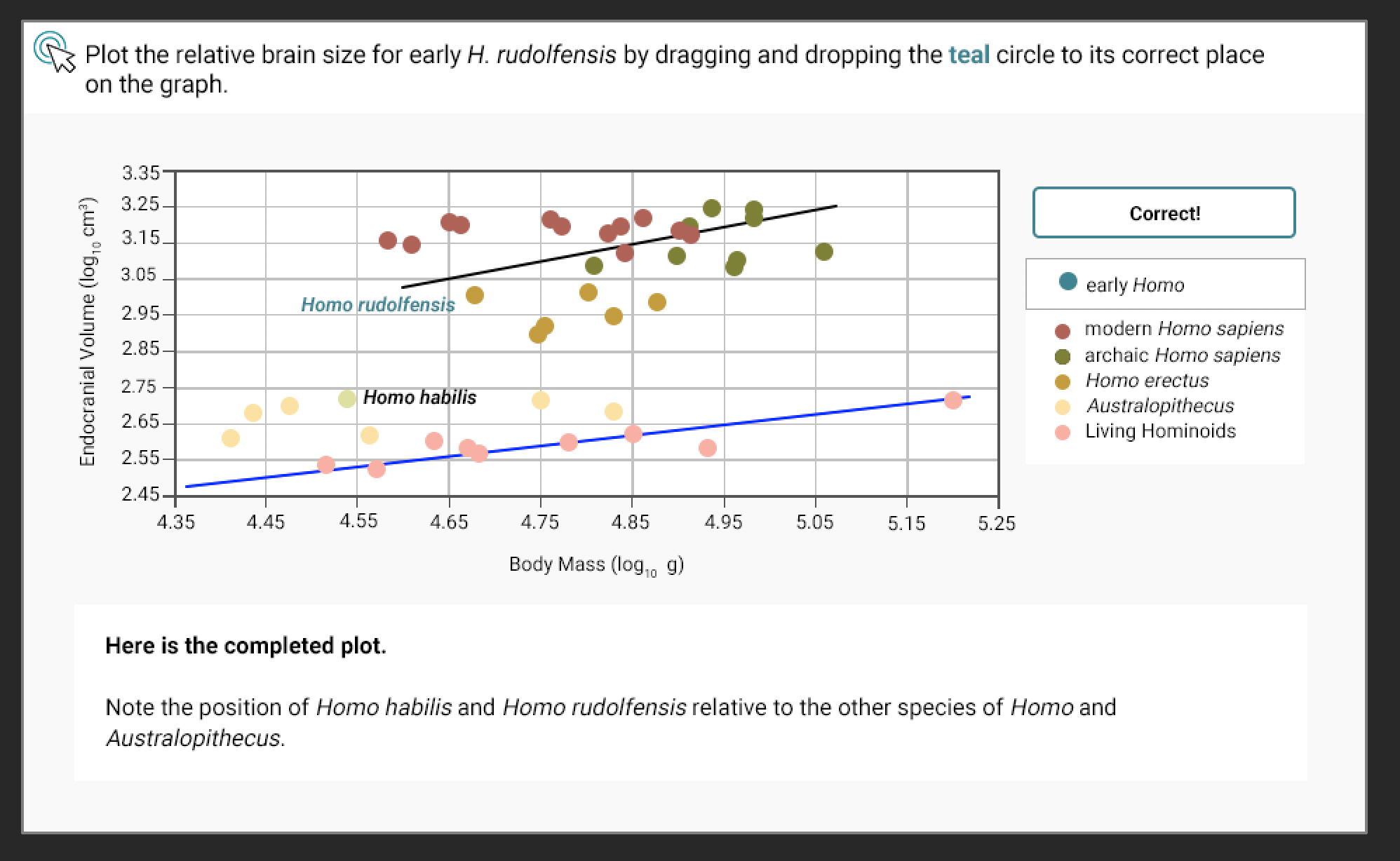
Today I finalized making three different interactives uniform to each other and within style guides as best as I could get them. Two of them were Maddy’s and one of them was mine. I tweaked Maddy’s PSDs to be similar to mine after discussing with Valerie what the formatting alterations should be. Mine required a bit of touching up as well. The reason my first photo doesn’t have a legend box is because those are interactive with clickable shapes underneath it. Mine also has a popup window for text at the bottom while the other one does not below it. That is because mine goes back and forth between the clickable while the second one show a final answer text popup that doesn’t require going back on. I made sure all the dots matched within the style guide and that the clickables, popups, and drag elements were made teal. On the Grave site they are missing their additional data recourses. That’s all for right now!


Filed Under: 2018 Fall - 2019 Spring

  • « Previous Page
  • 1
  • …
  • 44
  • 45
  • 46
  • 47
  • 48
  • …
  • 50
  • Next Page »

link to LAITS home page

Video STA Home

© 2025 Liberal Arts Instructional Technology Services | Production Credits