• We are STAs
    • Asha Rountree
    • Haley Ma
    • Kate Shih
    • Kyra Lee
    • Nicholas Peasley
    • Sasha Kenney
    • Shanda Horm
    • Shriya Atreya
    • Tomas Marulanda-Mesa
  • We were STAs
  • STA Presentation
    • STA Presentation 2017
    • STA Presentation 2016
  • Testimonials
  • Resources
  • Home

STA Blog

Abriella Corker

Abriella Corker

2020 Showcase

April 28, 2020 By Abriella Corker

2020 LAITS SHOWCASE

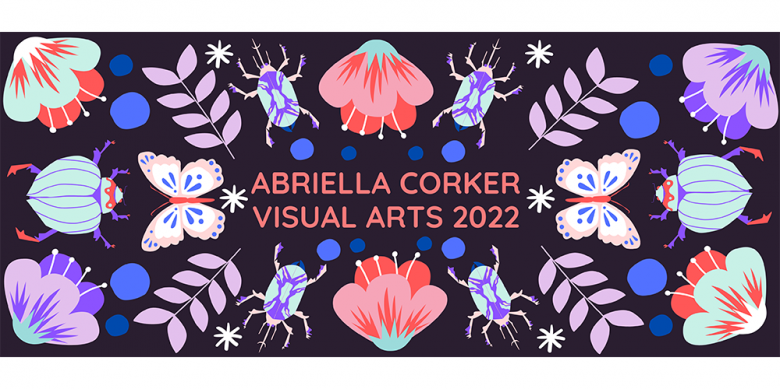
This Friday will be the LAITS STA Semester Showcase. I helped to create an invitation poster for the virtual event. We had each design STA make something and contribute a little to the image if they had wanted. Sheryl helped me with a lot of this such as the bottom two figures and the middle banner. I think we ended up using this grid of small rooms because it is reflective of quarantine and how we are sort of operating right now.

The video below is my presentation that I will be showing at the event. I kept it to around 1 min. and had my friend and audio STA Roberto Preza help me to add audio to my video. Overall I am satisfied with the video and made all the edits asked for in regards to the poster.

 

http://sta.laits.utexas.edu/wp-content/uploads/2020/04/Abs_LAITS_Presentation.mp4


Filed Under: 2019 Fall-Winter | Spring-Summer 2020

Updating STA Blog Banner

April 21, 2020 By Abriella Corker

Updating STA Blog Banner


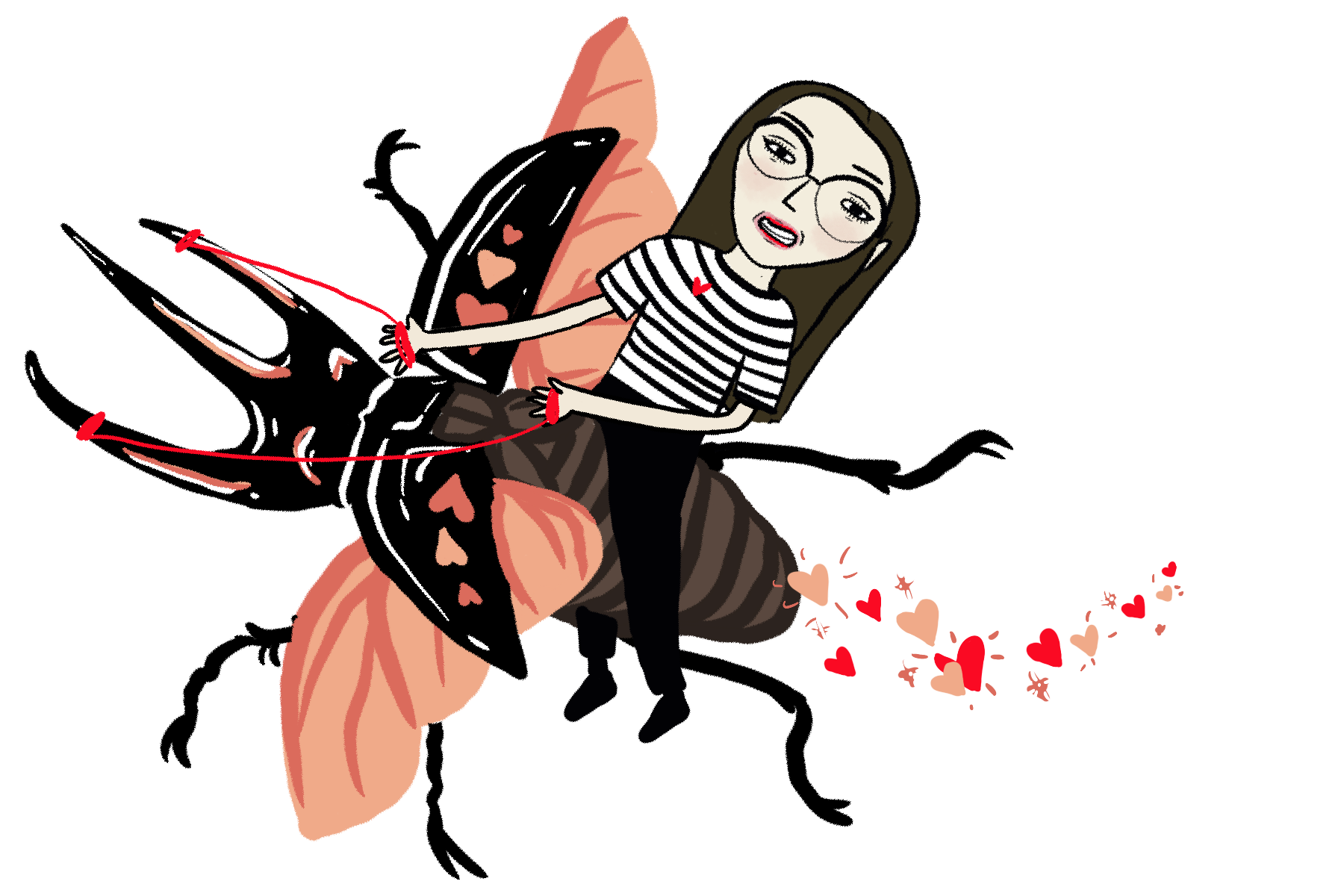
We are going to be updating the STA homepage banner to remove past STAs and add new ones. This semester the update includes adding a creature to go along with our caricature person. Of course, mine had to be a beetle. This is what it ended up looking like:


Filed Under: 2019 Fall-Winter | Spring-Summer 2020

Zoom Background Template and Testing

April 20, 2020 By Abriella Corker

Zoom Background Template and Testing

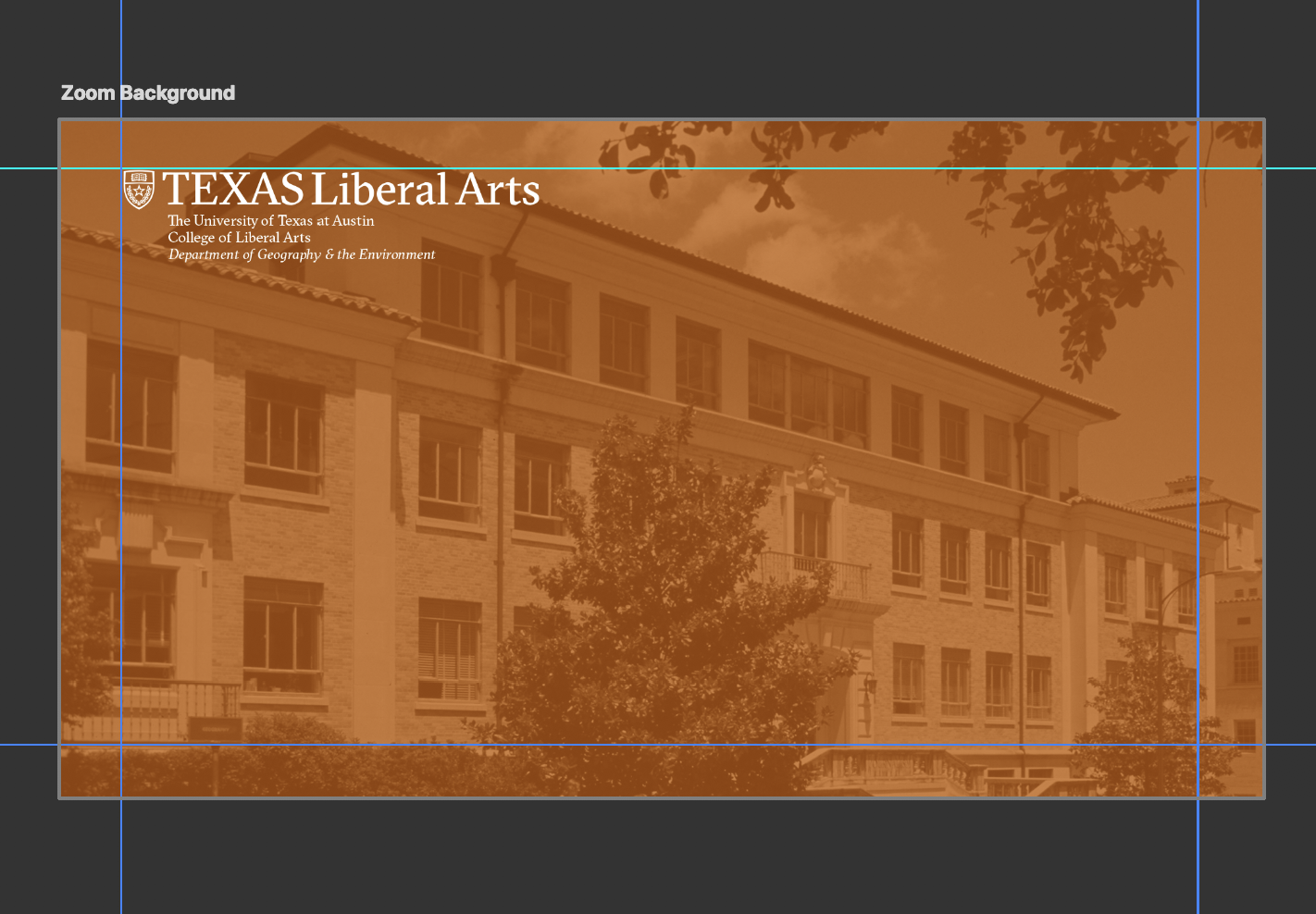
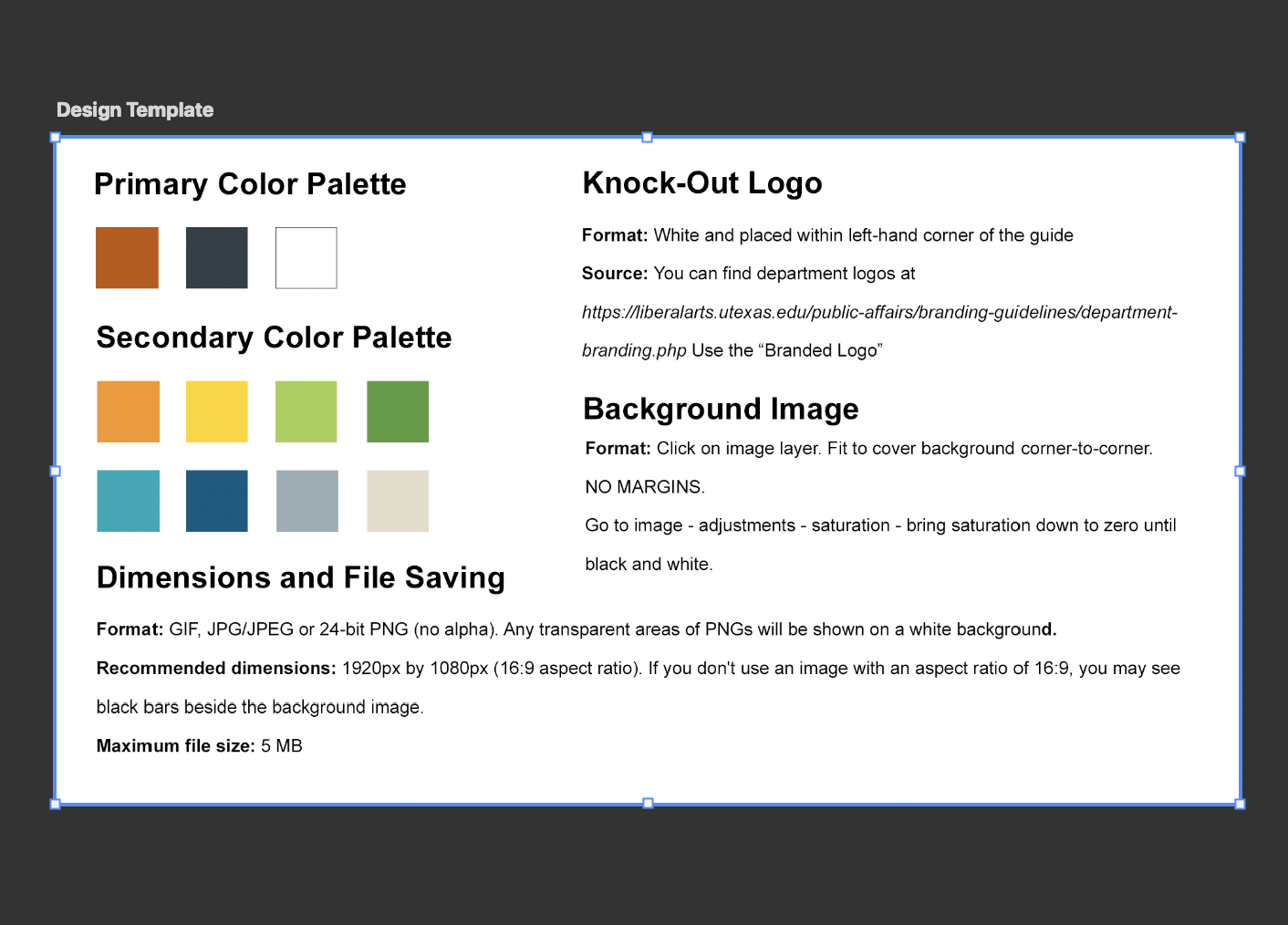
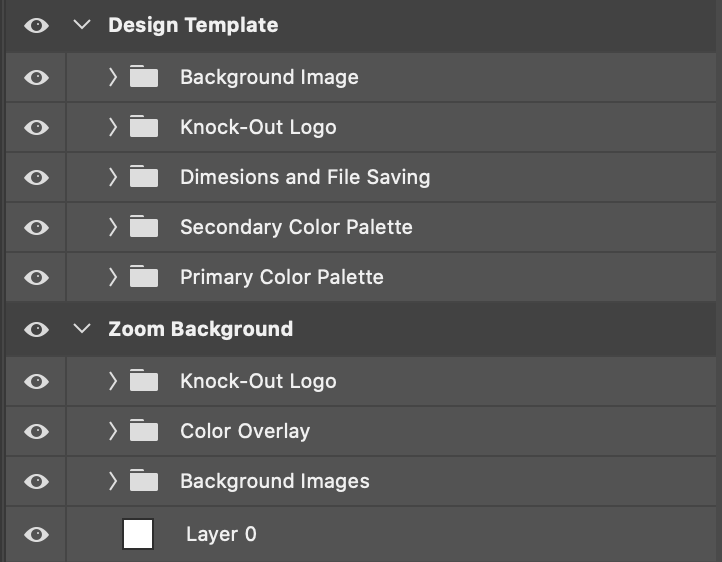
I have made a design template so that other STAs who start making customized zoom backgrounds for professors can keep consistency with their design. All of the backgrounds we make need to fall under UT branding guidelines and contain that department’s branded logo. The way the template is laid out now offers designers the ability to input an image of their choice and turn it grayscale, then choose a UT brand color to overlay on top at 75% opacity, and lastly apply a white knock-out in the top left corner. Images can be of their choosing or the professors as long as it is copy-right and credit free.


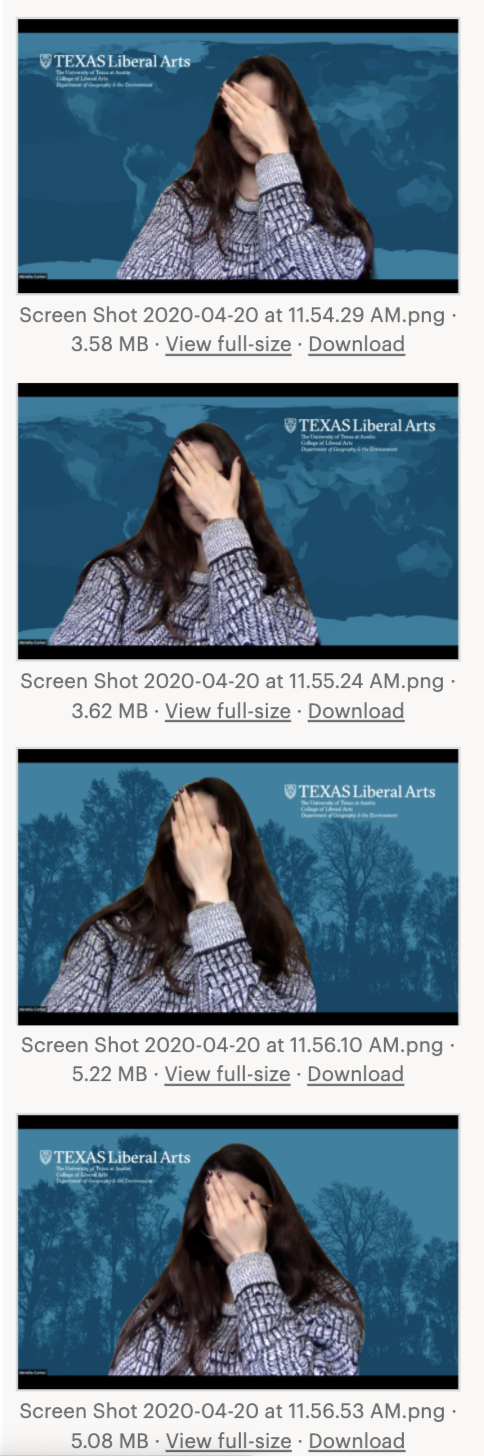
Here are photos of me testing out how the backgrounds look once placed in zoom. The top right-hand corner did not feel natural in position for me and I assume that it wouldn’t for most people who use it, so the left side is the standard for this. We can also move it to the right side upon request if the user feels the positioning is off to them.


Filed Under: 2019 Fall-Winter | Spring-Summer 2020

k-12 Education

April 17, 2020 By Abriella Corker

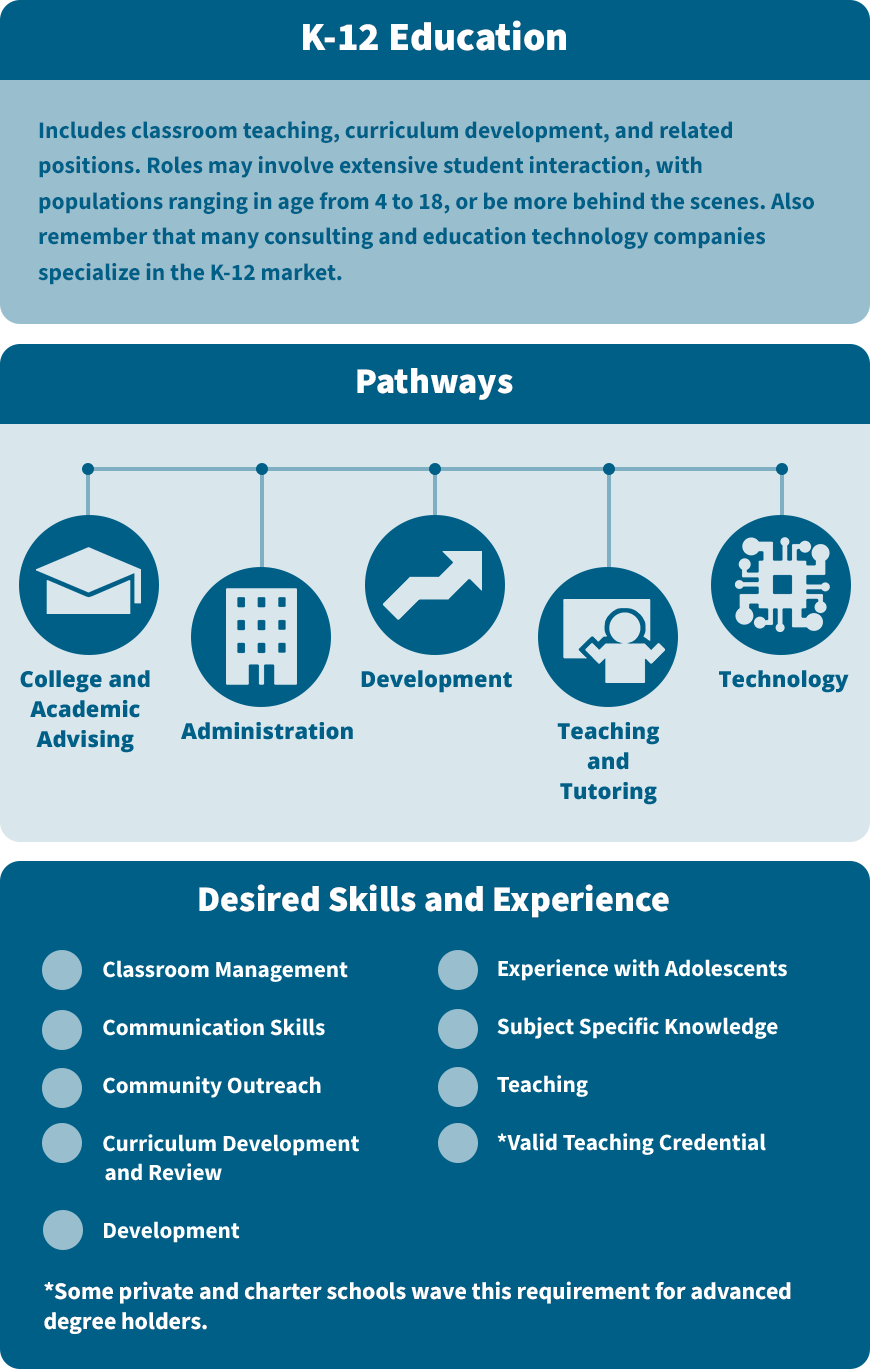
K-12 EDUCATION LACS INFOGRAPHIC


Here is my first completed infographic completed. I made all the icons for this. The look for the icons was rounded corners and filled in shapes. Suloni sent out a great resource for how to develop icons in a more uniform way with best practices. The other design STAs and I started using the tips to make our icons more similar and it is starting to really come together between the 3-5 of us working on them. Bridget came up with the blue template you see below so I just had to move the information over and adjust spacing.


Filed Under: 2019 Fall-Winter | Spring-Summer 2020

Geography Background

April 17, 2020 By Abriella Corker

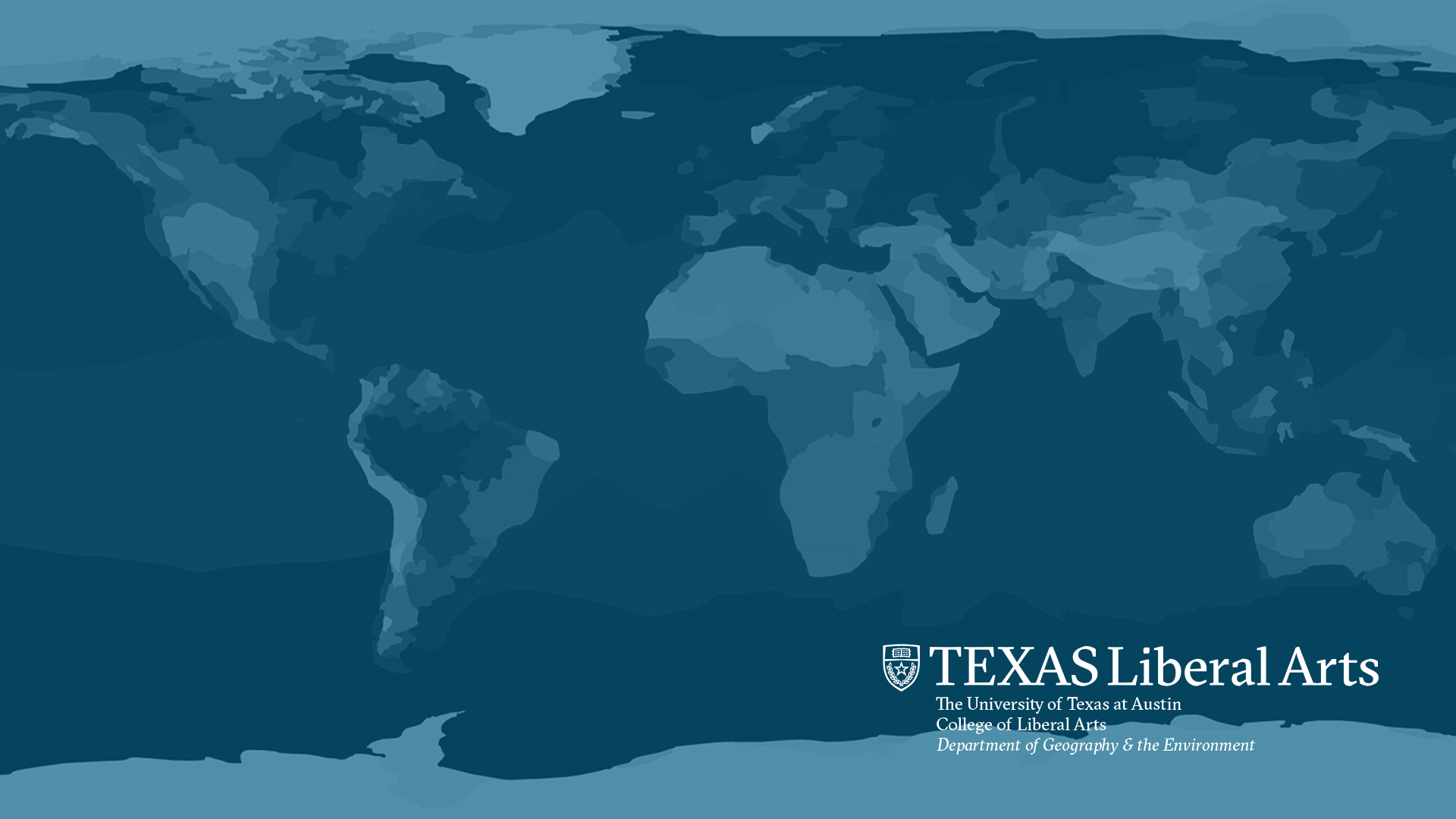
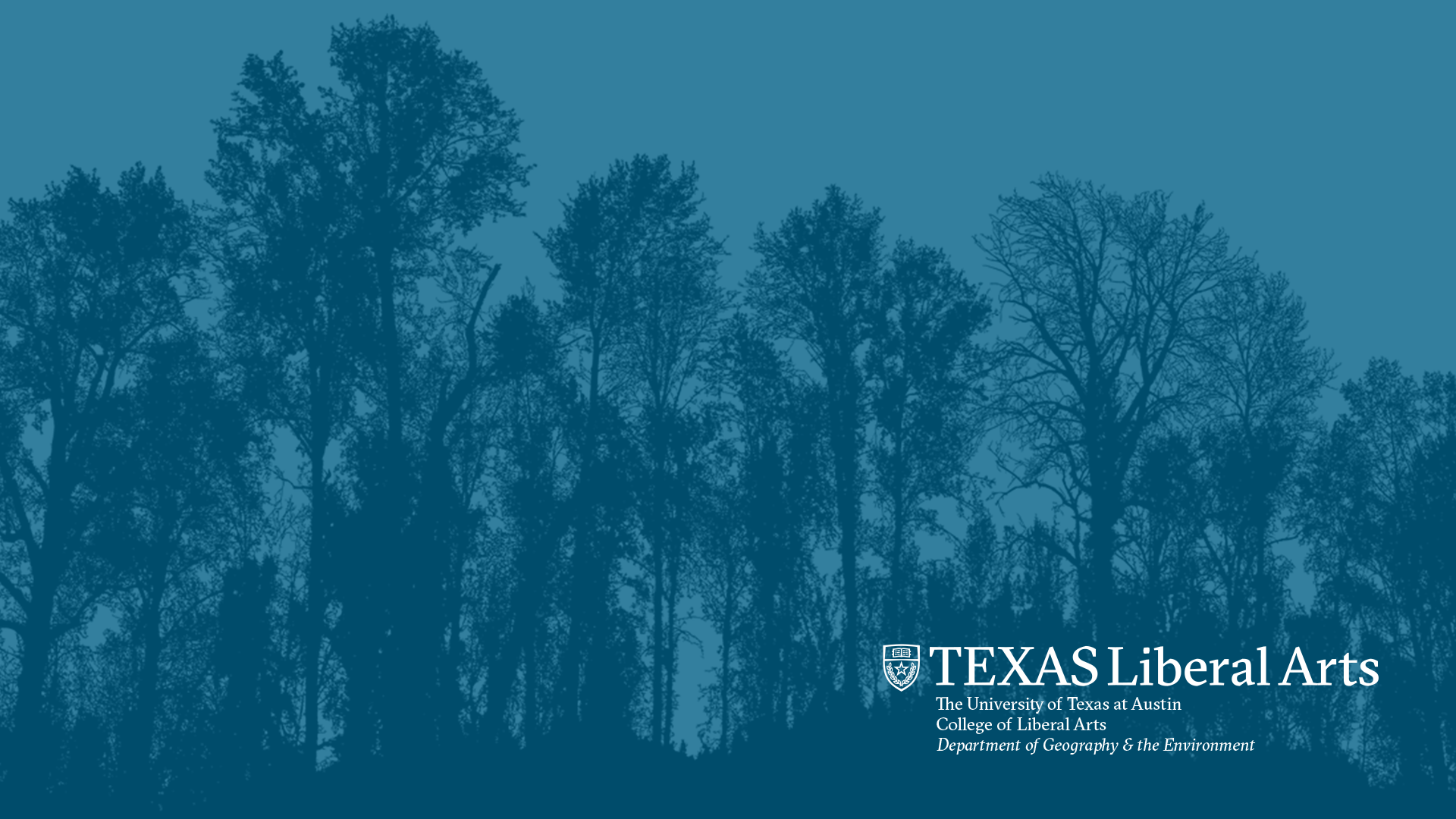
Geography Zoom Background


Here are a few different backgrounds I made for Geography. I was told to make them the UT brand color blue. I took these images from an open-source image website with no crediting needed. The first image I took from BOX under a folder in geography. I added the brand logo in the bottom right-hand corner to follow the approved UT zoom backgrounds. Feedback is still pending for these but so far Valerie gave me her input on which ones she likes best (2nd and 3rd image).


Filed Under: 2019 Fall-Winter | Spring-Summer 2020

Revised Icon Practice

April 14, 2020 By Abriella Corker

Revised Icon: Good Practice

Step 1

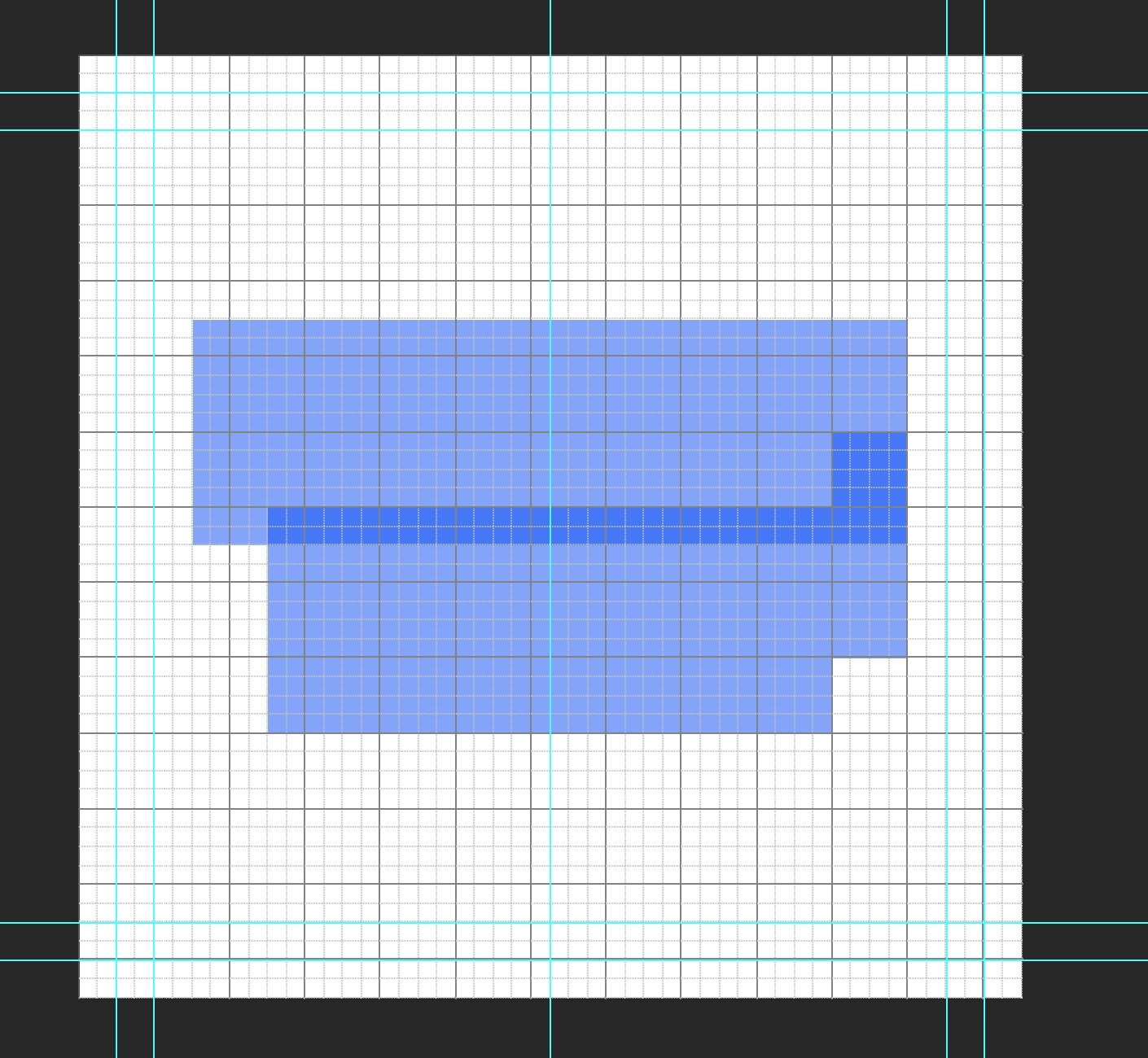
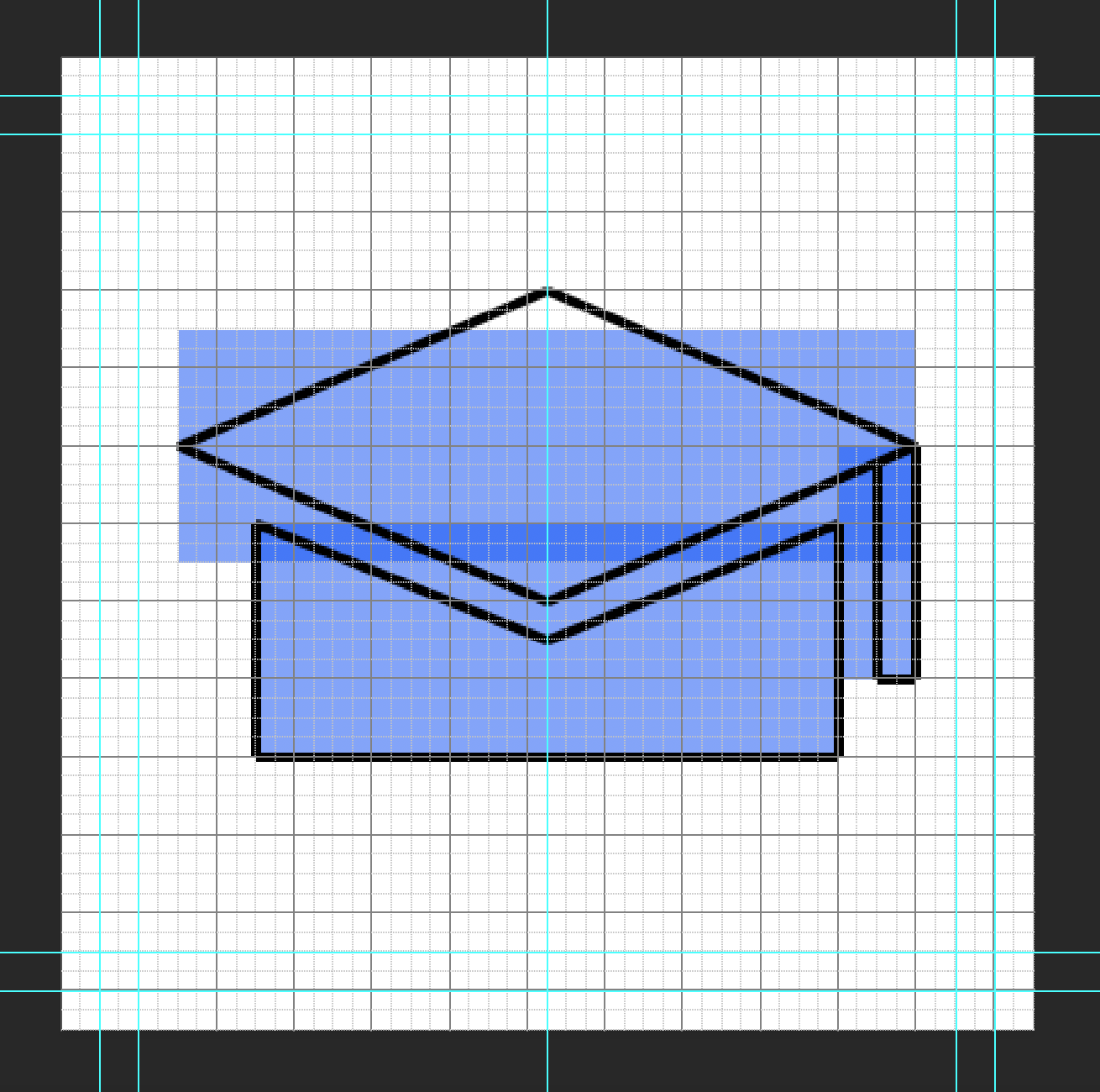
Add a grid and margins to your photoshop file. It is a 400 x 400 px template. The grid is 16 px squares. Add padding of 2 squares to all edges. This is the breathing room. No icon material should be placed in this. Add and inner +2 squares from that padding guide edge. This is room to go out of bounds for your icon design if necessary. The main space to work is the center of this board.


Step 2

Place the basic shapes for your icon that will inform the form and keep scale consistent. I made mine blue with 40% opacity to see how they layer and overlap. Make sure shapes snap to the grid squares.


Step 3

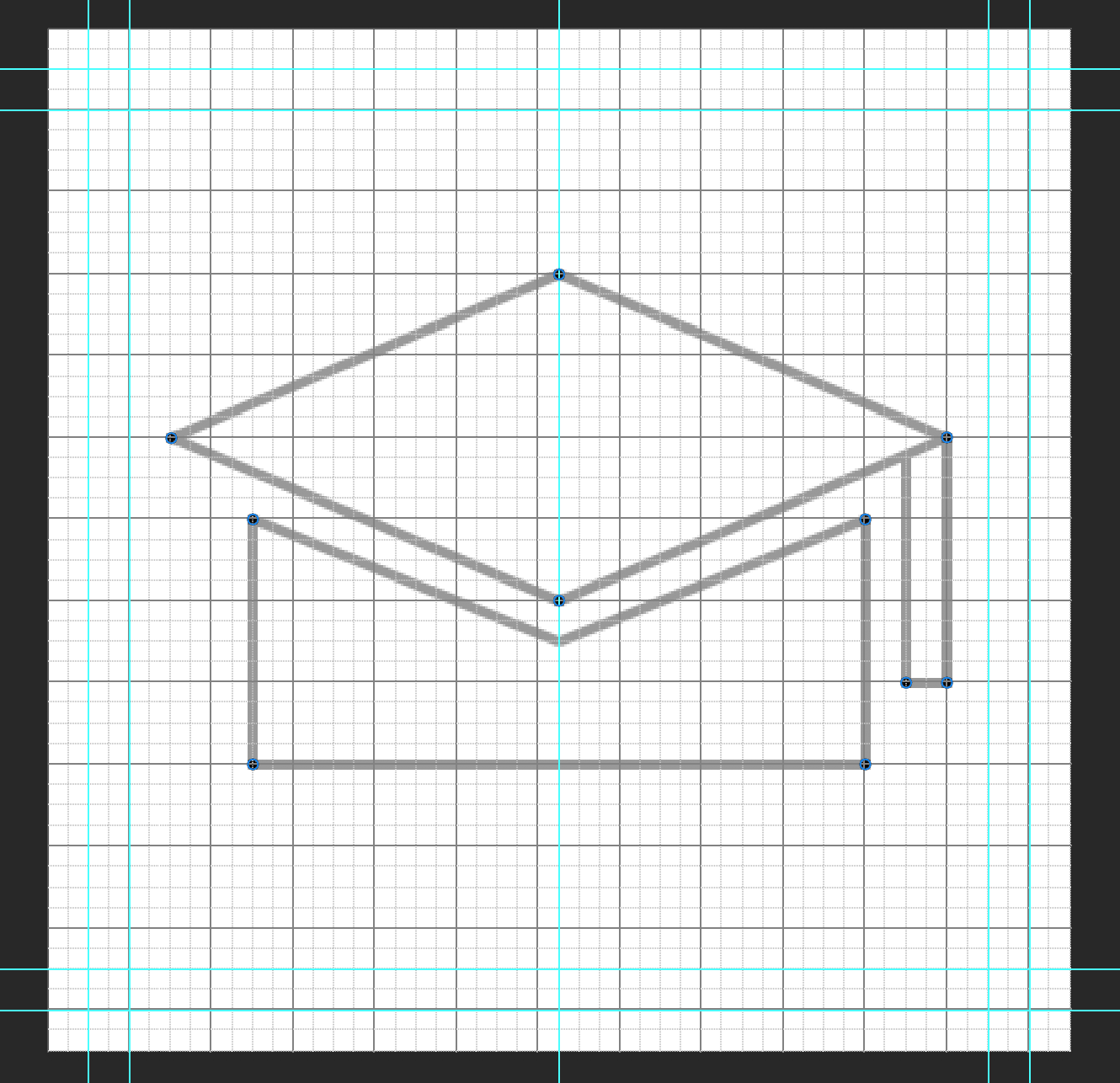
Start drawing your outline for your icon in another layer over the shapes you laid out. The line is black with a thickness of 4 px. Try to make all angles at 45 degrees. This is to keep the pixel edge consistence. Mine had a more titled perspective so the angle is not 45 degrees. If you need to step away from that go down in halves such as 22.5, 11.25, or in multiples of 15.


Step 4

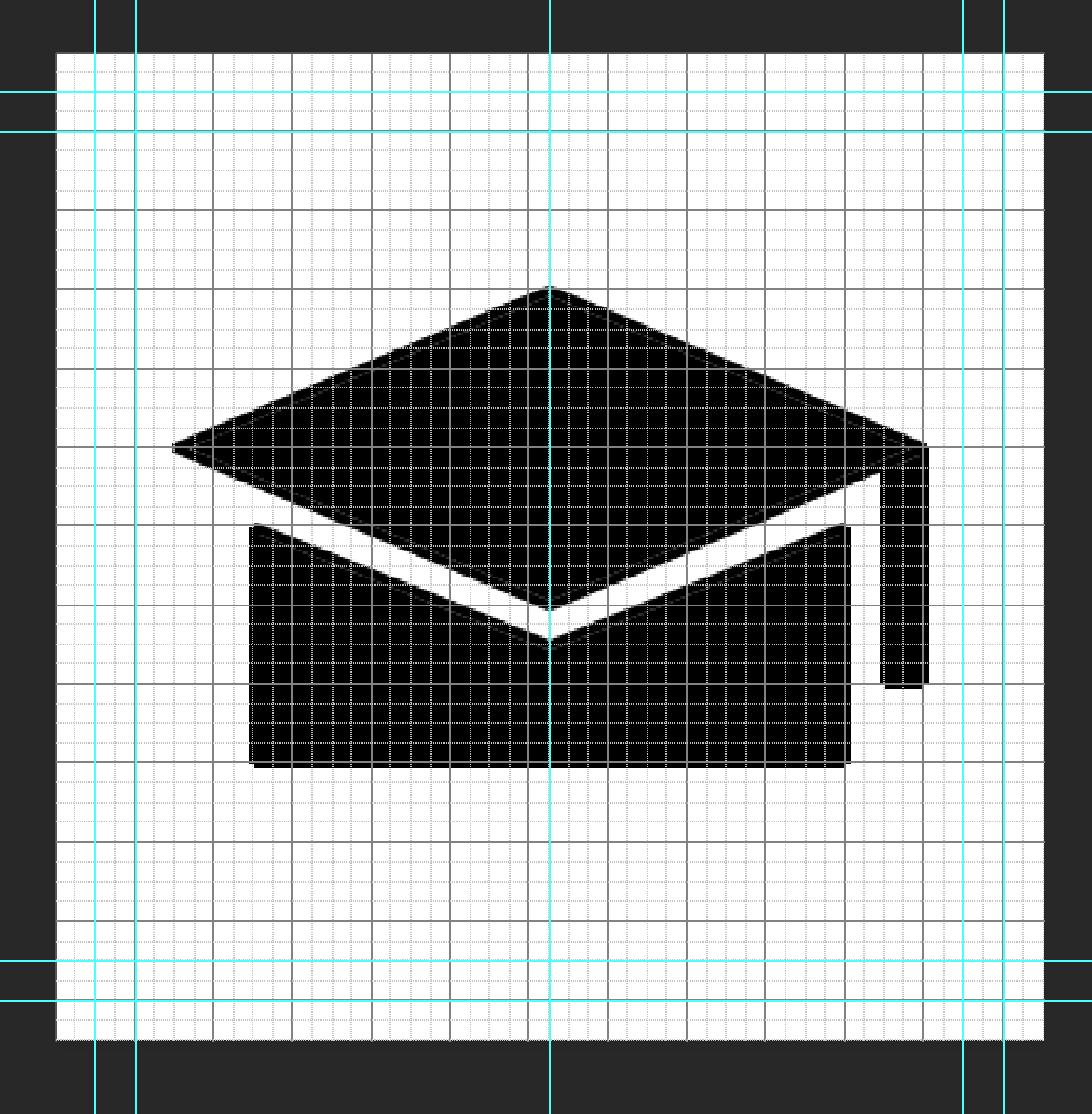
Duplicate your outline folder in photoshop and merge and rasterize the shapes of your icon. Mine was merged in two shapes: top of the hat and the bottom. Then use the paint bucket tool to fill in your shapes.


Step 5

Now add 4 x 4 px circles to the corners of your icon to them a consistent rounded edge. I ended up adding one to the inner corner of the tassel as well.


Step 6

Preview your image without the grid and guides and see what adjustments need to be made. Redo the process to fix mistakes. For mine, I had the re-angle the lines at the top of the bottom cap so the spacing was even of 2 squared from the bottom edge of the top hat. Then adding a 4 x 4 px circle to inner corners as well.


Filed Under: 2019 Fall-Winter | Spring-Summer 2020

  • « Previous Page
  • 1
  • …
  • 30
  • 31
  • 32
  • 33
  • 34
  • …
  • 50
  • Next Page »

link to LAITS home page

Video STA Home

© 2025 Liberal Arts Instructional Technology Services | Production Credits