• We are STAs
    • Asha Rountree
    • Haley Ma
    • Kate Shih
    • Kyra Lee
    • Nicholas Peasley
    • Sasha Kenney
    • Shanda Horm
    • Shriya Atreya
    • Tomas Marulanda-Mesa
  • We were STAs
  • STA Presentation
    • STA Presentation 2017
    • STA Presentation 2016
  • Testimonials
  • Resources
  • Home

STA Blog

Cristina Villarreal Núñez

Cristina Villarreal Núñez

GOV Logo

October 9, 2020 By Cristina Villarreal Núñez

GOV Logo

For this project I had to communicate with a client from the Department of Government in the College of Liberal Arts.

They had a previous design made for a GOV Logo, but their initial request for me was to set this logo against a lighter background; “for example, against a grey/light grey background rather than navy blue?”

So I did that, and with guidance from my peer mentor and from Suloni, these were the original changes I came up with and sent the client for him to choose from.


 

However, as I sent those images I also had to ask the client for the file types and formats of their preference (as in: .pdf, .ai, .png, .jpg, etc), and if they would be needing these for web use or for printing.

The client then answered that they would like to keep both backgrounds, and added that these would be used for email, Mailchimp and  for headers in google docs. So he left that up to me. But I was also asked to design a couple of versions without the words, just the GOV part.

Finally, with all of this in mind I created a bunch of designs and mock-ups of how they would look like in their respective fields and came up with this final pdf to sent to the client: GOV-Logo Guide You can find evidence of my designs there!
Filed Under: 2020 Summer | 2020 Fall

Basic Training: CLIO Module Training Pt.1 – Getting Started

October 9, 2020 By Cristina Villarreal Núñez

Basic Training: CLIO Module Training Pt.1

Getting Started

Though I am very much not done with this training, there are some things I did that I want to give you guys an update on since I started the KB.

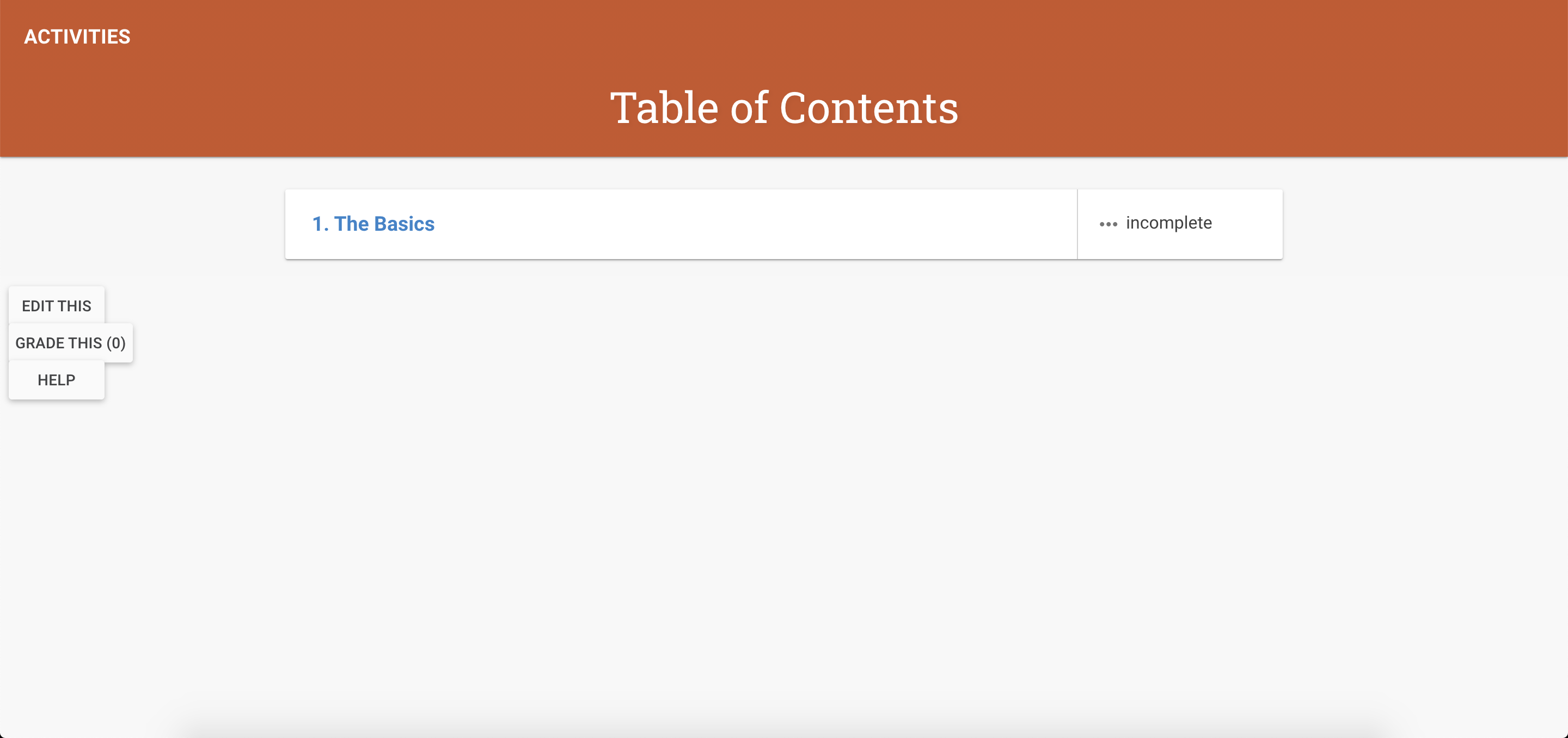
So far, the CLIO page looks like this. It’s very basic and incomplete, but you can see I added an activity in there called The Basics.

Inside that activity you will find three cards.


Card #1

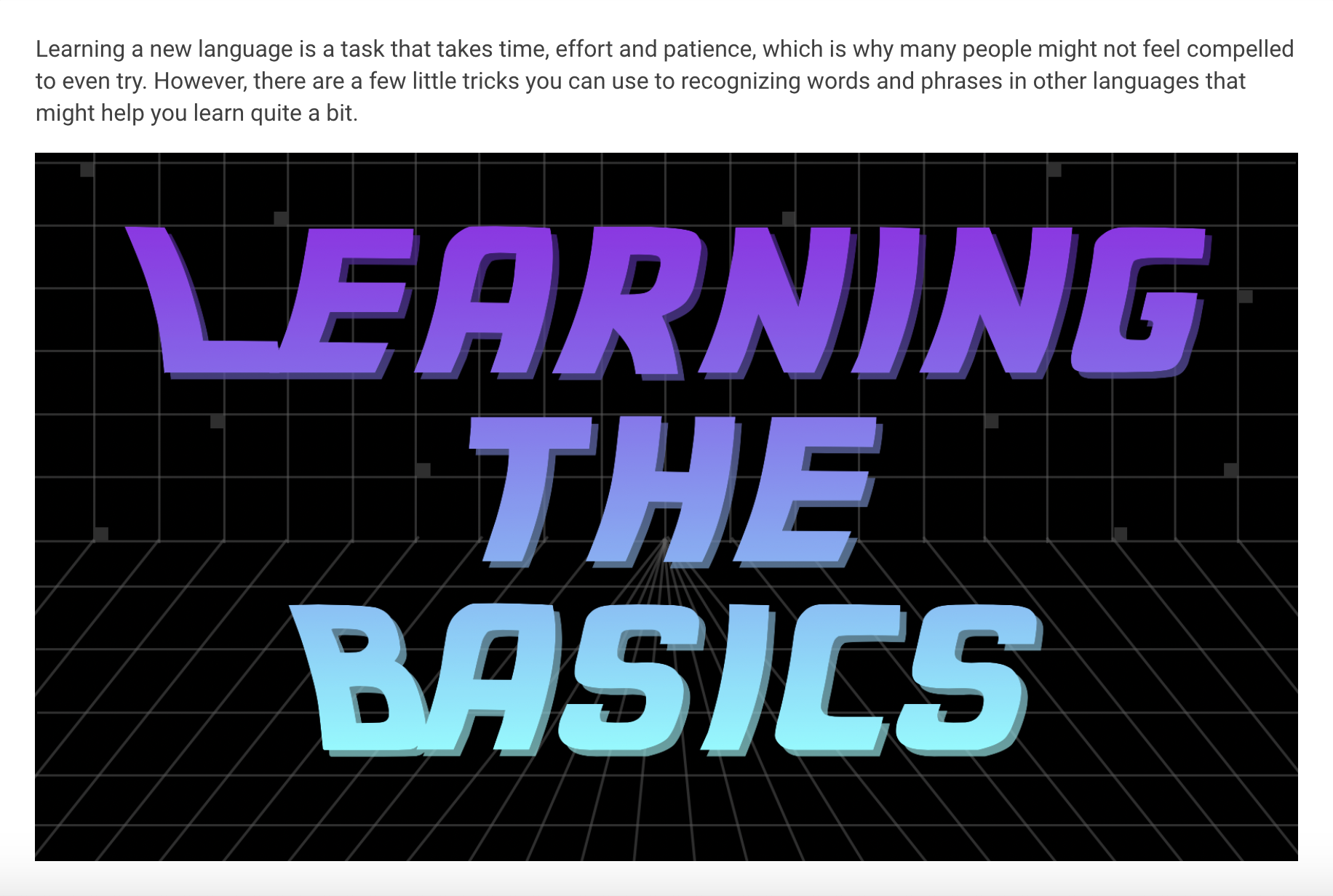
Card #1 looks like this. It has a brief intro description and an image with the title Learning The Basics.

Card #2

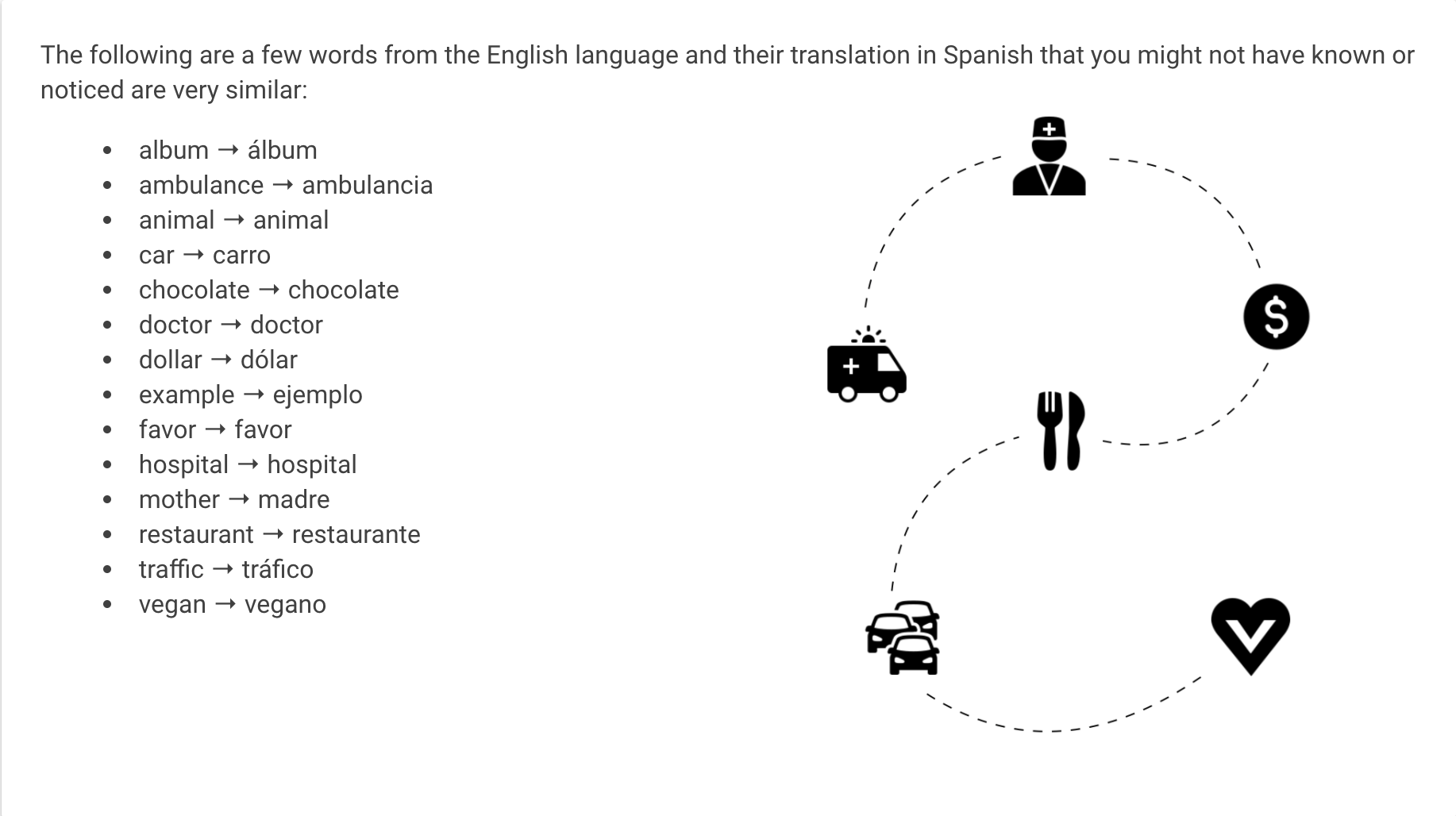
Card #2 looks like this.  It has a list of words that are easily translated from English to Spanish and a a decorative image.

Card #3

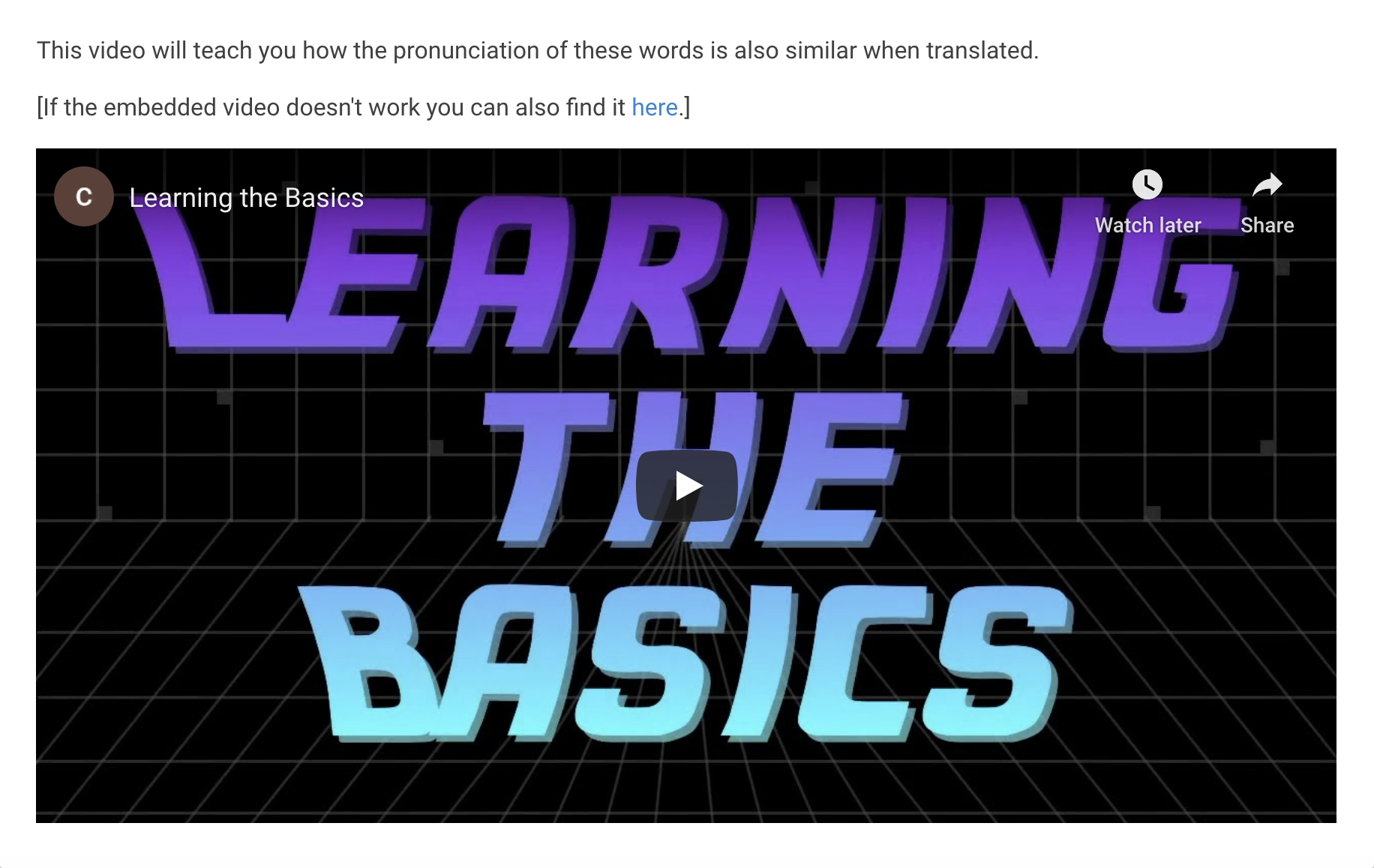
Card #3 looks like this. It has an embedded video teaching the pronunciation of the translated words from the previous card to prove the point that they not only look similar, but also sound similar. That video is also linked to in this card.

This is the link, just in case you are curious as to what the video looks like: https://youtu.be/s3f9ILyK4GI

Filed Under: 2020 Summer | 2020 Fall

Basic Training: CLIO Module Training Pt.1 – The Planning Phase

September 22, 2020 By Cristina Villarreal Núñez

Basic Training: CLIO Module Training Pt.1

The Planning Phase

For part 1 of the CLIO training I am expected to design and create my very own CLIO course module. The overarching goals of this activity are as follows:

  • Gain full technical proficiency with this CMS
  • Be a UI/UX designer through the content management system of Clio & through editing code
  • Successfully teach a subject that interests you: Pedagogy
  • Become a CLIO Expert (enough to be able to train future STAs)

But before beginning the hands-on work following the KB, I had to propose a plan for my site. The threefold plan I designed was as follows:

  1. First off, I decided that the topic I would be teaching was “Easy Spanish Translations” (Not necessarily Spanish itself, but how to understand translations when you don’t speak the language.)
  2. Furthermore, to support my teaching points I decided to use:
    • Introductory videos (because they are more interactive than just written content) explaining how many words are simpler to translate because they have the same origin or similar spelling/phonetics. For instance:
      example → ejemplo | hello → hola | mother → madre
    • Quizzes (to implement trial and error learning)
      • Multiple choice
      • Fill in the blank
      • Matching words to pictures
        (trying to find the correct translations for movie titles like The Incredibles → Los Increibles)
  3. Finally, I decided the design look & feel of the module:
    • Use colorful banners to capture the user’s attention
    • Use pictures and icons
    • Upload explanatory videos

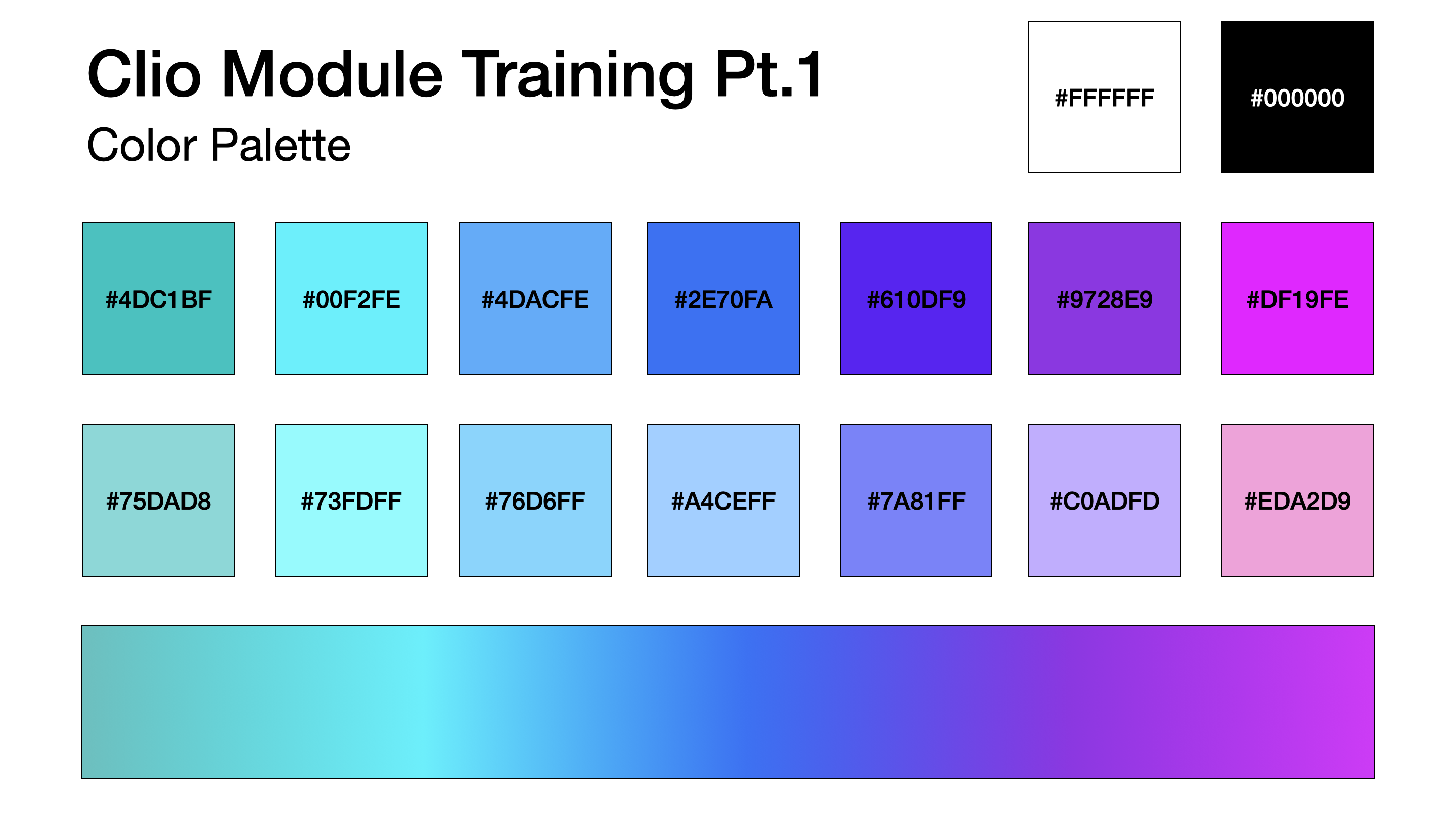
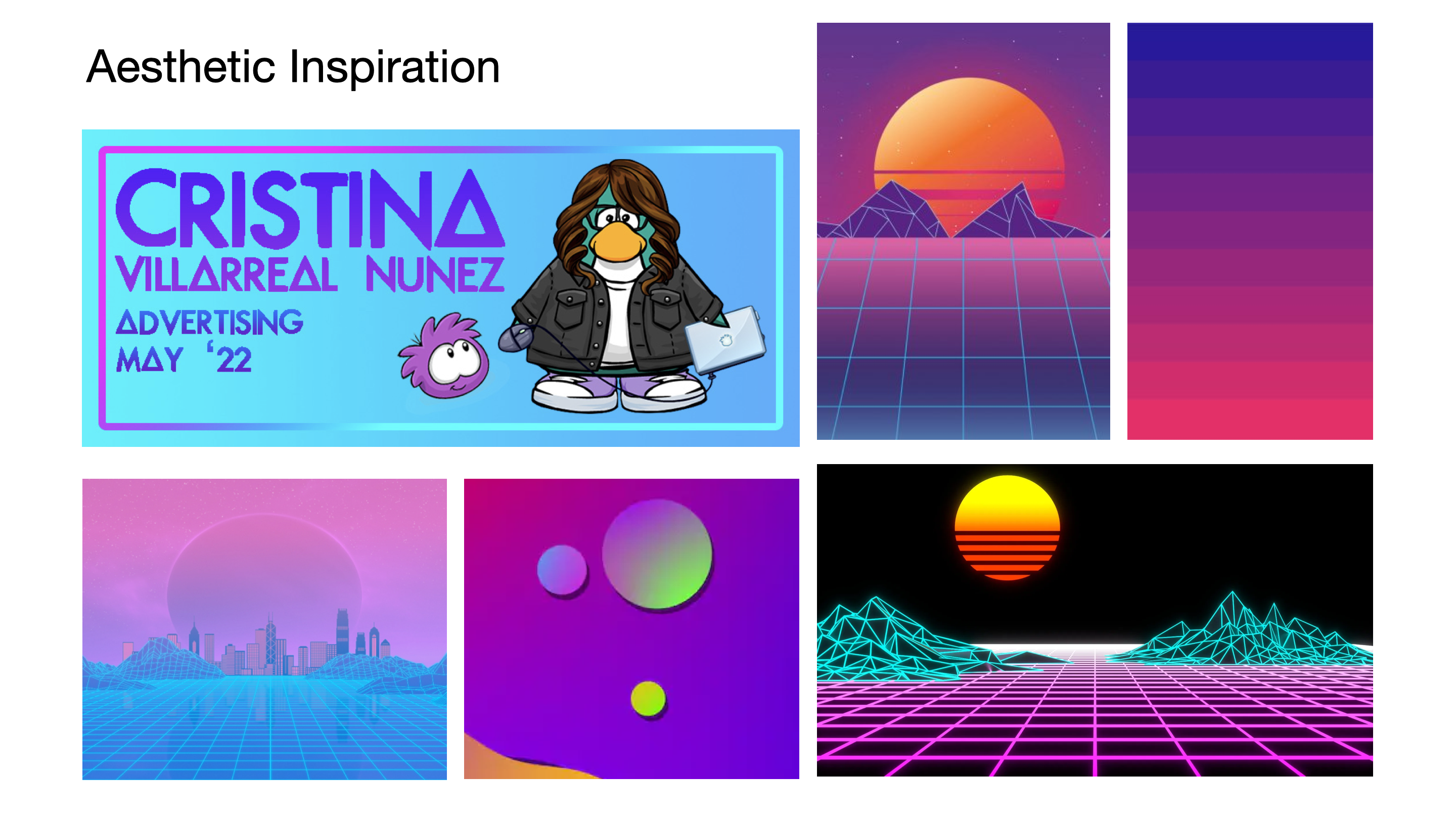
Forthwith, my plan was approved but I was asked to post some reference pictures and color palette that I might want to incorporate into my module. So I settled on a sort of retro-tech aesthetic with gradient tones. My example was as follows:

Eventually, when that was approved, I was instructed to get started on the KB training. More on that later! 🙂

Filed Under: 2020 Summer | 2020 Fall

Basic Training: InDesign Pt.1

September 22, 2020 By Cristina Villarreal Núñez

Basic Training: InDesign Pt.1

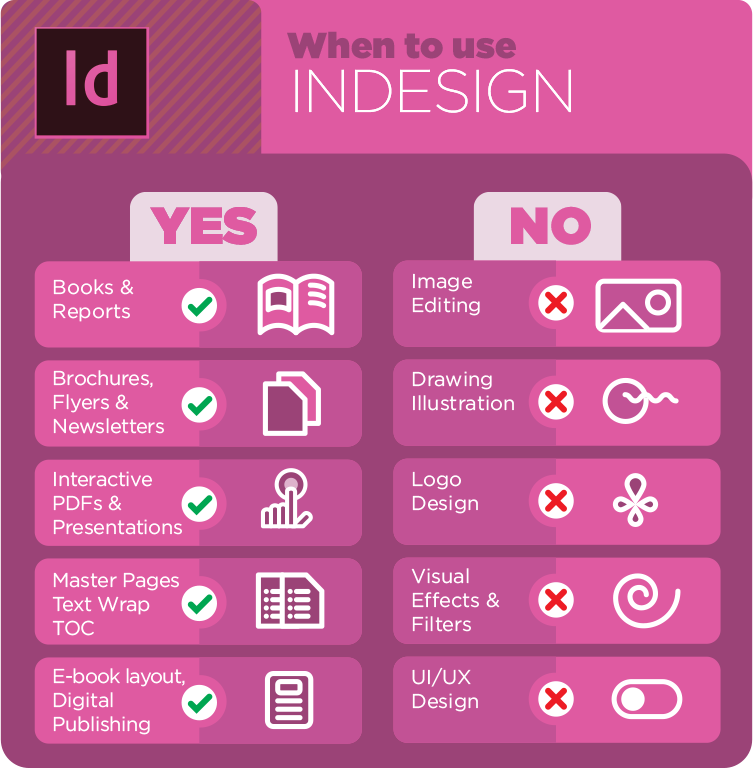
This assignment was designed for me lo learn about layout design, typesetting, and creating print documents using Adobe’s InDesign. Prior to this training I had never used this tool before, so I had no idea what the difference was with other Adobe tools. However, it was very interesting to learn what I was capable of doing with InDesign and actually get to working on it. There was this one specific graphic in the KB (the one that follows) that helped me understand this best.


I learned a lot whist working on this training and received a lot of great feedback from my STA peer-mentor. The following is the final product I was able to design! STA12_InDesign_Final

Filed Under: 2020 Summer | 2020 Fall

Basic Training: Cascade Site Pt. 4

September 15, 2020 By Cristina Villarreal Núñez

Basic Training: Cascade Site Pt. 4

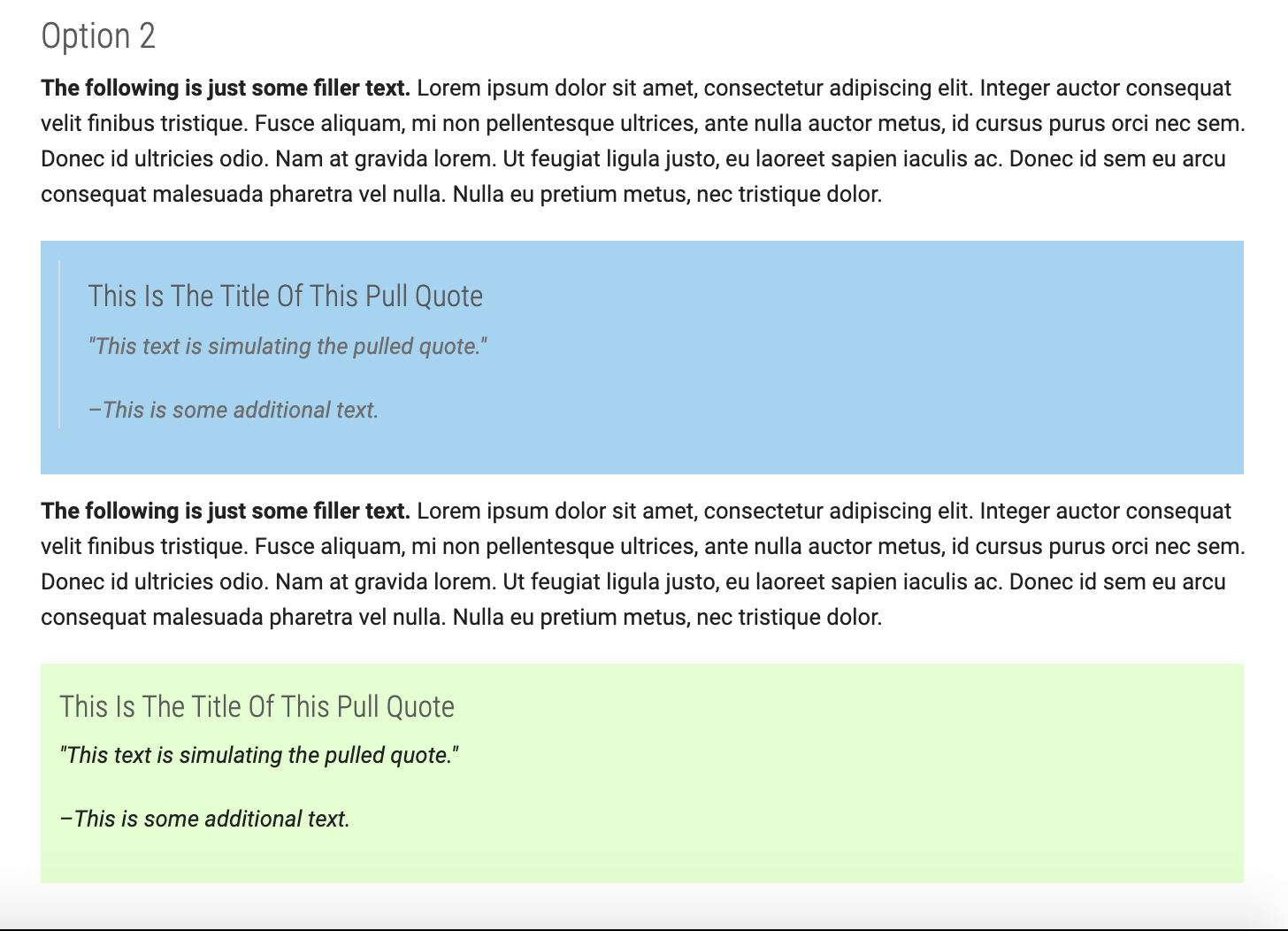
This assignment was all about pull quotes, specifically, about me learning “how to create a fancy Pull Quote in Cascade” (according to the KB). There are many different methods for doing so, though. So I tried various styles and options to learn what the differences are and when one might be used over the others.


The KB tutorial was divided into two different steps. So I did the same on my page.


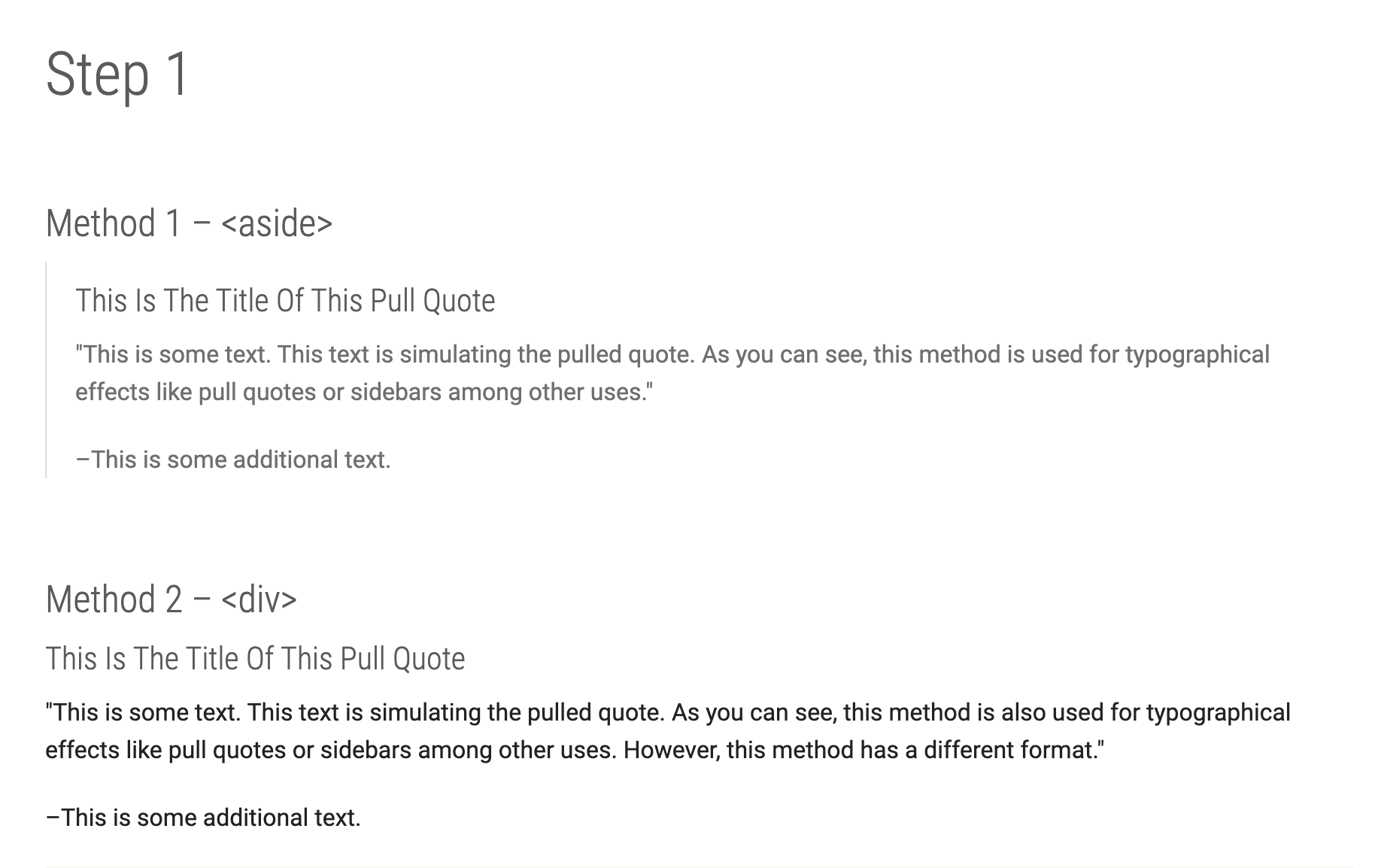
Step 1 focused on the HTML aspect. This section was further divided into two different methods. How are these two methods different from one-another? Well, the first one (the <aside> method) pulled the quote apart from the text by using a line to mark the quote section, whist the second one (the <div> method) did not.


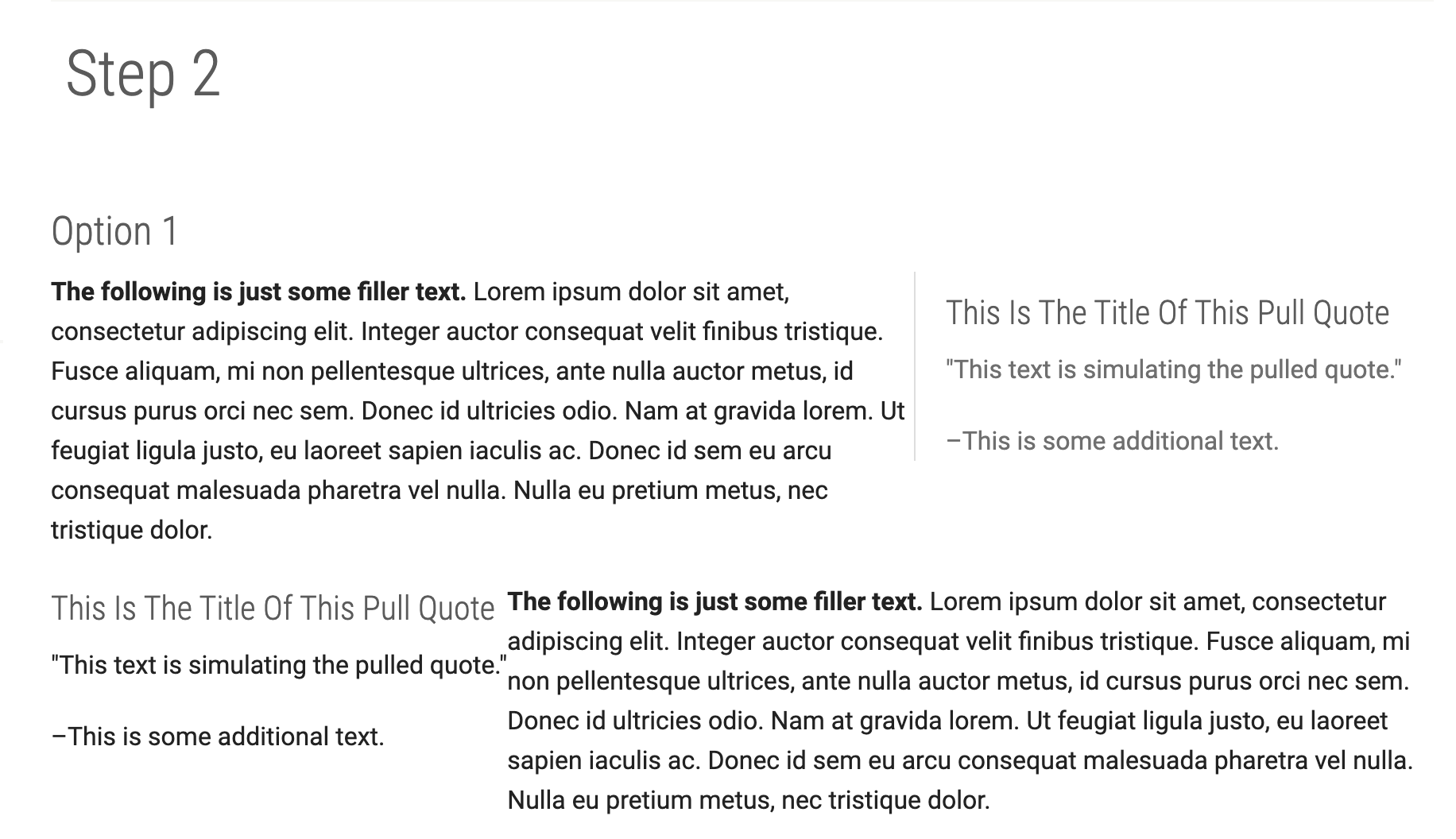
Step 2, on the other hand, focused on the CSS aspect, and for this section I had two options. The first option was to use pre-defined CSS classes. I tried using two of those: the “right” and the “left” ones.


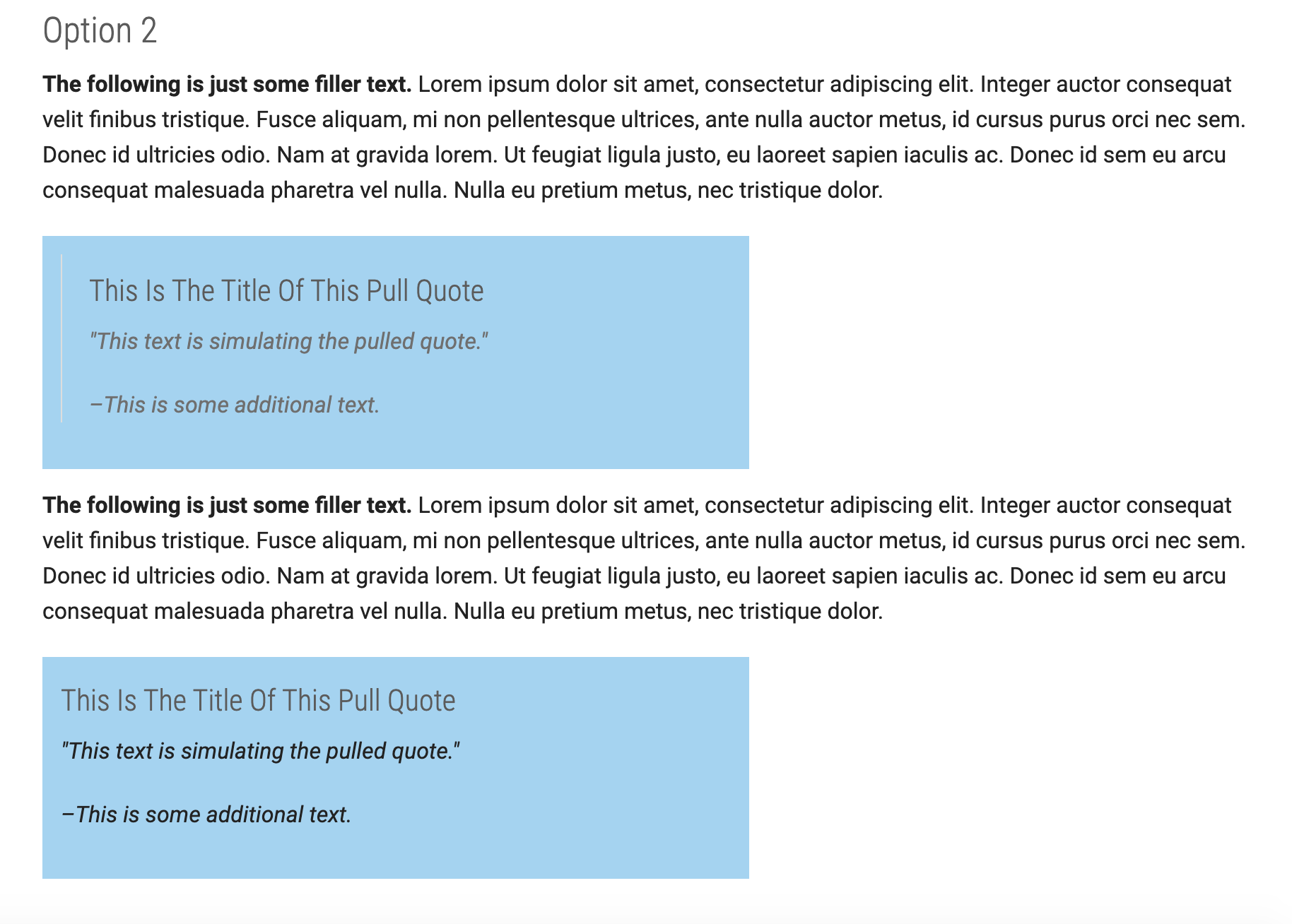
And the second option was to add custom CSS. For that section I added two pull quotes, one in the <aside> method and one on the <div> method. For both of them I customized the background color and changed it from the example’s default orange tone to blue (to match the cool-toned banner).


I had a hard time at the beginning because I kept getting an odd looking formatting error. But both by reviewing the work on my own and by asking some of my peer STAs, we figured out what the problem was. Now that everything is fixed, you can find this page of the following link: https://liberalarts.utexas.edu/sta-12/pull-quotes.php

Update

I also learned how to change the background colors for different quotes and how to adjust their width so that it spans across to the same length of the text. These changes are unpublished, but I still learned how to do them in case a client asks for them.


Filed Under: 2020 Summer | 2020 Fall

Basic Training: Cascade Site Pt. 3

September 11, 2020 By Cristina Villarreal Núñez

Basic Training: Cascade Site Pt. 3

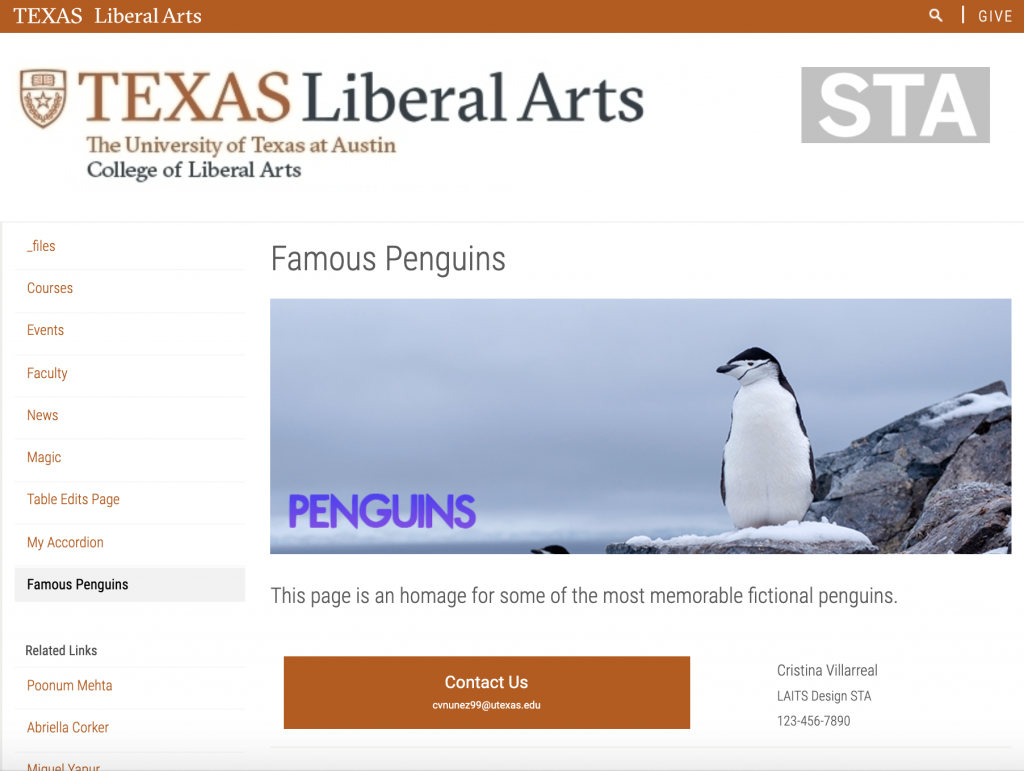
For Part Three of the Cascade training I was tasked to learn how to create a custom layout and buttons. I ended up dedicating the page I created for this activity to some of the most memorable penguins in media. I made a new banner which I personally think turned out really cute. I also designed some icons, one for each section and added a description of the character(s). This is what it currently looks like.


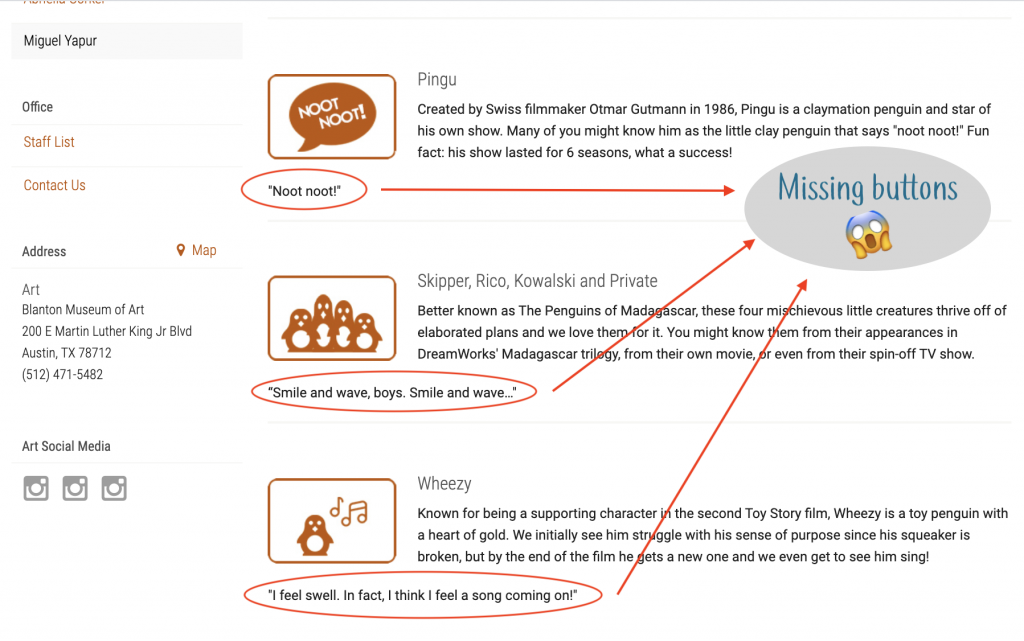
In my experience, the layout part went quite smoothly, but I had some troubles with the buttons. Fortunately one of my STA peers was able to help me through it because for a long time this is what my page looked like…


Anyway, now those errors have been fixed and you can find the page here: https://liberalarts.utexas.edu/sta-12/famous-penguins.php

Filed Under: 2020 Summer | 2020 Fall

  • « Previous Page
  • 1
  • …
  • 13
  • 14
  • 15
  • 16
  • 17
  • Next Page »

link to LAITS home page

Video STA Home

© 2025 Liberal Arts Instructional Technology Services | Production Credits