
• We are STAs
    • Asha Rountree
    • Haley Ma
    • Kate Shih
    • Kyra Lee
    • Nicholas Peasley
    • Sasha Kenney
    • Shanda Horm
    • Shriya Atreya
    • Tomas Marulanda-Mesa
  • We were STAs
  • STA Presentation
    • STA Presentation 2017
    • STA Presentation 2016
  • Testimonials
  • Resources
  • Home

STA Blog

Abriella Corker

Abriella Corker

Typography: Use Bézier Curves to Create a Custom Wordmark in Illustrator- feedback and test run

August 19, 2021 By Abriella Corker

Typography: Use Bézier Curves to Create a Custom Wordmark in Illustrator- Feedback and Test Run


I worked on testing out the Bézier curve training Miguel had written. I decided to edit the cricket logo to have the k arm extended. Old logos have the extension but it isn’t tapered to look like an antenna which is what I did. I tried to keep it simple so that I am only focusing on adjusting curves and not trying to dress it up with shapes and what not. Below under the images I will paste what my feedback was after the training.


Read through the entire KB post and comment below some of your initial questions/comments before starting on the training assignment’s tasks.

Note: I think that for these instructions there needs to be an additional intro paragraph. Keep the one Miguel has because it is important in explaining what the curve is. We need an additional one before that to explain what we will be making, what the goals are, example images, and the software we will be using.

Does the article use subheaders to delineate new sections (background, examples, activity..)

Yes, I think the subheaders could be a bit bigger though it looks like they’re just bolded text and don’t stand out enough. The sections themselves are organized well.
For the Introduction:

Does the introduction tell the purpose of the assignment?

Not clearly enough. Maybe a statement such as “In this assignment, you will be…” at the very beginning seems like the best spot.

Does the KB post clarify what software/applications you will be using?

Yes

Does the KB post clarify what skills you will be learning/ show what final product you will be learning to create?

Yes, at the end. I think somewhere at the top once more STAs do this training it would be good to add it to the beginning with some of the best examples.

Are the clear, bullet-list goals listed out within the introduction?

No

For the Body:

Is there anything noticeably missing from the KB post?

No

At an initial glance, is the structure of the KB training easy to follow? Is there too much text- too wordy? Are there not enough pictures?

It looks ok at a glance, we will see if it is enough detail once I start on it. I usually need detailed instructions so I’ll note areas where I think it might need more if any.
If there are no issues to be addressed from your first read-through, go ahead and attempt the training assignment’s task(s). As you follow along with the instructions, note/comment any thoughts you have.

What does the KB training ask me to do? How is it testing me to apply what I have learned?

It is asking me to learn how to use curves in Ai and try applying it to a logo word mark redesign.

Are there any specific steps that are difficult to follow along with?

I think the steps are not difficult to follow. I think the issue was that there were some steps that could have been added that weren’t that would’ve been helpful. Which I will note below.

Do I broadly understand the instructions?

Yes

(If applicable) Am I provided all the necessary resources to follow this training assignment?

The extra resources provided in the training were very helpful and crucial.

After completing the training, share your final results below for the STA author to critique. Try and also provide some reflections to the trainer on your experience taking the KB training.

Do I understand the purpose and application of this training?

Yes

How long did it take to complete this training? Was this amount of time appropriate for the task?

It took me a few hours but that was all my fault. Once I found one I really liked and worked on that I feel like it would have only totaled like 2-3 hours. I did add time to my harvest for these notes as well.
Was I able to implement the new skill that I have learned AND/OR was I able to make the desired product?
Yes

Does my final product look like what the KB training is asking for? Does my final product need many changes based on feedback from the STA trainer?

Yes. No.

Is the difficulty of this training appropriate for its placement within the KB hierarchy? (Was this KB too hard/easy as an intro/required, supplemental, or optional training assignment?)

I stink at using these but I think it was easy-to medium. I think learning to use curves is a fundamental skill and this training should at least come before the logo redesign training (<—-Note for Maddy on this comment)

Personal Notes Where I see Improvements to be Made:
I think it should mention something about finding a logo to create a letter mark for at the beginning. While doing this he says just pick a letter then at the end shows it was for the tennis thing. It should go at the front.

“The best way to make a path with smooth curves is by deleting anchor points with sharp corners and using the Curvature Tool (shift + ~) to make a new curve. Note: This tool works when the selected path is incomplete (an anchor point has been deleted using the Delete Anchor Point Tool).”

– Could use more imagery here

“If you have a wordmark with repeating elements, you can duplicate them and use the Pathfinder Tool to join copies. This will guarantee consistency in the language across your wordmark. The example below shows how I created a copy of the first stem of the W and moved it over twice”
– This part can use more instructions such as how is it being copy-pasted and overlapped. How is he getting rid of the extra lines on the outside? How is he merging them into one-word mark again?
– I am struggling on this part as a new user of this training.
– I think that working in outline mode made things a lot easier. It may be good to add that note in there about it.

Filed Under: Fall 2021 - Spring 2022

Photo IDs

August 10, 2021 By Abriella Corker

Photo ID

Here is a photo ID I worked on today. The face was clearly visible so I didn’t make any light adjustments. I did straighten out the photo though and because the background was blurry foliage it worked well without it looking like it was titled through an edit.


Filed Under: 2021 Spring - 2021 Summer

COM302 FINAL ADDITIONAL EDITS

August 6, 2021 By Abriella Corker

COM302 FINAL ADDITIONAL EDITS


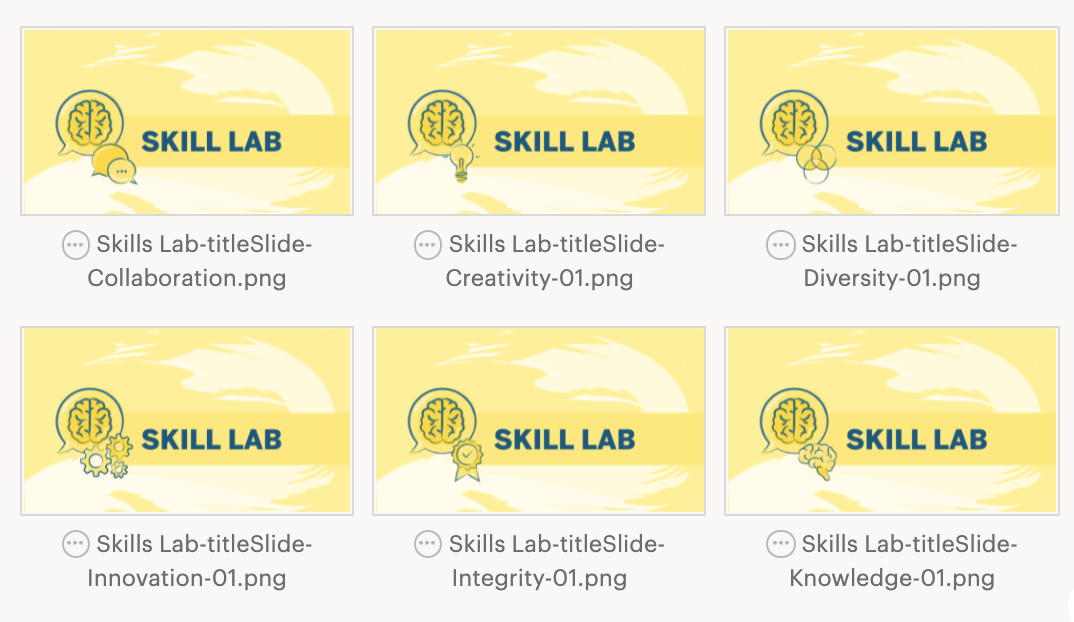
The professor got back to us and decided to go with the two icon versions for the skills lab and the creation of an introduction slide. My original mock-up was in blue but I decided to use orange so each slide is a different color of our palette. I did lighten up the background a tad more so it wasn’t too saturated. They are now uploaded in box and ready to be used.


Filed Under: 2021 Spring - 2021 Summer

Photo ID

August 5, 2021 By Abriella Corker

Photo ID

During the last few mins of work, Valerie sent me over photo IDs to work on. One had to be sent back for a new upload because the photo was out of guidelines and the other one was good to upload. The person in the photo below just had a slight overcast shadow on the picture so I bumped the exposure just a tad so the facial features are more clear in the small 90×80 px profile.

Filed Under: 2021 Spring - 2021 Summer

COM 302 New Edits

July 30, 2021 By Abriella Corker

COM 302 NEW EDITS


The professor for COM 302 came back with some more edits she may want to see used for her course. Such edits are as follows:


  • For Skills lab slides, make a new slide each with a different core value icon and a icon of her head (6 total)
    For the Debriefing slides, make a new slide each with a different core vale icon and a icon of her head (6 total)
    Turn in a side-by-side mock up of how those look compared to the original to see how clean it looks before making all the assets.
  • For speaker slides she does an intro video about the speaker, then the guest speaker slide comes on, the speaker. She is requesting a slide to go before her introduction video.
    – Edit can be similar to the guest speaker slide except we will add an “intro” icon of some sort.
    – Another optional edit: she does her intro video as a thumbnail on top of the guest speaker slides we have now. – Andrea is asking gladys about that

I made new assets for her request such as a megaphone icon for her new “introductory slide” and then an icon of her head. The drafts are a loosely rendered and need touching up but it was made to mock up her idea quickly and present to her before we went on with making all the assets to see if she likes them first.


Here is what the Intro slide will look like and how one of the segment slides looks like with all three icons she wants on it and with how only two icons look. I put the original slides on the left for comparison to see which she likes better.


Filed Under: 2021 Spring - 2021 Summer

Exporting Fall 2021 “FOCUS” Graphic for UGS Courses

July 30, 2021 By Abriella Corker

Exporting Fall 2021 “FOCUS” Graphics for UGS Courses


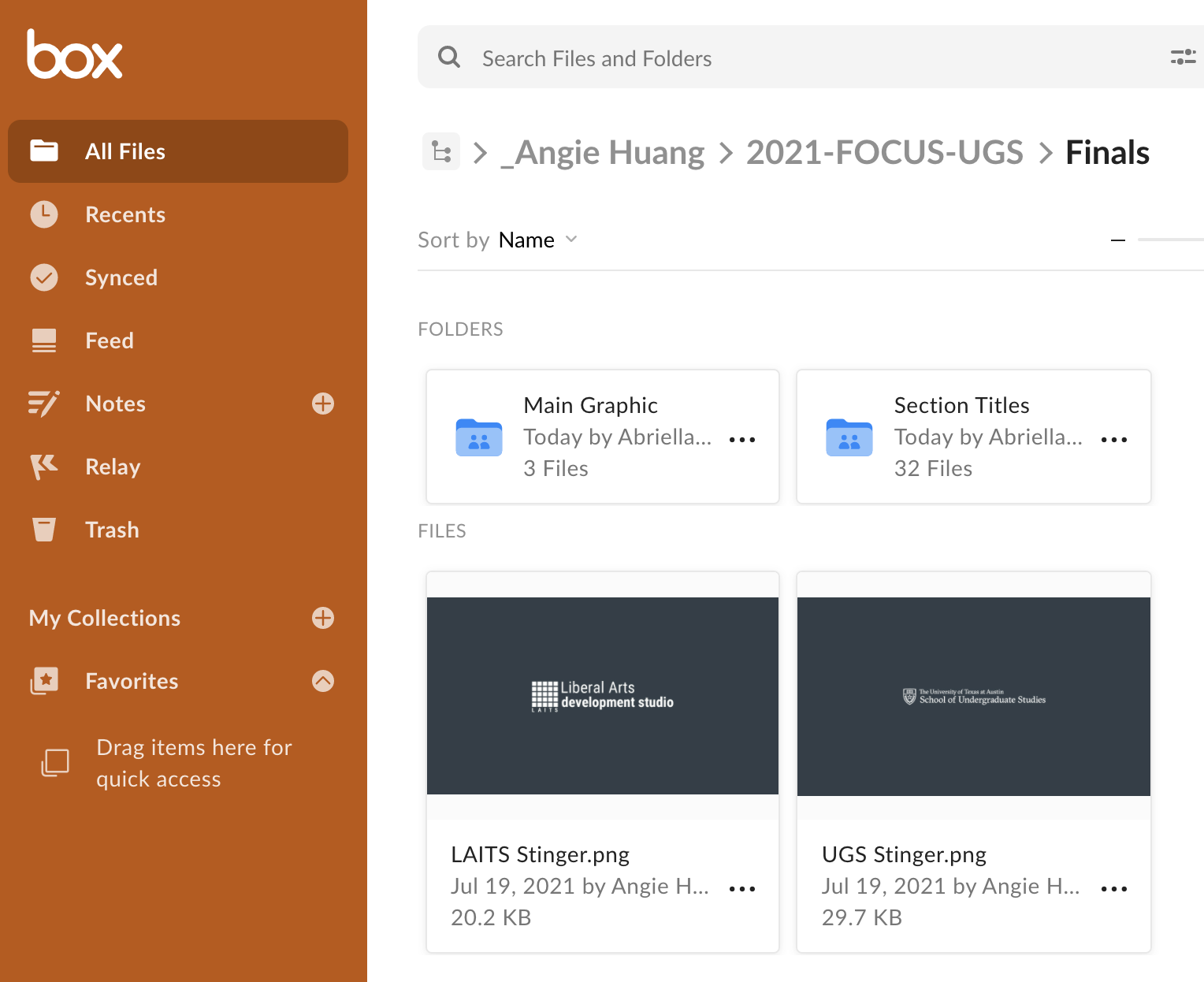
Angie made amazing graphics for the fall 2021 FOCUS UGS Courses. I don’t think she was at work this morning and things were a little slow so Valerie passed along her .PSD files for me to export in the appropriate file formats to complete this project. Not very exciting for me to show and I don’t want to post her work on my blog cause that could look misleading so here is an image of the box folders that I exported haha. (:


Filed Under: 2021 Spring - 2021 Summer

  • « Previous Page
  • 1
  • …
  • 9
  • 10
  • 11
  • 12
  • 13
  • …
  • 50
  • Next Page »

link to LAITS home page

Video STA Home

© 2025 Liberal Arts Instructional Technology Services | Production Credits