• We are STAs
    • Asha Rountree
    • Haley Ma
    • Kate Shih
    • Kyra Lee
    • Nicholas Peasley
    • Sasha Kenney
    • Shanda Horm
    • Shriya Atreya
    • Tomas Marulanda-Mesa
  • We were STAs
  • STA Presentation
    • STA Presentation 2017
    • STA Presentation 2016
  • Testimonials
  • Resources
  • Home

STA Blog

Current Sta

Week 14

January 25, 2023 By Marissa Devivar

Week 14

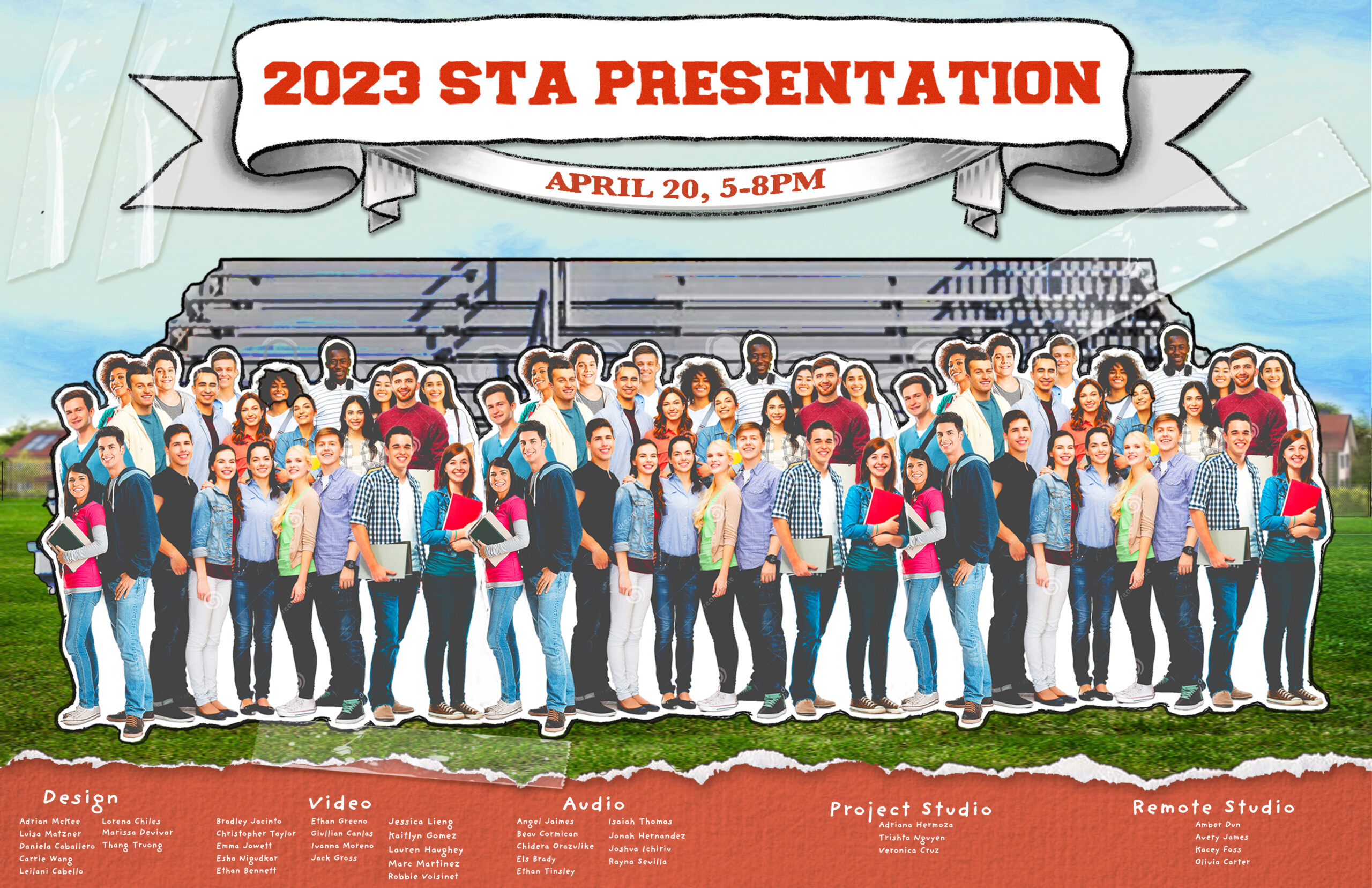
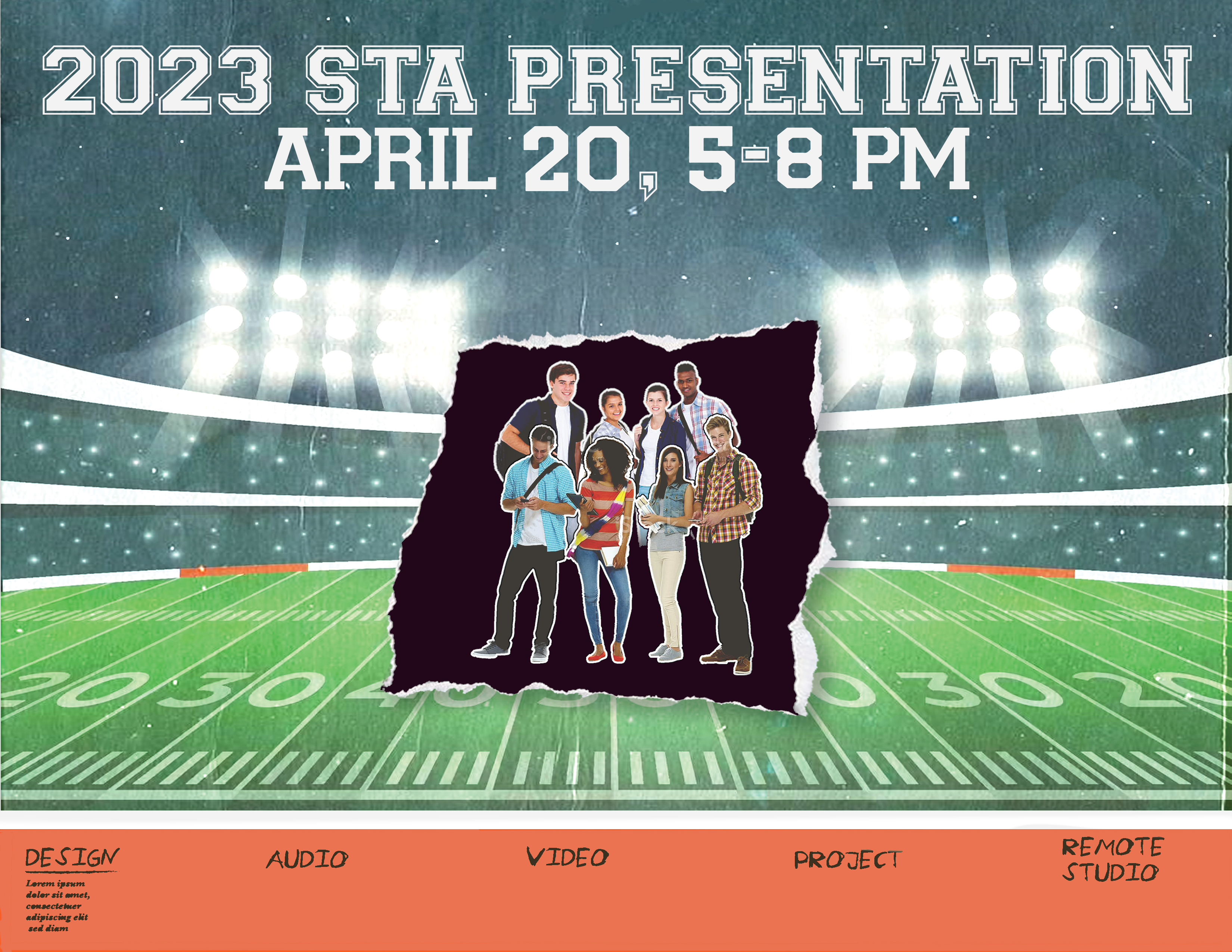
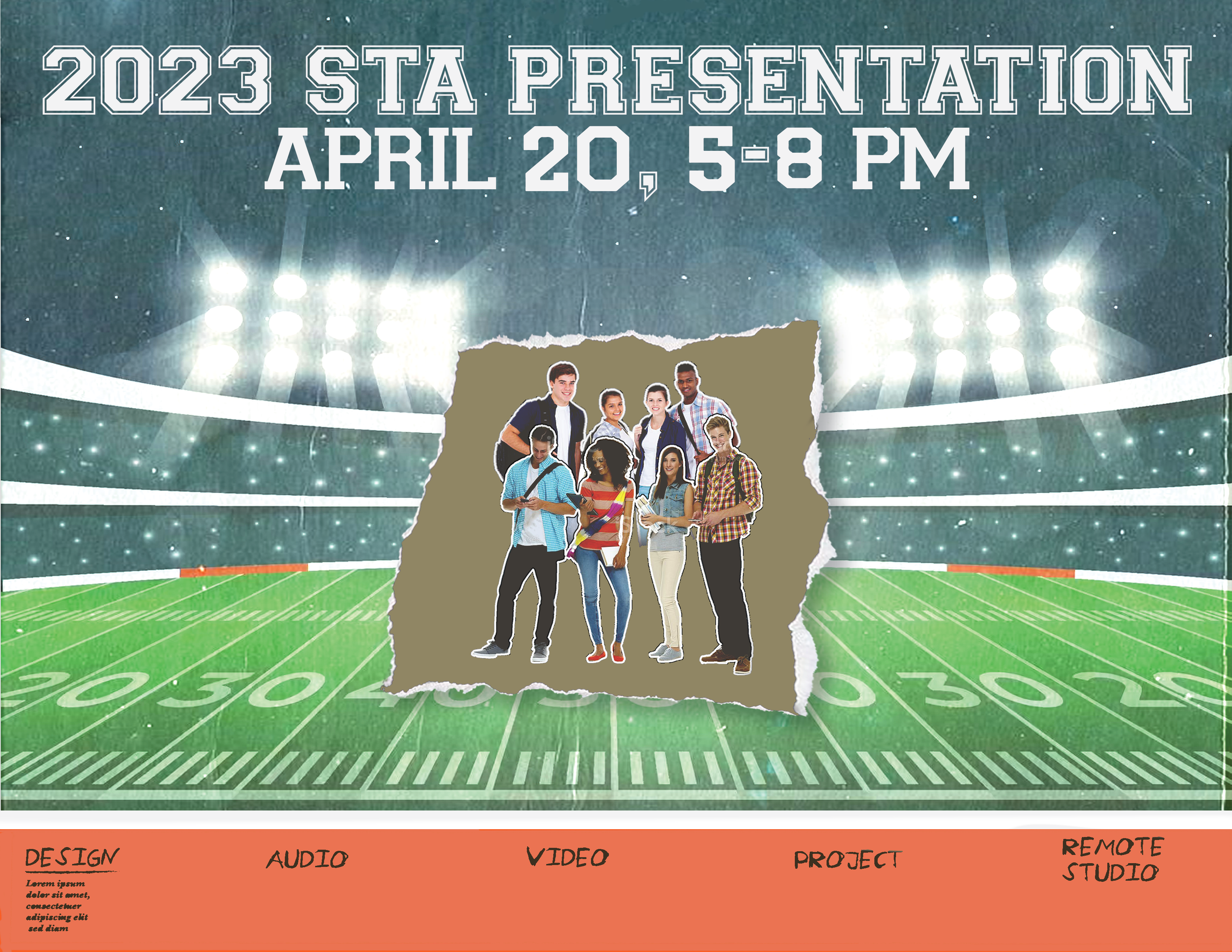
STA Presentation Poster

Client /Prof: LAITS
Started: January 17th, 2023
Staff/STA guidance: Maddy & Leilani

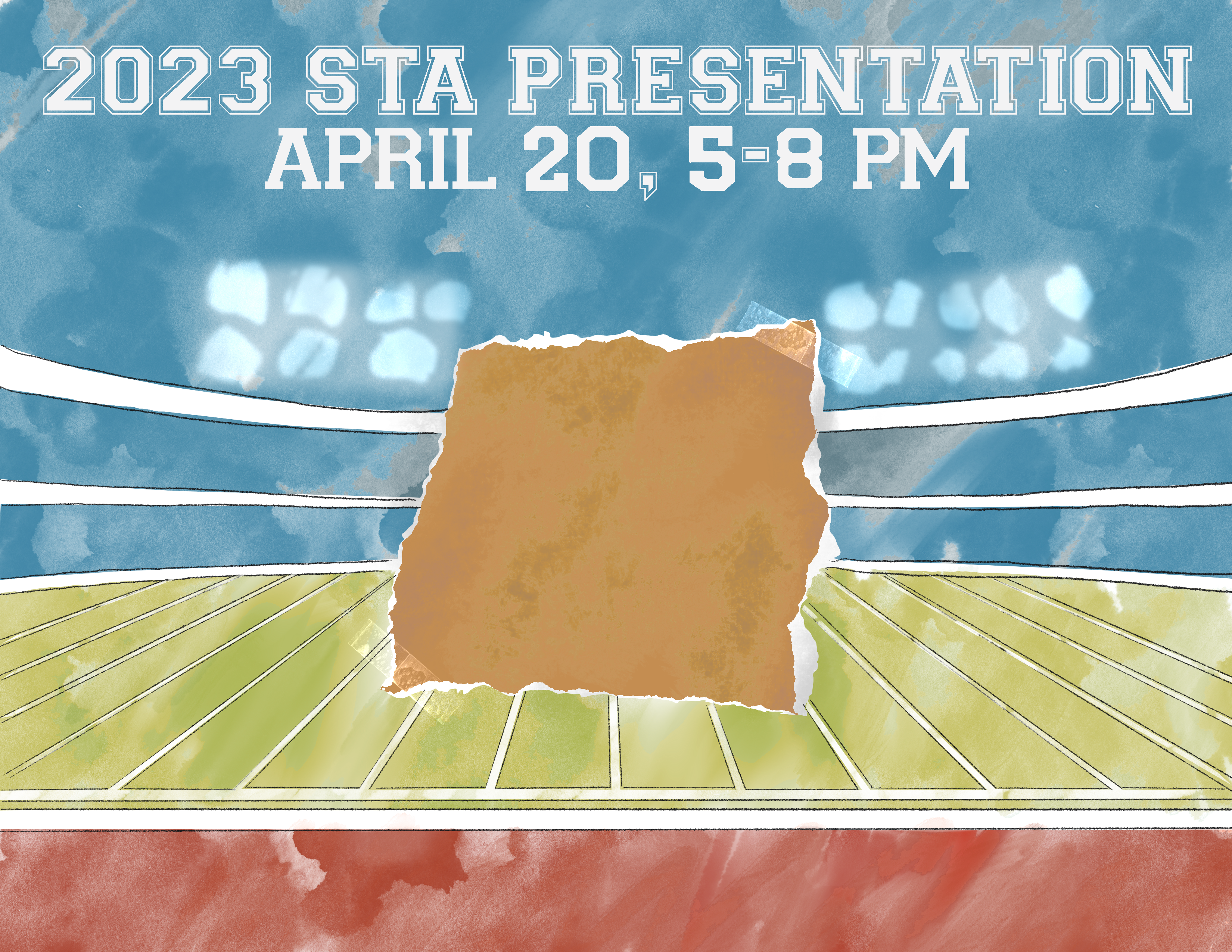
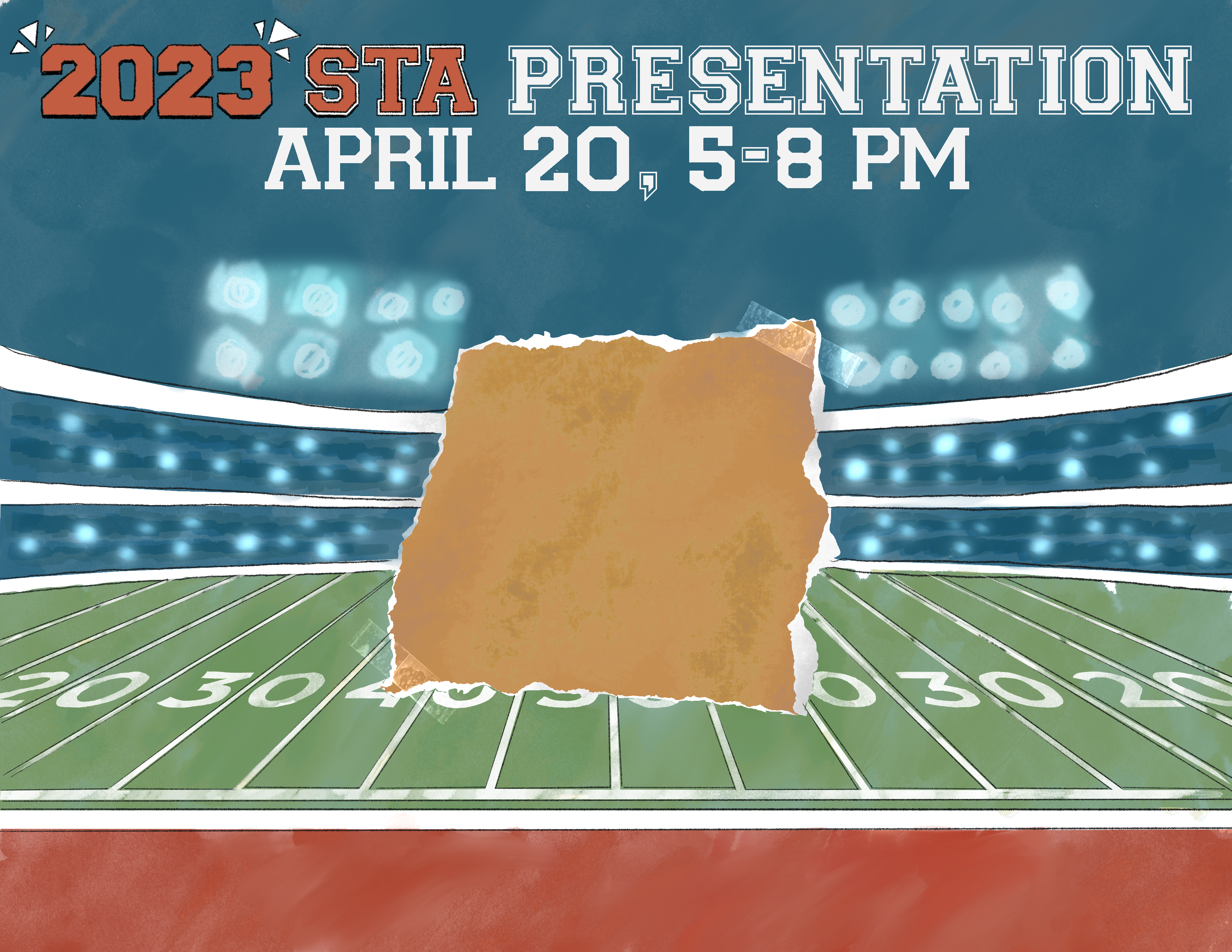
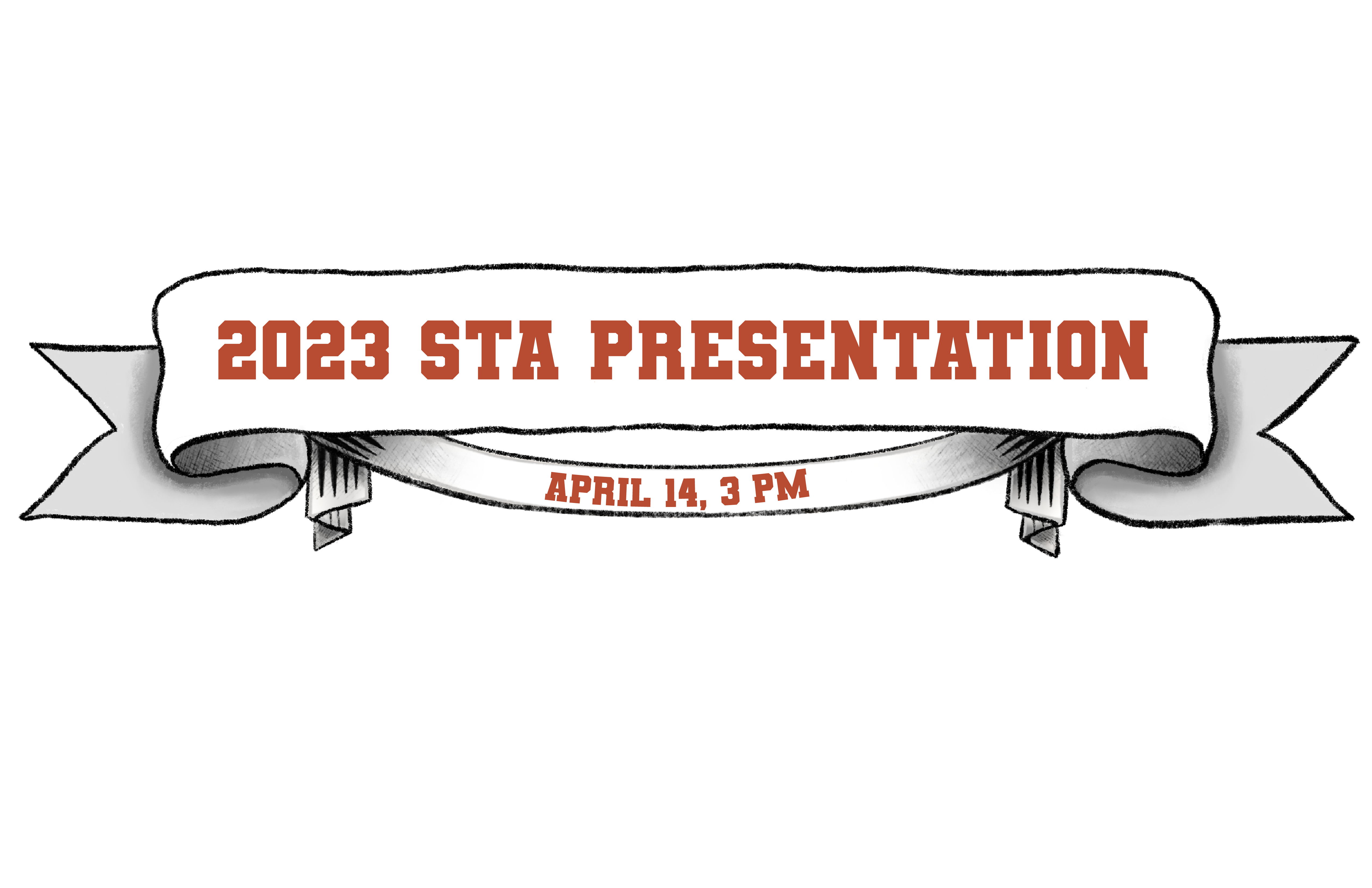
This week I mostly worked on banner iterations. Last week I did a couple of drafts of what the art style could look like — pulling inspiration from Juno and Leilani’s Pinterest board.

Also added STA names of each studio to Leilani’s draft.

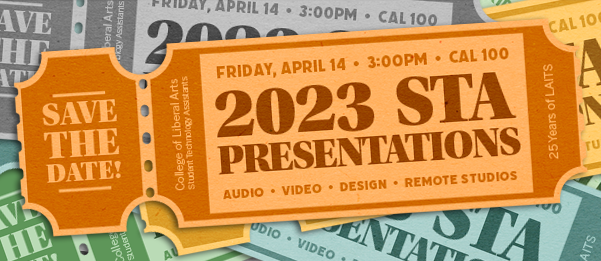
notes from Maddie: add crosshatching for shading & change event date/time
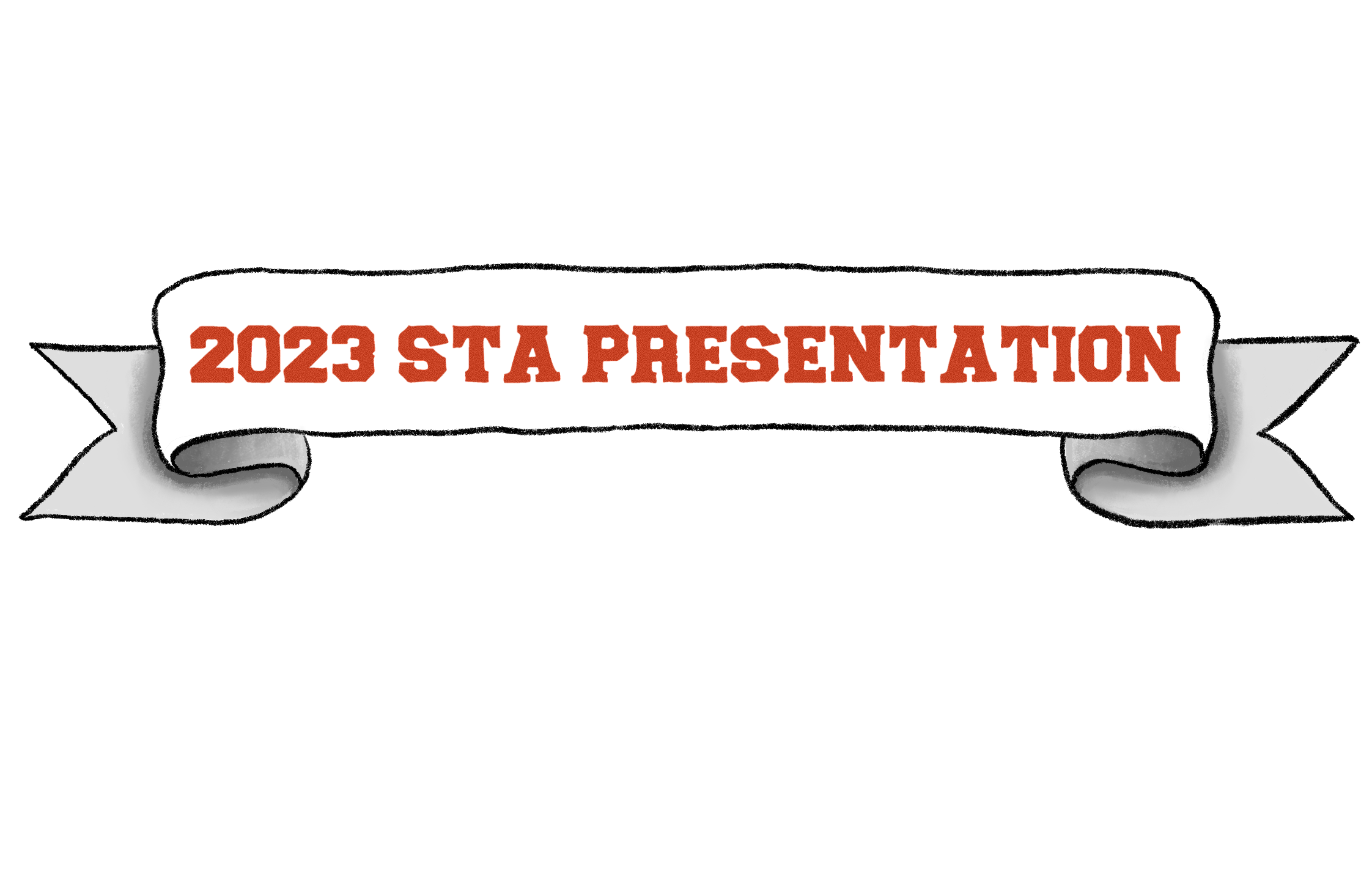
  

Edits after notes:
  

Filed Under: Fall 2022 - Spring 2023, We are STAs

Week 2

January 20, 2023 By Daniela Caballero

Week 2

Training: HTML/CSS Basic Training


Started on: January 17, 2023

Completed on: January 19, 2023

STA Guidance: Thang Truong

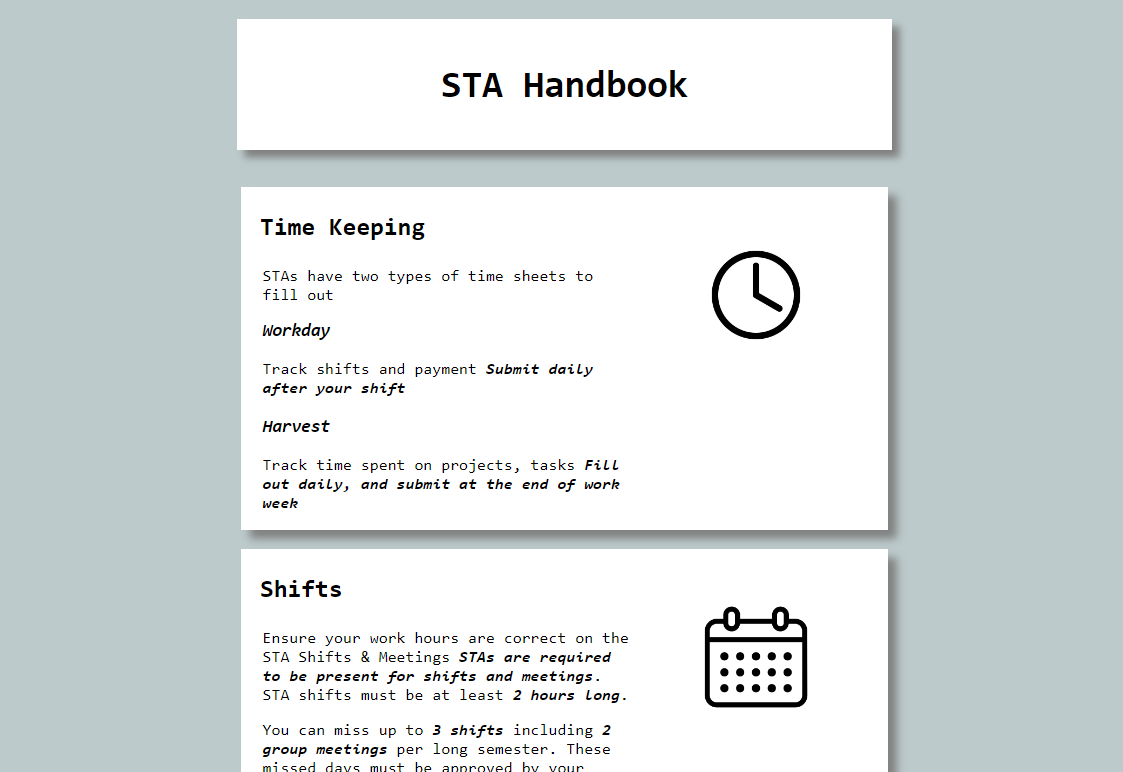
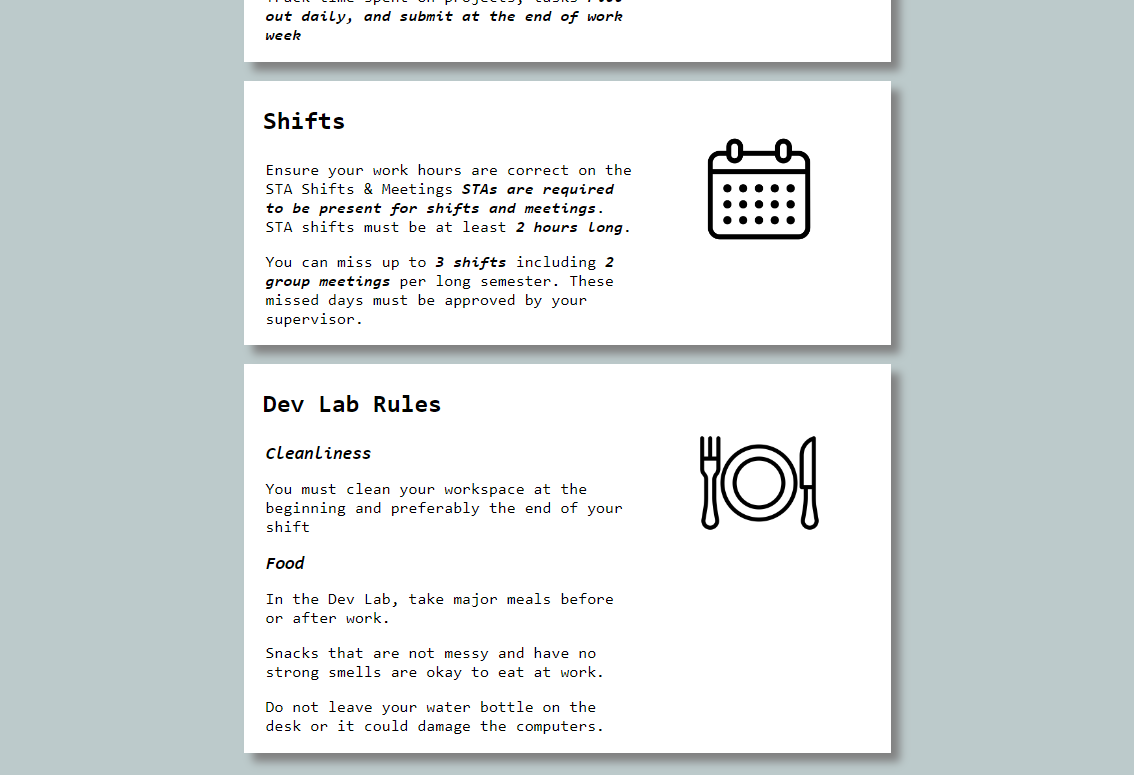
Description: In this training I learned the basics of HTML/CSS. HTML (Hyper Text Markup Language) is responsible for all the text we see on websites and CSS (Cascading Style Sheets) is used to add style and color. To freshen up my skills with CSS and HTML I did a training that required me to create a single-page website including three rules from the STA handbook.


HTML: Starting off with HTML, there are two general components to a website layout written in HTML. These are the head and the body. The head includes metadata about the page and the body is where all the text and element actually seen on the page are added. In HTML, the best way to separate different elements is by using a <div> or a container for other div types, headers, paragraphs, images, etc. I was able to center the header and STA rules in the center of the page by placing them all in the same div.


CSS: Working with CSS was definitely my favorite part of this training since there are so many properties to work with and ways to style a webpage. In order add CSS style properties to the elements and text found in an HTML, a class or id type must be added to the HTML element it order to reference it in the CSS file. All the white boxes (divs) about the rules on the page I created are tagged with the class “rule”.  In the CSS I referenced the “rule” class (this is also called using a selector!) and added the properties such as the font type, size, color and space to style it as seen below. Another thing about CSS is that it can used to dynamically change the sizing of some elements! By using percentages instead of fixed values for the width and height of divs, the text and images will increase and decrease in size proportionally to the browser window.


Link to the page

Filed Under: Fall 2022 - Spring 2023, We are STAs

Week 13

January 20, 2023 By Lorena Chiles

PHY 303K Course Animated Intro

Client /Prof: Dr. Viranga Perera
Completion Status: Started on Jan 9
Staff Guidance: Maddy
Complete by: ASAP

This week I’ve mainly been working on the PHY303K animated intro. Since last week I’ve mostly been getting feedback, shortening each video scene, and smoothing out transitions. The intro has now been approved, and here is the final version (without audio): https://utexas.box.com/s/2kpzbg1z50w9zsg3hu3gwb51bgn33b7i


2023 STA Presentation Ticket/Ad

Client: LAITS
Completion Status: Started on Jan 13
Staff Guidance: Maddy
STA Team Members: Adrian and Carrie
Complete by: Feb 3

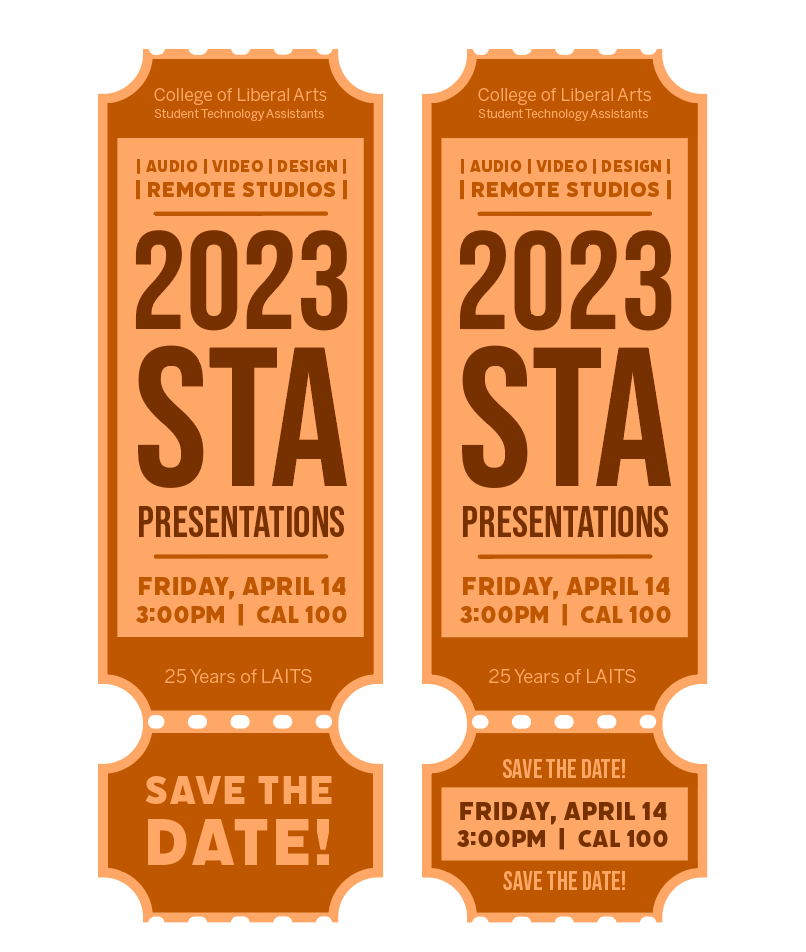
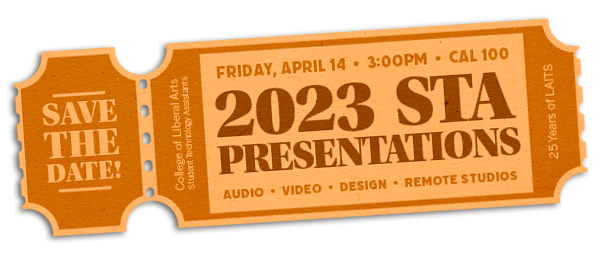
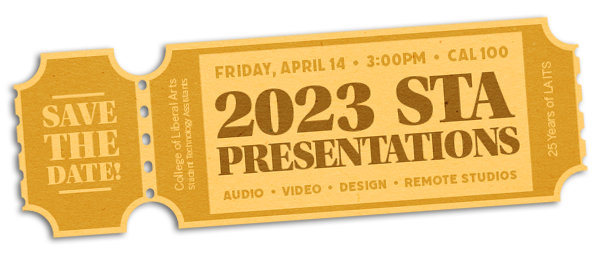
I’ve also been continuing to work on the Save the Date ticket for the STA Presentation, which is a presentation that LAITS puts on to showcase STA work. I started mainly focusing on text layouts, and eventually I came up with this one:

After talking with Maddy, I realized that the functionality of a vertical ticket might be hard to view on a computer screen because of its orientation.

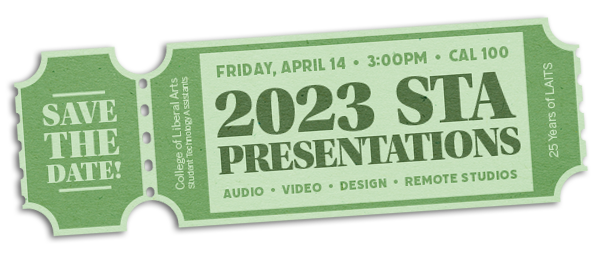
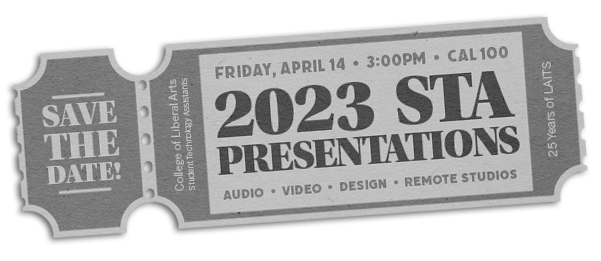
From there I used my idea of even spacing of texts from left to right, as well as further trying out colors and fonts, and then made these versions:

Filed Under: Fall 2022 - Spring 2023, We are STAs

Week 13

January 19, 2023 By Marissa Devivar

Week 13

STA Presentation Poster

Client /Prof: LAITS
Started: January 17th, 2023
Staff/STA guidance: Maddy & Leilani


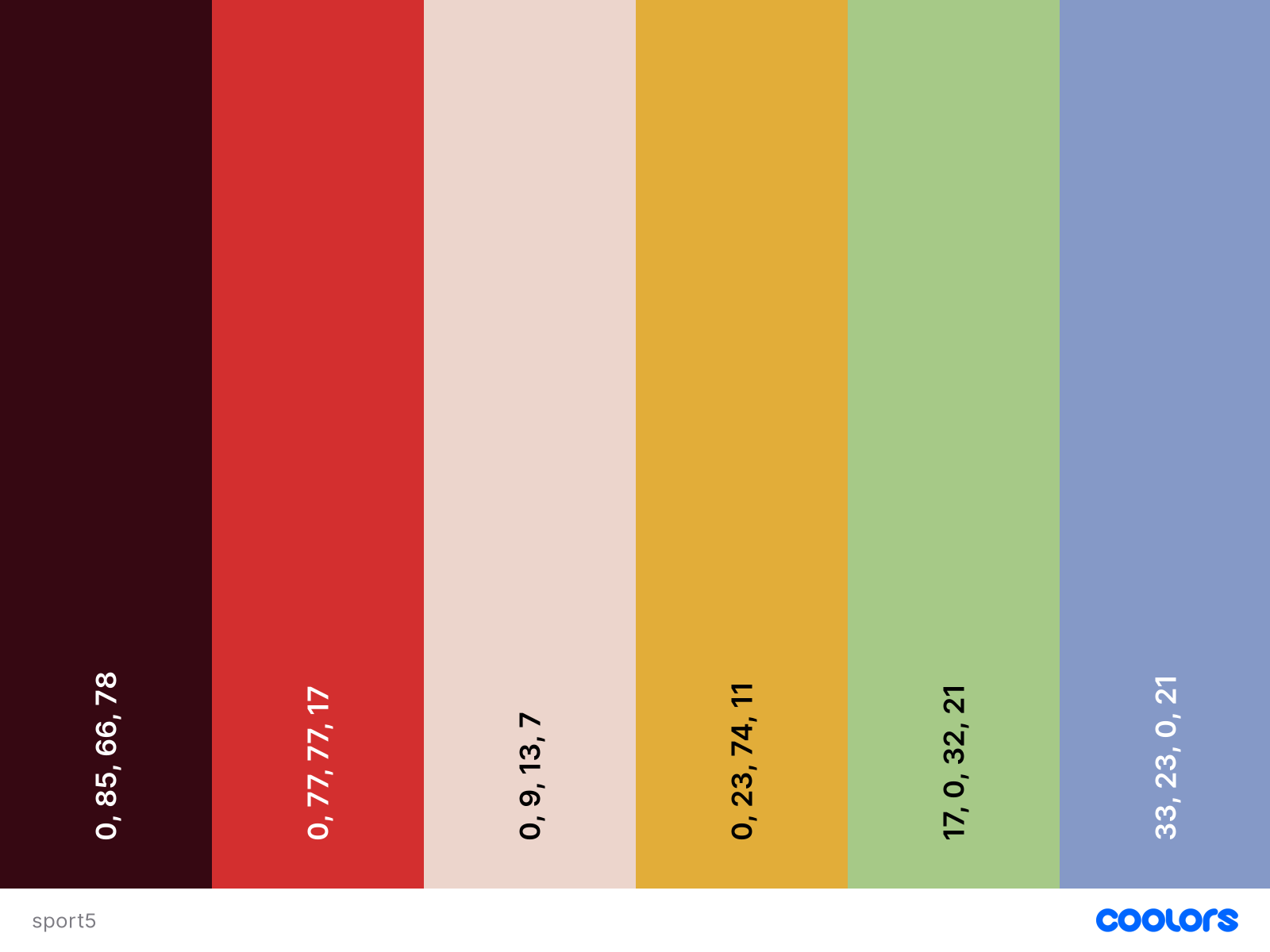
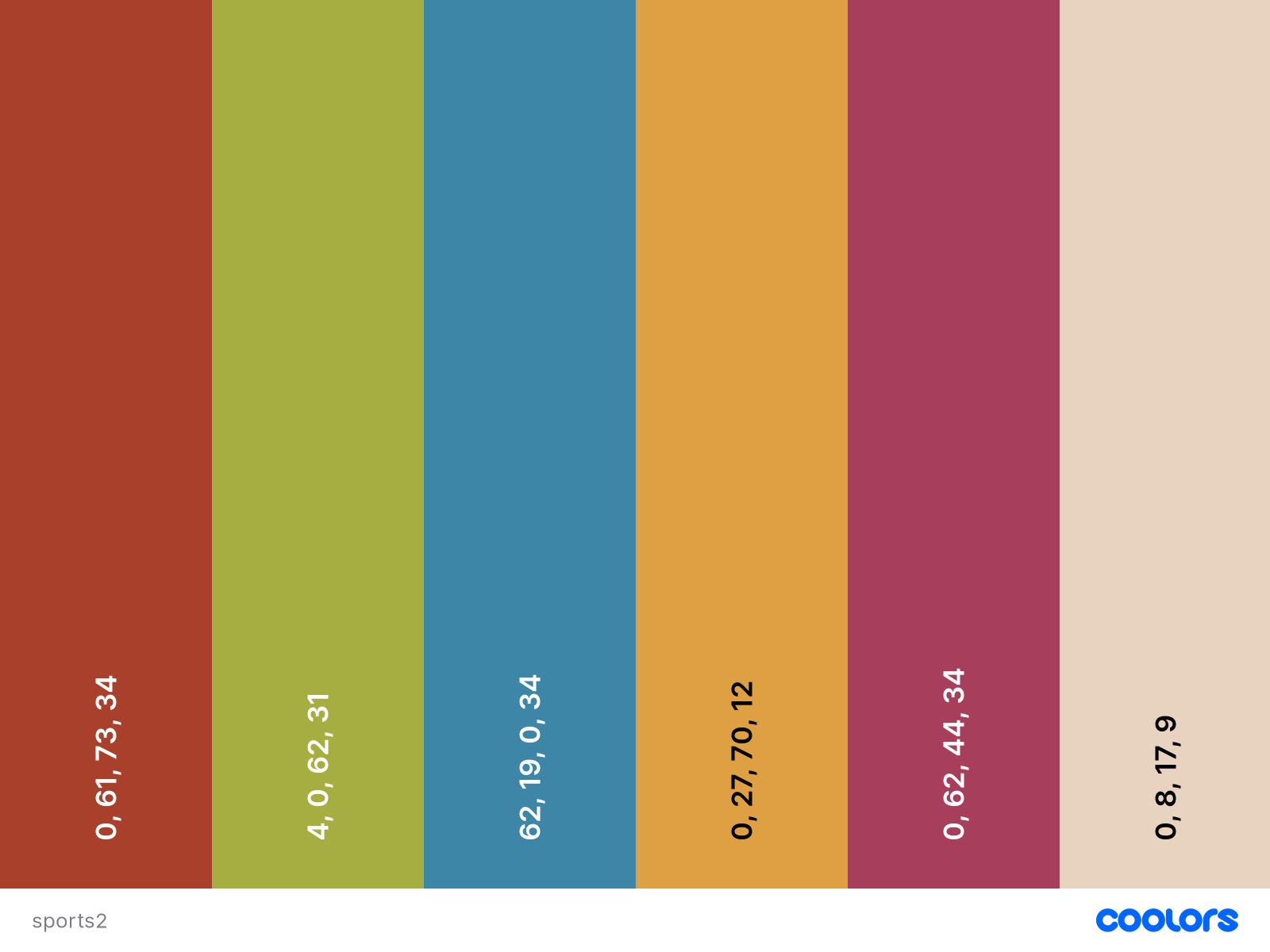
Tuesday – started helping out Leilani with the STA Presentation Poster by compiling some color palette inspo. I was trying to follow the colors within our references of vintage sports aesthetic and a 2000s Juno vibe. There are a lot of muted tones, as well as pops of color. There is also a nice range of warm AND cool tones.

Wednesday – I started experimenting with the colors and text on the poster. I learned some neat ways to select certain elements in Procreate (after much frustration and going about it the hard way:,)


Color palette inspo:


Scrap paper colors:


Filed Under: Fall 2022 - Spring 2023, We are STAs

Week 1

January 13, 2023 By Daniela Caballero

Intro

Hi! My name is Daniela, I’m a sophomore in Electrical and Computer Engineering and this was my first week as an STA! It was nice to meet the current staff and STAs. I spent most of the week being onboarded to the team and learning how to use all the project management tools/software here at LAITS. I am excited to begin working on more projects in the following weeks! Thank you LAITS team for welcoming me.

STA Banner and Avatar

Project: Blog Banner and Avatar

Client/Prof: LAITS STA Blog

Completion status: Started on 1/11

Description/plans: I designed my banner and avatar for the LAITS website

Timeline: 1/11-1/12

To be completed: Completed on 1/12


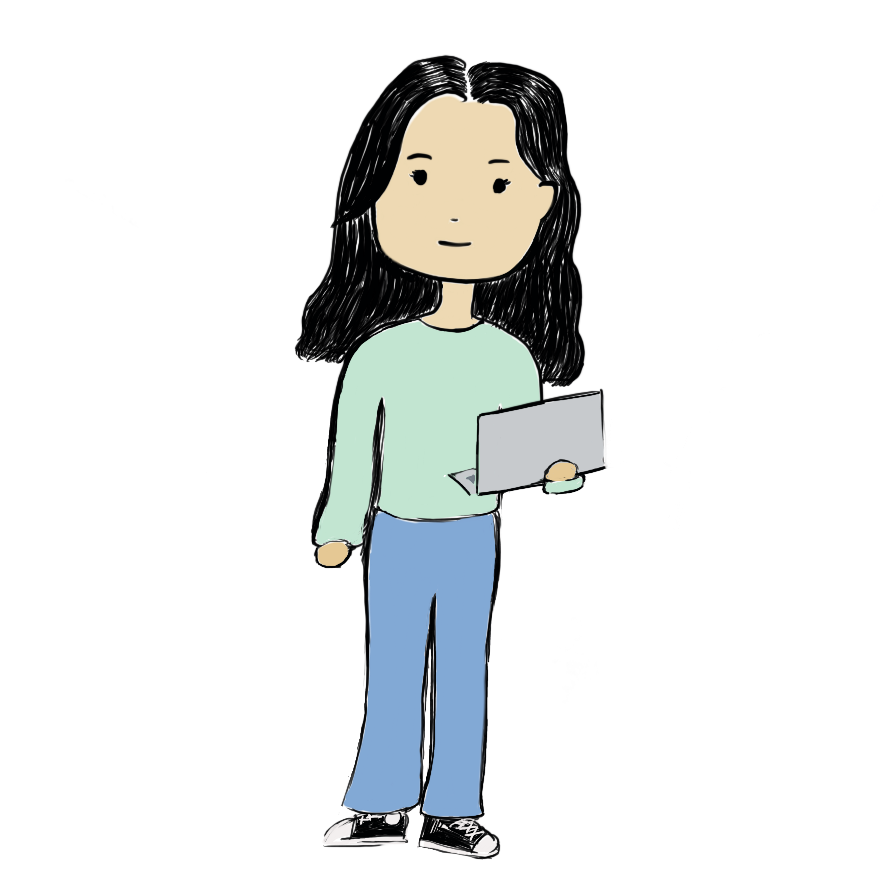
During the latter half of my first week, I completed my STA blog banner and avatar. I designed my banner and adjusted the dimensions on Canva which I had already used before for designing flyers for student orgs. To draw my avatar, I dabbled with Procreate for the first time so that I could export my design as a PNG with a transparent background.


avatar


Filed Under: Fall 2022 - Spring 2023, We are STAs

Week 12

January 12, 2023 By Marissa Devivar

Week 12

CH 320M Organic Chemistry II

Project: Intro animation and iPad overlay for Dr. Iverson’s O Chem II class
Client /Prof: Dr. Iverson
Completion status: Started January 10, 2023
Staff guidance: Julie Phillips & Maddy
Description/plans: Edit the Organic Chemistry intro animation for O Chem II and Dr. Iverson. In addition, create an iPad overlay for O Chem II.
To be completed: January 12, 2023

Intro Animation

The challenge with the intro animation was some of the original editable files weren’t uploaded to the box folder. I had to make do with the parts we had (which were most of them) to create an intro similar to the original mp4. Julie and Maddy were very helpful in answering my questions throughout the project. Most of the process was just reuploading images from the box folder into Adobe After Effects and then editing it down to closely match the original.


http://sta.laits.utexas.edu/wp-content/uploads/2023/01/DRAWN-clownfish_1.mp4


iPad Overlay

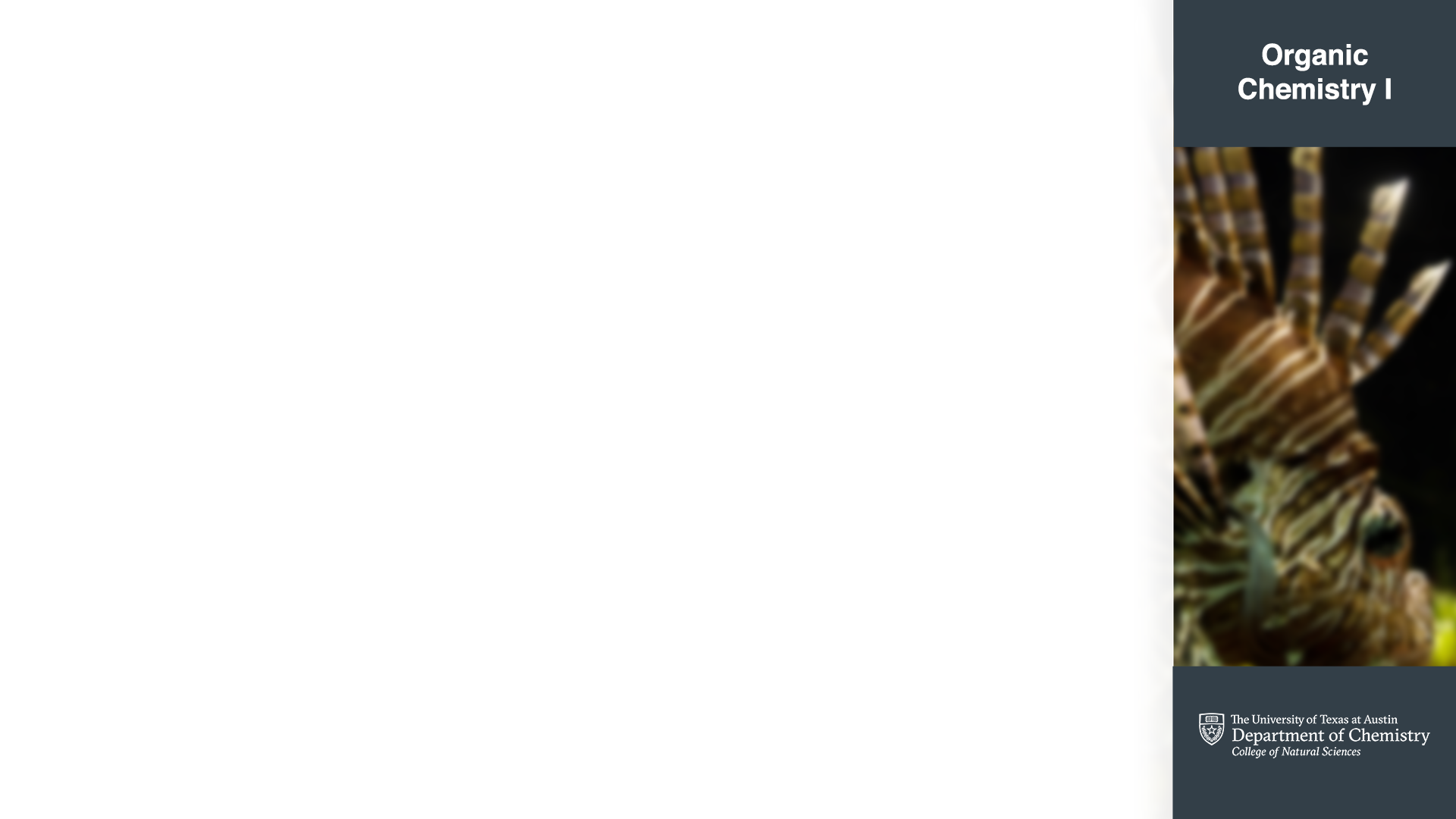
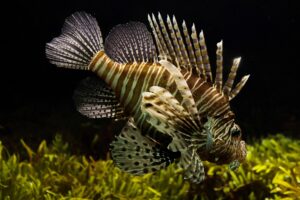
The original iPad overlay had the lionfish image cropped and blurred with filled text boxes. Maddy suggested fading back the image (and provided an example) and removing the colored text boxes. I think this made the overlay look more modern without distracting from whatever information will be posted onto it. Fading back the image also made it more ornamental to the overall overlay:)


Filed Under: Fall 2022 - Spring 2023, We are STAs

  • « Previous Page
  • 1
  • …
  • 52
  • 53
  • 54
  • 55
  • 56
  • …
  • 129
  • Next Page »

link to LAITS home page

Video STA Home

© 2026 Liberal Arts Instructional Technology Services | Production Credits